













































-1.jpg)












.jpg)








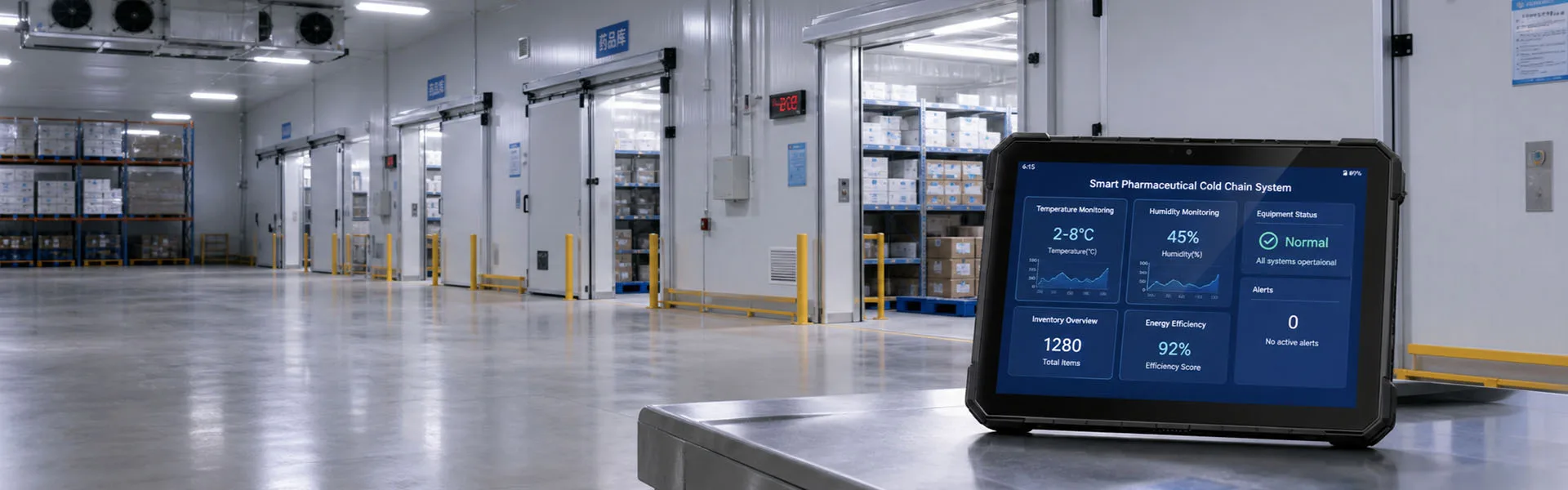
Rugged Computing Products
Rugged tablets, laptops, handhelds, and industrial PCs—built for demanding
environments and backed by 23 years of OEM/ODM expertise.

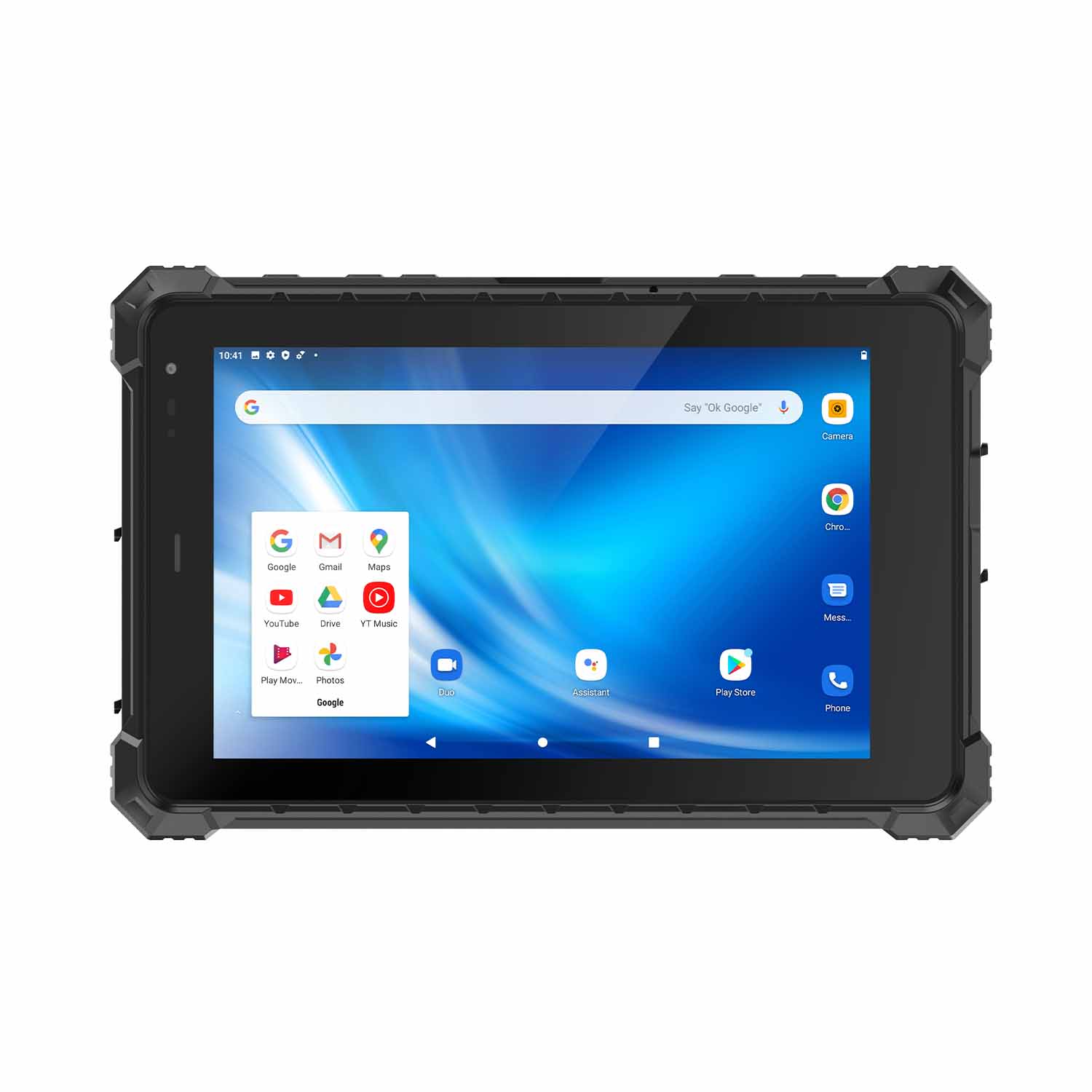
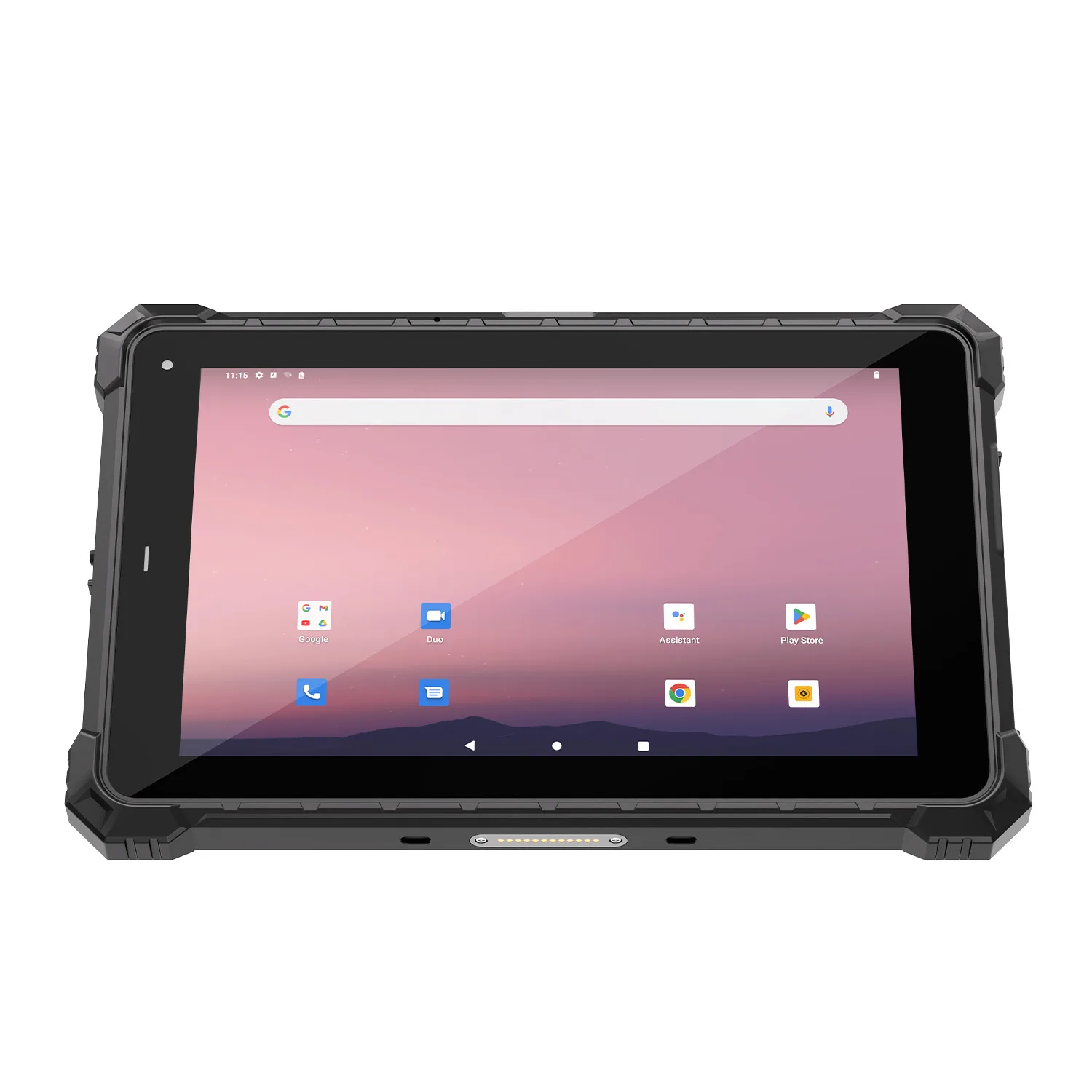
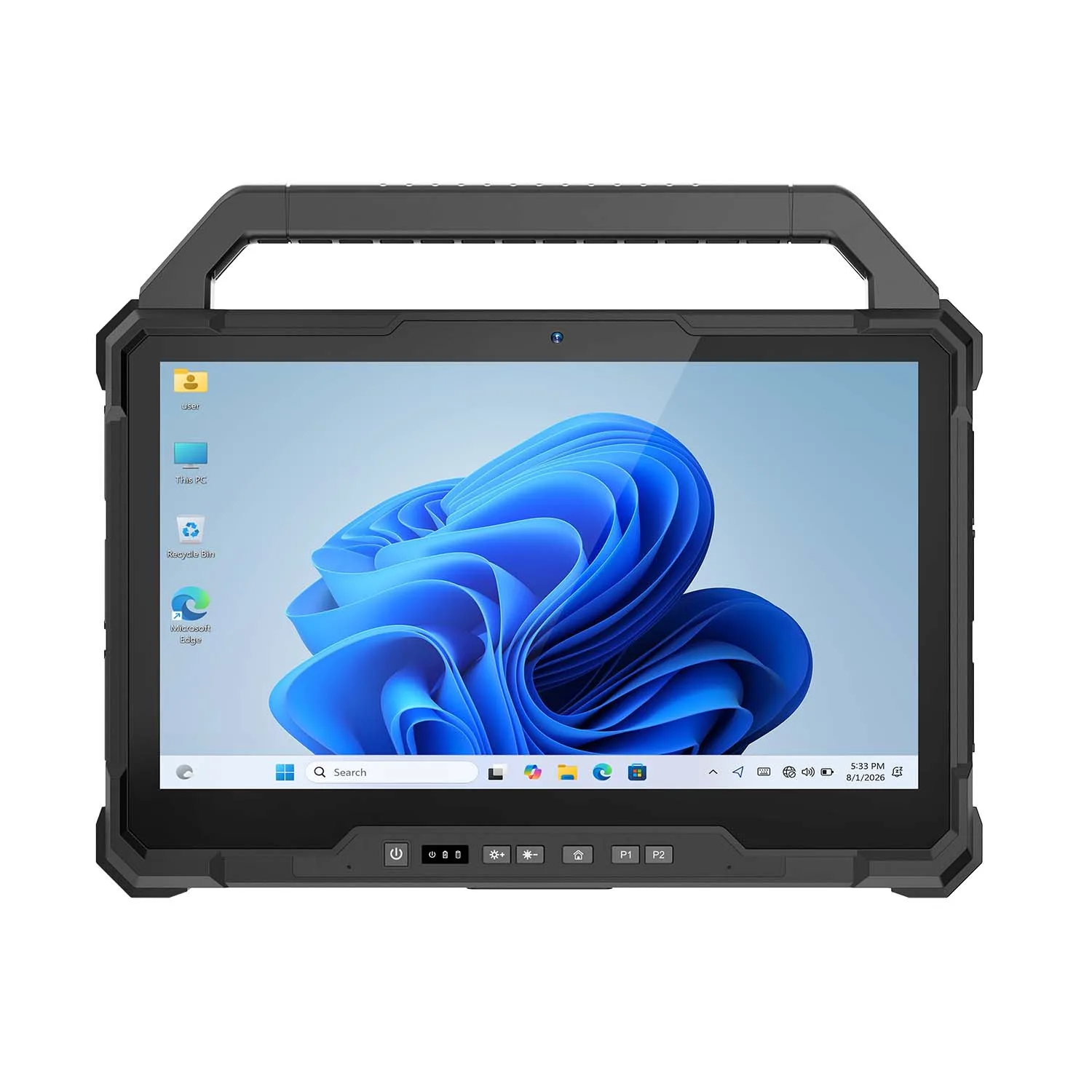
CENAVA W18Y-EX i7 10.1 Inch Explosion-Proof Windows 11 Tablet
Most field crews should buy the Android model — we've said as much on our category page. The W18Y-EX exists for the sites where the software won't let you: vibration-analysis clients, PLC configuration tools, legacy SCADA viewers that only run on Windows. It puts a Core i7-10510Y, 16 GB of RAM and a full-size M.2 SSD into a fanless 10.1-inch body certified Ex ib IIC T4 Gb for gas and Ex ib IIIC T130°C Db for combustible dust — Zone 1 and Zone 21 — and your corporate IT images it like any other PC.
Explosion-Proof: Ex ib ⅡC T4 Gb / Ex ib ⅢC T130℃ Db (petrochemical)
CPU: Intel Core i7-10510Y quad-core 8-thread, 1.2–4.5GHz, fanless passive cooling
OS: Windows 11 (optional Windows 10, Ubuntu 20.04.6/22.04.5, Debian 12)
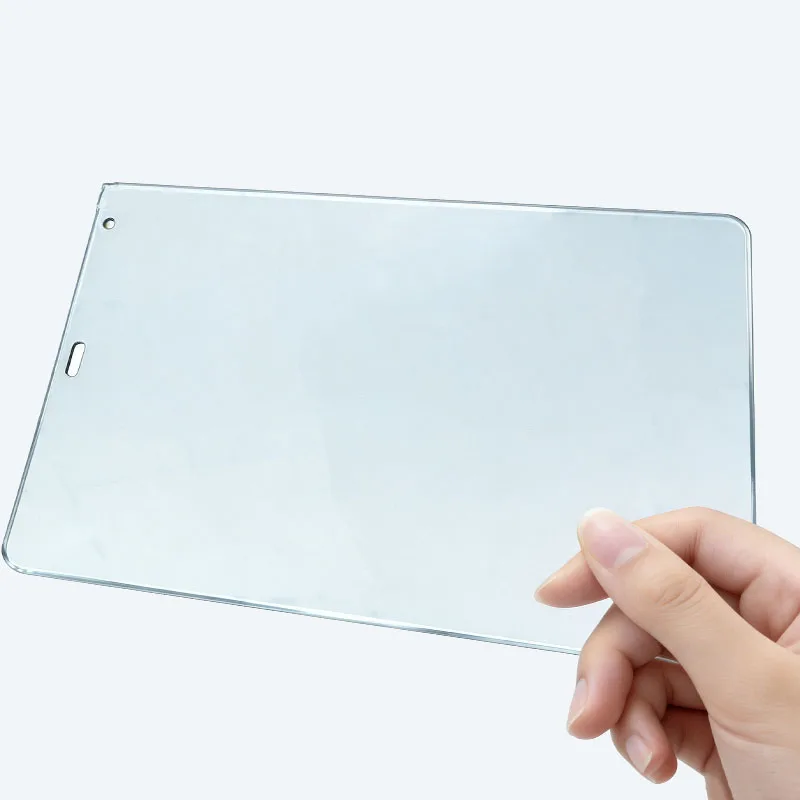
Display: 10.1" 1920×1200, 700cd/㎡, 10-point G+G, hardness ≥7H, glove & wet-hand touch standard
RAM/ROM: 16GB+256GB M.2 SSD
Ports: Type-C USB3.0, USB-A 3.0, Micro HDMI, 3.5mm jack, TF up to 256GB, Micro SIM, DC 12V, 12Pin POGO
Network: WiFi 6E, Bluetooth 5.3; GPS/Galileo/GLONASS
Battery: Built-in 5550mAh 7.6V non-removable, ≥5h endurance
Protection: IP68, MIL-STD-810H 1.22m drop, -20°C~60°C, TPM; slim 253.0×172.0×20.0mm body
Optional Modules: 2D scanner, ID card reader, UHF RFID, NFC

Most field crews should buy the Android model — we've said as much on our category page. The W18Y-EX exists for the sites where the software won't let you: vibration-analysis clients, PLC configuration tools, legacy SCADA viewers that only run on Windows. It puts a Core i7-10510Y, 16 GB of RAM and a full-size M.2 SSD into a fanless 10.1-inch body certified Ex ib IIC T4 Gb for gas and Ex ib IIIC T130°C Db for combustible dust — Zone 1 and Zone 21 — and your corporate IT images it like any other PC.
Technical Specifications
 Processor Intel Core i7-10510Y, four cores, eight threads 1.2GHz base; up to 4.5GHz maximum turbo |  System |  Storage Memory 16GB RAM and Storage 256GB M.2 SSD |  Display 10.1 inch IPS, 1920 × 1200; 700 cd/m² standard; G+G capacitive, ten-point touch, glove touch |
 Cooling Fanless passive cooling |  Network Wi-Fi 6E, Bluetooth 5.3 |  Battery Built-in non-removable 5550mAh, 7.6V |  Drop Claim 1.22m, based on listed MIL-STD-810H test methods |
 Navigation positioning GPS,Galileo,GLONASS |  Best-fit scenarios Zone 1 gas atmospheres in petrochemical and refinery units; Zone 21 combustible-dust areas |  I/O USB Type-C with USB 3.0; USB-A 3.0, Micro HDMI, DC 12V, 12-pin POGO |  Ex Markings Ex ib IIC T4 Gb / Ex ib IIIC T130°C Db |
 Card slot Micro SIM; TF card up to 256GB |  Protection IP68, MIL-STD-810H 1.22m drop, -20°C~60°C |  Product Type 10.1-inch explosion-proof rugged Windows tablet |  Charging Accessory Optional external battery charging dock |
The W18Y-EX is intended for industrial teams moving Windows-based work orders, inspection forms, technical drawings and equipment records into classified areas. The gas marking is Ex ib IIC T4 Gb, while the dust marking is Ex ib IIIC T130°C Db. Under the IEC Zone concept, Gb equipment is generally matched to Zone 1/2 gas projects and Db equipment to Zone 21/22 dust projects; final suitability depends on the certificate, national rules and the facility’s hazardous-area assessment.
The gas and dust markings should be shown separately and exactly as they appear on the certificate and product label. IP68, ruggedness testing and ordinary CE/FCC/RoHS documentation do not replace explosion-protection certification. The model, battery, wireless hardware, optional modules, ambient range and accessories on the quotation must match the approved configuration.
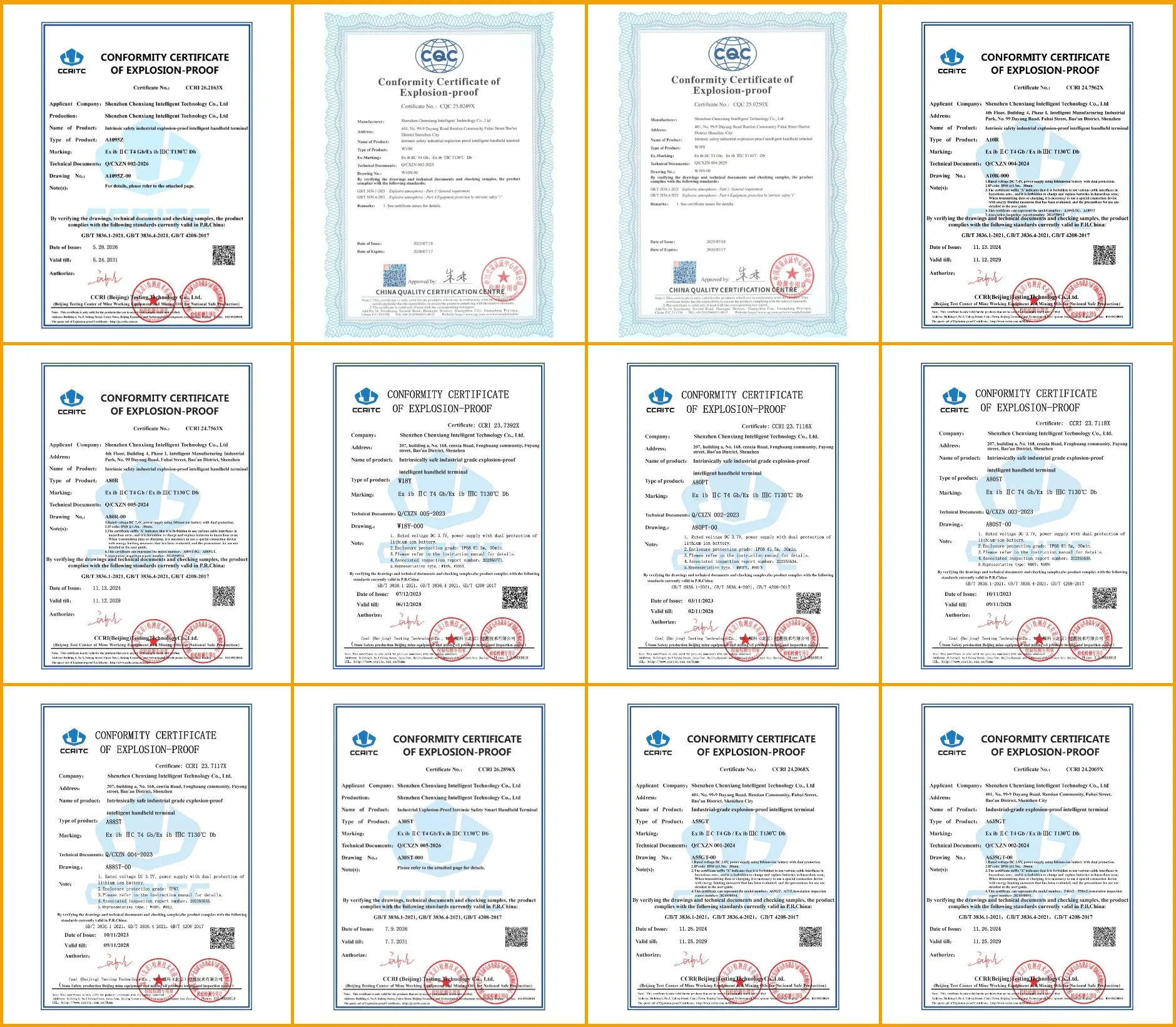
Explosion-Protection Certification
- Gas: Ex ib IIC T4 Gb — Zone 1; Group IIC covers hydrogen and acetylene, the most easily ignited gases
- Dust: Ex ib IIIC T130°C Db — Zone 21; Group IIIC covers conductive dusts
- Certificate No.: CCRI 23.7392X
- The certificate covers the exact configuration on this page — battery, wireless modules and optional modules included. Change any of them and the certificate no longer applies. We send the certificate copy for your exact build before you place an order.
Why Choose W18Y-EX i7?
Choose the W18Y-EX i7 when the project needs a portable 10.1-inch Windows device with a 20mm fanless enclosure, 16GB RAM, M.2 storage, wet- and glove-touch operation and optional wide-area cellular connectivity. It is a stronger fit than an Android tablet when the required inspection, diagnostic or engineering application runs only on Windows or depends on x86 software.
W18Y-EX i7 vs W18Y-EX i5
Select the i7 version when the verified Windows workload benefits from the additional processor configuration and the project standardizes on 16GB RAM with 256GB SSD. Select the i5 configuration when its tested performance meets the workflow and acquisition cost is the higher priority. Compare the exact processors, memory, storage, radios and certificate scope — the i5/i7 label alone has misled more than one tender.
W18Y-EX i7 vs a Larger W30U Windows Tablet
Choose W18Y-EX when portability, a 10.1-inch form factor and a slim hazardous-area design are the priorities. Consider a larger W30U-class Windows tablet when screen area, document visibility or a different performance and expansion profile matters more. Confirm whether the selected W30U configuration carries the required hazardous-area approval; rugged construction alone is not equivalent to Ex certification.
When Is W18Y-EX Not the Right Choice?
Do not select this model when the project requires Zone 0/20, a named ATEX or IECEx certificate not supplied for the unit, a long multi-shift runtime without charging, removable battery rotation, workstation-level sustained processing, or an unapproved scanner/radio/peripheral combination.
| Marking | Hazard Type | General IEC Zone Interpretation | Publication Limitation |
|---|---|---|---|
| Ex ib IIC T4 Gb | Gas, vapour or mist | Rated for Zone 1/2 (EPL Gb); IIC gas group, T4 temperature class; IIC is the gas group and T4 the temperature class | Confirm the certificate number, standards, ambient range and product label — and ask the vendor to show the ATEX or IECEx certificate that matches the exact model on your quote. |
| Ex ib IIIC T130°C Db | Combustible dust | Rated for Zone 21/22 (EPL Db); IIIC dust group, 130°C max surface temperature; IIIC is the dust group and 130°C the maximum surface temperature | Confirm enclosure/protection details, dust conditions, ambient range and certificate scope |
| Gb / Db | Equipment Protection Level | High protection level under the applicable gas/dust concept | Does not support a Zone 0 or Zone 20 claim based on these markings alone |
Frequently Asked Questions about W18Y-EX i7 Hazardous Area Windows Tablet
1. Which explosion-protection markings does W18Y-EX carry?
Ex ib IIC T4 Gb for gas and Ex ib IIIC T130°C Db for combustible dust.
2. Can W18Y-EX be used in Zone 1 gas areas?
Yes — EPL Gb is the Zone 1 (and Zone 2) protection level. Final suitability still requires the certificate, IIC gas group, T4 class and ambient range to match your site assessment.
3. Can it be used in Zone 21 combustible-dust areas?
Yes — EPL Db covers Zone 21/22. Confirm the actual dust type against the IIIC group, the 130°C surface-temperature limit and the ambient range on certificate CCRI 23.7392X before deployment.
4. Is W18Y-EX suitable for Zone 0 or Zone 20?
No Zone 0 or Zone 20 suitability should be claimed from the Gb and Db markings.
5. Is IP68 the same as explosion-proof certification?
No. IP68 addresses dust and water ingress under defined test conditions. Explosion-protection markings address ignition risks in potentially explosive atmospheres. IP68 does not make an ordinary tablet suitable for a hazardous area.
6. Which processor is used in the W18Y-EX i7?
Intel Core i7-10510Y, a low-power four-core, eight-thread mobile processor with a 1.2GHz base frequency and maximum turbo frequency up to 4.5GHz. Its reference TDP is 7W, supporting the tablet’s fanless design.
7. Is the Core i7-10510Y suitable for demanding analysis software?
It can run compatible Windows inspection, diagnostic and analysis applications. The low-power fanless platform is built for inspection, diagnostics and analysis — it is not a workstation-class machine for CAD or video workloads.
8. Which operating systems are available?
`Windows 10, Ubuntu 20.04.6/22.04.5 and Debian 12 are available as project options. Note the OS image sits inside the certified configuration — tell us at order time, not after delivery.
9. What memory and storage does the tablet provide?
16GB RAM and a 256GB M.2 SSD.
10. Can the display be used with gloves or wet hands?
Yes. The 10.1-inch 1920 × 1200 panel supports ten-point G+G touch with gloves and wet hands, at 700 cd/m² — readable outdoors, operable at a rainy wellhead.
11. Does W18Y-EX support Wi-Fi 6E and Bluetooth 5.3?
Yes — Wi-Fi 6E and Bluetooth 5.3 are standard on current production units.
12. Are 4G and 5G available?
4G LTE is an option and 5G as a customized function.
13. How long does the 5550mAh battery last?
Our current figure is "at least five hours," and we'll be straight with you: the test cycle behind it isn't fully defined yet. Runtime varies with brightness, workload, radio state and temperature — so for fleet projects we run the battery test on your actual workflow and quote from that report, not from the brochure line.
14. Can W18Y-EX be charged inside a hazardous area?
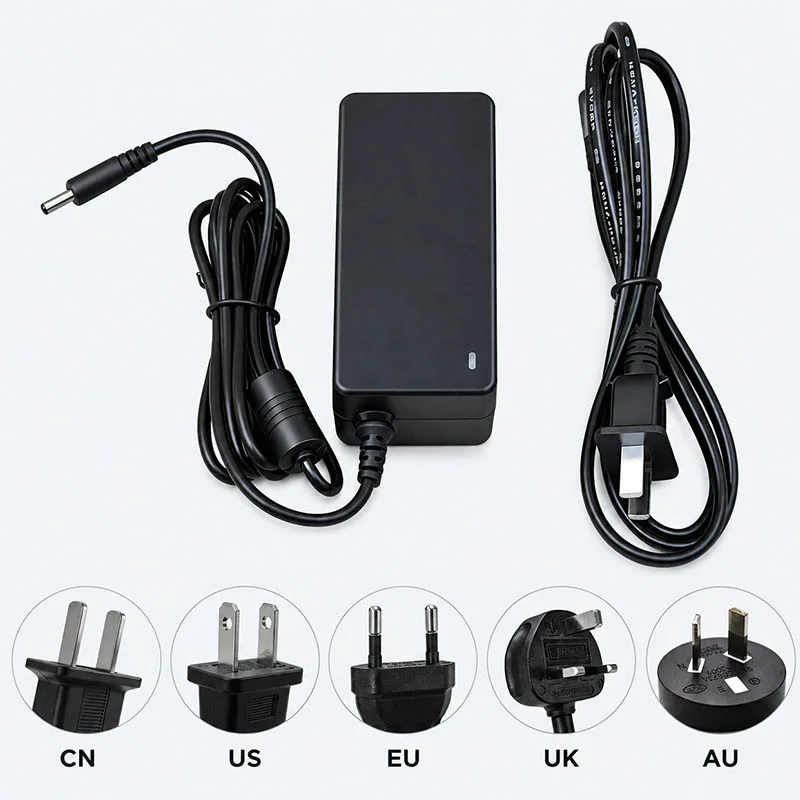
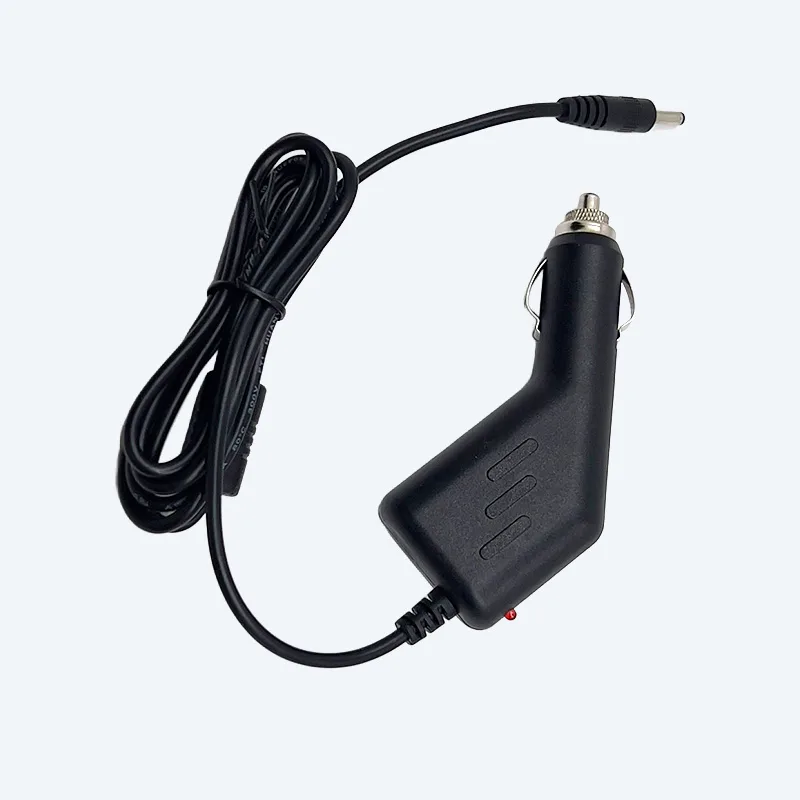
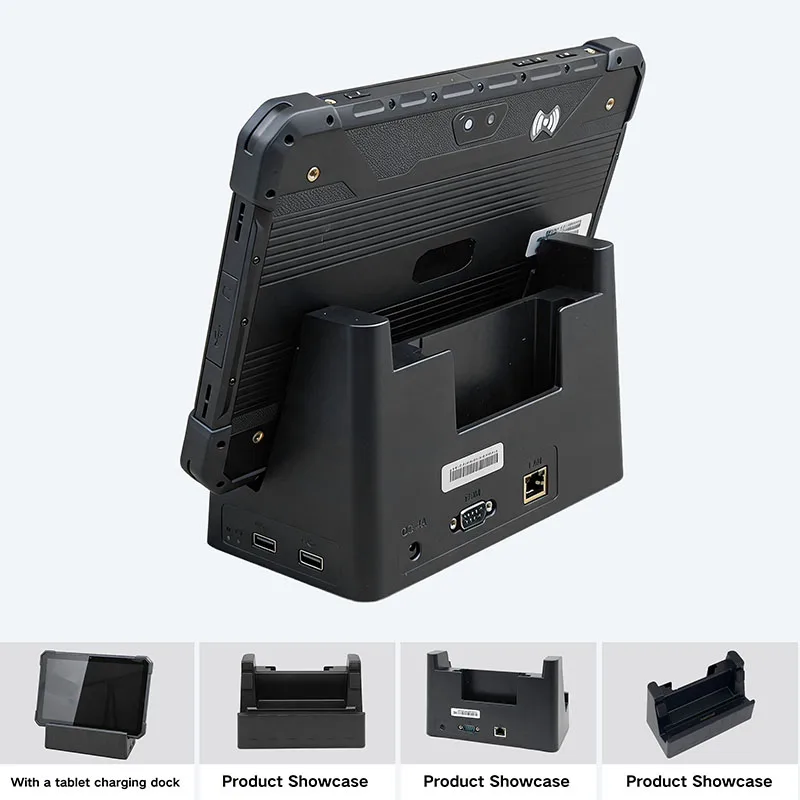
Charge the tablet in a designated safe area unless the exact certificate and user manual expressly permit charging in the classified location. Use only the approved charger, dock and connection procedure.
15. Can USB, HDMI or POGO accessories be connected in a hazardous area?
Do not connect or disconnect peripherals in a hazardous atmosphere unless the certificate and manual explicitly permit the operation. Review the cable, dock, external device, electrical characteristics and complete system configuration before use.
Accessories
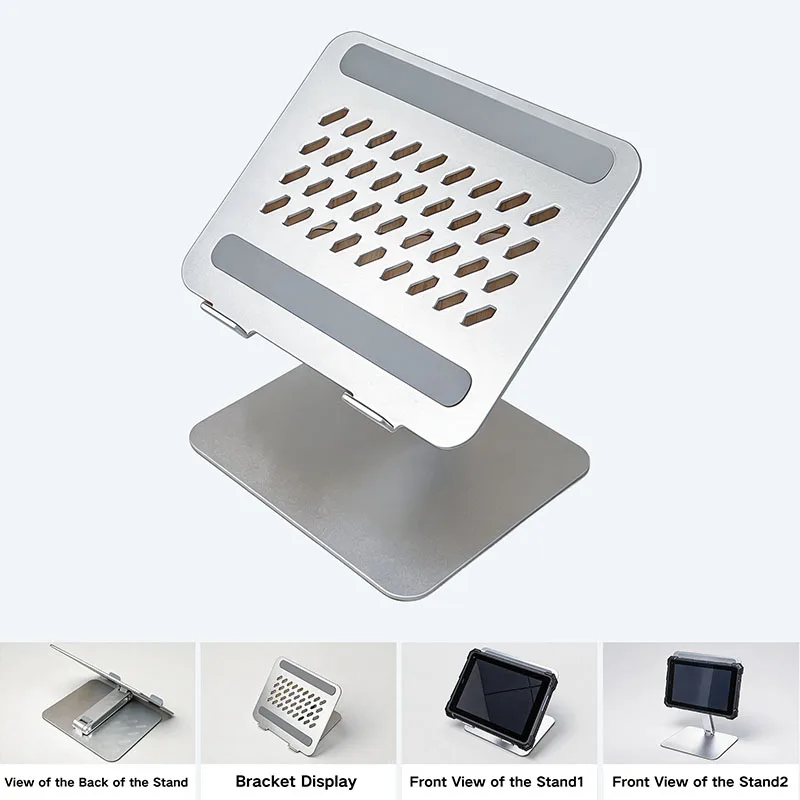
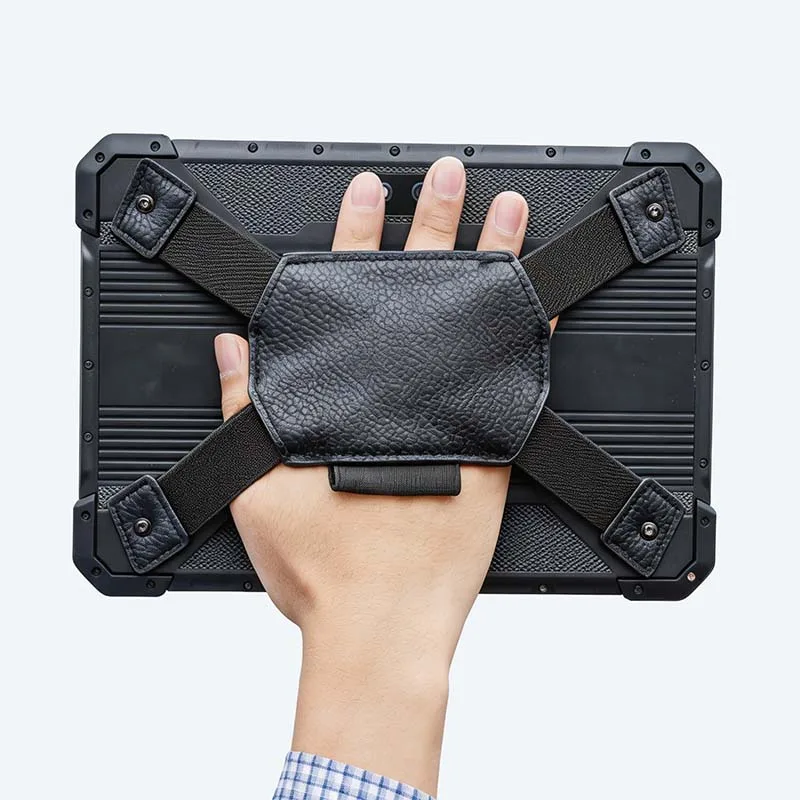
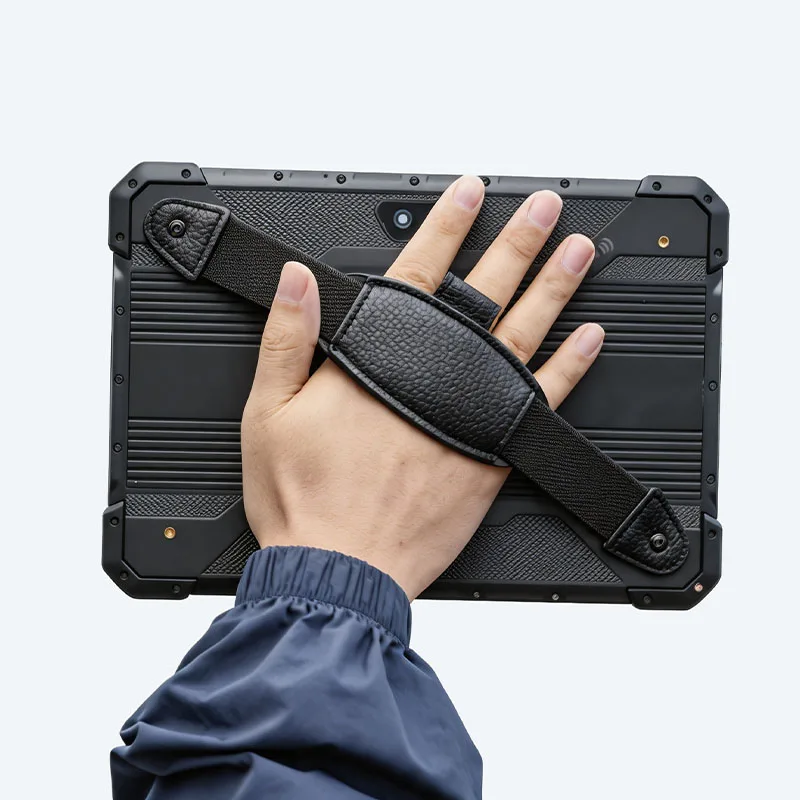
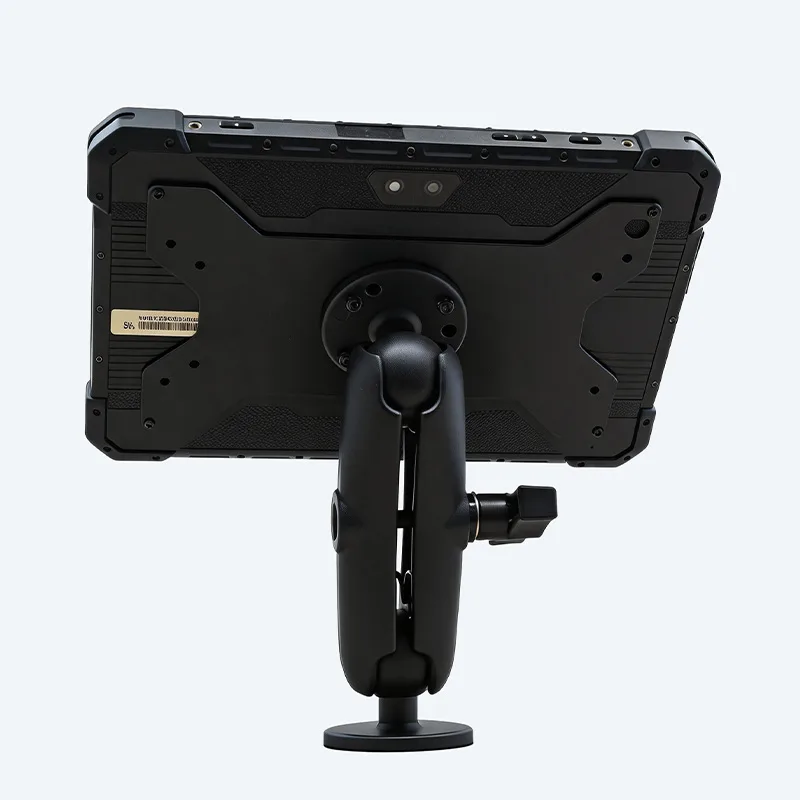
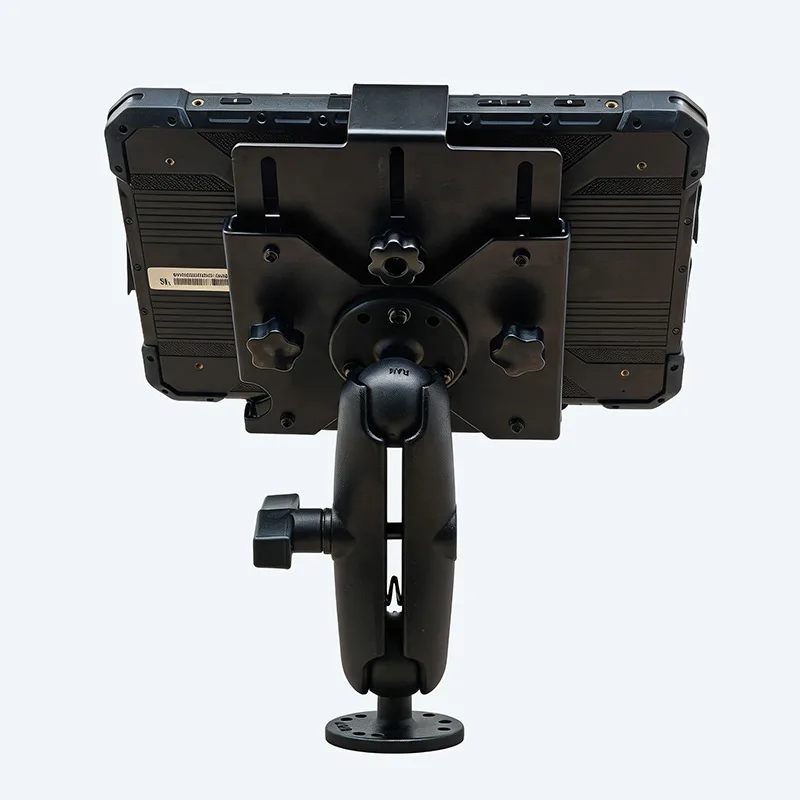
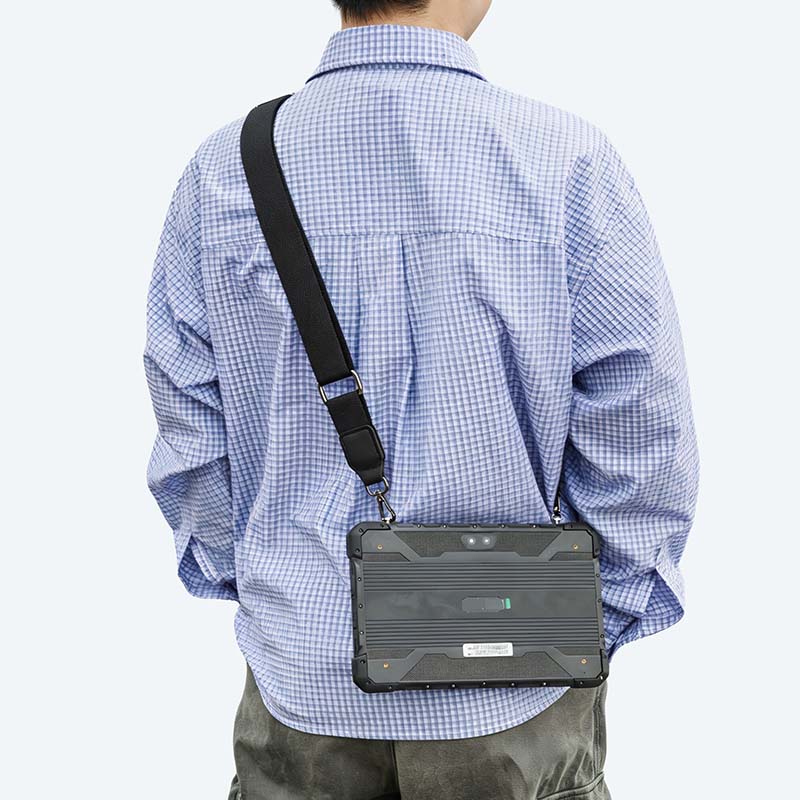
Standard and optional accessories for this model
Related Products
Customer Reviews
No reviews yet — be the first to share your experience.
Ask a Question
Have a question about this product? Our engineers will reply by email within 24 hours.
No public Q&A yet — ask the first question below.



