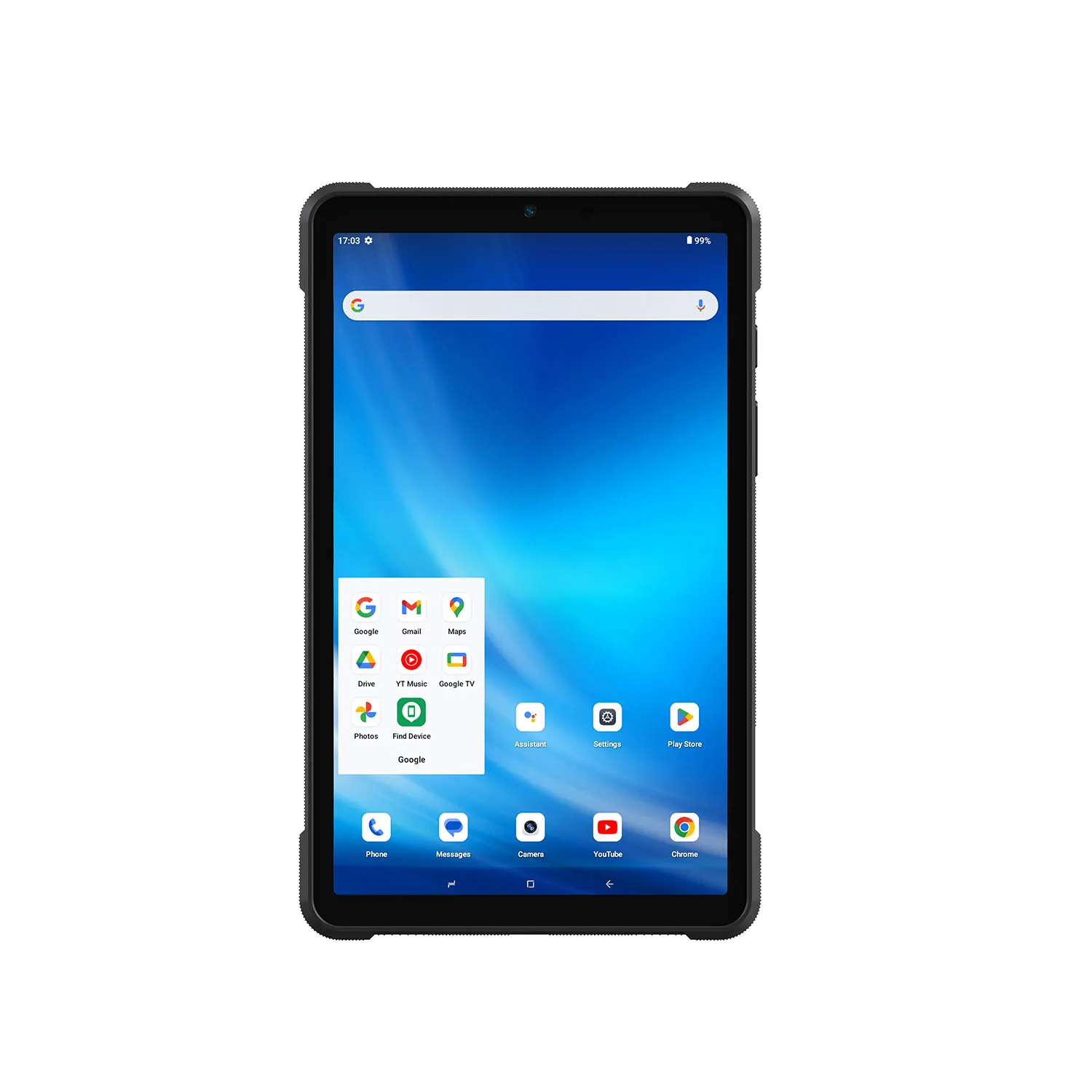
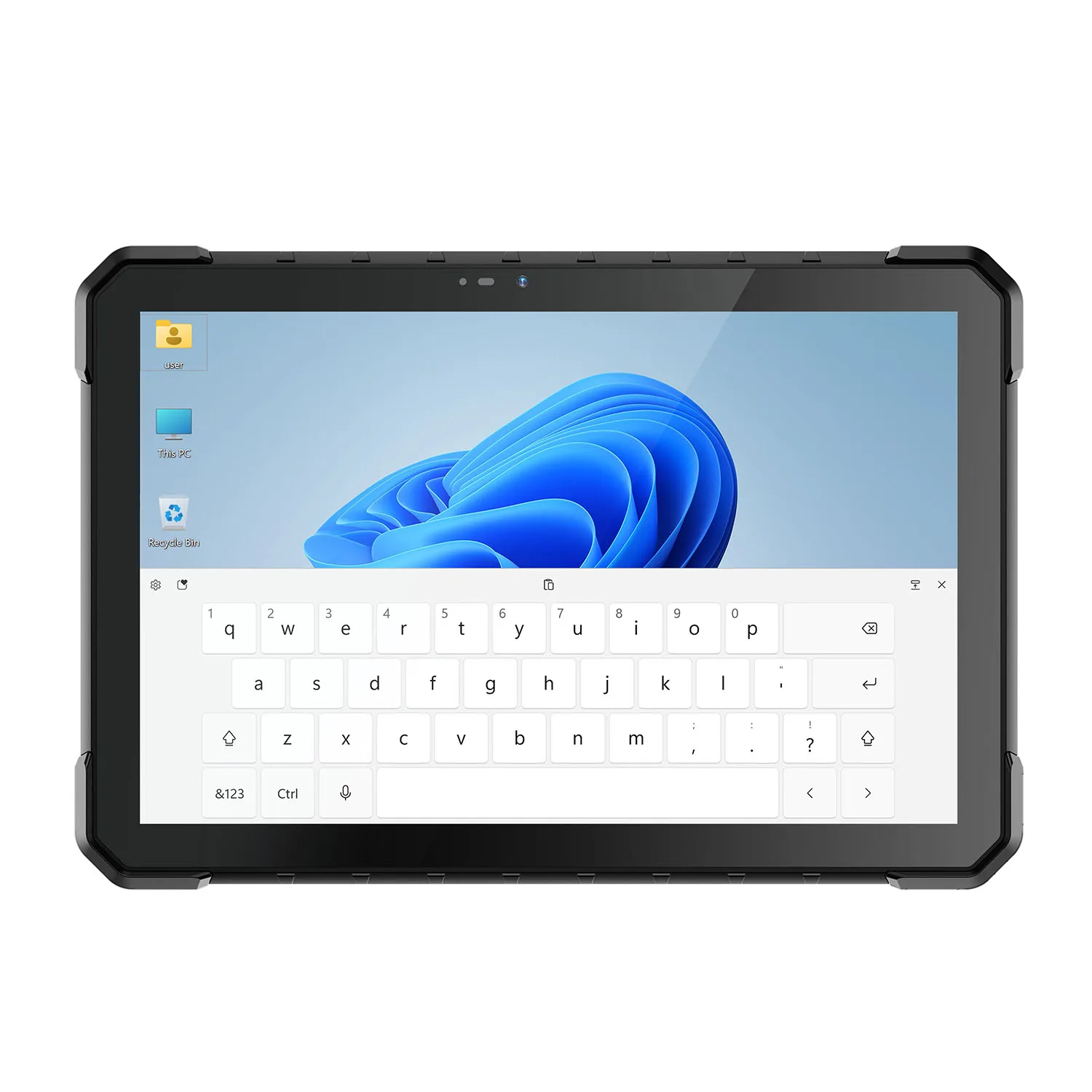
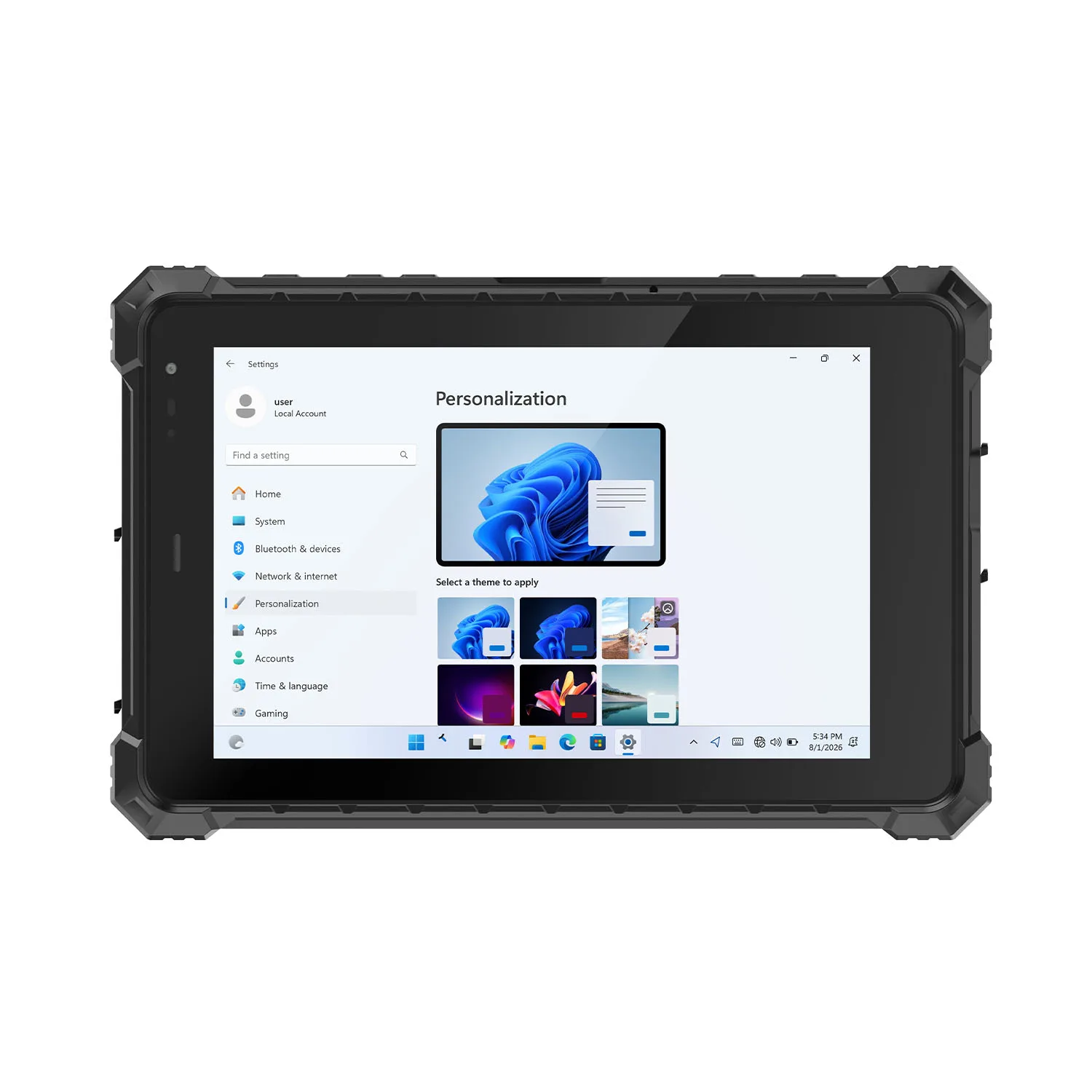
-1.jpg)












.jpg)










CENAVA Downloads & Product Documentation
Datasheets, manuals, drivers and certificates for CENAVA rugged tablets, laptops, handhelds and industrial PCs. Published documents download directly below; model-specific files are sent on request — most requests are answered within one business day.
Browse the published company literature below. Check the document title and edition before using it for a project.
Older brochures provide a historical overview. For current product availability, specifications or configuration options, refer to the relevant product page or contact CENAVA.
Request Product Documentation
Product Datasheets
Tell us the model and how you'll use it, and we'll send the matching datasheet — for example "W10Y, i5, Windows 11, with 2D scanner." One model can have several datasheets (different CPUs, OS builds and option modules), so the configuration in your request is what determines the document you receive. For purchasing, always work from the configuration confirmed in your quotation, not from a brochure.
User Manuals and Setup Guidance
Manuals cover setup, charging, interfaces and supported accessories. If your unit was customized, send the serial number or order reference — a manual from another version of the same product family can describe ports or options your unit doesn't have.
Drivers, Firmware and Integration Files
These are matched case by case — a firmware package for the wrong hardware revision can stop a device from booting, so we verify before we send. Include the model, OS version, and a line about what you're trying to do. Technical support will confirm the package and installation steps with you before you change anything.
Certificates and Test Reports
Request available certification documents or test reports for the exact model and configuration under review.
Certification documents are issued per exact configuration — the A10ST-EX Zone 2/22 IECEx certificate, for instance, does not cover the Zone 1 variant of the same family. When requesting, name the standard (ATEX, IECEx, IP, MIL-STD), the deployment country and the intended zone or environment, and we'll confirm which document covers your configuration.
Help Us Find the Right Document
When requesting a resource, please include:
- Full model name and processor variant.
- Operating system and version, if relevant.
- Document type and preferred language.
- Serial number or order reference for an existing device.
- Optional modules or accessories involved.
- A short description of your application or support question.
A clear photograph of the product label can help if you are unsure which version you have.
Download and Documentation FAQ
The document I need isn't listed — now what?
Email the model name and document type to us. If it exists, you typically get it within one business day; if it doesn't exist yet — for example a brand-new model's manual — support will tell you what's available instead (setup notes, reference guides from the same platform).
Can I use documents from another version of the same model?
Confirm compatibility first. Products with similar names may use different processors, operating systems, modules or hardware revisions. This is especially important for drivers, firmware and accessory instructions.
Can I forward a certificate or test report to my customer or an inspector?
Yes — certification documents are meant to be shown. Send them along with the exact model and suffix they cover; if your customer's zone classification differs from the document's scope, contact us before assuming it applies.