













































-1.jpg)












.jpg)









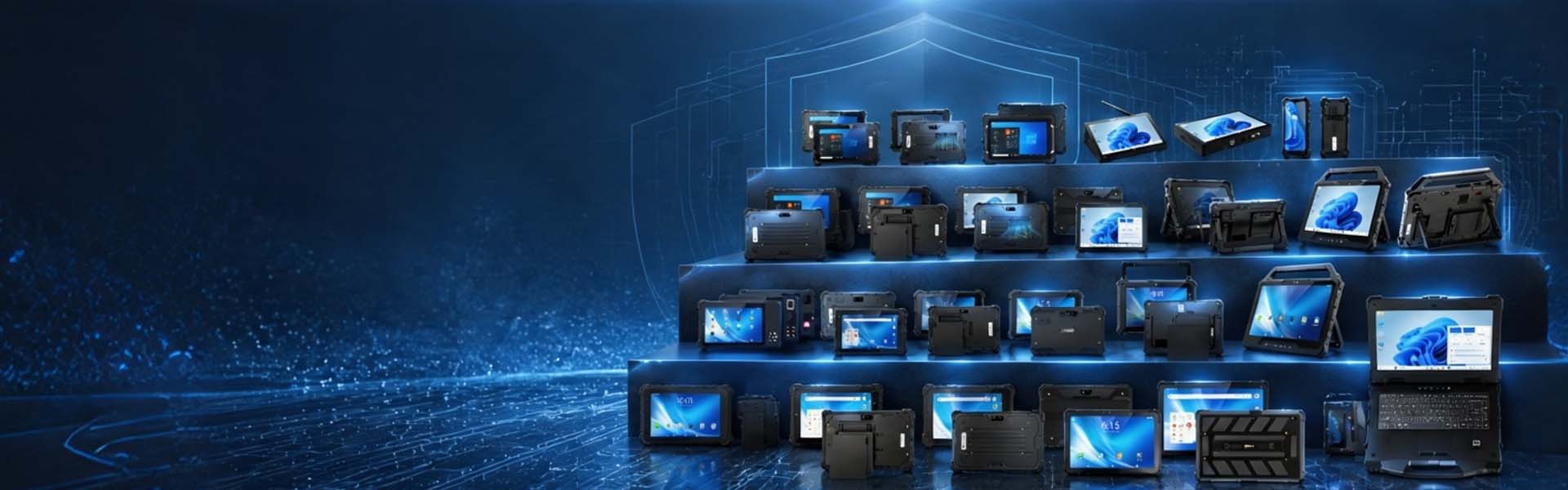
Manufacturing Tablets
Rugged Manufacturing Tablets for the Factory Floor
Paper travelers get lost. A tablet on the station does not.
CENAVA manufacturing tablets provide a mobile interface for production work orders, quality checks, material tracking and equipment maintenance.We help you match the tablet, scanner, interfaces and mounting arrangement to the task operators repeat throughout the shift.
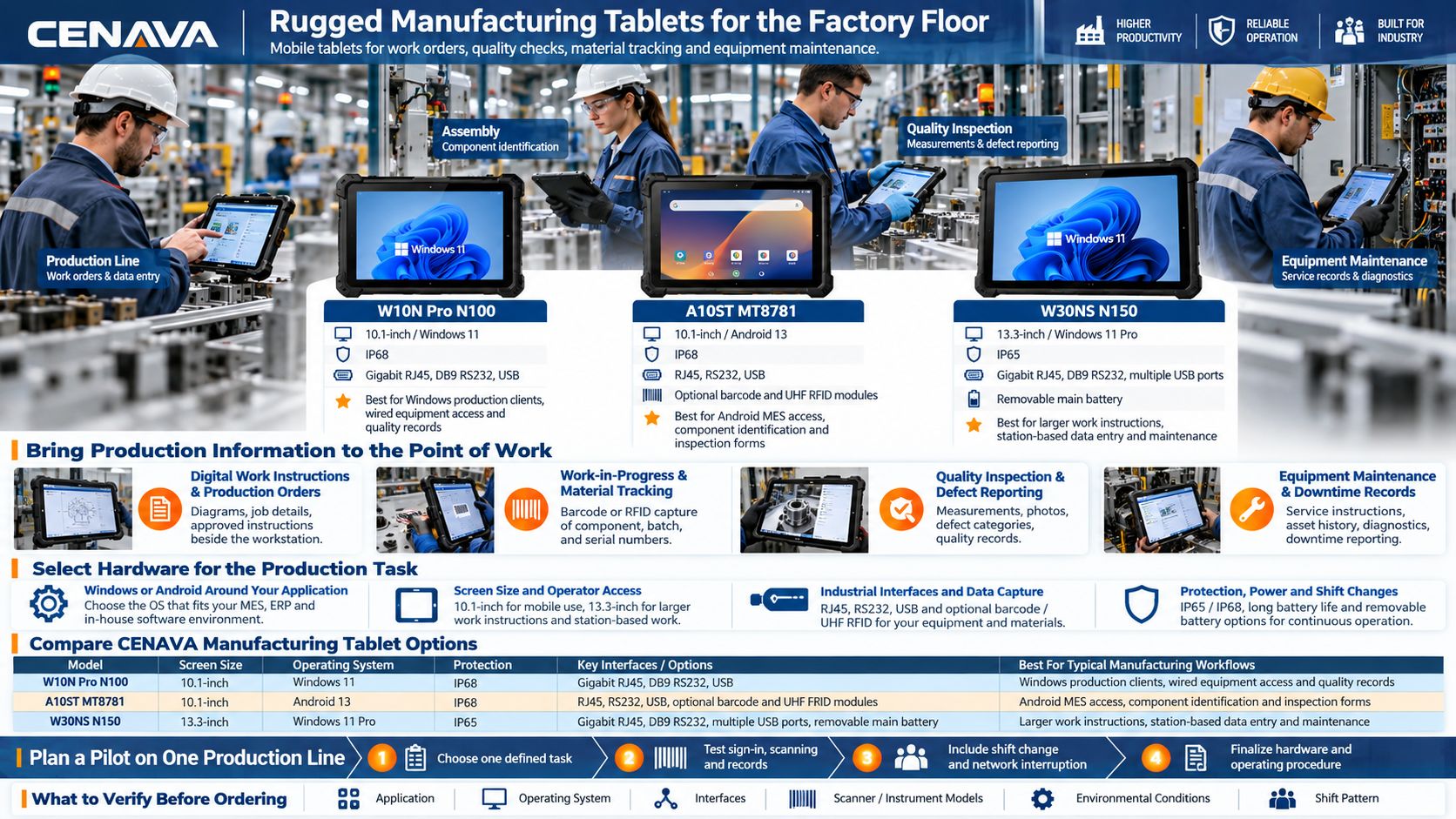
Bring Production Information to the Point of Work
Digital Work Instructions and Production Orders
Display the assigned job, assembly sequence and approved instructions beside the workstation. Operators can review diagrams, confirm completed steps and enter production quantities through the manufacturing application.
Configure the software to associate each instruction with the correct product and revision. For a line producing several variants, the operator identifies the active work order before the next batch starts — that is the point.
Work-in-Progress and Material Tracking
Capture component, batch or serial numbers as materials move between operations. A supported barcode or RFID reader can enter identifiers into the production system, linking a transaction to the relevant job and workstation.
For example, an assembly application could compare a scanned component label with the work order’s material requirements before accepting the entry. That check depends on the application rules and integration with your production records.
Quality Inspection and Defect Reporting
Record inspection results at receiving, during assembly or before dispatch. Technicians can enter measurements and attach photographs, then select defect categories through compatible quality-management software.
For electronic measurement capture, specify the gauge and its connection, plus the software interface. Include the part number and inspection step, plus the result, in the record so quality teams can review the finding in context.
Equipment Maintenance and Downtime Records
Give maintenance teams access to service instructions, asset history and compatible diagnostic tools beside the machine. Our tablets carry USB and RJ45 Ethernet, plus RS232, for supported equipment — tell us the machine and we will confirm the port path.
Operators can also enter downtime reasons or request assistance through the production application. Automatic machine-status collection requires an appropriate connection to the control system and software integration.
Select Hardware for the Production Task
Windows or Android Around Your Application
Start with the software used by production, quality and maintenance teams. Windows may be needed for a desktop MES client, equipment utility or specific device driver. Android is an option for compatible mobile applications and browser-based workflows.
Check sign-in, scanning, label printing and any required plug-ins on the proposed configuration. A browser-based interface still needs to be evaluated with the peripherals used at the station. We build both platforms, so this recommendation follows your software.
Screen Size and Operator Access
A 10.1-inch tablet provides space for job details and inspection forms while remaining suitable for movement between stations. A 13.3-inch display gives detailed instructions and production dashboards more room.
Evaluate the smallest buttons and text from the normal working position. The W30NS weighs approximately 2.1kg — we say it plainly: that is a station tablet, not a handheld. Plan a stand or a suitable mount for extended station use.
Industrial Interfaces and Data Capture
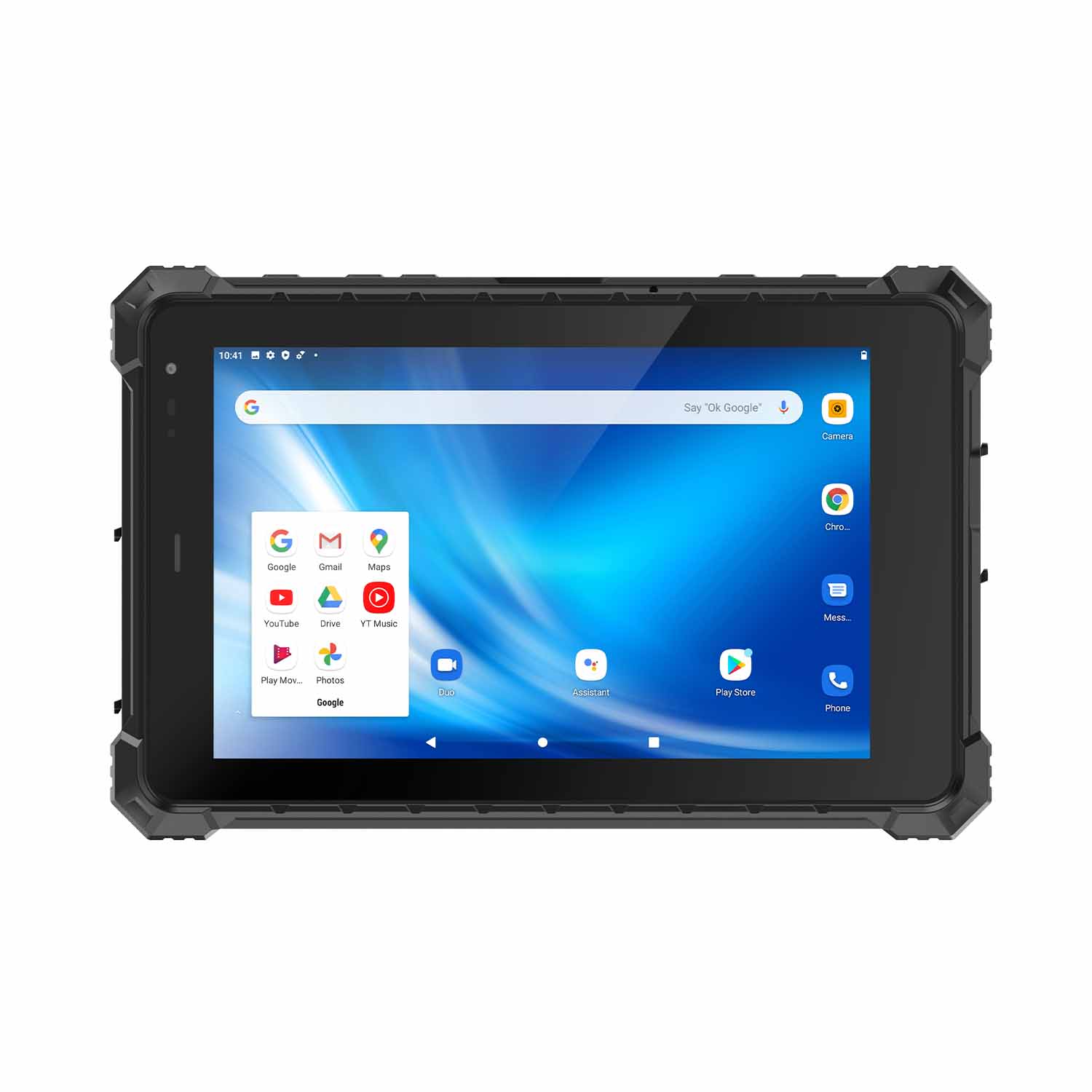
The W10N Pro N100 offers Gigabit Ethernet and DB9 RS232 on a Windows platform. The A10ST MT8781 provides RJ45 and RS232 for compatible Android projects.
Select scanning hardware around the actual labels and reading distance. Test small, reflective or worn codes on real production samples. If a part carries a directly marked code, confirm that the selected reader supports that application — send us your worst labels and we will tell you which engine reads them.
Protection, Power and Shift Changes
The W10N Pro and A10ST configurations below carry IP68 protection; the W30NS carries IP65. Review the applicable test conditions, port-cover requirements and cleaning procedures for the intended production area.
For a shared station, define charging, operator sign-out and the handover of incomplete records. For mobile rounds, measure battery runtime with the actual application and peripherals. The W30NS runs a removable main battery with an internal backup; we will walk you through the replacement procedure for your configuration. Talk to us before you finalize the fleet list — one workflow description usually settles the model.
Compare CENAVA Manufacturing Tablet Options
| Model | Display / Platform | Protection | Relevant Hardware | Suggested Workflow to Evaluate |
|---|---|---|---|---|
| W10N Pro N100 | 10.1-inch / Windows 11 | IP68 | Gigabit RJ45, DB9 RS232, USB; optional data-capture modules | Windows production clients, wired equipment access and quality records |
| A10ST MT8781 | 10.1-inch / Android 13 | IP68 | RJ45, RS232, USB; optional barcode and UHF RFID modules | Android MES access, component identification and inspection forms |
| W30NS N150 | 13.3-inch / Windows 11 Pro | IP65 | Gigabit RJ45, DB9 RS232, multiple USB ports; removable main battery | Larger work instructions, station-based data entry and maintenance |
These are hardware starting points. Confirm the application requirements, operating system edition, memory, storage and accessory combination before ordering. The final specification should include the tablet and every connected device used in the workflow.
Plan a Pilot on One Production Line
Begin with one defined task, such as material verification at assembly or final inspection reporting. Test the complete transaction from operator sign-in to the record appearing in the production system.
Include a shift change, network interruption and representative barcode samples. Check how the software handles incomplete entries and reconnection, plus duplicate submissions. Use the results to finalize the hardware configuration and operating procedure before expanding to other stations.
CENAVA offers OEM/ODM options for branding, hardware configuration, software customization and accessories. We join that pilot — one line, one task, real records. We offer OEM/ODM options for branding, hardware configuration, software customization and accessories. Share the requirements for your production line so we can discuss a suitable sample configuration.
Frequently Asked Questions About Manufacturing Tablets
1. What is a manufacturing tablet?
A manufacturing tablet is a mobile computer used on the factory floor for production instructions, data entry, inspections, material identification and maintenance. Rugged models provide hardware protection and industrial configuration options for the working environment.
2. Can these tablets work with our MES, ERP or quality system?
Yes, when the selected hardware and operating system meet the software requirements. Access may use a browser, native application or remote session. Confirm peripheral support, authentication and data exchange with your software provider or integrator.
3. Can a tablet connect directly to a PLC or machine?
Selected models provide physical interfaces such as Ethernet and RS232. Communication also requires compatible software and drivers, plus protocol support and plant-network authorization. Provide the controller model and the task it needs to do when requesting a configuration.
4. Can operators scan parts and track production batches?
Yes, with a suitable reader and integrated application. The reader captures the identifier; the software determines how it relates to a batch, serial number or production order. Test label quality, scan distance and duplicate-entry handling.
5. Should I use a tablet or an industrial panel PC?
A tablet suits work that moves between stations or requires removing the device for inspections. A panel PC may suit a permanent workstation. Compare mounting, display size, power, peripheral connections and service access around the installation.
6. Can manufacturing tablets operate across multiple shifts?
Plan power and handover around the actual workload. Depending on the model and installation, this may involve an approved charging dock, external power or removable batteries. Confirm charging behavior and the battery replacement procedure before deployment.
7. What happens if the factory network goes down?
The application determines whether work can continue offline. Define which instructions remain available, which transactions can be saved locally and which operations must wait for reconnection. Test synchronization before relying on offline operation.
8. What information should I send for a quotation?
Provide the production task, application name, preferred screen size, operating system and required interfaces. Add the scanner or instrument models and the installation method, plus environmental conditions and shift pattern, quantity, destination country, rollout schedule. With that, we come back with a configuration and a quote.



