-1.jpg)












.jpg)











Rugged Tablet Troubleshooting Guide: Common Faults & Fixes
Most rugged tablet issues — unresponsive touchscreens, fast battery drain, overheating, connectivity drops, software crashes, or slow performance — can be resolved with basic steps: clean the screen, restart the device, check for updates, close background apps, and confirm you're operating within the tablet's rated temperature range. Persistent issues after these steps usually indicate a hardware fault requiring manufacturer support.Compact touch rugged tablets offer a durable solution designed to thrive in harsh conditions while providing the convenience of a touchscreen interface. This versatility has made them popular across manufacturing, logistics, construction, and healthcare — but like any technology, they aren't immune to occasional malfunctions.This guide covers the most common issues industrial rugged tablet users face, with practical troubleshooting steps to keep these essential devices running smoothly.
Common Faults and Solutions
Unresponsive Touchscreen
Issue: The touchscreen doesn't respond to touch or gestures.Solutions:Ensure the screen is clean and free from dirt, moisture, or obstructions.
Reboot the tablet to refresh touchscreen functionality.
Update or reinstall touchscreen drivers if necessary.
If the problem persists, the touchscreen may be physically damaged and require replacement.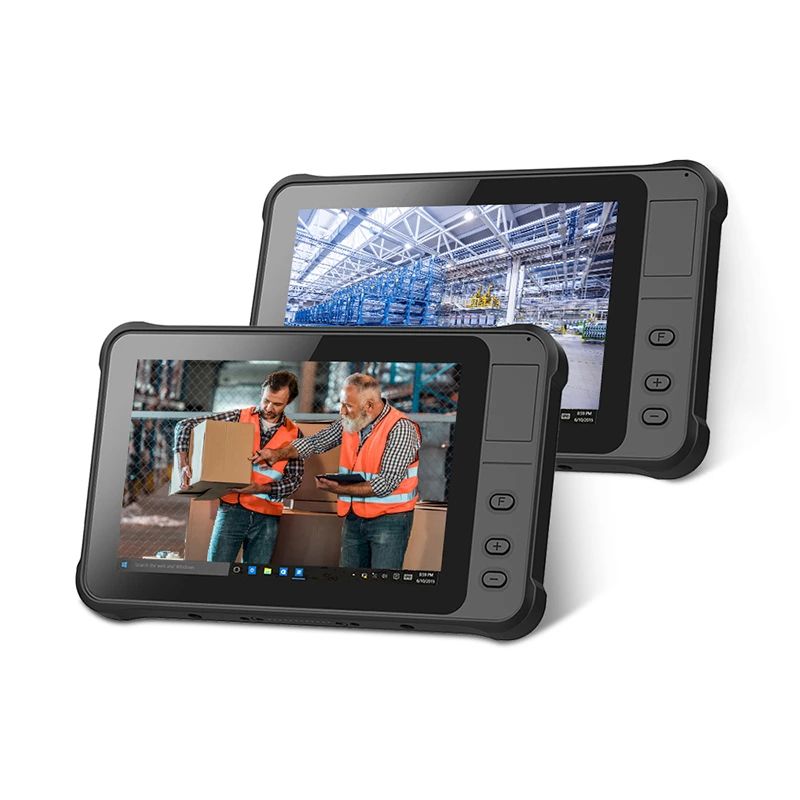
Battery Drainage Issues
Issue: The battery drains quickly, reducing operational uptime.Solutions:Adjust screen brightness and timeout settings to conserve power.
Close background apps and processes consuming excessive power.
Replace the battery if it no longer holds a charge effectively.
Overheating
Issue: The tablet becomes excessively hot during operation.Solutions:Confirm you're operating within the tablet's specified temperature range — check the exact rating for your model rather than assuming it applies universally.
Clean dust or debris from cooling vents.
Connectivity Problems
Issue: Wi-Fi, Bluetooth, or cellular connections are unreliable or not working.Solutions:Check for a strong signal in your current location.
Verify the device is within range of the Wi-Fi or Bluetooth network.
Update network drivers or firmware if available.
Consider external antennas or a wired connection for environments with persistent signal issues.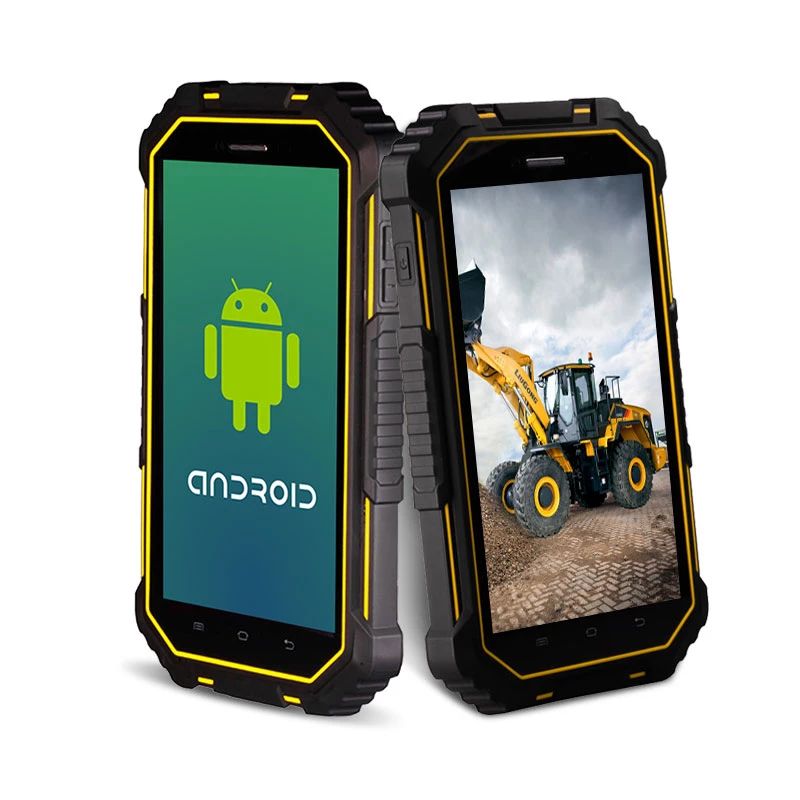
Software Crashes or Freezes
Issue: The tablet's software freezes or crashes frequently.Solutions:Restart the tablet to clear temporary glitches.
Ensure the OS and applications are up to date.
Remove unnecessary apps or software that may be causing conflicts.
As a last resort, factory reset the tablet — back up your data first.
Physical Damage
Issue: The rugged casing or screen is damaged.Solutions:Consider a model with reinforced casing (IP68/MIL-STD-810H rated) for added durability in your specific environment.
Running Slowly
Issue: The system runs slowly or freezes during use.Solutions:Match the tablet's configuration to your actual computing needs — if requirements have grown, consider upgrading to a higher-spec model.
Defrag your system disk regularly, and install software on a secondary disk where possible.
Avoid storing excessive files on the desktop; regularly organize and move files to other storage to ease system disk load.
A Note on Compact Rugged Tablet Sizing
This guide originally referenced CENAVA's W75H and A71T as example 7-inch models — neither currently resolves to an active product page. CENAVA's core rugged tablet lineup has since shifted toward 8-inch (A80ST) and 10+ inch models (A10ST, A109T, W109U) as the standard sizes. If your project specifically requires a 7-inch or smaller form factor, contact CENAVA sales directly to check for compact or custom-order options, since this size isn't part of the current standard catalog.Frequently Asked Questions
1. Does CENAVA still make a 7-inch rugged tablet?Not in its current core lineup — the smallest current standard size is the 8-inch A80ST, with 10+ inch models like the A10ST and A109T as the main current offerings; contact CENAVA sales for compact or custom-order options if 7-inch specifically is required.2. When should I stop troubleshooting and contact support?
If basic steps (restart, clean screen, update software, check temperature range) don't resolve the issue, it likely indicates a hardware fault that needs manufacturer inspection rather than further self-troubleshooting.3. Can CENAVA provide ongoing technical support after purchase?
Yes — CENAVA maintains a complete after-sales service system for troubleshooting and repair support; contact CENAVA's support team for device-specific guidance.
Need a Rugged Device for Your Project?
Tell us your operating environment and requirements — our engineers will recommend a configuration and quote within 24 hours.
Get a Free Quote Back to Blog