-1.jpg)












.jpg)











Which ATEX Tablet Is Allowed on an FPSO? Zone 1 Options for 2026
An ATEX tablet belongs on an FPSO only when its exact certified configuration matches every classified location on the work route. For offshore Zone 1 work, that normally means Category 2G / EPL Gb evidence, the right gas group and temperature class, and a careful read of the certificate’s ambient range and special conditions. A tough case won’t change any of it. Neither will IP68, nor a MIL-STD-810H Method 516.8 drop result.
An FPSO isn’t one big hazardous zone. The process module, wellhead interface, gas compression deck, offloading station, workshop and control room carry different classifications. The lines move during maintenance, too. Open a drain or break into a hydrocarbon system and what was clear a minute ago may not be, and temporary ventilation changes the picture again. So we look at the operator’s whole route, start to finish. The vessel type on a sales brief tells us very little.
Marine durability is a second gate, and it’s a separate one. Salt eats connectors and fasteners, and rain, spray, glare and vibration wear on daily use. IEC 60068-2-52 covers cyclic salt-mist testing (MIL-STD-810H Method 509.7 is its salt-fog cousin). Cyclic salt mist (60068-2-52) is the harsher, more marine-representative test; steady salt fog (509.7) is the older military one — when a vendor names only 'salt tested,' ask which. A test statement only helps if it names the method and the severity. Even then, it says nothing about ATEX, IECEx or Class/Division entry.
The operational chain matters just as much as the label. A certified tablet may still be issued with an unapproved shoulder strap, connected to a cable on deck or returned to service after a cracked seal without a formal release. On the software side, a completed inspection must remain identifiable when steel structures interrupt wireless coverage. A local green tick is not proof that the server accepted the record.
We put the Zone 1 / Division 1 candidates first because that's the honest order for an FPSO — and we say plainly that entries 5–10 are Zone 2 or lower, not substitutes. The later entries may fit lower-risk classified points or unclassified marine work, but they are not substitutes for the first group. The order is not a universal quality ranking, and the field examples are proposed acceptance exercises rather than anonymous customer claims.
What Defines a Reliable IECEx Tablet for Offshore Oil Platform Work?
A reliable IECEx offshore device is the unit whose approval evidence remains tied to one physical tablet from procurement through disposal. The IECEx selection guidance identifies area classification, Equipment Protection Level, gas group, temperature class, application, external influences and ambient temperature as selection inputs. We translate those inputs into four practical gates.
- Route-to-protection agreement: Put every task point beside its Zone or Division. Zone 1 normally calls for EPL Gb or higher; Zone 2 may accept Gc, Gb or Ga within the applicable scheme. The EU workplace definitions distinguish Zone 1, where a gas atmosphere is likely to occur occasionally in normal operation, from Zone 2, where it is not likely in normal operation and, if it occurs, lasts only briefly. The current area-classification document controls the decision.
- Complete marking review: Read the protection concept, gas group, temperature class, EPL, ambient range and any certificate suffix such as “X.” T4 means a maximum equipment surface temperature of 135°C under the approved conditions; it is not a 135°C operating-temperature claim. ATEX and IECEx use related technical standards but remain separate conformity routes.
- Exact build and accessory control: Record the full model suffix, hardware revision, certificate number, battery, display protector, hand strap and any scanner or radio option. A generic tether added after receipt may change electrostatic or mechanical assumptions. A standard device cannot inherit approval from a certified model in the same product family.
- Marine and workflow evidence: Review salt exposure, IP rating, vibration, operating temperature and readable display as separate requirements. Then test the real permit, inspection or maintenance form. A strong enclosure does not repair a Zone mismatch, and a correct certificate does not make an unusable form acceptable.
Our proposed release card has 14 fields: vessel or asset ID, route ID, task, area code, required EPL or Division, gas group, temperature class, permitted model, serial number, accessory set, safe charging point, managed application version, last physical inspection and release owner. For a delivery of 24 units, inspect all 24 labels and accessory kits. Sampling 3 cartons is not configuration control for personnel-carried equipment.
Use a separate status for “technically functional but not released.” A tablet with a damaged port cover, unreadable label or unknown repair history goes to quarantine even if it starts normally. After repair, the electrical or hazardous-area owner verifies approved construction; IT then verifies the managed image, clock, offline queue and device identity. Both records attach to the serial number before reissue.

The Top 10 Class I Division 1 Offshore Tablet Manufacturers for 2026
A North American Division 1 tablet must carry an approval covering the exact Class, Division, gas groups and temperature code required by the installation. An ATEX or IECEx marking alone does not create that approval. Entries 1–4 below provide relevant Zone 1 or Division 1 paths for specific configurations. Entries 5–10 are principally Zone 2 or Division 2 options.
1. Pepperl+Fuchs / ECOM (Germany)
Core Strength: Current multi-region Zone 1 platform with traceable model variants
Pepperl+Fuchs/ECOM is the default shortlist answer for Zone 1 — current multi-region approvals and traceable model variants, managed as one Ex portfolio.
2. i.safe MOBILE (Germany)
Core Strength: Zone 1/21 Android tablet designed around repetitive field rounds
i.safe MOBILE develops separate equipment families for Zone 1/21 and lower-category areas. That product separation can reduce accidental mixing when a vessel also uses ordinary Android tablets in accommodation or workshop spaces.
3. Aegex Technologies (United States)
Core Strength: Purpose-built Windows mobility for high-category gas areas
Aegex specializes in intrinsically safe Windows tablets instead of converting a general enterprise device after release. It is relevant where an FPSO uses a controlled Windows-only maintenance client, drawing viewer or historian interface on the process deck.
4. CENAVA (China)
Core Strength: Project-configured Android and Windows options within a controlled Ex build
CENAVA develops rugged mobile computers and offers OEM/ODM configuration for industrial deployments. The practical value for an FPSO project is the ability to align the operating system, managed application and identification method while keeping the certified hardware build fixed.
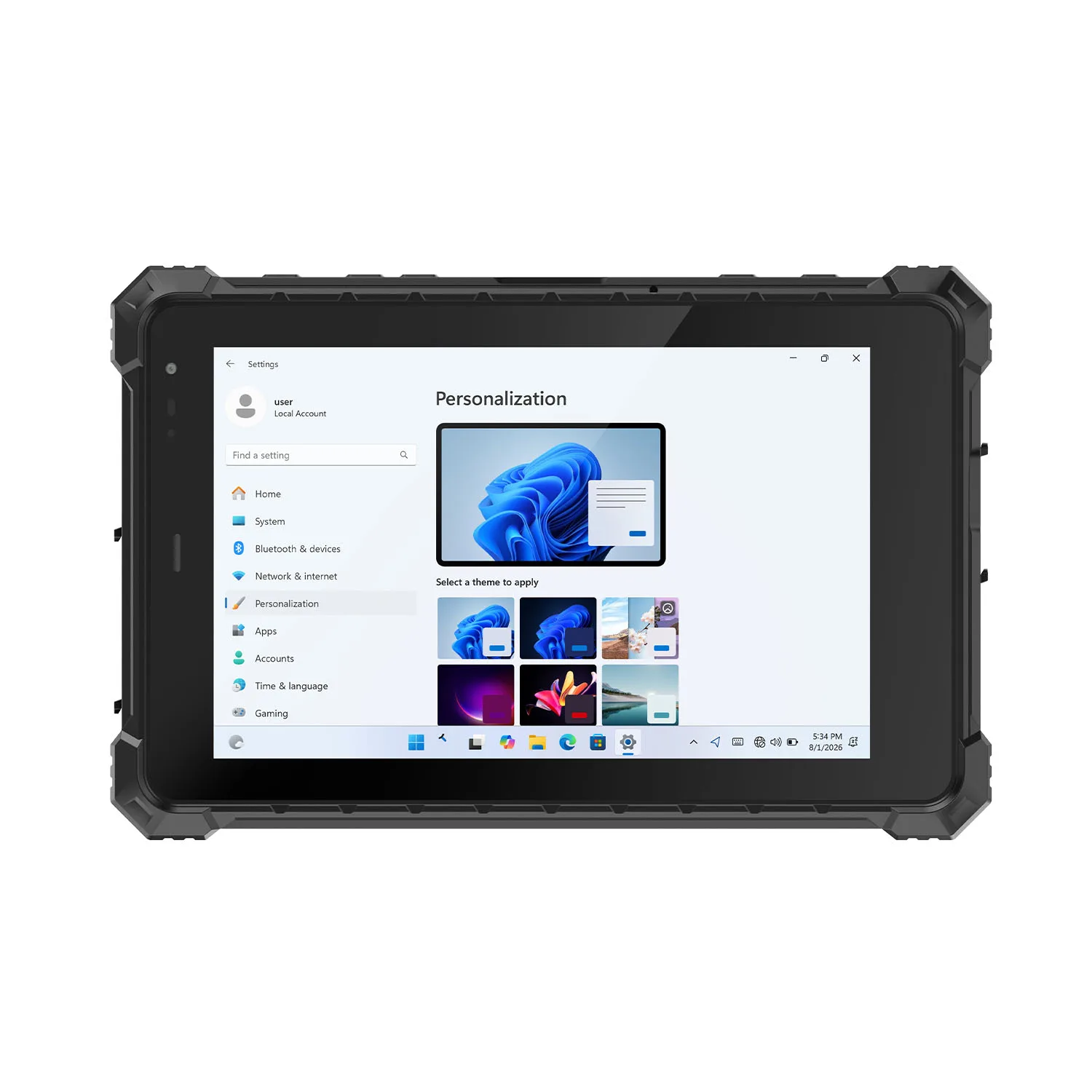
- Key Product: CENAVA's explosion-proof tablet portfolio identifies the 10.1-inch A10ST-EX MT8781 with Ex ib IIC T5 Gb and keeps it distinct from lower-category product paths. The current certificate, schedule, label and delivered options—not the directory name—decide regional acceptance.
- Technical Advantage: Android and Windows families allow the project to preserve an existing work-order client or choose a simpler locked-down inspection interface. Kiosk mode, NFC and barcode functions can be defined at quotation stage, but a module belongs in the build only when the approval evidence covers that exact configuration.
An intrinsically safe tablet for offshore platform inspection should reduce ambiguity at handover. A proposed CENAVA pilot assigns one serial number to one approved route, reads 12 dummy asset tags, saves 8 observations offline and deliberately submits 2 incomplete photographs. The acceptance log tracks duplicate IDs, wrong-asset openings, missing attachments and clock drift instead of reporting only a successful sync.
CENAVA enters the Zone 1 group only for the corresponding certified configuration. A buyer should not combine the gas marking from A10ST-EX with a wireless module, dust approval or accessory from a different model to construct a broader claim. Custom software does not authorize custom certified hardware.
5. Getac (Taiwan)
Core Strength: Fully rugged Android mobility for ATEX/IECEx Zone 2/22
Getac supplies rugged computers to field-service and regulated industries, with an EX suffix distinguishing hazardous-area products from standard models. That naming discipline matters on a vessel where visually similar tablets may serve the engine room, warehouse and process areas.
6. BARTEC (Germany)
Core Strength: Zone 2/22 and Division 2 mobility with configuration-visible scanner options
BARTEC is an explosion-protection specialist whose current enterprise tablet is co-engineered around Zebra's enterprise platform. The arrangement is relevant when an operator wants mature Android management tools but needs hazardous-area documentation tied to a specific product code.
7. Winmate (Taiwan)
Core Strength: Windows compatibility across Zone 2 and Class I, Division 2 projects
Winmate makes sense in one specific situation: x86 Windows maintenance software that won't port, on locations that stay inside Zone 2.
Core Strength: Fanless Windows tablet with explicit Zone 2/22 and salt-fog rugged testing
DURABOOK focuses on rugged Windows mobility for utilities, field maintenance and public-sector fleets. The U11-EX answers a different question — not 'which tablet for the process deck' but 'which tablet for the Zone 2 workshop that feeds it.'
9. Zebra Technologies (United States)
Core Strength: Enterprise Android data capture with a documented C1D2 and salt-fog path
Zebra earns its place here for a narrower reason than its brand size suggests: if your vessel already runs Zebra handhelds and MDM, the ET6x C1D2 configuration slots into existing management — but that C1D2 option is a specific SKU, and the standard ET6x in the accommodation block is not the same device.
10. Panasonic TOUGHBOOK (Japan)
Core Strength: Modular Windows platform with an optional North American C1D2 configuration
Panasonic TOUGHBOOK has a long-established rugged-computing ecosystem covering tablets, keyboards, docks and vehicle use. That service history may help operators already using TOUGHBOOK equipment in workshops or accommodation areas.
How to Choose the Right Manufacturer for an FPSO Deployment
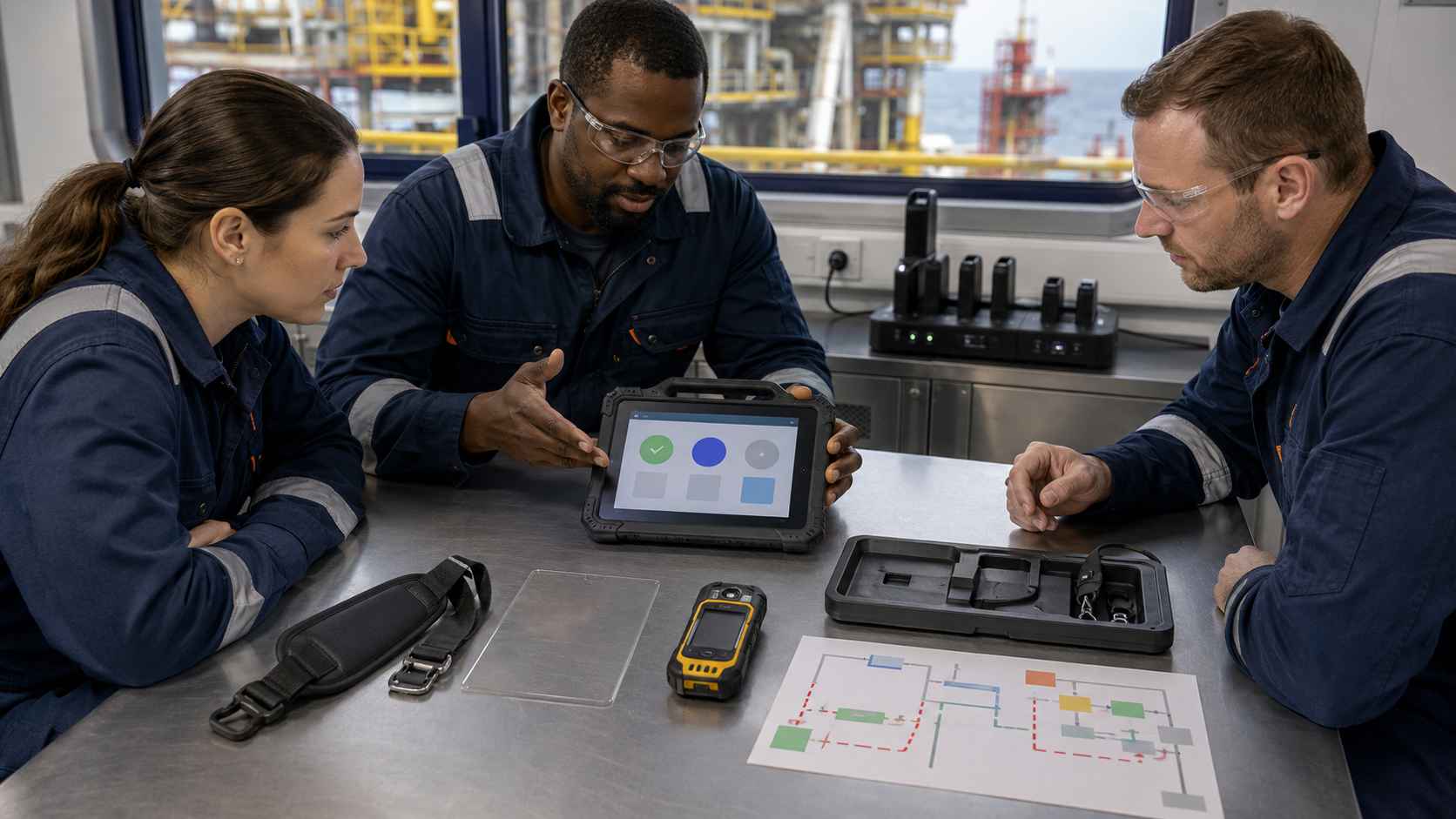
The correct process removes equipment with the wrong protection level before comparing display, operating system or price. Hazardous-area admission, marine durability, worker protection and data integrity are separate decisions. Passing one does not compensate for failing another.
Define Your Operating Environment
Start with the current hazardous-area drawing and walk the real route with operations and the responsible electrical or instrumentation engineer. Mark where the tablet is carried, set down, connected or handed to another worker. Include stairs, doors and boundaries between process, utility and accommodation spaces.
Temporary work can change the basis. Opening hydrocarbon equipment, moving a hose, defeating normal ventilation or erecting sheeting alter the release and dispersion conditions. The permit process must either update the device route or keep the tablet out. A geofence may remind the user, but it cannot redraw the hazardous area.
Keep ignition protection separate from other offshore controls. The tablet is not the personal gas detector, marine navigation display, radio, permit authority or emergency shutdown device. If a gas alarm, general alarm or supervisor instruction ends the task, the application should make withdrawal easier and avoid trapping the operator in a mandatory-field loop.
Clarify Performance Requirements
Build a 32-task acceptance set from the actual round: 18 routine observations, 4 corrections, 4 photo attachments, 3 offline saves, 2 wrong-asset attempts and 1 simulated alarm. Use dummy equipment in a safe training area. Record wrong-screen openings, missing mandatory fields, accidental taps and records that never reach the server.
Repeat representative tasks with the issued glove, approved strap, screen protector and permitted cleaning state. Test direct sun, shade and water droplets without spraying a live device in a classified area. “Glove mode” is not evidence for every glove material or thickness, and a bright display does not guarantee readability through salt residue.
Power planning belongs to the route design. Measure the agreed workload, reserve enough margin for a delayed return and name the safe charging point. USB-C, a dock or a swappable battery is a technical feature. Connection or battery-change permission comes from the certified instructions and operating procedure.
Consider Software & Integration
The offline queue needs three distinct states: stored on the tablet, waiting to transmit and accepted by the server. Enter a dummy defect, remove network access for 60 minutes, restart the managed application and reconnect through the approved network. Reconcile timestamps, attachments, approvals and duplicate IDs against the server record.
Preserve measurement provenance. When an operator copies pressure, gas, vibration or coating data from an approved instrument, retain the instrument ID, unit and observation time. The tablet is the record terminal. A copied dashboard value should not be presented as personal exposure evidence or as a calibrated field measurement.
Permit-to-work software needs a conservative offline rule. A permit application may be prepared locally, but an authorization state should not appear final unless the approved system and procedure allow it. Test a revoked permit and a clock offset. MDM can quarantine a device or enforce an app version; it cannot change the nameplate's Ex scope.
Analyze Total Cost of Ownership (TCO) vs. Initial Cost
Price the controlled deployment rather than the bare tablet. Include approved carrying accessories, safe-area chargers, spare-unit labeling, enrollment, cleaning materials and the labor required for certificate records and post-drop inspection. Add the cost of keeping a regional replacement configuration available throughout the vessel's service period.
Use measured operations data for the business case. For illustration, 8 operators completing 4 rounds with 3 minutes of paper transcription each creates a gross opportunity of 96 staff-minutes per day. That is not a promised saving. Required gas checks, walking, permit review and supervisory release remain, while real rework and error rates must come from the pilot.
Contact CENAVA only when an exact project configuration requires review. Provide the destination country and vessel or installation regime, ATEX/IECEx or Class/Division framework, Zone or Division, gas group, temperature class, ambient range, salt-exposure condition and deck application. Add the operating system and application name; include the carrier and SIM/eSIM requirement only when cellular service is needed, and identify the NFC card or tag type only for an NFC workflow. Do not send passwords, access keys or personal card data. The other manufacturer comparisons do not require a sales inquiry.
Where FPSO Tablets Are Heading
Four shifts, in our view. None of them blurs a certification boundary.
- Serial-level approval records. Procurement, EHS and IT will share one record that links the physical label, certificate revision, accessory set, managed image and repair status. A QR code can pull it up. It can’t stand in for the nameplate.
- Route-aware offline apps. Forms will show only the steps allowed at the current work point and keep the withdrawal action alive when the network drops. Location prompts cut mistakes, but they’re admin aids and won’t classify a hazardous area.
- Better salt-exposure evidence. Buyers will ask for named salt-mist methods, connector inspection criteria and approved cleaning instructions, and “corrosion resistant” alone won’t pass. Service history will count next to the original test.
- One workflow, regional hardware. Global operators will keep the same forms and asset identities and deploy different ATEX, IECEx or Class/Division configurations by jurisdiction. That’s easier to defend than calling one brochure model universally approved.
Conclusion
Start with the route and the exact approval evidence. A Zone 2 / Gc or Division 2 tablet can’t serve a Zone 1 / EPL Gb or Class I, Division 1 requirement, even with a high IP rating, a MIL-STD-810H Method 516.8 drop result or a Method 509.7 salt-fog test behind it. Gas group, temperature class, ambient range, special conditions and accessories stay in the decision.
Pepperl+Fuchs / ECOM, i.safe MOBILE, Aegex and specific certified CENAVA configurations give you Zone 1 or Division 1 paths. Getac, BARTEC, Winmate, DURABOOK, Zebra and Panasonic cover defined Zone 2, Division 2 or unclassified marine tasks. Keep those boundaries visible from purchase through issue, use and repair.
Choosing an FPSO tablet is an engineering and workflow call, not a race for the longest spec sheet. Match the certificate to the route. Test the real task under marine conditions. Keep evidence at serial-number level. Do that and an operator can audit the result without taking anyone’s word for it. We’d start with your Zone 1 points.
Need a Rugged Device for Your Project?
Tell us your operating environment and requirements — our engineers will recommend a configuration and quote within 24 hours.
Get a Free Quote Back to Blog