-1.jpg)












.jpg)











Advantages & Disadvantages of Rugged Tablet PCs
Rugged tablet PCs trade a higher upfront cost and extra weight for certified durability (IP67/IP68, MIL-STD-810H), longer battery life, and a 3–5+ year field lifespan versus 1–3 years for a consumer tablet — making them worth the premium for construction, logistics, field service, and public-safety work, but unnecessary for office or leisure use.
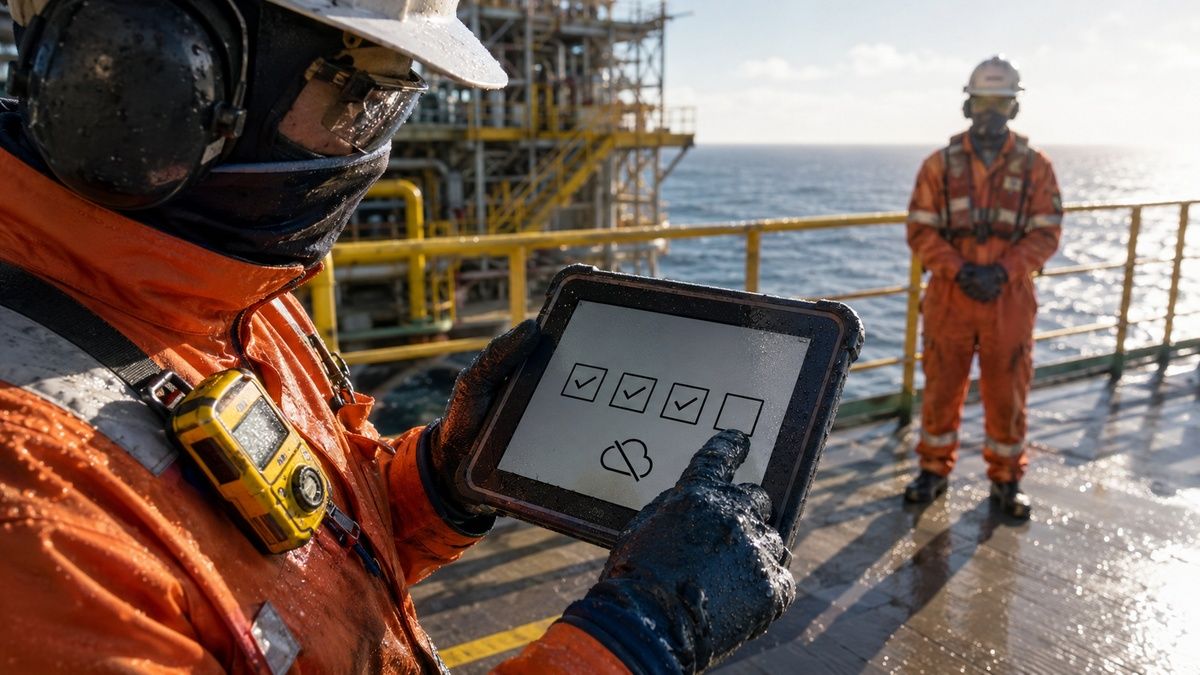
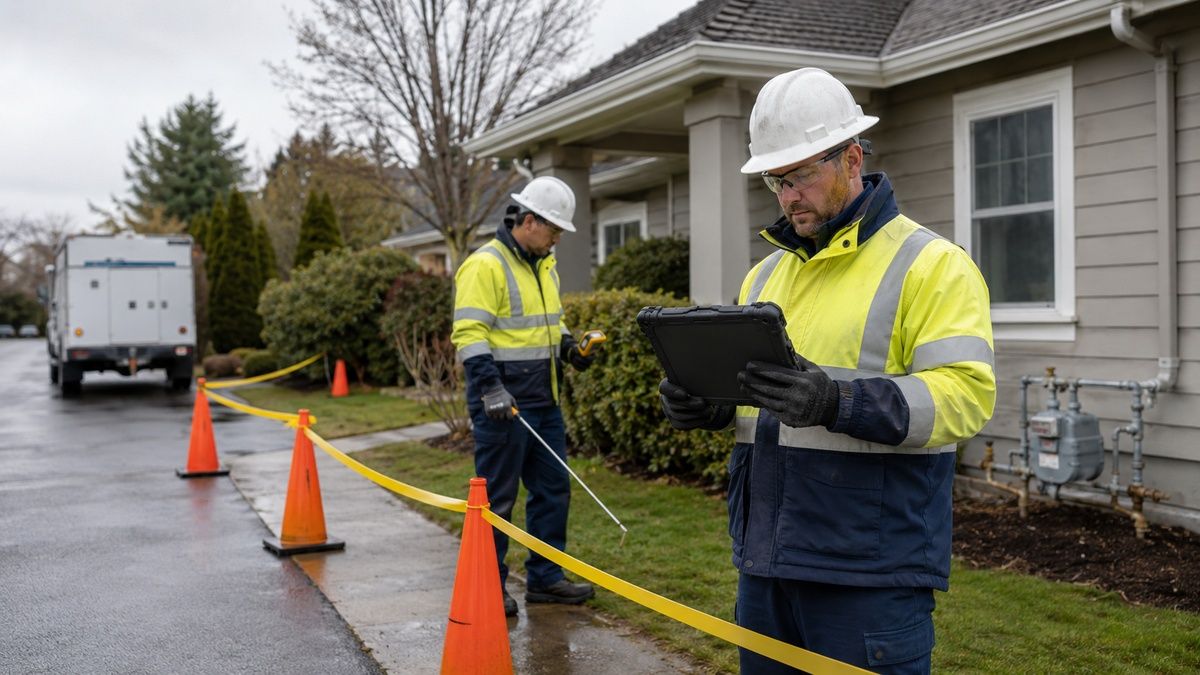
In today's fast-paced and demanding industrial environments, rugged tablet PCs have become an essential tool for professionals who need durability, reliability, and performance in extreme conditions. Unlike consumer-grade tablets, rugged tablets are built to withstand dust, water, shock, vibration, and extreme temperatures. Whether used on construction sites, in warehouses, in field service, or in public-safety operations, these devices offer real advantages — along with genuine trade-offs worth understanding before you buy.This guide breaks down the actual pros and cons of rugged tablet PCs, using verified specifications from CENAVA's own product line — the A10ST, A109T, and W109U — so you can judge whether a rugged tablet fits your operation rather than relying on generic marketing claims.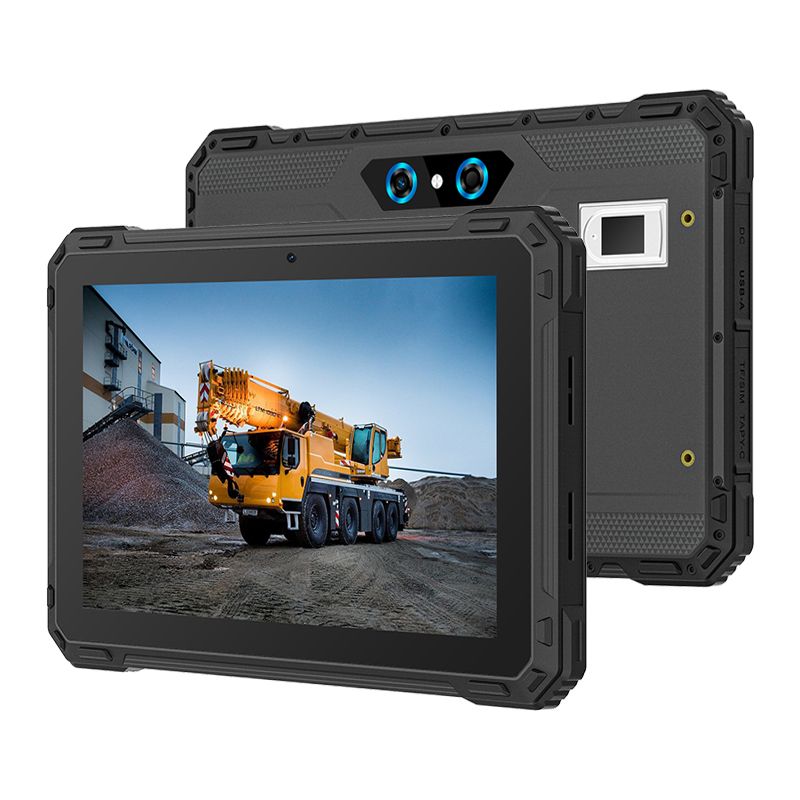
Advantages of Rugged Tablet PCs
1. Certified Durability and Resilience
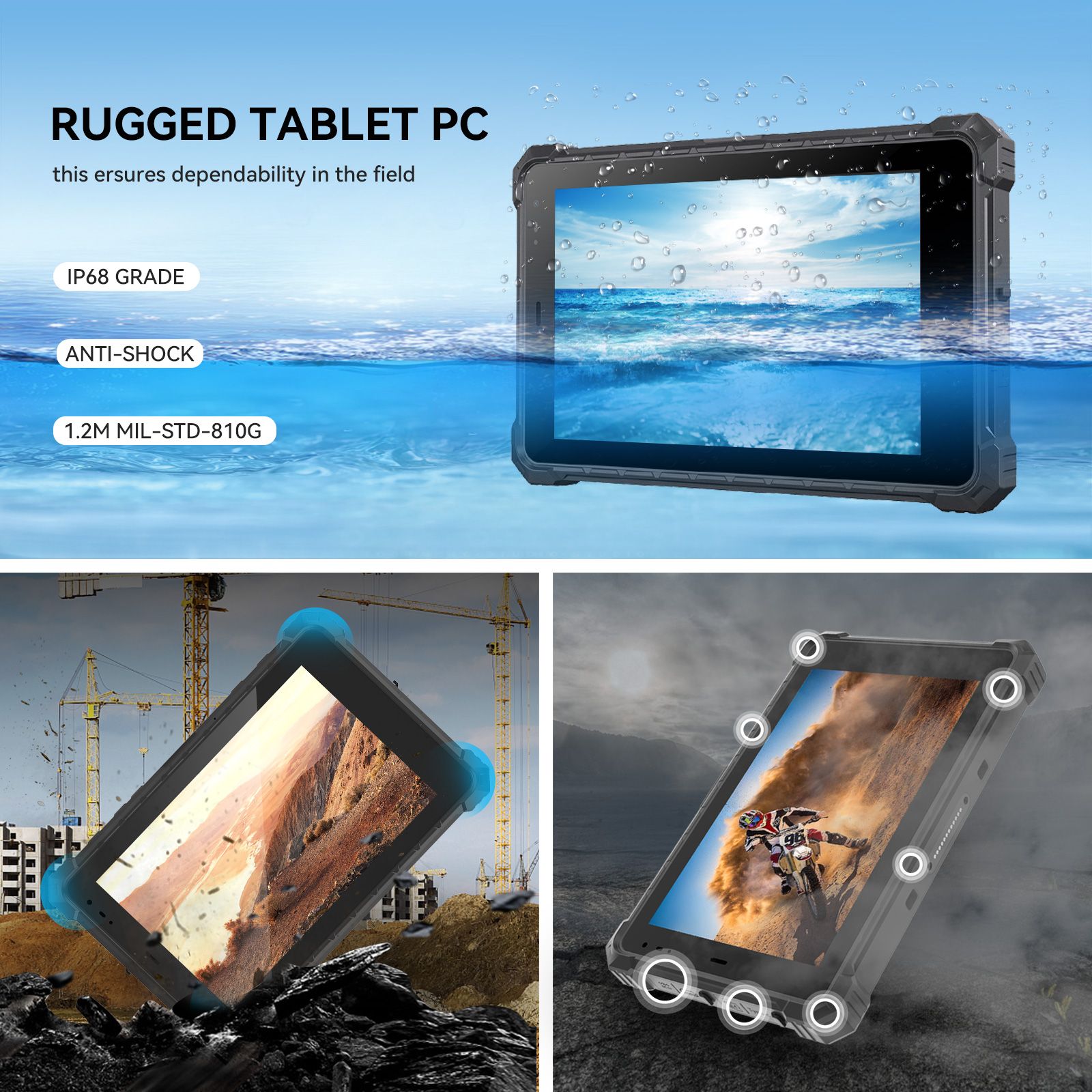
Rugged tablets are built to keep working where standard tablets fail. CENAVA's A10ST, for example, carries these verified ratings:| Test | CENAVA A10ST Rating |
|---|---|
| Drop testing | MIL-STD-810H certified to a 1.22m (4 ft) drop onto hard surfaces |
| Operating temperature | -20°C to 60°C (-4°F to 140°F) |
| Water/dust resistance | IP68 — dust-tight and protected against continuous water immersion |
| Display durability | 10-point glove/wet-hand touch, 700–1000cd/㎡ sunlight-readable |
2. Long Battery Life
Rugged tablets are built for full-shift use without a midday recharge. CENAVA's tablets take two different approaches depending on the model: the A10ST ships with a sealed 10,000mAh battery rated for roughly 10 hours (a custom 20,000mAh option is available), and the A109T ships with a sealed 20,000mAh battery rated for 16–18 hours. Neither battery is hot-swappable — for teams that specifically need a field-removable battery, CENAVA's Windows-based W109U uses an 8,300mAh removable pack plus a 300mAh built-in backup instead.3. Customization and Scalability
Rugged tablets don't ship in a single fixed configuration. As an OEM/ODM manufacturer with 18 years of experience, CENAVA configures barcode scanning, NFC, UHF RFID, biometric fingerprint (including FBI-certified tiers), and RTK-based GPS modules to match a specific project's requirements — rather than forcing every customer into the same feature set. This flexibility lets a single base model serve logistics, construction, or security use cases with different module combinations, scaling with a business's needs over time.4. Advanced Connectivity
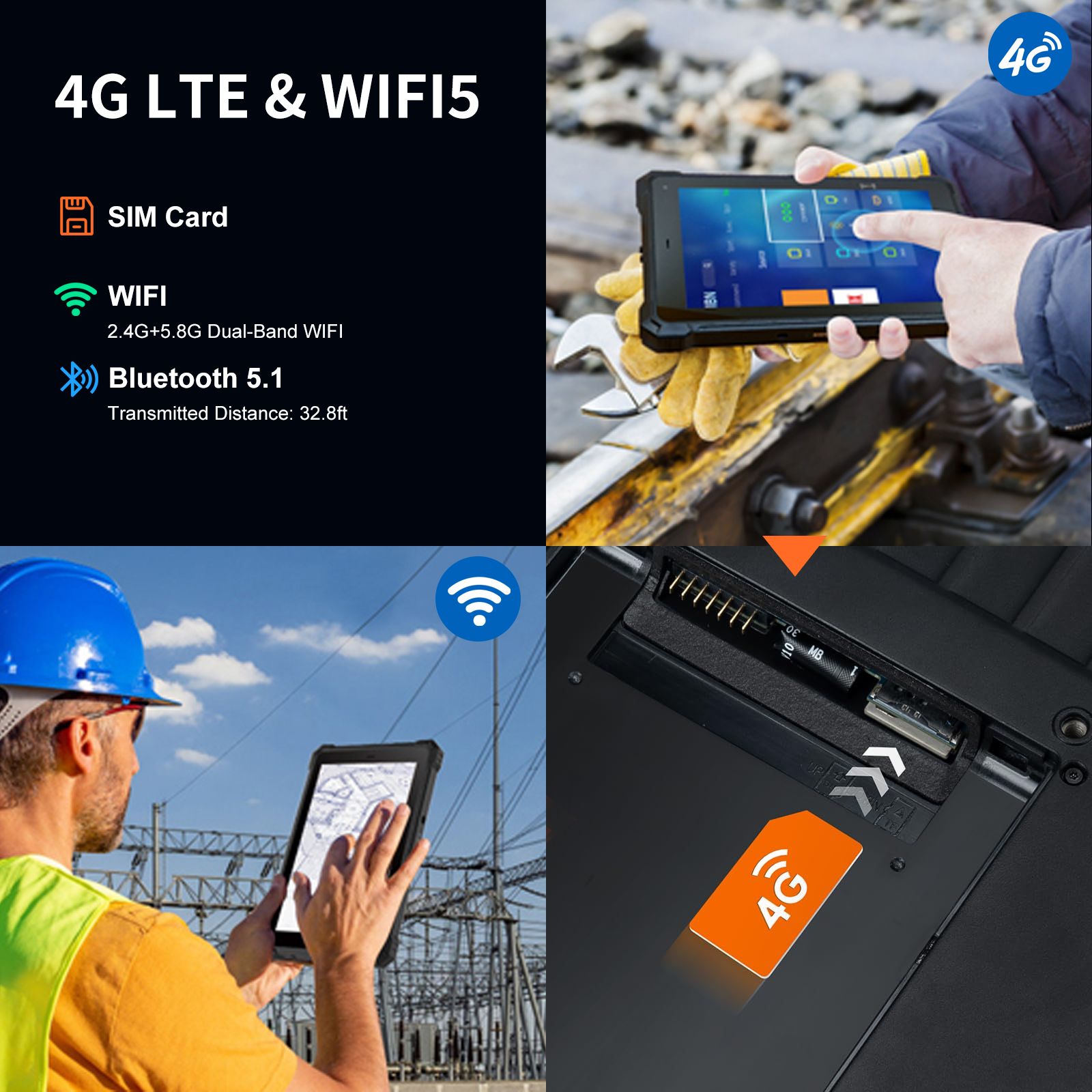
Staying connected outdoors is essential for field work, and rugged tablets are built for it:| Feature | What It Provides |
|---|---|
| Wi-Fi 5 (dual-band) | Faster, more stable wireless throughput |
| 4G LTE (multi-band) | Mobile connectivity in areas without Wi-Fi |
| Bluetooth 5.2 | Low-energy peripheral and accessory pairing |
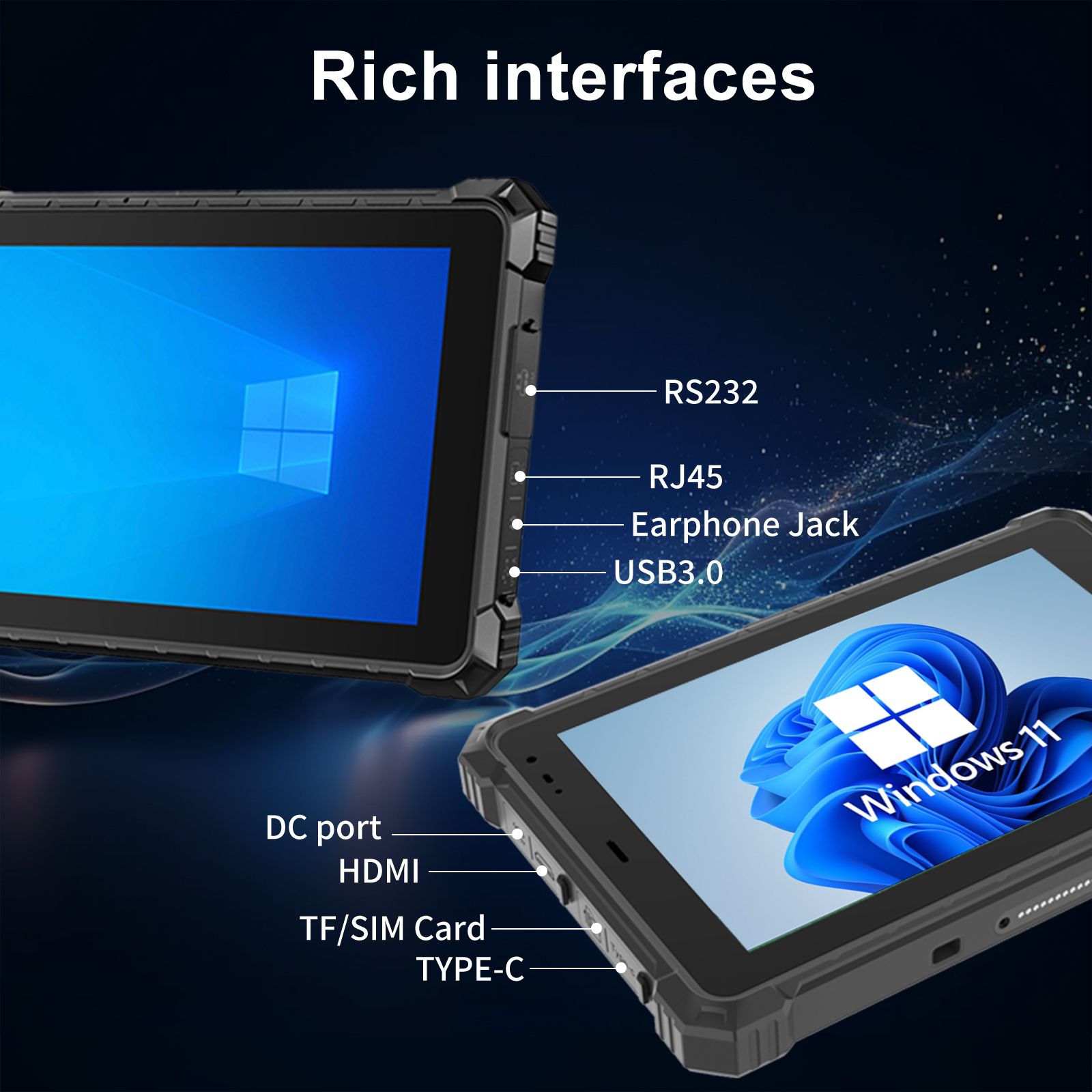
| USB Type-C | Fast charging and data transfer |
Buying tip: Confirm 4G band compatibility for your specific region before ordering, and ask CENAVA about custom connectivity modules if your deployment needs something beyond standard 4G/Wi-Fi.
5. Lower Total Cost of Ownership
Rugged tablets cost more upfront, but the calculation changes over the device's lifespan:
Durability reduces damage-related replacements from drops, dust, and water exposure.
Long battery life reduces downtime and lost productivity during shifts.
Customization avoids paying for a second device to add scanning, GPS, or biometric capability.
A consumer tablet deployed in a warehouse or construction site often fails within months and needs repeated replacement; a rugged tablet built to IP68/MIL-STD-810H standards is designed for a multi-year field lifespan, which typically lowers total cost of ownership despite the higher purchase price.
6. Industry-Specific Applications
Manufacturing — inventory management, production-line checks, and real-time record updates
Public Safety — mapping, communication, and incident data capture in the field
Logistics — real-time delivery tracking, scheduling, and inventory updates
Field Service — remote inspections and service documentation with barcode/NFC scanning
Disadvantages of Rugged Tablet PCs
1. Higher Initial Cost
Rugged tablets cost more upfront than consumer tablets — the reinforced housing, certified components, and industrial-grade internals raise the purchase price. For small businesses or one-off projects, this is a real budget consideration, even though the total cost of ownership often favors the rugged device over a multi-year deployment.2. Weight and Bulkiness
The same reinforced housing that provides durability adds weight. CENAVA's A10ST weighs roughly 1,130g bare — noticeably heavier than a consumer tablet like an iPad Air. For teams carrying the device all day rather than mounting it, this is a genuine trade-off against consumer-grade portability.3. Usability and Training Requirements
Rugged tablets aren't always identical to the consumer devices your team already knows. CENAVA's Android-based models (A10ST, A109T) run standard Android, which minimizes the learning curve for teams already familiar with Android phones or tablets; Windows-based models (W109U) suit teams standardized on Windows software instead. Either way, budget a short onboarding period, particularly if optional modules like barcode scanning or biometric login are part of the deployment.4. Limited Leisure Features
Rugged tablets are built for work, not entertainment. Screens prioritize outdoor sunlight readability over color accuracy for video, cameras are functional rather than flagship-grade, and app support centers on productivity and field-data software rather than consumer app stores. If your use case genuinely needs both rugged fieldwork and consumer media use, running a rugged tablet alongside a separate consumer device is usually more practical than expecting one device to do both well.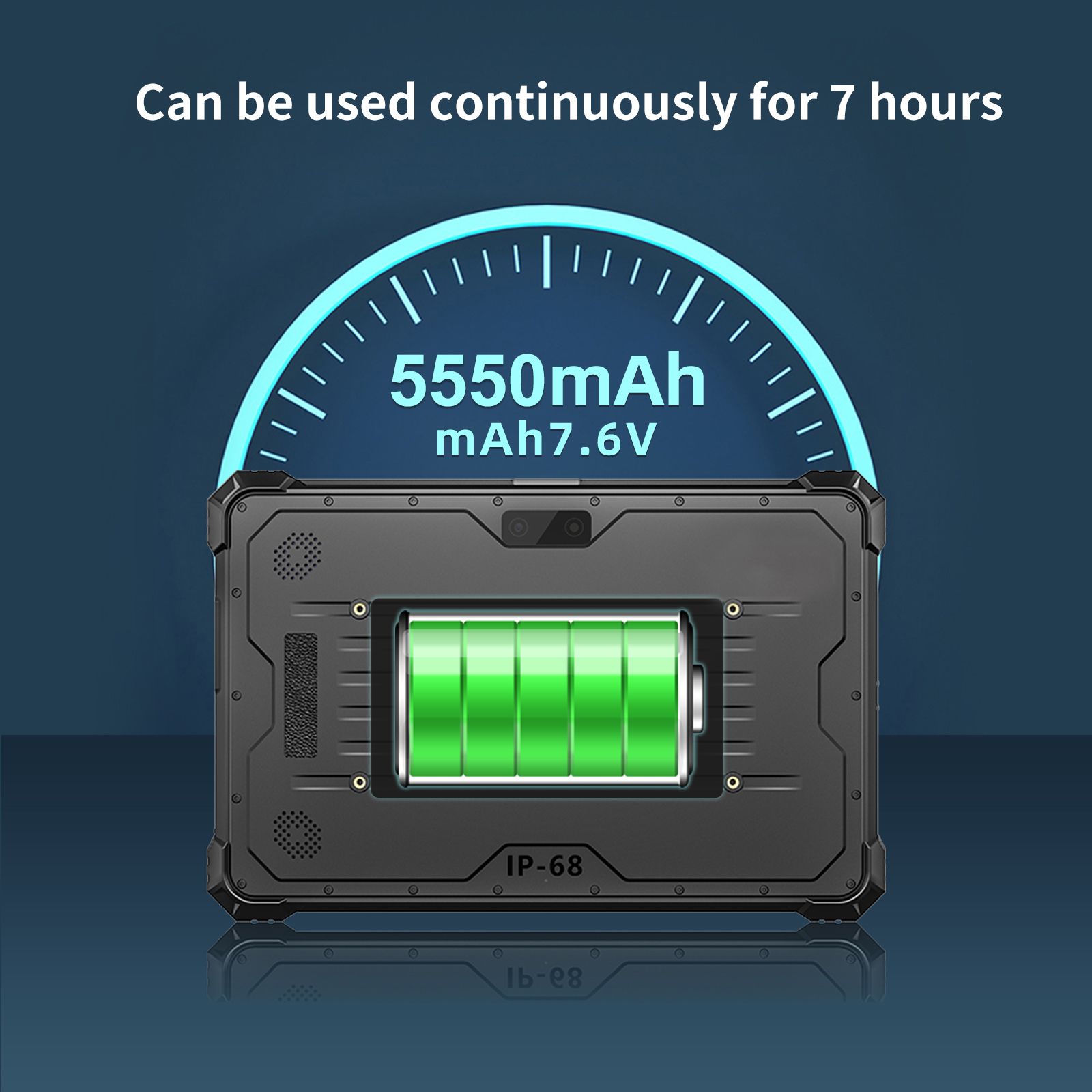
Comparison Summary: Rugged vs Consumer Tablets
| Feature | Rugged Tablets | Consumer Tablets |
|---|---|---|
| Durability | IP67/IP68, MIL-STD-810H certified | Not certified |
| Portability | Moderate (heavier, reinforced housing) | High |
| Cost | Higher upfront | Lower upfront |
| Battery Life | Extended (10–18h+ depending on model) | Standard |
| Lifespan | 3–5+ years in field conditions | 1–3 years |
| Customization | High — OEM/ODM modules available | Low |
CENAVA Rugged Tablet Models at a Glance
| Model | OS | Battery | Protection | Best For |
|---|---|---|---|---|
| A10ST | Android 13 | 10,000mAh, ≥10h (sealed) | IP68, MIL-STD-810H | Multi-role fieldwork needing biometric/RFID modules or optional RTK GPS |
| A109T | Android 14 | 20,000mAh, 16–18h (sealed) | IP68 | Long shifts prioritizing the lightest, longest-lasting unit (1,080g) |
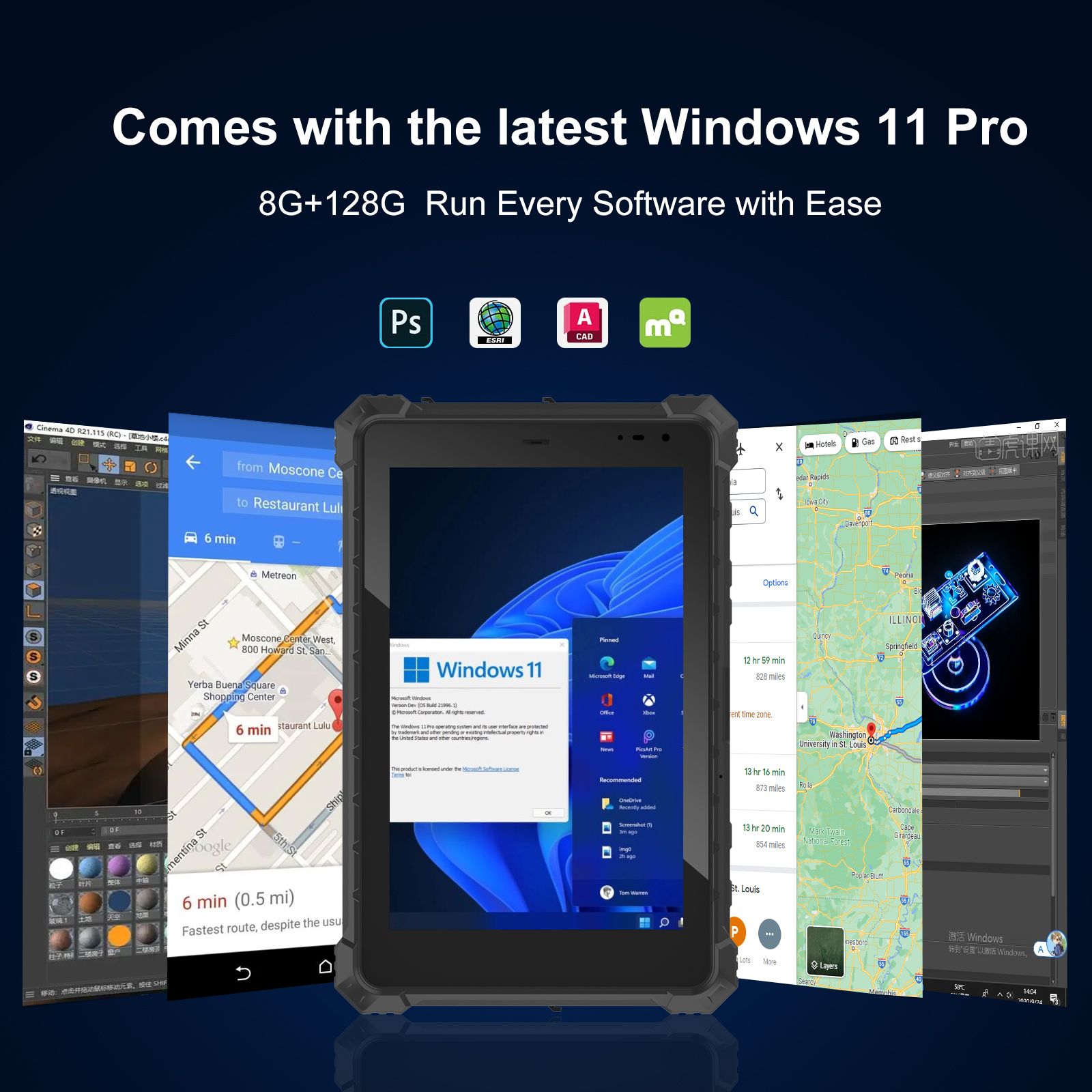
| W109U | Windows 10/11 | 8,300mAh removable + 300mAh backup | IP67 | Teams needing Windows software or a field-swappable battery |
Buying Advice: How to Choose the Right Rugged Tablet
Assess the work environment. If your team operates in extreme temperatures, dusty areas, or wet conditions, prioritize IP68-rated devices with MIL-STD-810H drop certification, such as the A10ST.Consider required features. Decide whether your application needs barcode scanning, multi-GNSS GPS (or RTK-level accuracy), sunlight-readable screens, or glove-compatible touch — then confirm these as configuration options with your supplier.Evaluate long-term ROI. Rugged tablets cost more upfront, but their durability typically reduces total cost of ownership by minimizing repairs and replacements over a multi-year deployment.Choose a manufacturer with a track record. Look for vendors offering documented certification, OEM customization, and after-sales support — CENAVA has done this for 18 years across 700+ enterprise clients worldwide.Match your IT ecosystem. Confirm compatibility with your existing software — Windows-based ERP systems point toward the W109U, while Android-based field apps point toward the A10ST or A109T.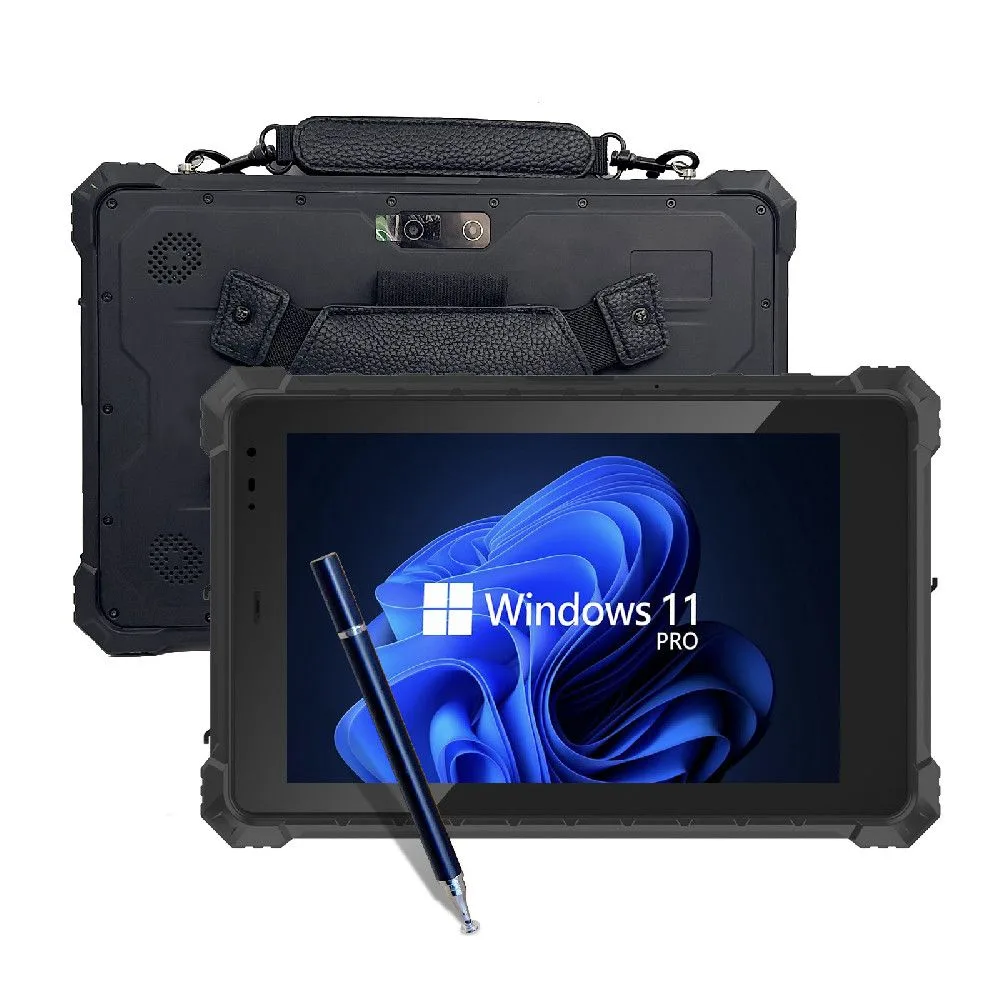
Frequently Asked Questions
1. Are rugged tablets worth the extra cost compared to consumer tablets?For fieldwork in harsh conditions, yes — a rugged tablet's 3–5+ year field lifespan and reduced repair/replacement rate typically lowers total cost of ownership compared to repeatedly replacing a consumer tablet that fails within months in the same environment.
2. Do CENAVA's rugged tablets have removable batteries?
Only the Windows-based W109U has a field-removable battery (8,300mAh); the Android-based A10ST and A109T use sealed batteries (10,000mAh and 20,000mAh respectively) built for long single-shift runtime instead of mid-shift swapping.
3. How much heavier is a rugged tablet than a consumer tablet?
CENAVA's A10ST weighs approximately 1,130g bare, compared to roughly 460g for a consumer tablet like an iPad Air — the added weight comes from the reinforced housing and internal shock-absorbing mounts that provide the durability rating.
4. Will my team need training to use a rugged tablet?
Minimal training is typically needed for CENAVA's Android-based models (A10ST, A109T) since they run standard Android familiar to most users; teams should budget slightly more onboarding time if optional modules like barcode scanning or biometric login are part of the deployment.
5. Can a rugged tablet be customized for my specific industry?
Yes — as an OEM/ODM manufacturer, CENAVA configures barcode scanning, NFC, UHF RFID, biometric fingerprint, and RTK GPS modules to match specific project requirements; contact CENAVA sales to discuss your configuration.
6. What's the difference between IP67 and IP68 protection?
IP68 (CENAVA's A10ST and A109T) provides a higher tested level of continuous water immersion resistance than IP67 (the W109U); both protect fully against dust, but IP68 gives extra margin for prolonged water exposure.
7. Are rugged tablets good for watching videos or general entertainment use?
Not primarily — rugged tablet displays and speakers are optimized for outdoor sunlight readability and clear audio in noisy environments rather than color-accurate video or media playback, so a rugged tablet is best treated as a dedicated work device rather than a dual-purpose entertainment tablet.
Conclusion
Rugged tablet PCs trade higher upfront cost and added weight for certified durability, extended battery life, and multi-year field reliability that consumer tablets can't match in harsh environments. Whether you need the A10ST's biometric and RTK-capable configuration, the A109T's extended 16–18 hour runtime, or the W109U's field-swappable battery and Windows compatibility, CENAVA's 18 years of MIL-STD-810H/IP68-certified manufacturing back every configuration with full OEM/ODM support.Need a Rugged Device for Your Project?
Tell us your operating environment and requirements — our engineers will recommend a configuration and quote within 24 hours.
Get a Free Quote Back to Blog