-1.jpg)












.jpg)











How to Find a UPC Number with a Rugged PDA
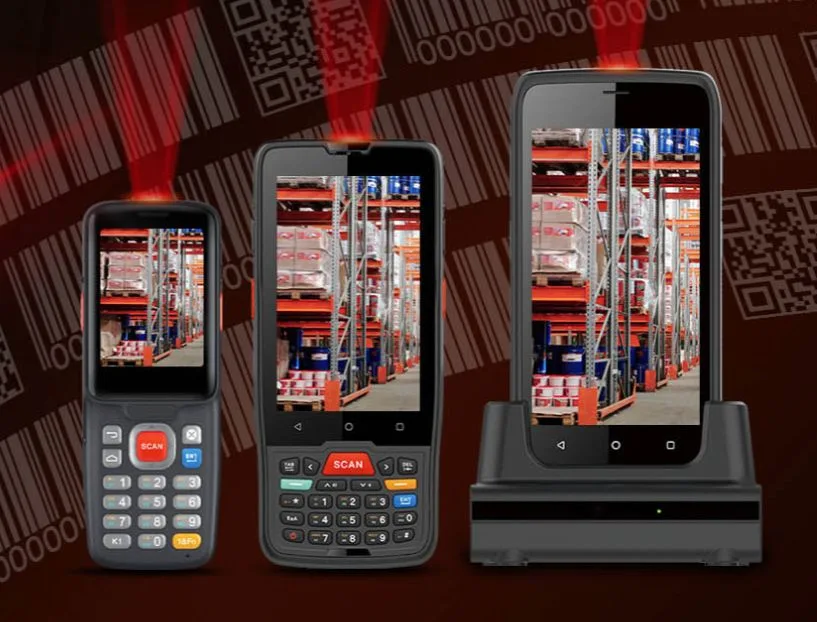
A rugged PDA with a built-in scan engine reads a UPC code in under a second — no tethered scanner, no pairing, no camera-app gymnastics. Point, pull the trigger, and the 12-digit number appears on screen with the product record already pulled up.
1. Wake the W65G and launch the scan app (it boots from cold in about 12 seconds).
2. Hold the device 10–20 cm from the label — the engine auto-focuses, so you don't need to steady your hand like you would with a phone camera. Pull the side trigger.
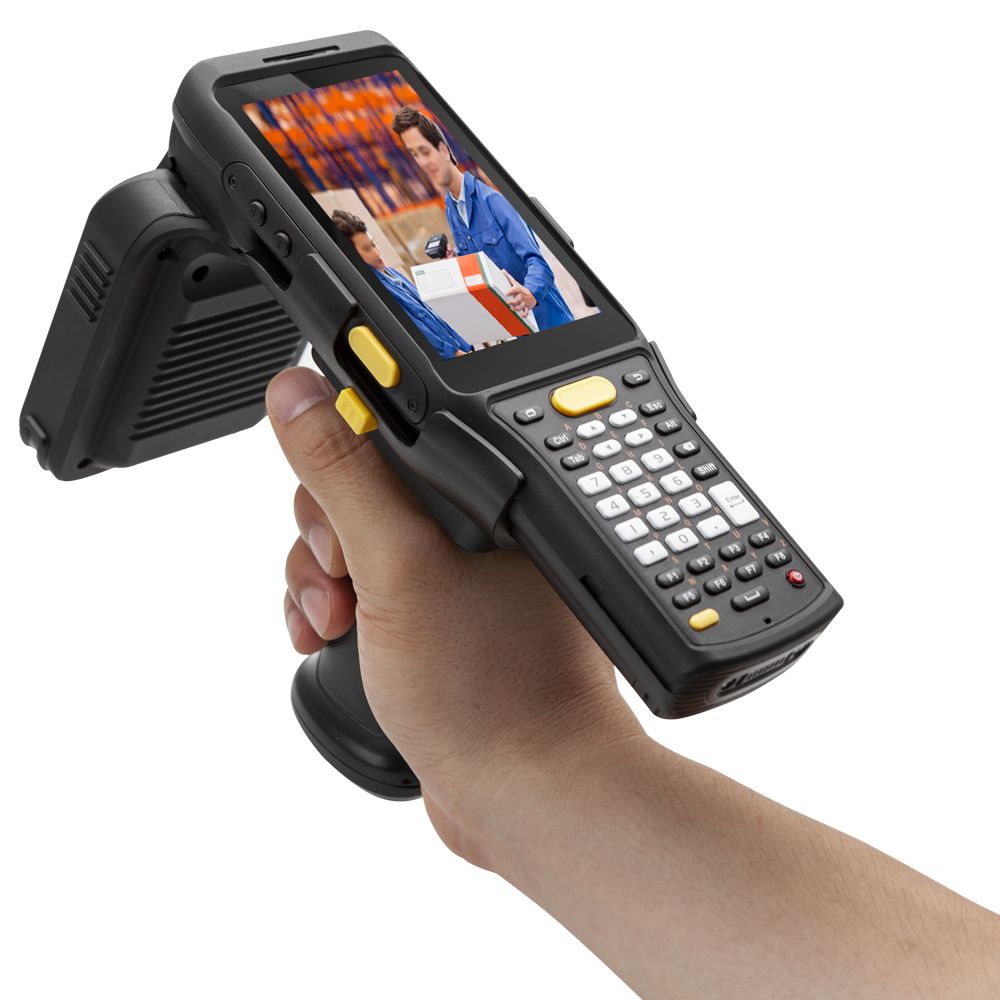 This guide covers what a UPC code actually is, how it differs from a SKU, where to find one, and exactly how to scan and look one up using a rugged PDA like CENAVA's W65G.
What Is a UPC Code?
A UPC (Universal Product Code) is a 12-digit barcode standard used to identify retail products globally.Every UPC is unique to one product. That uniqueness is why the same box of screws scans identically at a hardware store in Houston and a distributor in Hamburg.UPC structure, left to right:Manufacturer identification number — identifies the company that owns the product
Item number — identifies the specific product
Check digit — a single digit used to verify the scan was read correctly
UPC vs SKU: What's the Difference?
Retailers commonly use both codes together, but they serve different purposes.| Feature | UPC | SKU |
|---|---|---|
| Meaning | Universal Product Code | Stock Keeping Unit |
| Who uses it | Standardized across all stores and suppliers | Defined internally by one store or company |
| Format | 12 digits, numbers only | Alphanumeric (letters + numbers) |
| Purpose | Identifies a product globally | Tracks stock inside one business's system |
| Example | 012345678905 | SH1234BLK |
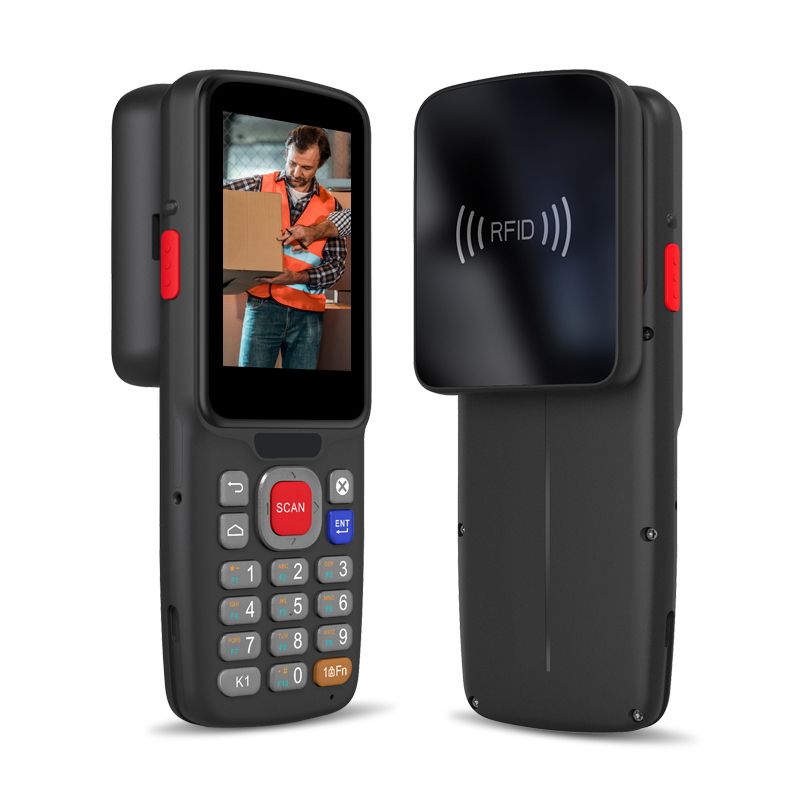
How to Find a UPC Code
1. On the product itself — Look for a black-and-white barcode, usually on the back or bottom of the package, with a row of 12 digits printed underneath it.2. Through an online retailer lookup — Search Walmart, Amazon, or Target's site by typing the UPC into the search bar to pull up matching product listings.3. By scanning it — Point a barcode scanner or rugged PDA at the code and press the scan button; the device reads the UPC and displays the product data instantly.Scanning a UPC Code with a Rugged PDA: Step-by-Step
Power on the PDA and open the barcode scanner app.
Aim the built-in scanner at the barcode, holding the device steady 10–20cm from the label.
Press the scan trigger. The scan engine reads the code and displays the UPC and product details on screen.
Save, send, or update the record — most rugged PDAs sync scanned data to a warehouse or inventory system in real time.
Move to the next item and repeat — no paper lists or manual data entry required.
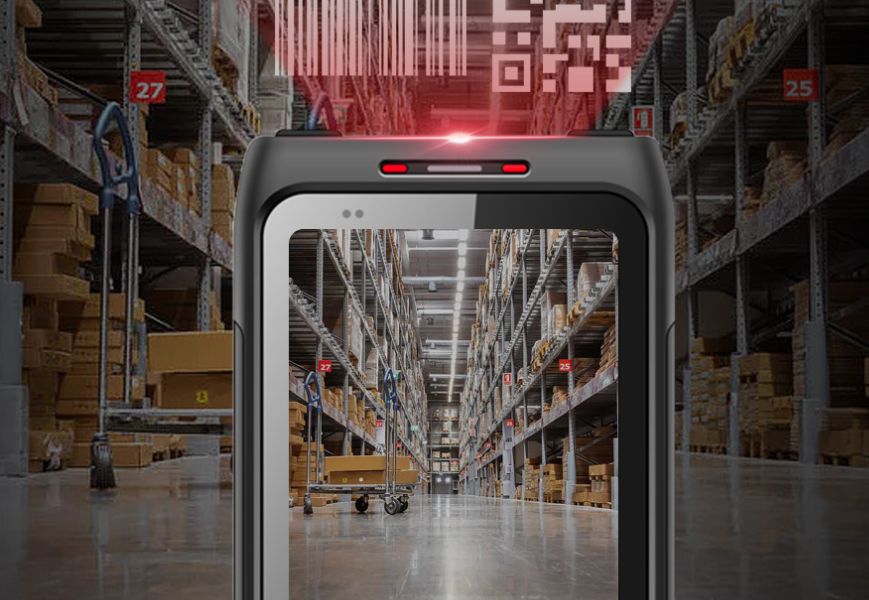
Why a Rugged PDA Beats a Phone Camera for Barcode Scanning
Dedicated scan engine — reads damaged, dirty, or poorly lit barcodes that a phone camera app struggles with
Drop, dust, and water resistance — rated IP67 or higher and tested to MIL-STD-810H, so a warehouse drop doesn't end the shift
All-day connectivity — Wi-Fi, Bluetooth, and 4G keep scans syncing to your systems without walking back to a fixed terminal
Built for repetition — designed for hundreds of scans per shift, not occasional personal use
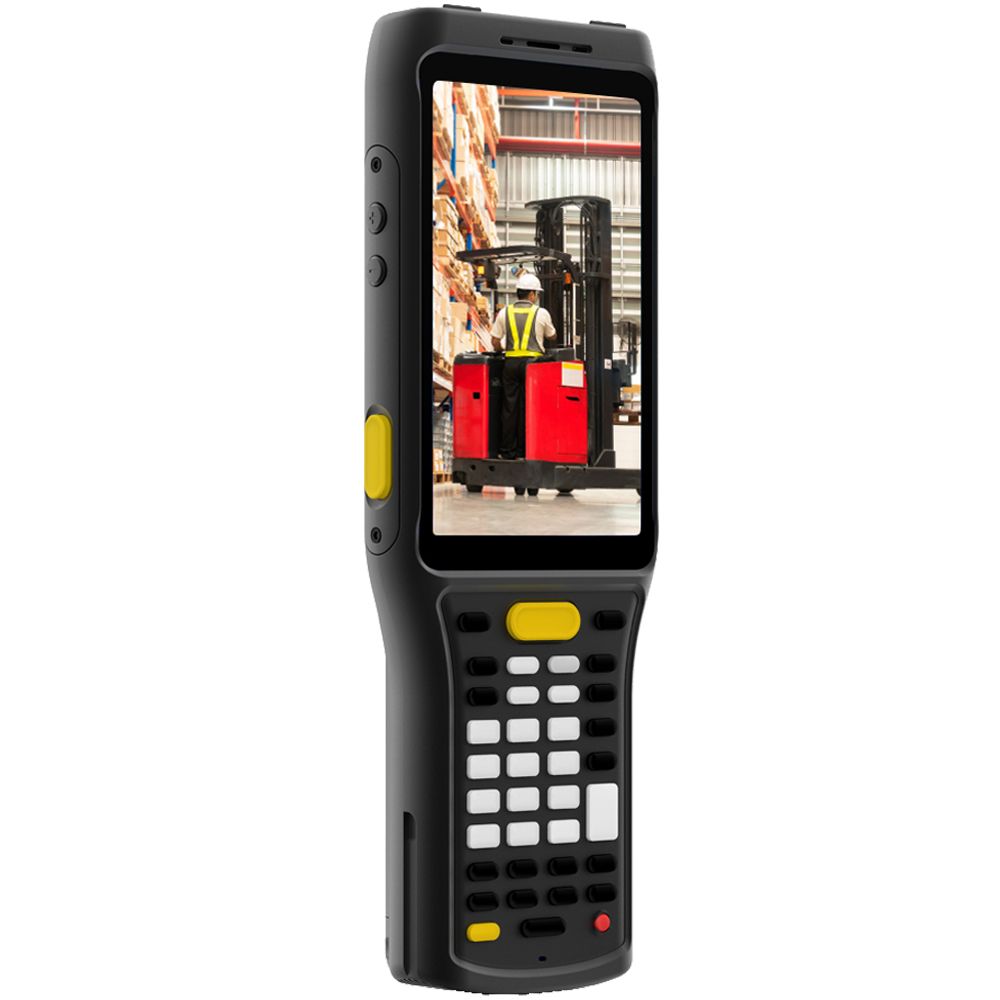
CENAVA Rugged Handhelds for UPC & Barcode Scanning
W65G — 6.5" Rugged Windows Handheld PDA (Recommended for Dedicated Scanning)
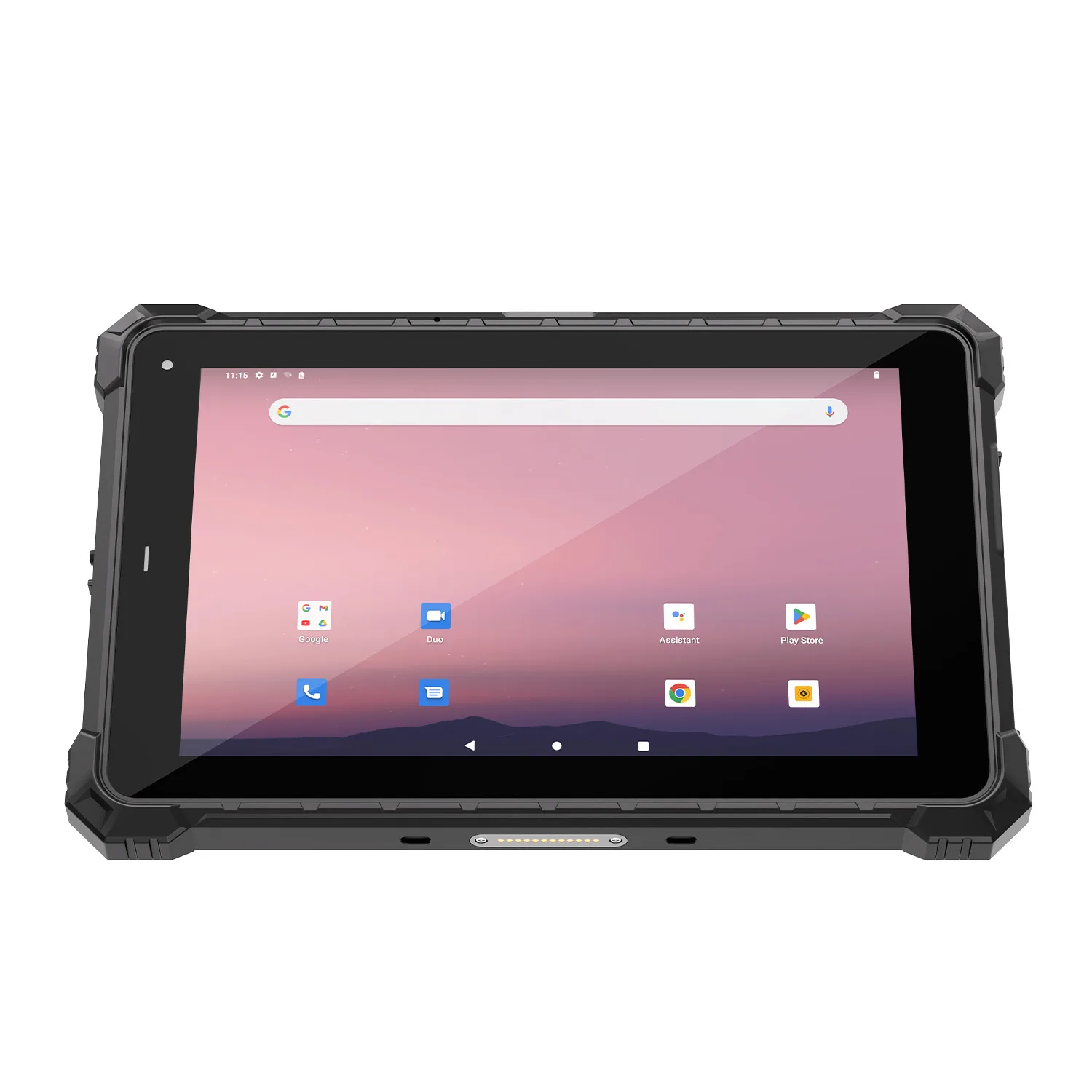
The W65G is CENAVA's current rugged handheld PDA, built with an optional dedicated 2D scanning module for high-volume barcode work.OS: Windows 10 or Windows 11 (factory-configured); Intel Celeron N4020, dual-core up to 2.8 GHz
Storage: 8GB+128GB
Display: 6.5" IPS, Corning Gorilla Glass, 5-point touch
Scanning: Optional 2D barcode scanner module, tuned to read damaged/stained codes
Battery: Removable 7.4V/4000mAh (~6 hours at 50% screen brightness, continuous scanning (1 scan every 3 seconds))
Positioning: Built-in GPS, BeiDou, GLONASS, Galileo
Protection: IP67, MIL-STD-810H certified, -20°C to 60°C
Connectivity: 4G, NFC, Type-C
Weight: 470g
A55GT — 6.5" 5G Android Rugged Handheld (Alternative for Android/5G Workflows)
The A55GT is CENAVA's Android-based rugged handheld, suited to teams standardized on Android apps or needing full 5G connectivity.OS: Android 11, MediaTek MT6833 5G octa-core CPU
Storage: 8GB+128GB
Display: 6.5" HD+, Corning Gorilla Glass
Connectivity: 5G (compatible with 4G/3G/2G), NFC (ID card recognition), fingerprint and face unlock
Battery: Built-in 3.85V/4000mAh, Type-C charging
Protection: IP68 rated
Weight: 220g
Note: barcode scanning on the A55GT depends on the specific module configuration — confirm 2D scan module availability with CENAVA sales if that's a hard requirement for your workflow.Comparison Table: Choosing Between W65G and A55GT
| Factor | W65G | A55GT |
|---|---|---|
| OS | Windows 10/11 | Android 11 |
| Connectivity | 4G, Wi-Fi, Bluetooth | 5G, 4G/3G/2G, Wi-Fi, Bluetooth |
| Barcode scanning | Optional dedicated 2D scan module | Confirm module availability with sales |
| Battery | Removable 4000mAh (~6h, swappable) | Built-in 4000mAh |
| Protection | IP67, MIL-STD-810H | IP68 |
| Weight | 470g | 220g (lighter, phone-style form factor) |
| Best for | Dedicated barcode/UPC scanning workflows, Windows-based inventory software | Teams needing 5G speed and a lighter, phone-style device |
Frequently Asked Questions
1. What is the main purpose of a UPC code?A UPC is a single product's global ID. Because every code is unique, a warehouse in Shenzhen and a retail store in Chicago can both scan the same item and get the same data — no manual reconciliation needed.2. Can I scan a UPC code with my phone?
Yes — a barcode-scanning app can use your phone's camera to read most UPC codes, but accuracy drops on damaged labels, in low light, or with fast repeated scanning, which is where a dedicated rugged PDA scan engine performs more reliably.
3. Why choose a rugged PDA over a phone for barcode scanning at work?
A rugged PDA is built to survive drops, dust, and moisture with certifications like IP67 and MIL-STD-810H, and its dedicated scan engine reads barcodes faster and more accurately than a phone camera during high-volume, all-day scanning.
4. How do I find a UPC code on a product?
Flip the package over. The UPC is the 12-digit string below the barcode — usually on the back panel, sometimes on the bottom if the box is small. If the label is torn, check the inside flap; many manufacturers print a backup code there.
5. What's the difference between scanning a UPC and looking one up online?Scanning with a PDA reads the code directly off the physical product in under a second; an online lookup (via a retailer's website search) is useful when you have the number but not the item in hand.
6. Does the W65G come with a barcode scanner built in?
The 2D barcode scanning module on the W65G is an optional configuration rather than a standard fitting, so confirm this when requesting a quote if scanning is a core requirement.
7. How long does the W65G's battery last during a scanning shift?
The W65G's removable 4000mAh battery runs about 6 hours per charge and can be swapped in seconds, which suits continuous multi-shift scanning better than waiting for a sealed battery to recharge.
8. Can CENAVA customize a rugged PDA for a specific scanning workflow?
Yes — as an OEM/ODM manufacturer, CENAVA can configure the scan module, storage, and connectivity on the W65G or A55GT to match your inventory system; contact CENAVA sales for configuration and lead-time details.
Conclusion
If you are still using phone cameras to scan inventory, you are losing time on every label — and losing entire devices when they hit the warehouse floor. A rugged PDA is not a luxury for high-volume operations; it is the point where the cost of a dropped phone exceeds the cost of the right tool.
For Windows-based warehouse software, the W65G with its optional 2D scan module is the straightforward choice. For teams already on Android and needing 5G speed, the A55GT is the lighter alternative. Both are in stock for sample evaluation — request a unit and test it against your dirtiest, most creased barcode. If the engine does not read it on the first pull, send it back.
Need a Rugged Device for Your Project?
Tell us your operating environment and requirements — our engineers will recommend a configuration and quote within 24 hours.
Get a Free Quote Back to Blog