A consumer tablet costs around $300. A rugged tablet costs two to three times that. So why do logistics companies, utilities and field-service fleets keep paying the difference?
Because the purchase price is the smallest line in the budget. In a three-year deployment, the device that actually costs more is usually the cheaper one — once you add failure replacements, the hours your crew spends standing still when a screen dies, and the IT time burned re-imaging replacements. That full picture is what Total Cost of Ownership (TCO) measures: everything a tablet costs you from the day it is unboxed to the day it is retired.
This guide breaks the cost into five sources, shows you how to build a TCO model with your own numbers, and works through one complete example — a 20-device field deployment — so you can see the arithmetic, not just the concept.
Where Do the Main Rugged Tablet TCO Costs Come From?
1. Hardware, Accessories, and Deployment Costs
The initial hardware cost is usually the easiest expense to calculate, but the full deployment cost may also include docking stations, vehicle mounts, chargers, batteries, scanning modules, and other industry-specific accessories.
If a project requires specific communication, data collection, or industrial interfaces, the costs of these modules and configurations should also be included in the TCO.
When purchasing, businesses should choose configurations based on actual workflows rather than simply selecting the highest specifications. The right configuration can help avoid paying extra for unnecessary features.
2. Repairs, Downtime, and Productivity Losses
This is where cheap devices get expensive. The repair invoice is the small part; the downtime is the big one. Use this formula for your own operation:
Downtime cost per failure = affected workers × loaded hourly wage × hours lost + expedited replacement shipping (+ any SLA penalty for delayed jobs)
A warehouse example: one scanning tablet dies mid-shift. One picker drops to half speed for 4 hours — that is roughly 2 labor-hours lost, at a loaded wage of $20–30/hour . Call it $80 er incident, before the repair itself. If the device fails twice a year, that is $160 er device per year that never appears on any purchase order.
Now multiply by failure rate. Consumer-grade tablets used in industrial settings are commonly reported to fail at several times the rate of purpose-built rugged devices . Over a three-year deployment, the downtime line alone often exceeds the price gap between a consumer device and a rugged one.
3. IT Support and Device Management
Once rugged tablets are integrated into an enterprise system, they also generate ongoing IT management costs.
These tasks may include:
● Initial device configuration
● Application installation
● MDM registration and management
● System updates
● Troubleshooting
● Data migration
● Device redeployment
If devices need to be frequently replaced or reconfigured, IT teams will need to spend more time on device management.
Count the labor honestly: a full device setup — imaging, app install, MDM enrollment, Wi-Fi and VPN profile — takes a technician 45 minutes er unit when done manually. On a 100-device rollout that is 75hours before the fleet handles a single work order. Devices that arrive pre-enrolled, or that stay stable for years without re-imaging, remove most of that line.
4. Software, Connectivity, and Functional Modules
Depending on the application, rugged tablets may require MDM, enterprise applications, security software, and communication services. Some projects may also require 4G/5G, GNSS, barcode scanning, RFID, NFC, RS232, or Ethernet connectivity.
These configurations can increase the initial purchase cost, but if they directly support business workflows, they may reduce the need for additional devices or external hardware.
Therefore, TCO should not simply focus on the lowest configuration. Instead, businesses should consider the overall cost of meeting their actual business requirements.
5. Device Upgrades and Lifecycle Costs
The service life of a rugged tablet is also an important part of TCO. Upgrading devices involves more than purchasing new hardware. It may also generate costs related to data migration, application reconfiguration, employee training, device deployment, and end-of-life disposal.
Therefore, businesses should consider the expected service life, hardware reliability, system support, battery maintenance, and long-term technical support when purchasing rugged tablets.
Actual service life varies depending on the device model, working environment, usage intensity, and maintenance practices, so it should be evaluated based on the specific project.
Worked Example: 20 Field Tablets Over Three Years
All figures below are illustrative planning values to demonstrate the arithmetic. They are not quotes, not measured results, and not a promised saving. Substitute your own numbers.
A field-service company equips 20 technicians. Two options on the table: a consumer tablet in a "rugged" case at 700.
Year 0 — purchase and deployment
Consumer route: 20 × $300 = $6,000. Cases $40 each = $800. Manual setup 90 min/unit × 20 = 30 technician-hours.
Rugged route: 20 × $700 = $14,000.
Years 1–3 — failures and downtime
Assume the consumer units fail at 15% per year and the rugged units at 4% per year. Over three years: ~9 consumer failures vs ~2 rugged failures. Each failure costs the repair/replacement plus the downtime formula from Section 2 — say $100 downtime + $350 replacement for consumer units (no long-term parts availability), vs $100 downtime + covered repair for rugged units depends on warranty terms — verify.
Consumer: 9 × $450 ≈ **$4,050**. Rugged: 2 × $100 ≈ $200.
How to Build Your Own Rugged Tablet TCO Model
A practical TCO model can be built using the following steps:
1. Determine the lifecycle. Based on the company's device replacement plan, choose a calculation period of 3, 5, or 7 years.
2. Calculate the initial investment. Include the tablet, accessories, functional modules, and deployment costs.
3. Calculate operating costs. Include repairs, spare parts, batteries, software, and device management expenses.
4. Calculate downtime costs. Estimate the cost of one hour of downtime based on labor costs and the actual impact on business operations.
5. Calculate upgrade costs. Include data migration, redeployment, employee training, and device disposal expenses.
Finally, the result can be converted into TCO per device per year, making it easier to compare different rugged tablet solutions and different purchasing volumes.
How to Control Rugged Tablet TCO Through Device Selection
Reducing TCO does not mean choosing the lowest-priced device, nor does it mean selecting the highest specifications. The key is to match device performance with actual application requirements.
When evaluating rugged tablets, businesses should pay attention to:
● IP rating and environmental durability
● MIL-STD-810H or relevant drop and vibration testing
● Battery capacity and replaceability
● Wi-Fi, 4G/5G, Bluetooth, and GNSS
● USB, RS232, Ethernet, and other industrial interfaces
● Barcode scanning, RFID, NFC, and other data collection functions
● High-brightness displays and glove/wet-touch support
● Android or Windows operating systems
● Compatibility with MDM and enterprise security systems
● Hardware customization and long-term technical support
By selecting the right configuration based on the actual working environment and business workflow, businesses can meet performance requirements while better controlling costs throughout the device lifecycle.
Where CENAVA fits in this arithmetic
The TCO lines we can actually move: devices ship MDM-pre-enrolled with your APKs loaded, so the setup line in your model drops toward zero; batteries are replaceable, so year-3 battery wear is a maintenance item instead of a replacement event; and we publish our long-term supply commitment 3 Years. so your model does not need a "forced re-purchase" line in year 3.
Tell us your fleet size, your replacement cycle, and the hourly cost of a stalled worker in your operation — we will help you build the comparison with your numbers, not ours.
Conclusion
The purchase price is the only cost that appears on a quote — which is exactly why it misleads. Failures, downtime and IT hours decide what a fleet actually costs, and they only show up if you build the model.
The worked example above is a template, not an answer. Take your own wage rate, your own failure history, and your own replacement cycle, and run the arithmetic. If the rugged option does not win on your numbers, do not buy it.
If you want a second pair of eyes on the model: send us your fleet size, replacement cycle, and the hourly cost of a stalled worker. We will come back with a configuration and the numbers to defend it.


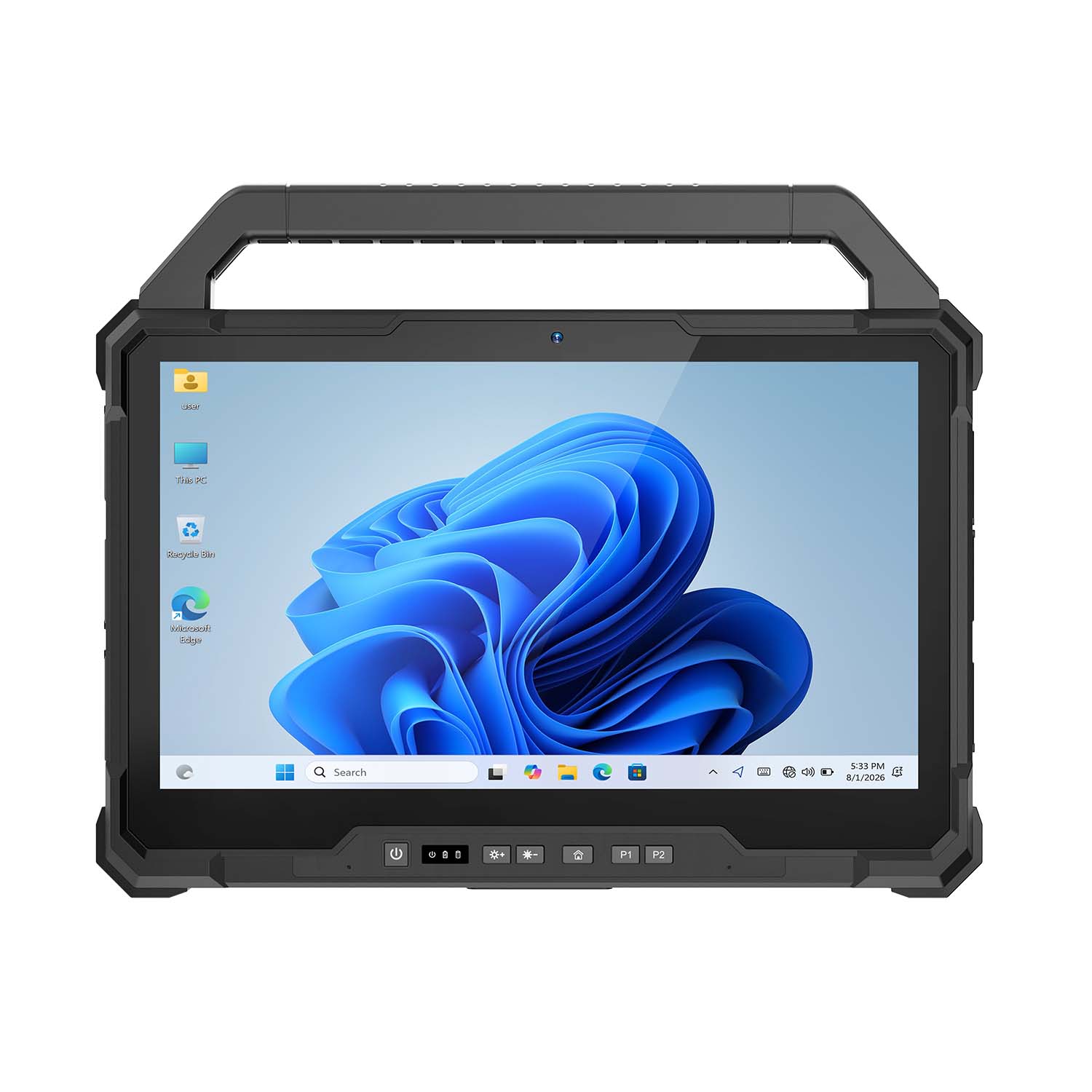 CENAVA W30U i5-1235U 13.3 Inch Win11 IP65 Rugged Tablet
 CENAVA W109U i7-1255U 10.95 Inch Win11 IP67 Rugged Tablet
 CENAVA A109TB MT6789V 10.95 Inch Android 14 IP68 Rugged Tablet
 CENAVA W10Y i7-10510Y 10.1 Inch Win11 IP68 Rugged Tablet Full I/O
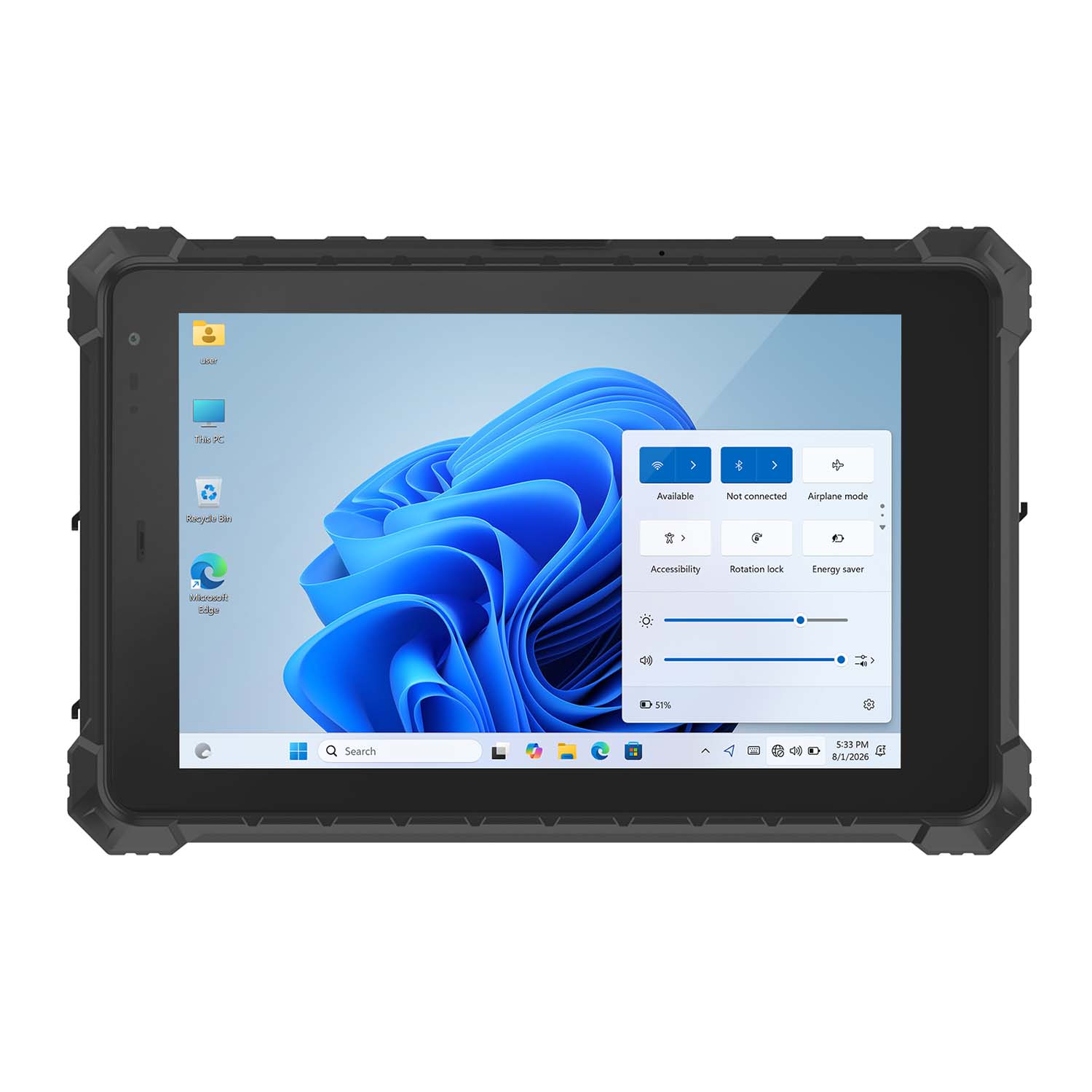 CENAVA W10N N5100 10.1 Inch Win11 IP68 Rugged Tablet Full I/O
 CENAVA A10RX RK3588 10.1 Inch Android 12 IP67 Rugged Tablet
 CENAVA A10ST MT8781 10.1 Inch Android 13 IP68 Rugged Tablet
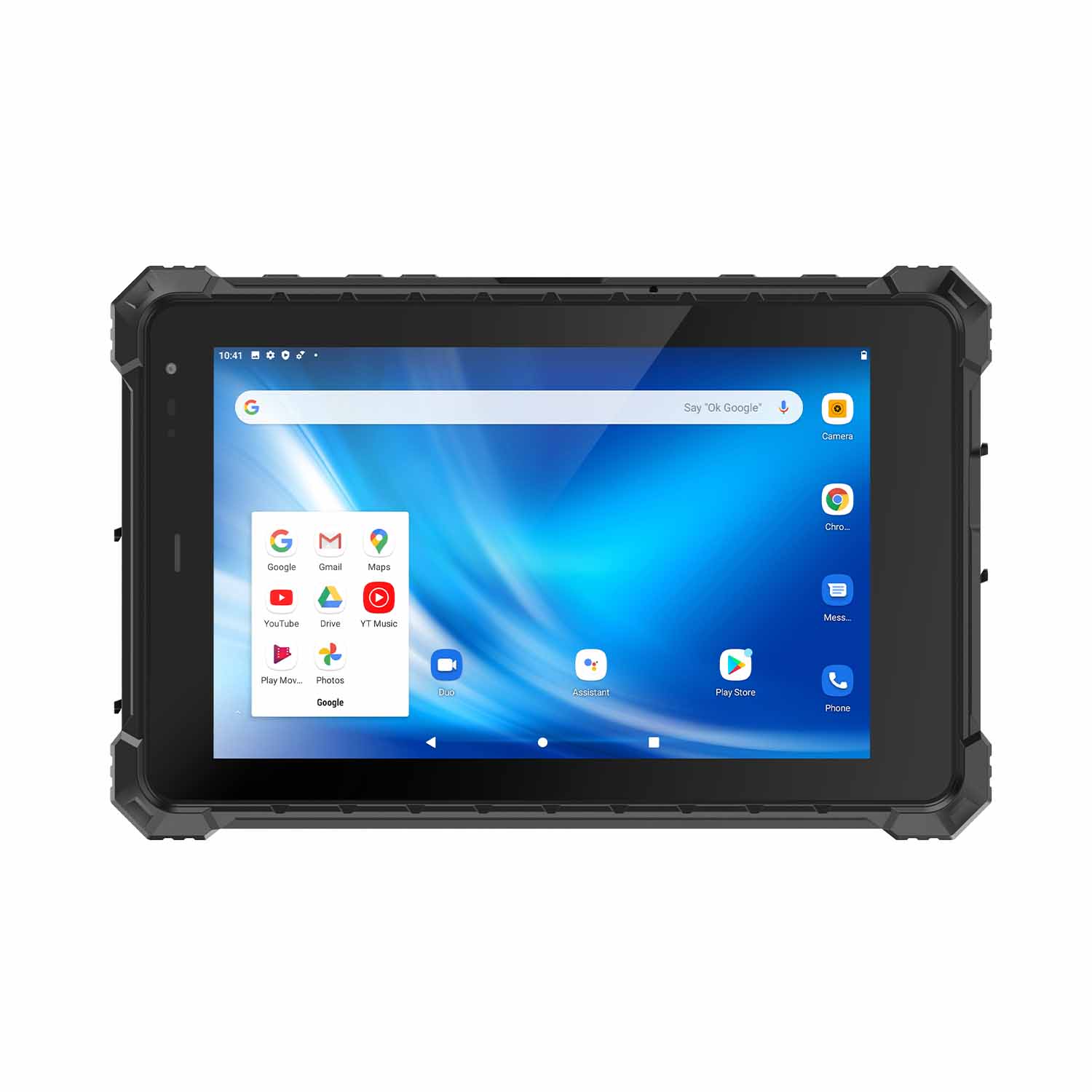 CENAVA A80ST MT6771 8 Inch Android 10 IP68 Rugged Tablet
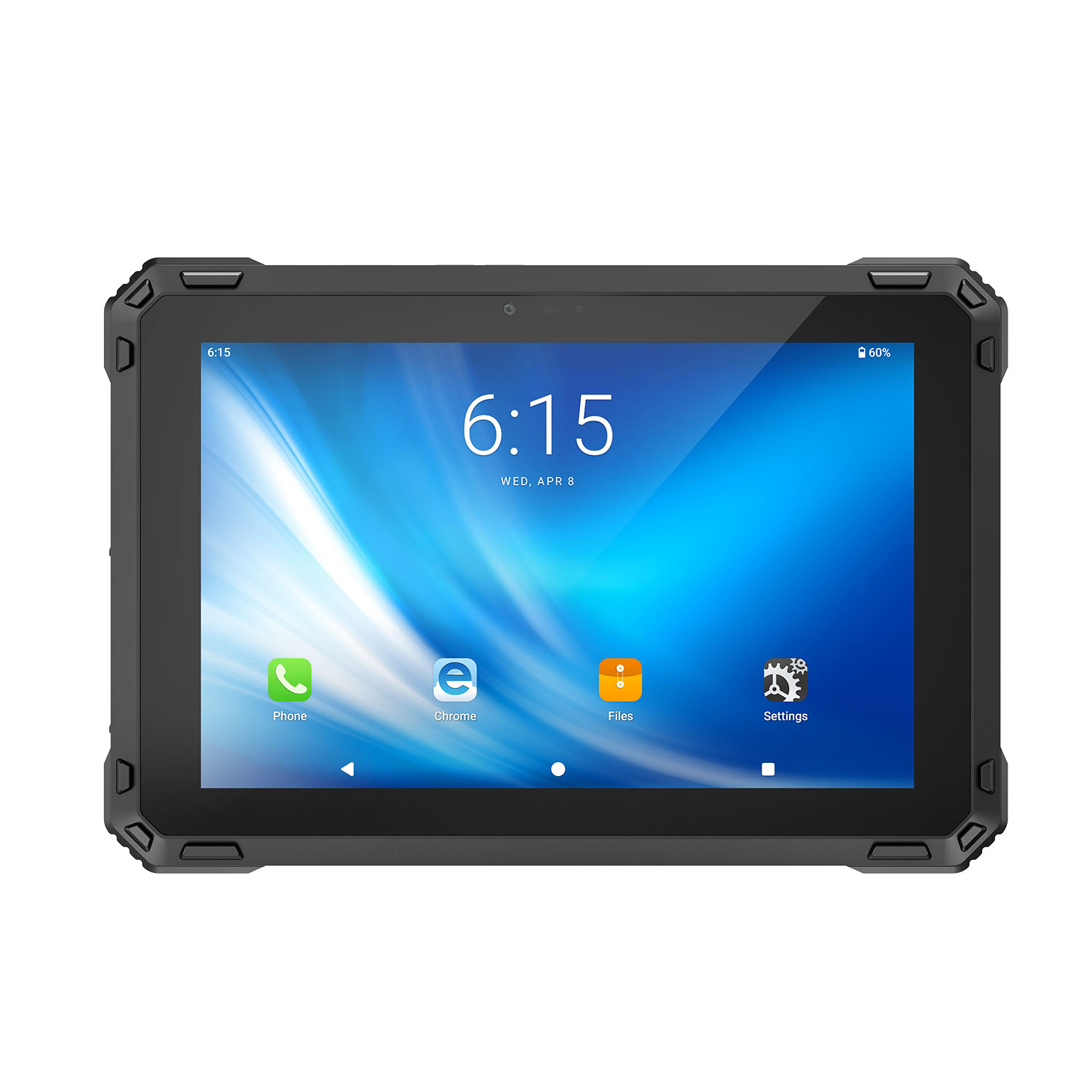 CENAVA A88ST MT6769 8 Inch Android 16 IP68 Rugged Tablet
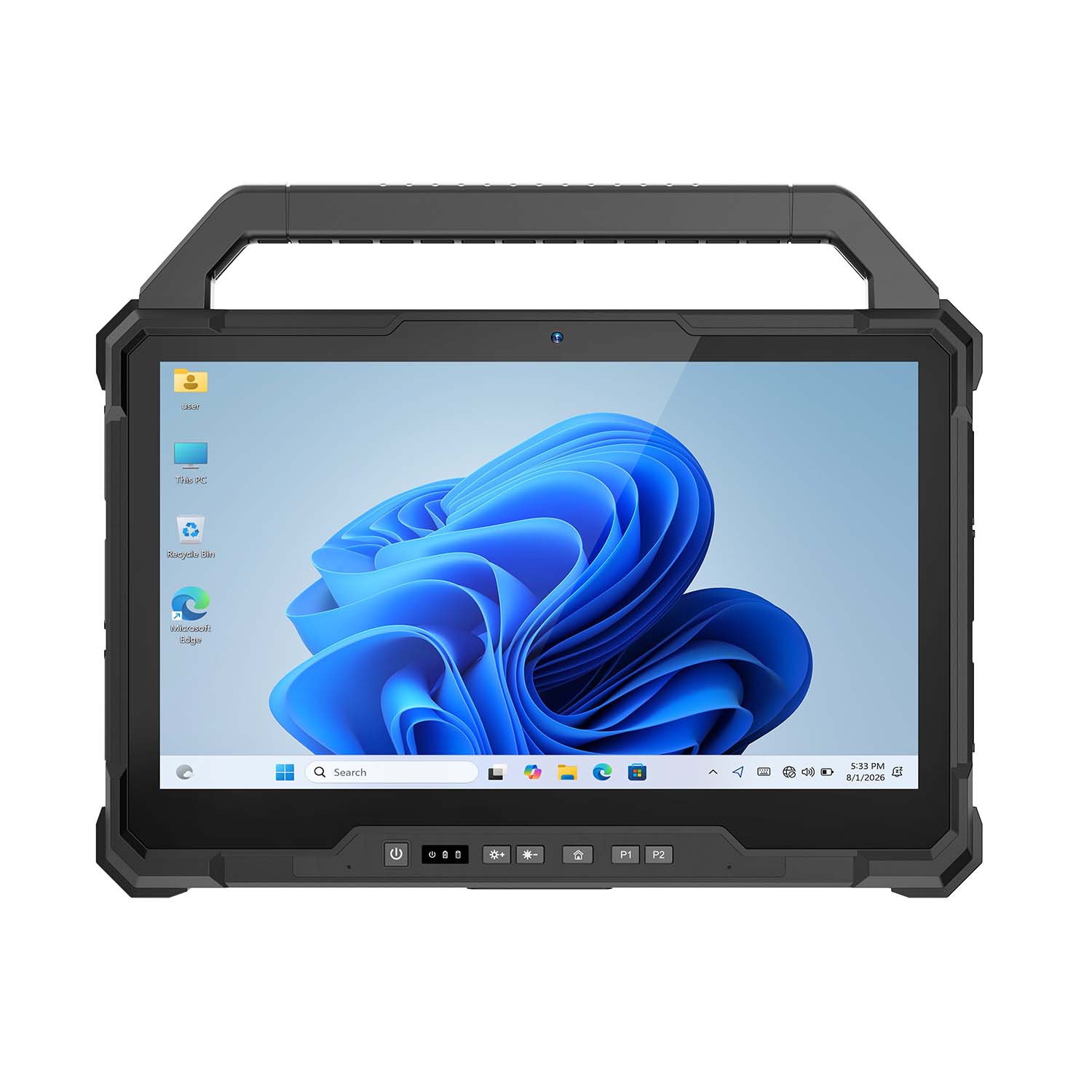 CENAVA W30NS N150 13.3 Inch Win11 IP65 Rugged Tablet
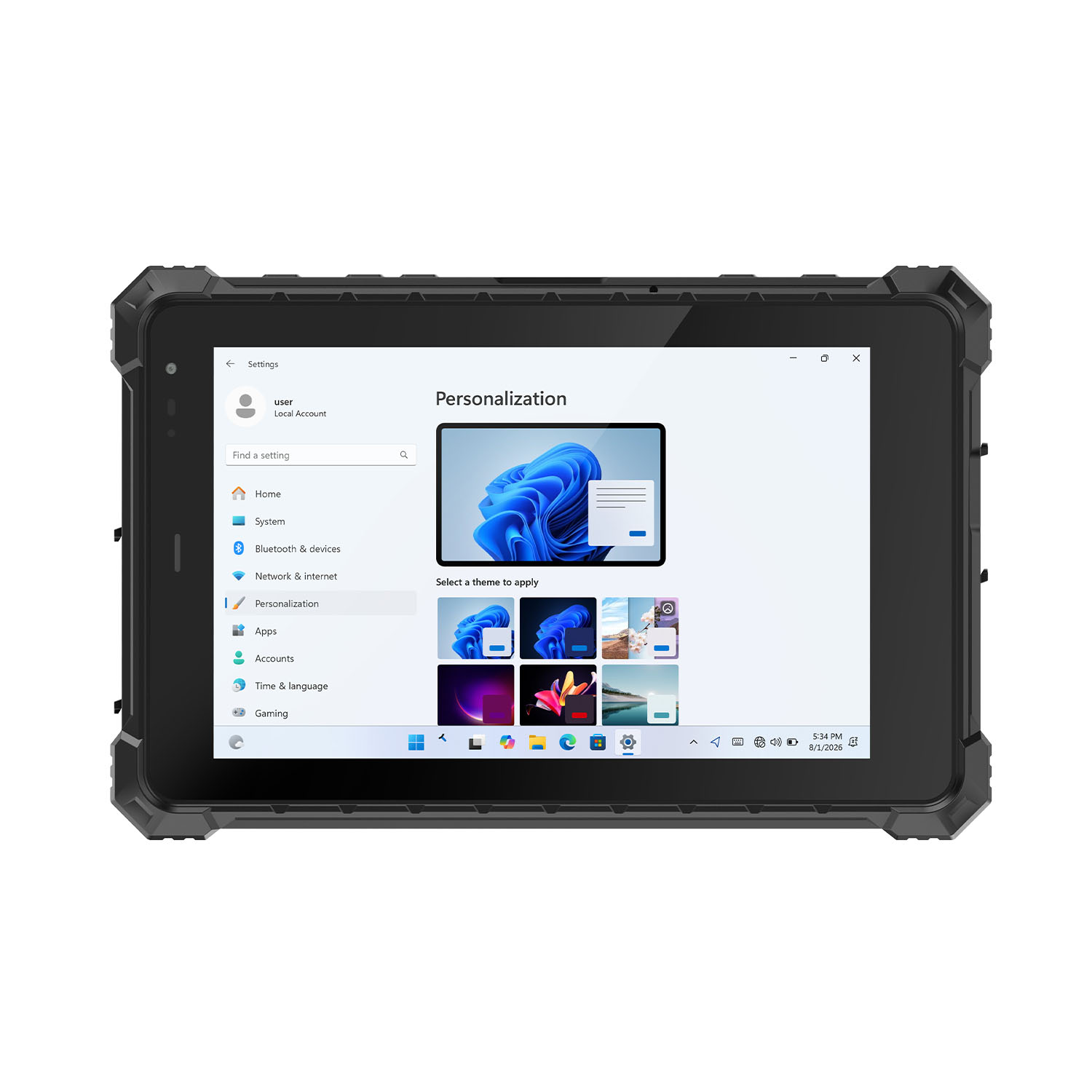 CENAVA W80Y i7-10510Y 8 Inch Win11 IP68 Rugged Gigabit
 CENAVA A10R RK3568 10.1 Inch Android 11 IP68 Rugged Tablet
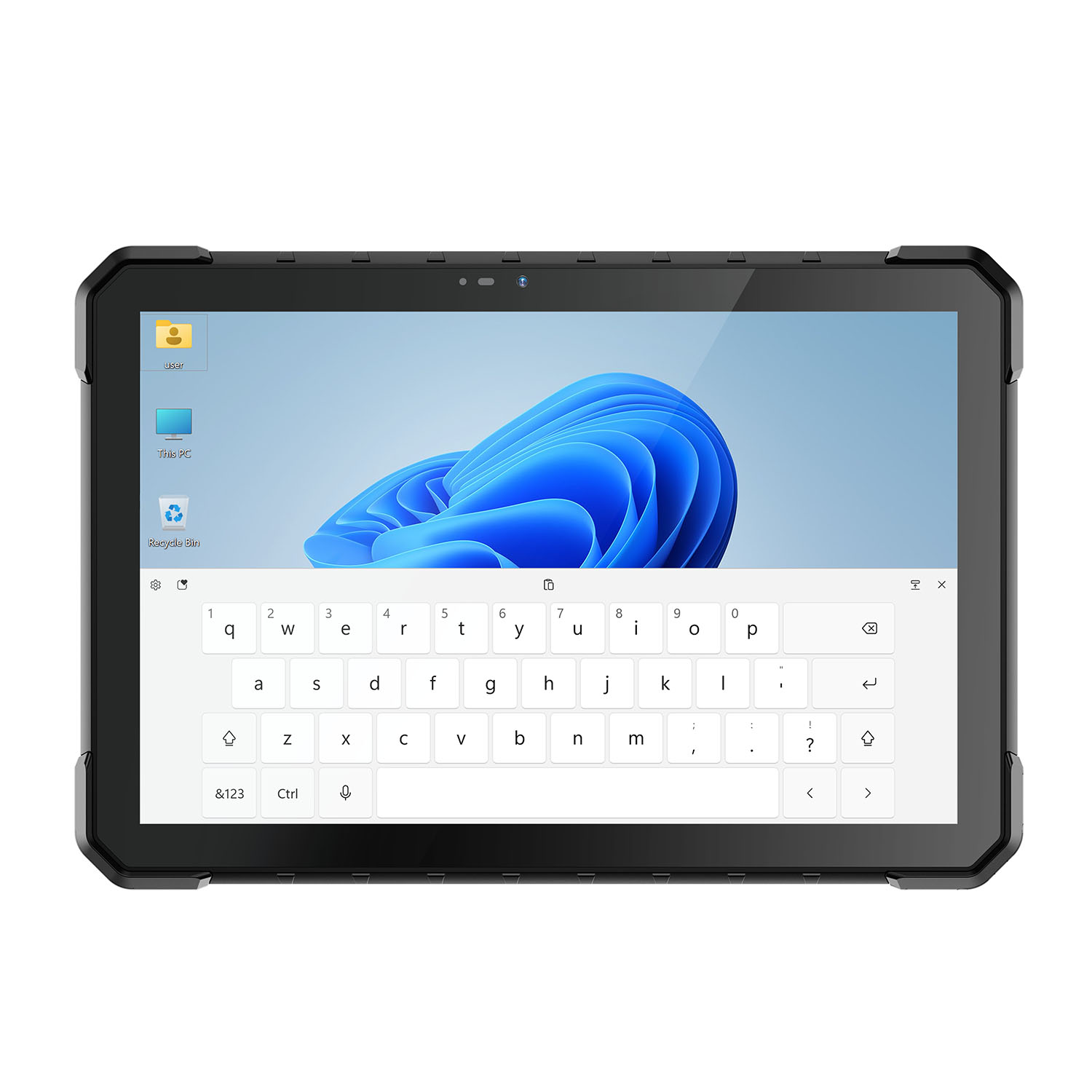 CENAVA W18Y i7-10510Y 10.1 Inch IP68 Industrial Tablet
 CENAVA CXE80C N2930 8 Inch Win10 IP65 Rugged Tablet
 CENAVA A18ST MT8781 10.1 Inch Android 13 IP68 Rugged Tablet
 CENAVA A10R RK3588 10.1 Inch Android 12 IP68 Rugged Tablet
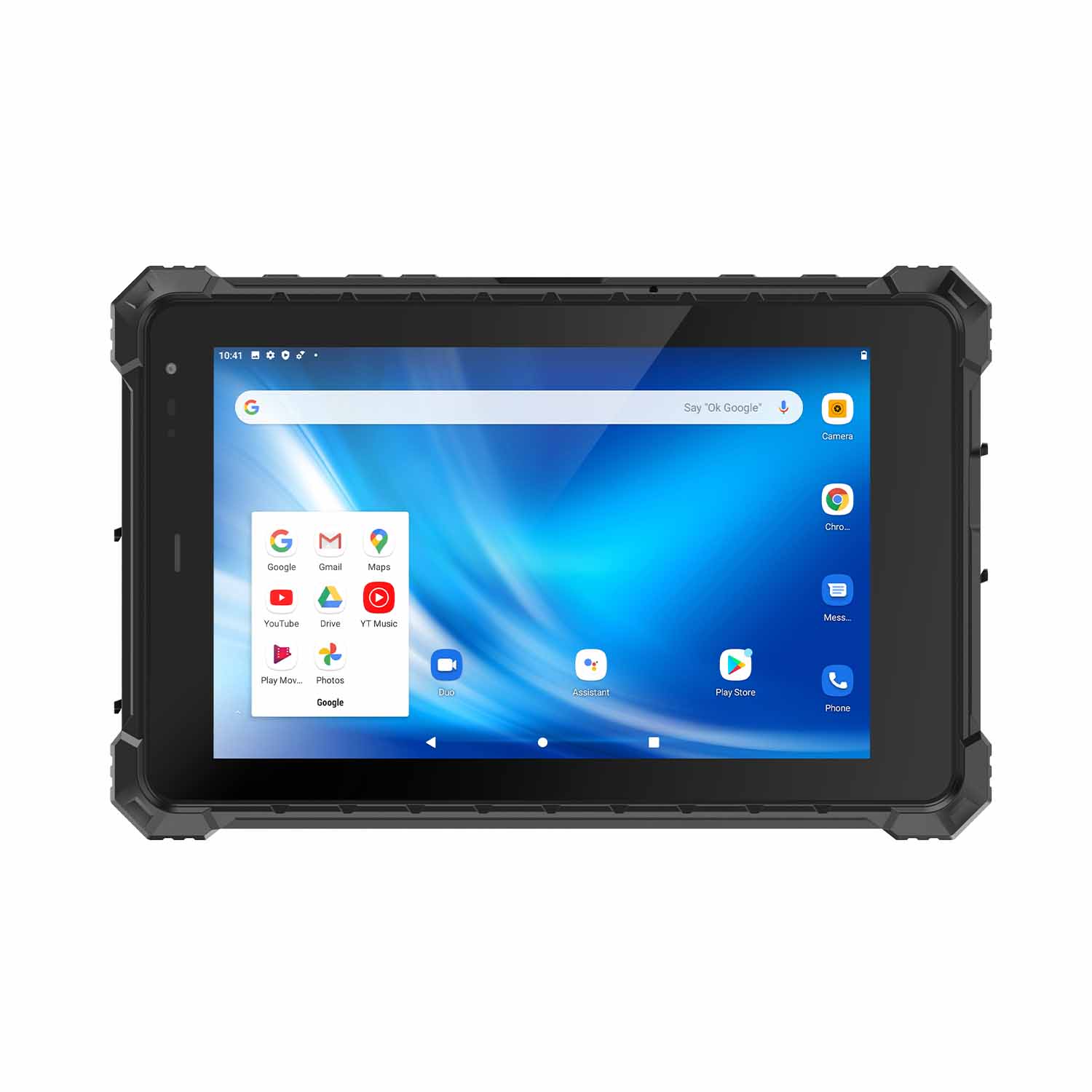 CENAVA A80ST-5G MT6877 8 Inch Android 12 IP68 Rugged Tablet
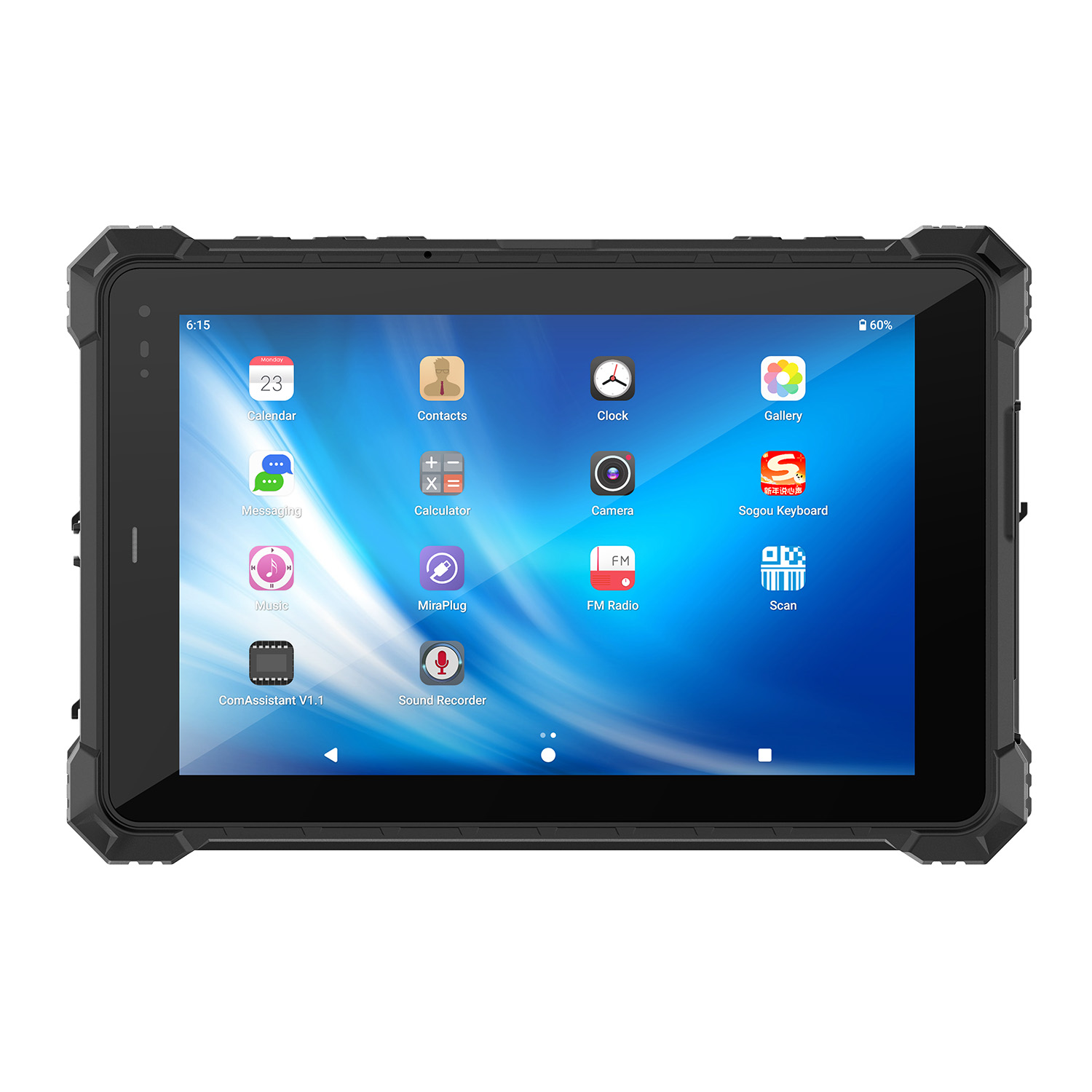 CENAVA A10STX MT8781 10.1 Inch Android 13 IP67 Rugged Tablet
 CENAVA A10ST-5G MT6877 10.1 Inch Android 12 IP68 Rugged Tablet
 CENAVA A10STX-5G MT6877 10.1 inch 5G Rugged Android Tablet
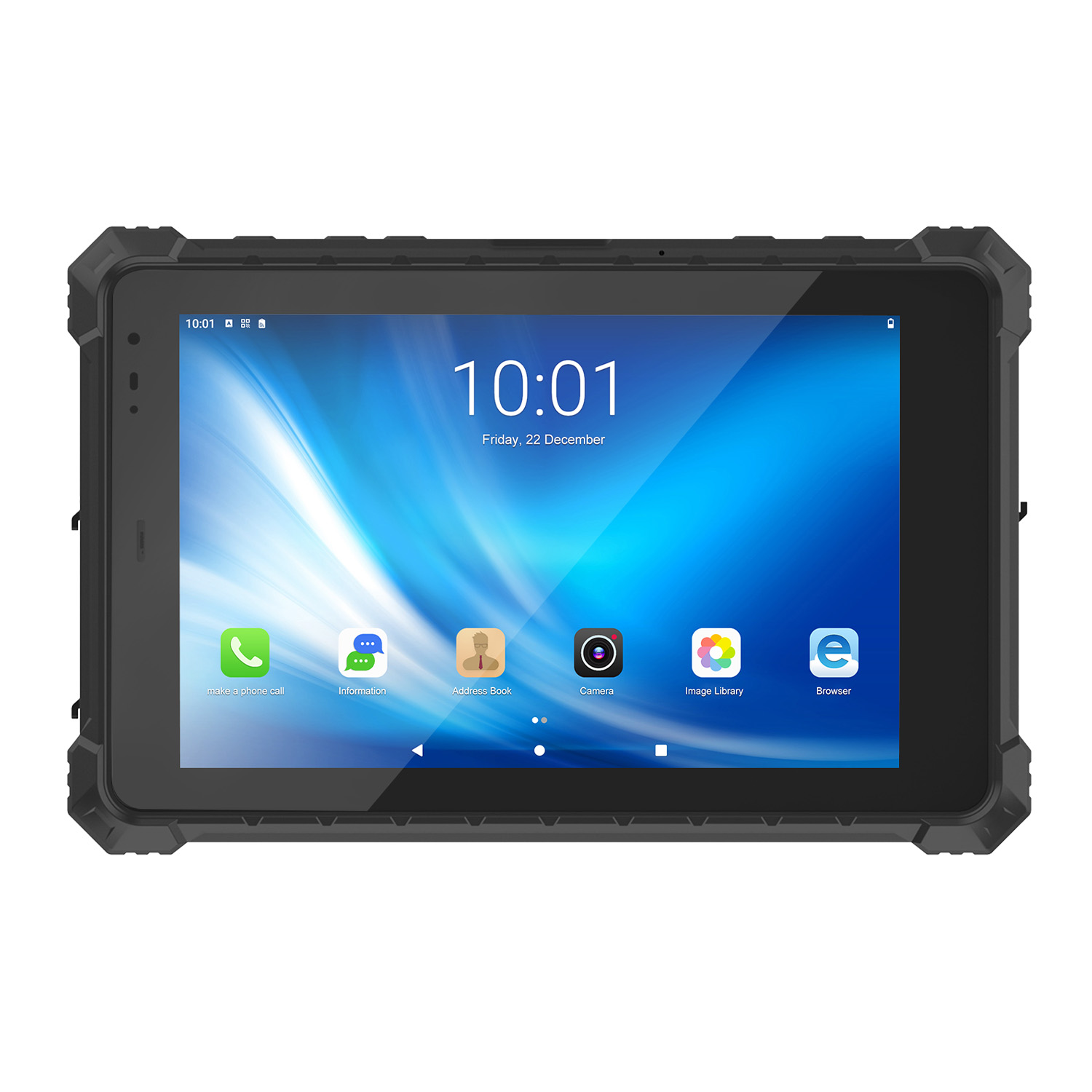 CENAVA A10ST MT6771 10.1 Inch Android 10 IP68 Rugged Tablet
 CENAVA A10STX MT6769 10.1 Inch Android 16 IP67 Rugged Tablet
 CENAVA A10ST MT6769 10.1 Inch Android 16 IP68 Rugged Tablet
 CENAVA A10STX MT6771 10.1 Inch Android 10 IP67 Rugged Tablet
 CENAVA A80ST MT8781 8 Inch Android 13 IP68 Rugged Tablet
 CENAVA A80R RK3588 8 Inch Android 12 IP68 Rugged Tablet
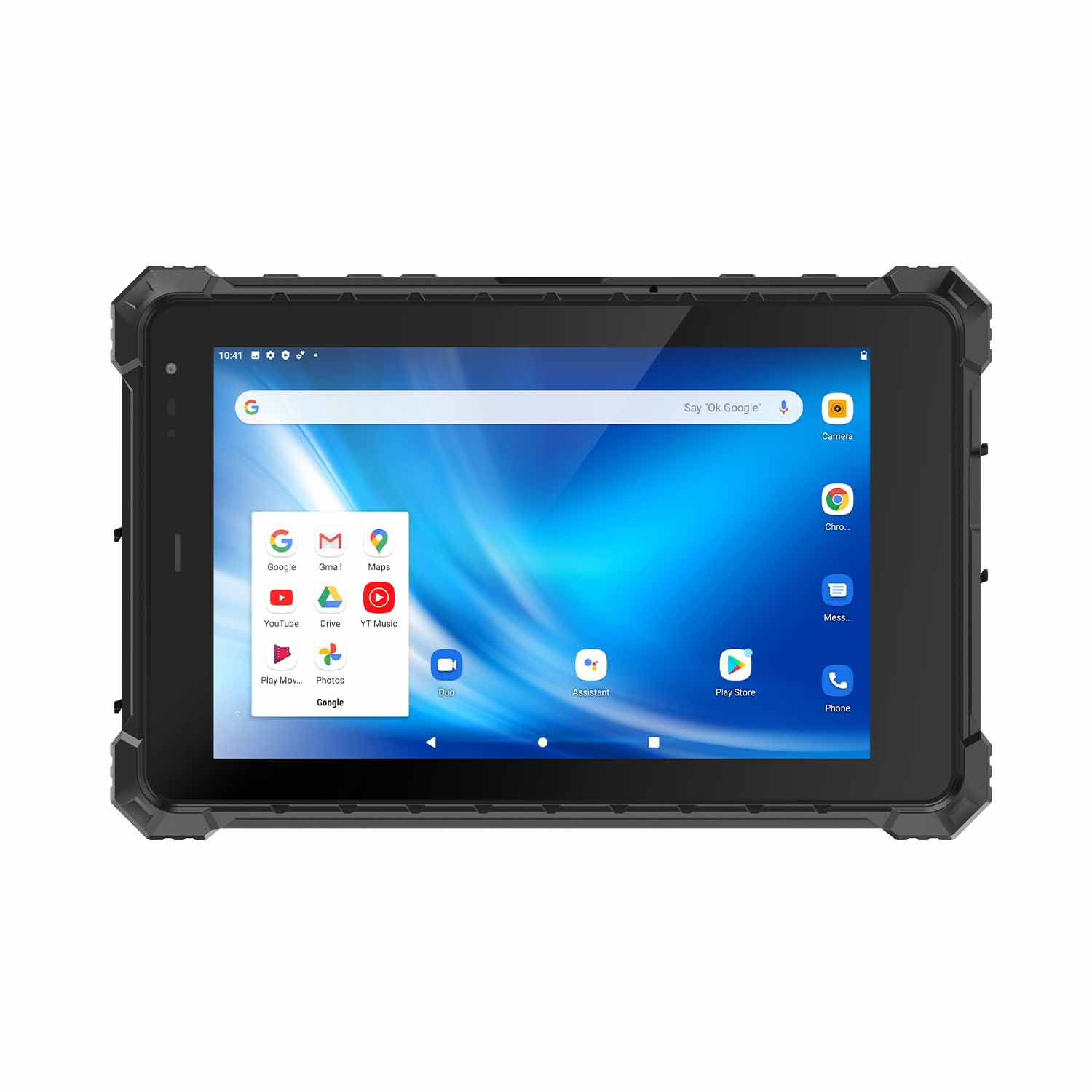 CENAVA A80STX-5G MT6877 8 Inch Android 12 IP67 Rugged Tablet
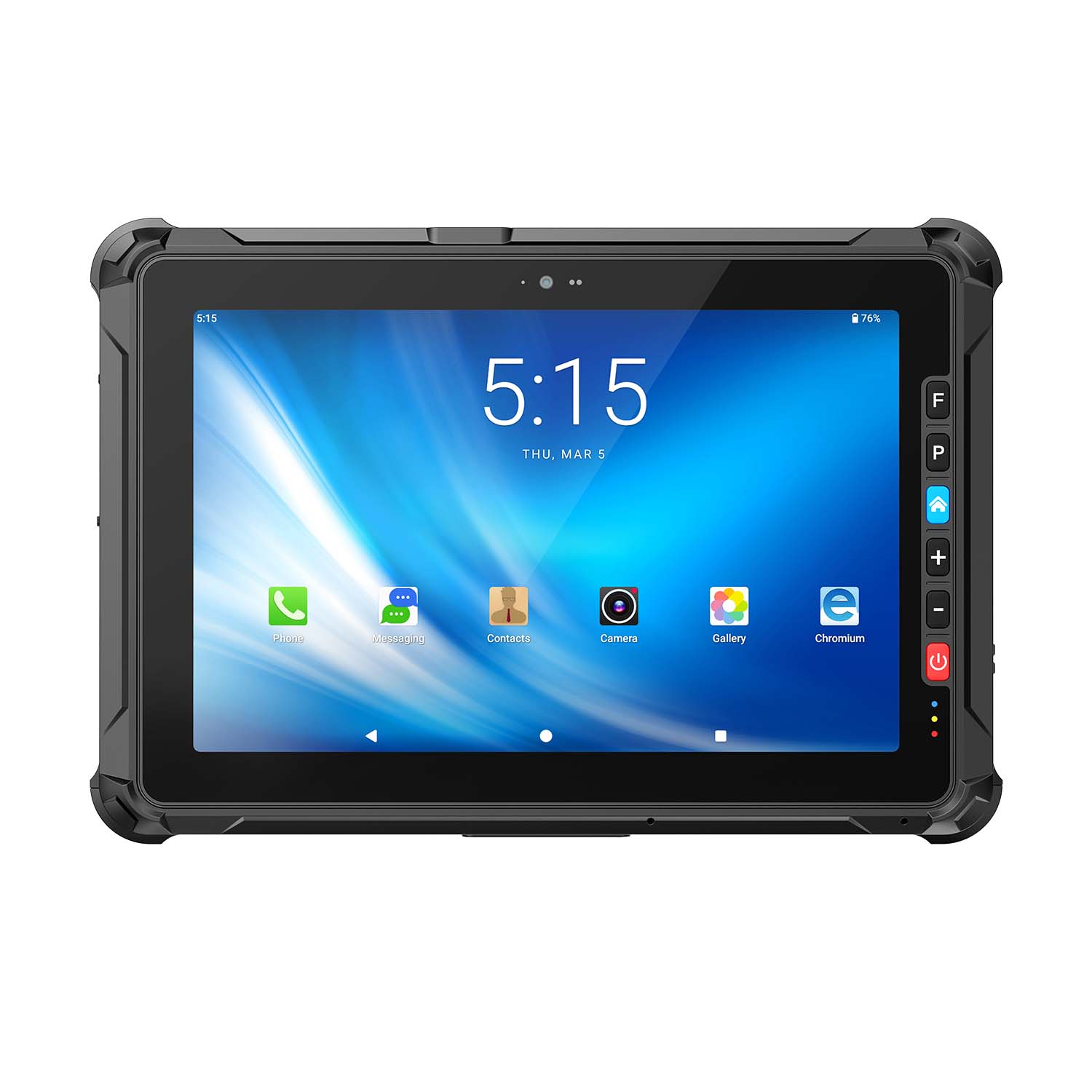 CENAVA A109ST MT8781 10.95 Inch Android 16 IP67 Rugged Tablet
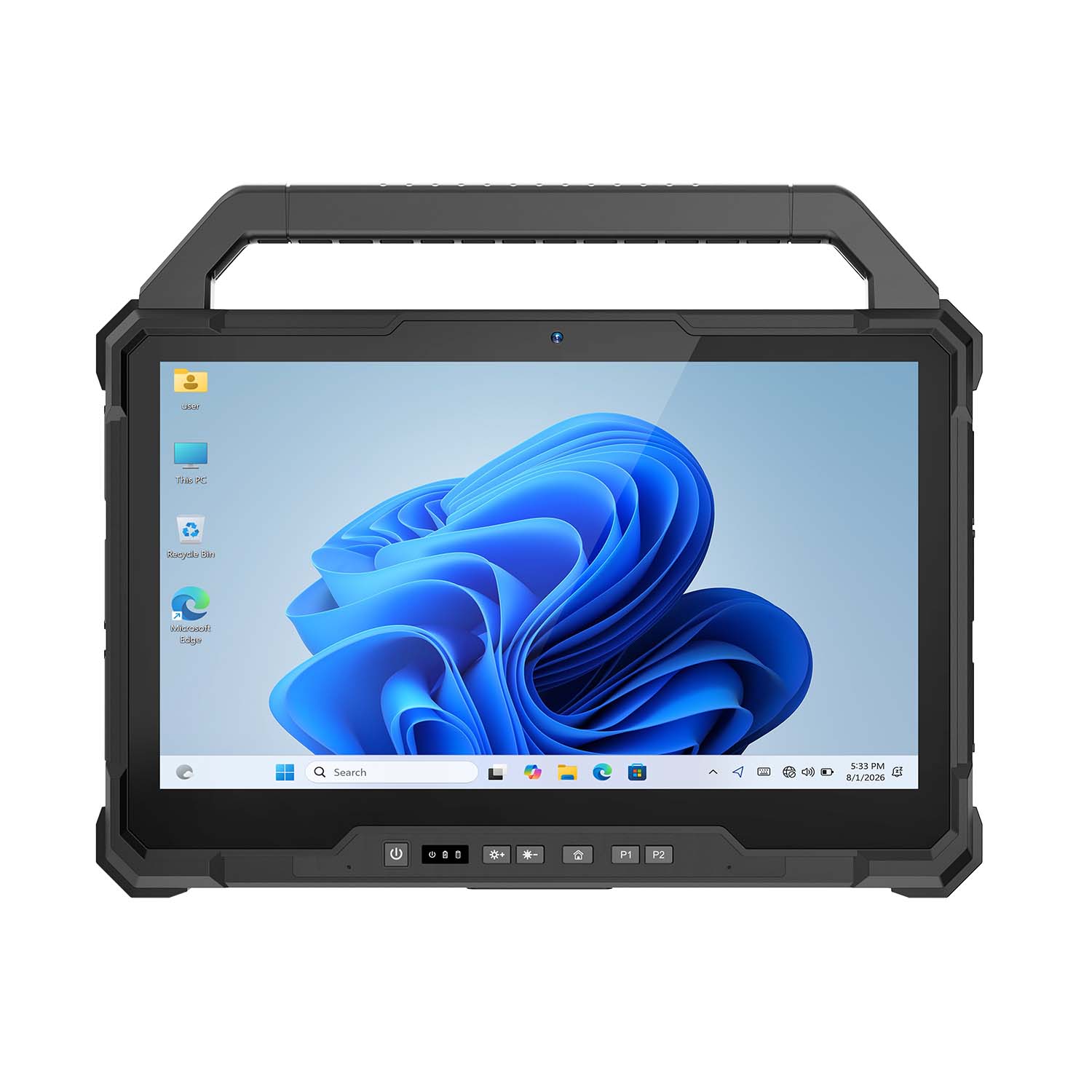 CENAVA W30U Pro Ultra7-155U 13.3 Inch Win11 IP65 Rugged Tablet
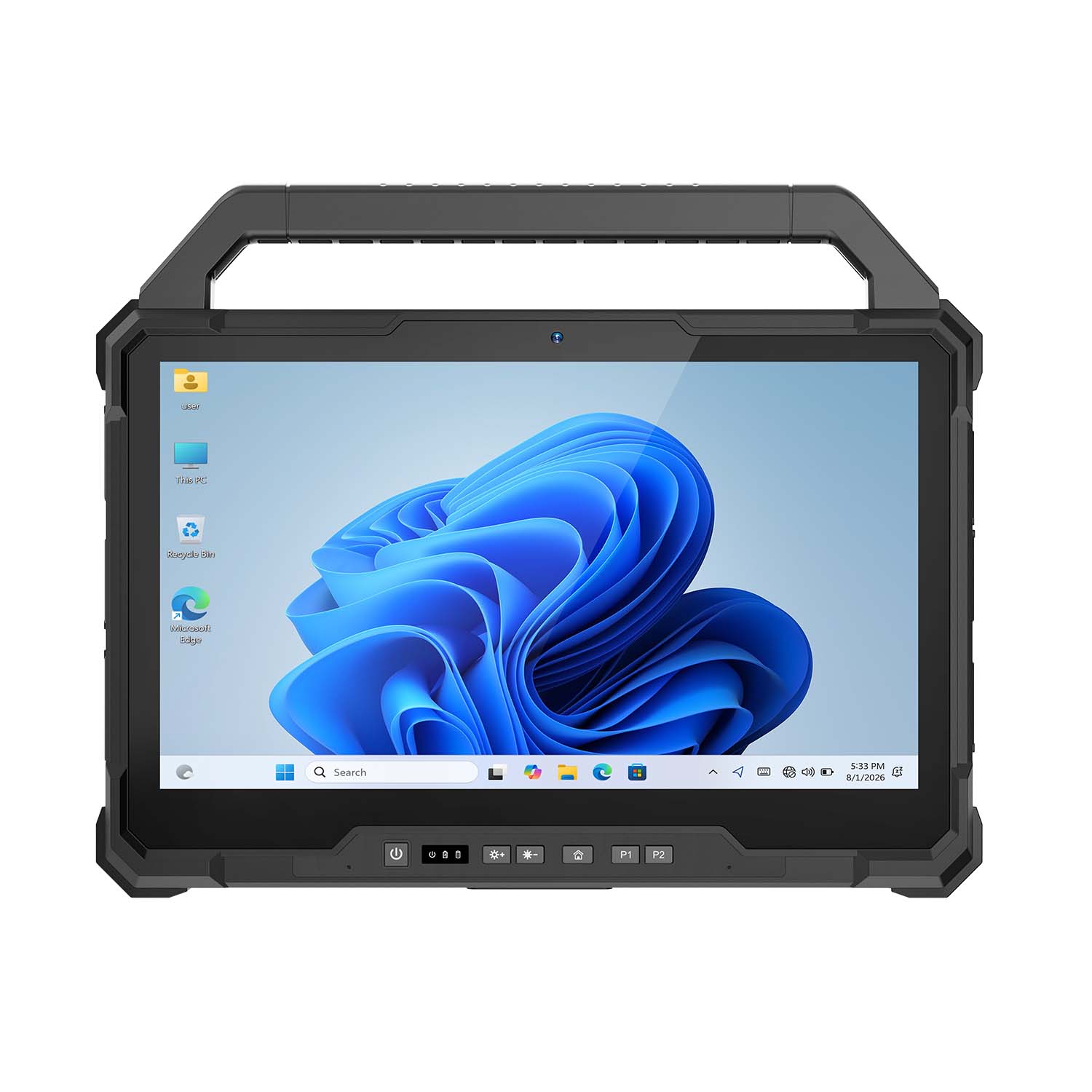 CENAVA W30U i7-1255U 13.3 Inch Win11 IP65 Rugged Tablet
 CENAVA W109NS N150 10.95 Inch Win11 IP67 Rugged Tablet GbE
 CENAVA W109U i5-1235U 10.95 Inch Win11 IP67 Rugged Tablet
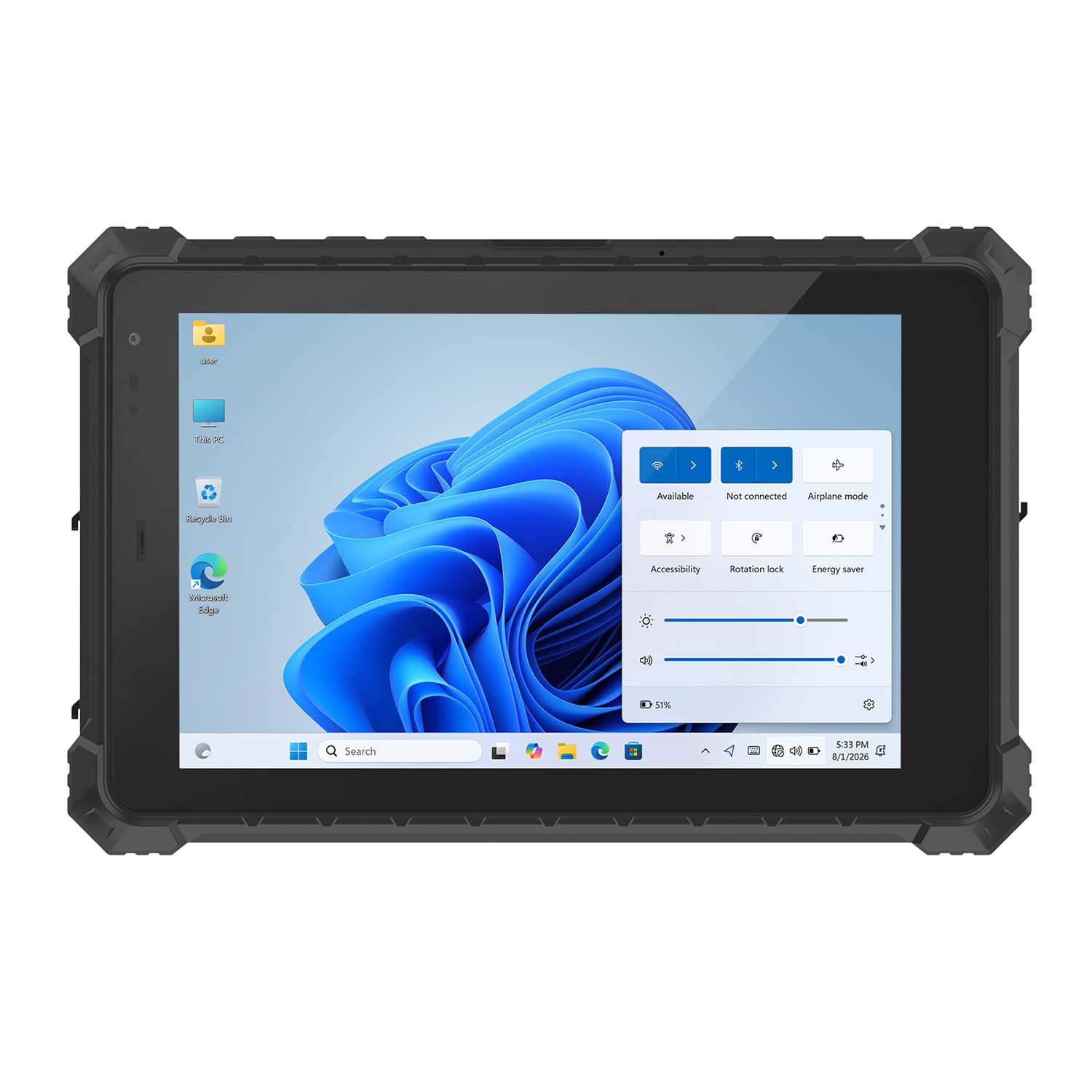 CENAVA W10Y i5-10210Y 10.1 Inch Win11 IP68 Rugged Tablet Full I/O
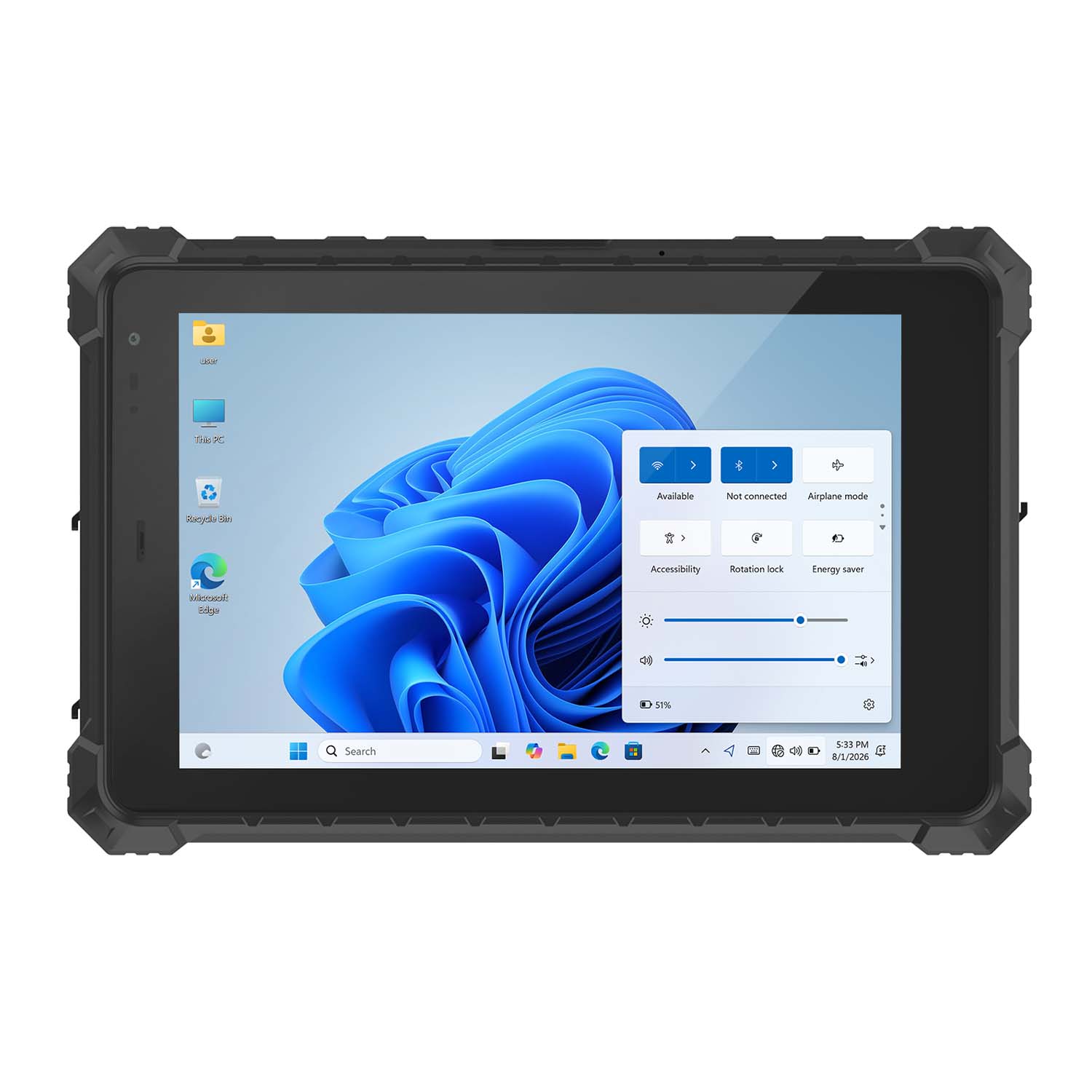 CENAVA W10NPRO N100 10.1 Inch Win11 IP68 Rugged Full I/O
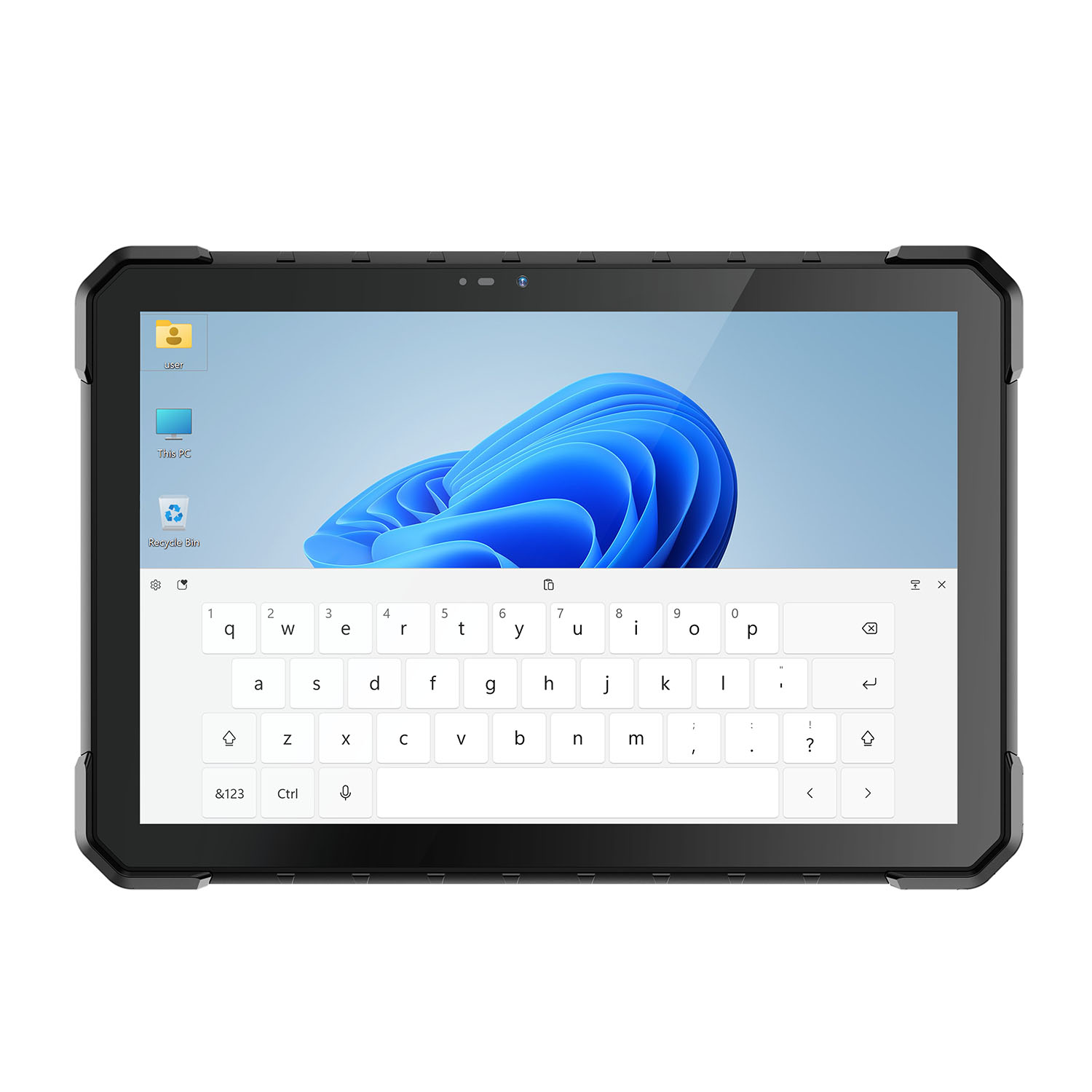 CENAVA W18Y i5-10210Y 10.1 Inch Win11 IP68 Rugged Slim
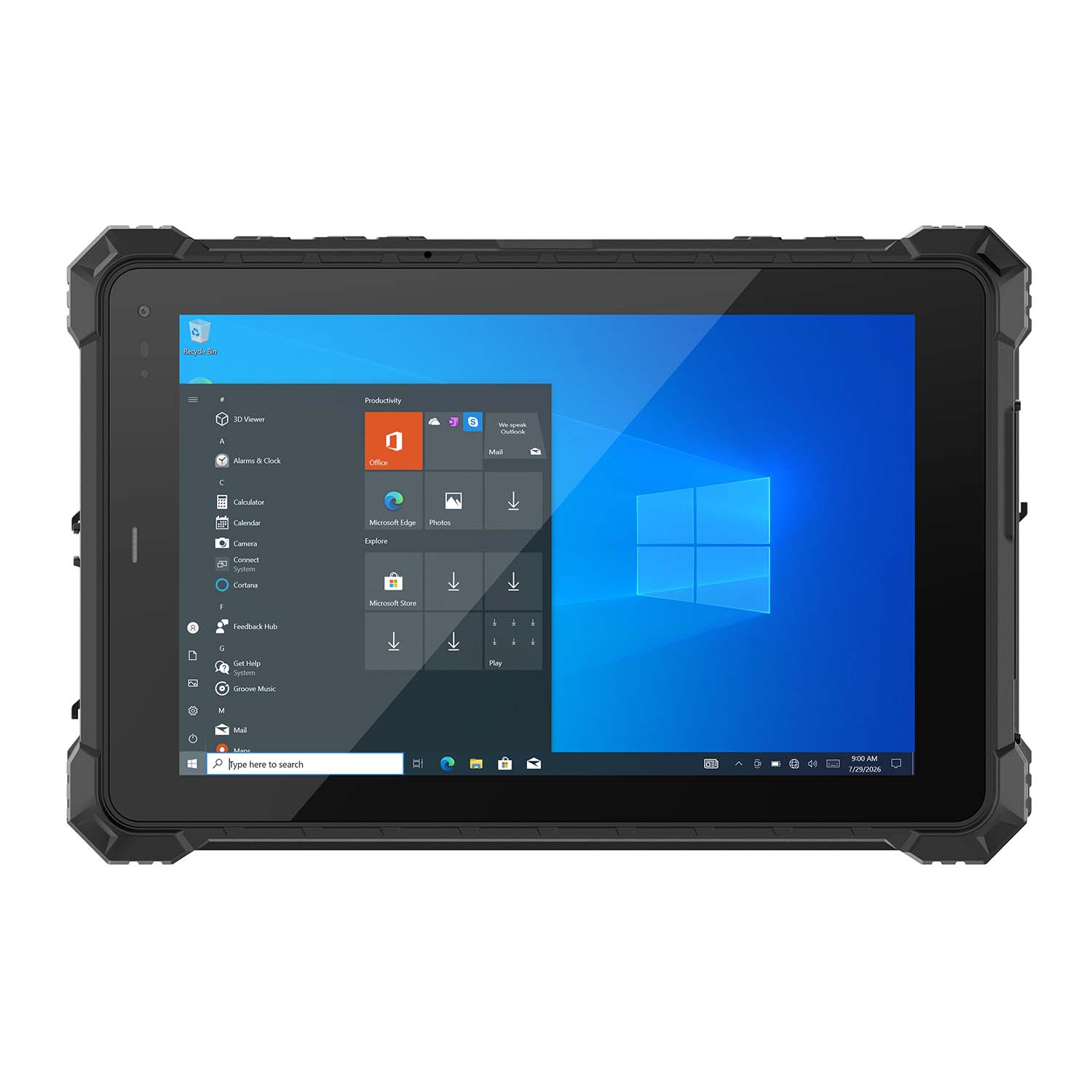 CENAVA W10NX N5100 10.1 Inch Windows IP67 Industrial Tablet
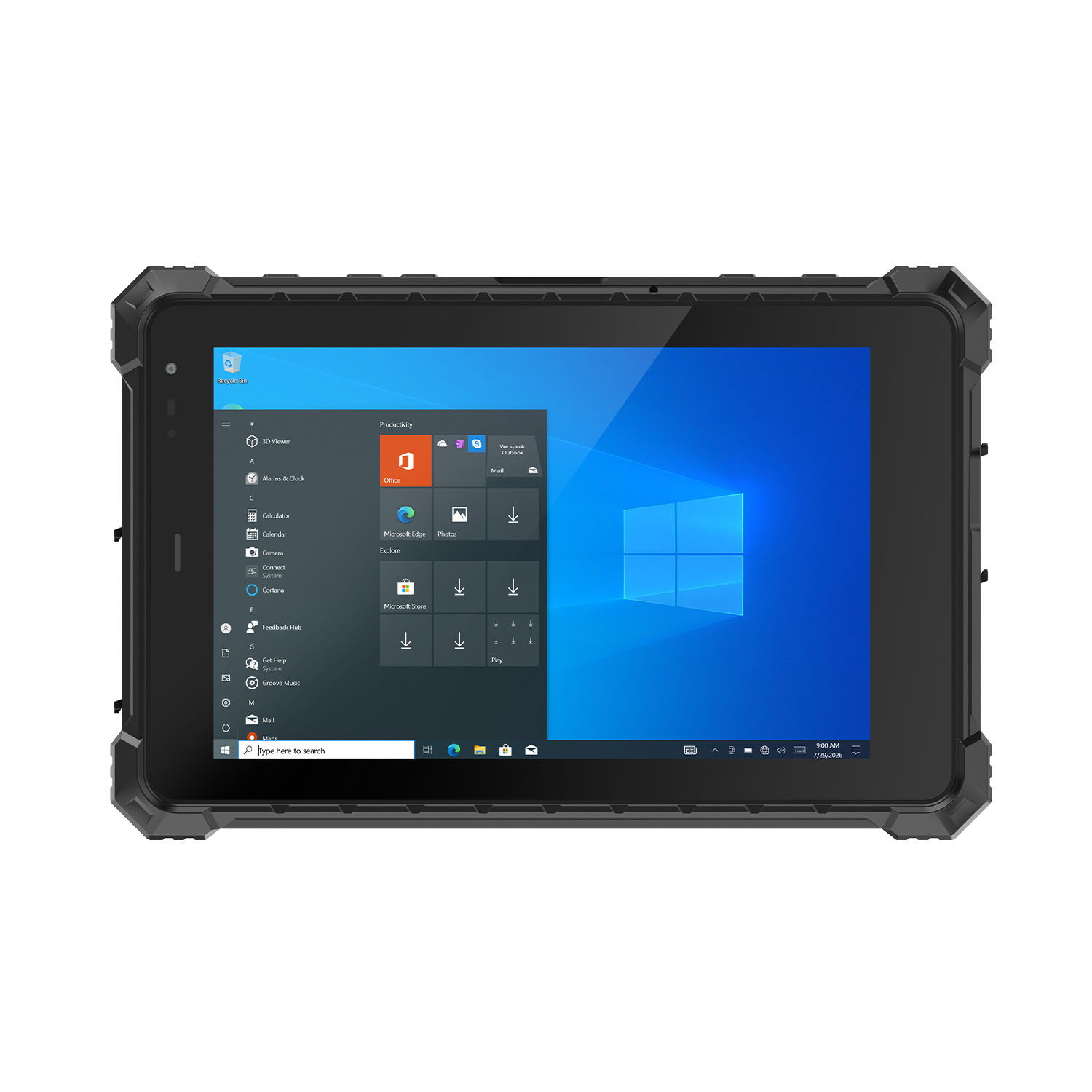 CENAVA W80N N5100 8 Inch Win11 IP68 Windows Rugged Tablet
 CENAVA H10PRO N100 10.1 Inch Win11 Industrial PC | WiFi6 Touch Panel
-1.jpg) CENAVA H55N N5100 5.5" Win11 Mini Industrial PC
CENAVA H55N N5100 5.5" Win11 Mini Industrial PC
 CENAVA H10F N100 10.1" Win11 Industrial Panel PC Touch Computer
 CENAVA H10F N95 10.1" Win11 Industrial Panel PC | WiFi6 Touch Computer
 CENAVA H7S N3350 7 Inch Win10 Entry Industrial PC | POE Fanless Touch Panel
 CENAVA H7 N4020 7" Win10 Compact Industrial PC | POE Fanless Touch Panel
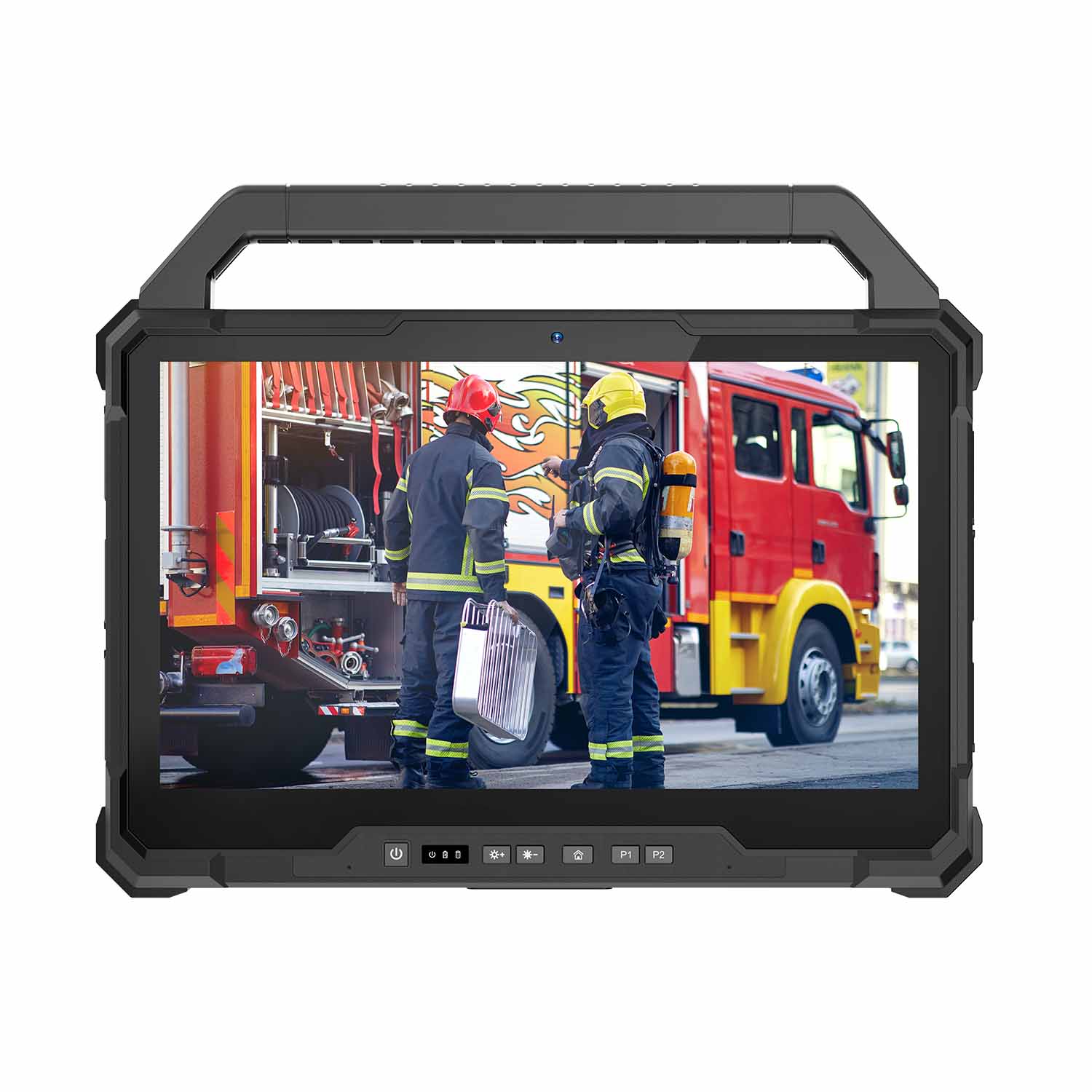 W30U-EX i7-1255U 13.3 Inch Explosion-Proof Windows Tablet
 W30UPro-EX Ultra7-155U ATEX II 2GD Ex ib IIC T5 Gb Explosion-Proof Tablet
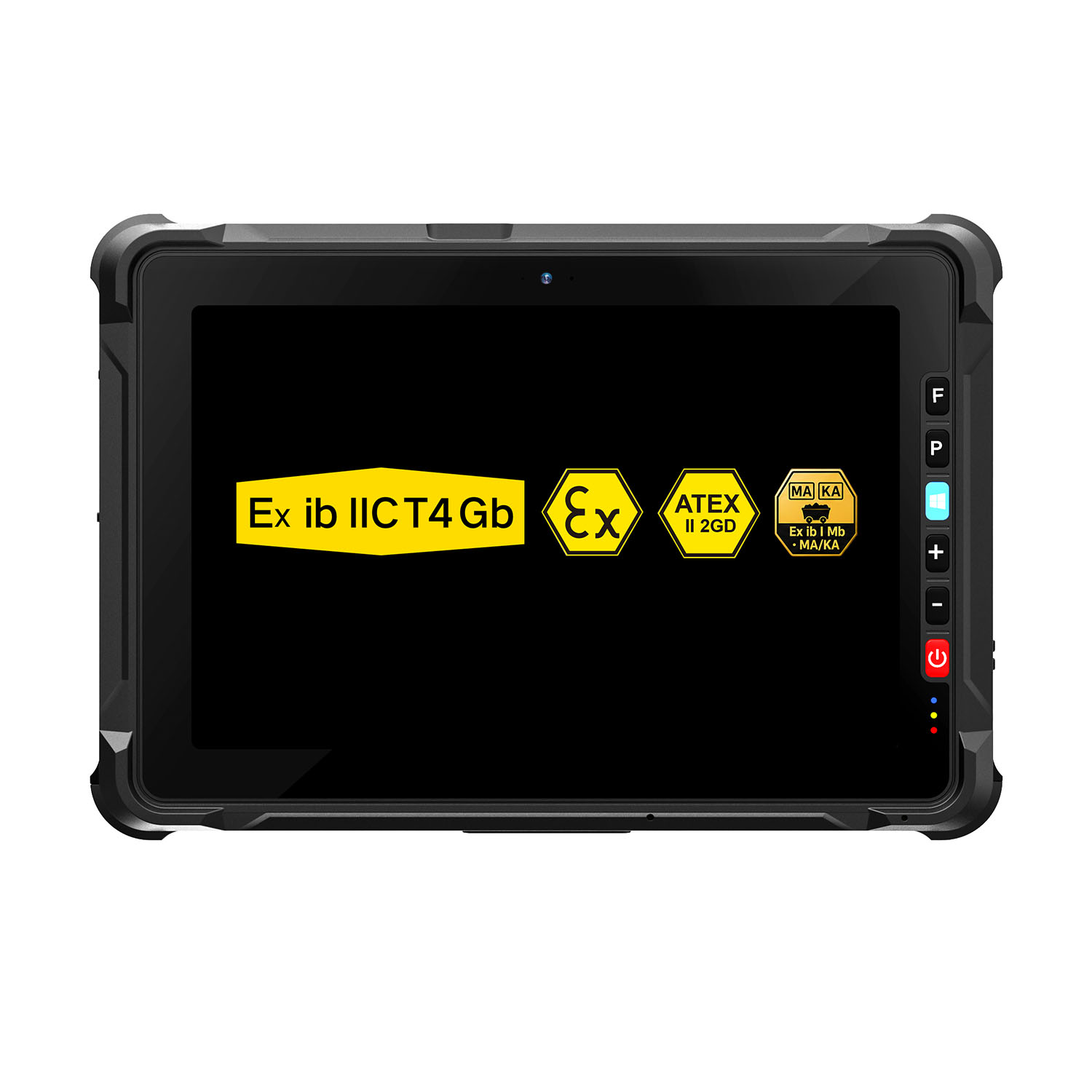 W109NS-EX N150 Explosion-Proof Hazardous Area Windows Tablet
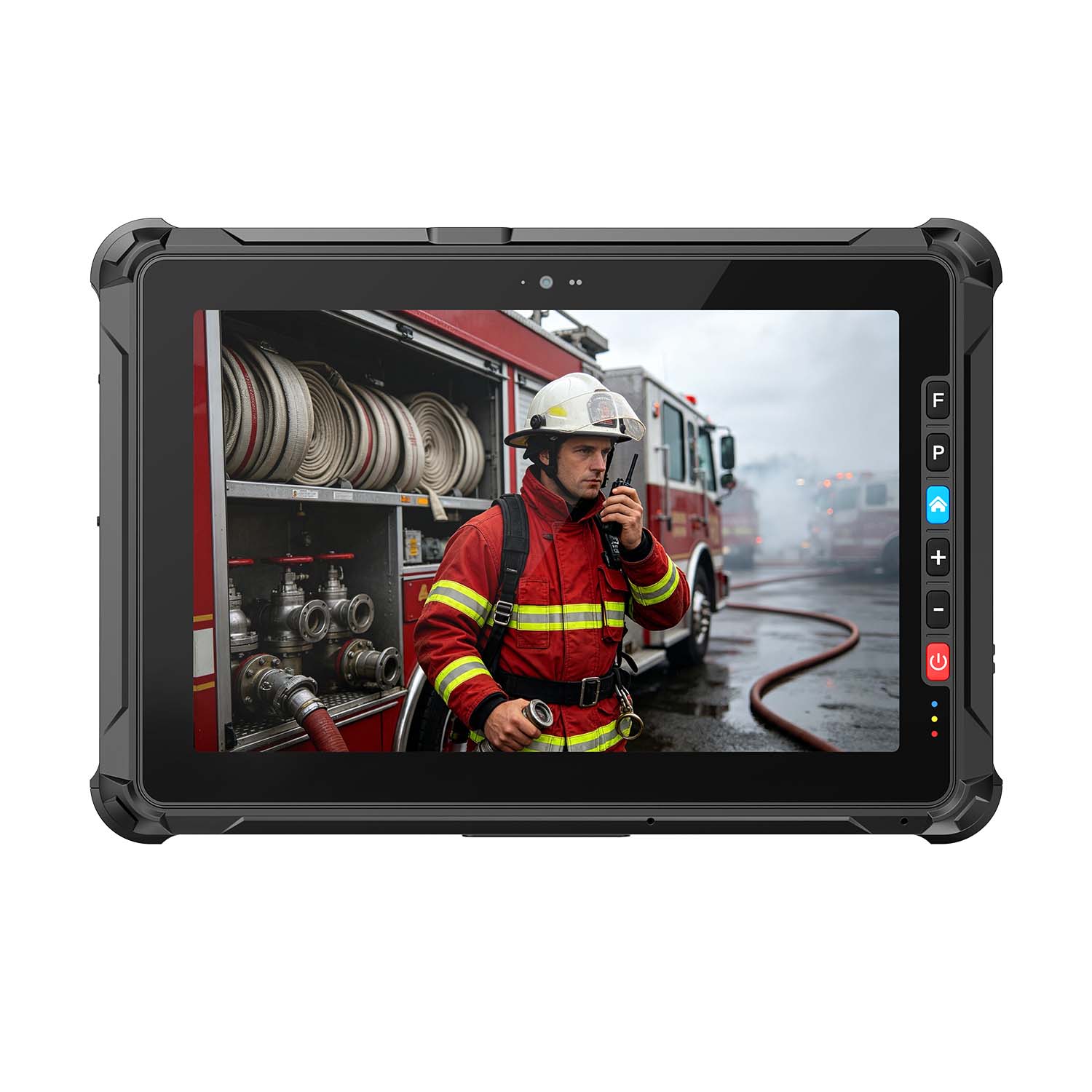 A109ST-EX MT8781 20000mAh Explosion-Proof ATEX II 2GD Android Tablet
.jpg) W10N-EX N5100 Explosion-Proof Intrinsically Safe Windows Tablet
W10N-EX N5100 Explosion-Proof Intrinsically Safe Windows Tablet
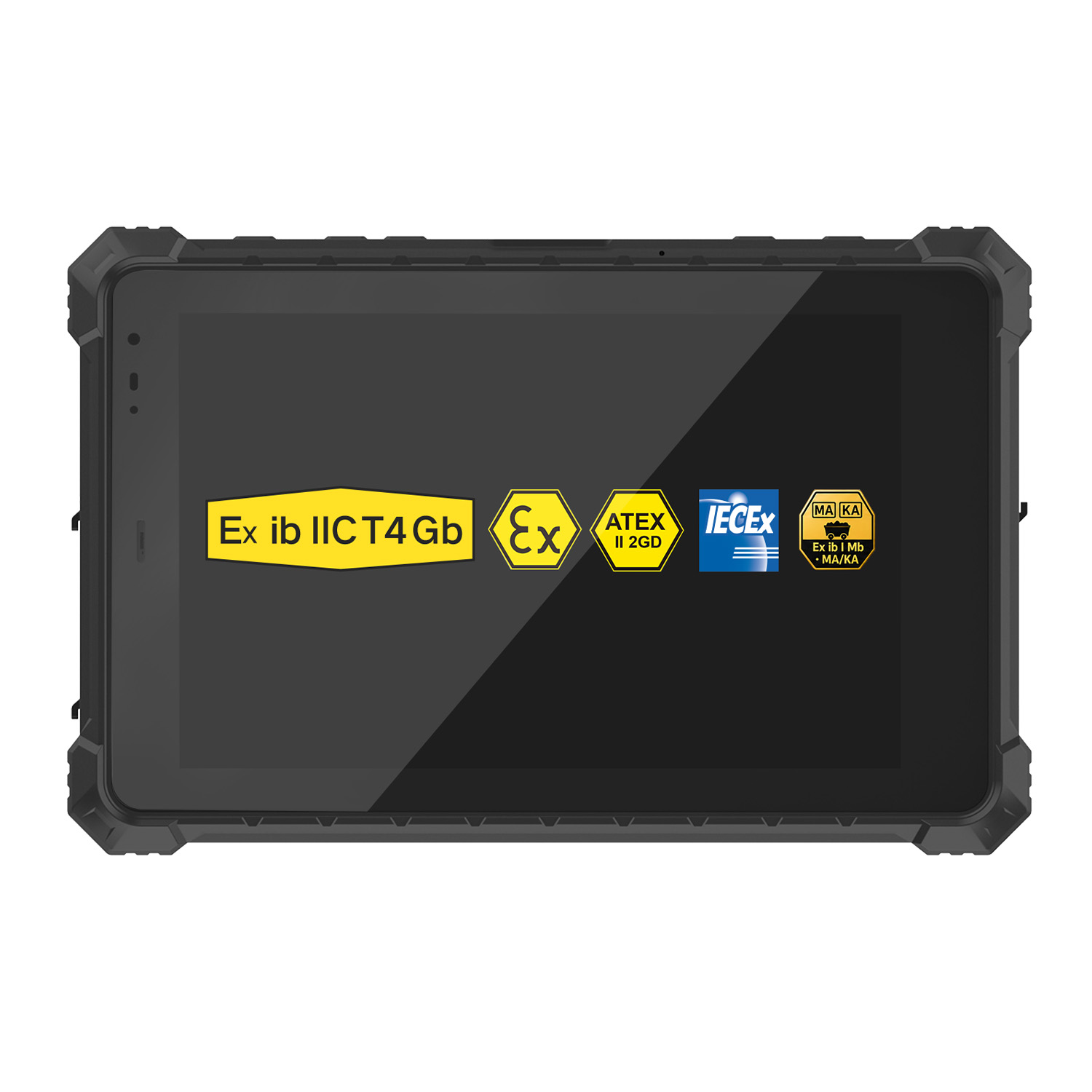 A10ST-EX MT8781 Ex ib IIC T5 Gb Hazardous Area Rugged Tablet
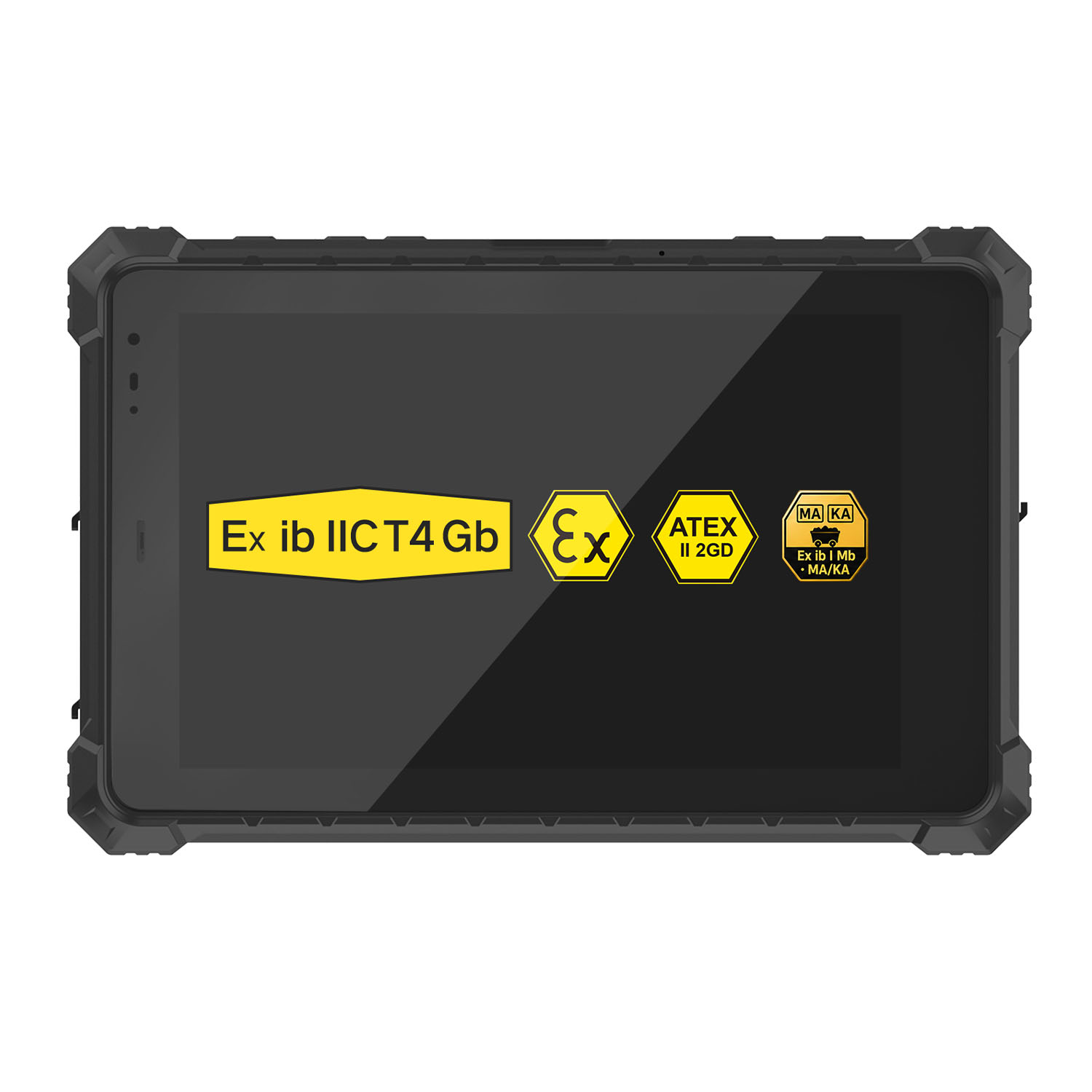 A10R-EX 10.1 Inch Explosion Proof RK3568 Industrial Tablet PC
 A10STX-EX MT8781 10.1 Inch ATEX II 2GD Android Tablet
 W80N-EX N5100 8 Inch Explosion-Proof Windows ATEX II 2GD Tablet
 A18ST-EX Slim 10.1-Inch Explosion-Proof Android Tablet
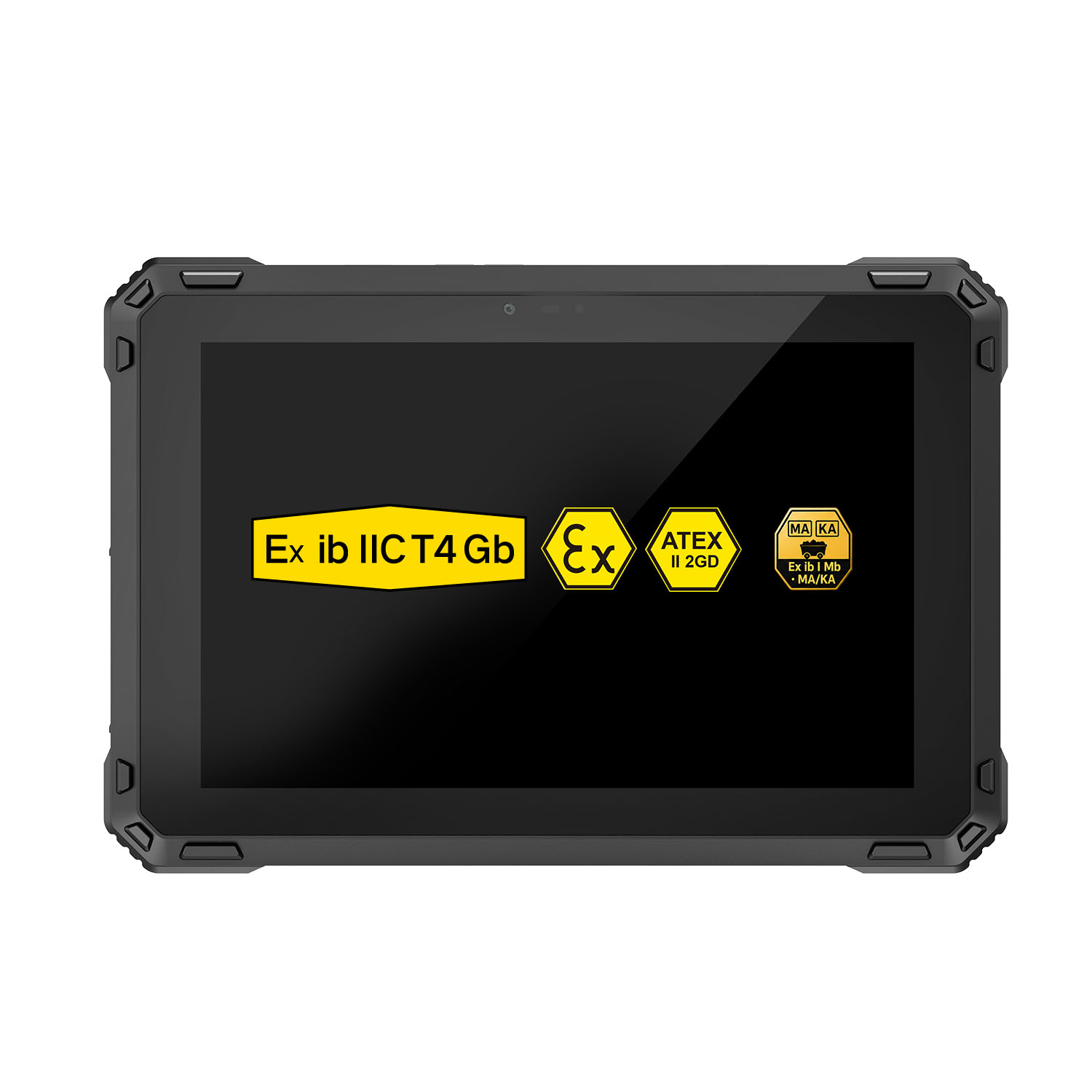 A88ST-EX MT6769 Hazardous Area 8-Inch Explosion-Proof Android Tablet
 A80ST-5G EX MT6877 8 Inch Ex ib ⅡC T4 Gb Explosion Proof Tablet
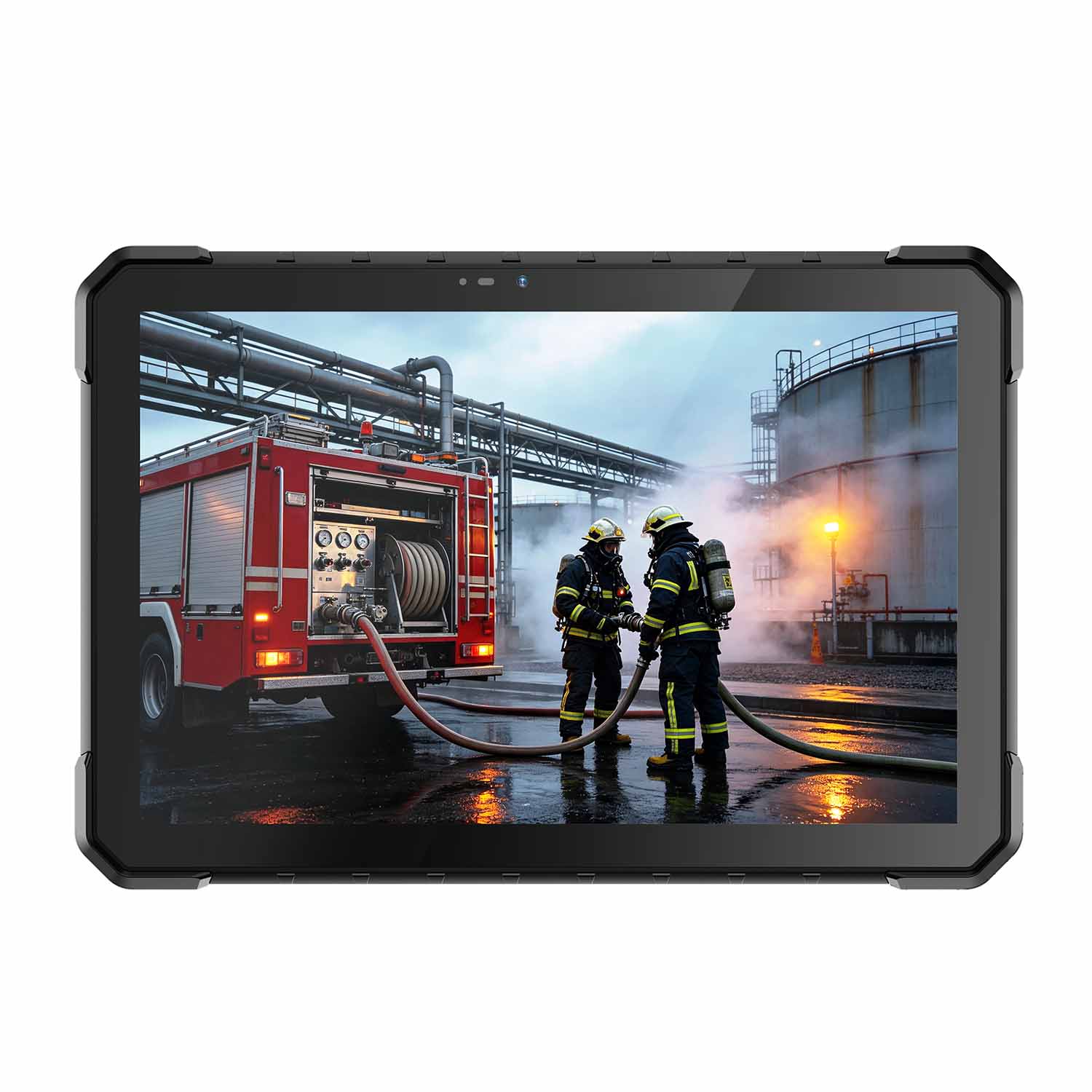 CENAVA W18Y-EX i7 10.1 Inch Explosion-Proof Windows 11 Tablet
 W65G-EX Explosion-Proof Windows Handheld Hazardous Area PDA