-1.jpg)












.jpg)











Box Touchscreen Computers Explained: Uses & Models
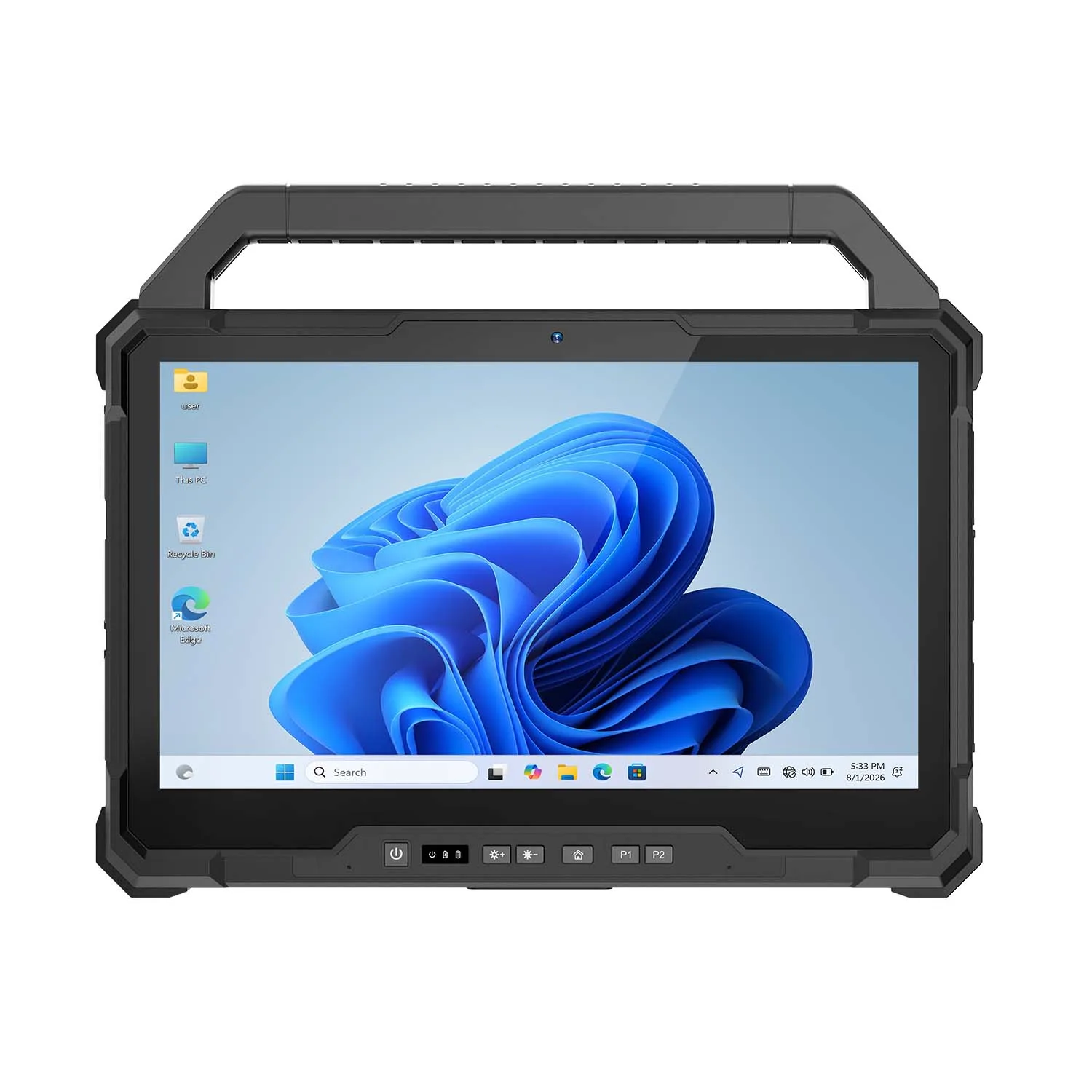
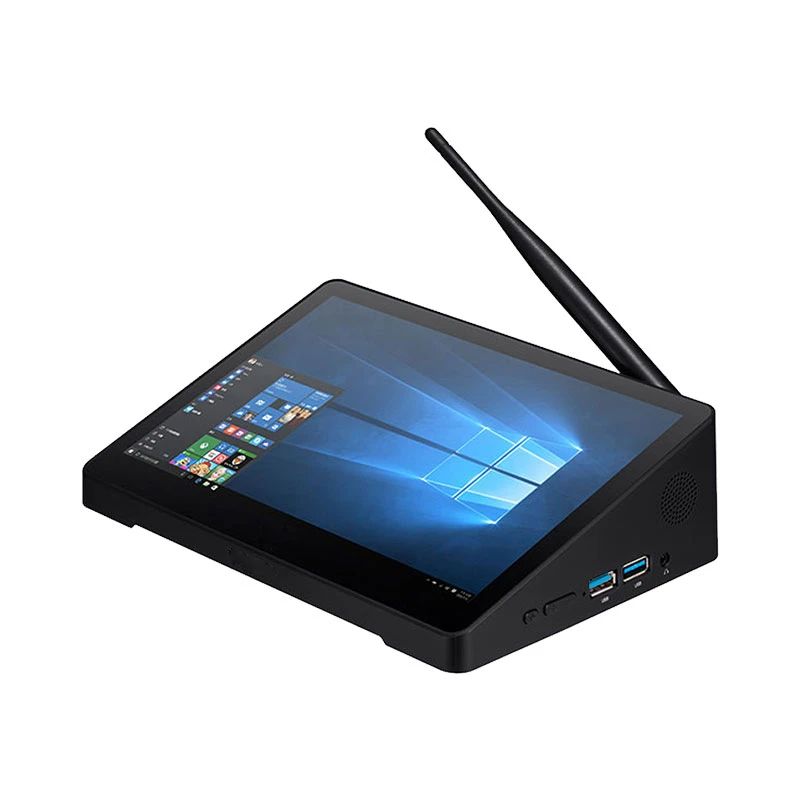
A box-type touchscreen computer (Box PC) is a compact, enclosed all-in-one device built for fixed installations — POS systems, self-service kiosks, digital signage, and factory HMI control panels — where a touchscreen replaces a keyboard and mouse entirely. Unlike a rugged mobile tablet, Box PCs are built for reliable indoor use rather than extreme outdoor conditions. CENAVA's current lineup spans the H10PRO, H10F, and H7A, among others.
What Is a Box Touchscreen Computer?
A Box Touchscreen Computer is a computer with a compact, enclosed, box-like form factor built around a touchscreen interface for user interaction — a space-saving, all-in-one solution for applications where touch is the primary means of input and control.Key Characteristics
Compact and enclosed design — housed in a durable enclosure that protects internal components from typical environmental factors and physical damage.Touchscreen interface — the defining feature, letting users interact directly through touch gestures without a traditional keyboard or mouse.Multiple touch technologies — resistive, capacitive, infrared, and other touch technologies are available depending on the application and user requirements.Diverse applications — point-of-sale (POS) systems, kiosks, interactive displays, digital signage, industrial automation, and medical equipment all commonly use this form factor.strong>Customization options — many models support additional ports, hardware upgrades, and peripheral integration to match specific requirements.OS compatibility — Windows, Linux, and specialized embedded operating systems are all available depending on the intended application.Durability suited to indoor use — Box PCs may not carry the same outdoor-rated ruggedness (IP68, MIL-STD-810) as a mobile rugged tablet, but they're built to be durable and reliable for typical indoor environmental conditions — the right tool for a fixed installation rather than a device that needs to survive rain, dust storms, or drops in the field.Connectivity options — USB, Ethernet, Wi-Fi, and Bluetooth support data exchange and networking.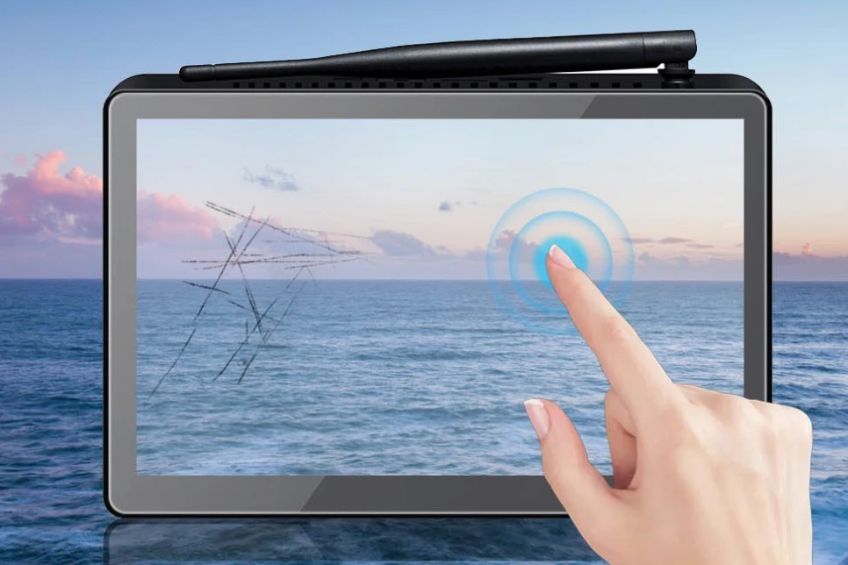
IPS Scratch Resistant Touch Screen
Application Examples
Business Self-Service Applications
Point-of-Sale (POS) Systems — the central component in retail and restaurant POS setups, letting cashiers process transactions, manage inventory, and issue digital receipts quickly.Self-Service Kiosks — used in airports, malls, and other public spaces for flight check-in, ticket purchases, maps, and information lookup without staff assistance.Interactive Digital Signage — delivers product details, promotions, and wayfinding content in retail environments.Manufacturing and Industrial Automation
Machine Control Panels — control and monitor machinery, robots, and equipment in automated manufacturing, letting operators adjust settings and troubleshoot in real time.Human-Machine Interface (HMI) Systems — provide a user-friendly touch interface for workers controlling complex machinery, common in automotive manufacturing and food processing.Quality Control and Inspection — support visual inspection and data recording to help production meet quality standards.Looking ahead, box-type touchscreen computers will likely see broader use in smart retail and dining, more advanced factory automation, more precise telemedicine, and richer interactive learning tools in education.CENAVA's Box PC Lineup
CENAVA currently offers six active Box PC models, each suited to different budget and configuration needs:| Model | OS | Configuration | Notes |
|---|---|---|---|
| H10PRO | Windows 10 | Intel J4125, 8+128GB / 16+128GB SSD | Flagship 10" model |
| H10F | Windows 10/11 | Intel J4125, 8+128GB / 16+128GB | Custom-made 2D scan option for POS/inventory use |
| H7A | Android/Linux | RK3288, 2+32GB | Lower-cost option for simpler kiosk/signage tasks |
| H9F | Windows 10 | Intel N4020, 3+64GB | Compact, budget-friendly Windows option |
| H7 | Windows 10 | Intel N4020, 3+64GB | Similar configuration to H9F, different form factor |
| H89 | Windows 10 | Intel N4020, 3+64GB | Standard entry-level Windows Box PC |
Box PC vs Rugged Tablet: Which Do You Need?
| Factor | Box PC (e.g., H10PRO) | Rugged Tablet (e.g., A10ST) |
|---|---|---|
| Installation | Fixed — mounted at a counter, wall, or machine | Mobile — handheld or vehicle-mounted |
| Durability rating | Built for reliable indoor use | IP67/IP68, MIL-STD-810H for outdoor/field conditions |
| Typical use | POS, kiosks, digital signage, HMI panels | Field service, logistics, inspection, outdoor work |
| Battery | Typically mains-powered, no battery needed | Battery-powered for mobile use |
Why Choose CENAVA for Box Touchscreen Computers?
CENAVA is a professional touchscreen computing manufacturer with 18 years of R&D experience and 700+ enterprise clients worldwide, offering Box PCs alongside rugged tablets, handhelds, laptops, and rugged phones. CENAVA works closely with clients to tailor Box PCs to specific industry requirements — additional ports, hardware upgrades, or unique form factors — backed by full OEM/ODM customization.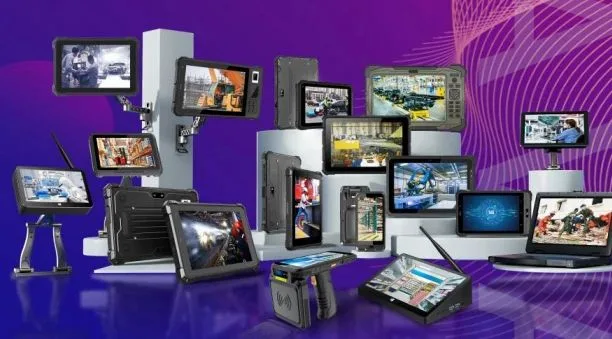
Frequently Asked Questions
1. Is a Box PC as durable as a rugged tablet?Not typically for outdoor conditions — Box PCs are built for reliable indoor use (POS counters, kiosks, factory HMI panels) rather than the IP68/MIL-STD-810-rated durability a mobile rugged tablet needs for field or outdoor work.2. Which CENAVA Box PC model is best for retail POS with barcode scanning?
The H10F offers a custom-made 2D scan option specifically suited to POS and inventory workflows.3. What's the difference between the H10PRO and the more budget H9F/H7/H89 models?
The H10PRO uses a more capable Intel J4125 processor with more RAM/storage (8+128GB or 16+128GB SSD), while the H9F, H7, and H89 use a lower-power N4020 chip with more modest 3+64GB configurations — choose based on your application's actual processing needs.4. Can a Box PC run Android instead of Windows?
Yes — the H7A runs Android/Linux on an RK3288 chip, a lower-cost option suited to simpler kiosk or signage tasks that don't need full Windows software compatibility.5. What industries commonly use Box Touchscreen Computers?
Retail (POS, kiosks), hospitality, manufacturing (HMI panels, quality control), healthcare, and education all commonly use this form factor for fixed, touch-based interaction.6. Can CENAVA customize a Box PC for a specific application?
Yes — CENAVA offers additional ports, hardware upgrades, peripheral integration, and custom modules (like the H10F's 2D scanning) tailored to specific industry requirements; contact CENAVA sales to scope your project.
Conclusion
Box touchscreen computers bring a space-saving, all-in-one solution to POS systems, self-service kiosks, digital signage, and industrial HMI panels — built for reliable indoor use rather than the outdoor ruggedness a mobile tablet needs. CENAVA's six active Box PC models, from the entry-level H89 to the flagship H10PRO, cover this range with 18 years of manufacturing experience and full OEM/ODM customization behind them.Need a Rugged Device for Your Project?
Tell us your operating environment and requirements — our engineers will recommend a configuration and quote within 24 hours.
Get a Free Quote Back to Blog