-1.jpg)












.jpg)











Top 10 Explosion-Proof Tablet Manufacturers : A Practical Buyer’s Guide
Every year, a buyer somewhere puts an ordinary IP68 rugged tablet into a Zone 1 area because the datasheet said "rugged" and the price looked right.We know because we've quoted the replacement projects.IP68 keeps water out. It does nothing about ignition.The only thing that makes a tablet legal in a hazardous area is a model-specific approval — ATEX, IECEx, NEC/CEC, or a national mining certificate — covering the exact configuration you buy.We manufacture explosion-proof tablets ourselves, so read this list with that in mind. These ten names (including ours) are the ones that keep coming up in real project tenders, ranked by how useful we think they are to a buyer in August 2026.
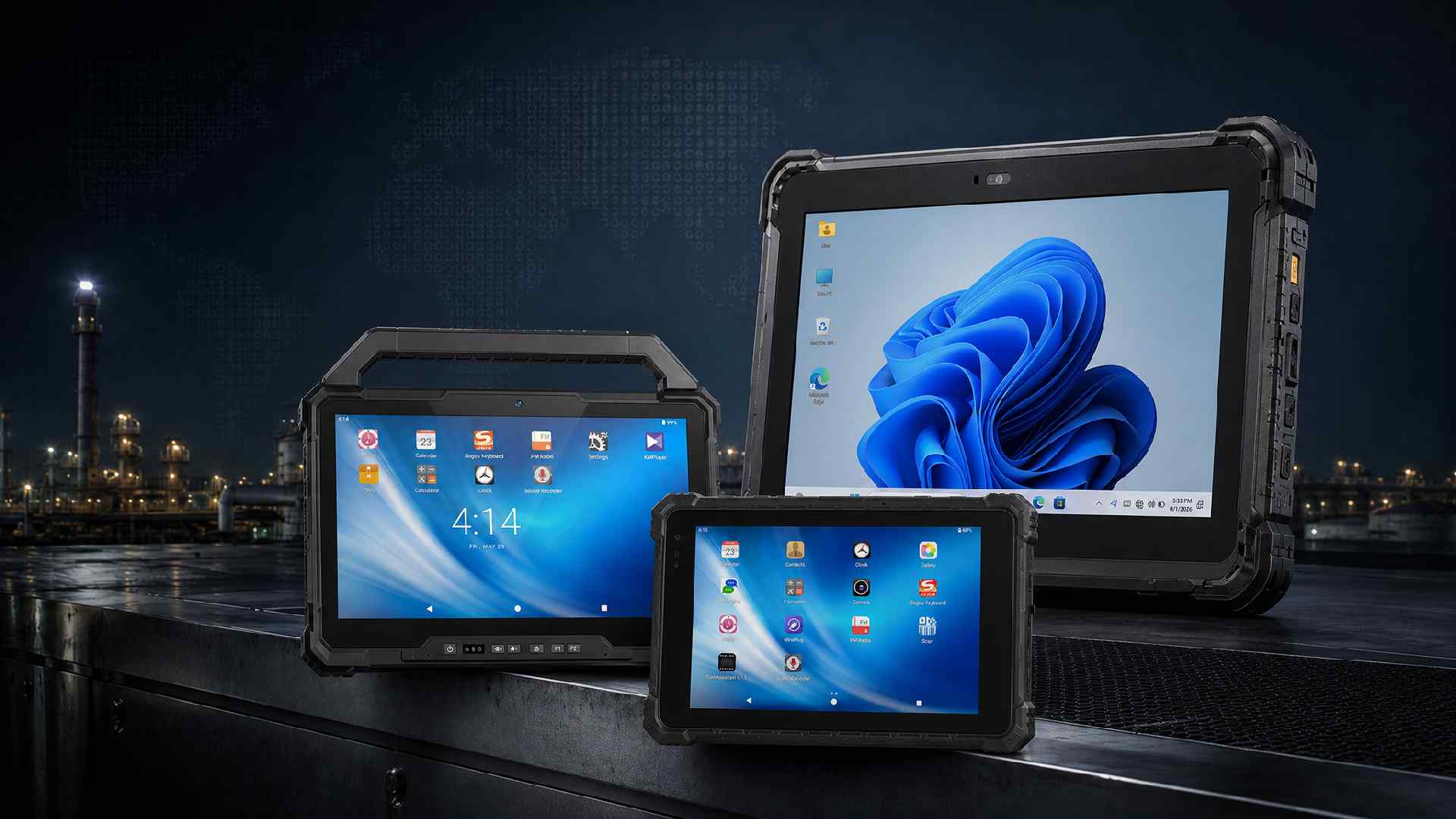 The first question in a hazardous-area tablet project should not be “Which processor is fastest?” It should be “Which exact device configuration is approved for the area where it will be used?”
A MIL-STD-810H badge sits in the same category: useful, but silent on ignition. The only proof that counts is a model-specific approval — ATEX, IECEx, NEC/CEC Class I Division 1 or 2, or a national mining certificate.
The market is less uniform than a typical rugged-tablet comparison suggests. Some manufacturers concentrate on Zone 2 inspection work. Others build intrinsically safe products for Zone 1 or Division 1. A few specialize in Windows applications; several are Android-first; and one of the companies below converts iPads into certified hazardous-area devices.
This guide compares ten established manufacturers and certified solution providers based on public product information available in August 2026. The order is an editorial assessment of overall project usefulness—not a claim about worldwide sales volume. Certification scope, operating-system choice, hardware breadth, customization, documentation and deployment support all influenced the list.
What Makes a Strong Explosion-Proof Tablet Manufacturer?
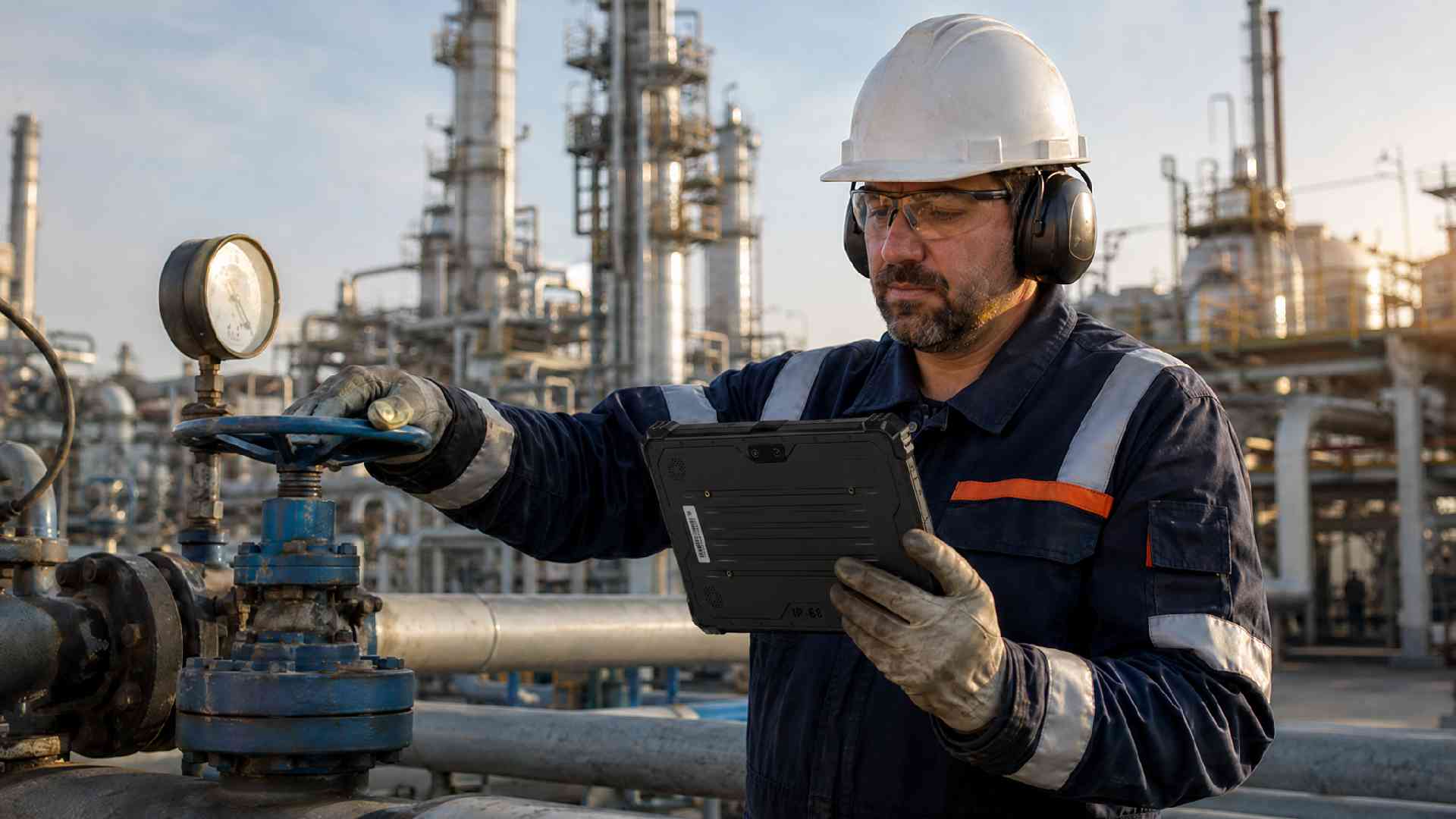 The word “explosion-proof” is often used loosely online. In procurement documents, it should be tied to a certificate, an equipment marking and an approved configuration. We used three practical criteria.
Certificates you can verify. Not a logo — a certificate number, issuing body, full Ex marking, and written confirmation that your exact SKU and radio configuration are covered. A Zone 2 tablet with an Ex label is still a Zone 2 tablet.
A tablet people actually carry. Glove touch, a screen readable in sunlight, a battery that covers the shift. The most compliant tablet on paper is worthless if operators leave it in the control room.
Honesty about customization limits. Batteries, radios, scanners and enclosures all sit inside the certified boundary. One more thing before the list. Batteries, radios, scanners and enclosures all sit inside the certified boundary — so when a supplier promises unlimited customization after certification, re-read their certificates. With that in mind, here's the list.
The Top 10 Explosion-Proof Tablet Manufacturers at a Glance
| Rank | Manufacturer / provider | Public certification focus* | Main platform or format | Suitable for |
|---|---|---|---|---|
| 1 | CENAVA | Selected ATEX, IECEx, CCRI and MA/KA configurations; Zone 1/21 and Zone 2/22 coverage varies by model | Android and Windows; multiple screen sizes | OEM/ODM projects, distributors and multi-market deployments |
| 2 | Pepperl+Fuchs ecom | ATEX/IECEx Zone 1/21 and Zone 2/22; Division 1/2 variants | Android, Samsung-based Tab-Ex family | Enterprise Android fleets in process industries |
| 3 | Getac | Broad ATEX/IECEx Zone 2/22 EX tablet range | Android and Windows; 8–12-inch class | Mature rugged-computing fleets needing strong lifecycle support |
| 4 | i.safe MOBILE | ATEX/IECEx Zone 1/21, Zone 2/22 and mining products | Android tablets, mainly 8- and 10-inch class | Process plants, private 5G and mining mobility |
| 5 | BARTEC | ATEX/IECEx/UKEX Zone 2/22 and NEC/CEC Division 2; model-dependent | Windows and Android | Integrated hazardous-area mobility and accessories |
| 6 | Aegex Technologies | ATEX/IECEx Zone 1 and North American Division 1 focus | Windows | Windows workflows in higher-risk classified areas |
| 7 | Winmate | ATEX/IECEx Zone 2 and C1D2 product families | Windows and Android, depending on model | Oil and gas integration and project-specific hardware |
| 8 | Durabook | ATEX Zone 2/22 EX models | Windows; compact and 11-inch tablets | High-performance Windows field applications |
| 9 | Atexxo Manufacturing | ATEX/IECEx Zone 1/21 and ATEX Zone 2/22 conversions | Apple iPad/iPad mini; other conversions available | Organizations committed to iOS workflows |
| 10 | Zebra Technologies | Specific Class I Division 2-compliant configurations | Android and Windows enterprise tablets | North American scanning, warehousing and managed fleets |
Two names you might expect are missing: Panasonic exited most of this segment years ago, and we left *** off because its 'EX' line is a rebadge with certificates we could not verify. If either ships you documentation that says otherwise, tell us and we'll update the table.
1. CENAVA (China)
A broad certified portfolio with OEM/ODM flexibility
CENAVA takes the first position in this guide because it addresses a part of the market that is often underserved: buyers who need more than one form factor, more than one operating system, or localized project support without committing to a single fixed global catalog.
The company’s hazardous-area portfolio covers selected ATEX, IECEx, China CCRI and MA/KA mining configurations. Its published range spans compact and full-size rugged tablets, Android and Windows platforms, plus rugged handheld options. CENAVA promotes certified-frame customization—such as controlled branding, firmware configuration, kiosk settings, application pre-installation and documentation localization—provided that the requested change remains inside the approved hardware boundary.
An OEM logo or boot screen is normally a very different certification question from changing a battery pack, camera, 5G modem or enclosure. A responsible project should freeze the certified bill of materials before samples become production units.
Why CENAVA is on the list:
A wider certification mix than many mainstream rugged-computing brands, including options aimed at oil and gas, chemical processing and mining.
Android and Windows choices across several tablet sizes rather than a single flagship model.
Support for project configuration, private labeling, localized firmware and accessories within the certified design.
A practical fit for industrial distributors, system integrators and operators that need to balance compliance, deployment flexibility and acquisition cost.
Models and configurations to discuss: CENAVA’s 8-inch and 10.1-inch EX tablet families, 5G Android configurations, Windows EX tablets and mining-certified variants. Because the certificate scope differs by model, buyers should request a certificate-to-SKU matrix rather than choosing from the screen size alone.
That is why multi-country projects, private-label programs and mixed Android/Windows fleet tenders keep landing on our desk — especially when a deployment needs Chinese hazardous-area or mining documentation next to the international certificates.
Full disclosure: this is us — and we told you so at the top of the page. What we won't do is tell you one tablet covers every zone. Send us your site classification and we'll reply with a certificate-to-SKU matrix before any quotation.
For current certification categories and project matching, see CENAVA’s ATEX and IECEx rugged-device overview.
2. Pepperl+Fuchs ecom (Germany)
A mature hazardous-area Android ecosystem
ecom instruments, part of Pepperl+Fuchs, is one of the best-known names in intrinsically safe mobile computing. Its Tab-Ex line is built around enterprise Samsung tablet technology and then adapted for hazardous locations. That gives users an Android experience while adding approvals for demanding industrial areas.
The Tab-Ex 03 DZ1 targets Zone 1/21; North American Division approvals vary by variant, so match the suffix to the certificate rather than assuming. ecom has offered Zone 2/22 and Division 2 variants across different Tab-Ex generations. Samsung Knox, DeX support on applicable models and access to a large Android application ecosystem matter in day-to-day fleet management for organizations already managing Samsung devices.
This is not usually the lowest-cost route. It costs more — expect a premium over a Zone 2-only Android tablet. What the premium buys is a stack corporate IT already manages: Knox, DeX, Samsung accessories, and a supplier that does nothing but hazardous-area mobility.
Why they’re on the list: ecom combines high-level Ex expertise with a proven Android base and deployment experience across oil and gas, chemicals, pharmaceuticals and maintenance operations.
Product: Tab-Ex 03 DZ1 for Zone 1/21 and Division 1 applications. Check current availability because some earlier Tab-Ex models are now archived.
3. Getac (Taiwan)
Getac — the safe enterprise choice. ZX10-EX (10.1" Android) and ZX80-EX (compact, Qualcomm AI chip) cover Zone 2/22; F110-EX and K120-EX serve Windows fleets. You pay more and customize less, but the global warranty network is real.
4. i.safe MOBILE (Germany)
Purpose-built Android mobility for Zone 1, Zone 2 and mining
i.safe MOBILE does not treat hazardous-area equipment as a side category. Its portfolio is organized around Zone 1/21, Zone 2/22 and mining use, with intrinsically safe phones, tablets and accessories designed as a connected system.
The IS930 series provides an 8-inch tablet format, while the IS940 family moves to a 10.1-inch, 5G-capable Android platform. Few competitors offer a mining-specific line like the M1 series. The company offers charging, carrying and vehicle-mount systems, although buyers must still confirm where each accessory is permitted to be used.
Products: IS930.1 for Zone 1/21, IS930.2 for Zone 2/22, IS940.1 5G tablet and IS940.M1 mining tablet.
5. BARTEC (Germany)
Hazardous-area engineering beyond the tablet itself
BARTEC's current tablets tell you a lot about where the market is going: the ET60/65EX2 pair is co-engineered with Zebra, so a site already running Zebra fleets keeps the same docks, the same MDM and the same scan engines, with Ex paperwork handled by an explosion-protection specialist. The older Agile S NI (certificate EPS 19 ATEX 1 179 X(certificate EPS 19 ATEX 1 179 X, worth pulling from the EU database if you want to see what a real schedule of limitations looks like), Zone 2/22) is still the Windows option we see most often in quotes.
Products: Agile S NI and BARTEC ET60/65EX2 Android or Windows configurations.
If you want the tablet, the scanner, the charging rack and the operator station to come with one set of Ex paperwork, BARTEC is built for exactly that conversation.
6. Aegex Technologies (United States)
Windows computing in Zone 1 and Division 1
The number of modern Windows tablets becomes much smaller when the requirement moves from Zone 2 to Zone 1.
The Aegex100M — the successor to the long-running aegex10 — is positioned as an intrinsically safe Windows tablet for ATEX/IECEx Zone 1. Availability has been uneven since Aegex changed hands, so confirm lead time before writing it into a specification.
If your maintenance software only exists on Windows and the job sits in Zone 1, Aegex is one of the very few calls you can make.
Confirm the current OS image, application compatibility, certificate edition and approved charging procedure. A Windows application that runs in the office still needs display, network or driver adjustments for field use.
7. Winmate (Taiwan)
The integrator's option
Winmate’s catalog covers rugged mobile computers, panel PCs, vehicle systems and industrial displays. Its EX tablet families are aimed at oil and gas, chemical processing and other sites using ATEX/IECEx Zone 2 or Class I Division 2 classifications.
The 10.1-inch M101S-EX shipping since around 2019; the M101AD-EX is the newer option we see quoted against it. Winmate’s appeal is its industrial integration experience: the company understands mounts, connectivity, ports and device use outside the office. It is accustomed to business-to-business configuration discussions.
Winmate makes most sense for integrators whose tablet is one piece of a bigger panel-PC, vehicle-mount and display project.
8. Durabook (Taiwan)
High-performance Windows tablets for Zone 2/22
Durabook starts with a capable Windows rugged tablet and offers a defined EX version for lower-frequency hazardous atmospheres.
The U11I-EX uses a 12th-generation Intel platform in an 11.6-inch fanless tablet. It is advertised with ATEX Zone 2/22 certification, IP66 ingress protection, MIL-STD-810H testing and a six-foot drop rating. The smaller R8-EX provides another form factor for users who value portability.
Products: U11I-EX and R8-EX.
For a field engineer who lives in full Windows and only occasionally enters a Zone 2/22 area, this is the practical pick.
9. Atexxo Manufacturing (Netherlands)
Certified iPad conversion for hazardous locations
Most entries on this list design dedicated rugged or intrinsically safe tablets. Atexxo takes a different route: it modifies mainstream devices, particularly Apple iPads, and certifies the completed assembly for hazardous areas.
Its portfolio includes iPad and iPad mini solutions for Zone 2/22, while selected converted products—such as the iPad mini 7 solution—are offered for ATEX/IECEx Zone 1/21. That allows an organization to preserve an existing iOS application, Apple Business Manager workflow or user interface instead of commissioning new software for Android or Windows.
10. Zebra Technologies (United States)
Enterprise fleet management, data capture and North American workflows
Zebra is best known for barcode scanning and enterprise mobility, not for a large ATEX tablet catalog. It earns a place here because specific ET60/ET65 Android and ET60W/ET65W Windows configurations support Class I Division 2 requirements, and because Zebra’s device-management and data-capture ecosystem is highly relevant to North American industrial fleets.
Do not infer ATEX, IECEx or Division 1 approval from a C1D2 option. Regional approval systems are related, but they are not interchangeable purchase labels.
How to Choose the Right Manufacturer for Your Project
There is no universally “best” explosion-proof tablet. The safest shortlist begins with a one-page application brief.
Start with the hazardous-area classification
Record the country, gas or dust hazard, zone or division, gas/dust group, temperature class and ambient-temperature range. If the site has already been classified by a competent engineer, attach that document to the request for quotation. Do not ask the tablet supplier to guess the site classification from an industry name such as “refinery” or “mine.”
Do you actually need Zone 1? (Often you don't)
Zone 1 equipment usually involves tighter energy limits and fewer hardware choices. If inspection work occurs only in a correctly classified Zone 2 area, a Zone 2 tablet offers better performance, weight and cost. Conversely, purchasing a Zone 2 device for a Zone 1 task is not a reasonable saving.
Match the operating system to the application—not to habit
Android is often the practical choice for mobile forms, barcode capture, photographs, push-to-talk and managed field apps. Windows remains valuable for legacy SCADA clients, engineering tools and x86 applications. iOS makes sense when the organization has a mature Apple workflow and a certified conversion is available.
Before selecting hardware, run the actual application on a sample. Test login, offline data, VPN, camera behavior, barcode or RFID input, font size, glove operation and synchronization after the device returns to coverage.
Treat accessories as part of the compliance decision
A hand strap is straightforward. A dock, charger, external scanner or replacement battery is not automatically approved for use in a hazardous area. Ask the manufacturer for the permitted accessory list and safe charging location. Put those restrictions into the operator procedure.
The tablet price is only one line.
Add certification review, application work, MDM licenses, docks, spare batteries, protective accessories, training, repair shipping and the number of reserve devices required during service. A more expensive tablet with local repair coverage can cost less over four years than a cheaper unit with long international turnaround.
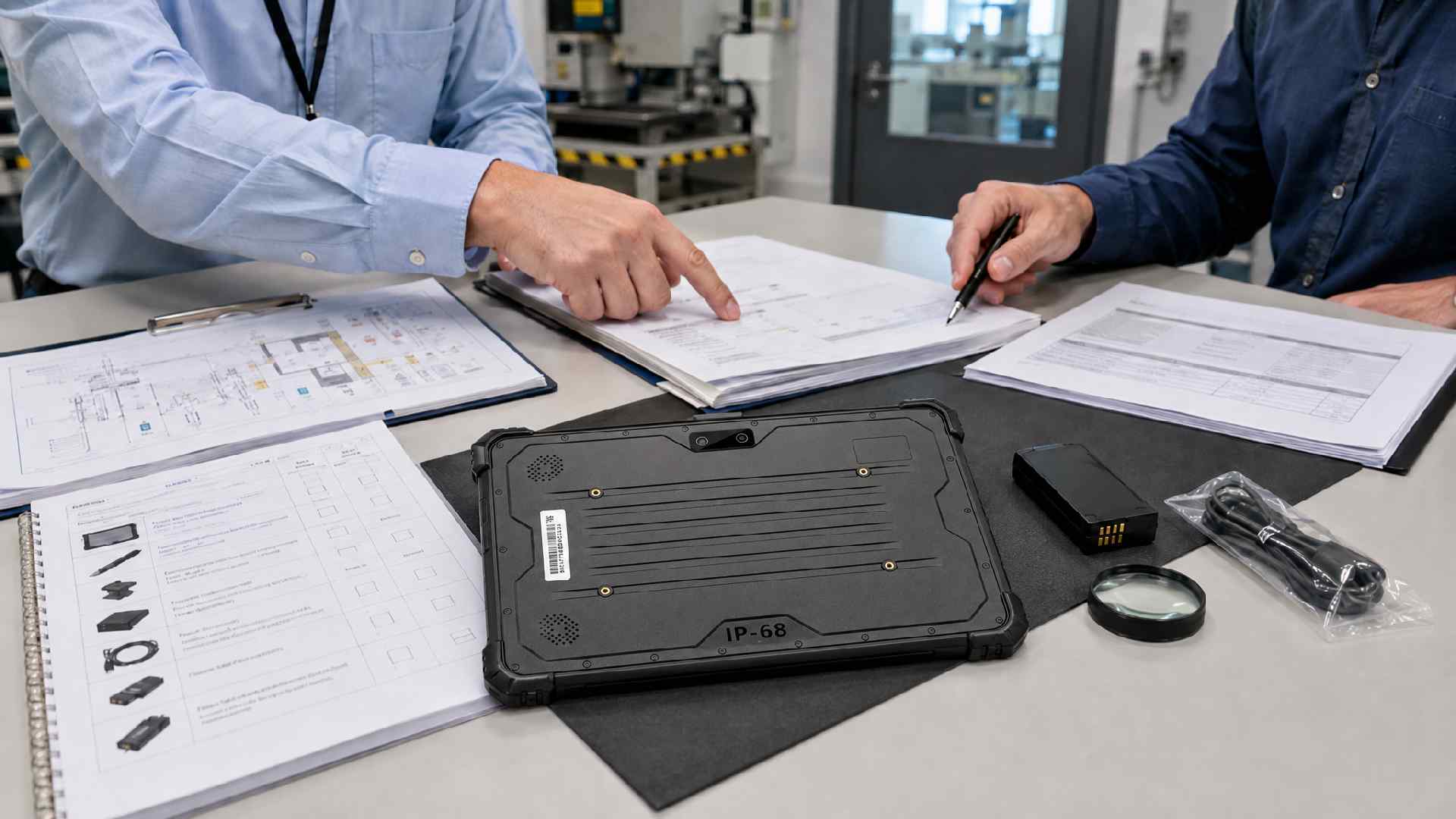 At minimum, collect:
the current certificate and any schedule or annex;
the Declaration of Conformity where applicable;
the complete equipment marking and label artwork;
model/SKU and certified bill-of-material confirmation;
special conditions of safe use, including the meaning of an “X” suffix;
permitted batteries, chargers, docks and accessories;
ingress, drop and temperature test evidence where those claims affect the project;
OS support, security-update and repair policy.
If a supplier sends only a CE certificate or a generic ATEX brochure, the technical review is not finished.
Explosion-Proof Tablet Trends to Watch
Private 5G is becoming a real selection factor
Three years ago, "5G in the Ex zone" was a brochure claim. Now it shows up in real quotes — i.safe's IS940.1 and BARTEC's ET65EX2 both ship with 5G, and private LTE/5G networks at plants are the reason buyers ask. The radio, the SIM arrangement and the local frequency bands still have to sit inside the certified configuration, so the selection conversation starts with the certificate, not the speed test.
Edge AI will arrive first in Zone 2 products
Computer-vision assistance, speech processing and local anomaly detection are appearing in mainstream rugged tablets. Zone 2 lines such as Getac’s newer products can adopt these processors faster because Zone 1 power and thermal limits are more restrictive. Before paying for an "AI-ready" tablet, ask one question: which application will actually run offline on it? The honest answer we hear from most plants today: none yet — the inspection apps their IT approved are still cloud-dependent. If the answer is a demo video, keep the cheaper model. ZX80-EX puts a Qualcomm AI-capable chip in a Zone 2/22 device — that hardware is real — but the certificate still says nothing about whether your inspection software uses it.
Conclusion
Short version: for Zone 1 Android fleets, call ecom or i.safe. For Zone 1 Windows, call Aegex. For Zone 2 projects where budget and service network matter, Getac, Durabook and Winmate all work. iOS shops should talk to Atexxo. And if your project mixes platforms, sizes, or certification systems — that's exactly the gap we built CENAVA for.
Whoever you choose: approve the certificate and the exact SKU before the purchase order. A logo and an IP rating won't keep an inspector safe.
Frequently Asked Questions
What is the difference between an explosion-proof tablet and an intrinsically safe tablet?
“Explosion-proof tablet” is commonly used as a broad market term. Intrinsic safety is a specific protection method that limits electrical and thermal energy so the equipment cannot ignite the defined hazardous atmosphere under specified conditions. Other protection concepts use different methods. The certificate and Ex marking—not the marketing name—identify the actual protection technique.
Is an IP68 rugged tablet safe to use in a refinery hazardous area?
We get this question almost weekly, usually after someone compares prices on Alibaba. No — IP68 only covers dust and water. Last year a buyer sent us a photo of a consumer-grade 'rugged' tablet bolted to a skid in a Zone 1 area; the replacement project cost more than doing it right the first time. You need ATEX, IECEx or NEC/CEC approval for the exact model and area classification.
Are ATEX Zone 2 and Class I Division 2 the same certification?
No. Different systems, different standards, different markings. A product can carry both approvals — many do — but one label never substitutes for the other. Check what your local authority and the project specification actually require.
Which operating system is best for an explosion-proof tablet?
Pick Android unless a specific Windows-only application forces your hand. We sell both, so this isn't platform loyalty — Android fleets are simply cheaper to manage, and most inspection apps ship there first. The exception: legacy SCADA clients and engineering tools, where Windows earns its extra cost.
What documents should I request from an explosion-proof tablet manufacturer?
Request the complete current certificate, annex or schedule, Declaration of Conformity where applicable, full Ex marking, exact covered model/SKU, special conditions of use, and the approved battery, charger and accessory list. For fleet planning, request the OS-support and authorized-repair policy.
Need a Rugged Device for Your Project?
Tell us your operating environment and requirements — our engineers will recommend a configuration and quote within 24 hours.
Get a Free Quote Back to Blog