-1.jpg)












.jpg)











How to Buy a High-Quality Industrial Rugged Touch Tablet
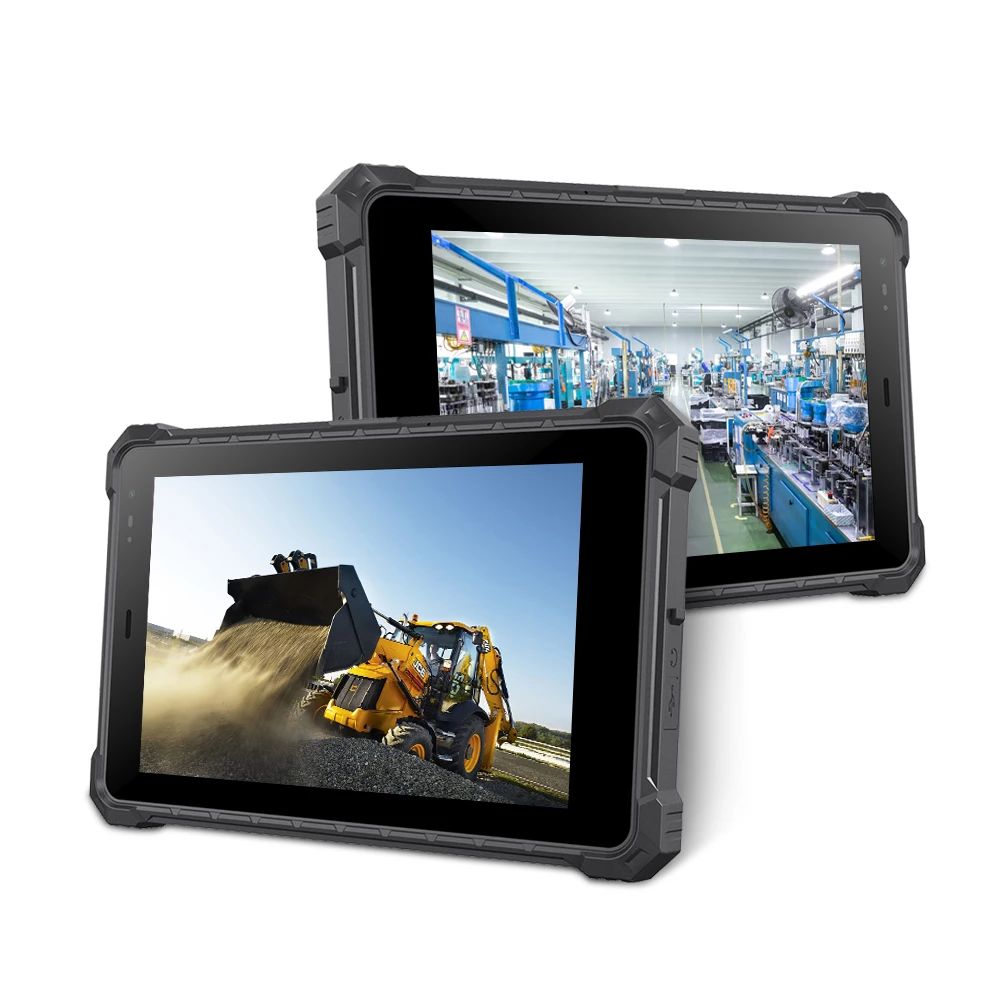
Industrial Rugged Touch Tablet
What to Consider When Choosing an Industrial Rugged Touch Tablet
Functional Application
An industrial rugged touch tablet combines the functions of a TV, computer, and monitor into one touch-operated device, replacing the mouse and keyboard entirely. Paired with different touch software, it handles scientific research, teaching, retail, conference/training, and self-service information kiosks — essentially anything a standard computer can do, in a form factor built for touch interaction.Host Configuration
The internal configuration isn't fundamentally different from a standard computer — motherboard, CPU, memory, and storage — but should be selected to your specific needs, ideally purchased directly from the manufacturer for better hardware support and customization options.When evaluating configuration, check:OS compatibility — confirm the tablet's operating system (and version) matches what your industry-specific software actually requires.
Processing power — make sure the CPU can handle your software's demands without lag, especially for data-heavy or multitasking use.
Memory (RAM) — adequate RAM matters for multitasking and resource-intensive applications.
Storage capacity — check both built-in storage and expansion options (SD card, SSD) against your actual data needs.
Touch Screen Technology: How Each Type Actually Works
Resistive Touch Screen
A resistive screen is a multi-layer composite: a glass or acrylic base layer coated with a transparent conductive ITO film, topped with a hardened, scratch-resistant plastic layer that's also ITO-coated on its inner surface, with small transparent spacer dots separating the two conductive layers. Touching the screen presses the two ITO layers into contact, changing resistance at that point — the controller calculates touch coordinates from that resistance change. This means resistive screens require actual pressure to register a touch.Best for: environments with dust, water, oil, or where operators wear gloves or use a stylus — very tolerant of temperature and humidity swings, and durable enough for manufacturing, healthcare, and field service use.Capacitive Touch Screen
A capacitive screen is a four-layer composite glass assembly, with ITO coating on the inner surface and interlayer (the interlayer ITO serves as the working surface, wired to four corner electrodes; the inner ITO layer acts as a shield), topped with a thin protective silica glass layer. Touching the screen with a finger uses the human body as one pole of a coupling capacitor — current drawn from the four corners forms the other pole, and touch coordinates are calculated from the relative current distribution.Capacitive screens support multi-touch, but can drift with changes in ambient temperature, humidity, or electric fields, requiring periodic recalibration — making them less ideal for industrial control environments with heavy interference.Best for: retail point-of-sale systems, smartphones, and applications needing precise touch input in relatively controlled environments.Infrared Touch Screen
Infrared screens use a dense infrared matrix in the X and Y directions, with transmitting and receiving tubes arranged around the screen's frame. A touch interrupts the X/Y infrared beams at that location, and the system calculates the touch point from which beams were blocked — any object can trigger this, including gloved hands.Best for: outdoor kiosks, interactive displays, and gaming machines exposed to liquids, dust, or contaminants, where robustness and object-agnostic touch matter more than precision.
Display Quality
The LCD screen is one of the most important hardware components in the whole device — especially for outdoor or bright-light environments, where a high-resolution, high-brightness, sunlight-readable display is essential rather than optional.Other Key Considerations
Battery life — check rated hours for extended field use through a full shift.
Connectivity — confirm Wi-Fi, Bluetooth, 4G/5G, and GPS support match your data transfer and communication needs.
Customization — barcode scanners, RFID readers, and specialized ports should be available to match your specific workflow.
Durability and environmental ratings — check water, dust, shock, and temperature resistance against a real standard (MIL-STD-810 series, specific IP rating) rather than generic "rugged" language alone.
Security features — for sensitive-data industries, prioritize biometric authentication, hardware-based encryption, and secure boot.
Size — industrial tablets range from 8 to 23 inches; self-service kiosks focused on simple inquiries generally don't need the largest size, while data-heavy fieldwork may benefit from more screen real estate.
CENAVA Models Matching This Guide's Configuration Points
| Consideration | CENAVA Model | Why |
|---|---|---|
| Multi-core processor, expandable storage, detachable battery | W10N (10", Windows 10/11, Intel N5100, IP68) | Matches the "processing power + memory + storage" checklist with a currently available, higher-protection option |
| High-brightness display for outdoor/bright-light use | W80N (8", Windows 11, Intel N5100, IP68, 700 nit) | Compact, high-brightness alternative for size-constrained deployments |
Why Choose CENAVA for Industrial Rugged Touch Tablets?
CENAVA is a leading, trusted manufacturer of industrial rugged touch tablets with 18 years of R&D experience and 700+ enterprise clients worldwide, dedicated to solutions tailored to the rigorous demands of manufacturing, construction, logistics, and field services. Tablets are designed and tested to withstand extreme conditions while delivering seamless performance and durability, with full OEM/ODM customization available.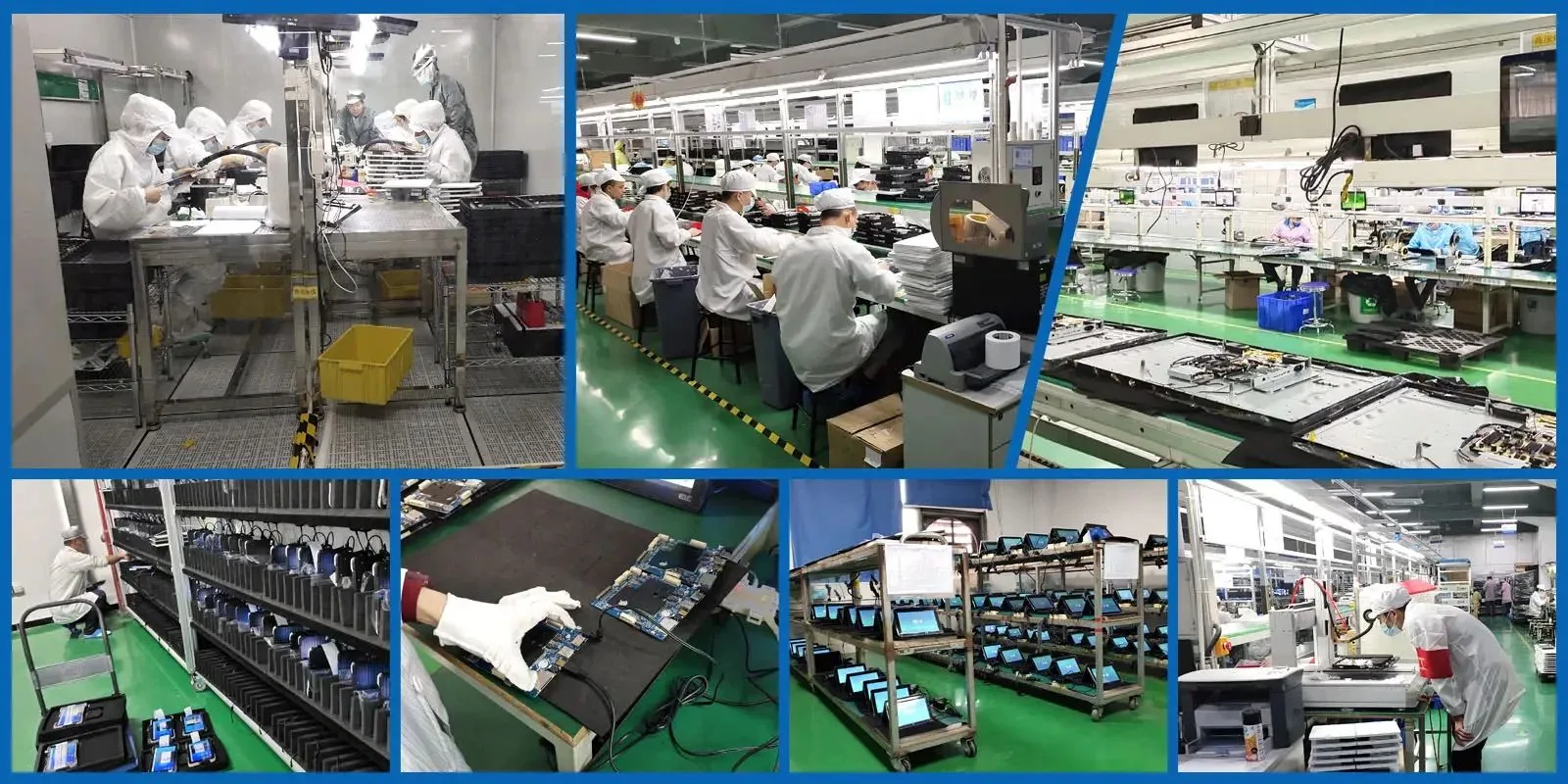
Frequently Asked Questions
1. Which touch screen type should I choose for a dusty, gloved-hand work environment?Resistive touch screens are the most tolerant of dust, moisture, oil, and glove/stylus operation, making them a strong fit for manufacturing, healthcare, and field service use.2. Why does a capacitive screen sometimes become inaccurate over time in industrial settings?
Capacitive screens can drift when ambient temperature, humidity, or electric fields change, requiring periodic recalibration — this makes them less ideal for industrial control environments with significant interference.3. What durability rating should I check before buying?
Look for a specific IP rating (like IP67/IP68) and a recognized shock/drop standard (like MIL-STD-810), rather than relying on generic "rugged" marketing claims alone.4. What size tablet do I need for a self-service kiosk vs. field data collection?
Self-service kiosks focused on simple inquiries generally don't need a large screen; field data collection with detailed forms or maps often benefits from more screen real estate — match size to actual task complexity.5. Are the W16J and W80ZH models from this guide still available?
Those specific product pages no longer resolve on CENAVA's site — the current W10N and W80N (both Intel N5100-based, IP68-rated) are confirmed equivalents worth comparing.6. Can CENAVA customize a rugged touch tablet for a specific industry workflow?
Yes — as an OEM/ODM manufacturer, CENAVA can configure barcode scanners, RFID readers, biometric modules, and specialized ports to match your specific requirements; contact CENAVA sales to scope your project.
Conclusion
Buying a high-quality industrial rugged touch tablet comes down to matching configuration, touch screen technology, durability rating, and customization options to your actual working environment — not just picking the tablet with the most impressive spec sheet. CENAVA's current lineup, including the W10N and W80N, brings 18 years of rugged terminal manufacturing experience to exactly this kind of decision.Need a Rugged Device for Your Project?
Tell us your operating environment and requirements — our engineers will recommend a configuration and quote within 24 hours.
Get a Free Quote Back to Blog