













































-1.jpg)












.jpg)










Construction Tablets
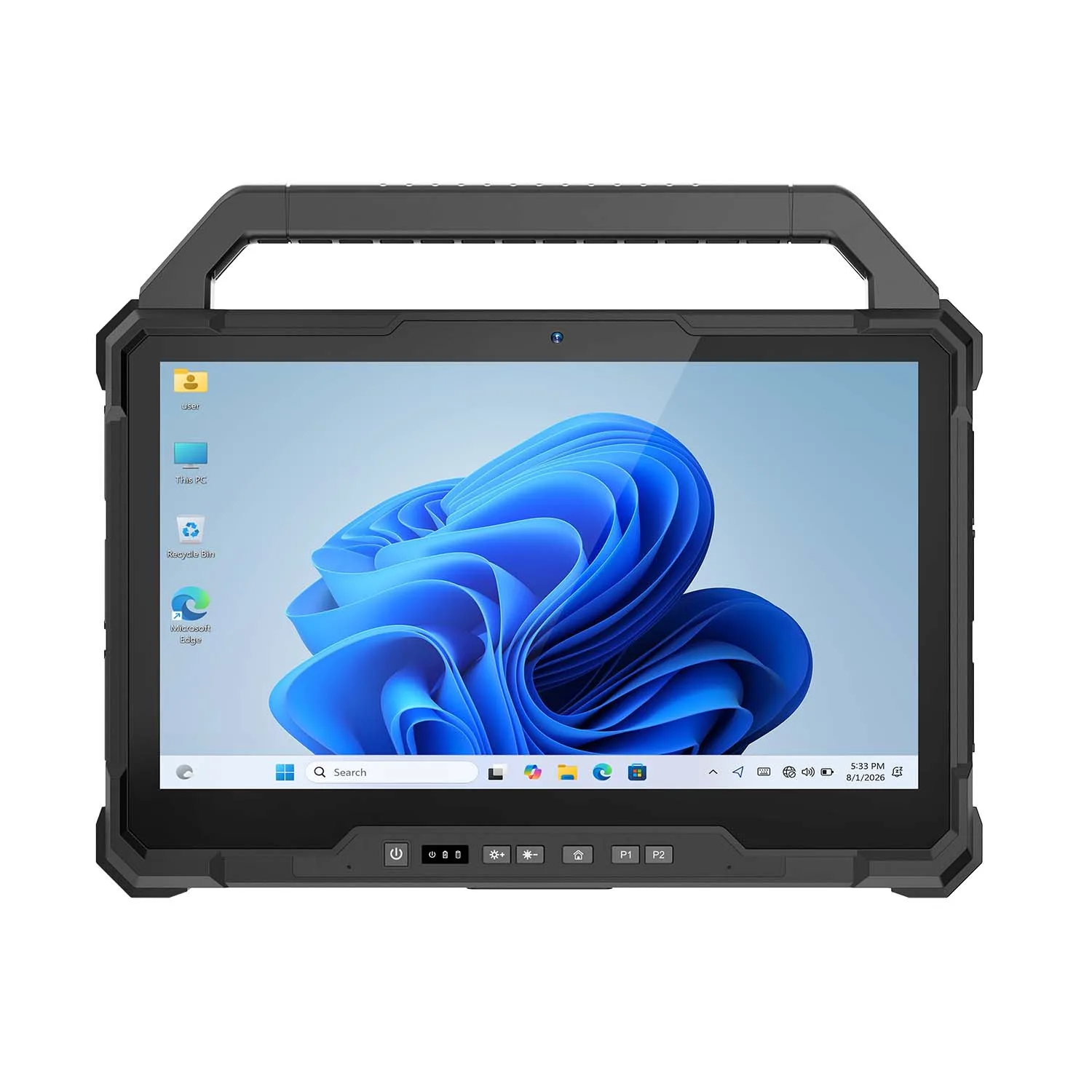
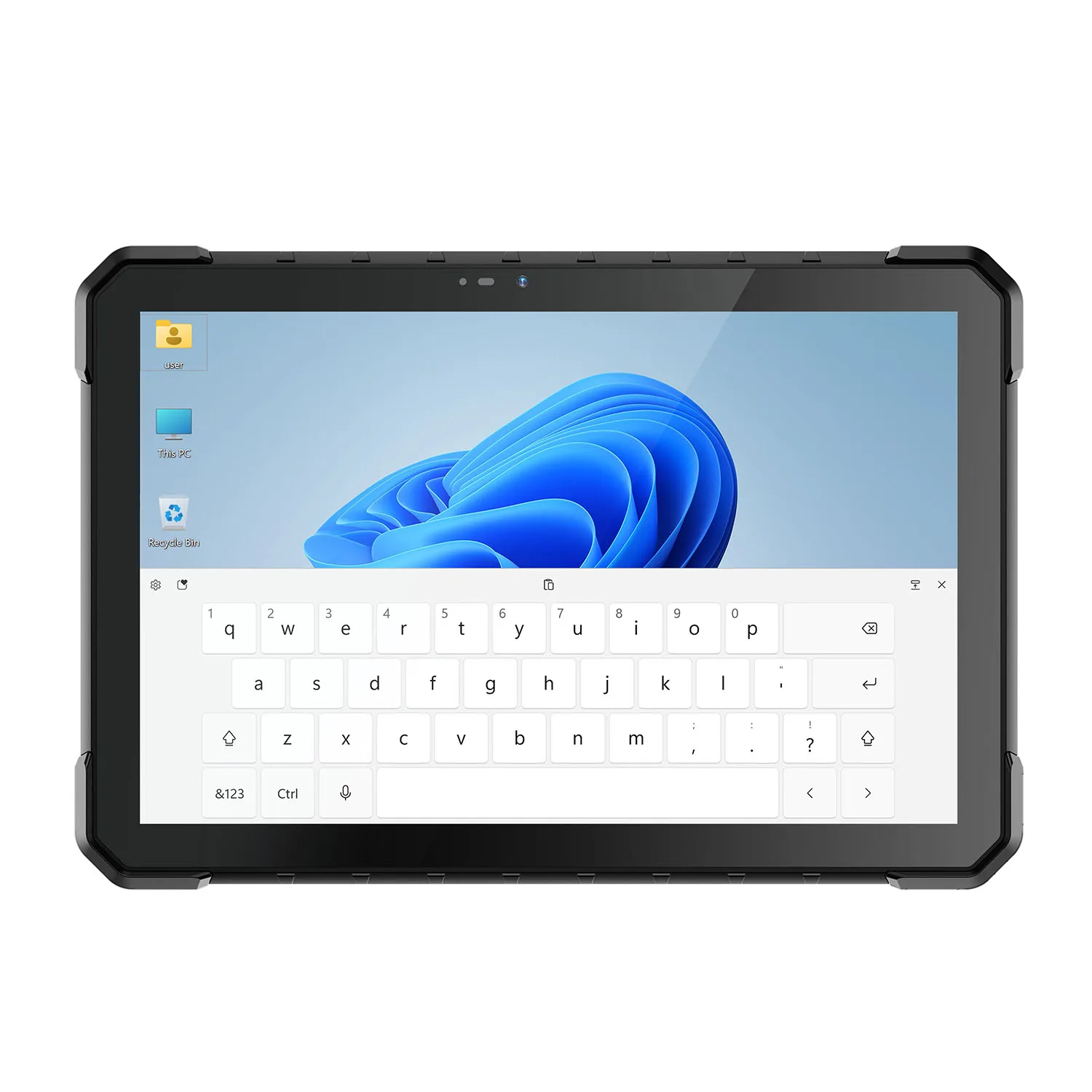
Rugged Construction Tablets for Jobsite Work
Paper does not survive a jobsite. These tablets do.
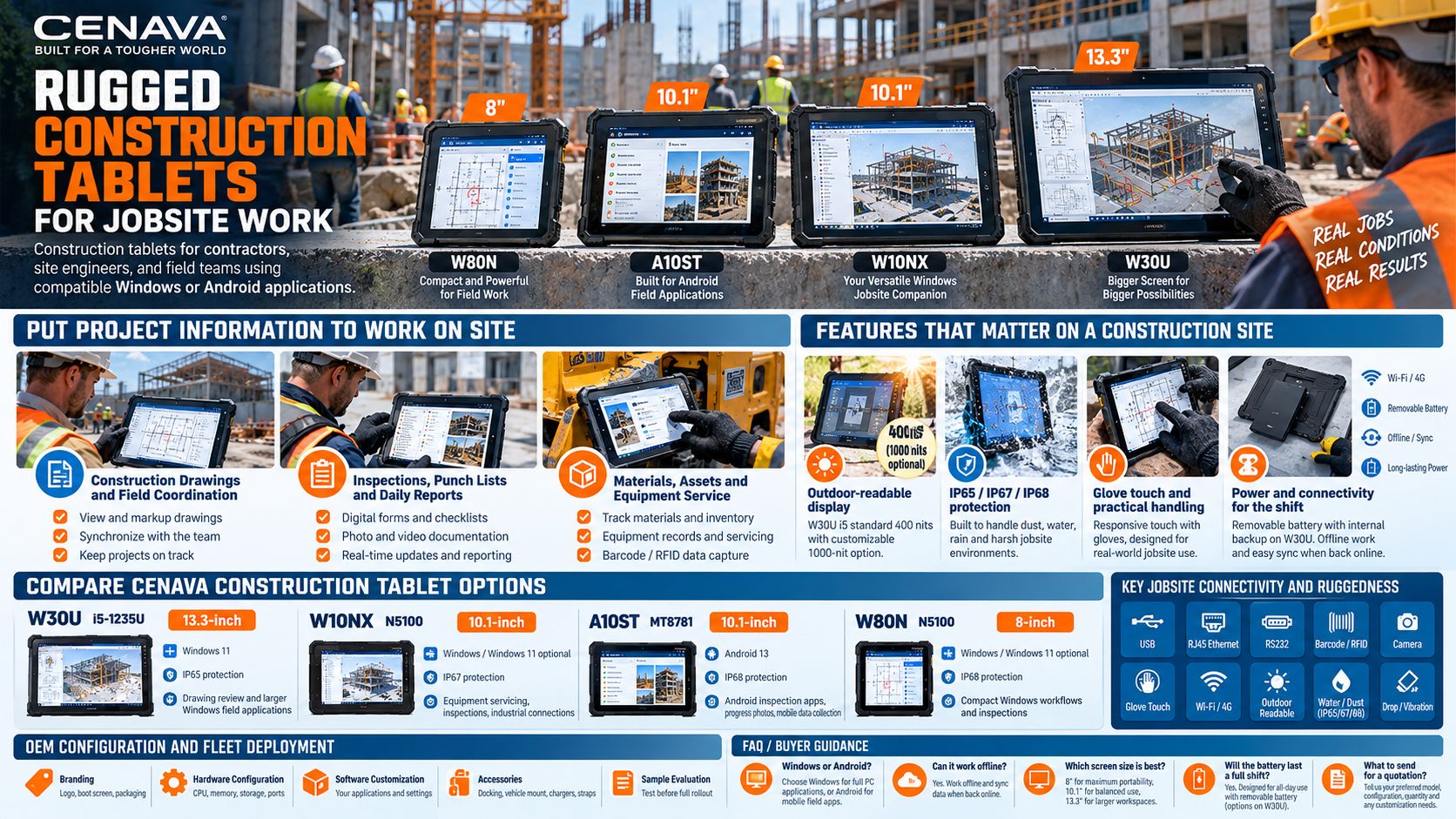
CENAVA construction tablets bring drawings, inspection forms and project documentation to the jobsite. We make them in three sizes — 8, 10.1 and 13.3 inches — for contractors, site engineers and field teams running compatible Windows or Android applications. From reviewing a drawing beside the work area to recording a defect before leaving the floor, the right tablet keeps information within reach.
Match the device to your software, outdoor visibility needs, required connections and daily carrying routine. The sections below walk through each of those.
Put Project Information to Work on Site
Construction Drawings and Field Coordination
Open approved drawings, review details and prepare requests for information through your construction software. A 13.3-inch screen offers more room for plans and side-by-side documents, while smaller devices are easier to carry between work areas — we usually point drawing-heavy crews at the bigger panel. Set up revision control so crews can identify the approved drawing before work begins.
Inspections, Punch Lists and Daily Reports
Record observations, attach photographs and update punch-list items at the inspection location. A useful record connects the issue to the correct room, drawing or asset. With a compatible application, teams can also capture daily progress, delivery notes and handover information without returning to the site office for every entry. Paper punch lists lose items. Digital ones close them.
Materials, Assets and Equipment Service
Use supported barcode or RFID options to identify deliveries, tools and equipment. For service work, selected tablets provide USB, RJ45 Ethernet or RS232 connections for compatible diagnostic devices. Choose the interfaces and reader modules around the equipment your team actually uses — tell us what you need to plug in and we will match the ports.
Features That Matter on a Construction Site
A Display Matched to Outdoor Work
Screen brightness, reflections and viewing angle affect how easily a drawing can be read outdoors. Bright sun kills a dim screen. The W30U i5 model offers a standard 400-nit display with a customizable 1000-nit option. Evaluate the screen with your drawings, normal protective eyewear and expected lighting conditions.
Protection for the Working Environment
CENAVA offers construction tablet candidates with IP65, IP67 or IP68 ingress protection. Ask us for the selected model's drop and vibration test report, and check the conditions required for port covers, connectors and accessories. Choose protection around the actual exposure on your site — not the worst case you can imagine, the one you actually have.
Touch Input and Practical Handling
Selected models support glove touch, with wet-hand operation depending on the configuration. Try the tablet with the gloves worn on site and the smallest controls in your application. A hand strap, carry handle or suitable mount can make repeated checks easier throughout the day.
Power and Connectivity for the Shift
Plan charging around screen brightness, mobile data use and the applications running during a shift. The W30U uses a removable main battery with an internal backup for battery changes. Other models use different battery arrangements — tell us the shift pattern and we will plan charging around it. Where coverage is unreliable, choose software that supports local records and controlled synchronization.
Compare CENAVA Construction Tablet Options
| Model | Display | Platform | IP Rating | Best For |
|---|---|---|---|---|
| W30U i5-1235U | 13.3-inch | Windows 11 | IP65 | Drawing review, larger forms and Windows field applications |
| W10NX N5100 | 10.1-inch | Windows; | IP67 | Equipment servicing, inspections and industrial connections |
| A10ST MT8781 | 10.1-inch | Android 13 | IP68 | Android inspection apps, progress photos and mobile data collection |
| W80N N5100 | 8-inch | Windows; Windows 11 optional | IP68 | Compact Windows workflows and inspections between work areas |
Start with the table, then talk to us — a five-minute description of your workflow usually settles the model.
These are starting points for selection. Confirm the operating system, memory, storage, display option and required accessories for your order, and evaluate application performance with your own software and project files.
OEM Configuration and Fleet Deployment
For contractors, equipment suppliers and system integrators, CENAVA offers OEM/ODM discussions covering branding, hardware configuration, software customization and accessories. Start with the requirements shared across your fleet, then identify any specialist configurations needed by individual teams.
Before a larger rollout, evaluate a sample against a typical working day: open project files, complete an inspection, connect required peripherals and check the charging routine. Then record the approved configuration so purchasing and site teams work from the same specification — that one document prevents most fleet disputes we see.
Frequently Asked Questions About Construction Tablets
1. What is a construction tablet?
A construction tablet is a mobile computer used for jobsite tasks such as drawing review, inspections, progress reporting and equipment records. Rugged models add hardware protection and industrial options suited to demanding environments. The best configuration depends on the work, the software and the site conditions.
2. Should I choose Windows or Android?
Choose Windows when your workflow requires a supported desktop application or a specific Windows driver. Android is an option for compatible mobile inspection and data-collection apps. Check the application’s supported operating systems and versions before selecting the hardware.
3. Can these tablets run CAD or BIM software?
Compatible applications may support drawing review, markups or model viewing. Full design work and large 3D models can require substantially more processing power, memory and graphics capability. Check the software requirements and test representative project files on the proposed configuration.
4. Which screen size is best for construction work?
8 inches for frequent movement. 10.1 inches for more space on forms and photographs. 13.3 inches when drawings and detailed documents need the screen area. Include carrying weight and mounting position in the decision.
5. Can a construction tablet work without an internet connection?
Yes, when the application supports offline operation and the required files are stored locally. Download drawings before entering areas without coverage. Check how the application saves new records, handles conflicting changes and synchronizes when connectivity returns.
6. Will the battery last a full shift?
Runtime varies with screen brightness, software load, wireless activity and temperature. Evaluate it using your actual workflow. Depending on the model, the deployment plan may include spare batteries, a charging dock or an approved vehicle power arrangement.
7. What information should I send for a quotation?
Your application names, preferred screen size, required operating system, site conditions and estimated quantity — plus any ports, scanners, mounts or connectivity options you need, together with the deployment country and delivery schedule. With that, we come back with a configuration and a quote.



