-1.jpg)












.jpg)











Rugged Tablets for Exam ID Verification: A10ST Guide
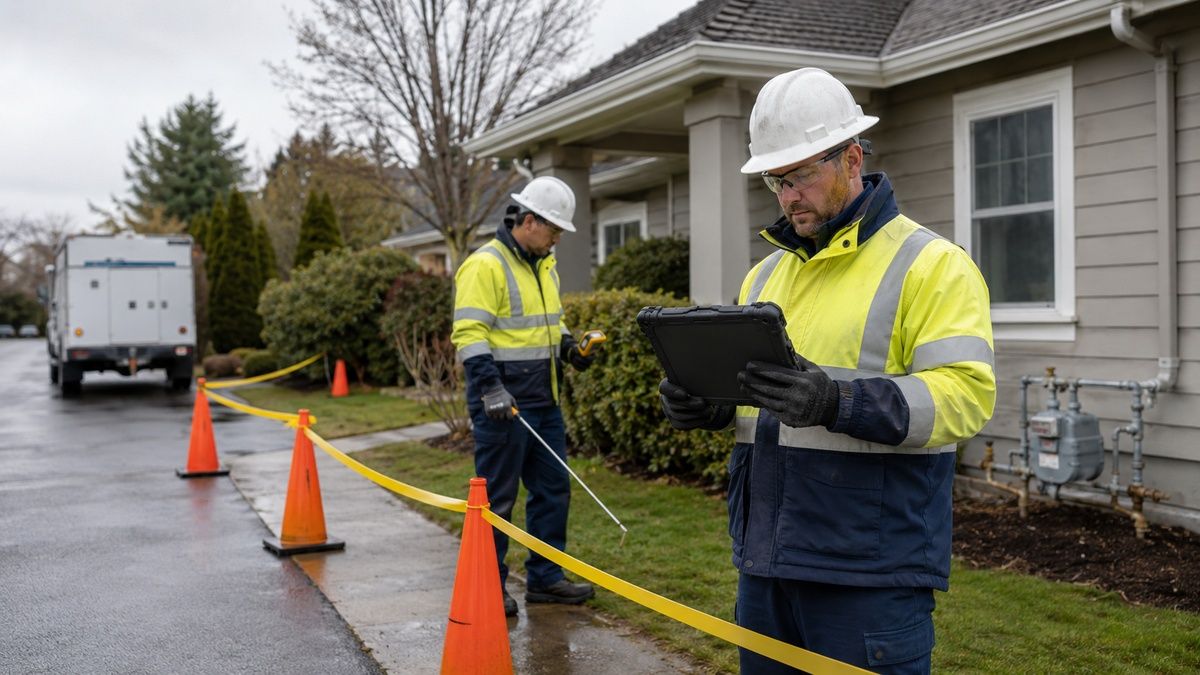
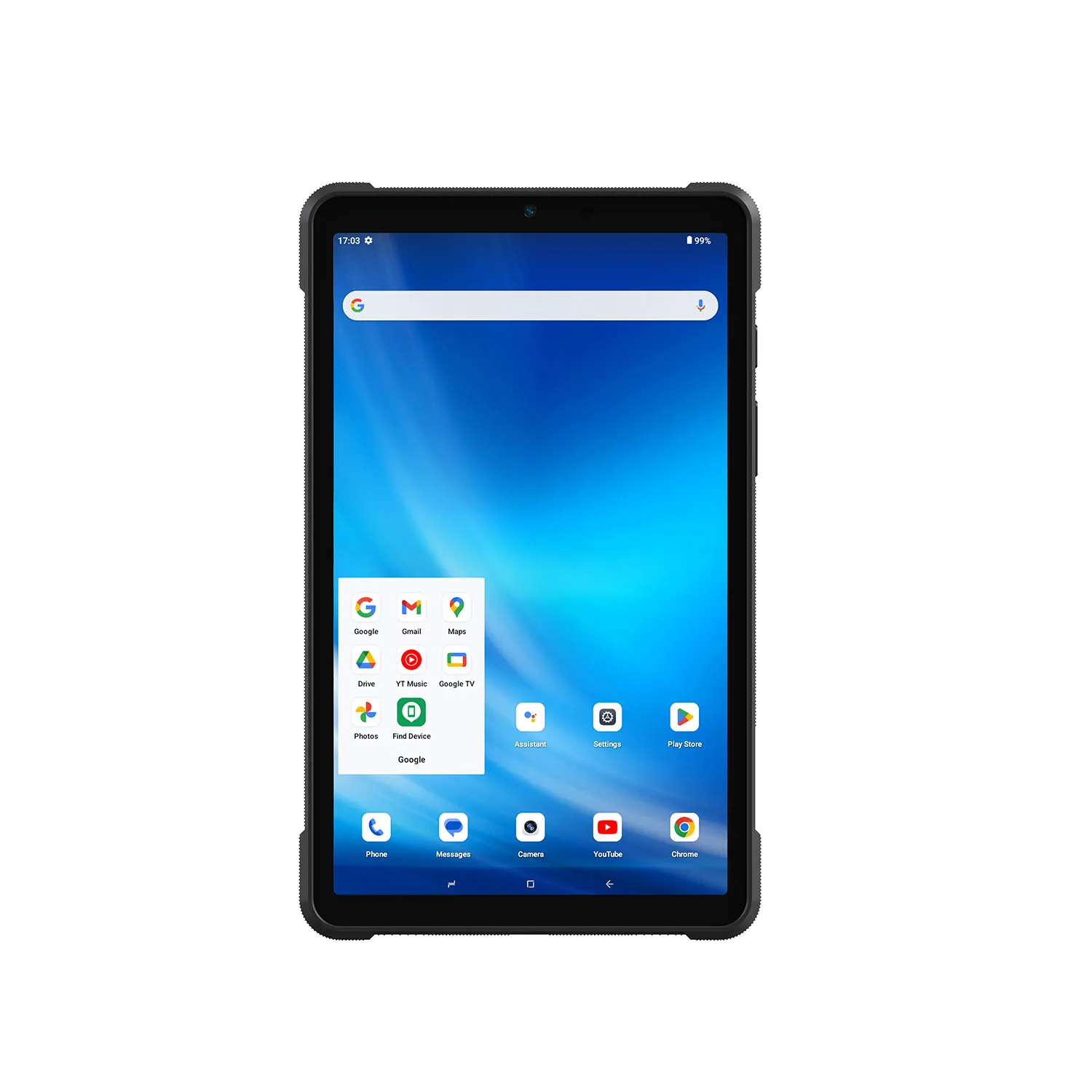
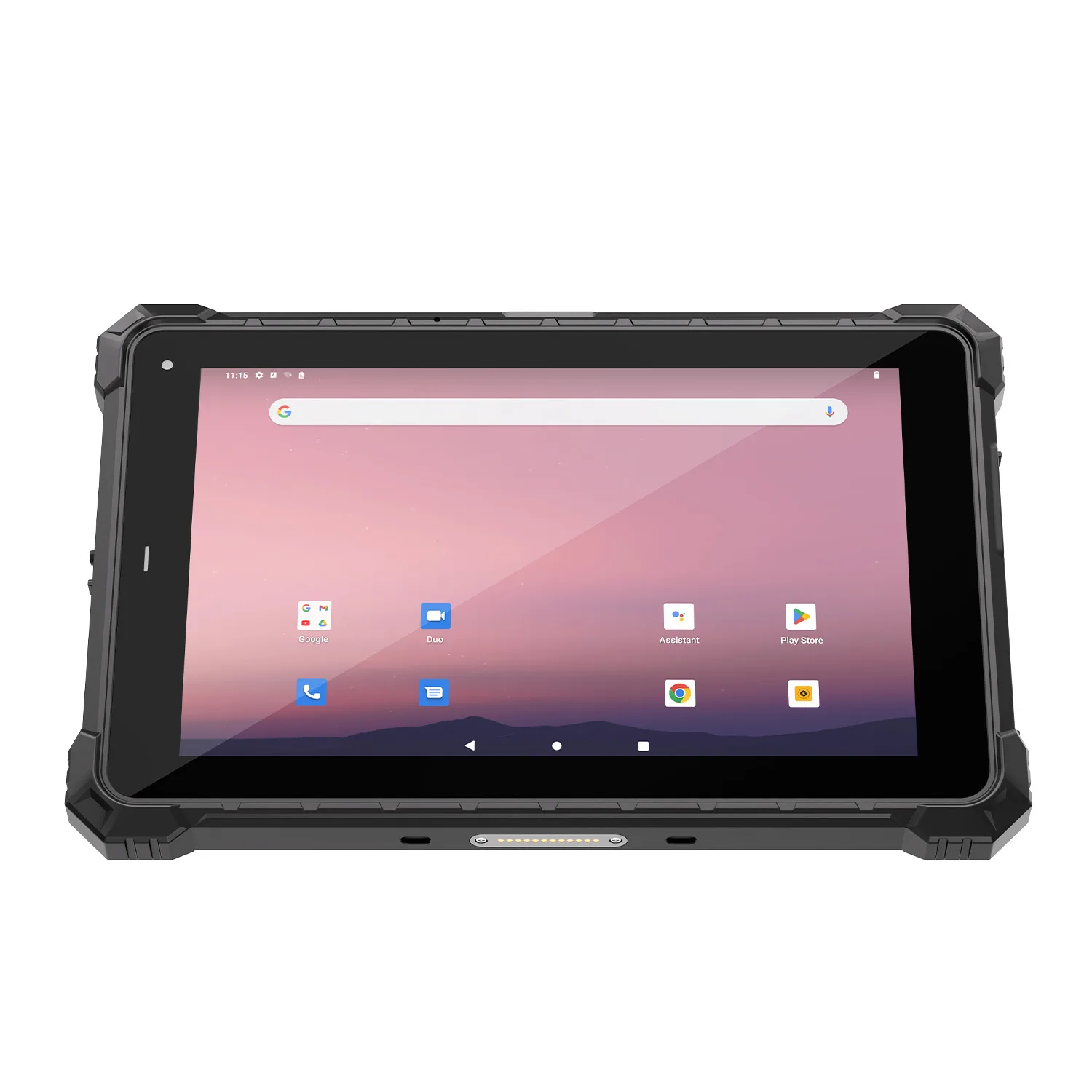
A 500-seat exam hall running manual ID checks takes roughly 45 minutes to seat all candidates. During that window, a proctor comparing photo IDs faces fatigue, glare from overhead lighting, and the simple risk of not noticing that the person holding the ticket is not the person in the photograph. The A10ST is a 10.1-inch Android 13 tablet with an IP68-rated enclosure. When configured with its biometric module set, it replaces the visual comparison with a fingerprint or ID-card match that takes about three seconds per candidate.
Most exam centres still verify candidates the same way they did twenty years ago: a proctor at the door checks a paper ticket against a photo ID. At 500 candidates and three seconds per check, that is twenty-five minutes of queueing before anyone sits down. During high-stakes exams, that delay also creates a crowd at the entrance — exactly the condition where a swapped ticket or borrowed ID is hardest to spot. Biometric verification does not eliminate queueing, but it compresses the per-candidate check to roughly three seconds and ties the result to a fingerprint or NFC credential that is harder to transfer than a paper document.
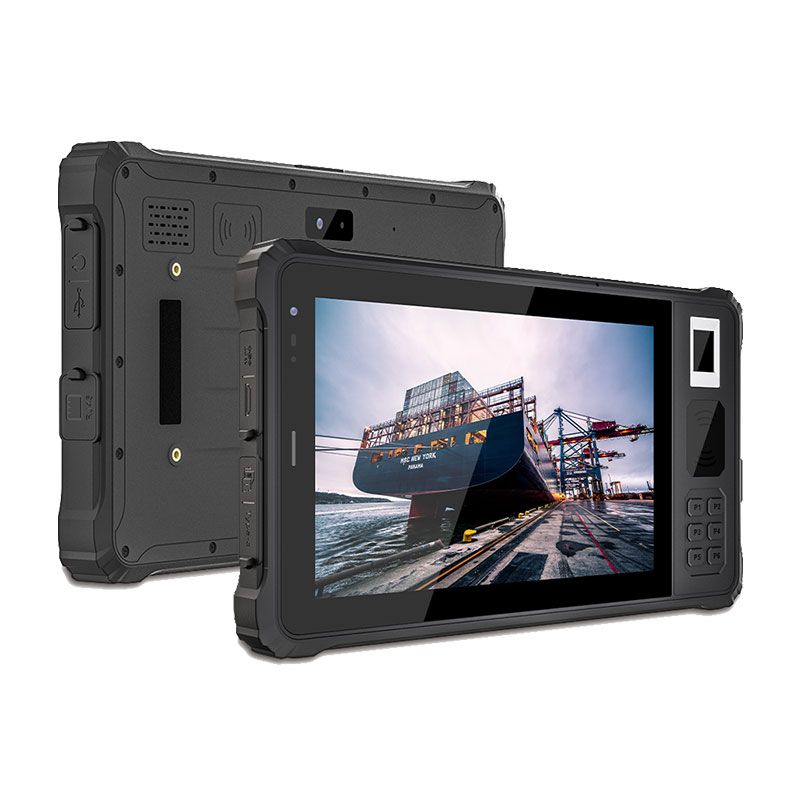
CENAVA A10ST for Exam ID Verification
Accuracy note: This use case was previously built around CENAVA's A80PT model, which is no longer listed as a current product. The A10ST is the current-generation equivalent, offering the same core ID-verification capability on an actively supported Android 13 platform.
Before ordering, confirm three things with CENAVA sales:
Whether the fingerprint, ID-card, and NFC modules you need are available in the current production batch — module availability varies by region.
Whether iris recognition is required for your compliance framework; it is not a standard A10ST option and may require a custom integration lead time of 6–8 weeks.
Whether your institution's data-privacy policy permits biometric storage on third-party hardware; the A10ST stores fingerprint templates locally by default, but sync behaviour depends on your backend configuration.
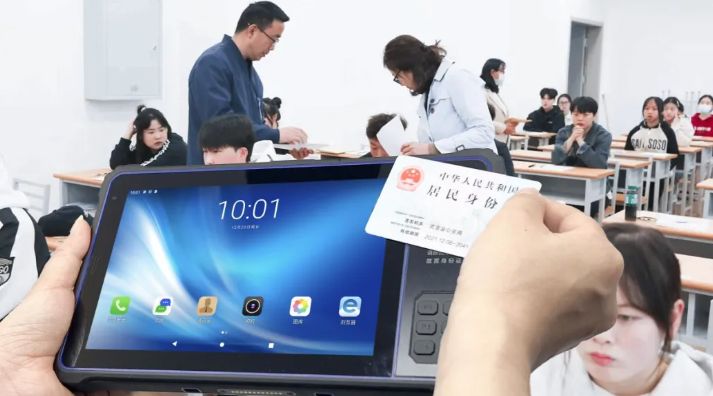
Beyond the Classroom: Broader ID Verification Use Cases
The same module configuration has been used for candidate verification at provincial civil-service exam centres in China, where the Ministry of Public Security-certified fingerprint sensor is required by regulation. That deployment does not make the A10ST suitable for law-enforcement field arrests — the data-handling rules, chain-of-custody requirements, and network security policies are entirely different. We mention it only to show that the hardware has been tested at scale; your exam-room configuration must still be validated against your own compliance framework.Setting Up an Exam ID Verification Workflow
Implementation sequence. Start with one verification method — fingerprint is usually fastest — and add ID-card or NFC only if your compliance framework requires multi-factor confirmation. Before ordering, confirm with CENAVA sales which module combination is available in your region and what the lead time is; module availability varies by certification tier.
Data handling. Decide where biometric templates will be stored. The A10ST stores fingerprint data locally by default. If your policy requires centralised storage, that changes the sync architecture and may affect offline behaviour. Document this decision before the hardware arrives, not after the first exam.
Training. Schedule a half-day session for proctors, covering three failure modes: wet or damaged fingers, foreign passports that lack the expected ID-chip format, and network outages that force offline mode. Each proctor should process five mock candidates, including one deliberate mismatch, before they are cleared for live duty.
Pilot. Run the system on one exam session of 50–100 candidates. Measure three things: average verification time per candidate, percentage of candidates requiring manual fallback, and sync latency between the tablet and backend. If manual fallback exceeds 5%, adjust the fingerprint sensor threshold or switch to a higher-tier sensor before expanding to the full institution.
Why Choose CENAVA for Exam & Identity Verification Technology?
What CENAVA provides. We do not sell a finished "exam tablet." We sell an IP68-rated Android 13 platform and a set of biometric modules that you configure to match your institution's compliance requirements. That means the fingerprint sensor tier, ID-card reader format, and NFC capability are selected per order, not pulled from a warehouse shelf. It also means the lead time is typically 4–6 weeks for custom configurations, and the price varies by module set. If you need a quote, send your exam regulations, expected candidate volume, and backend sync requirements; we will reply with the exact module list and certificate copy before you order.

Frequently Asked Questions
What fingerprint certification do I actually need?
That depends on your regulator, not on our brochure. Chinese public-sector exams typically require a Ministry of Public Security-certified sensor. International high-stakes exams may require FBI PIV or FAP 60+. Standard industrial sensors are sufficient for internal institutional assessments where the primary goal is queue management rather than forensic identity proof. We list all three tiers, but we will not select one for you — send your compliance document and we will match it.
Can I use the A10ST for national college entrance exams (Gaokao)?
Probably not without additional certification. The Gaokao identity verification system in most provinces requires integration with the Ministry of Education's national candidate database and specific hardware security modules that the standard A10ST does not include. The A10ST is suitable for institutional, provincial, or corporate exams where the verification backend is controlled by your own organisation. For national exams, contact your provincial education examination authority before approaching any hardware vendor.
What happens when the fingerprint sensor fails?
The A10ST falls back to ID-card or NFC verification if those modules are installed. If all electronic methods fail, the proctor reverts to manual document check and logs the exception. We recommend configuring the tablet to require a supervisor PIN for manual override, so the fallback creates an auditable record rather than an invisible gap.
Conclusion
Next step. If you are evaluating the A10ST for exam identity verification, send us three things: your exam regulations (so we can match the fingerprint certification tier), your expected candidate volume per session (so we can size the battery and sync architecture), and your backend integration requirements (so we can confirm Android 13 API compatibility). We will reply with a configuration proposal and lead-time estimate. We do not recommend buying a "standard" unit and hoping it fits — exam compliance is too specific for that approach.Need a Rugged Device for Your Project?
Tell us your operating environment and requirements — our engineers will recommend a configuration and quote within 24 hours.
Get a Free Quote Back to Blog