-1.jpg)












.jpg)











How to Choose The Best Rugged Tablet Operating Systems?
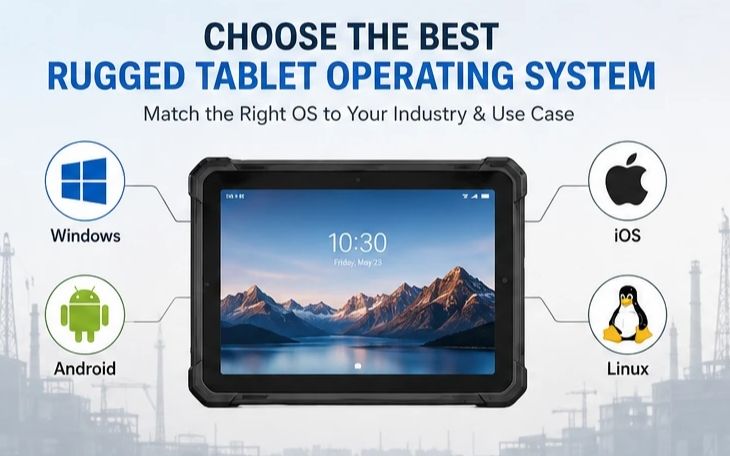
Rugged Tablet Operating Systems at a Glance
| OS | Best For | Cost | Battery Life | Software Ecosystem | Available as a CENAVA Rugged Tablet? |
|---|---|---|---|---|---|
| Windows | Desktop-class workloads, existing Windows IT infrastructure | Higher (licensing) | Moderate | Full desktop apps (Office, AutoCAD, ERP) | ✅ Yes — e.g. W109U |
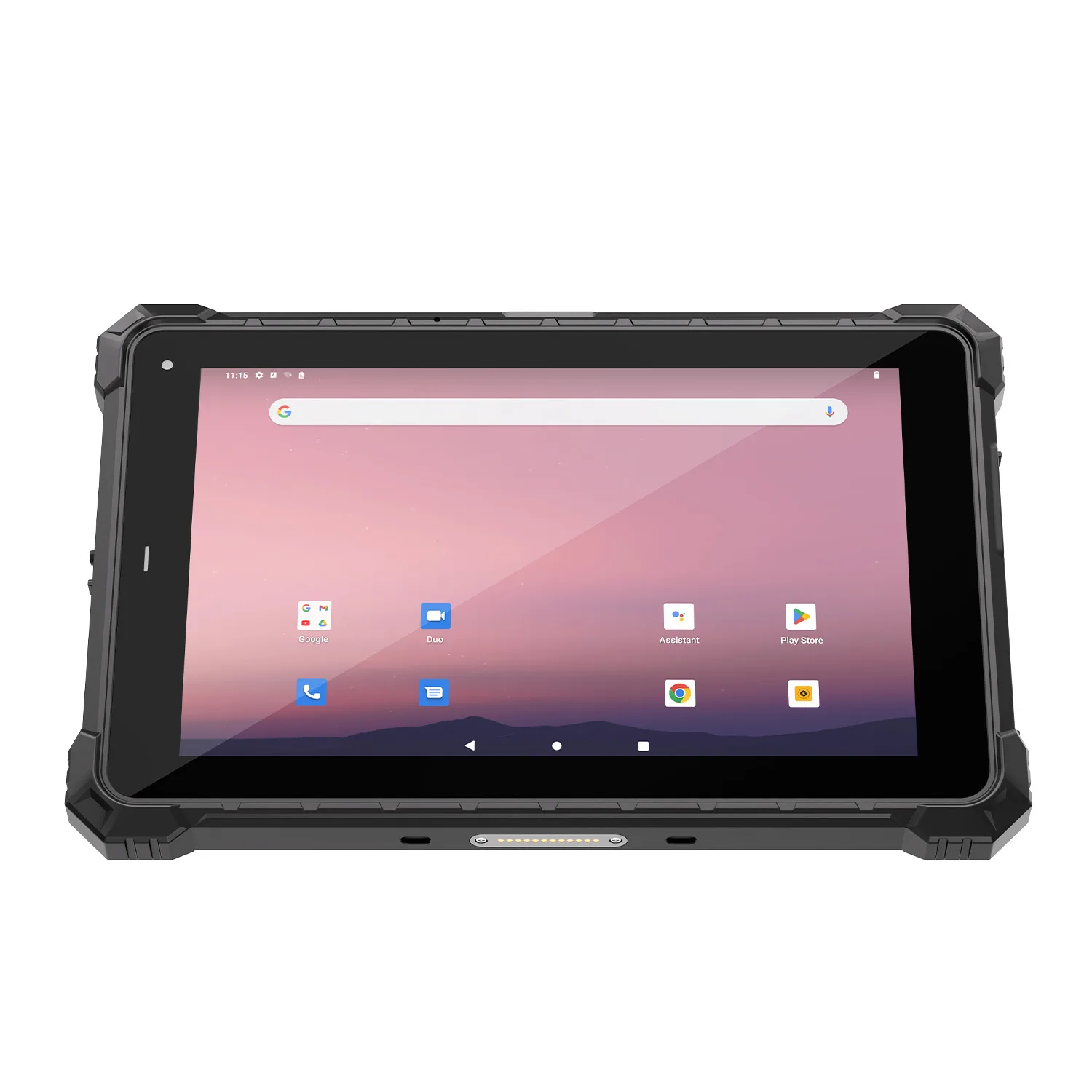
| Android | Mobile-first field work, app-based workflows | Lower | Long | Google Play + custom industrial apps | ✅ Yes — e.g. A10ST, A109T |
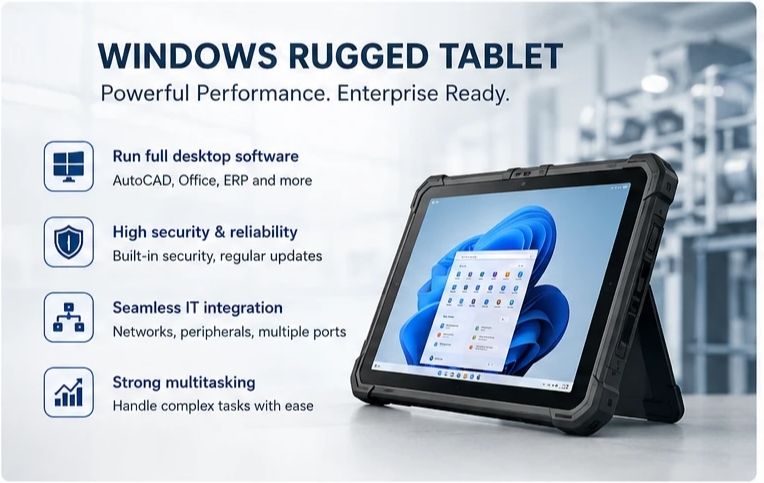
Windows Rugged Tablets: Strengths and Best Fit
Windows remains the standard for enterprise and productivity-focused rugged tablets, delivering full desktop-class performance in a rugged form factor.Enterprise software compatibility — runs full desktop applications (Microsoft Office, AutoCAD, engineering tools, legacy enterprise software) without compromise.
Strong multitasking — handles data analysis, video conferencing, and industrial design simultaneously.
Seamless IT integration — connects to existing Windows networks, servers, and peripherals via USB 3.0, USB-C, and HDMI.
Enterprise-grade security — built-in encryption, secure boot, and regular updates.
Flexible sizing — available from 7" to 15.6" depending on job requirements.
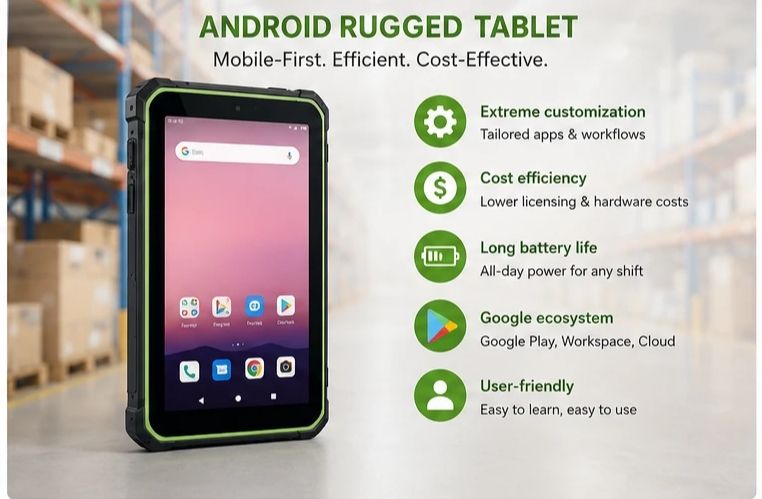
Android Rugged Tablets: Strengths and Best Fit
Android leads mobile-first, cost-effective, and highly customizable rugged deployments — simplicity, long battery life, and app-based efficiency built for field and on-the-go work.Extreme customization — open-source structure supports tailored interfaces and industry-specific apps.
Cost efficiency — lower licensing fees and more flexible hardware options.
Low power consumption — optimized for full-shift battery life in remote or off-grid locations.
Google ecosystem — integrates with Google Workspace, cloud storage, and Google Play's industrial app library.
User-friendly — touch interface familiar to smartphone users, minimal training required.
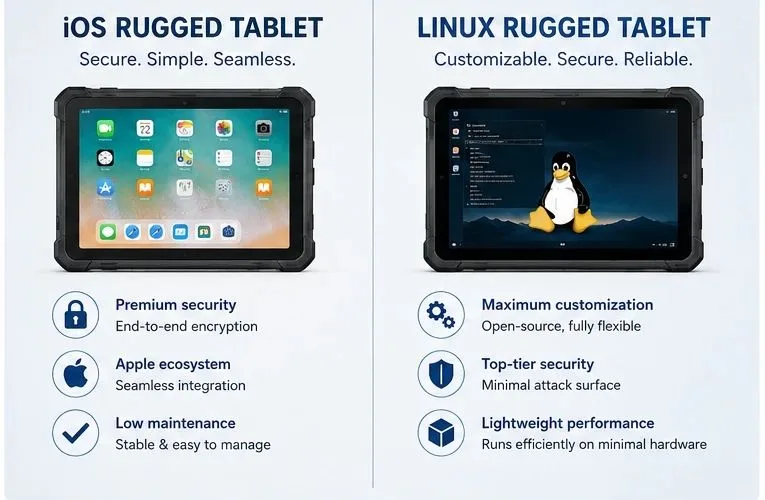
iOS rugged tablets aren't really a manufacturer category — Apple doesn't license iOS, so every 'iOS rugged tablet' on the market is a hardened case around a genuine iPad (that's the Atexxo model, and for Zone 2/22 it works well). If your organization runs on Apple Business Manager, that's a legitimate route — just know you're buying a conversion, not a purpose-built device.
Linux fills the opposite niche: defense and research programs that need a fully auditable, locked-down system. We build these as custom projects, not catalog products — if that's your requirement, it starts as an engineering conversation, not a quotation.
Frequently Asked Questions
Is Windows or Android better for a rugged tablet?Neither is universally "better" — Windows fits teams that need desktop software and existing Windows IT integration, while Android fits mobile-first, app-based, battery-conscious field work; the right choice depends on your software stack, not the OS itself.Can I get an iOS rugged tablet from a rugged device manufacturer?Not in the traditional sense — Apple doesn't license iOS to third-party hardware makers, so "iOS rugged tablets" on the market are ruggedized cases built around a genuine Apple iPad rather than a manufacturer-built device.
Why is Android more common than Windows in logistics and warehousing?Android's lower licensing cost, longer battery life, and mobile-first app ecosystem (barcode scanning, inventory apps) suit the high device counts and all-day mobility that logistics and warehousing operations need.
Does a Windows rugged tablet cost more than an Android one?Generally yes, mainly due to Windows licensing and higher-spec hardware needed to run desktop-class software, though the total cost difference depends on the specific model and configuration.
Which OS should I choose for barcode scanning and field inventory apps?Android is the more common choice for barcode scanning and inventory workflows, thanks to its app ecosystem and lower per-device cost, which matters when deploying tablets across a large field team.
Does CENAVA make Linux rugged tablets?Not as a standard catalog product — CENAVA's rugged tablet lineup is built on Windows and Android; Linux-based industrial deployments in this space are typically custom builds for specific defense or research programs.
Can CENAVA help me decide between Windows and Android for my industry?Yes — CENAVA's team reviews your software stack, IT infrastructure, and field workflow to recommend the OS and specific rugged tablet model that fits, rather than defaulting to one OS.
About CENAVA
CENAVA is an industrial hardware manufacturer with rugged tablet products sold in nearly 100 countries, serving 700+ enterprise customers, and holding 60+ intellectual property patents. Its rugged tablet range — spanning both Windows (W109U) and Android (A10ST, A109T) — is tested to MIL-STD-810 standards and certified across 3C, CE, FCC, and RoHS. See real-world deployments across logistics, energy, mining, and manufacturing on the Industries page.Tell CENAVA your industry and application needs, and the team will recommend the OS and rugged tablet model that fits.Need a Rugged Device for Your Project?
Tell us your operating environment and requirements — our engineers will recommend a configuration and quote within 24 hours.
Get a Free Quote Back to Blog