-1.jpg)












.jpg)











How to Collect Wellsite Data Offline: The Checklist We Test Tablets Against
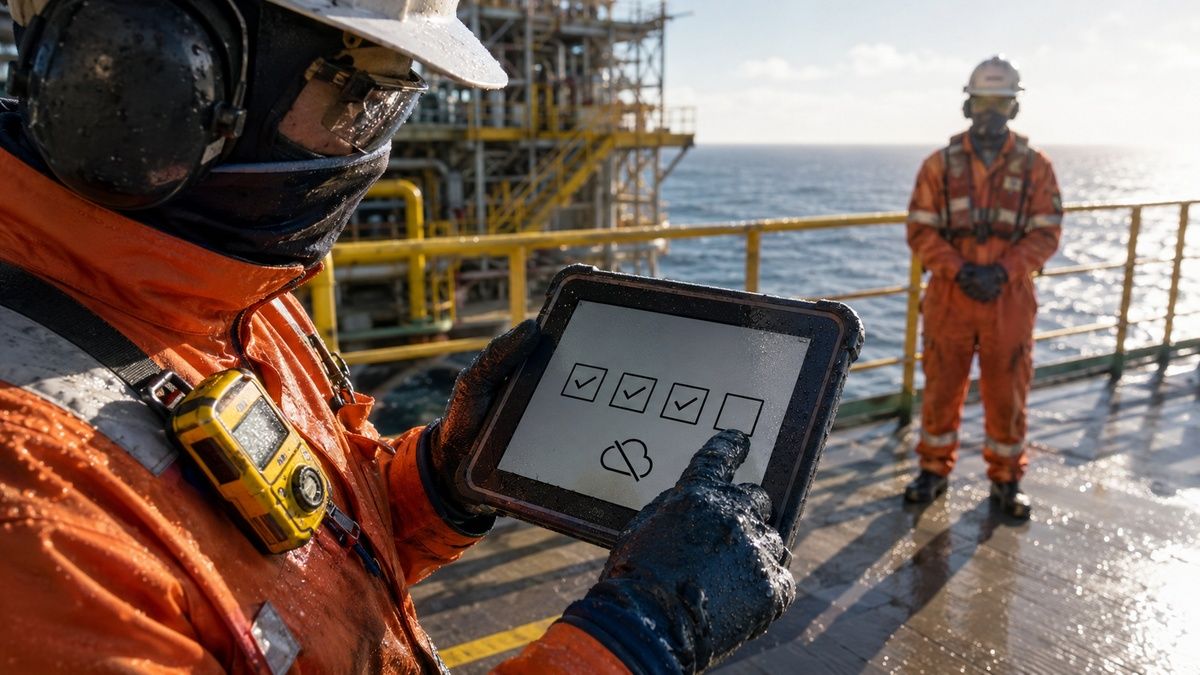
The practical answer to how to collect wellsite data offline is to package each route, well hierarchy, form version and controlled reference on the tablet, preserve every observation with a traceable local timestamp, and accept the round only after the system of record acknowledges it. An oilfield drilling report tablet is therefore useful only when the data contract is as disciplined as the device.
Wellsite work is not one uniform checklist. A drilling tour report, a producing-well round, a separator inspection and a contractor handover use different asset structures, sources and approval paths. Copying them into a single generic form may shorten development, yet it removes the context needed to decide whether a value came from a local indicator, a worker's observation or an automated source.
Offline operation changes where errors hide. A screen can show “saved” while an attachment remains queued, a second user can reopen an outdated route, and two devices can create valid but conflicting records for the same point. Reliable design separates device creation, transmission attempt, server validation and authoritative acceptance instead of representing them with one green check mark.
Hardware remains an admission gate. The exact ATEX, IECEx or North American configuration must suit any classified location on the route; IP65–IP68 ingress protection and MIL-STD-810G/H environmental evidence address different risks and do not grant hazardous-area access. Conversely, a correctly admitted tablet does not repair ambiguous well IDs, uncontrolled units or poor conflict rules.
This 2026 guide compares ten manufacturers through the narrower lens of offline wellsite work: package control, point identification, structured observations, handover and reconciliation. High-category hazardous-area candidates appear first, followed by Zone 2 or Division 2 products and a safe-area workflow platform. Product approval remains configuration- and region-specific, and the field exercises are proposed acceptance methods rather than unverified customer cases.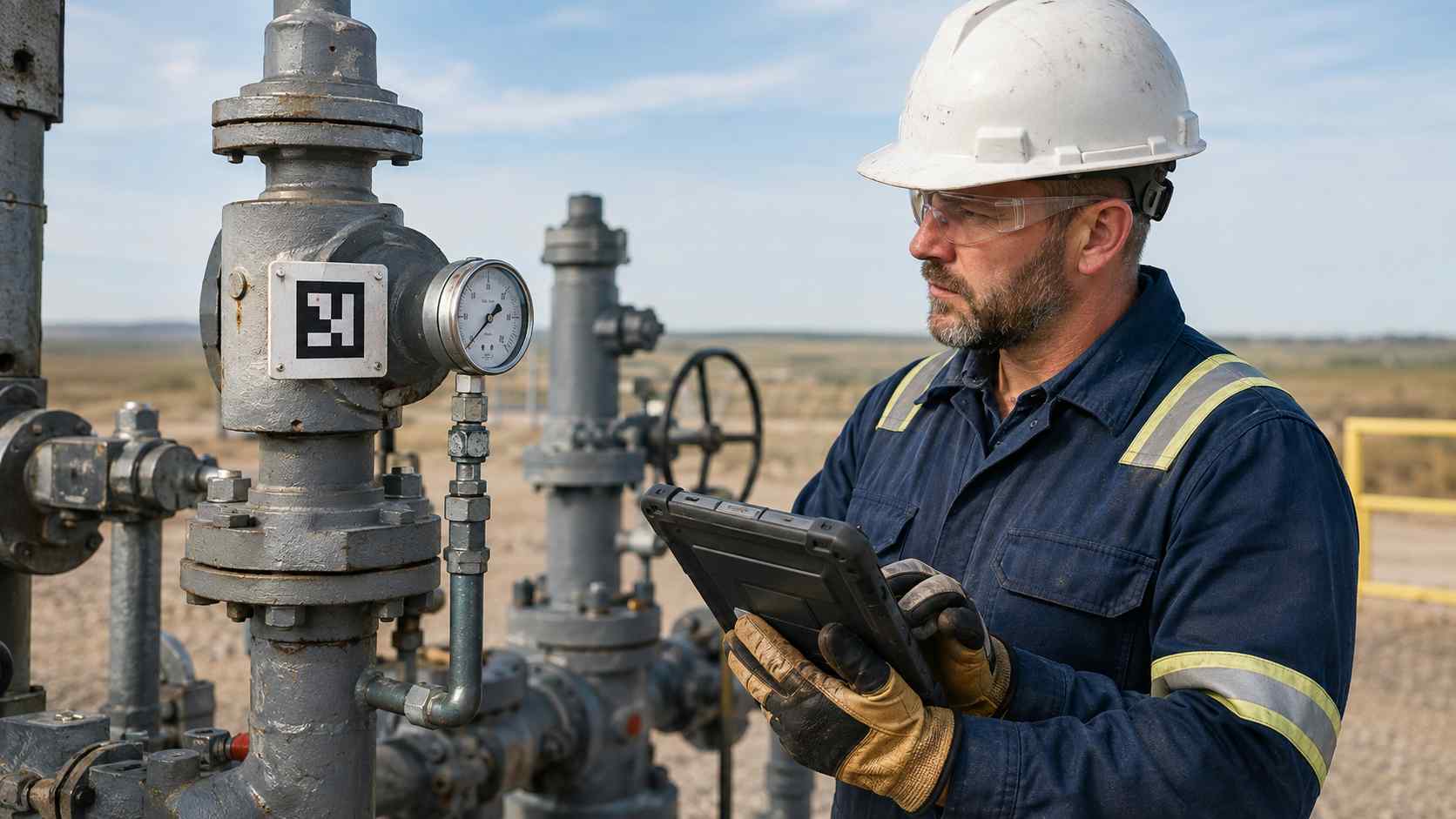
Wellsite Inspection Checklist Tablet: What Defines a Reliable Offline Workflow?
A dependable mobile checklist is not a cached web page. Before a technician leaves the approved synchronization point, the device needs an internally complete work package that can be understood, executed and audited without calling the server. At minimum, that package should identify the route and version, site, pad, well, asset, form schema, unit dictionary, assigned role, reference-document revisions, generation time and expiry behavior.
- Controlled hierarchy: Resolve site, pad, well and asset in order. A scan or NFC tap can accelerate selection, but the screen should display a readable well name, asset description and route context before accepting a record. Similar well numbers are a predictable field risk, not an exceptional user mistake.
- Source-aware observations: Keep a transcribed local-indicator value separate from telemetry and from a visual, audible or tactile observation. Store the source ID, unit, local creation time, timezone offset and operator role. “Not observed” and “not safely accessible” must be legitimate results; forcing a number encourages guessing.
- Durable local queue: Give each submission a unique device identifier and expose states such as local-only, queued, transmitted, server-rejected, server-accepted and conflict. Photographs, annotations and signatures need their own integrity status because a small form record may arrive while its large attachment does not.
- Authoritative reconciliation: Compare three layers after reconnection: the tablet record, the integration queue and the destination system. Preserve the server receipt and the decision taken on duplicates or conflicts. A worker should never be asked to infer acceptance from a disappearing notification.
Data standards help establish vocabulary without dictating a mobile interface. WITSML is the industry reference for transmitting drilling, completion and intervention information between wellsite and office systems, while PRODML addresses producing-well and production-management data. ISO 14224:2016 provides a standard basis for petroleum-industry reliability and maintenance data. A mobile app does not need to expose these schemas to the operator, but its IDs, units, timestamps and source fields should map deliberately to the receiving architecture.
Our proposed starting point is a 16-point training route, divided into four groups: identity, indicator transcription, condition observations and exception handling. Keep the first exercise on a safe training pad or controlled mock-up. It is cheaper to discover that two systems use different well identifiers there than after hundreds of offline records require manual repair.
The workflow also needs an explicit clock policy. Retain device local time, timezone offset, calculated UTC time and server receipt time; flag a device whose clock cannot be trusted. Rewriting every field observation with the upload time destroys sequence, while trusting an altered device clock without warning creates a different form of false precision.
Oil and Gas Production Data Collection Tablet: Top 10 Manufacturers for 2026
A production-round platform must preserve operational lineage rather than merely collect values. The ten manufacturers below are considered for their ability to host governed offline applications in defined work areas. Their specifications are stated once in the relevant product entry; software fit, certificate scope and accessories still require project-level review.
1. Pepperl+Fuchs / ECOM (Germany)
Core Strength: High-category mobile hardware with enterprise security and controlled field configuration
Pepperl+Fuchs has a long background in industrial automation and explosion protection, while its ECOM portfolio concentrates on mobile devices for hazardous work. This combination is relevant when a wellsite operator wants hardware identity, approved accessories and endpoint management treated as one released field system.
2. i.safe MOBILE (Germany)
Core Strength: Large-format Zone 1/21 mobility for drawings, structured forms and long field routes
i.safe MOBILE develops communication and computing devices for hazardous industries. Its large-screen tablet line is well suited to teams that need a readable equipment hierarchy, multi-section form and controlled drawing on the same screen without bringing a standard office device onto the route.
3. Aegex Technologies (United States)
Core Strength: Windows application compatibility in high-category hazardous locations
Aegex focuses on intrinsically safe Windows tablets and related industrial mobility software. That position can matter where a drilling contractor or operator retains a validated Windows field application, document viewer or integration client that would require substantial rework on another operating system.
4. CENAVA (China)
Core Strength: Project-level configuration for task-specific offline capture and peripheral control
CENAVA develops rugged tablets and explosion-protected mobile devices for industrial and OEM/ODM projects. Its practical role in a wellsite program is configuration alignment: the device image, identification method, carrying system and application build can be frozen around a documented route rather than assembled independently.
- Key Product: The A10ST-EX MT8781 project configuration is specified with
Ex ib IIC T5 Gbmarking. The release pack must connect that exact physical label to the applicable certificate schedule, ambient range, battery and selected modules; specifications from a visually similar standard A10ST must not be combined with the Ex record. - Technical Advantage: Scanner, NFC and software-image choices can be defined against one field task and one configuration ID. Each option still needs a named owner and acceptance criterion so flexibility does not become uncontrolled fleet variation.
For producing-well rounds, the project might choose NFC for fixed points, a 2D imager for durable equipment labels or a controlled manual fallback. The operator should see one primary path. When every method is equally prominent, a user can bypass a damaged label without recording why identity assurance was reduced.
Seed two wrong-pad selections and two unreadable labels into the pilot. If manual search is allowed, require agreement on site, pad and equipment class, then show the full well and asset description before saving. The added confirmation is purposeful friction at the point where a clean record can otherwise be assigned to the wrong equipment.
5. Getac (Taiwan)
Core Strength: Outdoor Android operation for documented Zone 2/22 wellsite routes
Getac is an established rugged-computing manufacturer serving utilities, industrial service and mobile workforces. Its Android platform can support long outdoor rounds where the location classification, device variant and route controls align with its lower-category hazardous-area scope.
6. BARTEC (Germany)
Core Strength: Zone 2/22 enterprise capture with scanner-aware configuration governance
BARTEC has extensive experience in hazardous-area engineering and industrial mobile computing. Its enterprise tablet offering is relevant when an operator wants common application management across warehouses, maintenance bases and selected wellsite areas while keeping approved variants distinguishable.
7. Winmate (Taiwan)
Core Strength: Windows workflow continuity for Zone 2 and Division 2 field applications
Winmate manufactures rugged tablets, displays and industrial computers for mobile and fixed operations. Its Windows hazardous-location model can fit organizations that use established desktop-compatible inspection clients or engineering document tools on a documented lower-category route.
8. DURABOOK (Taiwan)
Core Strength: Fanless Windows mobility with explicit Zone 2/22 environmental evidence
DURABOOK produces rugged Windows systems for energy, manufacturing and field service. Its large-format U11-EX can suit wellsite engineering and reliability workflows that need detailed forms or drawings within a documented lower-category hazardous location.
9. Zebra Technologies (United States)
Core Strength: Enterprise Android lifecycle, automatic identification and fleet-management depth
Zebra is widely used for enterprise mobility and automatic identification. Its management ecosystem can be attractive when materials, maintenance and field teams share governance, provided that hazardous-location builds remain physically and digitally separated from ordinary units.
10. Panasonic TOUGHBOOK (Japan)
Core Strength: Modular Windows platform for safe-area preparation, reconciliation and field support
Panasonic TOUGHBOOK has a long history in field computing for transportation, public service and utilities. The modular G2 is useful in this comparison because offline work also depends on safe-area package preparation, vehicle-based review and deterministic reconciliation—not only on the device carried closest to process equipment.
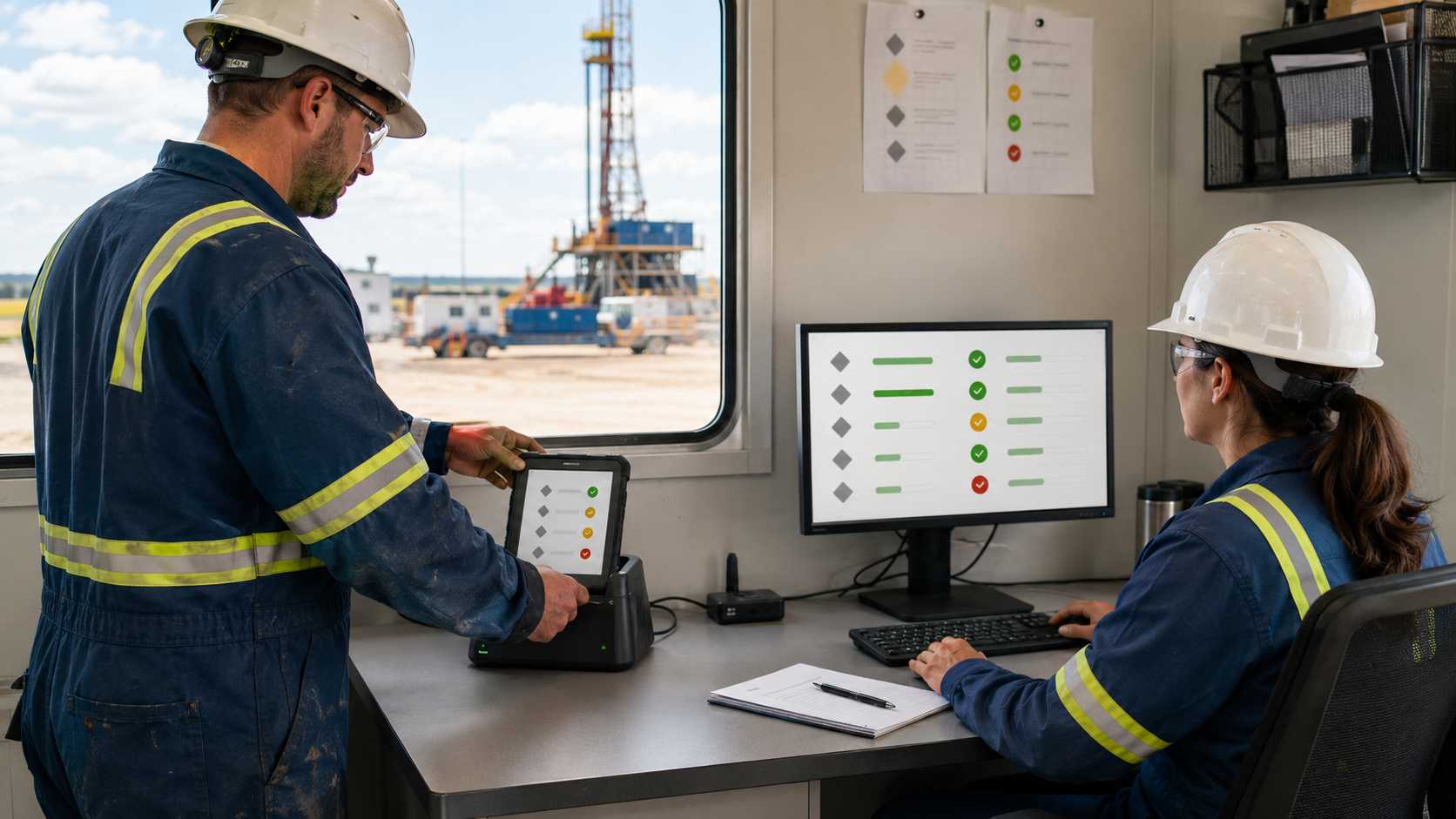
How to Choose the Right Manufacturer for Offline Wellsite Data
Manufacturer selection becomes meaningful only after the operator defines the offline data contract and the route. The following four steps preserve the reference article's selection logic while replacing generic brochure comparison with a measurable wellsite workflow pilot.
Define Your Operating Environment
Begin with a route register. For every task, record site, pad, well, asset, point, source, observation type, controlled unit, expected choice or range, responsible role, hazardous-area classification, PPE, stable operating position, permitted attachment type and approved response to an abnormal result. Keep route order and route version as separate controlled fields.
Distinguish drilling, completion and production taxonomies. WITSML identifies wellsite-to-office drilling and completion exchanges, while PRODML focuses on producing-well and production-management information. A shared mobile shell may be sensible, but forcing both domains into one unlabeled “reading” table will make later integration and analysis unreliable.
Map temporary access constraints as well as normal conditions. Vehicle movement, lifting, ice, a release, workover activity or a barrier can make a point unavailable without changing its master asset identity. The form must let the worker leave, follow site procedure and record “not safely accessible” later; completing the screen is never a prerequisite for responding to a hazard.
Start with 16 points on a controlled training route and then run a 10-shift field pilot on approved locations. Measure wrong-well attempts, unavailable points, source mismatches, attachment failures, duplicate submissions, queue age, server rejections and supervisor rework. Completion percentage alone rewards a form that hides uncertainty.
Clarify Performance Requirements
Translate environment into issued tasks. Use the actual glove, screen film, stylus and carrying method to select a well, scan an asset, enter a value, choose “not observed,” attach one permitted image and escalate a seeded exception. Repeat under shade, low-angle sun and a safe wet-screen simulation where allowed. No manufacturer statement proves compatibility with every glove or site film.
A search for a low temperature oilfield tablet should lead to a route-level cold-soak assessment, not a generic wide-temperature claim. Compare the published and certified ambient range with the time the issued device spends outdoors, the effect on touch input and the approved battery or charging practice. Never warm, open or charge equipment in a location or manner that conflicts with its manual or site rules.
Use a proposed 40-task drill: ten correct asset identities, eight local-indicator transcriptions, six condition observations, four permitted photographs, four seeded out-of-range values, two wrong-well attempts, two device handovers, two controlled clock changes and two duplicate reconnect attempts. The tablet is recording those training indicators; it is not performing the measurement.
Stop conditions deserve their own score. A worker should be able to abandon the form, secure or carry the device as required, and follow alarms, gas-monitor instructions or supervisor direction without losing completed records. An application that prevents safe interruption has failed even when its final dataset is complete.
Consider Software & Integration
Define the record before choosing the screen. A defensible offline object includes route ID and version, site/pad/well/asset hierarchy, point ID, form-schema version, source ID and type, value or observation, unit, operator role, device submission ID, local time, timezone offset, UTC conversion, reference revision, attachment hash and server receipt. Decide which destination field owns each element rather than burying unmatched data in a note.
The unit dictionary must be controlled. Energistics' Unit of Measure Standard is designed for implementable oil-and-gas software dictionaries and conversion factors. The mobile form should display the expected unit beside the source indicator and block silent unit substitution; a later conversion belongs in a traceable integration rule.
Use six visible queue states: local-only, queued, transmitted, server-rejected, server-accepted and conflict. “Synchronized” is too broad when the form arrived but a photograph failed, the server rejected an old schema or a second device had already submitted the point. Show the worker the action they can take and route technical exceptions to the integration owner.
Run the 92-minute disconnected exercise with two handovers, one application restart, a controlled clock change and a single reconnect. Reconcile the tablet, middleware and system of record for all 40 tasks and attachments. Acceptance requires authoritative receipts, visible conflicts and documented decisions; it is not established by a successful login after coverage returns.
Analyze Total Cost of Ownership (TCO) vs. Initial Cost
Include the certified or site-approved hardware, issued carry and charging equipment, spares, enrollment, application configuration, route-package administration, integration, training, periodic physical inspection, cleaning, security maintenance, repair quarantine and re-release. Add the continuing cost of asset-taxonomy governance; unattended well aliases and retired form versions will degrade a good mobile build.
Create a baseline before promising savings. If six technicians complete two rounds per shift and each spends seven minutes reconciling notes afterward, the current process consumes 84 staff-minutes per shift. Compare the pilot with that figure while adding supervisor conflict review, server rejections and package preparation; 84 minutes is a workload baseline, not a guaranteed benefit.
Repair and replacement require data controls as well as hardware inspection. Quarantine a returned device, preserve or securely remove queued records according to policy, verify the replacement serial and application group, restore only the current package, then run a short identity and sync check before field release. Copying an old device image can reintroduce expired routes or duplicate submission IDs.
Contact CENAVA only when an exact project configuration needs review. Provide the destination country; hazardous-area framework, Zone or Division, gas group, temperature class and ambient/solar/subzero conditions where applicable; site/pad/well hierarchy; route and shift length; expected offline duration; application and operating-system requirements; destination CMMS, EAM, drilling or production system; form schema and attachment sizes; authentication method; approved synchronization point; carrier, SIM or eSIM details only if cellular service is required; NFC card or tag technology only if NFC is included; scanner needs; and issued glove/PPE combination. Do not send credentials, live well-control logic, confidential coordinates, production values or worker personal data.
The Future of Offline Wellsite Data Collection: Trends to Watch
Route packages becoming signed operational releases
Offline content is moving from informal downloads toward scoped packages with a route version, form schema, unit dictionary, reference revisions, generation time and expiration policy. The important change is accountability: operations owns the route, engineering owns controlled references, IT owns delivery, and the device exposes which release is active.
Source lineage separating human and automated data
Mature systems will preserve whether a value came from a local indicator, technician observation, imported telemetry or engineering calculation. Field rounds then complement SCADA and well-data services without impersonating them, and discrepancies can be investigated with both source timestamps intact.
Conflict-aware synchronization replacing last-write-wins
More fleets will treat duplicate and concurrent submissions as operational decisions. A second valid observation should not silently erase the first. Server rules will identify the collision, retain both submissions and route the decision to a named role with an auditable outcome.
Server receipts becoming the definition of completion
Device-level green checks will give way to end-to-end completeness: accepted record count, attachment hashes, rejected schemas, duplicate decisions and authoritative receipt time. Serial-level links among device configuration, route permission and application release will make hardware governance part of the same evidence chain.
Conclusion
The durable answer to how to collect wellsite data offline begins with controlled identity and lineage. Every record should resolve to the correct site, pad, well, asset, point, source, unit, operator, route version and observation time, while attachments and exceptions remain visible until the authoritative system accepts them.
The ten manufacturers serve different operating boundaries and software estates. High-category devices may support approved Zone 1 or Division 1 routes; lower-category products fit documented Zone 2 or Division 2 work; a conventional rugged platform can still add value at a safe sync or review station. Product markings, IP ratings, MIL-STD evidence and wide-temperature ranges answer different questions, so the delivered configuration and actual route must be reviewed together.
A credible project should start small: a 16-point training route, a 40-task offline drill, one controlled reconnect and a 10-shift pilot with server-side reconciliation. Add a named field editor's real route, measured error rates, sync receipts and authorized lessons before publication. That evidence will give the article—and the deployment—more value than repeated specification lists or universal compatibility claims.
Need a Rugged Device for Your Project?
Tell us your operating environment and requirements — our engineers will recommend a configuration and quote within 24 hours.
Get a Free Quote Back to Blog