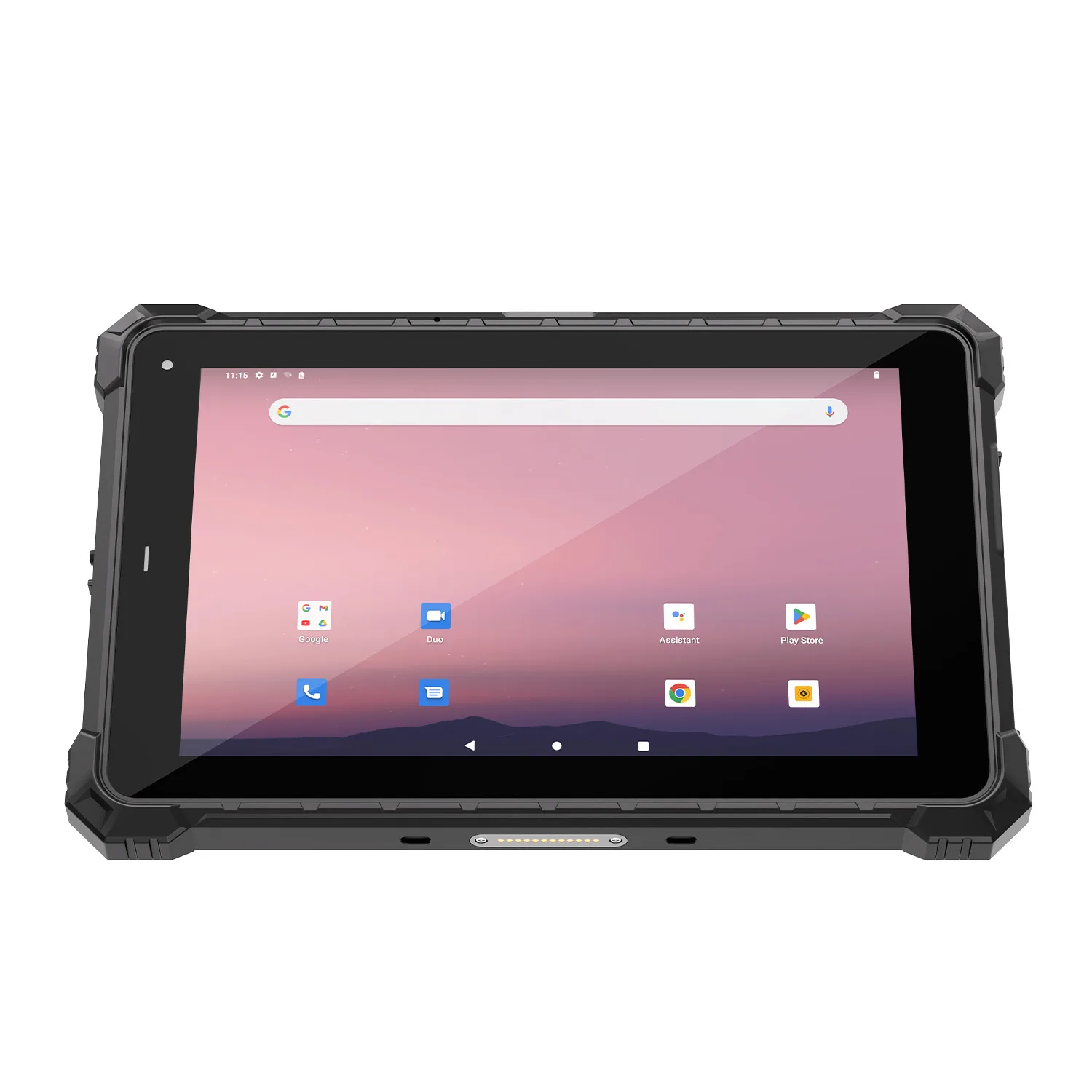
-1.jpg)












.jpg)











ATEX vs IECEx: Which Mark Do LNG Terminals Actually Require? (An Engineering Check)
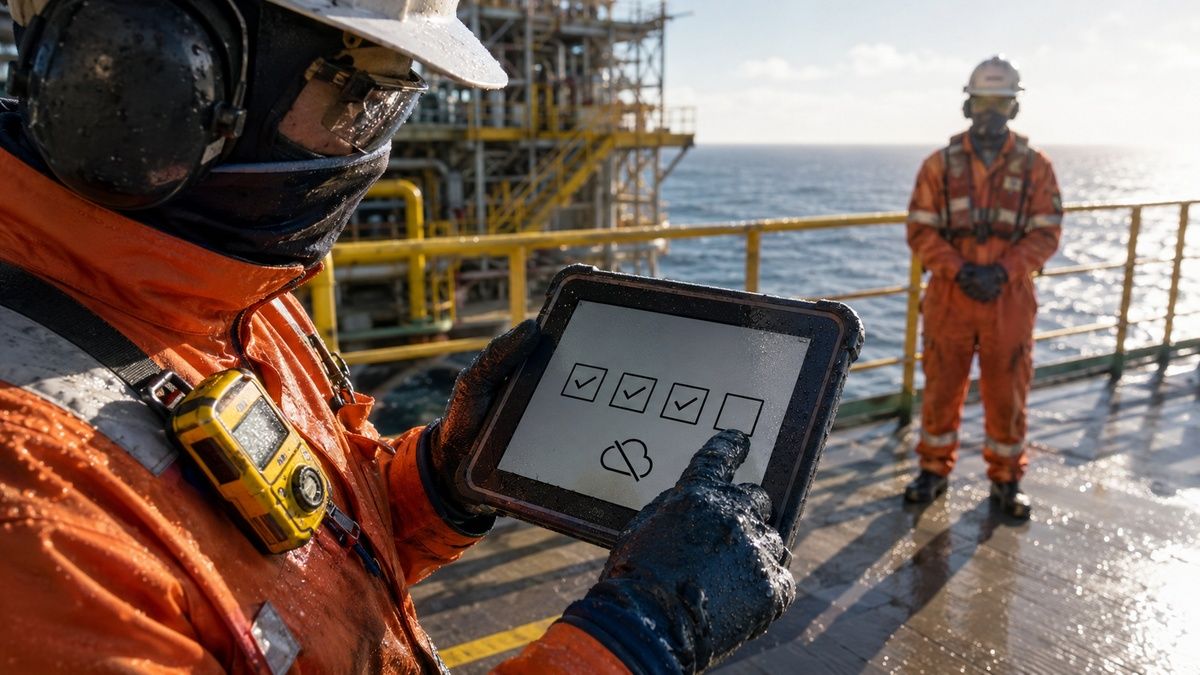
A tablet is safe in an LNG terminal only when its exact model, configuration and approval match the classified location where the task occurs. That is the direct answer to what tablet is safe in an LNG terminal: neither an IP68 enclosure nor a familiar rugged brand is enough on its own.
An ATEX Zone 1 tablet for LNG terminal work normally needs Category 2G equipment with a suitable gas group, temperature class, equipment protection level and certified ambient range. The site drawing still controls the decision. A loading arm, compressor area, control room and spare-parts store may sit inside the same terminal fence while requiring four different device rules.
LNG itself is held at about −162°C at atmospheric pressure, but that figure is not a sensible tablet operating-temperature target. The device should never be treated as resistant to direct cryogenic contact. PHMSA’s LNG safety guidance also notes that export facilities may use refrigerants containing ethane, propane or other heavier hydrocarbons. The approved gas group must therefore come from the facility’s hazard study, not from the assumption that every release is pure methane.
Regional language changes the paperwork. European projects use the ATEX framework, many international tenders request IECEx, and North American facilities may work with Class I, Division 1 or Division 2 under NEC/CEC rules. OSHA 29 CFR 1910.307 requires electrical equipment in a classified location to be intrinsically safe, approved for that location or otherwise safe for the location. An ATEX certificate does not automatically become a North American approval.
The ten manufacturers below are arranged by deployment role. The first four offer current Zone 1 or Division 1 routes worth examining; the remaining six address defined Zone 2, Division 2 or nonhazardous LNG workflows. The order is not a claim that one brand is universally better. It is a way to prevent a capable Zone 2 tablet from being mistaken for a Zone 1 device.
What Defines a Reliable IECEx Tablet for LNG Facilities?
Before comparing brands, we use four evidence gates. They keep the review attached to the work location instead of drifting into a catalogue comparison.
Location-to-marking traceability: The area-classification drawing, route step and equipment label must tell the same story. For ATEX, Directive 2014/34/EU governs equipment placed on the EU market. The IECEx system provides an international conformity route based on IEC standards, but national acceptance still matters.
Exact configuration control: Record the model suffix, hardware revision, certificate number, certificate status, special conditions and approved accessories. A scanner, battery or wireless module shown elsewhere in the product family may sit outside the certified build. A certificate with an
Xsuffix deserves a line-by-line review of its special conditions.Correct interpretation of standard specifications: IP65/IP66 address dust and water-jet exposure; IP67/IP68 address immersion under stated conditions. MIL-STD-810G and MIL-STD-810H contain environmental test methods whose procedures and severities must be identified. For Ex equipment, T4 limits maximum surface temperature to 135°C, T5 to 100°C and T6 to 85°C. None of these values describes the site’s minimum ambient temperature.
A workable operating rule: The permitted charging location, battery procedure, carrying method and damaged-device withdrawal process belong in the deployment file. If a user has to open a cover or attach an unapproved cable beside process equipment, the workflow is incomplete even when the tablet label is correct.
A one-page route card is more useful than a 40-page specification pack during field issue. Ours would contain 11 fields: terminal, route, task, area code, required approval, permitted tablet model, approved accessory set, charging point, application version, equipment owner and review date. For a 24-unit delivery, every label should be checked at receipt. Sampling 2 cartons does not control the other 22 devices.
The same discipline applies after repair. Photograph the label, record the returned serial number and check that the enclosure, battery and accessory set match the approved configuration. A device that boots successfully is not necessarily ready to re-enter a classified LNG route.
The Top 10 Manufacturers of an IIC T4 Intrinsically Safe LNG Tablet in 2026
IIC and T4 are meaningful parts of an Ex marking, but they are not a universal LNG shopping label. The terminal’s area classification should identify the required gas group and temperature class. The entries below state where each manufacturer belongs—and where it does not.
1. i.safe MOBILE (Germany)
Core Strength: Current multi-region Zone 1 and Division 1 tablet platform
i.safe MOBILE specializes in explosion-protected communication equipment rather than adapting a standard enterprise tablet after launch. That background is useful for an LNG operator managing several national approval routes within one corporate device policy.
Key Products: The IS940.1 is a 10.1-inch Android tablet. Its official approval page states
II 2G Ex ib IIC T4 Gbfor ATEX,Ex ib IIC T4 Gbfor IECEx and Class I, Division 1, Groups A–D, T4 under NEC 500. The same page gives IP68, MIL-STD-810H and a −20°C to +55°C operating range.Why It Is on the List — Technical Advantage: One current product family offers documented Zone 1/21 and Division 1 routes, plus approved interface and charging accessories. The suffix still matters. The industrial IS940.RG does not inherit IS940.1 approvals simply because the two housings appear related.
For an LNG unloading round, we would place 18 checkpoints across the approved route and include 3 exception photographs. The operator should finish the form with the issued glove, then return the device to the designated charging station without opening the battery compartment in the process area. This test examines the workflow. It does not expand the certificate.
A useful acceptance threshold is not “glove mode works.” Count missed touches, unintended double entries and occasions when the worker removes a glove. One failure on a large confirmation button is different from one wrong digit in a pressure reading, so the result sheet should preserve both.
2. Pepperl+Fuchs / ECOM (Germany)
Core Strength: Compact hazardous-area mobility with distinct regional variants
Pepperl+Fuchs combines industrial automation expertise with ECOM’s hazardous-area mobile portfolio. Its strength is the ability to place a managed Android endpoint inside a broader explosion-protection and asset-management environment.
Key Products: The Tab-Ex 05 family includes Zone 1/21, Division 1 and lower-risk variants. The DZ1 version is the relevant starting point for higher-risk gas locations; DZ2 and D2 suffixes describe different approval scopes. The official page gives an 8-inch display, −20°C to +55°C operation and IP68 enclosure protection.
Why It Is on the List — Technical Advantage: The smaller form factor reduces carrying interference on stairs and access platforms, while Samsung Knox offers a mature enterprise-management path. Compactness carries a tradeoff: dense permit or inspection screens may require more scrolling than a 10.1-inch device.
An LNG contractor-access task provides a better pilot than a generic camera demonstration. Load a 12-field access record, one competency document and a time-limited work-area authorization. The tablet should preserve the worker identity and location while the reviewer opens the supporting document.
Do not allow a successful login to become a permit decision. The application must show whether the authorization remains valid at the current time and location. The device presents the record; the terminal’s approved permit process grants the work.
3. Aegex Technologies (United States)
Core Strength: Windows mobility for Zone 1 and North American Division 1 workflows
Aegex develops intrinsically safe Windows tablets for process industries. The company is relevant where an operator has desktop-oriented inspection or maintenance software that would require extensive redevelopment on Android.
Key Products: The current Aegex100M is presented with ATEX/IECEx Zone 1 and Class I, Division 1 certification. Aegex states that Zone 0 use depends on the specified Aegex Zone 0 Case; that condition should remain attached to the product description.
Why It Is on the List — Technical Advantage: A native Windows environment may retain compatibility with an established document or work-order application. The advantage is software continuity, not permission to attach ordinary USB peripherals in the field.
A Class I Division 1 LNG terminal tablet must match the exact North American approval and group stated for the location. During a 2-hour software pilot, run the application without a physical keyboard. Pay attention to dialog boxes whose confirmation controls sit below the visible screen or require a shortcut that the user cannot reach safely.
Charging and physical connections need their own work instruction. The planned shift must include collection, travel, standby and handover—not only the minutes spent entering data. A battery estimate based on active screen time can understate the actual duty period by several hours.
4. CENAVA (China)
Core Strength: Project-configured Android and Windows hazardous-area tablet families
CENAVA develops rugged Android and Windows devices and offers hazardous-area configurations for industrial projects. Its OEM/ODM model is relevant when the terminal needs a defined reader, application image or mounting arrangement rather than a single catalogue SKU.
Key Products: The A10ST-EX product page identifies a Zone 1/21 route with
II 2GD Ex ib IIC T5 GbandEx ib IIIC T95°C Db. It also presents a separate IECExEx ic IIC T4 Gc/Ex ic IIIC T135°C Dcconfiguration. Those evidence sets must not be combined into one imaginary “all-certifications” unit.Why It Is on the List — Technical Advantage: Project control allows the supplier and buyer to freeze the required interface, identification method and software image in one bill of materials. The same flexibility demands discipline: adding a UHF reader or changing a battery is a configuration change, not a harmless accessory choice.
For an intrinsically safe tablet for LNG terminal inspection, we would create three device pools in the management system: Zone 1, Zone 2 and unclassified. Use different asset prefixes and storage locations. A color sticker alone is weak control because it may be replaced during repair or covered by a case.
At goods receipt, compare the purchase description, label photograph and certificate schedule for all units. If the project needs CENAVA to assess a precise configuration, the inquiry should include the destination country, area classification, required Ex marking, lowest ambient temperature, intended modules and charging location. That is a genuine project question; a generic sales conversation is not needed for the standard product facts above.
5. BARTEC (Germany)
Core Strength: Current Zone 2/Division 2 mobility with explicit lifecycle boundaries
BARTEC has a long history in explosion protection and enterprise mobility. It also illustrates a common LNG fleet problem: a manufacturer’s earlier Zone 1 product cannot transfer its approval to a newer Zone 2 successor.
Key Products: The current BARTEC ET60/65EX2 is approved for ATEX/IECEx Zone 2/22 and North American Class I, II and III Division 2 configurations. BARTEC’s July 2026 guide identifies certificate numbers and separate scanner/no-scanner type codes.
Why It Is on the List — Technical Advantage: The product family ties an enterprise Android platform to controlled regional adaptations, including scanner configurations. BARTEC also publishes the boundary clearly: the older Agile X IS reached end of life in 2023 and end of support on 30 April 2026.
This matters during replacement. A terminal may reasonably move a workshop or Zone 2 inspection to the ET60/65EX2, but it should not use that purchase to fill an Agile X IS role in Zone 1. Make the replacement register route-specific, with one row for each old asset and its approved destination.
For a 30-device legacy fleet, separate “still permitted,” “repairable,” “replacement candidate” and “withdrawn.” Combining those states into one refresh percentage hides the units most likely to be issued incorrectly during a busy turnaround.
6. Getac (Taiwan)
Core Strength: Fully rugged Windows tablets for Zone 2/22 maintenance routes
Getac manufactures rugged computers for field service and industrial operations. Its EX range is useful where technicians need Windows drawings or diagnostic applications in a location classified no higher than the product’s stated scope.
Key Products: The UX10-EX carries ATEX/IECEx Zone 2/22 marking, including
Ex ic op is IIC T4 Gcand dustDcscope. Getac publishes IP66, MIL-STD-810H and 0°C to +55°C operation for the EX model.Why It Is on the List — Technical Advantage: A 10.1-inch sunlight-readable display and Windows environment suit detailed work orders. The certified ambient range is narrower than some ordinary UX10 variants, which is exactly why product-family specifications should not be copied into an Ex deployment record.
An LNG tank-farm maintenance route may include a permitted Zone 2 segment and an unclassified workshop. Test the same 30-page drawing in both locations. Record the time needed to find 5 equipment callouts at the actual zoom level, not merely whether the PDF opens.
The vehicle dock deserves a separate review. Conduct 20 insertion cycles while stationary, then inspect latch engagement and power interruptions on an authorized route with driver interaction disabled in motion. A tablet certificate does not approve a locally fabricated mount or an undocumented power converter.
7. DURABOOK (Taiwan)
Core Strength: Fanless Windows computing for eligible Zone 2/22 areas
DURABOOK, the rugged-computing brand of Twinhead, develops Windows tablets for industrial and mobile work. Its EX model is aimed at organizations that prefer a large screen and fanless thermal design.
Key Products: The U11I-EX publishes ATEX Zone 2/22 markings
II 3G Ex ic IIC T4 GcandII 3D Ex ic IIIB T135°C Dc, together with IP66 and −20°C to +60°C operation.Why It Is on the List — Technical Advantage: The 11.6-inch display offers more room for engineering drawings, while fanless cooling removes one moving component and intake path. Neither feature changes the Category 3/Zone 2 approval boundary.
For a vapour-recovery maintenance task in an approved area, load the production diagnostic view and a 15-step procedure. Run both for 90 minutes with the ordered case and strap fitted. Removing accessories to improve cooling would make the test unrepresentative.
We would also weigh the complete issued set. A large tablet may work well from a trolley or fixed stand but become tiring on a 2.4 km walking round. Carrying effort is a workflow result, not a reason to pretend a smaller screen is always better.
8. Winmate (Taiwan)
Core Strength: Industrial integration for Zone 2 and Division 2 Windows work
Winmate produces rugged tablets, industrial displays and embedded computers. The company fits projects where a mobile endpoint has to connect to an established industrial-software environment outside the higher-risk Zone 1 boundary.
Key Products: The M101S-EX is presented with ATEX/IECEx Zone 2 and Class I, Division 2 compliance. Winmate publishes IP65 for this model and offers controlled docking and charging accessories.
Why It Is on the List — Technical Advantage: The Windows platform and industrial accessory ecosystem are practical for maintenance teams moving between a workshop and an eligible classified route. “Cross-zone” should mean movement within the locations allowed by the exact approval—not movement into Zone 1.
Use a revision-control exercise for the pilot. Load 2 visually similar P&IDs, withdraw one revision and ask the technician to locate 8 tagged assets. The application should make the current revision unmistakable and preserve an audit trail when the wrong document is selected.
Any wired diagnostic connection needs an authorized location and permitted interface arrangement. A covered port on the tablet does not make an ordinary cable or test instrument suitable for a classified process area.
9. Panasonic TOUGHBOOK (Japan)
Core Strength: Modular North American rugged computing for selected Division 2 roles
Panasonic’s TOUGHBOOK business serves public-safety, utility and industrial fleets with long-running Windows deployment practices. An LNG operator may already own docks or management tools, which makes an approved model option worth evaluating for the correct route.
Key Products: North American TOUGHBOOK materials identify selected TOUGHBOOK G2 configurations with Class I, Division 2 scope. The standard G2 and the hazardous-location option must remain distinct in the asset register.
Why It Is on the List — Technical Advantage: Modular expansion and accessory continuity may reduce fleet-transition work. Mechanical compatibility with an older dock is only the first check; the ordered tablet, dock and power arrangement still need a documented match.
This is not a Class I Division 1 tablet for LNG facilities. Its sensible roles are eligible Division 2 routes or ordinary rugged tasks such as warehouse issue and workshop documentation. The device pool should encode that boundary so a familiar TOUGHBOOK is not carried into the wrong location.
A practical dock trial uses the actual installed bracket. Run 2 shifts, record every power interruption and inspect the latch afterward. Do not ask a driver to touch the tablet while the vehicle moves; interaction belongs at a designated stop.
10. Zebra Technologies (United States)
Core Strength: Managed Android data capture for Division 2 and unclassified workflows
Zebra builds enterprise mobile computers around scanning, device management and field data capture. LNG terminals with large spare-parts stores or repetitive asset-identification work may value that ecosystem even when many tasks occur outside a hazardous area.
Key Products: The ET60/ET65 family offers rugged Android tablets and configuration-dependent hazardous-location options for North American Class I, Division 2 work. The standard product, integrated scanner option and BARTEC-adapted ET60/65EX2 remain separate procurement records.
Why It Is on the List — Technical Advantage: Integrated scanning and centralized enrollment reduce manual transcription and speed the issue of a managed spare. The scanner’s value depends on the actual terminal labels, which may be weathered, reflective or partly obstructed.
Build a 50-label trial from the site’s inventory: 30 ordinary labels, 10 weathered examples, 5 reflective labels and 5 deliberate mismatches. A decoded barcode is not automatically the correct asset. The application should flag the mismatch and preserve the operator’s next action.
The same device may be more valuable in an unclassified warehouse than on a process route. That is not a weakness. A mixed fleet often costs less and is easier to govern than purchasing Zone 1 hardware for every employee who enters the terminal gate.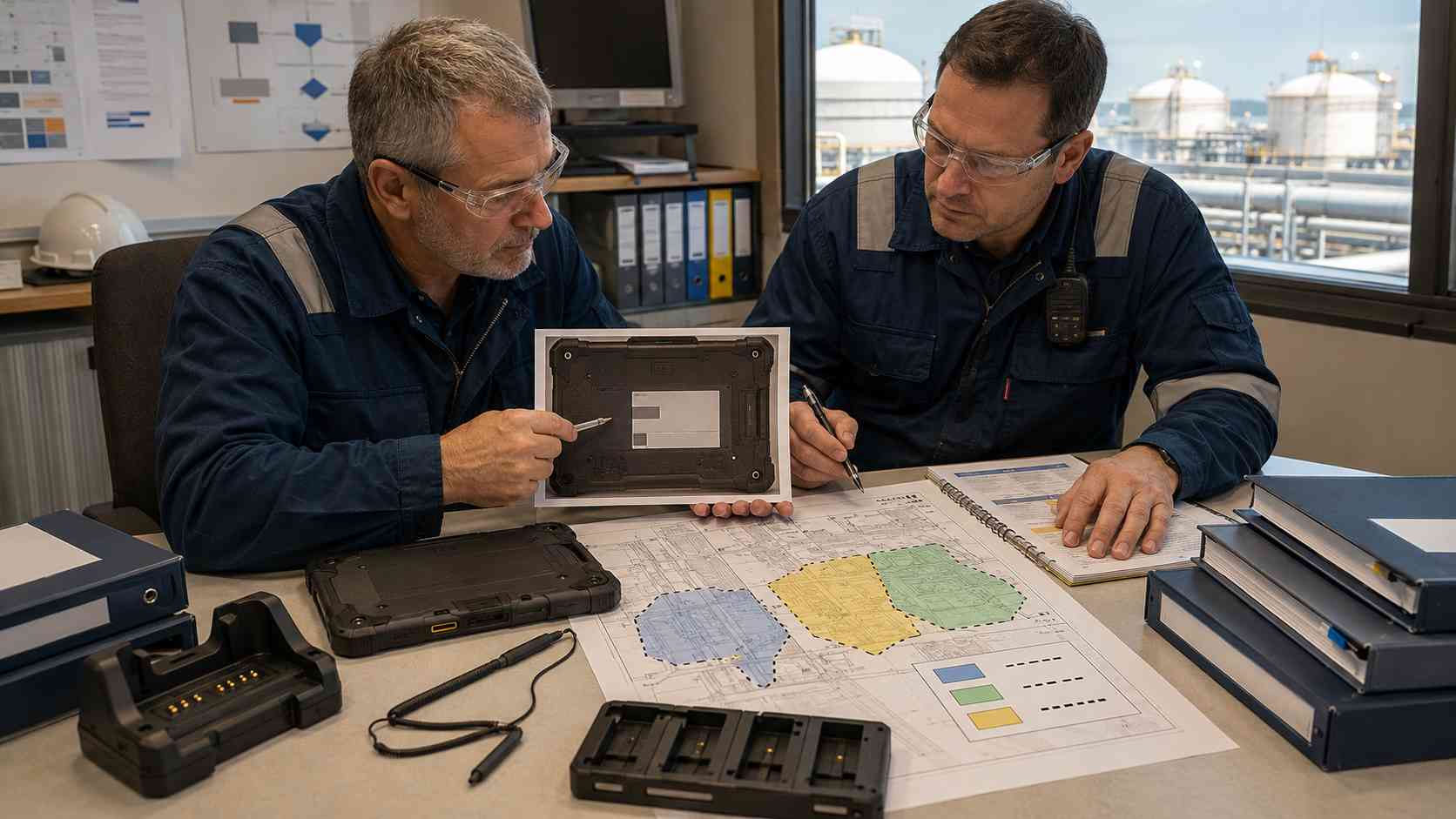
How to Choose the Right Manufacturer for Your LNG Application
The right manufacturer is the one whose exact device completes an authorized task without weakening the terminal’s equipment controls. Use one representative route and the same application for every candidate.
Define Your Operating Environment
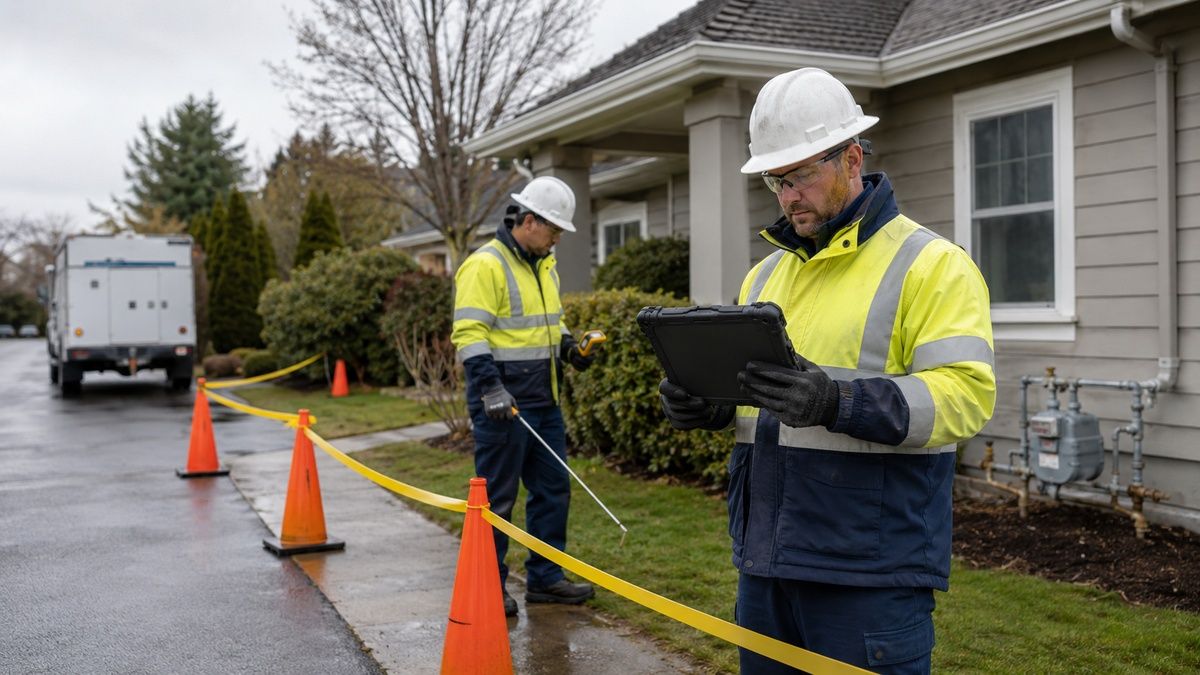
Mark each place where the user carries, stops or temporarily places the device. Do not classify the entire terminal by its most restrictive point. The control room may be unclassified while the loading manifold requires Zone 1 equipment and a nearby service road follows another rule.
Write the required evidence exactly as the drawing and local code express it. Ex ib IIC T4 Gb, Class I Division 1 Groups C and D T4, and Zone 2 are not interchangeable labels. IIC is a device gas group; it should not be added simply because the facility handles LNG. The process composition and area study decide whether IIA, IIB or IIC belongs in the specification.
Add the ambient profile separately. Record the coldest expected start, the warmest sun-exposed condition and any transition into a 20°C building. A cold tablet may collect condensation after entering warm humid air. Direct LNG spray remains a process emergency outside the tablet’s environmental rating.
Clarify Performance Requirements
Use a proposed 90-minute acceptance route with 24 checkpoints. Include 12 numeric entries, 4 photographs, 4 drawing lookups and 4 deliberate interruptions. These figures are a test design, not manufacturer performance results.
Run the task from 11:30 to 13:00 for outdoor readability, then repeat 6 fields under permitted low-light conditions. Test the issued dry glove and the wet glove separately. Do not generalize the result beyond those issued gloves; record the exact material and size.
The failure log needs categories. A missed touch, wrong asset, lost attachment, application freeze and unplanned reboot lead to different corrective actions. Preserve the raw count. A single satisfaction score hides the difference between a minor ergonomic issue and a corrupted inspection record.
Consider Software and Integration
Block only the test application’s connection for 2 hours in a controlled environment. Complete 8 records, attach 12 photographs and restart the application once. After reconnection, the server should show one copy of each record, the correct asset and the original capture time.
Make offline state visible. “Stored on device,” “queued,” “received” and “rejected” should not share one green icon. If a work authorization has expired while the tablet was disconnected, synchronization must not turn that stale screen into permission to begin a task.
Keep the mobile business network separate from gas detection, emergency shutdown and other safety functions. A 5G signal does not upgrade an Ex certificate, and an approved tablet is not an emergency communications guarantee. Project confirmation is needed only where radio or credential compatibility varies: provide the country, public operator or private-network bands, SIM/eSIM policy, NFC card or tag technology and the intended read/write action.
Analyze Total Cost of Ownership (TCO) vs. Initial Cost
Price the installed fleet: tablet, permitted carrying set, charging cabinet, enrollment, application validation, spares and repair process. Keep Zone 1 and lower-risk device pools separate. A single universal fleet may look simple while spending scarce Zone 1 hardware on warehouse work.
For a hypothetical 24-device deployment, saving 8 minutes per shift across 220 working days equals 704 hours: 24 × 8 × 220 ÷ 60. Use the terminal’s measured re-entry time and labor cost. This equation does not promise savings from any manufacturer.
A 21-day pilot with 4–6 devices should record every fallback to paper, reissued device, sync exception and enclosure-damage report. Include the time needed to put a spare into service. Repair turnaround begins when a usable replacement reaches the worker, not when a courier accepts the damaged unit.
The Future of LNG Terminal Tablets: Trends to Watch
Certificate-linked asset identity: Device-management records will increasingly hold the certificate schedule, hardware revision and accessory set beside the serial number. A scan at issue can warn when a Division 2 tablet is assigned to a Zone 1 route.
Accessory-aware deployment policies: Charging docks, batteries and scanners will move from informal add-ons into controlled configuration records. This matters because an approved tablet paired with the wrong accessory is no longer the evaluated system the buyer intended to deploy.
Visible offline accountability: Applications will expose record age, attachment count and server acknowledgement instead of hiding them behind a generic sync symbol. Better radios reduce some outages; they do not repair weak conflict handling.
Measured thermal transitions: Procurement trials will pay more attention to condensation, cold-battery charging limits and touch behavior after indoor–outdoor transitions. These tests should stay within the manufacturer’s instructions and never simulate a cryogenic spill on the device.
Conclusion
The answer to what tablet is safe in an LNG terminal begins with the route drawing and ends with the delivered label. i.safe MOBILE, Pepperl+Fuchs/ECOM and Aegex provide clear current Zone 1 or Division 1 starting points. CENAVA offers relevant project configurations, but its Zone 1 and Zone 2 evidence must remain tied to the exact build.
BARTEC, Getac, DURABOOK and Winmate fit defined Zone 2 or Division 2 roles; Panasonic and Zebra add mature rugged computing for selected North American or unclassified workflows. None should inherit a higher-risk approval from another model, an older product or an adapter made by a different company.
The defensible deployment combines an 11-field route card, 100% label inspection, a 90-minute usability route, a 2-hour offline exercise and a 21-day pilot. If a CENAVA project requires configuration review, send the destination country, area classification, required Ex marking, minimum and maximum ambient temperatures, carrier or private-network bands, SIM/eSIM format, NFC card or tag type, approved accessories and charging location. Those details are necessary to assess the ordered configuration without making an absolute compatibility promise.
Need a Rugged Device for Your Project?
Tell us your operating environment and requirements — our engineers will recommend a configuration and quote within 24 hours.
Get a Free Quote Back to Blog