




Best Tablet Solutions for Restaurant Ordering
Main Advantages of Using Tablets in Restaurants
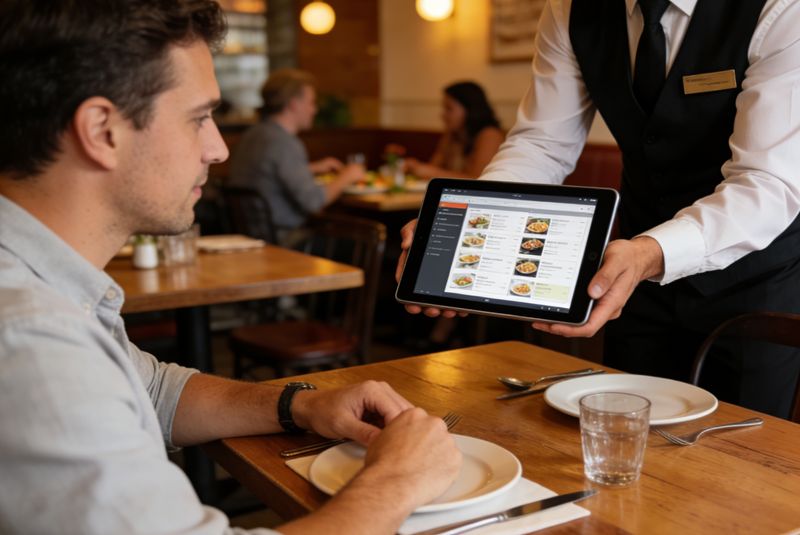
Enhanced order efficiency and accuracy — servers enter orders directly, menu images and descriptions reduce ordering mistakes, and orders transmit to the kitchen immediately over the wireless network.
Cost savings and staff efficiency — tablets cut costs tied to paper menus and manual order-taking, and let servers skip trips back to the register to enter orders or complete transactions.
Improved customer interaction — beyond displaying the menu, tablets can surface real-time feedback, personalized recommendations, and promotions during the meal.
Common Application Scenarios
Self-service ordering and payment — in fast food or self-service restaurants, guests browse the menu, customize items, and pay without staff involvement.
Mobile ordering for servers — in full-service dining, servers enter orders tableside, syncing instantly with the kitchen instead of relaying paper tickets.
Customer feedback collection — tablets at checkout can prompt quick surveys or ratings that feed directly into service improvements.
Consumer Tablet vs. Rugged Tablet for Restaurant Use
| Consumer Tablet (e.g., iPad-style) | CENAVA Rugged Tablet | |
|---|---|---|
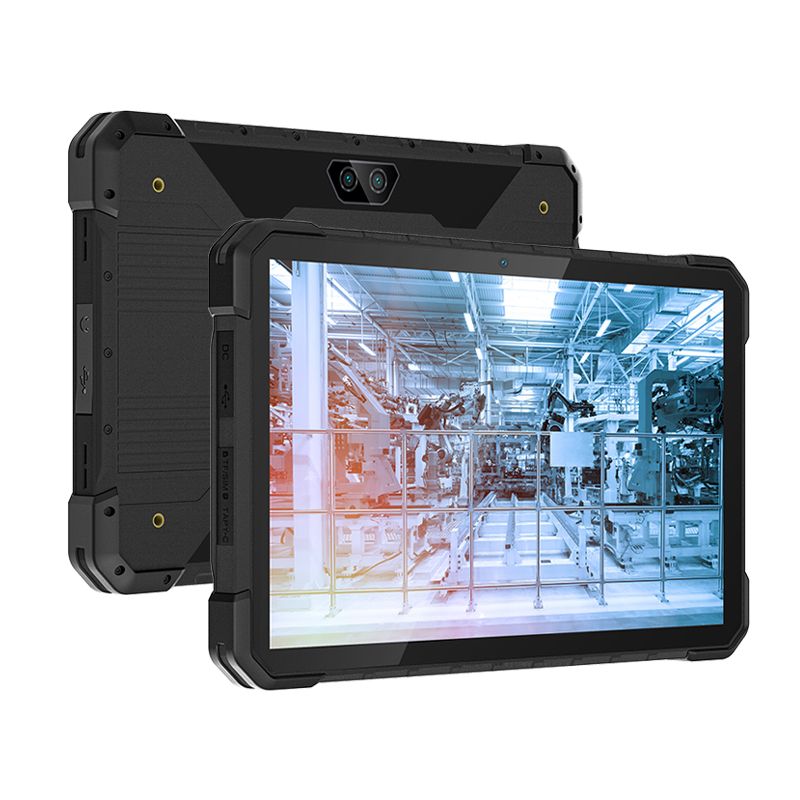
| Spill & grease resistance | Limited — not sealed against liquid ingress | Sealed, IP-rated against dust and liquid ingress |
| Drop resistance | Fragile — cracked screens are a common failure point | Reinforced housing built for repeated drops |
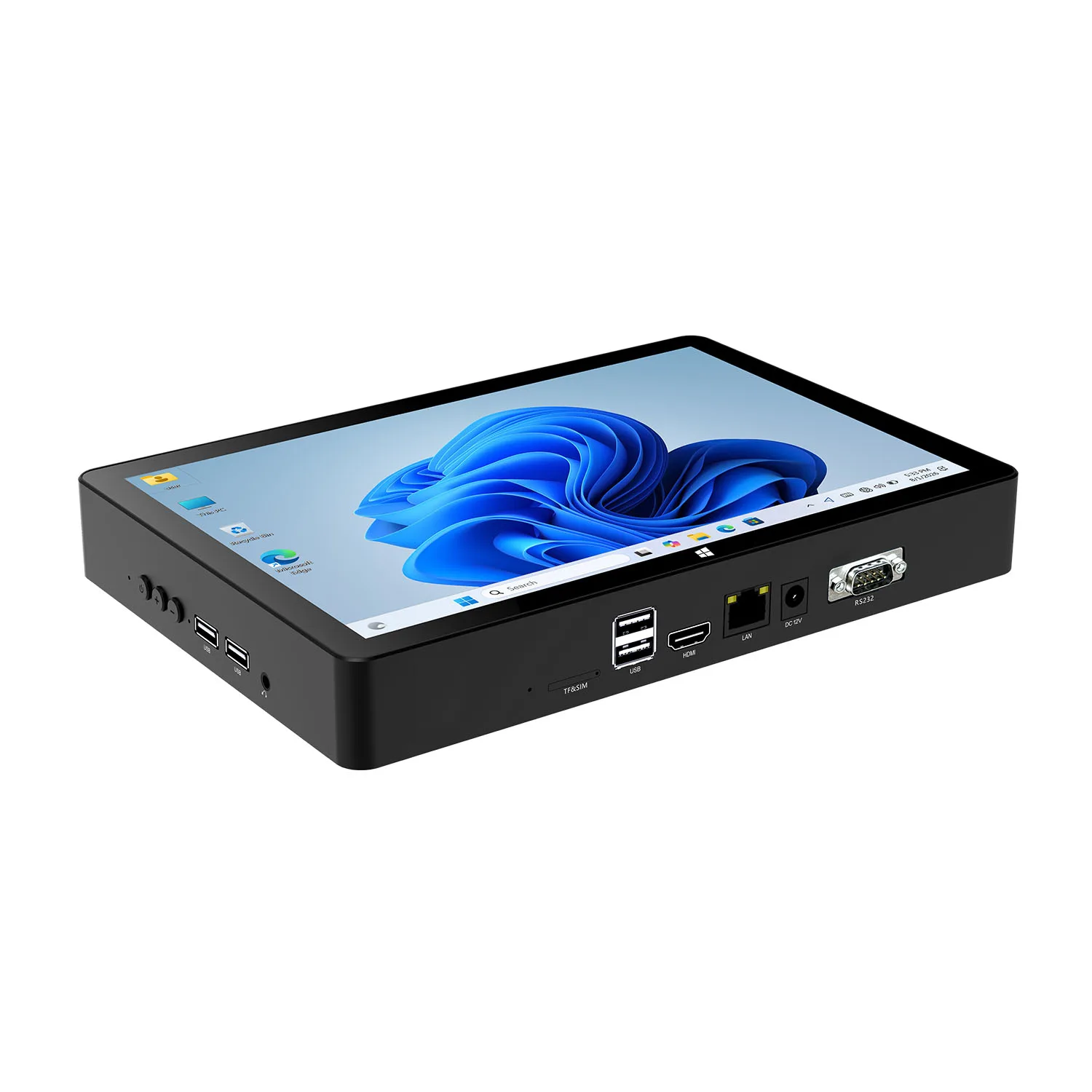
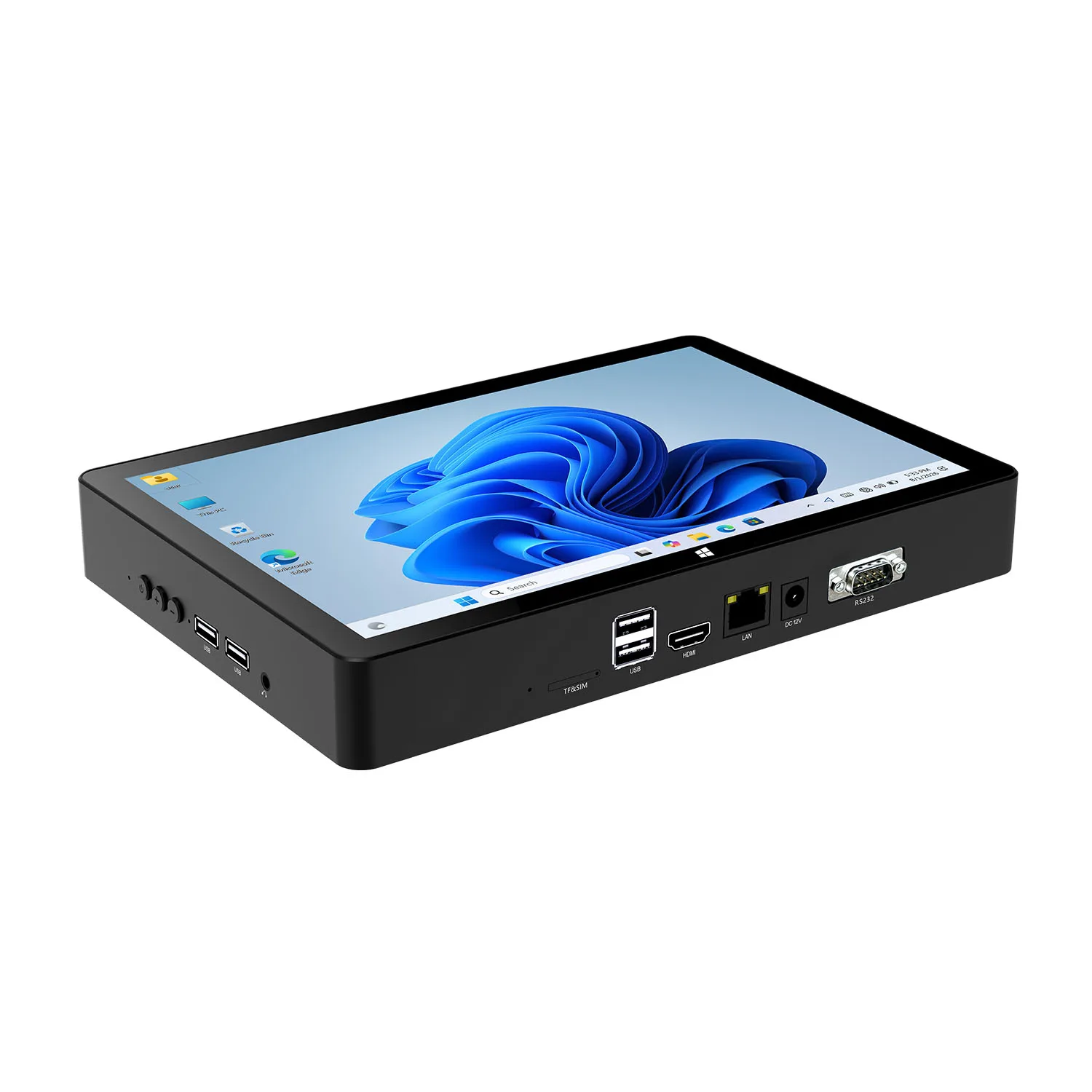
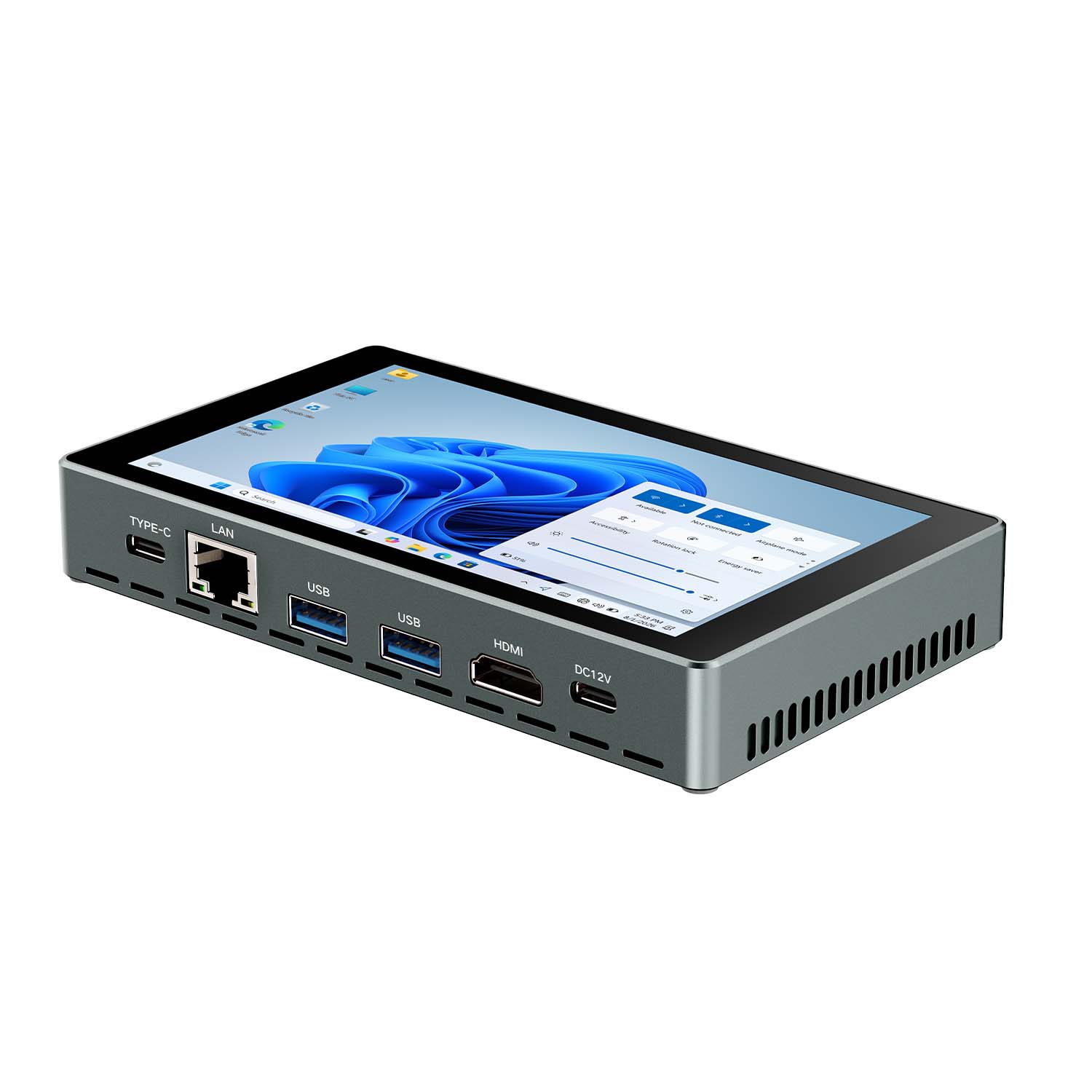
| POS peripheral integration | Often needs external adapters | Built-in RS232/RJ45 ports for direct cash drawer, receipt printer, and network integration |
| Upfront cost | Lower | Higher |
| Total cost of ownership in high-spill areas | Higher — frequent screen/device replacement | Lower — fewer failures over the device's service life |
| Design & form factor | Slim, guest-facing friendly | Bulkier, built for durability first |
Matching the Tablet to Your Restaurant Type
| Restaurant Type | Priority | Recommended Approach |
|---|---|---|
| Fine dining (tableside ordering) | Guest-facing design, elegant form factor | A slimmer, design-forward tablet may matter more than industrial ruggedness here |
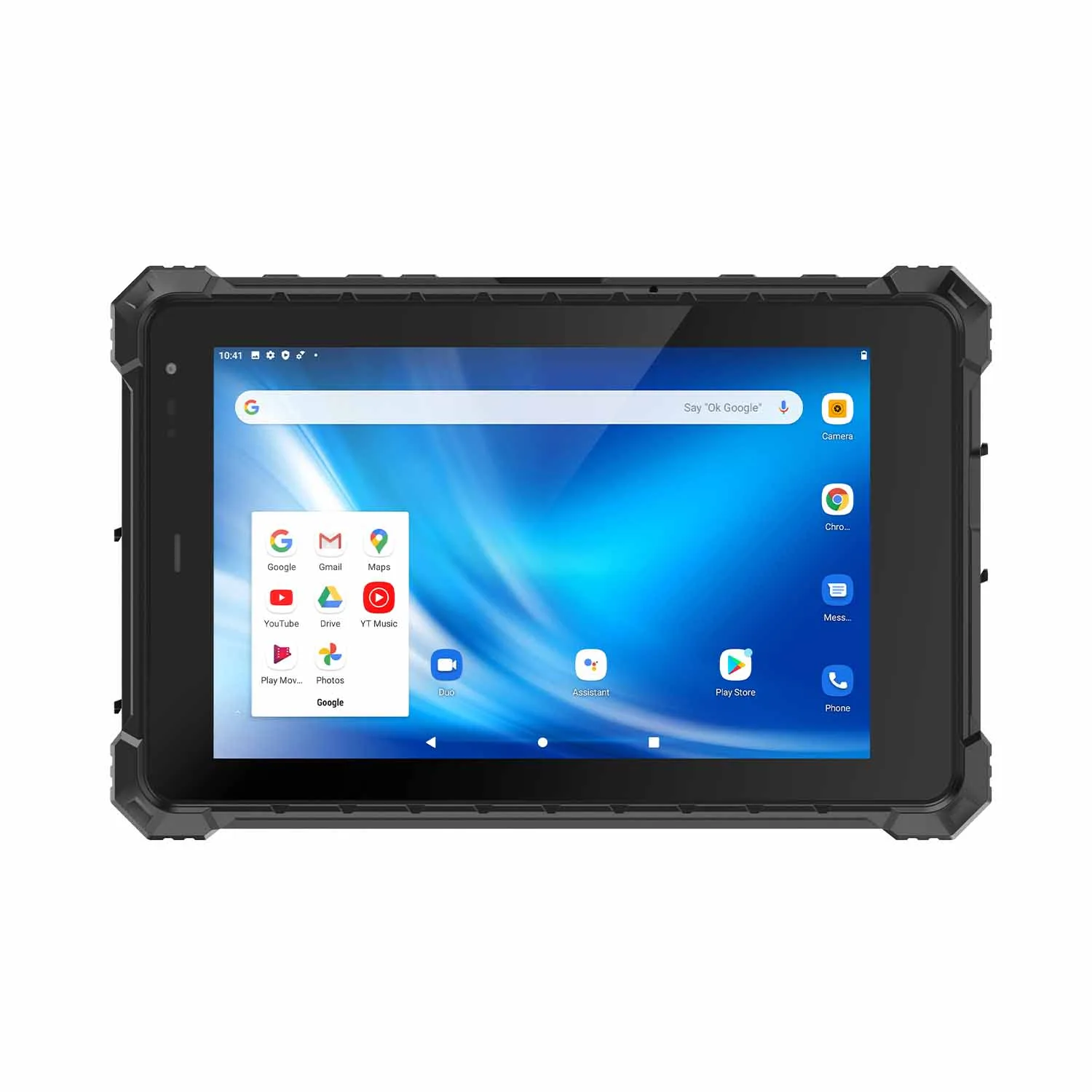
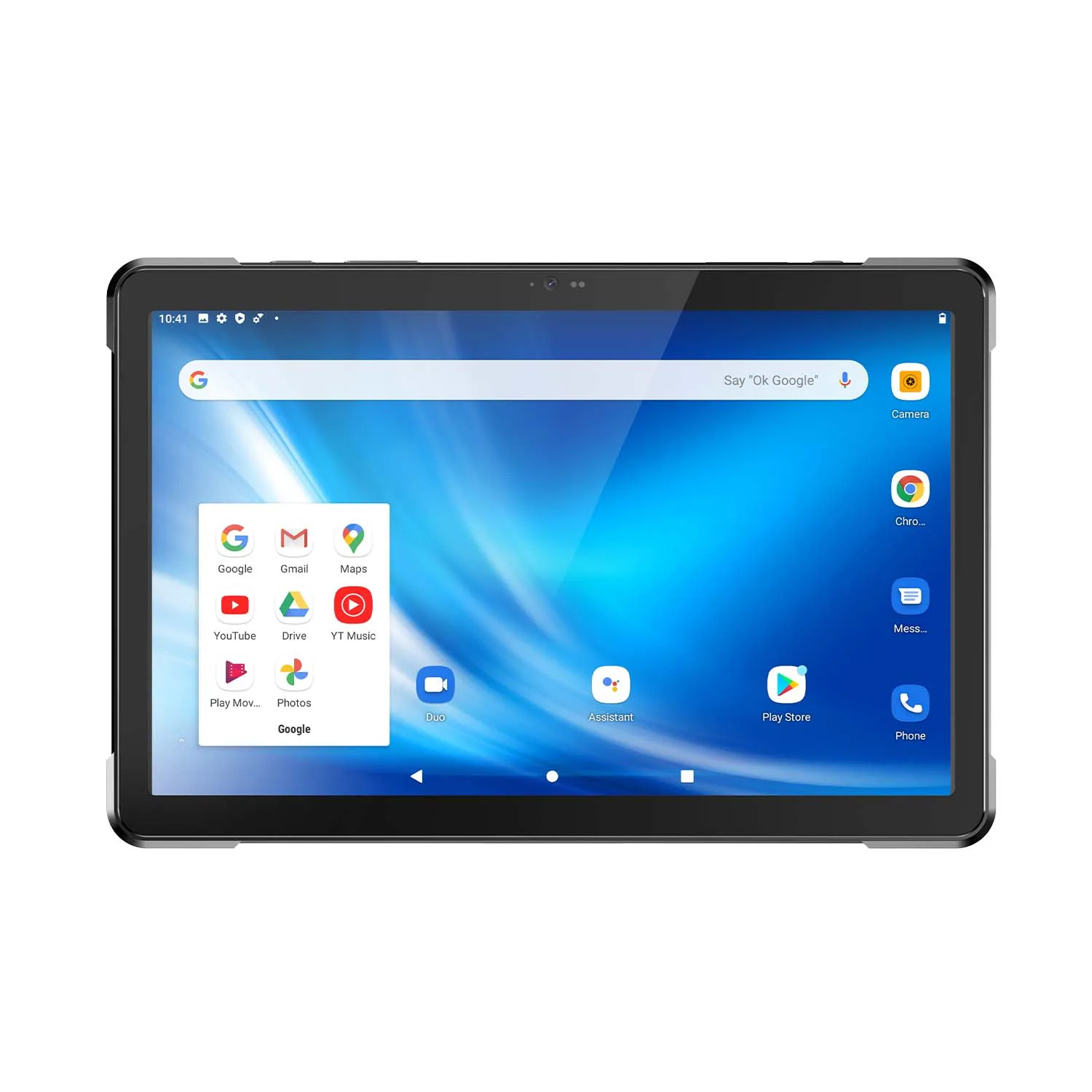
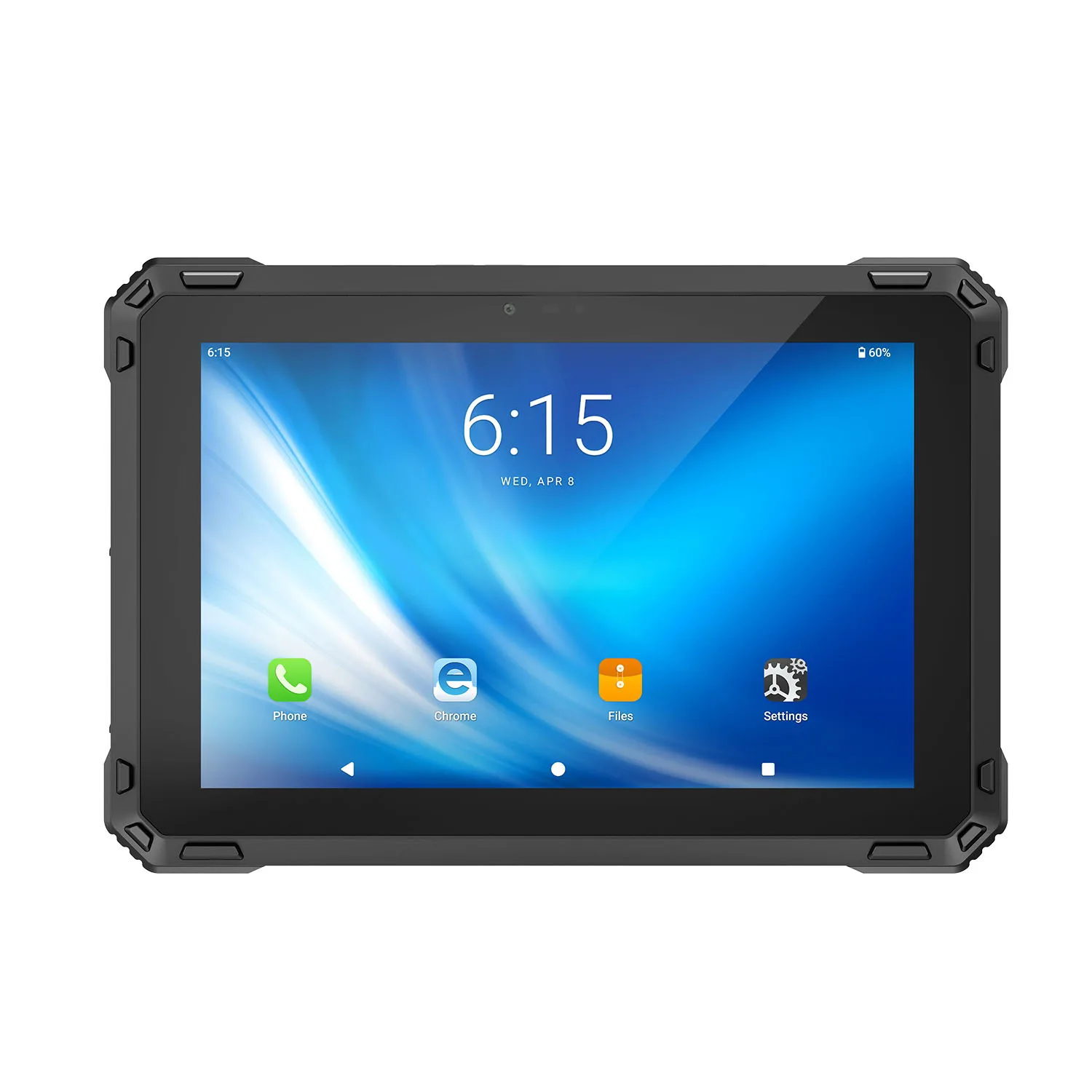
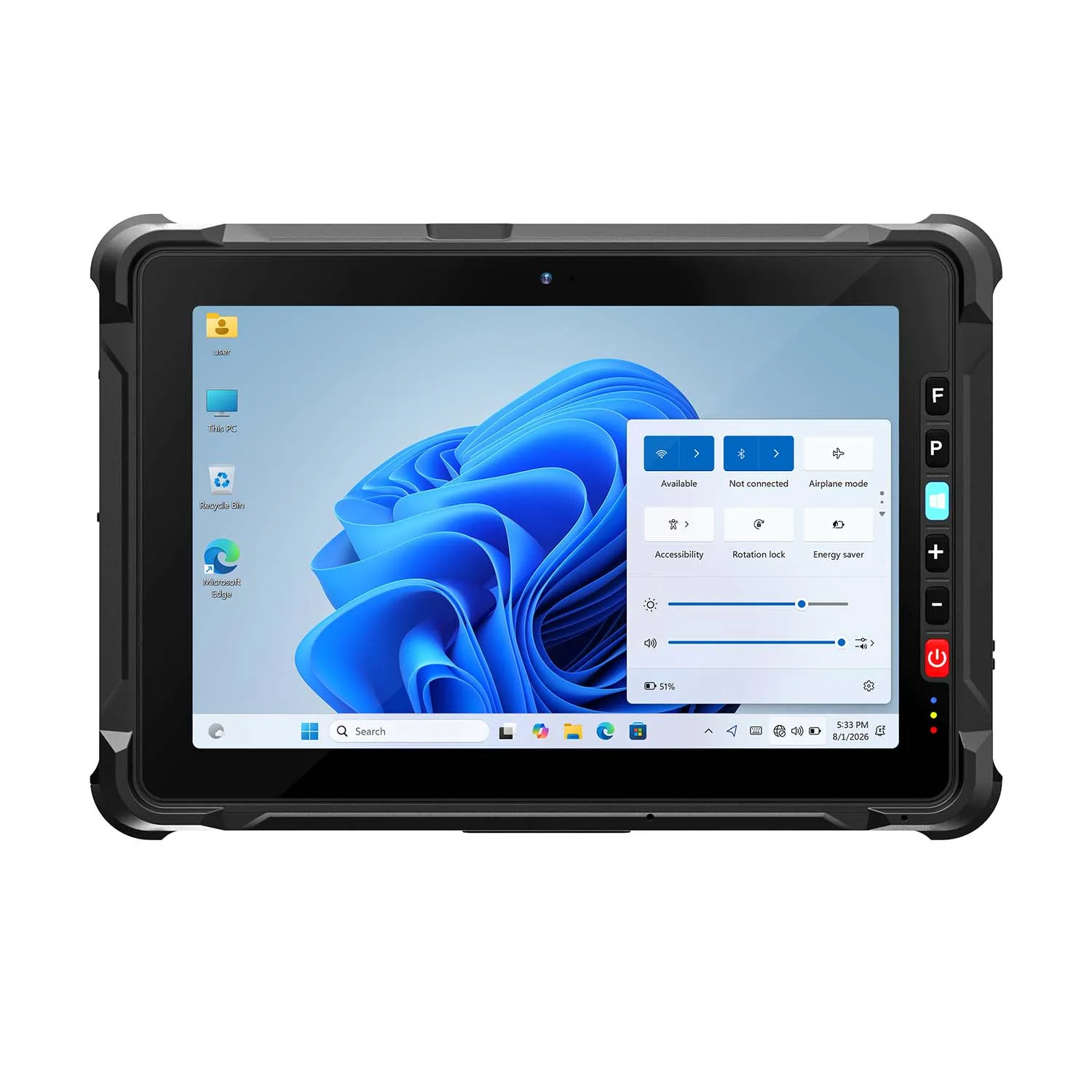
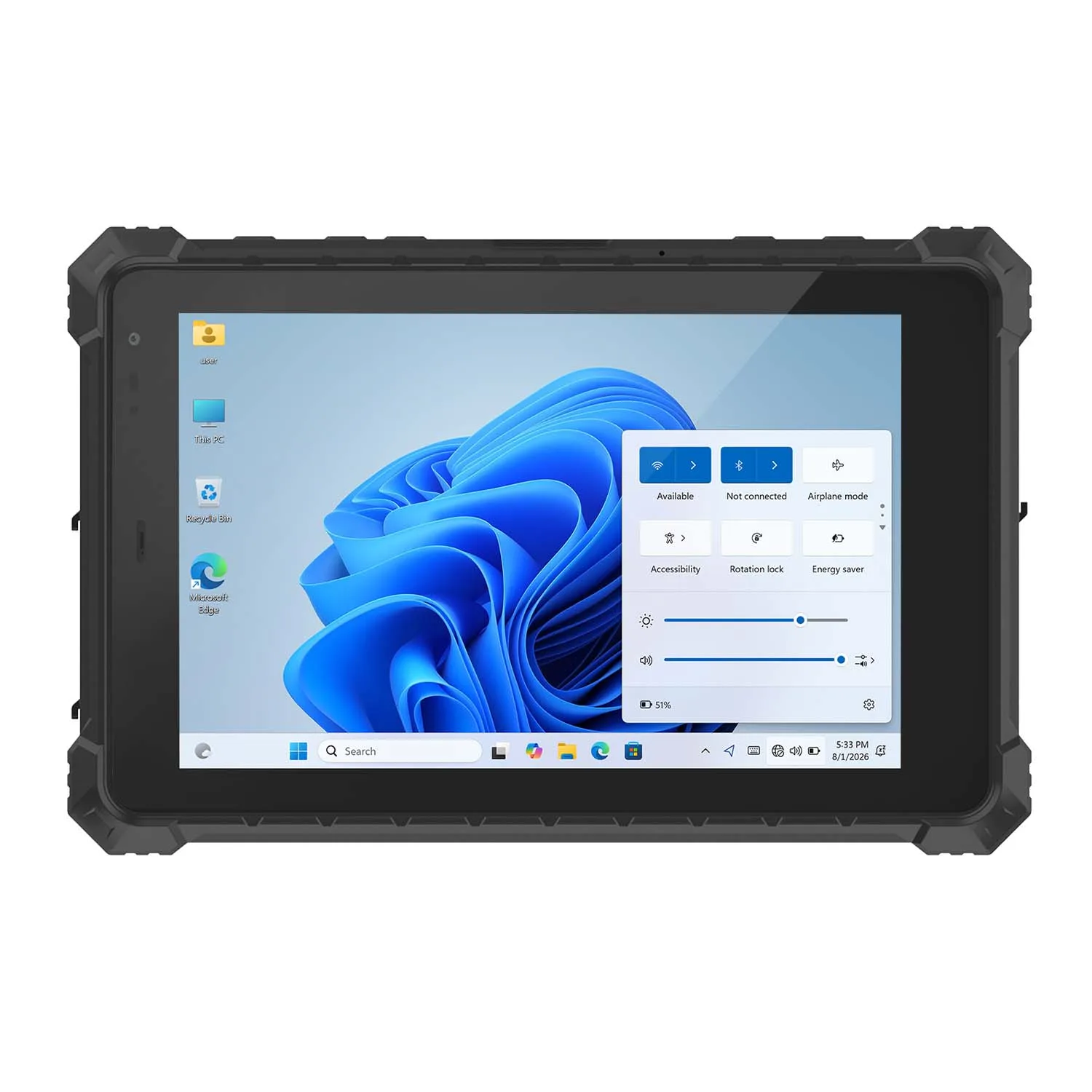
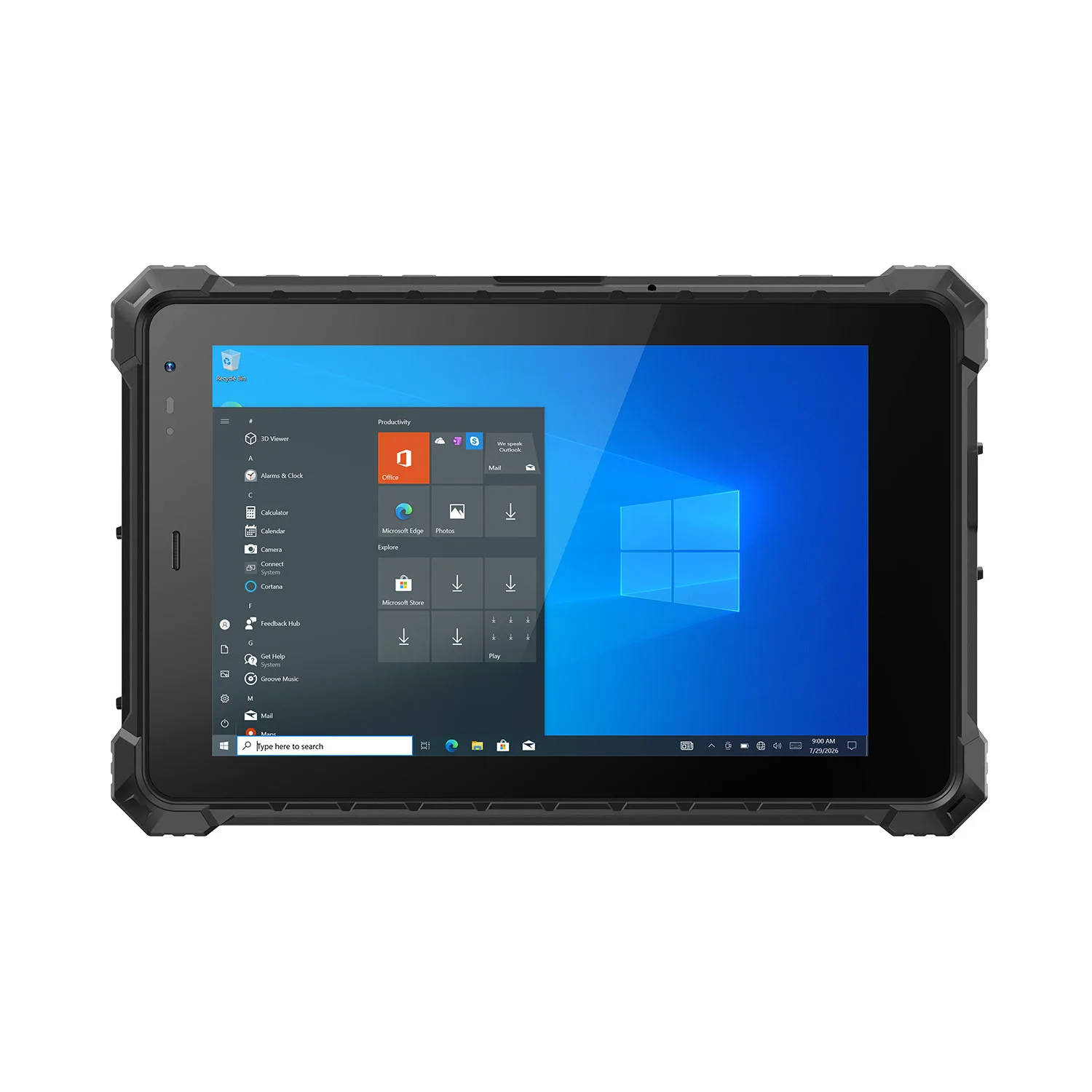
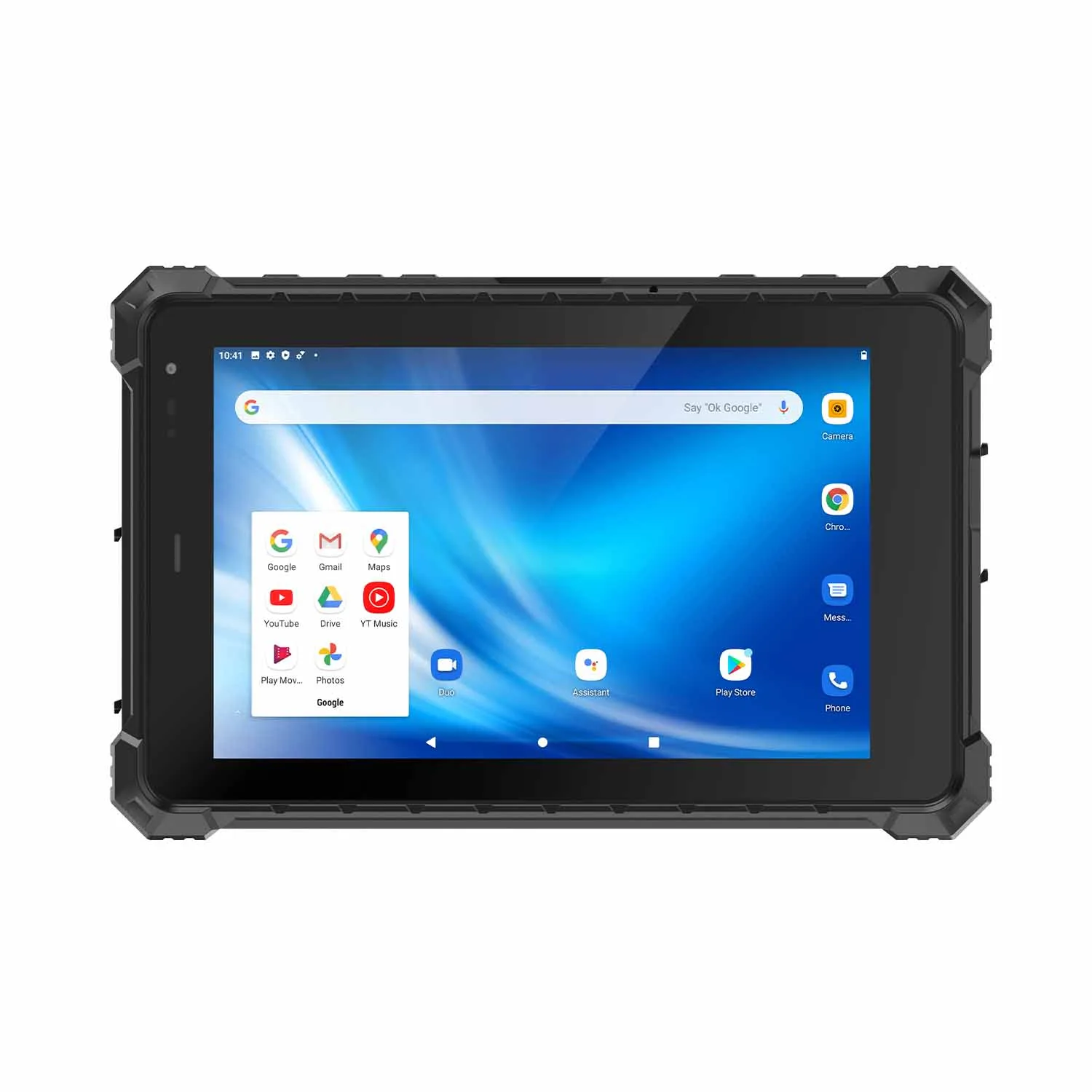
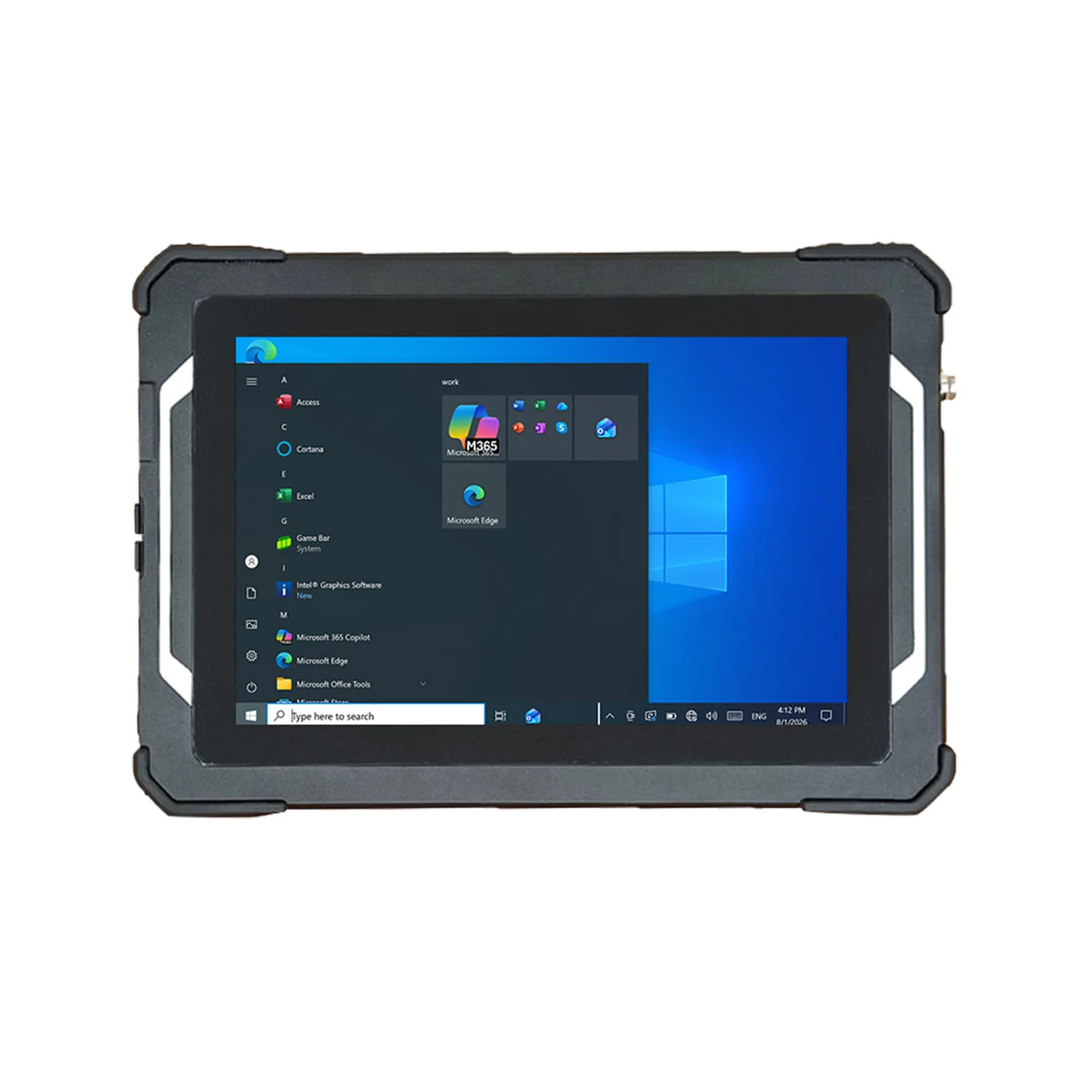
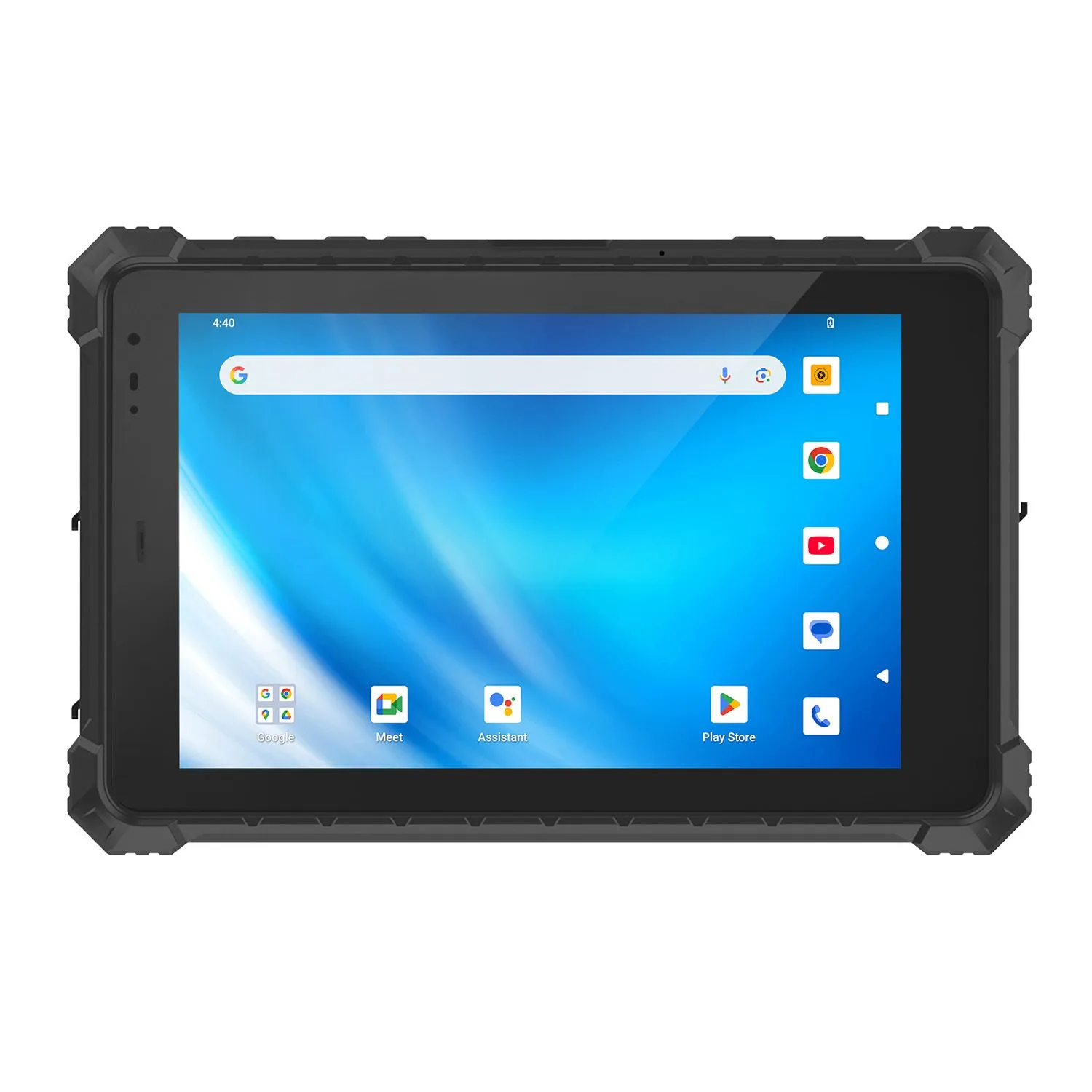
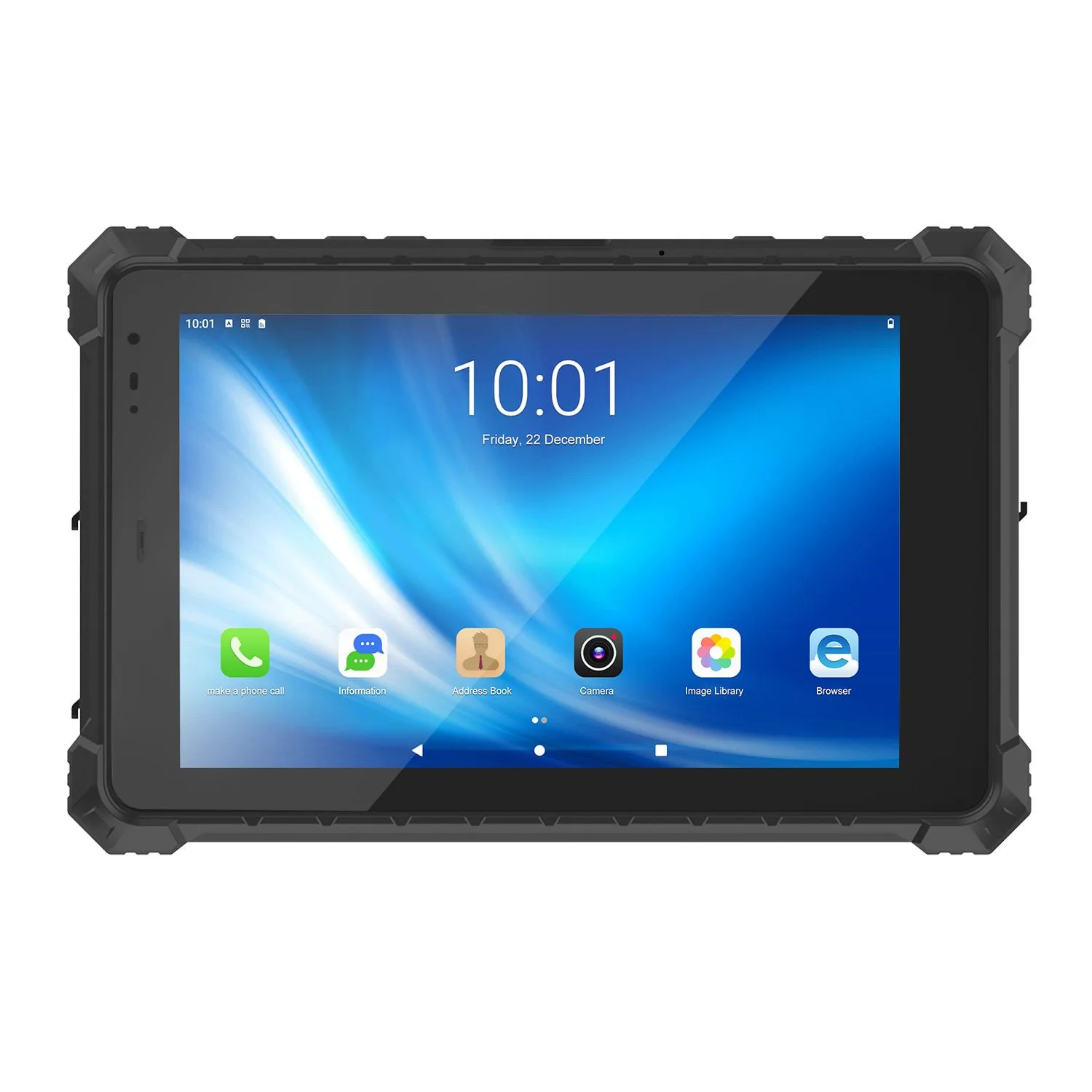
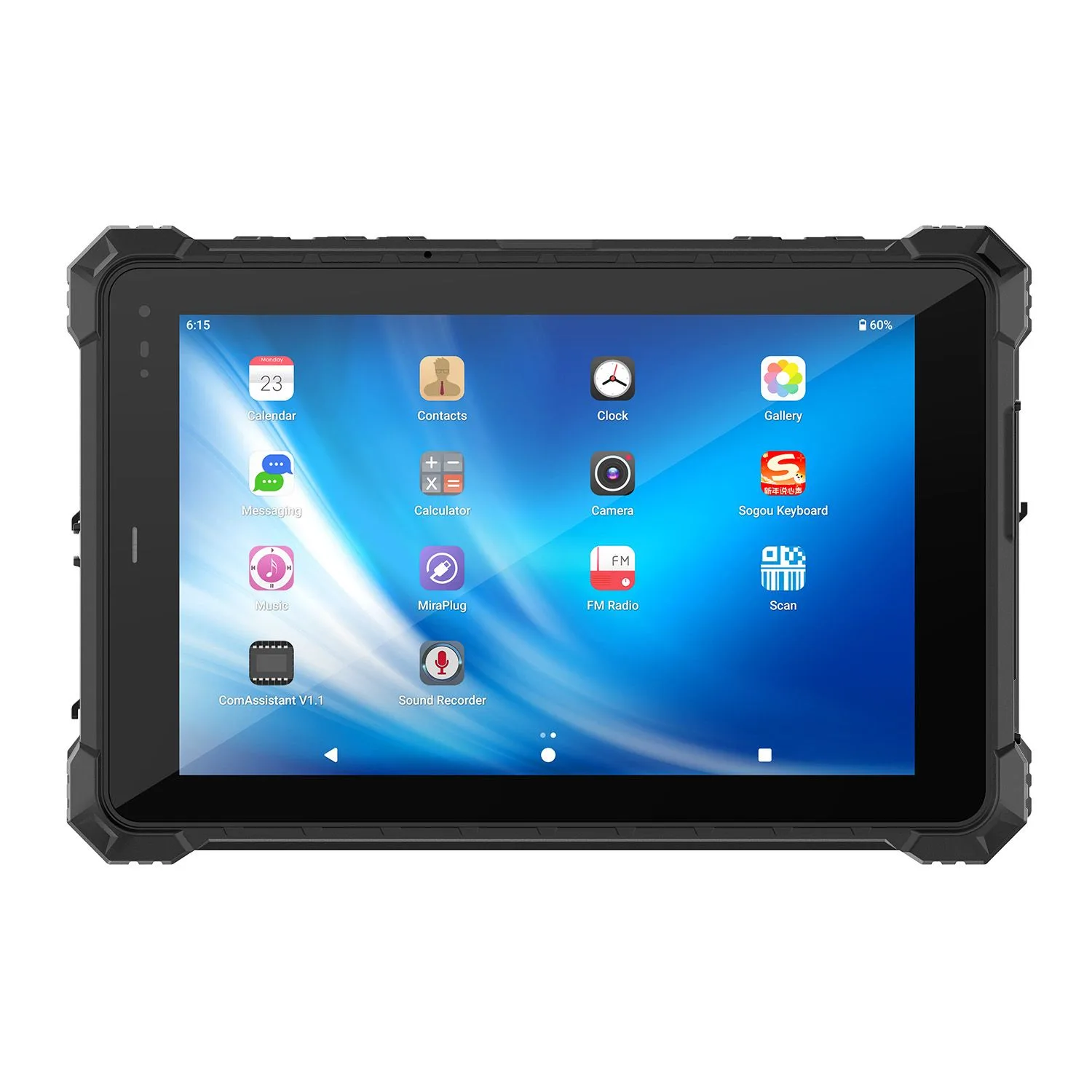
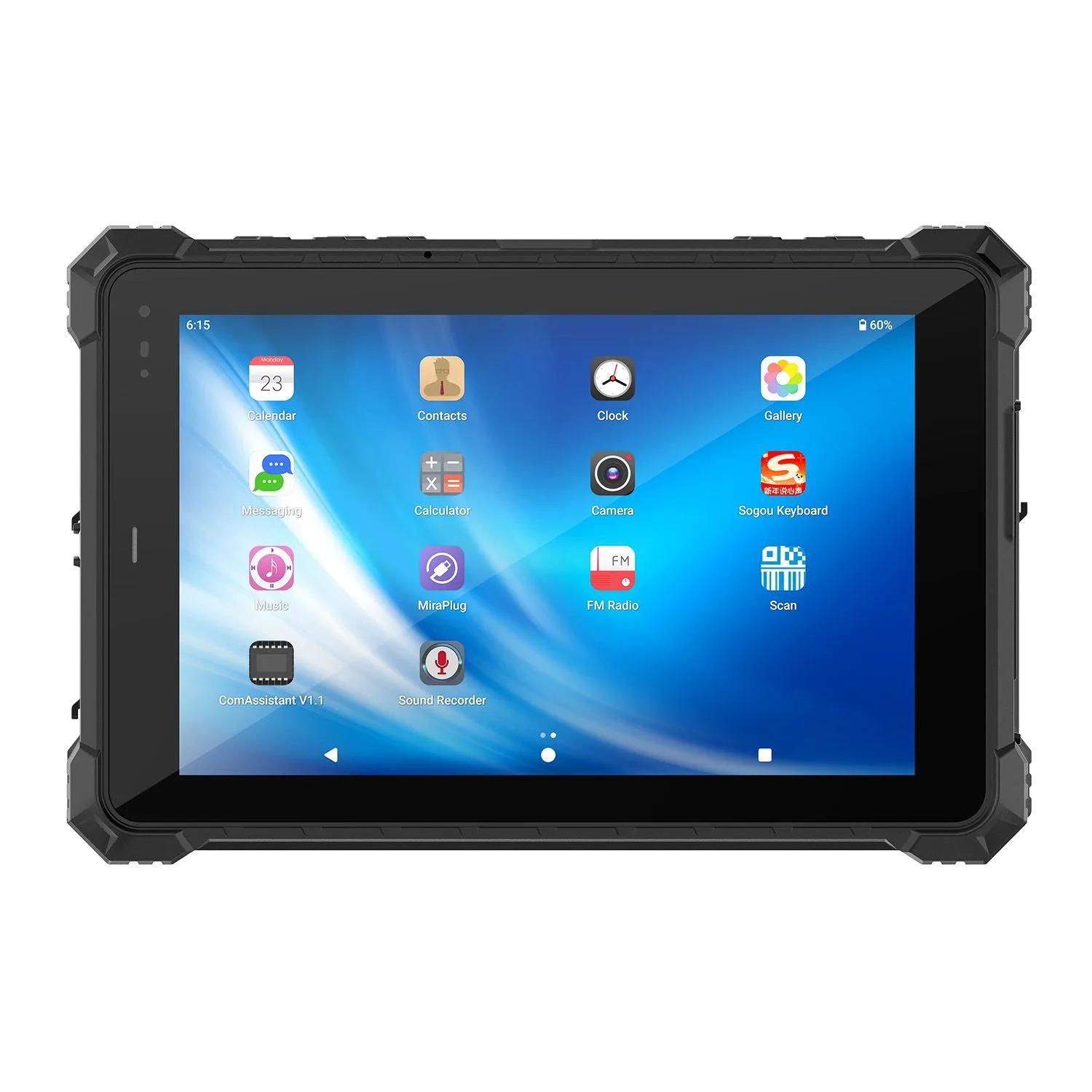
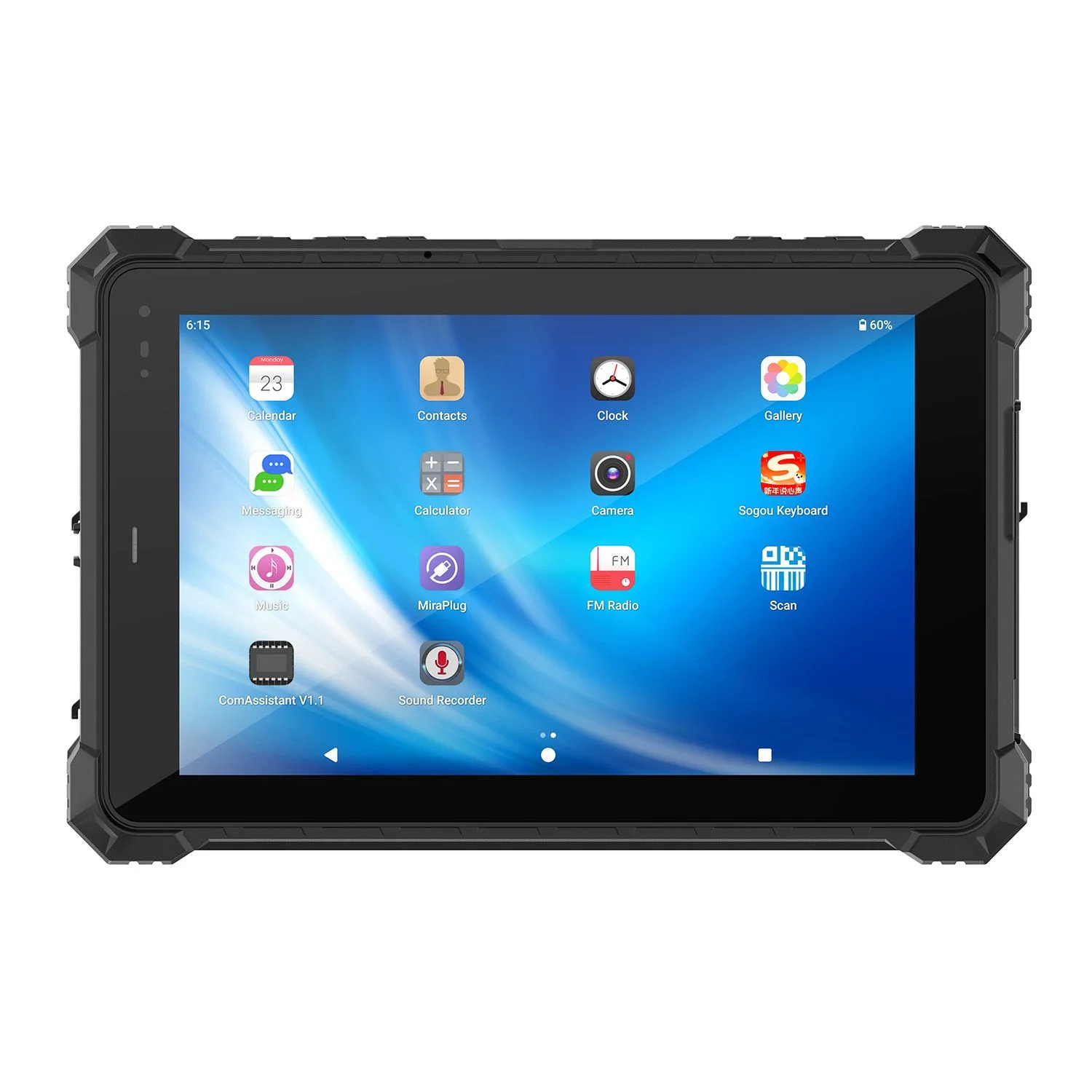
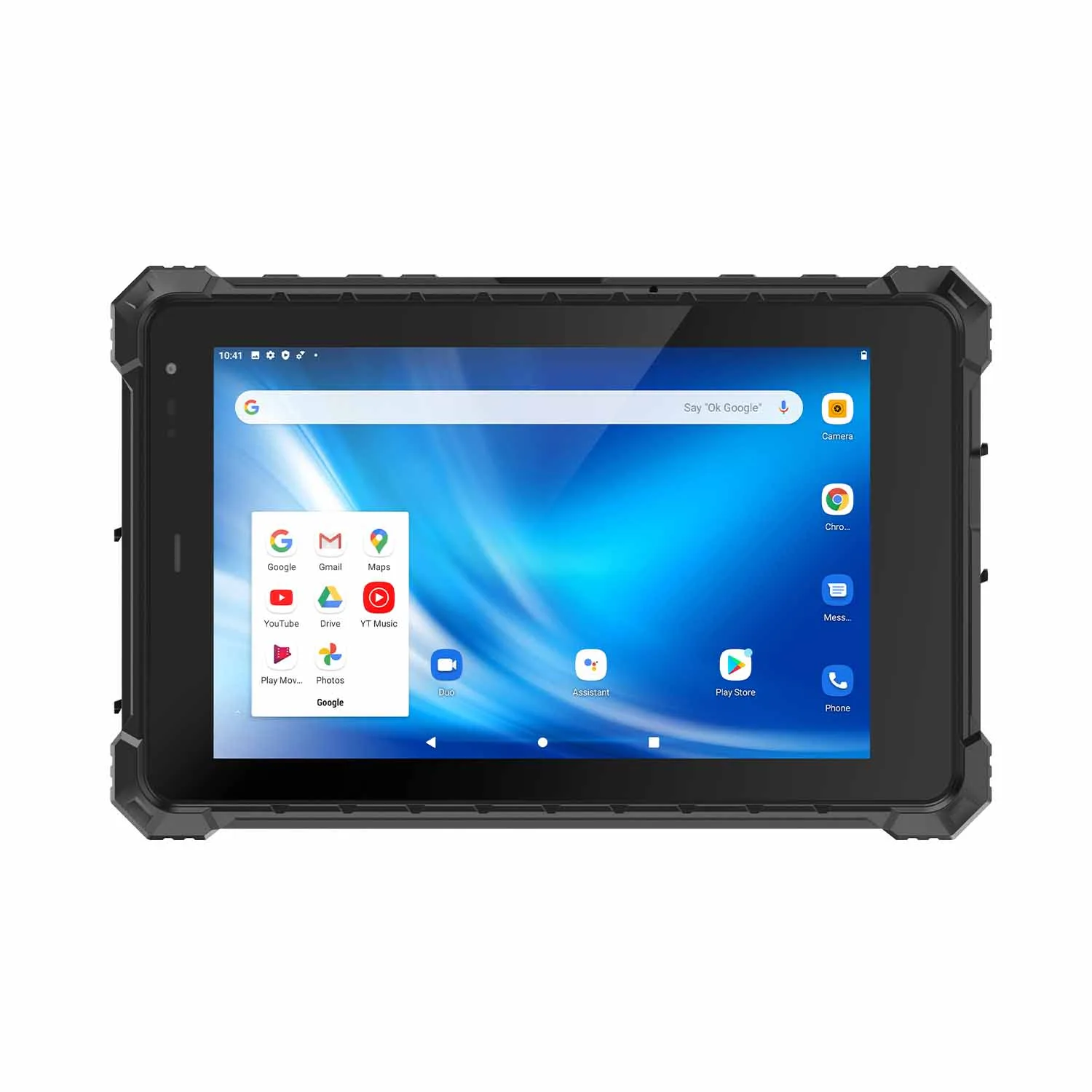
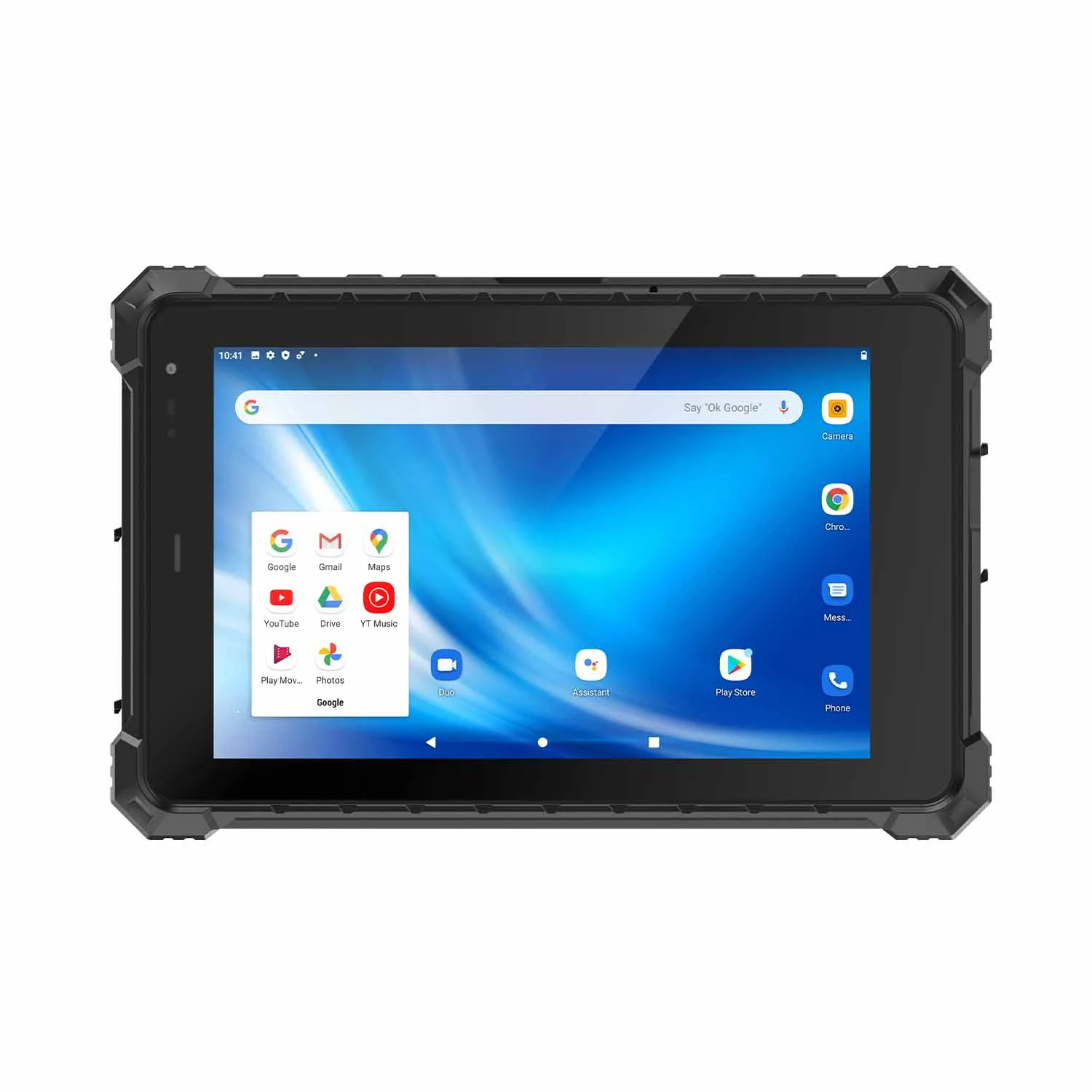
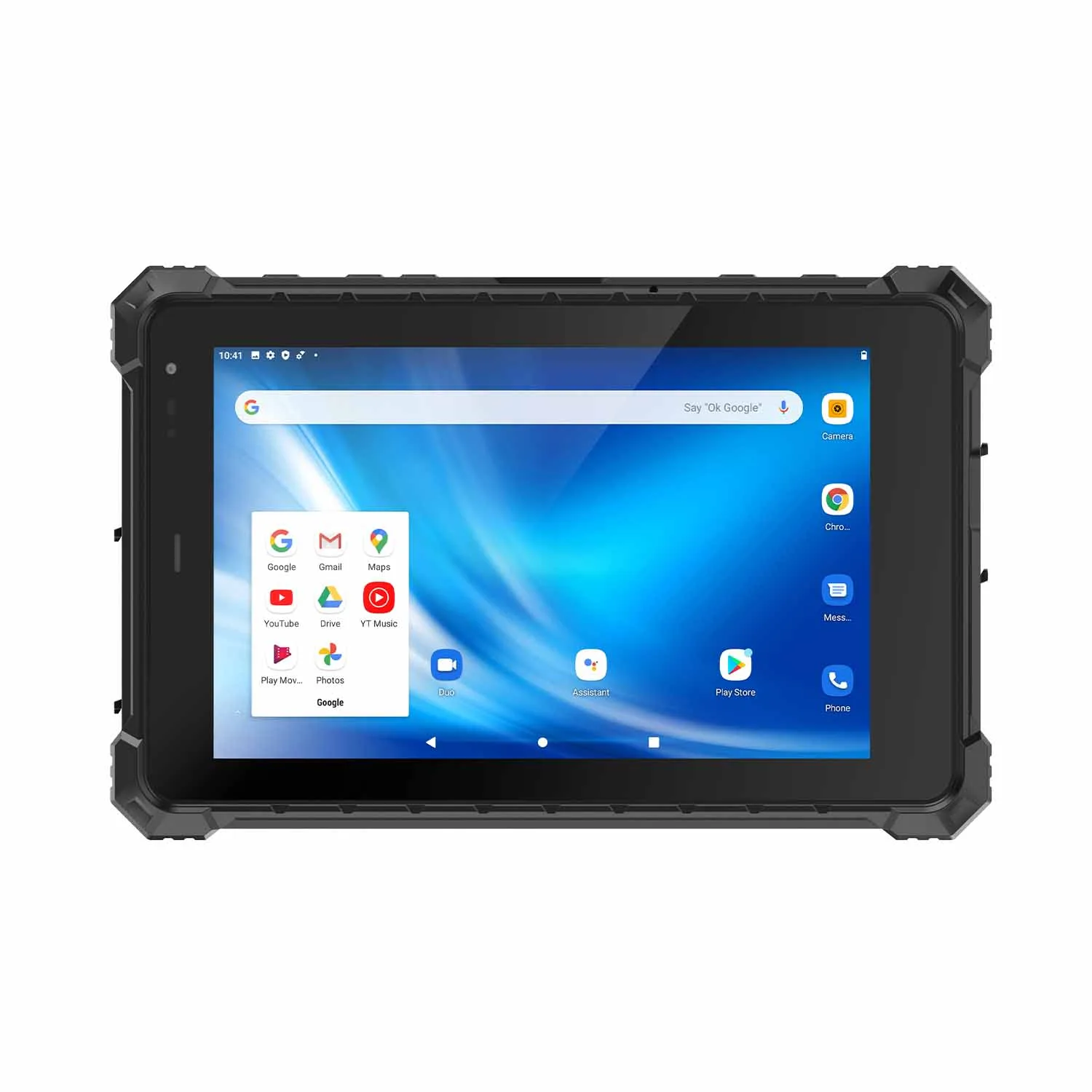
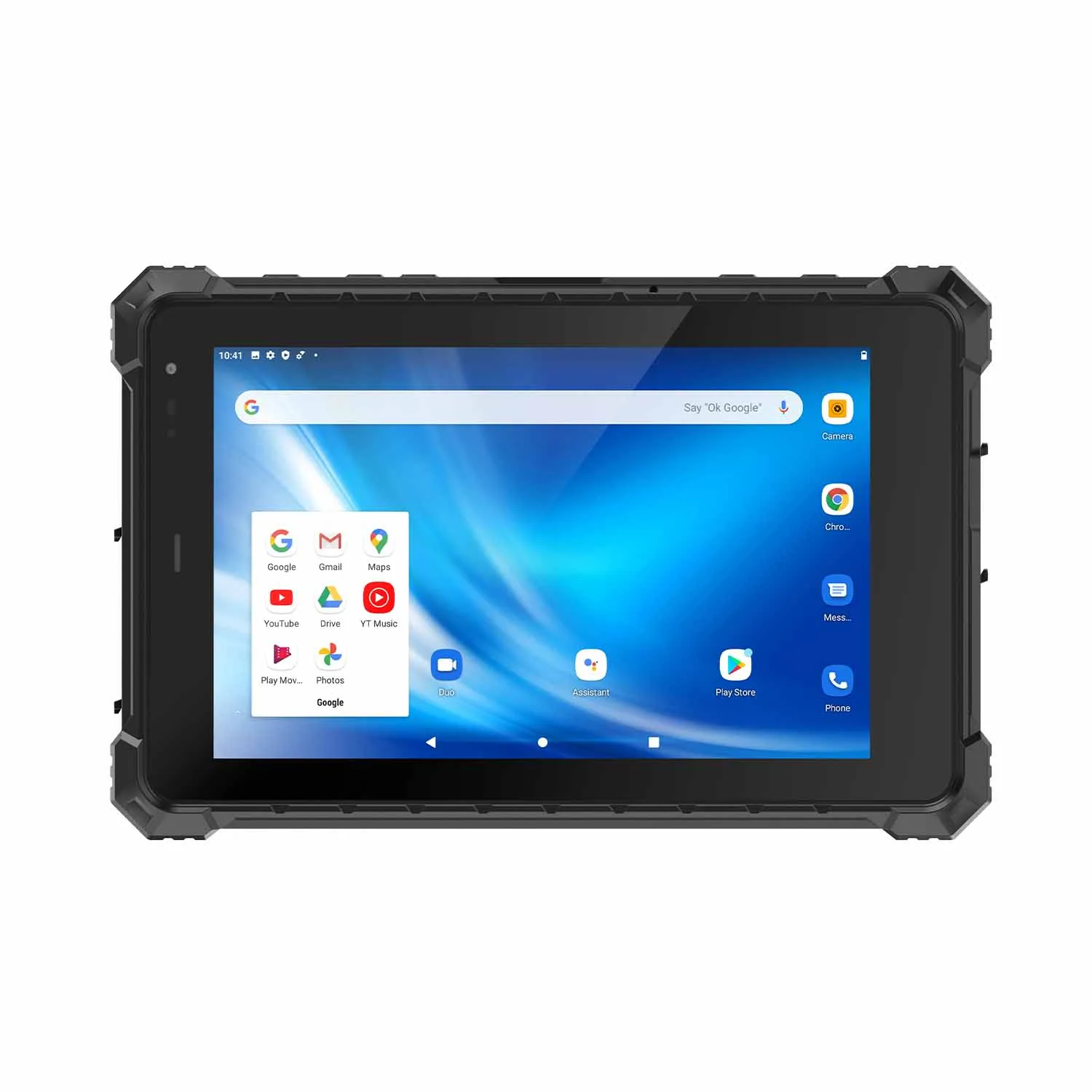
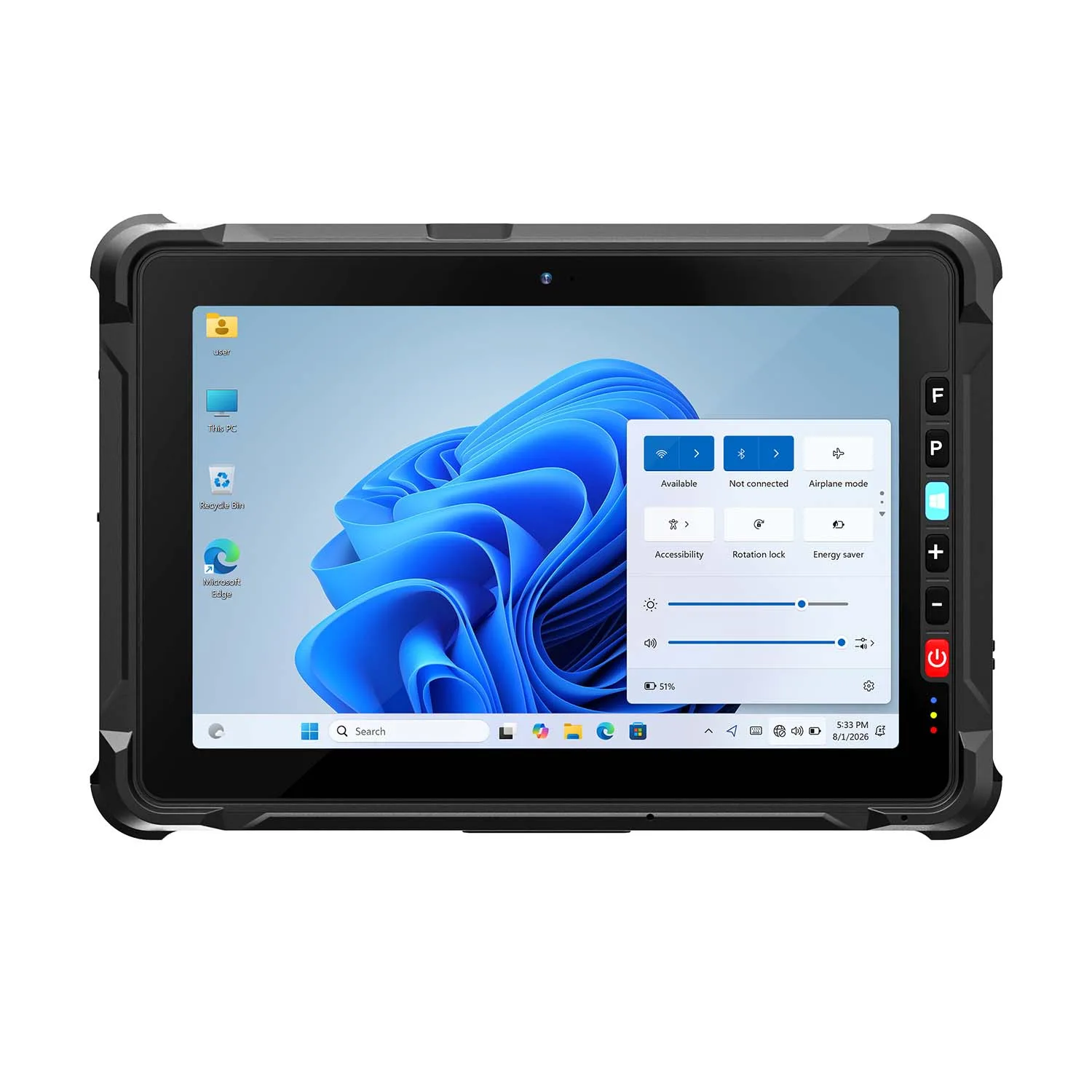
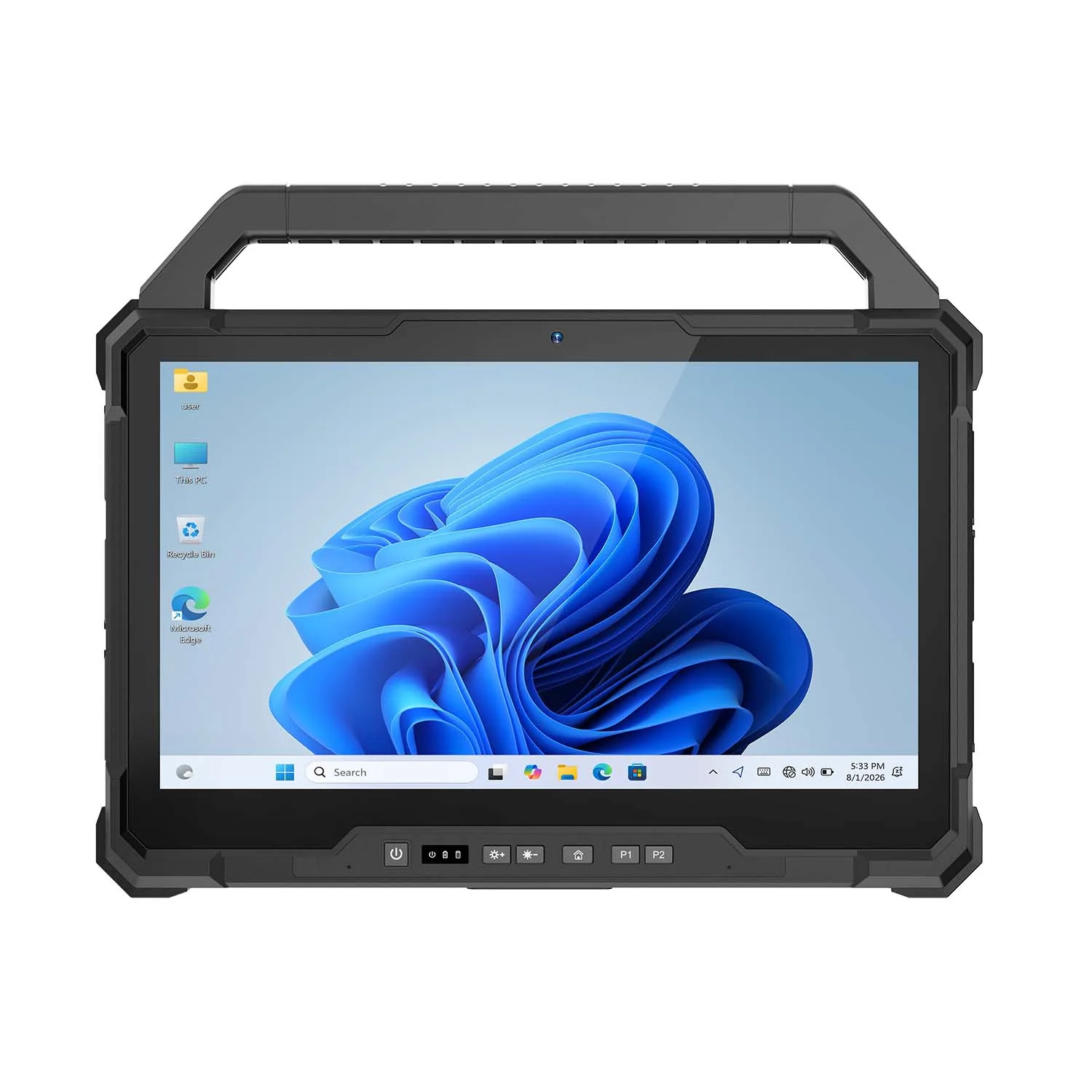
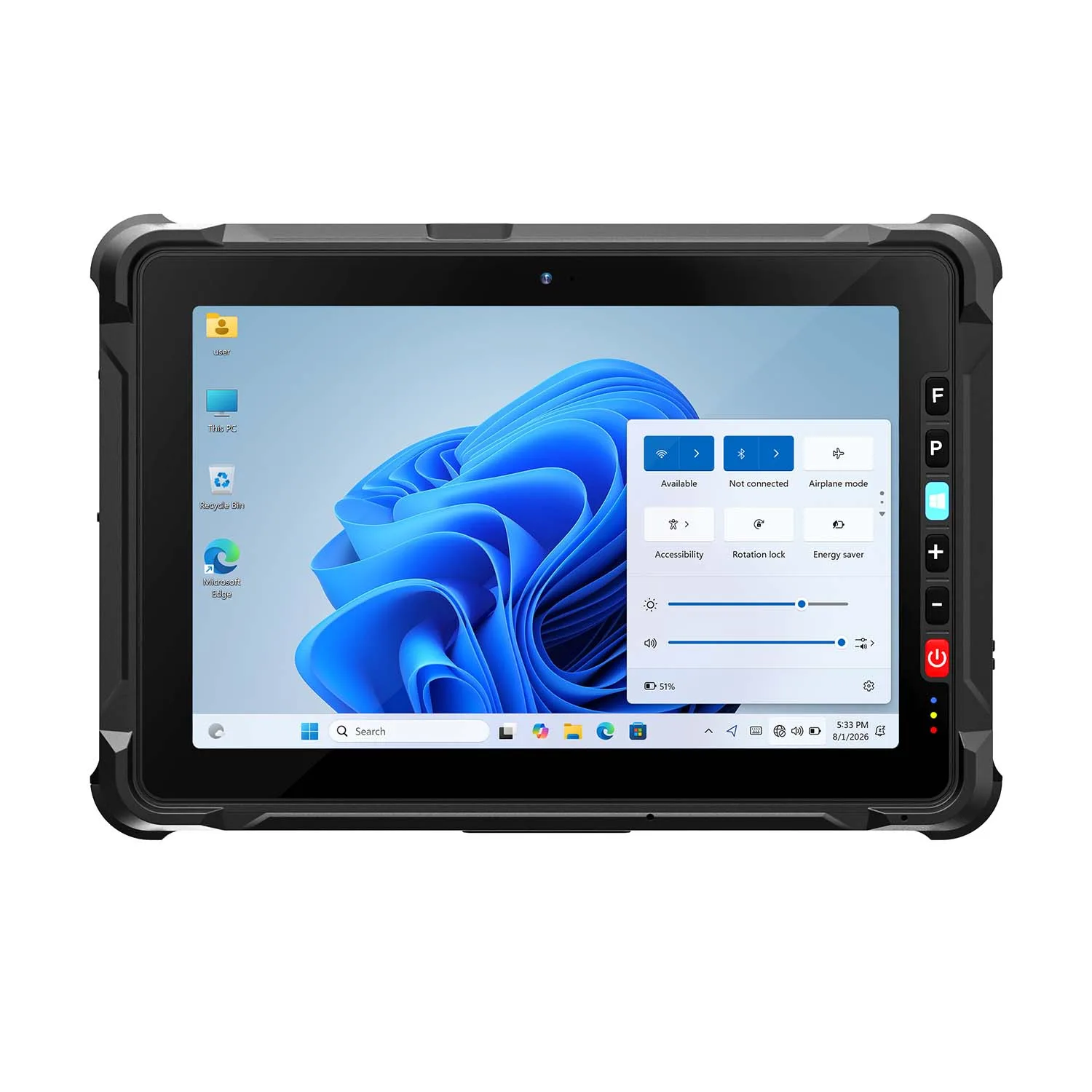
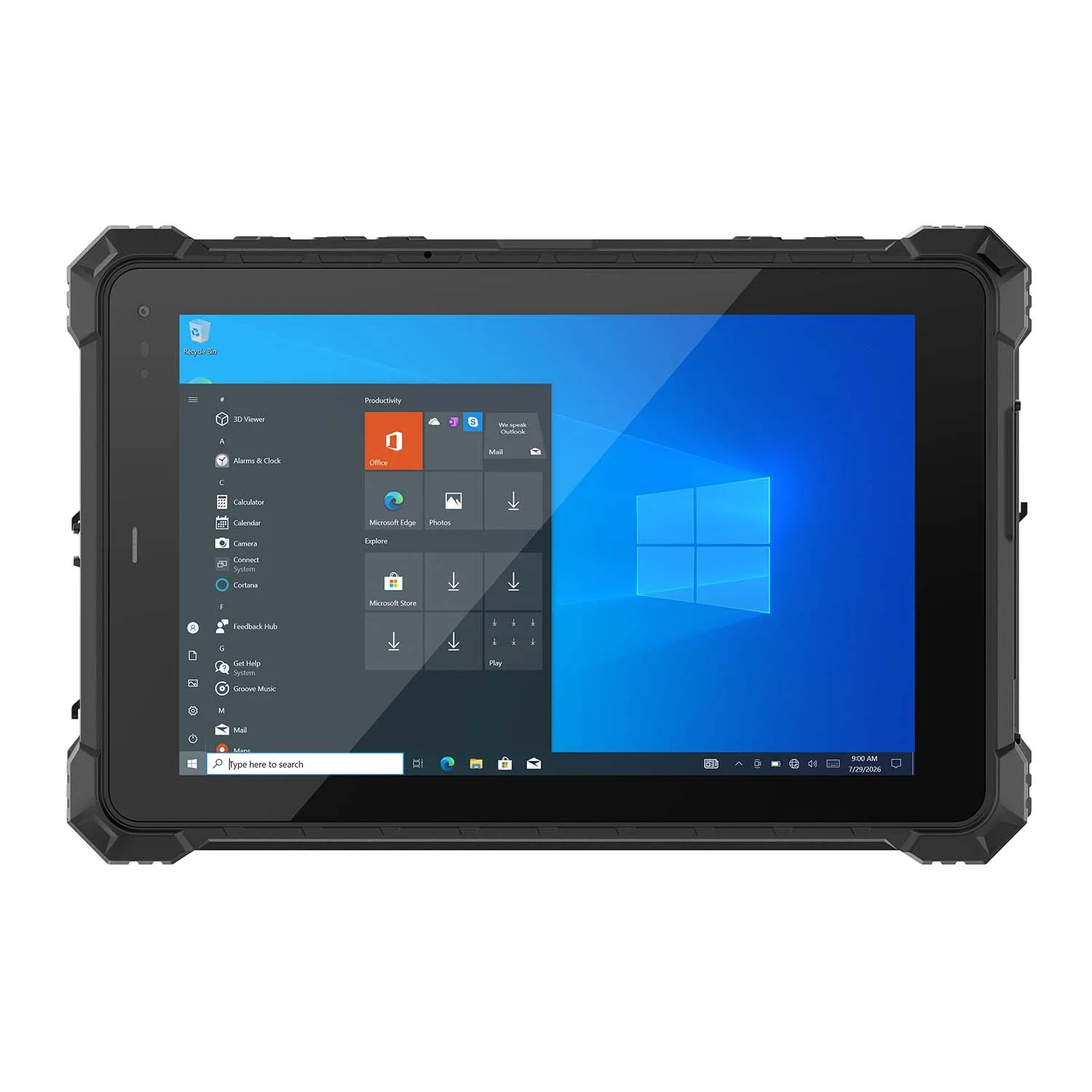
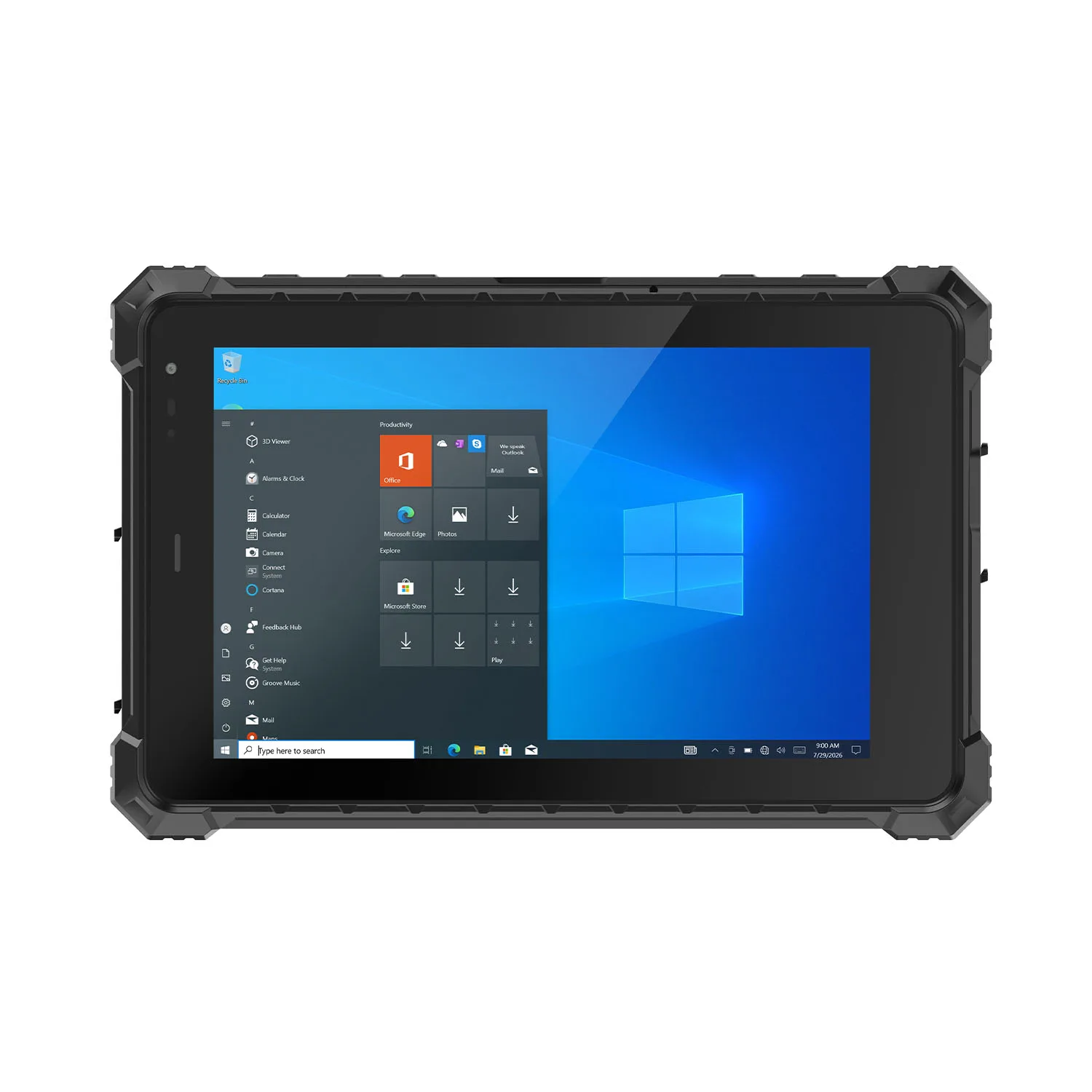
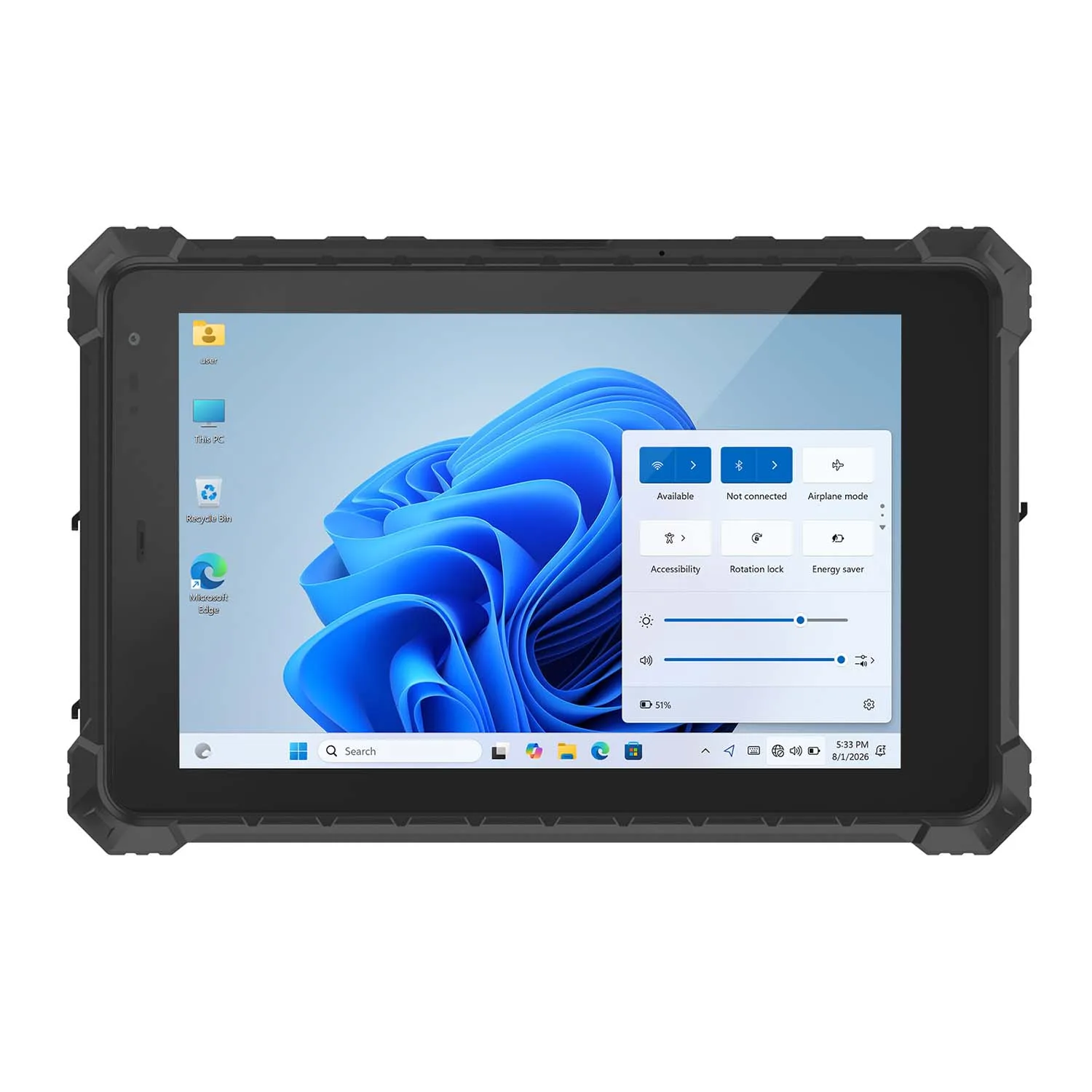
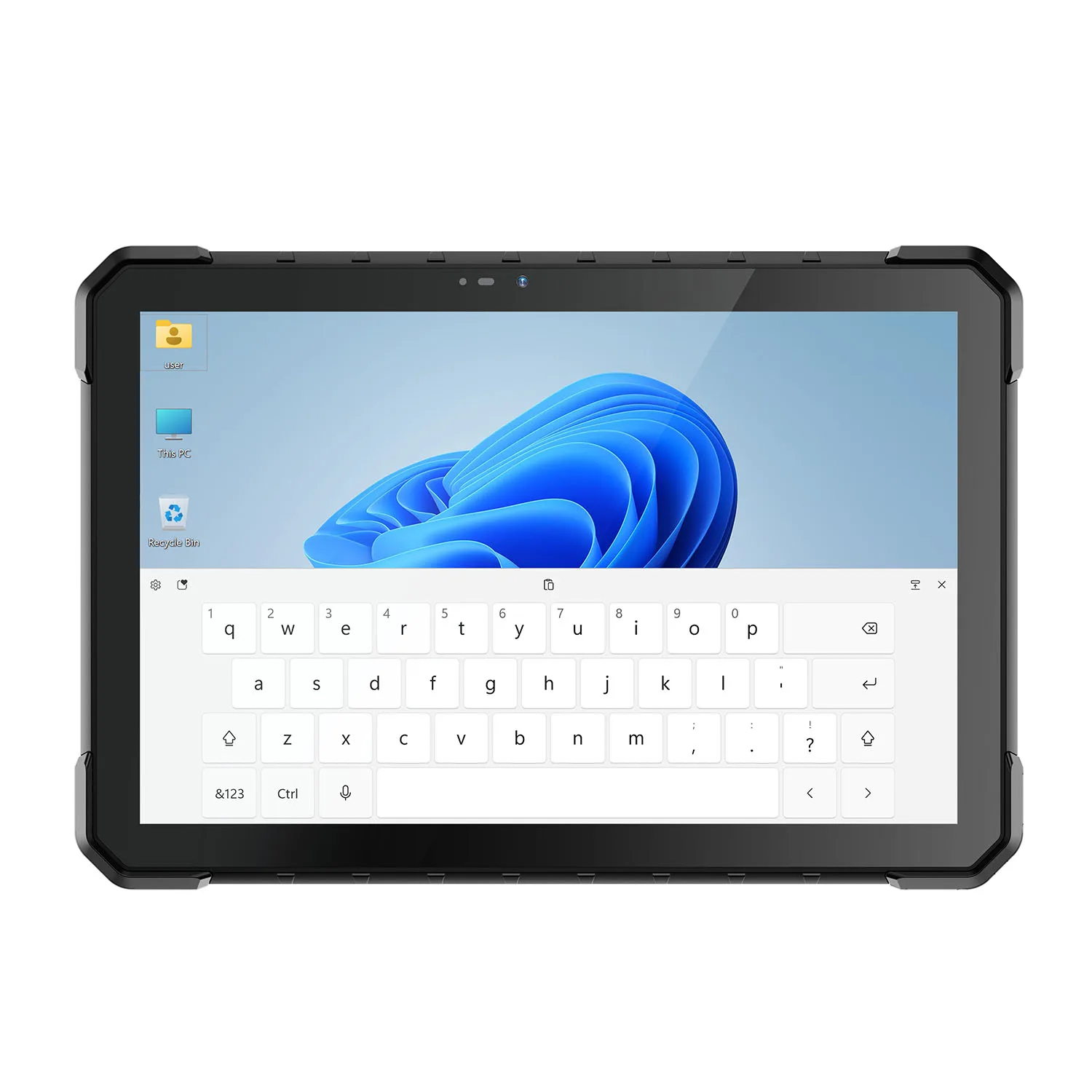
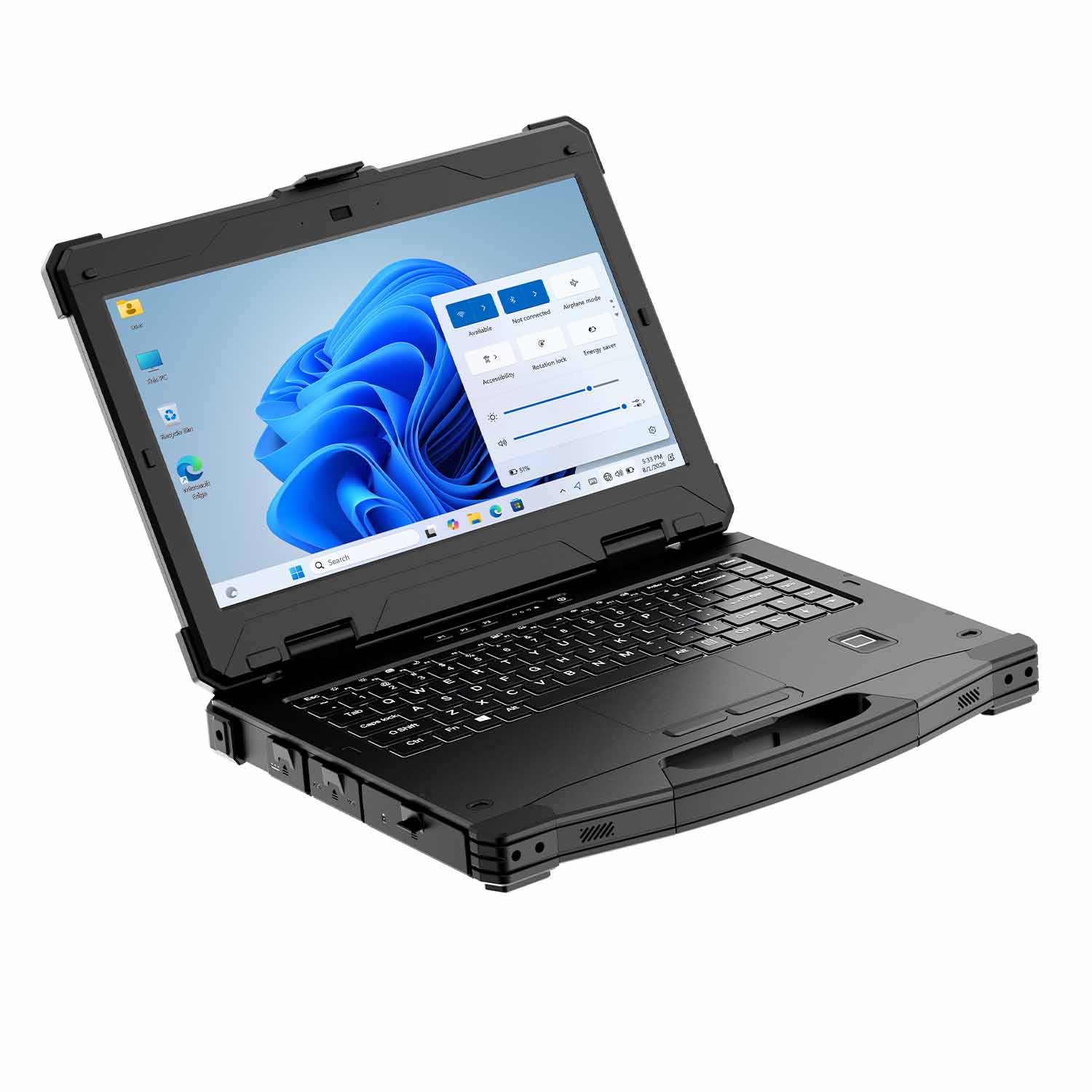
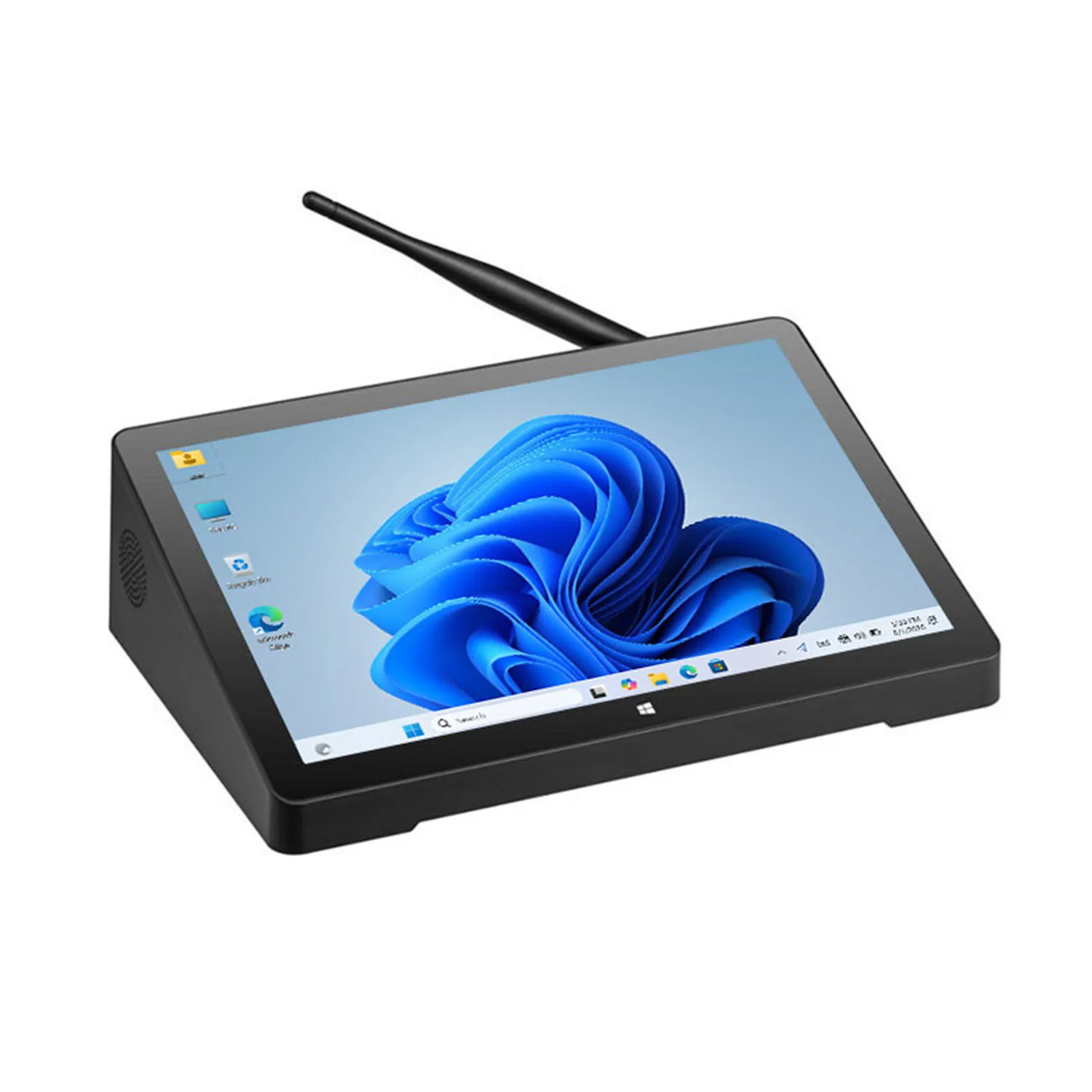
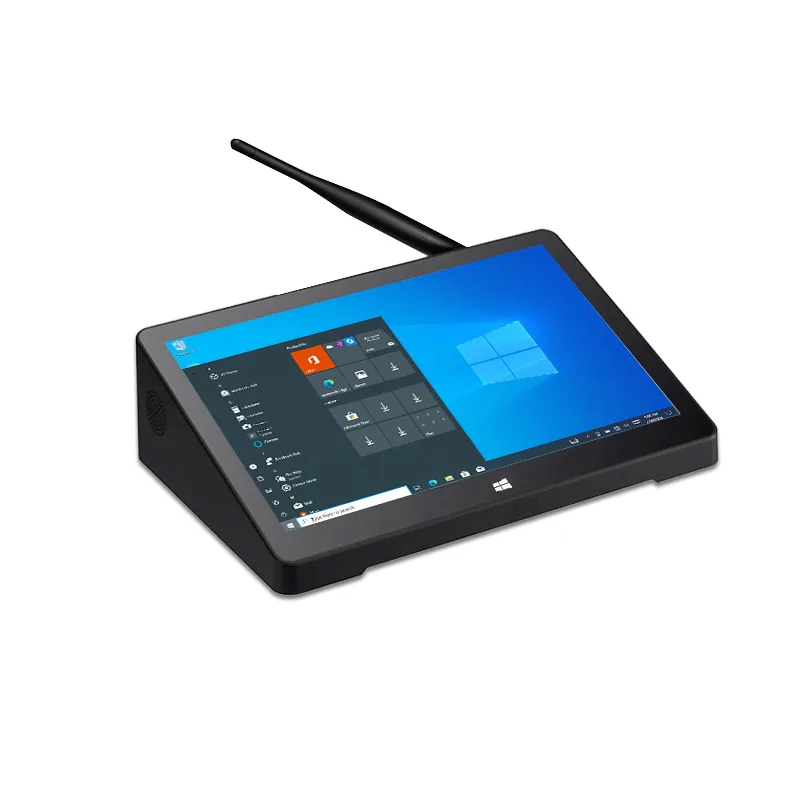
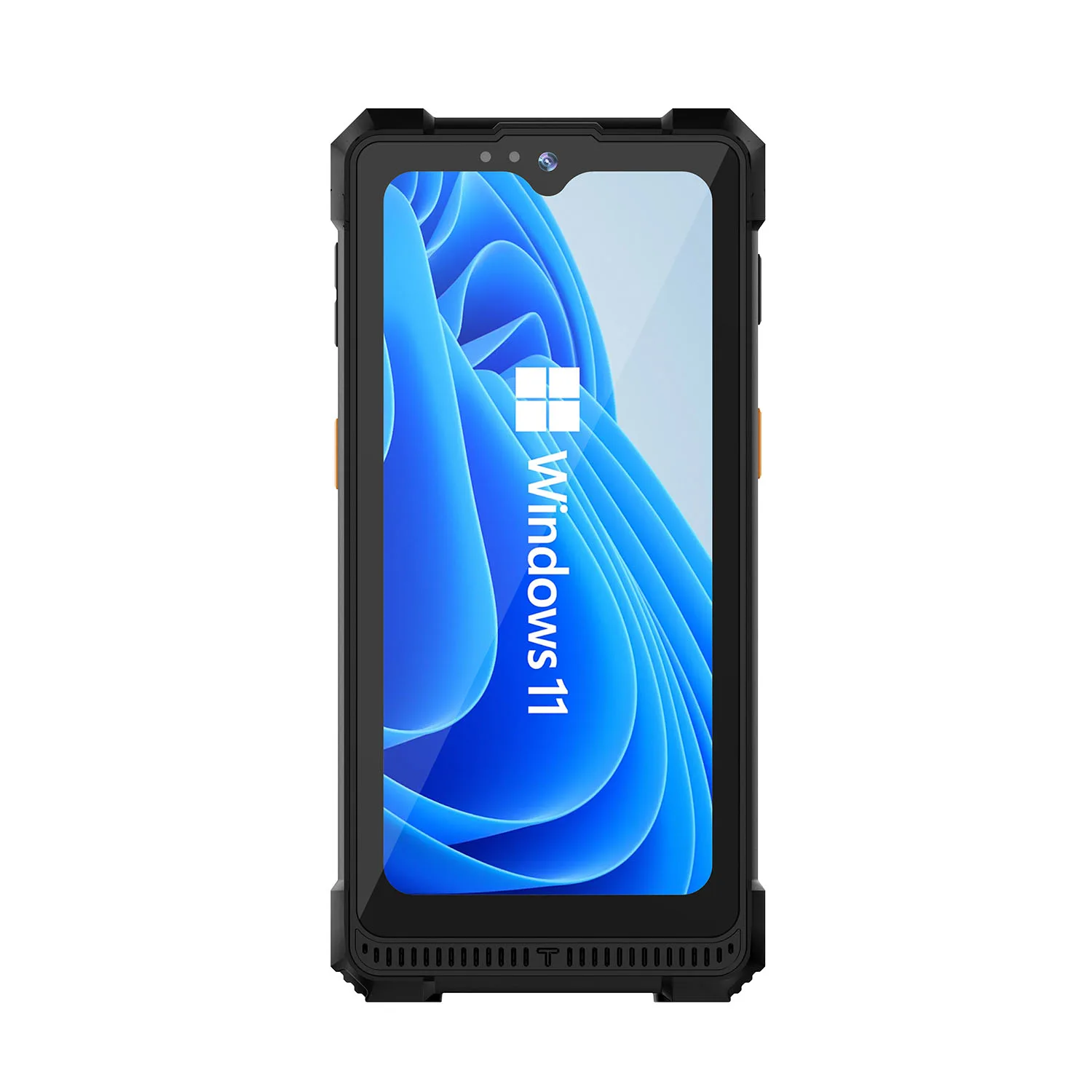
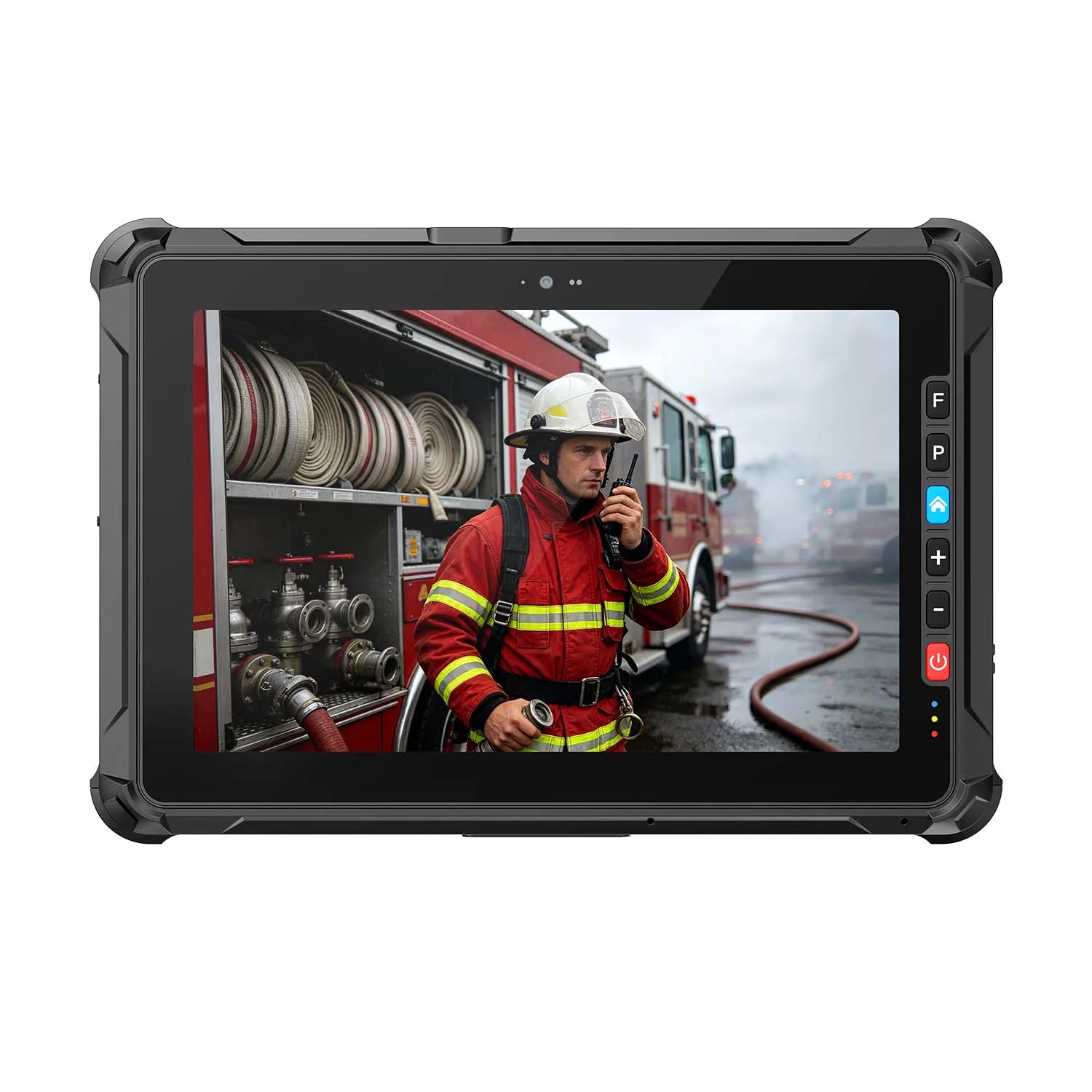
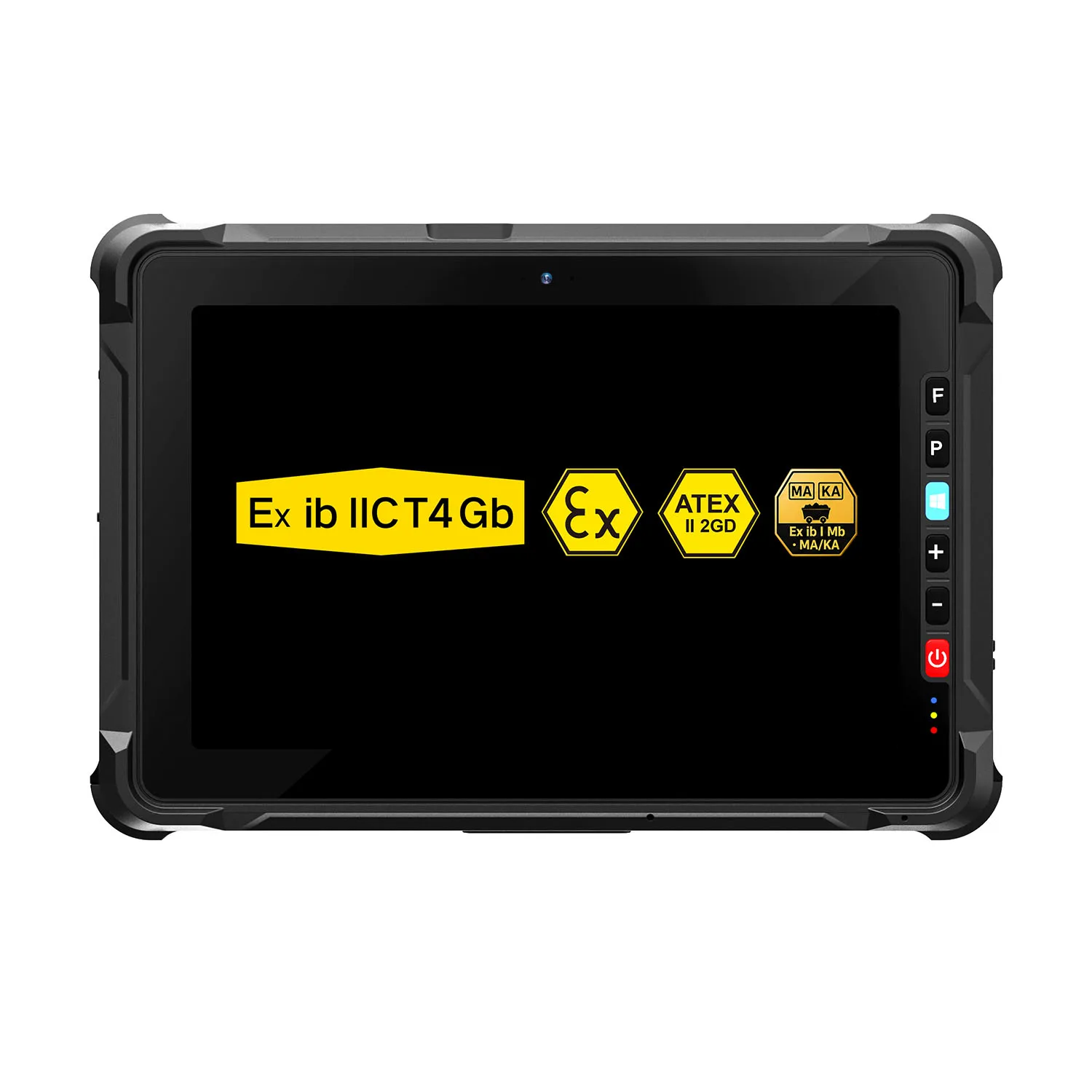
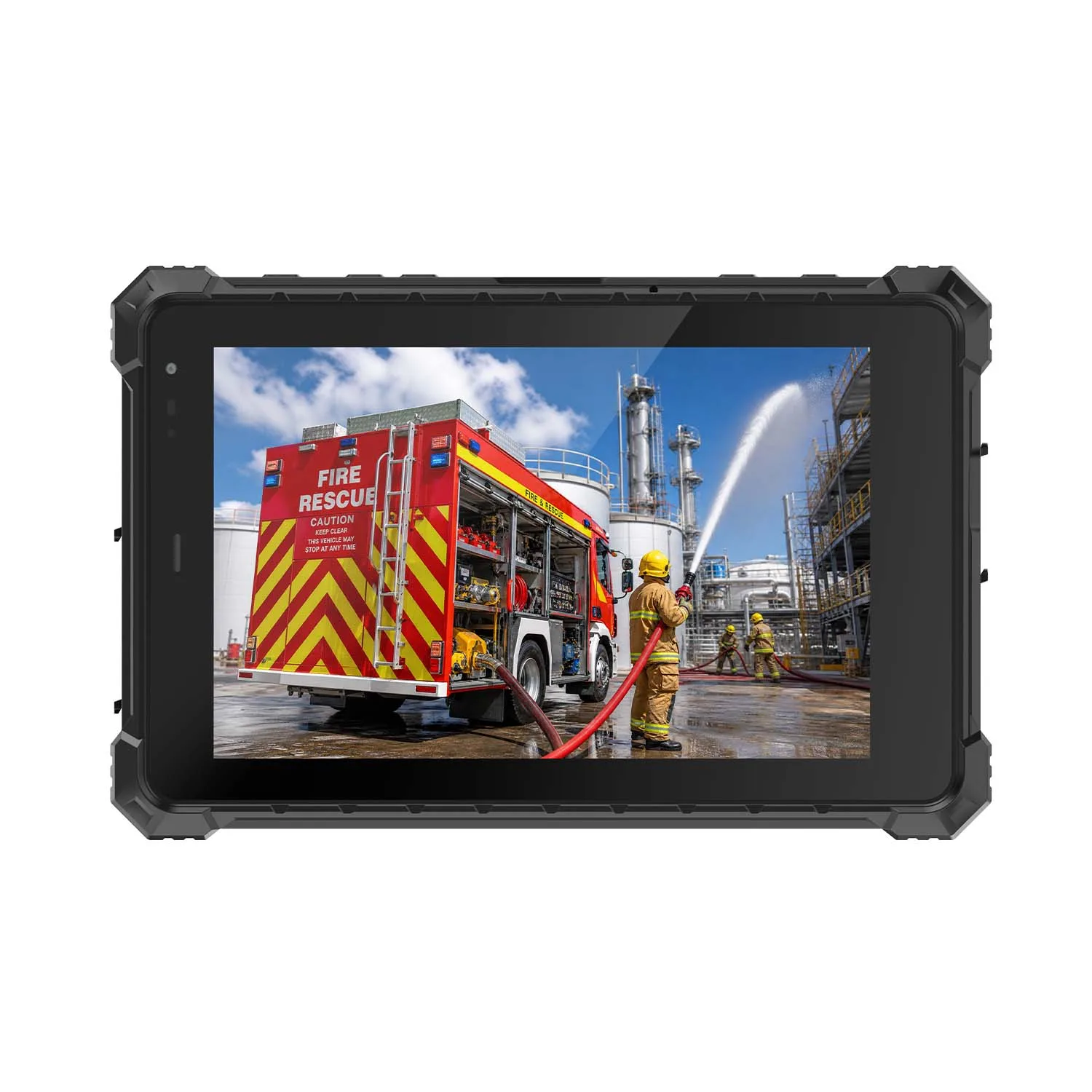
| Fast casual / QSR counter & kiosk | Durability, throughput, all-day uptime | A rugged tablet with sealed ports and drop resistance, like CENAVA's W109U |
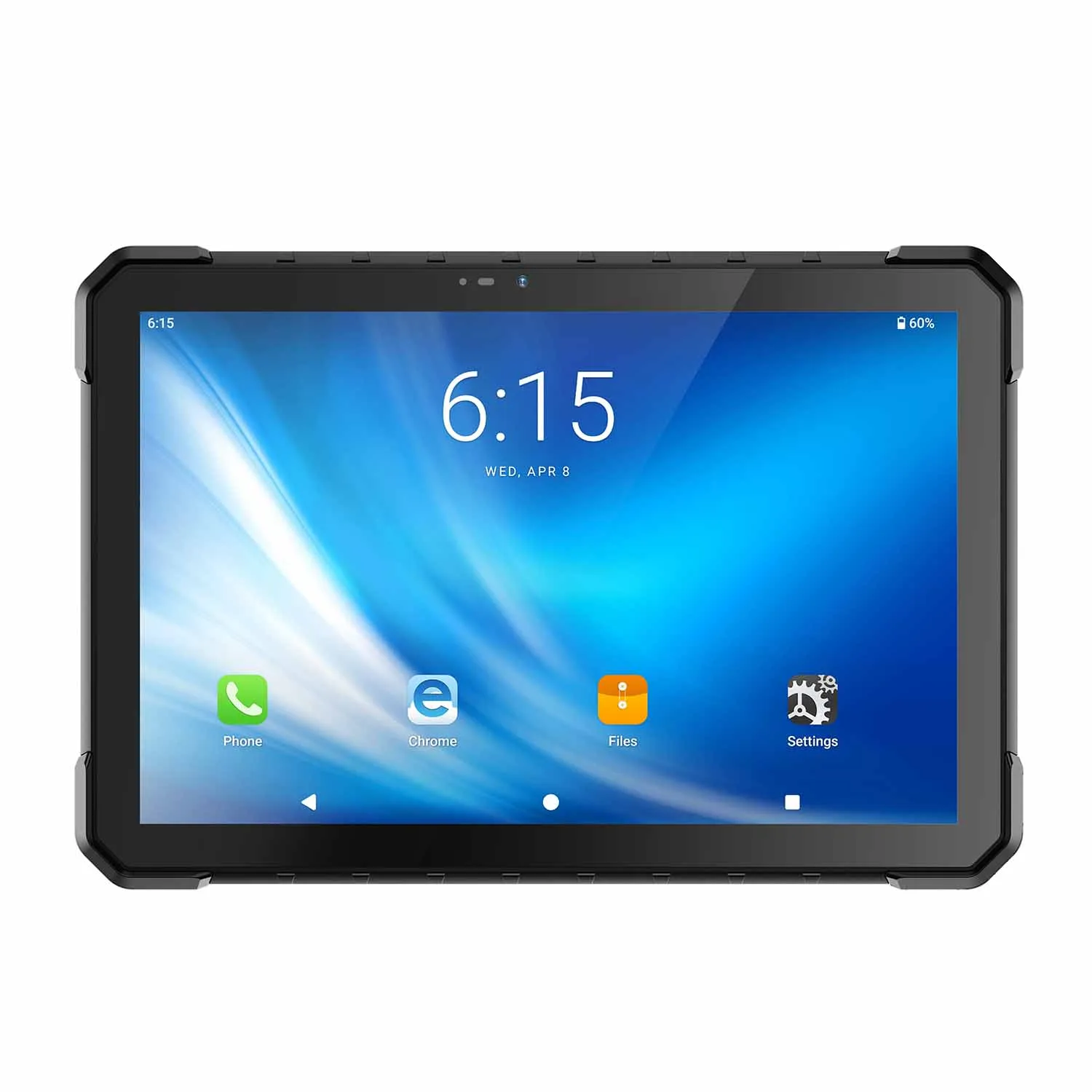
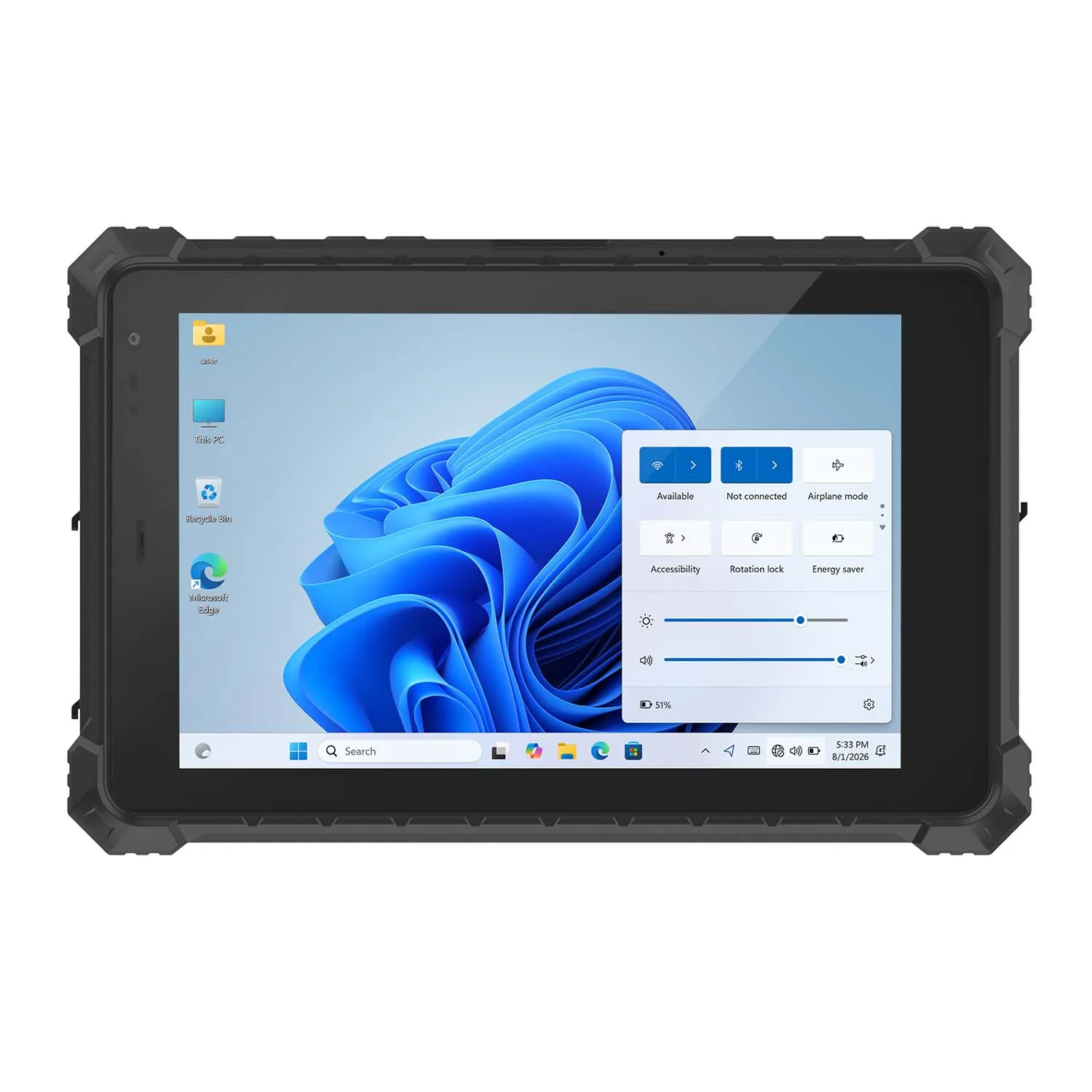
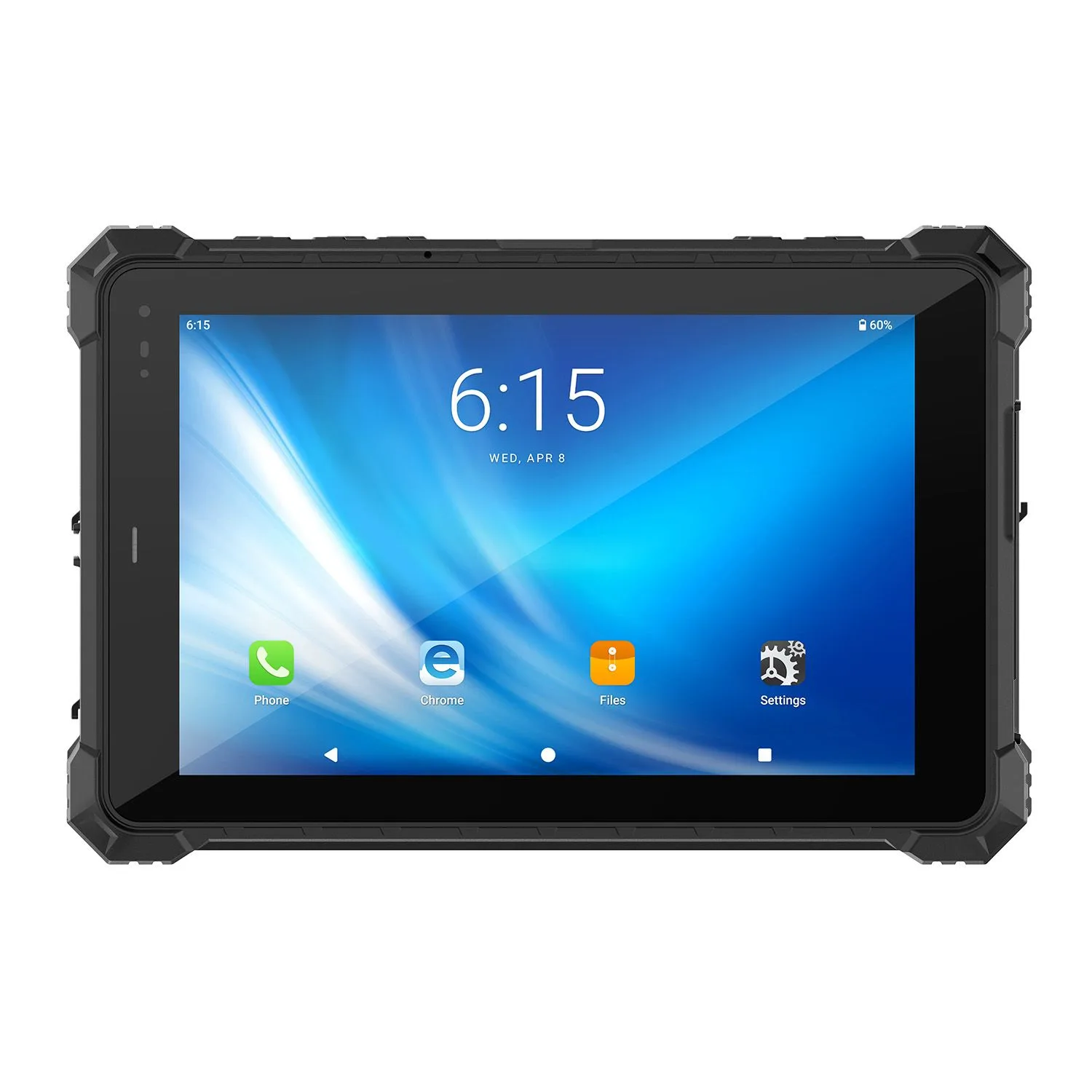
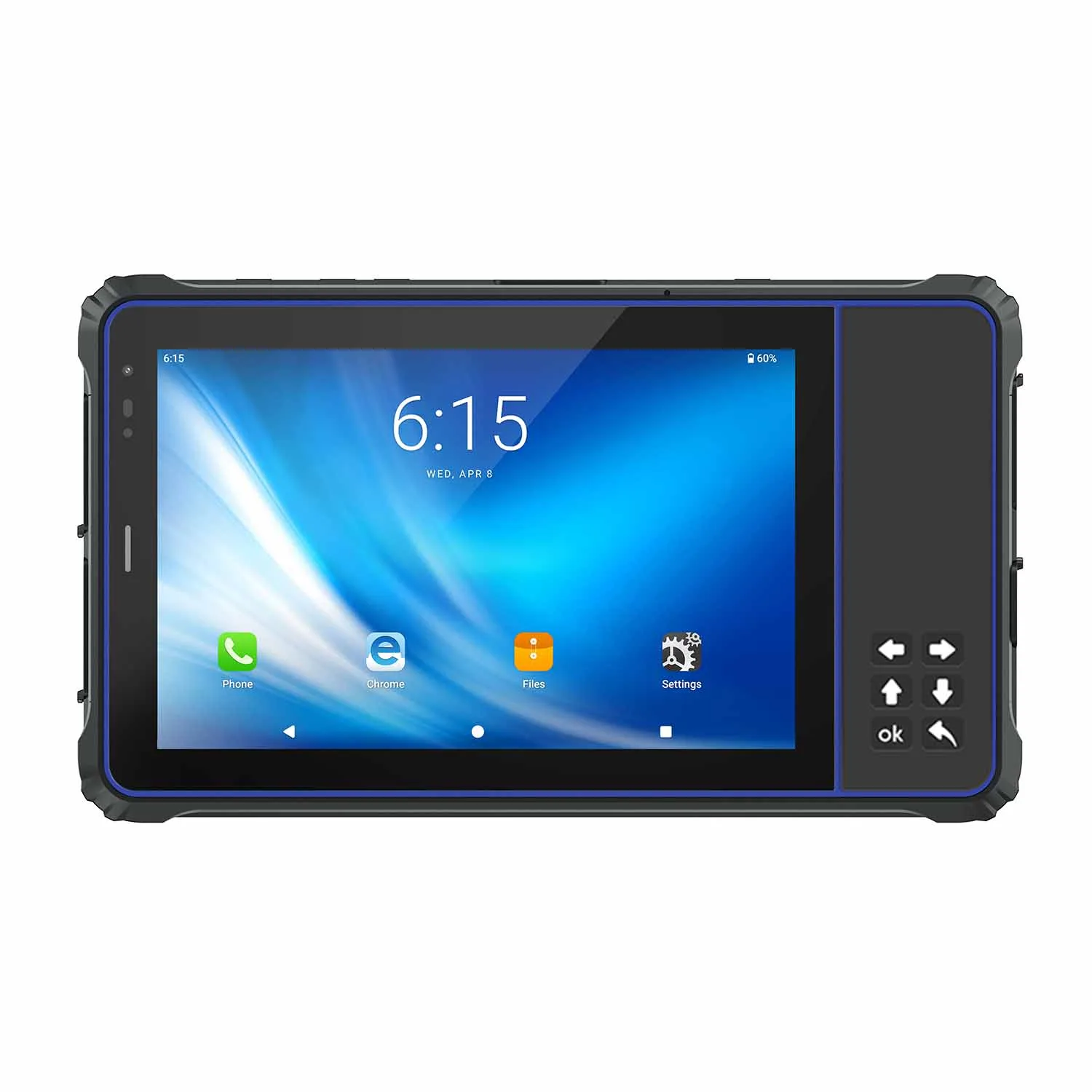
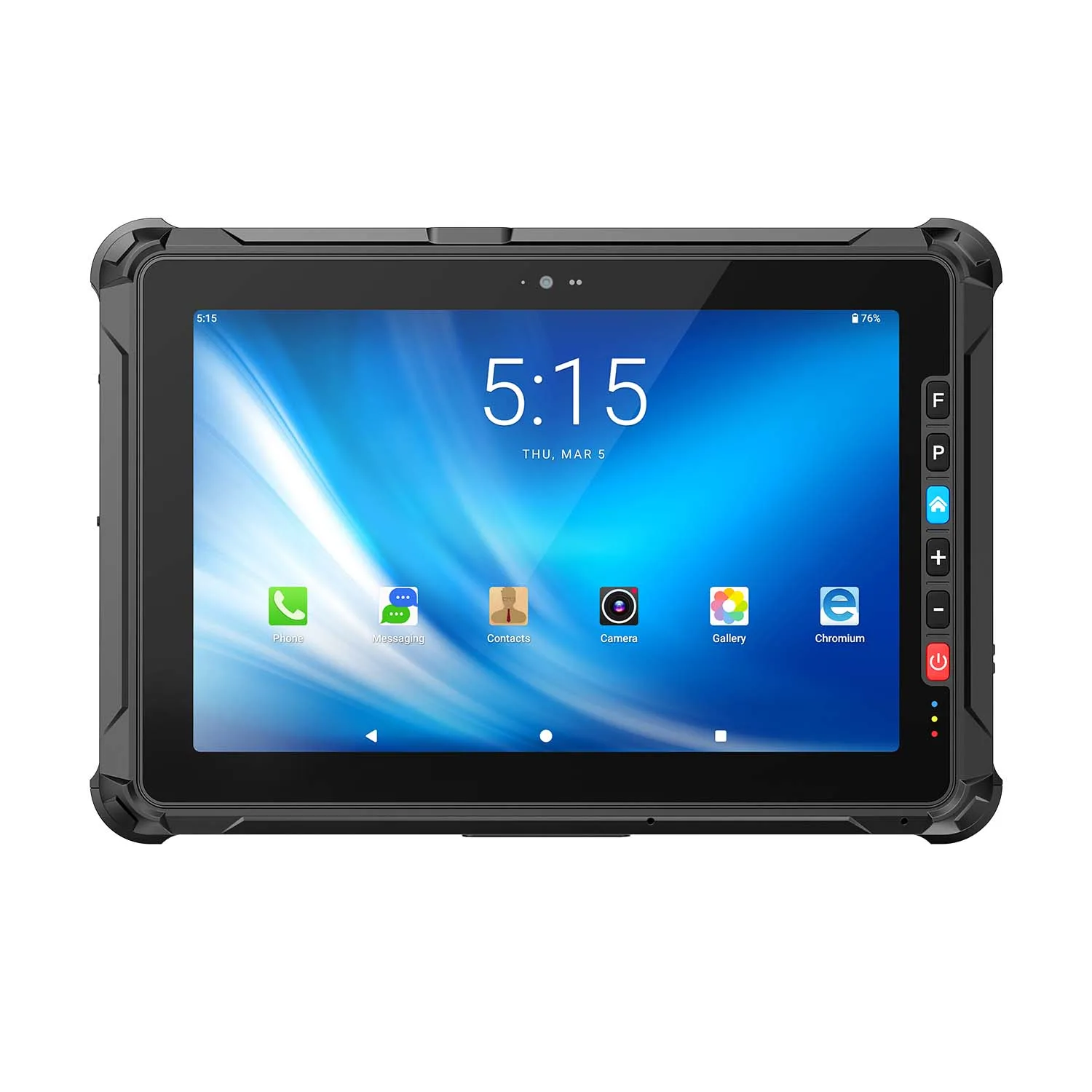
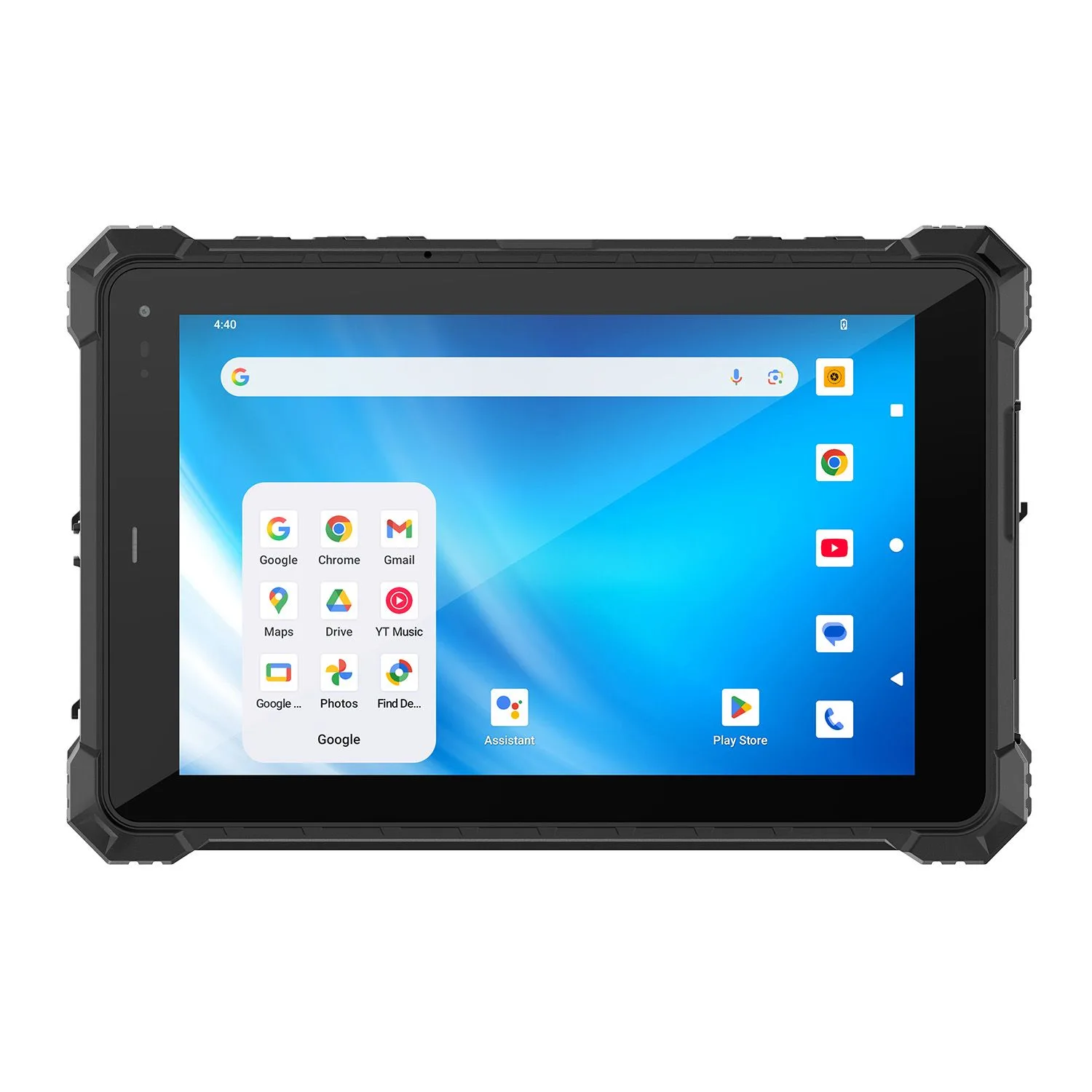
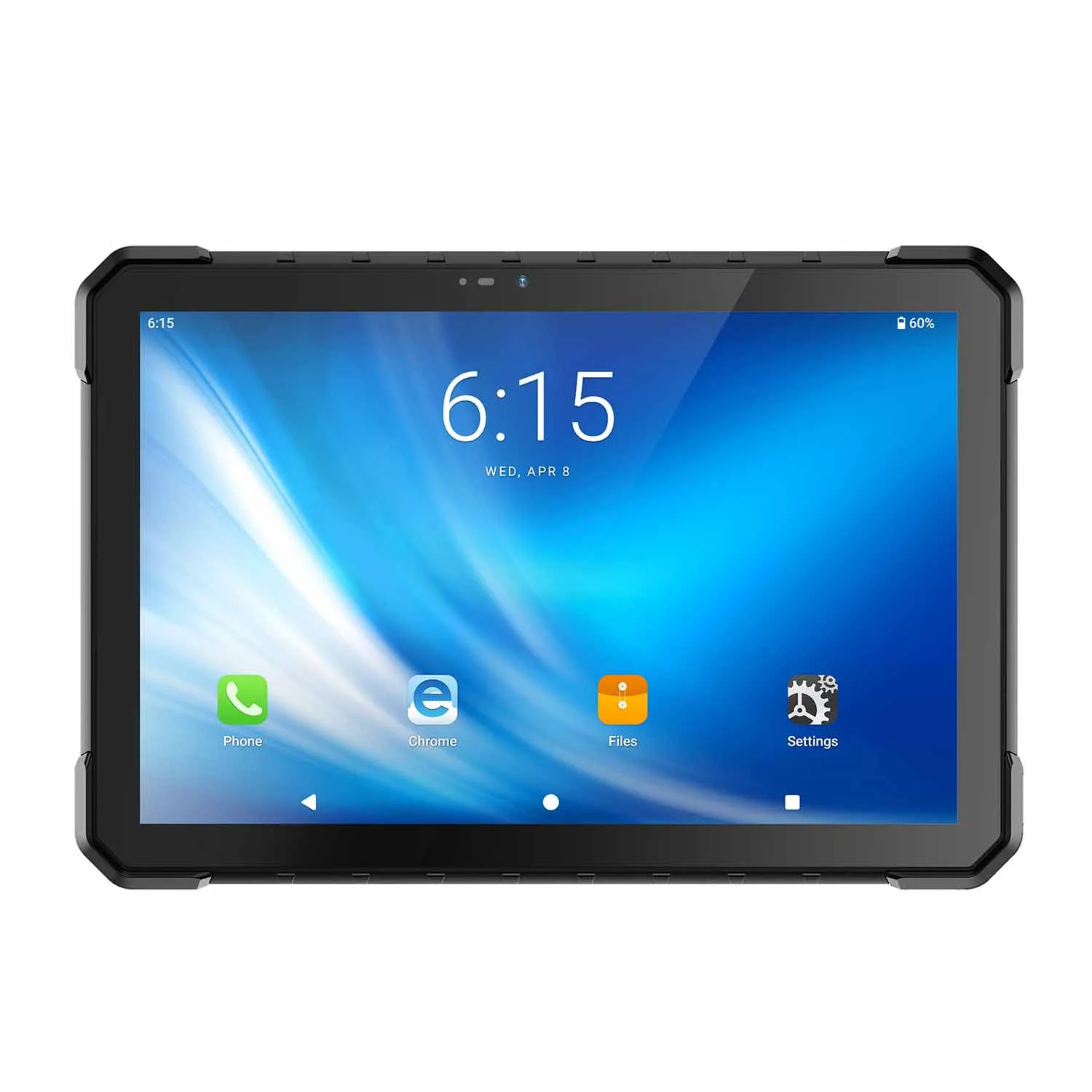
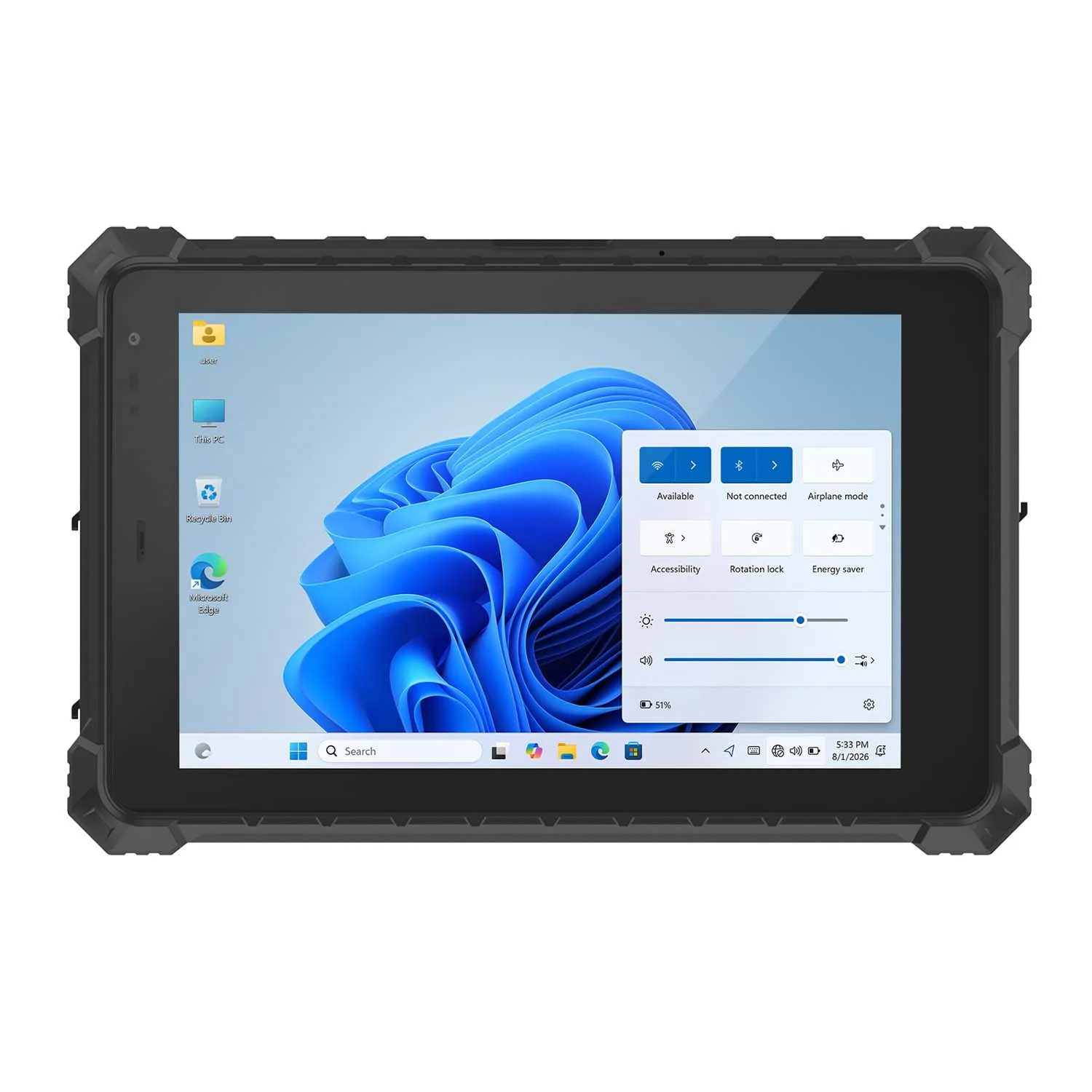
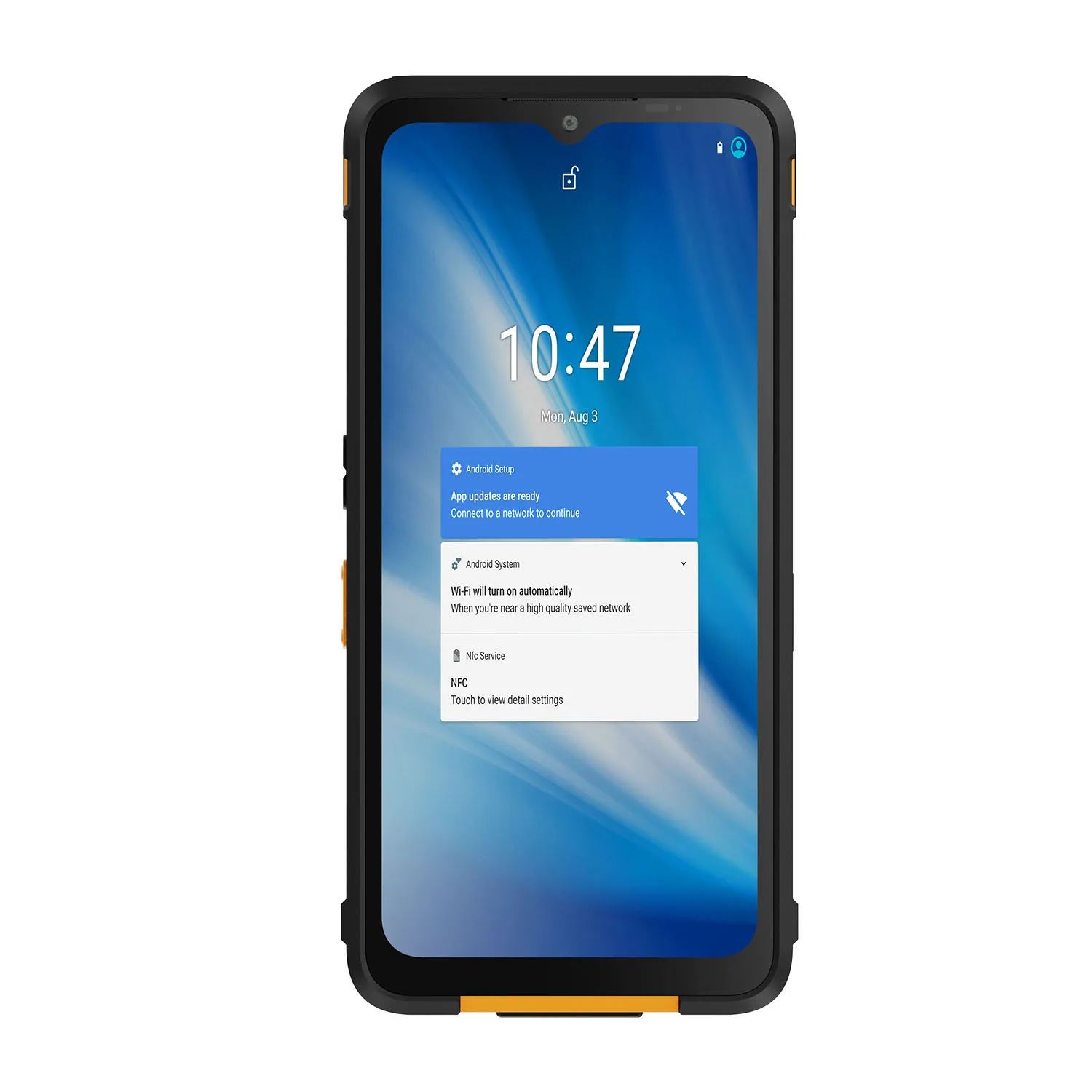
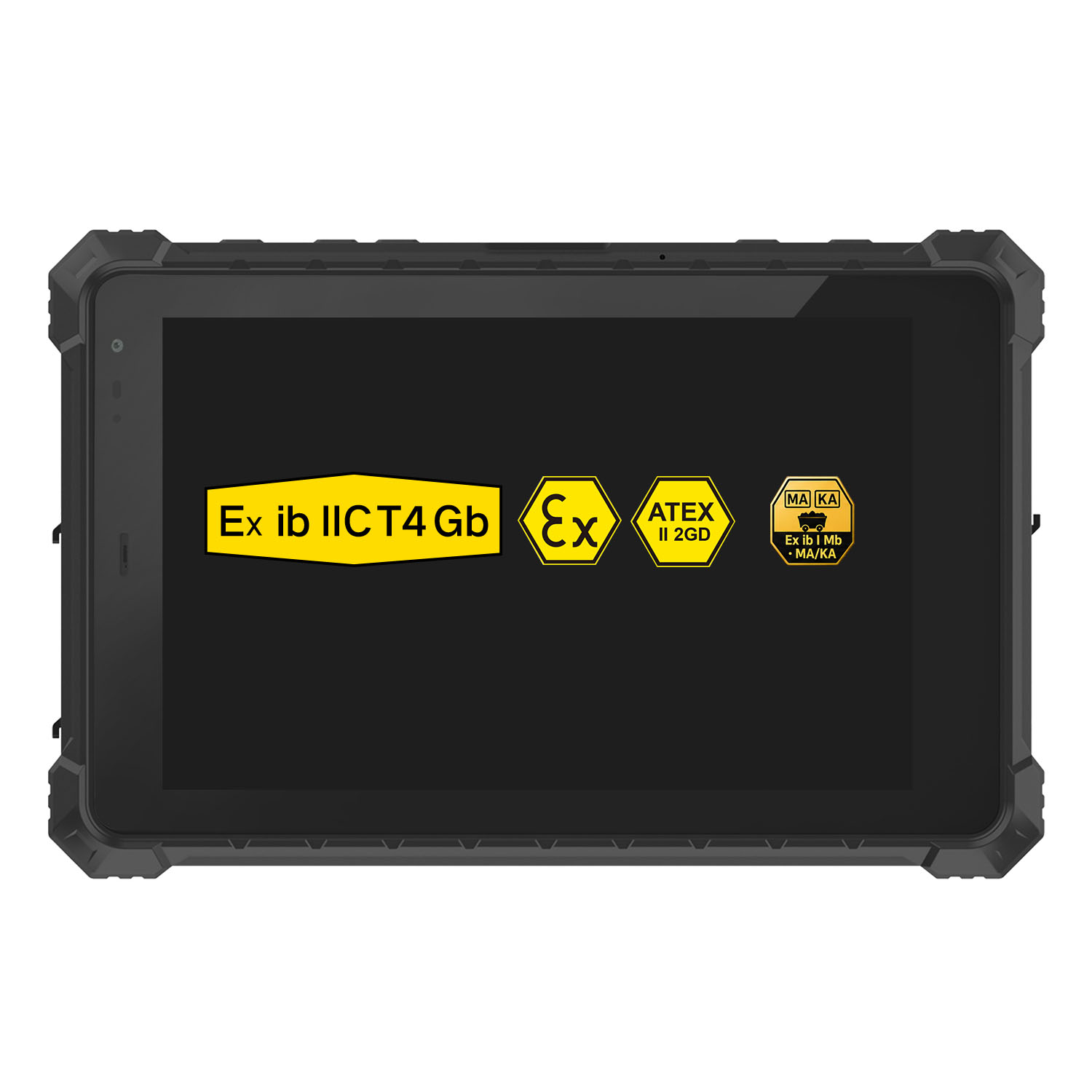
| Food trucks & outdoor counters | Weather resistance, temperature tolerance | An IP68-rated rugged tablet built for outdoor conditions, such as CENAVA's A10ST |
| Kitchen-adjacent order stations | Grease/liquid resistance, easy cleaning | A fully sealed rugged tablet, prioritizing IP rating over slim design |
Yes, we just recommended against our own product for one row. Tableside ordering in a white-tablecloth room is a design contest, and rugged tablets don't win those. Everywhere else on that table — grease, drops, outdoor counters — the math favors sealed hardware.
Key Features Restaurant Tablets Must Have
High-performance processor and stable OS — to handle order volume and multitasking smoothly during peak hours.
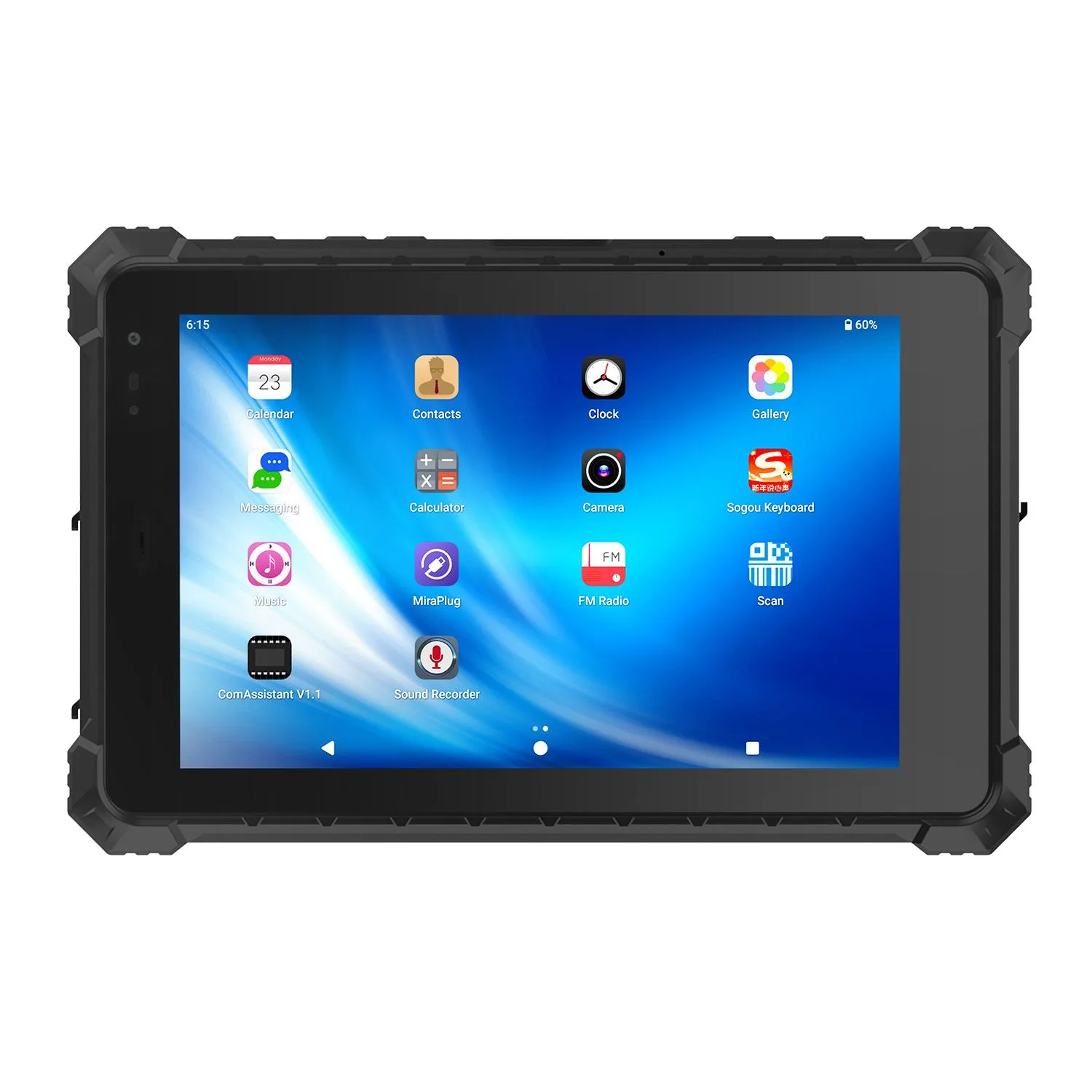
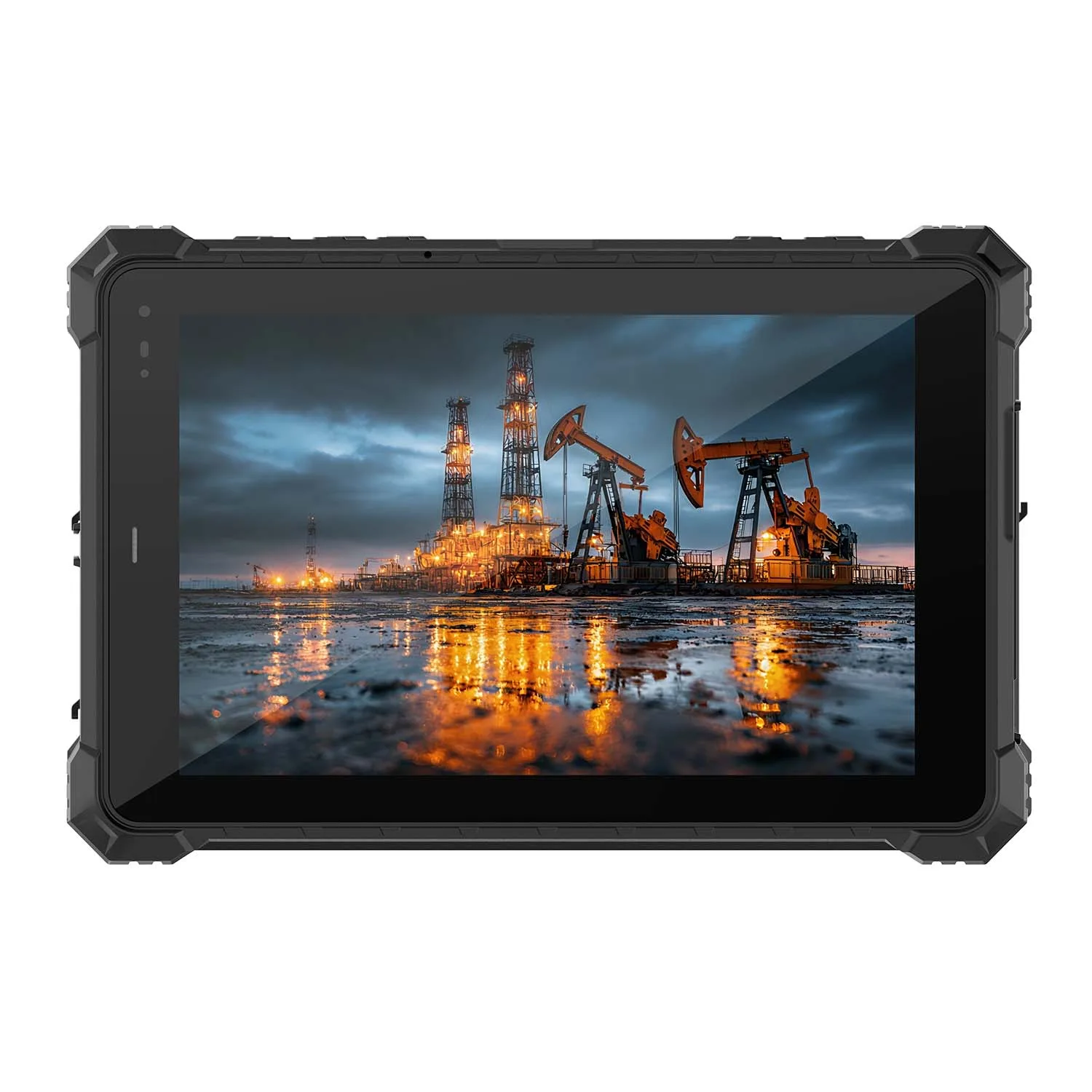
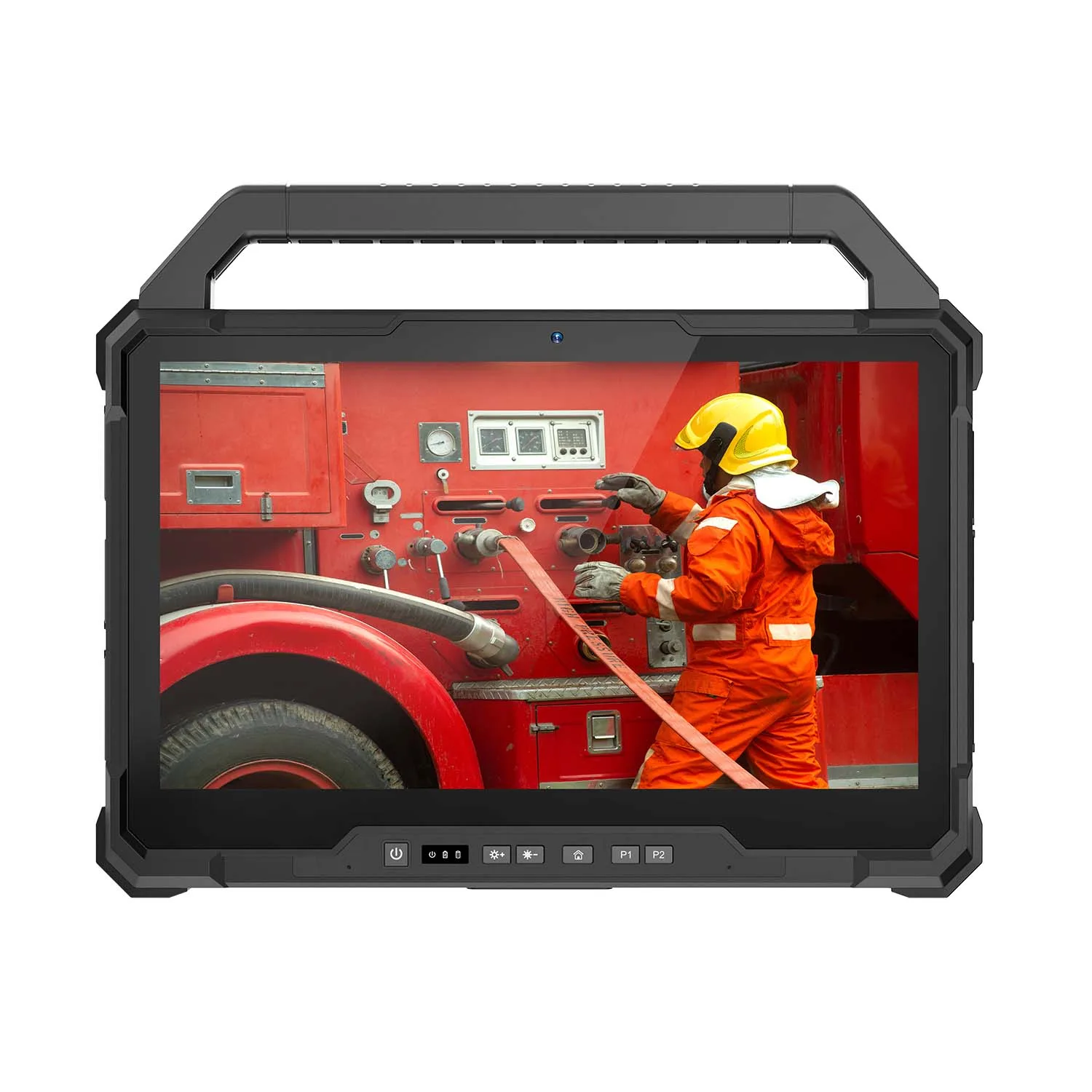
Rugged durability where needed— sealed against water, dust, and grease, with drop resistance for high-traffic or kitchen-adjacent stations. CENAVA's W109U rugged tablet is built with exactly these conditions in mind, and includes RS232/RJ45 ports for direct integration with receipt printers and cash drawers.
Long battery life — to support full-day service without frequent charging interruptions.
Easy-to-use, customizable interface — simple enough for fast staff onboarding, flexible enough for menu updates and promotions.
How to Choose the Right Tablet for Your Restaurant
Match the device to your service model — fine dining can prioritize design; fast food and self-service should prioritize durability and processing power.
Confirm after-sales support — choose a supplier with dependable technical support and maintenance, since tablet downtime directly affects service.
Verify compatibility with existing systems — Before ordering, send us your POS software name and peripheral list (printer model, cash drawer interface). We'll reply with which port each one lands on — RS232, RJ45, or USB — so there are no adapter surprises on installation day.
Frequently Asked Questions
How do rugged tablets handle restaurant grease and cleaning?
Sealed ports and a wipeable housing — the device can be cleaned with a damp cloth and mild detergent between shifts. What it can't survive is a degreaser spray directly into an open port, which is why sealed models matter in kitchen-adjacent stations.
What ports matter for restaurant POS tablets?
RS232 and RJ45 ports matter most for direct integration with receipt printers, cash drawers, and wired network connections, avoiding the extra adapters consumer tablets often require.
Is a rugged tablet more expensive than a consumer tablet for restaurants?
Yes, upfront — but in high-spill or high-traffic environments, a rugged tablet's lower replacement and downtime rate often lowers the total cost of ownership over its service life.
Can the same tablet work for both self-service kiosks and tableside ordering?
It can, but the priorities differ — kiosks benefit most from durability and throughput, while tableside devices in upscale settings often benefit more from a slimmer, guest-friendly design.
Does CENAVA offer restaurant-specific tablet customization?
Yes — CENAVA provides customized rugged tablet solutions for restaurant ordering systems, including hardware configuration and integration support for POS peripherals.
Partnering with CENAVA
CENAVA provides customized rugged tablet solutions to help restaurants run more efficient, resilient ordering operations, backed by dependable after-sales support and technical assistance to keep devices running through service hours.About CENAVA Rugged
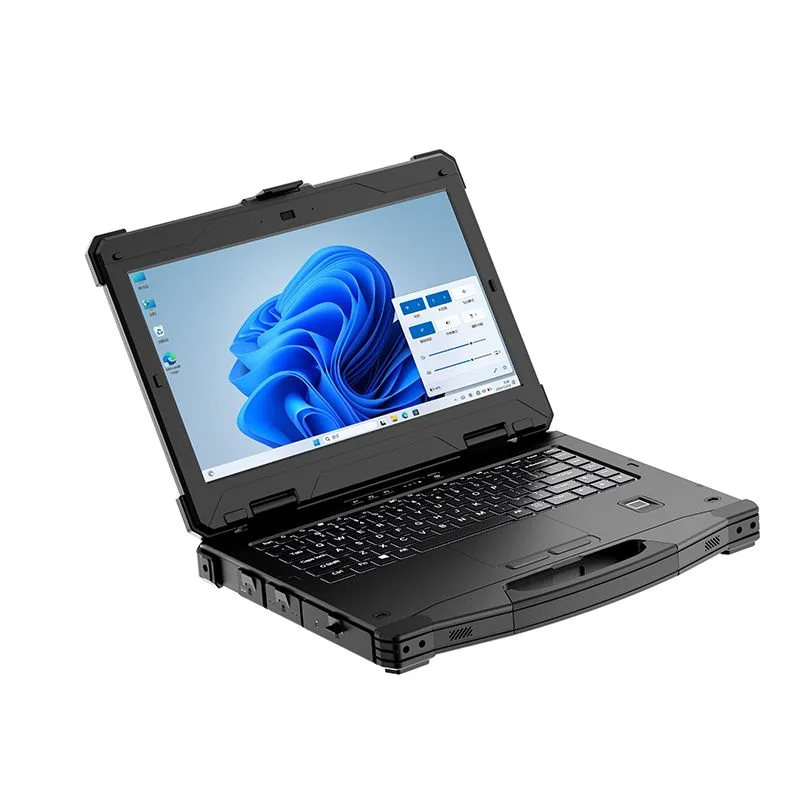
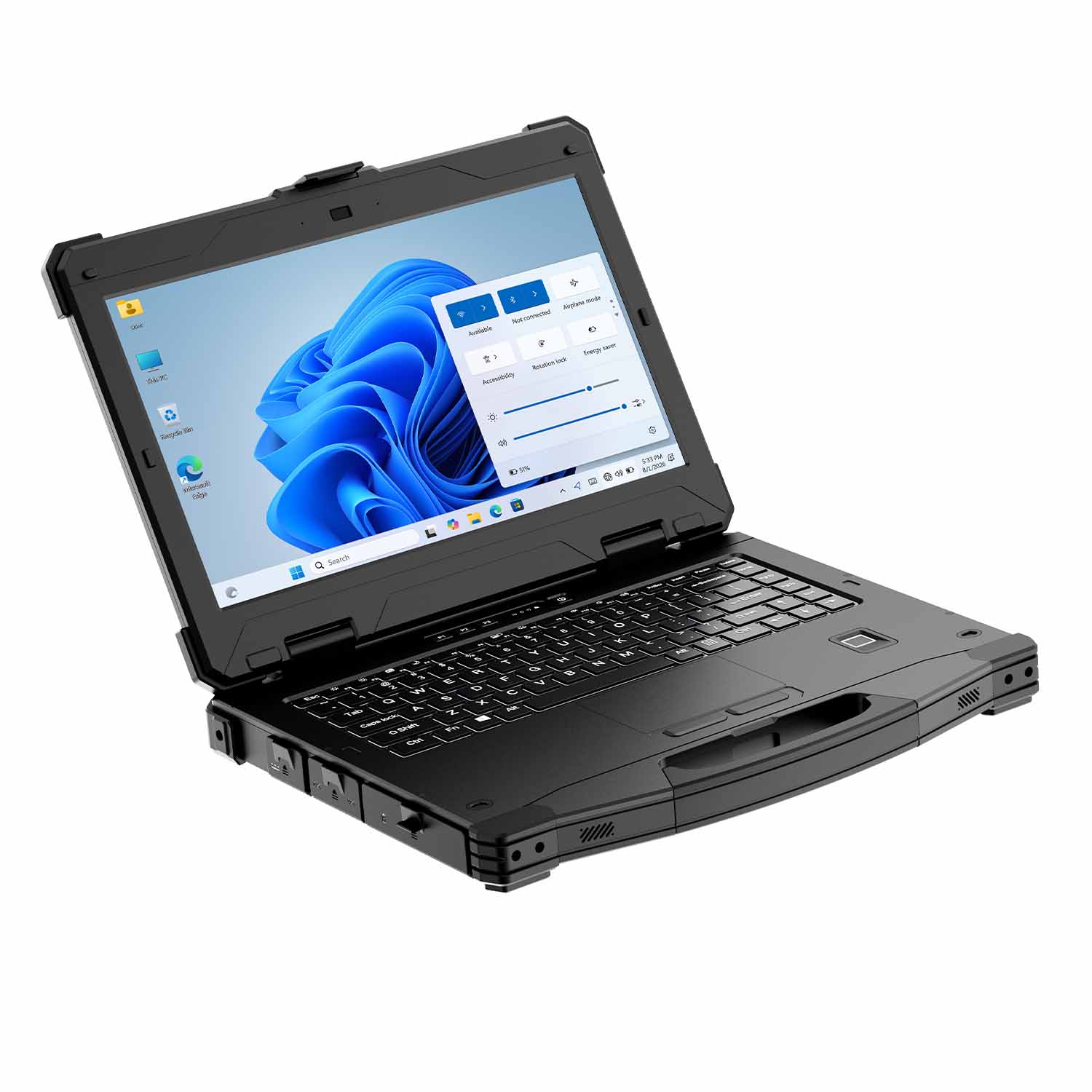
CENAVA develops and manufactures rugged computing devices and provides OEM/ODM customization for industrial customers worldwide. Its portfolio includes rugged tablets, rugged laptops, industrial panel PCs, rugged handhelds and explosion-protected tablets for hazardous-area applications.
Media and project inquiries
Email: tom@cenavapc.com
WhatsApp: +86 134 2375 9197
Website: www.cenavapc.com
Need a Rugged Device for Your Project?
Tell us your operating environment and requirements — our engineers will recommend a configuration and quote within 24 hours.
Get a Free Quote Back to Blog