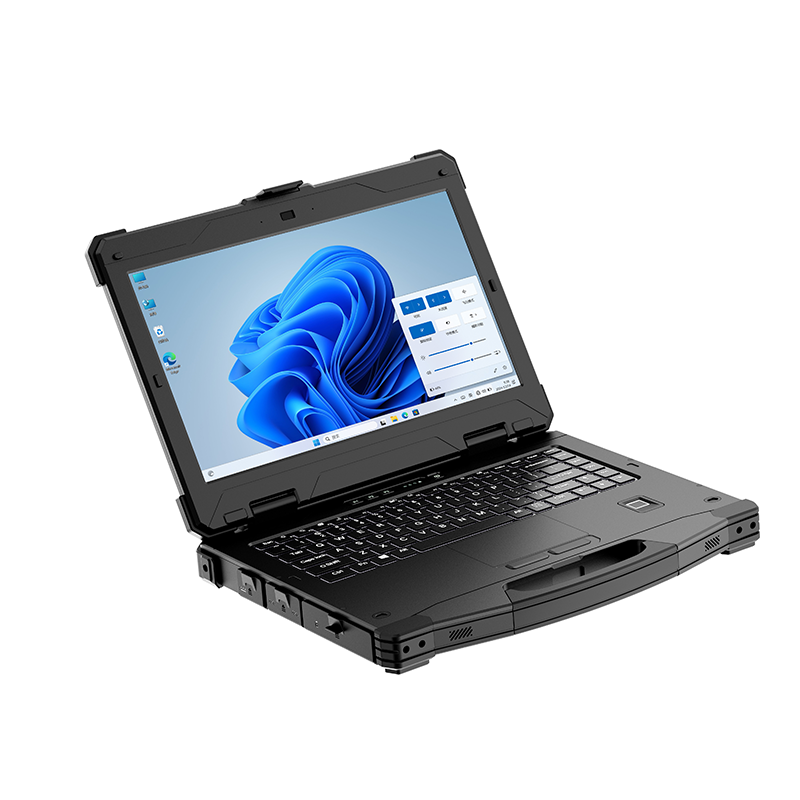
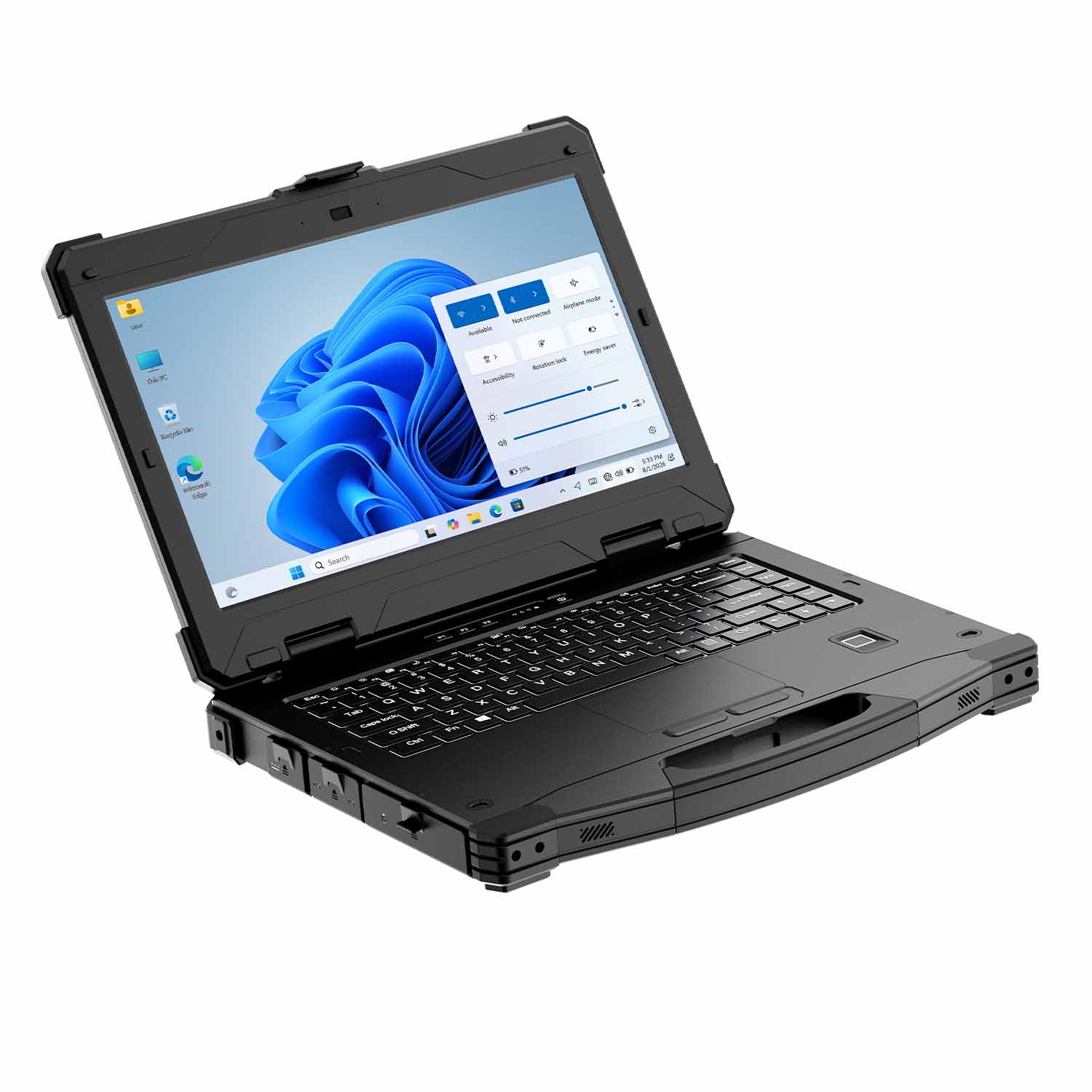
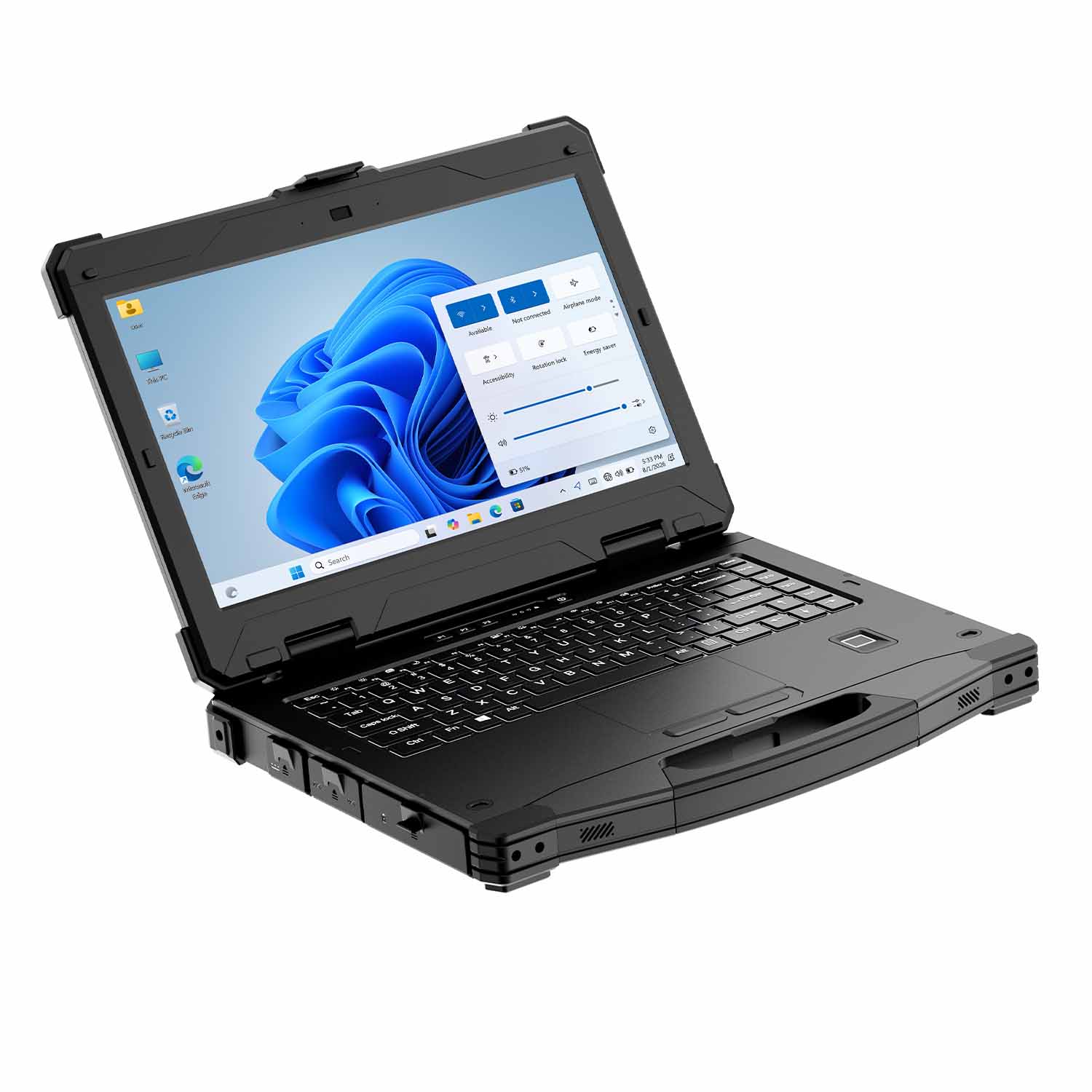
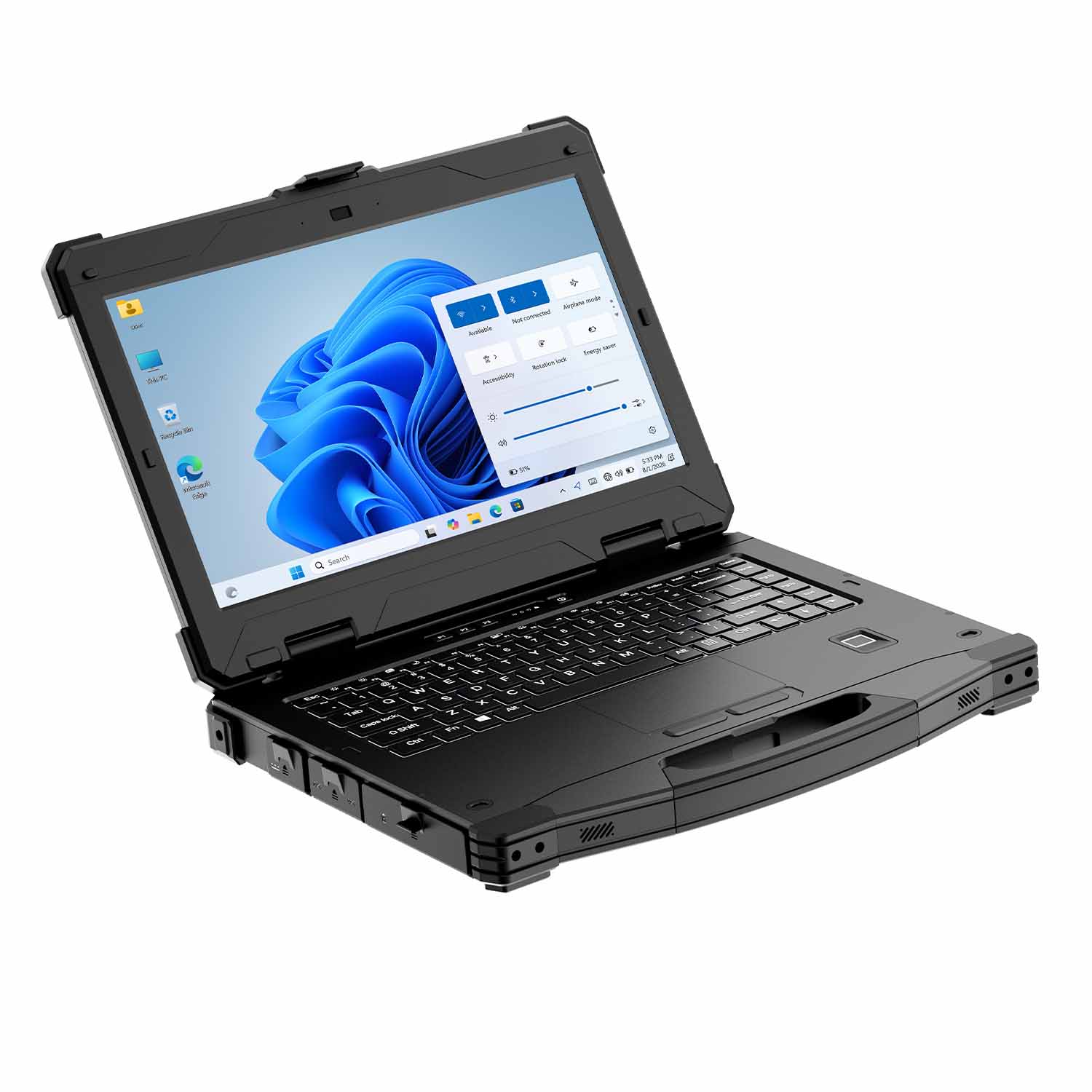
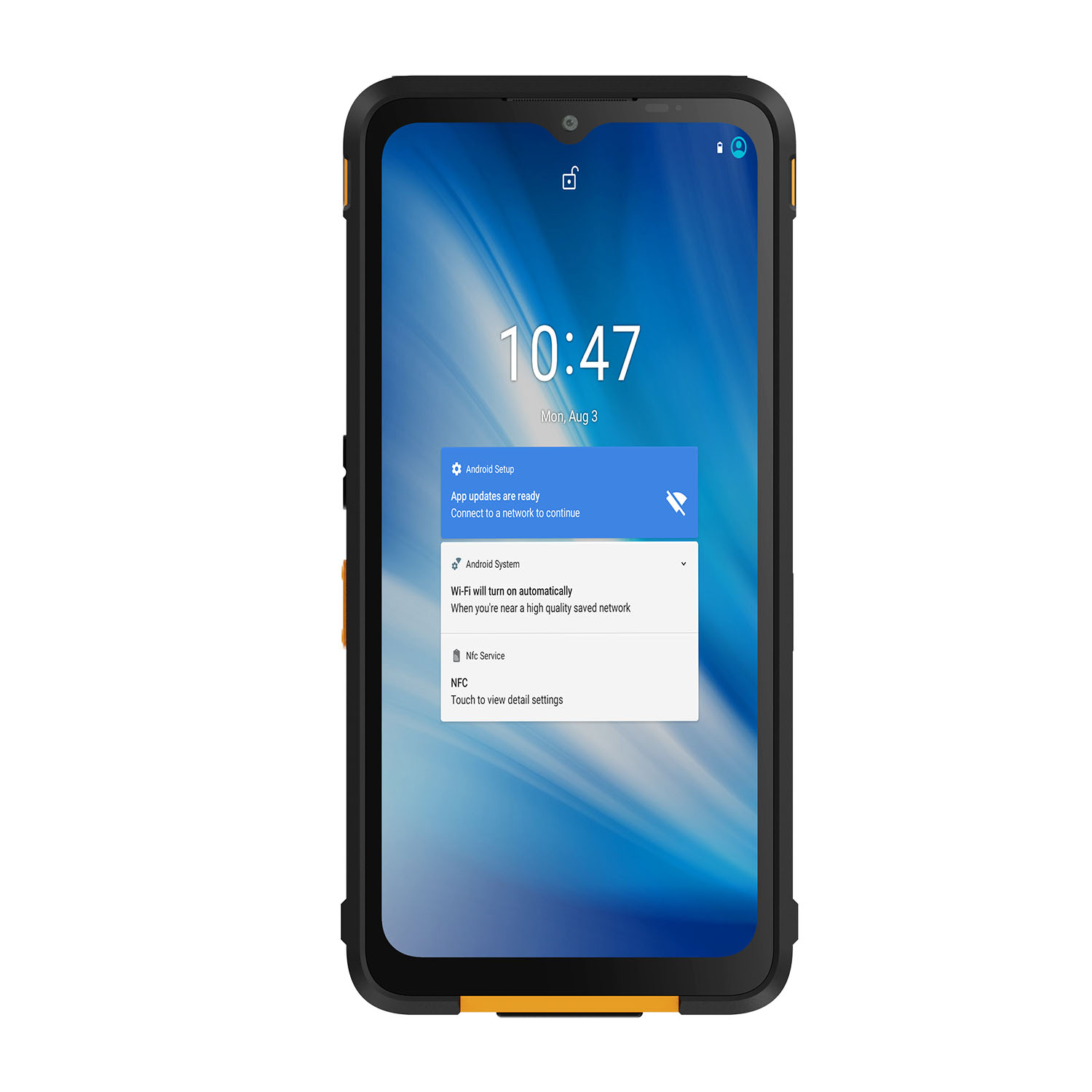
A tractor cab already has a terminal. An excavator already has a display. So the first question is not "which rugged tablet" — it is what job the tablet does that the machine's own electronics don't. On most fleets the answer is one of three: reading machine data the OEM display won't show you, running your own software (mapping, inspection, work orders) on a screen you own, or moving one device between machines instead of buying a terminal per vehicle.
Each of those jobs has a hard technical core that generic buying guides skip: how the tablet powers from a machine that outputs anything from 12V to 48V with load-dump spikes, how it talks to the machine's CAN bus, how it stays mounted on something that vibrates at engine frequency all day, and what "GNSS positioning" actually delivers when your RTK correction signal drops out. This guide works through those four, then maps configurations to agricultural, forestry and construction fleets.

Key Applications of Rugged Tablets in Agricultural, Forestry, and Construction Machinery
Talking to the Machine: CAN Bus, J1939 and ISOBUS
Modern agricultural and construction machinery speaks CAN bus. Construction and heavy equipment typically runs J1939 on that bus; agricultural implements standardized on ISOBUS (ISO 11783), which is why any ISOBUS display can, in principle, control any ISOBUS implement regardless of brand.
What this means for a tablet purchase:
Monitoring only (machine hours, fault codes, fuel, position): you need a CAN interface on the tablet side — either a model with a native CAN 2.0/J1939 port, or an approved CAN-to-USB adapter plus software that parses the protocol. Ask for the parameter list in writing. A minimal useful set covers engine speed (PGN 61444), fuel level (PGN 65257), engine hours (PGN 65253), and DM1 active fault codes (PGN 65226) — on John Deere and CASE IH machines these broadcast on the implement bus; on Caterpillar and Komatsu they often sit behind a gateway that must be unlocked by the dealer. If a supplier says "supports J1939" but cannot show a screen recording of those four PGNs live on your machine brand, treat it as a brochure claim.
ISOBUS implement control is a different league: a true ISOBUS Universal Terminal requires ISO 11783 conformance testing. A rugged Android tablet running a farm-management app is not an ISOBUS UT, and no IP rating makes it one. For implement control, buy a certified terminal; for records, mapping and monitoring, a tablet is the right tool and far cheaper.
Powering from the Machine: 12V Is Never Just 12V
Vehicle and machinery power is hostile. The transients that kill electronics are specified in ISO 7637-2: Pulse 5a load-dump reaches 65–87V on a 12V system and up to 174V on 24V, and cranking dips can pull the rail below 6V for 100ms or more. A wall charger or a consumer car charger has no protection against either; our vehicle docks clamp load-dump with a TVS stage rated for ISO 7637-2 Pulse 5a (12V: 65–87V / 24V: up to 174V) and hold the tablet through a 6V cranking dip.
What to specify:
Wide-input vehicle power: 9–36V or 12–48V DC, with load-dump and reverse-polarity protection (heavy trucks and some construction machines run 24V; most agricultural tractors are 12V — verify against the actual machine before ordering).
Ignition-sense on/off: the tablet boots with the machine and shuts down after a configurable delay — no flat batteries from a tablet left running in a parked harvester.
A powered dock, not a cable. In our fleet trials, pogo-pin docks survived 18 months of daily grab-and-go on excavators with zero contact failures; the USB-C fleet in the same trial showed connector wobble and charging faults from month 3 , and a cable plugged in fifty times a shift is a failure scheduled for next season.
GNSS and RTK: Centimeter Accuracy Has a Supply Chain
Every rugged tablet datasheet lists GNSS. What matters is which accuracy tier your job needs and what feeds it:
Sub-meter to centimeter (RTK): required for guidance lines, precision planting maps, boundary surveys. RTK does not come from the tablet alone — it needs a correction source: an NTRIP network subscription with cellular coverage, a local base station, or a radio link. No coverage, no corrections, and your "RTK tablet" degrades to meter-level — or worse. Under dense canopy we measured RTK fix-hold dropping from 92% in open field to 41% under mature spruce, because the UHF correction link fails before the GNSS signals do. That is exactly where remote forestry work happens.
Specify RTK only with its correction plan attached. In the EU, a commercial NTRIP service runs €400–600 year per machine and needs cellular coverage that forest blocks don't have; a 1W UHF base station with a 2m mast covers a 3–5km radius in rolling terrain and costs €1,800–2,500 one-time. Price the plan before the tablet — the correction source usually costs more than the RTK option itself. For crews beyond cellular coverage, an external high-sensitivity GNSS/RTK receiver paired over Bluetooth often outperforms any built-in module — the antenna can sit where the sky is, and the tablet stays in your hand.
Sunlight Readability: 700 Nits Is Not a Sunlight Spec
"High-brightness display" on a datasheet can mean anything. The usable thresholds in open-field conditions:
Test before you buy: fit the production screen protector, set brightness to 100%, and check the screen at solar noon wearing the polarized sunglasses your operators actually wear. Some protector-and-panel combinations cut usable brightness by over 40% through crossed polarization.
Mounting: Engine-Frequency Vibration Eats Consumer Hardware
Machinery vibrates for the whole shift — not random shaking, but a spectrum from engine idle at 20Hz up through road/chassis frequencies, which is why we specify docks tested to IEC 60068-2-64, 5–500Hz, 3g RMS. Consumer suction mounts loosen in weeks and fail in a season. For open-cab machines we standardize on a RAM Mounts Class-D arm on a welded steel plate, with a tether lanyard for any work outside the cab.
Why Choose CENAVA Rugged Tablets
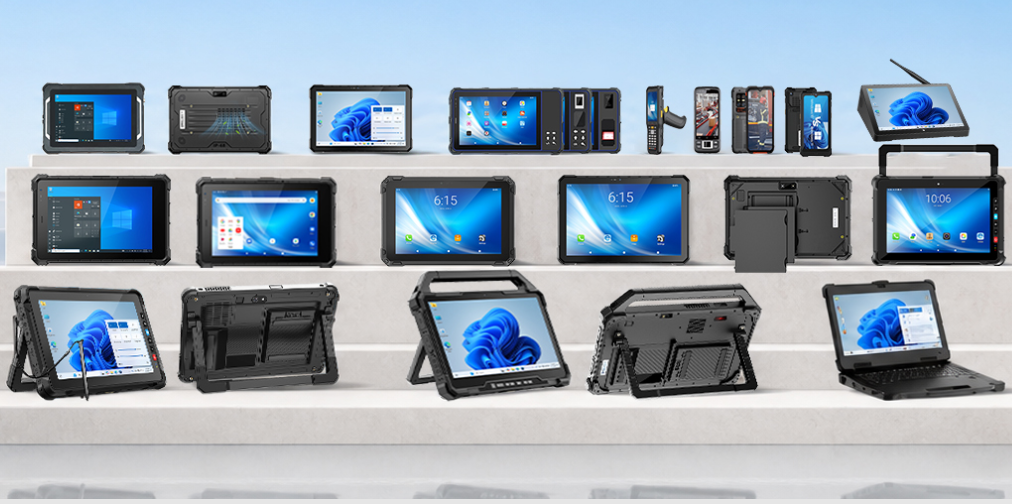
● Rugged Product Experience: CENAVA focuses on rugged tablets, industrial handheld terminals, industrial computers, and other industrial terminals, with both Android and Windows platforms available.
● Outdoor protection, tested not claimed: the CENAVA A10ST is certified IP68 (1.5m fresh water, 30 minutes) and passed MIL-STD-810H Methods 514.8 (vibration, Category 4) and 516.8 (26 drops from 1.2m onto plywood). Ask us for the report numbers — "MIL-STD compliant" without one is a brochure claim.
● Communication and positioning, named not vague: the W109U ships with a Quectel EG25-G modem (LTE Cat 4, bands B1/B3/B7/B28) and u-blox M8 GNSS as standard; the A10ST adds a ZED-F9P with NTRIP over 4G or UHF radio as a factory option.
● Industrial Interfaces: Selected models provide RJ45, RS232, USB, HDMI, and other interfaces for connecting the tablet with machinery and external devices.
● Customization Capabilities: Displays, communication modules, interfaces, accessories, hardware, firmware, and mechanical structures can be customized to meet the integration requirements of agricultural, forestry, and construction machinery projects.
● Quality Control: Quality control is carried out throughout the process, from incoming materials and assembly to functional testing and final inspection, helping ensure consistent performance during mass production and delivery.
Frequently Asked Questions
Is an Android rugged tablet an ISOBUS terminal?
No. Implement control requires an ISO 11783-6 conformant Universal Terminal with AEF certification; our tablets handle records, mapping and monitoring instead — jobs that typically cost a third of a certified UT. If you need both, run the tablet beside the UT, not instead of it.
Do I need RTK, or is standard GNSS enough?
Meter-level is fine for tracking and logging; guidance lines and as-applied maps need RTK plus a correction source. Price the correction first: €400–600/year per machine for NTRIP where coverage exists, or a €1,800–2,500 UHF base station where it doesn't. An "RTK tablet" without that line item in the quote is a feature you won't use.
Will it start at -20°C, and what happens in a heat wave?
Rated range on the CENAVA W109U is -20°C to 60°C. We cold-started units at -20°C 100 times without failure; below that, keep the tablet in the cab overnight rather than the shed.
Conclusion
The difference between a rugged tablet that works on machinery and one that lives in the glovebox is four decisions: the power input, the machine interface, the mount, and the positioning tier. Get those right against your actual machines and routes, and the IP rating takes care of itself.
Send us your machine list (make, model year and voltage), the software you run, and your operating region. We'll come back with a named configuration, a wiring and mounting diagram, a correction-source quote for your area, and an honest list of what you don't need to buy.


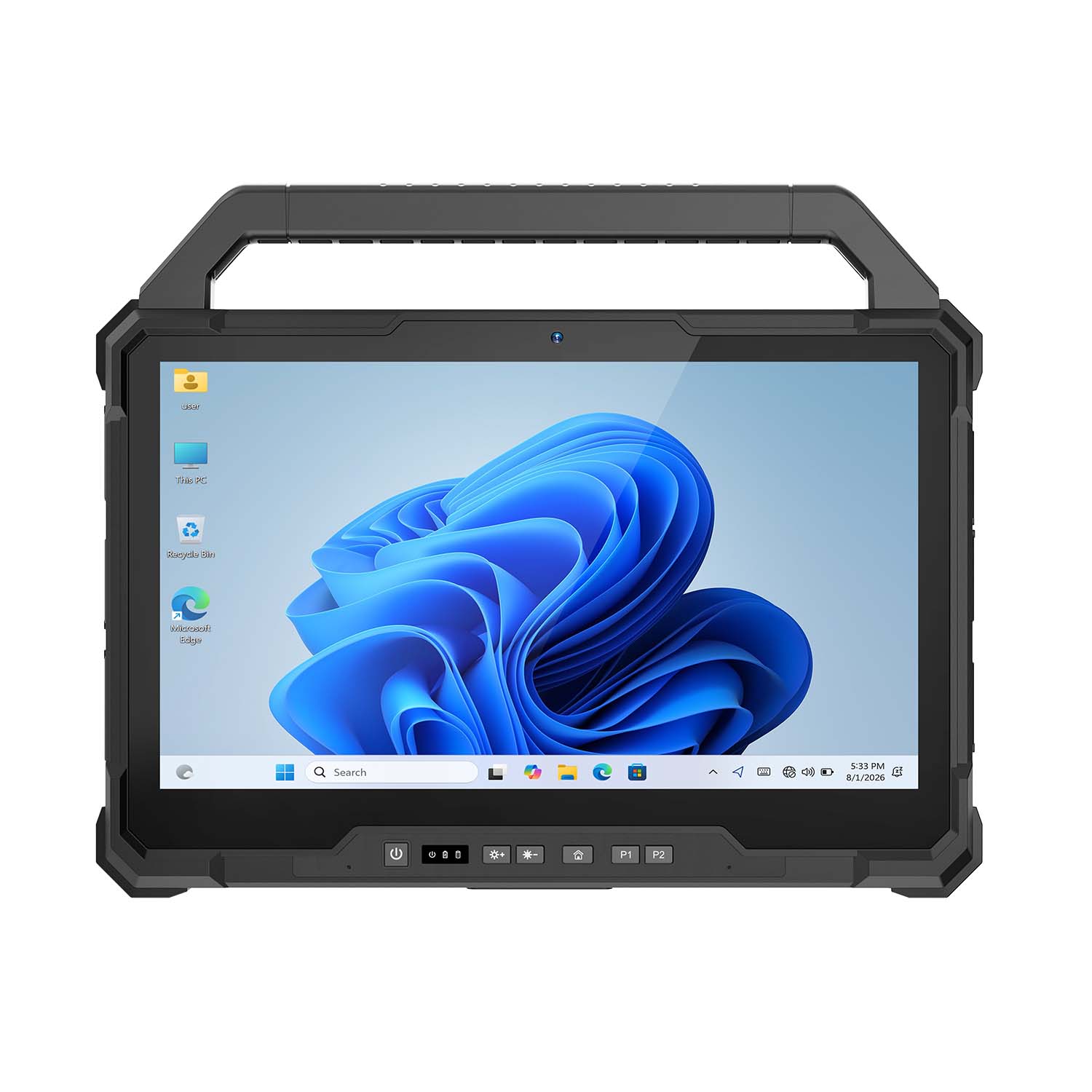 CENAVA W30U i5-1235U 13.3 Inch Win11 IP65 Rugged Tablet
 CENAVA W109U i7-1255U 10.95 Inch Win11 IP67 Rugged Tablet
 CENAVA A109TB MT6789V 10.95 Inch Android 14 IP68 Rugged Tablet
 CENAVA W10Y i7-10510Y 10.1 Inch Win11 IP68 Rugged Tablet Full I/O
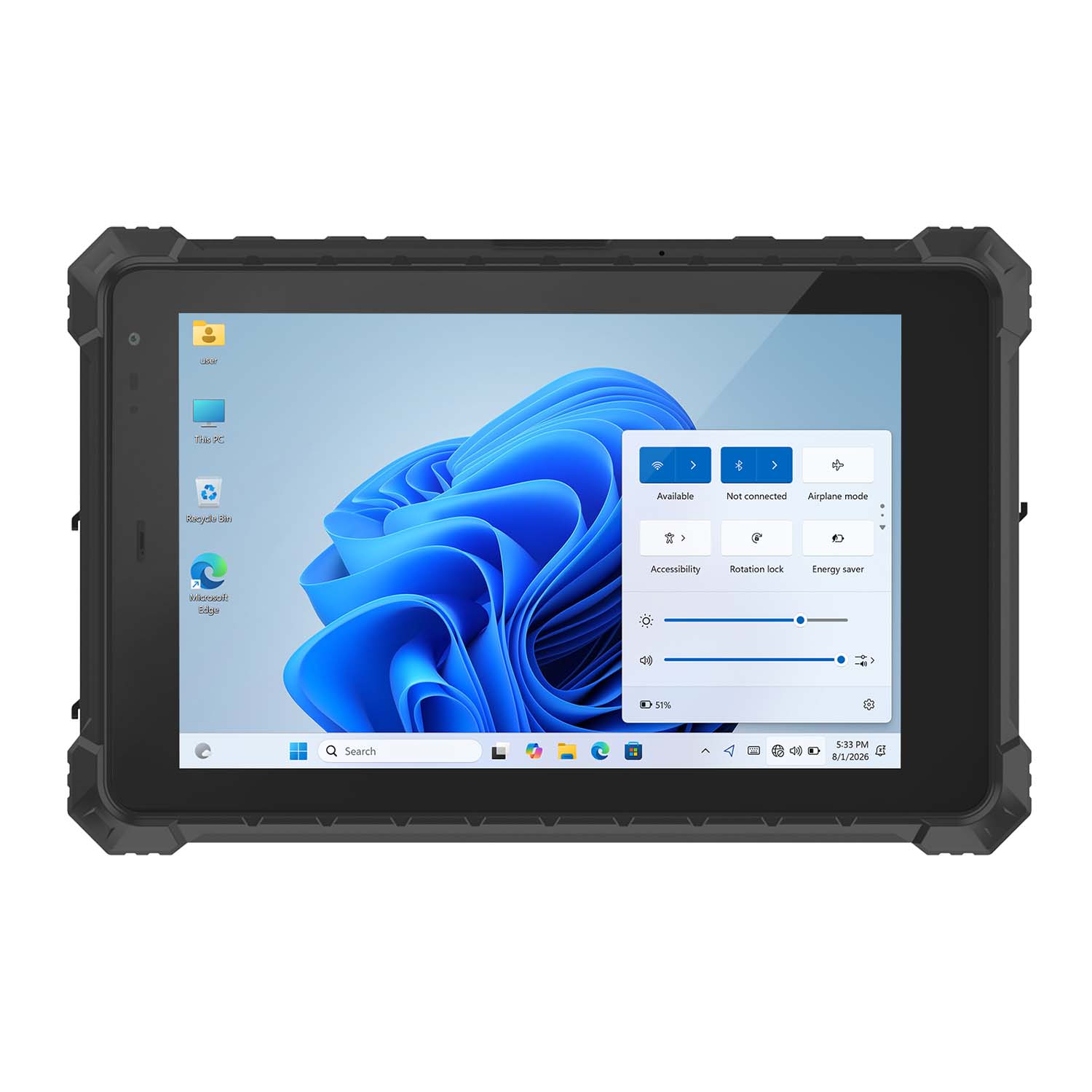 CENAVA W10N N5100 10.1 Inch Win11 IP68 Rugged Tablet Full I/O
 CENAVA A10RX RK3588 10.1 Inch Android 12 IP67 Rugged Tablet
 CENAVA A10ST MT8781 10.1 Inch Android 13 IP68 Rugged Tablet
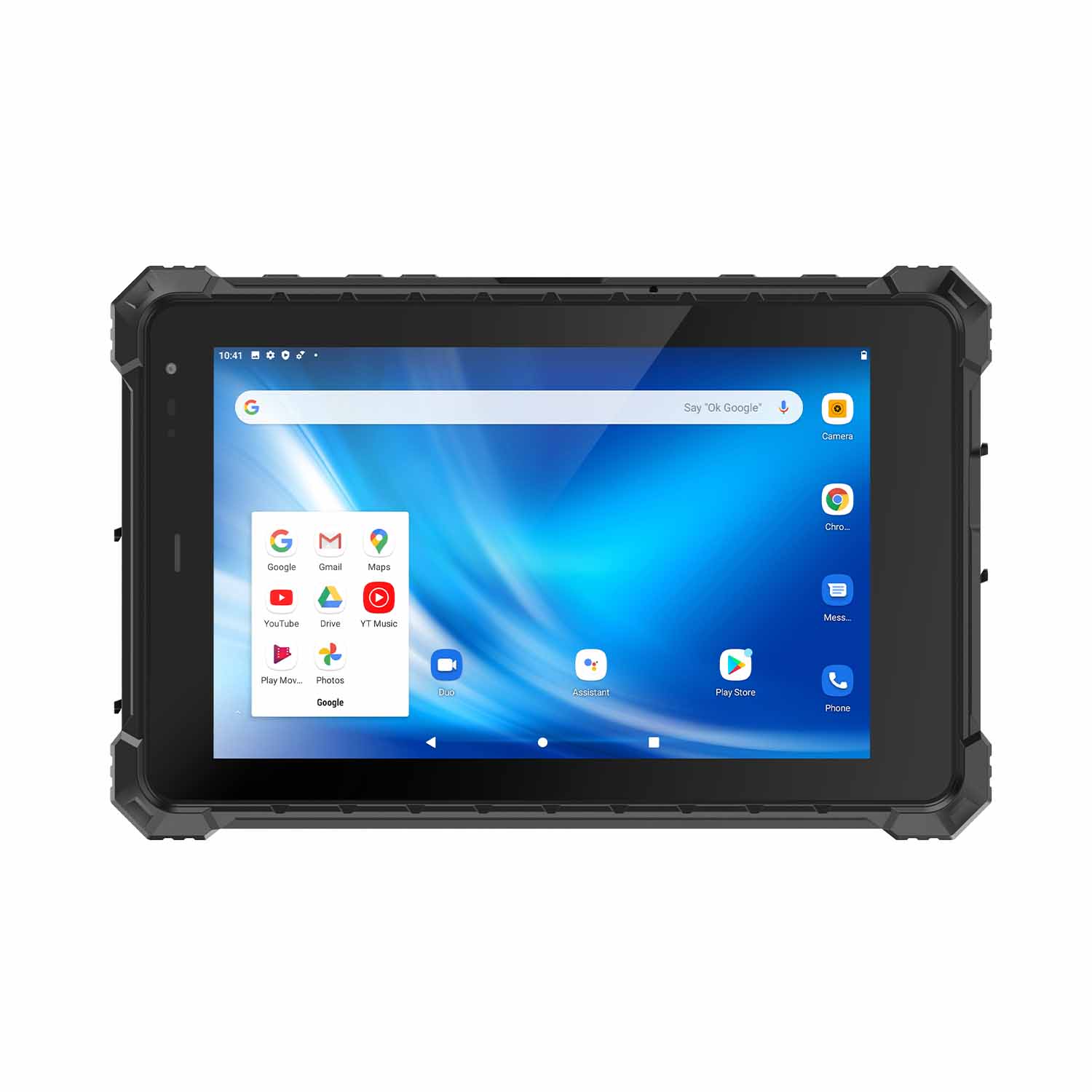 CENAVA A80ST MT6771 8 Inch Android 10 IP68 Rugged Tablet
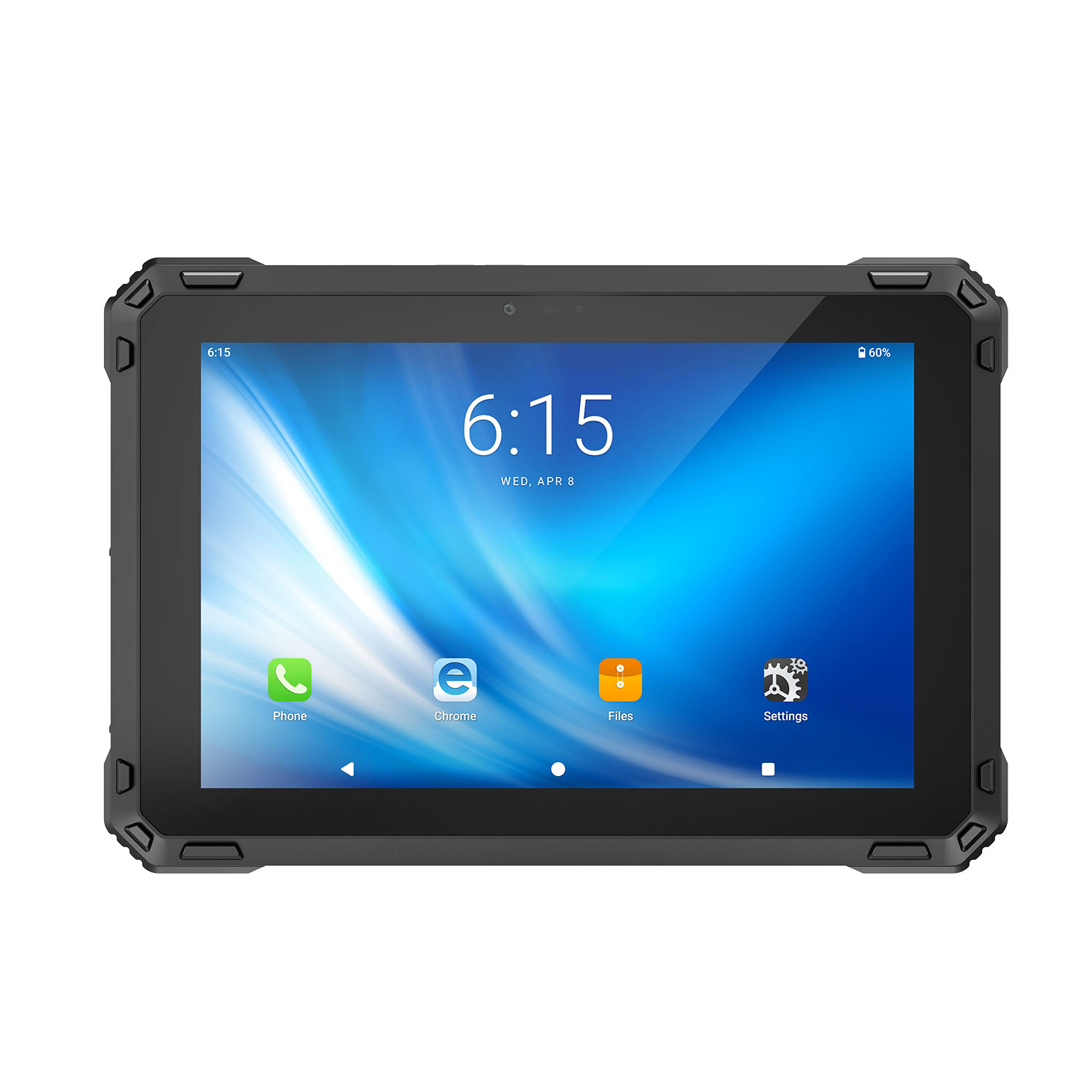 CENAVA A88ST MT6769 8 Inch Android 16 IP68 Rugged Tablet
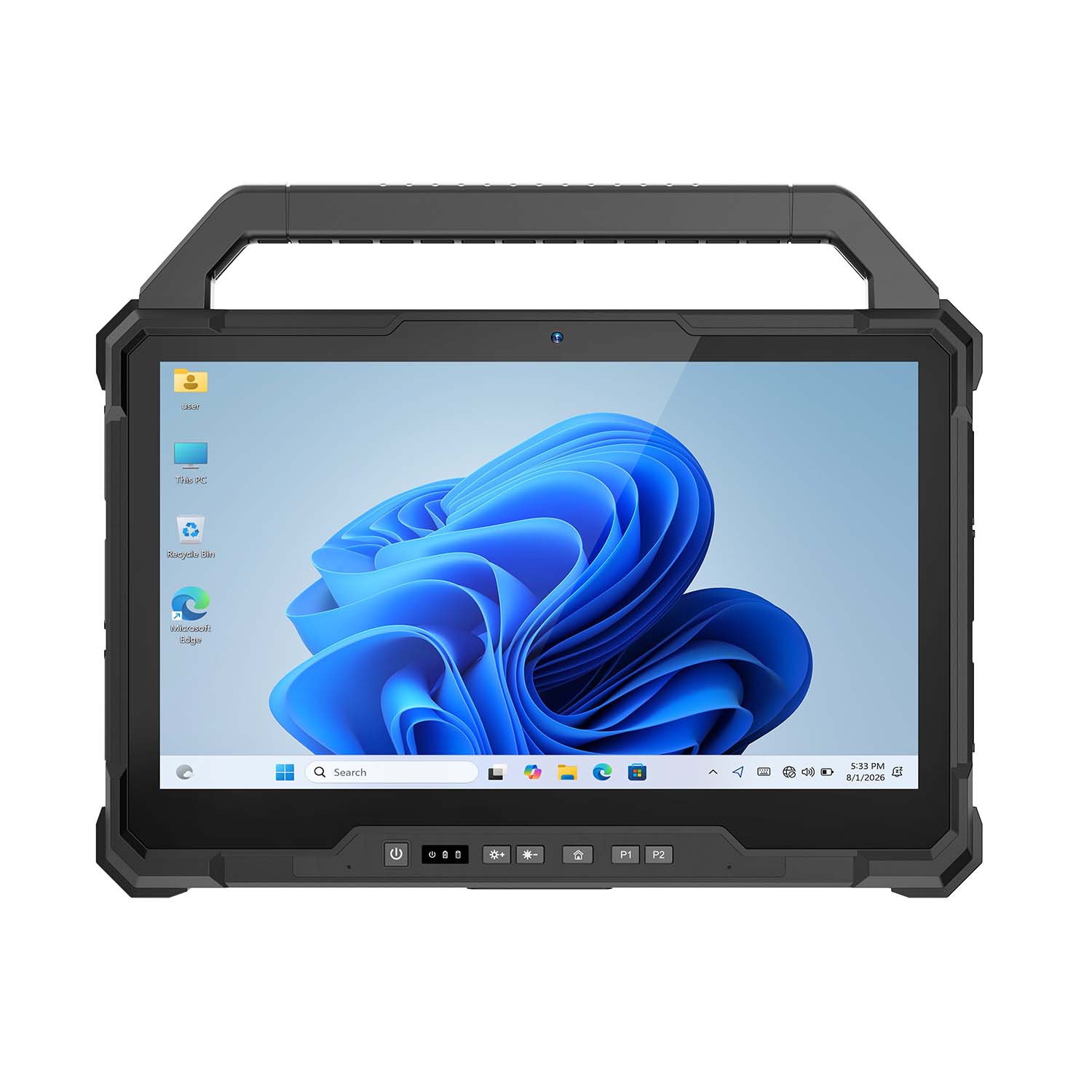 CENAVA W30NS N150 13.3 Inch Win11 IP65 Rugged Tablet
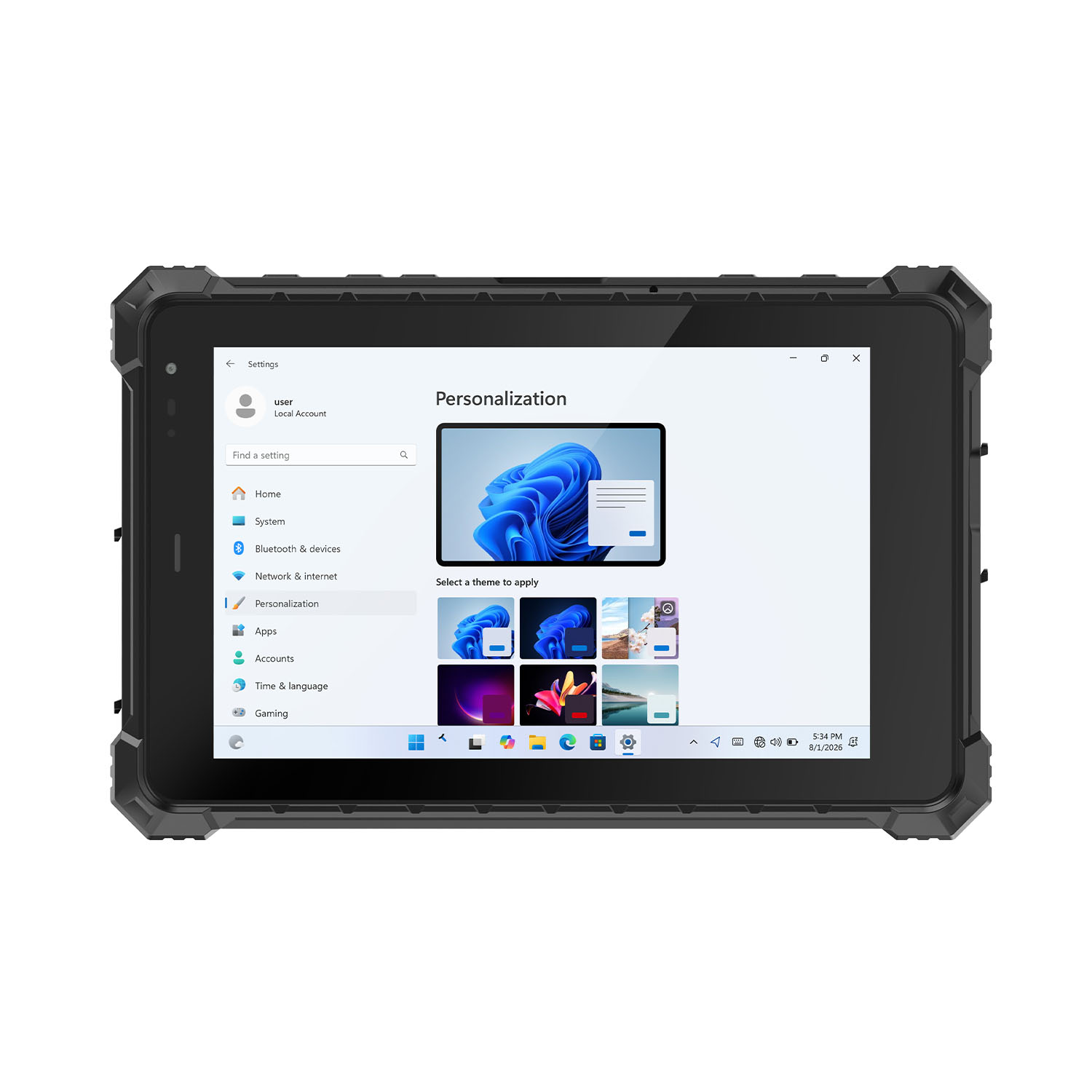 CENAVA W80Y i7-10510Y 8 Inch Win11 IP68 Rugged Gigabit
 CENAVA A10R RK3568 10.1 Inch Android 11 IP68 Rugged Tablet
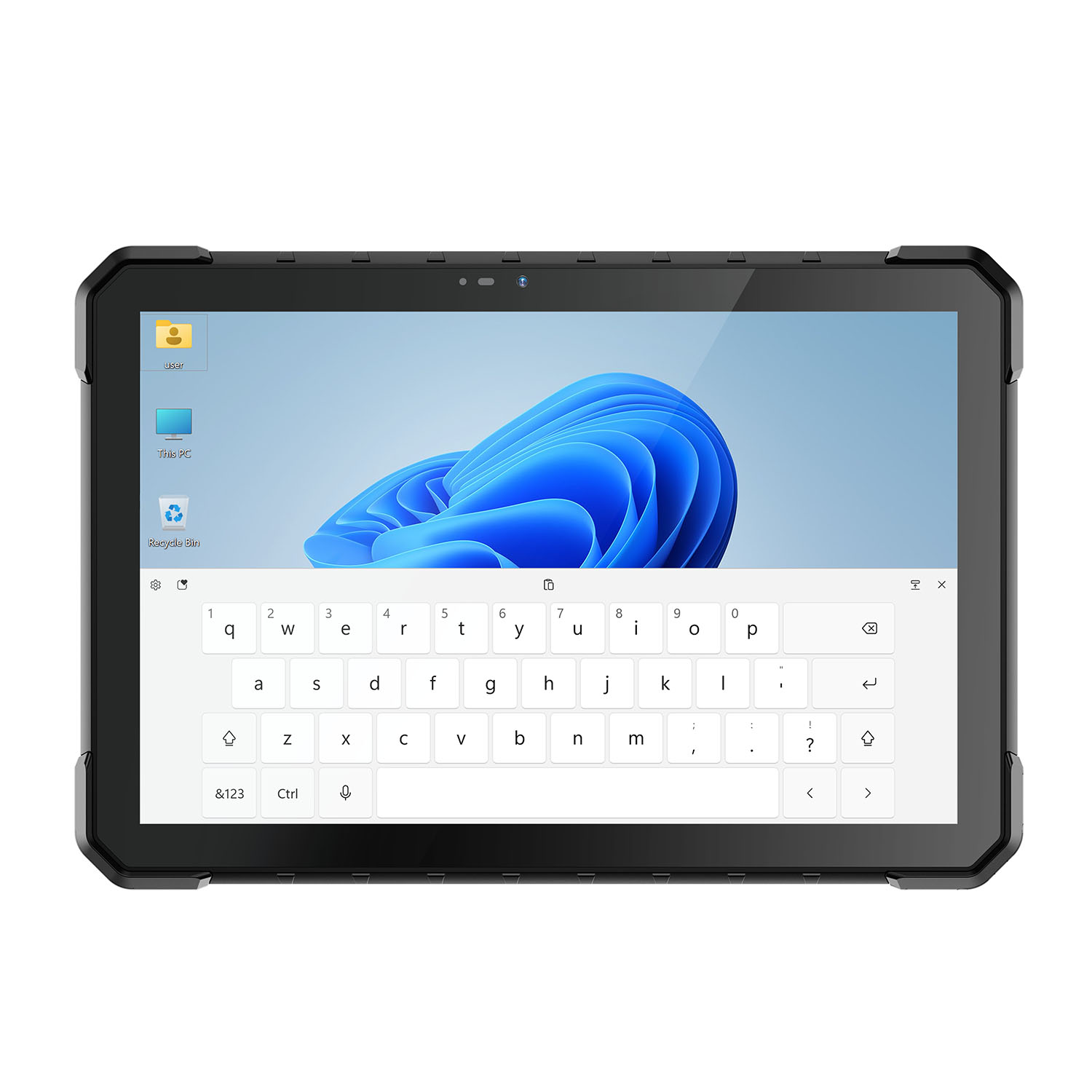 CENAVA W18Y i7-10510Y 10.1 Inch IP68 Industrial Tablet
 CENAVA CXE80C N2930 8 Inch Win10 IP65 Rugged Tablet
 CENAVA A18ST MT8781 10.1 Inch Android 13 IP68 Rugged Tablet
 CENAVA A10R RK3588 10.1 Inch Android 12 IP68 Rugged Tablet
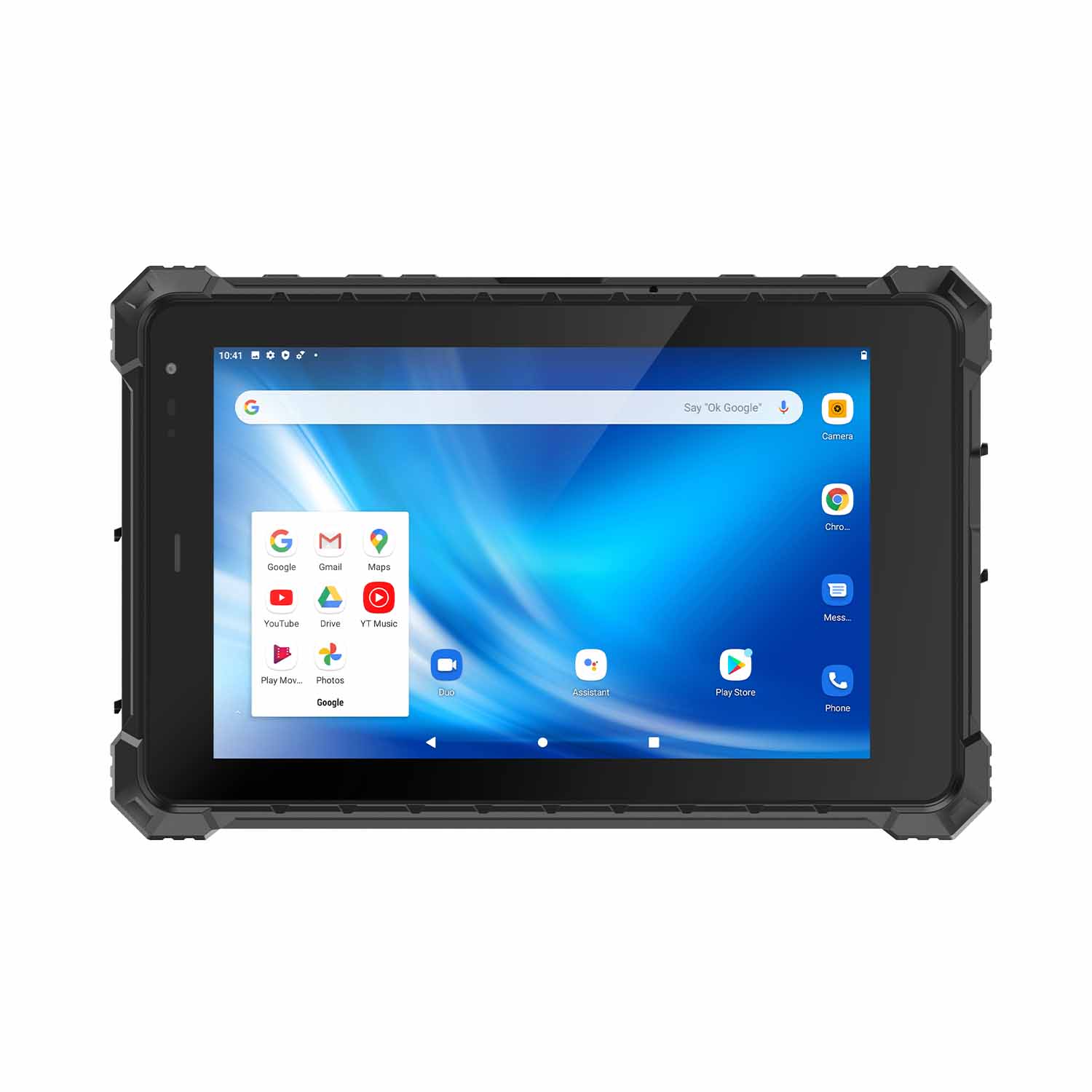 CENAVA A80ST-5G MT6877 8 Inch Android 12 IP68 Rugged Tablet
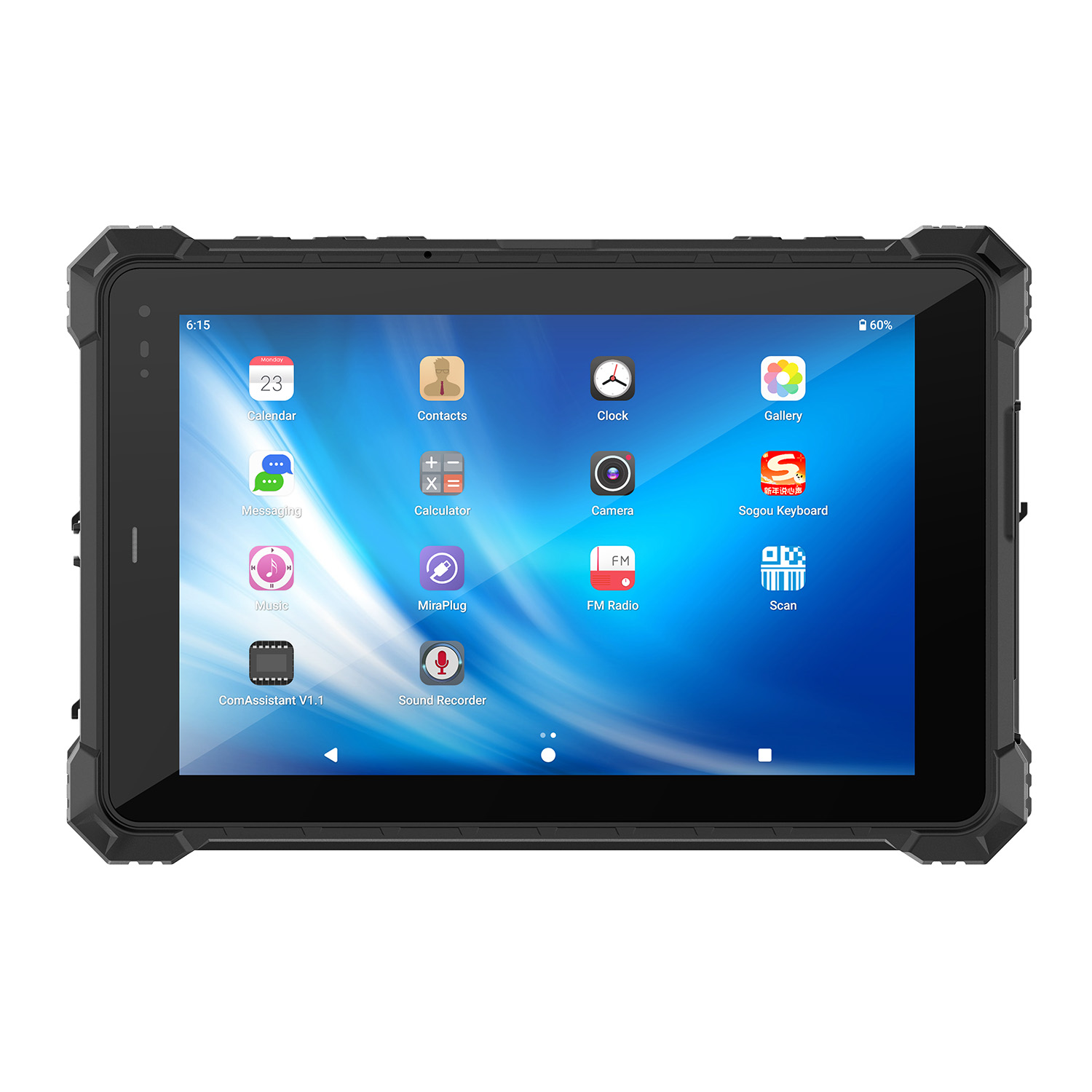 CENAVA A10STX MT8781 10.1 Inch Android 13 IP67 Rugged Tablet
 CENAVA A10ST-5G MT6877 10.1 Inch Android 12 IP68 Rugged Tablet
 CENAVA A10STX-5G MT6877 10.1 inch 5G Rugged Android Tablet
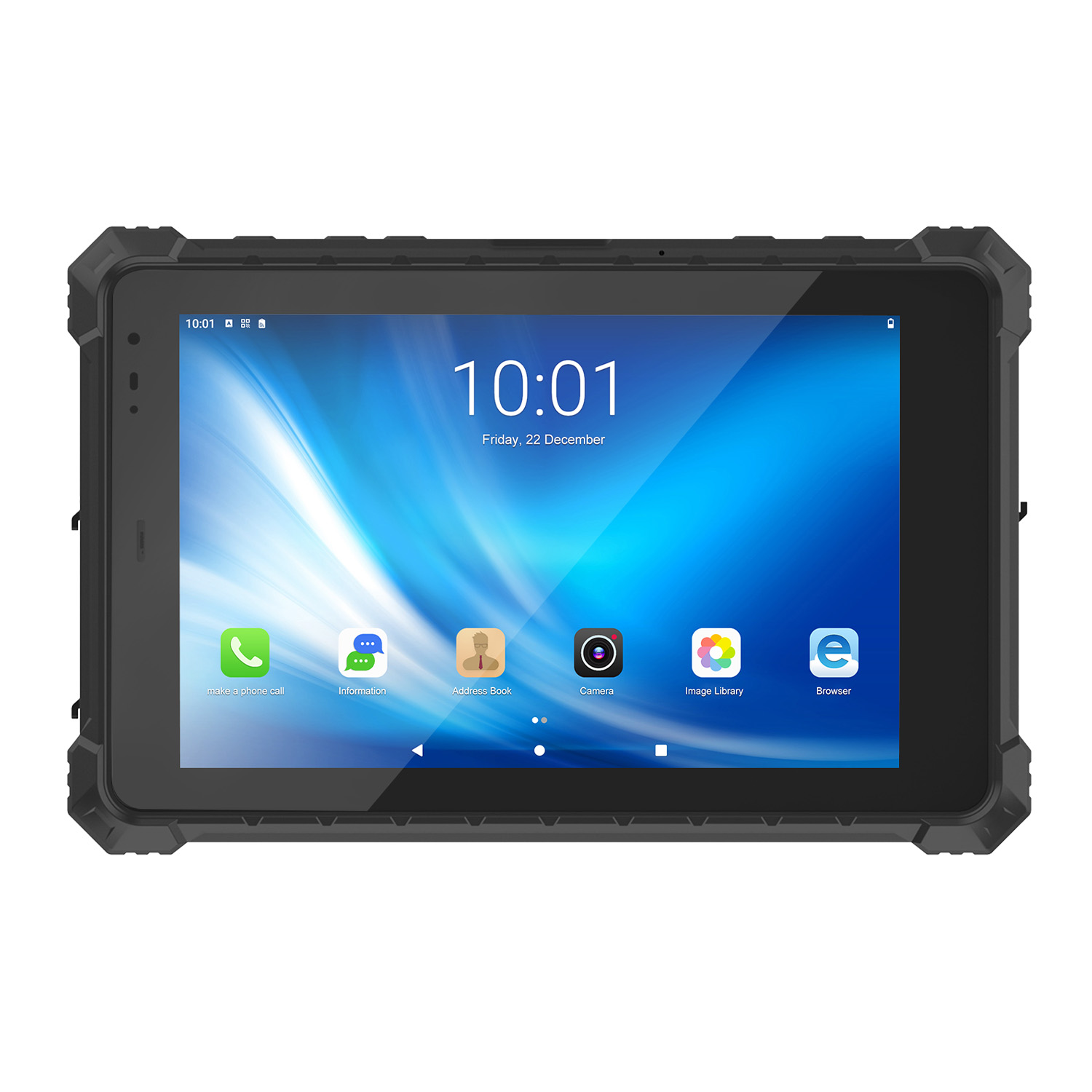 CENAVA A10ST MT6771 10.1 Inch Android 10 IP68 Rugged Tablet
 CENAVA A10STX MT6769 10.1 Inch Android 16 IP67 Rugged Tablet
 CENAVA A10ST MT6769 10.1 Inch Android 16 IP68 Rugged Tablet
 CENAVA A10STX MT6771 10.1 Inch Android 10 IP67 Rugged Tablet
 CENAVA A80ST MT8781 8 Inch Android 13 IP68 Rugged Tablet
 CENAVA A80R RK3588 8 Inch Android 12 IP68 Rugged Tablet
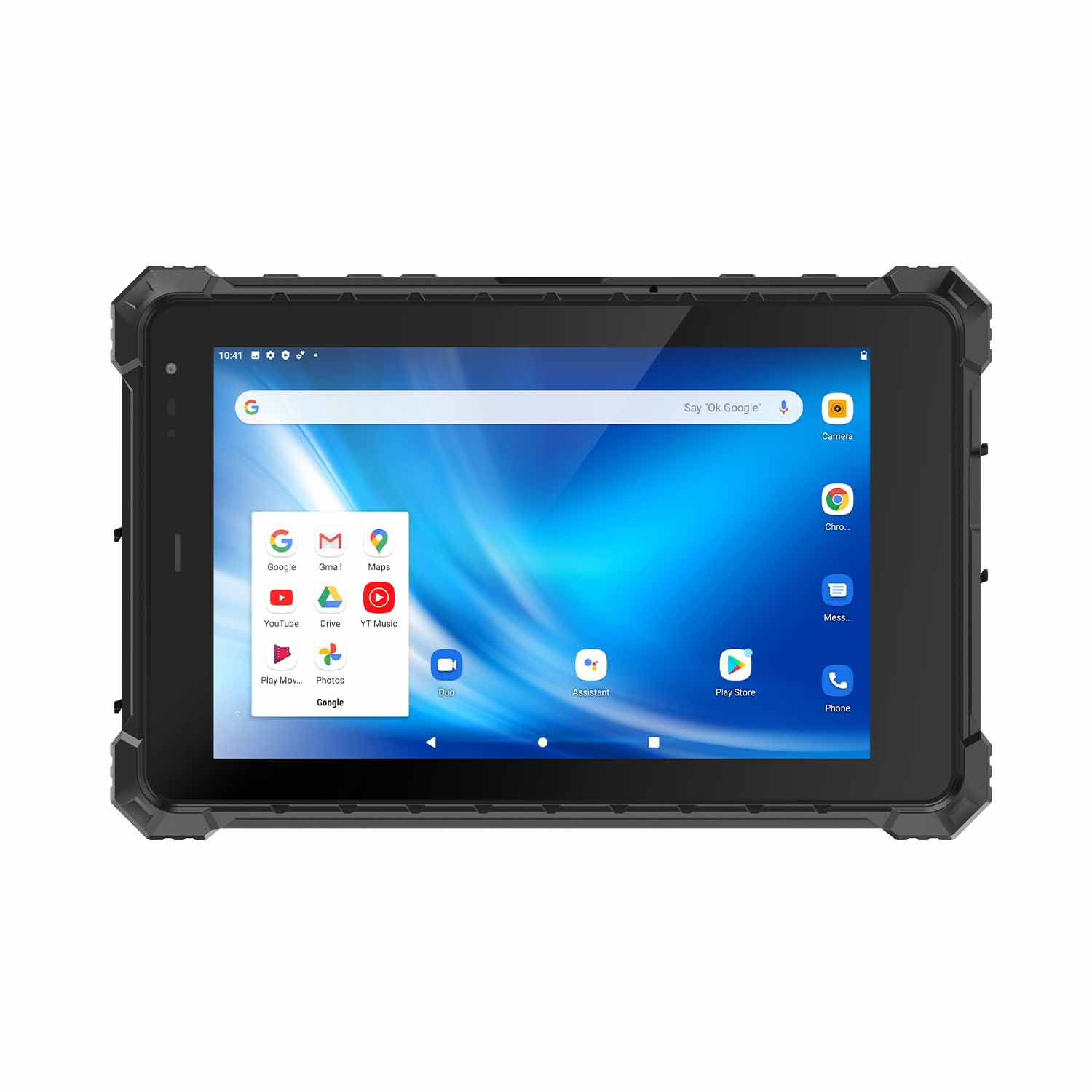 CENAVA A80STX-5G MT6877 8 Inch Android 12 IP67 Rugged Tablet
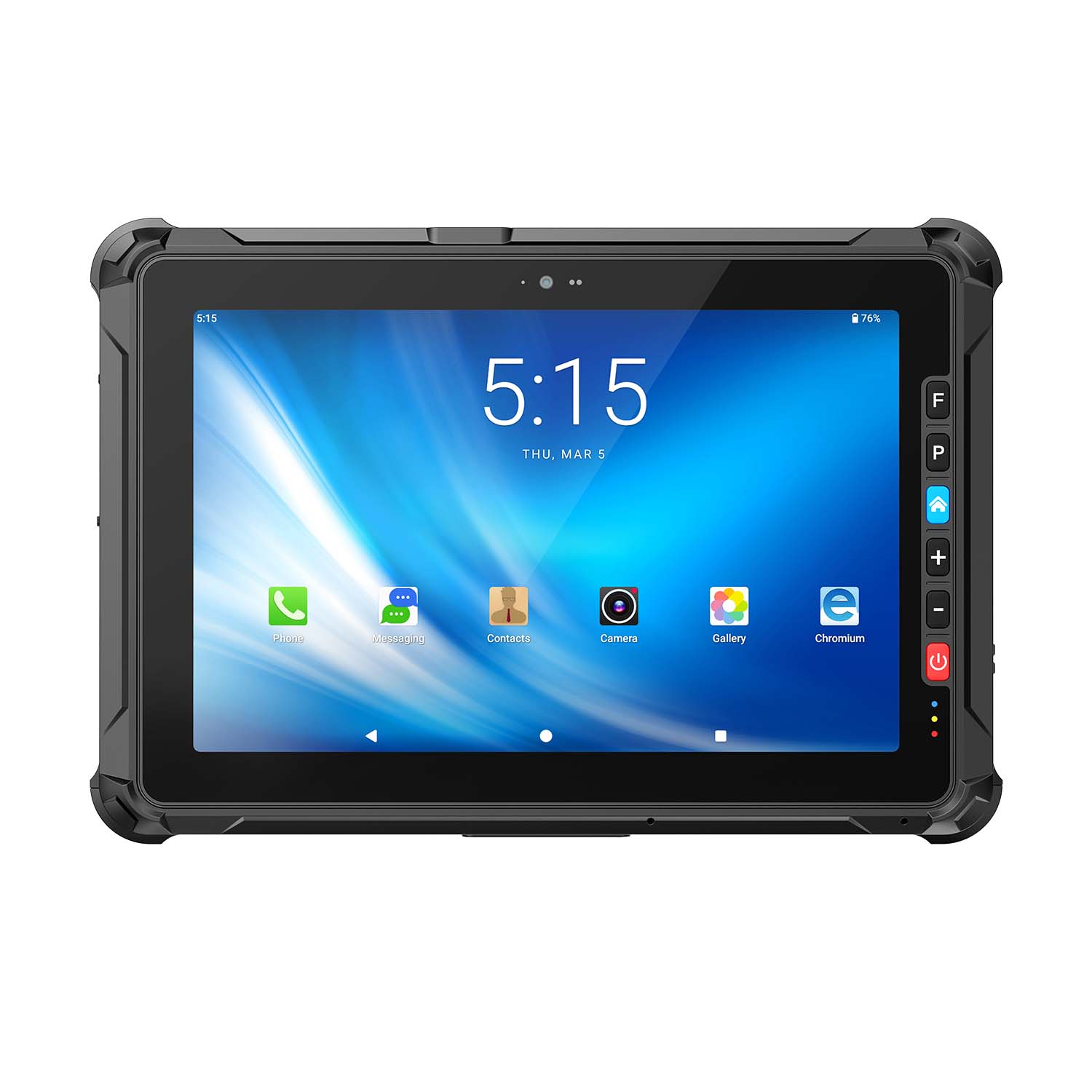 CENAVA A109ST MT8781 10.95 Inch Android 16 IP67 Rugged Tablet
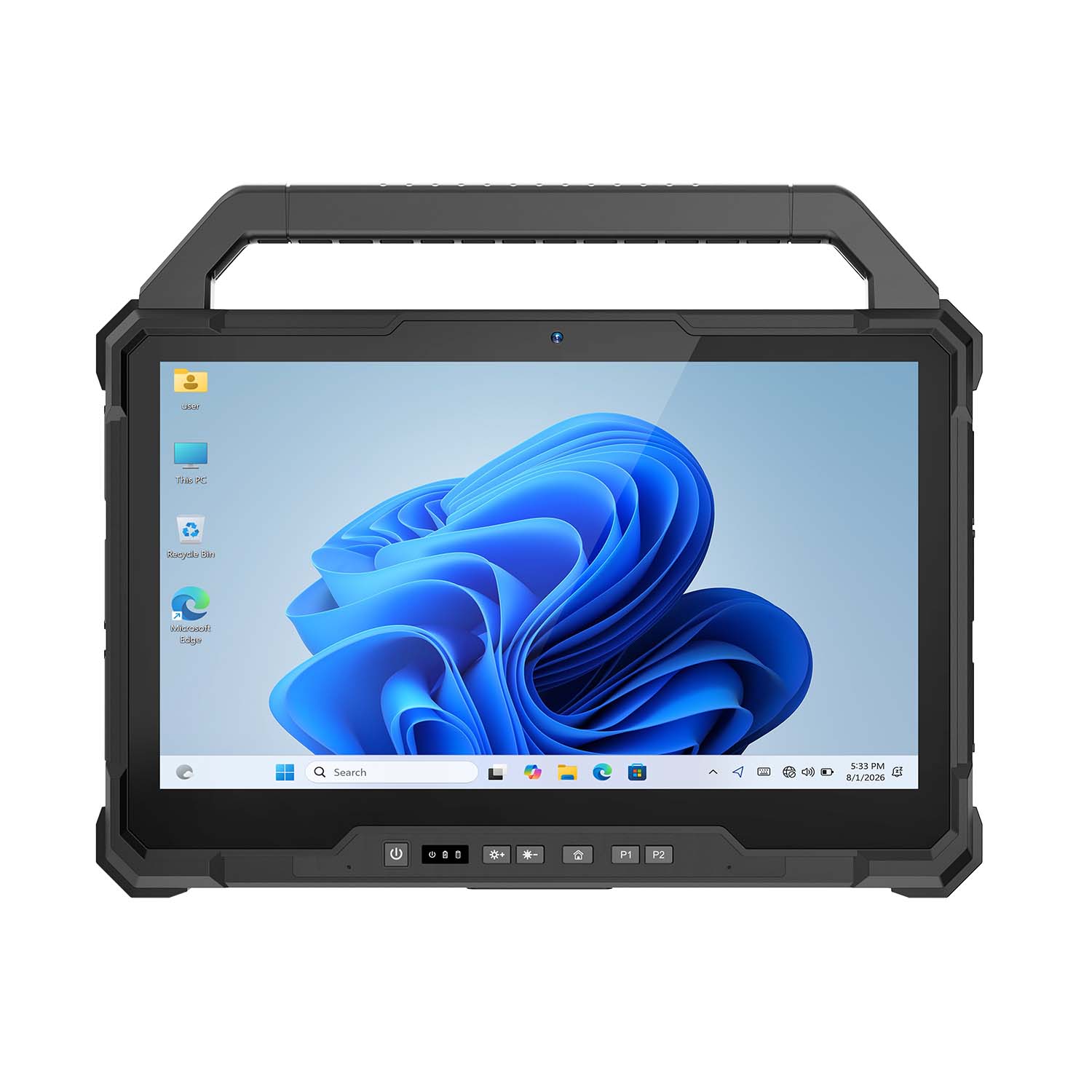 CENAVA W30U Pro Ultra7-155U 13.3 Inch Win11 IP65 Rugged Tablet
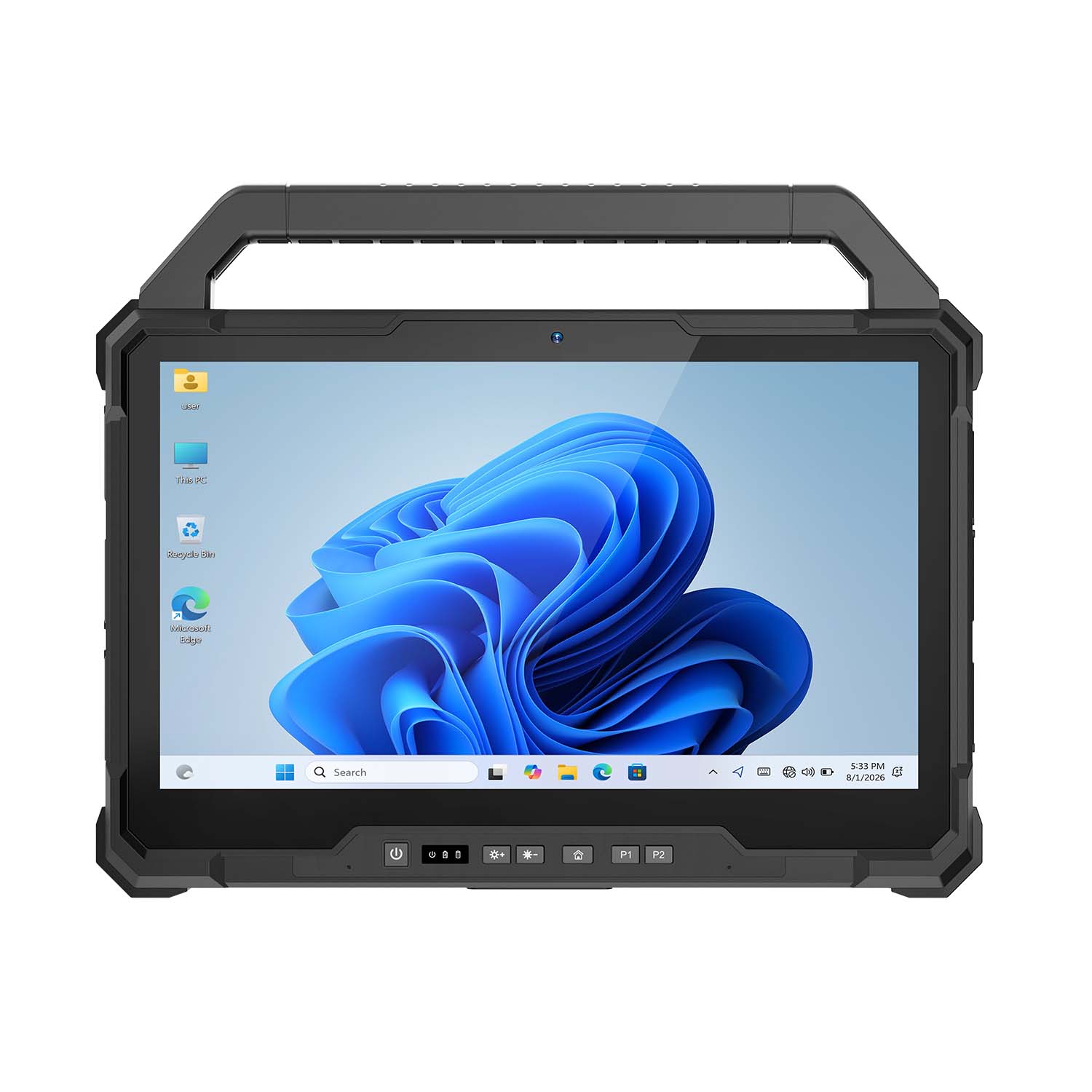 CENAVA W30U i7-1255U 13.3 Inch Win11 IP65 Rugged Tablet
 CENAVA W109NS N150 10.95 Inch Win11 IP67 Rugged Tablet GbE
 CENAVA W109U i5-1235U 10.95 Inch Win11 IP67 Rugged Tablet
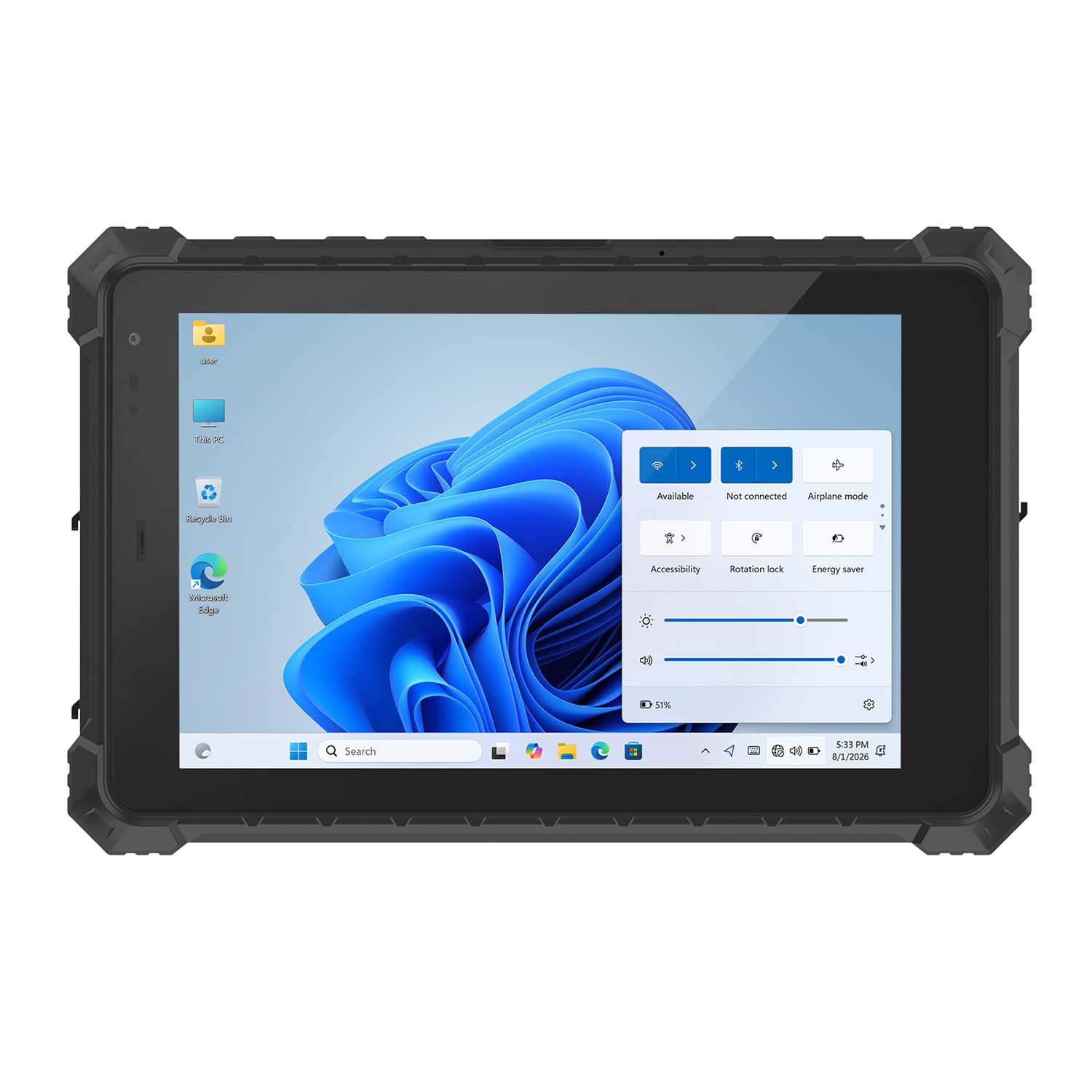 CENAVA W10Y i5-10210Y 10.1 Inch Win11 IP68 Rugged Tablet Full I/O
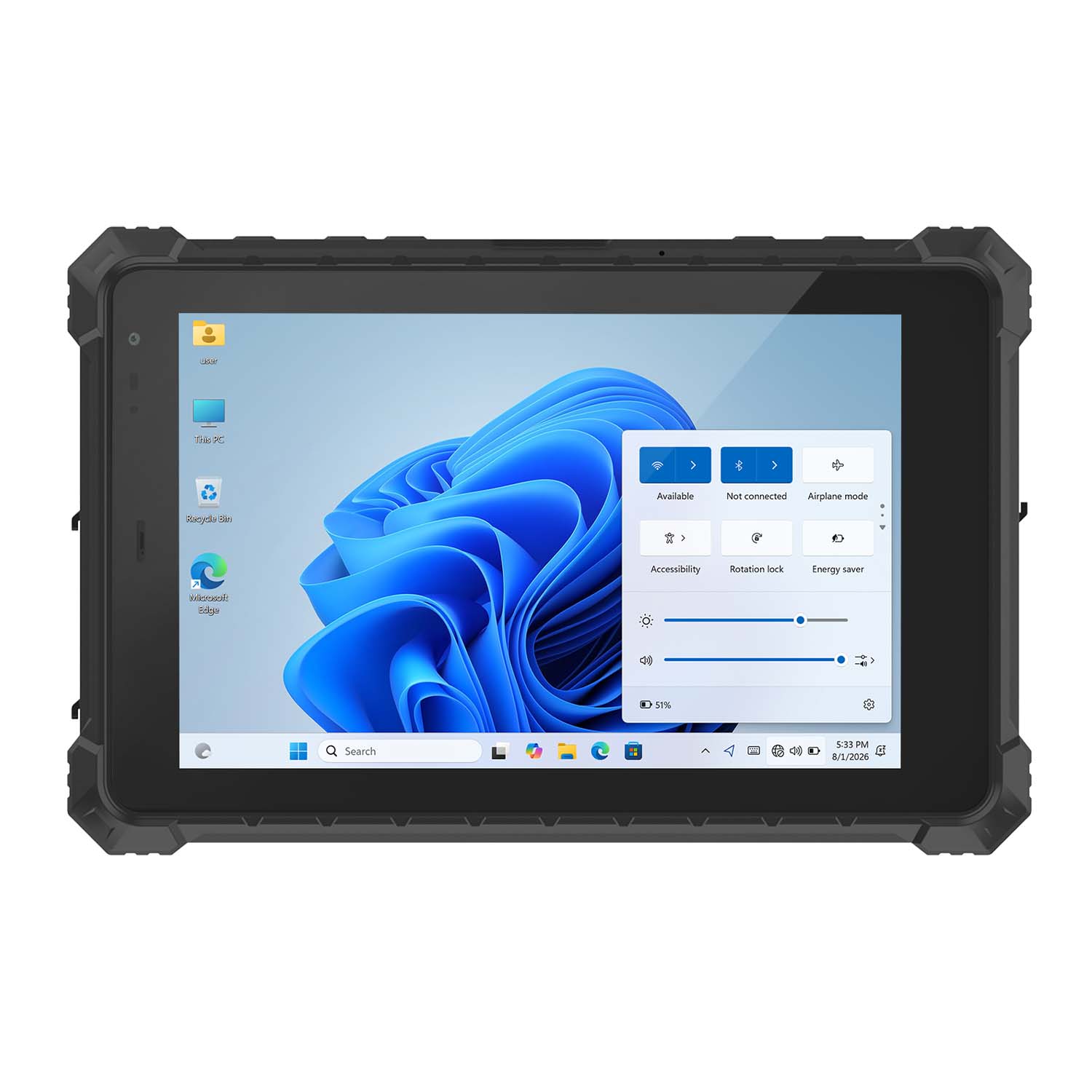 CENAVA W10NPRO N100 10.1 Inch Win11 IP68 Rugged Full I/O
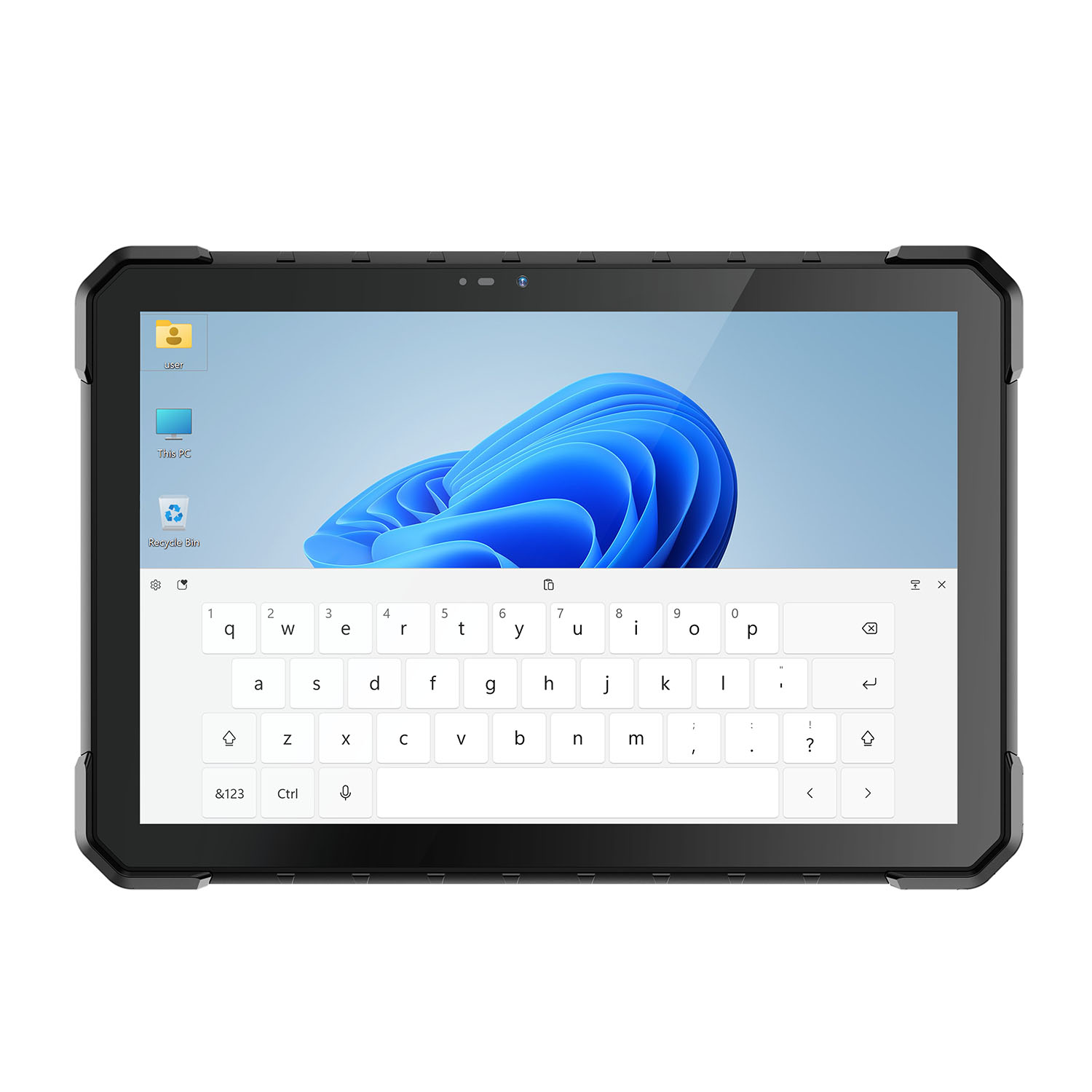 CENAVA W18Y i5-10210Y 10.1 Inch Win11 IP68 Rugged Slim
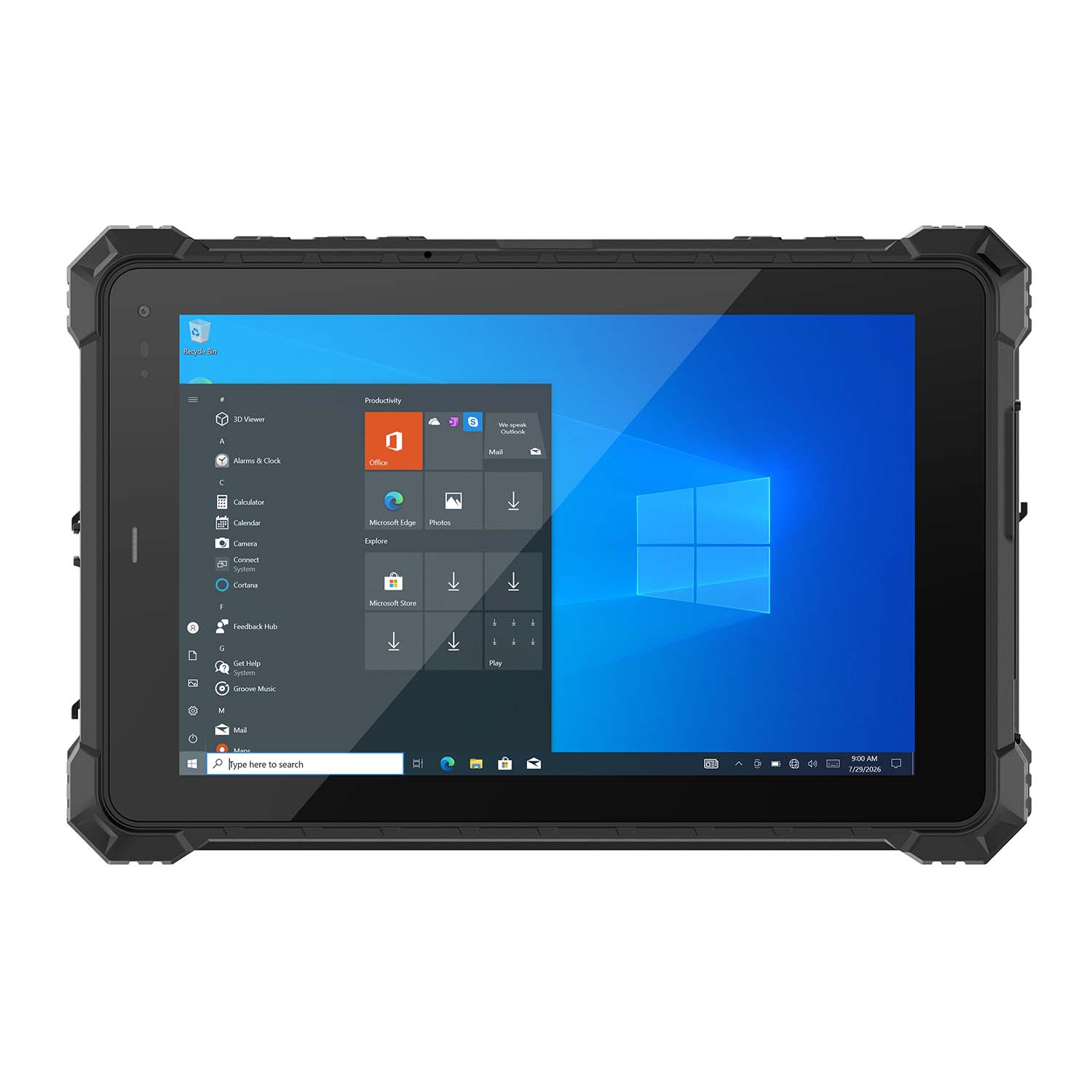 CENAVA W10NX N5100 10.1 Inch Windows IP67 Industrial Tablet
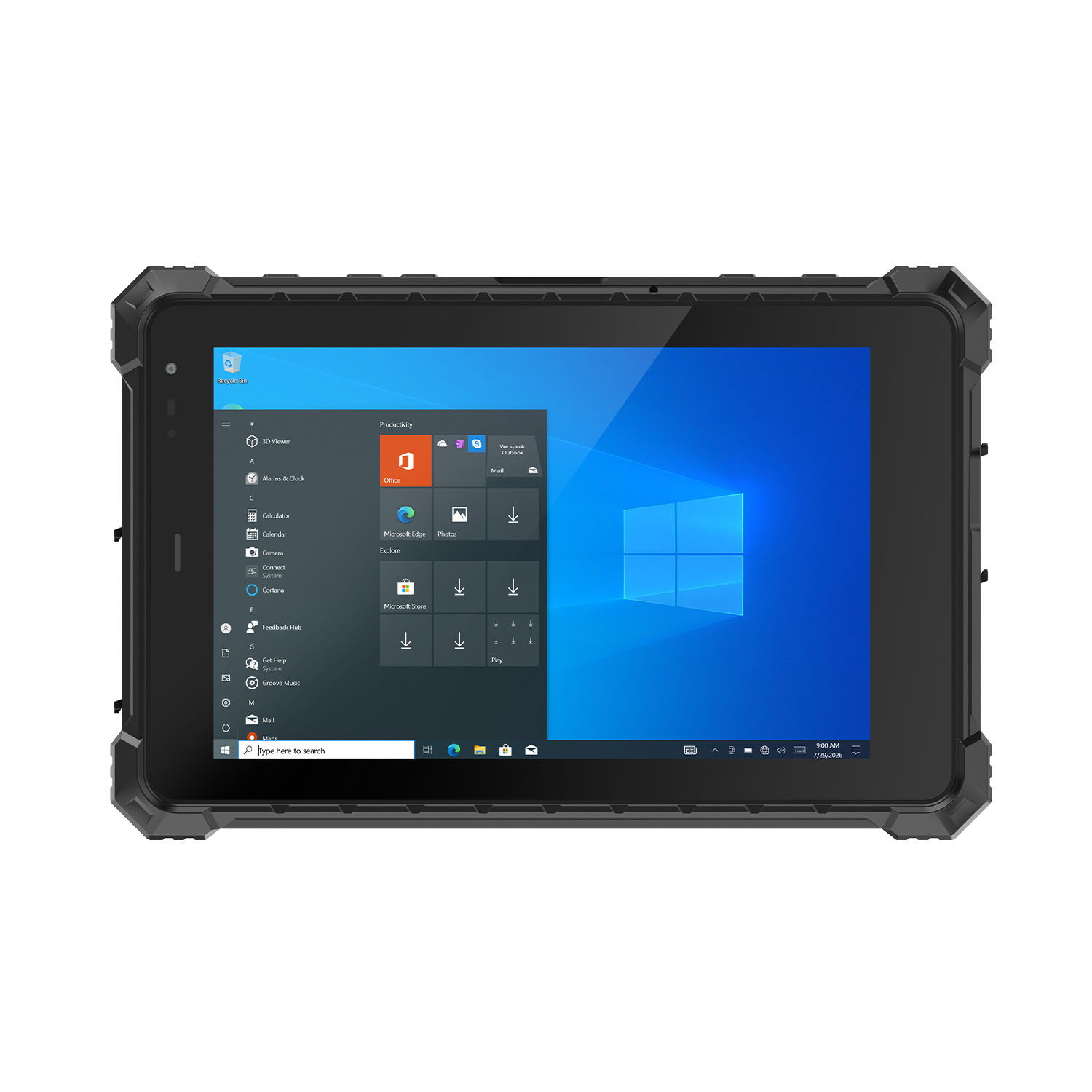 CENAVA W80N N5100 8 Inch Win11 IP68 Windows Rugged Tablet
 CENAVA H10PRO N100 10.1 Inch Win11 Industrial PC | WiFi6 Touch Panel
-1.jpg) CENAVA H55N N5100 5.5" Win11 Mini Industrial PC
CENAVA H55N N5100 5.5" Win11 Mini Industrial PC
 CENAVA H10F N100 10.1" Win11 Industrial Panel PC Touch Computer
 CENAVA H10F N95 10.1" Win11 Industrial Panel PC | WiFi6 Touch Computer
 CENAVA H7S N3350 7 Inch Win10 Entry Industrial PC | POE Fanless Touch Panel
 CENAVA H7 N4020 7" Win10 Compact Industrial PC | POE Fanless Touch Panel
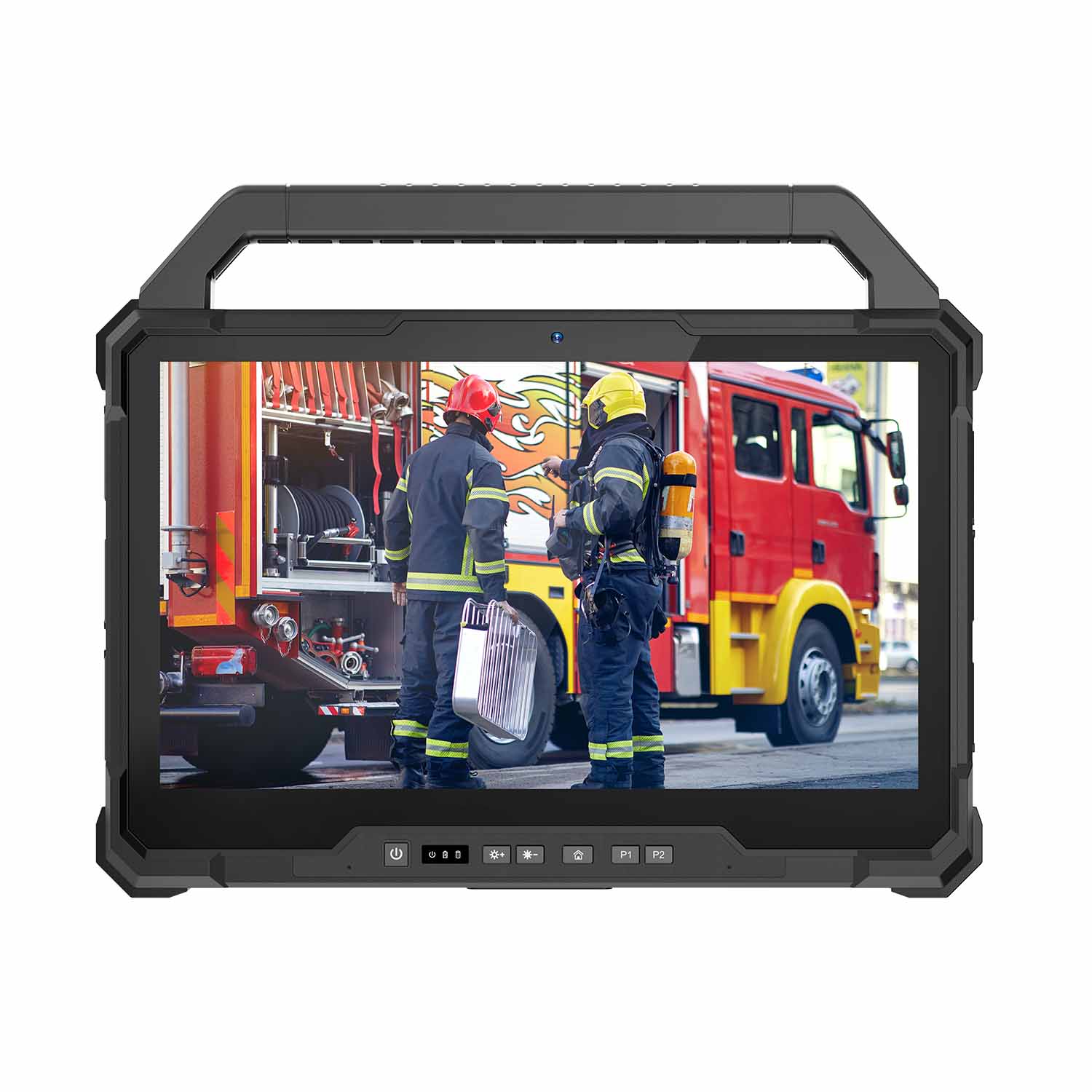 W30U-EX i7-1255U 13.3 Inch Explosion-Proof Windows Tablet
 W30UPro-EX Ultra7-155U ATEX II 2GD Ex ib IIC T5 Gb Explosion-Proof Tablet
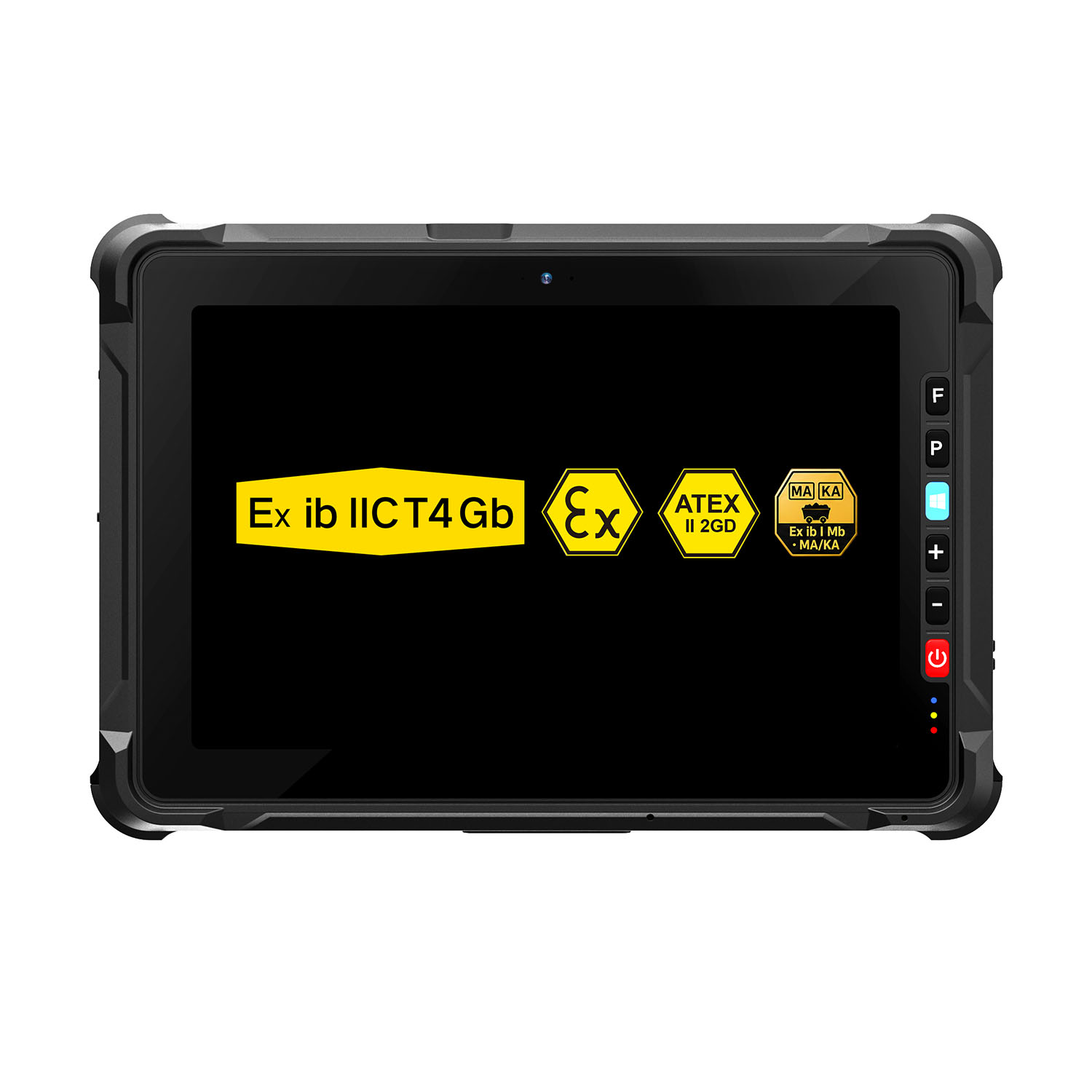 W109NS-EX N150 Explosion-Proof Hazardous Area Windows Tablet
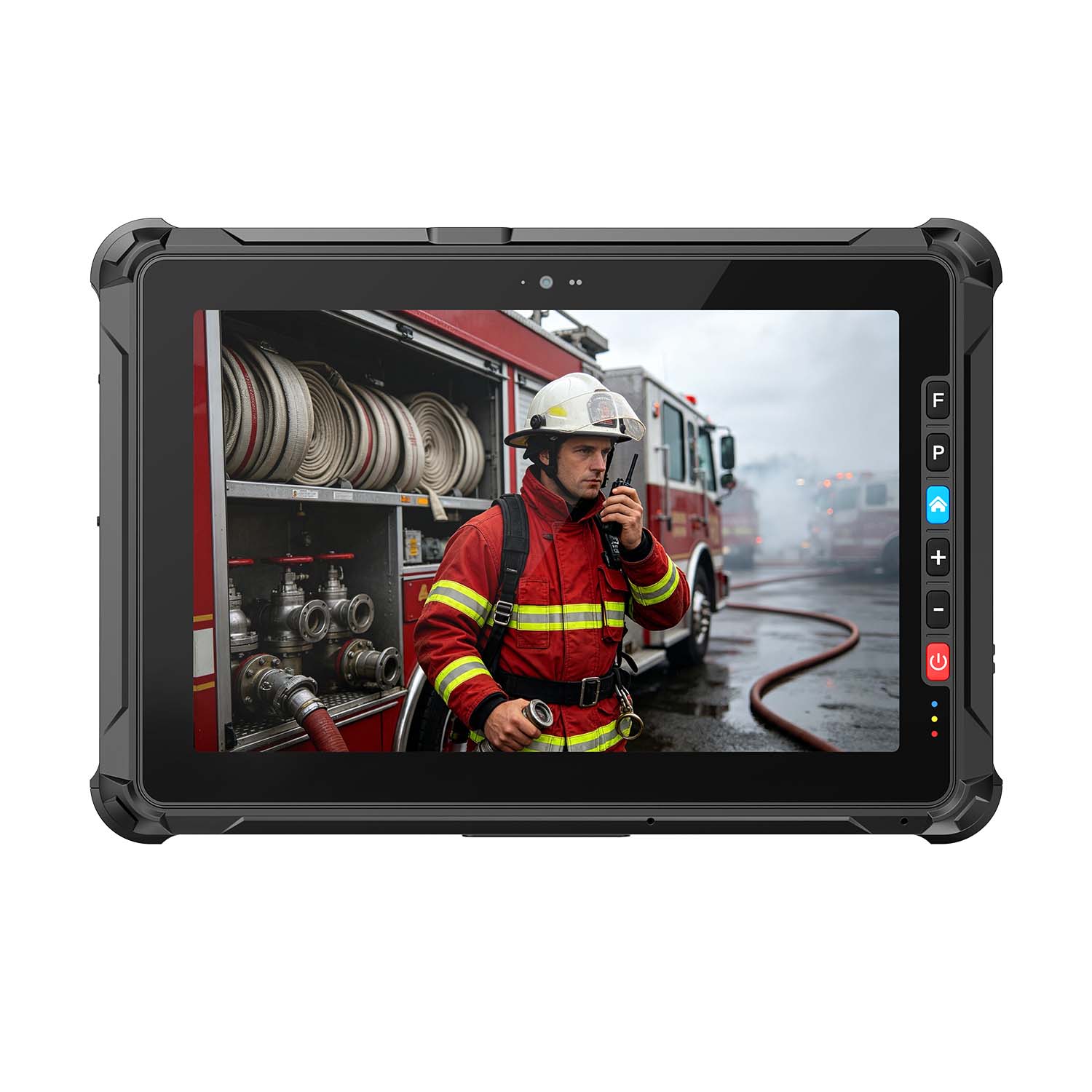 A109ST-EX MT8781 20000mAh Explosion-Proof ATEX II 2GD Android Tablet
.jpg) W10N-EX N5100 Explosion-Proof Intrinsically Safe Windows Tablet
W10N-EX N5100 Explosion-Proof Intrinsically Safe Windows Tablet
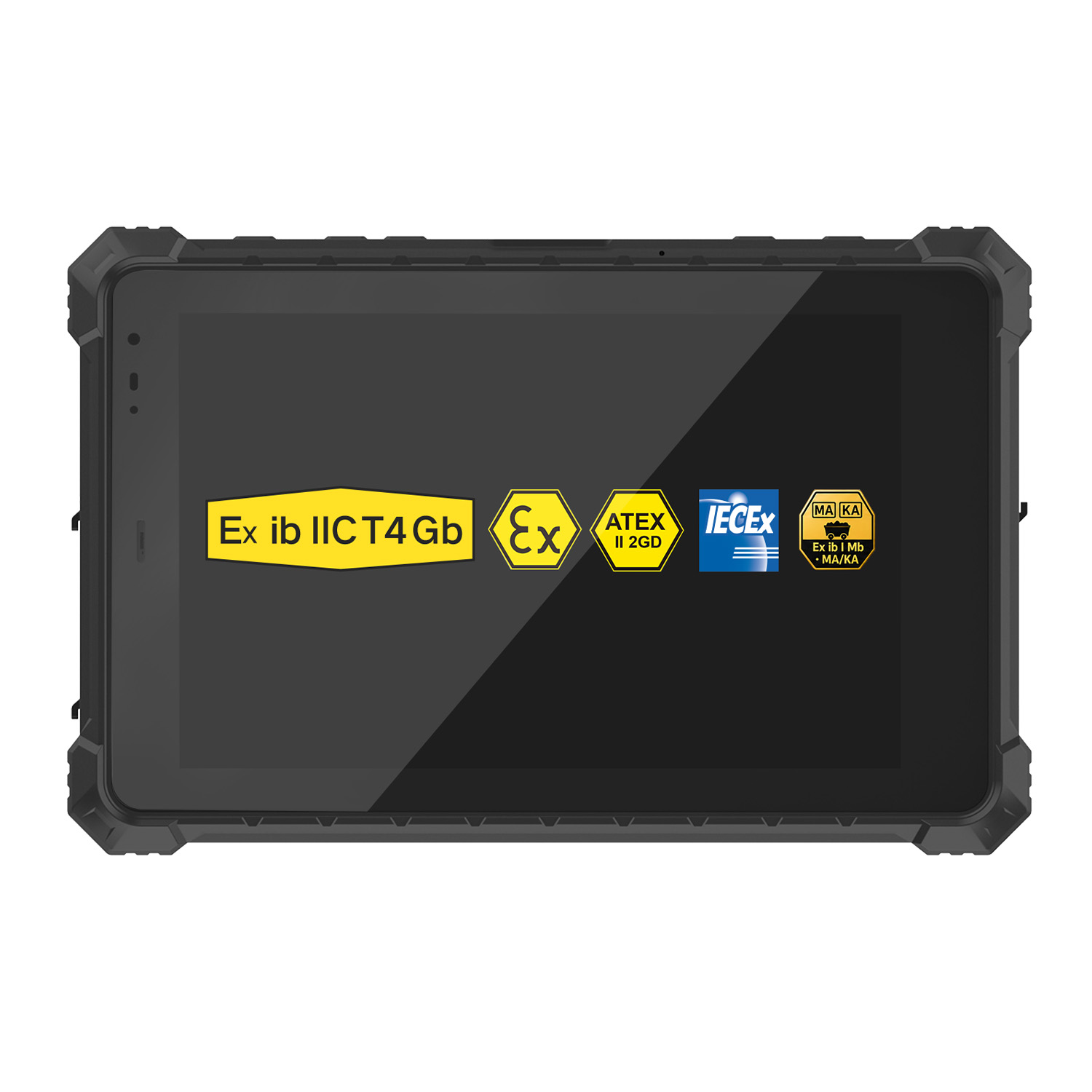 A10ST-EX MT8781 Ex ib IIC T5 Gb Hazardous Area Rugged Tablet
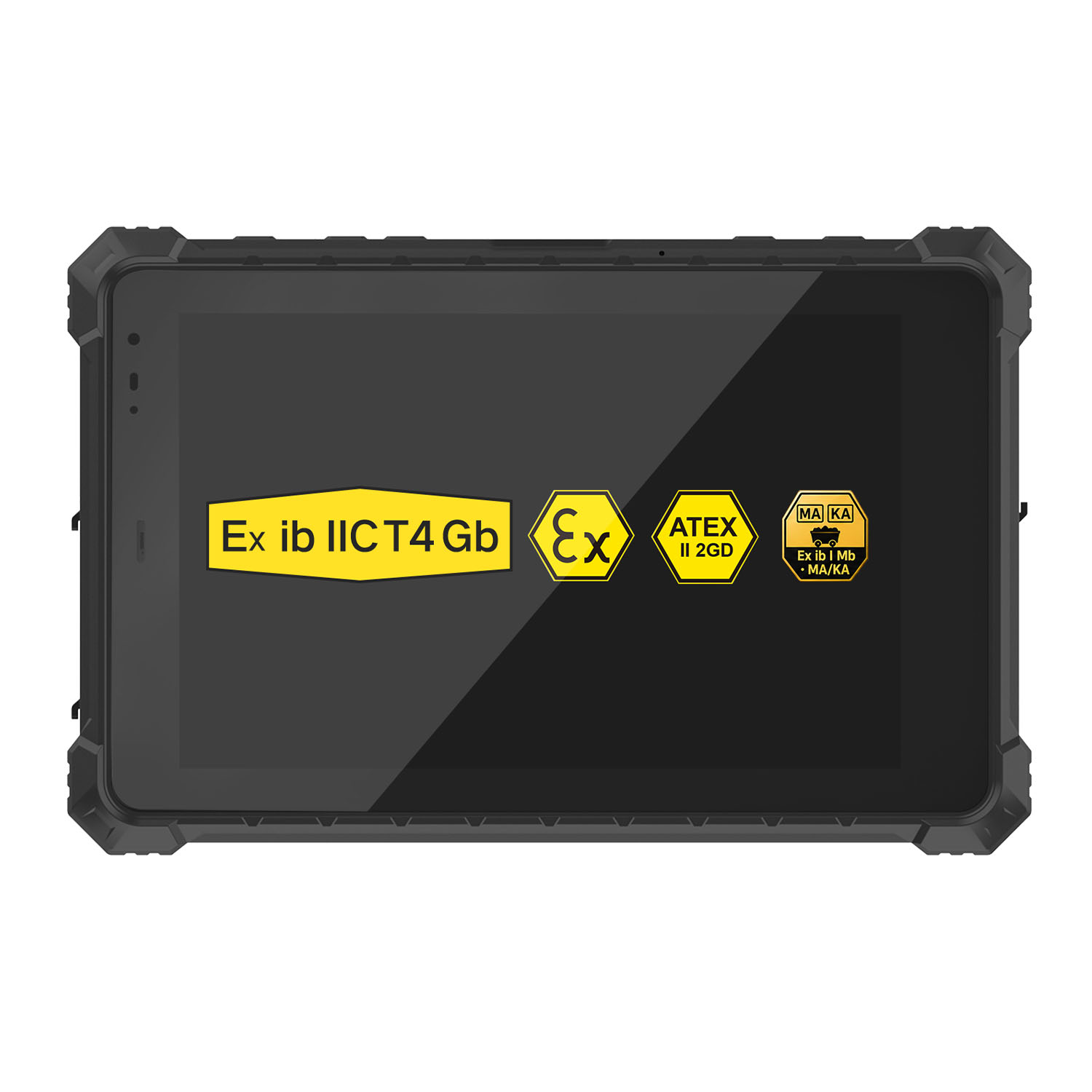 A10R-EX 10.1 Inch Explosion Proof RK3568 Industrial Tablet PC
 A10STX-EX MT8781 10.1 Inch ATEX II 2GD Android Tablet
 W80N-EX N5100 8 Inch Explosion-Proof Windows ATEX II 2GD Tablet
 A18ST-EX Slim 10.1-Inch Explosion-Proof Android Tablet
 A88ST-EX MT6769 Hazardous Area 8-Inch Explosion-Proof Android Tablet
 A80ST-5G EX MT6877 8 Inch Ex ib ⅡC T4 Gb Explosion Proof Tablet
 CENAVA W18Y-EX i7 10.1 Inch Explosion-Proof Windows 11 Tablet
 W65G-EX Explosion-Proof Windows Handheld Hazardous Area PDA