-1.jpg)












.jpg)











What Is a Debian Tablet PC? A Guide for Industrial Users
What Is Debian, and Why Use It on an Industrial Tablet?
Debian is a widely used open-source operating system known for exceptional stability, security, and flexibility, historically popular on servers, workstations, and embedded devices. On an industrial tablet, that translates into:
Open-source customization — full access to modify the source code for specialized software environments.
Long-term stability — a track record as one of the most stable Linux distributions, reducing unplanned downtime from OS crashes or forced updates.
Extended security support — regular patches and long-term security updates, useful for data-sensitive deployments.
No licensing fees — as open-source software, Debian avoids the per-device software costs of a commercial OS, which adds up at scale.
Debian's advantages are real, but they come with a trade-off — its flexibility assumes your team (or your device supplier) has the Linux administration expertise to configure, secure, and maintain it; if you don't have that in-house, the "low licensing cost" savings can be offset by higher setup and support effort.
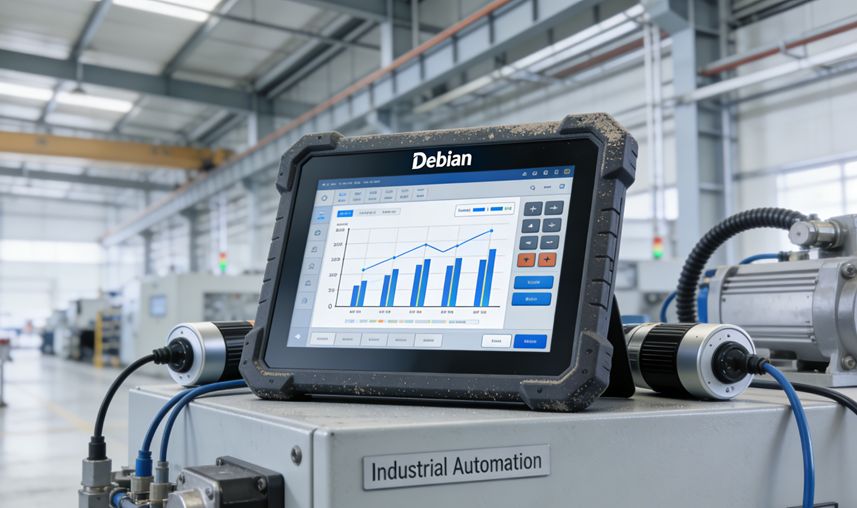
Where Linux Actually Fits in CENAVA's Product Range Today
It's worth being precise here rather than implying Debian is available across the board: CENAVA's general-purpose rugged tablet lineup (the A10ST, A109T, and W109U) currently ships on Android or Windows, not Debian. Where Linux is confirmed in CENAVA's range:| Product Line | OS Options | Notes |
|---|---|---|
| H7A Box PC | Android / Linux | RK3288 processor, 2GB+32GB — entry-level specs |
| Explosion-Proof Tablet Line | Windows, Android, Ubuntu, Debian | Shown at Hannover Messe 2026; confirms Linux distribution support in this certified line |
| General Rugged Tablets (A10ST, A109T, W109U) | Windows or Android only | No Debian/Linux option currently listed |
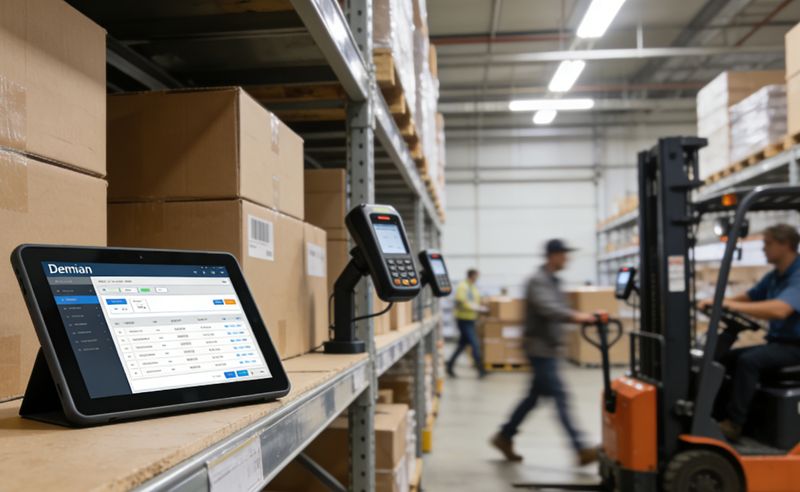
Common Industrial Application Scenarios for Debian-Based Systems
Where Debian Actually Wins
Debian is not better than Windows or Android in every scenario. It wins in specific situations where its strengths match the project's constraints:
Long-term deployments without vendor lock-in. A manufacturing line expected to run for 10+ years benefits from Debian's community-driven security patches, which continue long after a commercial OS vendor would have ended support. Windows 10 IoT Enterprise has a 10-year support cycle; Debian's community support for an LTS release extends beyond that, and you can always self-patch if needed.
Regulatory environments requiring source code auditability. Defense and healthcare compliance frameworks sometimes require the ability to audit the OS source code for backdoors or undocumented network behavior. Debian's fully open-source stack satisfies this; Windows and Android do not.
Custom kernel modules for specialized hardware. If your project needs a real-time kernel patch (PREEMPT_RT) or a custom driver for a legacy sensor, Debian lets you rebuild the kernel with your patches. Windows and Android make this difficult or impossible.
Cost-sensitive fleet deployments. At 1,000 units, Windows 10 IoT Enterprise licensing adds ~$50–100 per device. Debian adds $0. The savings fund the Linux expertise needed to maintain it.
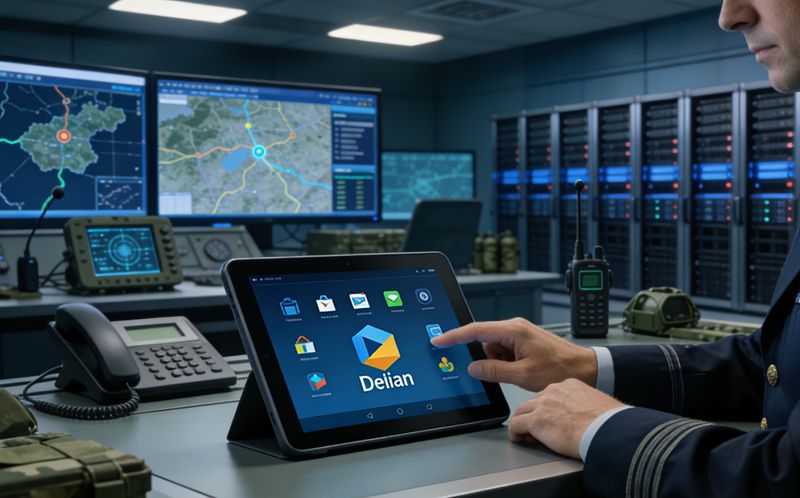
Recommended Hardware for a Debian Industrial Tablet
| Component | Recommendation |
|---|---|
| Processor | High-performance x86 or ARM, multi-core for complex or multitasking workloads |
| RAM | 4GB minimum; 8GB+ for data analysis or image processing |
| Storage | 64GB+ SSD; M.2 expansion for larger data needs |
| Display | 1280×800 minimum resolution, touch-enabled |
| Wireless | Wi-Fi and Bluetooth at minimum; 4G/5G for remote or unwired deployments |
| Battery | 6,000 mAh minimum for all-day independent operation |
| Ports | USB, HDMI, audio, and expansion for sensors, displays, or external storage |
How to Choose the Right Debian Tablet PC
Choosing Debian Hardware: A Decision Tree
Step 1: Do you need a handheld or a fixed terminal?
Handheld (field service, inventory scanning) → Explosion-proof tablet line is the only confirmed Debian handheld option today.
Fixed terminal (production line, kiosk) → H7A Box PC is the entry-level confirmed option; the explosion-proof line also offers Debian for harsher environments.
Step 2: What is your Debian version requirement?
Debian 11 (Bullseye) → Widely supported, stable, long-term security updates until 2026.
Debian 12 (Bookworm) → Latest stable, better hardware support for newer ARM SoCs, security updates until 2028.
Custom kernel/Yocto → Requires a full port; budget 4–6 weeks for driver validation on a new platform.
Step 3: Do you have in-house Linux expertise?
Yes (you have a Debian sysadmin or embedded Linux engineer) → You can handle updates, package management, and security patching internally. We provide the hardware and initial OS image.
No (your team is Windows/Android-native) → We can provide a managed Debian build with over-the-air update infrastructure, but this adds ongoing service cost. Be honest about whether your team is ready for Linux maintenance.
Step 4: What is your thermal and environmental envelope?
Office/warehouse (0°C to 40°C) → H7A Box PC is sufficient.
Outdoor/field (-20°C to 60°C, dust, rain) → Explosion-proof line with IP68 and MIL-STD-810H certification.
Hazardous area (ATEX/IECEx) → Explosion-proof line is certified for Zone 2/22.
Frequently Asked Questions
I need Debian on a handheld tablet, not a box PC. What are my options?
As of today, CENAVA's confirmed Debian options are the H7A Box PC (RK3288, entry-level) and the explosion-proof tablet line (shown at Hannover Messe 2026 with Ubuntu and Debian support). The general rugged handhelds — A10ST, A109T, W109U — ship Android or Windows only.
If you need Debian on a handheld specifically, that is a custom-build project. We would need to port Debian to the target hardware, validate drivers for the display, touch, and wireless stack, and run stability testing. Typical lead time for a new OS port on an existing platform is 4–6 weeks. Send us your target model and Debian version requirement and we will confirm feasibility and timeline within two working days.
Is Debian better than Windows or Android for an industrial tablet?
Not universally — Debian offers stability, security, and no licensing fees, but it assumes in-house Linux administration capability; Windows and Android remain the more common choice when off-the-shelf software compatibility and simpler maintenance matter more than deep customization.
What hardware does a Debian industrial tablet need?
At minimum, a multi-core x86 or ARM processor, 4GB RAM (8GB+ for heavier workloads), a 64GB+ SSD, a 1280×800 touch display, Wi-Fi/Bluetooth (plus 4G/5G if needed), and a 6,000mAh+ battery.
Why would an industrial buyer choose Debian over a commercial OS?
Mainly for deep customization, long-term security patching, and avoiding per-device licensing costs — but only where the buyer or supplier has the Linux expertise to configure and maintain the system.
Talk to Engineering
Debian on a rugged tablet is not a catalog SKU — it is a conversation about your workload, your team's Linux expertise, and your maintenance plan. If you are evaluating Debian for an industrial deployment, send us:
Your target hardware form factor (handheld, 10-inch tablet, box PC)
Your Debian version requirement (Debian 11 Bullseye, Debian 12 Bookworm, or a custom Yocto-based build)
Your application stack (Qt, GTK, web-based, or headless)
Your in-house Linux capability (do you have a sysadmin, or do you need us to handle updates?)
We will tell you within two working days whether an existing platform fits, whether it needs a custom port, or whether we are not the right supplier for your project.
Need a Rugged Device for Your Project?
Tell us your operating environment and requirements — our engineers will recommend a configuration and quote within 24 hours.
Get a Free Quote Back to Blog