-1.jpg)












.jpg)










Feed Mill Inspections Go Digital: 10 Rugged Tablets Compared
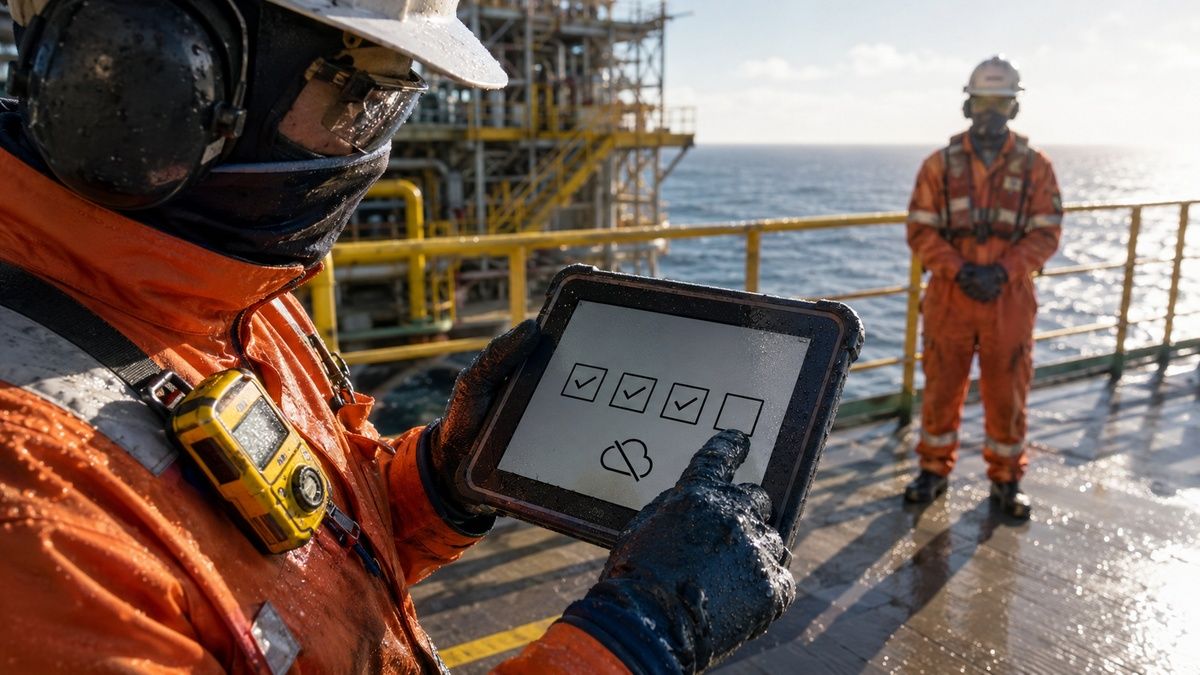
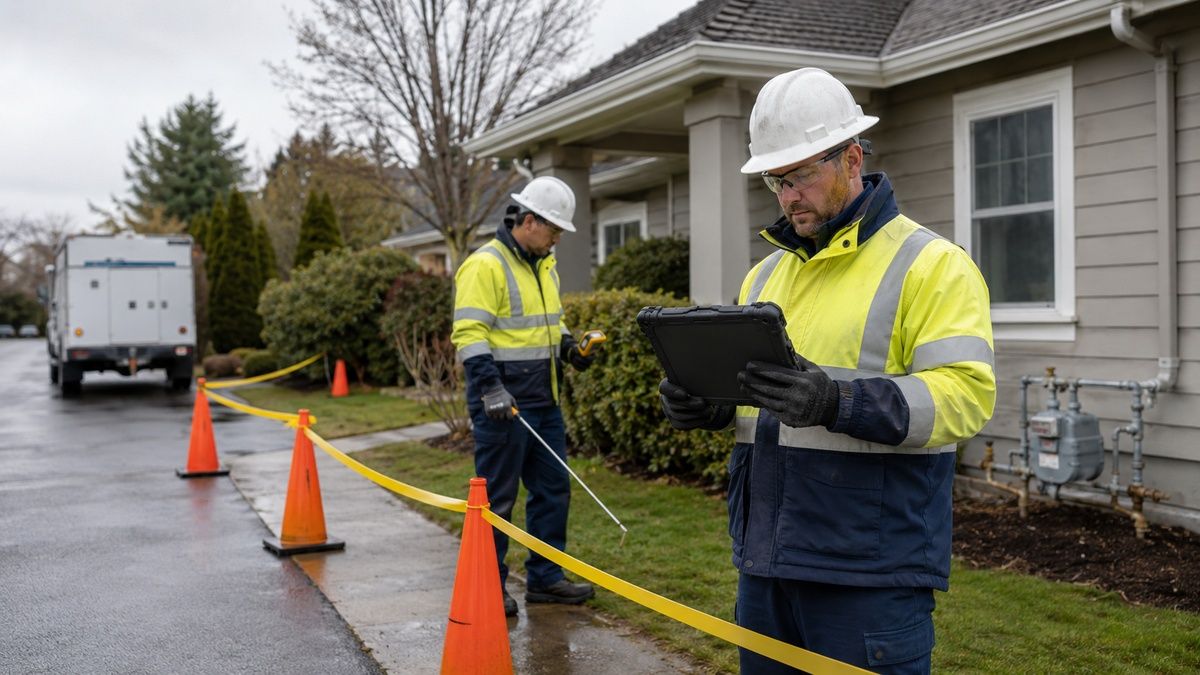
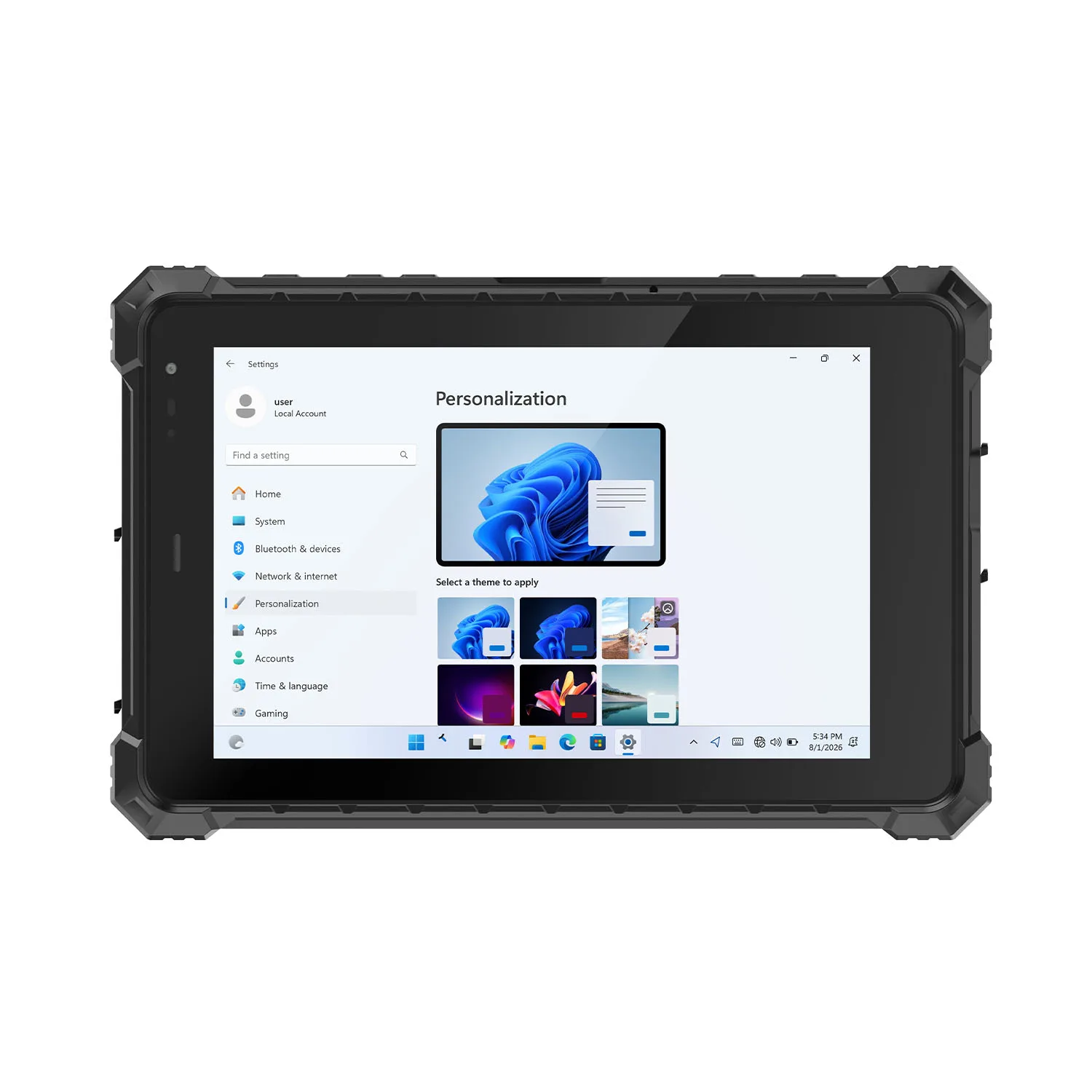
How do you digitize feed mill inspections without creating a new pile of bad data? Our working answer: issue a controlled route, bind each observation to the right asset and point, preserve where every reading comes from, and prove that exceptions reached the maintenance system. A grain silo inspection tablet adds value only when it keeps those links intact through weak coverage, user changes and incomplete work; replacing a clipboard with open text fields does not create a reliable inspection record.
A feed mill route is rarely one process. Receiving pits, bucket elevators, conveyors, hammer mills, pellet equipment, bearings, dust collectors and housekeeping zones have different inspection owners and response rules. The mobile form therefore needs to show where the operator is, what can be observed safely, which instrument supplies a value, and which condition requires withdrawal or escalation.
The most expensive data failures often occur between systems. The expensive data failures happen between systems. A technician scans the adjacent bearing. Someone copies a temperature without noting the instrument. A route gets closed with two points still inaccessible, or the screen says "sent" while the CMMS rejects the equipment code. Photographs and timestamps make the record richer only when the original event, author, asset, route version and destination response stay connected.
Safety remains a separate gate. OSHA 29 CFR 1910.272 requires grain-handling employers to address training, housekeeping and preventive maintenance, including scheduled inspections of relevant mechanical and safety-control equipment. The app can present the approved instruction and record its execution; it cannot make an unsafe approach acceptable or replace lockout/tagout when servicing work falls under 29 CFR 1910.147.
We compare ten manufacturers here as endpoints for a governed inspection process. Higher-category hazardous-area candidates appear first, followed by Zone 2/Division 2 and rugged enterprise options whose use depends on the route assessment. Each model's principal environmental specification is stated once in its own entry; the remaining analysis concentrates on execution evidence instead of repeating processor, radio or test-file lists.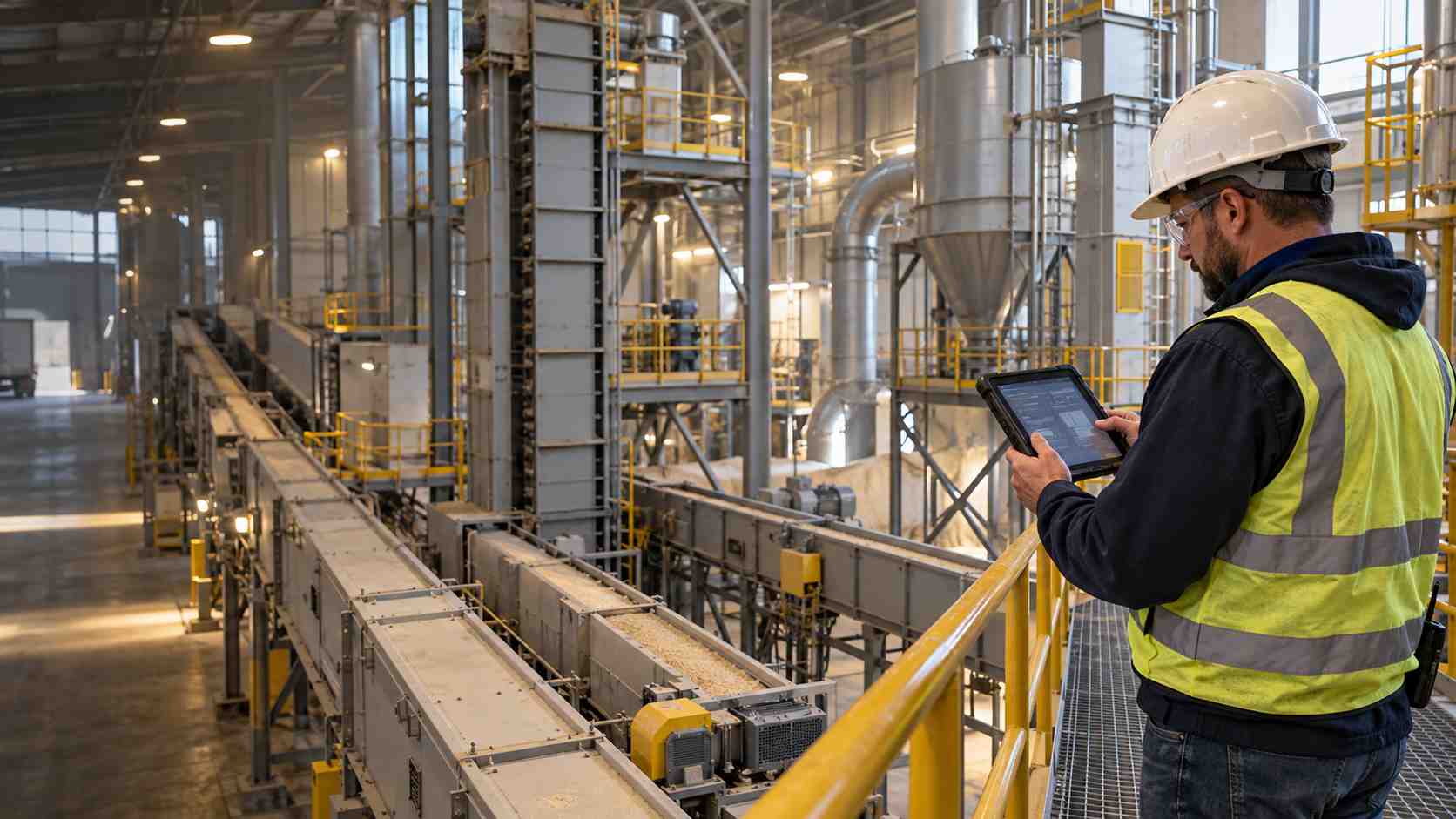
Sugar Refinery Operator Rounds Tablet: What Defines a Reliable Digital Inspection Workflow?
A reliable program starts with the approved inspection strategy, not with a generic form builder. For a sugar refinery, feed mill or grain elevator, the route owner should translate equipment criticality, preventive-maintenance instructions, housekeeping requirements and response procedures into an effective point list. A released route has an owner, revision, effective time and withdrawal state; work already completed retains the version used, while a retired version cannot start another round.
- Control route and point identity: Bind every task to a stable asset ID, point ID and authorized observation position. Barcode or NFC may pick the identity, but the screen should display the decoded asset and point for human confirmation before entry.
- Preserve reading provenance: Distinguish a visual observation, manual gauge reading, imported sensor value, calculated status and photograph. Store the original unit, device or instrument ID when required, time and operator instead of flattening all values into one number field.
- Escalate abnormal conditions without hiding the original: A hot bearing, slipping or misaligned belt, blocked aspiration path, dust leak or inaccessible guard should open the appropriate response path. The first observation remains visible after triage, correction or work-order creation.
- Make delivery state explicit: Locally saved, queued, transmitted, accepted and rejected are different states. A route is not complete merely because the tablet has removed it from the operator's screen.
The inspection application should also respect the stop-work boundary. OSHA requires prompt correction—or removal from service—of overheated bearings and slipping or misaligned belts associated with inside bucket elevators under the cited grain-handling standard. A red value on a form should not invite the operator to remain beside equipment while composing a long narrative. The safer interface presents the approved immediate action, records departure or notification, and leaves diagnosis to the authorized process.
Our proposed dry run uses four training routes and 24 checkpoints: eight at receiving and conveying assets, six at bucket-elevator head/tail and bearing points, six at aspiration or dust-collection equipment, and four in housekeeping areas. Seed two swapped labels, one retired asset, three abnormal observations, two stale instructions and one CMMS rejection. A useful result explains every blocked, escalated or unresolved item; a polished route with all green ticks proves little.
Flour Mill Equipment Inspection Tablet: Top 10 Manufacturers for 2026
The tablet is one controlled component in a larger maintenance and safety system. Hardware may provide a managed display, camera, scanner, NFC reader or encrypted offline queue, while the site still owns route design, hazardous-area admission, instrument control, alarm response, work-order governance and record retention. The following manufacturers are compared by credible workflow roles rather than by one headline feature.
1. CENAVA (China)
Core Strength: Project-controlled Android configurations for industrial inspection routes
CENAVA develops rugged Android and Windows mobile computers for industrial deployments, including hazardous-area product families. Its configuration model is relevant when a plant wants to freeze the operating-system image, reader choice, battery, enclosure and accessory set under one device specification instead of assembling the field kit after purchase.
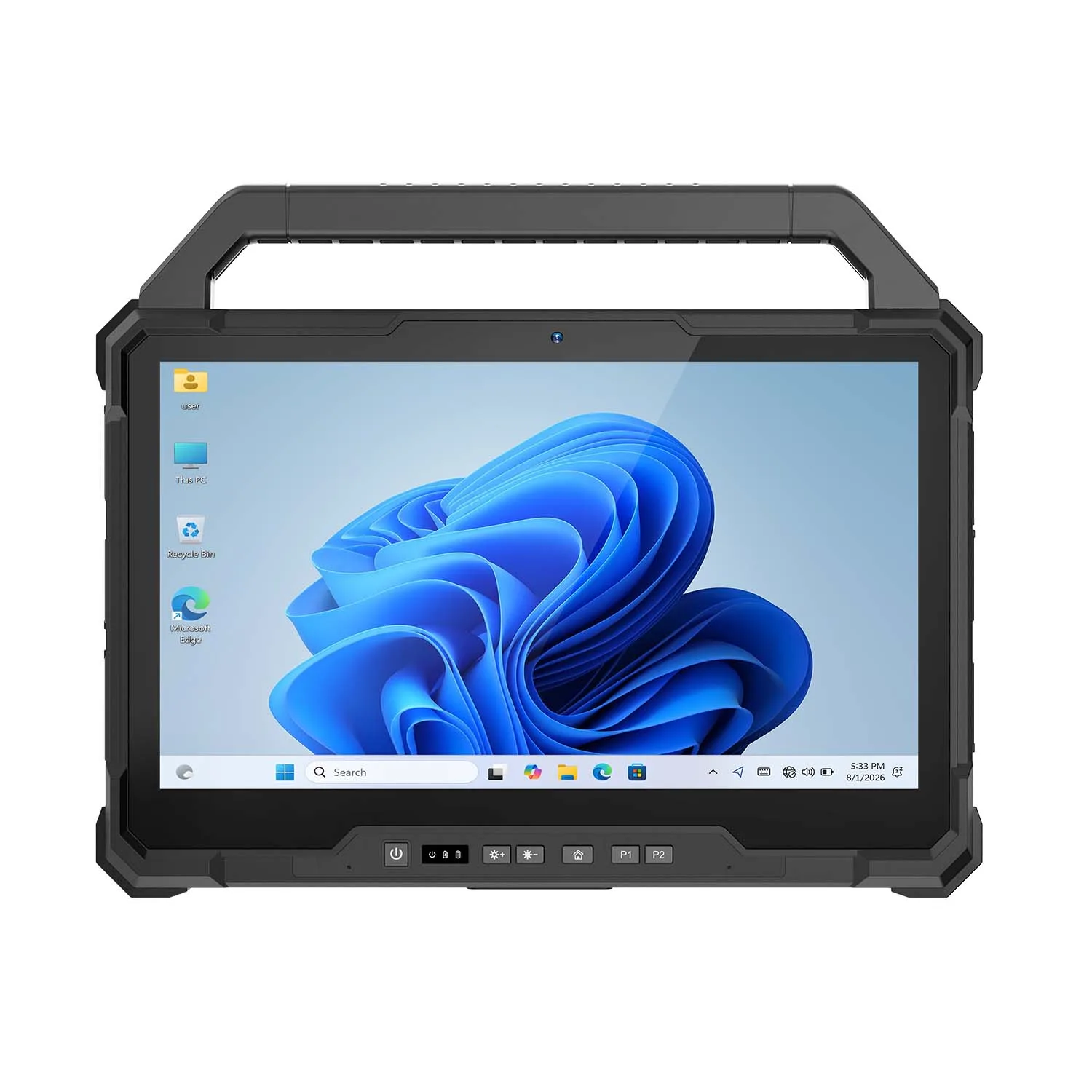
- Key Product: The A10ST-EX is a 10.1-inch Android platform published with IP68 protection, MIL-STD-810H evidence and a −20°C to +60°C operating range. The page describes separate higher- and lower-category hazardous-area routes; the ordered unit must follow its own marking and certificate instead of combining family claims.
- Technical Advantage: Optional barcode and NFC configurations can connect inspection entry to a physical asset without adding a loose reader. The practical benefit depends on controlling the reader service, application image, back cover and issued accessories as one bill of materials.
A feed mill maintenance tablet can open a released bearing-point task after scanning the label, then display the full conveyor, level, side and point name before accepting a reading. That confirmation step catches a physically valid label from the neighboring bearing. The scan identifies; the route logic decides whether the point belongs to the current job.
Run a proposed 30-label exercise using 18 correct points, four near-match assets, three retired identifiers, three damaged labels and two labels assigned to a different route. Record whether the device decoded the label, whether the app pulled the right record, and whether the user noticed the displayed identity. One combined “scan passed” score hides three different failure modes.
2. Pepperl+Fuchs / ECOM (Germany)
Core Strength: Compact managed Android mobility for Zone 1/21 and Division 1 routes
Pepperl+Fuchs combines process-automation and explosion-protection experience with ECOM's mobile-device portfolio. That background suits mills and sugar plants where some inspection stops require higher-category dust approval and operators must carry the device on stairs, galleries or compact platforms.
3. i.safe MOBILE (Germany)
Core Strength: Large Android workspace for governed Zone 1/21 rounds
i.safe MOBILE specializes in communication and computing devices for explosive atmospheres. Its larger format gives a route enough room to keep the current asset, point, safe observation note and exception action visible without turning each inspection into a chain of modal dialogs.
4. Aegex Technologies (United States)
Core Strength: Windows continuity for higher-category hazardous locations
Aegex develops intrinsically safe Windows mobile systems for process industries. It earns a look when a mill's maintenance client, drawing package or specialist diagnostic viewer depends on Windows and replacing that application would create a separate migration program.
5. BARTEC (Germany)
Core Strength: Enterprise scanning for eligible Zone 2/22 and Division 2 routes
BARTEC has decades of explosion-protection experience and an enterprise-mobility portfolio. Its current tablet family fits lower-category classified tasks where structured Android enrollment and long-range identification are priorities, provided the route classification and product marking agree.
6. Getac (Taiwan)
Core Strength: Fully rugged Windows workspace for Zone 2/22 engineering tasks
Getac produces rugged computers for industrial, utility and field-service work. Its EX line is relevant where Windows drawings, lubrication records and maintenance history need to travel to an eligible classified area without moving the task to a separate handheld workflow.
7. DURABOOK (Taiwan)
Core Strength: Large-screen Zone 2/22 Windows option for maintenance records
DURABOOK develops rugged laptops and tablets for industrial users. Its fanless EX tablet offers a roomy Windows workspace for plants that need drawings, inspection history and form entry on one device while keeping the route within the product's approval boundary.
8. Winmate (Taiwan)
Core Strength: Established Windows tablet for Zone 2 and Division 2 applications
Winmate supplies industrial displays and rugged mobile computers across manufacturing, logistics and process industries. Its long-running EX tablet can fit a stable Windows inspection client where application continuity matters more than adopting the newest hardware platform.
9. Panasonic TOUGHBOOK (Japan)
Core Strength: Modular Windows platform for North American industrial fleets
Panasonic's TOUGHBOOK line has a long service history in utilities, field service and public-sector fleets. The G2 is relevant to plants that already use compatible docks and Windows management, especially for control-room, vehicle or assessed lower-risk routes.
10. Zebra Technologies (United States)
Core Strength: Managed Android identification and logistics workflows
Zebra is a major enterprise-mobility and automatic-identification supplier. Its standard tablets are relevant to receiving, warehouse, vehicle and maintenance-staging tasks when the facility's assessment and exact product configuration permit their use.
How to Choose the Right Manufacturer for Feed Mill Inspection Workflows
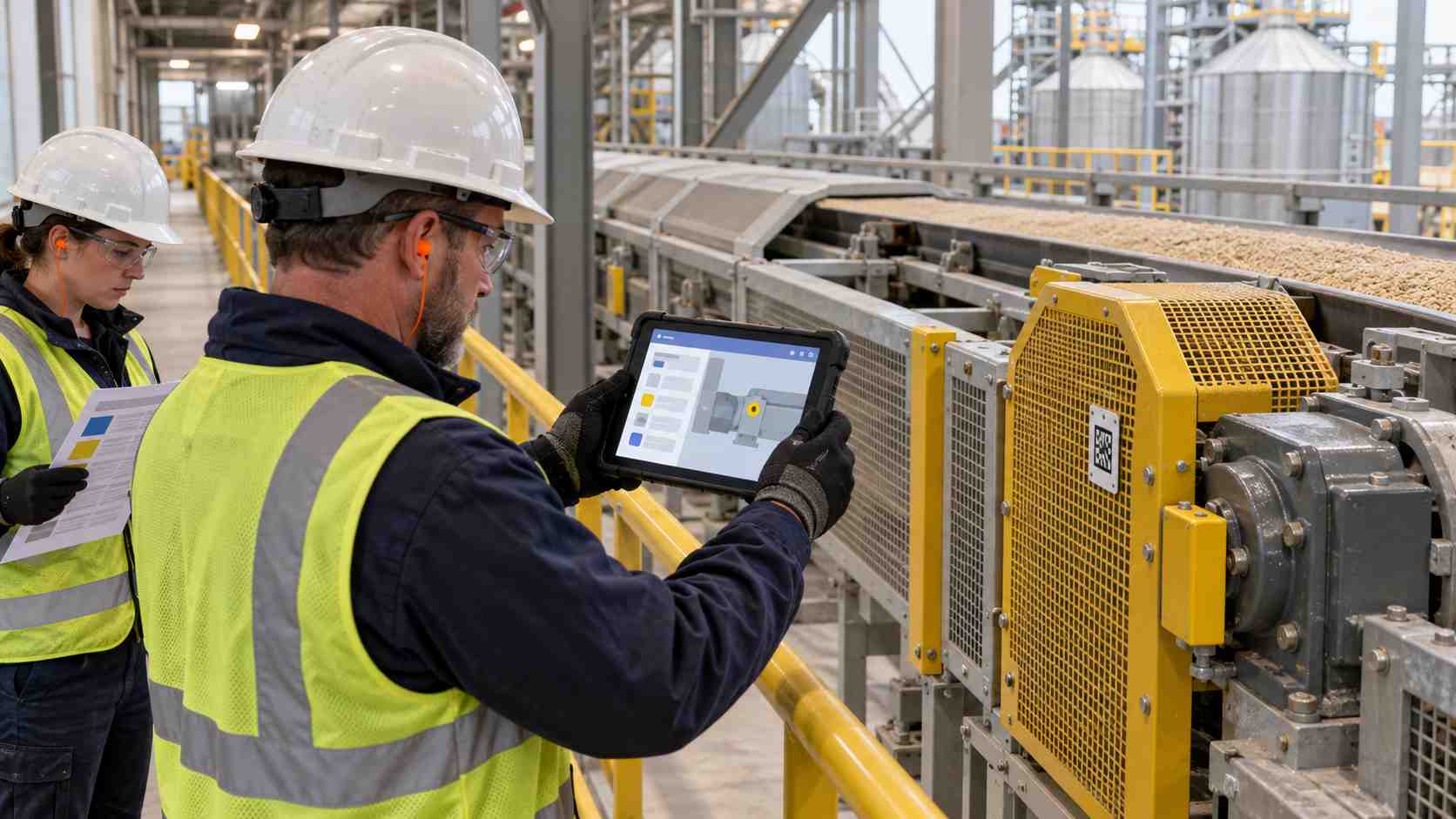
Remove devices that fail route admission first, then compare the remaining candidates with one controlled script. Environmental and electrical suitability are pass/fail gates; usability and lifecycle cost are scored only among configurations already eligible for the task.
Define Your Operating Environment
Create a route card with 14 fields: facility, building, level, task, asset, observation point, authorized standing position, release-source reference, area classification, dust group or applicable North American group, ambient range, issued accessories, cleaning method and charging location. Attach the current drawing or approved source that defines the area. “Mill floor” is too broad for device release.
Map interruptions as well as normal stops. Receiving doors, basement galleries and elevator heads may lose connectivity at different times. Record where the operator can safely review a queued item and where an abnormal observation requires immediate withdrawal. Offline capability should never become a reason to remain in an unsafe position.
Separate inspection from servicing. If a guard must be removed, a plug cleared or a hand brought into a danger zone, route execution stops and the applicable energy-control process begins. A mobile acknowledgement is not an isolation device and does not replace the authorized employee's lock or tag.
Clarify Performance Requirements
An ip68 tablet for feed mills answers an ingress question under defined test conditions; it does not answer hazardous-area admission, chemical compatibility, drop behavior with accessories or touch performance with issued PPE. Treat IP, MIL-STD-810G/H evidence, operating-temperature limits and electrical approvals as separate fields in the requirement set.
Use a proposed 42-event acceptance script: 16 normal observations, six wrong-point traps, four out-of-range instrument readings, four expired instructions, four offline submissions, three duplicate handovers, three CMMS rejections and two simulated stop-work events. Score correct state and response first, then completion time.
Test the actual glove, stylus, strap and screen protector. Ask several operators to make 20 entries containing decimals, corrections and exception choices. Report missed taps and accidental submissions separately. Avoid turning one successful PPE combination into a claim about every glove used elsewhere in the facility.
Consider Software & Integration
The CMMS, inspection platform or approved system of record should own the authoritative event; the tablet is a managed client with a temporary queue. A grain elevator work order tablet must display whether an exception is saved locally, accepted by the integration layer, rejected by the destination or converted into a valid work order number.
In a safe test environment, cut connectivity for 90 minutes after four dummy observations. Correct one value, change user once and trigger one exception. After reconnection, compare event IDs, timestamps, authors, original values, correction reasons and server acknowledgements. “No data disappeared” is too weak if duplicates or altered authorship remain.
Barcode and NFC are identity inputs, not authorization. Test a correct tag on the wrong route and a valid tag from the neighboring asset. The application should reject the context mismatch and explain it without offering a convenience override to the route operator.
Analyze Total Cost of Ownership (TCO) vs. Initial Cost
Price the released assembly rather than the bare tablet: approved case, strap, stylus, reader, batteries, charger, dock, device-management license, application testing, incoming inspection, training and repair release. Add the labor for route and asset-master governance; a low device price does not correct stale point data.
For an illustrative fleet of 18 units and three shifts, compare eight-shift pilots rather than extrapolating from one demonstration. Measure route completion, wrong-point blocks, offline recovery, rejected work orders, device issue time and unresolved exceptions. Treat the figures as local evidence, not as a promise of savings at another mill.
Contact CENAVA only when an exact project configuration needs review. Provide the destination country; facility type; route-by-route Zone or Class/Division; dust group and maximum permitted surface temperature when applicable; ambient range; cleaning method; operating system and application; expected offline duration; scanner, NFC, strap and dock needs; and charging location. Add carrier and required bands only for cellular projects, and specify the NFC card or tag family plus the read/write action you expect to perform, and only when NFC is actually used. Do not send credentials, live process data, formulations, employee personal data or unredacted incident records.
The Future of Digital Feed Mill Inspections: Trends to Watch
- Released routes will become executable data packages: Asset, point, instruction, unit, limit, response rule and effective version will travel together. The benefit is not more form fields; it is preventing an obsolete point list from starting another shift.
- Edge queues will expose evidence instead of hiding latency: Applications will make local save, transmission, acceptance and rejection visible to operators and supervisors. Event IDs and idempotent submissions will matter more than a generic “offline capable” label.
- Exception-first design will replace checkbox completion: Supervisors will review inaccessible points, repeated abnormalities, work-order rejection and overdue response by exception. Normal observations remain available without demanding the same narrative burden as a genuine defect.
- Device identity will join route authorization: Serial number, product configuration, application version and issued accessory set will increasingly determine which routes can be downloaded. This reduces dependence on a worker recognizing two similar black tablets at the issue desk.
Conclusion
A defensible feed-mill inspection program begins with controlled routes, unambiguous asset and point identity, recorded reading provenance, and a clear response to abnormal conditions. The strongest workflow also distinguishes locally saved data from a work order that the authoritative system has actually accepted.
CENAVA, Pepperl+Fuchs/ECOM, i.safe MOBILE and Aegex provide different project paths for demanding classified routes, while BARTEC, Getac, DURABOOK and Winmate address eligible lower-category environments. Panasonic and Zebra add managed enterprise options for the specific configurations and locations described above. Their IP ratings, MIL-STD-810G/H evidence and operating ranges improve ruggedness decisions but do not substitute for route-level electrical admission.
The way we would digitize mill inspections is to test the whole evidence chain: issued route, correct point, safe observation, original value, exception, offline queue, server receipt and shift handover. Add attributable field records from the facility before publication, then keep each device configuration inside the area, accessory and operating limits released by the responsible site owners.
Need a Rugged Device for Your Project?
Tell us your operating environment and requirements — our engineers will recommend a configuration and quote within 24 hours.
Get a Free Quote Back to Blog