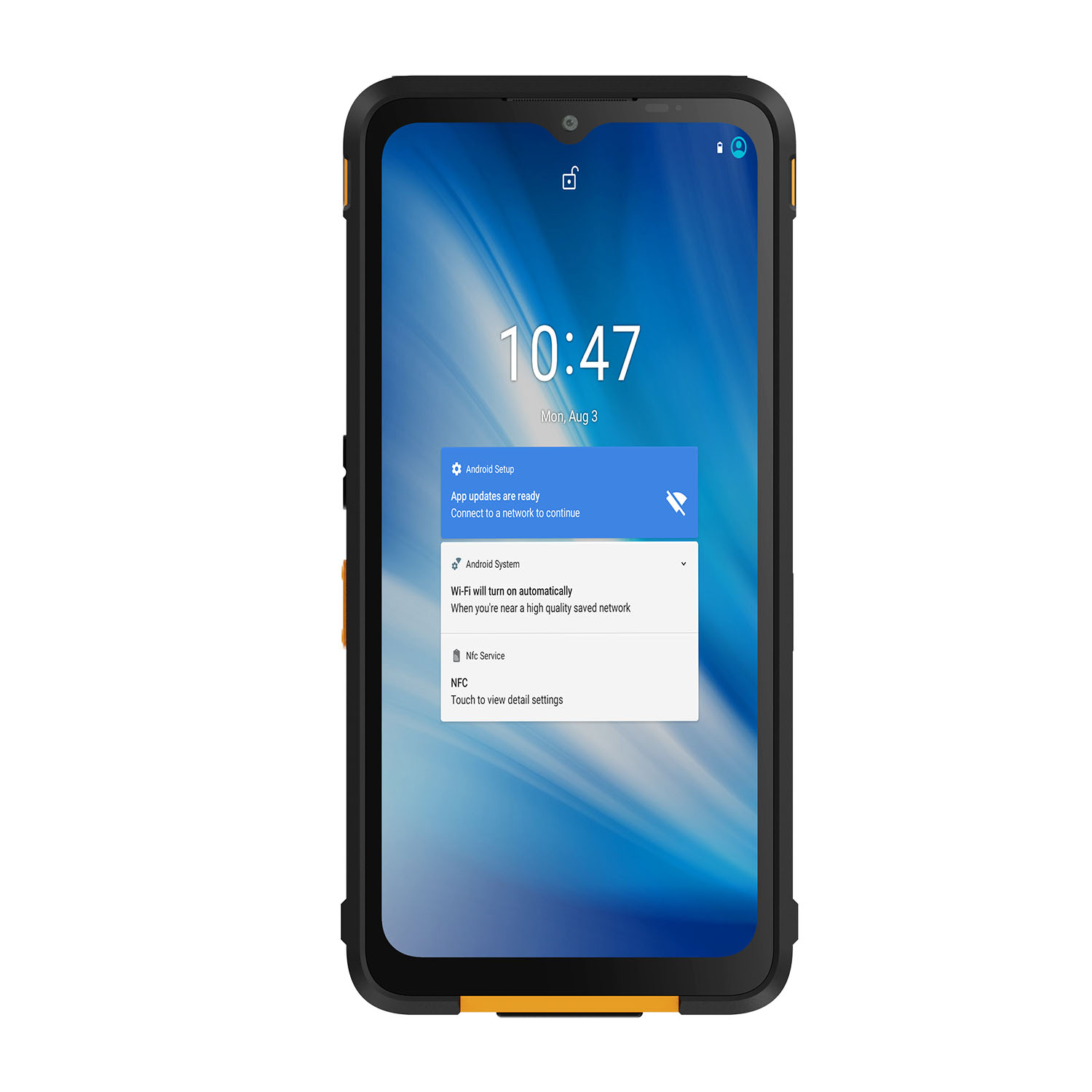
Start with the route, not the spec sheet. Walk it on the general arrangement: bridge, accommodation, machinery space, open deck, process module. At each stop, note the salt exposure, the vessel motion, whether you have Wi-Fi or nothing, and — critically — whether the area-classification drawing puts you inside a Zone or Division line. The tablet that survives all of that is the one you buy.
Take a tablet that sailed through dockside testing. Now put it on a wet gangway in the English Channel in February, then next to a hydrocarbon process skid on a North Sea platform. The first environment will test the corrosion life. The second will ask whether it can be there at all. IP65, IP67, IP68 — those numbers describe a water-ingress lab test. They say nothing about salt corrosion, explosive-atmosphere safety or what a classification surveyor will accept. Get this distinction right on day one, and half the catalog drops out.
On a vessel, most maintenance happens in ordinary areas — engine room, accommodation, bridge. A production platform is different: one walk from the living quarters to a compressor module can cross from unclassified into Zone 2, then into Zone 1 at the skid. The change happens at a painted line on the classification drawing. A product-family brochure does not know where that line is. The drawing does.
Now the connectivity conversation. A tablet vendor will show you a video call on a sunny rooftop. Your crew will use the tablet behind a steel bulkhead in the engine room, or on deck where the nearest cell tower is 30 miles away, or at a rig where the satellite link runs through a Fleet Broadband terminal on the bridge — not through the tablet. Our test starts without any of that: open a work order offline, take three photographs, record a defect, kill the connection, then restore it and see what arrives in the maintenance system. If the record is duplicated, corrupted or attached to the wrong asset, the app fails — regardless of how many radios the tablet claims.
This guide covers nine manufacturers — we will explain the number — whose products fit different slices of that operating envelope. The order is not a ranking. It is a map: here is what each maker does well, where the approval boundary stops, and what you need to check before the purchase order goes out.
What Defines a Top-Tier Offshore Rugged Tablet Manufacturer?
Selecting field hardware for offshore work involves more than choosing the strongest enclosure. Four manufacturer capabilities have the greatest effect on a deployment after the pilot devices leave the office:
Can the supplier tell you — in one document — which model, which option code, which certificate, which temperature class and which zone or division that certificate covers? If the answer involves phrases like 'the product family supports...' or 'contact us for regional details,' you do not have an approval boundary yet. A Zone 2 certificate on the datasheet means nothing if the shipping unit carries a different option code. IP ratings, environmental test methods and hazardous-location approval are three separate lines of evidence; bundling them on a marketing page does not make them interchangeable. Demand the certificate number and cross-check it against the delivered marking.
Here is what we check: Does the dock hold when the vessel rolls? Can the technician swap the battery with one hand while the other grips a rail? Does the tether attach to the case or to a port cover that pops off on impact? Is the stylus secured or will it end up in the bilge on day three? These are not hypothetical — they are the first week of any marine deployment. If the accessory catalog is thin or 'coming soon,' the tablet is not ready for a ship, no matter what the drop-test video shows.
Published test data should answer three questions: (1) Which standard — IEC 60529, MIL-STD-810 Method 510, ASTM B117 — and which specific method within it? (2) Which exact assembly was tested — tablet alone, or tablet plus dock, case and screen protector? (3) What does the result prove — and what does it not prove? A 48-hour salt-spray pass tells you about the enclosure in a fog chamber. It tells you nothing about charging-contact corrosion after twelve months of deck service, or whether the label is still legible after your crew's cleaning protocol. Ask for the accessory evidence separately; we have seen docks fail before the tablet did.
Will this tablet still receive security patches in 2030? If the battery dies on a four-week offshore rotation, can your crew replace it on-site or does the unit go back to shore? When a damaged tablet returns for repair, does the service center know to preserve the ATEX configuration — or will it come back with the right serial number and the wrong certificate? These questions cost nothing to ask at the RFQ stage. They cost a fortune to discover during a nine-month rollout.
The Top 9 Offshore Platform Inspection Tablet Manufacturers of 2026
The following manufacturers approach platform inspection from different directions. Some concentrate on Windows field computing, others on Android mobility, and several specialize in intrinsically safe equipment. For each one, the useful question is not “Which brand is toughest?” but “Which exact configuration belongs on this route and in this area?”
1. Getac (Taiwan)
Getac's strength for a mixed fleet is running one accessory and management ecosystem across both sides of the painted line: the F110 generation covers unclassified maintenance routes, while the F110-EX variant carries ATEX/IECEx Zone 2/22 approval for process-adjacent work. Same dock family, same MDM image — different permission. Here is the catch: the two variants need separate MDM groups and the EX unit needs a visible mark, because on a wet deck at night they look identical.One practical solution: color-code the EX unit with a high-visibility band near the dock connector — red for classified, black for ordinary. It is cheap, it is immediate, and it has prevented at least one wrong-device incident we are aware of.
2. Panasonic TOUGHBOOK (Japan)
An engine-room technician needs a serial port to talk to a pump controller, a bridge inspector needs extra battery for a six-hour watch, and a deck officer needs thermal imaging for electrical panels. Panasonic's TOUGHBOOK G2 lets all three swap expansion packs on the same chassis — serial, thermal, extra battery — without carrying three different devices. For classified routes, Panasonic offers a C1D2 configuration as a factory option. One word of caution: it is ordered that way and cannot be retrofitted, so the classification decision belongs in the requisition, not the rollout meeting. And nobody should confuse a C1D2 tablet with a type-approved navigation display — different problem, different standard, different paperwork.
3. Zebra Technologies (United States)
Zebra's ET60/ET65 pair enterprise Android and Zebra's scanning pedigree with an optional Class I Division 2 certification — important nuance: C1D2 is an orderable configuration of the ET60/65, not the standard SKU, so the datasheet headline is not the deliverable. For stores control and asset-label routes in unclassified areas the standard units are the obvious fit; for routes crossing into a Division location, confirm the exact certified option code before the order. The same ET60/65 hardware appears in BARTEC's Zone 2/22 EX2 variant under a different certificate — shared enclosure, separate approval.If your stores team uses Zebra scanners in the warehouse, there is a temptation to assume the ET60/65 EX2 is just a rugged Zebra with a sticker. It is not. The BARTEC certificate covers the BARTEC configuration, tested and marked as a separate product. Ship the wrong unit to a classified area and the compliance gap is yours, not BARTEC's.
4. DURABOOK (Taiwan)
Can an 8-inch screen do the job offshore? That depends on the job. DURABOOK's R8-EX is one of the few Windows tablets in this size class with ATEX/IECEx Zone 2/22 approval — compact enough for ladder climbs, narrow module passages and one hand on the rail. The honest trade-off: pull up a full P&ID or a multi-column maintenance form on 8 inches and you will be zooming and panning where a 10-inch user just reads. Pair it with task-focused form design — large fields, minimal columns, image-first defect reporting — and test drawing legibility with your actual documents, under actual deck lighting, before you commit the fleet. We have seen forms designed on a 24-inch monitor fall apart on an 8-inch screen in direct sunlight.
5. MilDef / Handheld (Sweden)
The Algiz line (under MilDef's Handheld brand) comes from defense and public-safety field computing — straightforward Windows operation and glove-friendly ergonomics that translate well to unclassified deck and accommodation routes. This is your deck-and-accommodation tablet. It does not cross the classified line — and its portfolio has no certificate to change that: there is no Algiz hazardous-location certificate in the current portfolio, so it never crosses the painted line, and its ruggedness claims should be read as MIL-STD test-method results, not marine class evidence.This matters because some procurement teams conflate 'rugged' with 'approved for classified areas.' The Algiz line is rugged in the MIL-STD test-method sense — it will survive drops, vibration and temperature extremes. But 'survives a drop test' and 'permitted inside a Zone 2 boundary' are different claims under different standards, and no amount of marketing bridges that gap.
6. CENAVA (China)
CENAVA's role in an offshore shortlist is different from its role in a wastewater fleet. On a platform, the tablet faces salt deposit, vessel motion and potentially months between port calls — so the accessory and dock configuration matters as much as the tablet itself. The A10ST-EX is a 10.1-inch Android tablet with IP68 protection. The Zone 2/22 certificate references — IECEx CSAE 24.0031X, Ex ic IIC T4 Gc / Ex ic IIIC T135°C Dc, ATEX CSANe 24ATEX1144X, II 3GD — apply to the named configuration only.
For an offshore integrator, the draw is project-level configuration: define the task, the NFC asset-tag type, the dock, the charging location and the inspection app as one controlled build. On a vessel, that build needs to survive the cleaning protocol your deck crew actually uses — not the one on the spec sheet. Before committing, ask for the accepted wipe-down method for the exact enclosure and accessories, then test it yourself with your disinfectant at your concentration. If the charging contacts corrode or the label degrades in the first month, the IP68 rating did not save you.
"One point to get right: CENAVA's product documentation also references a higher-category marking obtained through a voluntary technical-document verification route. In the EU, that pathway is distinct from the formal conformity assessment required for Zone 1 ATEX equipment. The European Commission's Blue Guide makes the difference clear. This comparison covers the Zone 2/22 configuration only — if your route drawing includes Zone 1 legs, you need a differently certified device.
When the route requires CENAVA project review, send: the country of installation; vessel or platform type (including class society if relevant); the application environment; zone or division, gas group and temperature class; salt-exposure severity and cleaning method; the required app and operating system; carrier, operator and SIM/eSIM details if cellular connectivity is needed; NFC tag or card type if asset identification is part of the task; and the intended dock, charging location and all accessories. Do not send access credentials or confidential security keys. If you are comparing general options, this guide's review above is sufficient — a project inquiry is for deployments with confirmed specifications.
7. Winmate (Taiwan)
Most tablet makers on this list ask you to choose: mobile or fixed. Winmate does both. The M101S-EX handles selected Zone 2 / Division 2 mobile inspection tasks, while a separate marine panel-PC and display line covers fixed bridge and control-room positions. For an integrator already managing a Winmate fleet onshore, having mobile and fixed in the same product family means one mounting system, one spare-parts list and one service conversation — a real operational simplification when you are 200 miles from the nearest warehouse. Just keep the approval boundaries sharp: the M101S-EX certificate covers its own configuration. Nothing about the panel-PC line transfers to it, or back.
8. i.safe MOBILE (Germany)
The question with i.safe MOBILE is not whether the IS940.1 is tough enough — it is whether the temperature range matches your route. The published spec is −20 to +55°C. On a winter North Sea platform, wind chill on an exposed deck at 0400 will test the lower bound. On a summer Gulf of Mexico accommodation deck with no ventilation, heat soak will test the upper one. Neither condition is hypothetical. Before you qualify the IS940.1 for year-round use, check the ambient extremes on your specific asset across all seasons — not just the annual average. Android 14 on a current chipset and physical programmable keys are the functional advantages: on a wet deck with soaked gloves, a hardware push-to-talk button works when the touchscreen is still adjusting.
9. Pepperl+Fuchs / ECOM Instruments (Germany)
Expect to pay a premium and carry more weight compared to Zone 2 alternatives — flameproof-plus-intrinsically-safe construction adds material and engineering cost. If your route drawing puts every classified stop in Zone 2 and nothing higher, the DZ2 variant handles it for less money and less arm fatigue. Save the DZ1 for routes that genuinely require Zone 1.
How to Choose the Right Manufacturer for Your Application
The best rugged tablet for marine inspections is the one that completes the real route safely and produces usable records at the end of the shift. A procurement team can narrow the field quickly with four workstreams.
Define Your Operating Environment
We watched a procurement team draw the route on a platform GA drawing once. It took twenty minutes and changed their shortlist completely. Three stops they had assumed were unclassified turned out to be Zone 2 on the current revision — not the 2016 revision they had been referencing. The exercise is simple: print the current area-classification drawing, not the project-as-built from ten years ago, and trace the actual walking path. Mark open deck, enclosed cabin, machinery space, accommodation, Zone and Division boundaries, charging points, muster stations and every work-at-height position. Add minimum and maximum temperatures by season, wind-driven spray patterns, the cleaning chemicals your crew uses, and how often salt deposits accumulate between washes. Do this before you look at a single product brochure.
Then separate the evidence. You will encounter four types — and mixing them up is how bad purchases happen:
IEC 60529 — ingress protection (water and dust). Answers one question. Not corrosion, not chemistry, not safety.
MIL-STD-810 — environmental test methods. The manufacturer picks which methods to run. It is not a blanket government certification.
Salt-fog results (ASTM B117 or similar) — describes a specific lab exposure. Does not predict your dock's corrosion rate after twelve months.
Hazardous-location certificates (ATEX, IECEx, C1D2) — controls ignition protection. Does not transfer between models, between configurations or between legal jurisdictions.
IEC 60945 applies to type-approved maritime navigation and radiocommunication equipment, including bridge-mounted EMC requirements. A maintenance tablet should not claim IEC 60945 compliance unless the exact product has been tested and the vessel's approval assigns it a navigation function. If you see IEC 60945 on a tablet datasheet without a certificate number, ask questions.
Clarify Performance Requirements
Write an acceptance script before asking for demonstrations. Sixteen dummy jobs are enough for a useful first pass: four normal inspections, four photographs, four barcode or NFC checks and four exception records. Interrupt the connection halfway through, deliberately enter one wrong asset and verify recovery without duplicate work orders.
Test daylight readability with the production screen protector and actual viewing angle. Evaluate wet-touch behavior using clean water in a safe controlled location, then repeat with issued gloves. A brightness number is helpful, but reflections from white superstructure, salt film and polarized eyewear change the result.
Mounting deserves its own pass. Use the final dock, tether and cables on a representative secured vehicle or cabin station. Check latch operation, connector strain, release clearance and screen movement. Live testing in rough weather, near an open edge or during crane operations is unnecessary and unsafe; controlled evidence is the goal.
Consider Software & Integration
Start the software trial with the network unavailable. The inspection app should cache asset data, retain timestamps, queue attachments, expose sync status and resolve a changed record predictably. If a vessel uses an external satellite gateway, restrict the test link to a realistic bandwidth and verify that large images compress or wait without blocking urgent text records.
Cybersecurity and shared-device controls matter during crew rotations. Decide how technicians authenticate offline, what happens when a user leaves the vessel, how local data is encrypted and who may export images. A lost tablet should not become an archive of equipment locations, permits and personnel details.
For U.S. offshore operations, the Bureau of Safety and Environmental Enforcement's SEMS framework integrates hazard analysis, procedures, mechanical integrity, management of change and stop-work authority. A tablet can digitize the permit-to-work form, record the JSA, and timestamp the gas-test reading. What it cannot do is authorize the entry, override the confined-space procedure, or stand in for the person who signs off on safety. If the app's workflow makes it feel like completing the screen IS the safety step — rather than a record of the safety step — the design is wrong. We have seen this conflation in two different inspection apps; both needed redesign before deployment.
Analyze Total Cost of Ownership (TCO) vs. Initial Cost
Include docks, straps, approved cases, spare batteries, charging stations, management software, app validation, training, repair freight and replacement coverage. Give the EX and non-EX units different asset tags, different storage locations and different kit numbers. We audited one fleet where a technician grabbed the wrong unit from the charging rack — identical hardware, wrong certificate, classified area.; mixing visually similar devices creates an avoidable control risk.
Operational friction belongs in the model. Run the numbers with real data, not assumptions. Suppose — and this is a starting point, not a finding — that six technicians complete three rounds each and lose seven minutes per round to data re-entry on a paper or hybrid system. That is 126 staff-minutes a day, roughly two person-hours. On a 28-day offshore rotation, that is 56 hours of lost productivity per crew change. Whether the tablet recovers enough of that time to justify the investment depends on measured pilot data, not this illustration. Replace those assumptions with measured values from the pilot, then compare the saving with the annualized hardware and support cost.
Finally, inspect the end of life. Ask how long OS security maintenance is planned, whether batteries and docks remain orderable, how repair units preserve the approved configuration, and how application data is wiped before return. A lower purchase price loses its advantage if accessories disappear halfway through a four-year rollout.
Future Trends in Marine and Offshore Field Tablets
Marine mobility is moving toward better operational evidence rather than simply thicker enclosures. Four developments will shape projects through the next purchasing cycle:
Configuration identity tied to area assignment: We audited a 14-vessel fleet last year and found three tablets assigned to classified areas that had never been certified for those zones. Two were standard models — no EX marking, no hazardous-area certificate — that had drifted into work packs over time because someone decided 'it looks rugged enough.' The third had the right certificate but the wrong option code for the installed accessory configuration. All three were caught before anything went wrong, but only because someone physically checked the marking against the work-pack assignment. Device management systems are starting to store exact model, approval option and permitted route in the asset record — and NFC or QR checks at the charging cabinet can flag a mismatch before the tablet leaves the rack. This is not about technology for its own sake. It is about a last line of defense against the slow drift that happens in every fleet.
Offline-first applications with controlled satellite transfer: A Fleet Broadband 500 terminal delivers roughly 432 kbps — shared across the entire vessel. When the engine-room team uploads four inspection photos at 3 MB each, the bridge officer's email stops and the radio room's distress-system logs queue up. The inspection app that sends a 2 KB structured text record first, queues the photos, and shows the technician exactly what has synced and what has not — that app keeps the peace. One we tested recently compressed images to 200 KB on-device before upload and prioritized any record tagged 'urgent.' It was not perfect, but the crew stopped arguing about bandwidth within a week. Integration testing against a bandwidth-restricted link that resembles your actual satellite service will matter more than any radio specification on a product page.
More defensible corrosion-lifecycle evidence: We reviewed a qualification package last year where the tablet had passed a 96-hour salt-spray test — ASTM B117, documented and certified. Impressive. The charging dock, sold separately, had never been tested at all. Eight months into deck service, the dock's contact pins corroded to the point where charging required three attempts. The tablet was fine; the accessory ecosystem was not. Buyers are starting to ask for corrosion evidence at the accessory level — named methods, named materials, accepted cleaning chemistry and a stated inspection interval. Suppliers that can provide this without you having to ask six times are the ones worth shortlisting.
Assisted image review with bounded decisions: On-device models may flag a missing label, coating change or gauge-reading anomaly for human review. The moment the overlay starts making integrity claims or safety calls, shut it down and go back to calibrated instruments. Assisted review means flagging — not deciding.

Frequently Asked Questions
1. Does an IP68 rating mean a tablet is ready for offshore use?
Offshore, IP68 is the opening argument, not the closing one. Your qualification checklist needs to answer at least four questions before IP enters the conversation: How long does the enclosure survive daily salt deposit? Does the dock hold when the vessel rolls? Can a technician in soaked gloves hit the right input field? And — if any leg of the route is classified — does the certificate cover the exact device on the exact side of the line? IP68 is silent on all four. Use it as an entry ticket, then qualify the rest against your route drawing.
2. Can our maintenance tablet double as bridge navigation equipment?
We were asked this on a bridge-modernization project two years ago. The answer was no — and the reason is structural, not technical. IEC 60945 applies to specific maritime navigation and radiocommunication equipment and sets EMC, environmental and performance requirements for bridge-mounted devices. A maintenance tablet — even a very good one — has not been tested to that standard, has not been submitted to the flag state or class society, and has not been assigned a navigation function in the vessel's approval package. 'It can display a chart' is not the same as 'it is approved to display a chart for navigation.' Keep the two roles as separate purchases with separate approval paths.
3. Our platform route crosses into Zone 2 — can a Zone 2-certified tablet go everywhere on it?
One practical tip: bring a printed copy of the area-classification drawing on the platform visit. We have seen three instances where the tablet datasheet said Zone 2 and the drawing said Zone 1 at the exact location where the crew needed to work. The drawing always wins.
4. Is satellite connectivity something we should require built into the tablet?
Usually no — and here is why. Offshore satellite bandwidth comes from an external terminal (VSAT, Fleet Broadband, Iridium) or through the vessel's own network. A built-in satellite radio in the tablet sounds convenient, but the bandwidth, antenna placement and integration with the vessel's traffic-management system all happen outside the tablet anyway. What matters more than a built-in claim is how the app behaves when the link is slow, intermittent or shared. Test it: start an inspection offline, interrupt the connection mid-transaction, then restore it over a bandwidth-restricted link — throttle your test network to 256 kbps and see whether queued records, including photos, sync predictably or create duplicates and missing attachments. That test tells you more than any connectivity specification.
Conclusion
This marine offshore tablet buying guide covers nine manufacturers — and if you noticed Aegex is missing from the main list despite appearing in the conclusion, that is deliberate. Aegex offers Zone 0/1 Windows tablets that we covered in our wastewater treatment guide; for marine routes that genuinely require the highest gas-area protection, their Aegex100M belongs on the longlist. We did not repeat the full entry here because the marine-specific accessories and integration path need separate verification — and we would rather flag the gap than pad the list with a recycled paragraph.
For vessel maintenance and unclassified offshore routes, Getac, Panasonic, Zebra and MilDef offer credible choices across Windows and Android workflows. Where the route crosses into a classified process area, DURABOOK, Winmate, CENAVA, i.safe MOBILE and Pepperl+Fuchs/ECOM each provide specific Zone or Division paths — each with its own boundary conditions, accessory requirements and price implications.
A sound buying decision ends with three things: a route-based pilot using real forms, real gloves and real connectivity conditions; a configuration-controlled device list where every unit's certificate, option code and permitted zone are documented before deployment; and a lifecycle cost model built from measured pilot data, not spreadsheet assumptions. The tablet improves the inspection record. Gas monitoring, ventilation, confined-space permits and a trained rescue team — those are the systems that bring your crew home. Never confuse the two.


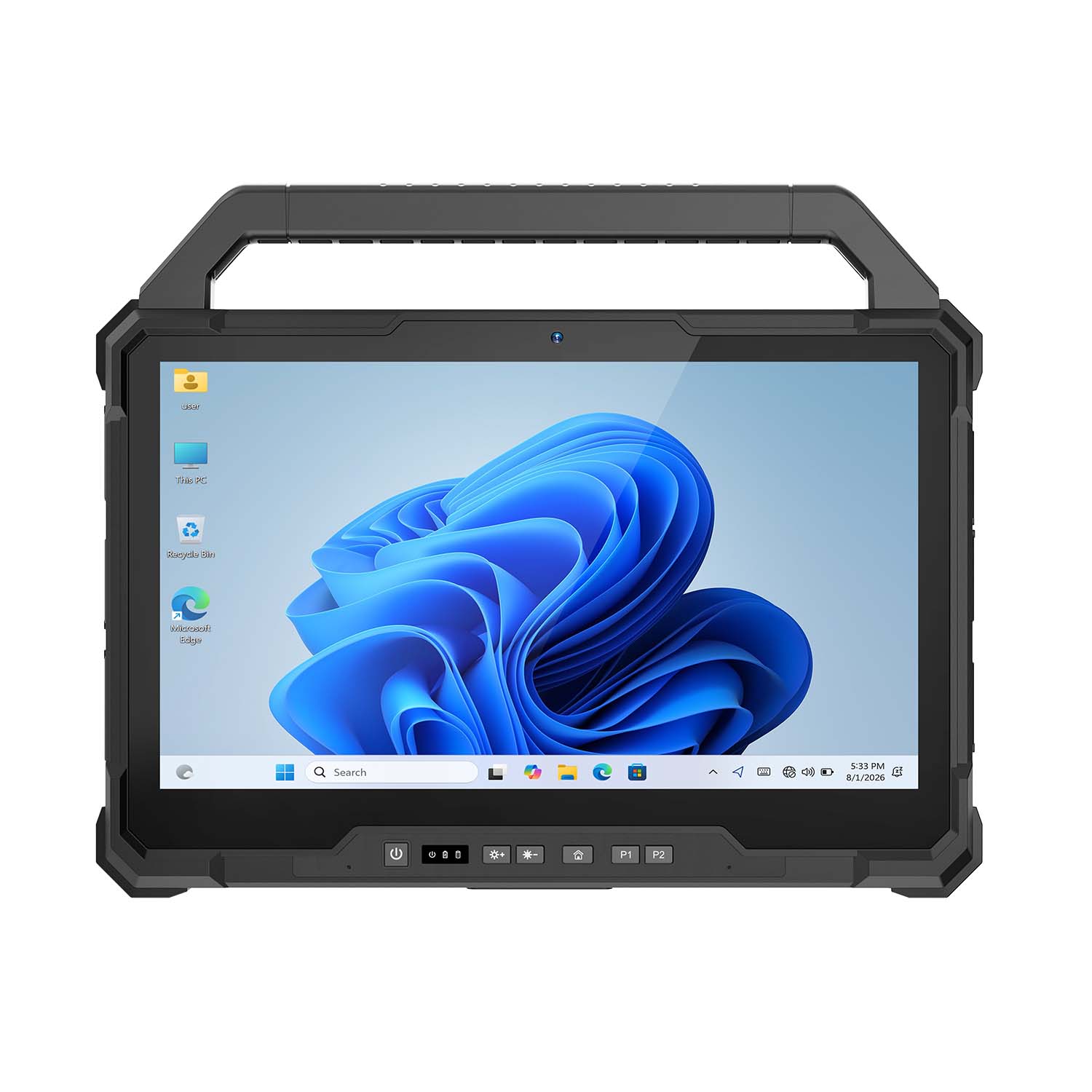 CENAVA W30U i5-1235U 13.3 Inch Win11 IP65 Rugged Tablet
 CENAVA W109U i7-1255U 10.95 Inch Win11 IP67 Rugged Tablet
 CENAVA A109TB MT6789V 10.95 Inch Android 14 IP68 Rugged Tablet
 CENAVA W10Y i7-10510Y 10.1 Inch Win11 IP68 Rugged Tablet Full I/O
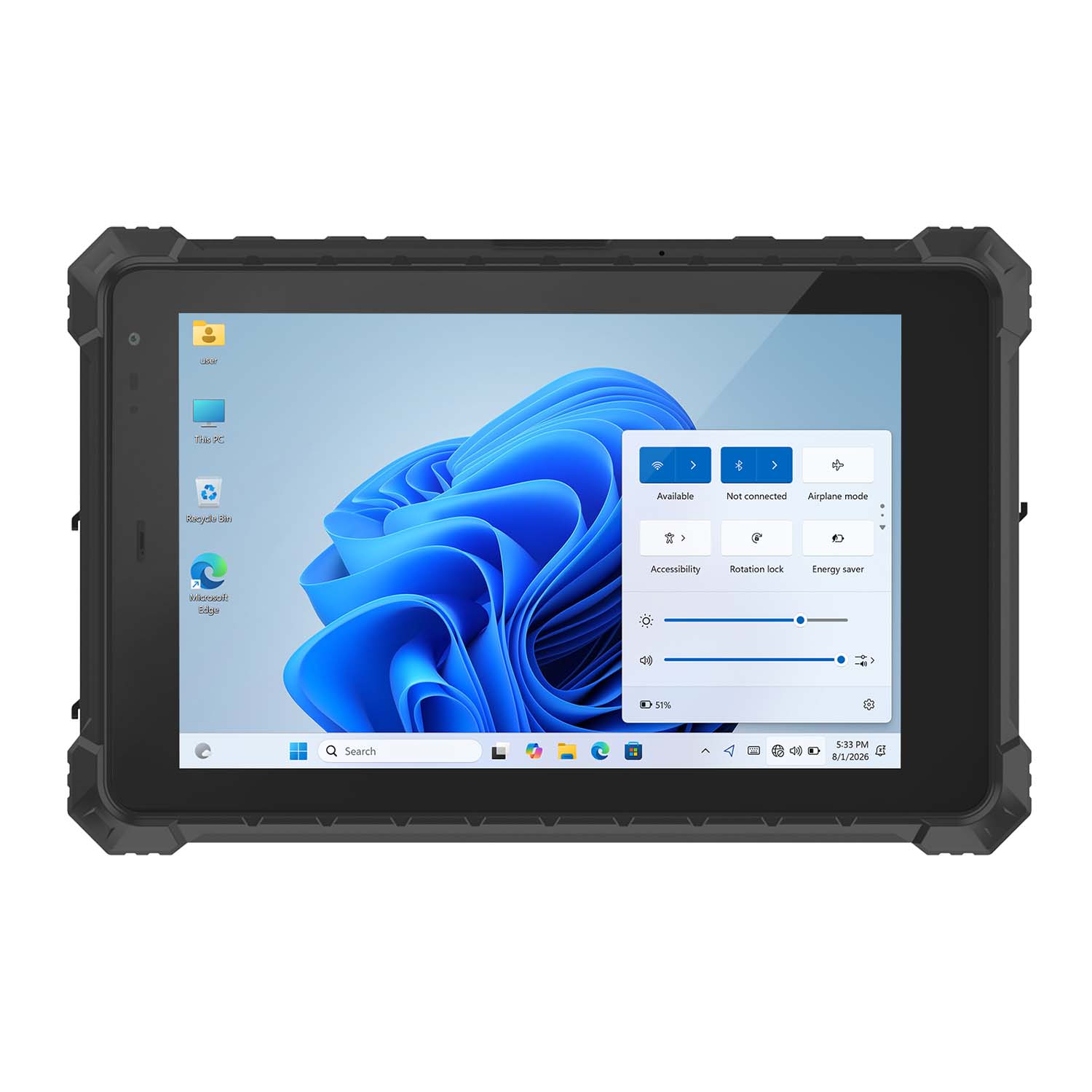 CENAVA W10N N5100 10.1 Inch Win11 IP68 Rugged Tablet Full I/O
 CENAVA A10RX RK3588 10.1 Inch Android 12 IP67 Rugged Tablet
 CENAVA A10ST MT8781 10.1 Inch Android 13 IP68 Rugged Tablet
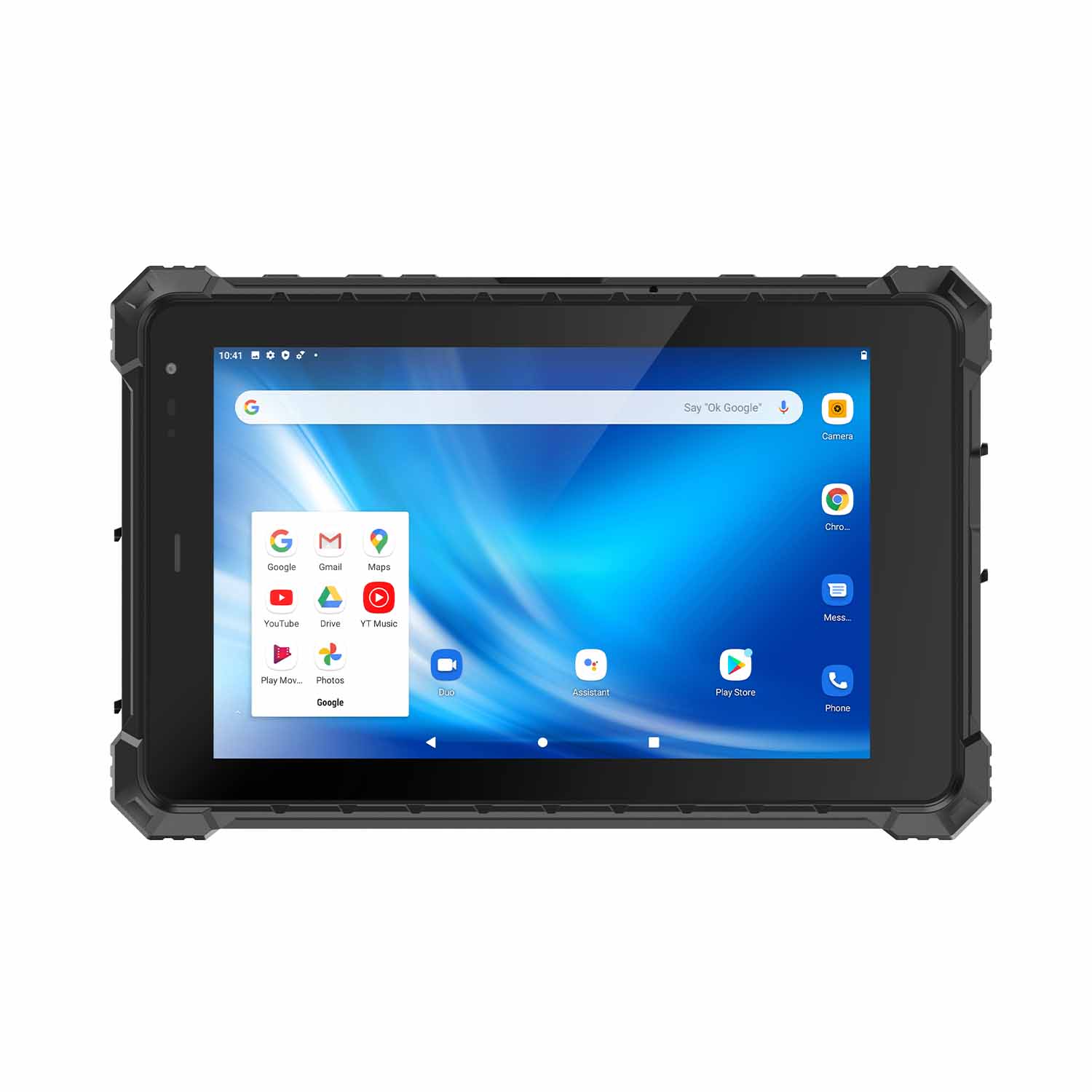 CENAVA A80ST MT6771 8 Inch Android 10 IP68 Rugged Tablet
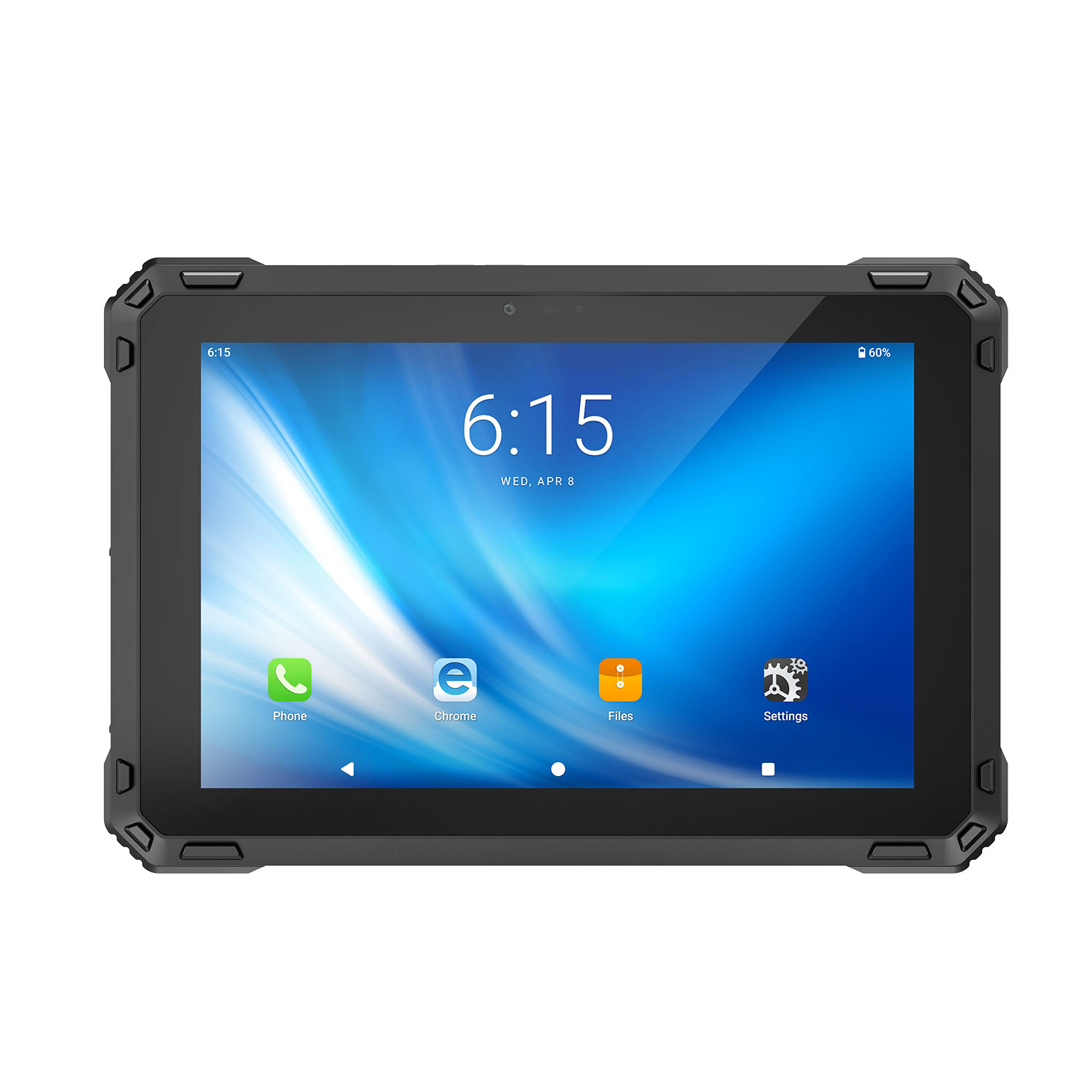 CENAVA A88ST MT6769 8 Inch Android 16 IP68 Rugged Tablet
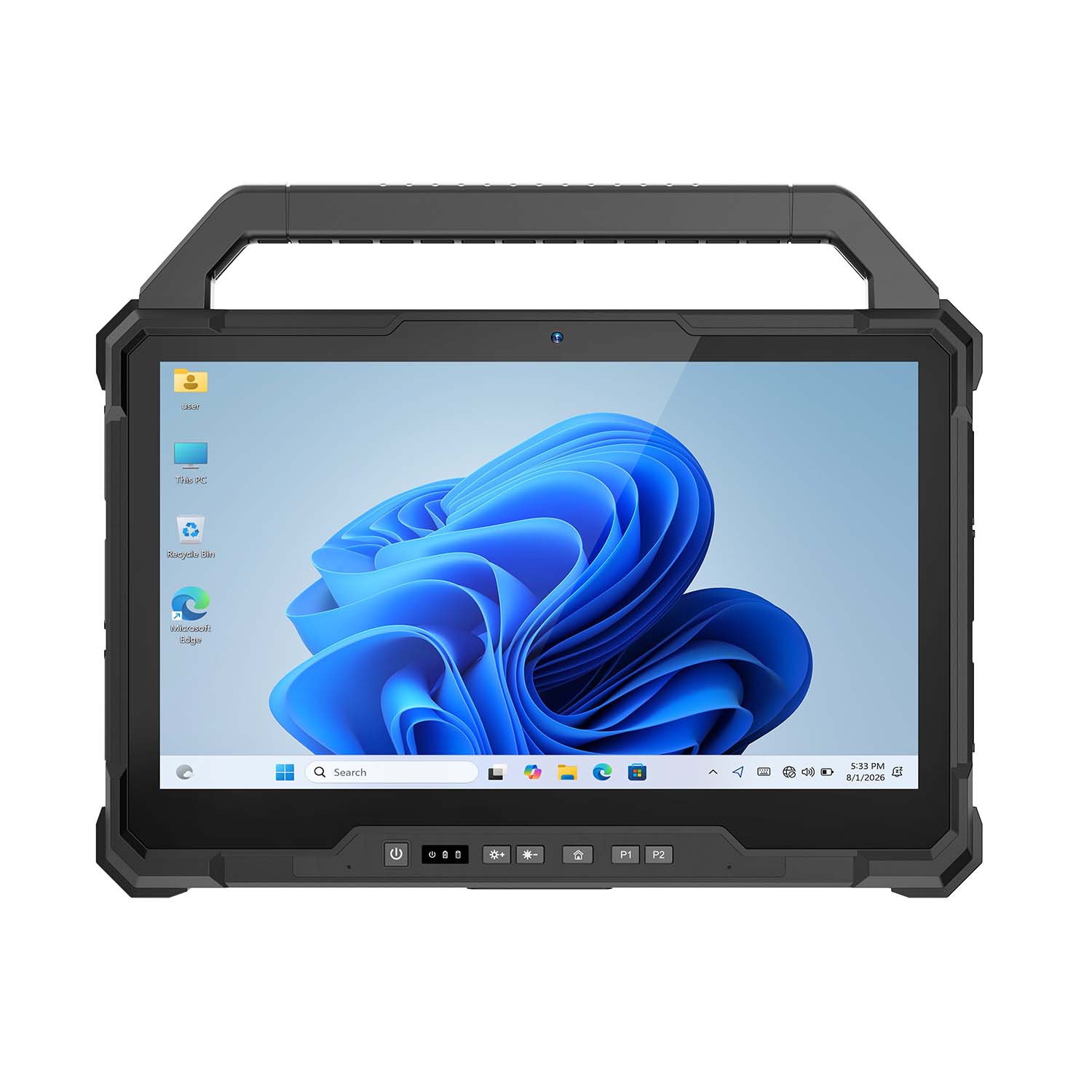 CENAVA W30NS N150 13.3 Inch Win11 IP65 Rugged Tablet
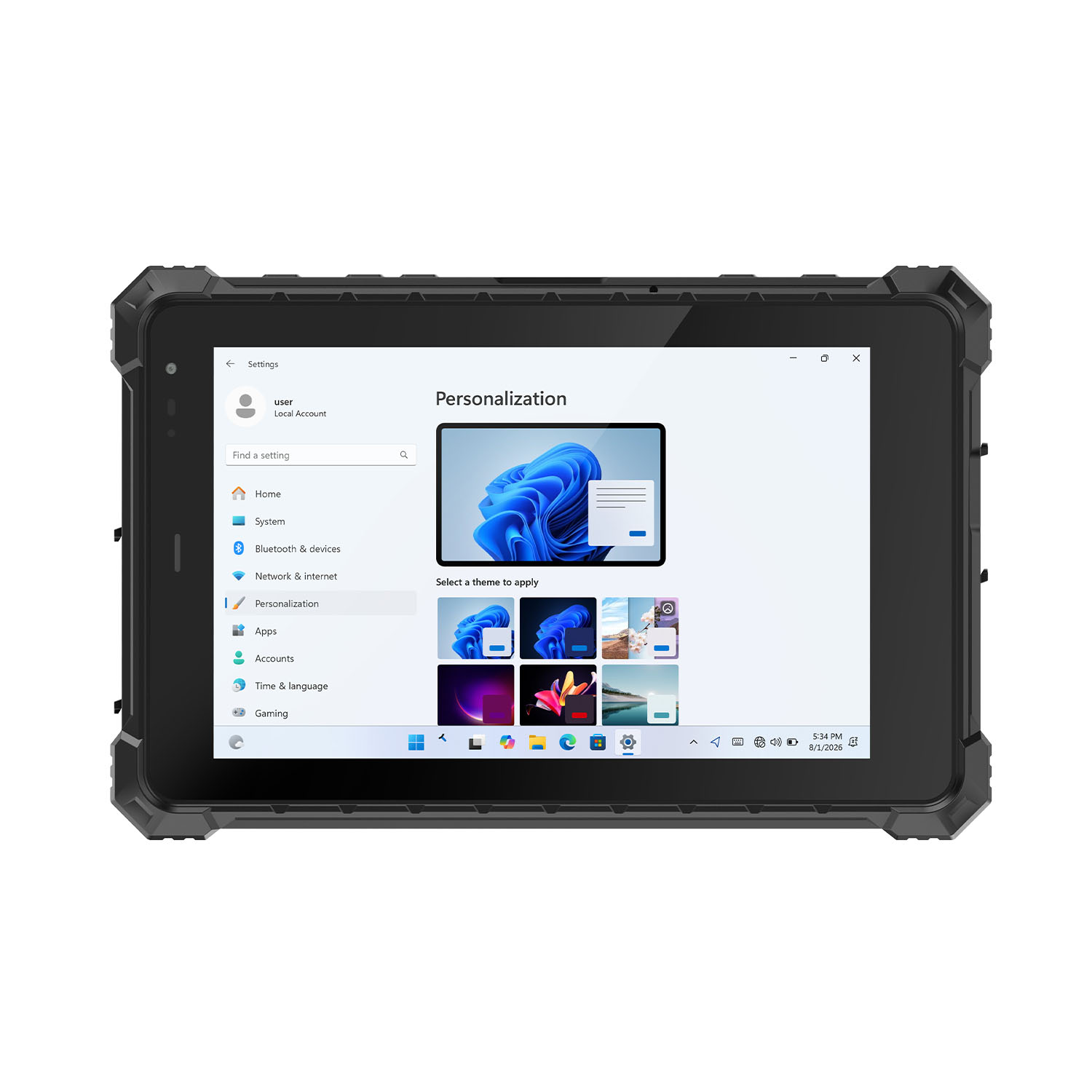 CENAVA W80Y i7-10510Y 8 Inch Win11 IP68 Rugged Gigabit
 CENAVA A10R RK3568 10.1 Inch Android 11 IP68 Rugged Tablet
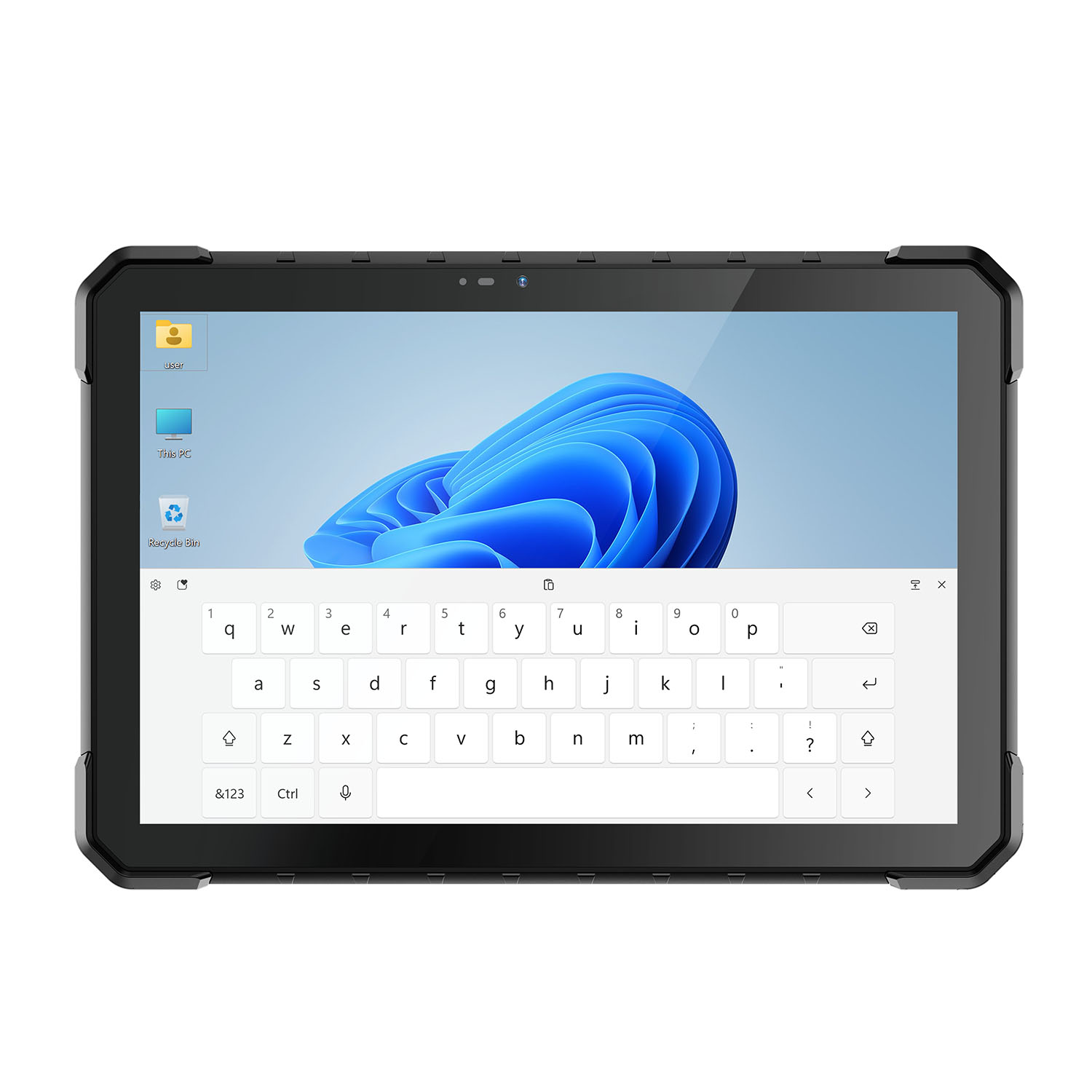 CENAVA W18Y i7-10510Y 10.1 Inch IP68 Industrial Tablet
 CENAVA CXE80C N2930 8 Inch Win10 IP65 Rugged Tablet
 CENAVA A18ST MT8781 10.1 Inch Android 13 IP68 Rugged Tablet
 CENAVA A10R RK3588 10.1 Inch Android 12 IP68 Rugged Tablet
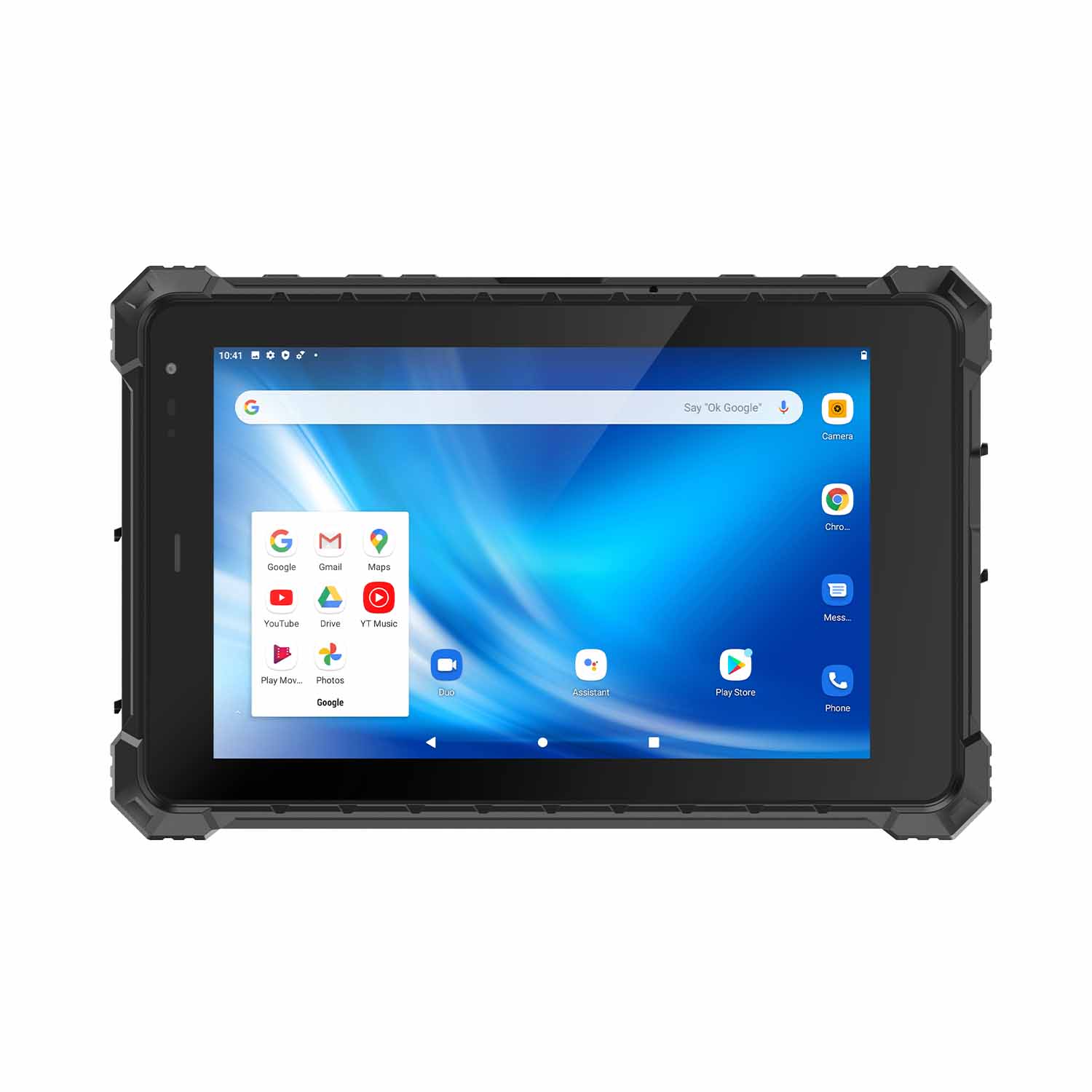 CENAVA A80ST-5G MT6877 8 Inch Android 12 IP68 Rugged Tablet
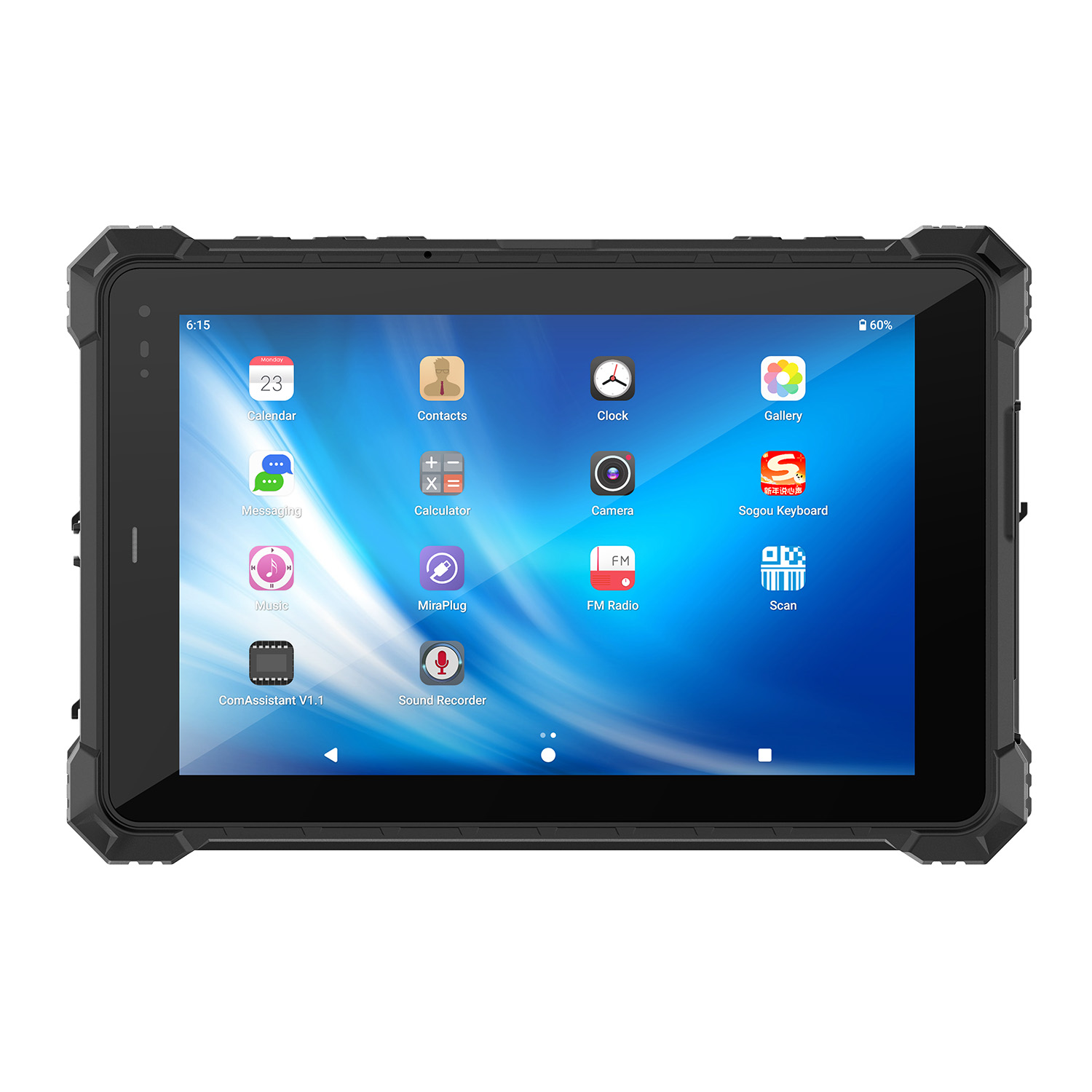 CENAVA A10STX MT8781 10.1 Inch Android 13 IP67 Rugged Tablet
 CENAVA A10ST-5G MT6877 10.1 Inch Android 12 IP68 Rugged Tablet
 CENAVA A10STX-5G MT6877 10.1 inch 5G Rugged Android Tablet
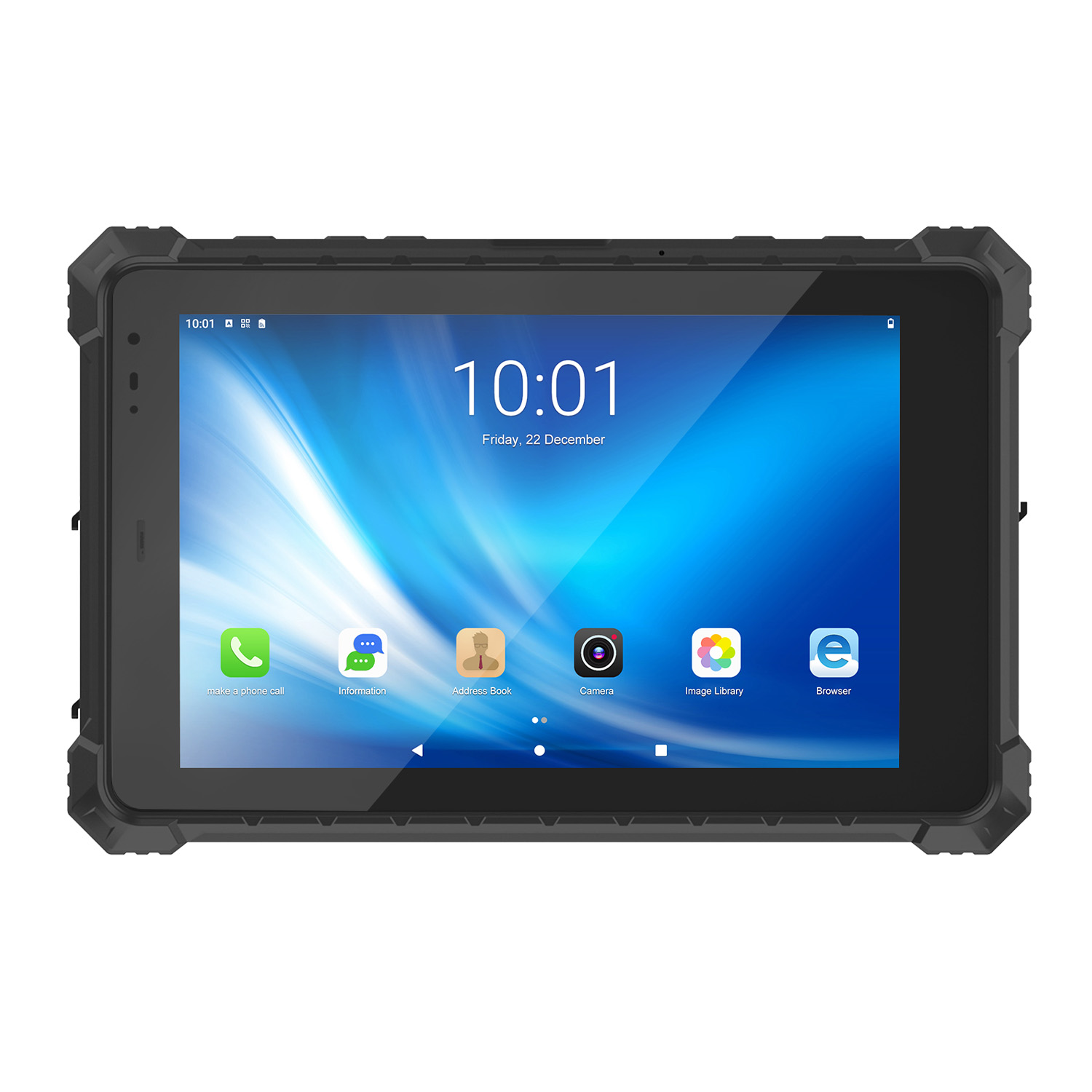 CENAVA A10ST MT6771 10.1 Inch Android 10 IP68 Rugged Tablet
 CENAVA A10STX MT6769 10.1 Inch Android 16 IP67 Rugged Tablet
 CENAVA A10ST MT6769 10.1 Inch Android 16 IP68 Rugged Tablet
 CENAVA A10STX MT6771 10.1 Inch Android 10 IP67 Rugged Tablet
 CENAVA A80ST MT8781 8 Inch Android 13 IP68 Rugged Tablet
 CENAVA A80R RK3588 8 Inch Android 12 IP68 Rugged Tablet
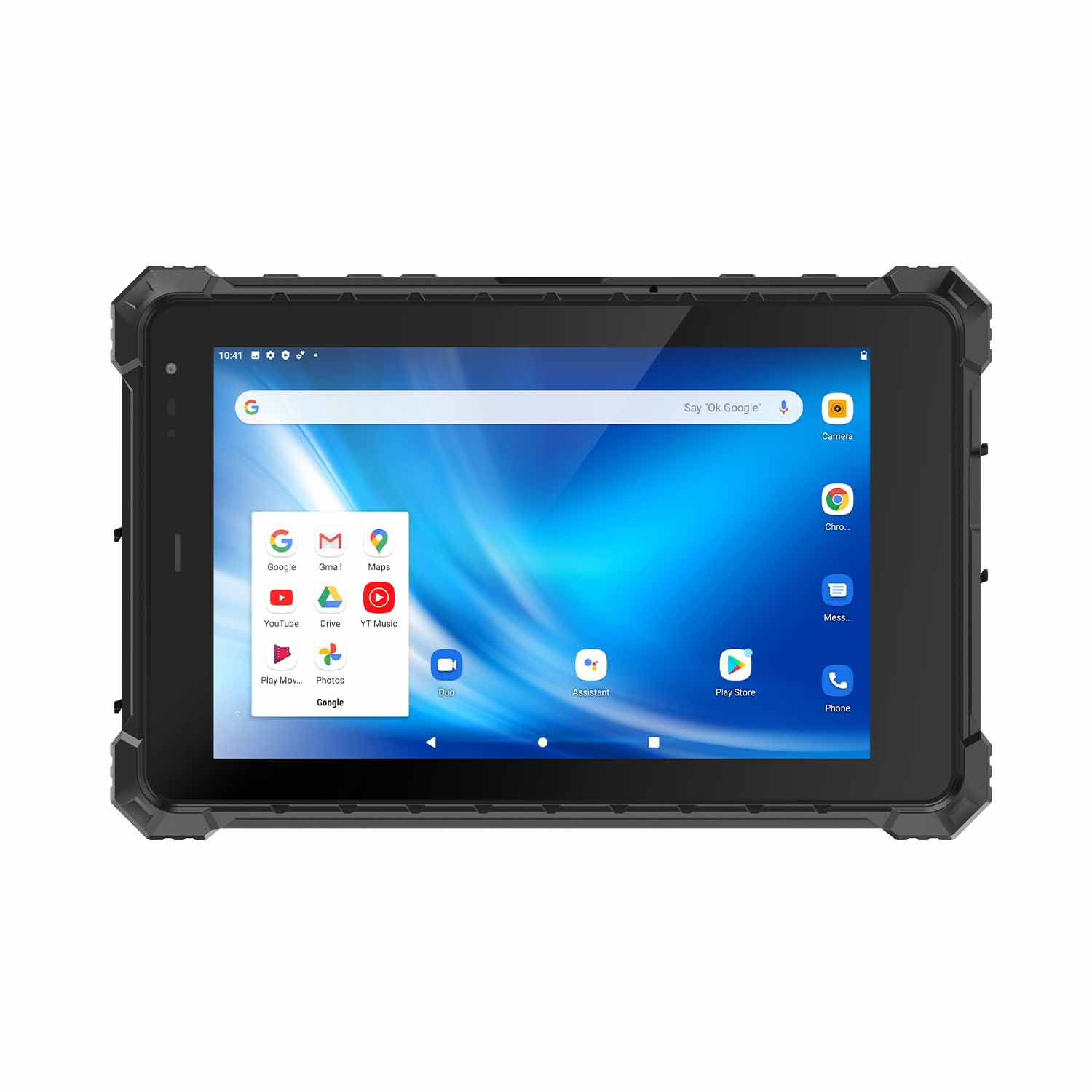 CENAVA A80STX-5G MT6877 8 Inch Android 12 IP67 Rugged Tablet
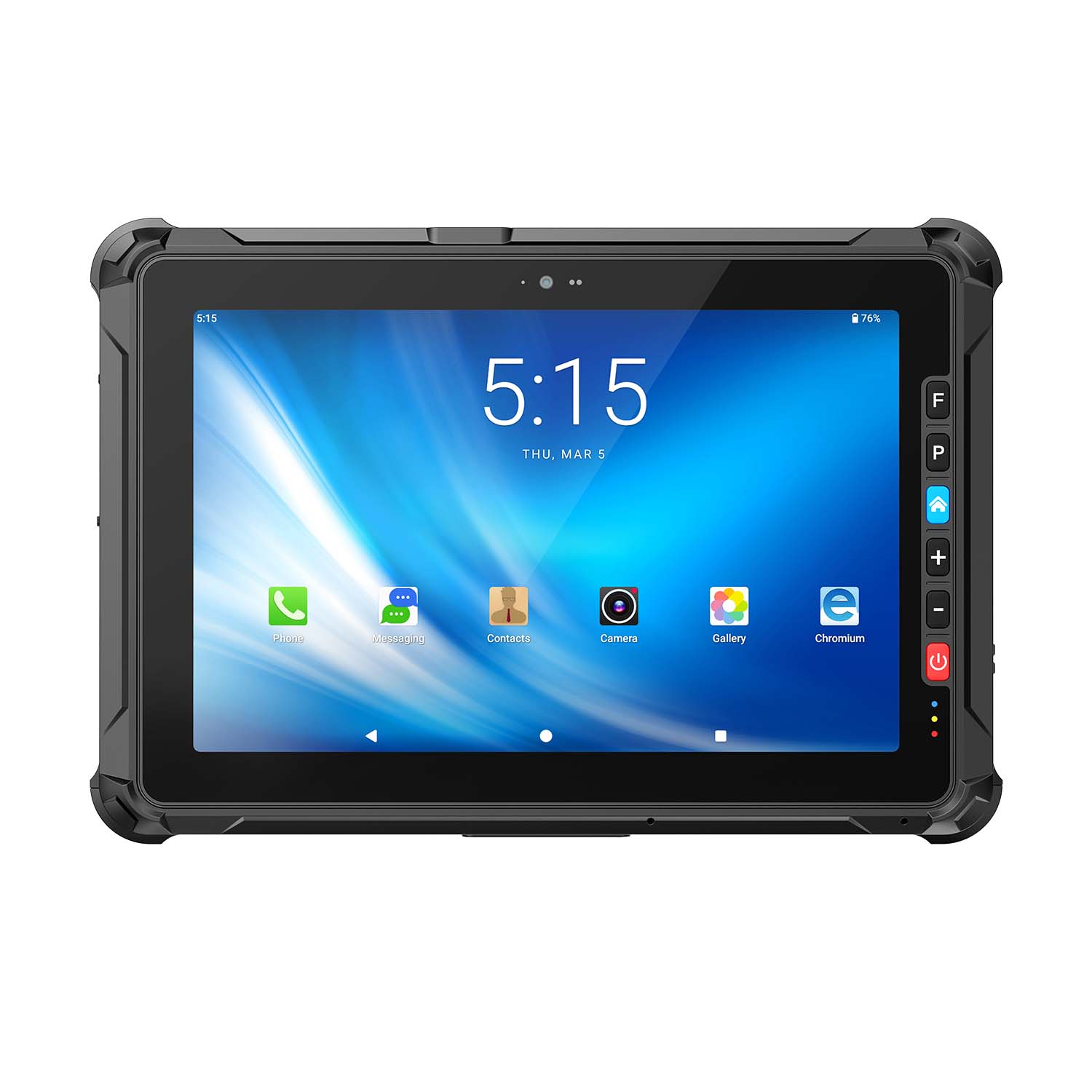 CENAVA A109ST MT8781 10.95 Inch Android 16 IP67 Rugged Tablet
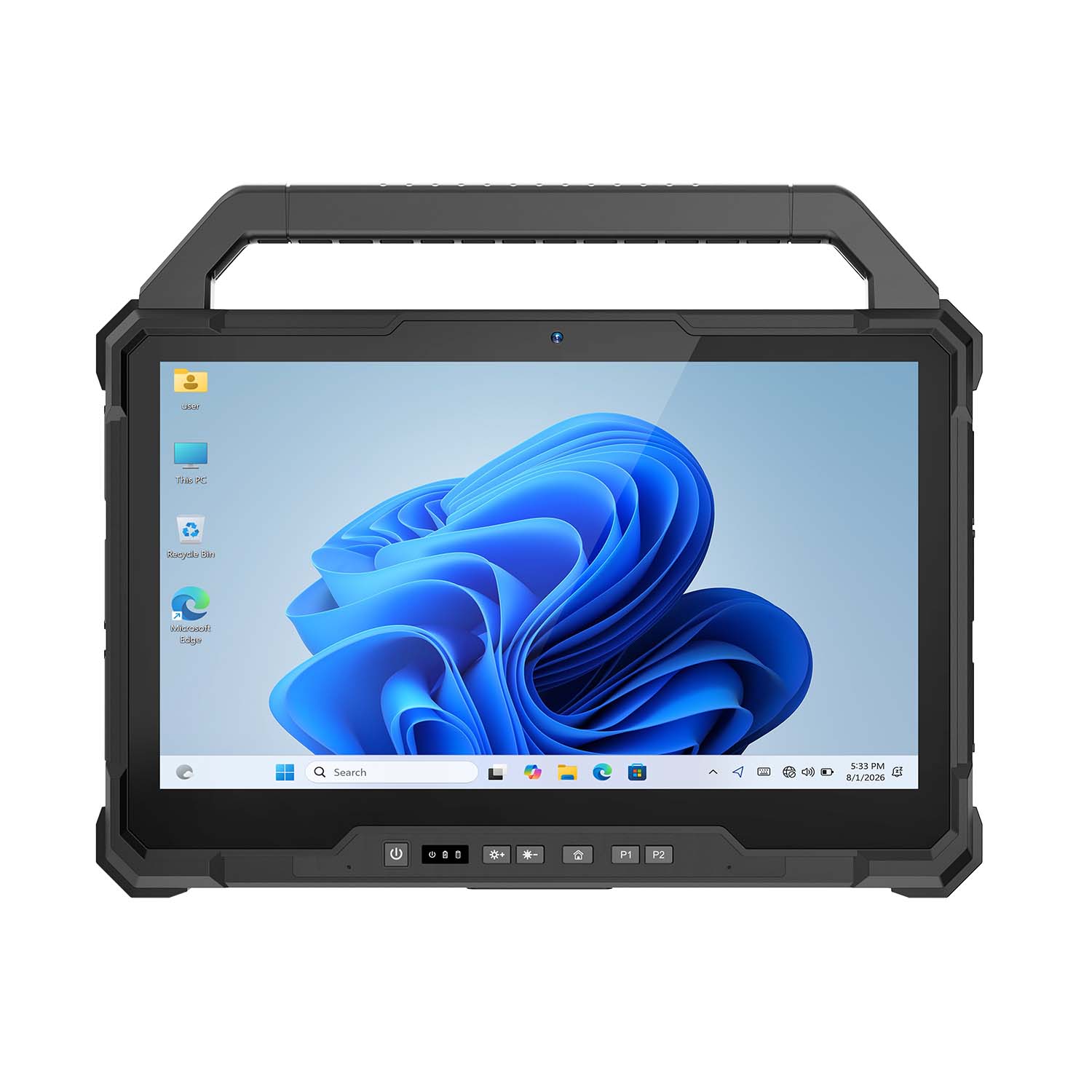 CENAVA W30U Pro Ultra7-155U 13.3 Inch Win11 IP65 Rugged Tablet
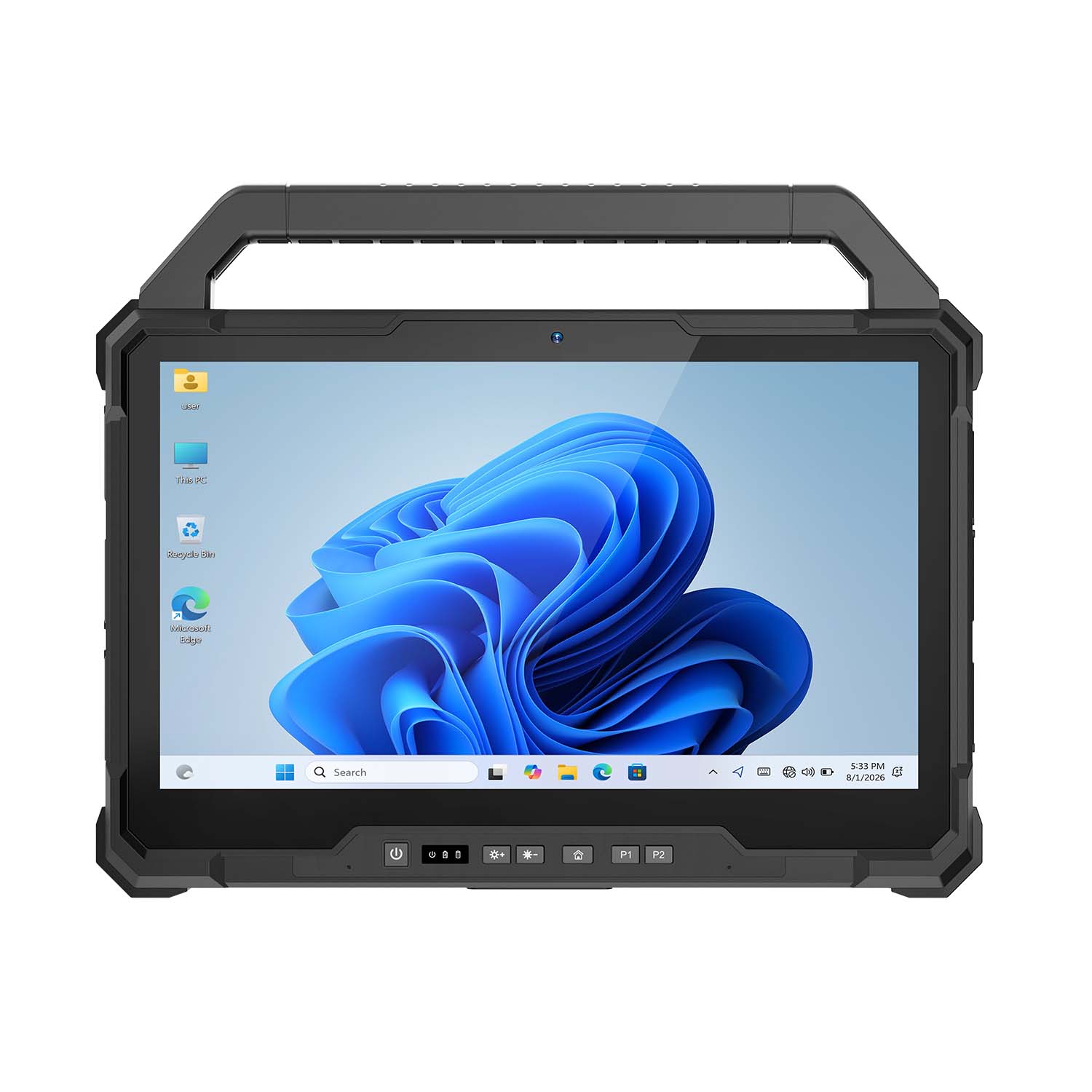 CENAVA W30U i7-1255U 13.3 Inch Win11 IP65 Rugged Tablet
 CENAVA W109NS N150 10.95 Inch Win11 IP67 Rugged Tablet GbE
 CENAVA W109U i5-1235U 10.95 Inch Win11 IP67 Rugged Tablet
 CENAVA W10Y i5-10210Y 10.1 Inch Win11 IP68 Rugged Tablet Full I/O
 CENAVA W10NPRO N100 10.1 Inch Win11 IP68 Rugged Full I/O
 CENAVA W18Y i5-10210Y 10.1 Inch Win11 IP68 Rugged Slim
 CENAVA W10NX N5100 10.1 Inch Windows IP67 Industrial Tablet
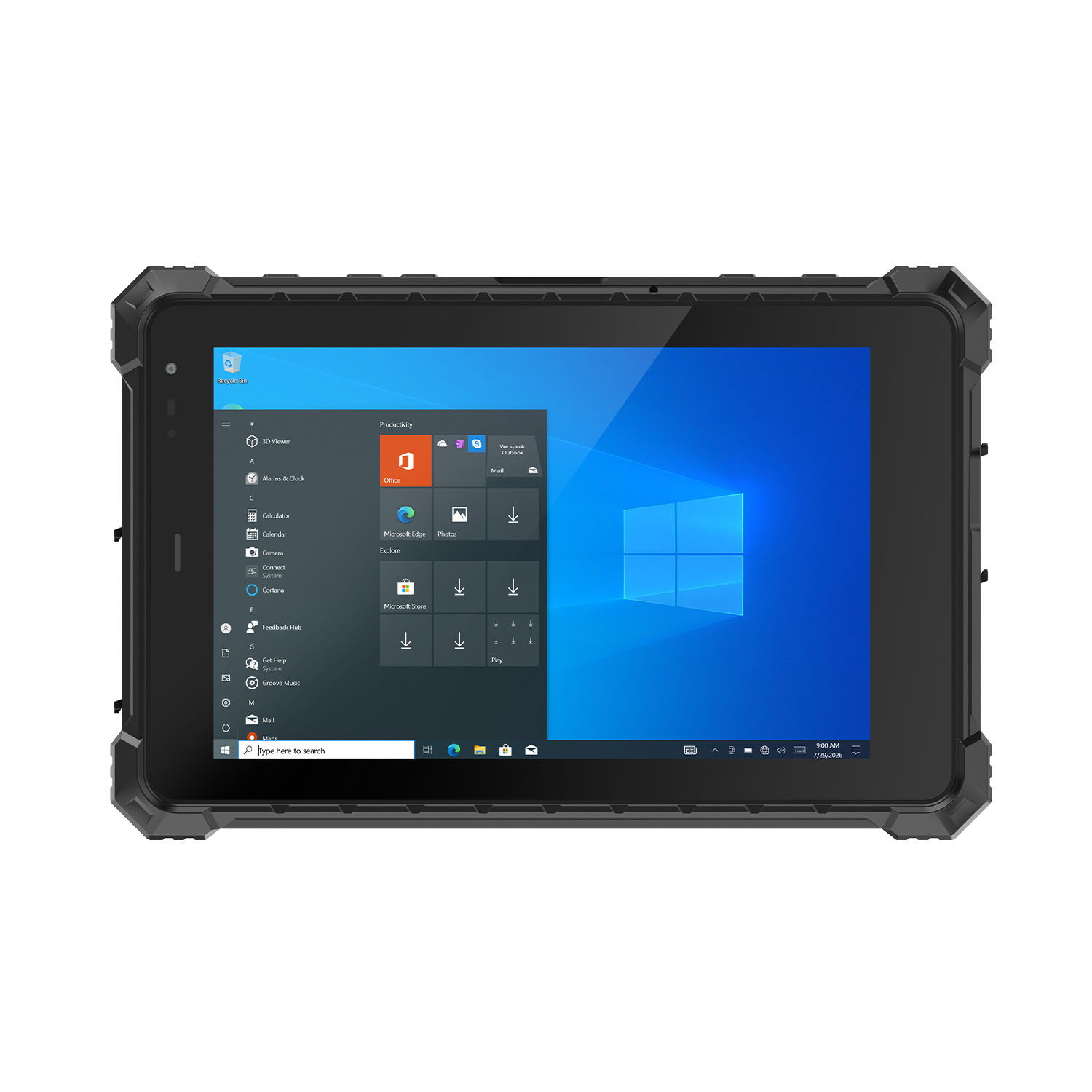 CENAVA W80N N5100 8 Inch Win11 IP68 Windows Rugged Tablet
 CENAVA H10PRO N100 10.1 Inch Win11 Industrial PC | WiFi6 Touch Panel
-1.jpg) CENAVA H55N N5100 5.5" Win11 Mini Industrial PC
CENAVA H55N N5100 5.5" Win11 Mini Industrial PC
 CENAVA H10F N100 10.1" Win11 Industrial Panel PC Touch Computer
 CENAVA H10F N95 10.1" Win11 Industrial Panel PC | WiFi6 Touch Computer
 CENAVA H7S N3350 7 Inch Win10 Entry Industrial PC | POE Fanless Touch Panel
 CENAVA H7 N4020 7" Win10 Compact Industrial PC | POE Fanless Touch Panel
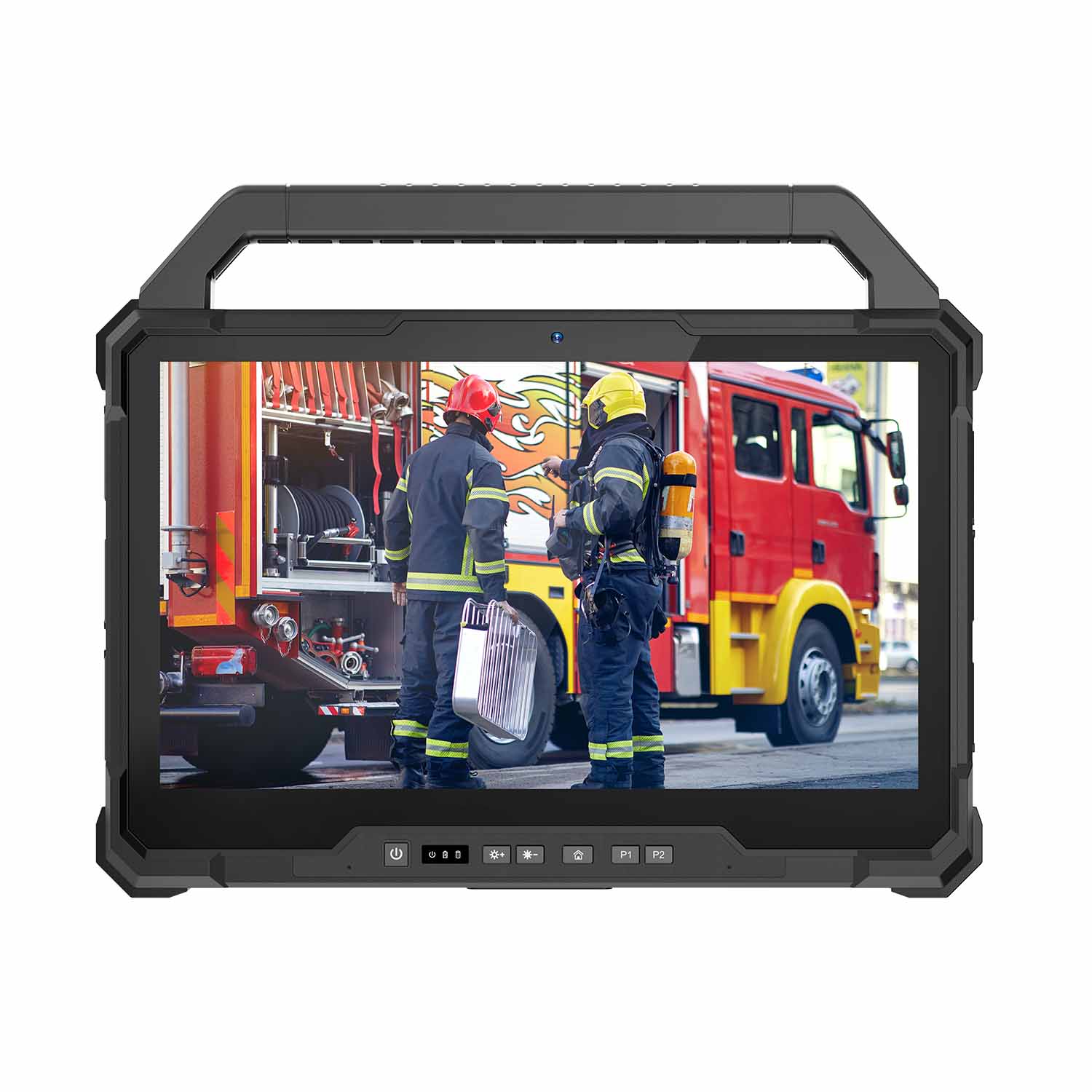 W30U-EX i7-1255U 13.3 Inch Explosion-Proof Windows Tablet
 W30UPro-EX Ultra7-155U ATEX II 2GD Ex ib IIC T5 Gb Explosion-Proof Tablet
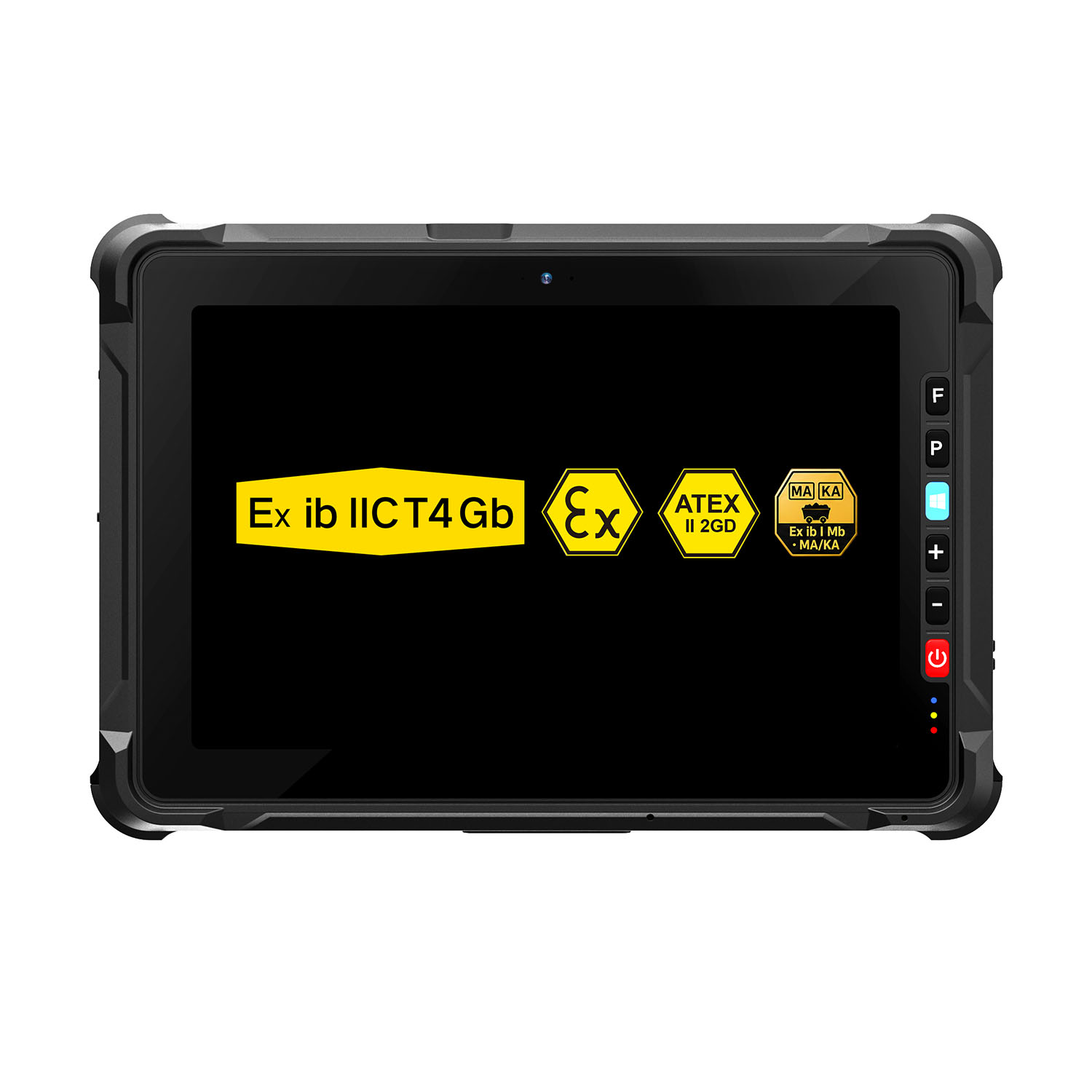 W109NS-EX N150 Explosion-Proof Hazardous Area Windows Tablet
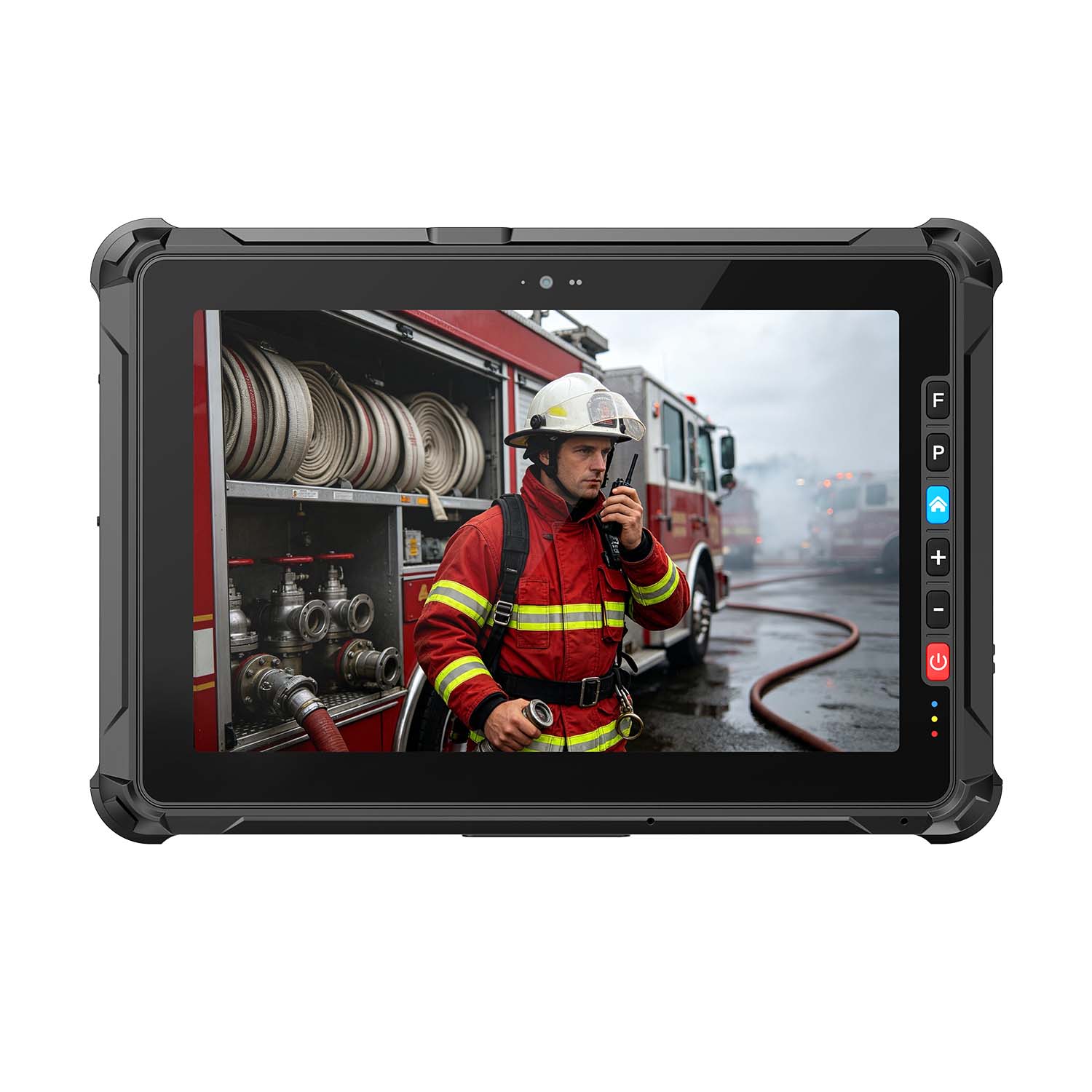 A109ST-EX MT8781 20000mAh Explosion-Proof ATEX II 2GD Android Tablet
.jpg) W10N-EX N5100 Explosion-Proof Intrinsically Safe Windows Tablet
W10N-EX N5100 Explosion-Proof Intrinsically Safe Windows Tablet
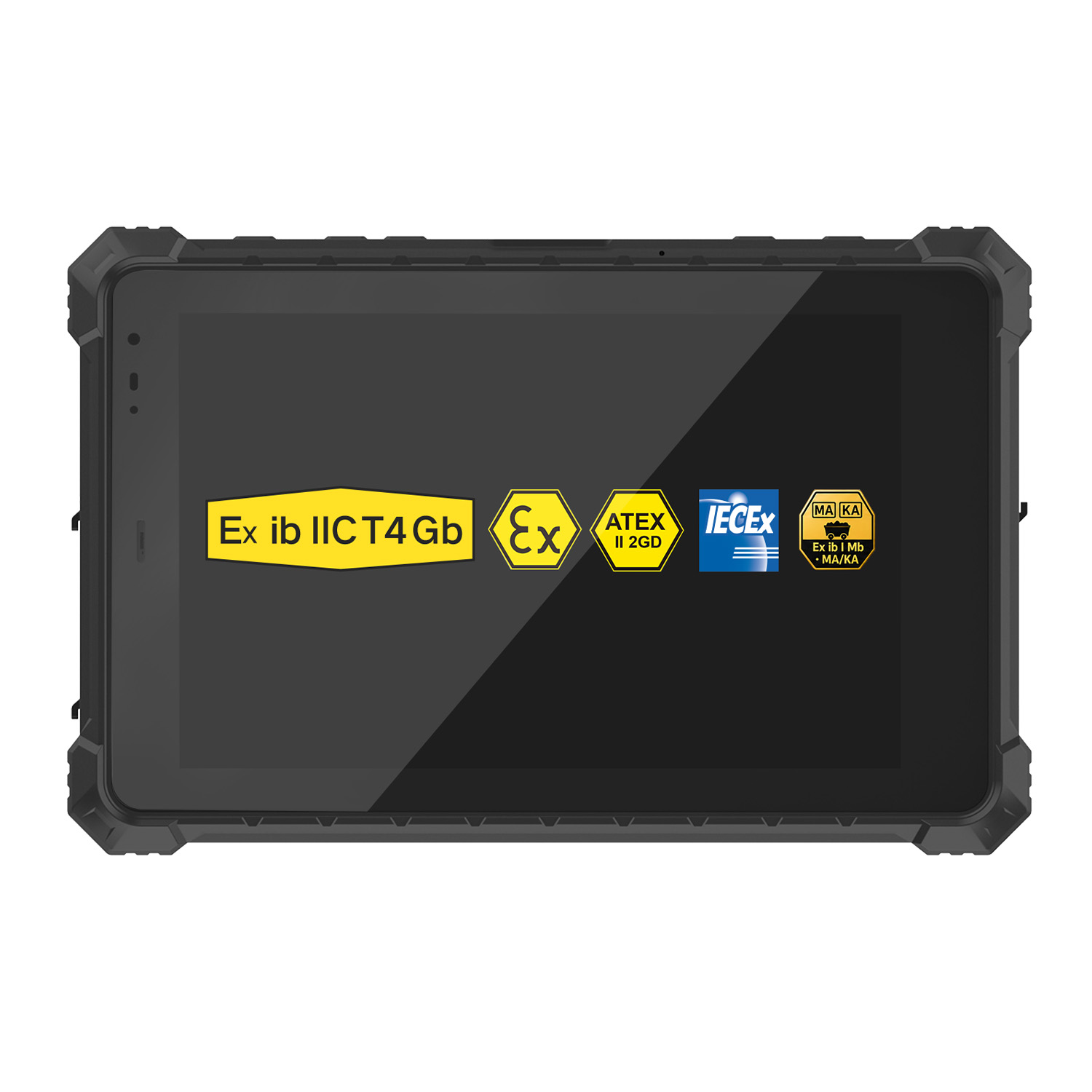 A10ST-EX MT8781 Ex ib IIC T5 Gb Hazardous Area Rugged Tablet
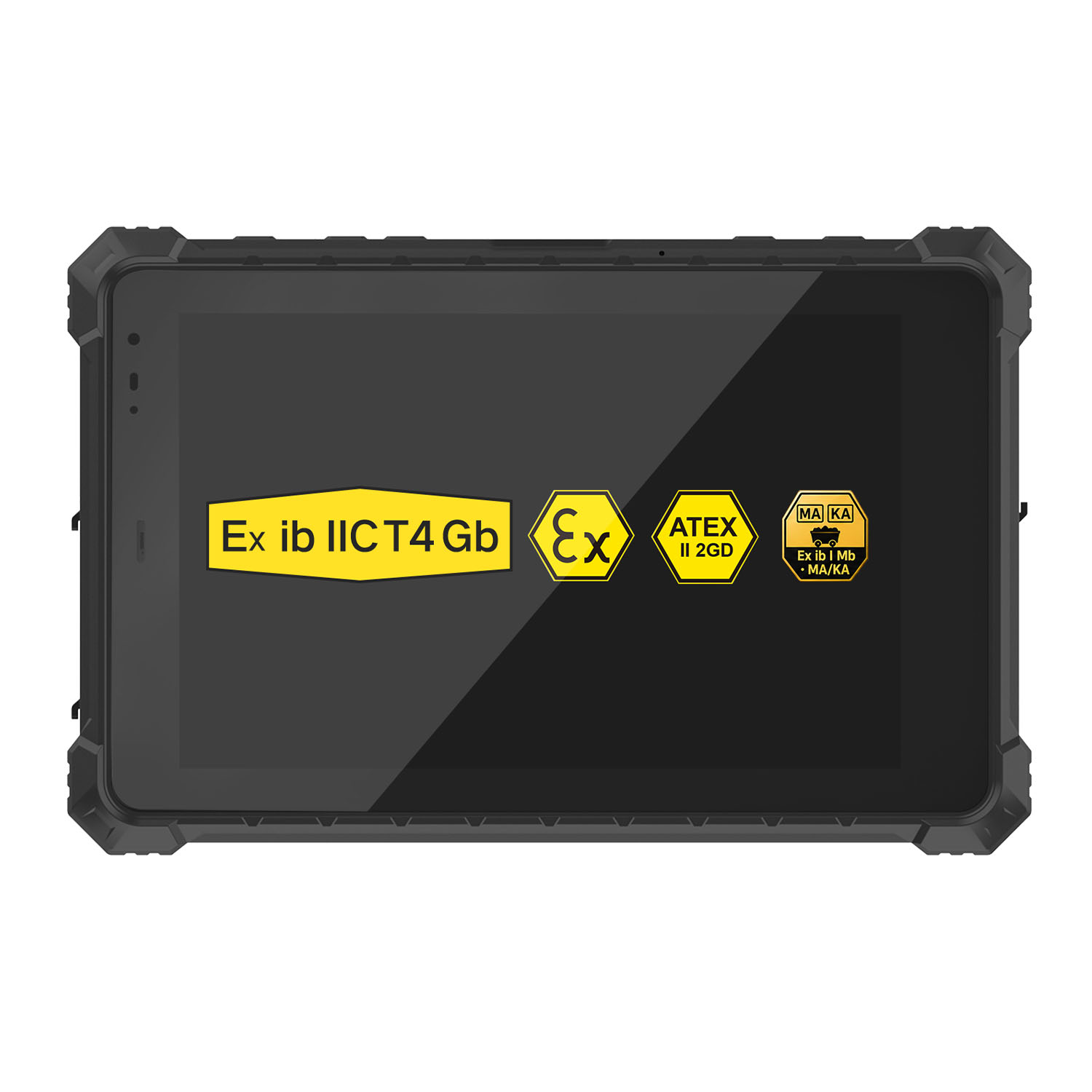 A10R-EX 10.1 Inch Explosion Proof RK3568 Industrial Tablet PC
 A10STX-EX MT8781 10.1 Inch ATEX II 2GD Android Tablet
 W80N-EX N5100 8 Inch Explosion-Proof Windows ATEX II 2GD Tablet
 A18ST-EX Slim 10.1-Inch Explosion-Proof Android Tablet
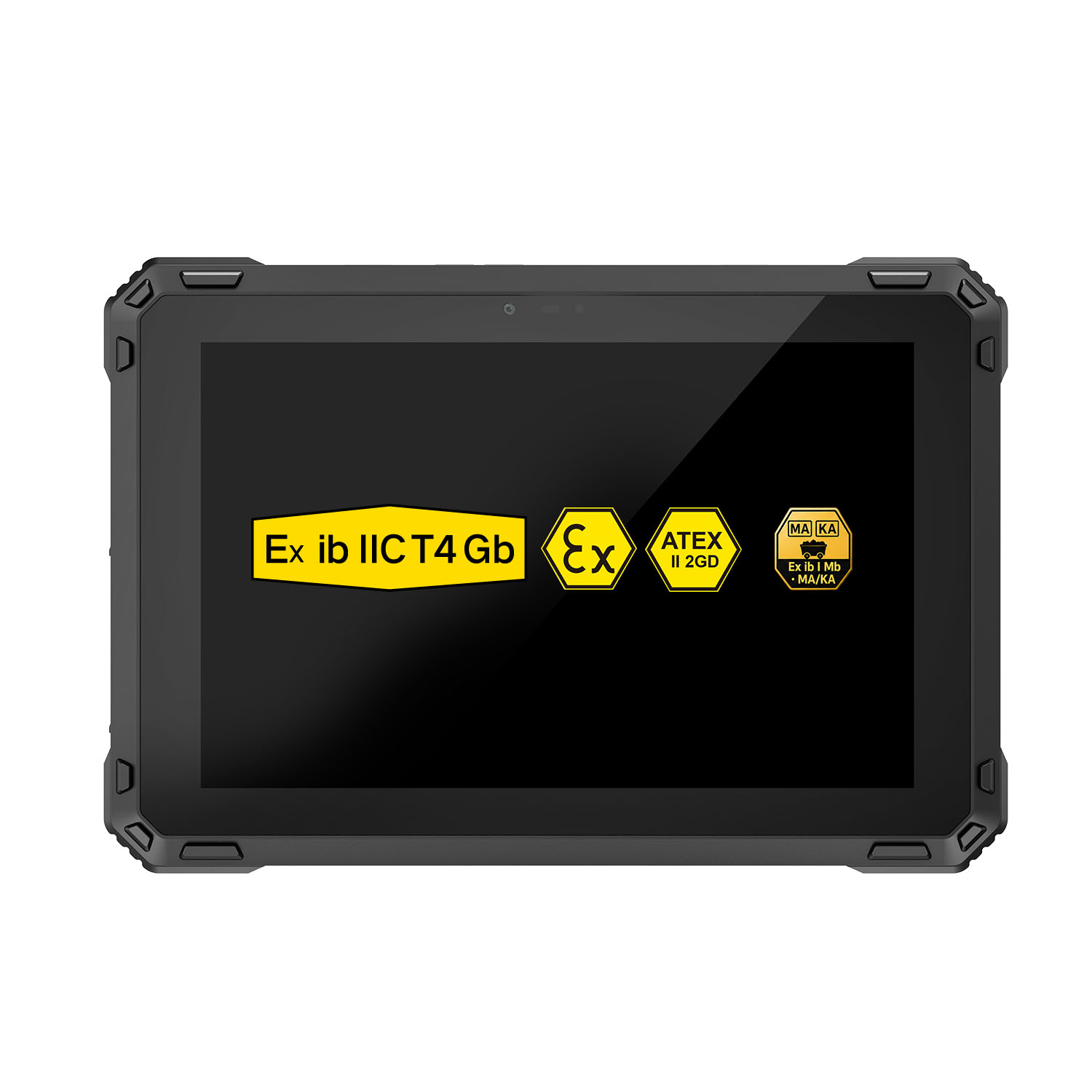 A88ST-EX MT6769 Hazardous Area 8-Inch Explosion-Proof Android Tablet
 A80ST-5G EX MT6877 8 Inch Ex ib ⅡC T4 Gb Explosion Proof Tablet
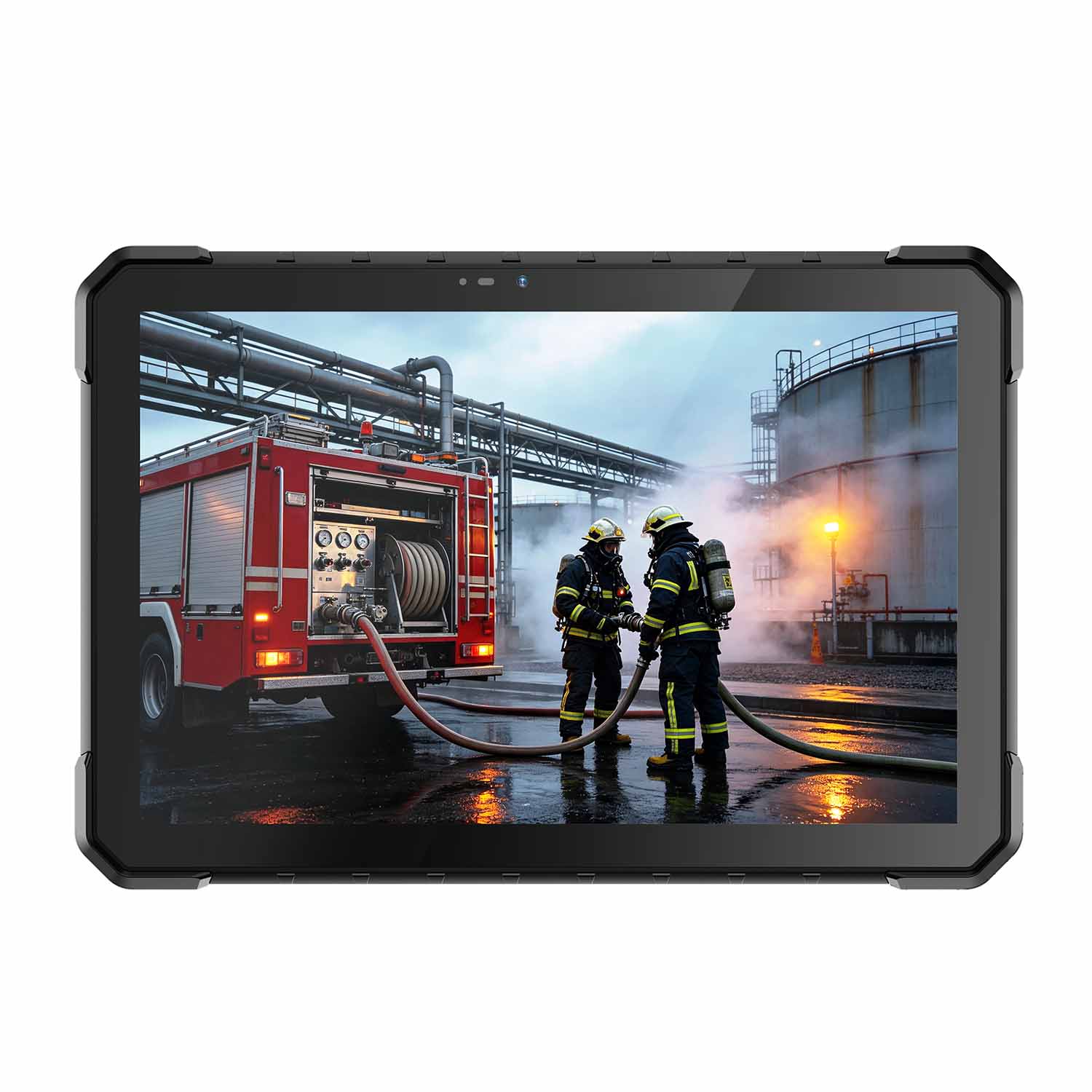 CENAVA W18Y-EX i7 10.1 Inch Explosion-Proof Windows 11 Tablet
 W65G-EX Explosion-Proof Windows Handheld Hazardous Area PDA