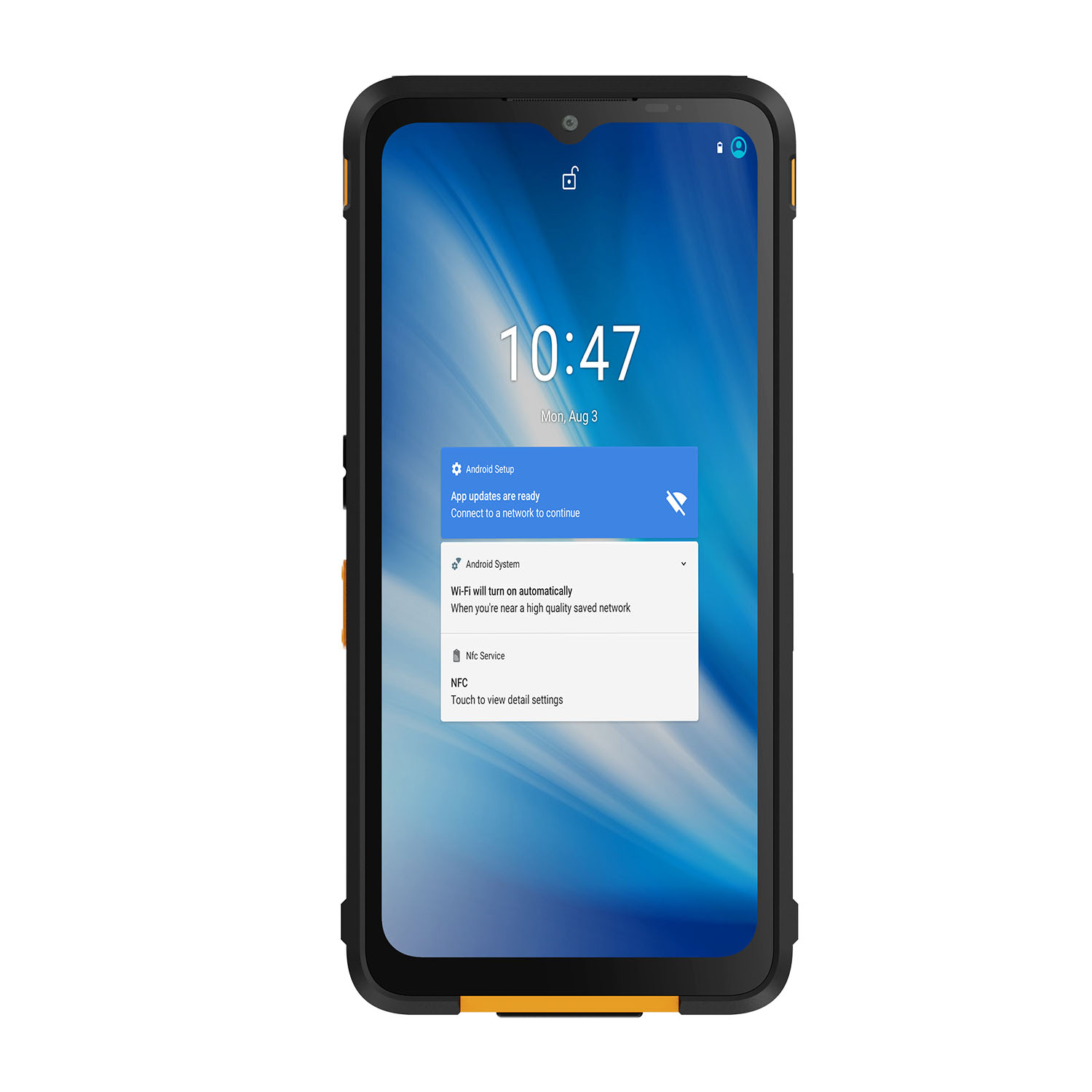
A consumer tablet is designed to be thin, light and cheap to replace. A rugged tablet is designed to survive being dropped off a forklift, rained on, and used with gloves at -20°C. Those are opposite design goals — and they lead to opposite hardware.
The choice matters most where a broken device stops the work: a warehouse scanner that dies mid-shift, a drawing that won't open at a windy construction site, an inspection app that won't sync in a dead zone. This guide compares the two tablet classes on the seven differences that actually decide the purchase — then shows where each one belongs.
What Is a Rugged Tablet?
A rugged tablet starts from the assumption that the environment will try to kill it. The housing is reinforced (magnesium-alloy frame, not thin plastic), the ports are sealed behind rated covers, and the whole unit is tested against published standards — IP65/IP67/IP68 for dust and water, MIL-STD-810H for drops, vibration and temperature extremes. A typical rating: survive a 1.2 m drop onto concrete and keep working from -20°C to 60°C.
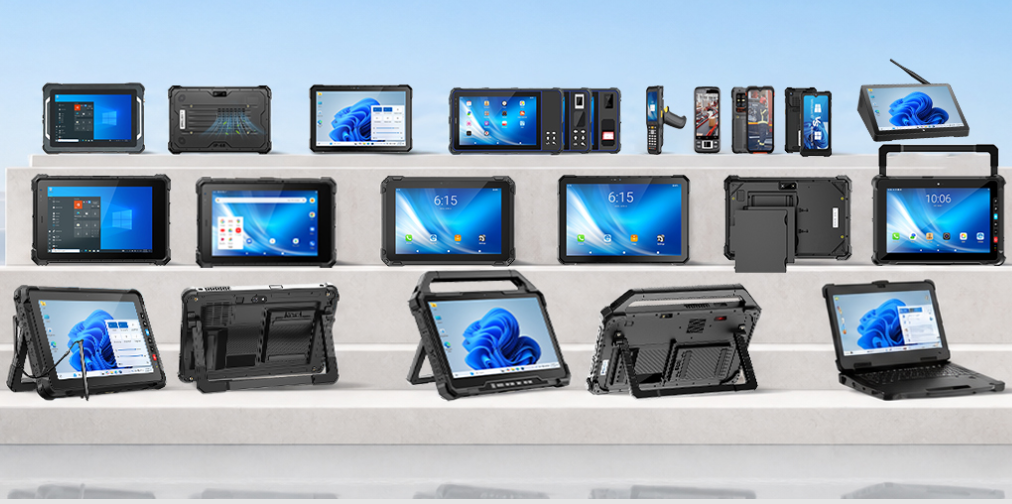
Rugged tablets are commonly used in:
• Construction sites for equipment inspection, digital drawings, and project management
• Warehouses for inventory tracking and barcode scanning
• Manufacturing facilities for production monitoring and data collection
• Field services for maintenance, inspection, and remote support
Many rugged tablets support protection standards such as IP65, IP67, IP68, and MIL-STD-810H, helping improve reliability in challenging working conditions.
What Is a Consumer Tablet?
A consumer tablet is optimized for the opposite priorities: thinness, screen quality per dollar, and an 18-month replacement cycle. Nothing about that is a flaw — in a carpeted office it is exactly the right tool. The problems start when that tool is carried onto a site it was never designed for.
Common applications include:
• Web browsing and entertainment
• Online meetings and document editing
• Education and office productivity
Consumer tablets are suitable for controlled environments such as homes, offices, and classrooms. However, they are generally not designed for frequent exposure to dust, water, vibration, or accidental drops.
Rugged Tablet vs Consumer Tablet: Key Differences
Feature | Rugged Tablet | Consumer Tablet |
Protection | IP65–IP68 sealing + MIL-STD-810H drop, vibration & temperature tests | No ingress rating; splash resistance at best |
Durability | Rated for 1.2 m drops onto concrete | No published drop rating; a case adds bulk without sealing ports |
Display | 1,000+ nit sunlight-readable panel, glove & wet-touch modes | 400–500 nit panel optimized for indoor viewing |
Battery | Hot-swappable packs for multi-shift operation | Sealed battery, one charge per day |
Interfaces | RS232/RS485, RJ45, CAN bus, POGO dock pins | USB-C only |
Connectivity | Supports 4G/5G, GNSS, RTK, barcode, and RFID options | Standard wireless connectivity |
Customization | OEM/ODM: custom I/O, scanner/RFID modules, branded builds | None beyond cases and sleeves |
Which Tablet Should You Choose?
The right tablet depends on the working environment, application requirements, and expected operating conditions. Before choosing a device, businesses should consider whether the tablet will be used in a controlled indoor environment or a demanding outdoor and industrial workplace.
Construction and Engineering
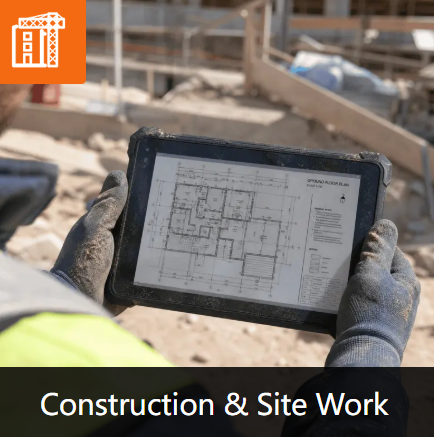
On a construction site the enemies are concrete, dust and direct sun. A tablet here lives on a dashboard mount, gets passed between gloved hands, and opens drawings outdoors at noon. That is why site tablets need three things a consumer device doesn't offer: a 1,000-nit screen you can read against the sky, touch that works through work gloves, and a housing rated for the day it inevitably falls off the hood of a truck.
Logistics and Warehousing
Warehouse operations require devices that can support frequent handling and long working hours. Rugged tablets are commonly used for barcode scanning, inventory tracking, order management, and warehouse management systems, providing better durability for busy working environments.

Manufacturing
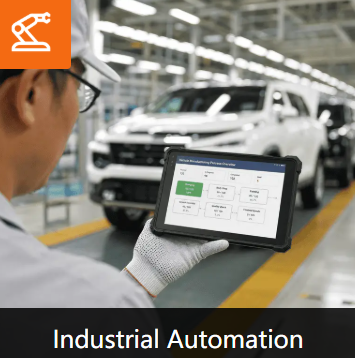
Manufacturing facilities often require tablets to connect with production equipment and industrial systems. Rugged tablets with industrial interfaces and flexible configurations can support production monitoring, equipment management, and factory data collection.
Field Service
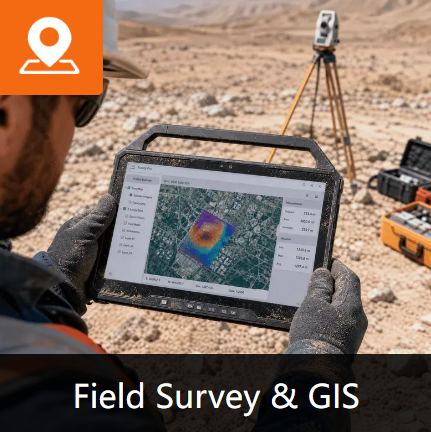
Field technicians usually work in different locations and face unpredictable conditions. Rugged tablets provide reliable support for maintenance records, inspection reports, equipment diagnostics, and remote technical assistance.
Office and General Business
For document processing, online meetings, and general office tasks, consumer tablets are usually sufficient due to their lightweight design and user-friendly experience.
How to Choose the Right Tablet?
Three questions settle most purchases:
1. Will the device leave a controlled environment? If it will see rain, dust, concrete floors or vehicle mounts, you need IP and drop ratings — not a rugged-looking case.
2. What does it connect to? Barcode scanners, RFID tags, CAN bus, RS485 machinery, RTK positioning: list every interface before requesting a quote. Retrofitting a sealed tablet is expensive;
3. What happens when it breaks at year three? Compare the 5-year cost: a consumer tablet replaced three times plus the downtime usually costs more than one rugged unit bought once.
Why Choose CENAVA Rugged Tablets?
CENAVA provides rugged tablet solutions and industrial computing products for applications including manufacturing, logistics, transportation, and field services. Its rugged devices support Android and Windows platforms to meet different industrial requirements.
• Industrial Protection: CENAVA rugged tablets support IP65, IP67, and IP68 protection options. Selected models are designed for MIL-STD-810H requirements to improve durability in demanding environments.
• Flexible Configuration: CENAVA supports customized configurations including communication modules, positioning solutions, scanners, RFID, NFC, and other application-specific functions.
• Industrial Integration: Selected models provide interfaces such as RJ45, RS232, USB, HDMI, and POGO connectors for connection with industrial equipment and systems.
OEM/ODM Support: CENAVA offers customization services for hardware, interfaces, accessories, firmware, and structural design to meet different project requirements.
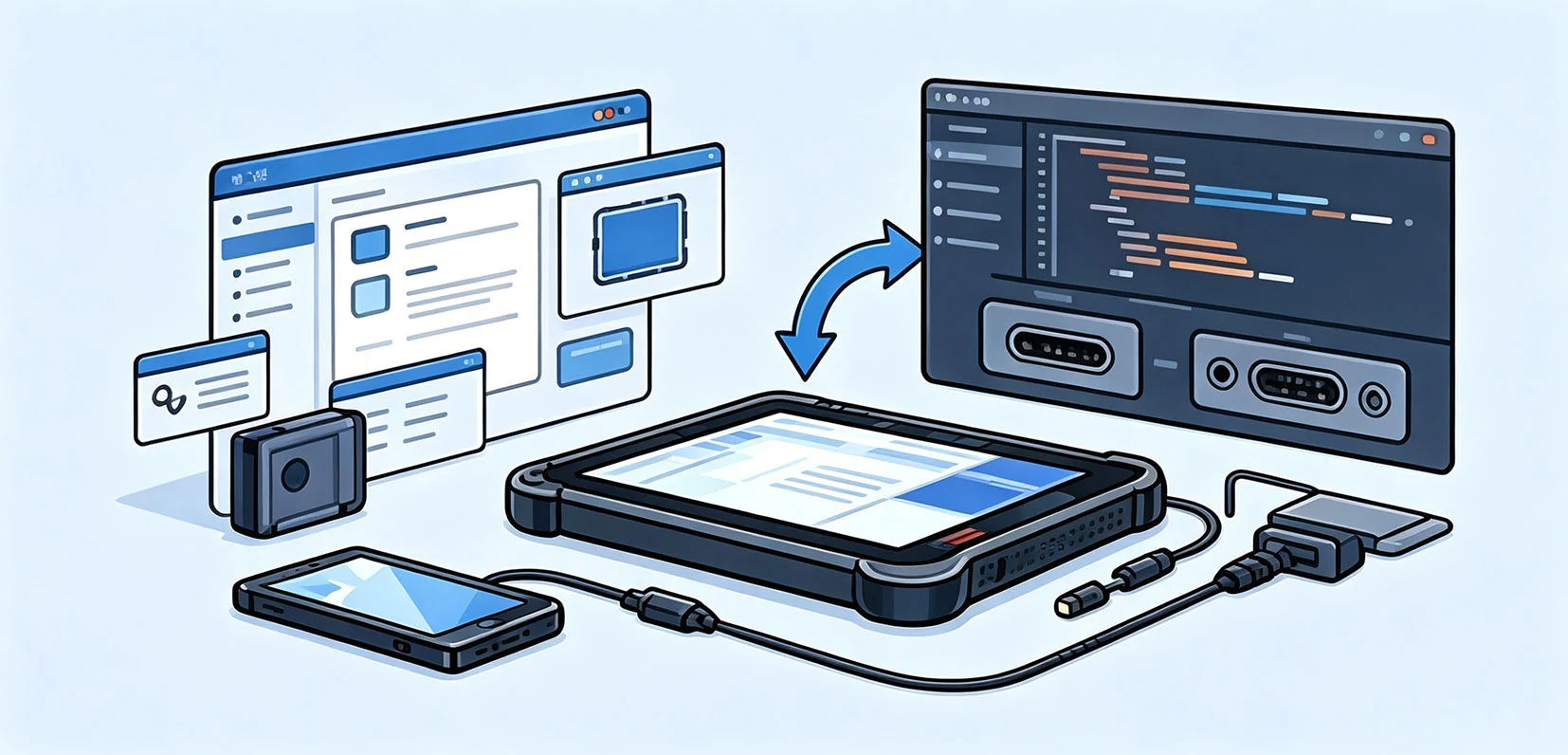
For businesses requiring reliable mobile computing in challenging environments, CENAVA rugged tablets provide durable hardware solutions with flexible customization options.
Rugged Tablet vs Consumer Tablet FAQs
Can I just put a consumer tablet in a rugged case?
A case helps with drops, but it does nothing for the operating temperature range, the unsealed speakers and ports, or a touchscreen that ignores gloved hands. We hear from buyers regularly who tried this route first
Can rugged tablets run normal software?
Yes. Many rugged tablets support Android or Windows operating systems and can run business applications as well as industry-specific software.
Why are rugged tablets more expensive?
Rugged tablets include stronger protection, industrial components, and durability features, which usually result in higher costs compared with standard tablets.
Do outdoor workers need rugged tablets?
If devices are frequently exposed to dust, water, vibration, sunlight, or accidental drops, rugged tablets are generally more suitable.


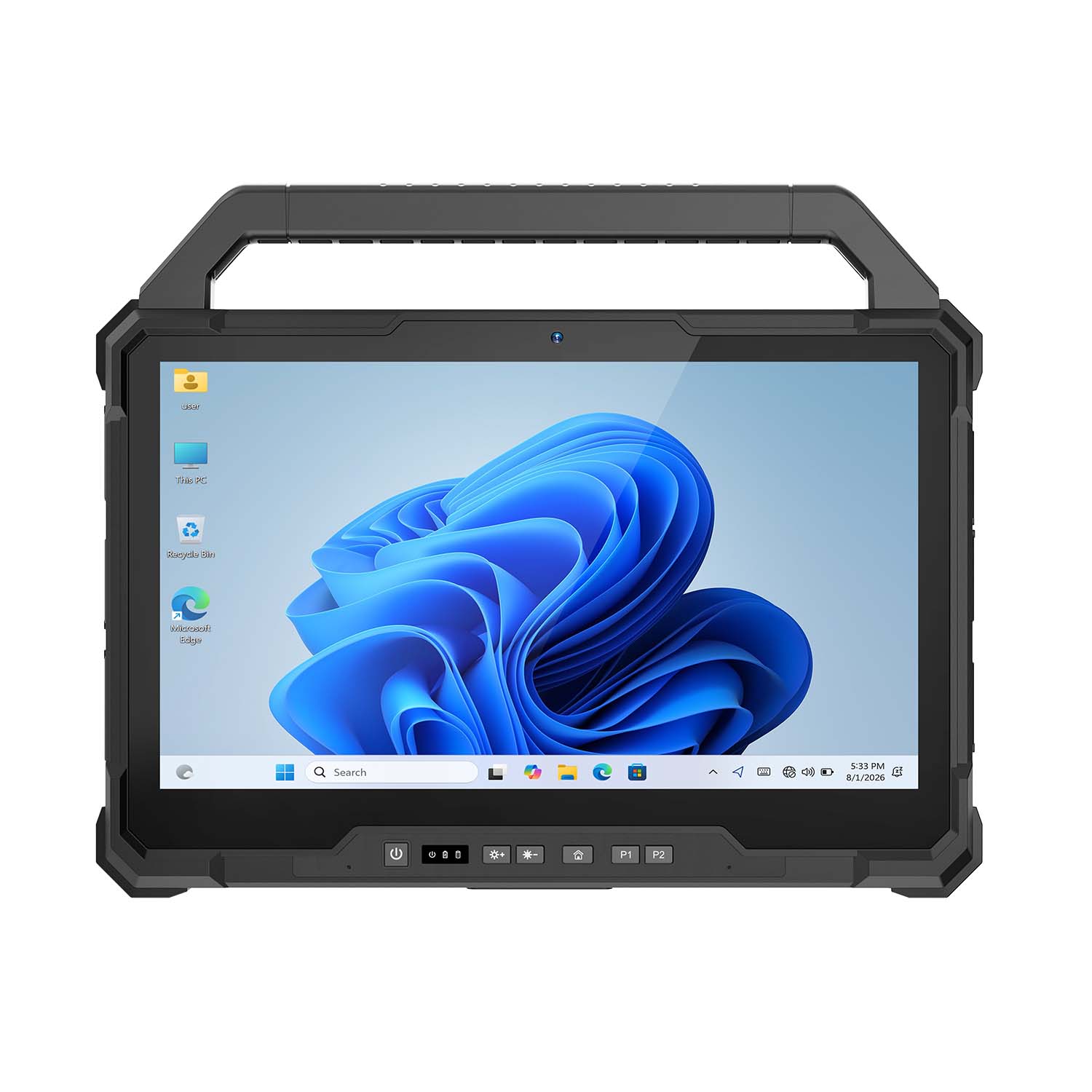 CENAVA W30U i5-1235U 13.3 Inch Win11 IP65 Rugged Tablet
 CENAVA W109U i7-1255U 10.95 Inch Win11 IP67 Rugged Tablet
 CENAVA A109TB MT6789V 10.95 Inch Android 14 IP68 Rugged Tablet
 CENAVA W10Y i7-10510Y 10.1 Inch Win11 IP68 Rugged Tablet Full I/O
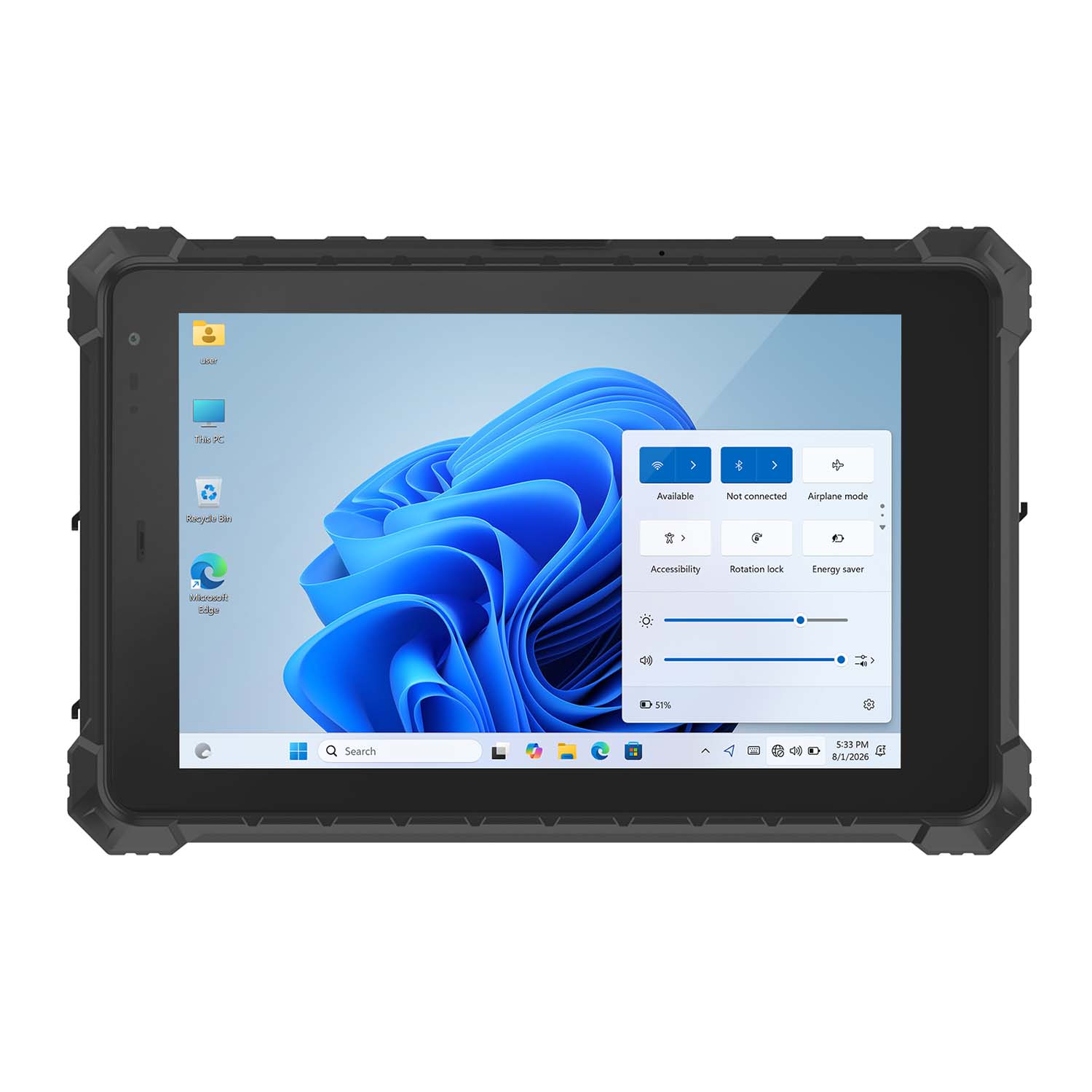 CENAVA W10N N5100 10.1 Inch Win11 IP68 Rugged Tablet Full I/O
 CENAVA A10RX RK3588 10.1 Inch Android 12 IP67 Rugged Tablet
 CENAVA A10ST MT8781 10.1 Inch Android 13 IP68 Rugged Tablet
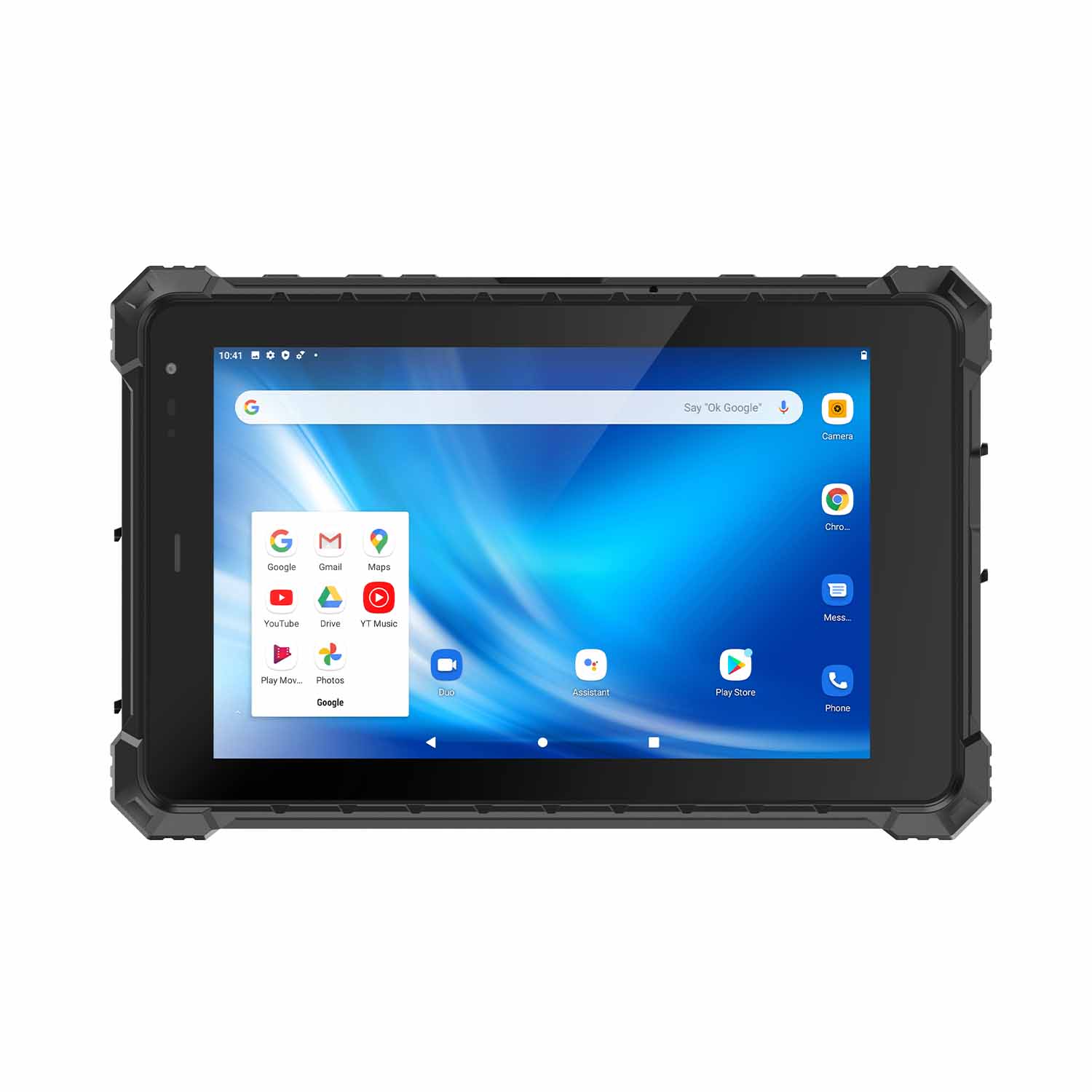 CENAVA A80ST MT6771 8 Inch Android 10 IP68 Rugged Tablet
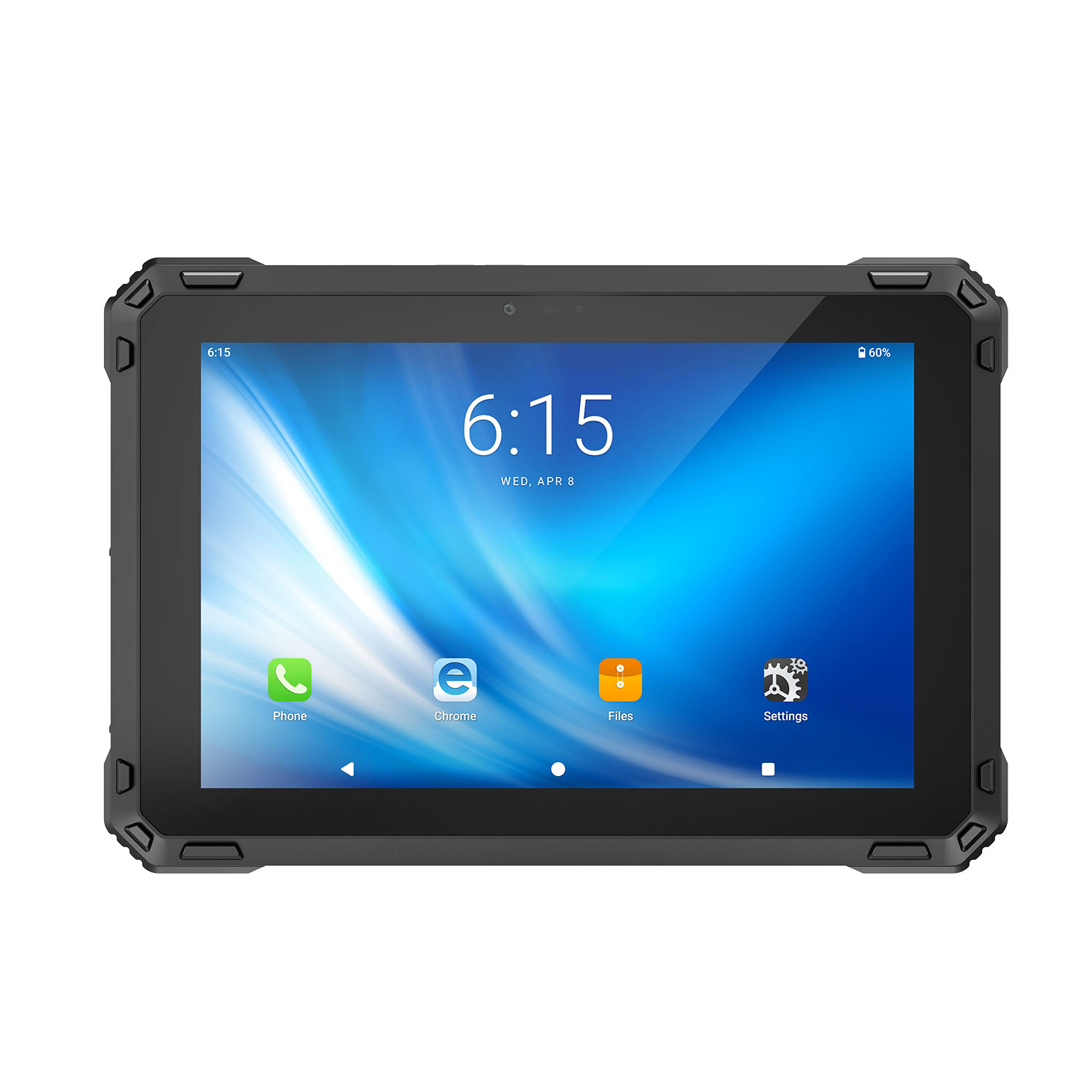 CENAVA A88ST MT6769 8 Inch Android 16 IP68 Rugged Tablet
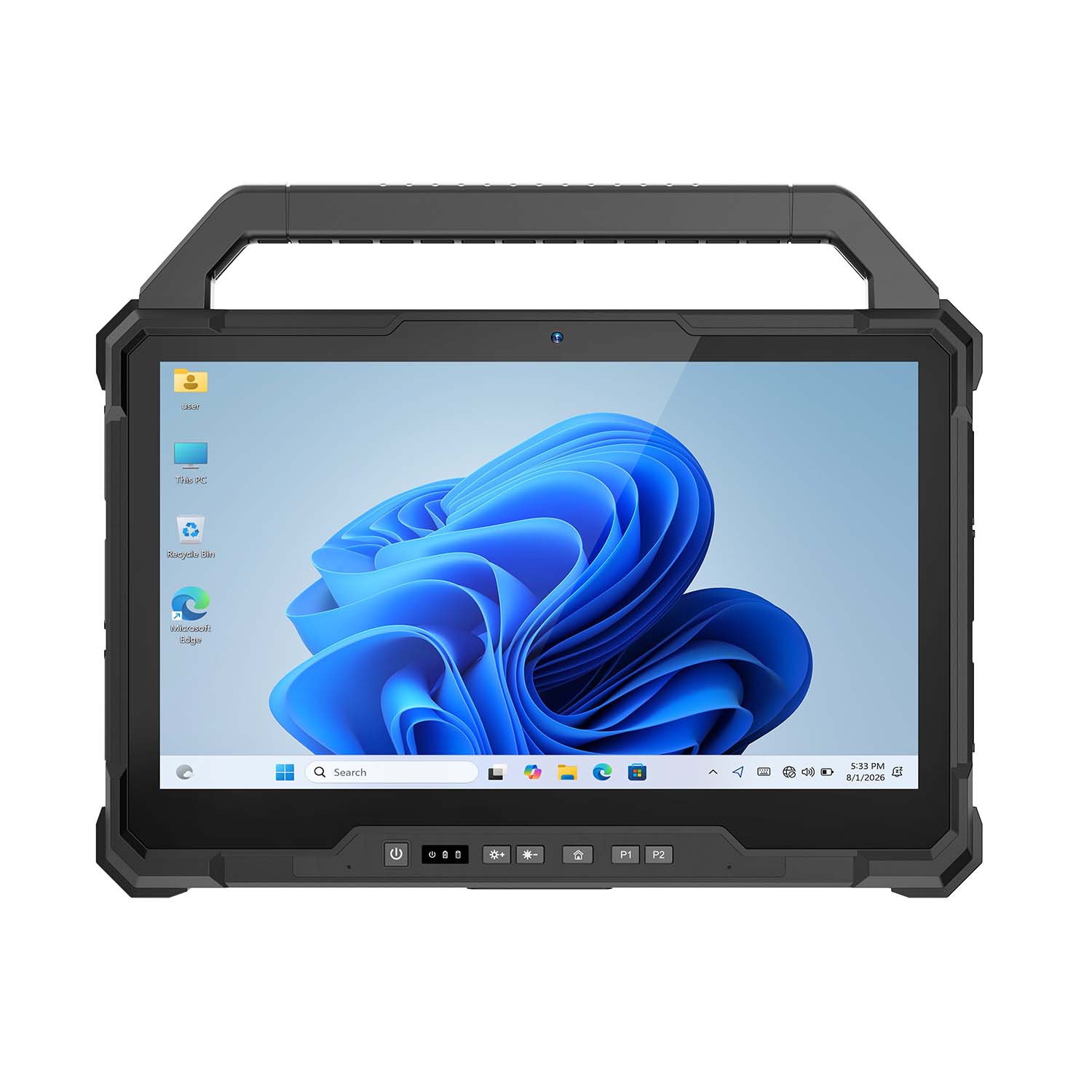 CENAVA W30NS N150 13.3 Inch Win11 IP65 Rugged Tablet
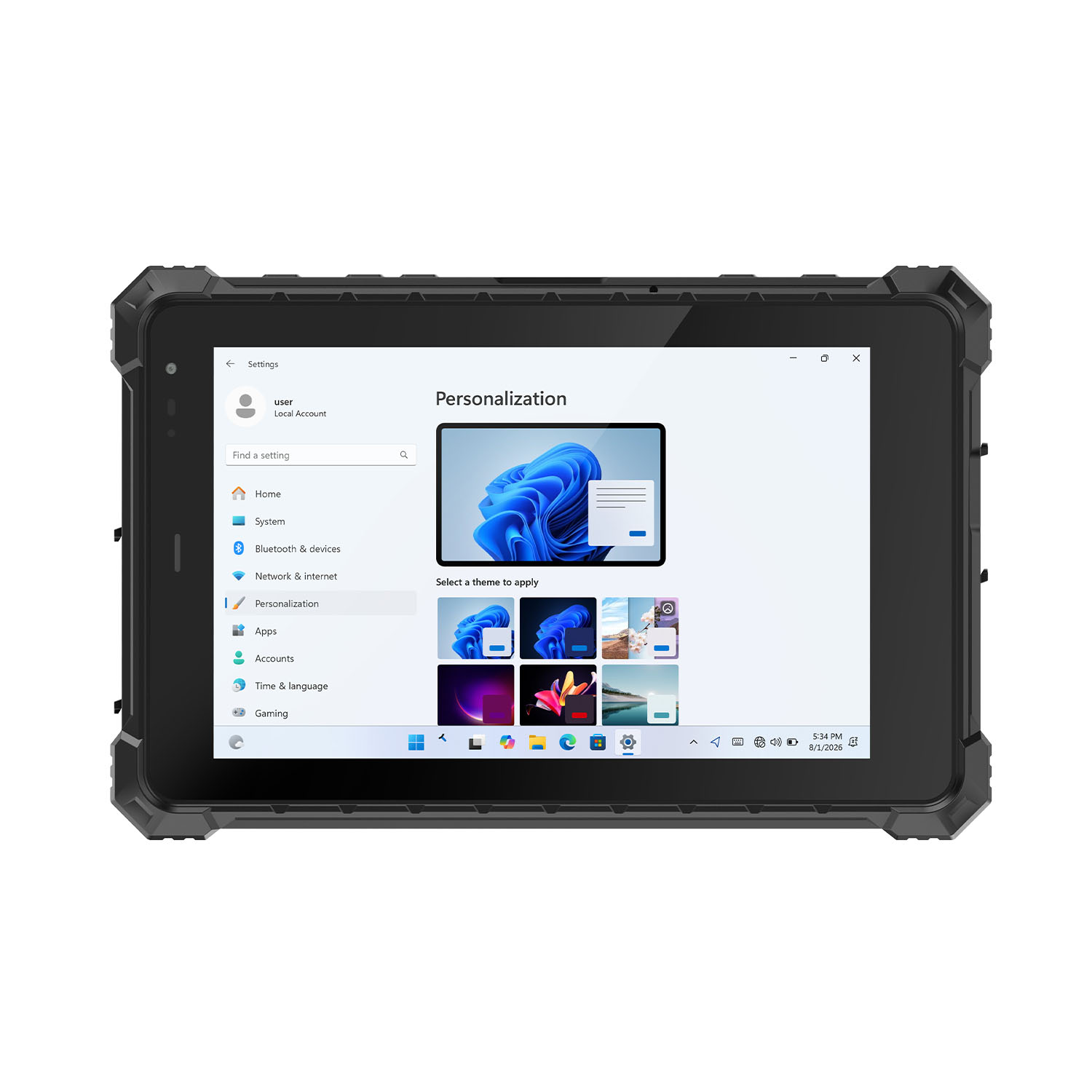 CENAVA W80Y i7-10510Y 8 Inch Win11 IP68 Rugged Gigabit
 CENAVA A10R RK3568 10.1 Inch Android 11 IP68 Rugged Tablet
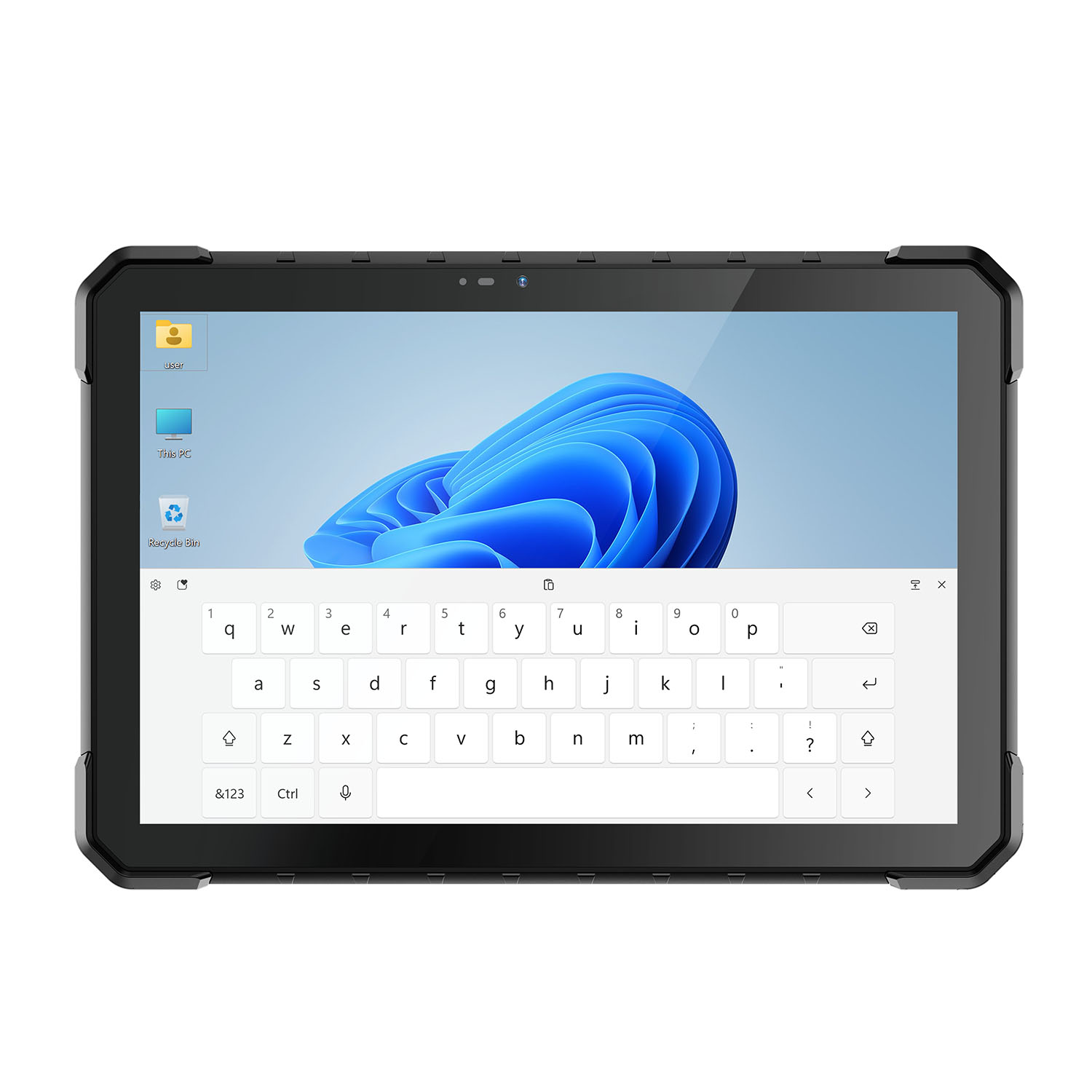 CENAVA W18Y i7-10510Y 10.1 Inch IP68 Industrial Tablet
 CENAVA CXE80C N2930 8 Inch Win10 IP65 Rugged Tablet
 CENAVA A18ST MT8781 10.1 Inch Android 13 IP68 Rugged Tablet
 CENAVA A10R RK3588 10.1 Inch Android 12 IP68 Rugged Tablet
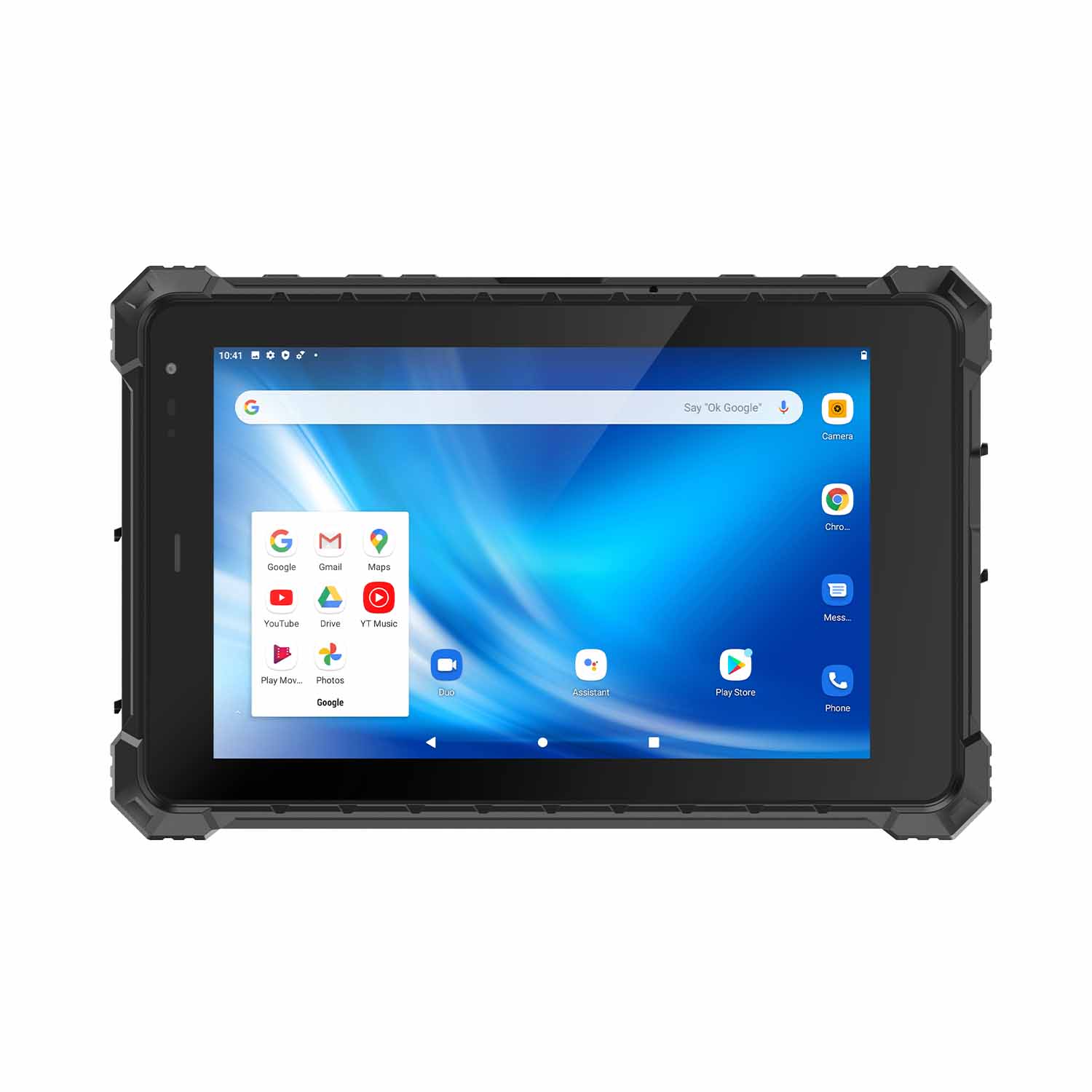 CENAVA A80ST-5G MT6877 8 Inch Android 12 IP68 Rugged Tablet
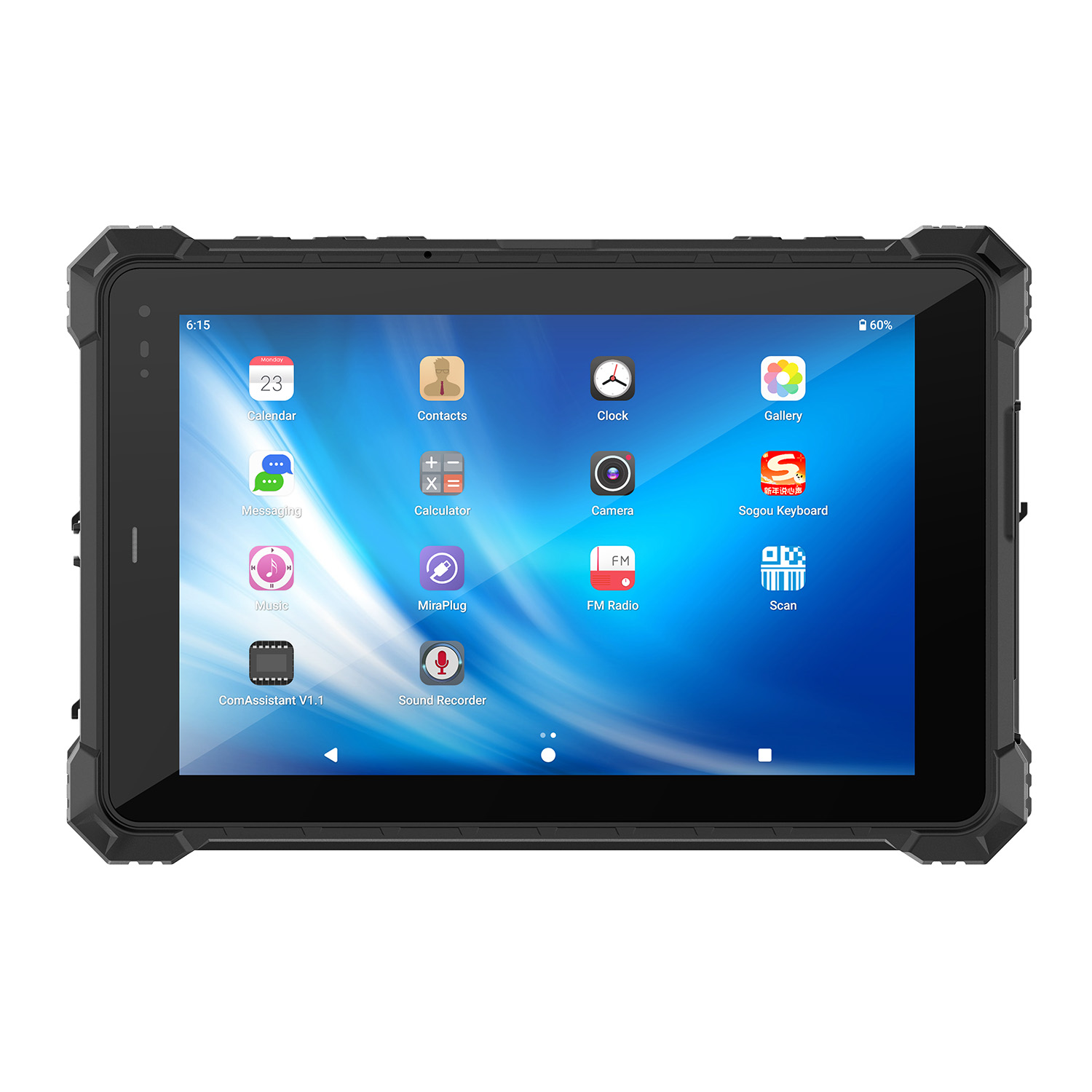 CENAVA A10STX MT8781 10.1 Inch Android 13 IP67 Rugged Tablet
 CENAVA A10ST-5G MT6877 10.1 Inch Android 12 IP68 Rugged Tablet
 CENAVA A10STX-5G MT6877 10.1 inch 5G Rugged Android Tablet
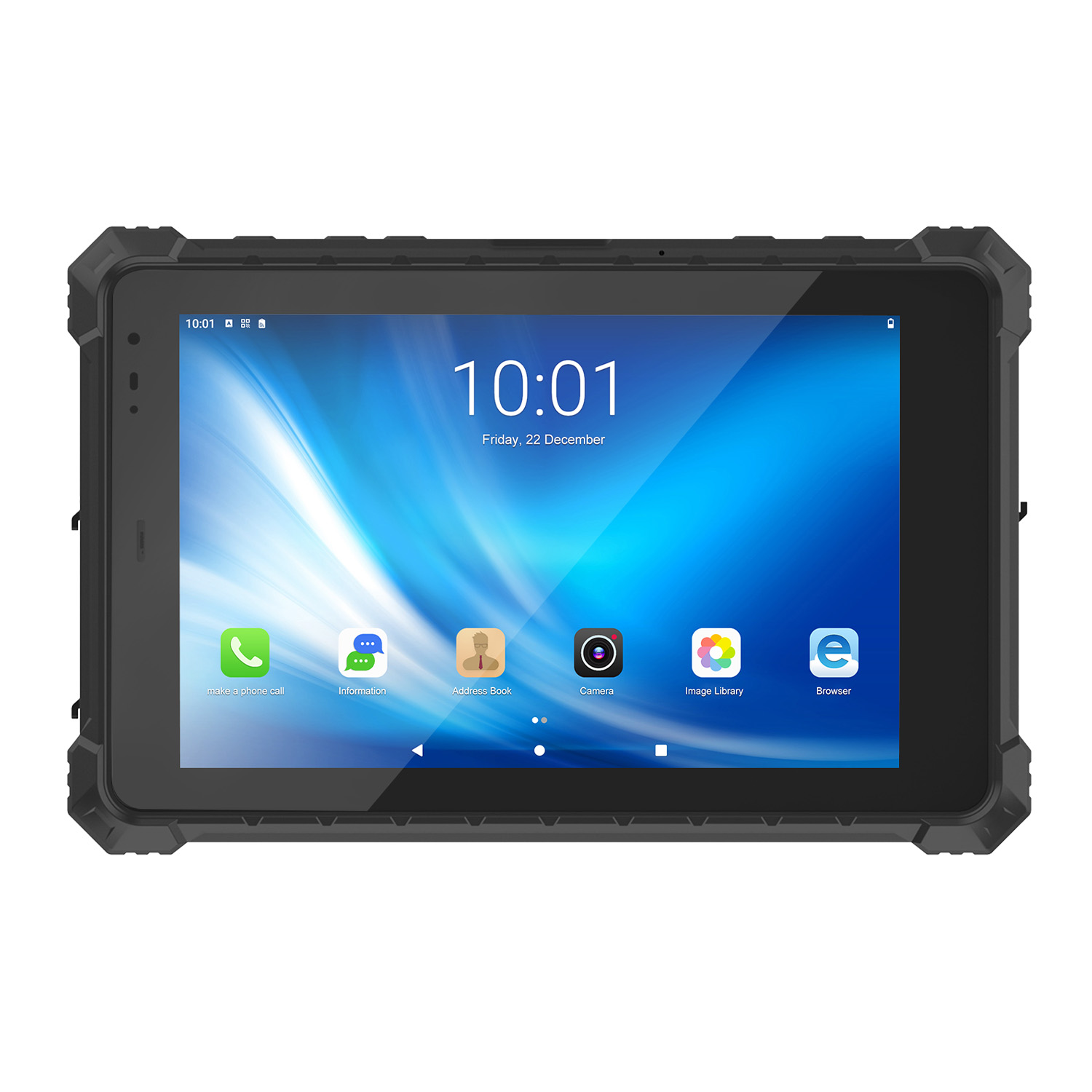 CENAVA A10ST MT6771 10.1 Inch Android 10 IP68 Rugged Tablet
 CENAVA A10STX MT6769 10.1 Inch Android 16 IP67 Rugged Tablet
 CENAVA A10ST MT6769 10.1 Inch Android 16 IP68 Rugged Tablet
 CENAVA A10STX MT6771 10.1 Inch Android 10 IP67 Rugged Tablet
 CENAVA A80ST MT8781 8 Inch Android 13 IP68 Rugged Tablet
 CENAVA A80R RK3588 8 Inch Android 12 IP68 Rugged Tablet
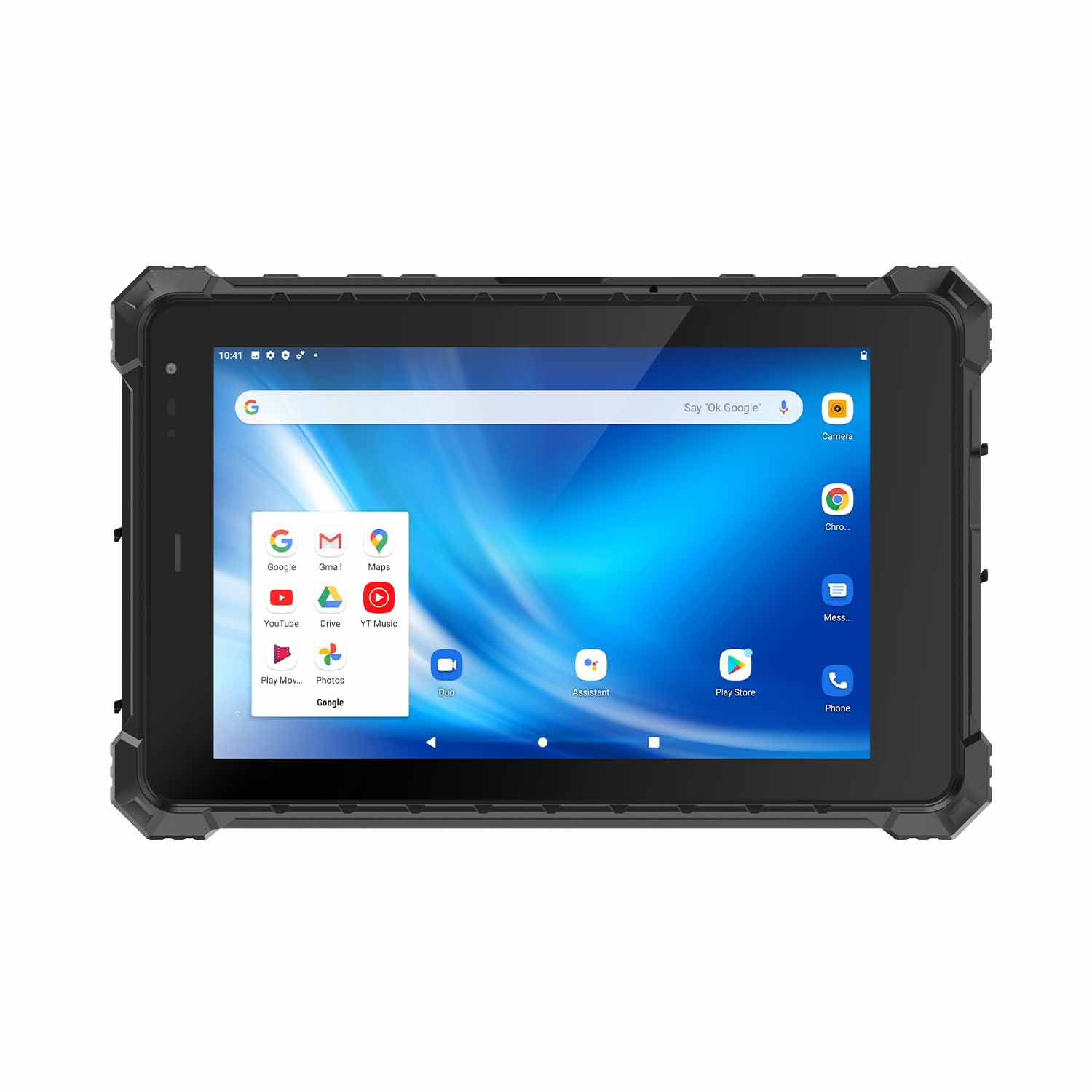 CENAVA A80STX-5G MT6877 8 Inch Android 12 IP67 Rugged Tablet
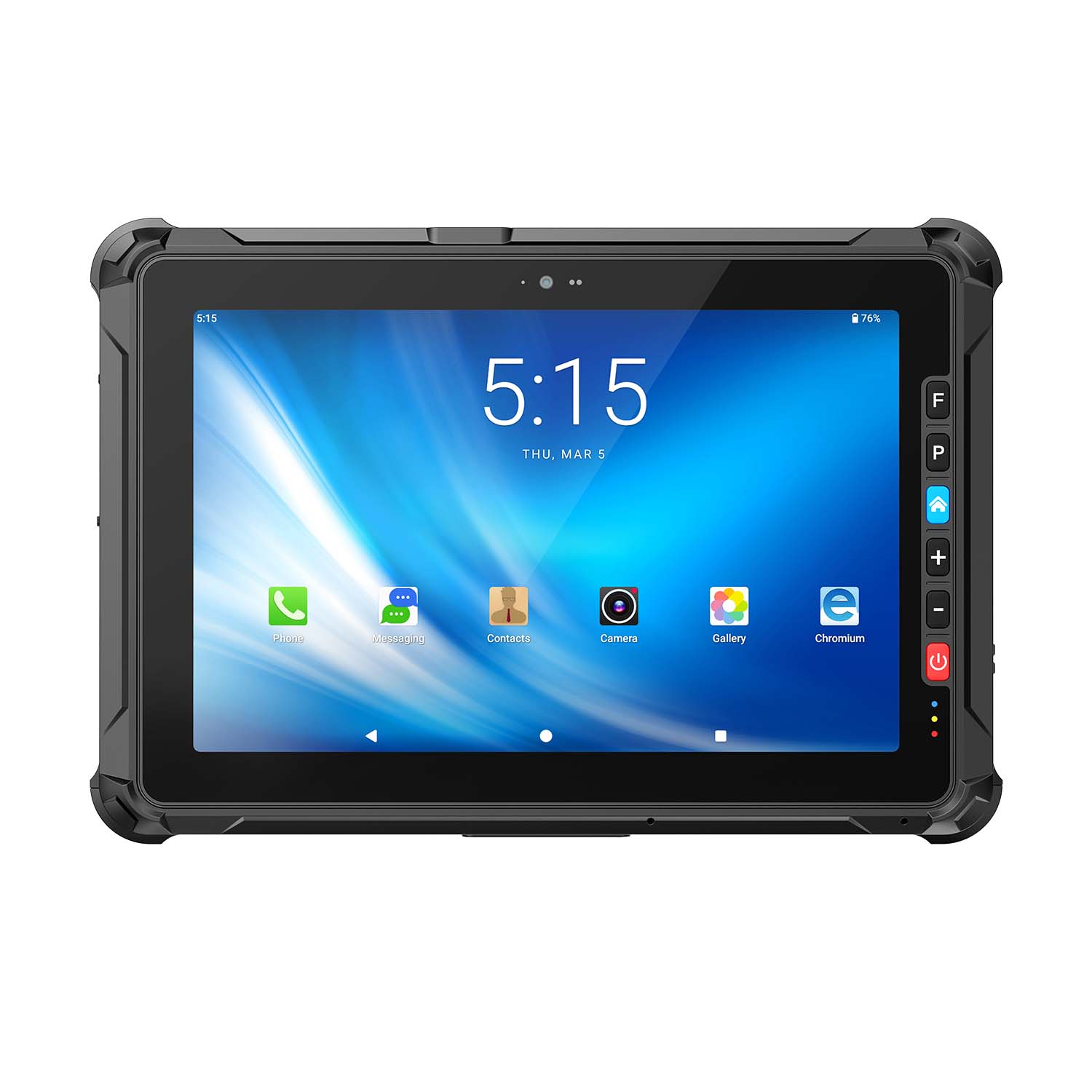 CENAVA A109ST MT8781 10.95 Inch Android 16 IP67 Rugged Tablet
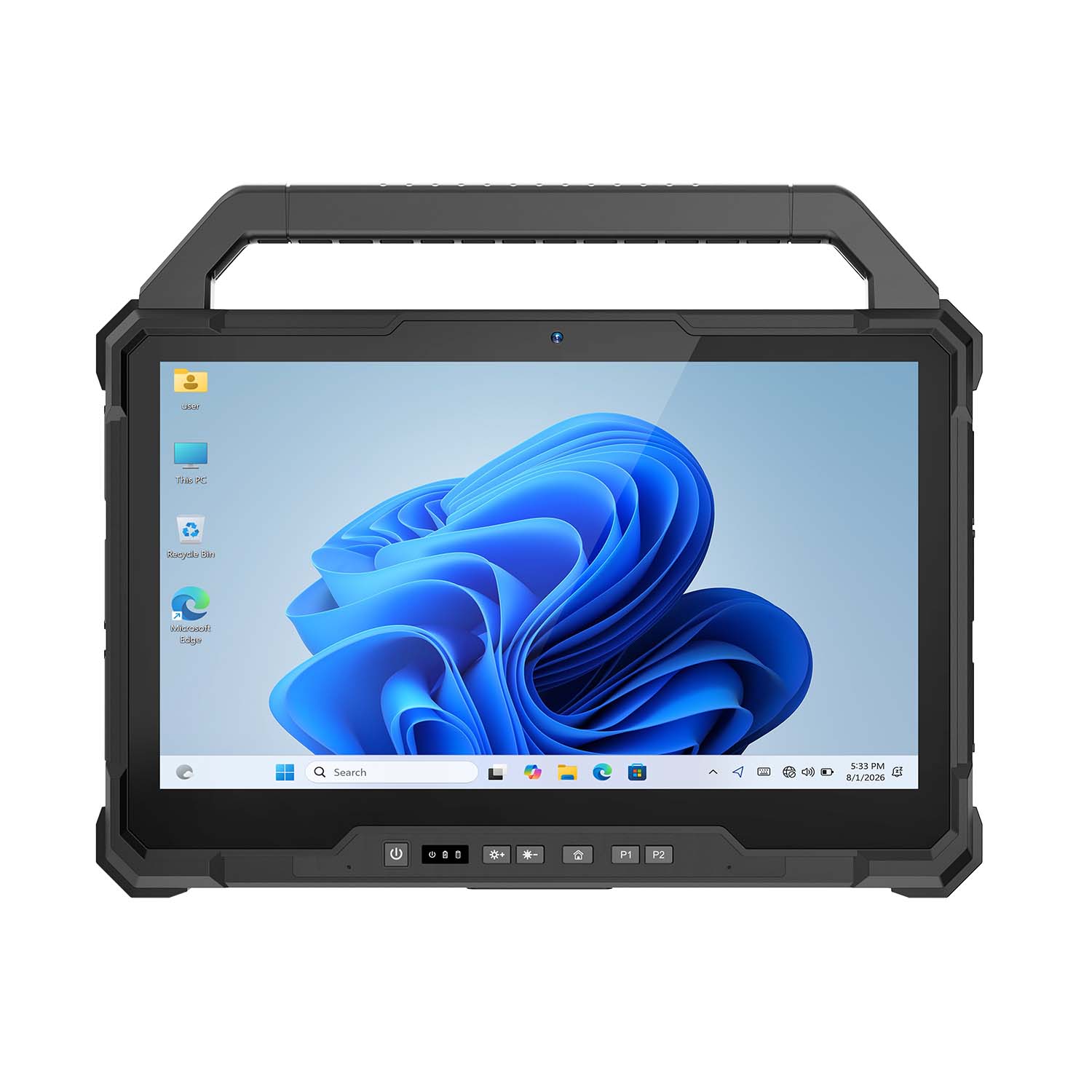 CENAVA W30U Pro Ultra7-155U 13.3 Inch Win11 IP65 Rugged Tablet
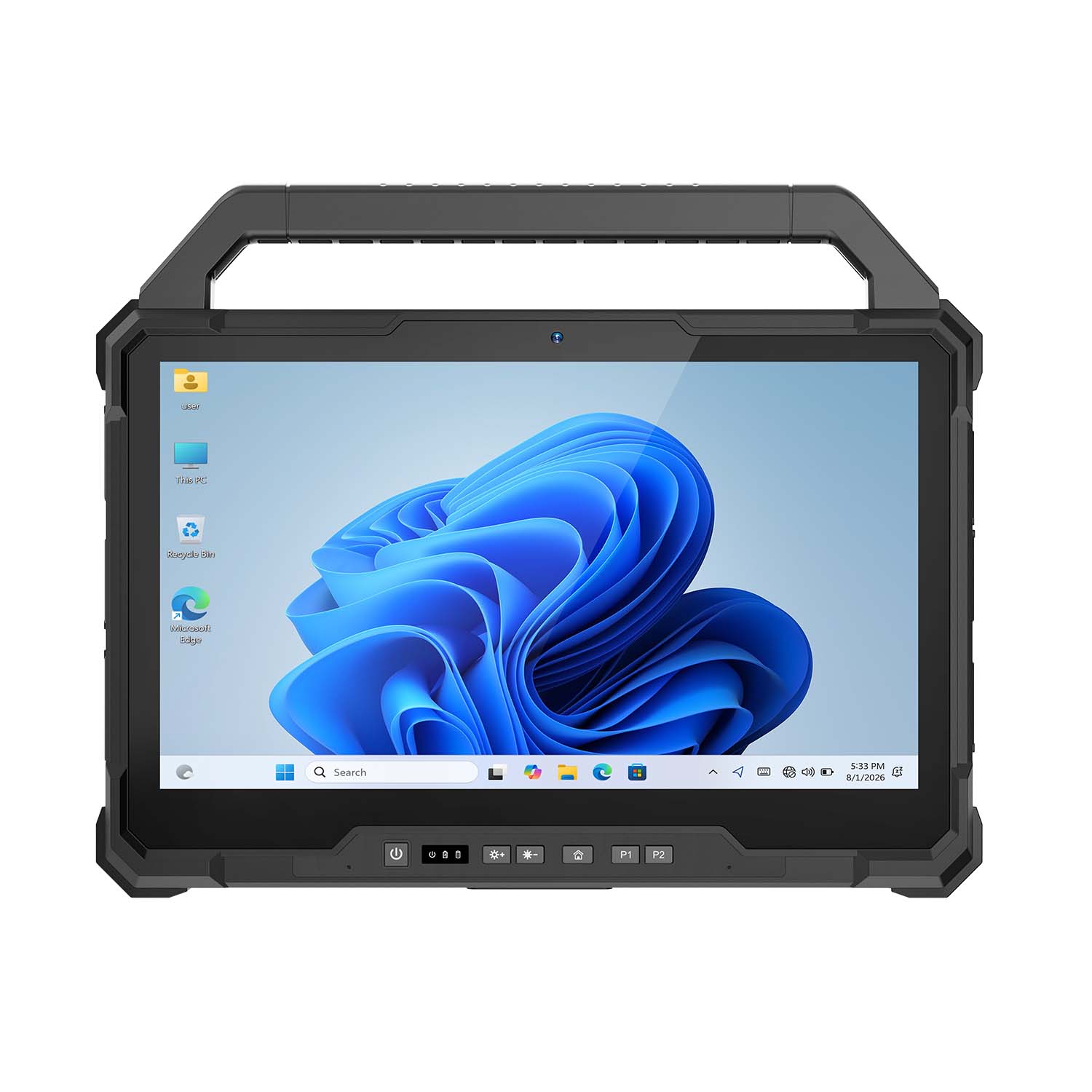 CENAVA W30U i7-1255U 13.3 Inch Win11 IP65 Rugged Tablet
 CENAVA W109NS N150 10.95 Inch Win11 IP67 Rugged Tablet GbE
 CENAVA W109U i5-1235U 10.95 Inch Win11 IP67 Rugged Tablet
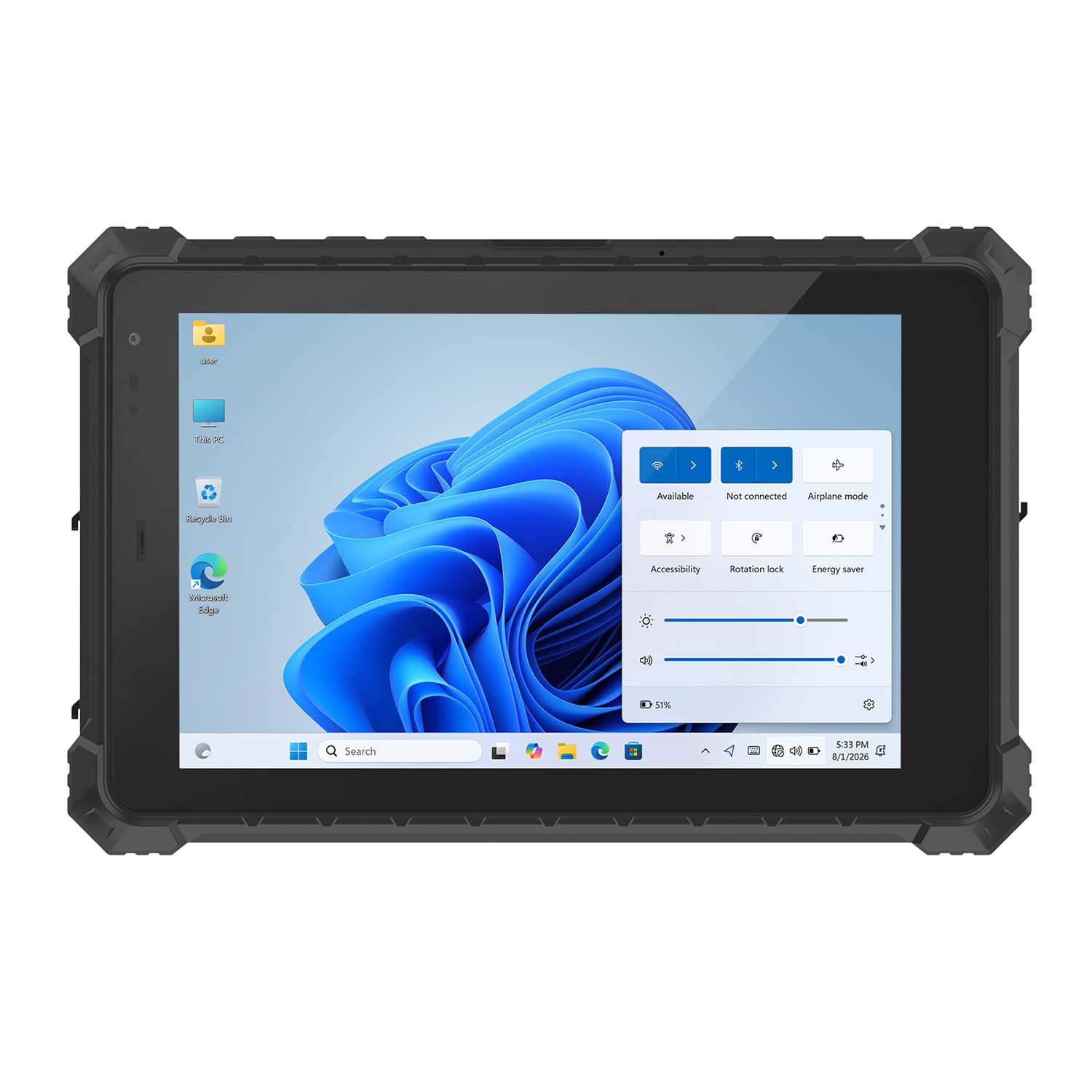 CENAVA W10Y i5-10210Y 10.1 Inch Win11 IP68 Rugged Tablet Full I/O
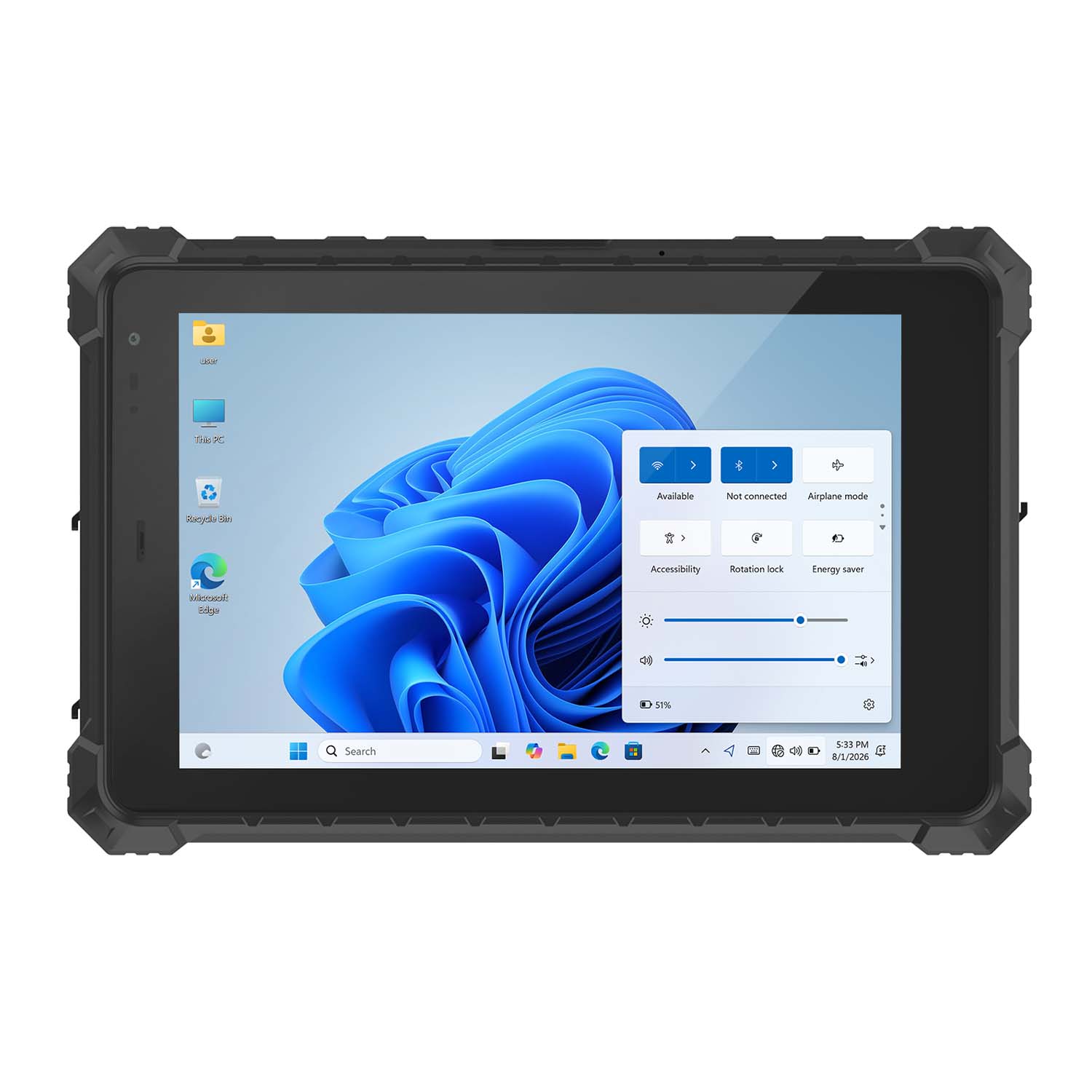 CENAVA W10NPRO N100 10.1 Inch Win11 IP68 Rugged Full I/O
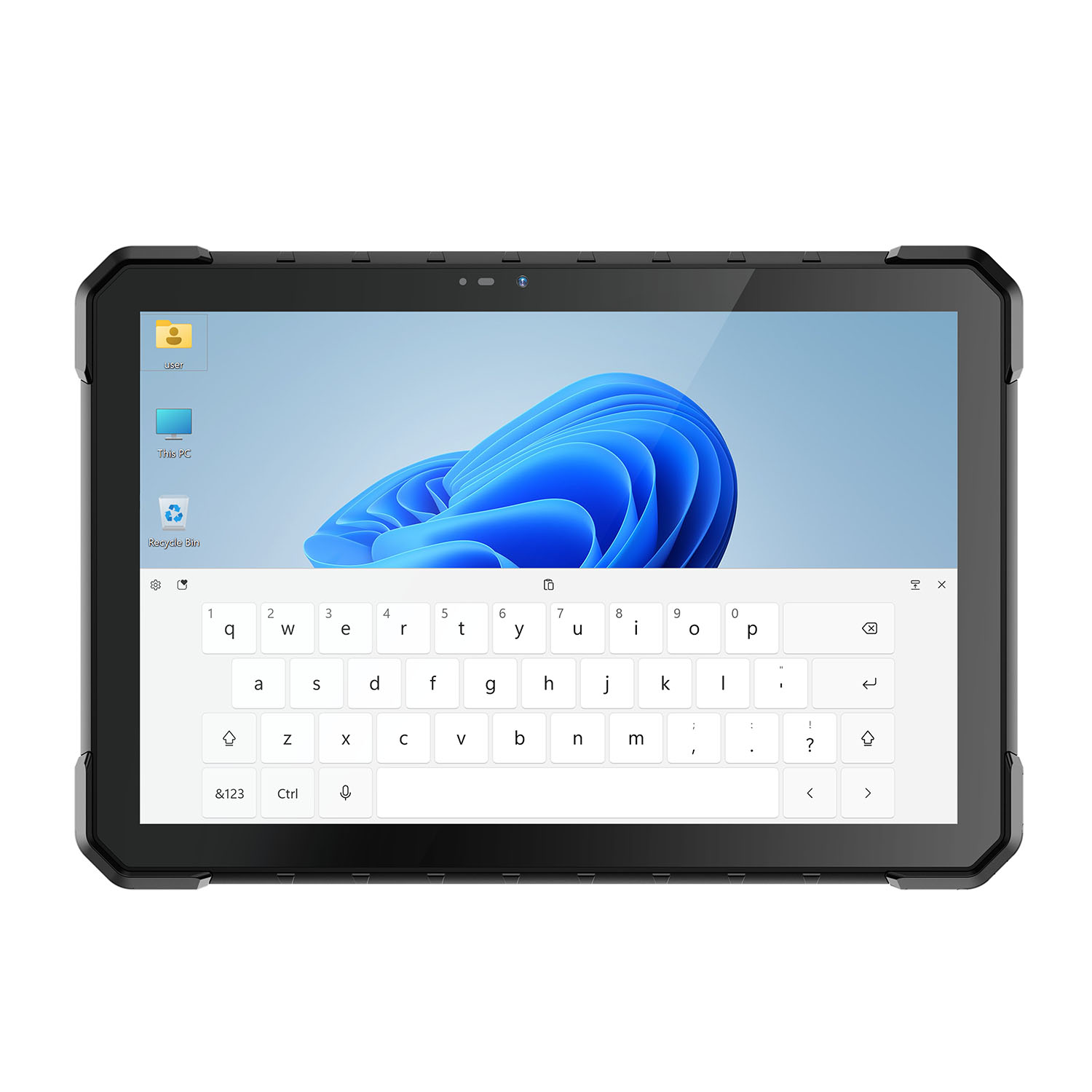 CENAVA W18Y i5-10210Y 10.1 Inch Win11 IP68 Rugged Slim
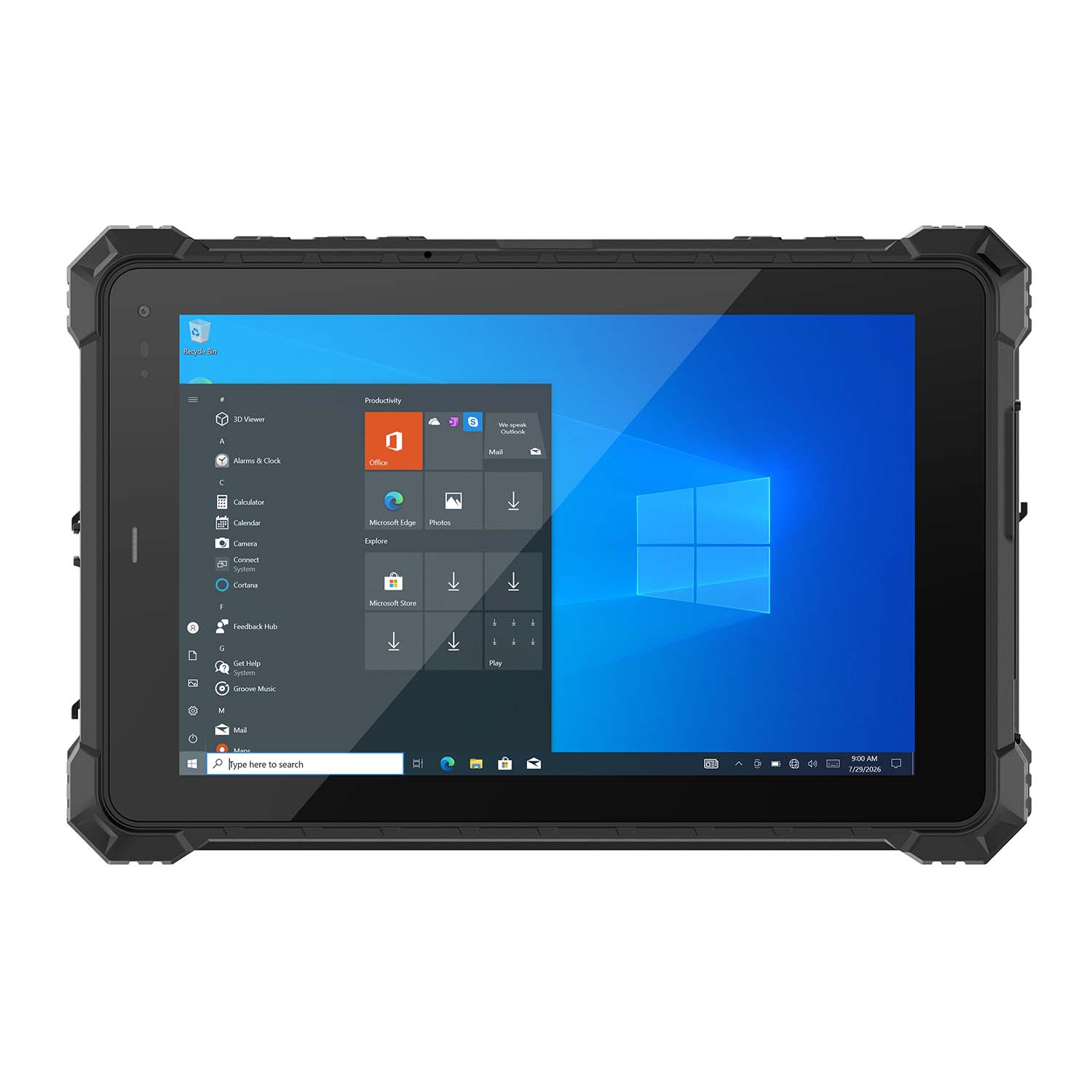 CENAVA W10NX N5100 10.1 Inch Windows IP67 Industrial Tablet
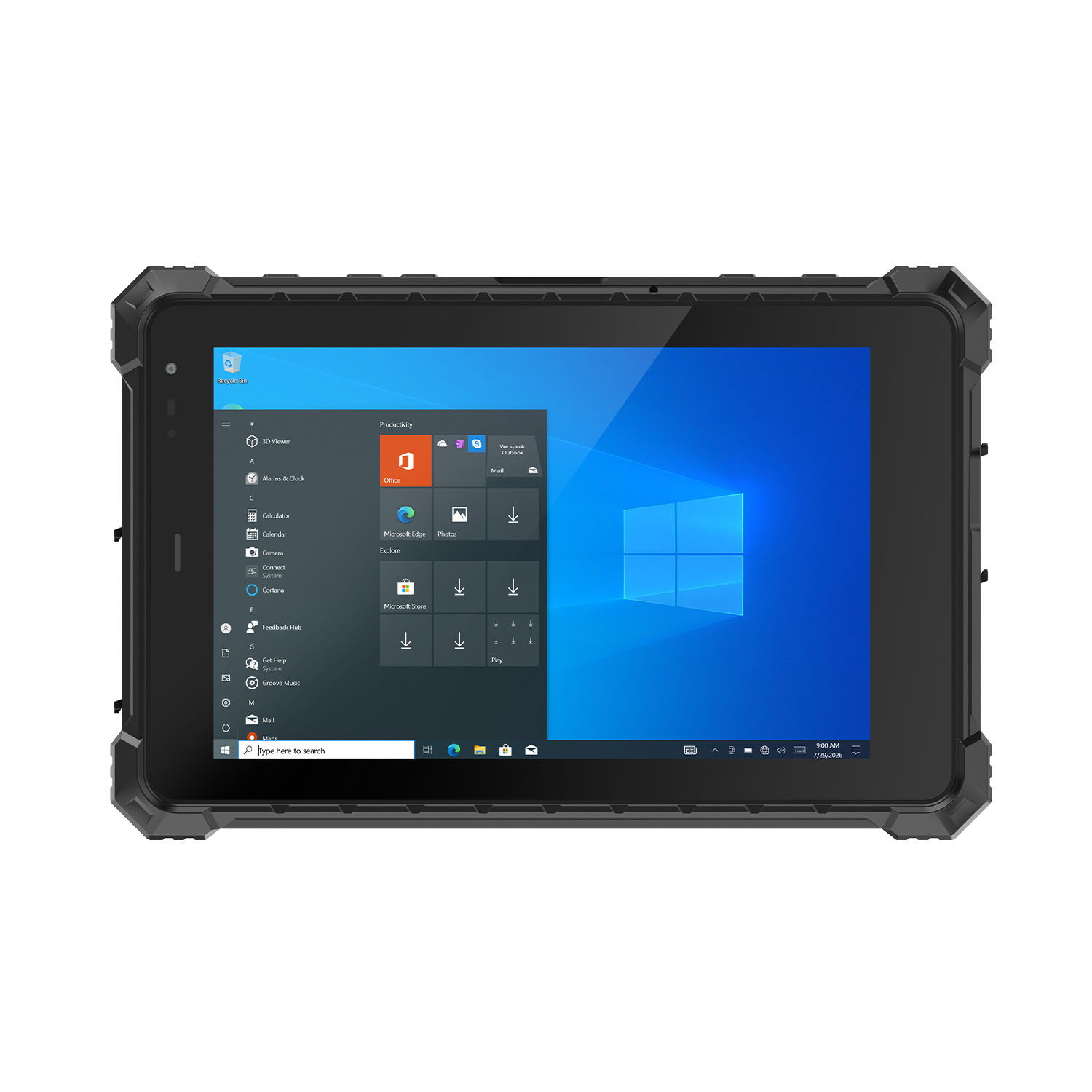 CENAVA W80N N5100 8 Inch Win11 IP68 Windows Rugged Tablet
 CENAVA H10PRO N100 10.1 Inch Win11 Industrial PC | WiFi6 Touch Panel
-1.jpg) CENAVA H55N N5100 5.5" Win11 Mini Industrial PC
CENAVA H55N N5100 5.5" Win11 Mini Industrial PC
 CENAVA H10F N100 10.1" Win11 Industrial Panel PC Touch Computer
 CENAVA H10F N95 10.1" Win11 Industrial Panel PC | WiFi6 Touch Computer
 CENAVA H7S N3350 7 Inch Win10 Entry Industrial PC | POE Fanless Touch Panel
 CENAVA H7 N4020 7" Win10 Compact Industrial PC | POE Fanless Touch Panel
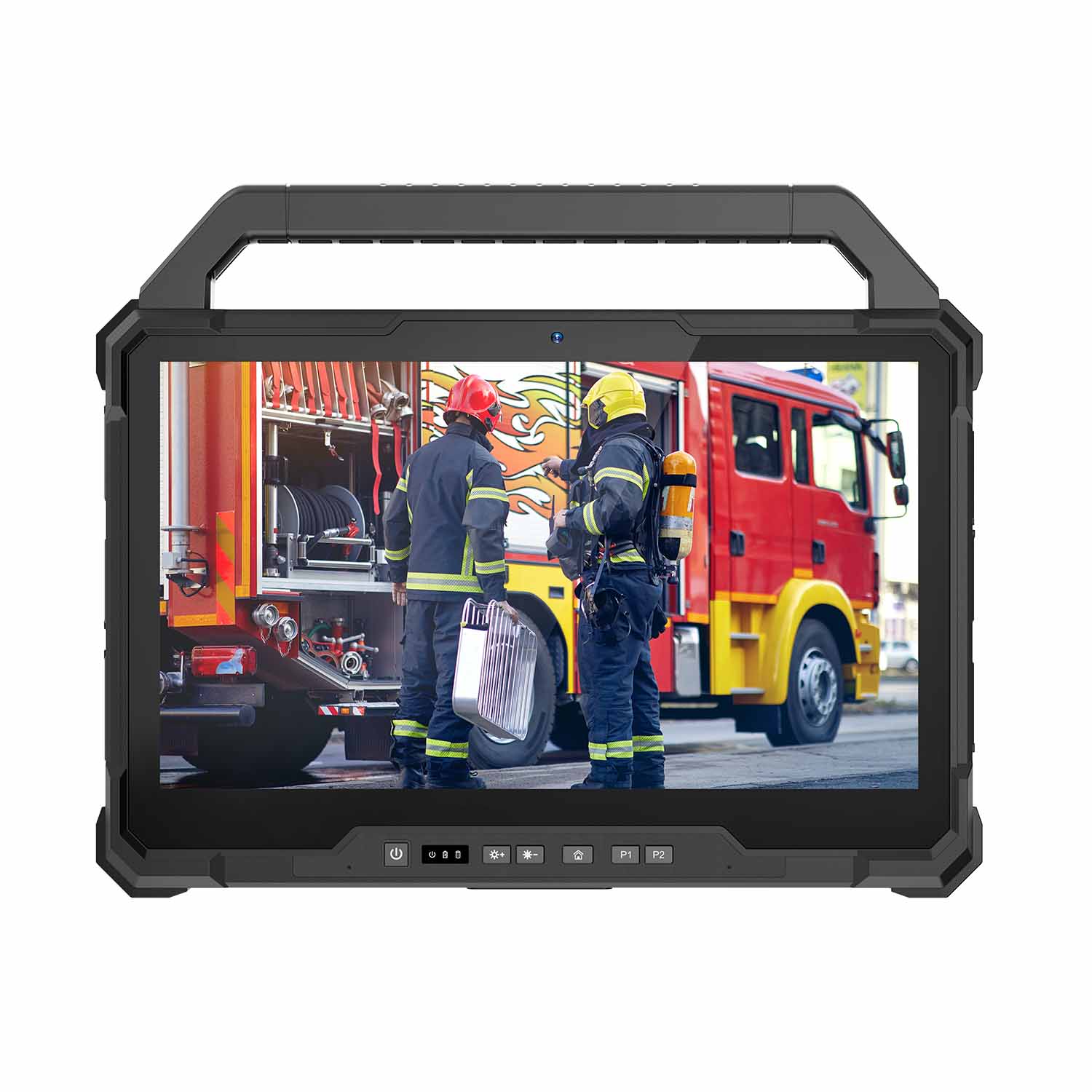 W30U-EX i7-1255U 13.3 Inch Explosion-Proof Windows Tablet
 W30UPro-EX Ultra7-155U ATEX II 2GD Ex ib IIC T5 Gb Explosion-Proof Tablet
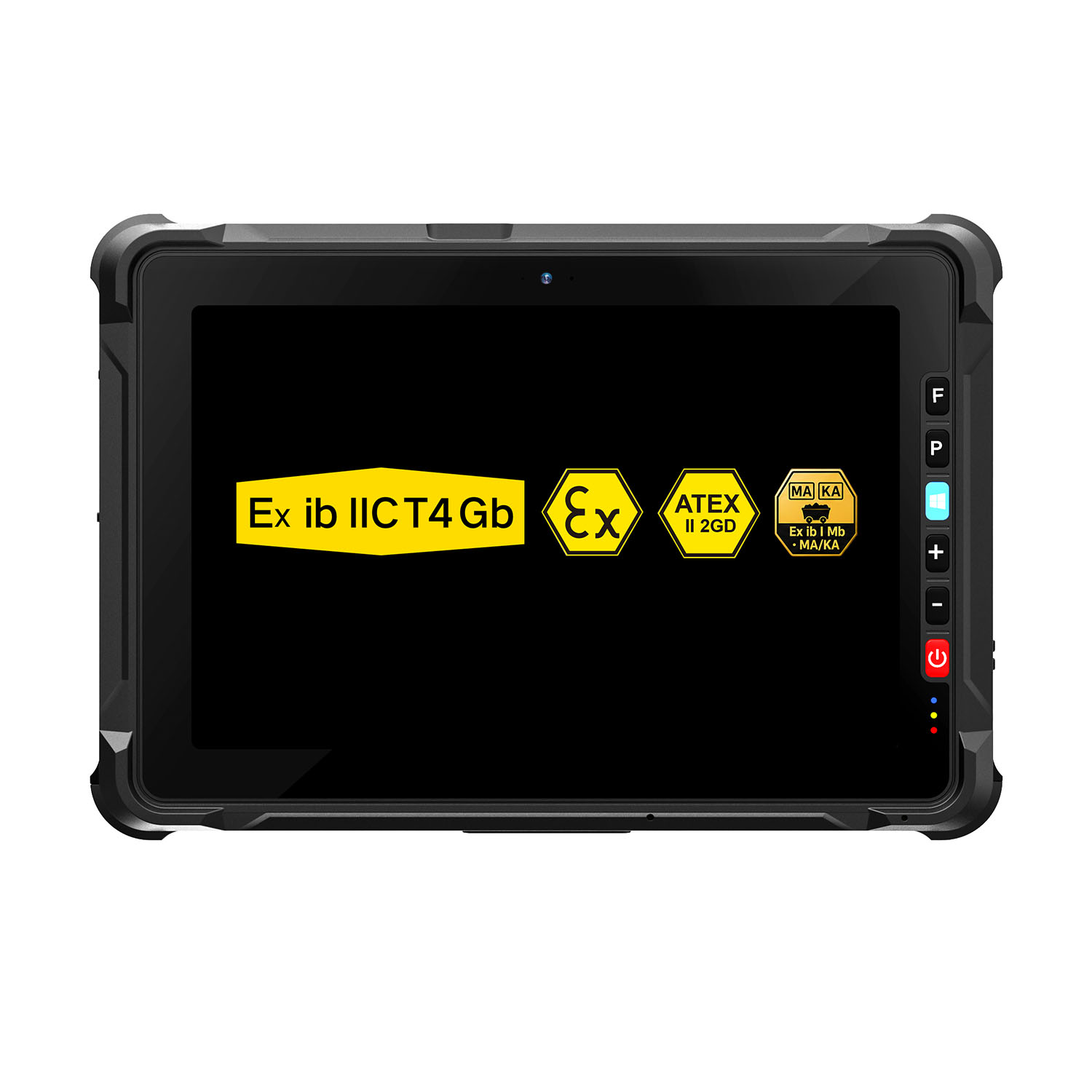 W109NS-EX N150 Explosion-Proof Hazardous Area Windows Tablet
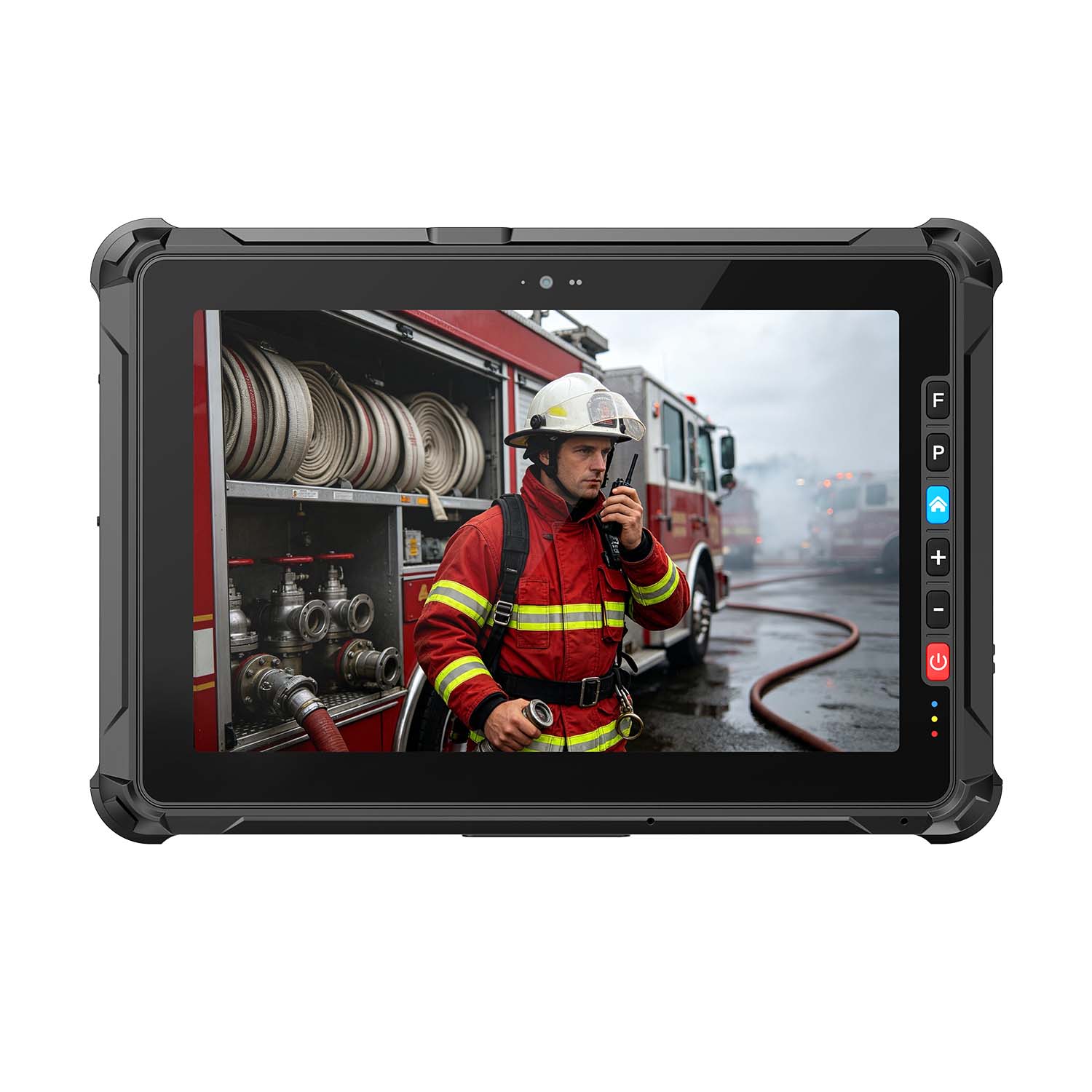 A109ST-EX MT8781 20000mAh Explosion-Proof ATEX II 2GD Android Tablet
.jpg) W10N-EX N5100 Explosion-Proof Intrinsically Safe Windows Tablet
W10N-EX N5100 Explosion-Proof Intrinsically Safe Windows Tablet
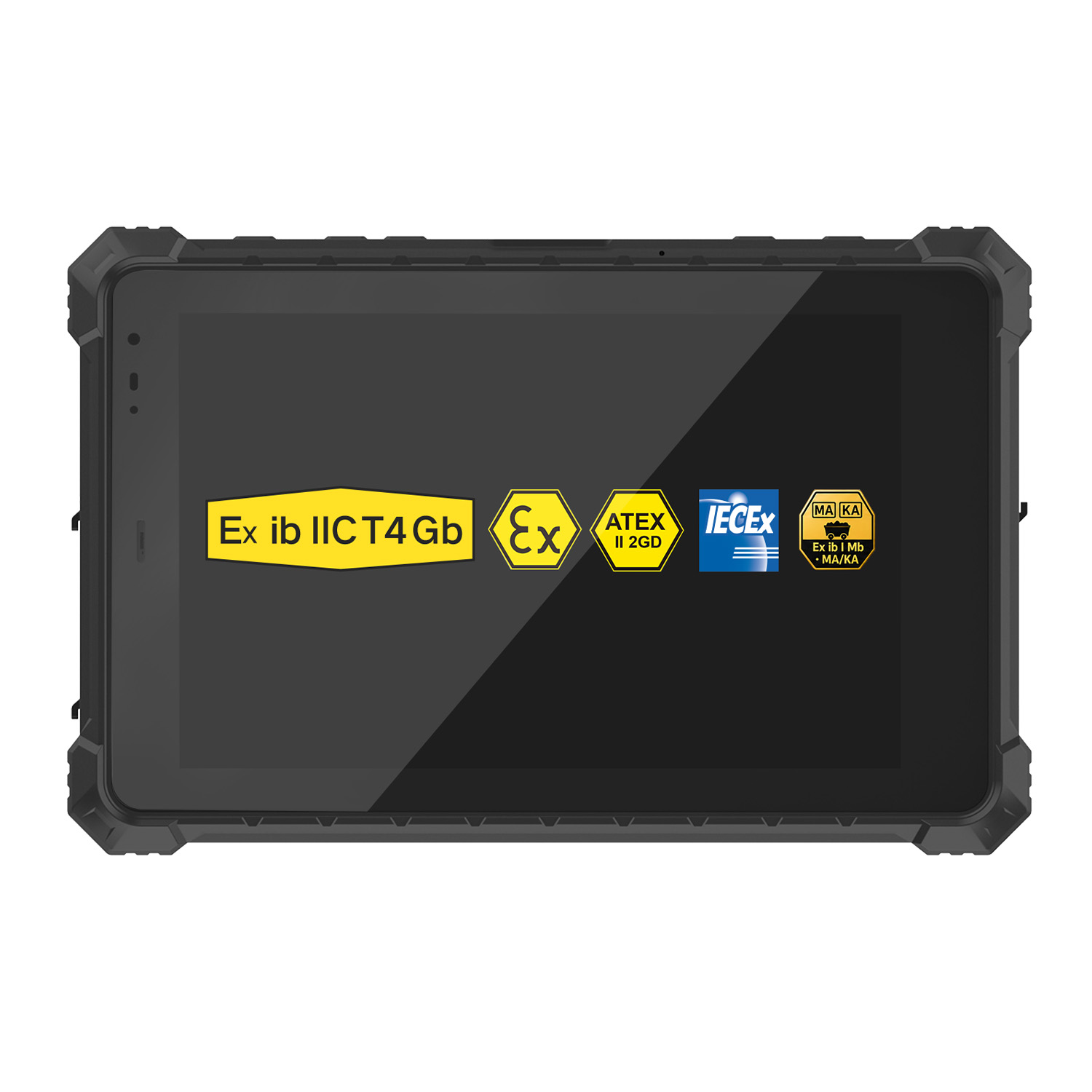 A10ST-EX MT8781 Ex ib IIC T5 Gb Hazardous Area Rugged Tablet
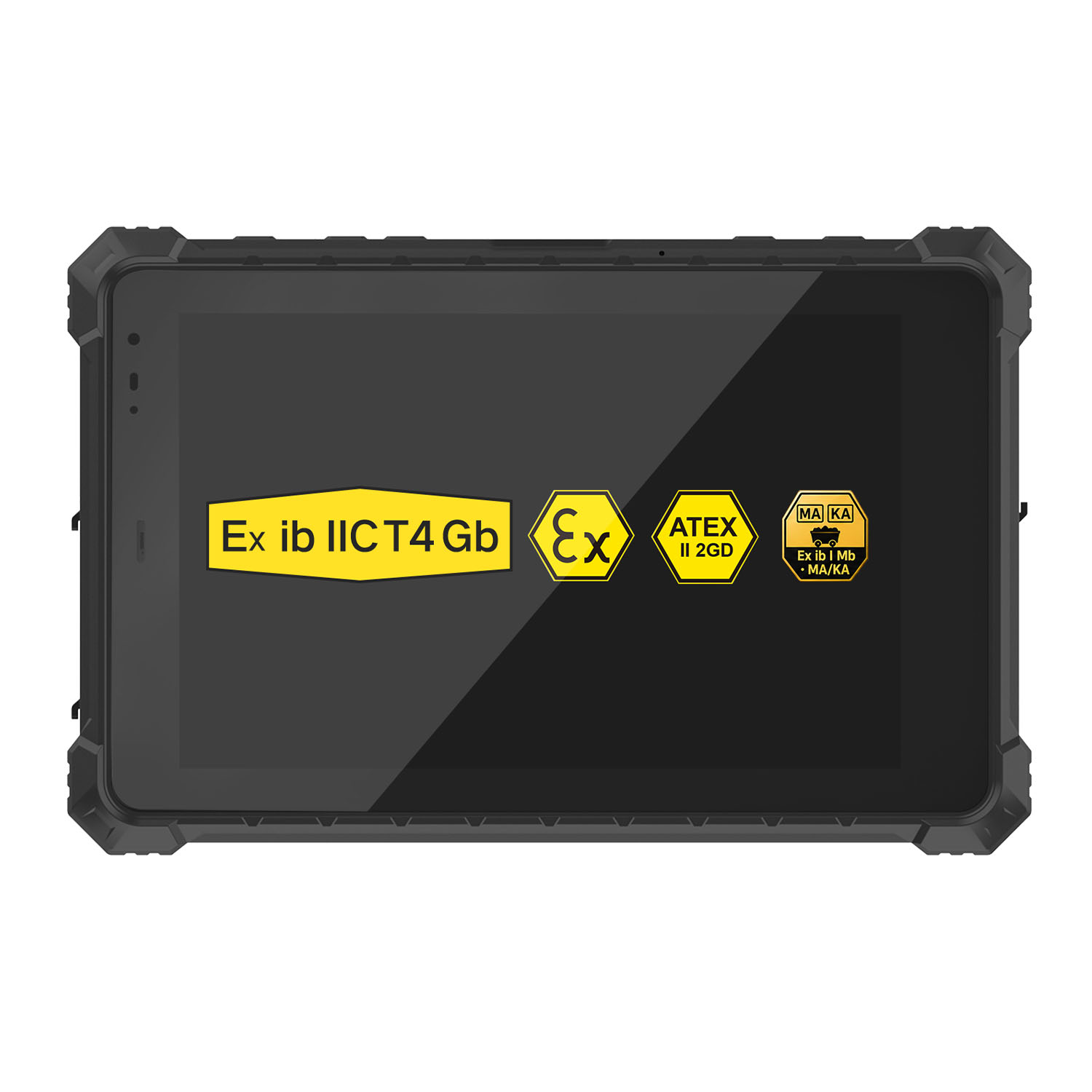 A10R-EX 10.1 Inch Explosion Proof RK3568 Industrial Tablet PC
 A10STX-EX MT8781 10.1 Inch ATEX II 2GD Android Tablet
 W80N-EX N5100 8 Inch Explosion-Proof Windows ATEX II 2GD Tablet
 A18ST-EX Slim 10.1-Inch Explosion-Proof Android Tablet
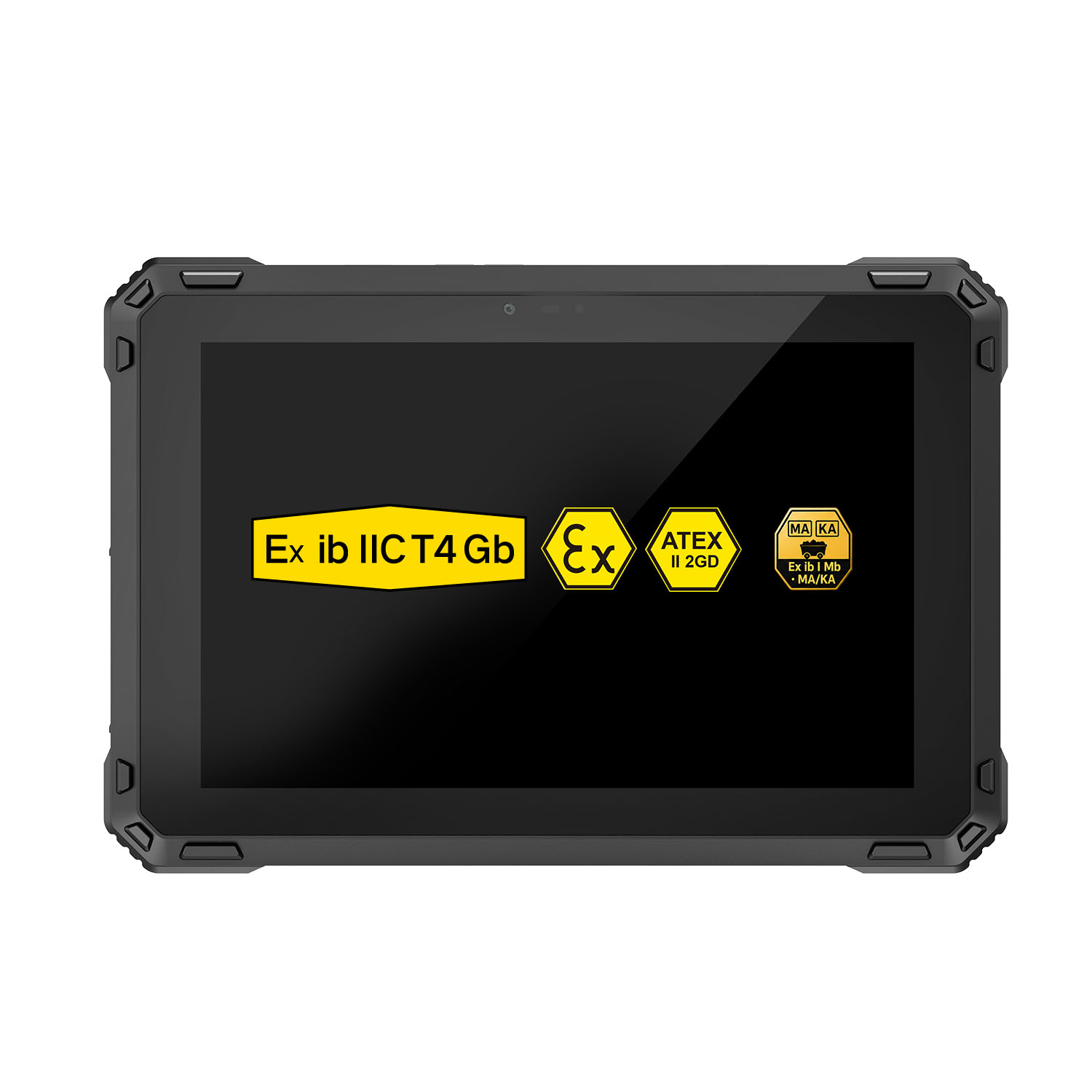 A88ST-EX MT6769 Hazardous Area 8-Inch Explosion-Proof Android Tablet
 A80ST-5G EX MT6877 8 Inch Ex ib ⅡC T4 Gb Explosion Proof Tablet
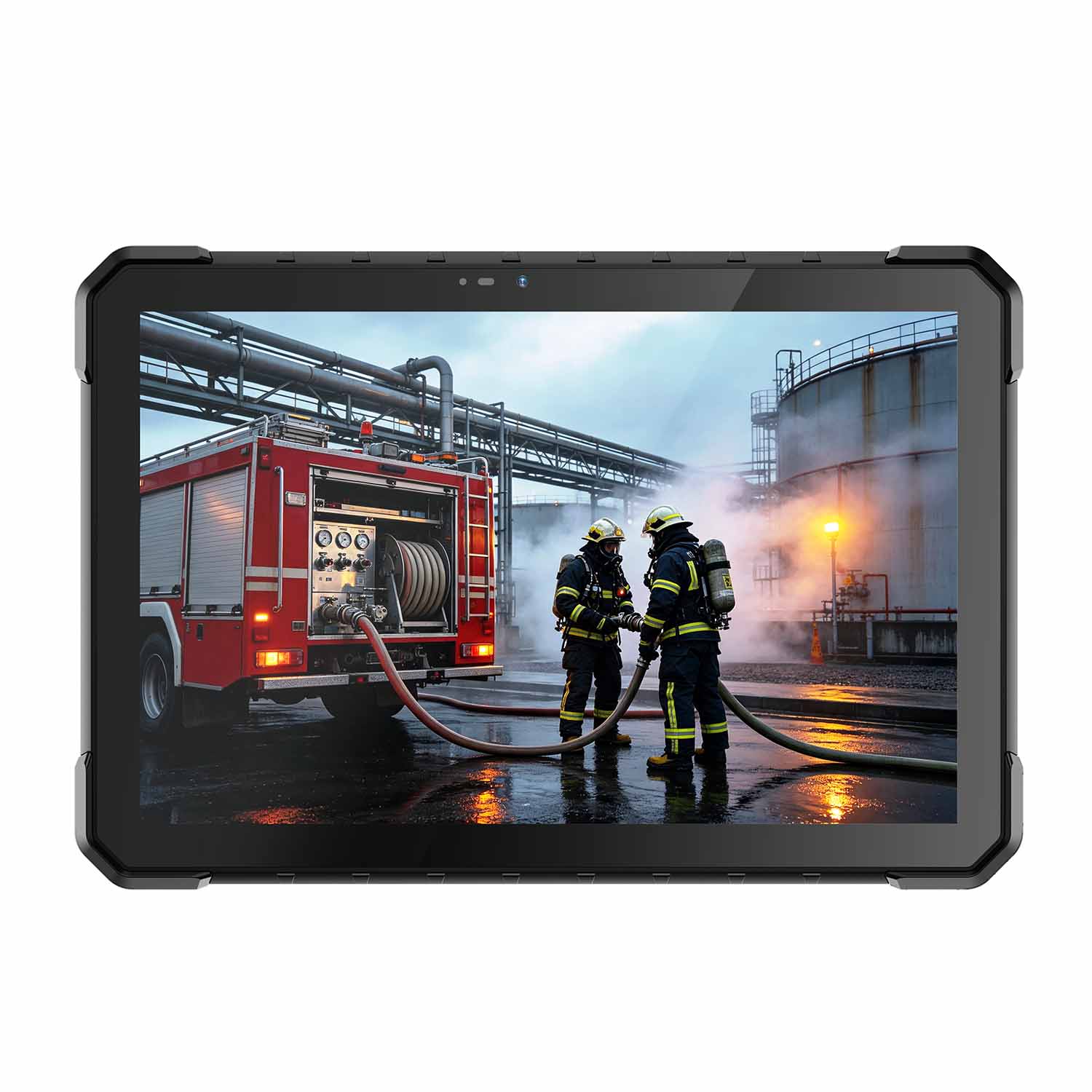 CENAVA W18Y-EX i7 10.1 Inch Explosion-Proof Windows 11 Tablet
 W65G-EX Explosion-Proof Windows Handheld Hazardous Area PDA