






Best Tablets for Construction Work in 2025 | Rugged Tablets for Construction Sites
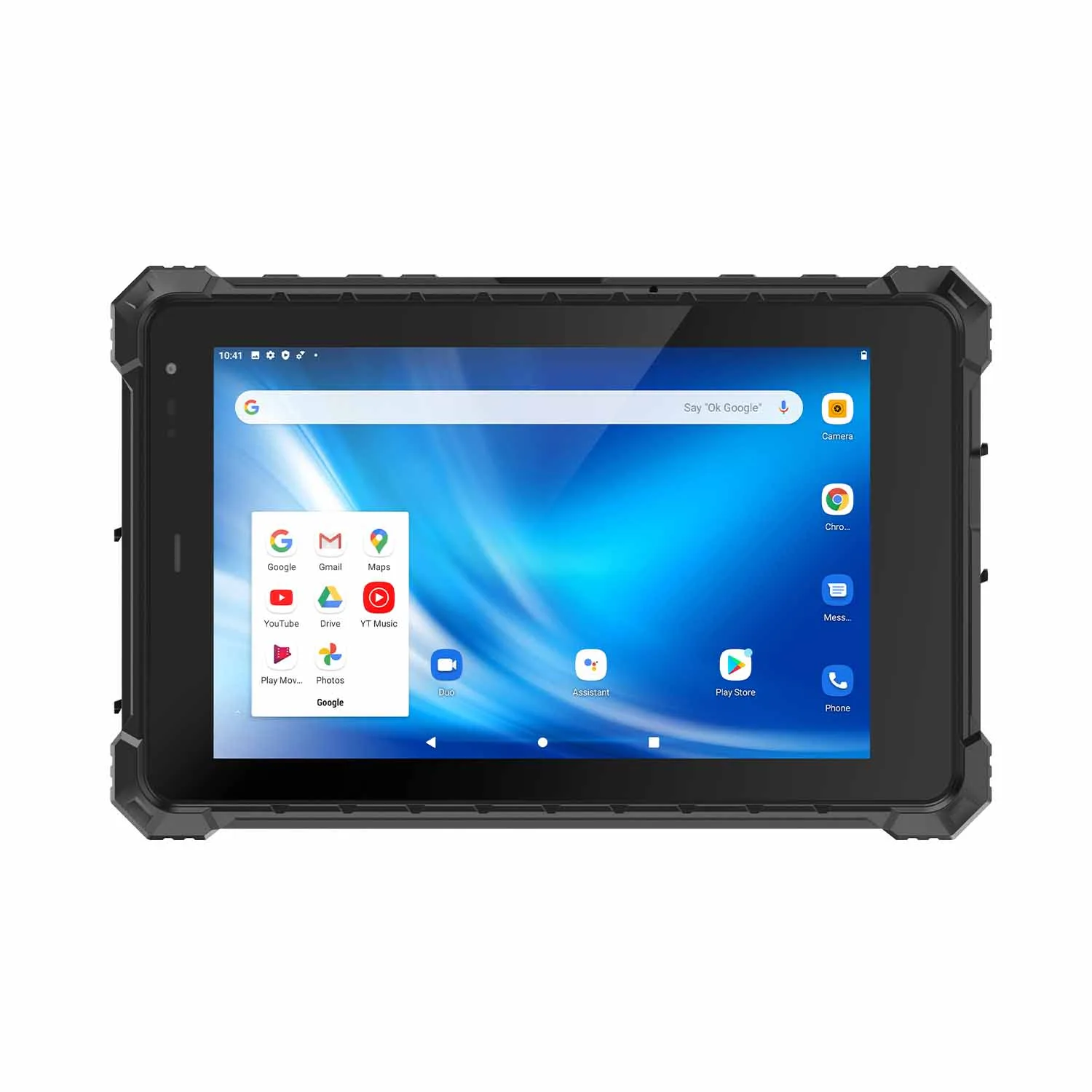
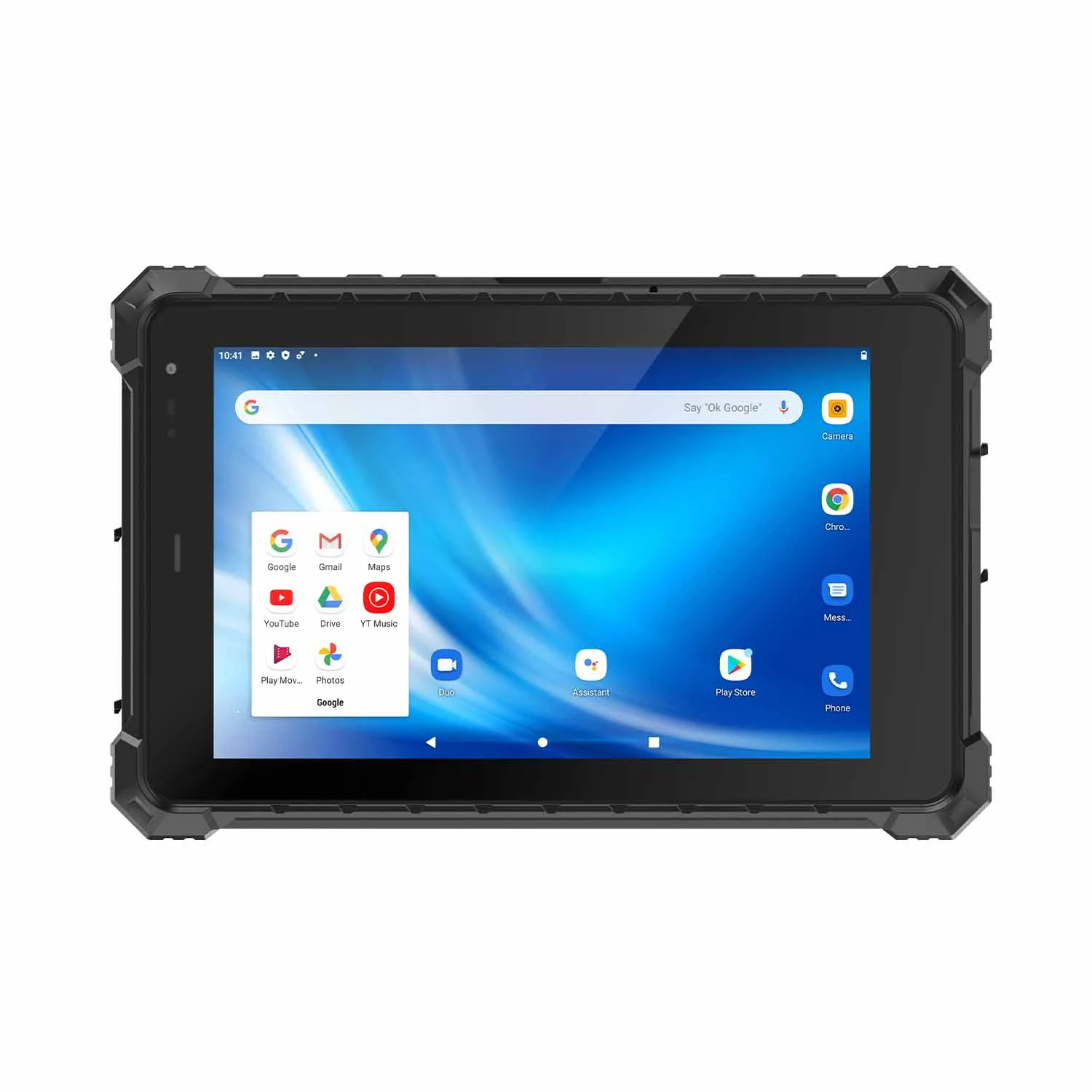
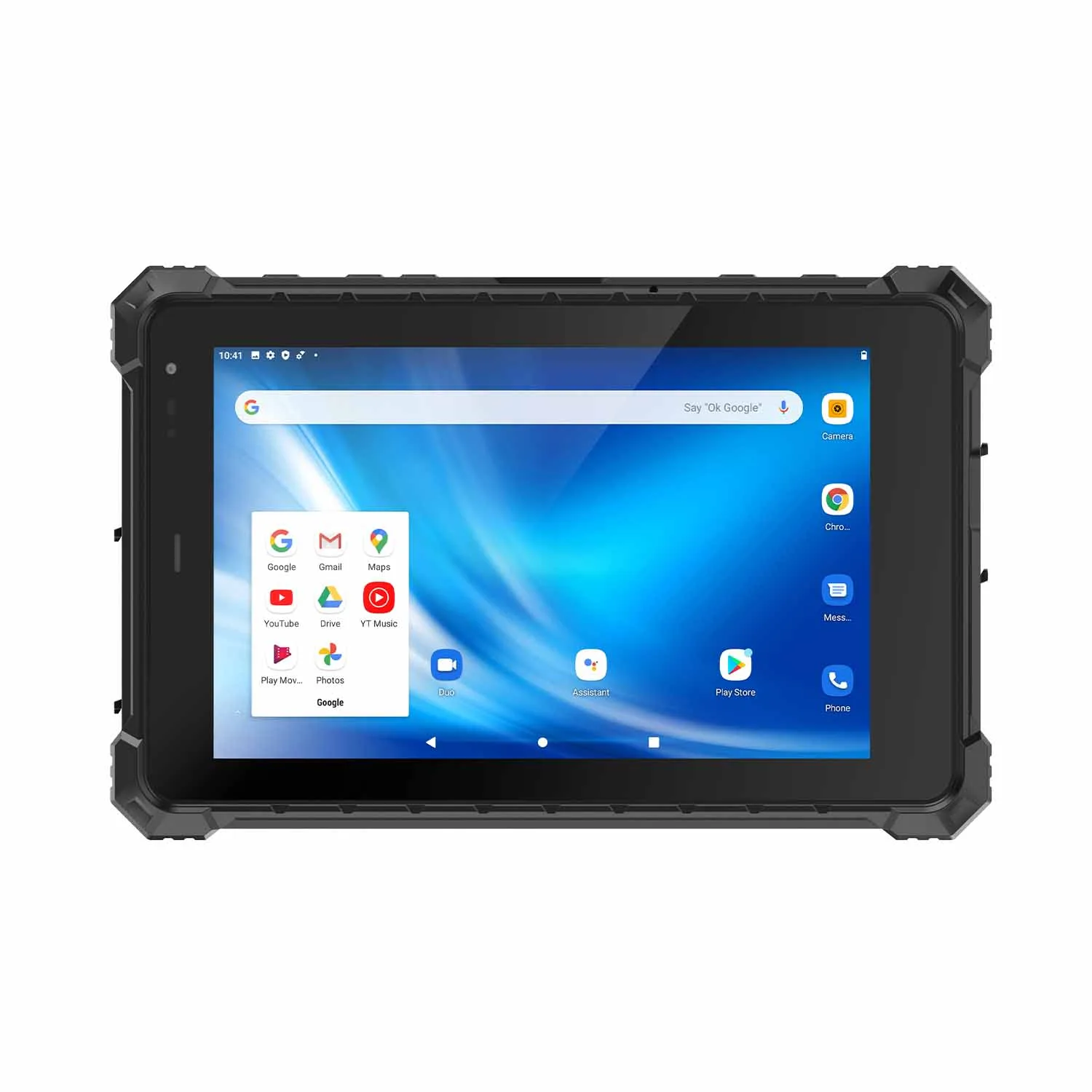
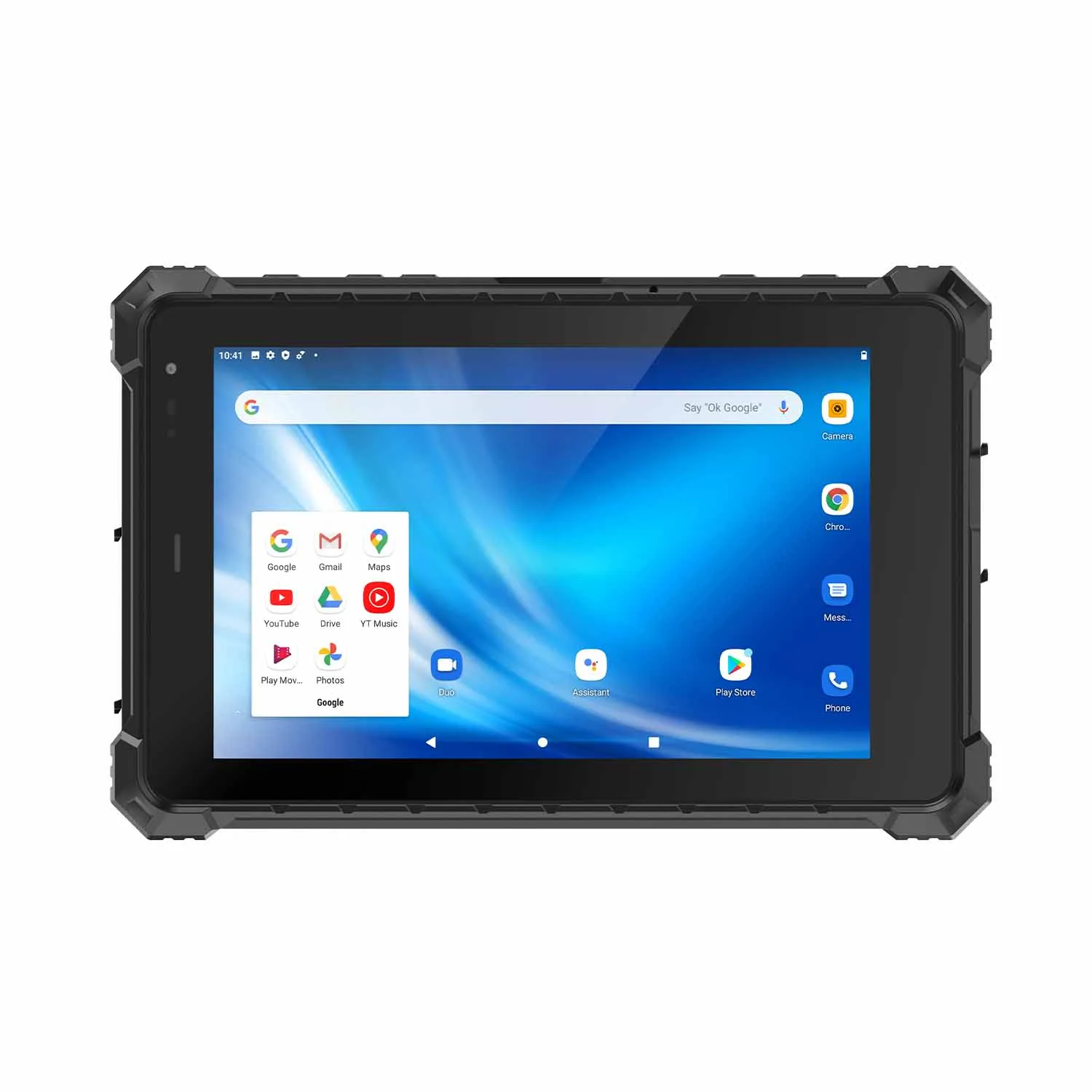
The best tablets for construction work should provide rugged protection, high brightness displays, long battery life, powerful processors, and compatibility with construction software such as CAD and BIM.
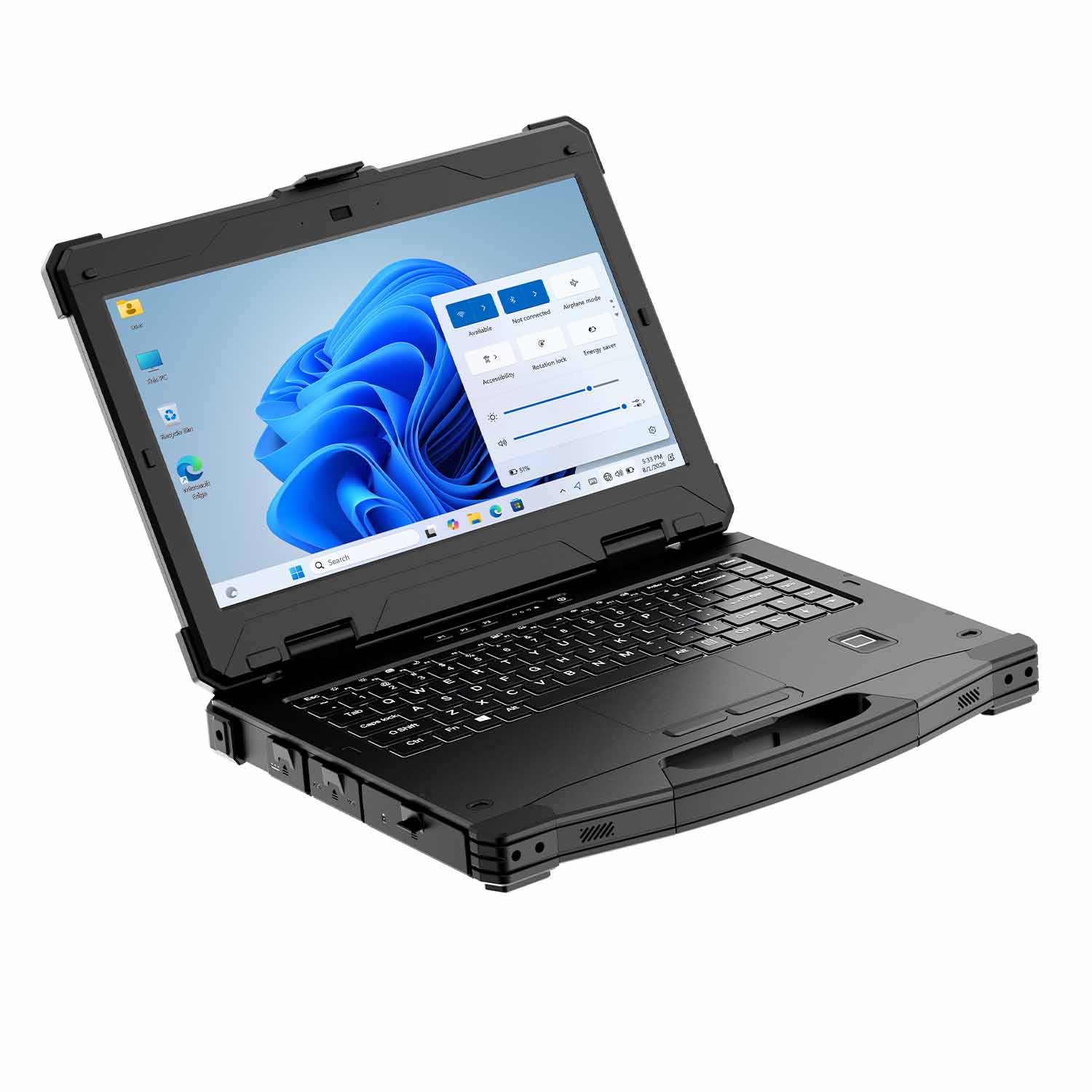
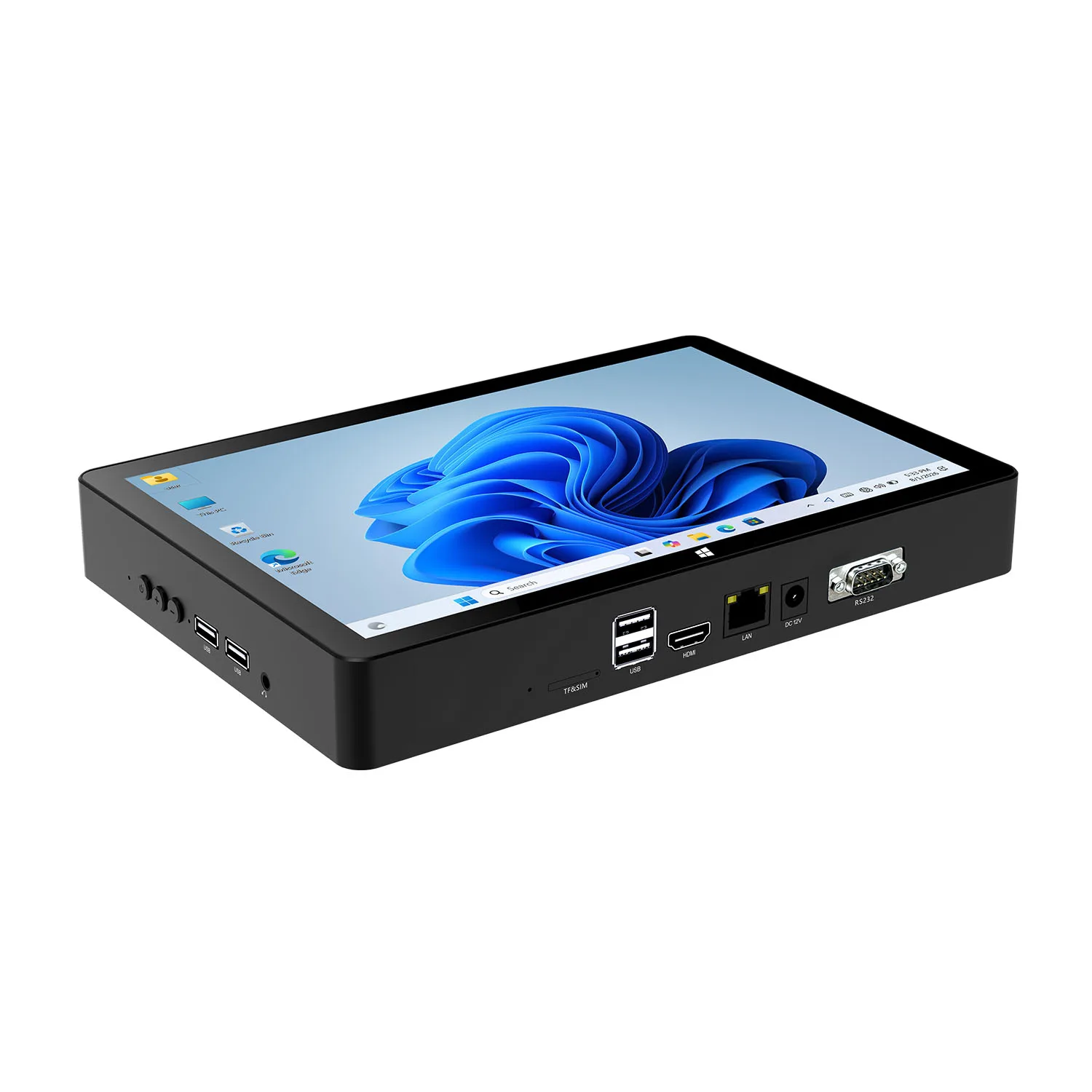
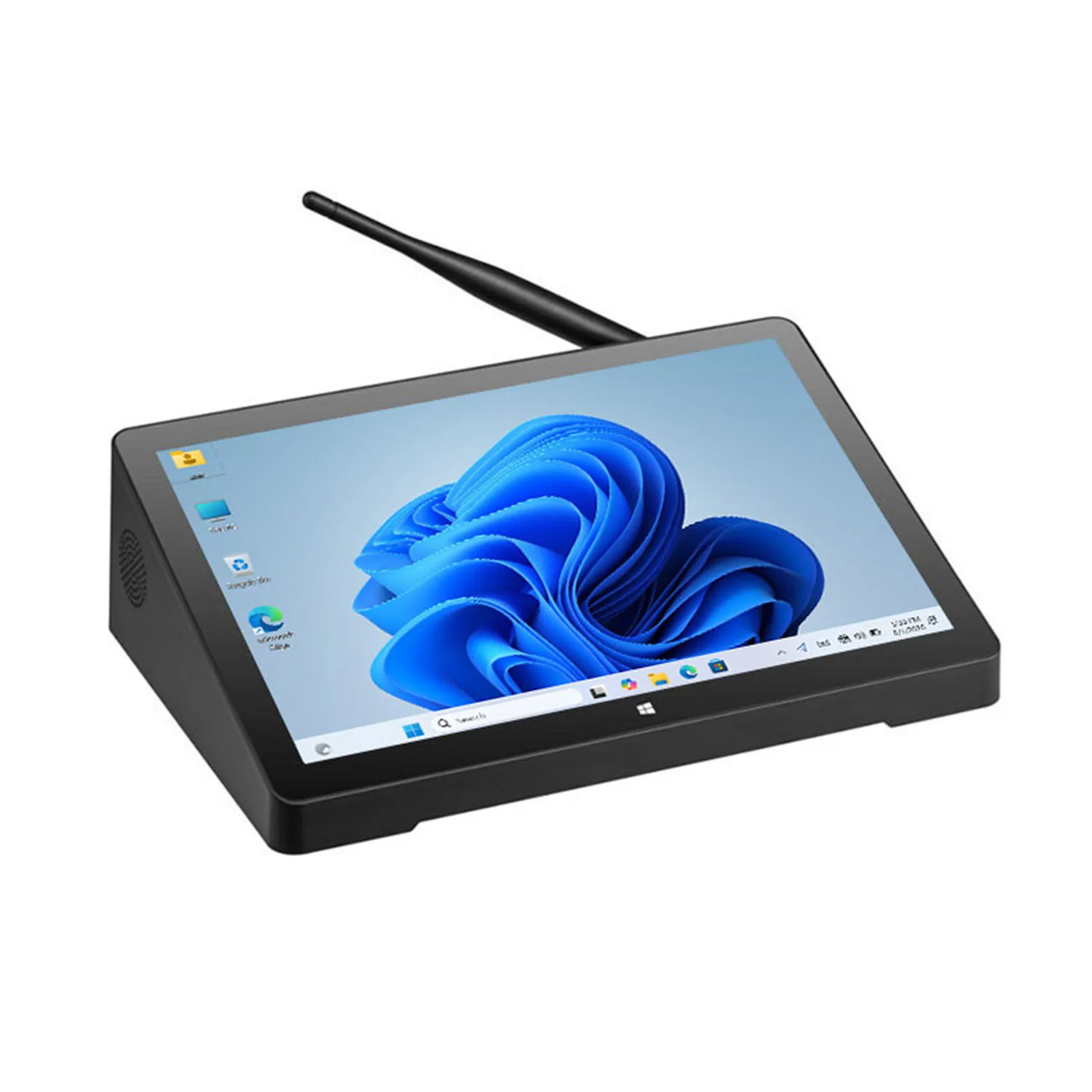
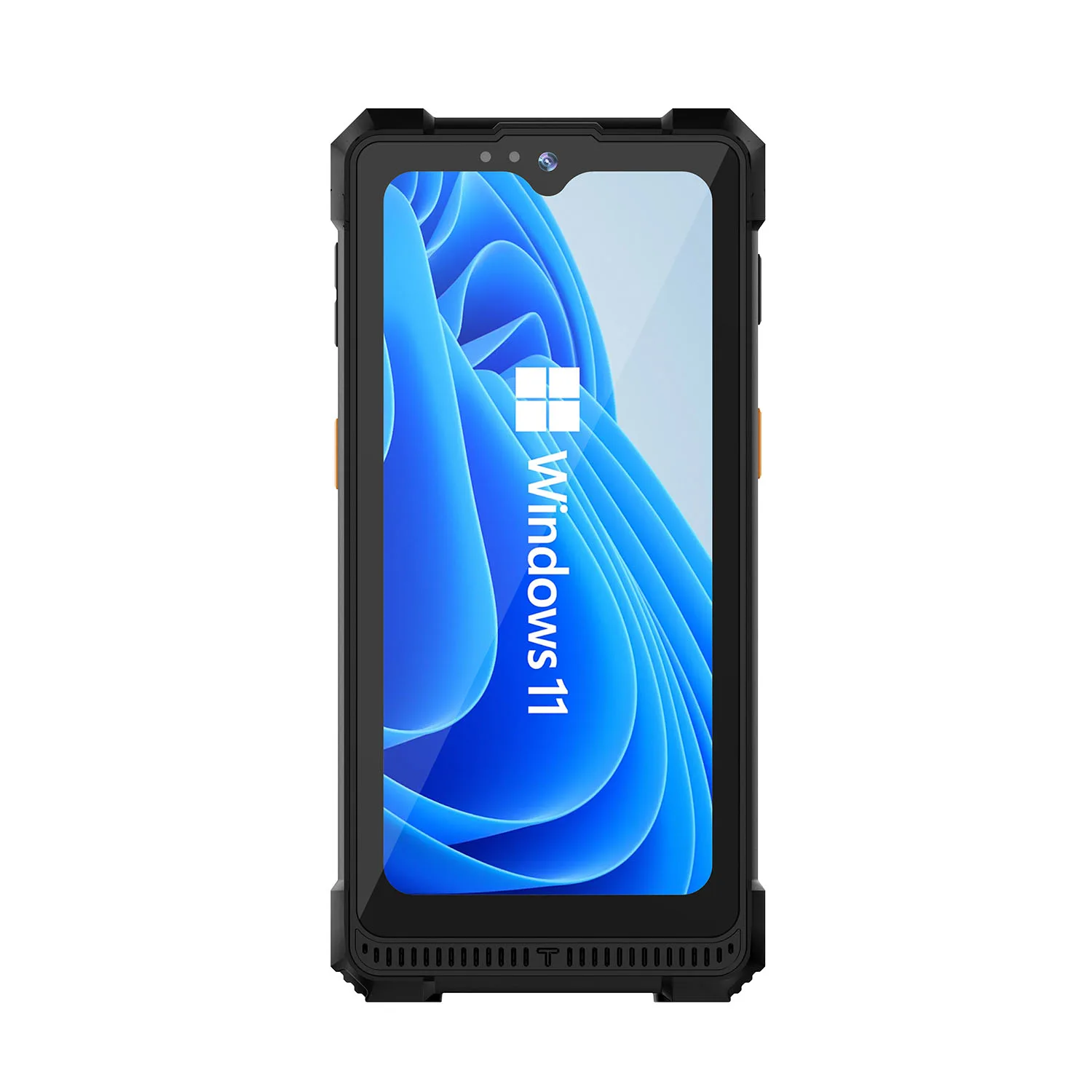
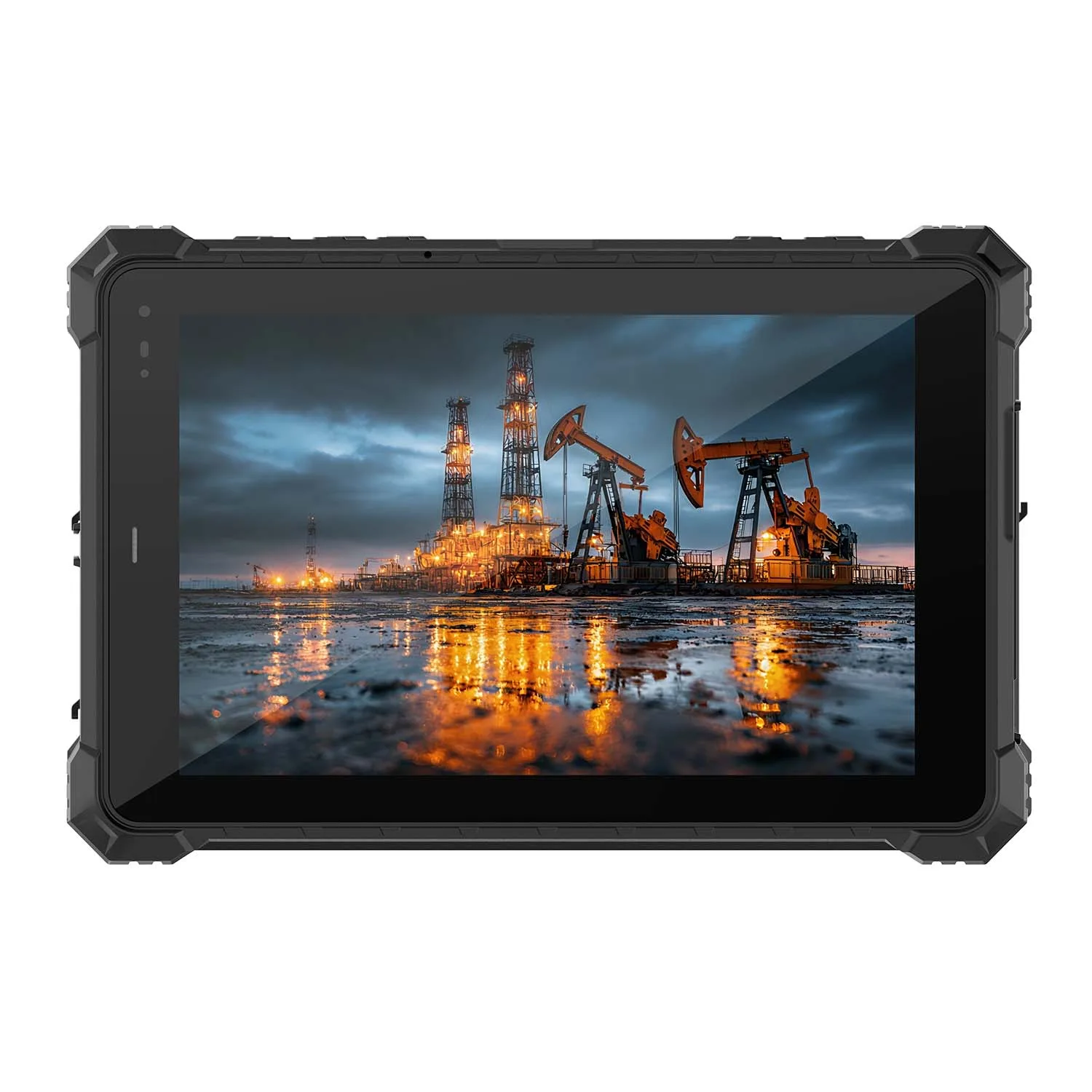
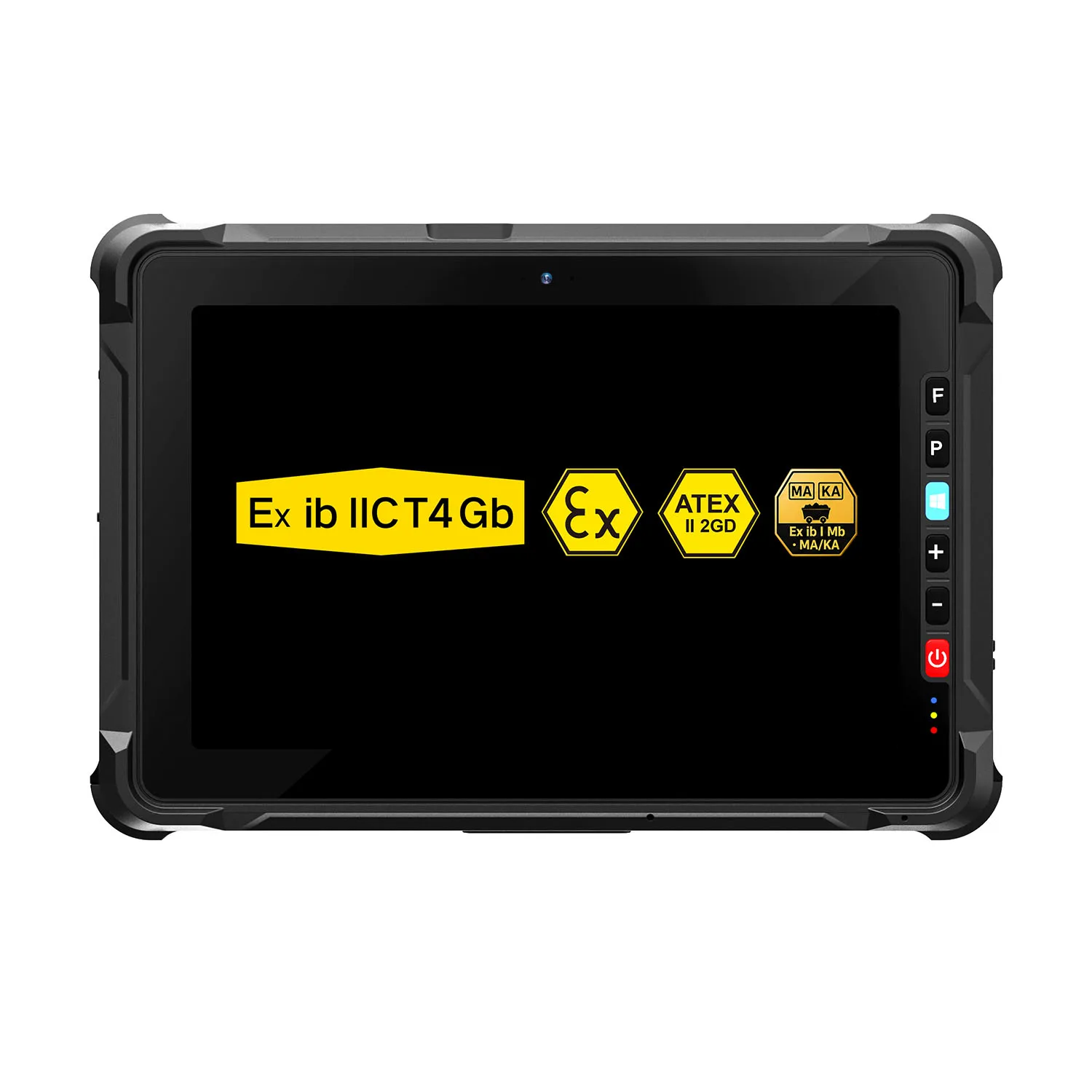
For construction professionals, CENAVA rugged tablets provide reliable Windows and Android solutions designed for jobsite inspections, blueprint review, project management, and outdoor engineering applications.
Top 5 Best Tablets for Construction Work in 2025
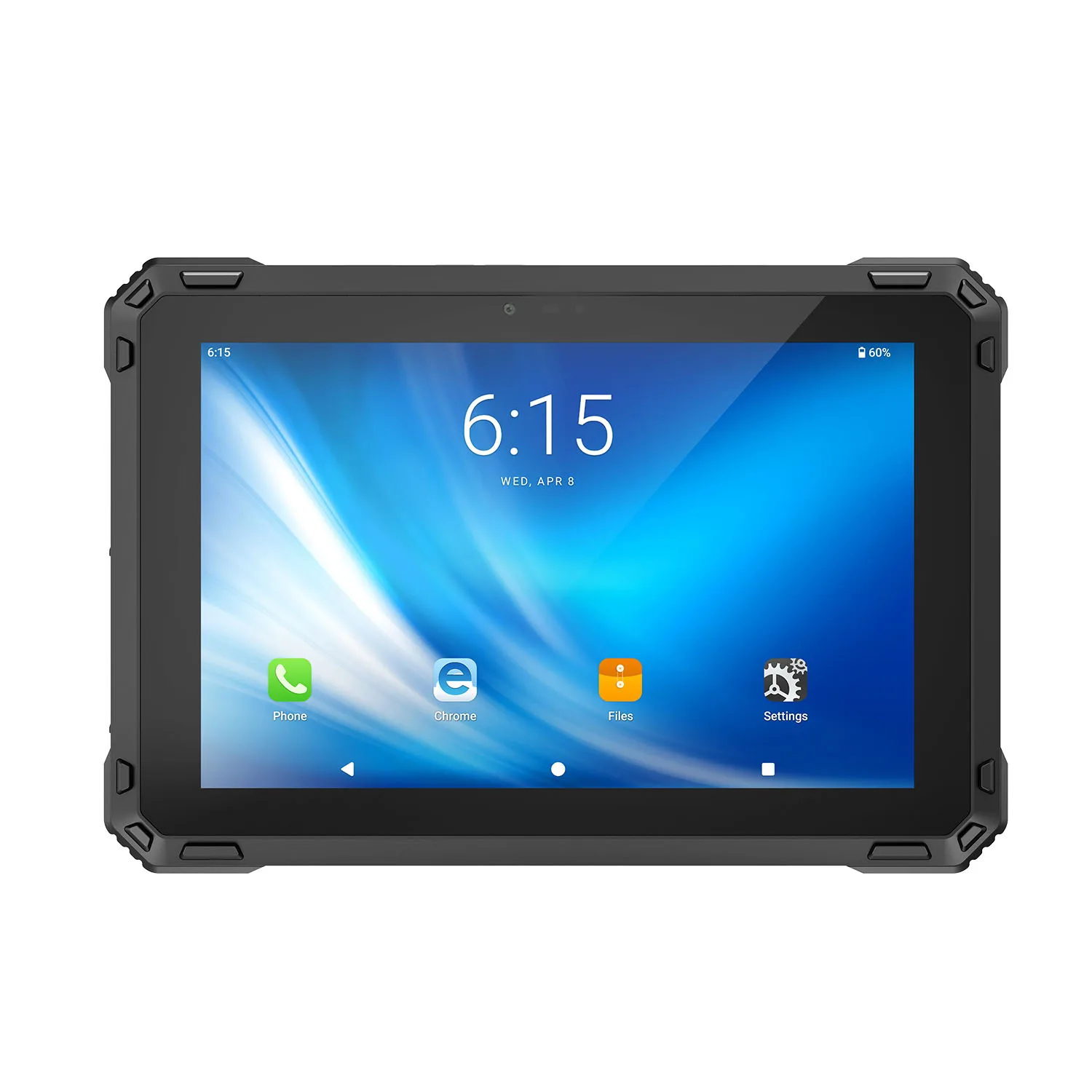
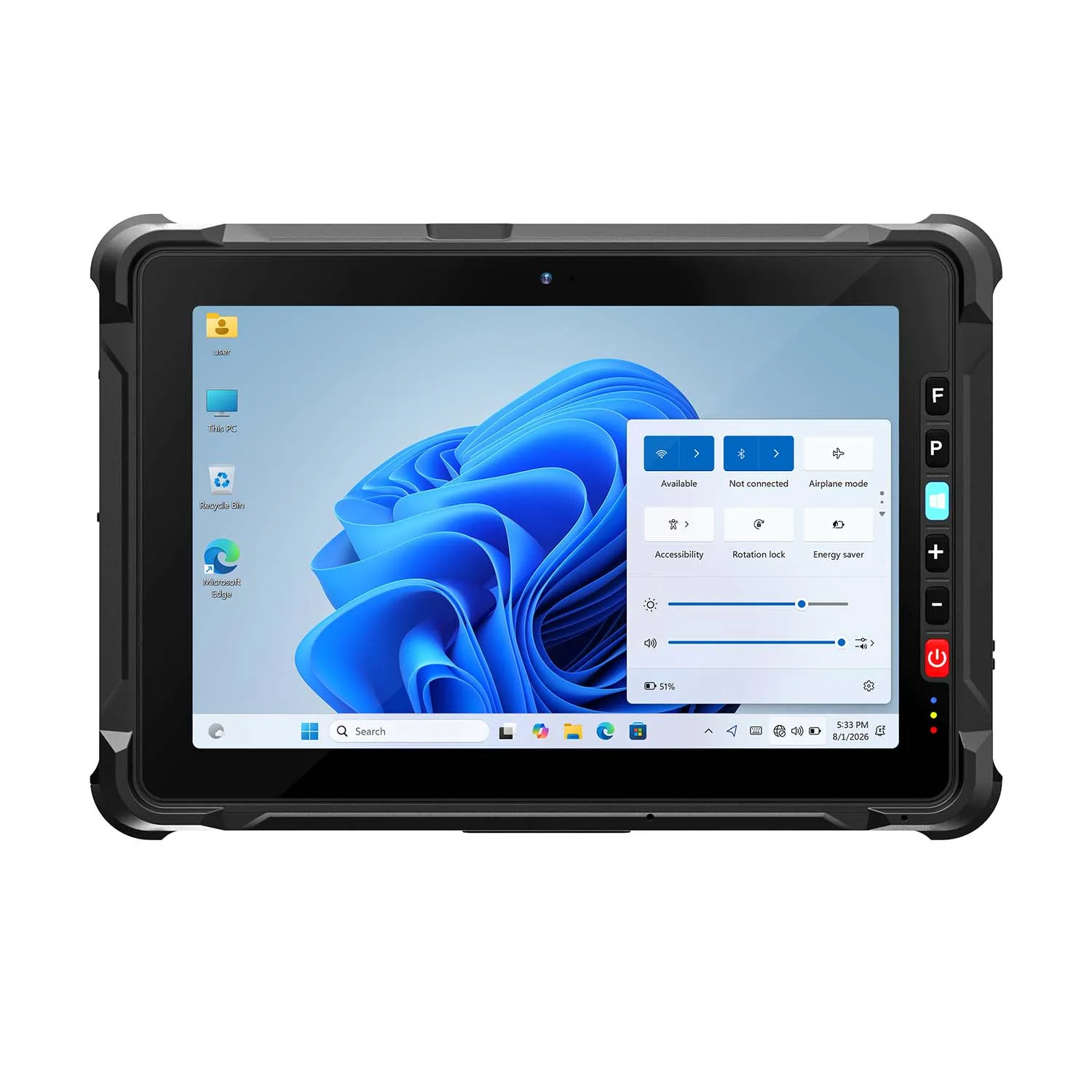
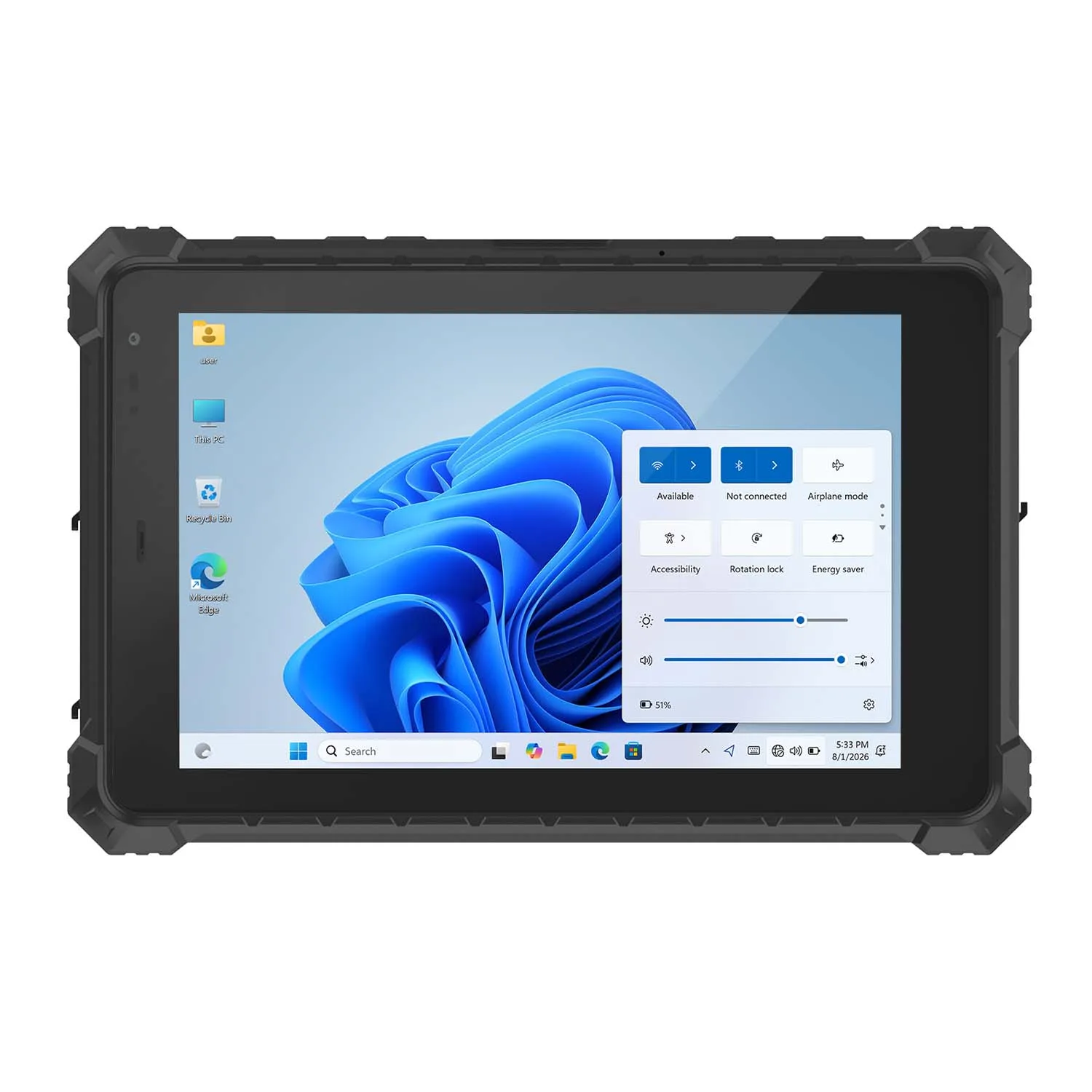
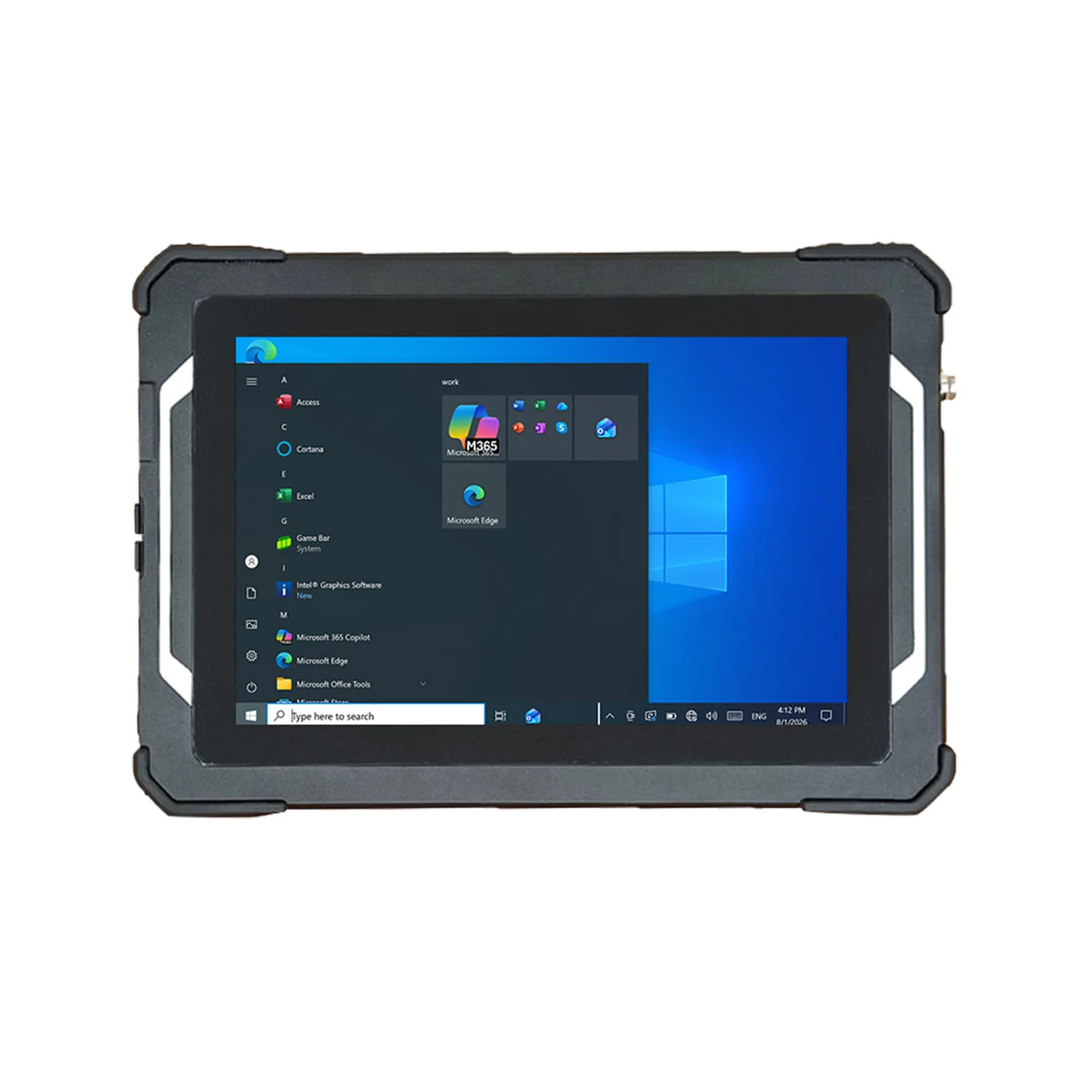
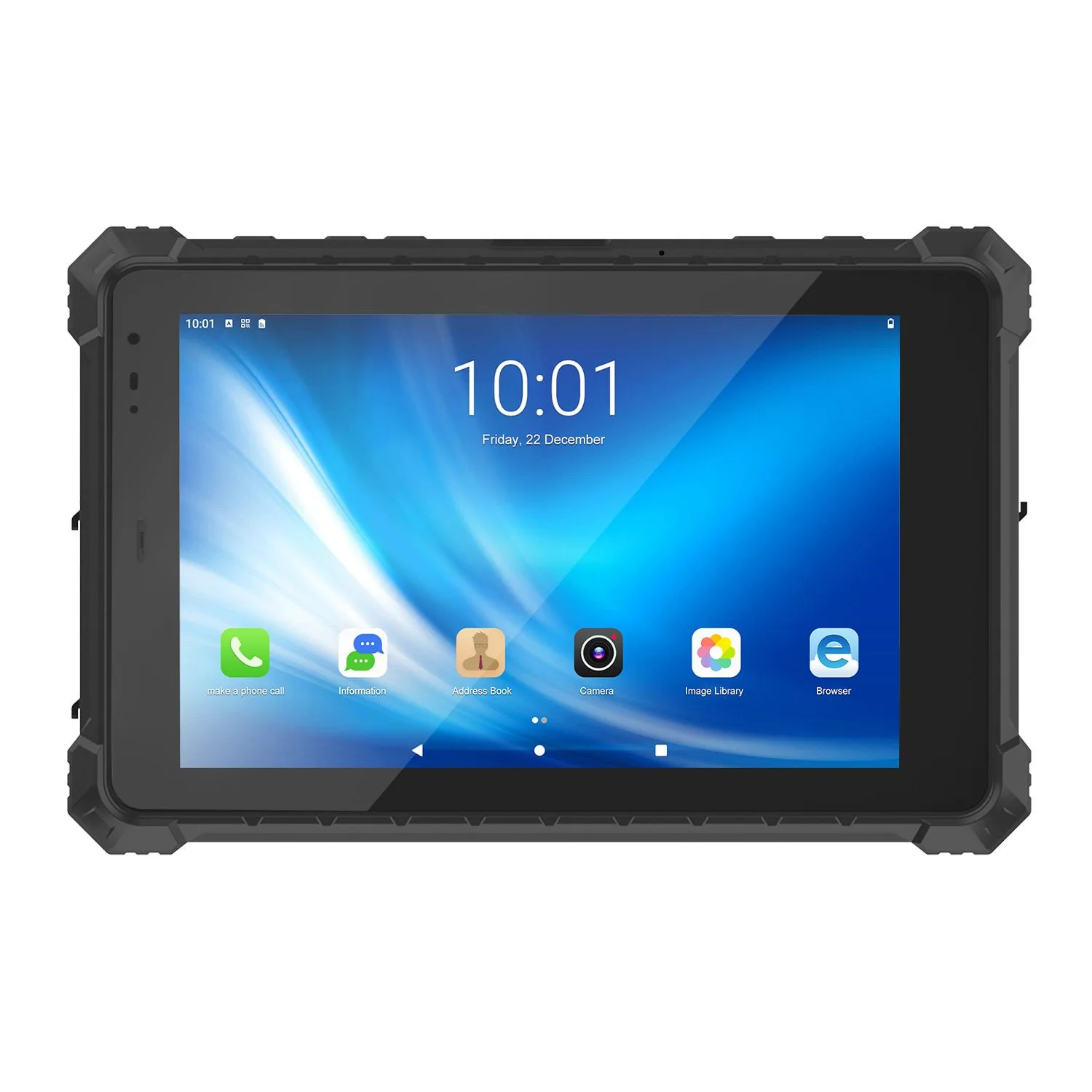
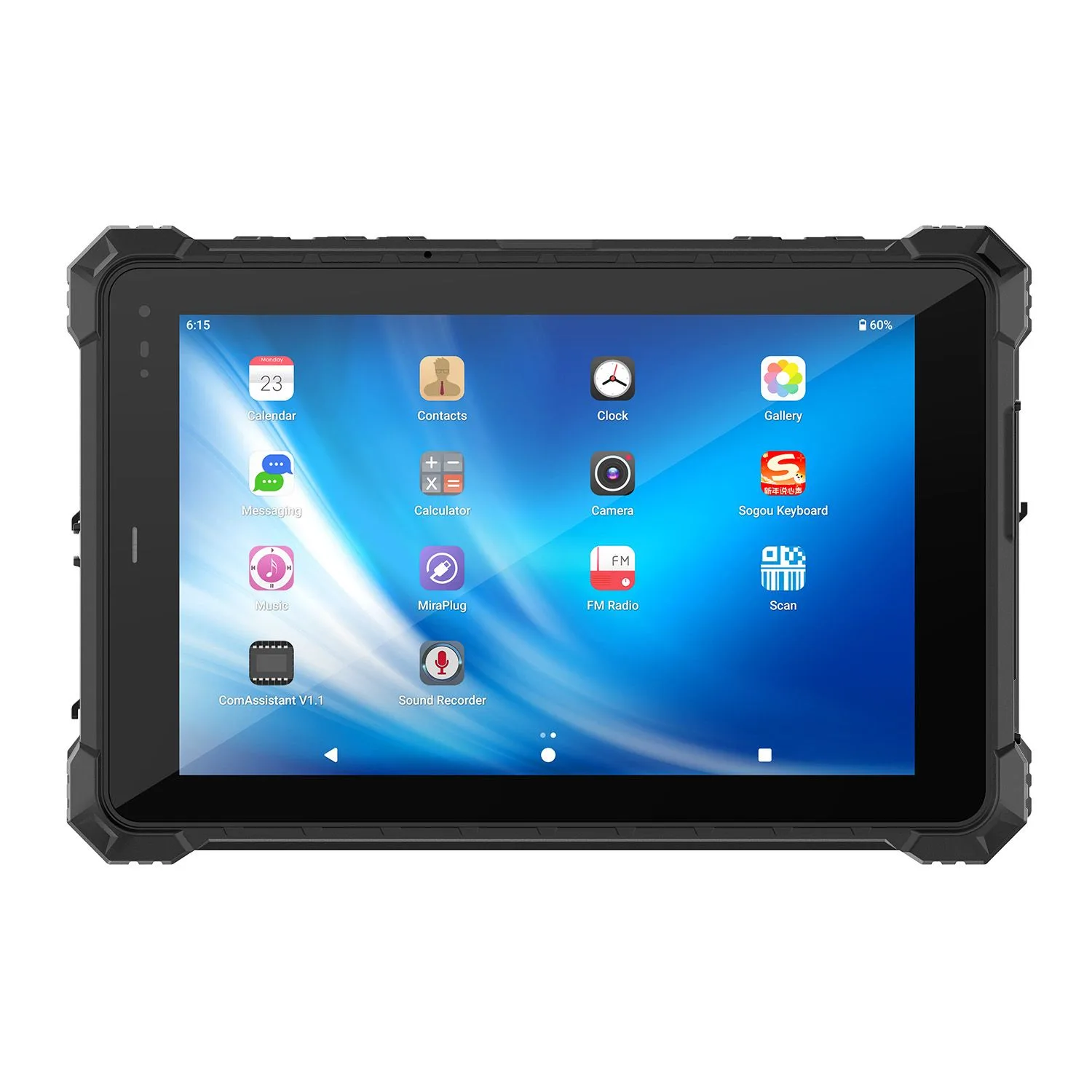
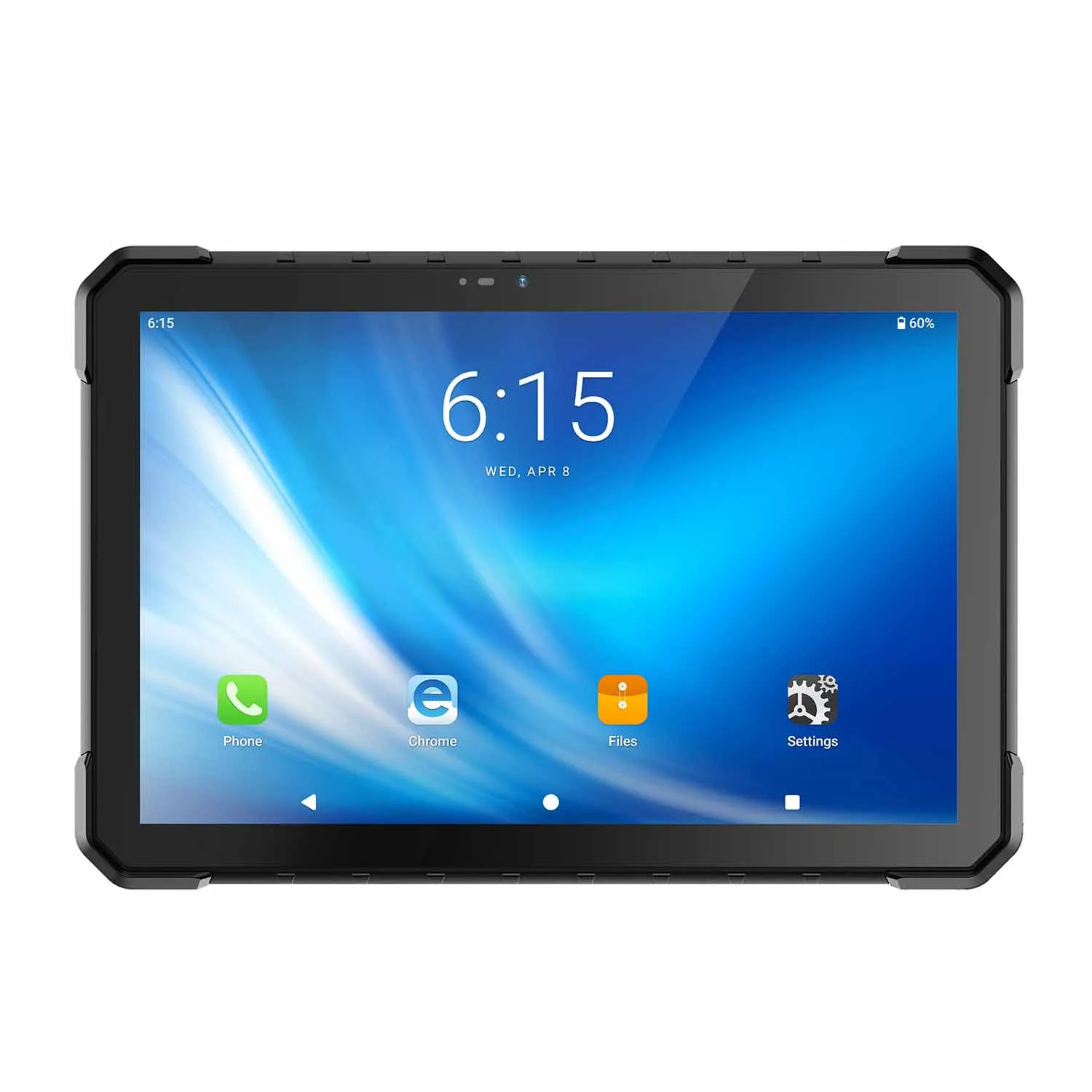
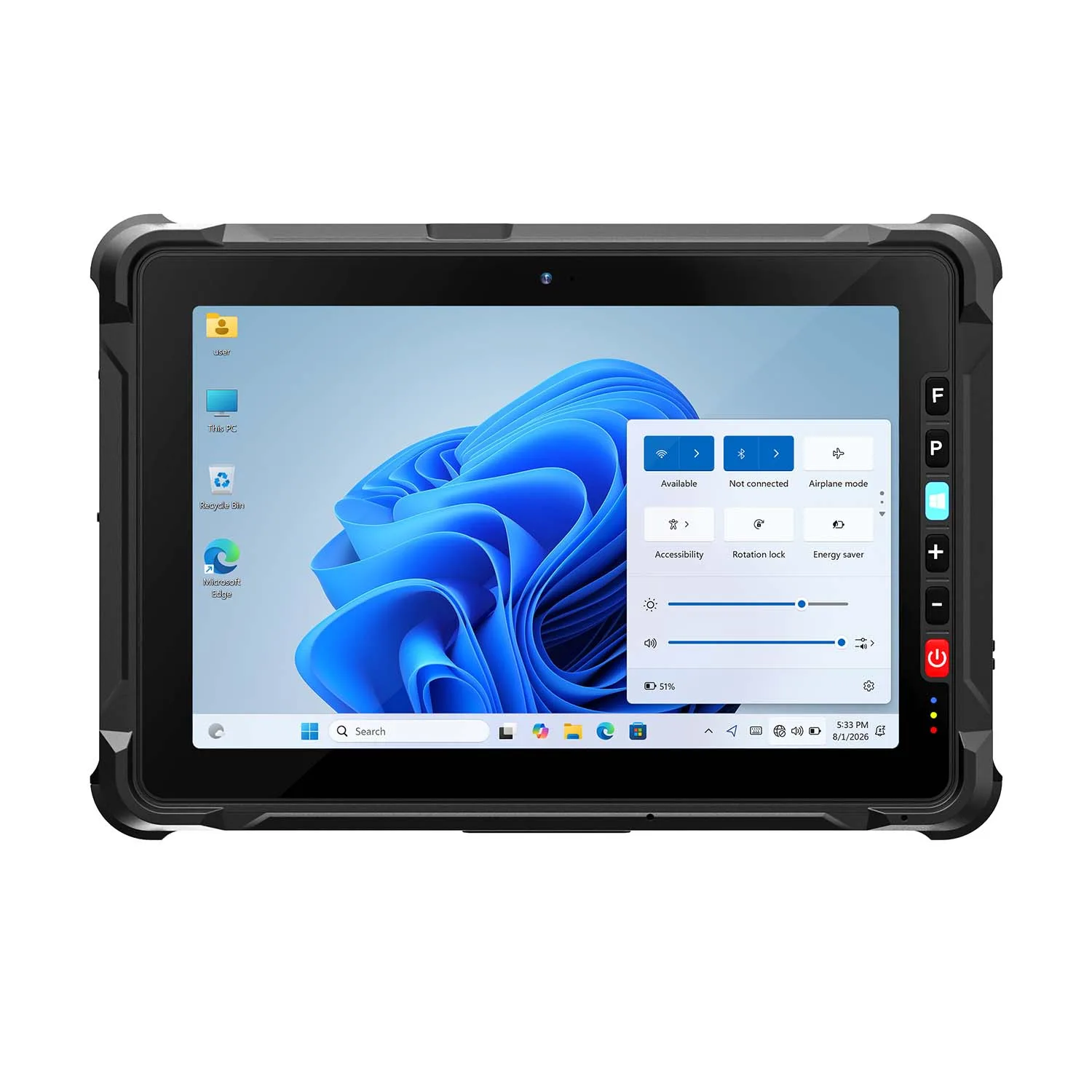
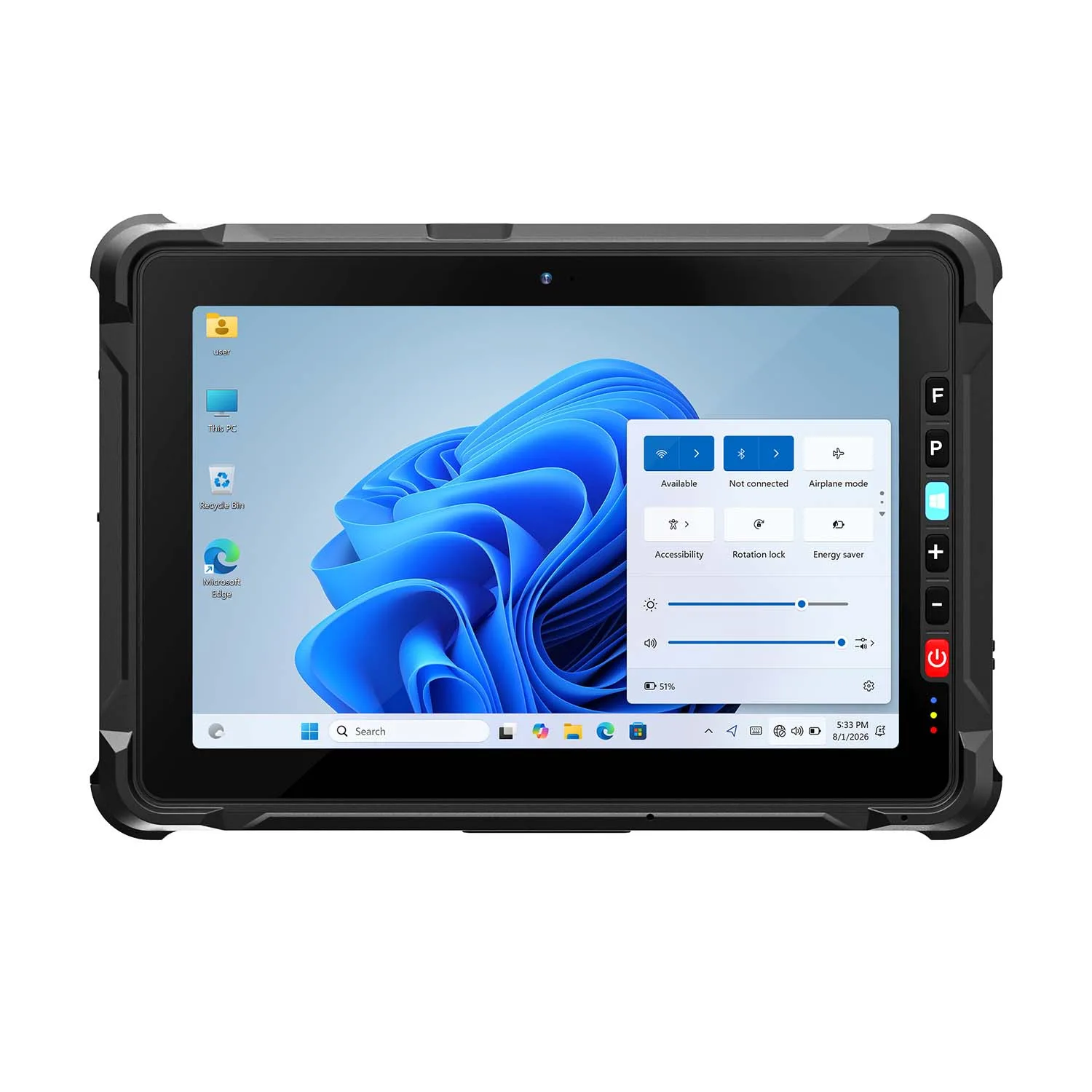
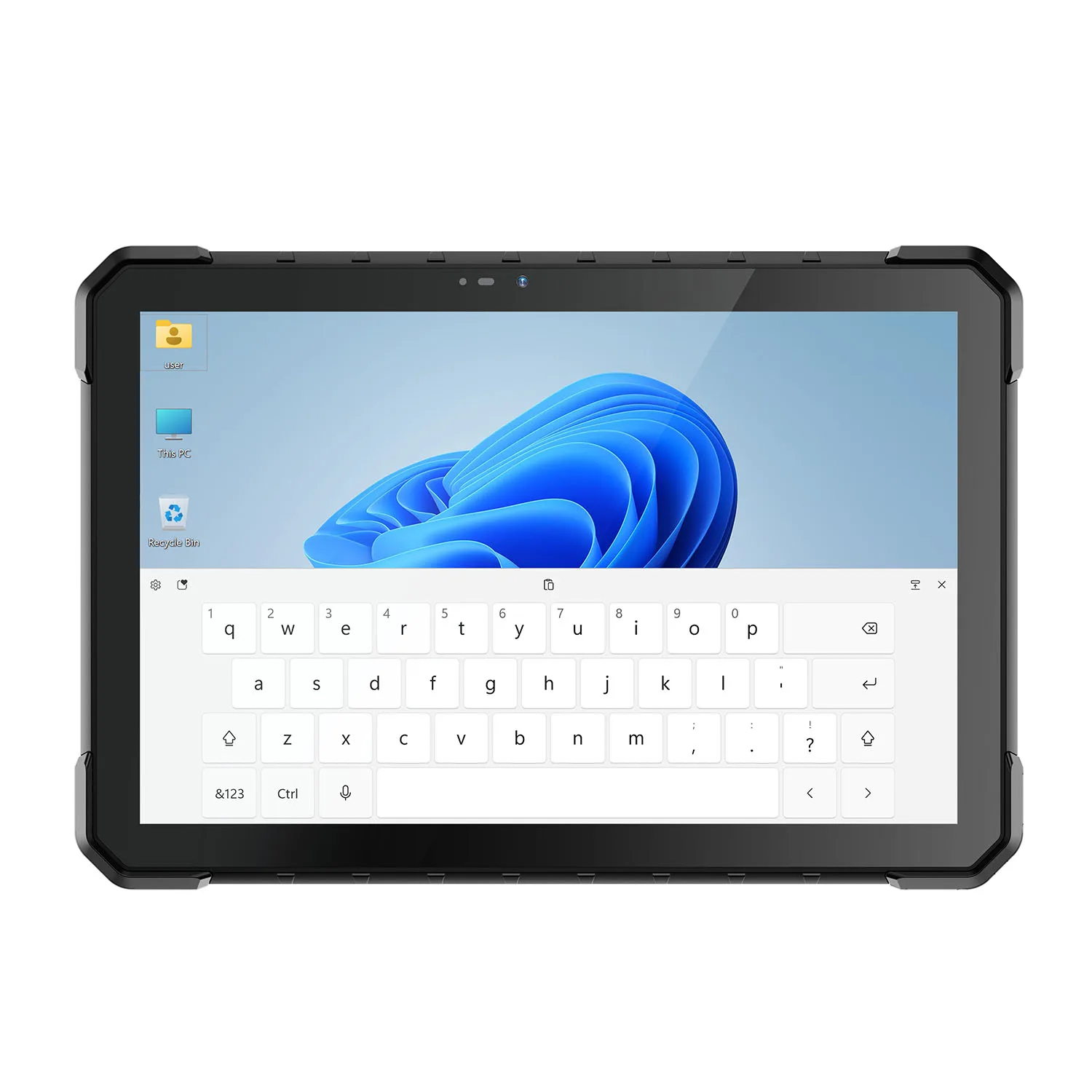
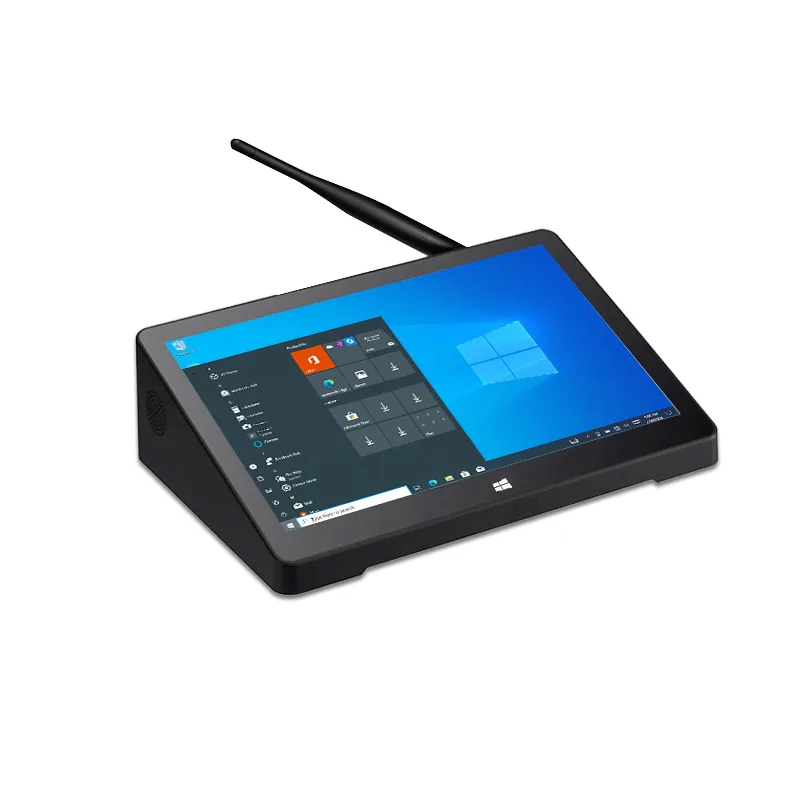
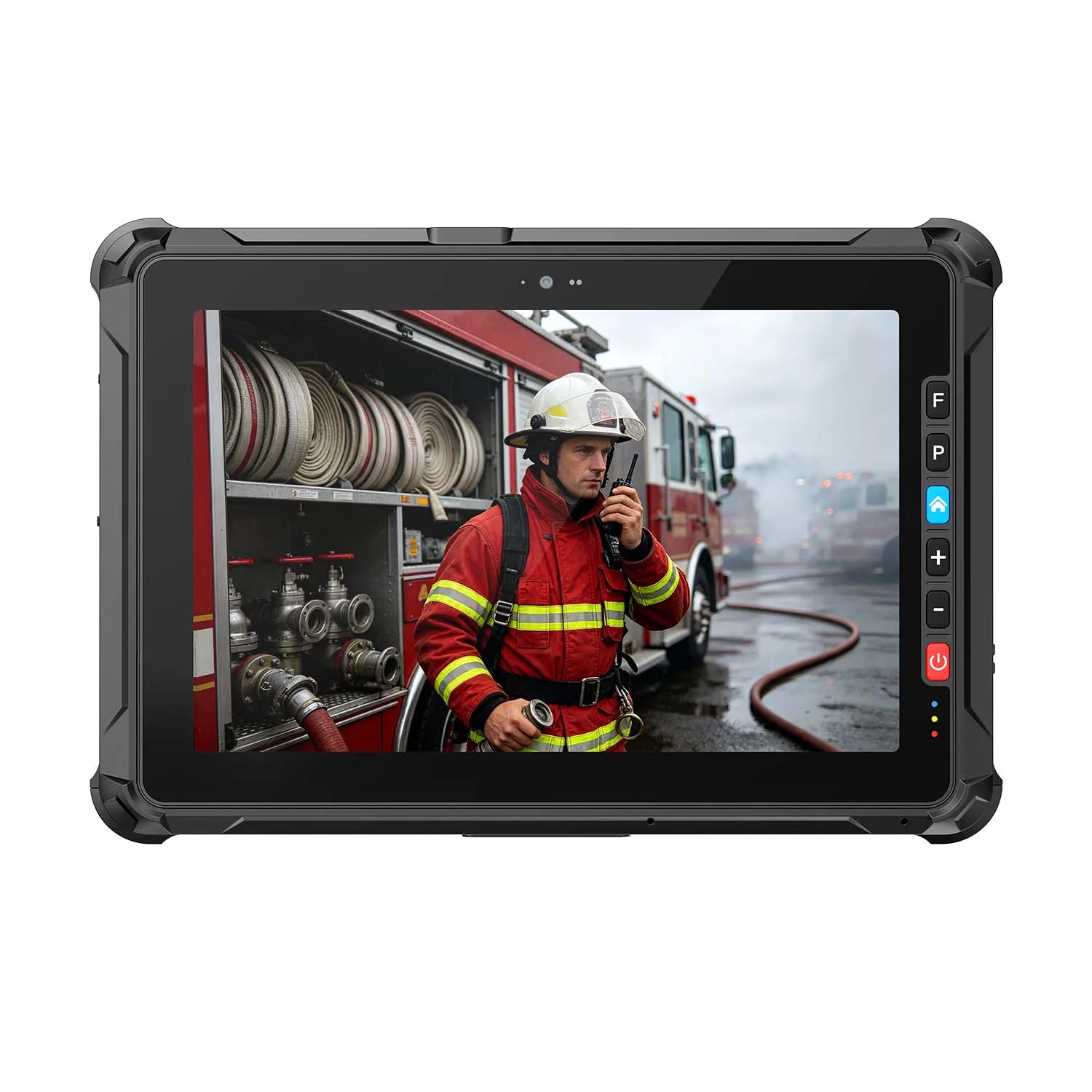
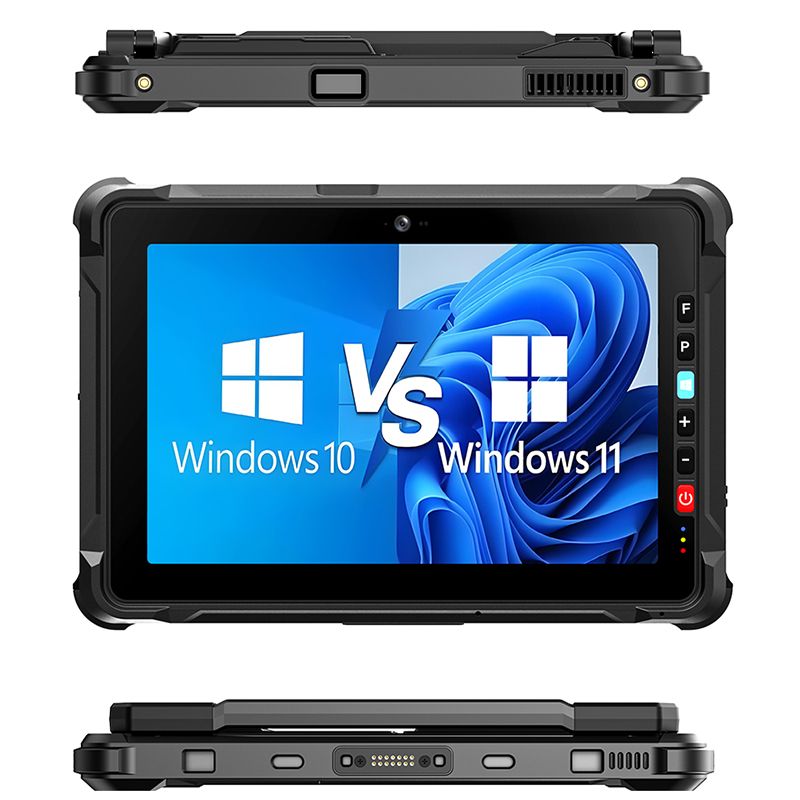
1. CENAVA W10Y Rugged Tablet
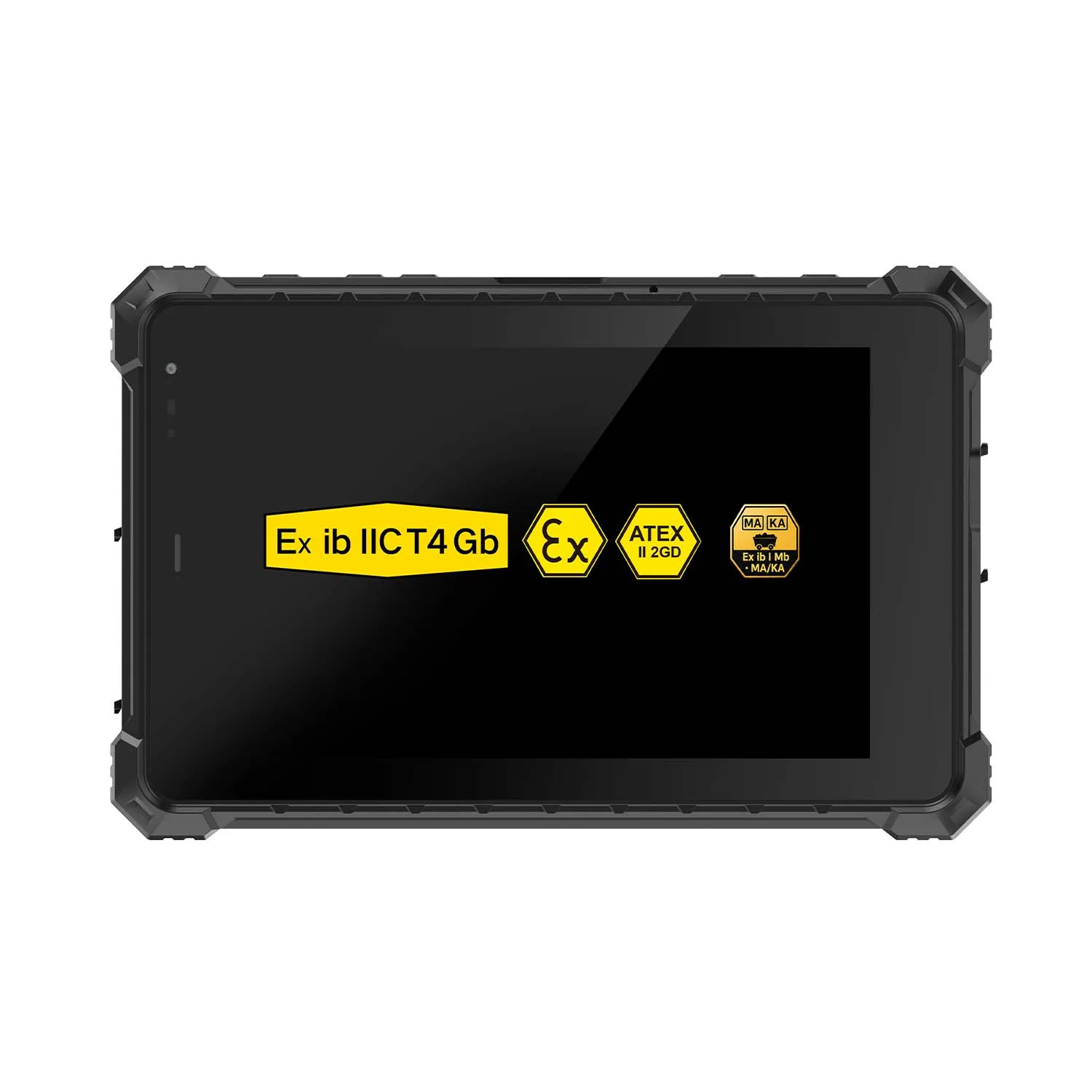
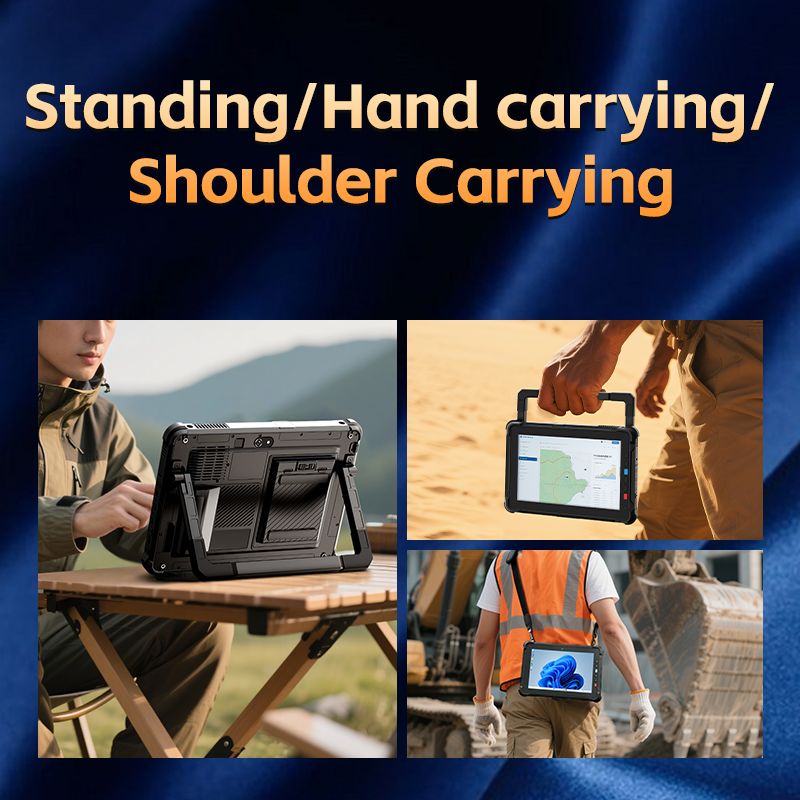
Best Windows Tablet for Construction Professionals,CENAVA W10Y is designed for engineers, contractors, architects and construction workers who require reliable computing on job sites.
It supports:
Construction drawings
CAD viewing
BIM model review
Site inspection
Project management
CENAVA rugged tablets are designed with industrial protection, outdoor visibility and customization options for construction applications.
| Feature | Specification |
|---|---|
| Display | 10.1-inch IPS touchscreen |
| Resolution | 1920×1200 |
| Processor | Intel Core i5-10210Y |
| Memory | 8GB/16GB |
| Storage | 128GB/256GB SSD |
| OS | Windows 11 Pro |
| Battery | 10000mAh |
| Protection | IP68 |
| Touch | Glove + Stylus Support |
Best Applications
Construction site inspection
CAD drawing review
Engineering management
Equipment maintenance
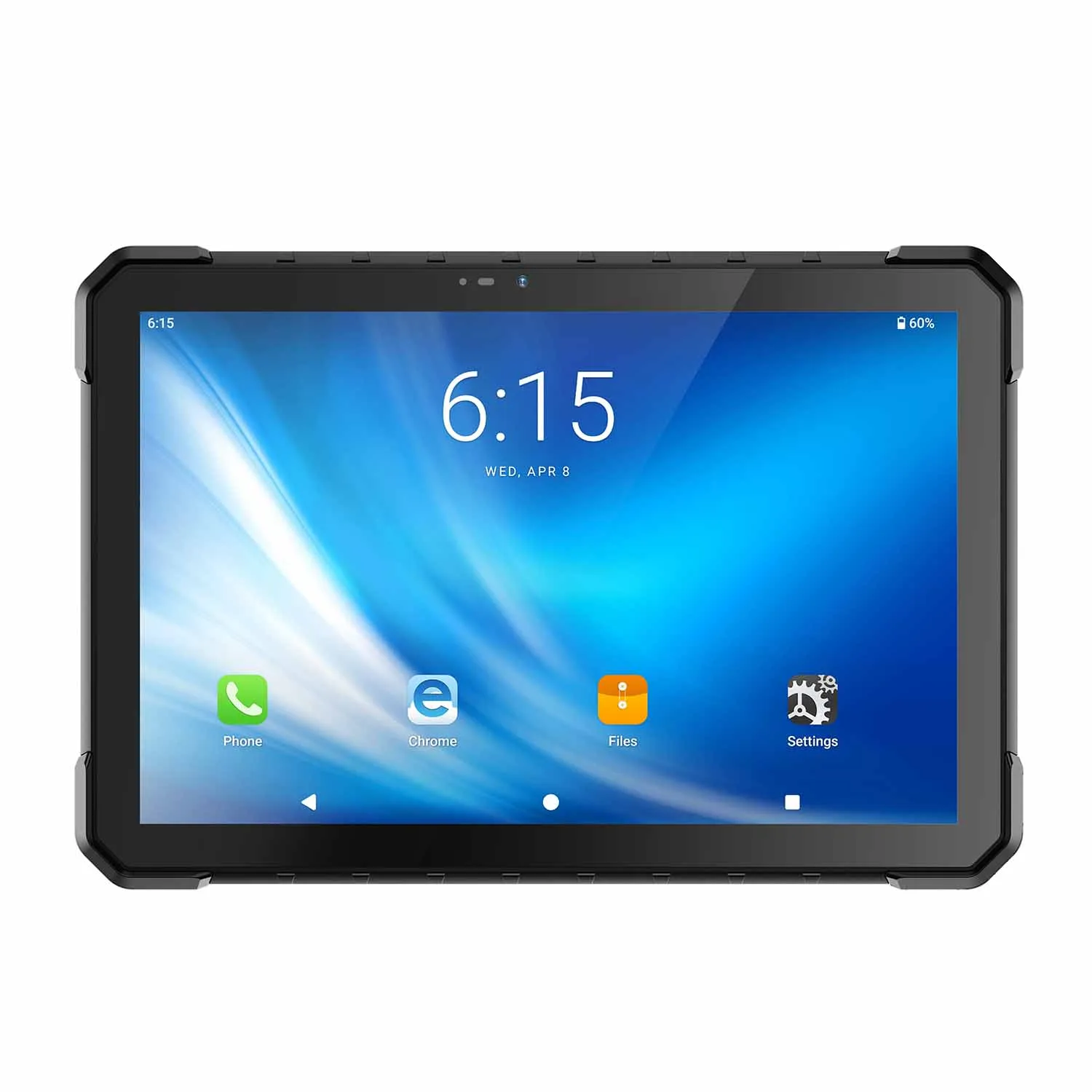
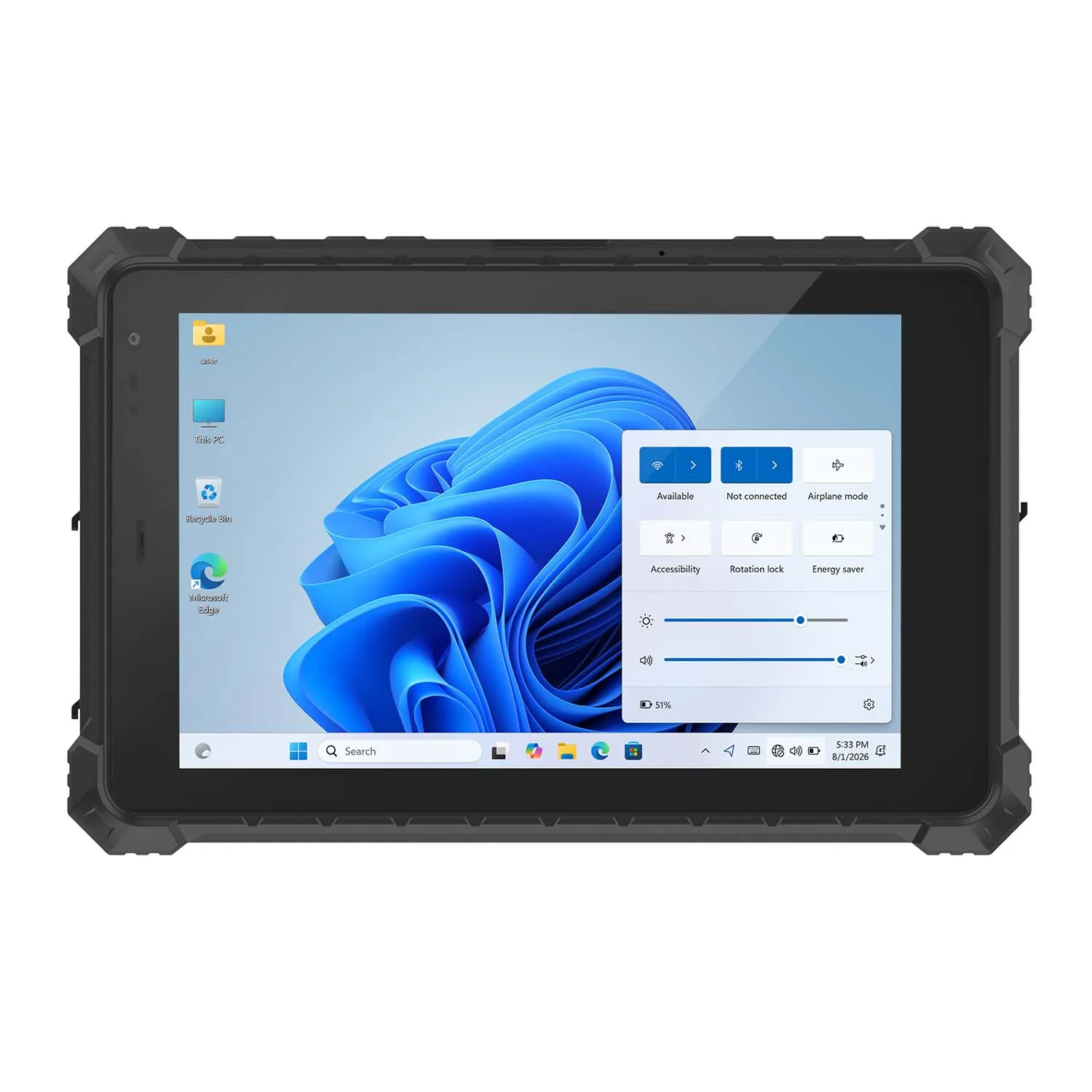
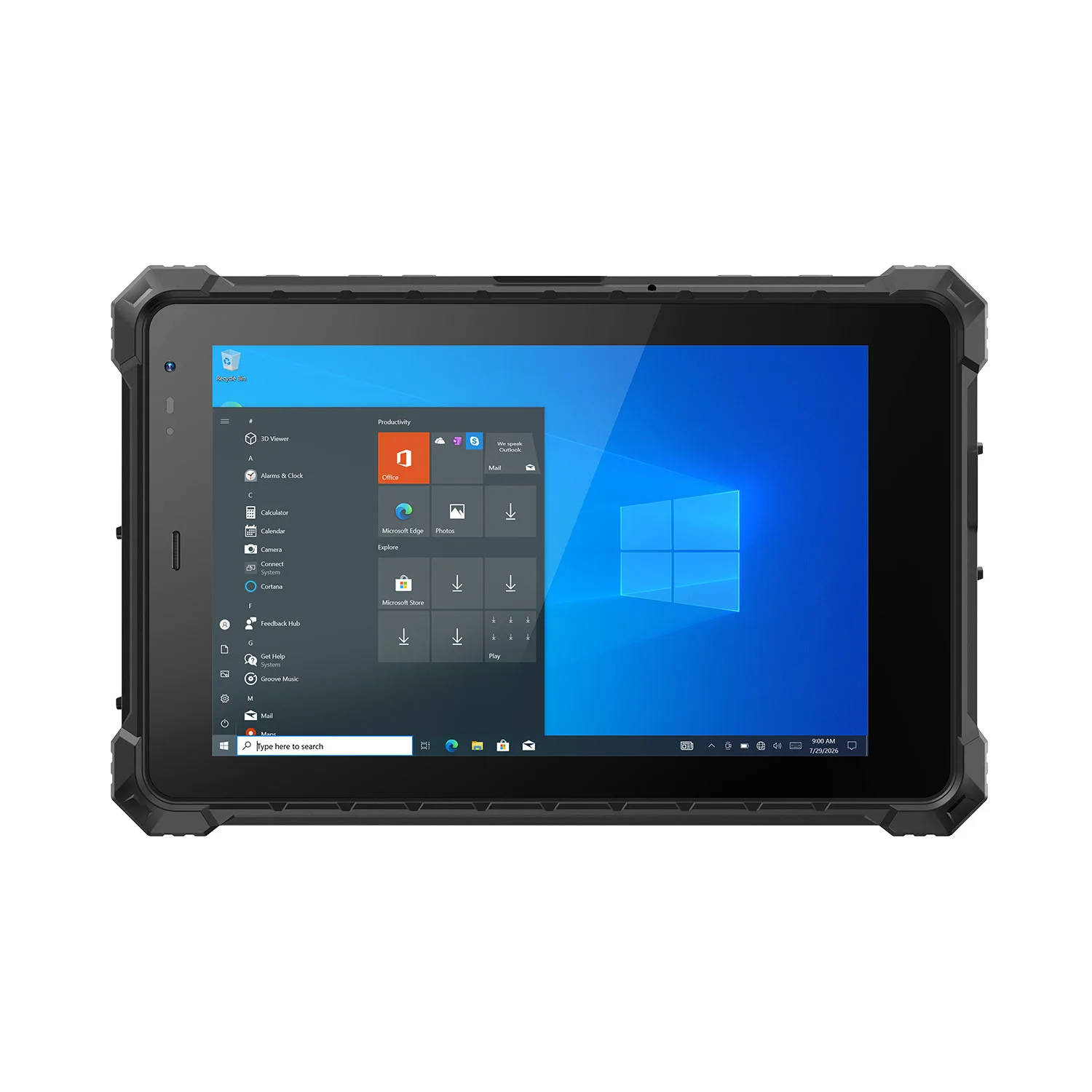
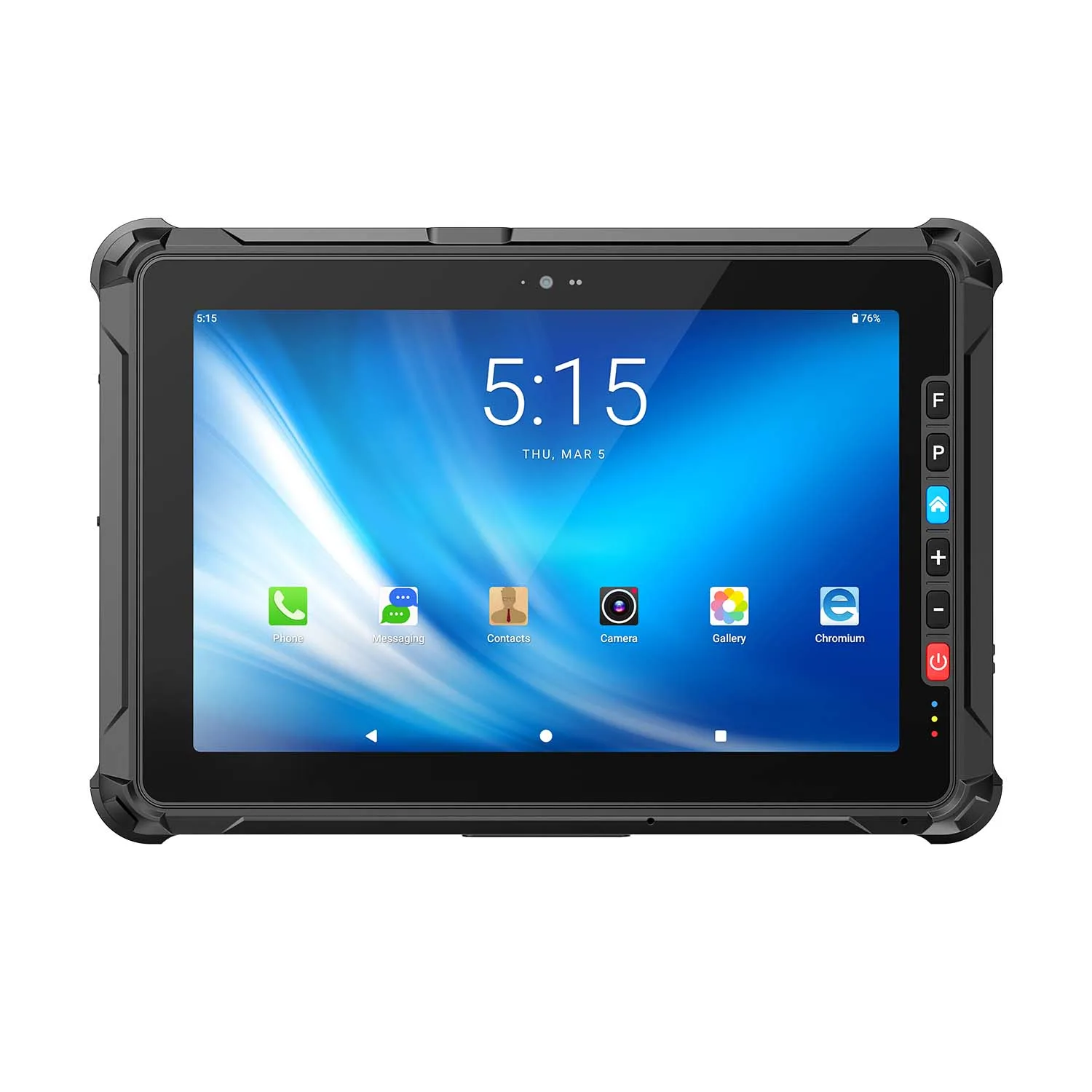
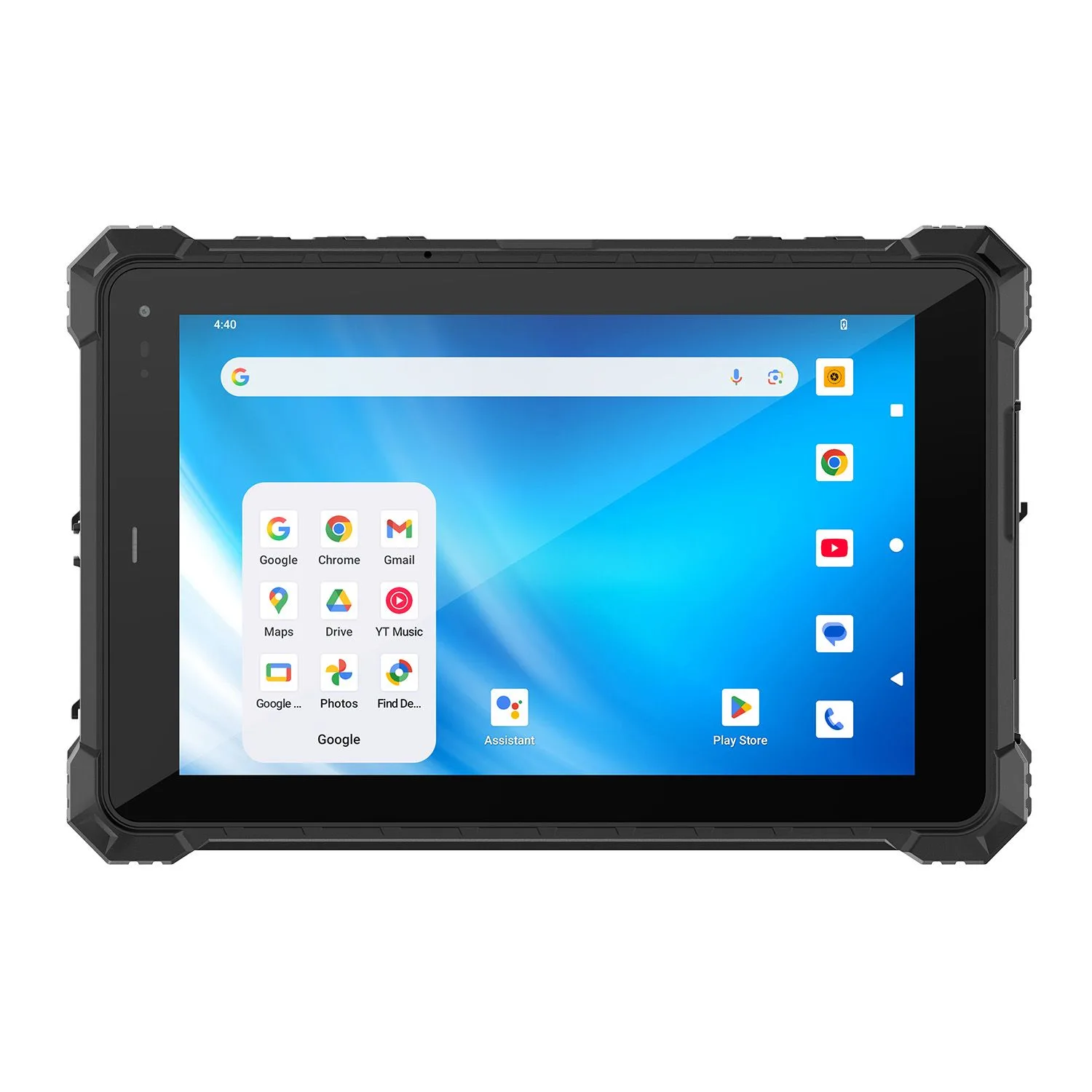
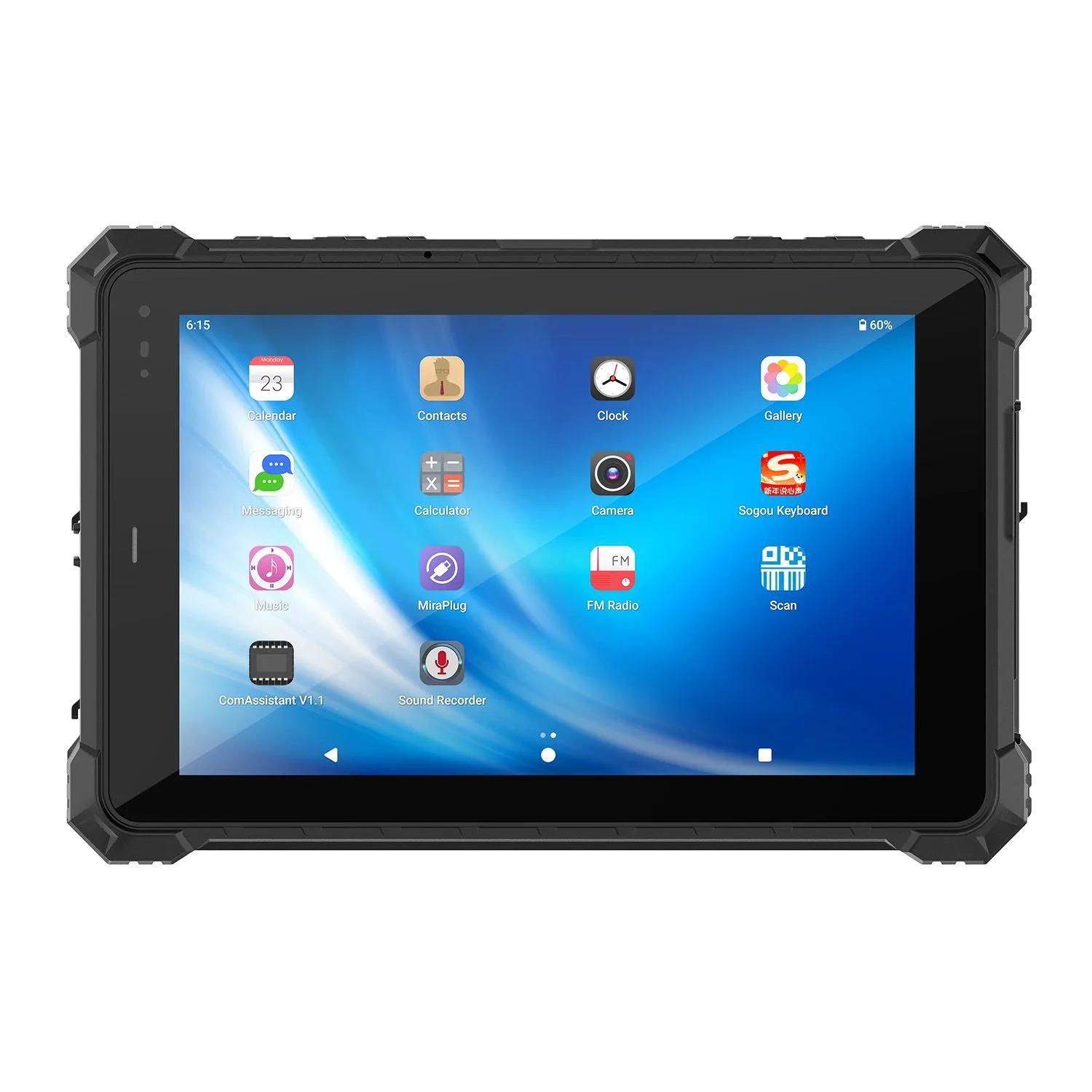
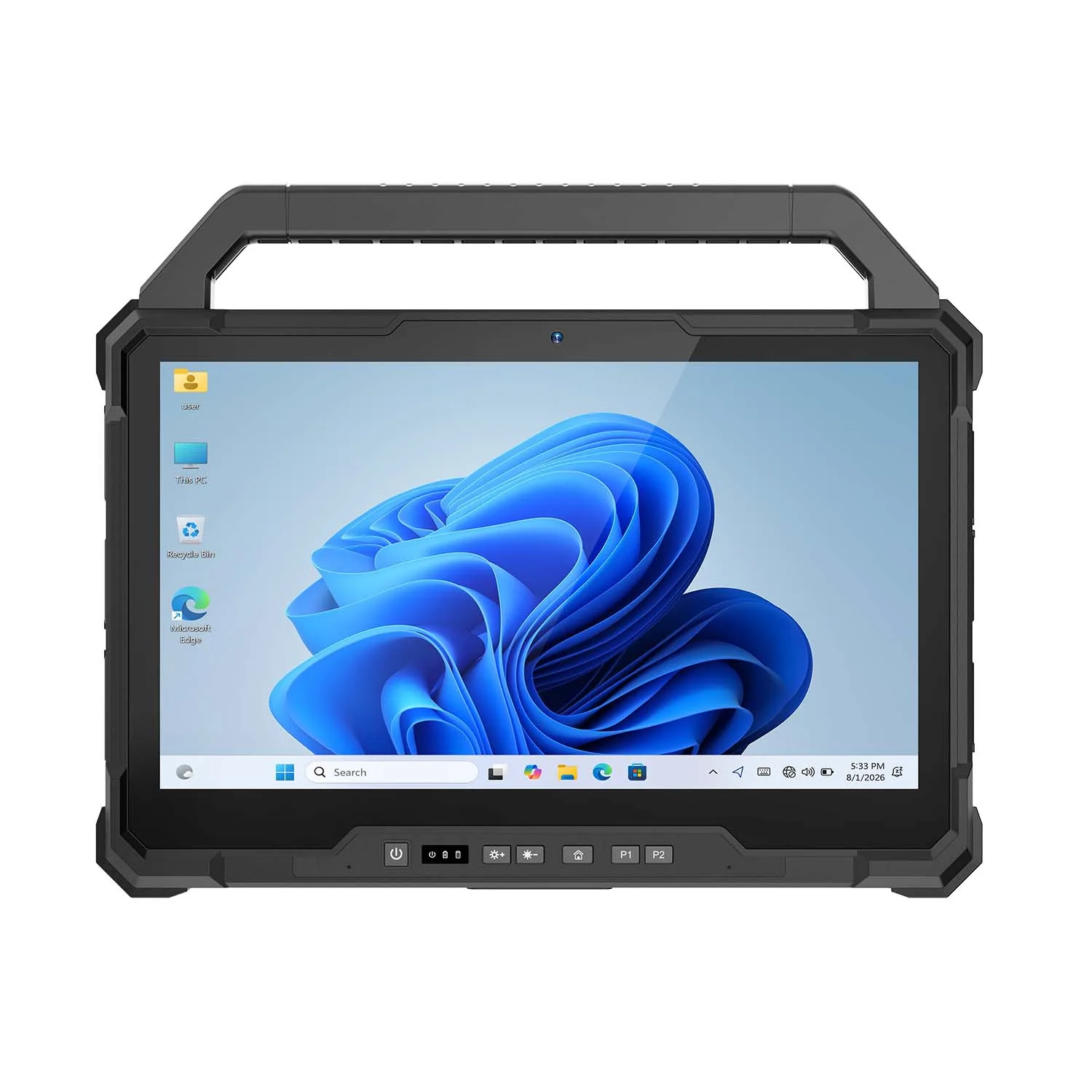
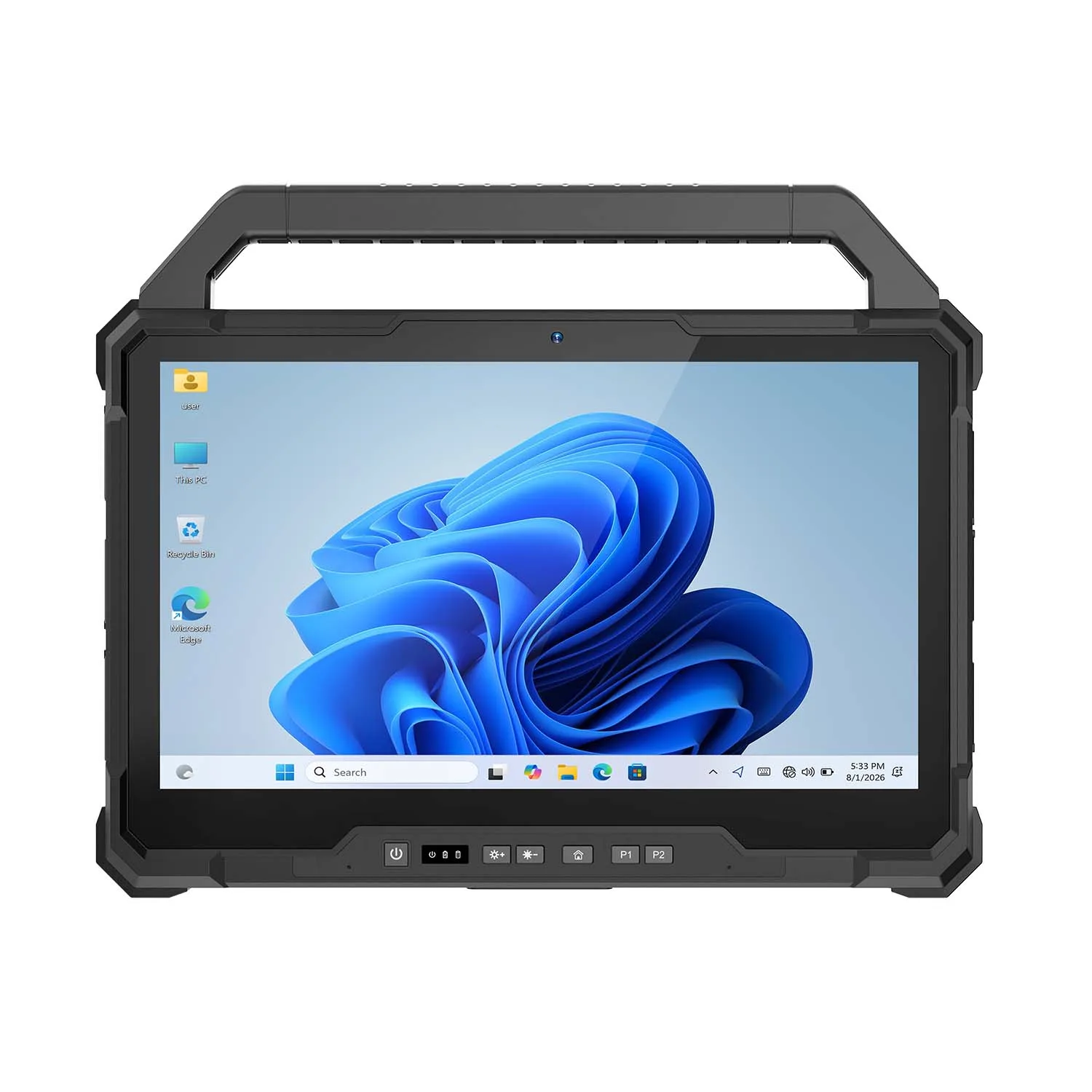
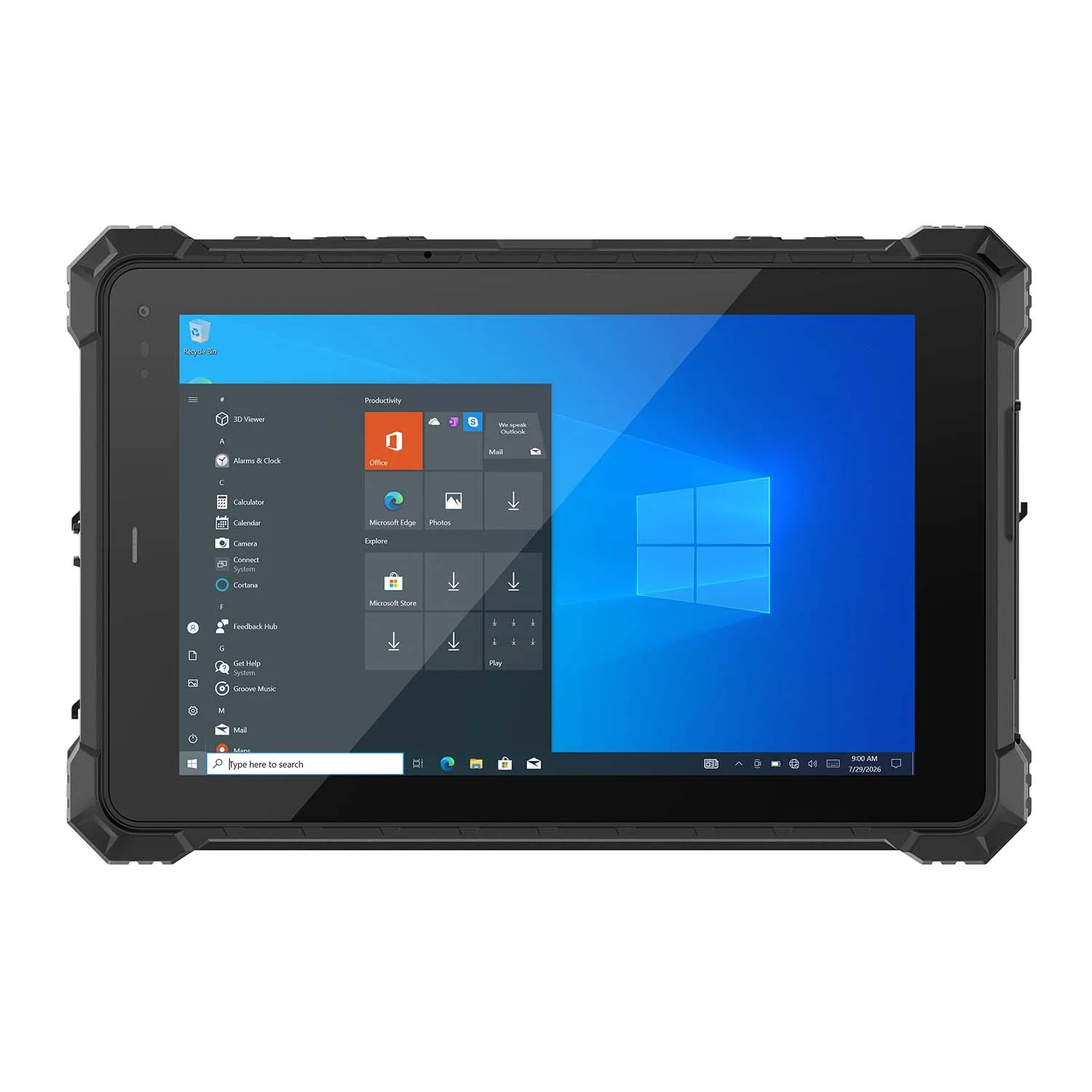
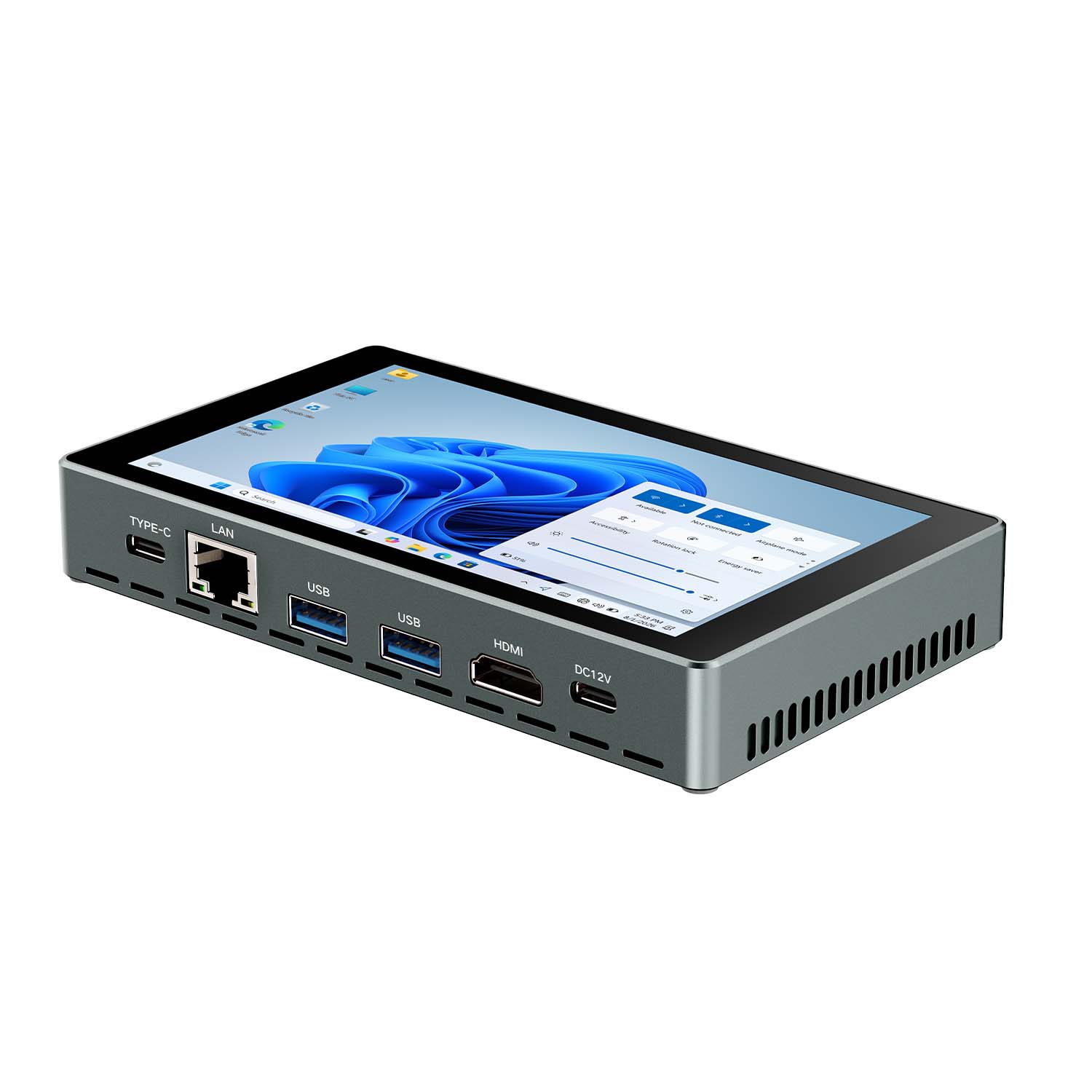
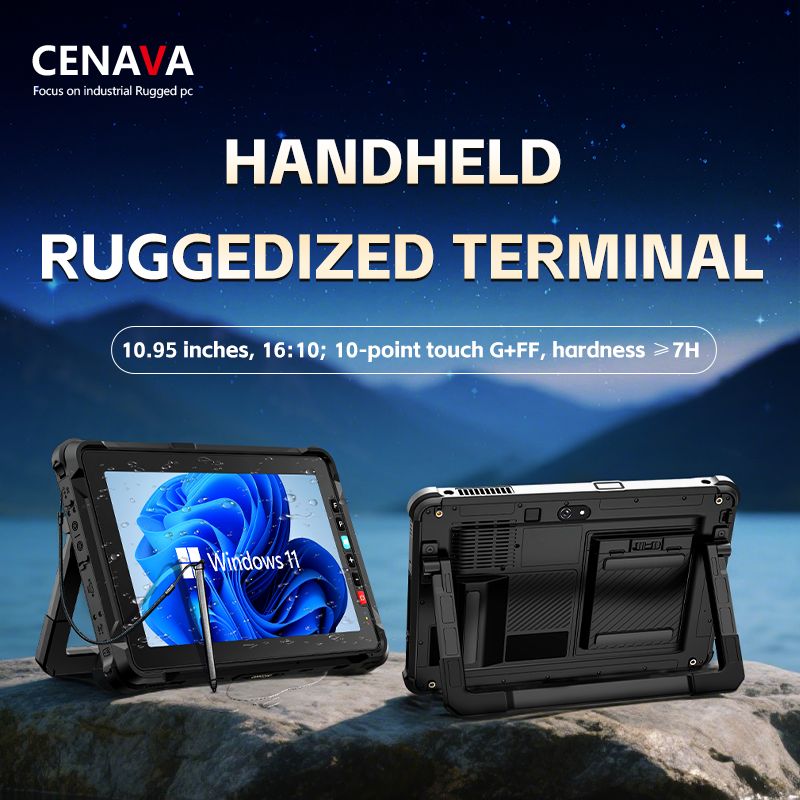
2. CENAVA W109U Rugged Tablet
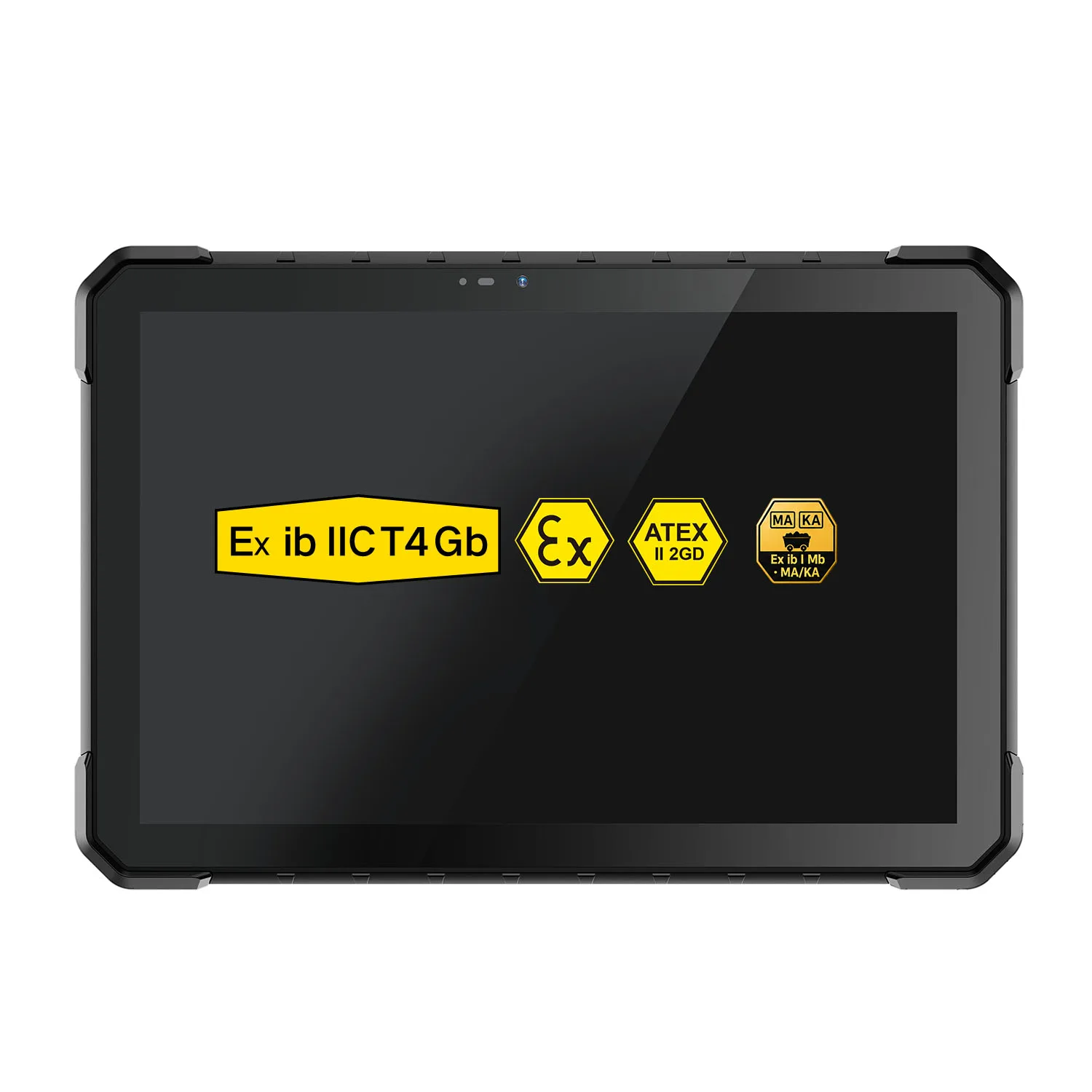
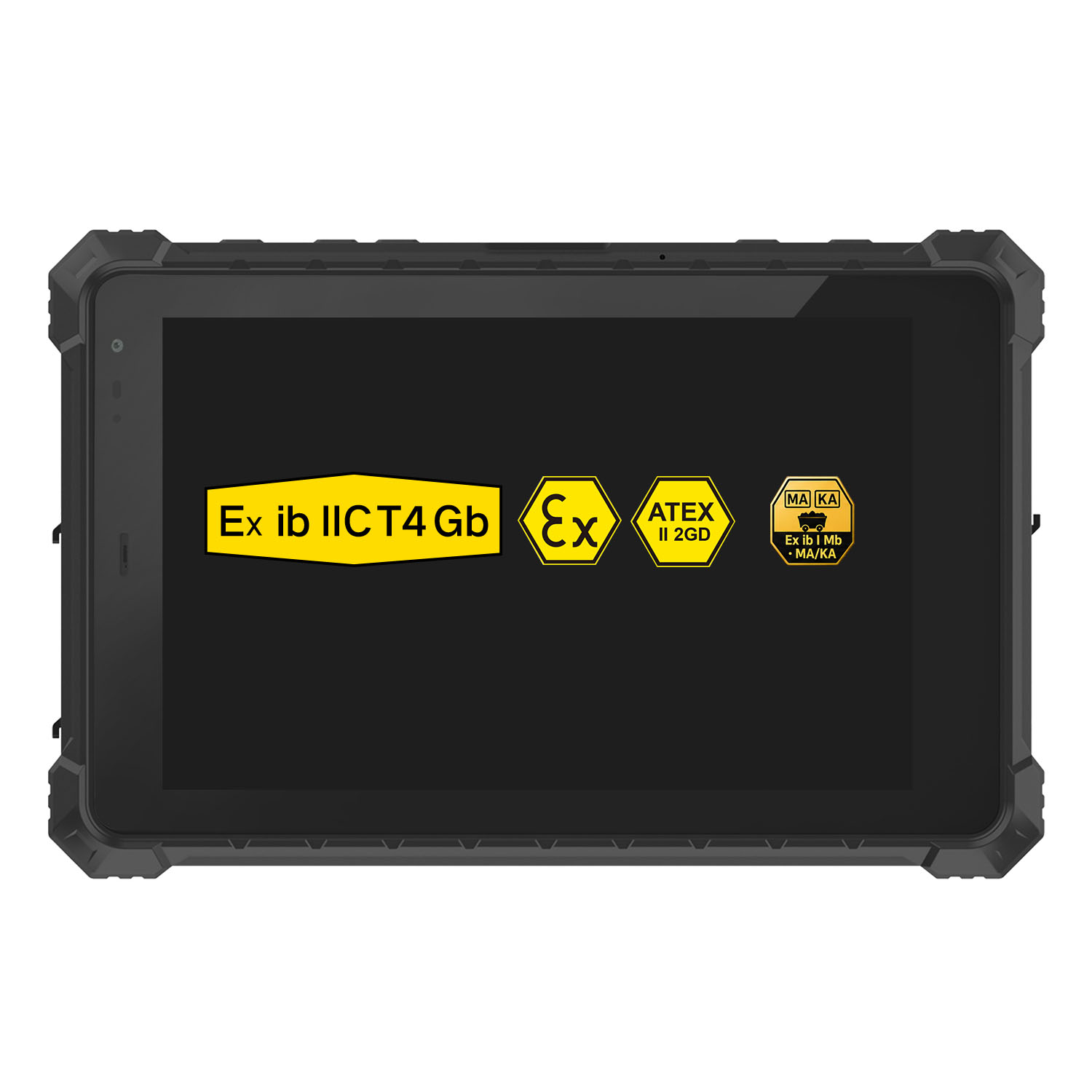
Best High Performance Construction Tablet,W109U provides larger display and stronger computing capability for professional construction workflows.
| Feature | Specification |
|---|---|
| Display | 10.95 inch |
| Processor | Intel Core i5 |
| RAM | 16GB |
| Storage | 256GB SSD |
| OS | Windows |
| Network | WiFi/4G/5G |
| Application | CAD/BIM/Engineering |
Best for:
BIM projects
Large drawings
Engineering documentation
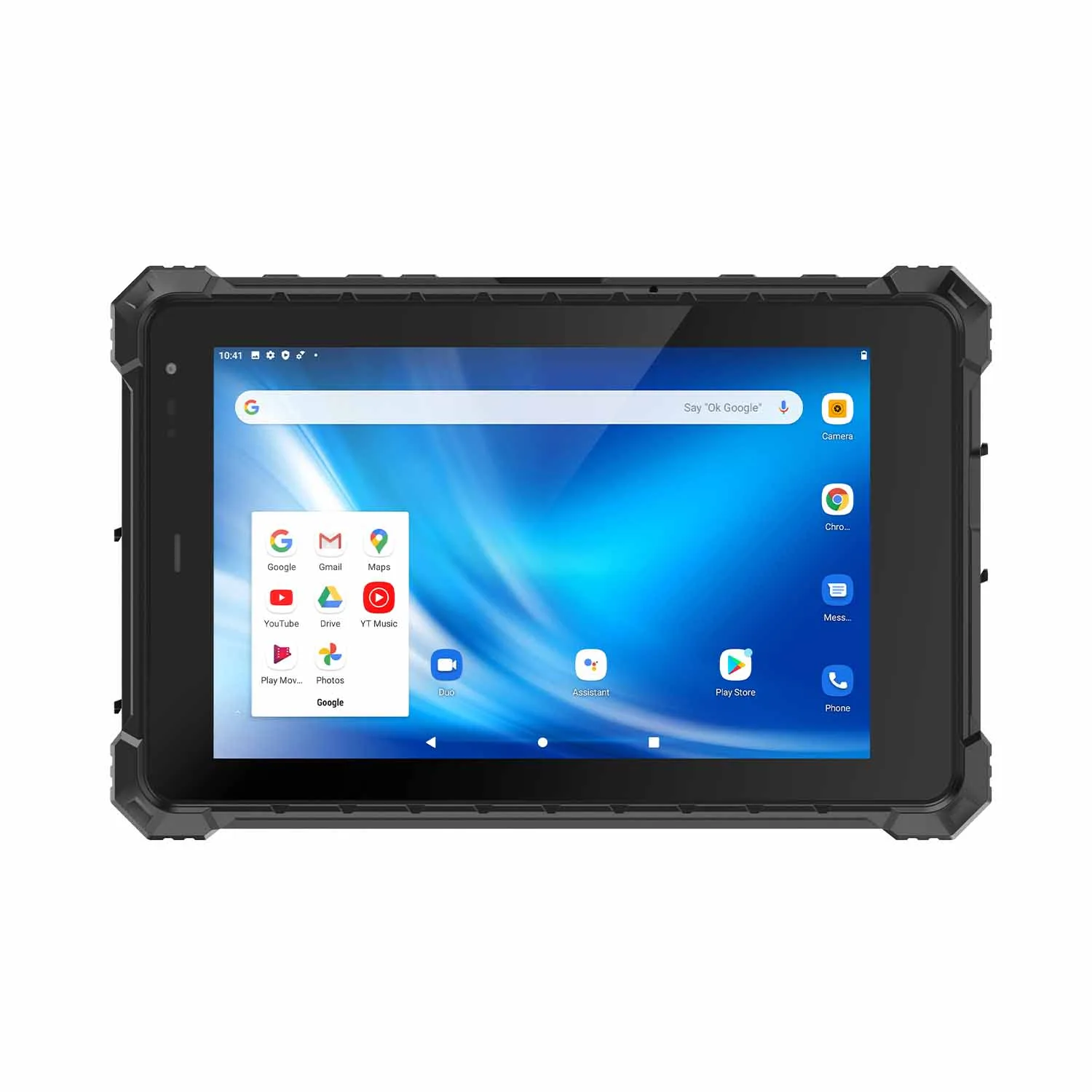
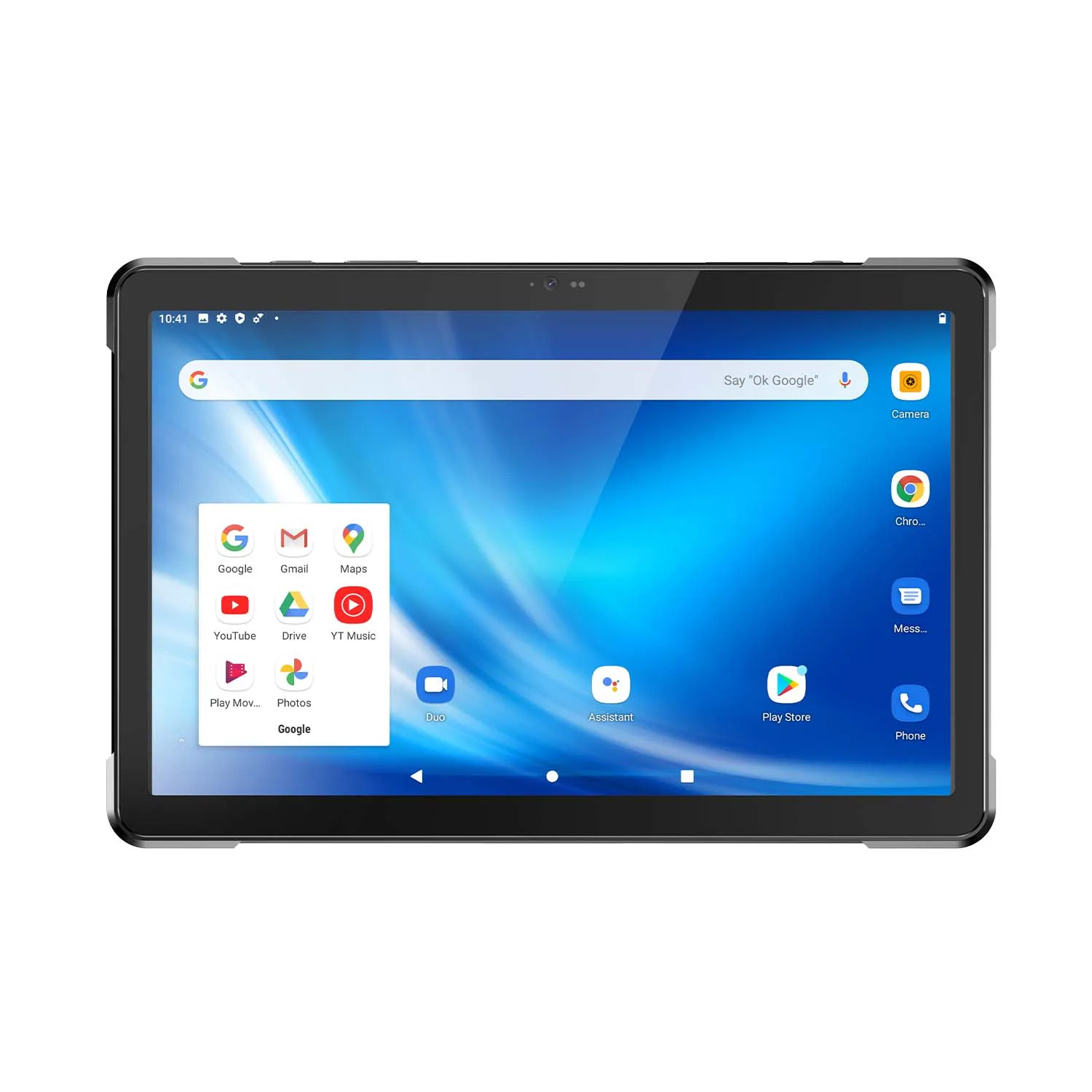
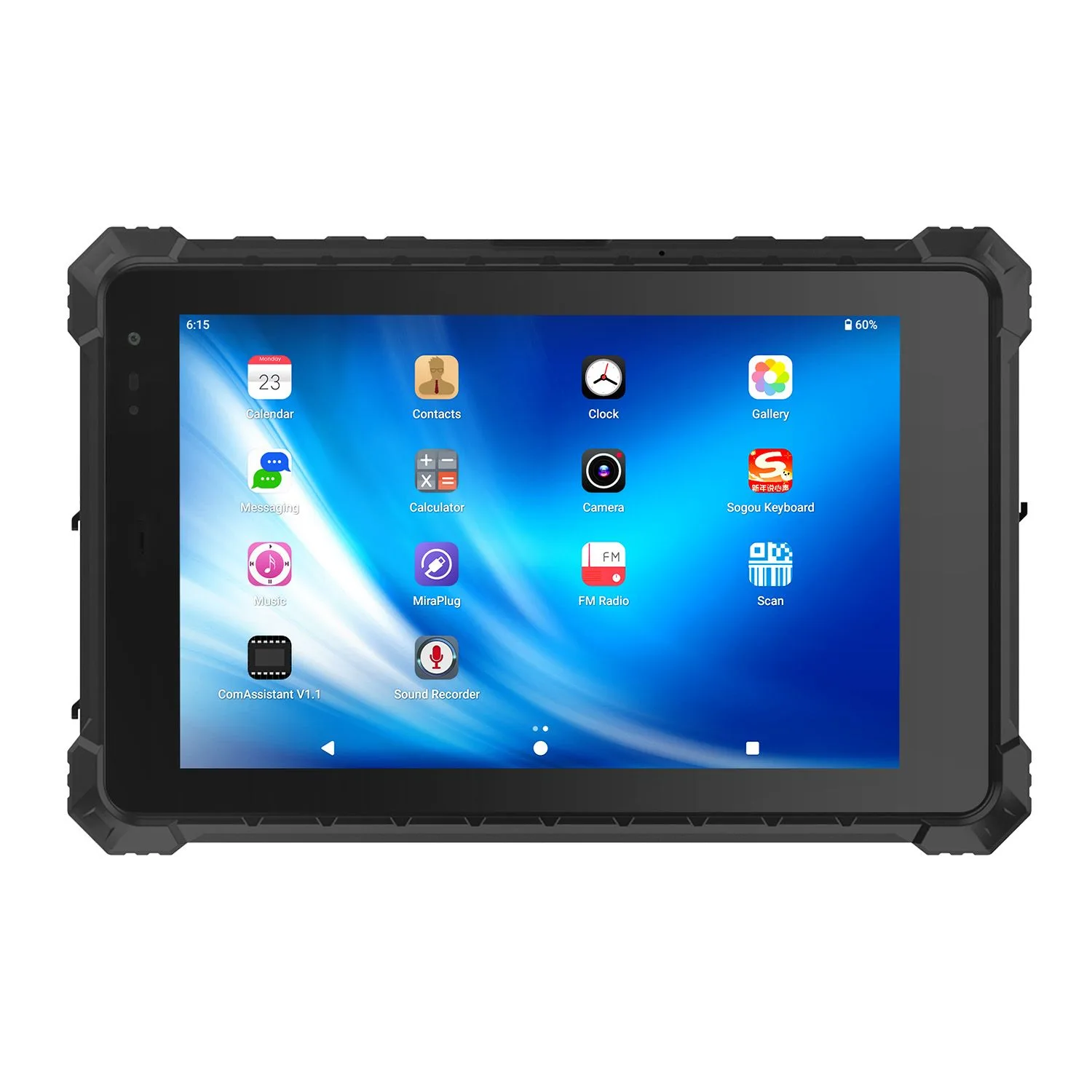
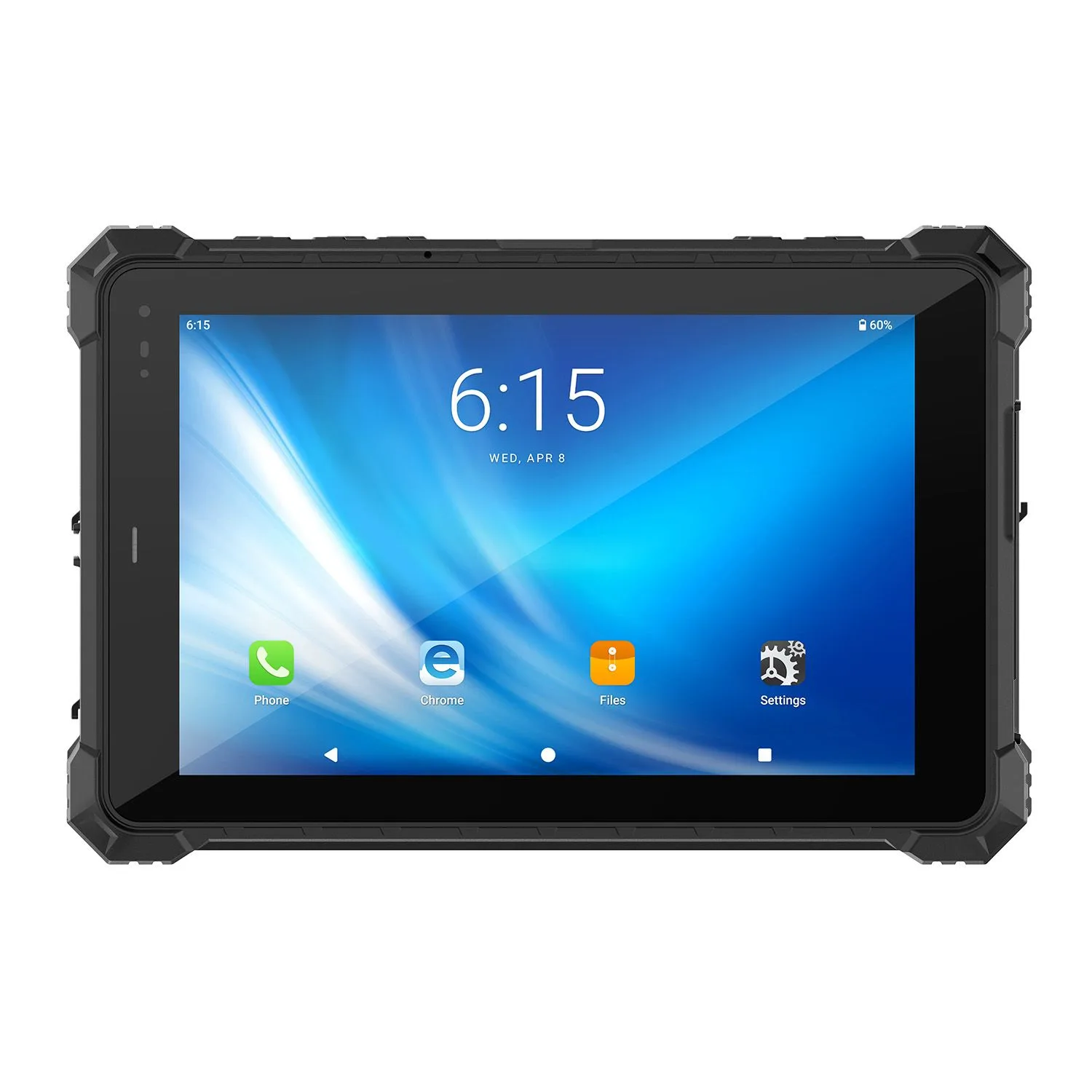
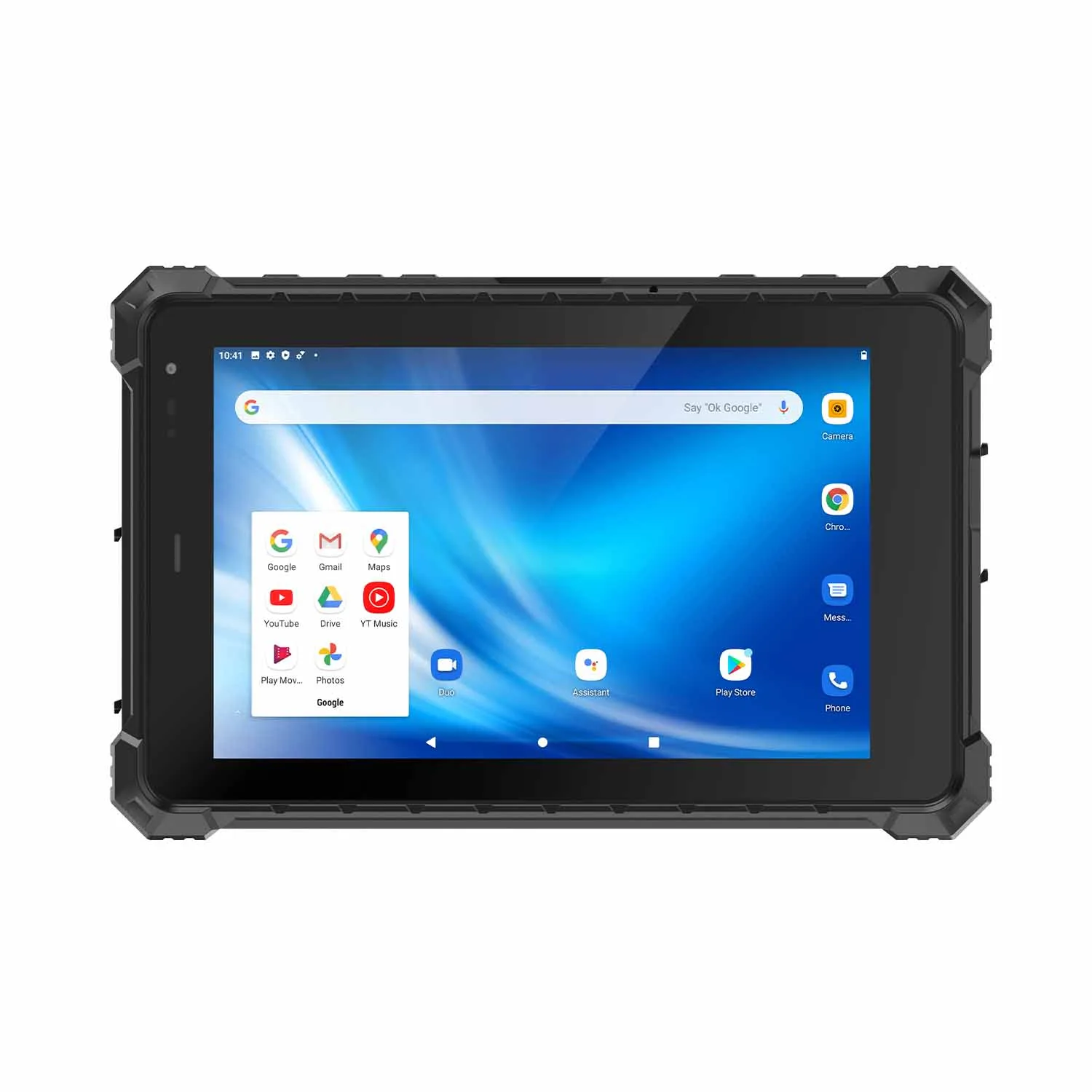
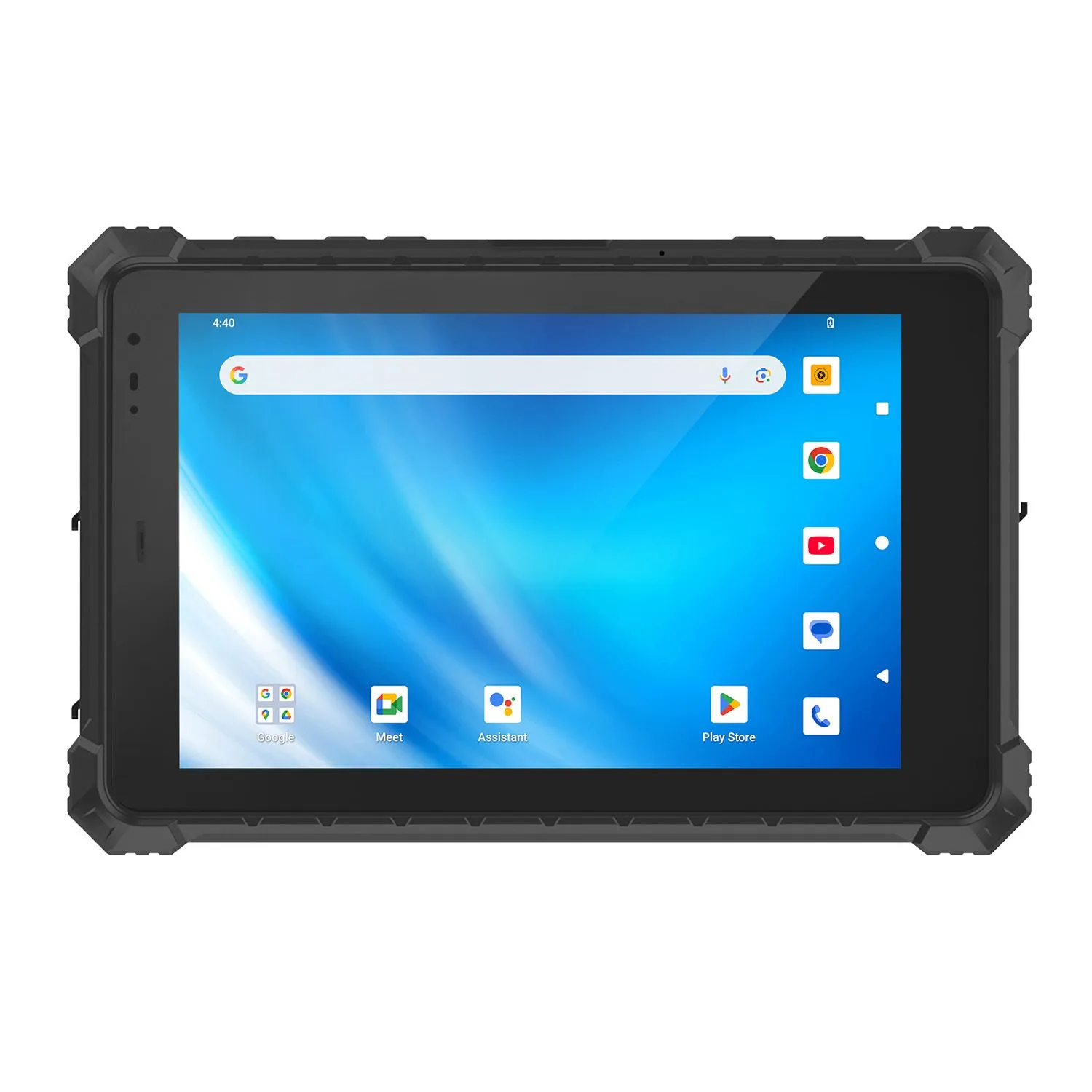
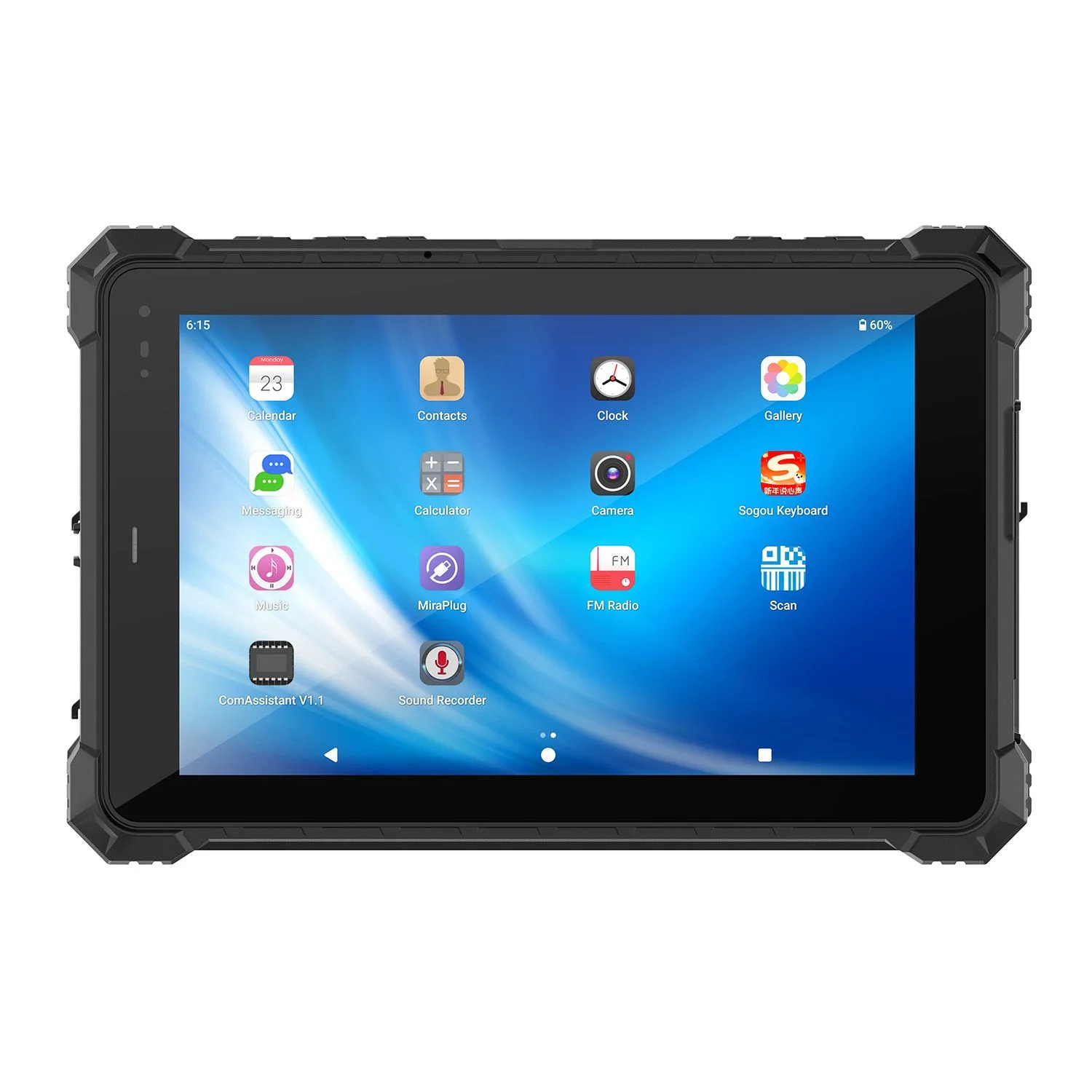
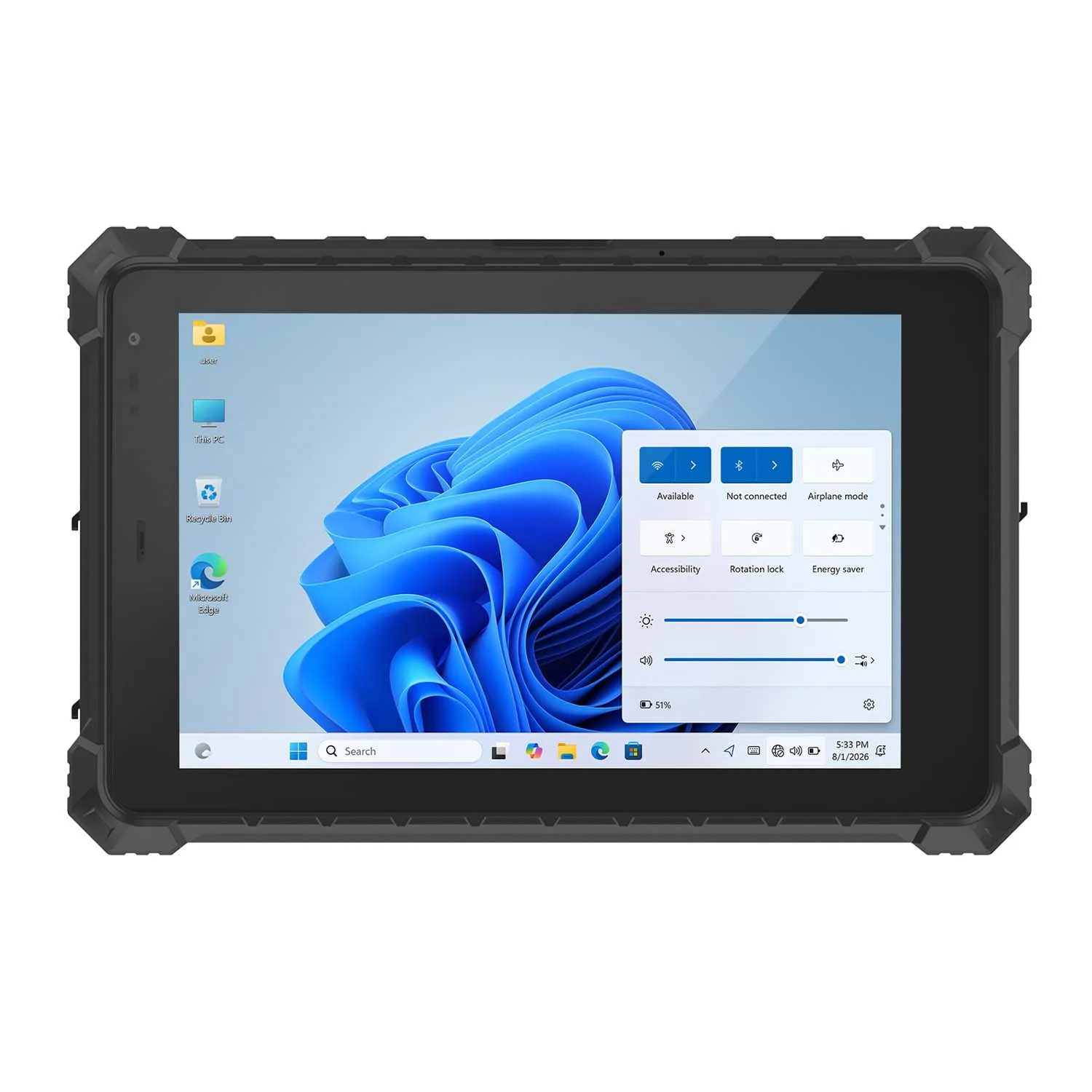
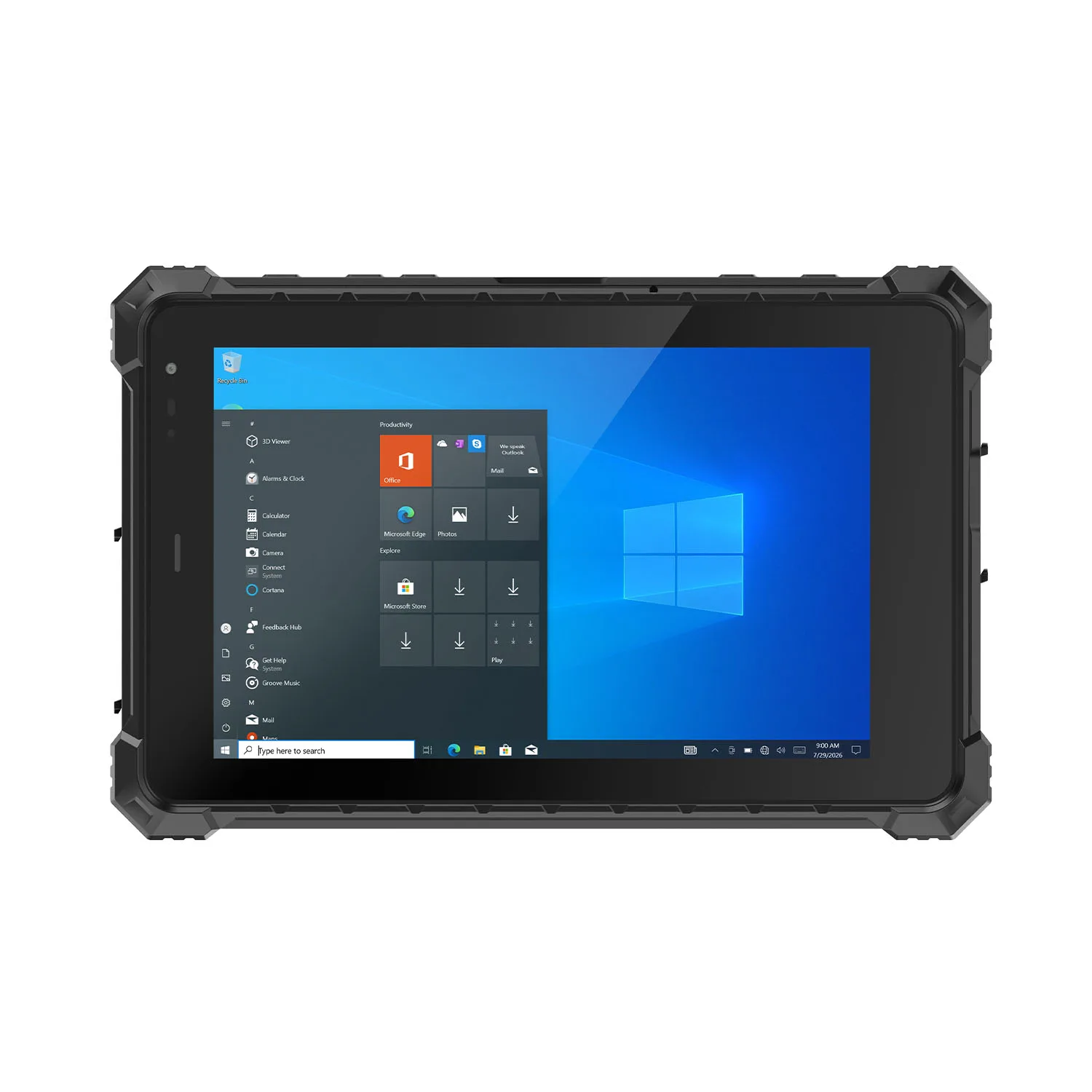
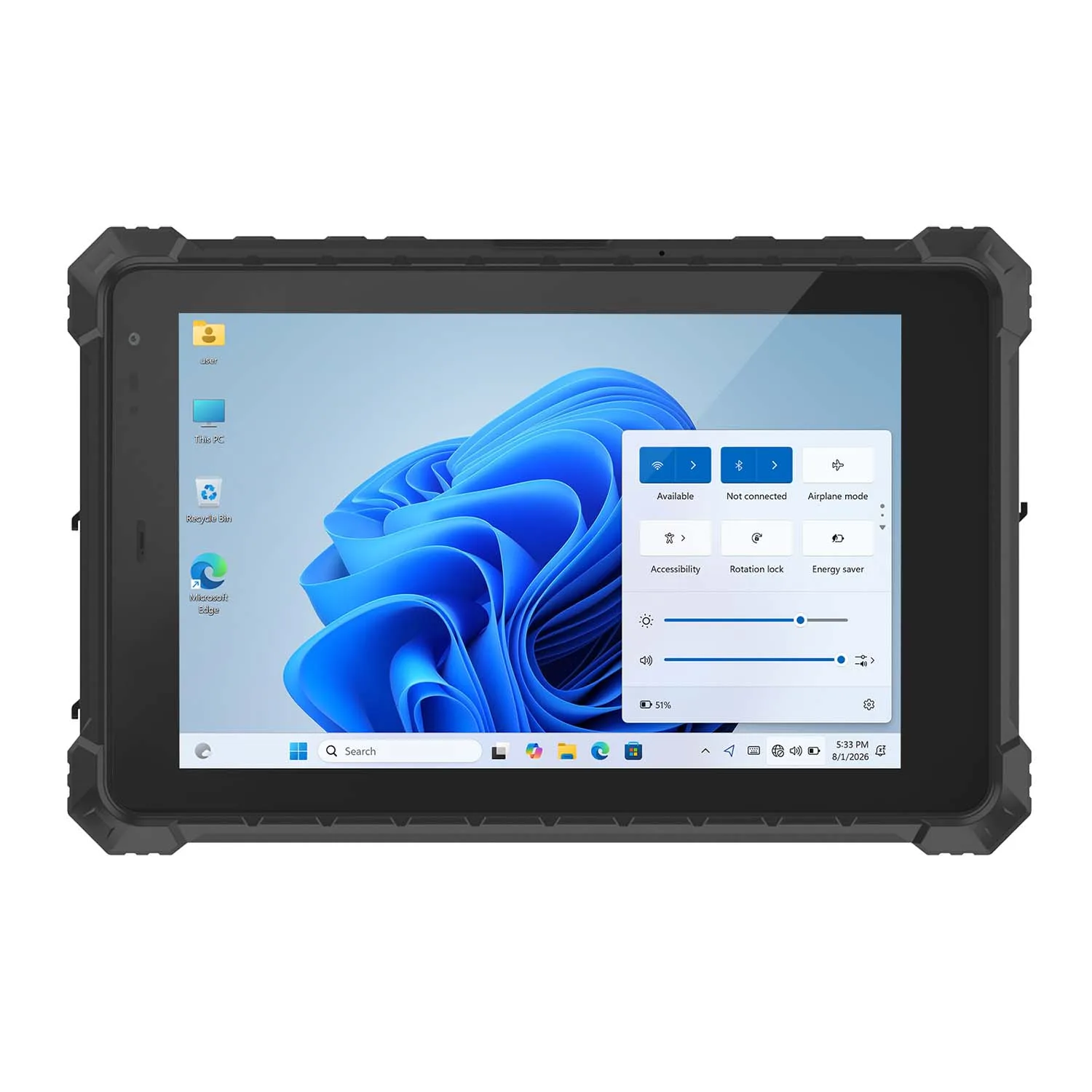
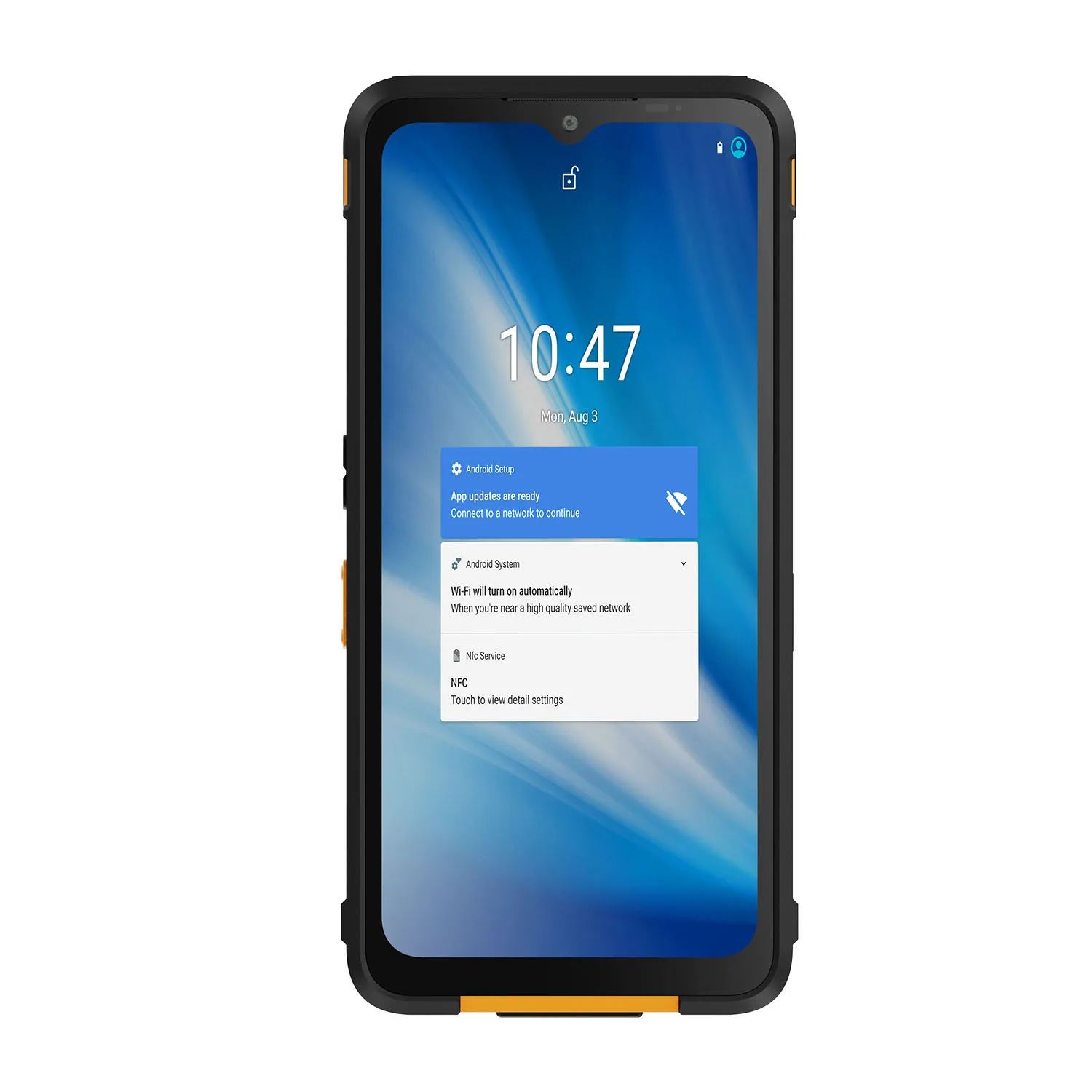
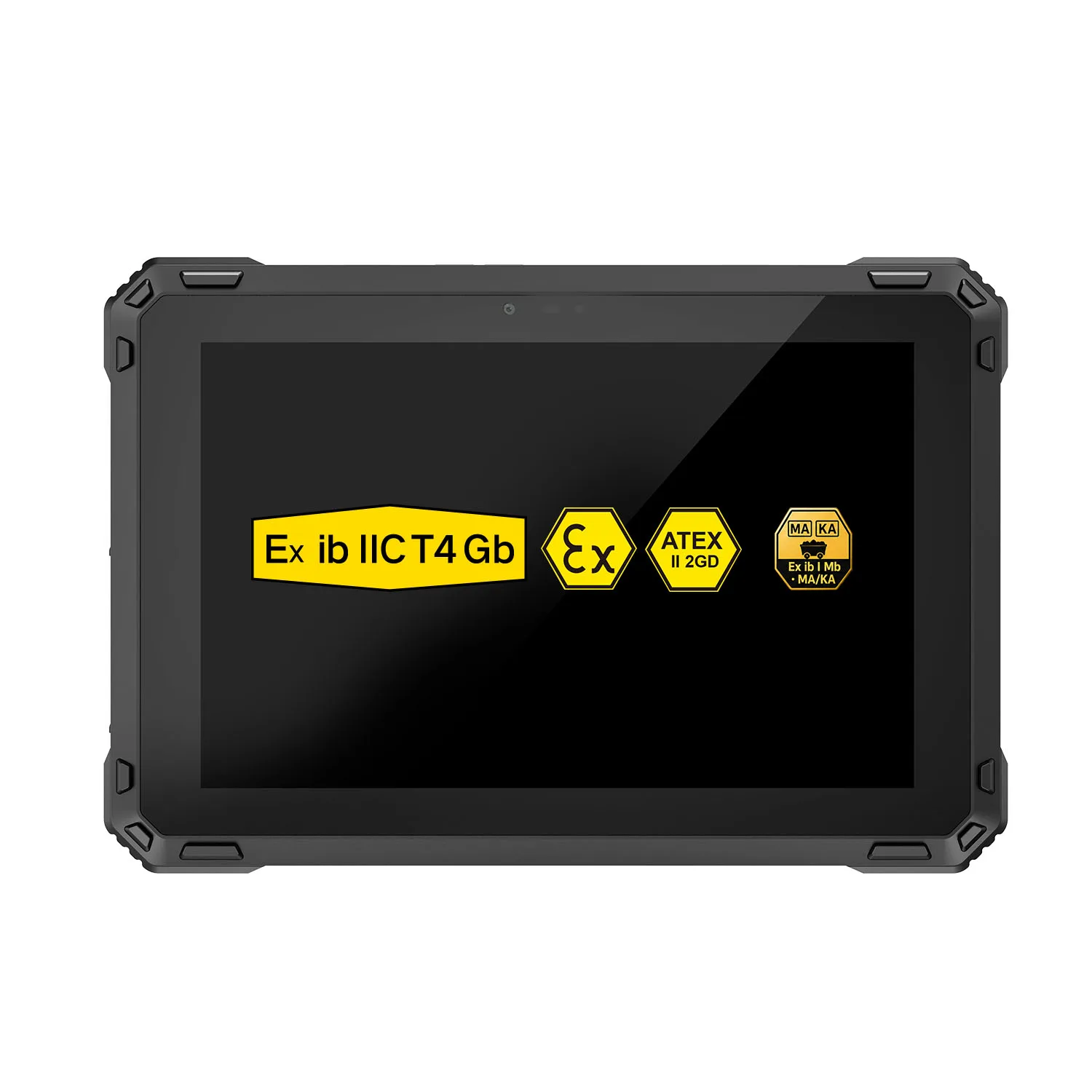
3. CENAVA A109T Android Rugged Tablet
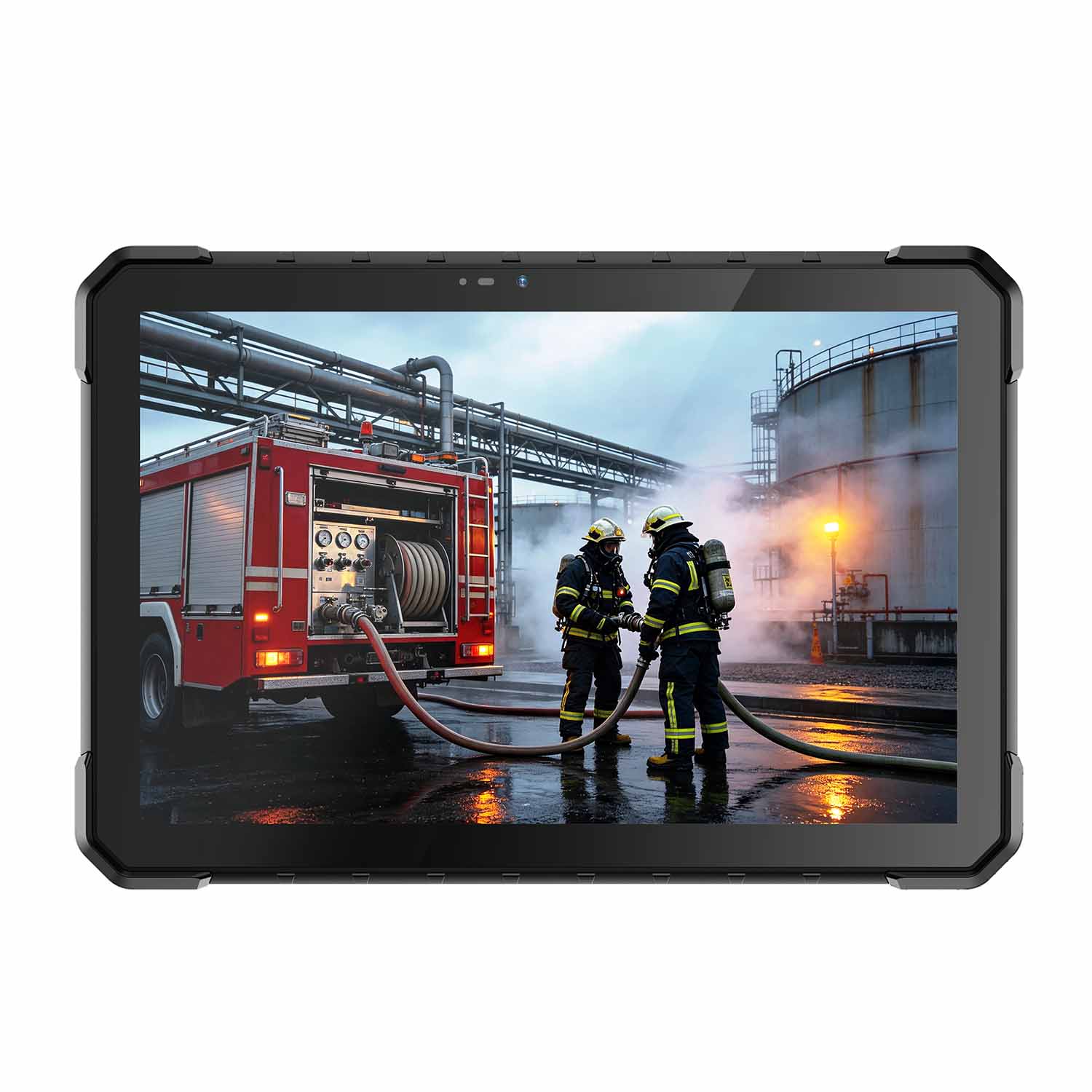
Best Android Construction Tablet
Android rugged tablets are suitable for:
Field data collection
Inspection apps
Equipment monitoring
| Feature | Specification |
|---|---|
| OS | Android |
| Display | 10.95 inch |
| RAM | 8GB |
| Storage | 128GB |
| Network | 4G LTE |
| Protection | Industrial Rugged Design |
4. Panasonic Toughbook G2
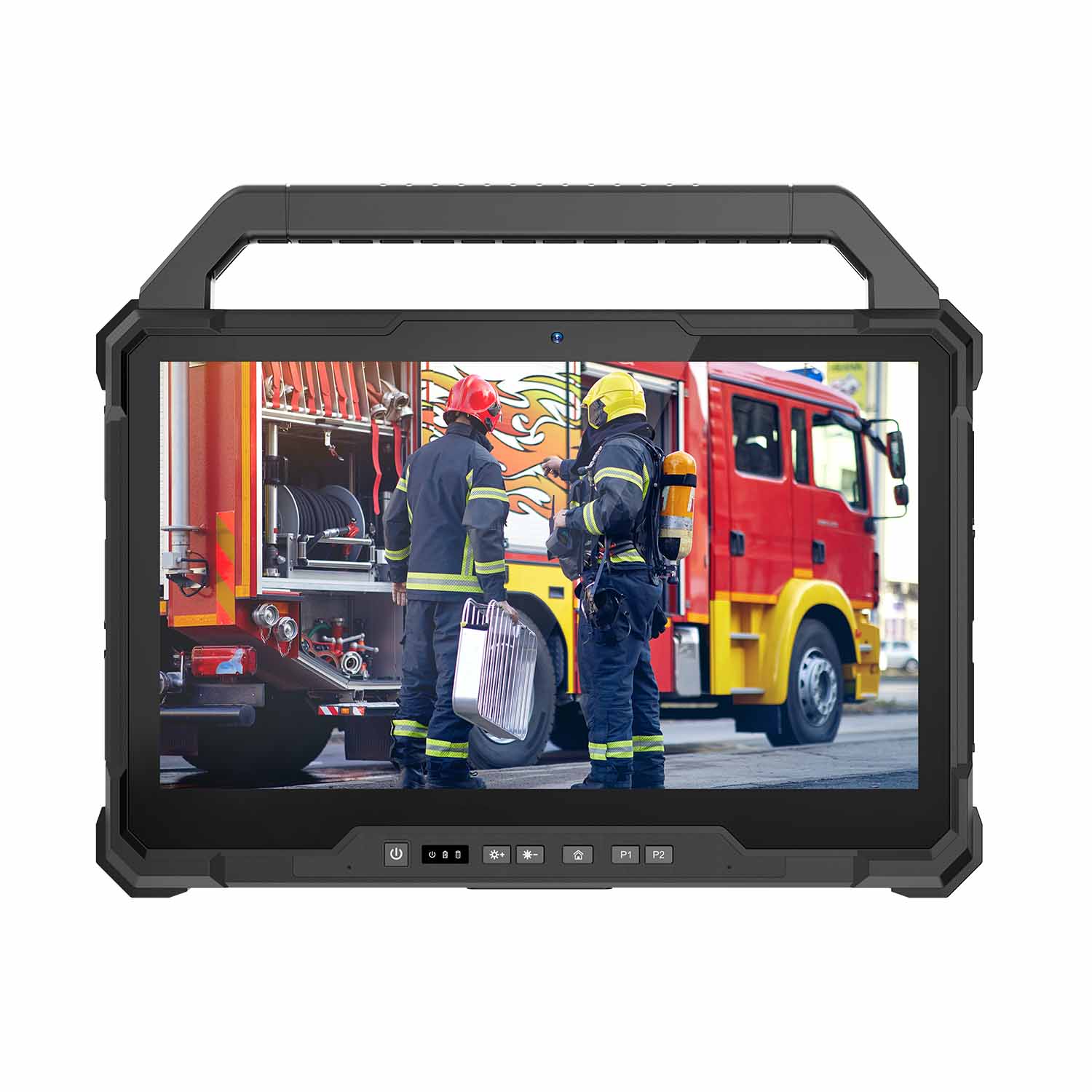
Best Premium Construction Tablet
| Feature | Specification |
|---|---|
| OS | Windows |
| Display | 10.1 inch |
| Protection | Fully Rugged |
| Battery | Hot Swap |
| Application | Enterprise Construction |
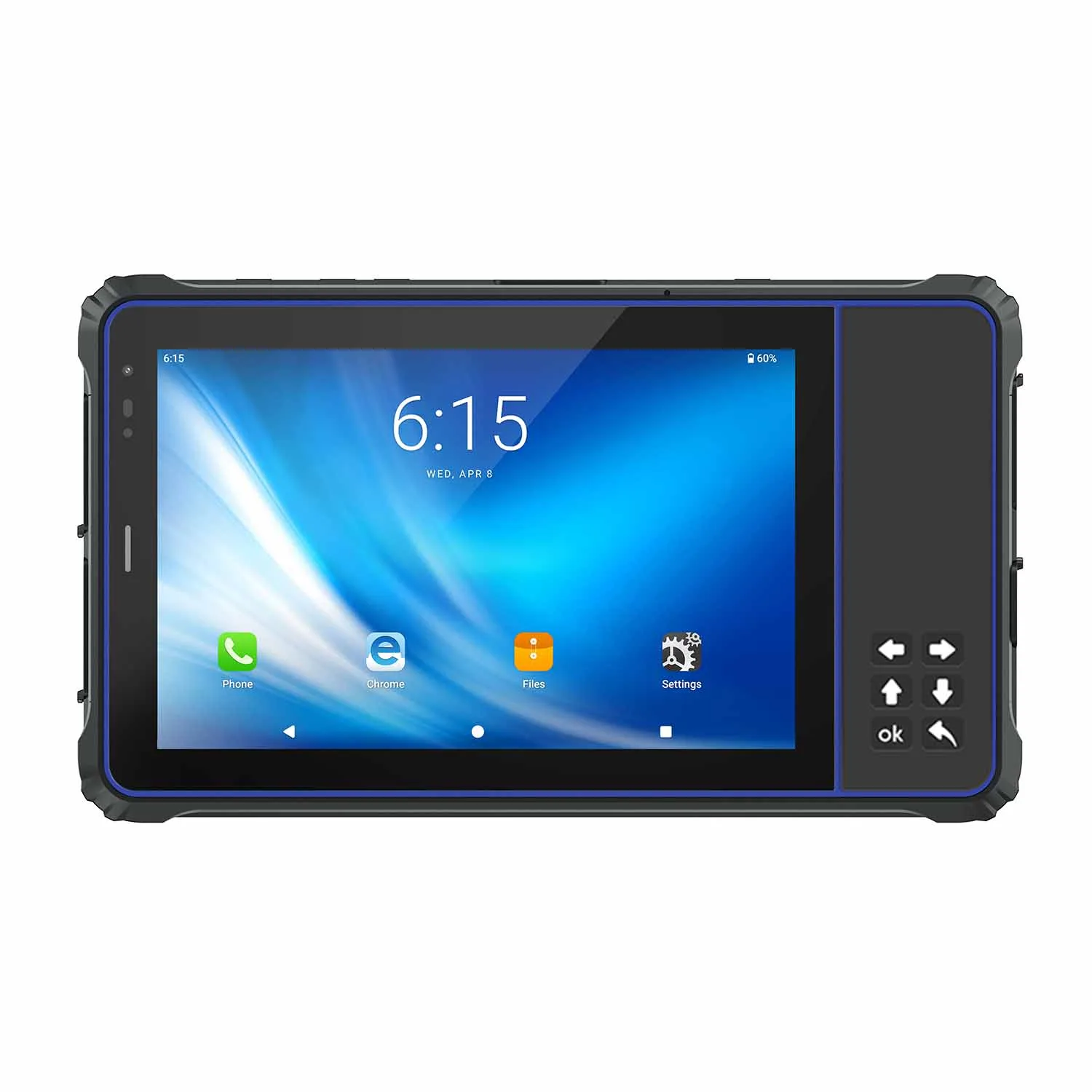
5. Getac ZX10 Rugged Tablet
Best Android Rugged Construction Tablet
| Feature | Specification |
|---|---|
| OS | Android |
| Display | 10.1 inch |
| Protection | IP66/IP67 |
| Certification | MIL-STD |
| Application | Field Engineering |
Construction Tablet Comparison 2025
| Model | OS | Protection | Main Advantage | Best For |
|---|---|---|---|---|
| CENAVA W10Y | Windows | IP68 | Performance + customization | Construction management |
| CENAVA W109U | Windows | Industrial Rugged | Large screen + power | CAD/BIM |
| CENAVA A109T | Android | Rugged Design | Mobile workflow | Inspection |
| Panasonic Toughbook G2 | Windows | Fully Rugged | Enterprise reliability | Large projects |
| Getac ZX10 | Android | IP66/IP67 | Field mobility | Engineering teams |
Why Choose CENAVA for Construction Rugged Tablets?
CENAVA specializes in rugged computing solutions for construction, engineering and field service industries.
Unlike consumer tablets, CENAVA rugged tablets are designed for demanding jobsite environments where durability, reliability and customization are essential.
CENAVA provides:
✓ Windows and Android rugged tablets
✓ OEM/ODM customization
✓ CAD/BIM application support
✓ High brightness outdoor displays
✓ Barcode/NFC/GPS integration
✓ 4G/5G connectivity
✓ Long-term product support
✓ Industry-specific solutions
Case Study: Rugged Tablet for Construction Site Management
Customer Challenge
A construction company needed a reliable tablet solution for outdoor project management.
Requirements:
- Sunlight readable display
- Dust and water protection
- CAD drawing support
- Long battery operation
CENAVA Solution
CENAVA provided:
- Windows rugged tablet
- Stylus input
- Wireless connectivity
- Custom accessories
- Industrial protection
Result
The construction team improved:
✓ Drawing access efficiency
✓ Field communication
✓ Inspection accuracy
✓ Project management capability
FAQ
Q1: What is the best tablet for construction work?
Answer: The best tablet for construction work should have rugged protection, sunlight-readable display, long battery life, and support professional construction applications.
Q2: Can construction tablets run AutoCAD?
Answer: Yes. Windows rugged tablets with Intel processors can run AutoCAD, Revit, BIM software and other engineering applications.
Q3: What features should a construction tablet have?
Answer: A construction tablet should include:
- IP65/IP68 protection
- Drop resistance
- Bright outdoor display
- Long battery life
- Glove touch support
- Wireless connectivity
Q4: Are rugged tablets better than normal tablets for construction?
Answer: Yes. Rugged tablets provide better durability, longer lifecycle and higher reliability in construction environments.
Q5: Why choose CENAVA construction tablets?
Answer: CENAVA provides customized rugged tablet solutions for construction companies, engineering teams and industrial applications.
About CENAVA Rugged
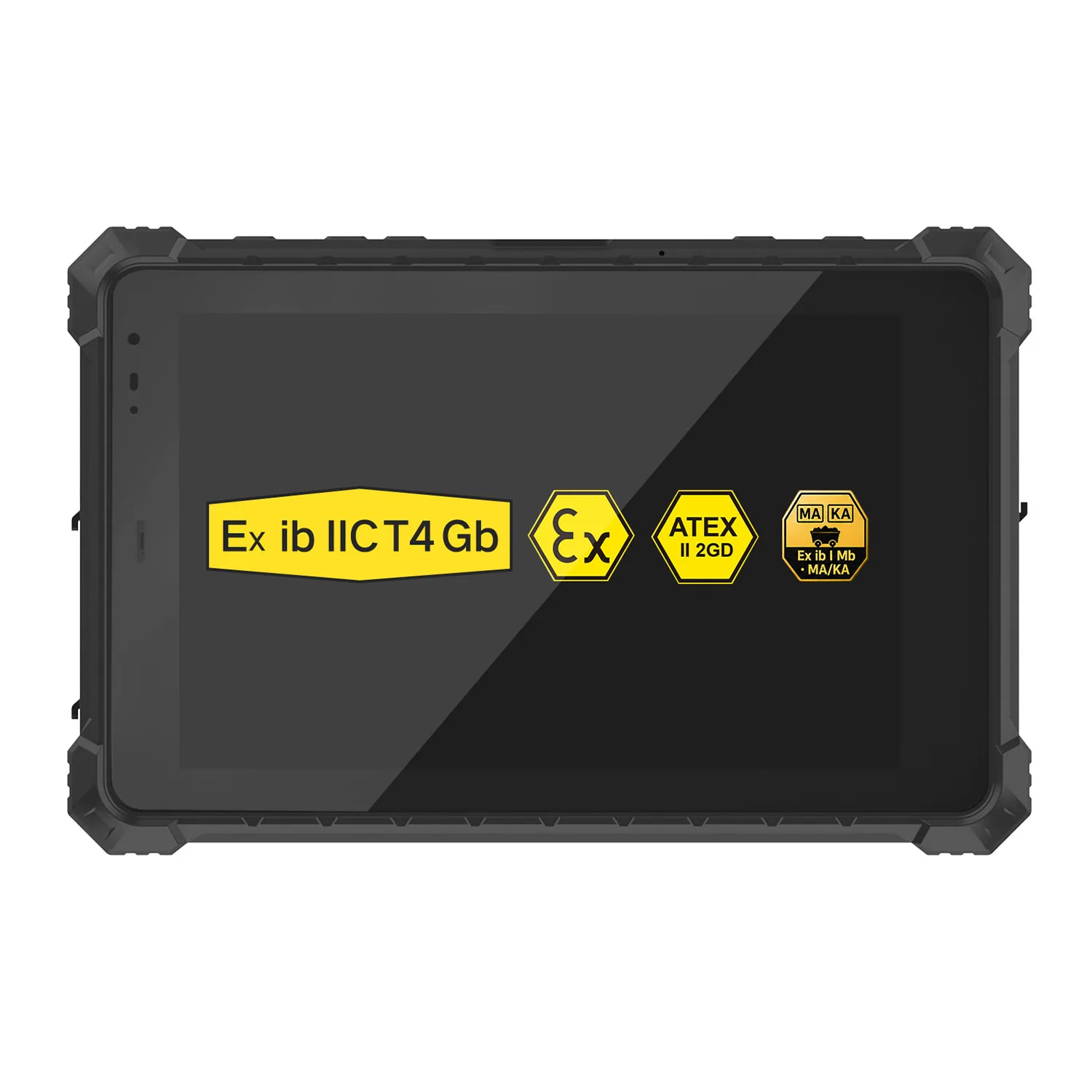
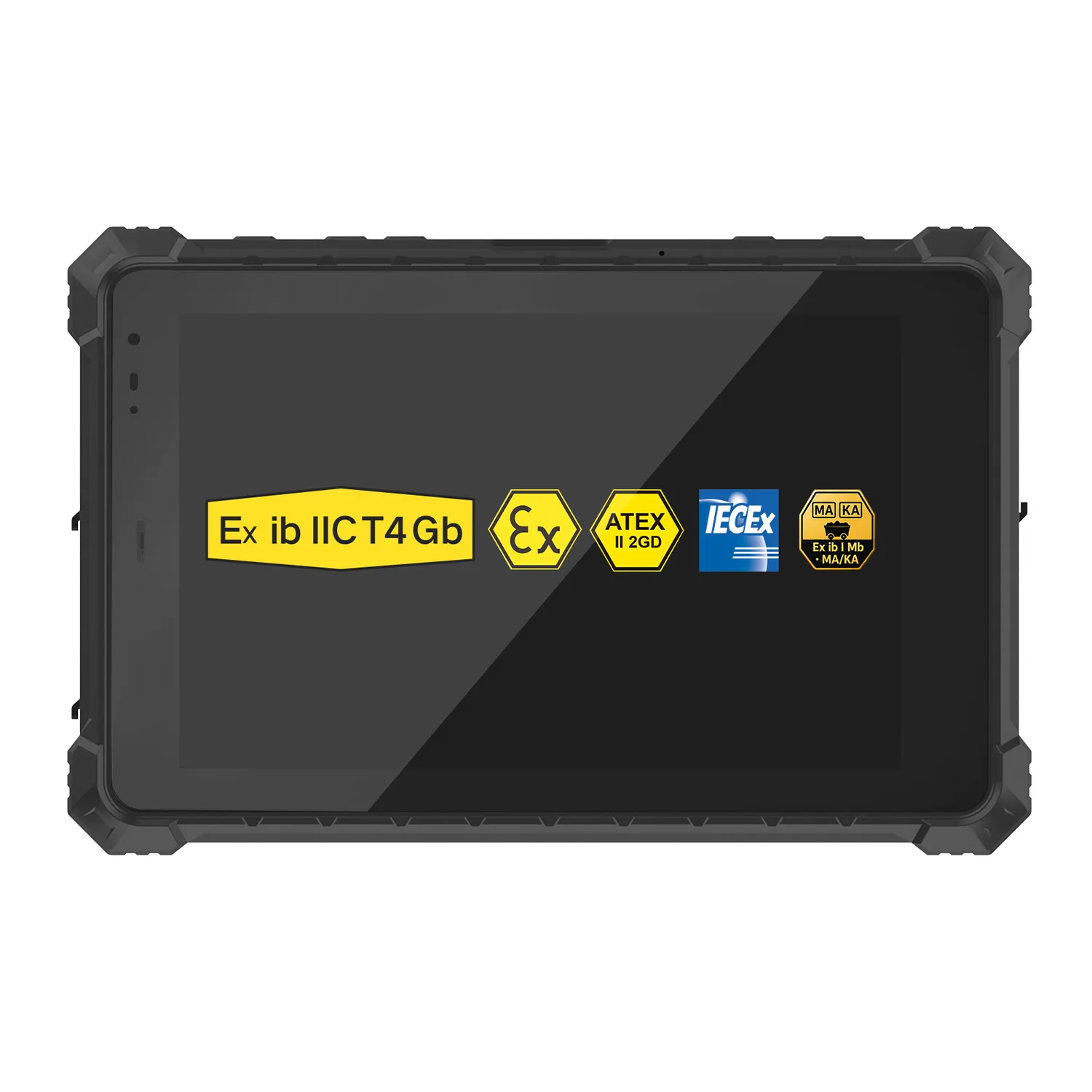
CENAVA develops and manufactures rugged computing devices and provides OEM/ODM customization for industrial customers worldwide. Its portfolio includes rugged tablets, rugged laptops, industrial panel PCs, rugged handhelds and explosion-protected tablets for hazardous-area applications.
Media and project inquiries
Email: tom@cenavapc.com
WhatsApp: +86 134 2375 9197
Website: www.cenavapc.com
Need a Rugged Device for Your Project?
Tell us your operating environment and requirements — our engineers will recommend a configuration and quote within 24 hours.
Get a Free Quote Back to Blog