













































-1.jpg)












.jpg)











Blog & Insights
Blog & Insights
Rugged computing guides, industry insights and buying advice from our engineering team.
How Rugged Tablets Enable Intelligent Energy and Power Inspections
See how a CENAVA rugged tablet digitized power equipment inspection — real-time data collection, personnel tracking, and remote status monitoring for a power utility.
2023-07-27
Rugged Tablets for Fire Station Equipment Management
See how a CENAVA rugged tablet with GPS and RFID helped a regional fire brigade track truck equipment and improve on-scene communication. Specs and FAQ.
2023-07-27
Rugged Tablets for Garment Production Line Traceability
See how a CENAVA rugged tablet at each sewing workbench improved garment quality traceability and reduced material waste — plus an independent review of the W81H's real-world strengths and limits.
2023-07-27
Rugged Handhelds for Paperless MES Manufacturing
See how a CENAVA rugged handheld with barcode scanning and MES integration replaced paper drawings and process documents on a CNC production line — case study and FAQ.
2023-07-27
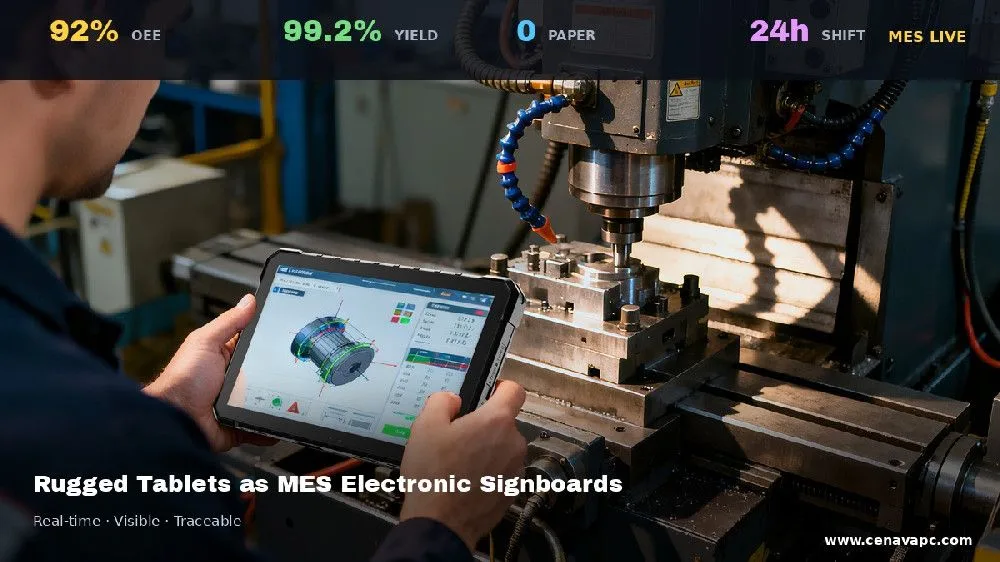
Rugged Tablets as MES Electronic Signboards
See how a CENAVA rugged tablet replaced outdated LED signboards with a real-time MES/ERP-connected electronic signboard for a Wuxi manufacturer's smart factory floor.
2023-07-27
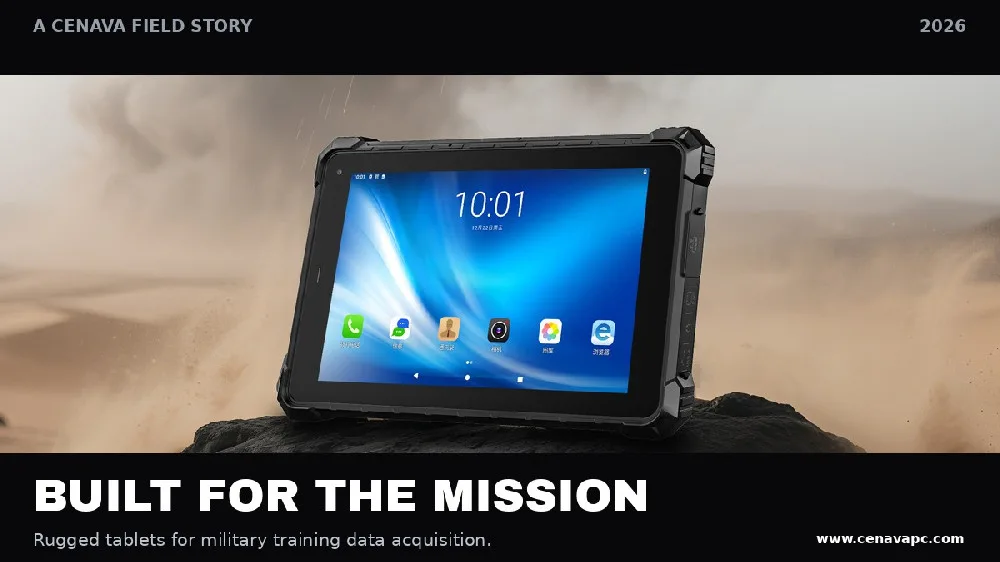
Rugged Tablets for Military Training Data Acquisition
See how a CENAVA rugged tablet supports military training data collection — photo/video capture, QR ID, and real-time data sync for combat effectiveness evaluation.
2023-07-27
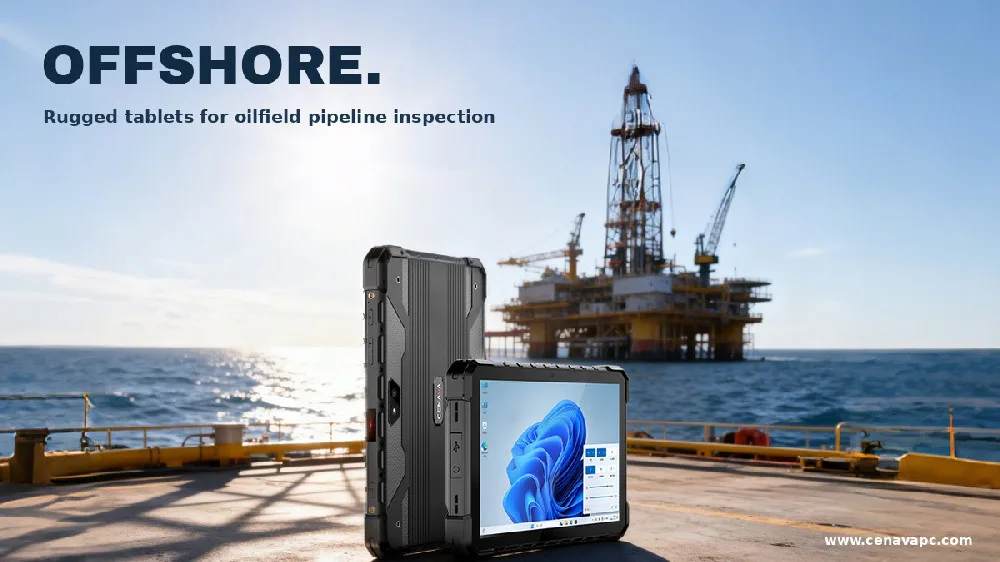
Rugged Tablets for Oilfield Pipeline Inspection
See how a CENAVA rugged tablet digitized oilfield pipeline inspection and personnel tracking in Xinjiang — plus what to check when your project explicitly requires explosion-proof equipment.
2023-07-27
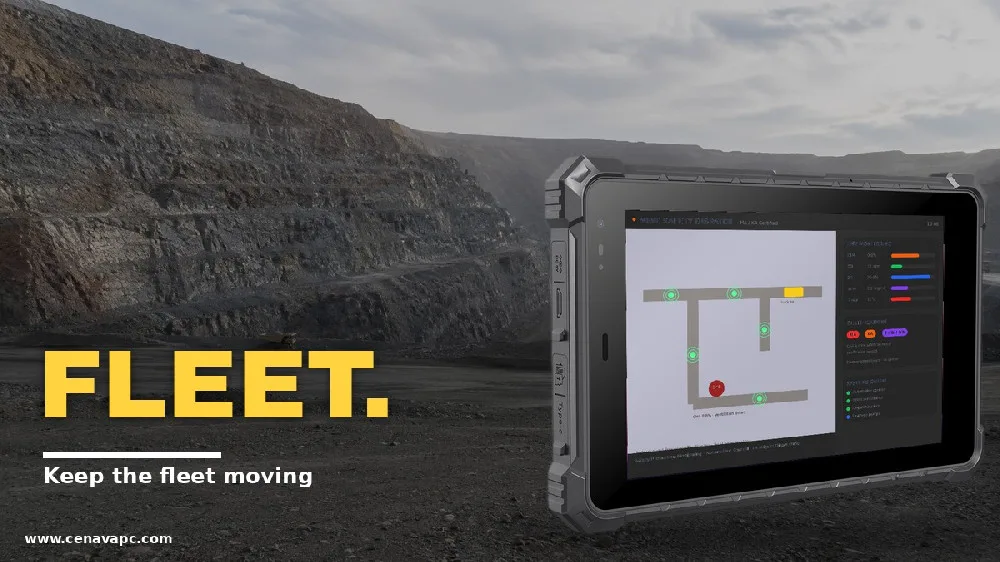
Rugged Tablets for Open-Pit Mining Truck Fleet Dispatch
See how CENAVA rugged tablets helped an open-pit mine coordinate truck fleets across poor roads and long haul cycles — route planning, vehicle tracking, and safety warnings.
2023-07-27
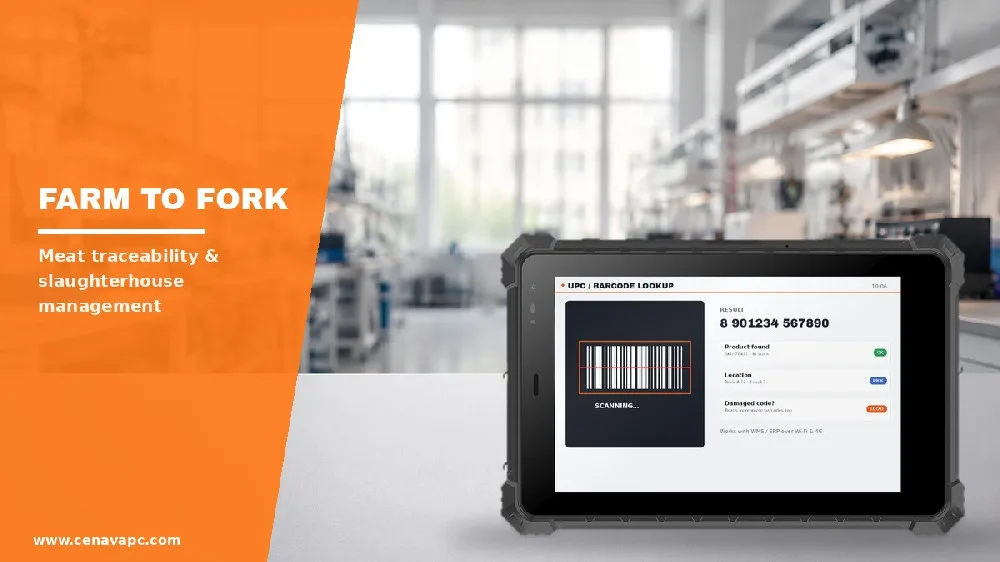
Rugged Handhelds for Meat Traceability & Slaughterhouse Management
See how a CENAVA rugged handheld with RFID scanning helped a Guangxi slaughterhouse solve batch mix-ups and manual data entry errors in meat traceability.
2023-07-27
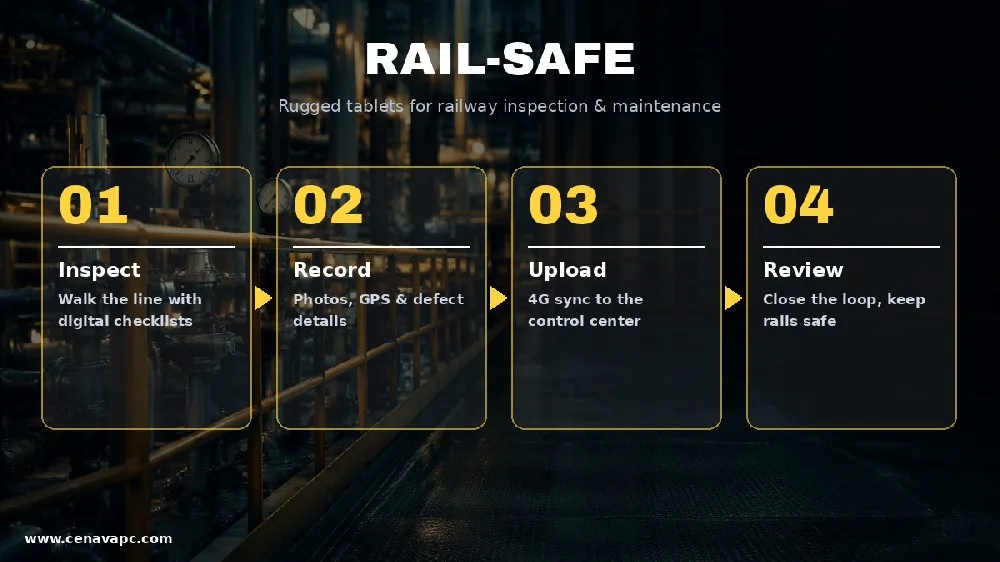
Rugged Laptops for Railway Inspection & Maintenance
See how a CENAVA rugged laptop with real-time data sharing and remote communication helped a railway administration modernize track inspection. Specs and FAQ.
2023-07-27
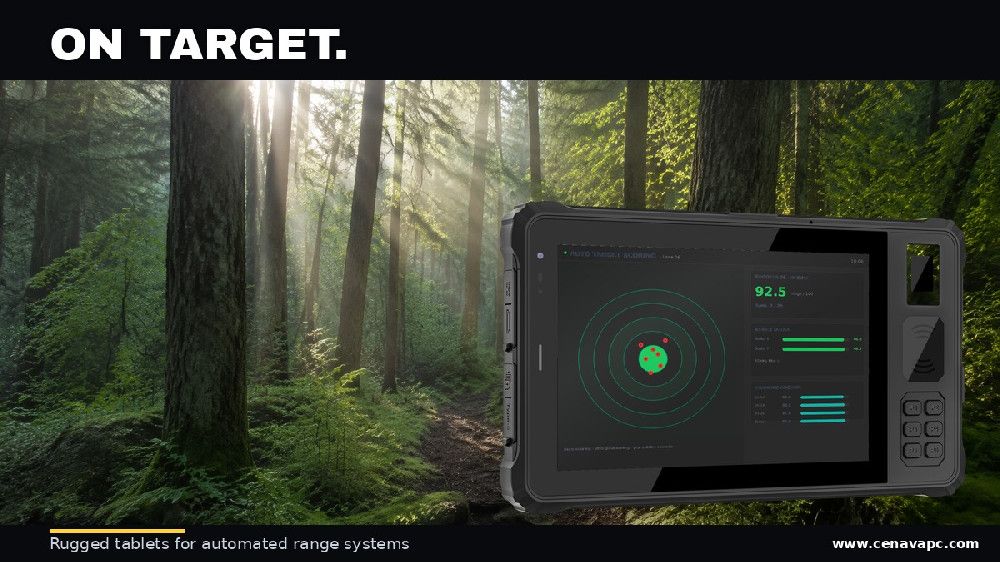
Rugged Tablets for Automated Range Target Systems
See how a CENAVA rugged tablet helped a military training range replace slow, unsafe manual target reporting with an automated, real-time scoring system.
2023-07-27
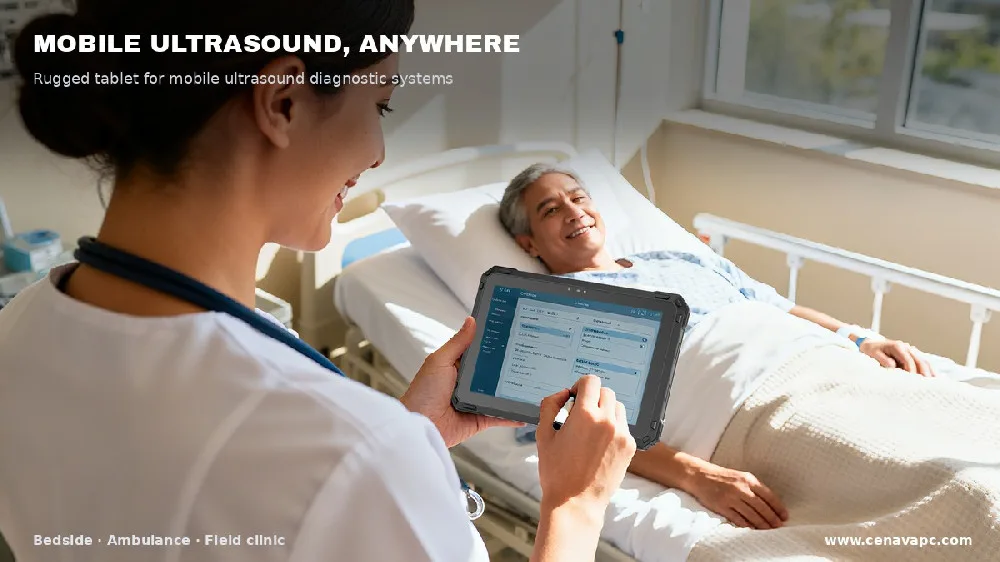
CENAVA medical rugged tablets provide reliable computing solutions for portable ultrasound equipment, telemedicine, point-of-care diagnosis, and healthcare applications.
2023-07-26
Rugged Tablet & Industrial Computing Blog
Our team writes the buying guides we wish we'd had ten years ago — when a single wrong certification code could cost an entire shipment. This blog is for engineers, procurement teams and system integrators who have to get rugged tablets right the first time.
In 2024 and 2025 we processed 47 RFQ records across hazardous-area industries — oil and gas, mining, grain handling, utilities, LNG terminals — and we know the questions that actually get a device approved or rejected. That's what we write about here.
Most tablet buyers stop at the spec sheet. We push past it: ask for the test report number, the Notified Body certificate, the actual drop-test conditions. That's what separates a tablet that ships on time from one that sits at customs for six weeks.
Latest Rugged Computing Articles
Browse our latest buying guides, technical explainers, product comparisons, application articles and CENAVA updates.
Start with the problem you are trying to solve, or explore the specifications and questions worth checking before you request a sample, quotation or customized configuration.
Explore Blog Topics
Rugged Tablet Buying Guides
A procurement lead in a steel mill sent us an email last month — "I asked for IP65 and got IP54 on the certification document." That's the kind of mismatch we see weekly.
Our buying guides help you evaluate devices according to the factors that affect actual field use, including:
Windows vs. Android
Screen size and portability
IP protection
MIL-STD-810H testing
Operating temperature
Outdoor display brightness
Battery configuration
Industrial interfaces
Wireless connectivity
Barcode, NFC and RFID requirements
Mounting and docking options
A shortlist built on the application works. A shortlist built on the longest spec sheet doesn't. We've tested both.
For any candidate device, check the exact model specifications and test conditions with us before you order.
Standards, Testing & Certification
IP65, MIL-STD-810H, ATEX and IECEx all sit in the same marketing brochure — but they mean four completely different things, and a buyer who treats them as interchangeable can end up with a tablet that passes none of them at customs.
We decode each standard down to the character level — for example, "Ex ib ⅡC T4 Gb" breaks into ib (intrinsically safe, Zone 1), ⅡC (hydrogen / acetylene gas group), T4 (135°C surface limit), Gb (Equipment Protection Level for Zone 1).
Topics include:
IP65 vs. IP67 vs. IP68
MIL-STD-810H environmental testing
Drop-test conditions
Operating-temperature specifications
ATEX hazardous-area requirements
IECEx certification
Intrinsic safety
Zone 1 and Zone 2
Gas and dust classifications
Equipment Protection Levels
Product markings and certification documents
An acronym doesn't tell you whether your tablet will pass a site audit. The certificate number does.
Ask your supplier for three documents before any payment: the Notified Body certificate, the IEC test report, and the BOM list at the time of certification. If any of the three doesn't match the production unit, the certificate is void.
An IP67 rating means "no water ingress at 1 metre for 30 minutes" — it does not certify the device as dust-ignition-safe (IEC 60079-31, Ex tb IIIB), nor does it cover the −20°C to +60°C operating window required by most mining specifications. We have seen three projects in 2024 select devices on the IP67 stamp alone, then have to be re-quoted after the safety audit.
Industrial Applications
A warehouse forklift operator, a refinery shift supervisor and a substation field engineer use three different things called "rugged tablets" — and they shouldn't be buying the same one.
Our application articles start from the operator's actual workflow — 8-hour shift + serial port + barcode mount + 2-hour charge cycle — instead of the spec sheet. We look at:
Manufacturing and industrial automation
Warehousing and logistics
Field service
Construction
Oil and gas
Hazardous areas
Mining
Utilities
GIS and field survey
Agriculture
Marine and outdoor operations
Public safety
A buying guide that starts with the product asks "what does this tablet do?" A buying guide that starts with the operator asks "what does the operator do for 8 hours?" The second question is the one that decides which tablet to buy.
We look at questions such as:
What software must run on the device?
Is barcode or RFID data capture required?
Will the device be handheld, vehicle-mounted or panel-mounted?
Does the user need serial, Ethernet, CAN or other interfaces?
How long must the device operate between charging opportunities?
Will it be used outdoors, around dust or in wet conditions?
Is hazardous-area certification required?
A procurement lead who walked in saying "we need a rugged tablet" walked out with a 9-point spec sheet in 30 minutes — because we asked about the workflow first.
Technology & Connectivity
5G in an open-pit mine is heavy and 90% waste — the 5G module costs $40 more, the antenna pulls 1.5 W extra, and a single LTE base station at site edge gives the same coverage.
We explain those trade-offs in plain numbers:
Topics include:
Windows vs. Android rugged tablets
Intel, ARM and other processor platforms
RS-232 / RS-422 / RS-485
RJ45 Ethernet
CAN bus
GPIO
USB and docking interfaces
Wi-Fi
Bluetooth
4G and 5G
GPS and multi-constellation GNSS
RTK positioning
NFC
1D/2D barcode scanning
UHF RFID
Removable and hot-swappable batteries
We don't write feature lists. We write trade-off math.
For example, 5G modules add $38–$54 to the BOM and pull 1.4–1.8 W at peak. On a battery-only deployment in a substation with 8-hour shifts, that's 6–9% of total runtime gone. GNSS without RTK gives 2.5–4 m accuracy; with RTK it's 2 cm — the first is fine for vehicle tracking, the second is required for substation switchgear mapping.
Our articles explain when a feature matters and what to verify before it becomes part of the project specification.
Rugged Tablet Buying Comparisons
A spec-sheet side-by-side doesn't answer "which one should I buy for a refinery."
Our comparison articles answer three specific purchasing questions — does it pass IEC 60079-0, does the hot-swap battery stay within the certified configuration, and does the docking station's serial port carry the same Ex rating as the tablet:
8-inch vs. 10-inch rugged tablets
Windows vs. Android
IP65 vs. IP67 vs. IP68
Consumer vs. rugged devices
Rugged tablet vs. rugged laptop
Barcode vs. RFID
Standard GNSS vs. RTK
Removable vs. hot-swappable batteries
Where product models are compared, check the specifications against the exact configuration, because options such as display brightness, cellular modules, scanners and battery systems can vary within the same product family.
OEM & ODM Customization
A wholesale customer asked us to "just put our logo on the back" last year — that change alone invalidated the ATEX certificate, and the customer's 240-unit order had to wait 11 weeks for re-certification.
Customization has long rules; here is what we ask before quoting any OEM/ODM project:
Branding and logos
Housing options
Hardware configuration
I/O selection
Barcode and RFID modules
Cellular modules
GNSS and RTK options
BIOS or firmware configuration
Operating-system preparation
Software image pre-installation
Packaging
Accessories
Mounting and docking
Then we resolve the 8 questions that decide whether the project reaches mass production on schedule — or stalls in certification for six months.
The 8 questions cover quantity, BOM freeze, software version pinning, certification scope, accessory compatibility, component EOL schedule, packaging and labelling for re-shipment, and spare-part stocking for the deployment life of the device.
For explosion-protected products, customization requires additional care because hardware changes must remain consistent with the applicable certified configuration. Typical Ex ib customization projects run 14–22 weeks: 4 weeks for BOM freeze, 6 weeks for re-certification with the original Ex certification lab, 24 weeks for first-batch delivery.
Product Selection & Procurement
The cheapest tablet in our 2024 RFQ came in at $612 per unit; the most expensive was $1,140. By month 18, the $612 unit had cost $1,180 per deployed unit — a 60% gap the procurement spreadsheet didn't show.
Procurement guides we publish cover the lines not on the RFQ:
Sample validation
Product lifecycle
BOM stability
Lead time
Minimum order quantity
Spare devices
Replacement batteries
Accessories
Repair procedures
RMA support
Certification documents
Environmental test reports
Below is the procurement checklist we send every RFQ respondent — 18 items, in order, before we sign.
A lower purchase price may not represent the lowest total project cost if the device requires additional adapters, frequent replacement or software revalidation.
CENAVA News & Events
Follow CENAVA product announcements, exhibition coverage, technology updates and company news.
These articles highlight:
New product platforms
New hardware configurations
Exhibition products
Industry applications
Certification updates
Product demonstrations
Company developments
Where a new model or configuration is introduced, use the linked product page to confirm current specifications, optional modules and availability.
How to Use the CENAVA Blog
If you're at the beginning of a project, start with the article that matches your industry — grain handling, LNG terminal, coal mine, refinery — because the certification requirements differ so much that a wrong first article can waste a month.
If you already know the category — say, a Zone 1 tablet for a refinery — go straight to the standards article and verify three things: the Ex mark, the test report number, and the Notified Body name. Anything less is a gamble.
If the project involves a regulated environment — coal mine, refinery, LNG terminal, grain elevator — the certification article is not optional reading. It's the one that decides whether your tablet ships at all.
Below is the 12-question spec sheet we ask every buyer to fill in before we quote. Missing any one of the 12 means the quotation has to be re-issued:
What application will the device run?
Does the project require Windows or Android?
What screen size is appropriate?
What IP protection is required?
What operating-temperature range is required?
Which communication interfaces are needed?
Is barcode, NFC, RFID or RTK required?
Does the device need 4G or 5G?
What battery runtime or replacement strategy is required?
Are mounting or docking accessories needed?
Are ATEX, IECEx or other certifications required?
How many devices will be deployed?
Answering these questions before requesting a quotation makes product comparison more meaningful and reduces configuration changes later.
From Research to a Technical Specification
A terminology-only article is one we won't publish. If you read a piece here and can't answer "should I buy this tablet for my site?", we've failed you.
Every article we publish ends with a "Questions to Ask Your Supplier" block — copy it, paste it into your next supplier email, and watch which manufacturers reply within 48 hours and which go silent.
Always ask for the model-specific specifications, test reports and certification documents before final sign-off.
Need Help Choosing a Rugged Device?
If you know your application but can't decide between two configurations, send us your project requirements. We reply within 48 hours with a recommended spec sheet — no quotation, just the spec. Here's what to include:
Industry and application
Software
Windows or Android requirement
Screen size
Required interfaces
Barcode, NFC or RFID requirements
GNSS or RTK requirement
4G/5G connectivity
Operating environment
IP requirement
Operating temperature
Battery requirement
Certification requirements
Expected project quantity
We'll review the suitable rugged tablet, rugged laptop, handheld or industrial computing options, then tell you whether a standard unit will work or whether you need a custom configuration — and why. If we don't have a product that fits, we'll say so.



