Spray booth tablets only work when their hazardous-location approval actually covers the spray-gun position and the coating process in use. After the certification matches, put the device in operators’ hands—gloves on, ventilation running—and run the full job: display the work instruction, identify the booth or gun, capture a defect, and send the record back to maintenance. A tough enclosure alone does not authorize entry into a flammable-vapor area.
Everyday tasks for a spray-booth tablet include showing the work instruction, scanning a booth or gun, photographing a defect and pushing the record back to maintenance. These actions feel routine until the operator is wearing the site’s chemical-resistant gloves, the exhaust fans drown out alerts, and overspray makes a quick wipe of the screen tempting. Configuration and real workflow therefore have to be checked together.
Safety comes first. OSHA 1910.107 defines a spraying area around dangerous quantities of flammable vapors, mists or residues and requires suitable electrical equipment in those locations. Booth ventilation and construction are process controls. A tablet cannot take the place of gas detection, grounding, an exhaust interlock or a permit-to-work decision.
The buying decision grows more complicated when the tablet’s route crosses several environments. Active spraying may demand Zone 1 or Class I, Division 1 suitability, while a booth-adjacent maintenance point often sits in Zone 2 or Division 2. The paint kitchen, flash-off area, mixing room and unclassified office frequently carry different boundaries. A single product name cannot cover all four positions.
This 2026 shortlist therefore keeps models that publish hazardous-location information separate from ordinary rugged tablets meant only for areas the site has already assessed as unclassified. The list is not a performance or market-share ranking. Manufacturer facts link to official sources. Workflow examples are simply proposed evaluation scenarios; they do not claim that any named customer has deployed a particular device.
What Defines a Top-Tier Spray Booth Tablet Manufacturer?
Good suppliers make both the approval boundary and the daily operating boundary clear. We look at four practical areas below, keeping terminology general and placing each model’s exact specifications in its own entry.
Hazardous-area scope must be exact. Under the usual ATEX/IECEx gas framework, Zone 0, Zone 1 and Zone 2 map to equipment protection levels Ga, Gb and Gc. North American Class I locations use Division or Zone systems; their material groups do not line up directly with European markings. OSHA 1910.307 requires equipment to be approved for the particular class, group and temperature conditions. “IIC” describes the equipment’s gas-group capability—it does not indicate that every coating plant actually contains an IIC gas. T6 allows a lower maximum surface temperature than T4, yet neither figure is the surrounding-air operating range.
Ruggedness needs precise wording. IEC 60529 ingress ratings describe protection against solids and water under defined test conditions. An IP65, IP66, IP67 or IP68 rating alone does not prove ignition protection, solvent resistance or easy paint release. MIL-STD-810G and MIL-STD-810H are environmental test methods, not blanket U.S. military certifications. Buyers should keep the actual methods used, the tested configuration and the acceptance evidence. A wide operating-temperature range also gives no automatic permission to charge inside a hazardous area.
Cleaning and accessories need control. Overspray and uncured coating can attack labels, seals and surface finishes; aggressive thinner often makes the problem worse. The supplier should state an approved cleaning method and identify which parts must stay legible. Charging, wired connections and battery changes belong outside the classified location unless the exact approved system and its instructions clearly allow the action. Any scanner, case, stylus tether or shoulder strap forms part of the configuration review from the start.
Workflow and lifecycle need discipline. The manufacturer should support controlled model identification, software maintenance and a repair path that keeps the approved configuration intact. A useful trial runs the actual production form, authentication and offline recovery with dummy records in an unclassified area, then checks the physical task under an approved work plan. Faster data entry only helps if it does not tempt operators to stay in an unsafe condition or skip the site’s emergency procedure.
The Top 10 Paint Spray Booth Tablet Manufacturers of 2026
Entries 1–3 cover products intended for the more demanding Zone 1 or Division 1 category (always subject to regional certification and special conditions). Entries 4–8 address Zone 2 or Division 2 options. Panasonic’s optional North American configuration carries a narrower geographic approval, and the standard Zebra model in entry 10 belongs only in workflows the site has already assessed as unclassified. Sharing a similar enclosure or model name does not prove equivalent approval.
1. Pepperl+Fuchs / ECOM (Germany)
Pepperl+Fuchs acquired ECOM's hazardous-area mobility line and sells the Tab-Ex family under its own brand. The Tab-Ex 05 DZ1 is an 8-inch Android tablet marked Ex db ia IIC T6 Gb for Zone 1 — the combination of flameproof and intrinsic-safety techniques in one marking is why it fits gun-side positions where a Zone 2 device is not acceptable. Check the variant letter before ordering: DZ1, DZ2 and the North American D2 are different certificates.
2. i.safe MOBILE (Germany)
i.safe MOBILE builds only explosion-protected mobile devices — there is no consumer model in the catalogue to accidentally substitute. The IS940.1 is their 10.1-inch Android tablet for Zone 1/21, rated IP68 with a −20°C to +55°C operating range. In a coating plant, that product structure has a practical value: procurement cannot drift toward a cheaper non-Ex variant during a busy quarter, because none exists.
3. Aegex Technologies (United States)
Aegex concentrates on intrinsically safe Windows mobility. The Aegex100M carries Ex ia IIC T4 Ga and reaches Zone 0 only with the specified case — useful when the inspection route crosses the highest-classified point of the booth area. Two published limits belong in the shift plan: the user guide prohibits charging and any physical connection or disconnection inside the classified area, so the device must return to an unclassified dock before the battery runs out.
4. BARTEC (Germany)
BARTEC's current tablet line is the ET60/65EX2 Android series, certified for ATEX/IECEx Zone 2/22 with separate North American approvals. It shares a chassis with the standard Zebra ET60/65 — but not a certificate; the hazardous-area engineering is BARTEC's own. For coating lines already scanning batch and booth identifiers on Zebra devices, it is the shortest migration path into a classified area, and the scanner integration is worth testing with one label the application should reject, not only labels it accepts.
5. Getac (Taiwan)
Getac's certified entry is the F110-EX, an 11.6-inch Windows tablet for ATEX/IECEx Zone 2/22. The display size suits maintenance work that lives in drawings and manuals rather than forms — but evaluate the EX variant as its own certified configuration: the accessory list and price of an ordinary F110 do not transfer.
6. DURABOOK (Taiwan)
DURABOOK's U11I-EX is an 11.6-inch Windows tablet with ATEX Zone 2/22 certification and the Coolfinity fanless design. Around a spray booth, fanless matters for a physical reason: there is no airflow path pulling overspray-laden air across the internals. It still does not remove thermal throttling under sustained load, so a route of frequent short stops suits the design better than continuous video documentation.
7. CENAVA (China)
CENAVA supplies rugged tablets and offers OEM/ODM configuration. In this list it represents a project-configured Android option: buyers can lock the workflow, input method and permitted accessories into one controlled build and keep that configuration stable through approval and rollout.
The A10ST-EX is a 10.1-inch Android 13 platform. For the relevant Zone 2/22 configuration the product documentation references IECEx CSAE 24.0031X (Ex ic IIC T4 Gc) and ATEX CSANe 24ATEX1144X (II 3GD); CENAVA also states IP68.
The practical value lies in the ability to freeze the exact hardware and software identity early, rather than accepting catalogue substitutions later in the delivery process.
A practical test workflow links a booth inspection to a fixed NFC tag, stores the observation offline, and only uploads when the approved network is available. The application should keep any unsent record clearly visible and preserve the tag-to-work-order link after reconnection. A successful tap by itself does not prove the correct record reached the CMMS.
The same documentation mentions a higher-category configuration backed only by voluntary technical-document verification. That cannot be treated as formal Zone 1 ATEX conformity. The European Commission has made clear that voluntary certificates are not recognized proof of compliance under Union harmonization law and must not be confused with notified-body assessment. This article therefore restricts the CENAVA discussion to the named Zone 2 routes and the exact configuration supplied.
8. Winmate (Taiwan)
Winmate's M101AD-EX is a 10.1-inch Windows tablet carrying both ATEX/IECEx Zone 2 and Class I, Division 2 approvals — a practical single-SKU option for coating groups operating plants on both sides of the Atlantic. The "EX" suffix stops at Zone 2; it does not extend to gun-side Zone 1 positions.
9. Panasonic TOUGHBOOK (Japan)
The TOUGHBOOK G2 offers an optional Class I, Division 2 configuration for North America. It is an option on the order form, not a blanket approval — a fleet can contain both configurations of the same model, which makes physical labeling and MDM enrollment part of the safety control. The existing dock and keyboard ecosystem earns its keep in booth-adjacent maintenance bays, not inside the classified area.
 How to Choose the Right Manufacturer for Your Application
Start by eliminating categories that cannot meet the site’s classification, then put the remaining devices through the actual task. Approval, usability and lifecycle cost are separate gates—passing one never makes up for failing another.
Define Your Operating Environment
Map the entire device route
Start with the current area-classification drawing and operating procedure. Note every place the tablet is carried, set down, docked or cleaned. A room name such as “paint shop” is not a zone; a line painted on the floor does not by itself create the electrical classification.
Identify the actual material basis
Use the coating and solvent data, process release assumptions, gas group and required temperature class that sit behind the site’s classification. Wet spray, thermal spray and powder coating present different hazards. A powder booth may raise a combustible-dust question that this gas-focused comparison does not cover.
Define abnormal conditions
Decide in advance how the worker responds to a ventilation alarm, spill, strong odor or damaged device. The instruction must put the plant’s withdrawal and emergency actions first. Completing or uploading a form is never justification for remaining in an unsafe area.
The U.S. spray-finishing rule illustrates why local context matters. OSHA 1910.107 restricts spark-producing equipment in spraying areas and, under specified arrangements, within 20 feet where no partition separates the area. That distance is not a universal international zone boundary. The coating process, ventilation, partitions and applicable code determine the site's current classification.
Clarify Performance Requirements
Design the task around decisions, not screens
A realistic trial can use 18 dummy work orders that cover a normal observation, a correction and an urgent escalation. Measure both successful completion and input errors. The application must keep the emergency instruction visible; it should never hide behind a required photo upload.
Use the actual PPE and carrying method
Test every glove model required for the job together with the approved stylus or strap. Note which control failed and why. Avoid broad claims about “all gloves” or one-handed operation—reach and grip change with the operator, the case and the task.
Plan power without improvisation
Run the agreed workload for a full intended shift, then record remaining charge and the procedure for exchanging the device in a safe location. A manufacturer’s runtime claim does not give authority to charge, connect or open the tablet inside a hazardous area.
Cleaning belongs in performance acceptance. Obtain the manufacturer's permitted method for the exact enclosure and compare it with the plant's coating and hygiene procedure. Do not spray an energized tablet with solvent to simulate service. If the approved cleaning method cannot remove the site's likely residue without damaging seals or labels, the device is a poor operational fit even when its electrical marking is correct.
Consider Software & Integration
Make offline state unmistakable: Interrupt connectivity in an unclassified test environment after a dummy observation is saved. When service returns, inspect the CMMS for duplicates, missing attachments and incorrect timestamps. A local save icon should not look like server acceptance.
Separate observation from safety control: The tablet may record a booth differential-pressure reading or an interlock maintenance check. It is not the sensing element, calibrated gauge, gas detector or control-system interlock. Software should preserve the source and identity of the measured value rather than imply the tablet generated it.
Preserve an escalation route: An abnormal condition must produce the site's approved human response even when the application, network or camera is unavailable. A digital checklist can guide documentation after the immediate action; it cannot redefine the emergency plan.
The U.S. Chemical Safety Board's Watson Grinding investigation provides a sobering example from a thermal-spray coating facility—not a conventional solvent paint booth. In January 2020, propylene released after a hose disconnected in a coating booth, and the investigation found that the automated gas detection, ventilation startup and gas shutoff system was inoperative. The explosion killed three people and damaged hundreds of nearby homes. A tablet might help document inspection or corrective-action records, but it could not substitute for those engineered safeguards or prove they were functional.
Analyze Total Cost of Ownership (TCO) vs. Initial Cost
Count the complete approved deployment: Include permitted cases, docks, input tools, device enrollment and training. Add the cost of keeping standard and hazardous-area models visually distinct. A lower bare-tablet price can disappear when a separately approved accessory or replacement process is omitted.
Measure avoidable travel honestly: As an illustration, 9 inspectors making 3 rounds each would lose 108 staff-minutes per day if every round required a 4-minute return to an office terminal. Those are assumed inputs, not measured savings. Replace them with site observations and never count removal of a required safety step as productivity.
Define service and replacement identity: State who checks an enclosure after damage, who restores the application and what constitutes an equivalent spare. A repaired device should return with its identification legible and its approved configuration traceable.
If a CENAVA configuration genuinely needs project review, contact CENAVA with the installation country, applicable ATEX/IECEx or Class/Division system, Zone or Division, gas group and required temperature class. Include the ambient range, coating or cleaning exposure, application and operating system. Add the operator, SIM/eSIM requirement and carrier only for a cellular project; add the NFC card or tag type only when that reader is required. Do not send access keys, card credentials or other secrets. Routine manufacturer comparisons above do not need a sales inquiry.
The Future of Tablets in Paint and Coating Facilities: Trends to Watch
For 2026 procurement, four developments are more consequential than chasing the newest processor or radio label.
Configuration identity in fleet management: MDM platforms are becoming better places to record the assigned area, hardware variant and approved accessory set. That helps prevent an ordinary tablet from replacing a special configuration during a busy shift. The digital record still has to match the physical label and current approval documentation. In practice this is the control that stops a standard Zebra unit from standing in for a BARTEC ET60/65EX2 on a busy shift — the two share a chassis, and only the label and the enrollment record tell them apart.
Offline work with explicit escalation: Applications are improving their treatment of locally saved records and interrupted uploads. The valuable change is a visible queue with safe retry behavior, not an assumption of uninterrupted coverage. Emergency response remains available outside the normal data-sync path.
Assisted coating review with controlled evidence: Image software may help find a missing photograph or compare a defect location over time. It should preserve the original image and distinguish a suggestion from the inspector's decision. An ordinary camera cannot certify film thickness, solvent concentration, adhesion or color conformity. Keep the original image, the software's suggestion and the inspector's decision as three separate records — the Watson Grinding lesson is that documentation about a safeguard is never the safeguard itself.
Longer service through controlled cleaning and repair: Replaceable components and extended software support can reduce waste and downtime. For hazardous-area equipment, repair materials and methods must preserve the relevant protection concept. The useful lifecycle question is how an authorized process returns the exact device to service, not simply whether a battery or port cover is replaceable.

Frequently Asked Questions
Can a Zone 2 tablet be used inside a paint spray booth?
Only when the booth’s own area-classification drawing places that exact working position in Zone 2. Many booth interiors and gun-side positions fall into Zone 1. A Zone 2 (Gc) device cannot be turned into a Zone 1 device by adding a sleeve, a case or a software setting. Always check the drawing first. If the position is Zone 1, start the shortlist from entries 1–3.
We run a powder coating booth. Do the gas-certified tablets in this guide cover us?
No. Powder coating raises a combustible-dust question, and this guide compares gas-atmosphere equipment. Dust atmospheres need their own marking (for example IIIC with a D-level EPL) and their own site assessment. Treat it as a separate selection exercise.
Why does certification depend on the exact configuration?
Because the certificate covers a defined build: model, battery, wireless modules and accessories. Change any of them and the certificate no longer applies — including "small" changes like a different scanner or case. When comparing suppliers, ask for the certificate that matches the exact assembly you intend to buy.
Can operators charge the tablet or swap the battery inside the booth?
Assume no, unless the certificate and instructions for that exact configuration expressly allow it. Plan the shift around charging outside the classified area, or choose a configuration whose documentation covers the action. A runtime claim is not permission to charge in a hazardous area.
What should we send a manufacturer for a comparable quotation?
Installation country; ATEX/IECEx or Class/Division system; Zone or Division; gas group and temperature class; ambient range; coating and cleaning exposure; the application and OS. Add carrier and SIM needs only for cellular projects, and the NFC card type only when that reader is required. Never send access keys or card credentials.
Conclusion
Paint and coating facilities have several workable tablet categories in 2026. Pepperl+Fuchs/ECOM, i.safe MOBILE and Aegex cover higher-protection gas-area needs with different platforms. BARTEC, Getac, DURABOOK, CENAVA and Winmate each offer Zone 2 or Division 2 routes, yet their regional markings and approved configurations are not interchangeable.
Panasonic provides a selected North American Division 2 option. Zebra’s standard range belongs only in the unclassified workflows described above. Many sites will end up running more than one category. Clear model labeling and route assignment remain safer than putting every operator on a visually similar device that carries a different approval scope.
Use this guide to narrow the field, then let the site’s classification basis and a controlled task trial make the final decision. A well-chosen tablet can improve the traceability of inspections and corrective actions. The controls that actually keep spray-finishing work safe are still ventilation, grounding, gas detection, interlocks and trained emergency response.


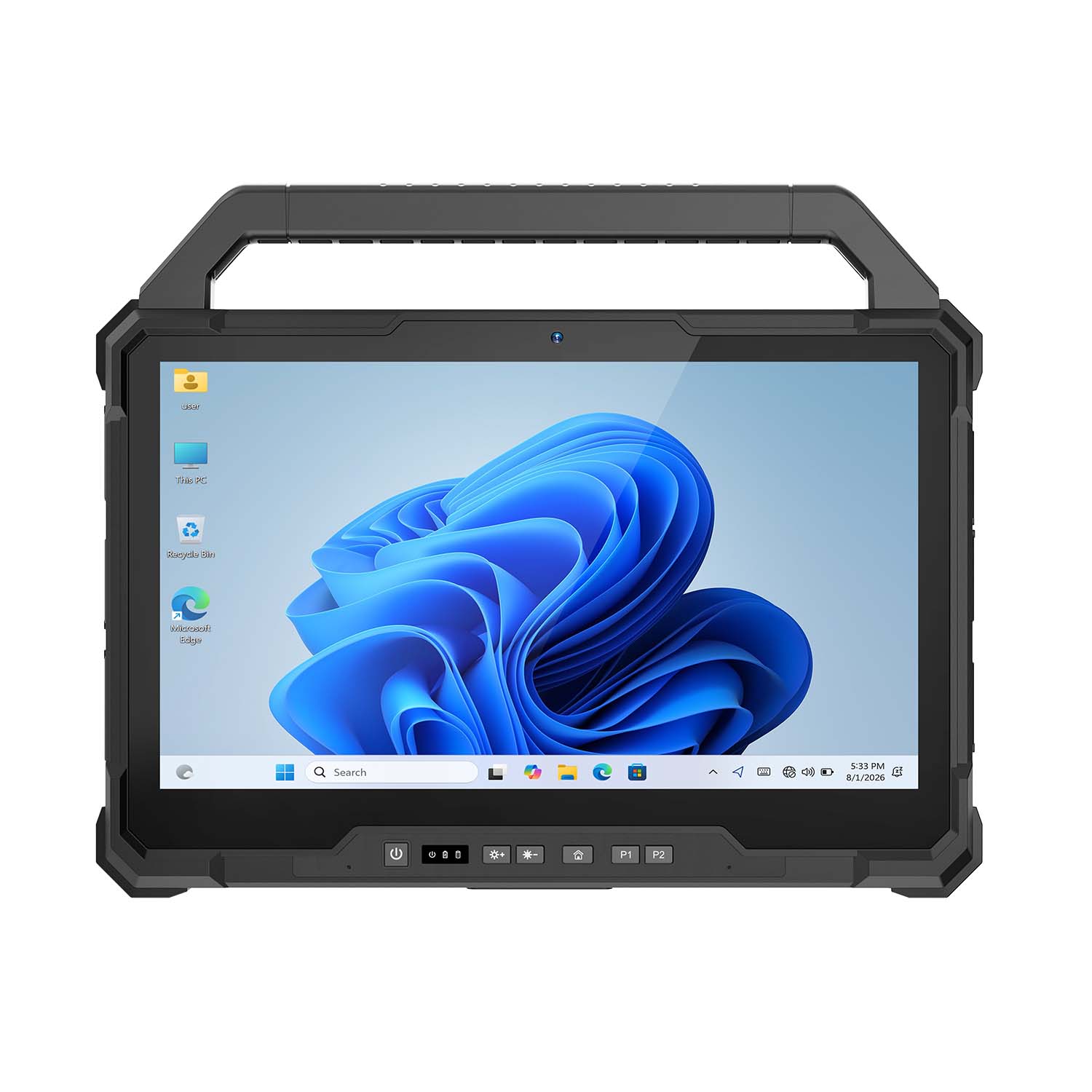 CENAVA W30U i5-1235U 13.3 Inch Win11 IP65 Rugged Tablet
 CENAVA W109U i7-1255U 10.95 Inch Win11 IP67 Rugged Tablet
 CENAVA A109TB MT6789V 10.95 Inch Android 14 IP68 Rugged Tablet
 CENAVA W10Y i7-10510Y 10.1 Inch Win11 IP68 Rugged Tablet Full I/O
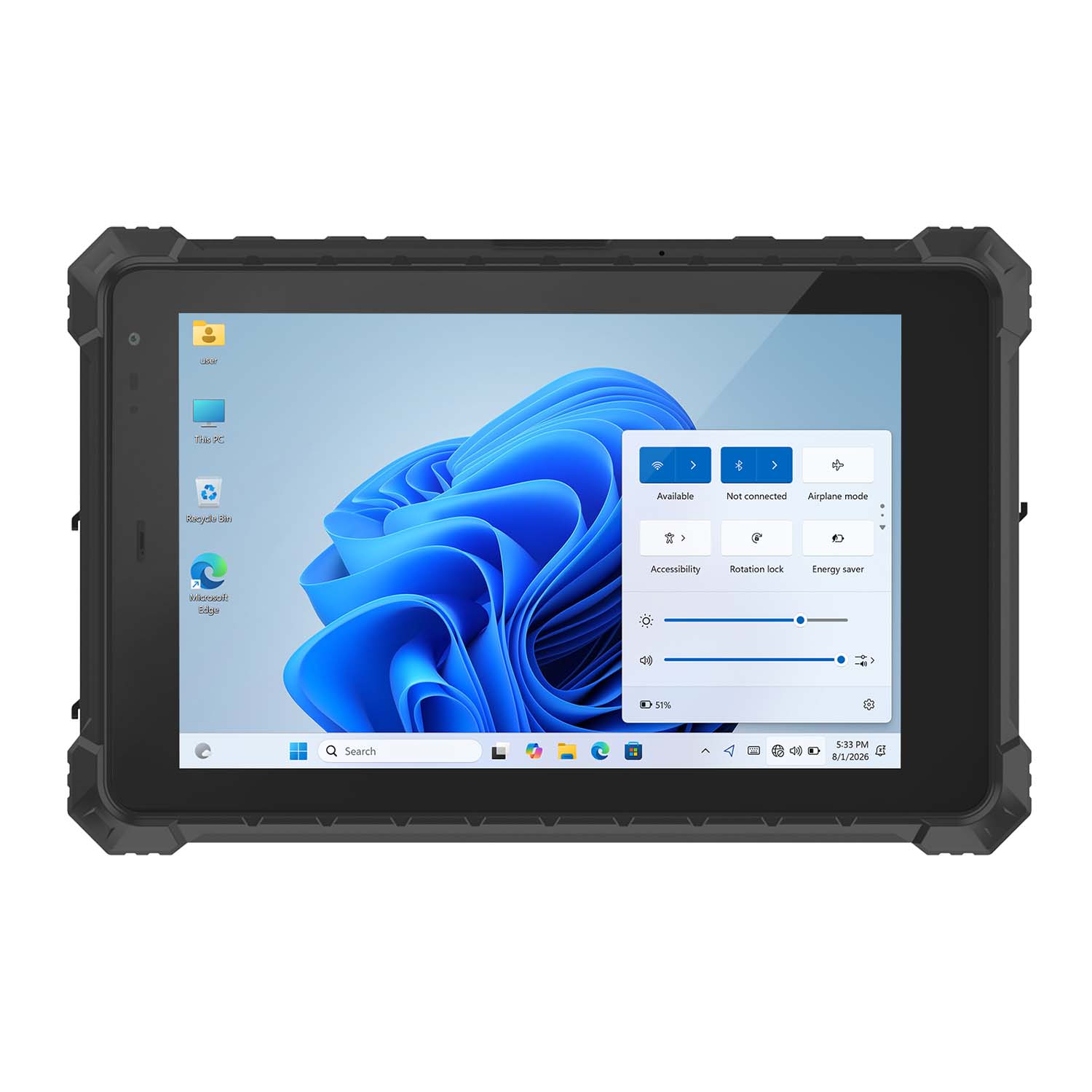 CENAVA W10N N5100 10.1 Inch Win11 IP68 Rugged Tablet Full I/O
 CENAVA A10RX RK3588 10.1 Inch Android 12 IP67 Rugged Tablet
 CENAVA A10ST MT8781 10.1 Inch Android 13 IP68 Rugged Tablet
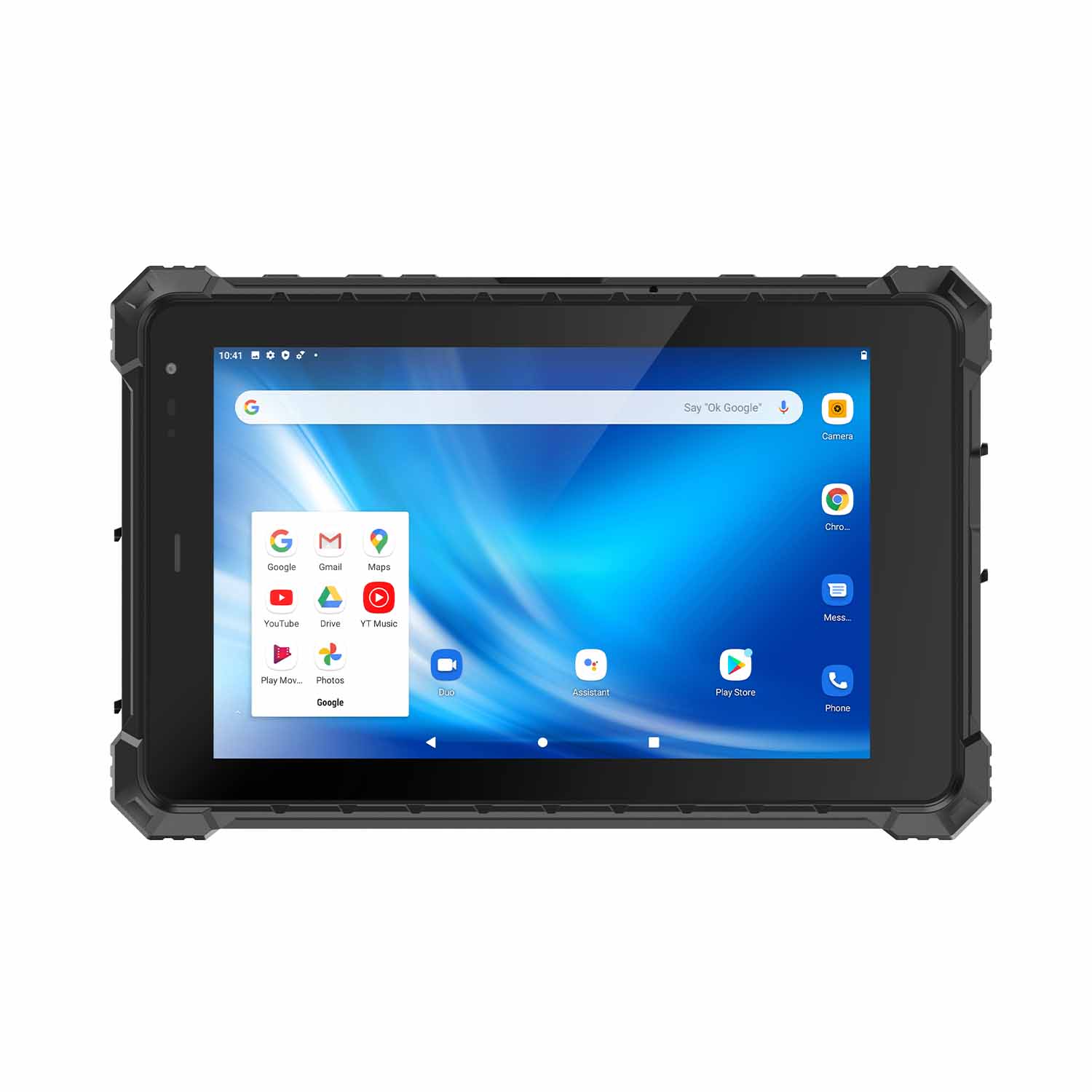 CENAVA A80ST MT6771 8 Inch Android 10 IP68 Rugged Tablet
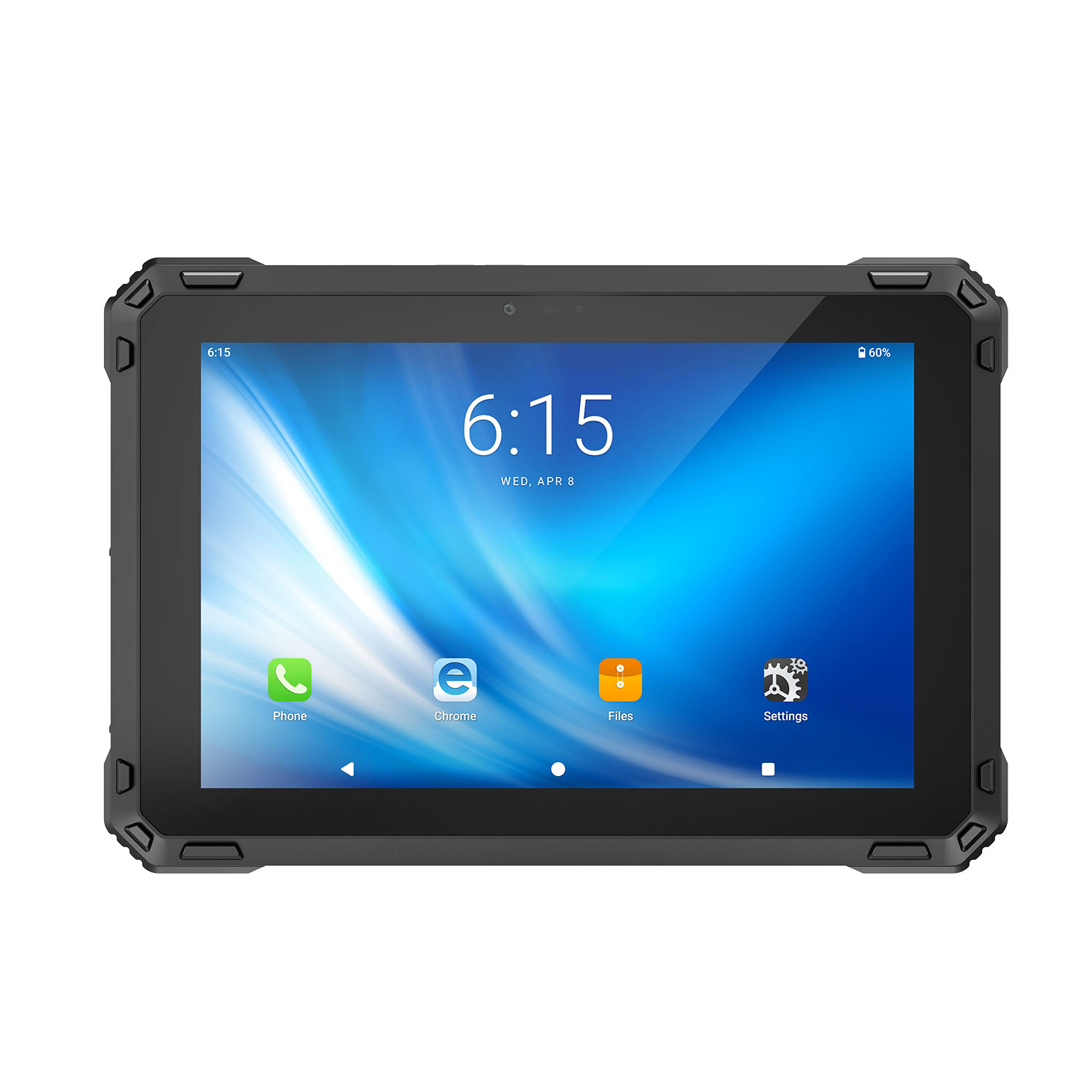 CENAVA A88ST MT6769 8 Inch Android 16 IP68 Rugged Tablet
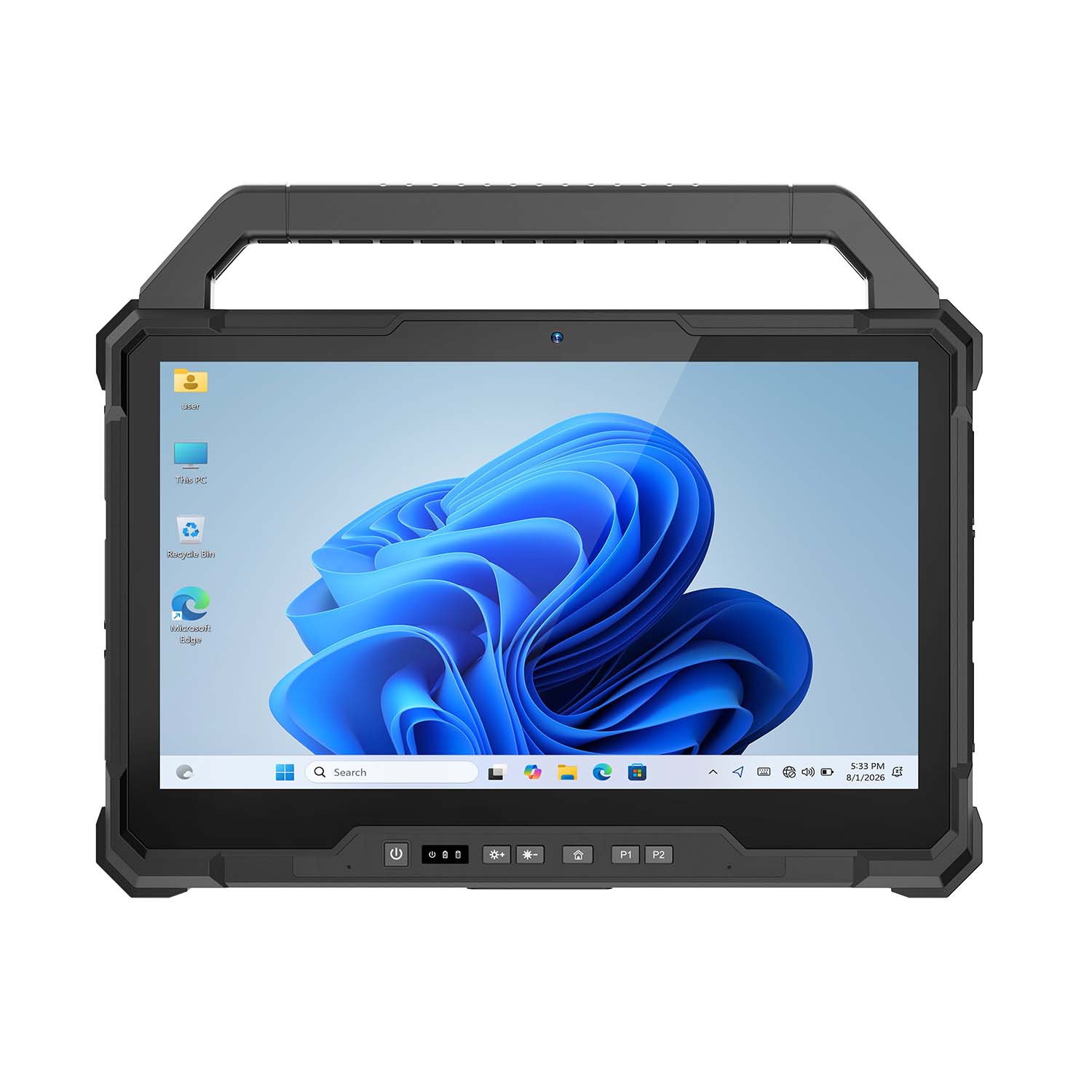 CENAVA W30NS N150 13.3 Inch Win11 IP65 Rugged Tablet
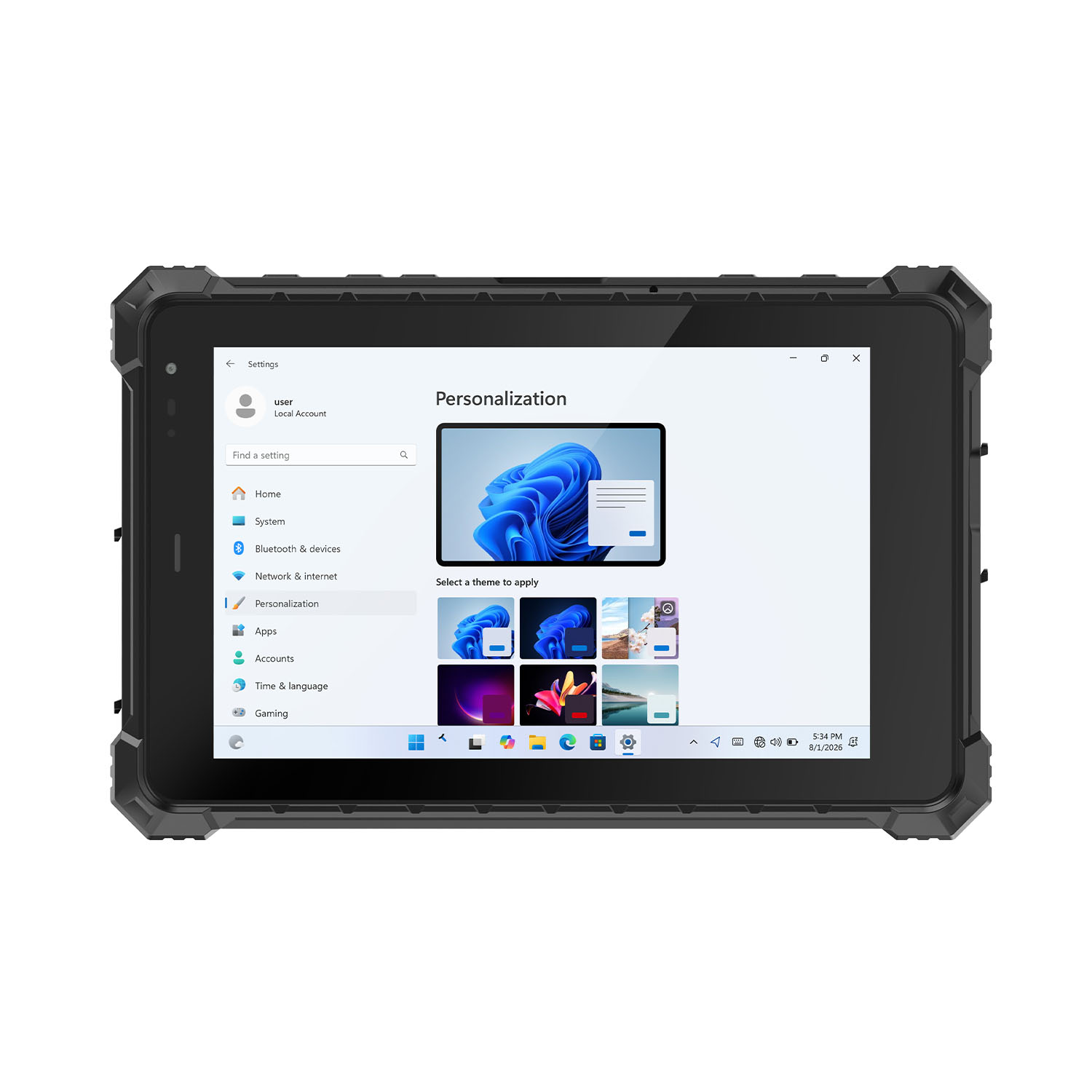 CENAVA W80Y i7-10510Y 8 Inch Win11 IP68 Rugged Gigabit
 CENAVA A10R RK3568 10.1 Inch Android 11 IP68 Rugged Tablet
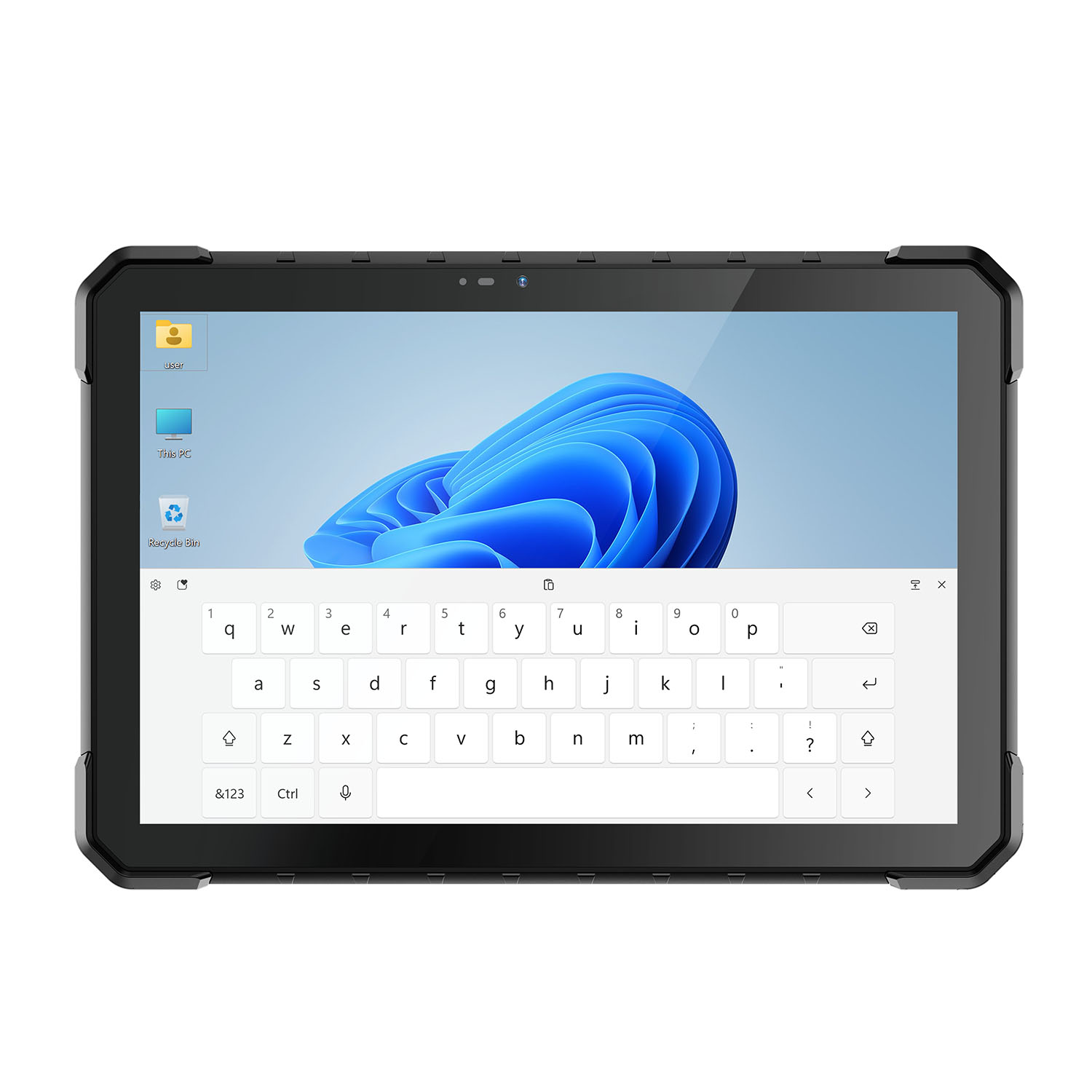 CENAVA W18Y i7-10510Y 10.1 Inch IP68 Industrial Tablet
 CENAVA CXE80C N2930 8 Inch Win10 IP65 Rugged Tablet
 CENAVA A18ST MT8781 10.1 Inch Android 13 IP68 Rugged Tablet
 CENAVA A10R RK3588 10.1 Inch Android 12 IP68 Rugged Tablet
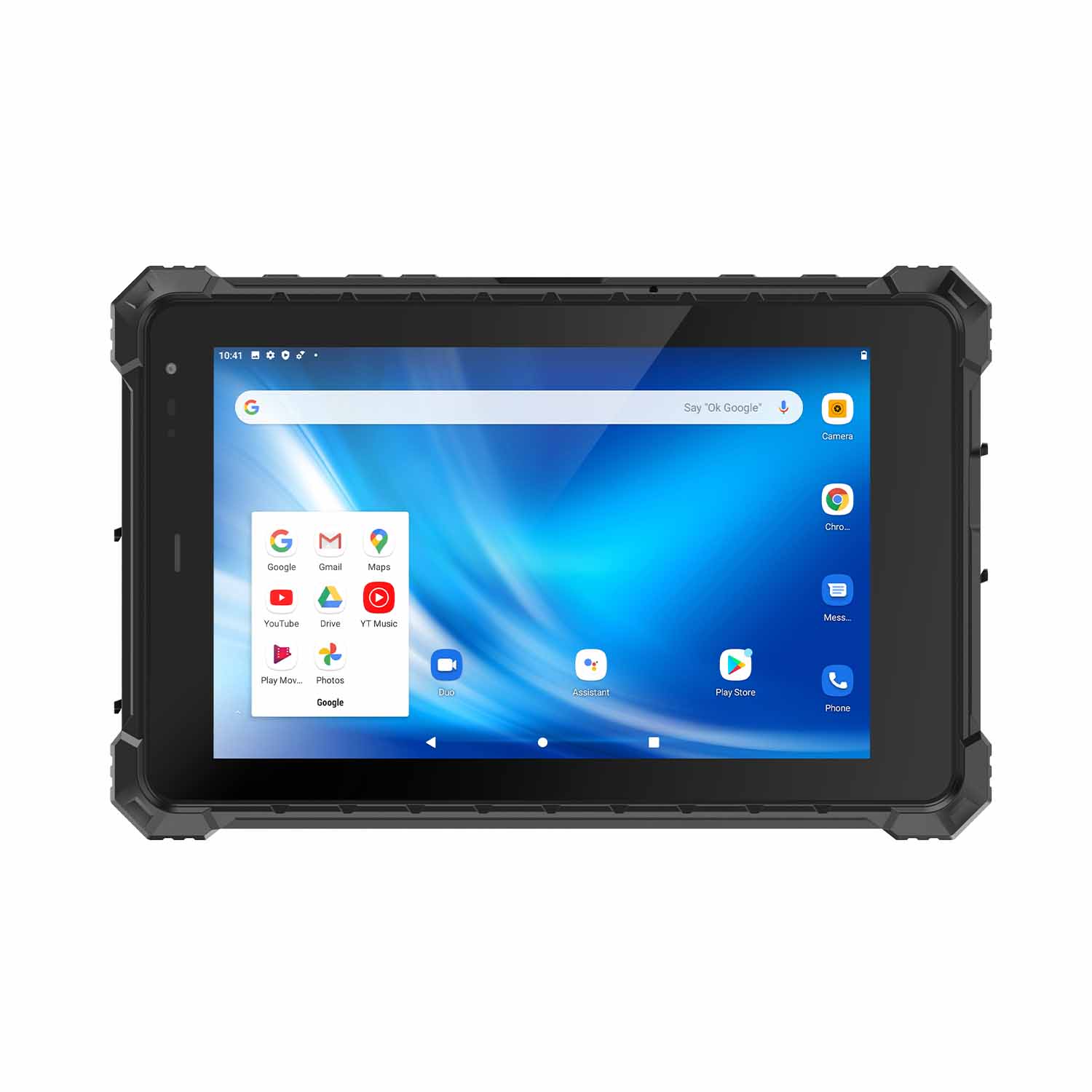 CENAVA A80ST-5G MT6877 8 Inch Android 12 IP68 Rugged Tablet
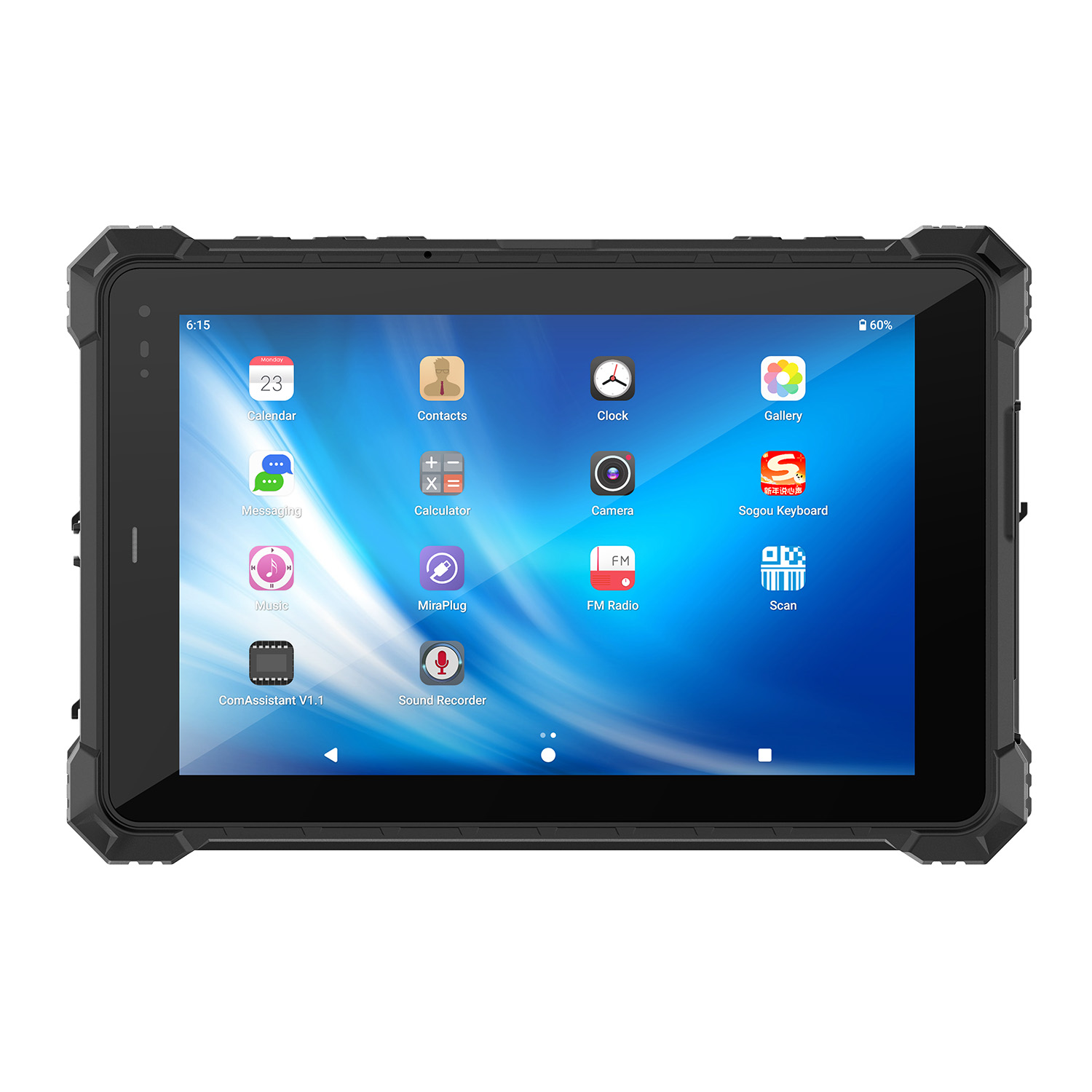 CENAVA A10STX MT8781 10.1 Inch Android 13 IP67 Rugged Tablet
 CENAVA A10ST-5G MT6877 10.1 Inch Android 12 IP68 Rugged Tablet
 CENAVA A10STX-5G MT6877 10.1 inch 5G Rugged Android Tablet
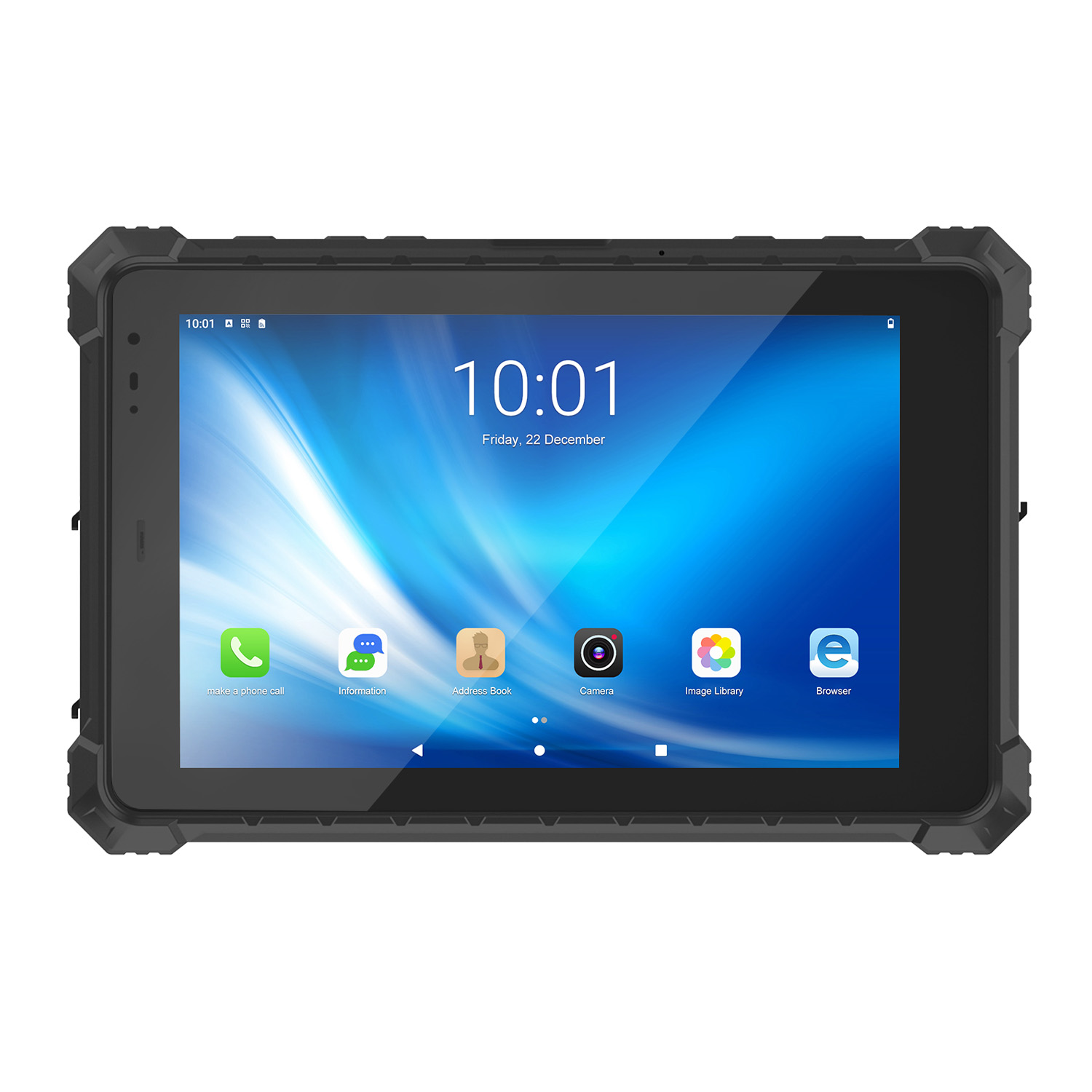 CENAVA A10ST MT6771 10.1 Inch Android 10 IP68 Rugged Tablet
 CENAVA A10STX MT6769 10.1 Inch Android 16 IP67 Rugged Tablet
 CENAVA A10ST MT6769 10.1 Inch Android 16 IP68 Rugged Tablet
 CENAVA A10STX MT6771 10.1 Inch Android 10 IP67 Rugged Tablet
 CENAVA A80ST MT8781 8 Inch Android 13 IP68 Rugged Tablet
 CENAVA A80R RK3588 8 Inch Android 12 IP68 Rugged Tablet
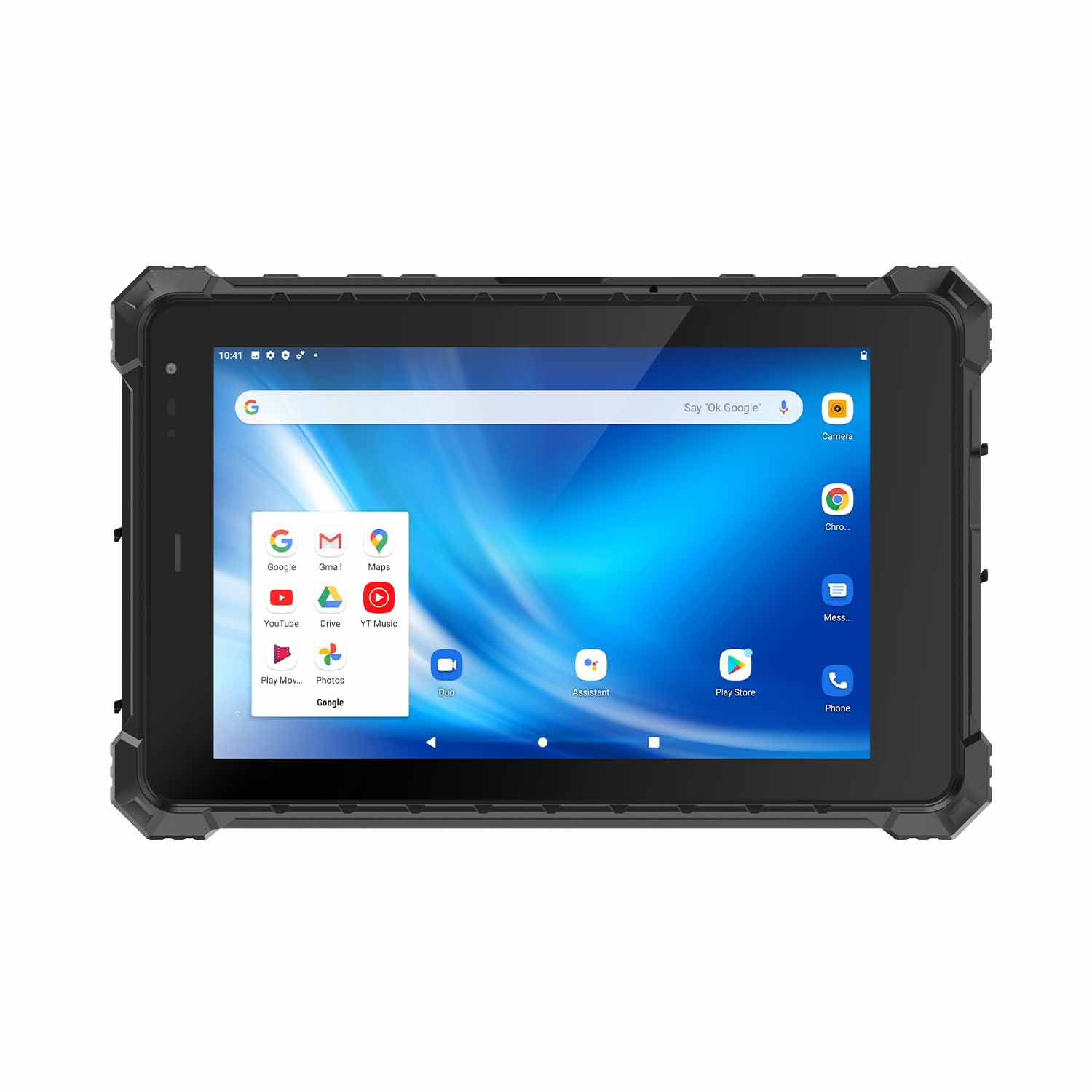 CENAVA A80STX-5G MT6877 8 Inch Android 12 IP67 Rugged Tablet
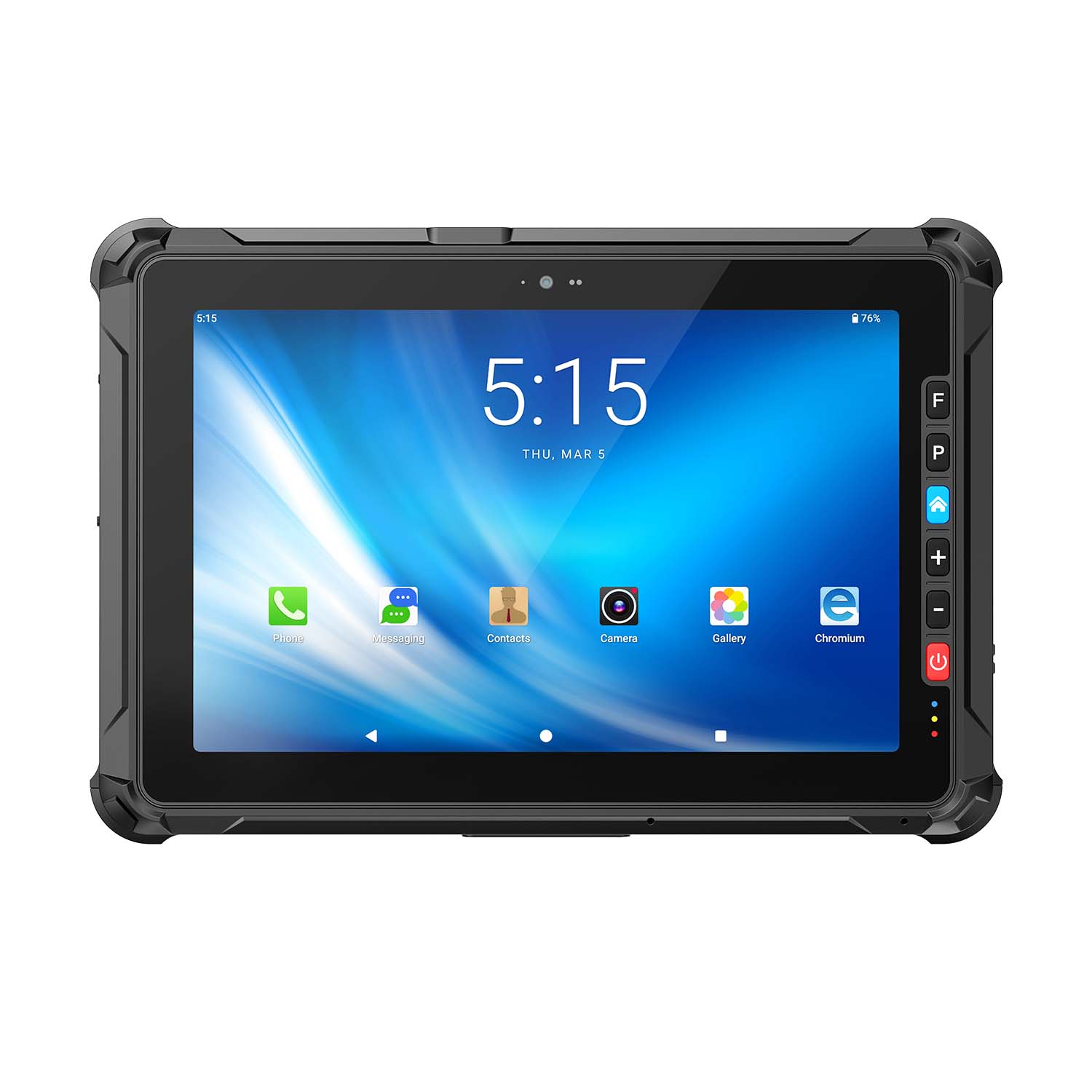 CENAVA A109ST MT8781 10.95 Inch Android 16 IP67 Rugged Tablet
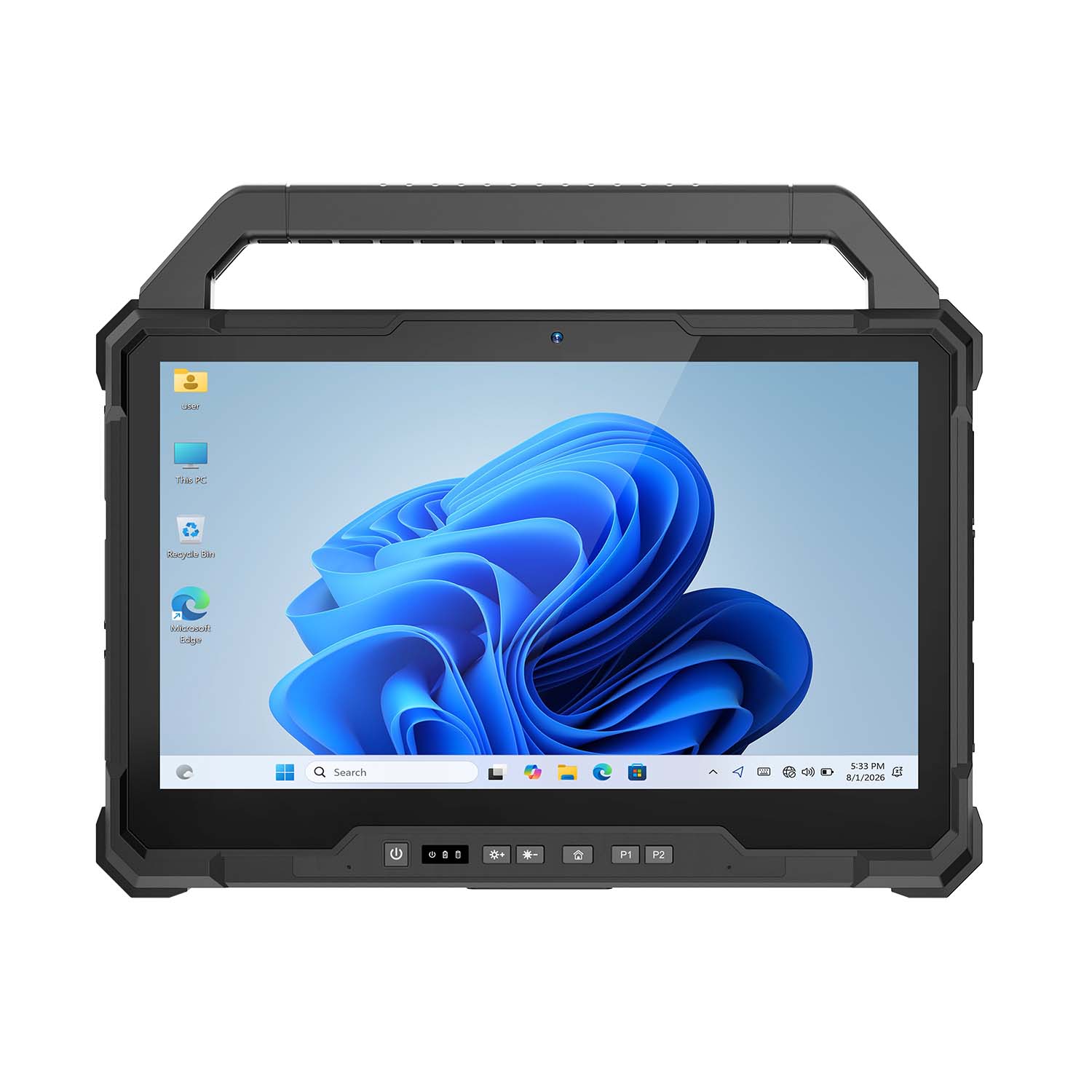 CENAVA W30U Pro Ultra7-155U 13.3 Inch Win11 IP65 Rugged Tablet
 CENAVA W30U i7-1255U 13.3 Inch Win11 IP65 Rugged Tablet
 CENAVA W109NS N150 10.95 Inch Win11 IP67 Rugged Tablet GbE
 CENAVA W109U i5-1235U 10.95 Inch Win11 IP67 Rugged Tablet
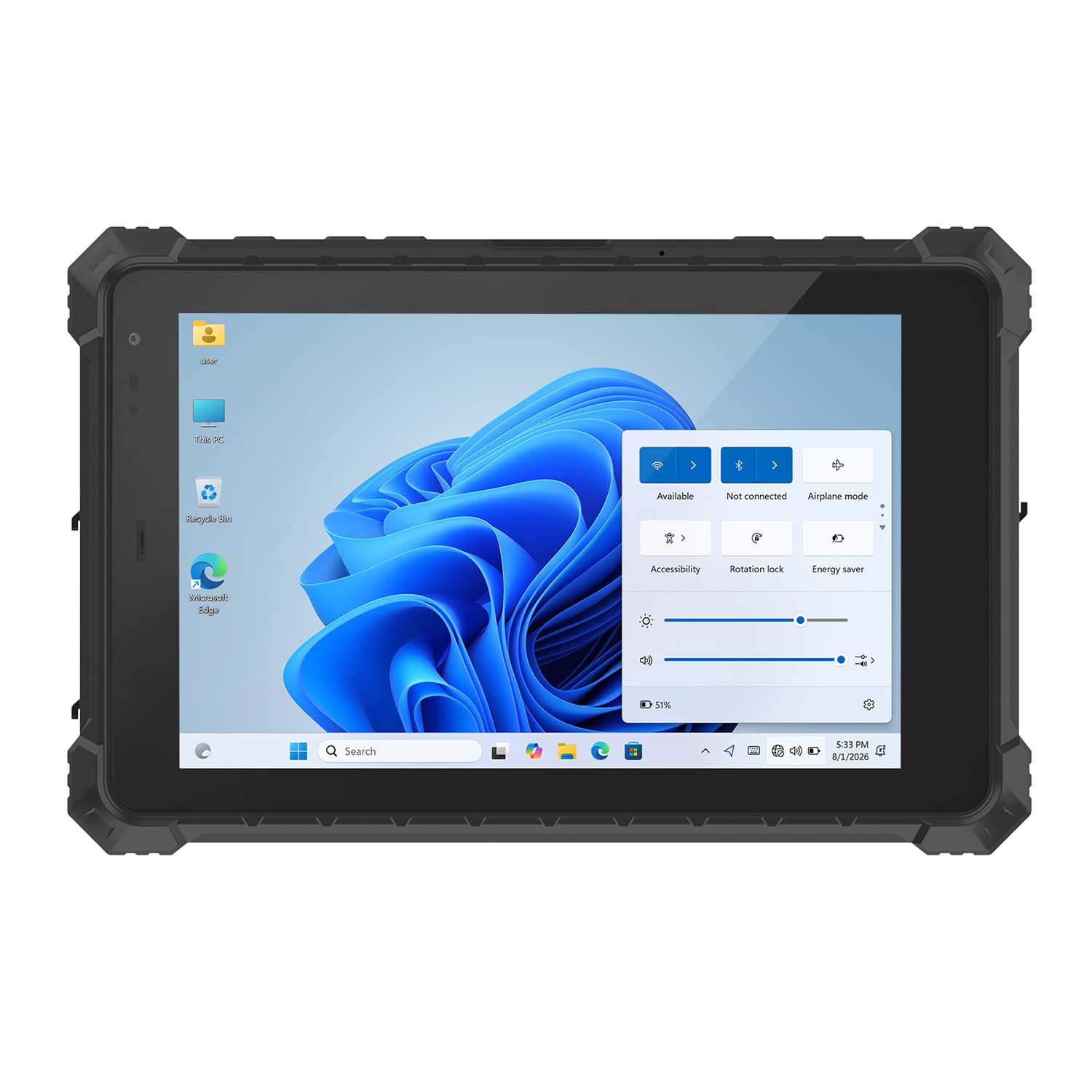 CENAVA W10Y i5-10210Y 10.1 Inch Win11 IP68 Rugged Tablet Full I/O
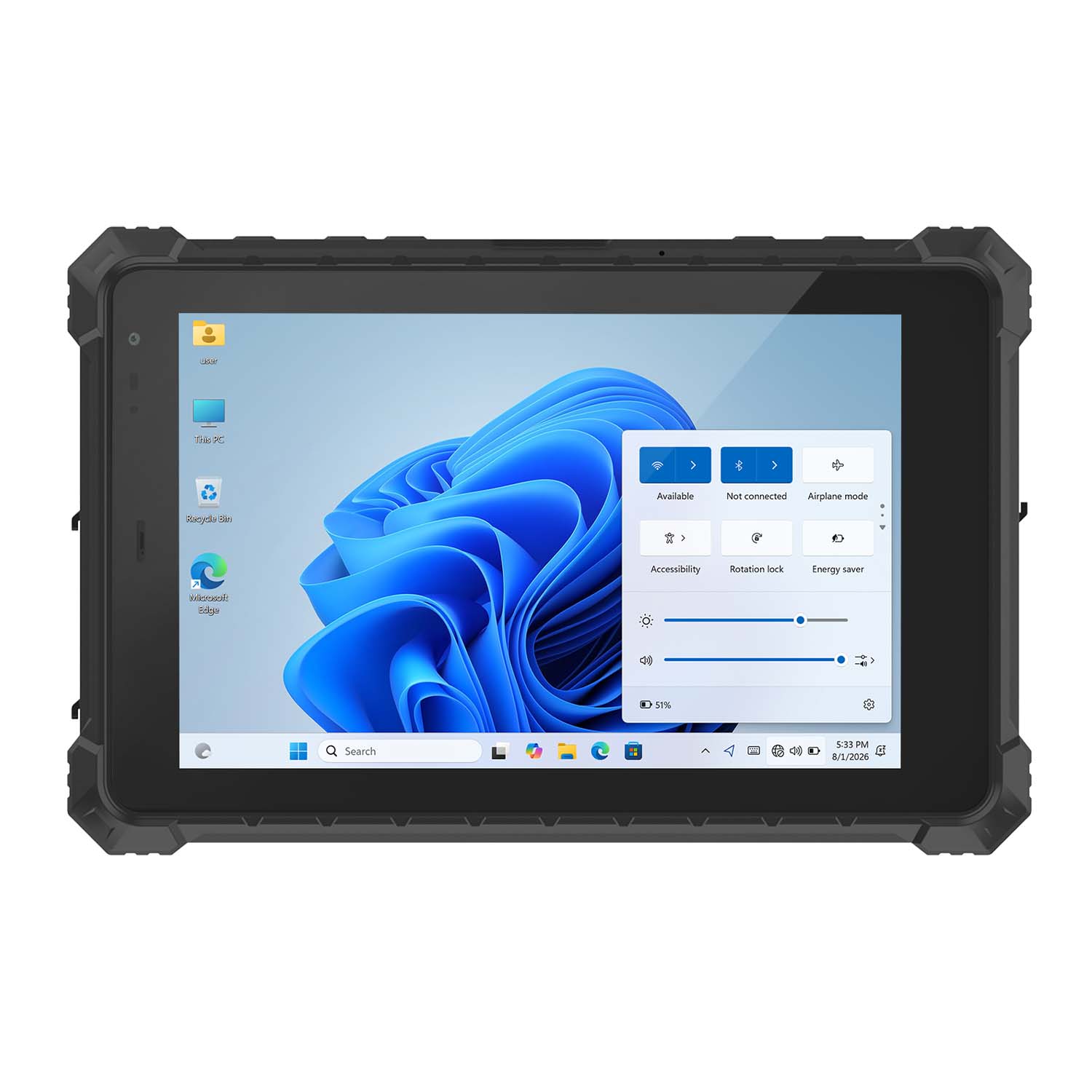 CENAVA W10NPRO N100 10.1 Inch Win11 IP68 Rugged Full I/O
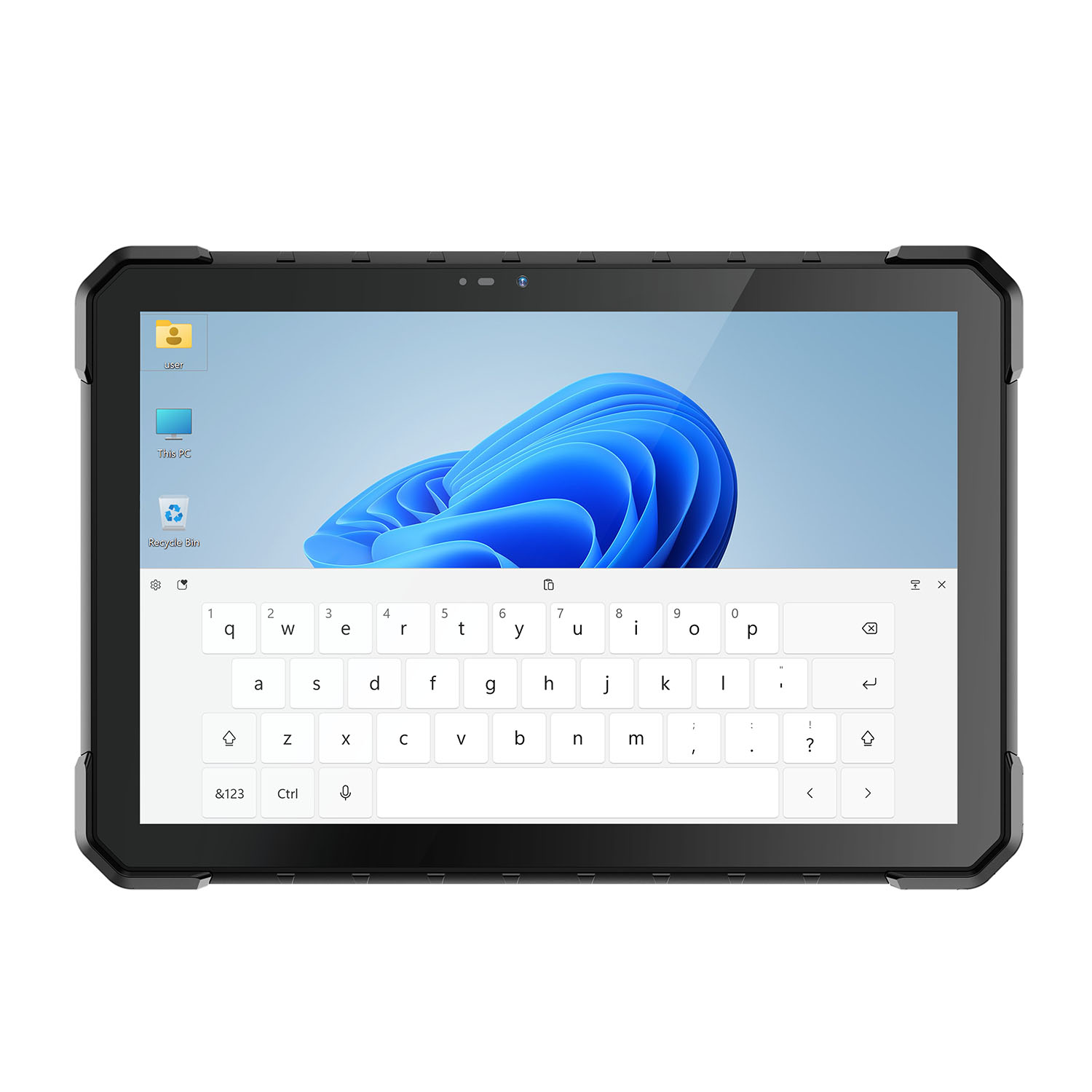 CENAVA W18Y i5-10210Y 10.1 Inch Win11 IP68 Rugged Slim
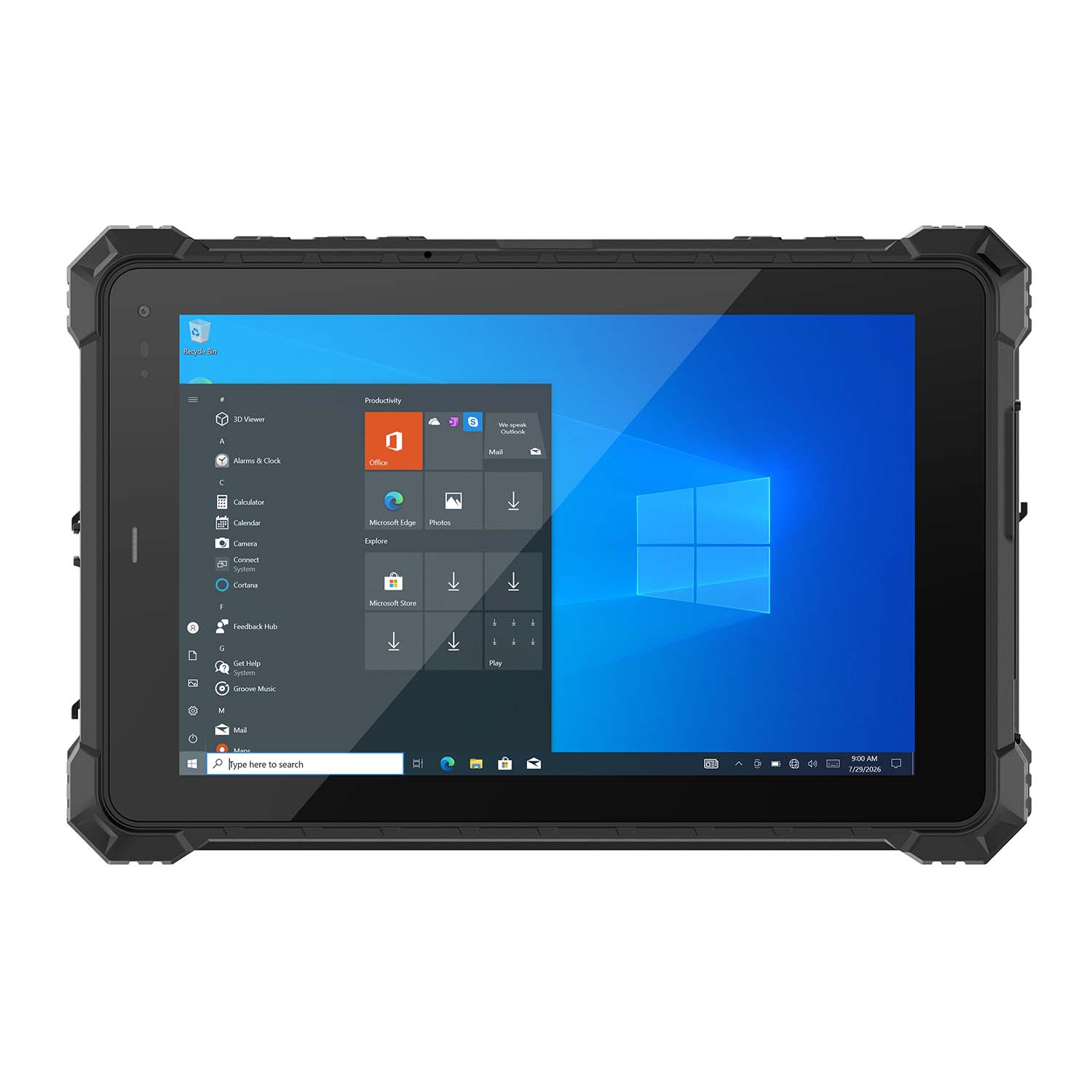 CENAVA W10NX N5100 10.1 Inch Windows IP67 Industrial Tablet
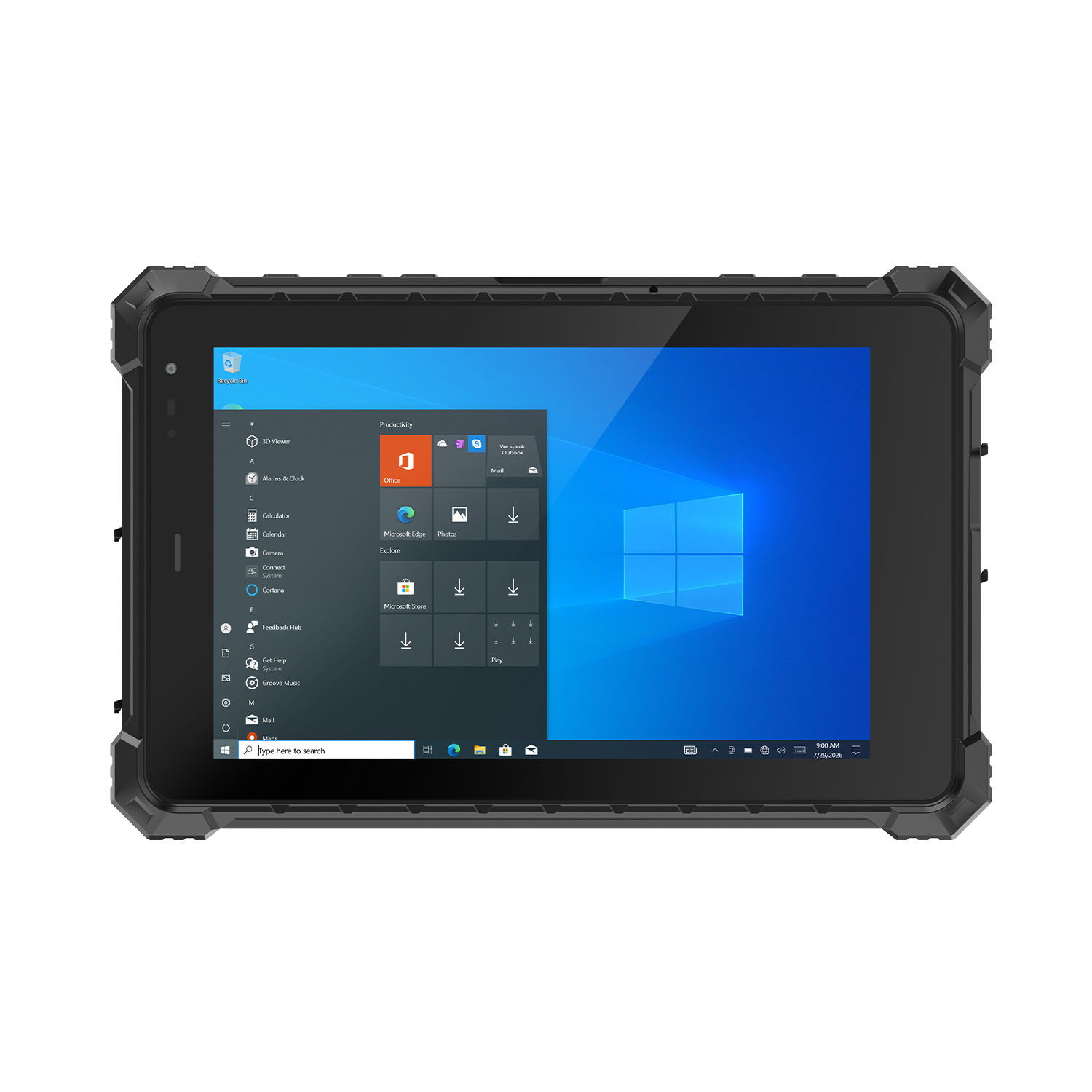 CENAVA W80N N5100 8 Inch Win11 IP68 Windows Rugged Tablet
 CENAVA H10PRO N100 10.1 Inch Win11 Industrial PC | WiFi6 Touch Panel
-1.jpg) CENAVA H55N N5100 5.5" Win11 Mini Industrial PC
CENAVA H55N N5100 5.5" Win11 Mini Industrial PC
 CENAVA H10F N100 10.1" Win11 Industrial Panel PC Touch Computer
 CENAVA H10F N95 10.1" Win11 Industrial Panel PC | WiFi6 Touch Computer
 CENAVA H7S N3350 7 Inch Win10 Entry Industrial PC | POE Fanless Touch Panel
 CENAVA H7 N4020 7" Win10 Compact Industrial PC | POE Fanless Touch Panel
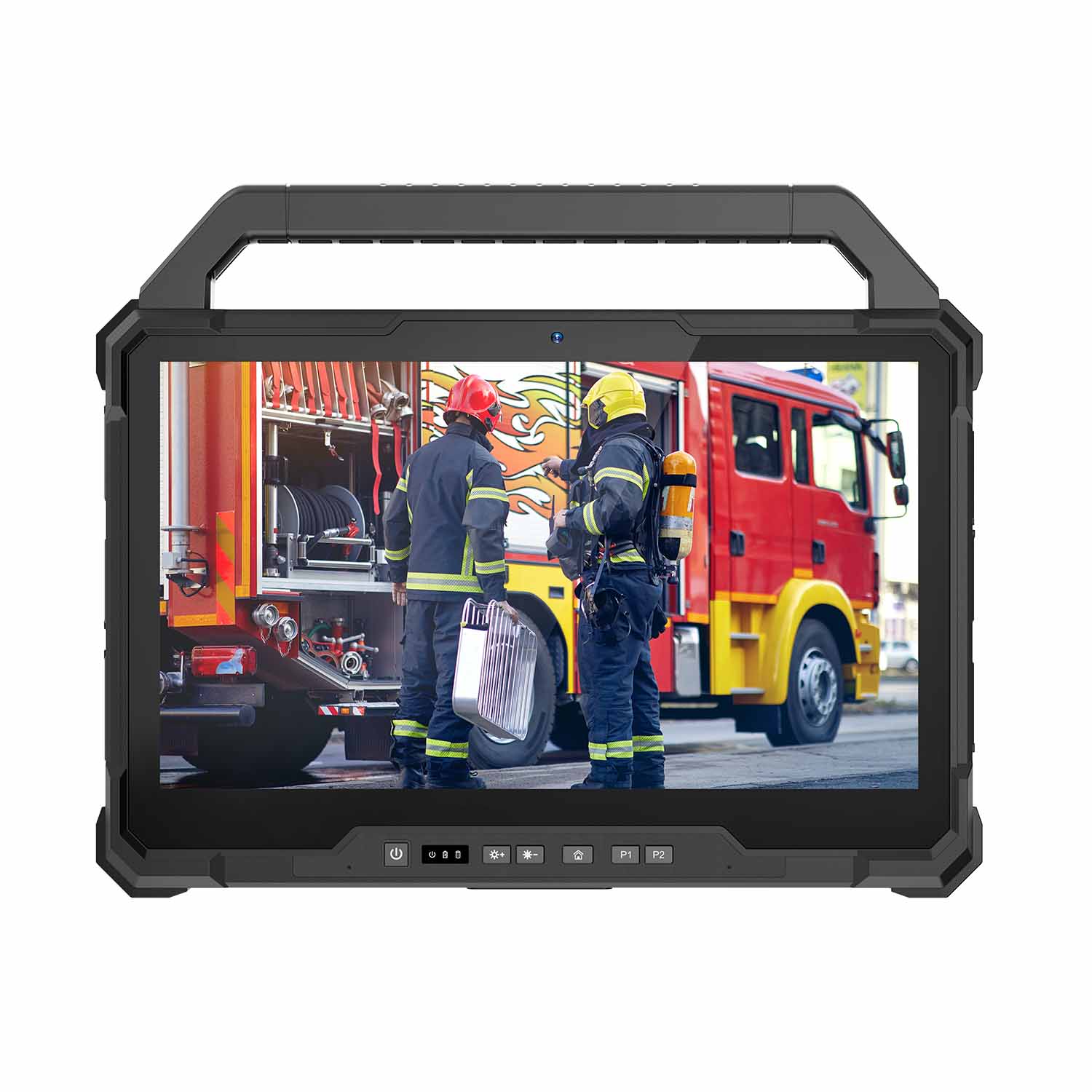 W30U-EX i7-1255U 13.3 Inch Explosion-Proof Windows Tablet
 W30UPro-EX Ultra7-155U ATEX II 2GD Ex ib IIC T5 Gb Explosion-Proof Tablet
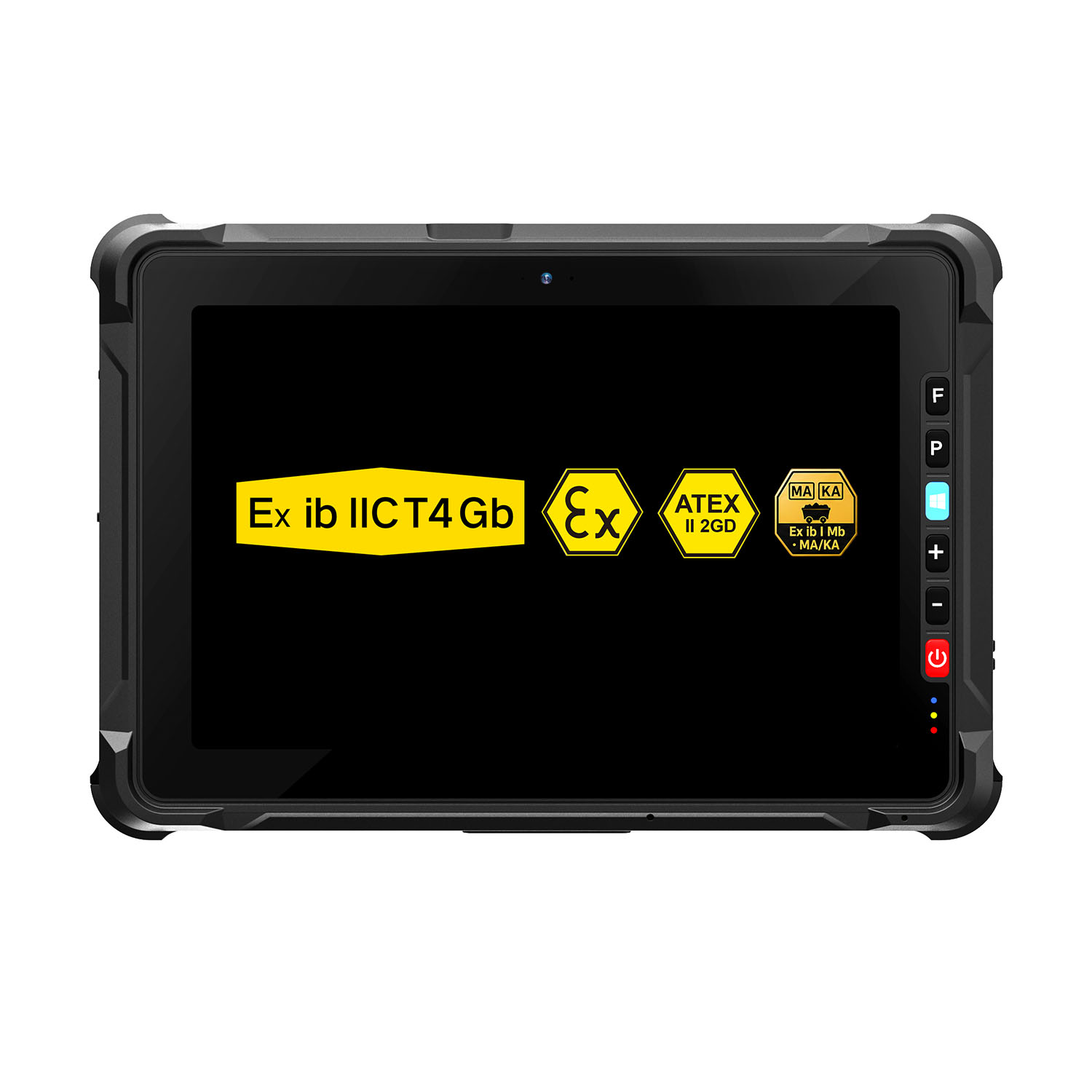 W109NS-EX N150 Explosion-Proof Hazardous Area Windows Tablet
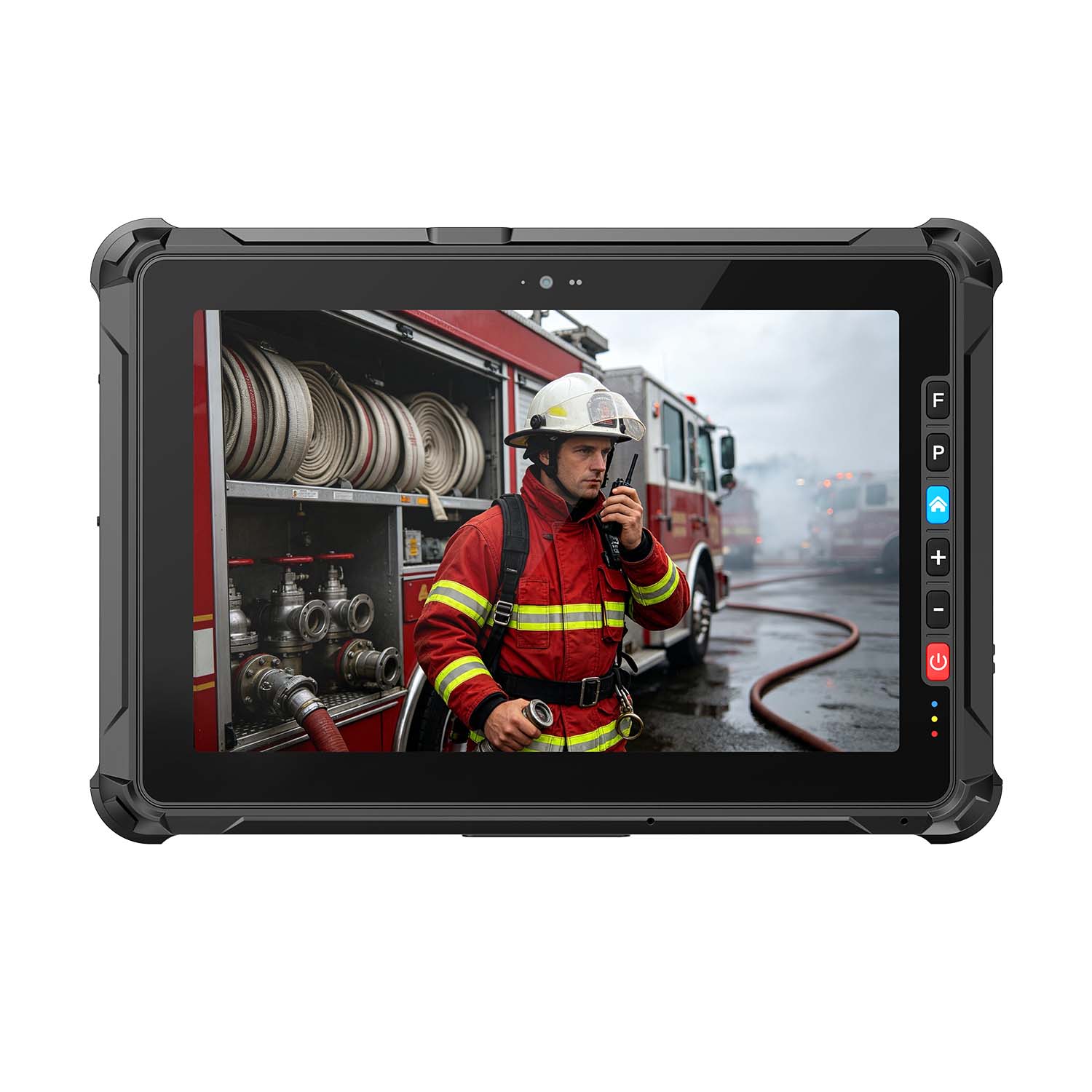 A109ST-EX MT8781 20000mAh Explosion-Proof ATEX II 2GD Android Tablet
.jpg) W10N-EX N5100 Explosion-Proof Intrinsically Safe Windows Tablet
W10N-EX N5100 Explosion-Proof Intrinsically Safe Windows Tablet
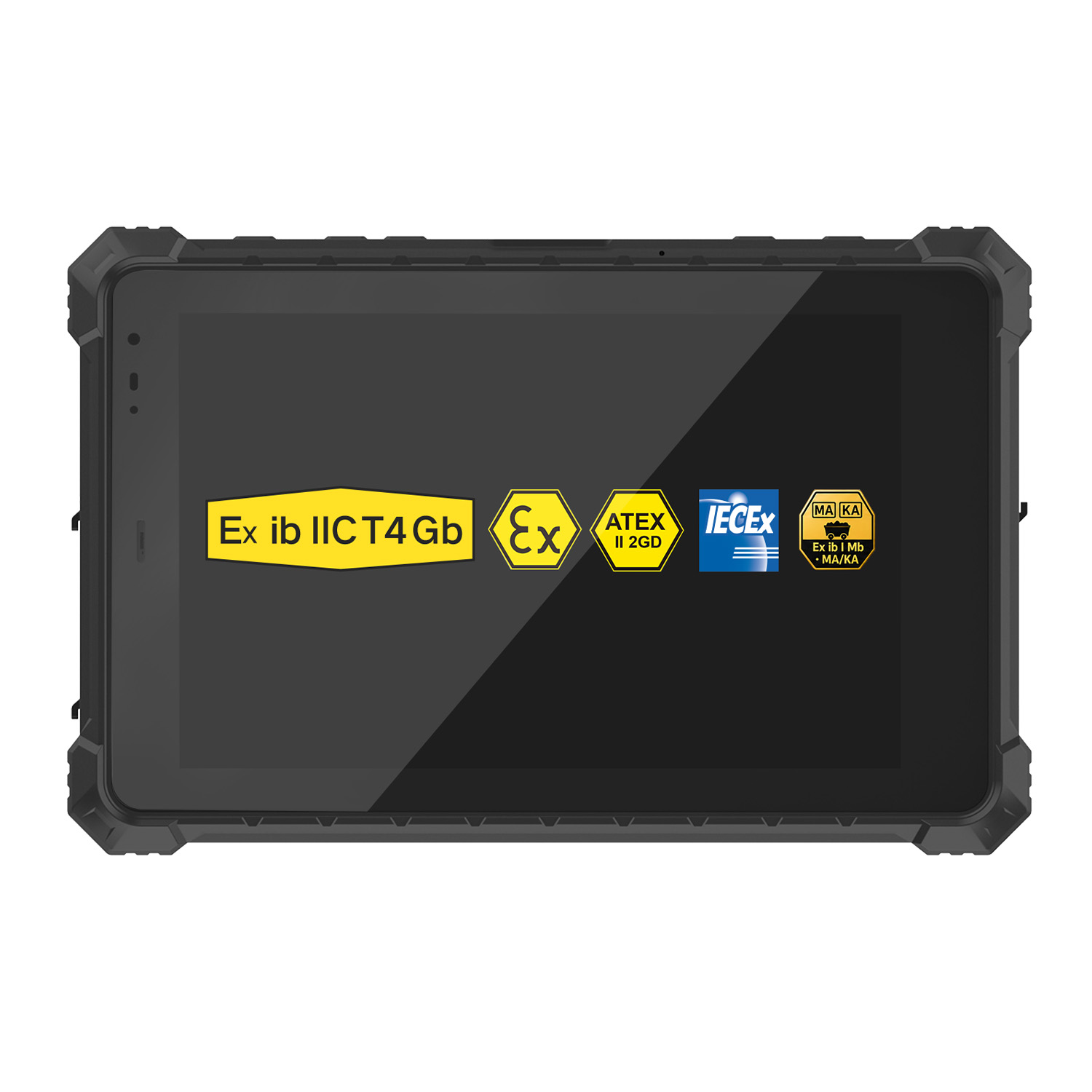 A10ST-EX MT8781 Ex ib IIC T5 Gb Hazardous Area Rugged Tablet
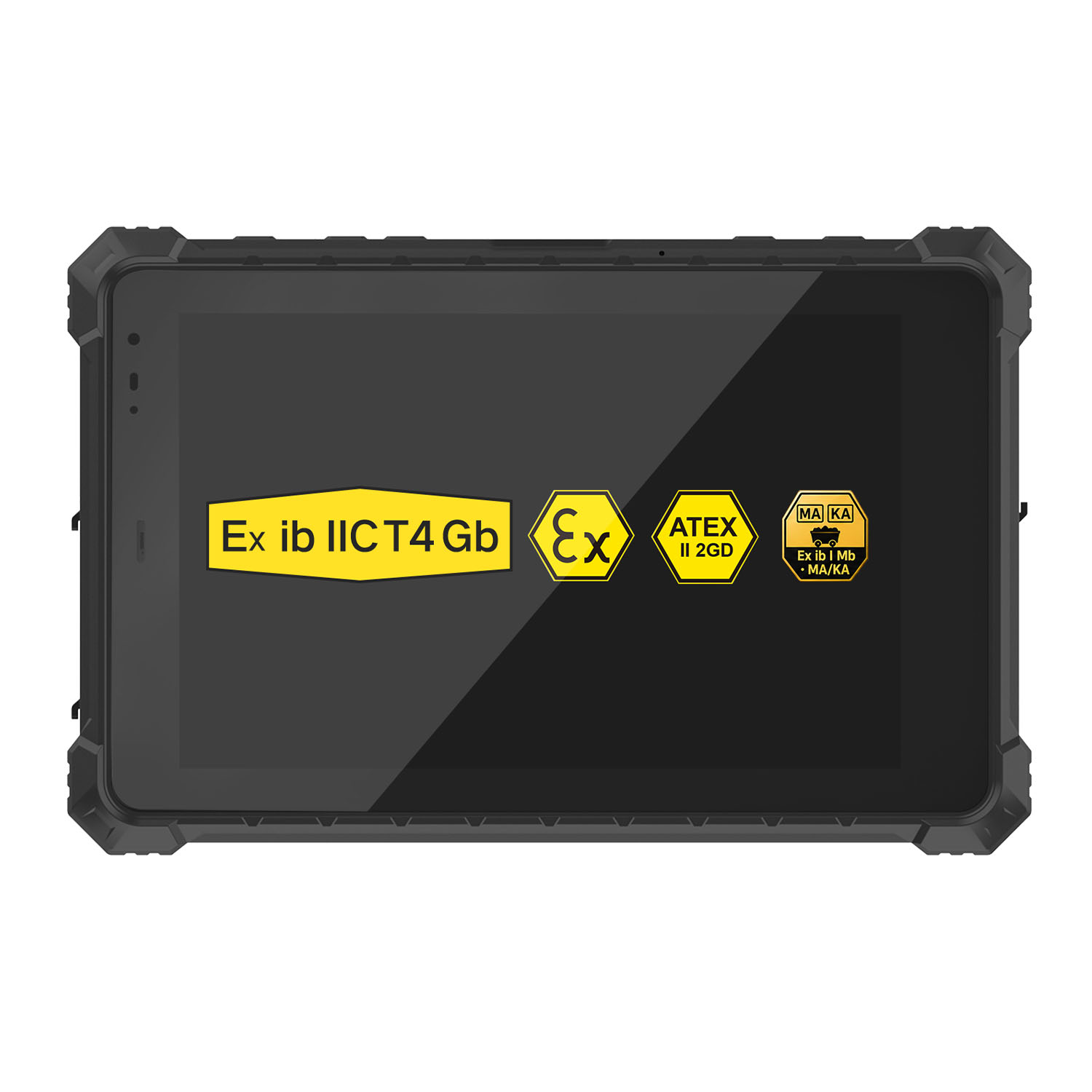 A10R-EX 10.1 Inch Explosion Proof RK3568 Industrial Tablet PC
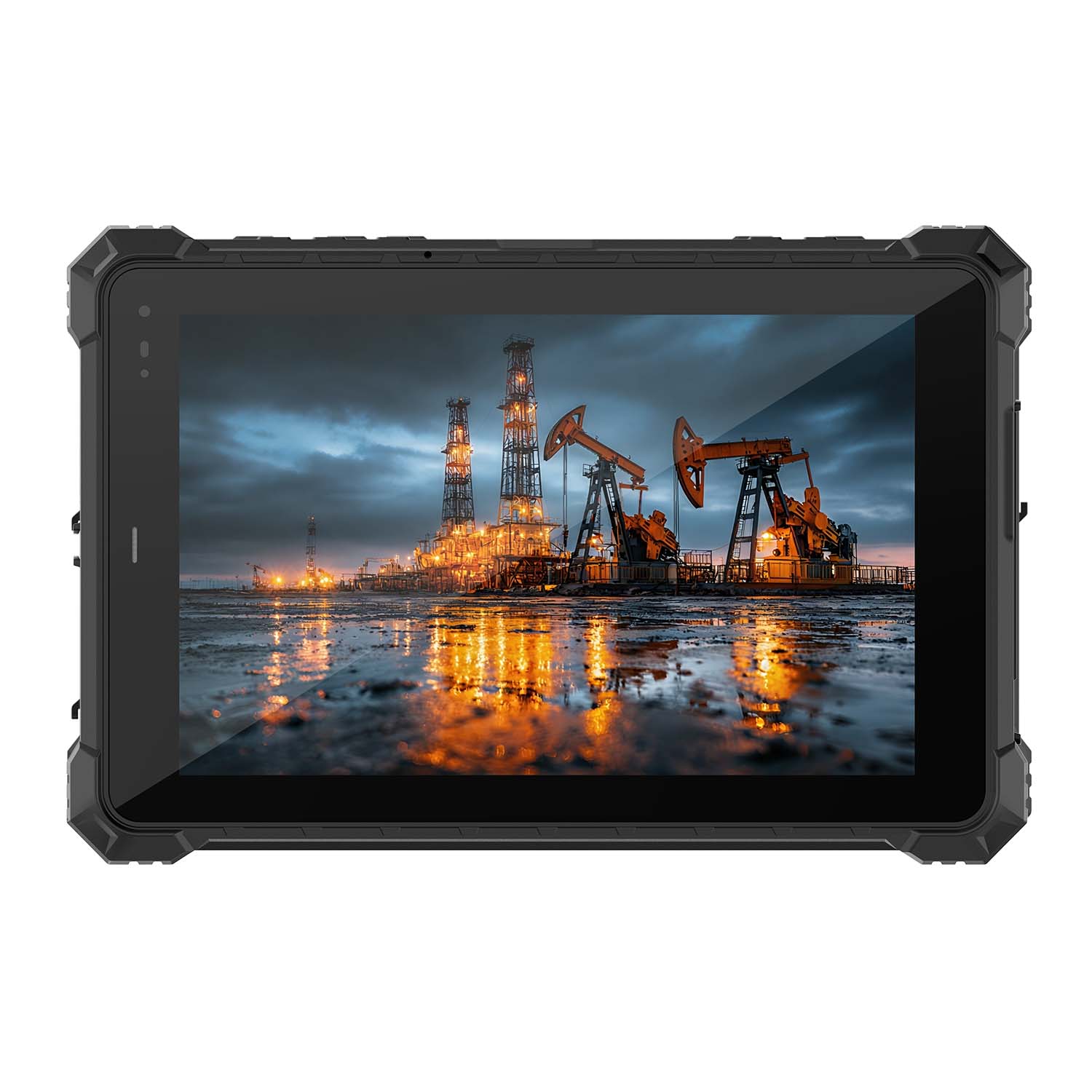 A10STX-EX MT8781 10.1 Inch ATEX II 2GD Android Tablet
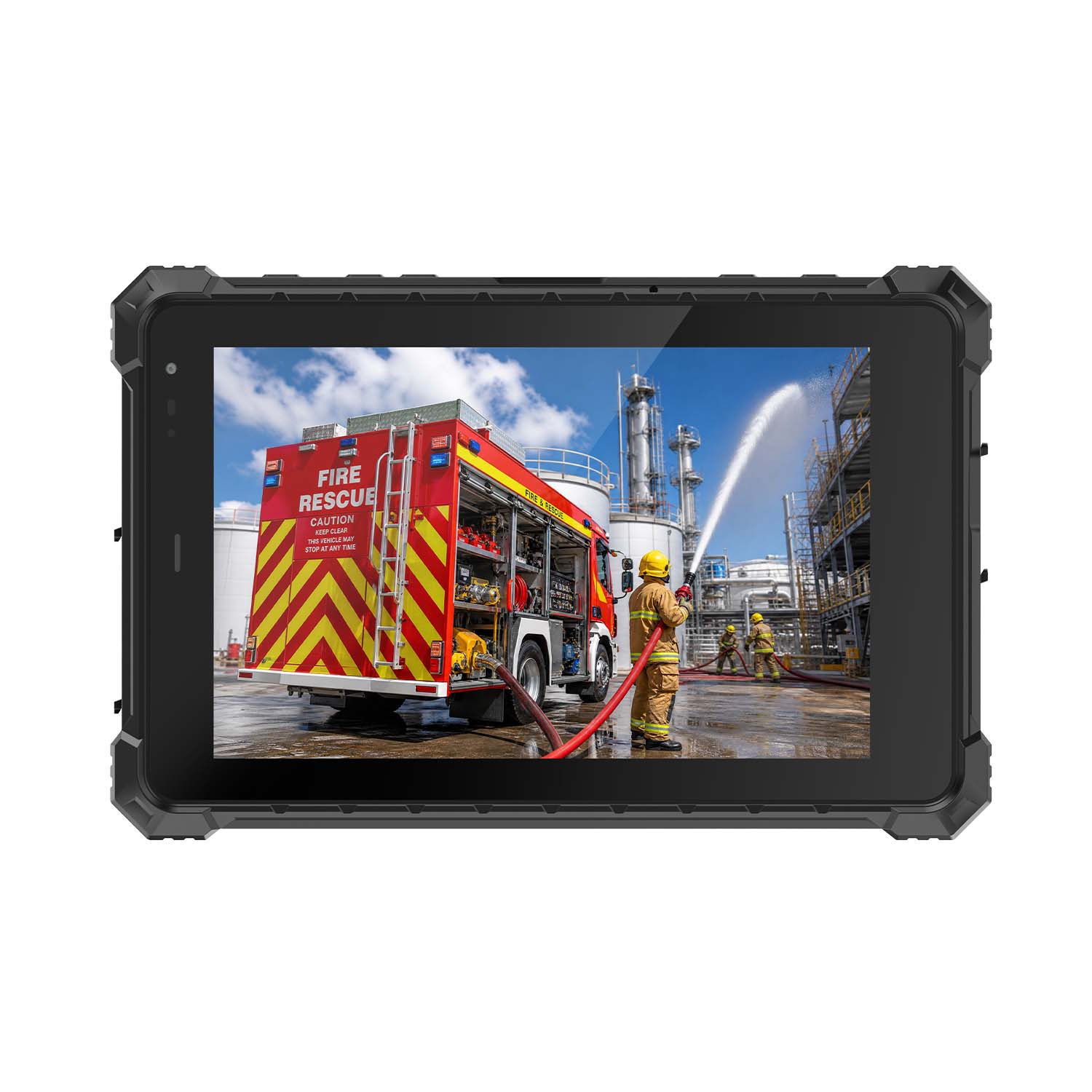 W80N-EX N5100 8 Inch Explosion-Proof Windows ATEX II 2GD Tablet
 A18ST-EX Slim 10.1-Inch Explosion-Proof Android Tablet
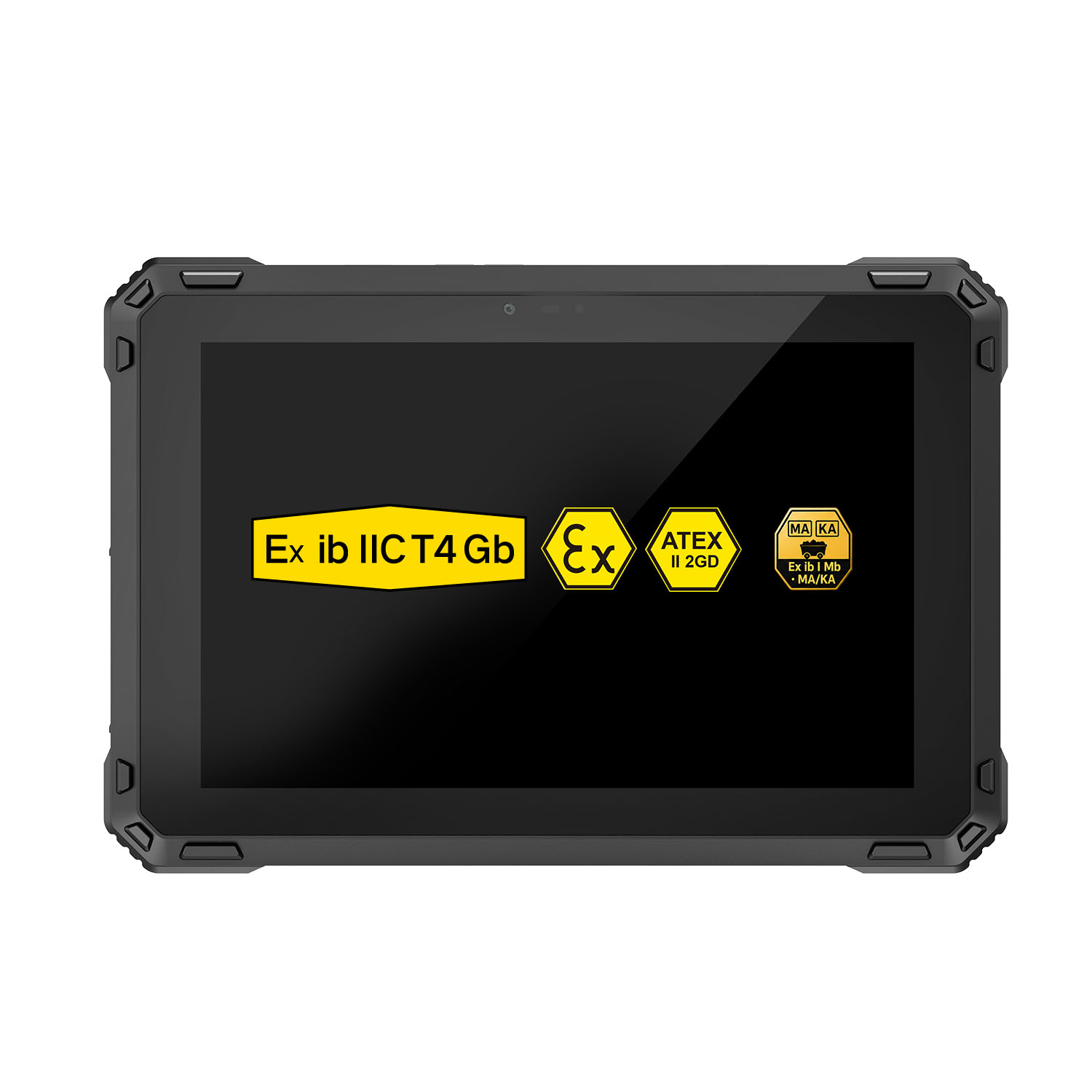 A88ST-EX MT6769 Hazardous Area 8-Inch Explosion-Proof Android Tablet
 A80ST-5G EX MT6877 8 Inch Ex ib ⅡC T4 Gb Explosion Proof Tablet
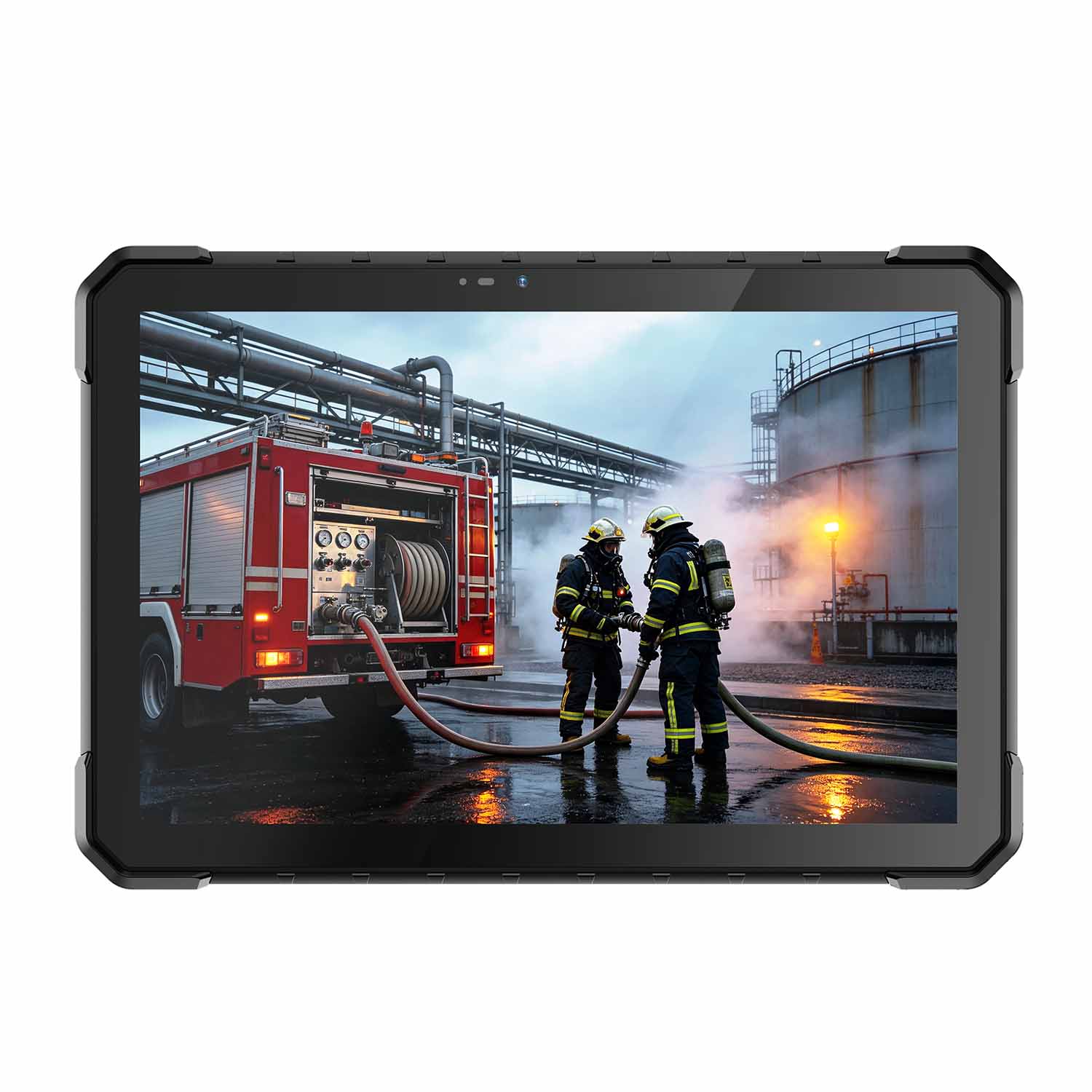 CENAVA W18Y-EX i7 10.1 Inch Explosion-Proof Windows 11 Tablet
 W65G-EX Explosion-Proof Windows Handheld Hazardous Area PDA