Start with the route, not the tablet. A utility device gets assigned to specific ground — a control room, a turbine hall, a switchyard — and each location comes with its own electrical boundaries, weather and software stack. This guide works through that assignment before naming a single manufacturer.
A power plant rugged tablet can record work orders beside a cooling-water pump and still be the wrong device near a classified hydrogen system. IP66 limits dust and water ingress under defined tests; it does not establish arc-flash protection, ignition safety or immunity to every electromagnetic condition in a high-voltage yard.
The workflow matters just as much. A technician may open a one-line diagram, photograph a nameplate, enter a meter value and queue a defect while the network is unavailable. The tablet carries those records. It does not become the approved meter, relay test set or switching order behind them.
Substations add a human-factors problem. Bright sky washes out a screen, rubber insulating gloves make touch input difficult, and looking down at a map can reduce awareness near moving equipment or energized conductors. Our preferred trial therefore uses a controlled, de-energized or otherwise approved setting and measures the real tasks before deployment.
This guide compares ten manufacturers serving different parts of the power workflow. We've ordered them by breadth of utility deployments, not by merit — your shortlist should depend on the route, not the number. Most products belong in ordinary utility field work, while CENAVA and i.safe MOBILE add hazardous-location routes for specially classified hydrogen or battery environments.
What Defines a Top-Tier Substation Rugged Tablet Manufacturer?
A credible manufacturer treats electrical safety and device ruggedness as separate engineering questions. Once a utility moves past a five-unit pilot, four things separate serious vendors from badge collectors:
Evidence tied to the exact model: Ingress, drop, vibration and temperature claims identify the test method and configuration. Hazardous-location, radio and regional approvals remain separate records.
A complete field system: Hand straps, shoulder straps, styluses, vehicle docks and charging points are evaluated with the tablet. The accessory plan respects electrical work rules: nothing on the strap, tether or dock may become a snag or drop hazard.
Usability under utility conditions: Sunlight, rain, polarized eyewear and issued gloves are included in the pilot. The supplier avoids implying a single touch mode works with every electrical PPE combination.
Lifecycle and cybersecurity discipline: OS maintenance, device management, repair identity, offline data and access to operational technology are planned across the fleet life.
The Top 10 Power Plant Inspection Tablet Manufacturers of 2026
The manufacturers below approach utility field computing from different directions. Some emphasize full Windows engineering software, others focus on Android field forms, and two provide specially approved hazardous-location options. The entries below take different shapes on purpose; the unifying question is whether the device's evidence matches your assigned route.
1. Panasonic TOUGHBOOK (Japan)
Panasonic has supplied TOUGHBOOK mobile computers to utilities, public safety and field-service fleets for decades. Power companies often value the product family's docks, keyboards and enterprise service model as much as the tablet itself. That ecosystem helps standardize vehicle and control-room deployments across several sites.
2. Getac (Taiwan)
Getac produces rugged Windows tablets and notebooks for utilities, public safety and industrial service. Its UX10 combines a field-oriented enclosure with the screen space needed for drawings and maintenance applications. Utilities may also standardize batteries or docks across inspection and mobile-control roles.
3. Dell Technologies (United States)
Dell brings enterprise Windows management and support processes to its Latitude Rugged line. Utilities already operating a Dell endpoint environment may value common identity, encryption and service workflows. The 12-inch display favors engineering drawings and multi-pane applications over minimum carrying bulk.
4. Zebra Technologies (United States)
Zebra is known for enterprise Android mobility, barcode capture and centralized field-device management. Those strengths align with utilities that label transformers, tools, spares and safety equipment. Android workflows can also reduce form complexity when desktop engineering software is unnecessary.
5. DURABOOK (Taiwan)
DURABOOK supplies rugged notebooks and tablets for utilities, public safety and industrial field work. The U11I provides a conventional Windows environment in a size that balances drawing space and carrying comfort. Its accessory choices are useful for mixed vehicle and walking routes.
6. CENAVA (China)
CENAVA builds rugged Android tablets for inspection and hazardous-area projects, selling through OEM and project channels rather than retail. For a utility, that means one vendor can hold the build, the accessories and the application integration together — useful, provided the certified identity survives from sample unit to fleet order. Any customization must preserve the exact identity covered by the relevant certificate.
Key Products: The CENAVA A10ST-EX is a 10.1-inch Android tablet with IP68 protection. CENAVA publishes the Zone 2/22 IECEx certificate IECEx CSAE 24.0031X with Ex ic IIC T4 Gc / Ex ic IIIC T135°C Dc, and the EU Zone 2/22 certificate CSANe 24ATEX1144X with II 3GD marking. The A10ST family also includes an Ex ib IIC T4 Gb variant for Zone 1 routes — a different option code, a different certificate, and a different price; the Zone 2/22 documents above do not cover it, so name the zone in your inquiry.
Why They're on the List — Core Strength: CENAVA offers an OEM-oriented route for linking a named Zone 2/22 configuration with hydrogen-area or battery-room inspection forms.
The A10ST-EX is relevant only when a power site's classified area, gas group and temperature class match its certificate. A hydrogen-cooled generator does not automatically make the whole turbine hall Zone 2, and a separate voluntary verification document should not be presented as a formal Zone 1 ATEX approval. The European Commission's ATEX guidance explains the EU conformity framework.
Project confirmation is justified when an exact regional, communications or tag-reading configuration is required. In that case, contact CENAVA with the country; generating plant or substation type; application environment; zone or division, gas group and temperature class if applicable; minimum and maximum temperature; issued glove and cleaning chemical; required app and OS; country, carrier and SIM/eSIM requirement if cellular service is needed; NFC tag or card type if used; plus the intended dock, charging location and accessories.
7. Juniper Systems (United States)
A walking patrol of a switchyard leaves one hand for the gate, the ladder and the radio — the tablet rides in the other. Juniper's Mesa line is built for exactly that carry: survey-grade origins, glove-friendly inputs, and no pretense of being a desk tablet shrunk down. Spec the shoulder strap and tether with the unit; in a yard they are safety equipment, not accessories.
8. MilDef / Handheld (Sweden)
MilDef's mobile-computing portfolio includes the Handheld-branded Algiz line used in demanding public, defense and industrial settings. The Algiz 10XR provides a straightforward Windows environment for outdoor field data. It belongs in assessed non-classified utility routes unless separate approval evidence establishes otherwise.
9. Samsung Electronics (South Korea)
Samsung brings enterprise Android management and a broad mobile ecosystem to field operations. The Galaxy Tab Active range is often considered for utility inspections and warehouse workflows where consumer tablets lack sealing or serviceable accessories. It remains a standard rugged device — fine for the warehouse and the control-room hallway, out of the battery room and away from the hydrogen seal. Do not let an IP68 sticker stand in for an area classification drawing.
10. i.safe MOBILE (Germany)
For the battery room or hydrogen-seal area that your area classification drawing actually marks as Zone 1 or Zone 2, i.safe MOBILE is the entry that starts from the certificate instead of the enclosure: every model is defined by its Zone and Division approval, and the accessories carry their own Ex documentation. Budget accordingly — this is the most expensive route on the list, and the only one justified for those two rooms.
How to Choose the Right Manufacturer for Your Application
The best rugged tablet for substation inspections is the one that completes its assigned route without moving the worker closer to an electrical hazard or widening access to operational systems. That requirement becomes measurable through a short sequence of workstreams.
Define Your Operating Environment
Overlay the inspection route on the one-line diagram and site plan. Mark energized equipment, minimum approach boundaries, arc-flash boundaries, vehicle lanes, classified battery or hydrogen spaces, safe charging points and areas where radio transmitters are restricted. The tablet role should stop wherever the work rule says it stops.
Separate the evidence. Ingress, environmental stress and ignition protection are three different qualifications — IEC 60529 for the enclosure, MIL-STD-810 for the test methods, the hazardous-location certificate for one exact configuration. Electrical insulation and approach boundaries live in a fourth document set entirely: the work rules.
For U.S. utility work, OSHA 1910.269 addresses electric power generation, transmission and distribution. A tablet may display the work package, but qualified-person requirements, protective equipment and safe-work practices remain controlling.
Clarify Performance Requirements
The pilot we recommend runs 16 tasks — four each of asset lookups, nameplate photos, meter entries and defect records. Then seed it with failures on purpose: a mistyped equipment ID, a rain-wet screen, a connection that drops halfway through a sync. What you count is not speed but recovery: repeated touches, corrected records, abandoned entries.
A sunlight readable substation tablet is more than a high brightness figure. Test the production screen protector at the real viewing angle with safety glasses, then repeat against a bright sky and white equipment cabinet. Reflections and polarization can erase contrast even when the backlight is strong.
Electrical gloves require separate handling. Rubber insulating gloves with leather protectors may make touch input impractical; no screen claim should encourage removing required PPE. Use a stylus or complete the entry from the approved safe position if the work procedure permits.
Consider Software & Integration
Start the application trial offline. Cache the route and drawings, record 3 readings, attach 3 photographs and disconnect for 30 minutes. When service returns, the application should expose pending work and resolve changes without duplicating the asset record.
Operational-technology access needs least privilege. The NERC Critical Infrastructure Protection standards provide a cybersecurity framework for relevant bulk electric system assets in North America. A field tablet should not receive relay-setting, control or SCADA rights merely because it is company managed.
Electromagnetic compatibility deserves a controlled site trial: regulatory radio approval and generic industrial EMC claims answer different questions, so enable each wireless mode near relays only with protection and telecommunications staff sign-off.
Analyze Total Cost of Ownership (TCO) vs. Initial Cost
Include docks, straps, styluses, screen protectors, spare batteries, device-management licensing, application validation, training and repair logistics. Keep ordinary and hazardous-location builds in separate asset groups — label the pool, not just the shelf, because similar housings have walked into classified areas before.
Operational re-entry belongs in the model. The arithmetic is uncomfortable: seven technicians, three rounds each, six minutes lost per round to duplicate notes — 126 staff-minutes a day, over ten hours a week. Run your own pilot numbers through the same formula before you dispute it; the shape of the argument survives any realistic input.
Inspect the repair path. Ask how a replacement preserves the approval option, whether docks remain orderable and how the asset record changes after service. A cheap tablet stops being cheap the day its dock goes end-of-life in year two of a five-year program.
Future Trends in Power-Plant and Substation Field Tablets
Utility mobility is moving toward clearer device roles and stronger evidence rather than simply higher enclosure numbers. Developments already visible in utility procurement:
Route-aware device assignment: Fleet systems will associate each serial number with a site, work group and permitted hazardous area. A configuration mismatch can be flagged before the job is issued.
Offline-first inspection packages: Drawings, asset data and structured readings will remain usable through network interruption, with visible queues and deliberate conflict resolution afterward.
Closer separation of IT and OT privileges: Managed tablets will use task-specific identities and temporary access paths instead of broad standing permissions to protection or control environments.
Assisted image review with bounded decisions: On-device models may flag an unreadable nameplate, missing label or changed insulator appearance for human review. They should not declare equipment safe, diagnose a relay or replace calibrated electrical testing.
Conclusion
Panasonic, Getac, Dell, Zebra and DURABOOK provide capable Windows or Android platforms for drawings, inspections and vehicle work, while Juniper Systems, MilDef/Handheld and Samsung address compact field records, remote patrols and offline tasks. Their practical differences emerge during real sunlight, glove and carrying trials—not from enclosure numbers alone.
CENAVA and i.safe MOBILE add specific hazardous-location routes for classified hydrogen or battery-gas areas. Approval follows the exact configuration, certificate conditions and site classification. An IP68 rating tells you about water. It says nothing about arc flash, nothing about insulation, and nothing about where the tablet is legally allowed to go.
Give the tablet the information jobs — work orders, nameplate photographs, meter readings, defect queues — and leave voltage detection, relay testing, switching authority, calibrated thermography and SCADA to the tools certified for them. Used inside those limits, a tablet earns its place in the truck every storm week.


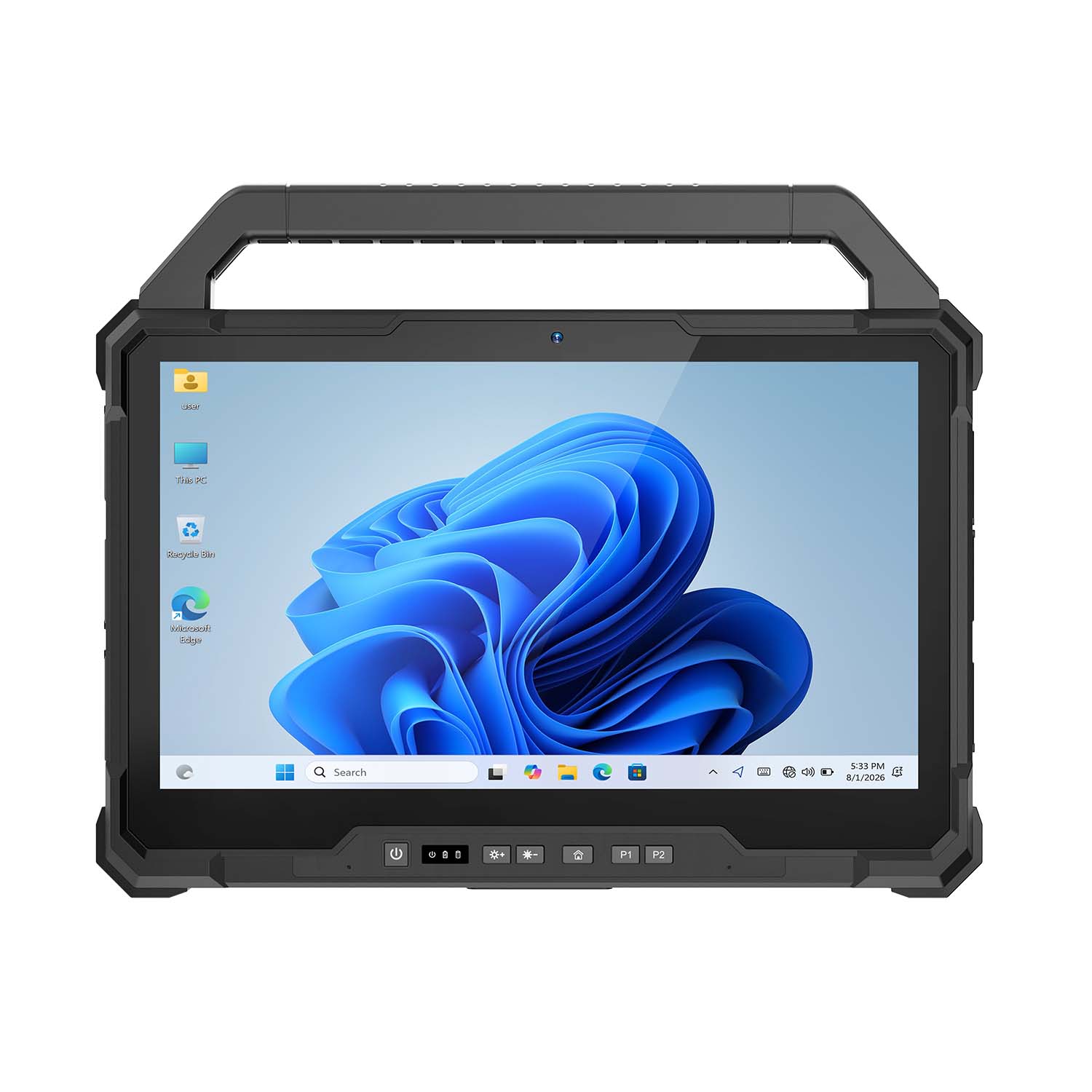 CENAVA W30U i5-1235U 13.3 Inch Win11 IP65 Rugged Tablet
 CENAVA W109U i7-1255U 10.95 Inch Win11 IP67 Rugged Tablet
 CENAVA A109TB MT6789V 10.95 Inch Android 14 IP68 Rugged Tablet
 CENAVA W10Y i7-10510Y 10.1 Inch Win11 IP68 Rugged Tablet Full I/O
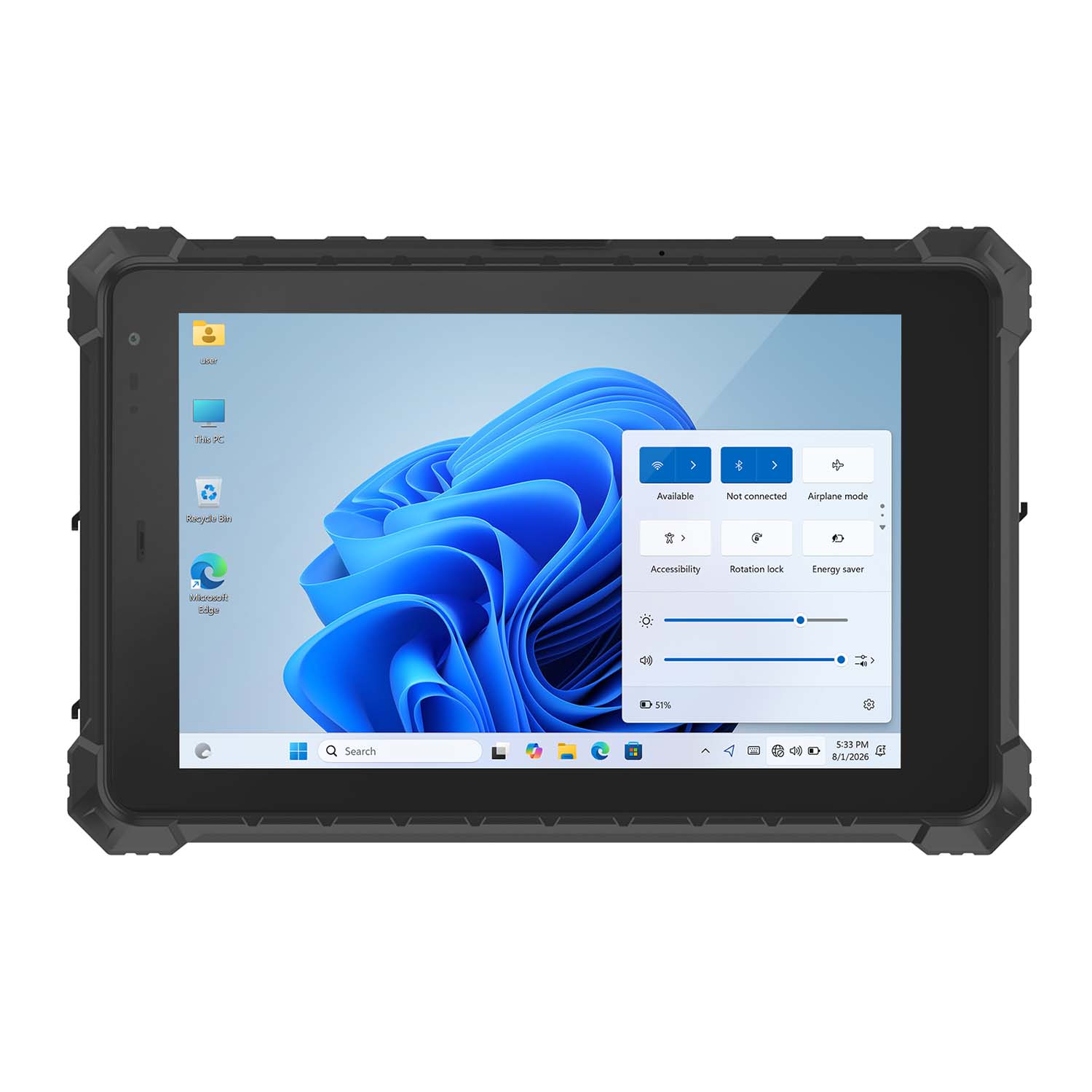 CENAVA W10N N5100 10.1 Inch Win11 IP68 Rugged Tablet Full I/O
 CENAVA A10RX RK3588 10.1 Inch Android 12 IP67 Rugged Tablet
 CENAVA A10ST MT8781 10.1 Inch Android 13 IP68 Rugged Tablet
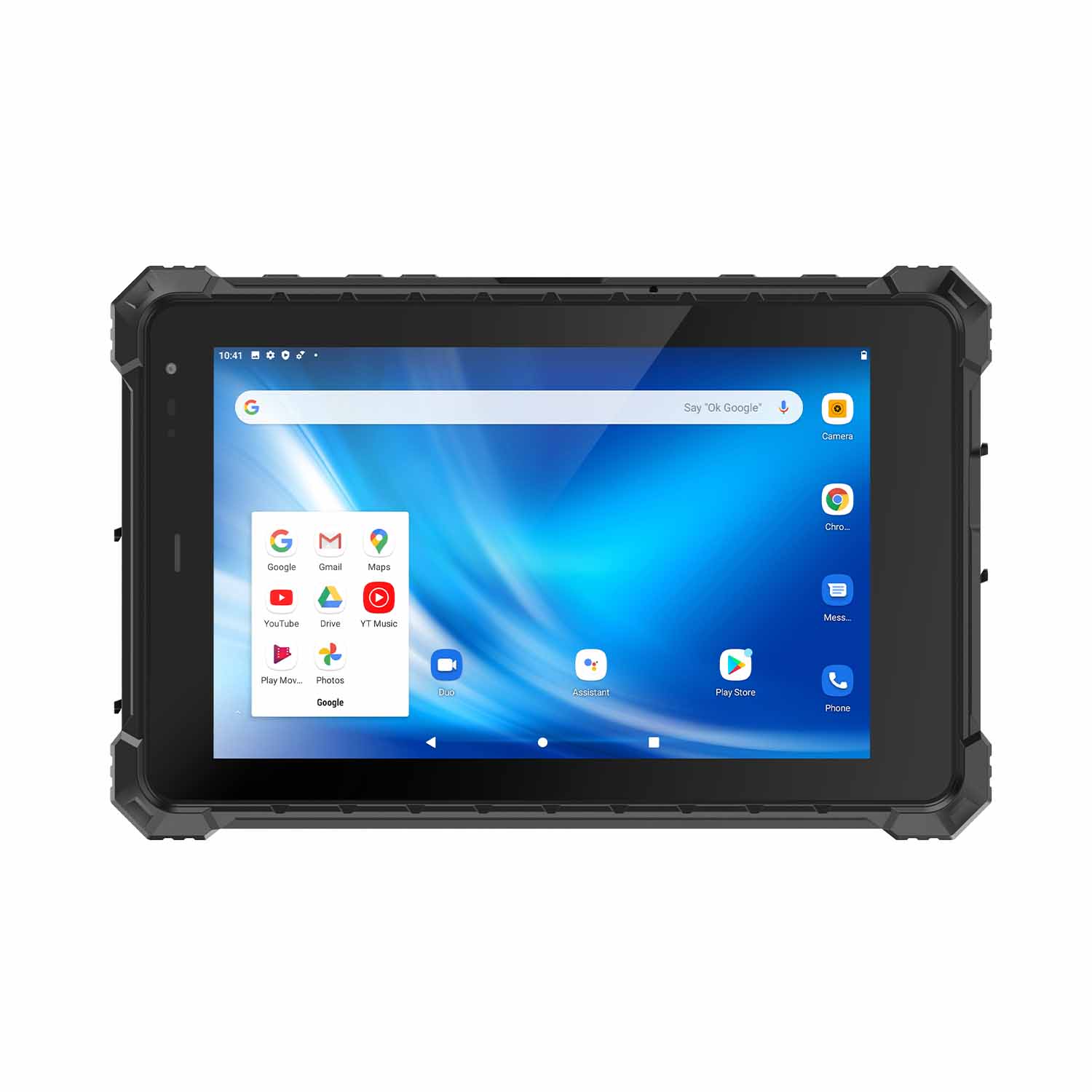 CENAVA A80ST MT6771 8 Inch Android 10 IP68 Rugged Tablet
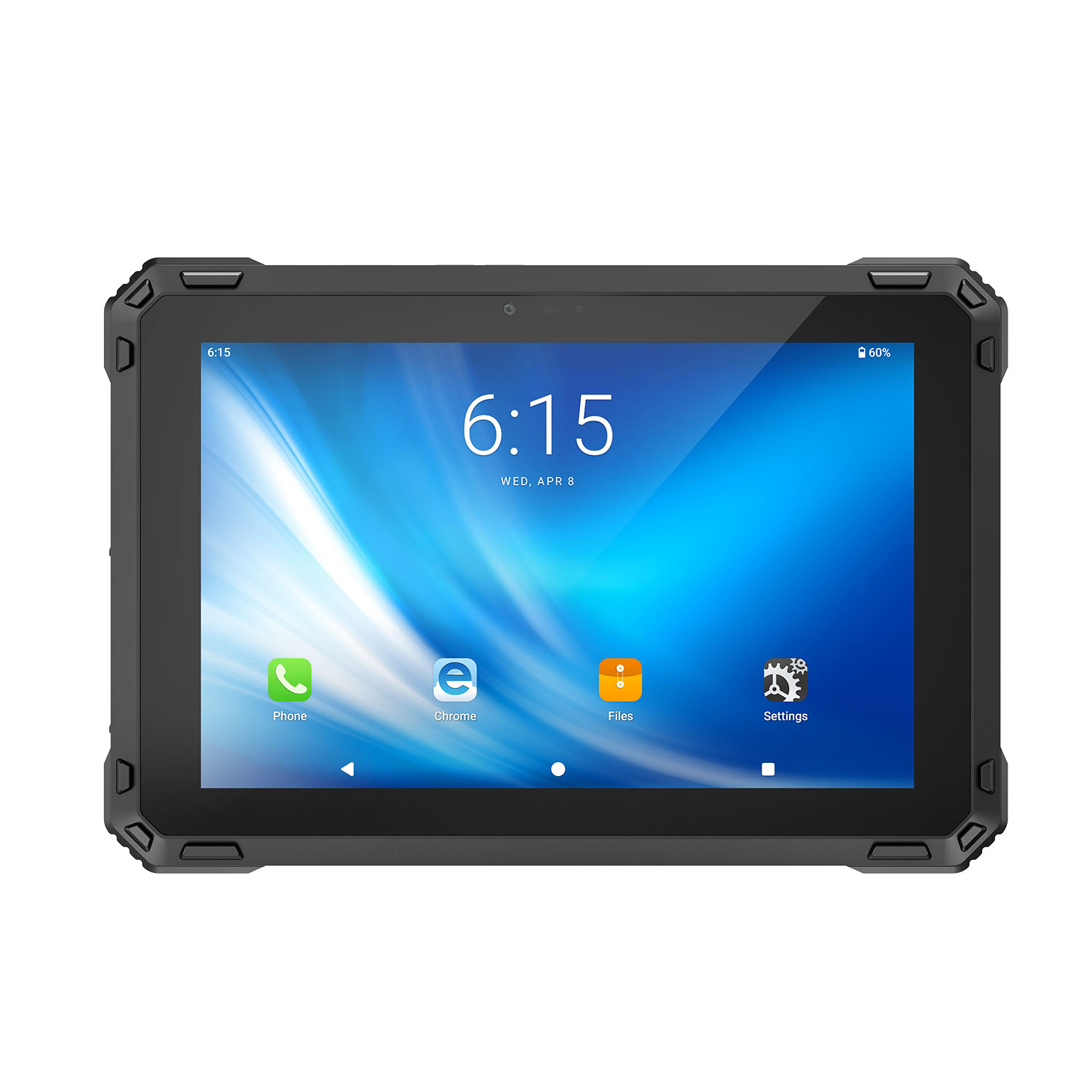 CENAVA A88ST MT6769 8 Inch Android 16 IP68 Rugged Tablet
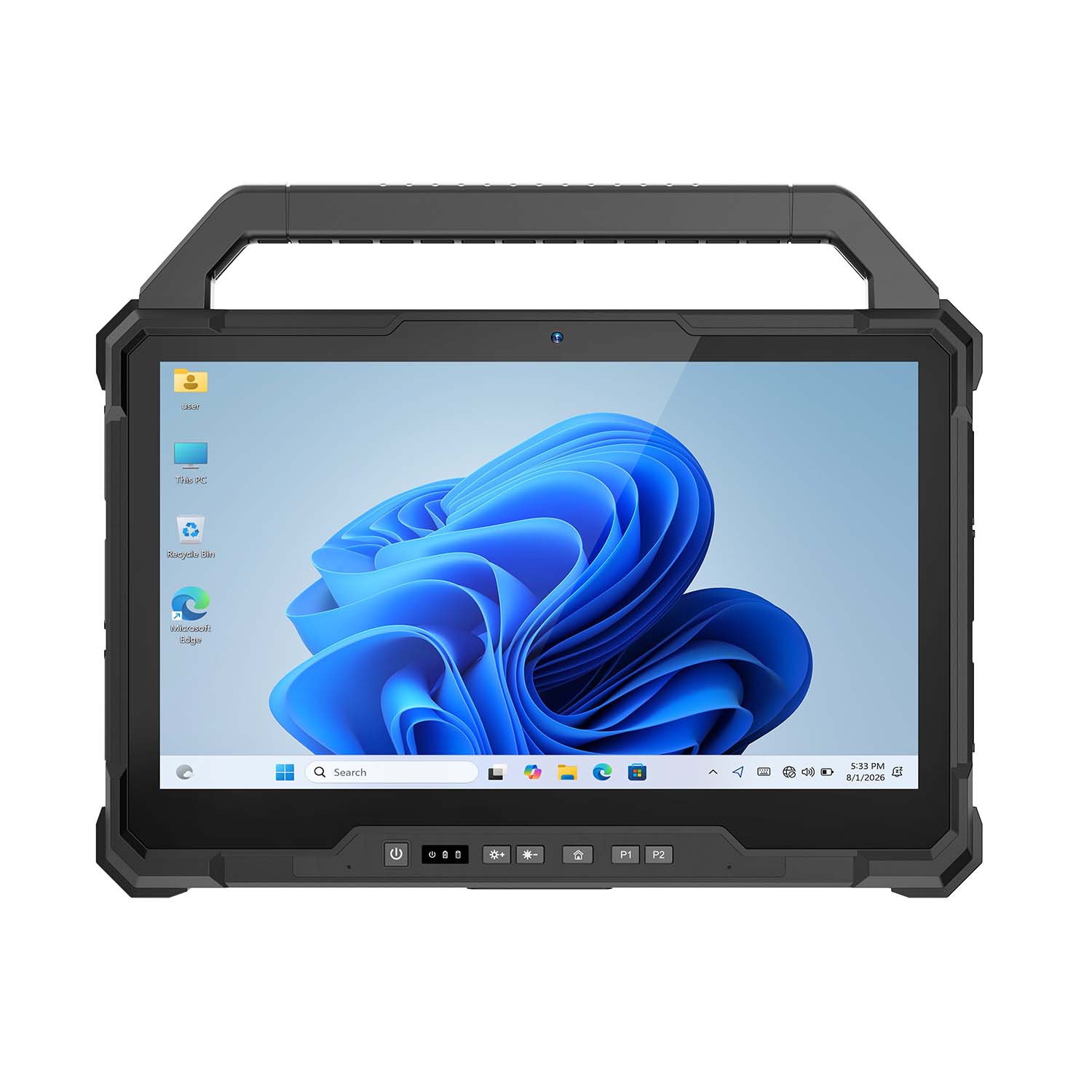 CENAVA W30NS N150 13.3 Inch Win11 IP65 Rugged Tablet
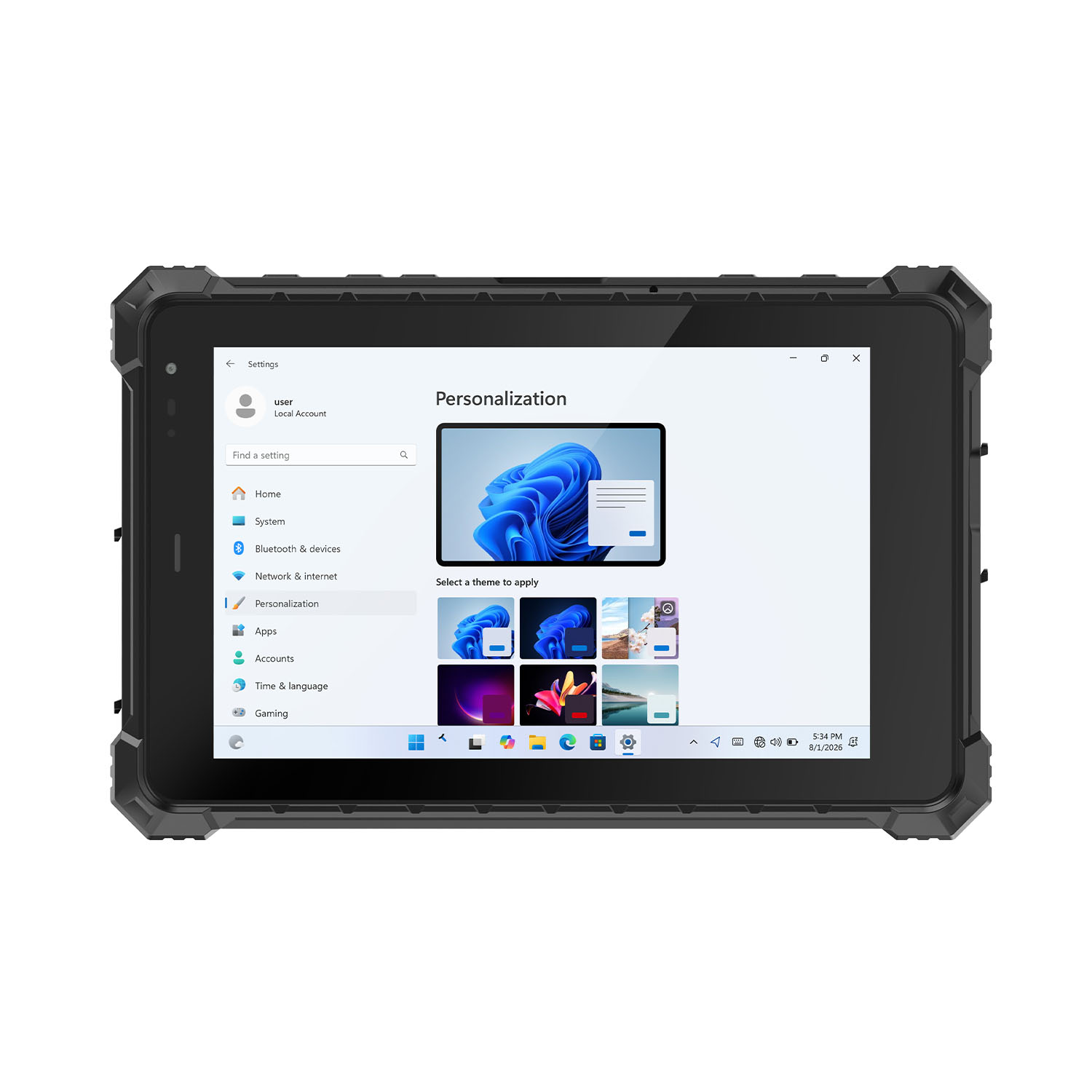 CENAVA W80Y i7-10510Y 8 Inch Win11 IP68 Rugged Gigabit
 CENAVA A10R RK3568 10.1 Inch Android 11 IP68 Rugged Tablet
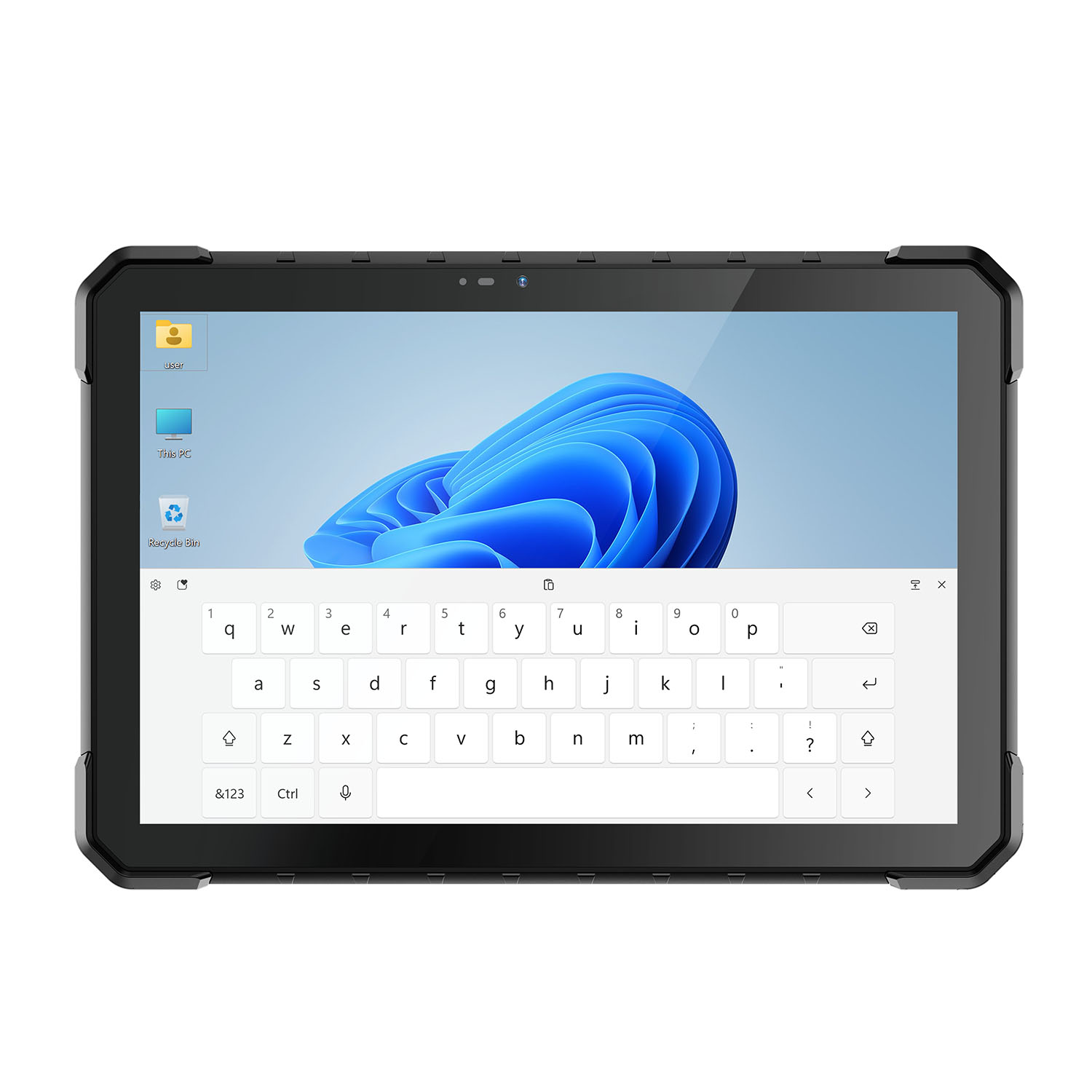 CENAVA W18Y i7-10510Y 10.1 Inch IP68 Industrial Tablet
 CENAVA CXE80C N2930 8 Inch Win10 IP65 Rugged Tablet
 CENAVA A18ST MT8781 10.1 Inch Android 13 IP68 Rugged Tablet
 CENAVA A10R RK3588 10.1 Inch Android 12 IP68 Rugged Tablet
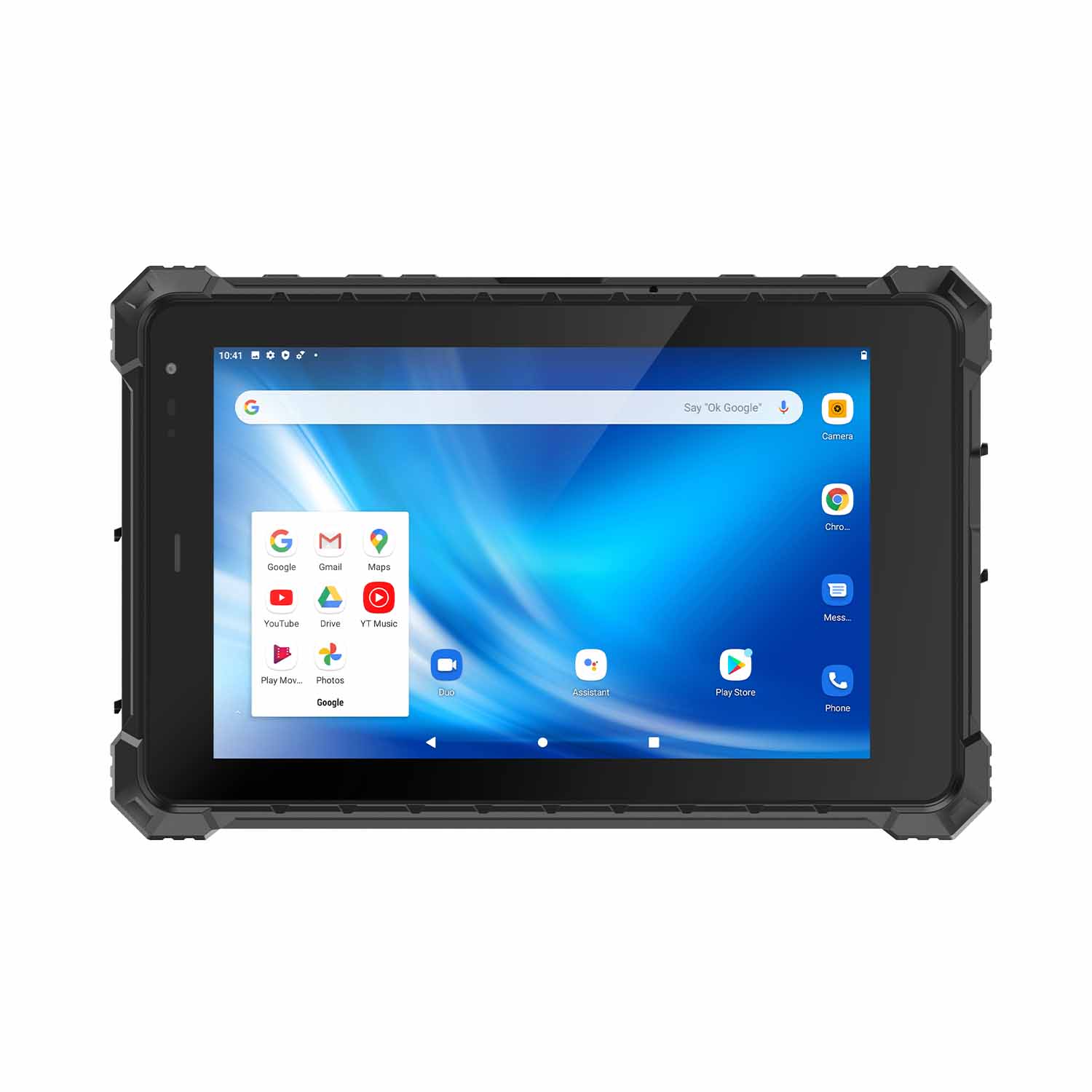 CENAVA A80ST-5G MT6877 8 Inch Android 12 IP68 Rugged Tablet
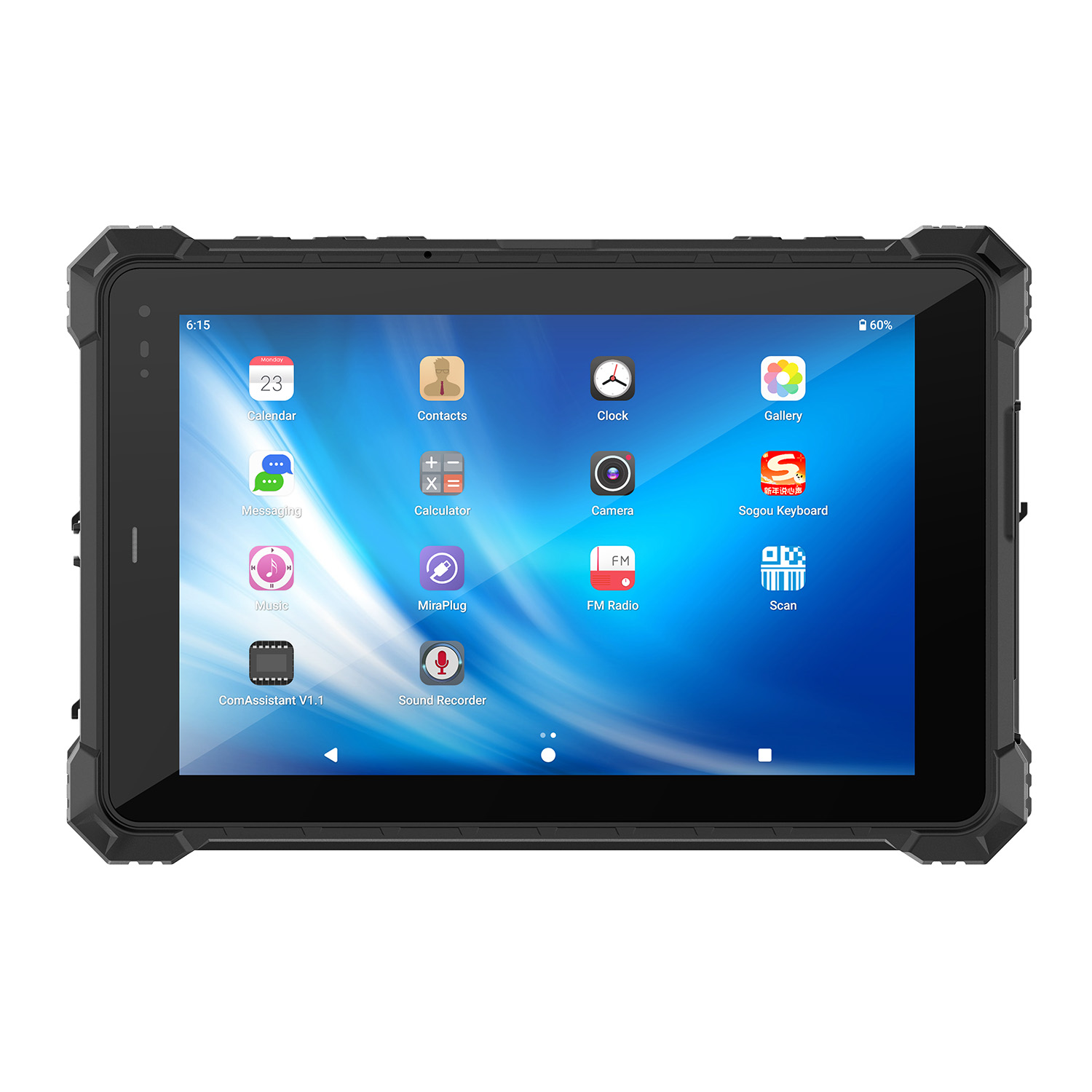 CENAVA A10STX MT8781 10.1 Inch Android 13 IP67 Rugged Tablet
 CENAVA A10ST-5G MT6877 10.1 Inch Android 12 IP68 Rugged Tablet
 CENAVA A10STX-5G MT6877 10.1 inch 5G Rugged Android Tablet
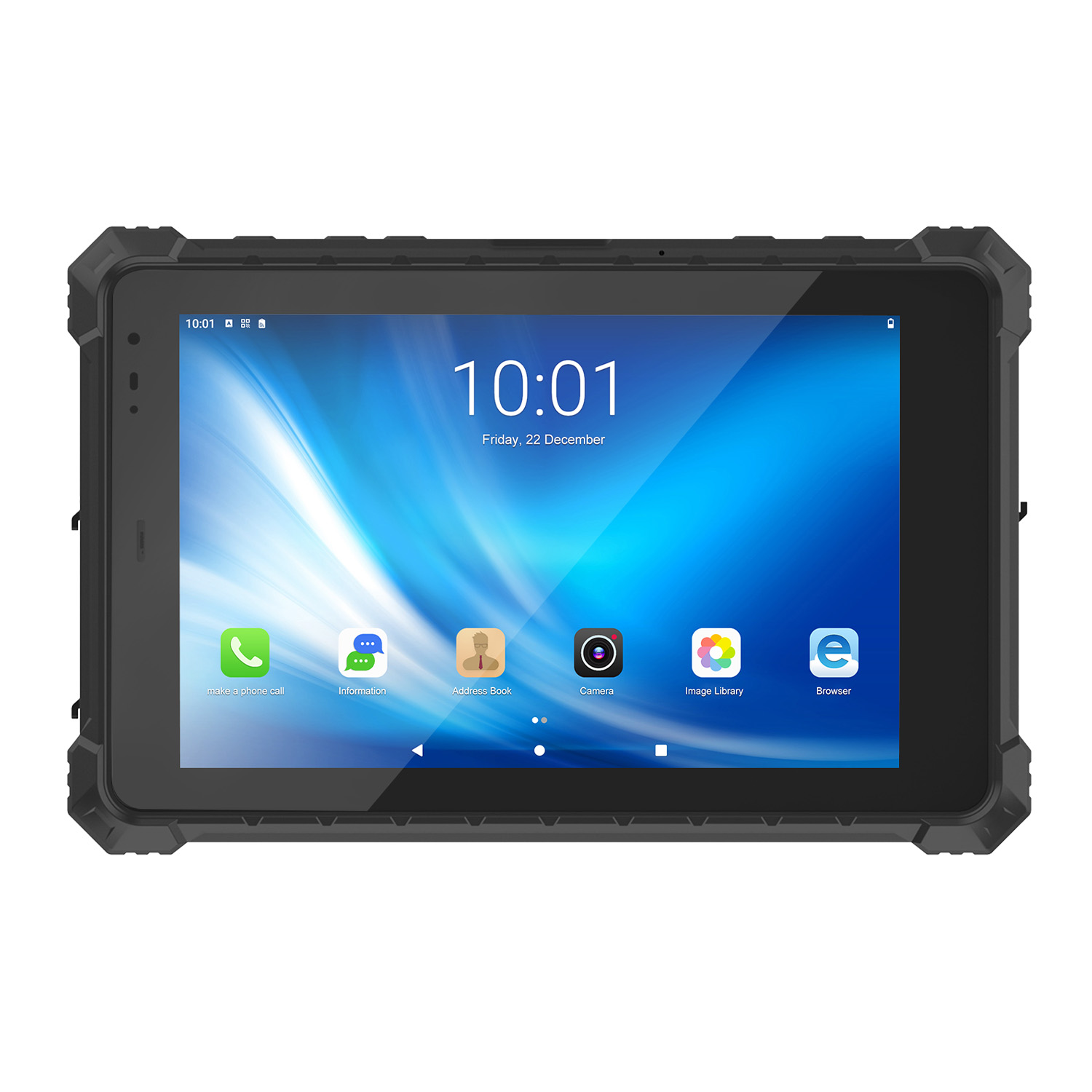 CENAVA A10ST MT6771 10.1 Inch Android 10 IP68 Rugged Tablet
 CENAVA A10STX MT6769 10.1 Inch Android 16 IP67 Rugged Tablet
 CENAVA A10ST MT6769 10.1 Inch Android 16 IP68 Rugged Tablet
 CENAVA A10STX MT6771 10.1 Inch Android 10 IP67 Rugged Tablet
 CENAVA A80ST MT8781 8 Inch Android 13 IP68 Rugged Tablet
 CENAVA A80R RK3588 8 Inch Android 12 IP68 Rugged Tablet
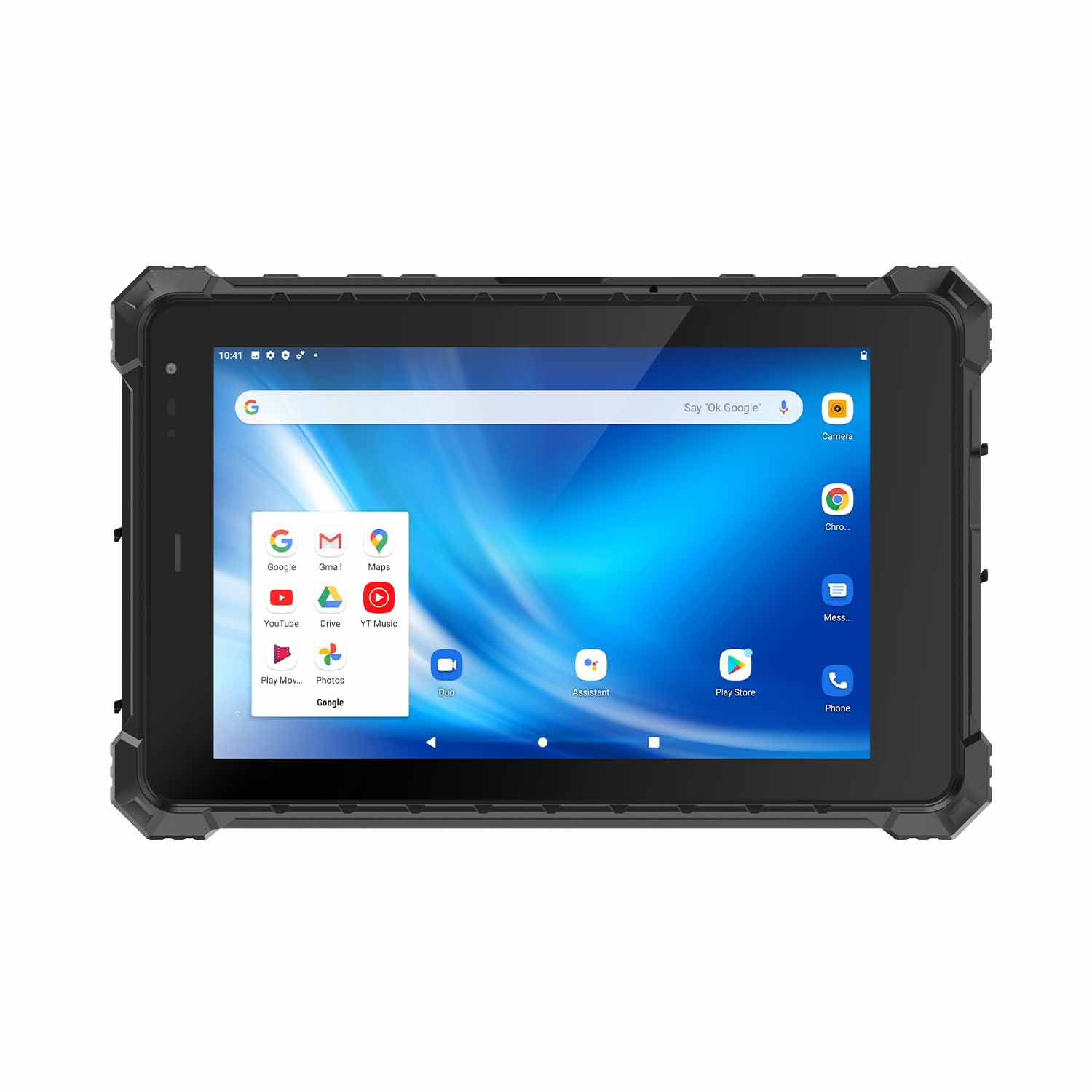 CENAVA A80STX-5G MT6877 8 Inch Android 12 IP67 Rugged Tablet
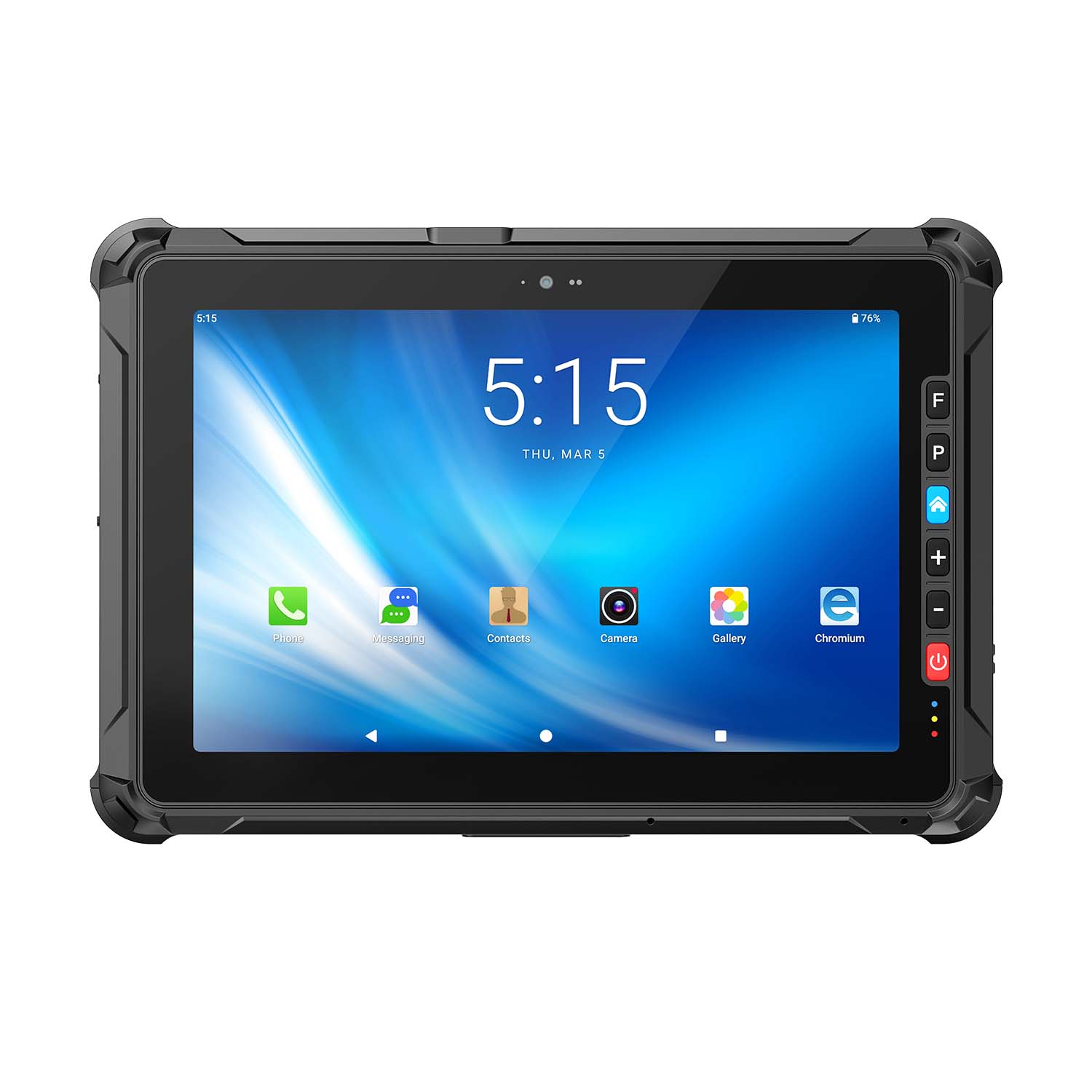 CENAVA A109ST MT8781 10.95 Inch Android 16 IP67 Rugged Tablet
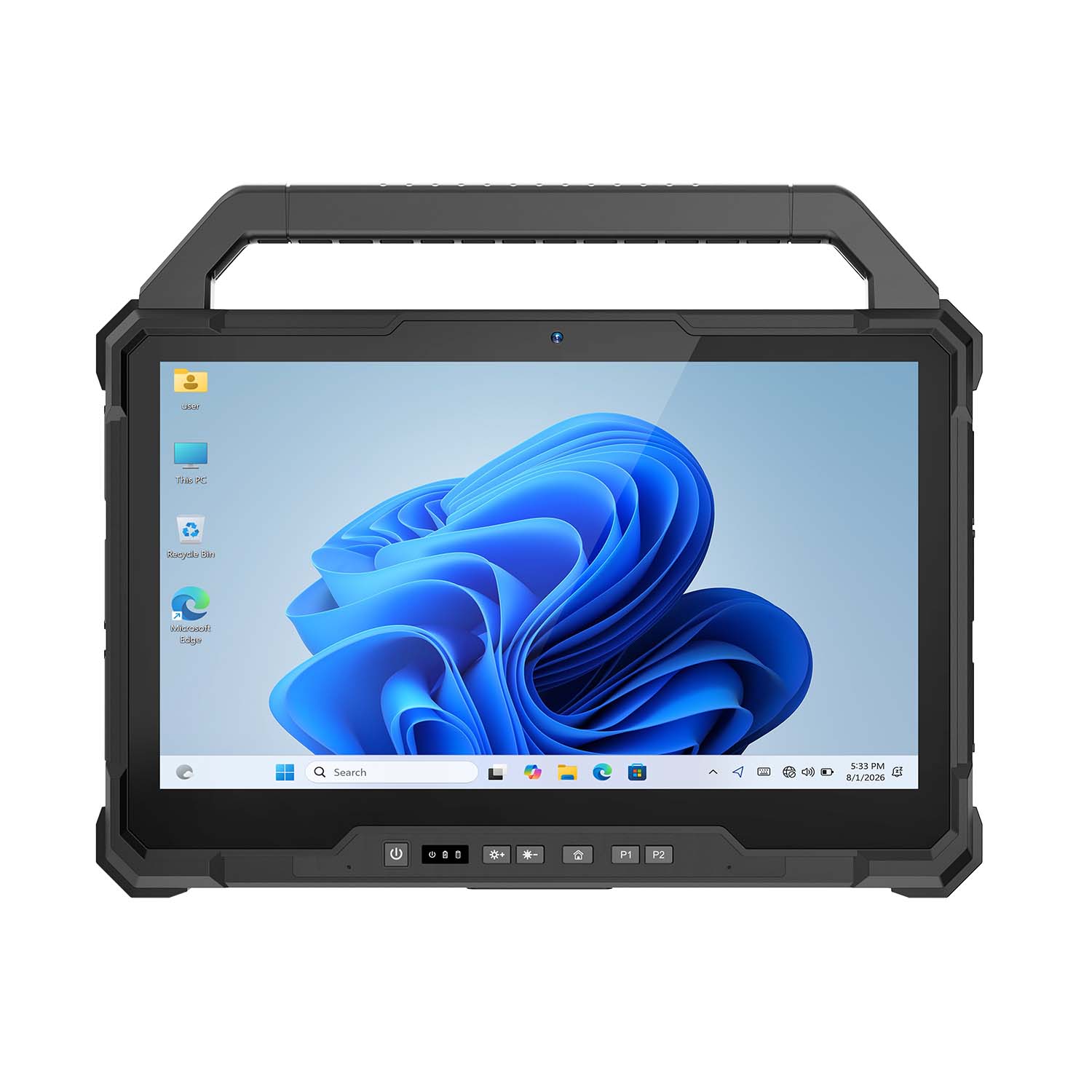 CENAVA W30U Pro Ultra7-155U 13.3 Inch Win11 IP65 Rugged Tablet
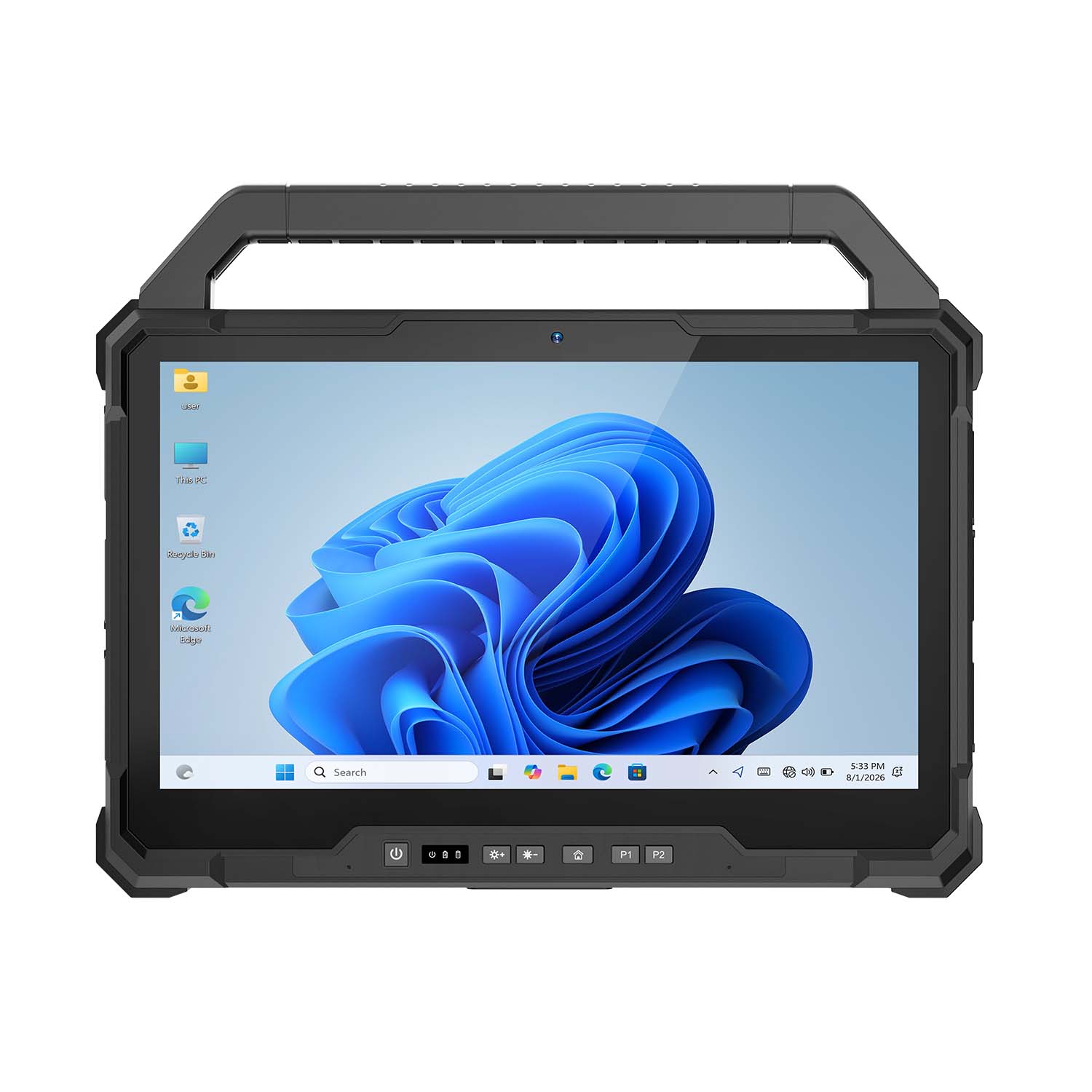 CENAVA W30U i7-1255U 13.3 Inch Win11 IP65 Rugged Tablet
 CENAVA W109NS N150 10.95 Inch Win11 IP67 Rugged Tablet GbE
 CENAVA W109U i5-1235U 10.95 Inch Win11 IP67 Rugged Tablet
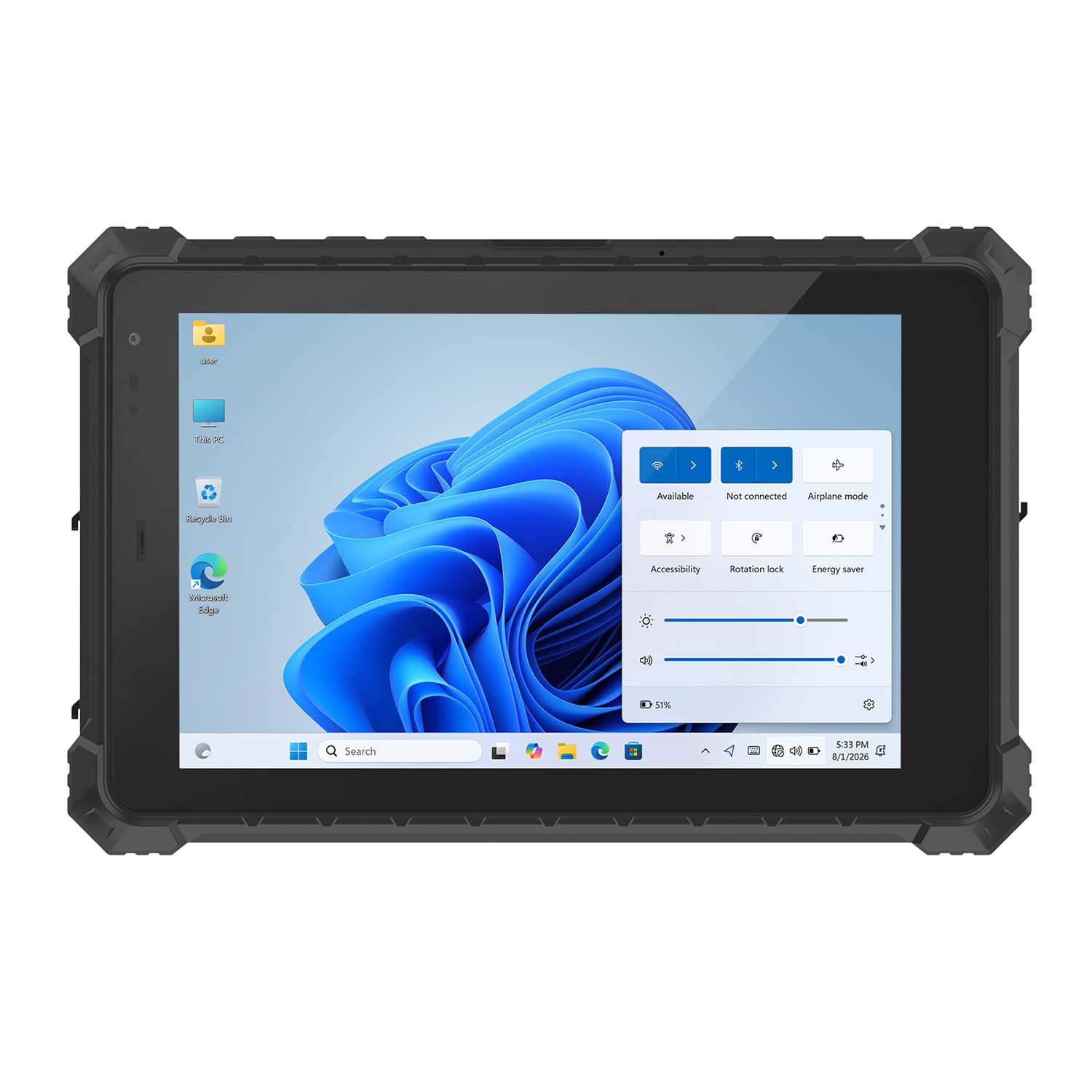 CENAVA W10Y i5-10210Y 10.1 Inch Win11 IP68 Rugged Tablet Full I/O
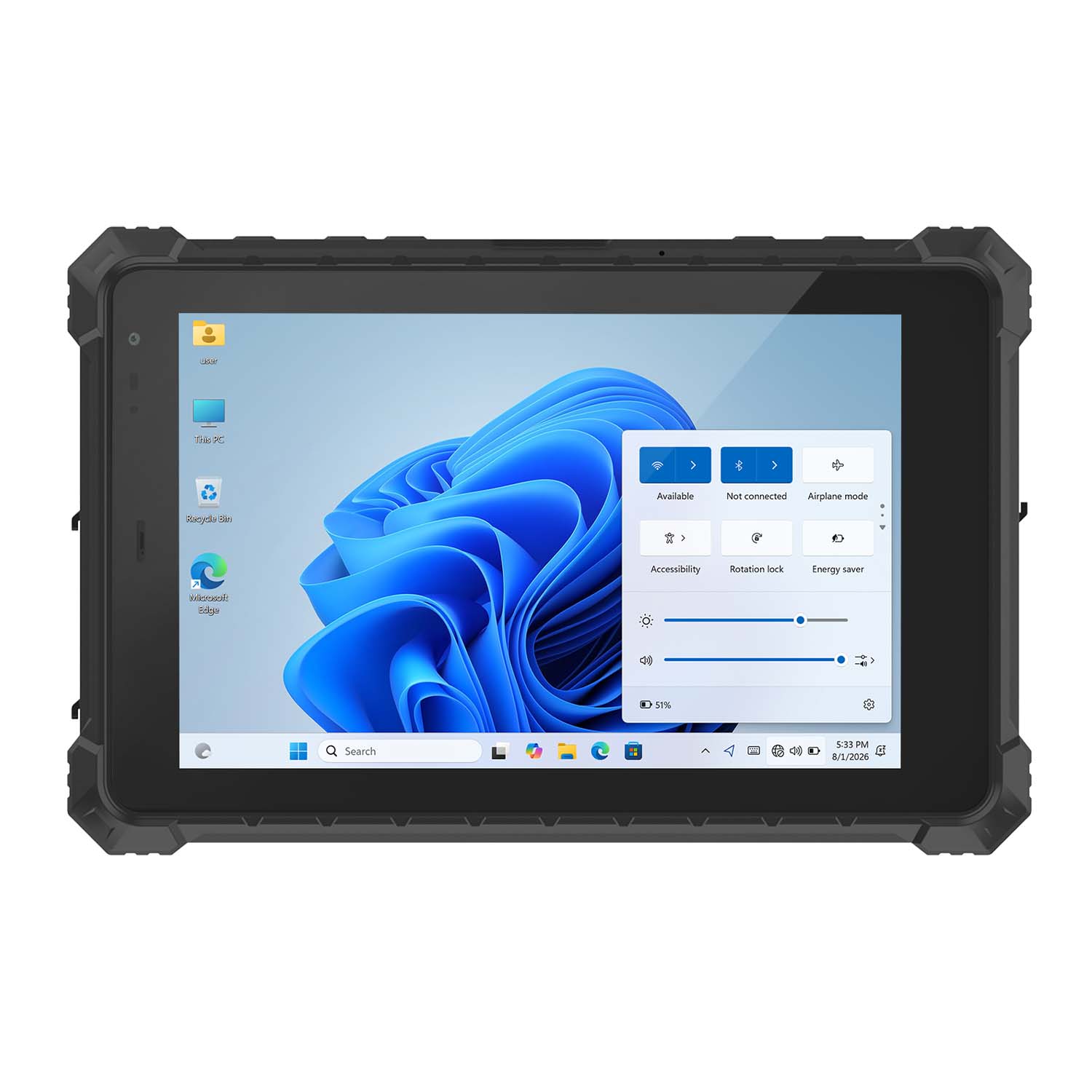 CENAVA W10NPRO N100 10.1 Inch Win11 IP68 Rugged Full I/O
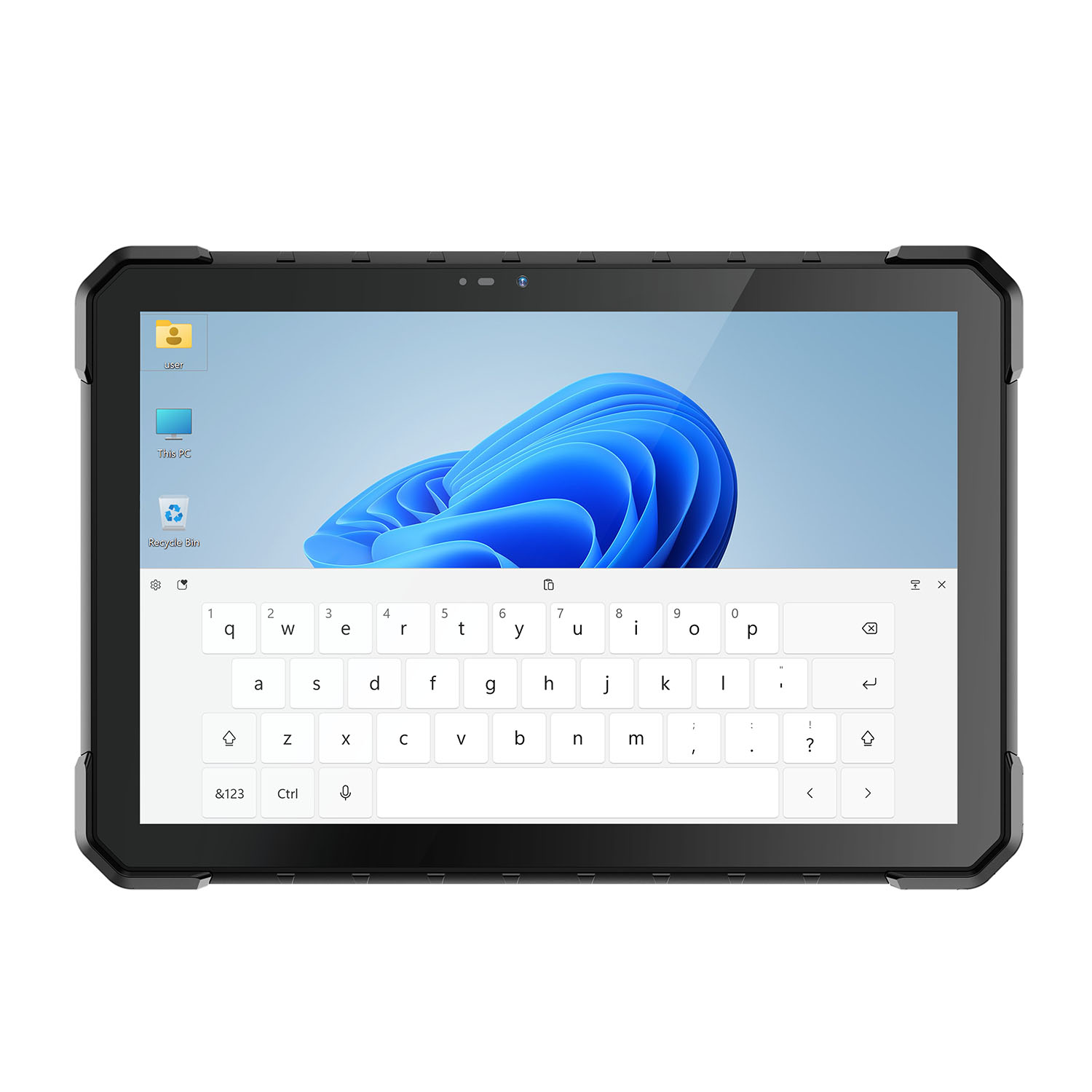 CENAVA W18Y i5-10210Y 10.1 Inch Win11 IP68 Rugged Slim
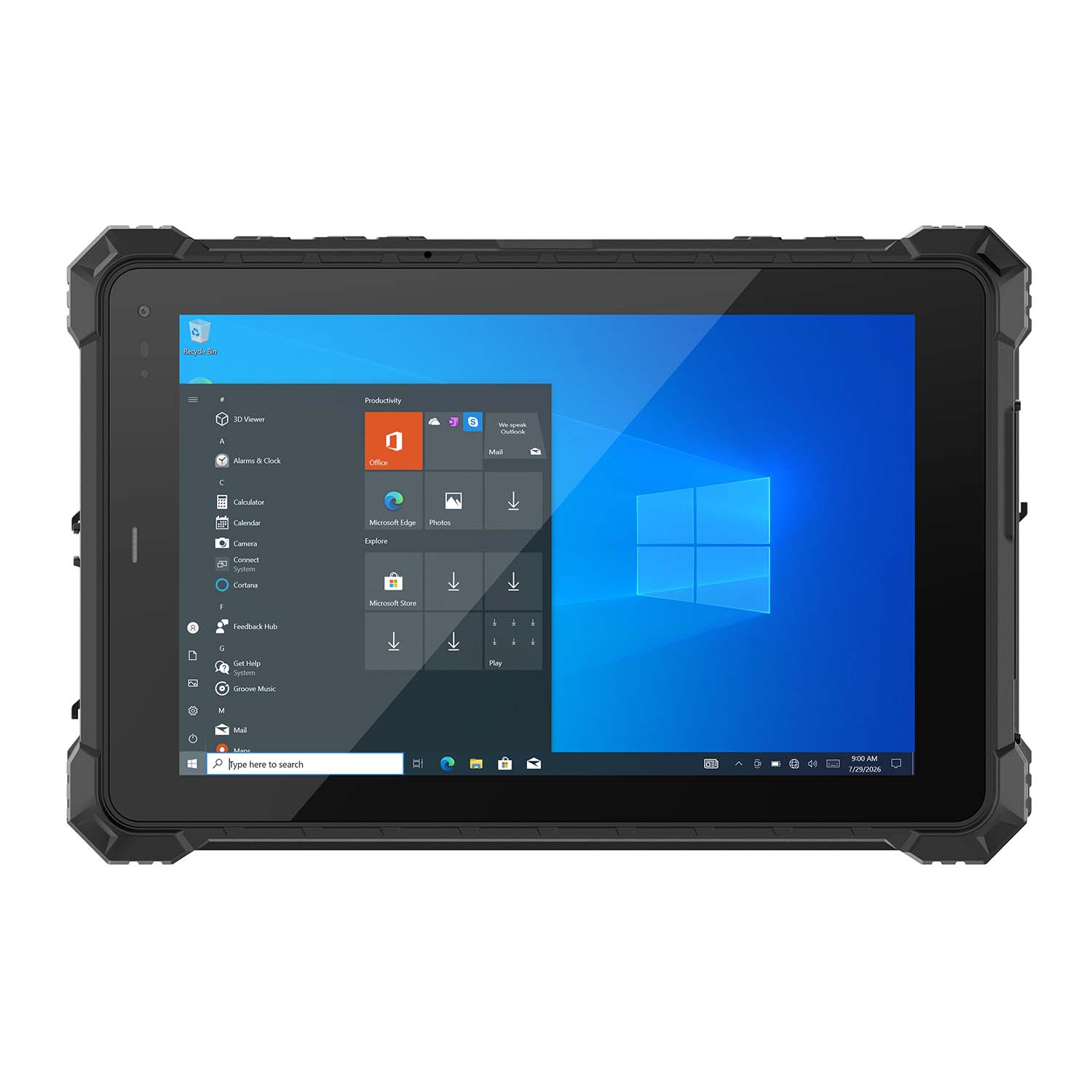 CENAVA W10NX N5100 10.1 Inch Windows IP67 Industrial Tablet
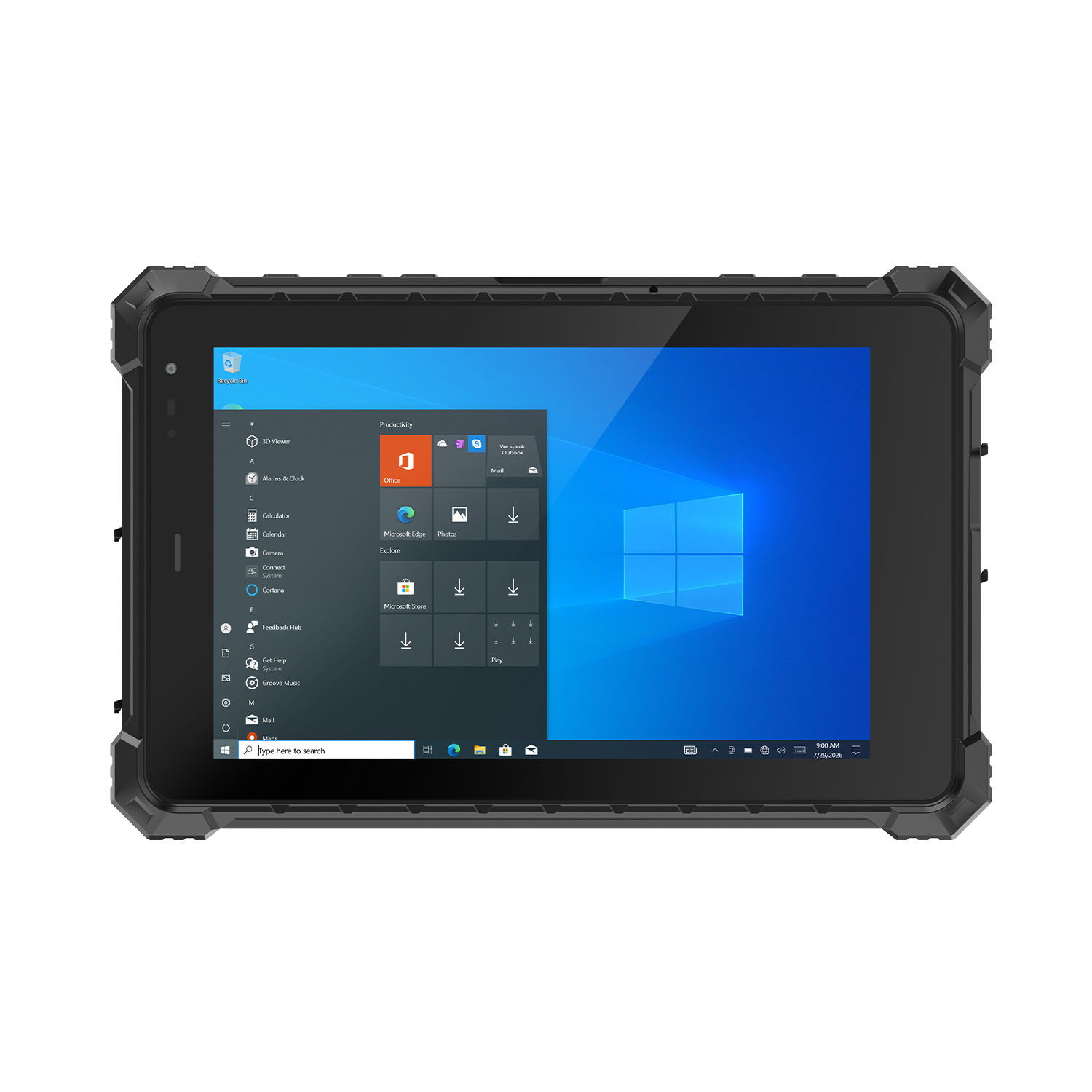 CENAVA W80N N5100 8 Inch Win11 IP68 Windows Rugged Tablet
 CENAVA H10PRO N100 10.1 Inch Win11 Industrial PC | WiFi6 Touch Panel
-1.jpg) CENAVA H55N N5100 5.5" Win11 Mini Industrial PC
CENAVA H55N N5100 5.5" Win11 Mini Industrial PC
 CENAVA H10F N100 10.1" Win11 Industrial Panel PC Touch Computer
 CENAVA H10F N95 10.1" Win11 Industrial Panel PC | WiFi6 Touch Computer
 CENAVA H7S N3350 7 Inch Win10 Entry Industrial PC | POE Fanless Touch Panel
 CENAVA H7 N4020 7" Win10 Compact Industrial PC | POE Fanless Touch Panel
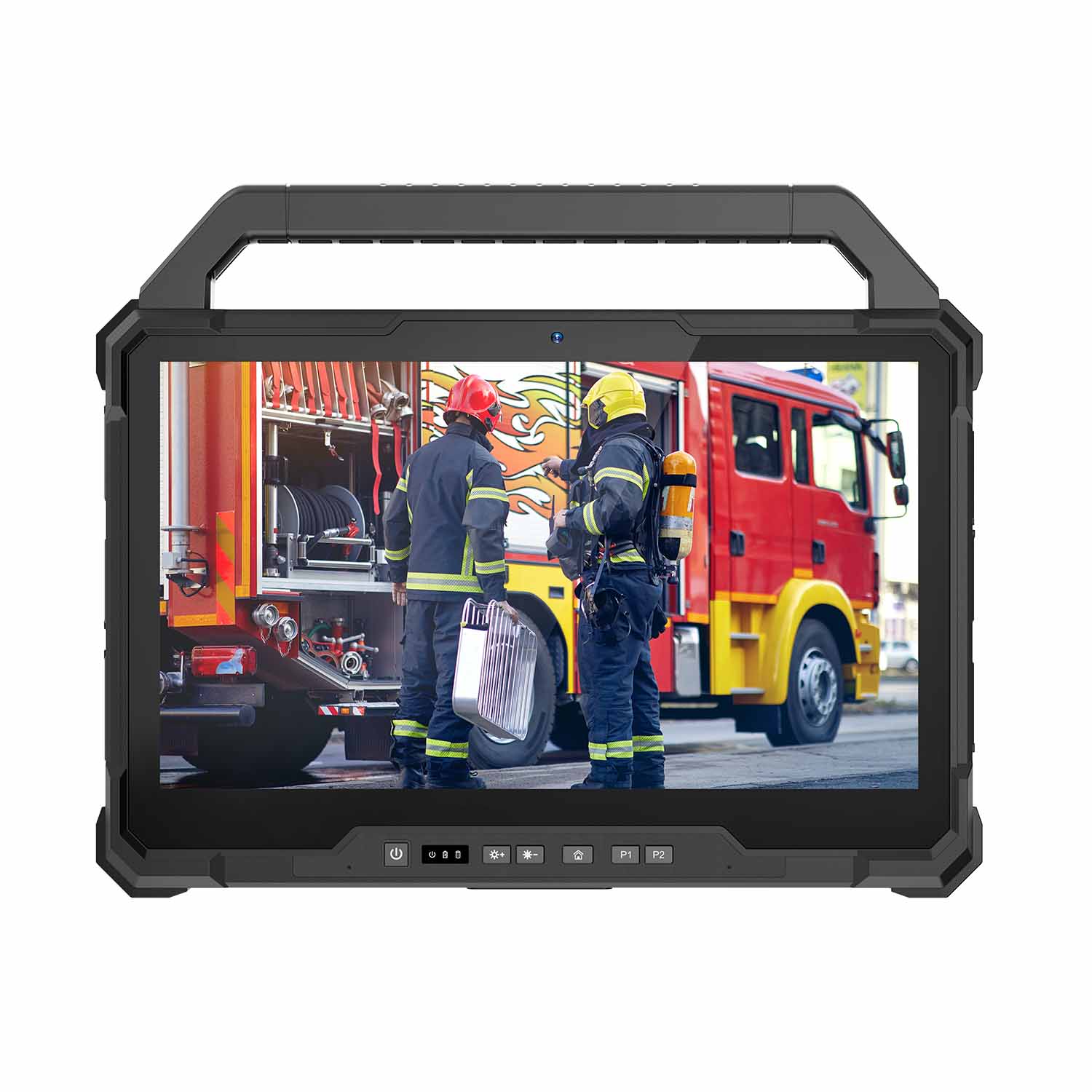 W30U-EX i7-1255U 13.3 Inch Explosion-Proof Windows Tablet
 W30UPro-EX Ultra7-155U ATEX II 2GD Ex ib IIC T5 Gb Explosion-Proof Tablet
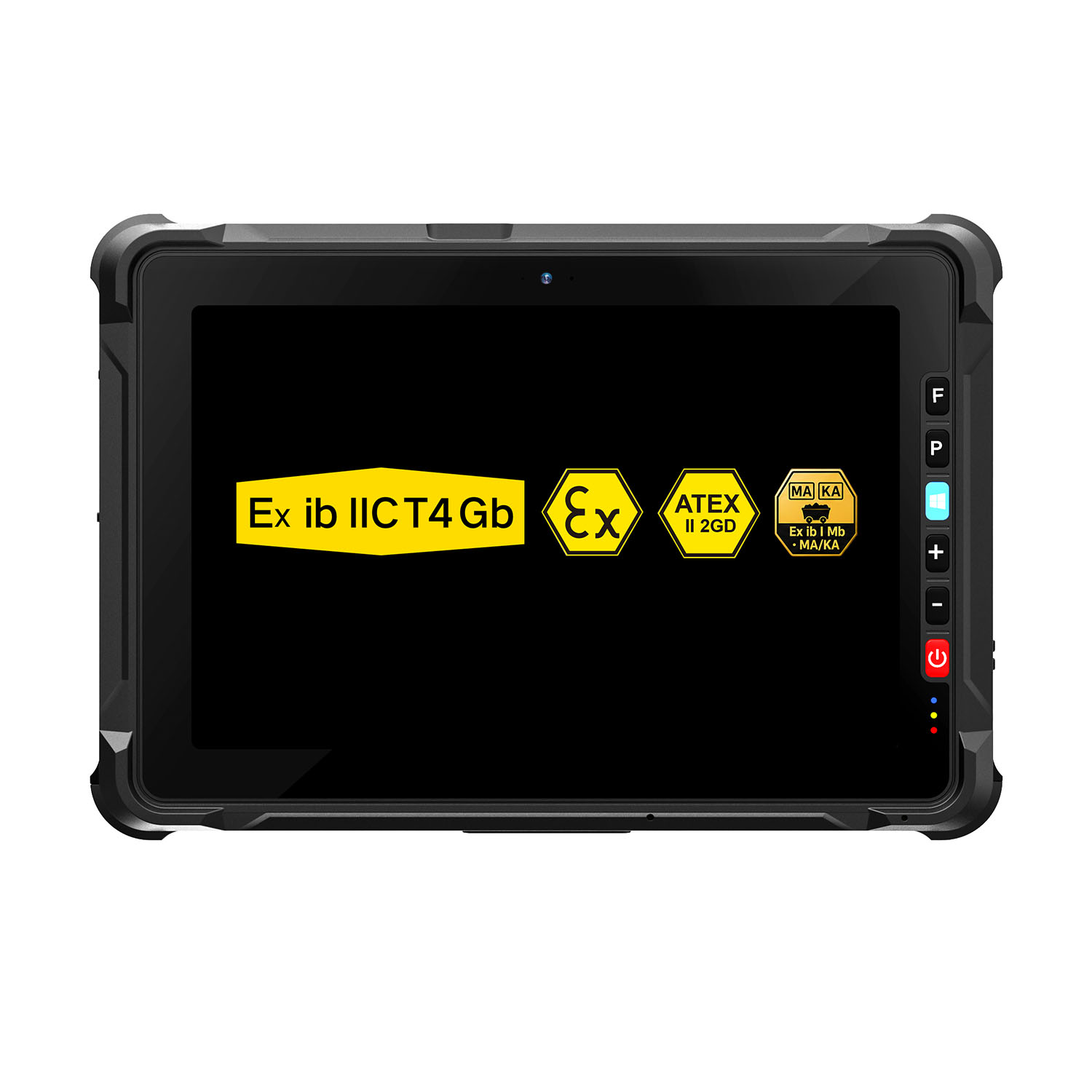 W109NS-EX N150 Explosion-Proof Hazardous Area Windows Tablet
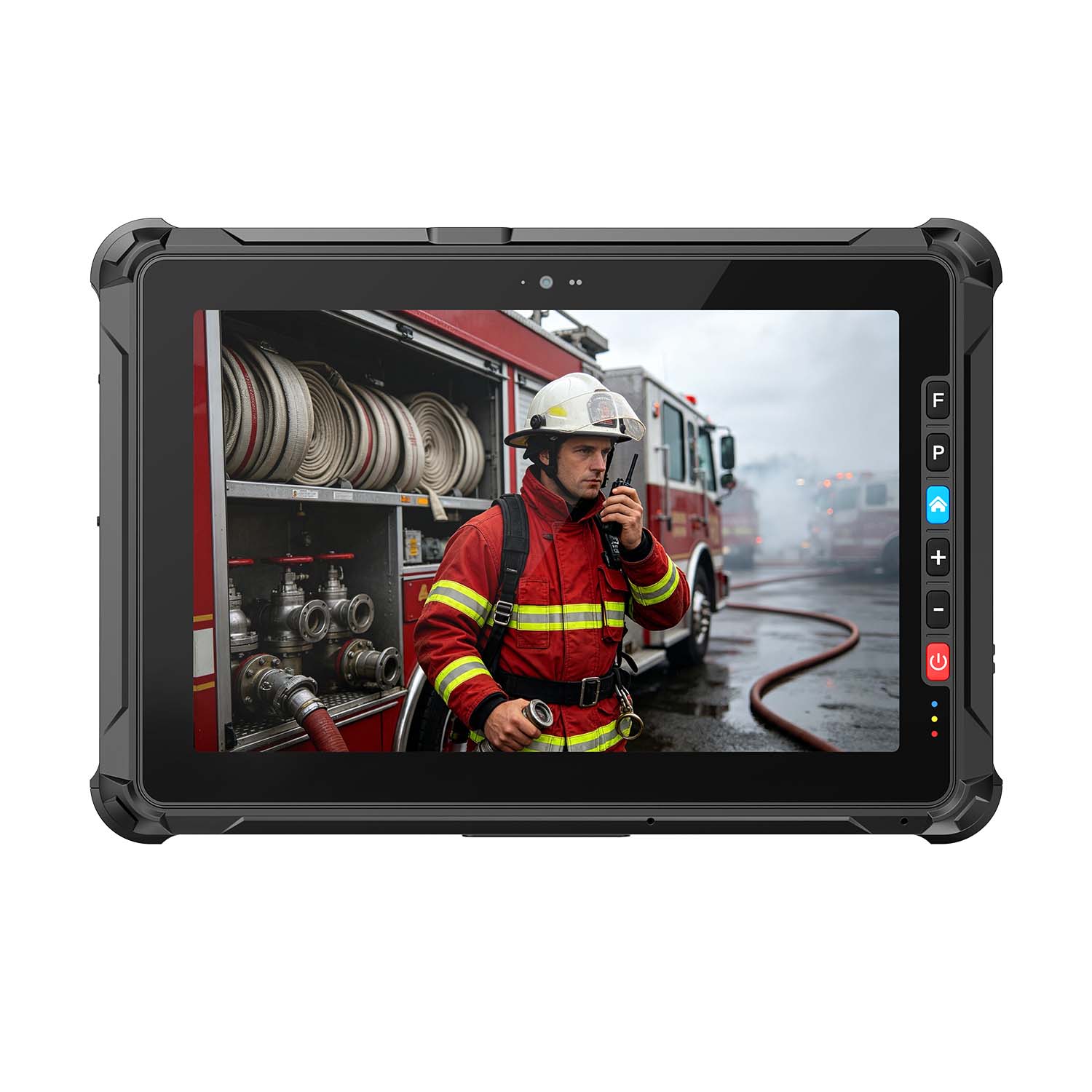 A109ST-EX MT8781 20000mAh Explosion-Proof ATEX II 2GD Android Tablet
.jpg) W10N-EX N5100 Explosion-Proof Intrinsically Safe Windows Tablet
W10N-EX N5100 Explosion-Proof Intrinsically Safe Windows Tablet
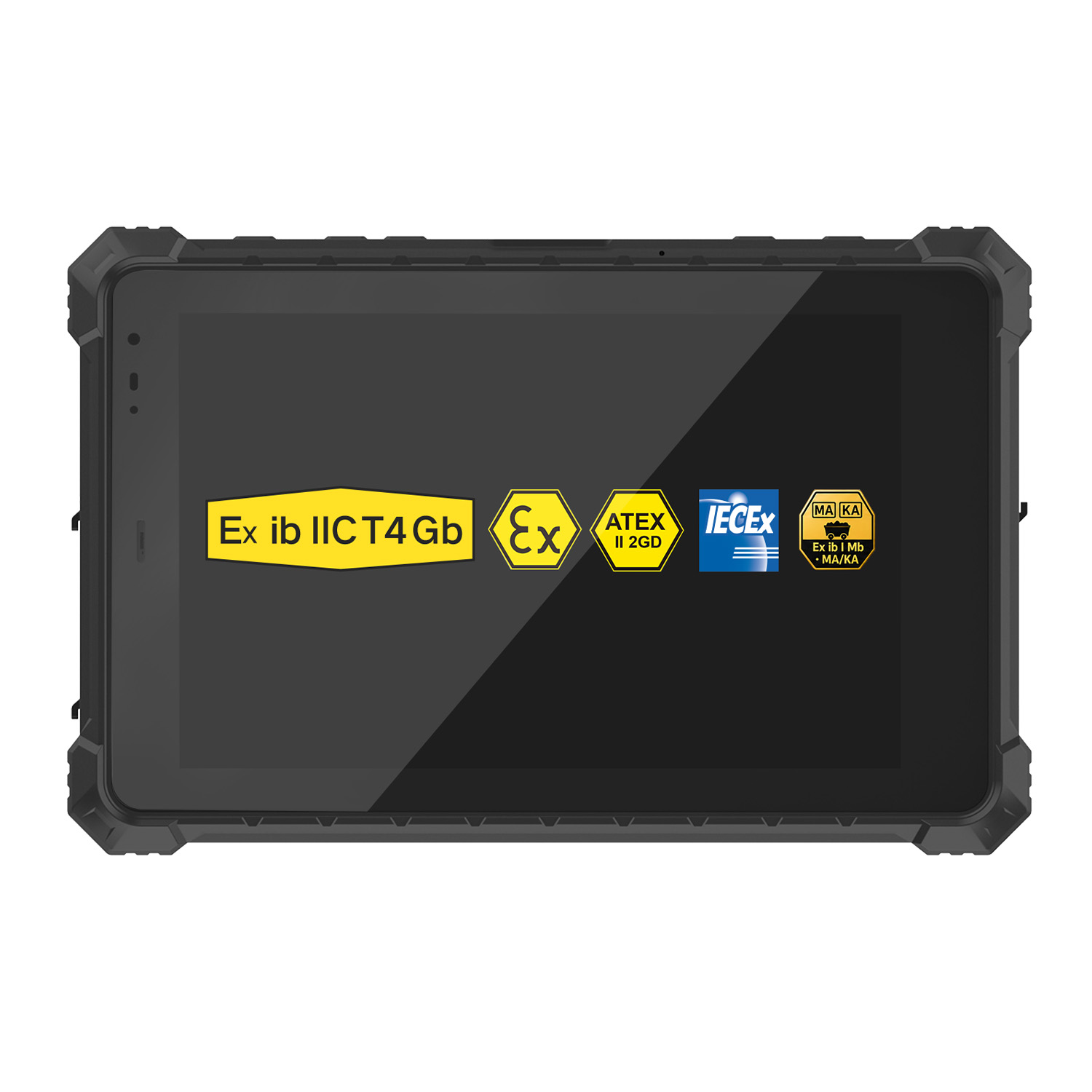 A10ST-EX MT8781 Ex ib IIC T5 Gb Hazardous Area Rugged Tablet
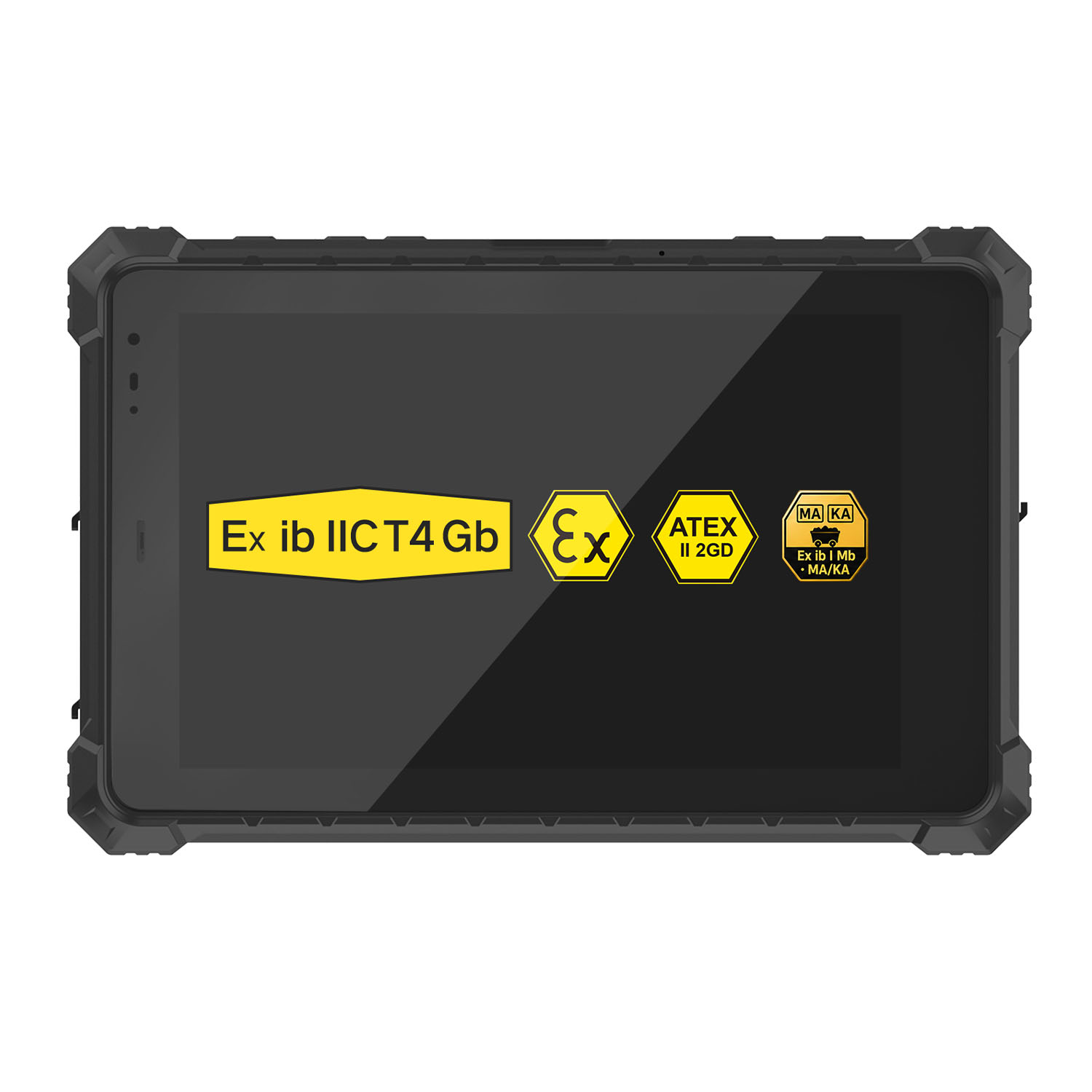 A10R-EX 10.1 Inch Explosion Proof RK3568 Industrial Tablet PC
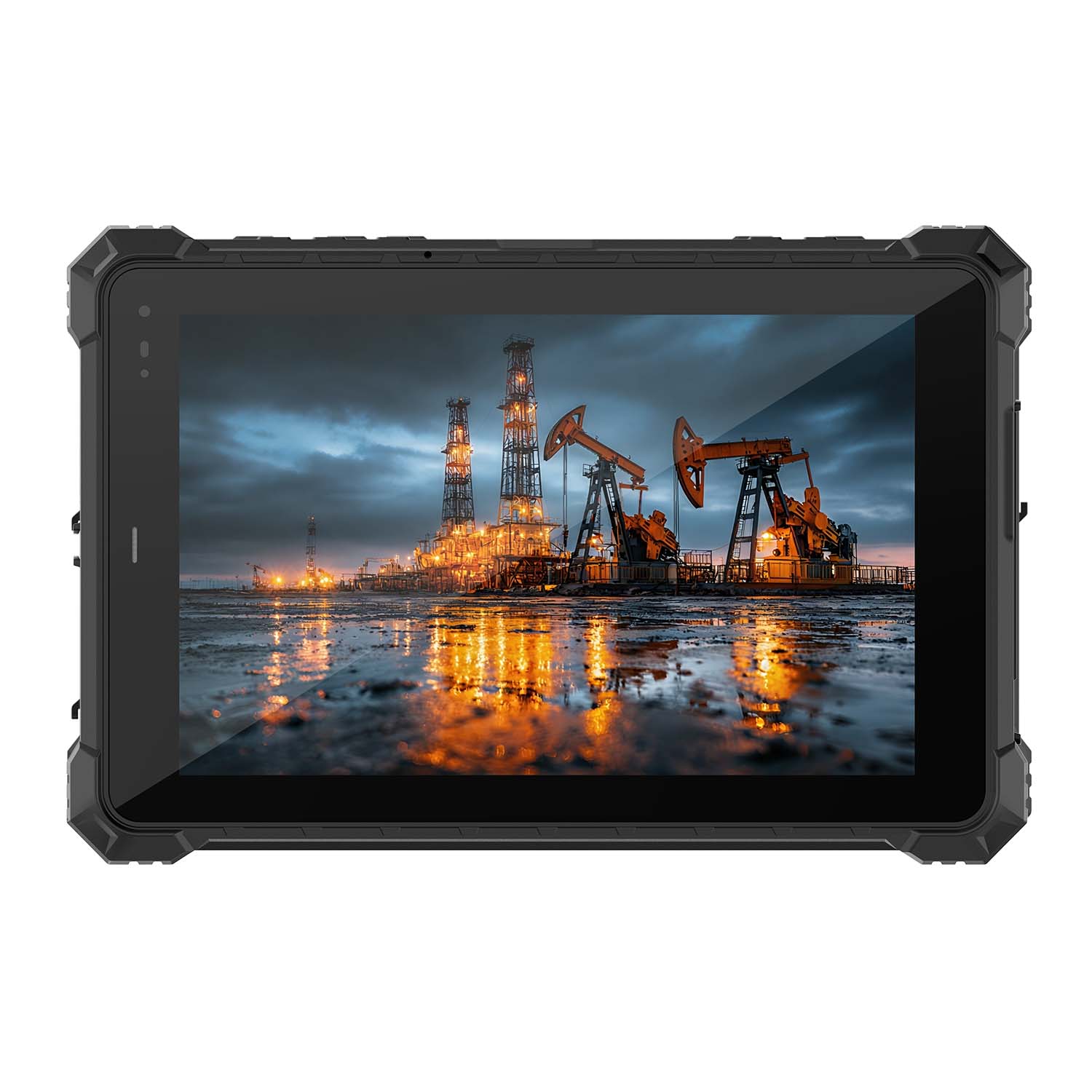 A10STX-EX MT8781 10.1 Inch ATEX II 2GD Android Tablet
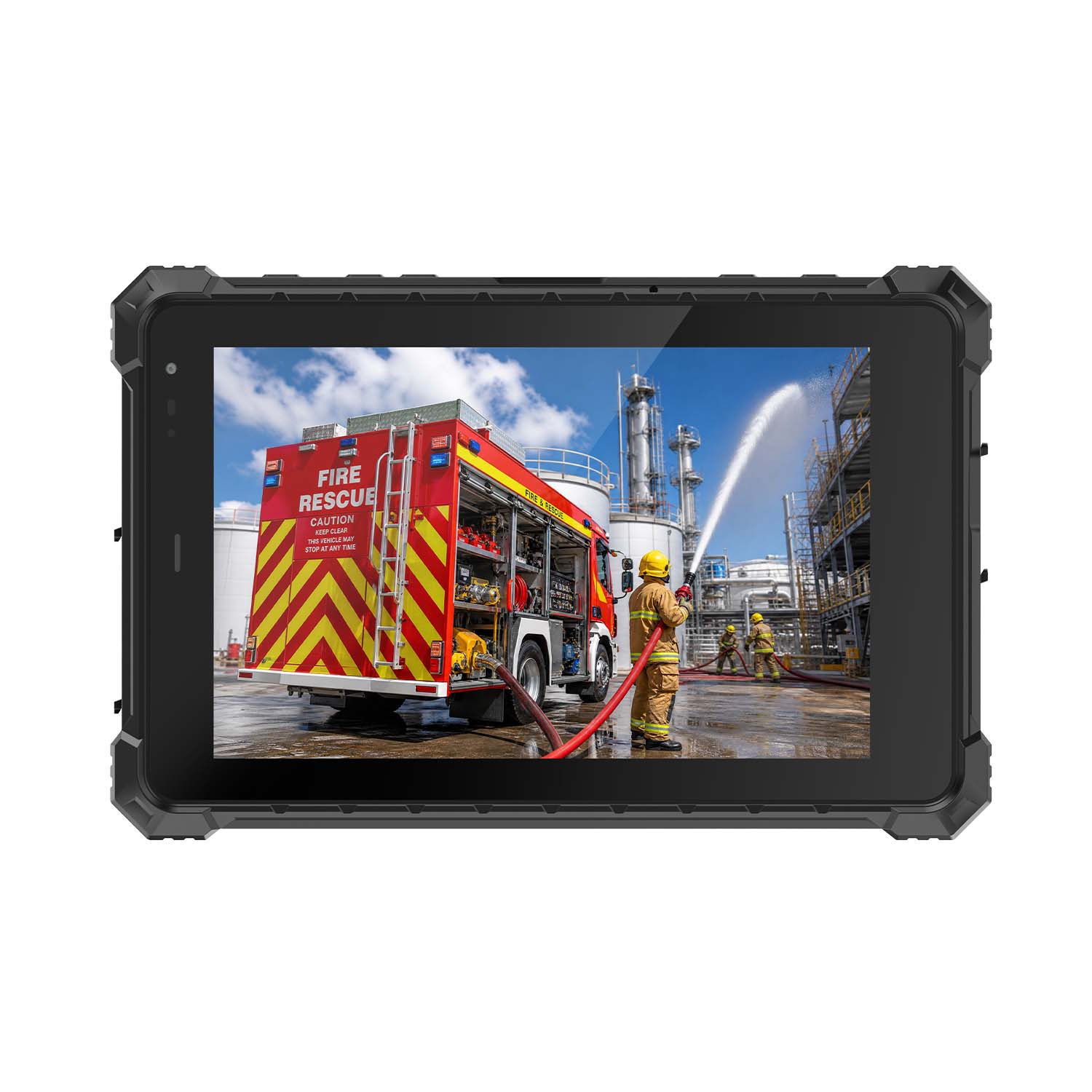 W80N-EX N5100 8 Inch Explosion-Proof Windows ATEX II 2GD Tablet
 A18ST-EX Slim 10.1-Inch Explosion-Proof Android Tablet
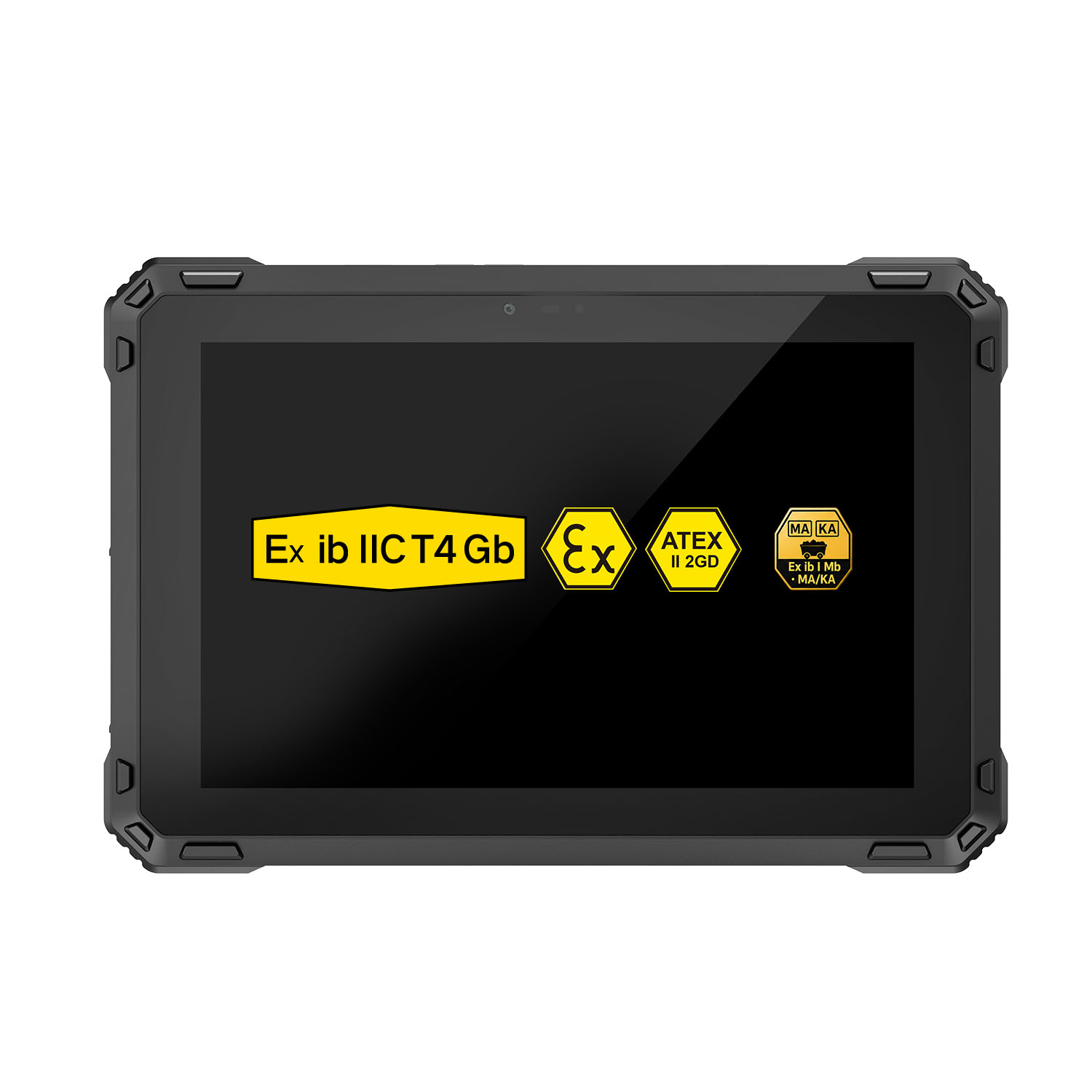 A88ST-EX MT6769 Hazardous Area 8-Inch Explosion-Proof Android Tablet
 A80ST-5G EX MT6877 8 Inch Ex ib ⅡC T4 Gb Explosion Proof Tablet
 CENAVA W18Y-EX i7 10.1 Inch Explosion-Proof Windows 11 Tablet
 W65G-EX Explosion-Proof Windows Handheld Hazardous Area PDA