Revision: Consumer tablets die quickly on factory floors. The touchscreen delaminates from cutting-fluid vapors. The battery swells in freezer-to-ambient temperature swings. The Wi-Fi antenna loses signal behind metal racking. Rugged tablets exist because these failures are predictable and expensive.
This guide compares three verticals—manufacturing, warehousing, and field service—on the specific hardware configurations that matter. We also look at when a global brand makes sense, when an OEM custom build is the better fit, and what "customization" actually costs in practice.
1. Manufacturing Shop Floor: Why Standard Tablets Fail
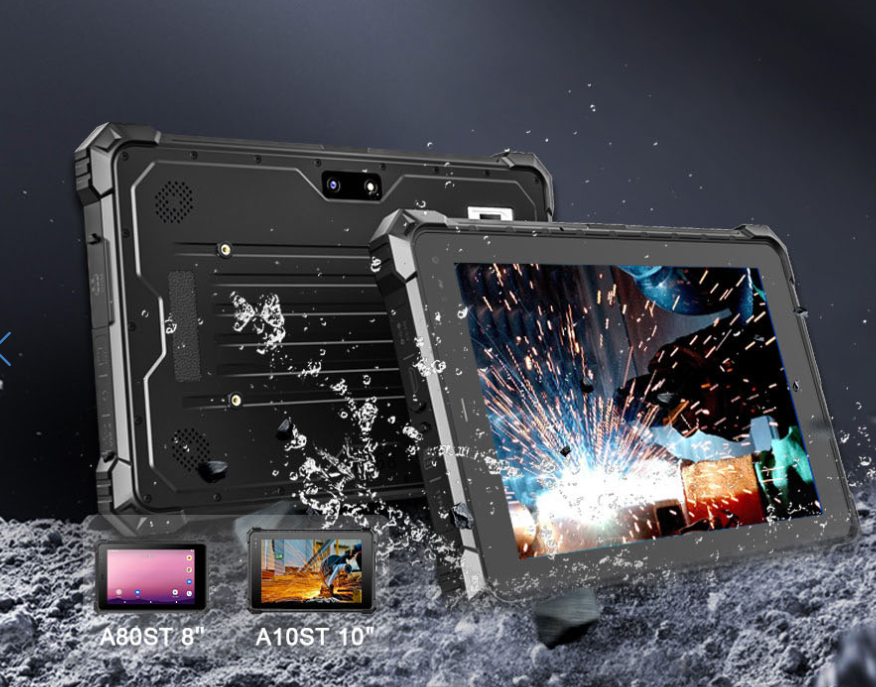
On a machining line, vibration from a CNC mill will crack a consumer tablet's solder joints within months. Cutting fluid mist penetrates unsealed speaker grilles and corrodes the PCB. A shop-floor tablet needs MIL-STD-810H vibration certification and IP65 minimum sealing—IP68 if the device will be pressure-washed during changeovers.
Specific model: The Panasonic Toughbook G2 (fully rugged, ~$3,200–$3,800) carries MIL-STD-810H, IP66, and a modular xPAK bay that accepts an RS-232/RS-485/CAN bus port expansion. The Getac F110-EX (~$2,800–$3,400) adds ATEX/IECEx Zone 2/22 certification if your line handles solvents or coatings. Both run Windows 11 IoT Enterprise LTSC, which receives security updates for 10 years—a requirement if your MES/SCADA stack cannot tolerate OS upgrades.
Wired I/O is non-negotiable for PLC integration. Wi-Fi is too latent for emergency-stop loops or real-time cycle-speed monitoring. You need RJ45 for deterministic Ethernet/IP, RS-485 for Modbus RTU legacy sensors, and CAN bus for modern actuator networks. If your HMI software expects a serial port and you deliver a tablet with only USB-C, the integration project stalls for weeks.
Glove-touch and hot-swap batteries sound like check-box features until they fail in production. We have seen a "glove-compatible" screen reject input from nitrile-coated Kevlar gloves because the capacitive threshold was tuned for thin cotton. Test with your actual PPE. Hot-swap batteries are essential only if your line runs 24/5 or 24/7; for a single-shift operation, a 8-hour sealed battery plus a docked spare is cheaper and more reliable.

2. Warehouse & Cold Storage: Scanning Speed and Condensation
Warehouse tablets live a harder life than factory HMIs. They fall from forklift cages. They move from −20°C freezers to +25°C dispatch bays in under 60 seconds, coating the screen in condensation. They are dropped, kicked, and splashed with melted ice. A manufacturing tablet that sits in a dock all day will not survive this.
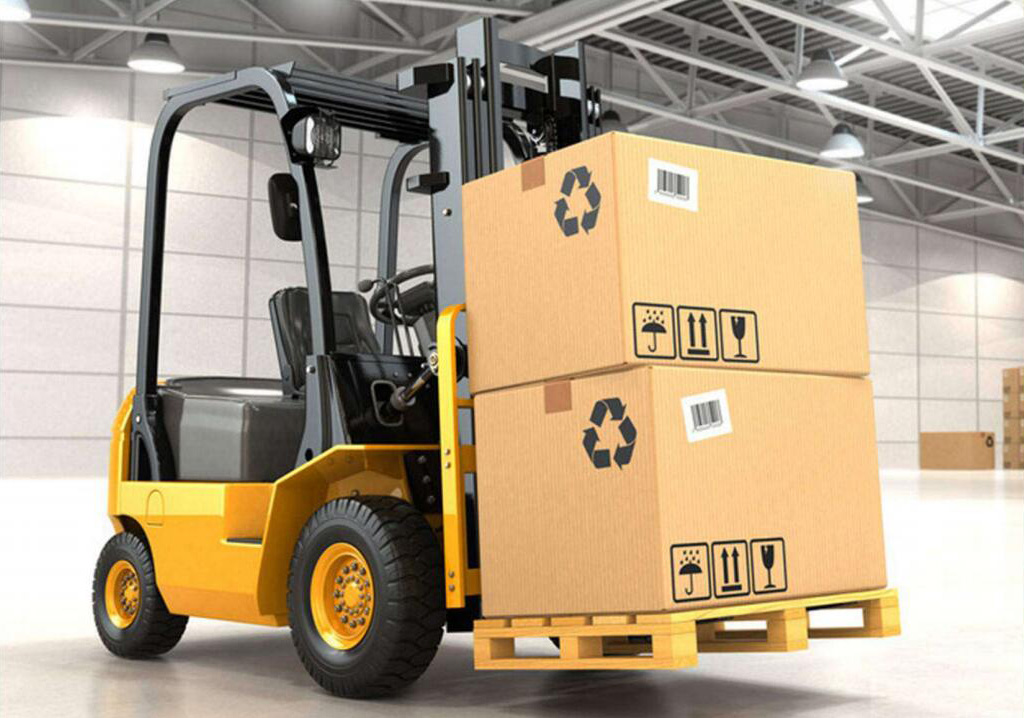
Specific model: The Zebra ET60/ET65 (~$1,800–$2,400 with SE55 scanner) is the reference design for warehouse logistics. The integrated SE55 1D/2D imager reads damaged, reflective, and curved labels at warehouse speed—something a camera-based app cannot match. For cold-storage operations, the Getac T800-EX (~$2,200–$2,800) maintains screen response and battery capacity at −20°C, though you still need an anti-condensation protocol: seal the tablet in a ziplock-grade pouch before exiting the freezer, or the thermal shock will fog the display for 3–4 minutes.
Android Enterprise vs. Windows: Most WMS vendors (Blue Yonder, Manhattan, SAP EWM mobile) now ship Android-native clients. Android Enterprise supports zero-touch enrollment, which matters when you are deploying 200 tablets across 3 DCs. Windows adds no value here unless your warehouse runs a legacy .NET WMS that has not been ported. Do not let IT inertia dictate the OS.
Hot-swap vs. single long-life battery: A 20,000mAh sealed battery (e.g., CENAVA A109T, ~$350–$500 OEM) delivers 16–18 hours—enough for a double shift. Hot-swap is useful only if your charging infrastructure is sparse. In most modern DCs, there are enough charging points that a 12-hour sealed battery plus 30-minute lunch break top-up is sufficient and eliminates the mechanical wear of swap bays.
3. Field Service: Sunlight, Cell Coverage, and Gloves
Field technicians work in direct sunlight, in rain, and with gloves that may be wet, oily, or frozen. The screen must be readable at 1,000 nits minimum; 1,400 nits is better for summer asphalt glare. The device needs a 5G modem with Band 48 (CBRS) support if your utility or telecom operator runs a private network at remote sites. GPS alone is insufficient for asset location—you need multi-GNSS (GPS + Galileo + BeiDou) for faster lock under tree canopy or urban canyon conditions.

Specific model: The Durabook U11I-EX (~$2,400–$2,900) is a fanless 11.6-inch Windows tablet with 1,000-nit display and ATEX Zone 2/22 certification—useful if you service gas compressor stations or chemical plants. For Android-native field service apps (Salesforce Field Service, Zebra Workforce Connect), the Samsung Galaxy Tab Active5 (~$600–$800) is not fully rugged but is IP68 and MIL-STD-810H rated; pair it with a rugged case if the drop risk is moderate. For true full-rugged 5G, the Panasonic Toughbook G2 with the 5G xPAK module (~+$400) is the premium option.
Wet-glove touch is the most oversold feature. We have tested tablets advertised as "wet and glove capable" that failed when the glove was saturated with hydraulic fluid or when the screen had a fine dust film from a gravel site. Test with your actual contamination, not tap water.
Offline behavior matters more than connectivity speed. Field service apps must cache work orders, asset histories, and parts catalogs locally. When the technician drives back into cell coverage, the sync must resolve conflicts (e.g., a part usage logged offline vs. a warehouse adjustment made centrally) without duplicating records. Test this explicitly: create 5 offline work orders, modify 2 after sync initiation, and verify that the back-office system shows exactly 5 orders with correct timestamps.
4. Key Configuration Comparison: Manufacturing vs Warehouse vs Field Service Rugged Tablets
| Spec Category | Manufacturing Shop Floor Tablet | Warehouse Logistics Tablet | Field Service Management Tablet |
|---|
| Environmental Resistance | Anti-oil, anti-metal dust, vibration-proof | Anti-condensation, cold storage (-20°C), high drop resistance | Rainproof, wide operating temp, UV sunlight protection |
| Core I/O Ports | LAN, RS485, CAN bus, multi-USB | USB-A, integrated barcode/RFID, docking port | 4G/5G SIM slot, GPS antenna, Bluetooth 5.3 |
| Standard Battery Life | 8-hour single shift, hot-swap | 12-hour double shift | 10+ hour full-day field work |
| Recommended OS | Windows IoT Enterprise | Android Enterprise | Android / Windows dual option |
| Primary Accessories | Wall/machine docking station, industrial cable locks | Forklift vehicle mount, spare battery packs | Shoulder straps, stylus for digital signatures |
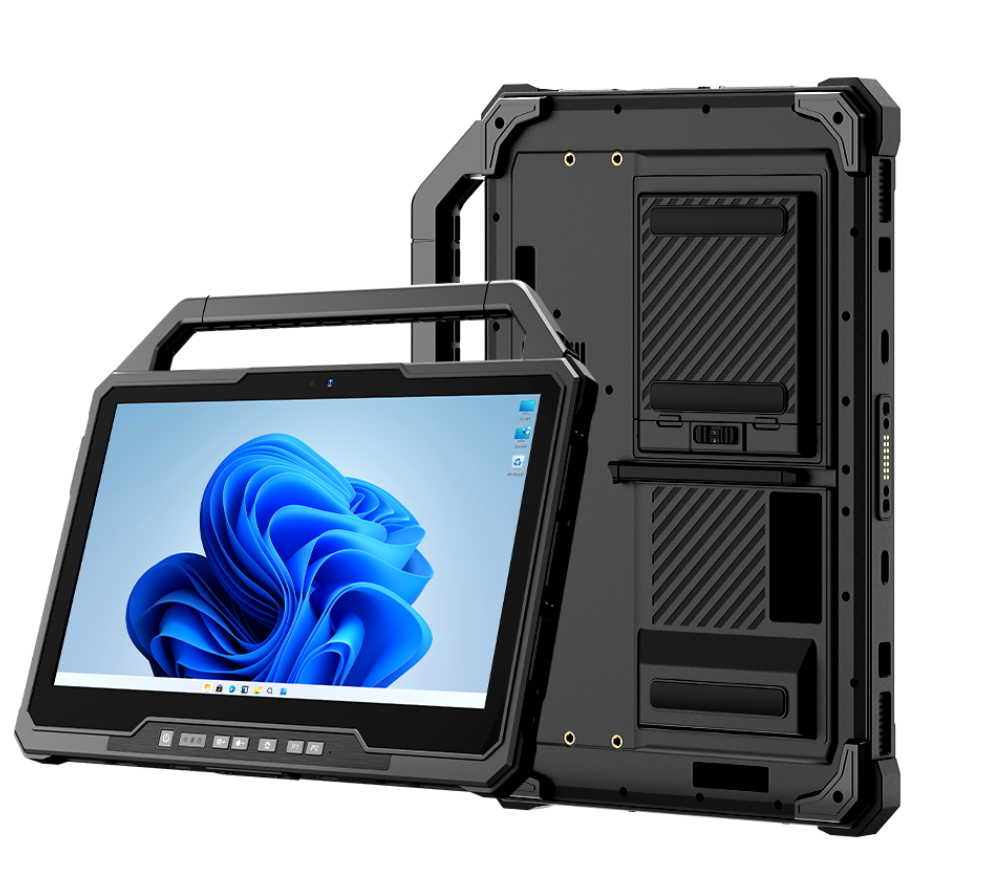
| Spec | Panasonic Toughbook G2 | Getac F110-EX | Zebra ET60/ET65 | CENAVA A10ST |
|---|
| Best for | Manufacturing HMI / Field service 5G | Manufacturing (hazardous area) | Warehouse / logistics | Budget OEM custom build |
| OS | Windows 11 IoT Enterprise LTSC | Windows 11 IoT Enterprise LTSC | Android Enterprise | Android 13 (customizable) |
| Display | 10.1" 1,200 nits | 11.6" 1,200 nits | 10.1" 500 nits | 10.1" 700 nits |
| Rugged cert | MIL-STD-810H, IP66 | MIL-STD-810H, IP68, ATEX Zone 2/22 | MIL-STD-810H, IP68 | IP68, MIL-STD-810H |
| Key I/O | Modular xPAK (RS-232/485/CAN/5G) | RJ45, USB, serial | Integrated SE55 1D/2D scanner | USB-C, USB-A, customizable |
| Battery | 6-cell 3,240mAh (hot-swap capable) | 11.4V 2,160mAh (hot-swap) | 10,000mAh sealed | 10,000mAh sealed (20Ah custom) |
| Street price | ~$3,200–$3,800 | ~$2,800–$3,400 | ~$1,800–$2,400 | ~$350–$500 (OEM) |
| Support cycle | 5-year warranty, 10-year OS updates | 5-year warranty, Bumper-to-Bumper | 1-year standard, 3-year optional | 1-year standard; varies by OEM contract |
5. Sourcing: Tier-1 Brand vs. OEM Custom
Disclosure: This guide was commissioned by [Sponsor Name]. The analysis reflects independent technical assessment, but readers should verify all claims against their own requirements and conduct independent vendor evaluations.
Tier-1 brands (Panasonic, Getac, Zebra, Durabook) make sense when:
You need ATEX/UL C1D2 certification out of the box without waiting for custom testing.
Your IT policy requires a 5-year warranty with next-business-day replacement.
You are deploying 200+ units and need global spare-pool availability.
The downside is cost: $2,000–$4,000 per unit, plus $200–$400/year for extended warranty and MDM licenses. Over a 5-year life, a Tier-1 fleet of 100 tablets costs $300,000–$500,000 in hardware alone.
OEM custom manufacturers (e.g., CENAVA in China) fit when:
You need a non-standard interface (e.g., a CAN bus port on an Android tablet) that no Tier-1 model offers.
Your quantity is 50–200 units—below Tier-1 volume-discount thresholds but above prototype scale.
Your budget is $400–$600 per unit and you can accept a 1-year warranty.
The risks OEM buyers underestimate:
Certification gaps: An OEM may claim "IP68" but the certificate covers only the bare chassis, not the configuration with your custom I/O board. Request the full IECEx/ATEX certificate PDF and check the model code and special conditions (suffix "X").
Software support: Tier-1 brands publish OS update schedules. OEMs often do not. If Android 13 reaches end-of-life and your OEM has not ported Android 14, you are stuck.
Spare parts: A broken screen on a Panasonic Toughbook can be replaced in 48 hours through a service center. For an OEM tablet, you may wait 4–6 weeks for a part from China.
Decision framework: If your project cannot tolerate a 4-week repair lead time, buy Tier-1. If you have in-house hardware capability and can manage your own spare pool, OEM is viable. Do not choose OEM solely to save 60% on unit cost if a single failure shuts down a production line for a week.
6. What OEM Customization Actually Costs
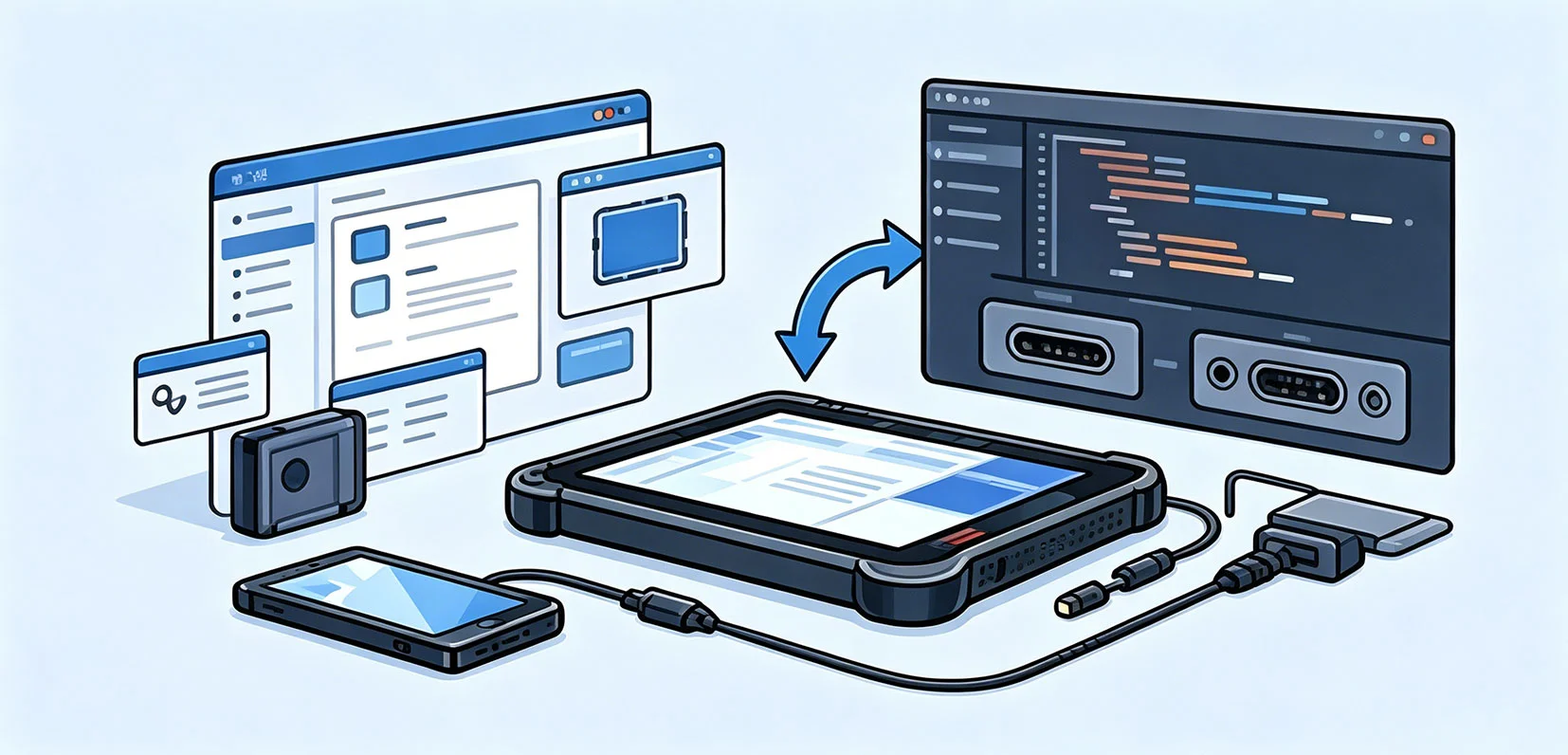
Tier-1 brands (Panasonic, Getac) offer limited customization: usually RAM/storage upgrades, a choice of OS images, and branded boot screens. For anything else—extra serial ports, integrated scanners, non-standard battery shapes—you need an OEM.
Hardware customization reality check:
Custom I/O boards: CENAVA and similar OEMs can add RS-485, CAN, or extra LAN ports. NRE (non-recurring engineering) is typically $3,000–$8,000 for the first board revision. Unit cost adds $40–$80. MOQ is usually 100–500 units. If you need 20 tablets, this is not economical.
Battery upgrades: A 20,000mAh custom battery (vs. standard 10,000mAh) adds $25–$40 per unit at volume. Hot-swap mechanical bays add $15–$30 in BOM cost plus NRE for the chassis mold. Ask for UN38.3 test reports; a custom lithium pack without air-shipping certification will strand your spare batteries in customs.
Integrated scanners: Embedding a Honeywell N6703 2D imager or Zebra SE4710 into the chassis is feasible at 500+ units. Below that, a Bluetooth scanner paired to a standard tablet is cheaper and more reliable.
Software customization reality check:
Stripped OS: An OEM can remove consumer apps and preload your MDM (SOTI, VMware Workspace ONE, Microsoft Intune). This saves 2–3 hours per device in IT setup. It does not improve ruggedness.
Pre-installed apps: Loading your WMS or MES client at the factory sounds efficient, but app versions change. If the OEM images v2.1 and your site upgrades to v2.3 two months later, the pre-installed image is obsolete. We prefer a generic OS image plus an MDM auto-enrollment that pulls the latest app on first boot.
When to walk away: If an OEM cannot provide the IECEx/ATEX certificate for the exact configuration you are buying—including the custom I/O board and battery—do not proceed. A "base model" certificate does not cover modified units.
Conclusion
The correct rugged tablet is the one that survives your specific failure modes: cutting fluid on a CNC line, condensation in a −20°C freezer, or hydraulic fluid on a gloved hand at a remote compressor station. Match the device to the environment first; the brand is secondary.
Tier-1 brands (Panasonic, Getac, Zebra, Durabook) charge $2,000–$4,000 per unit because they carry the cost of global certification, spare-pool logistics, and 5-year warranty networks. That cost is justified if a failed tablet stops a production line or if your safety department requires traceable ATEX documentation.
OEM manufacturers (CENAVA and others) offer viable hardware at $350–$600 per unit with customization flexibility. The trade-off is shorter support cycles, longer repair lead times, and the burden of verifying that your exact configuration matches the certificate scope.
Our recommendation: Run a 30-day pilot with 2–3 units per vertical before any fleet purchase. Test with actual gloves, actual contamination, and actual offline sync loads. A spec sheet is a starting point, not a guarantee.


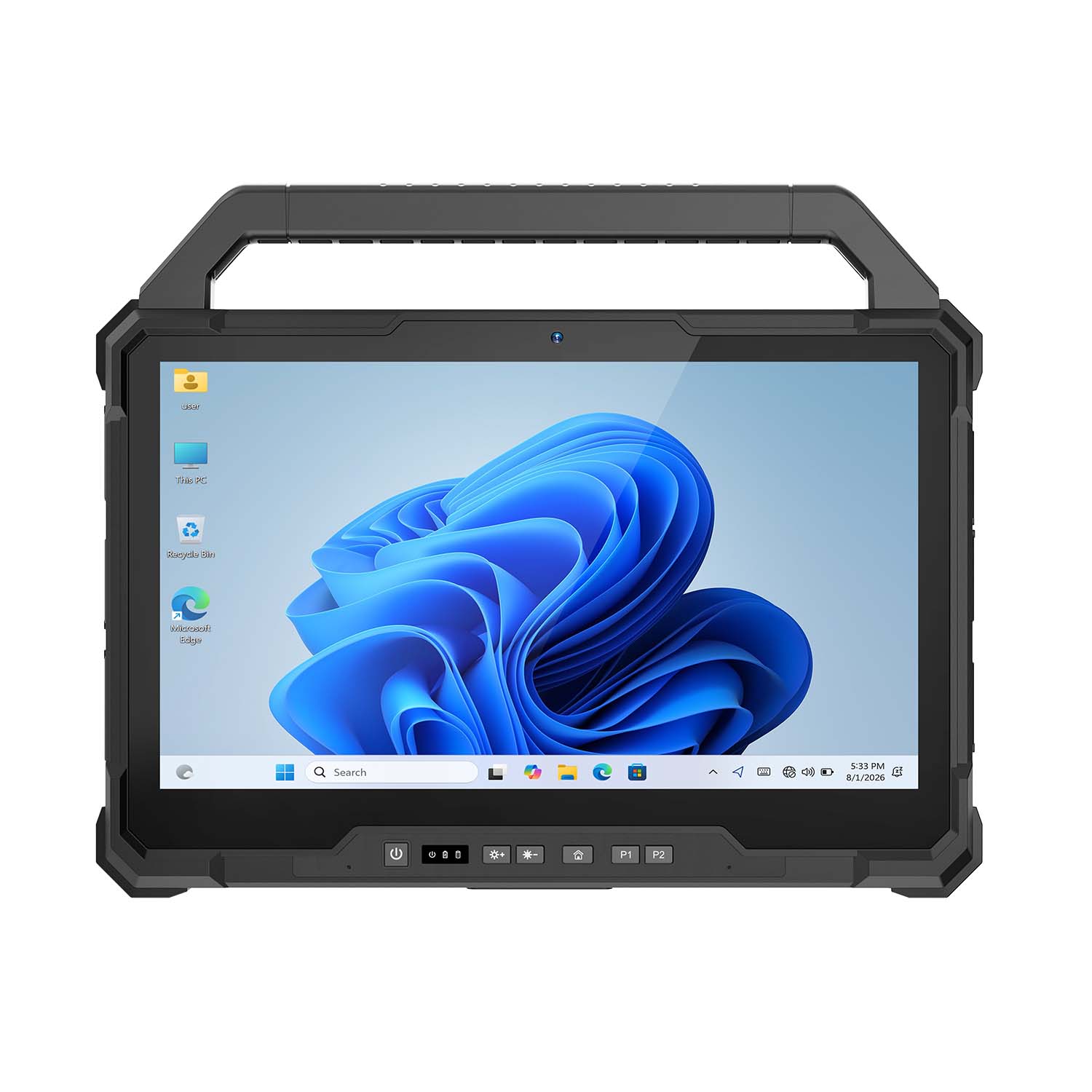 CENAVA W30U i5-1235U 13.3 Inch Win11 IP65 Rugged Tablet
 CENAVA W109U i7-1255U 10.95 Inch Win11 IP67 Rugged Tablet
 CENAVA A109TB MT6789V 10.95 Inch Android 14 IP68 Rugged Tablet
 CENAVA W10Y i7-10510Y 10.1 Inch Win11 IP68 Rugged Tablet Full I/O
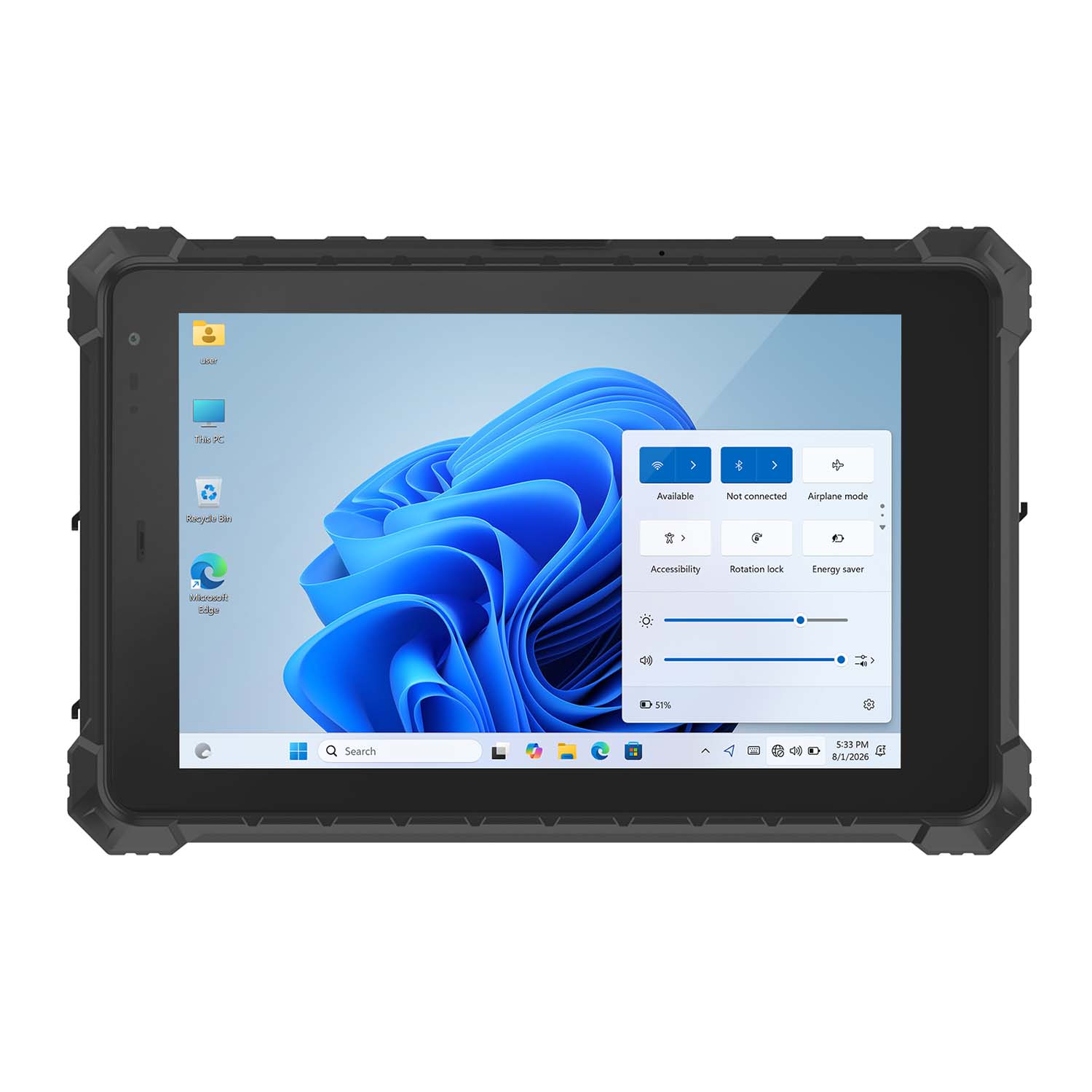 CENAVA W10N N5100 10.1 Inch Win11 IP68 Rugged Tablet Full I/O
 CENAVA A10RX RK3588 10.1 Inch Android 12 IP67 Rugged Tablet
 CENAVA A10ST MT8781 10.1 Inch Android 13 IP68 Rugged Tablet
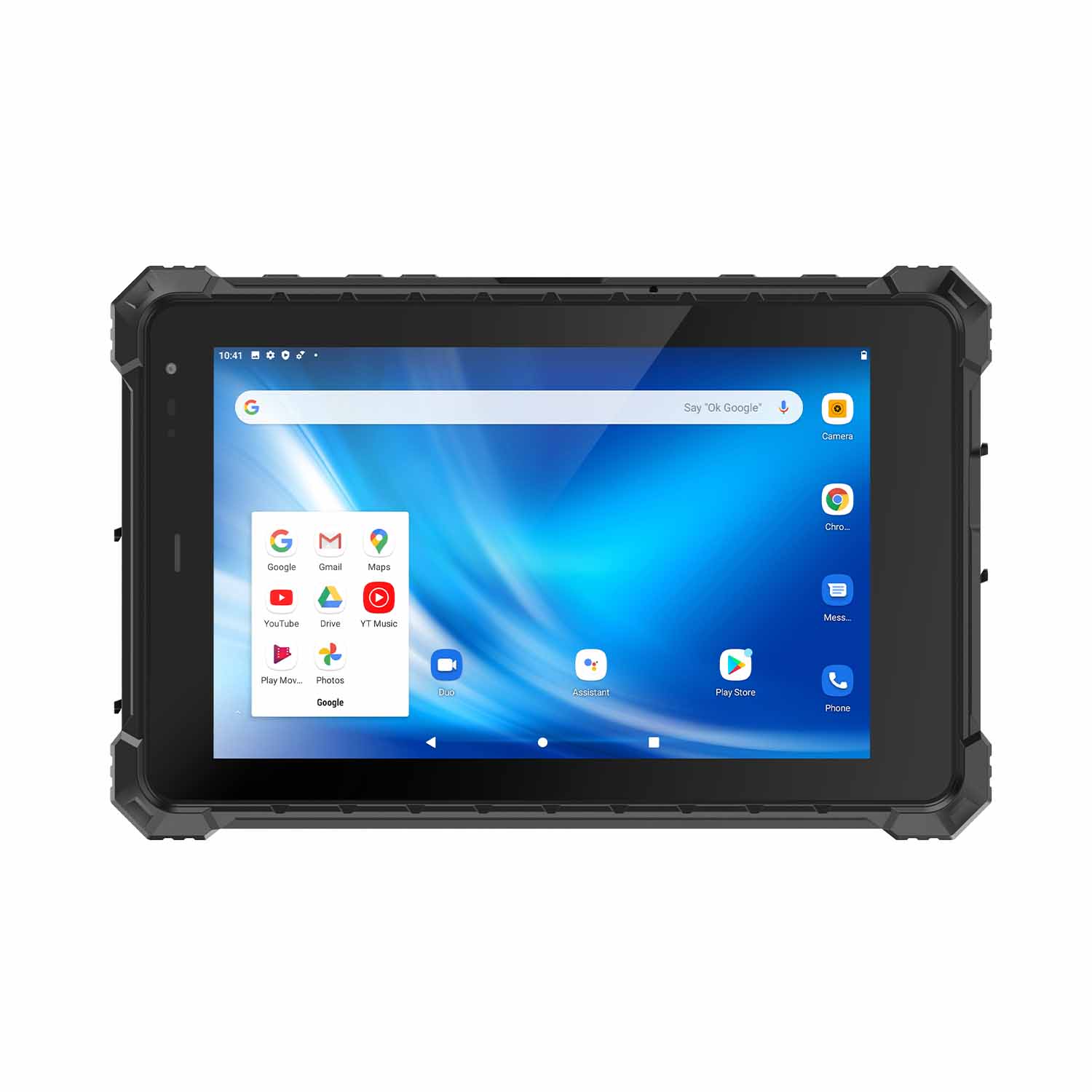 CENAVA A80ST MT6771 8 Inch Android 10 IP68 Rugged Tablet
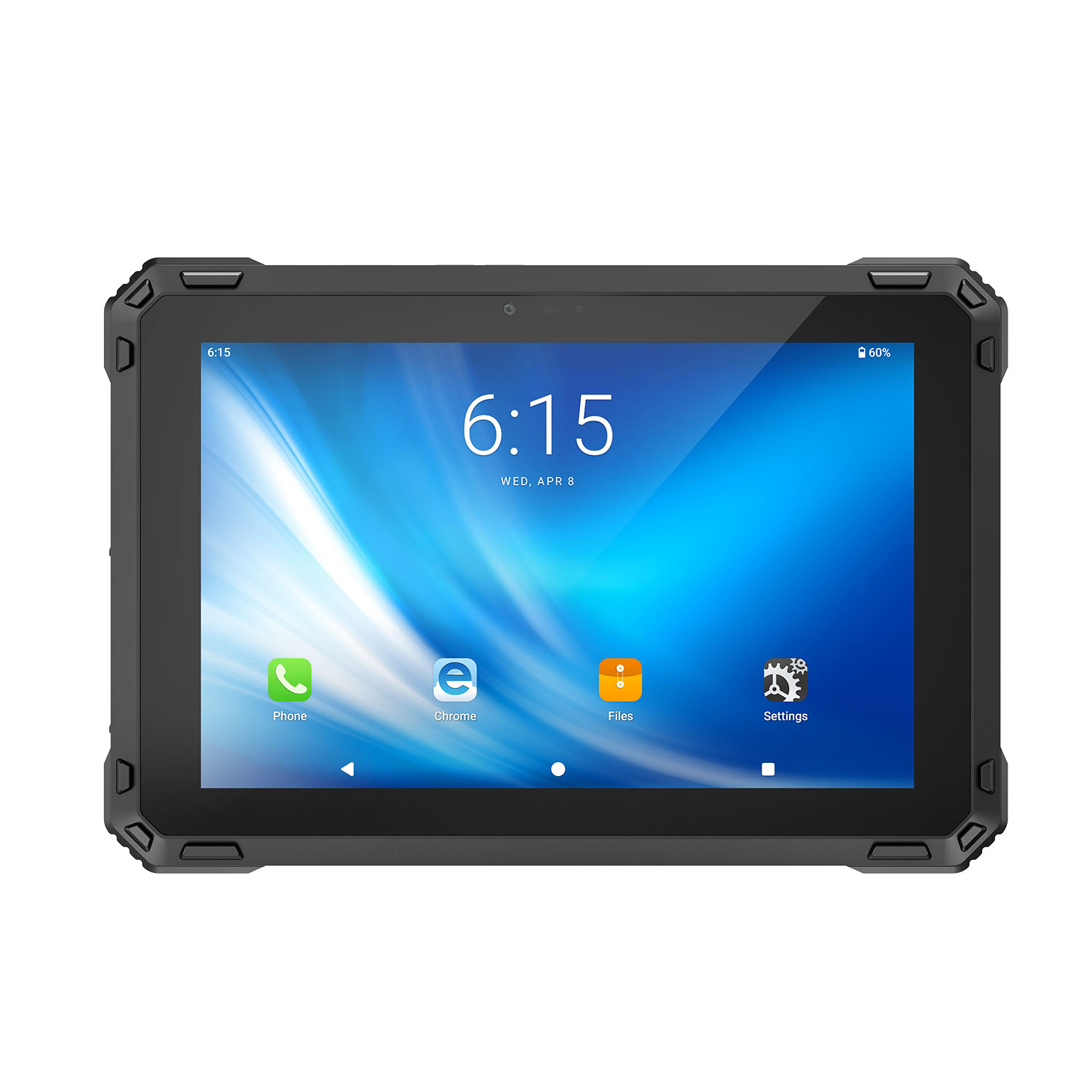 CENAVA A88ST MT6769 8 Inch Android 16 IP68 Rugged Tablet
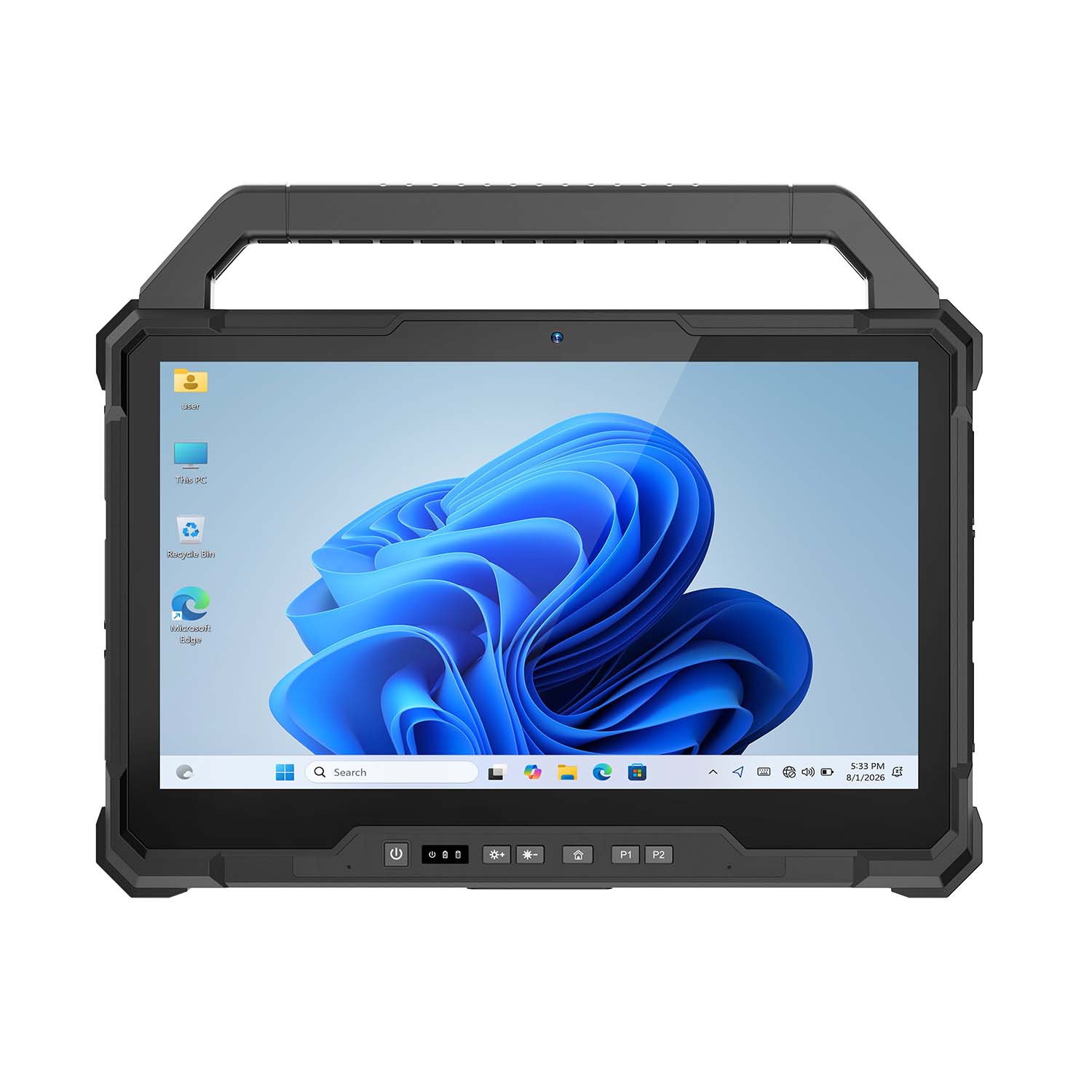 CENAVA W30NS N150 13.3 Inch Win11 IP65 Rugged Tablet
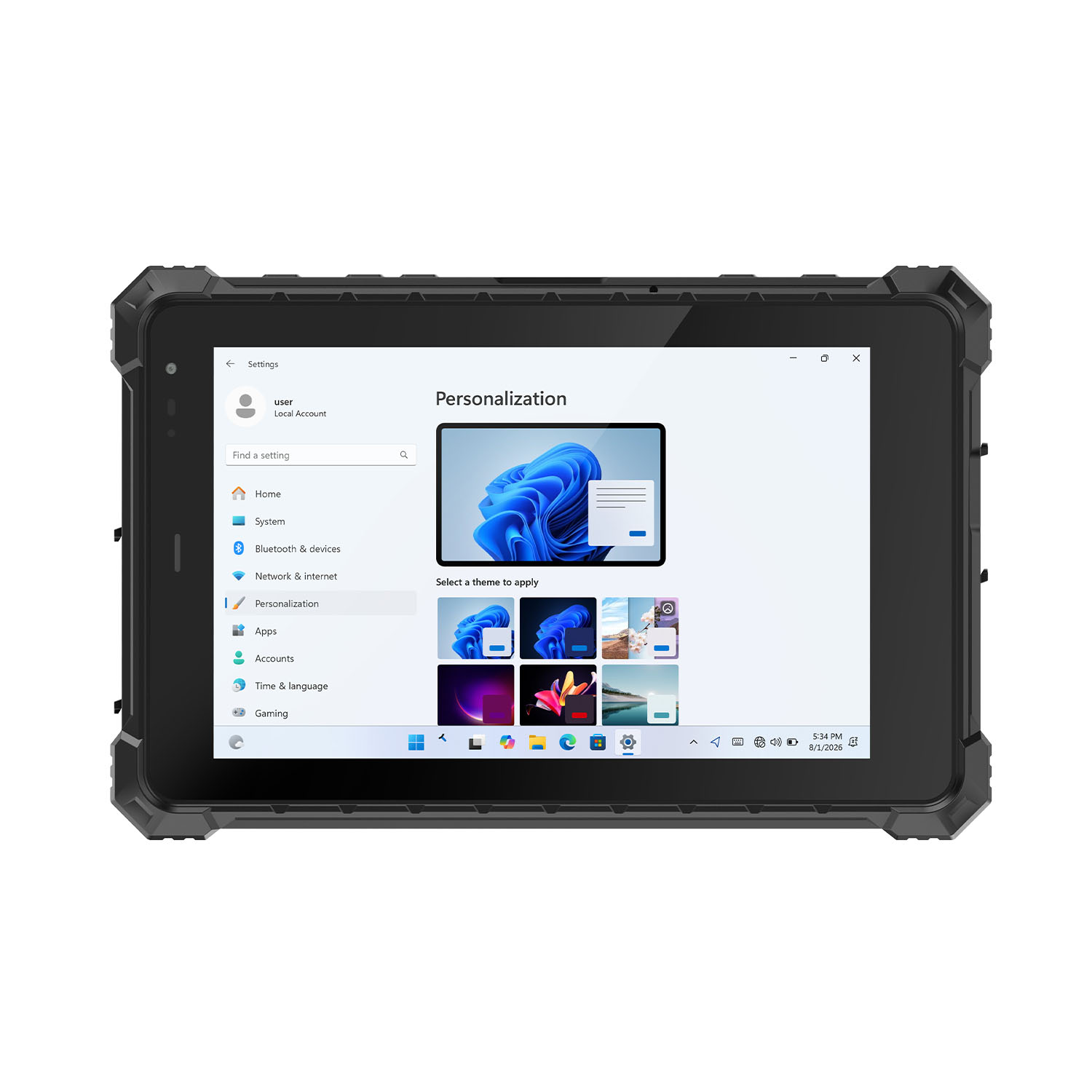 CENAVA W80Y i7-10510Y 8 Inch Win11 IP68 Rugged Gigabit
 CENAVA A10R RK3568 10.1 Inch Android 11 IP68 Rugged Tablet
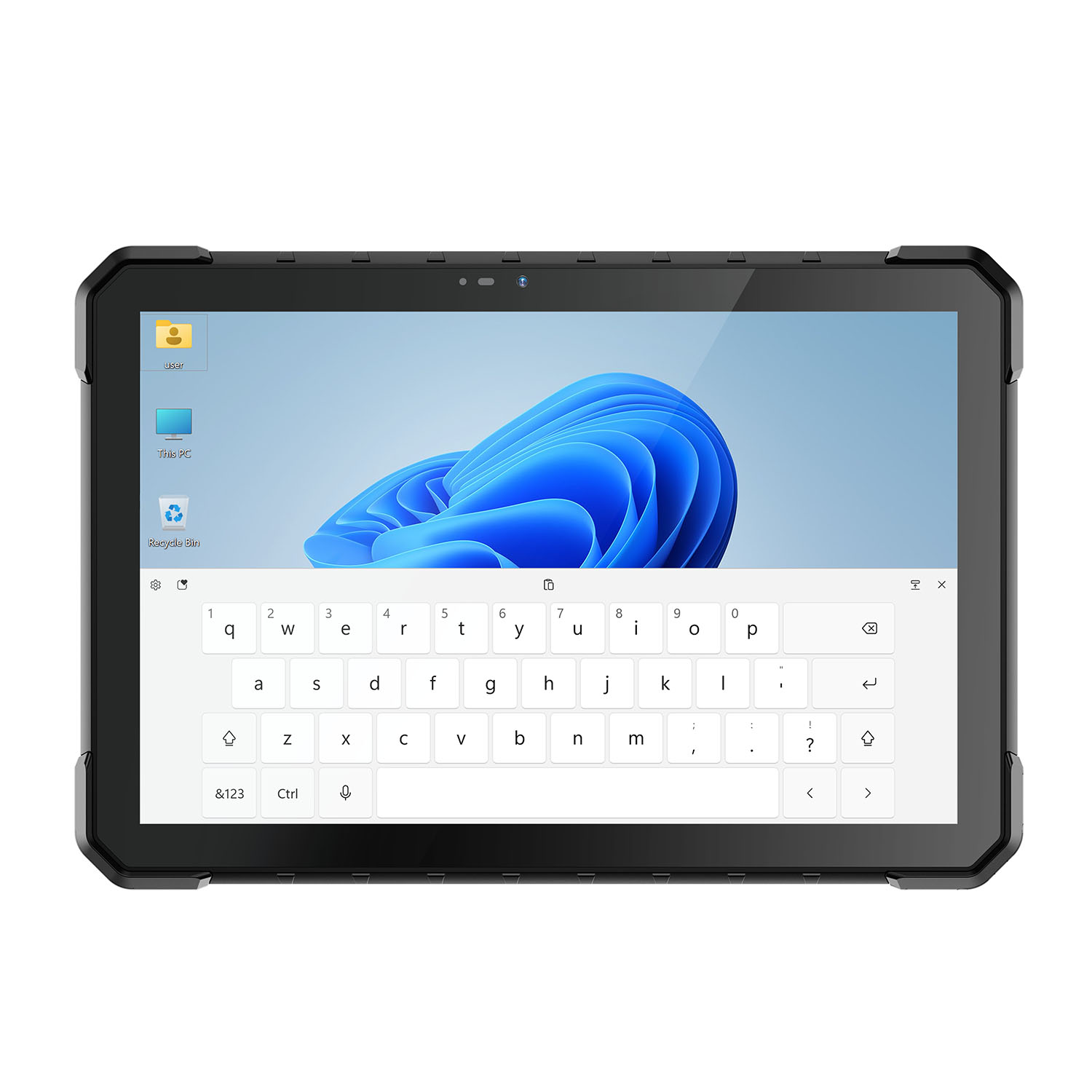 CENAVA W18Y i7-10510Y 10.1 Inch IP68 Industrial Tablet
 CENAVA CXE80C N2930 8 Inch Win10 IP65 Rugged Tablet
 CENAVA A18ST MT8781 10.1 Inch Android 13 IP68 Rugged Tablet
 CENAVA A10R RK3588 10.1 Inch Android 12 IP68 Rugged Tablet
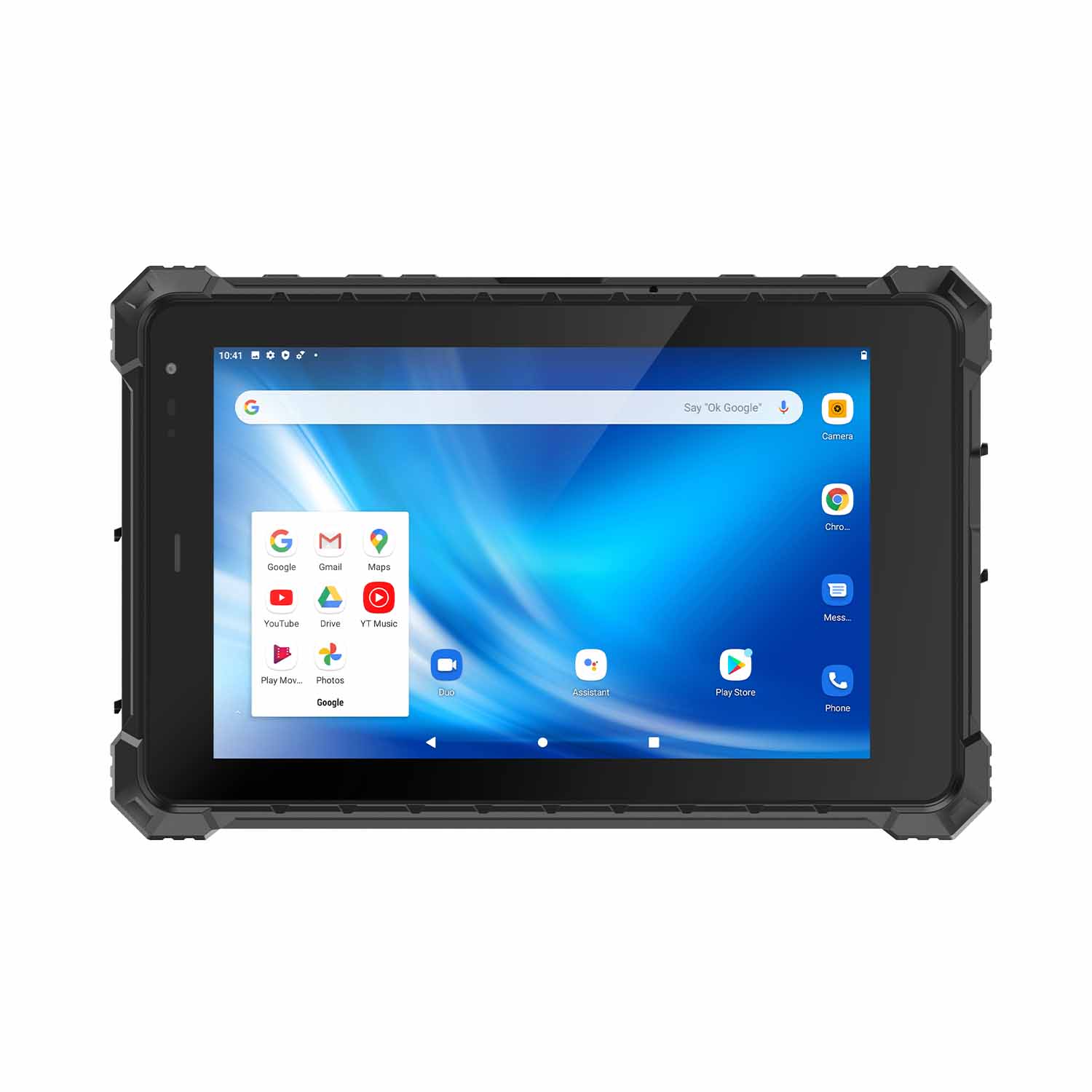 CENAVA A80ST-5G MT6877 8 Inch Android 12 IP68 Rugged Tablet
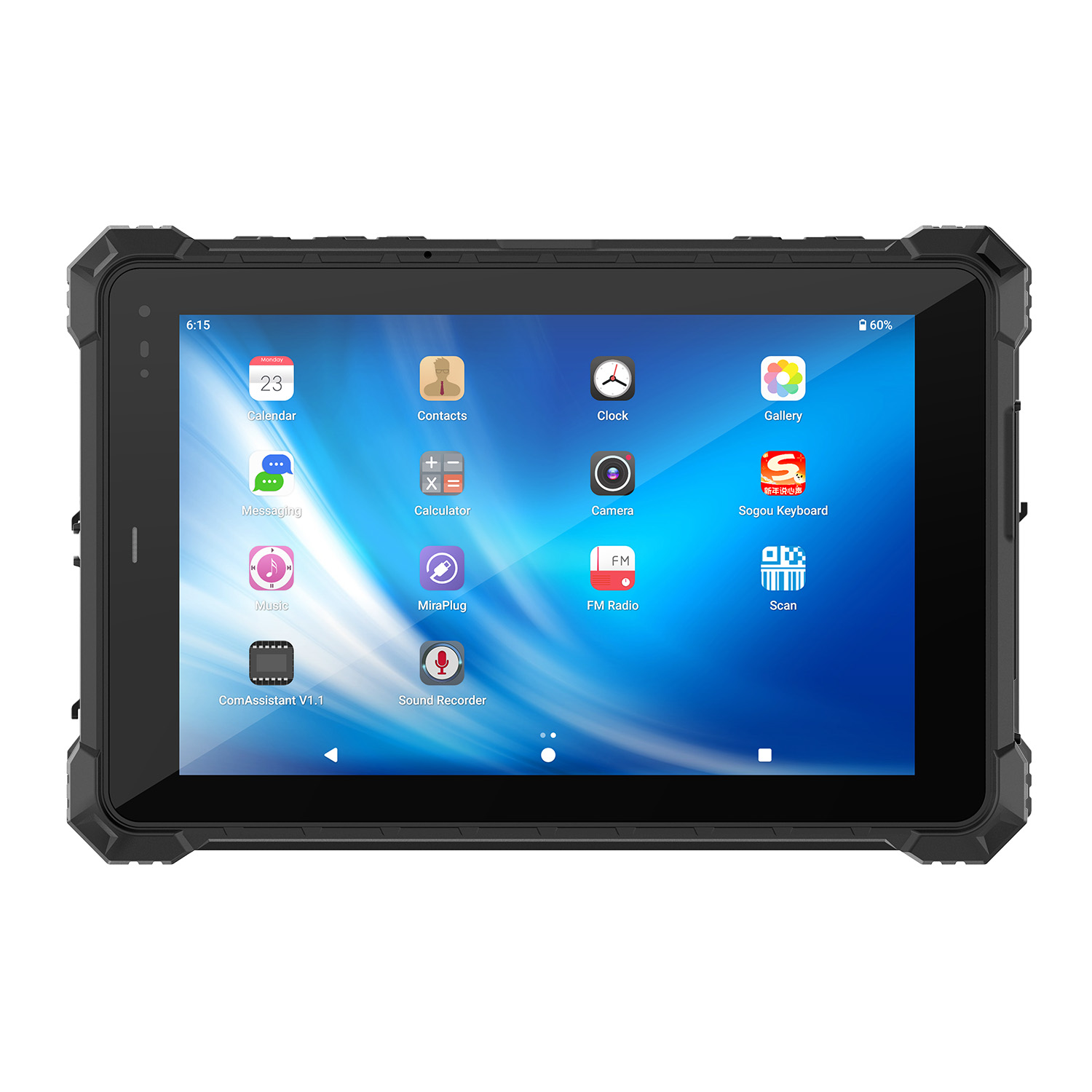 CENAVA A10STX MT8781 10.1 Inch Android 13 IP67 Rugged Tablet
 CENAVA A10ST-5G MT6877 10.1 Inch Android 12 IP68 Rugged Tablet
 CENAVA A10STX-5G MT6877 10.1 inch 5G Rugged Android Tablet
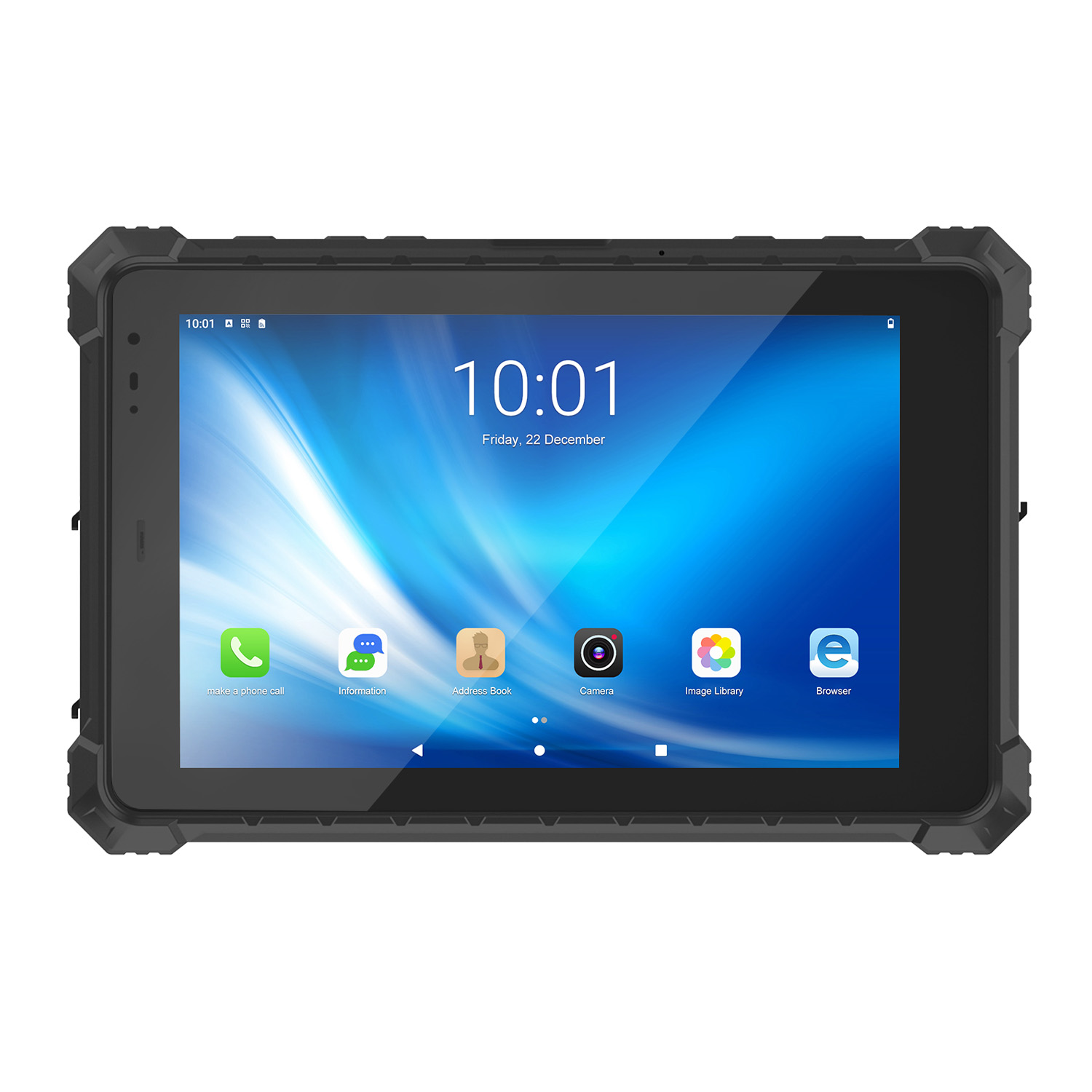 CENAVA A10ST MT6771 10.1 Inch Android 10 IP68 Rugged Tablet
 CENAVA A10STX MT6769 10.1 Inch Android 16 IP67 Rugged Tablet
 CENAVA A10ST MT6769 10.1 Inch Android 16 IP68 Rugged Tablet
 CENAVA A10STX MT6771 10.1 Inch Android 10 IP67 Rugged Tablet
 CENAVA A80ST MT8781 8 Inch Android 13 IP68 Rugged Tablet
 CENAVA A80R RK3588 8 Inch Android 12 IP68 Rugged Tablet
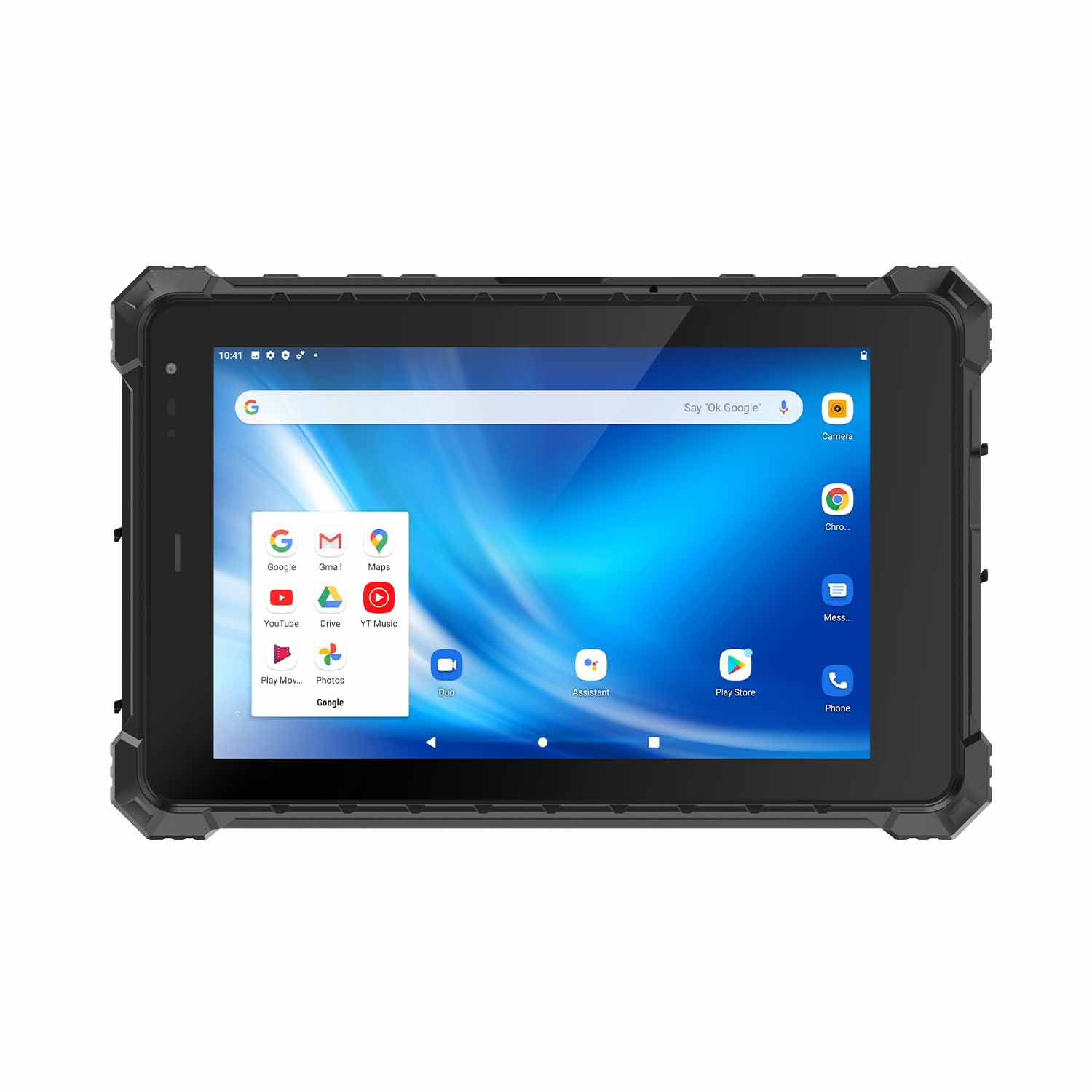 CENAVA A80STX-5G MT6877 8 Inch Android 12 IP67 Rugged Tablet
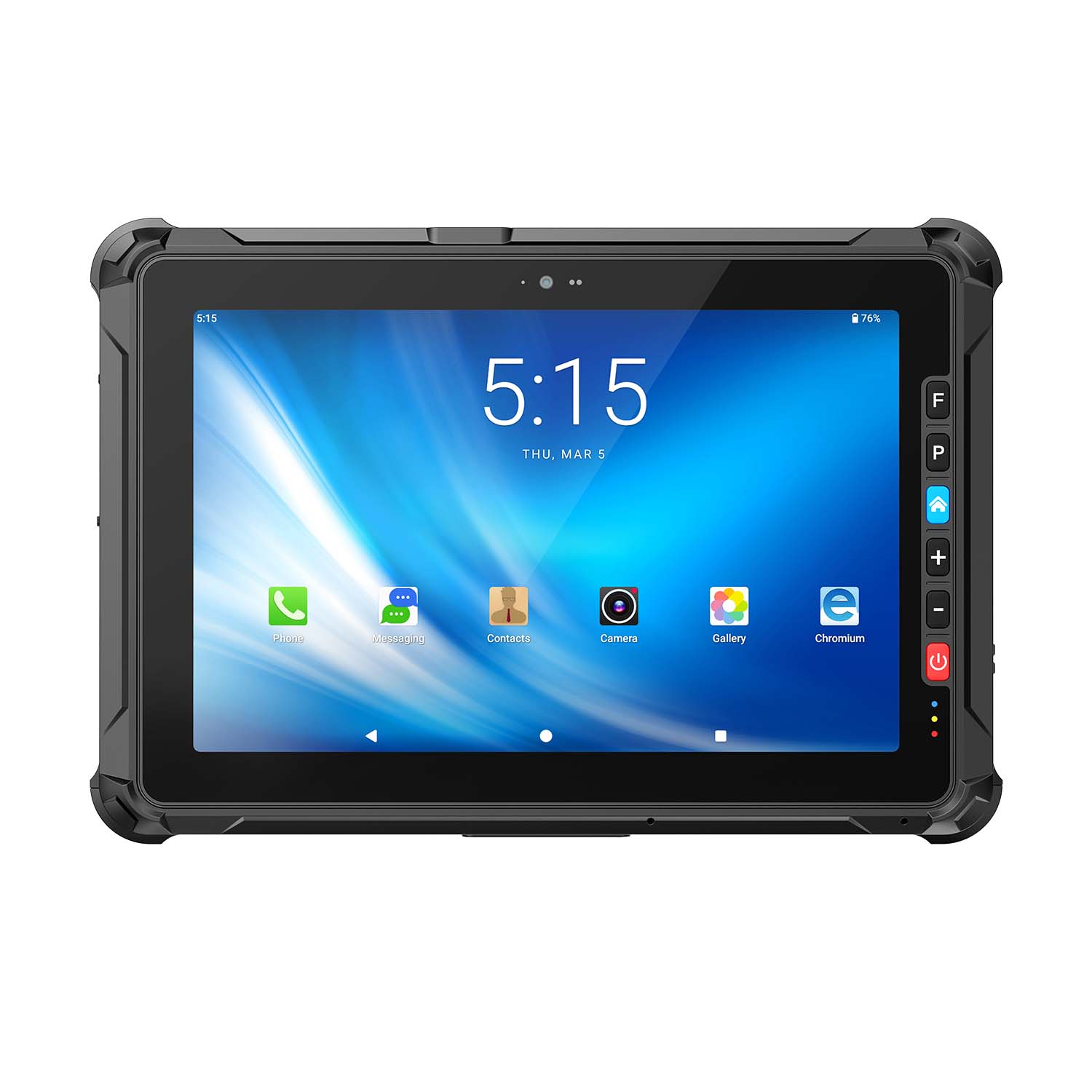 CENAVA A109ST MT8781 10.95 Inch Android 16 IP67 Rugged Tablet
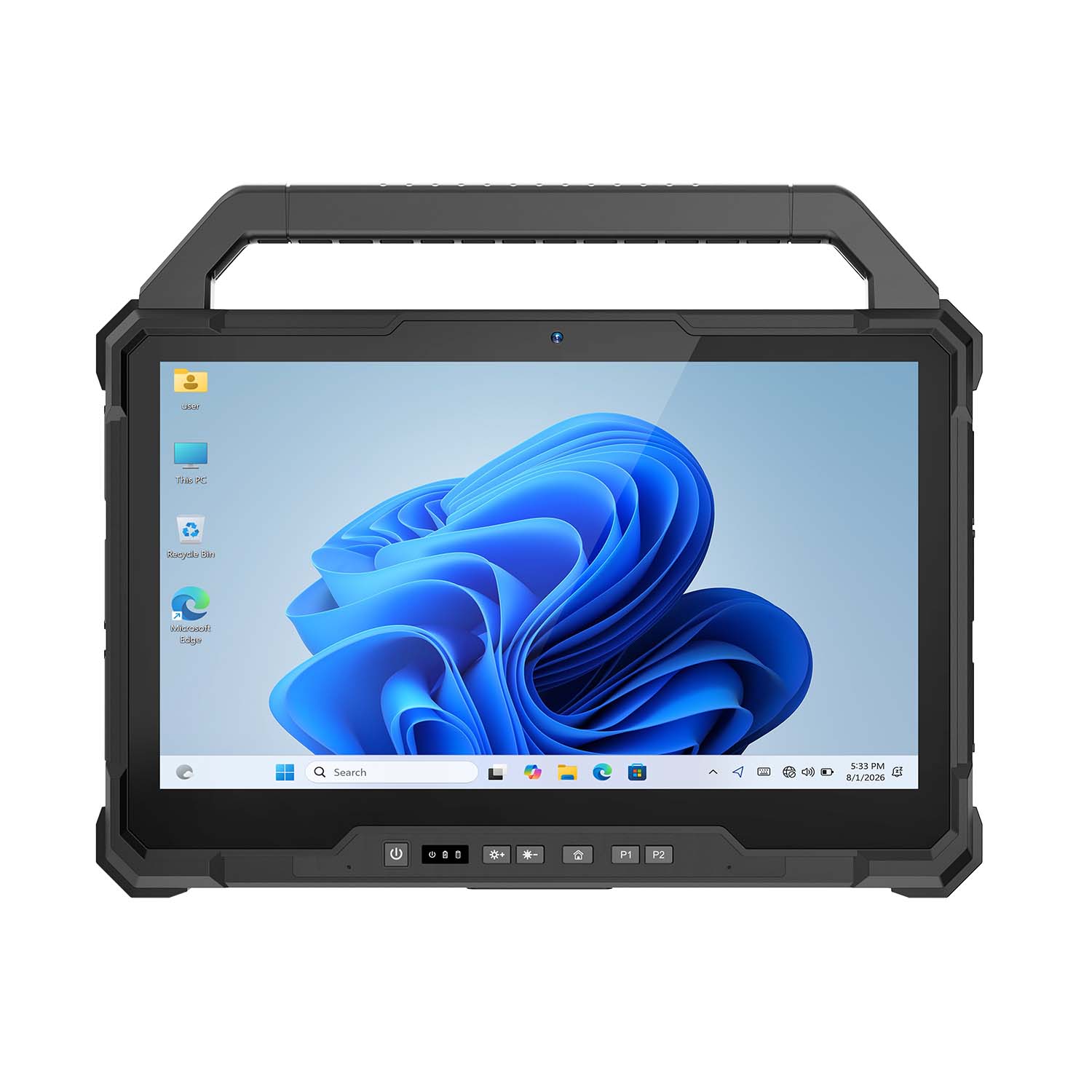 CENAVA W30U Pro Ultra7-155U 13.3 Inch Win11 IP65 Rugged Tablet
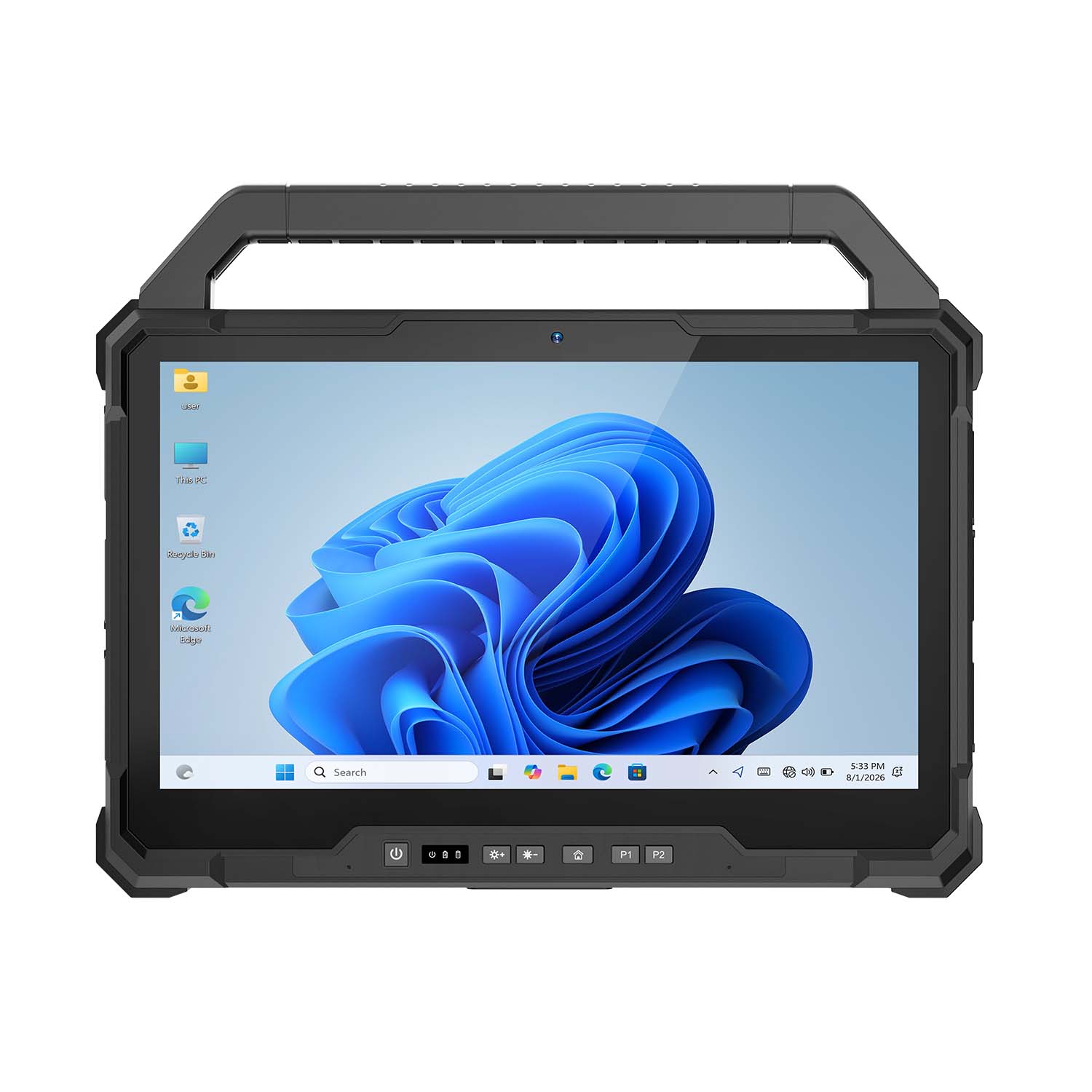 CENAVA W30U i7-1255U 13.3 Inch Win11 IP65 Rugged Tablet
 CENAVA W109NS N150 10.95 Inch Win11 IP67 Rugged Tablet GbE
 CENAVA W109U i5-1235U 10.95 Inch Win11 IP67 Rugged Tablet
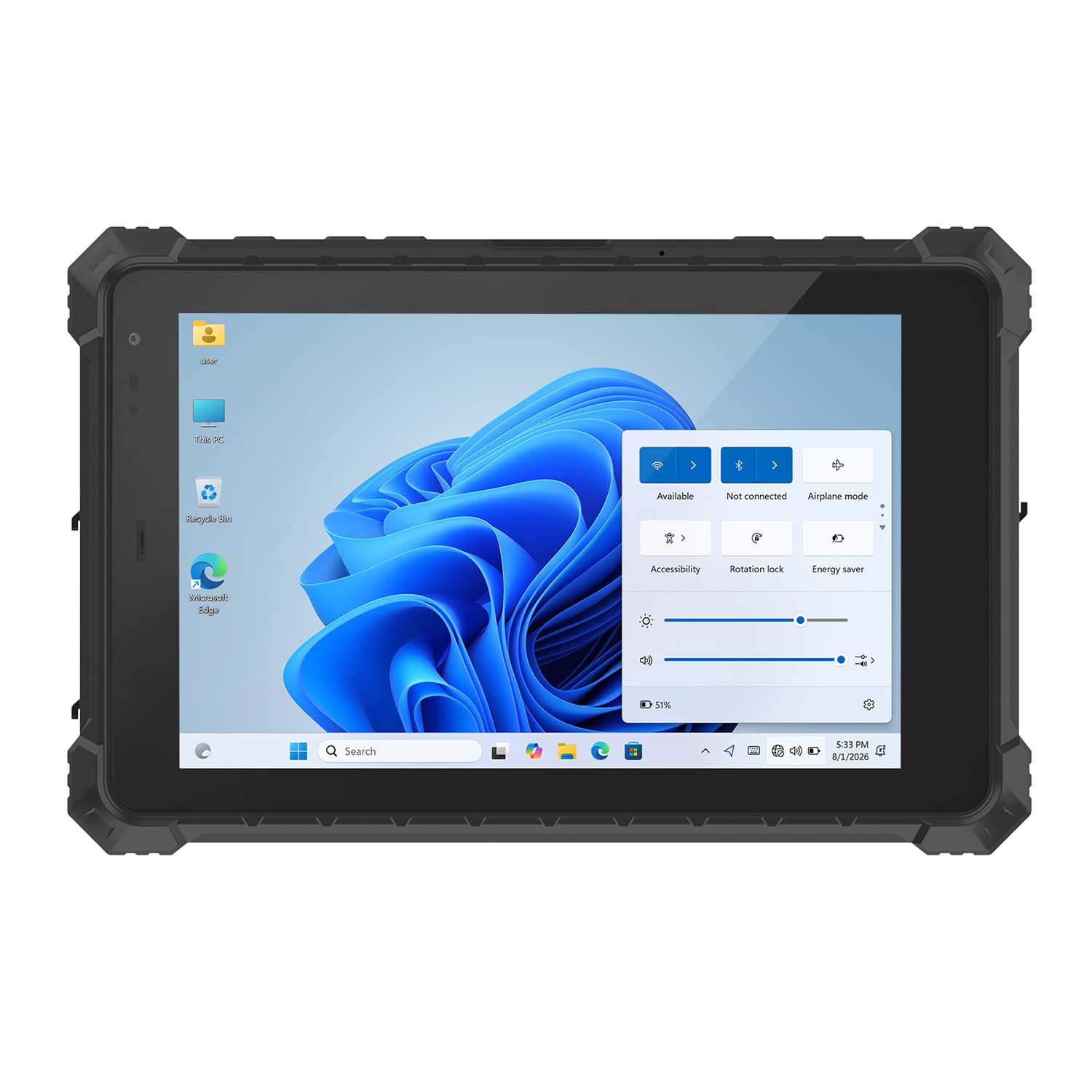 CENAVA W10Y i5-10210Y 10.1 Inch Win11 IP68 Rugged Tablet Full I/O
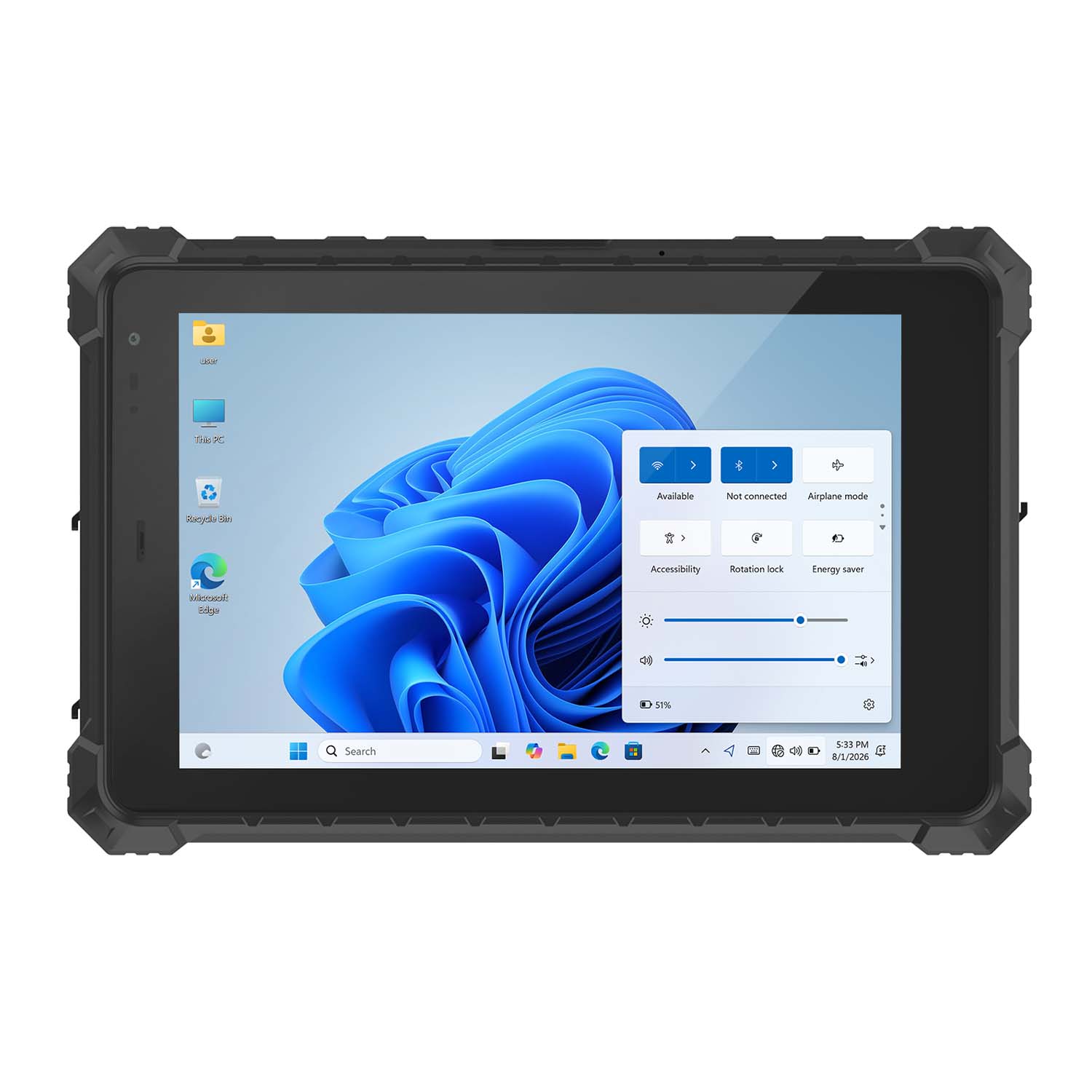 CENAVA W10NPRO N100 10.1 Inch Win11 IP68 Rugged Full I/O
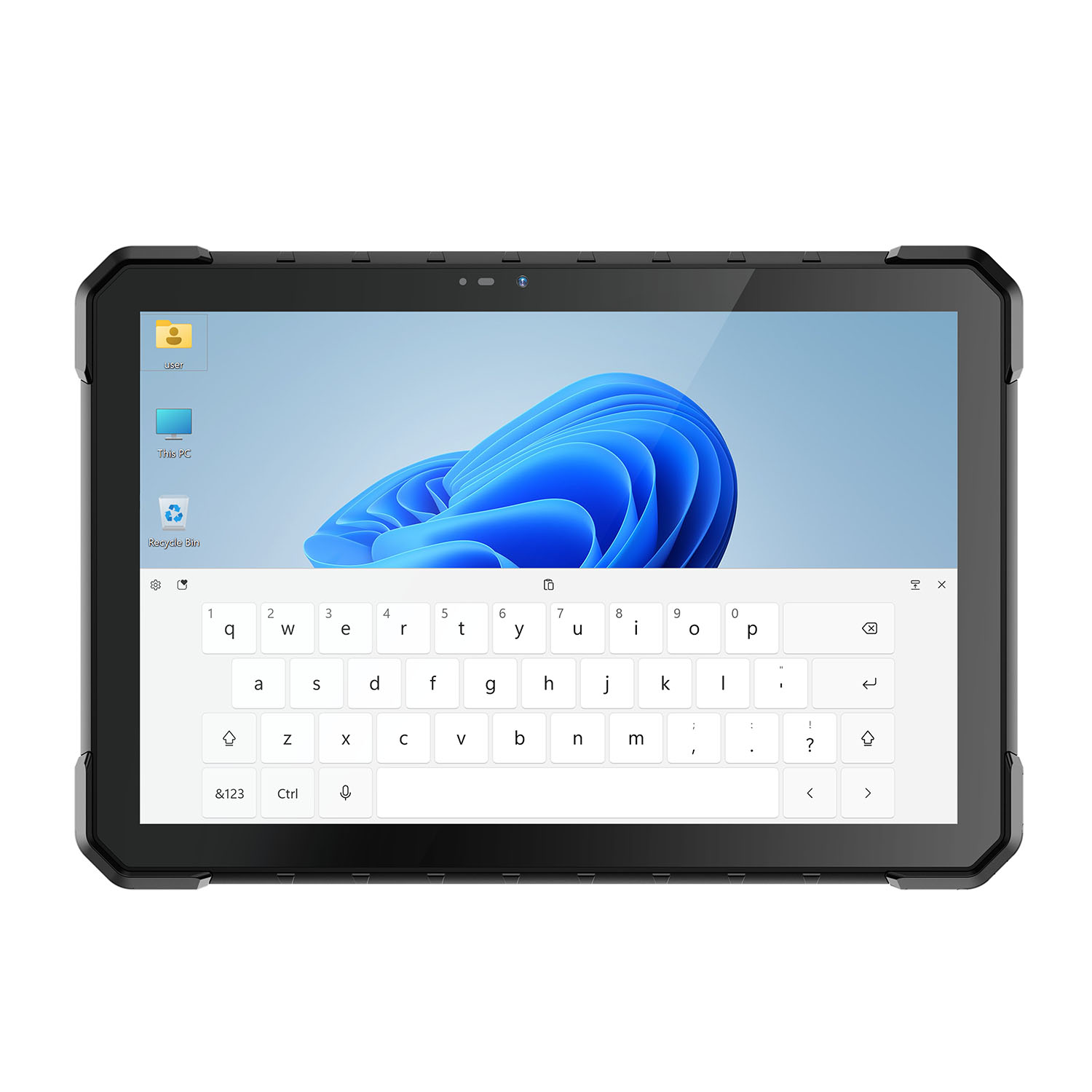 CENAVA W18Y i5-10210Y 10.1 Inch Win11 IP68 Rugged Slim
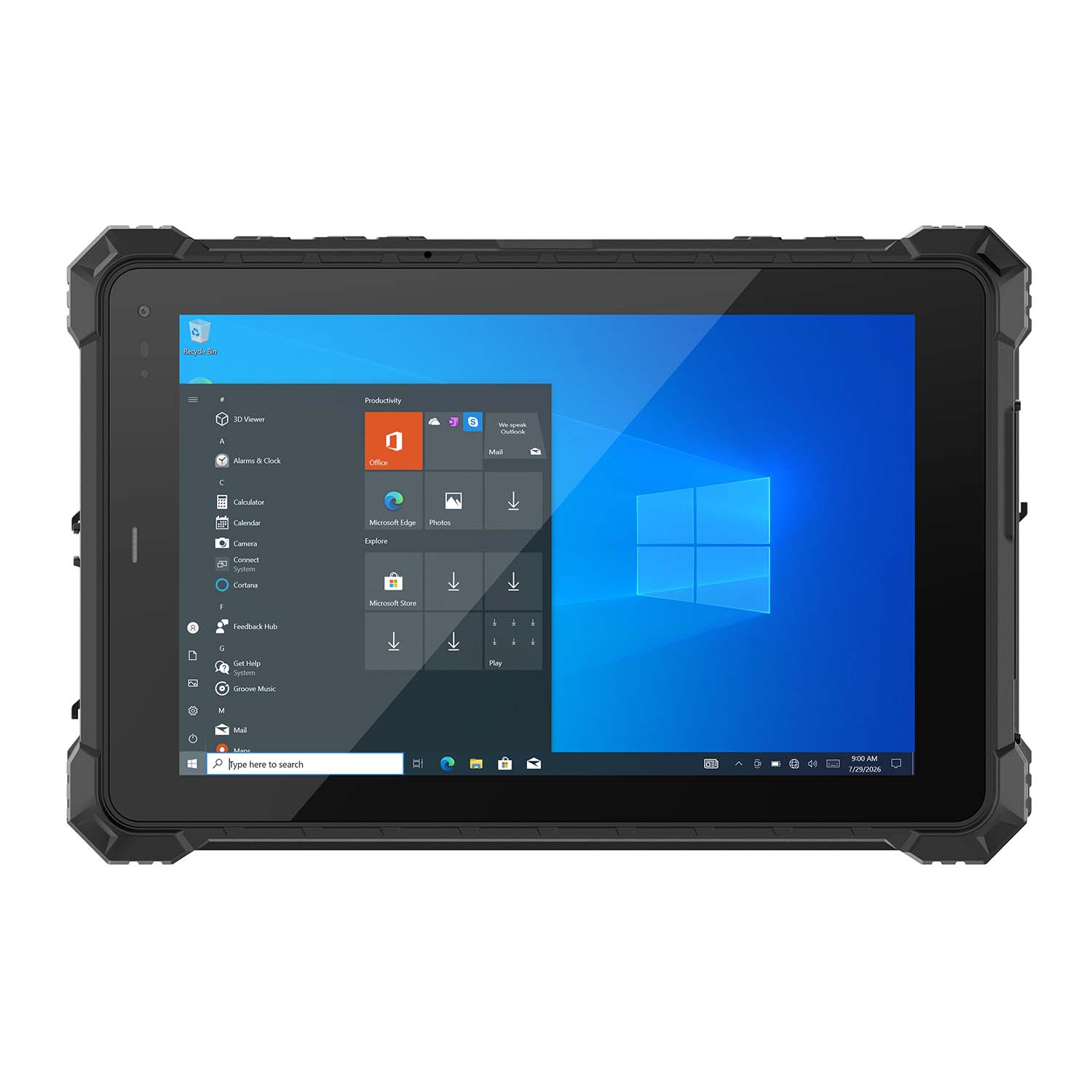 CENAVA W10NX N5100 10.1 Inch Windows IP67 Industrial Tablet
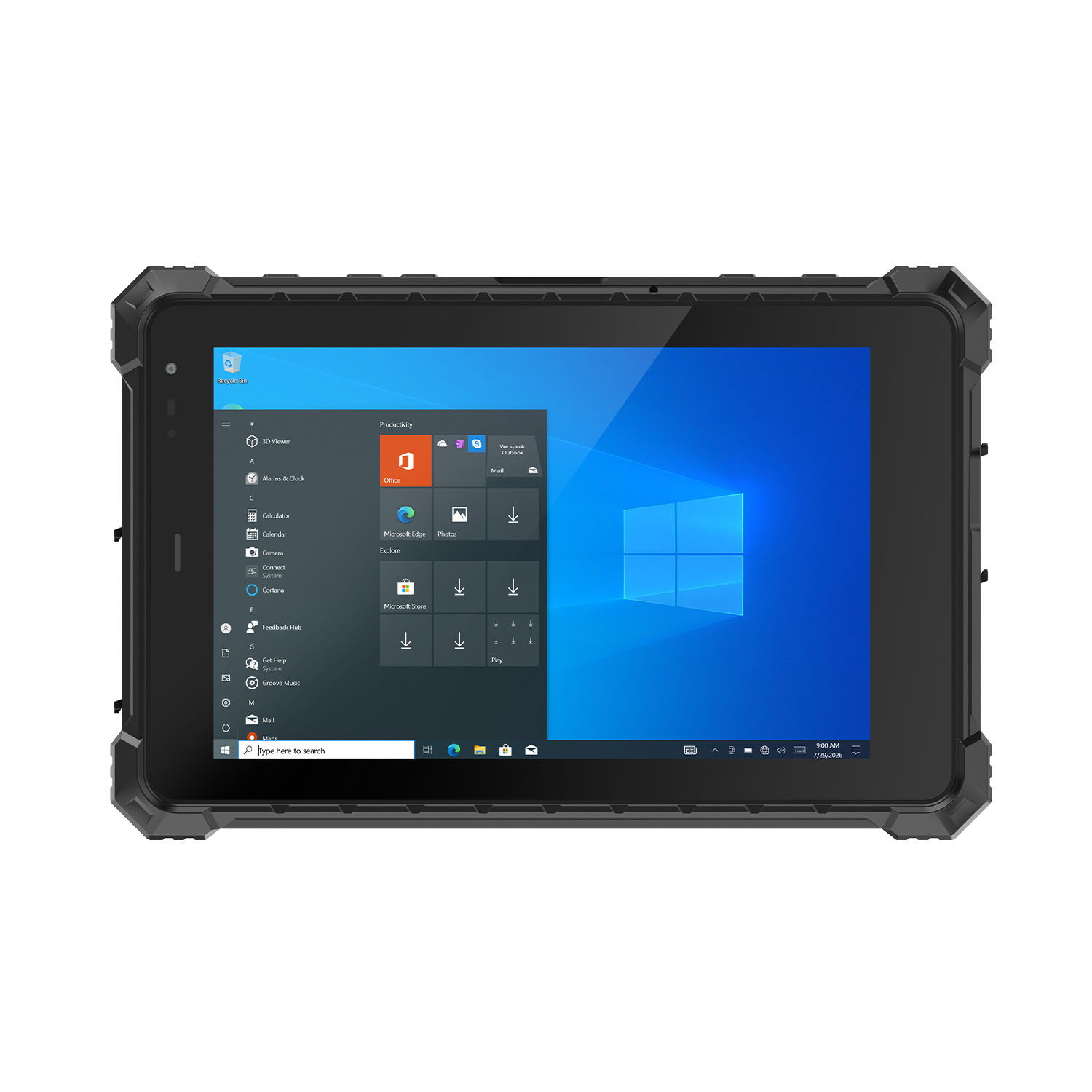 CENAVA W80N N5100 8 Inch Win11 IP68 Windows Rugged Tablet
 CENAVA H10PRO N100 10.1 Inch Win11 Industrial PC | WiFi6 Touch Panel
-1.jpg) CENAVA H55N N5100 5.5" Win11 Mini Industrial PC
CENAVA H55N N5100 5.5" Win11 Mini Industrial PC
 CENAVA H10F N100 10.1" Win11 Industrial Panel PC Touch Computer
 CENAVA H10F N95 10.1" Win11 Industrial Panel PC | WiFi6 Touch Computer
 CENAVA H7S N3350 7 Inch Win10 Entry Industrial PC | POE Fanless Touch Panel
 CENAVA H7 N4020 7" Win10 Compact Industrial PC | POE Fanless Touch Panel
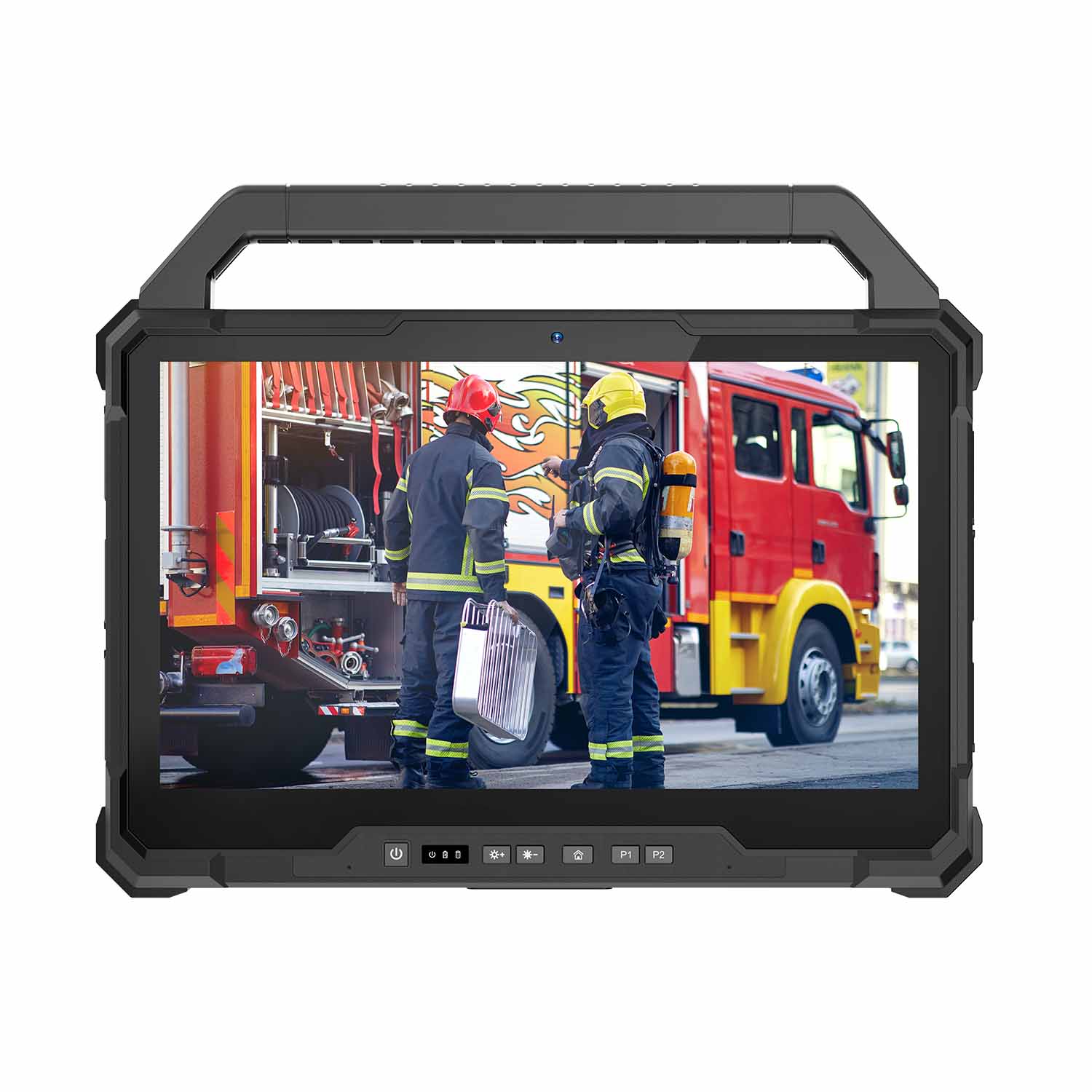 W30U-EX i7-1255U 13.3 Inch Explosion-Proof Windows Tablet
 W30UPro-EX Ultra7-155U ATEX II 2GD Ex ib IIC T5 Gb Explosion-Proof Tablet
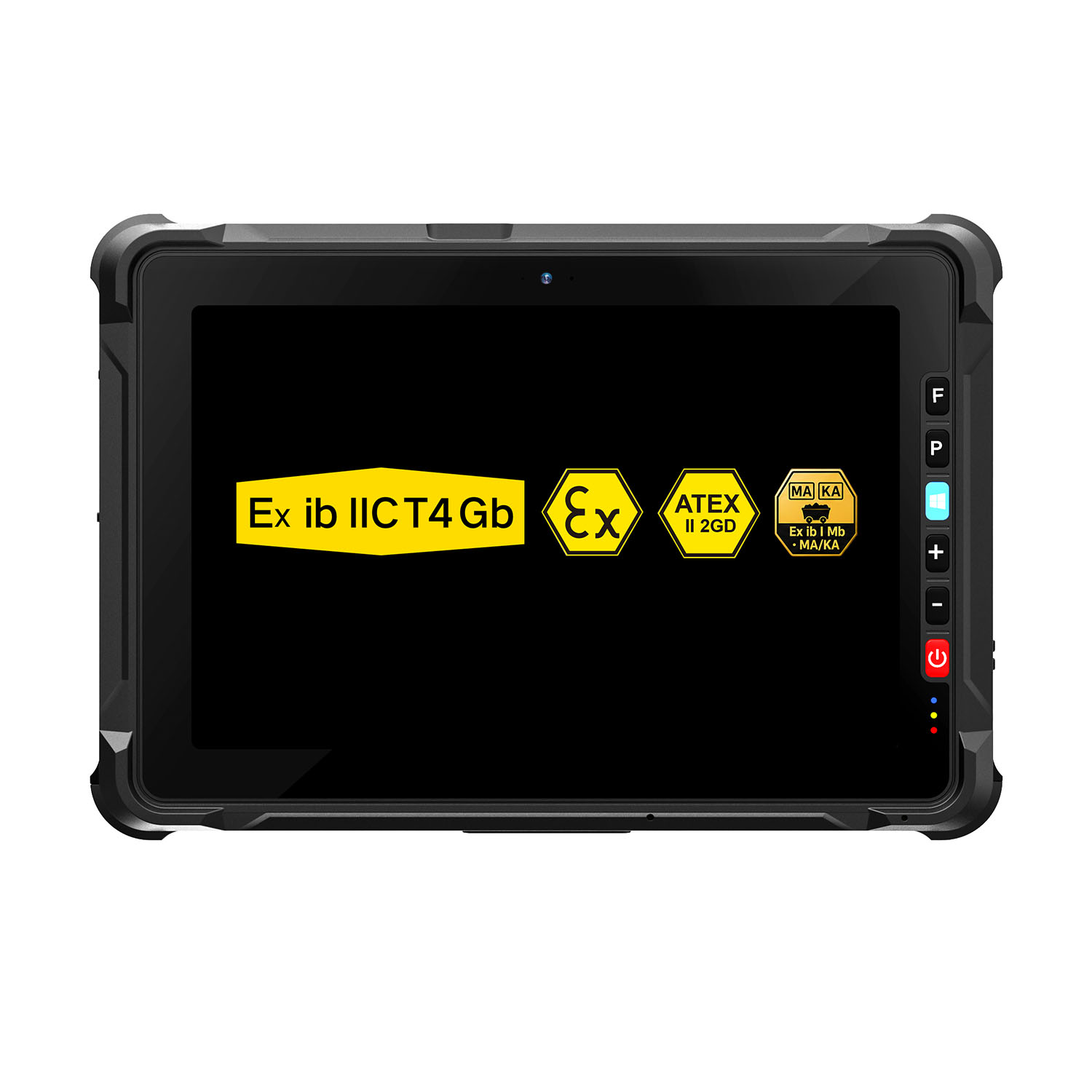 W109NS-EX N150 Explosion-Proof Hazardous Area Windows Tablet
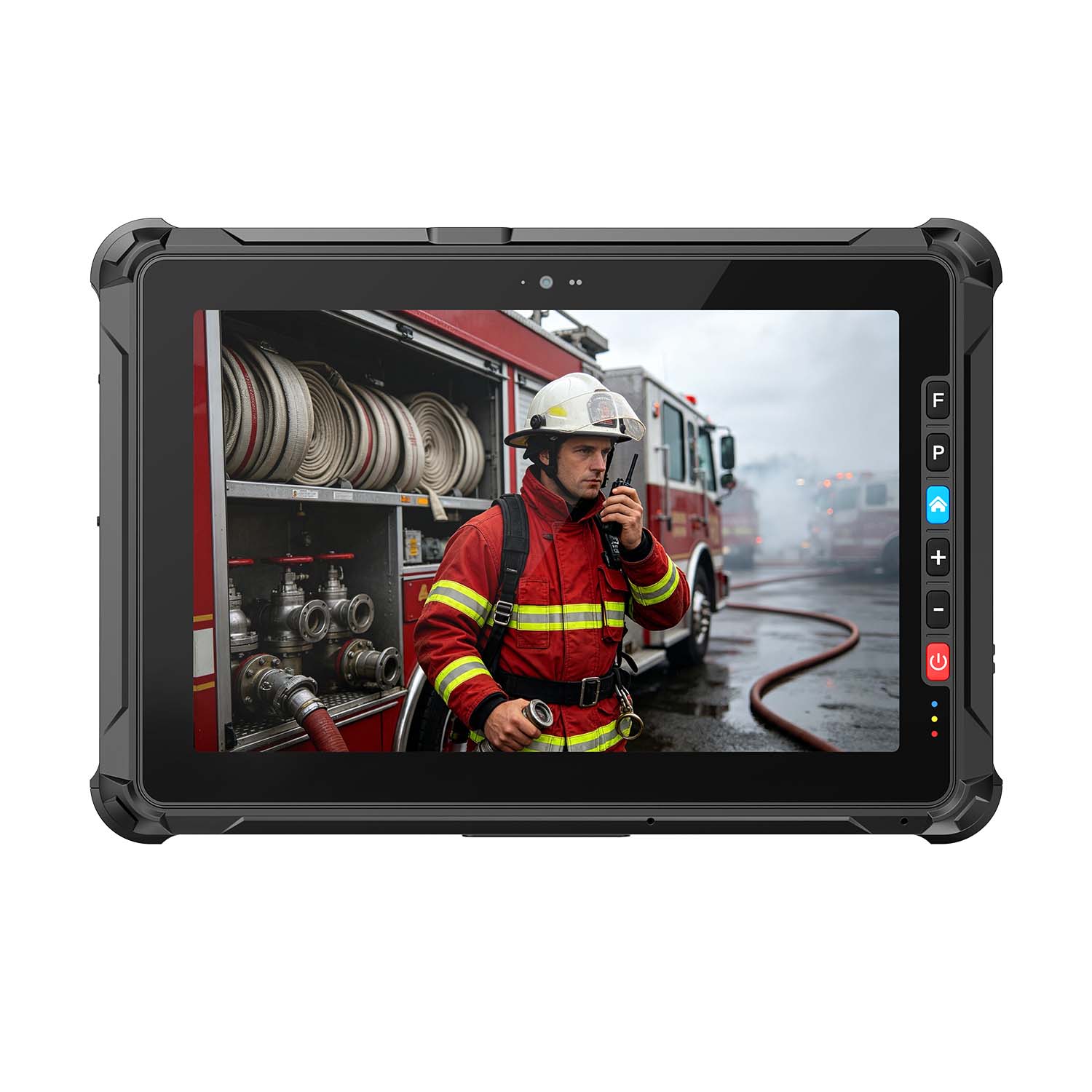 A109ST-EX MT8781 20000mAh Explosion-Proof ATEX II 2GD Android Tablet
.jpg) W10N-EX N5100 Explosion-Proof Intrinsically Safe Windows Tablet
W10N-EX N5100 Explosion-Proof Intrinsically Safe Windows Tablet
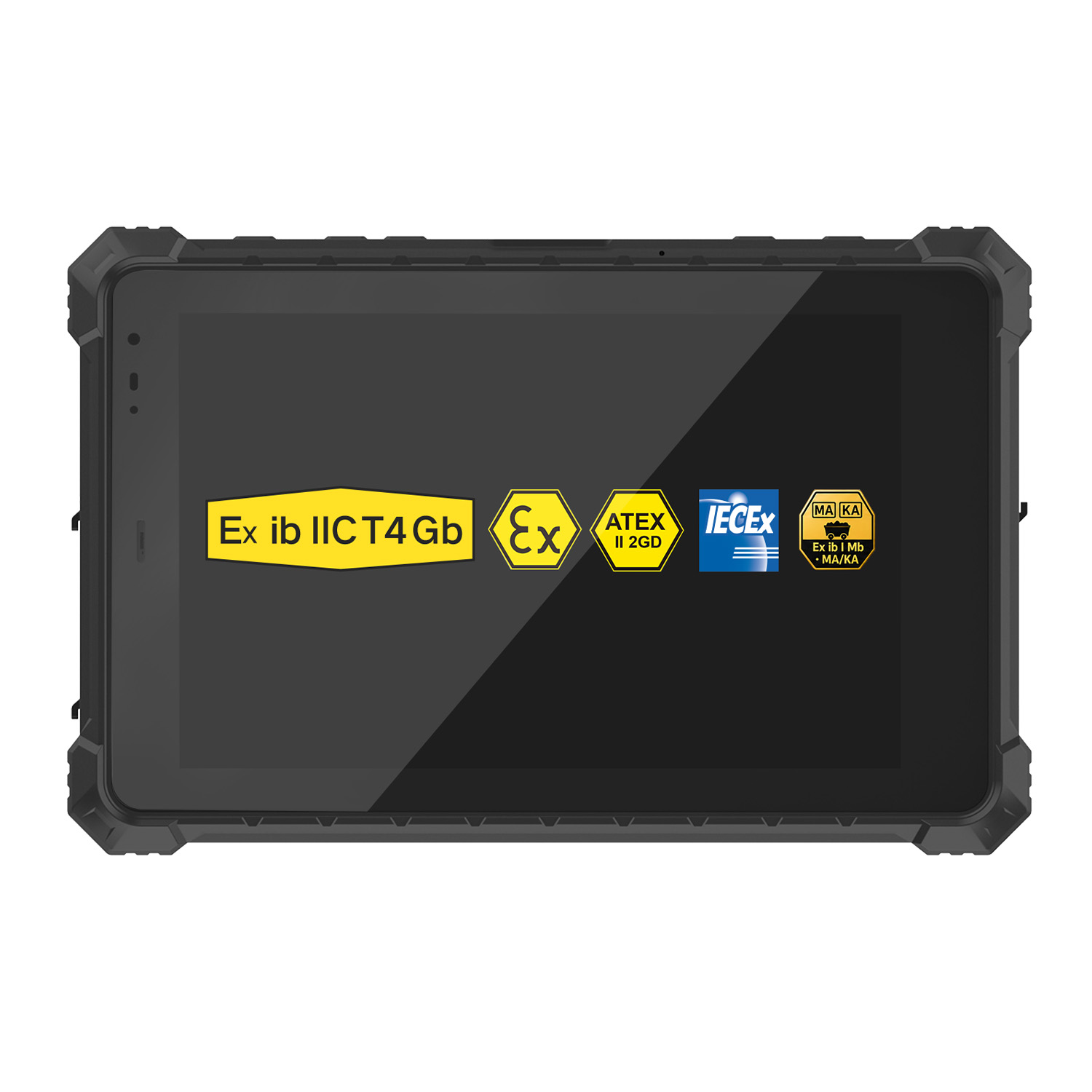 A10ST-EX MT8781 Ex ib IIC T5 Gb Hazardous Area Rugged Tablet
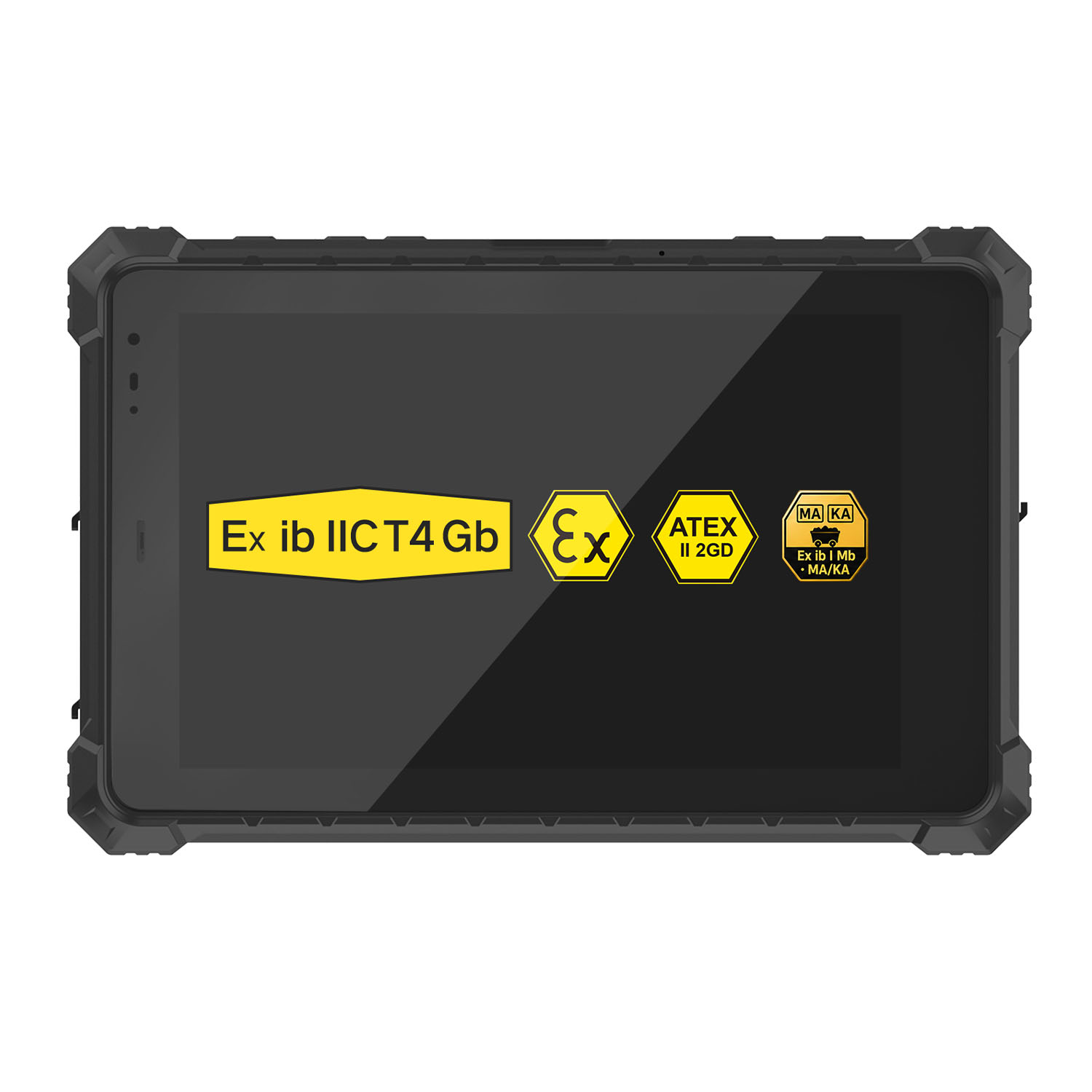 A10R-EX 10.1 Inch Explosion Proof RK3568 Industrial Tablet PC
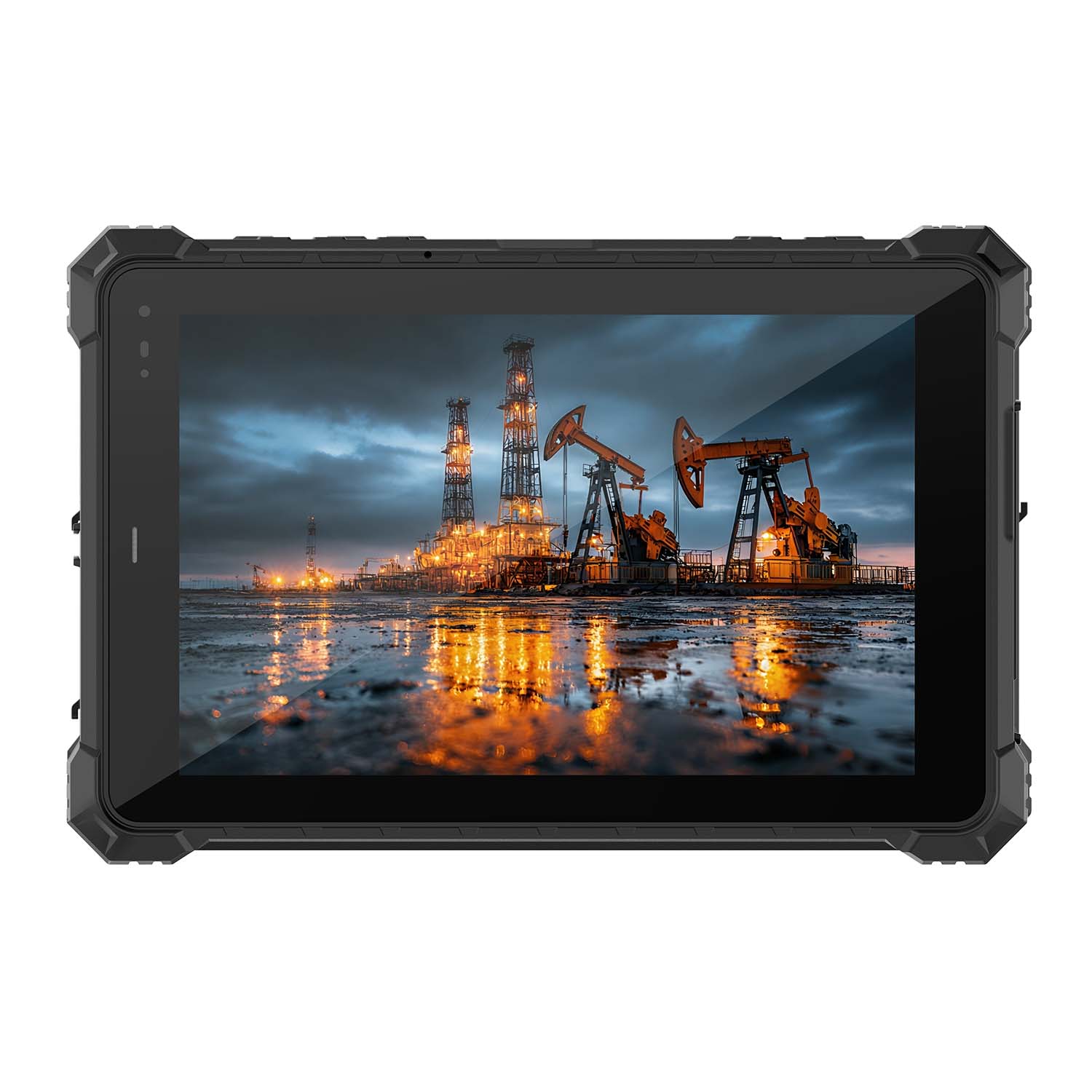 A10STX-EX MT8781 10.1 Inch ATEX II 2GD Android Tablet
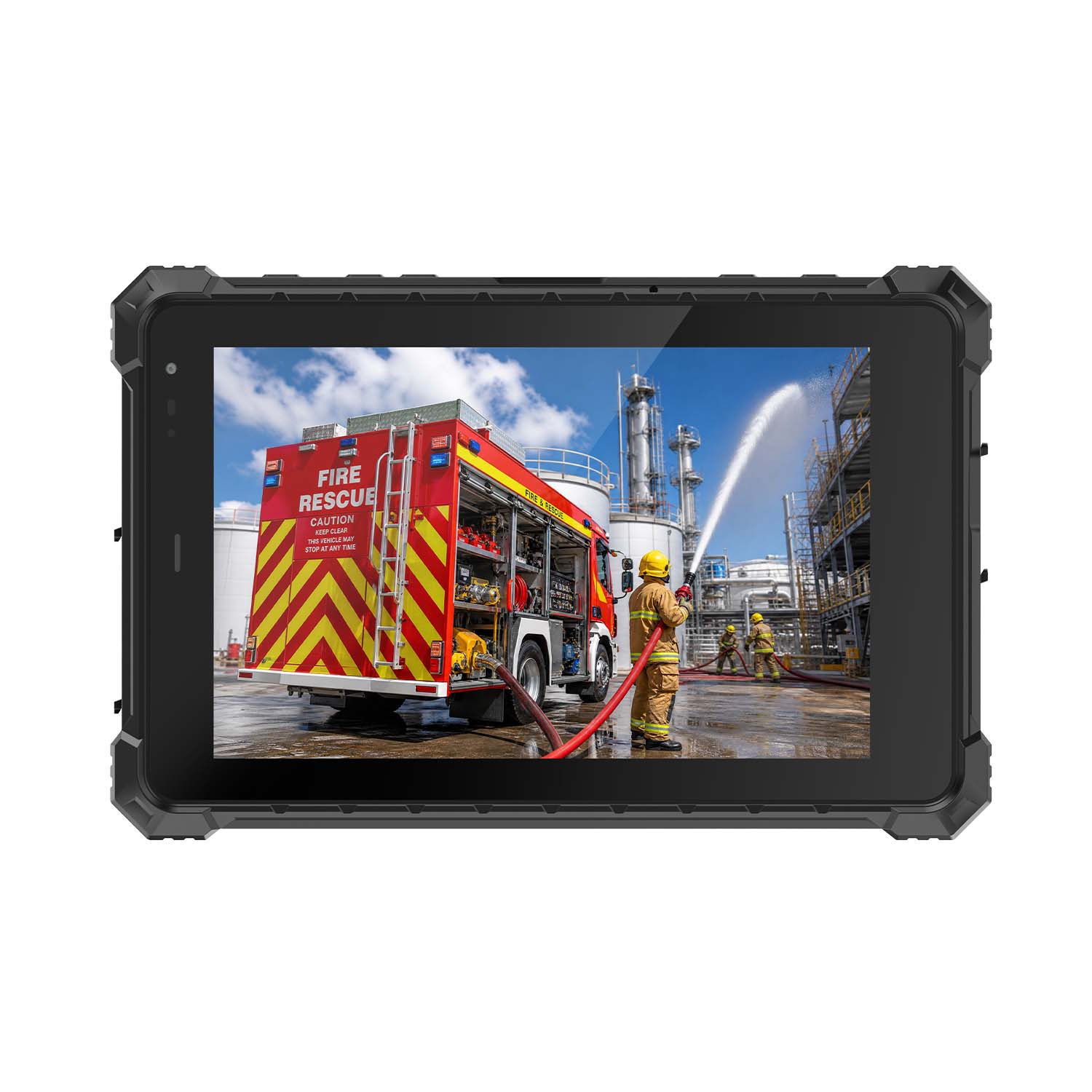 W80N-EX N5100 8 Inch Explosion-Proof Windows ATEX II 2GD Tablet
 A18ST-EX Slim 10.1-Inch Explosion-Proof Android Tablet
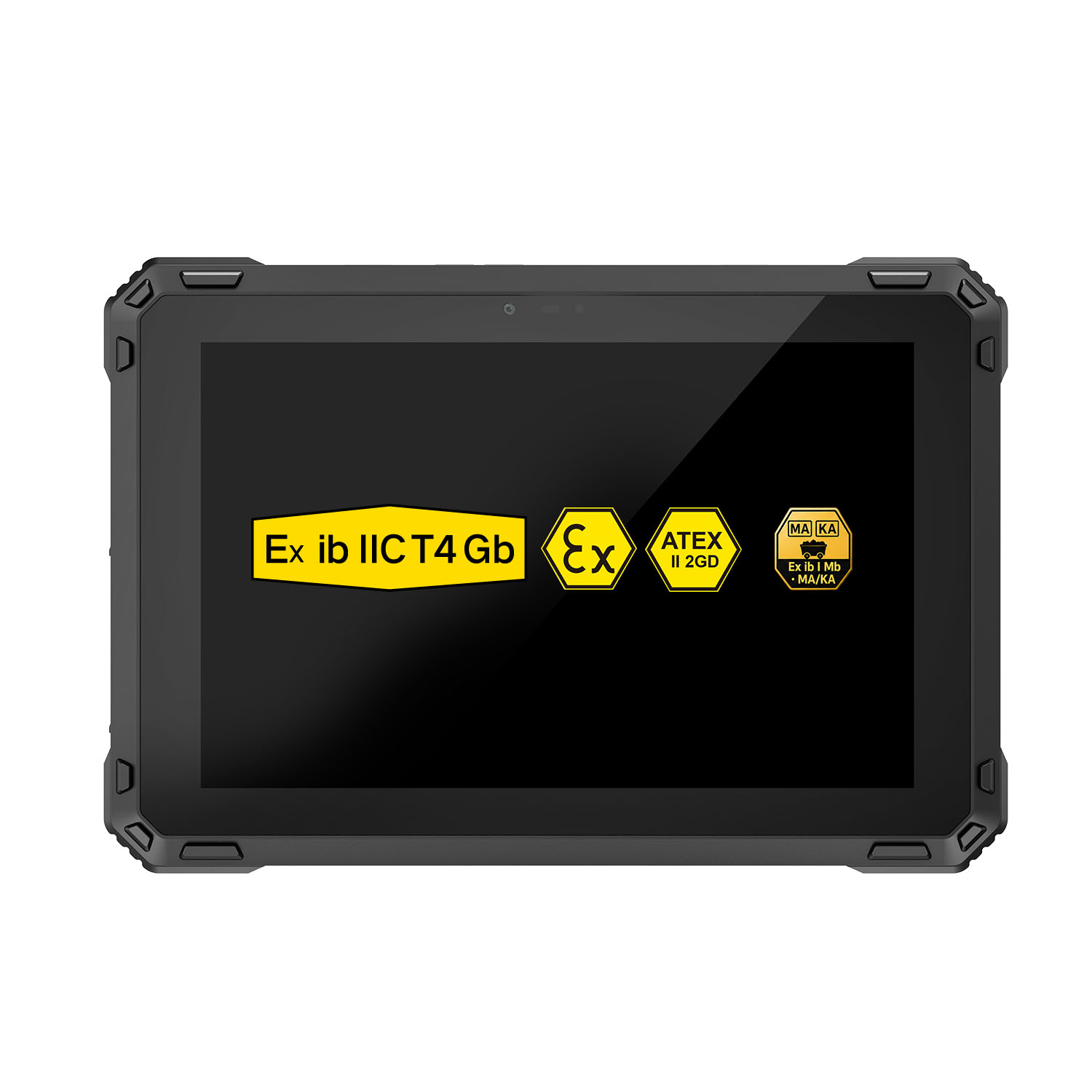 A88ST-EX MT6769 Hazardous Area 8-Inch Explosion-Proof Android Tablet
 A80ST-5G EX MT6877 8 Inch Ex ib ⅡC T4 Gb Explosion Proof Tablet
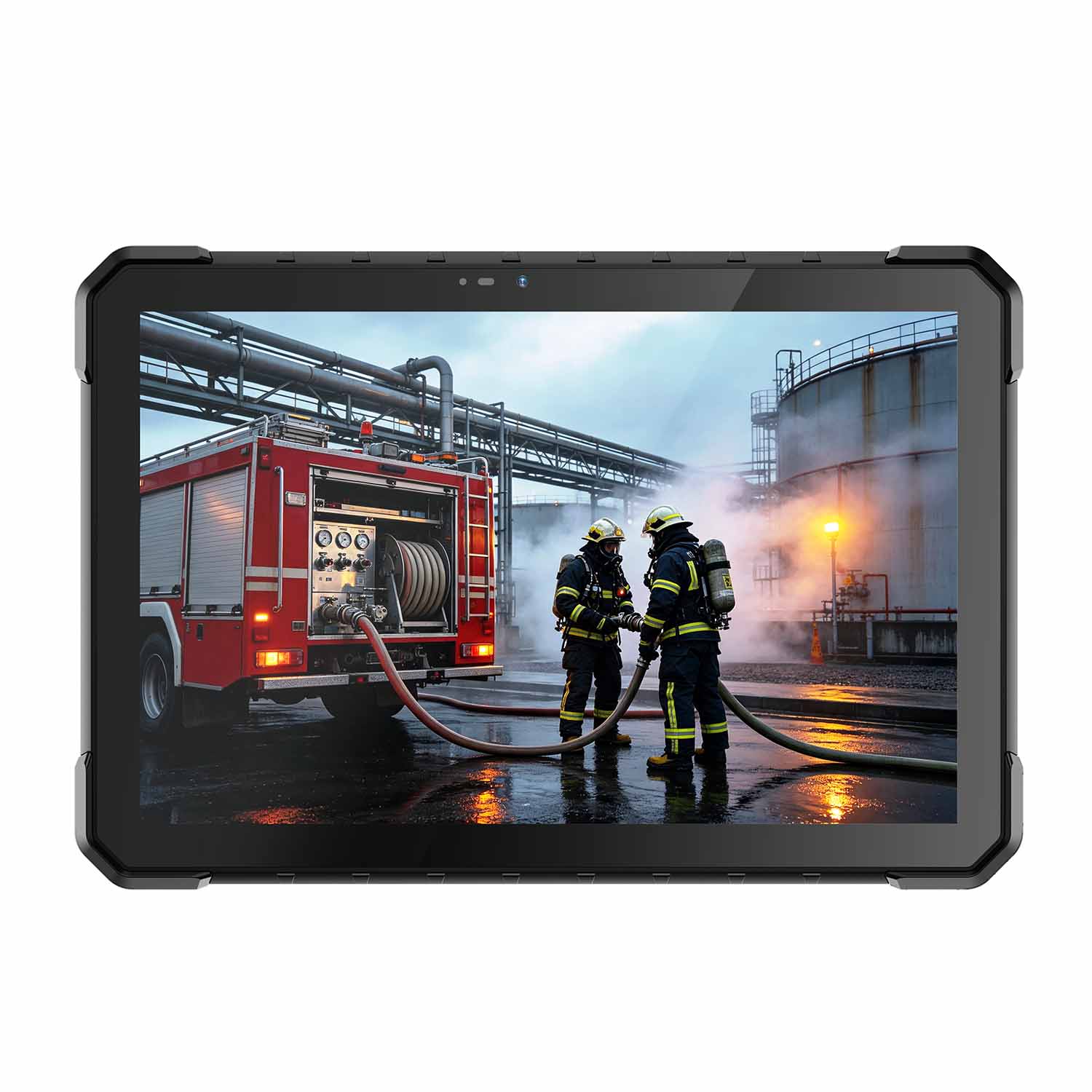 CENAVA W18Y-EX i7 10.1 Inch Explosion-Proof Windows 11 Tablet
 W65G-EX Explosion-Proof Windows Handheld Hazardous Area PDA