Start with the site's safety requirements. Then choose a tablet by how it performs in its installed mount — and how it keeps working when coverage drops. This open pit mining tablet buying guide compares 10 manufacturers against those practical demands.
At a surface operation, the same device may spend the morning in a service vehicle and the afternoon beside a stationary crusher. A dispatch screen must stay readable at its mounted distance. An inspector must capture a defect without losing the equipment ID when an upload stalls. These are different jobs — but purchasing often wants one model to do both.
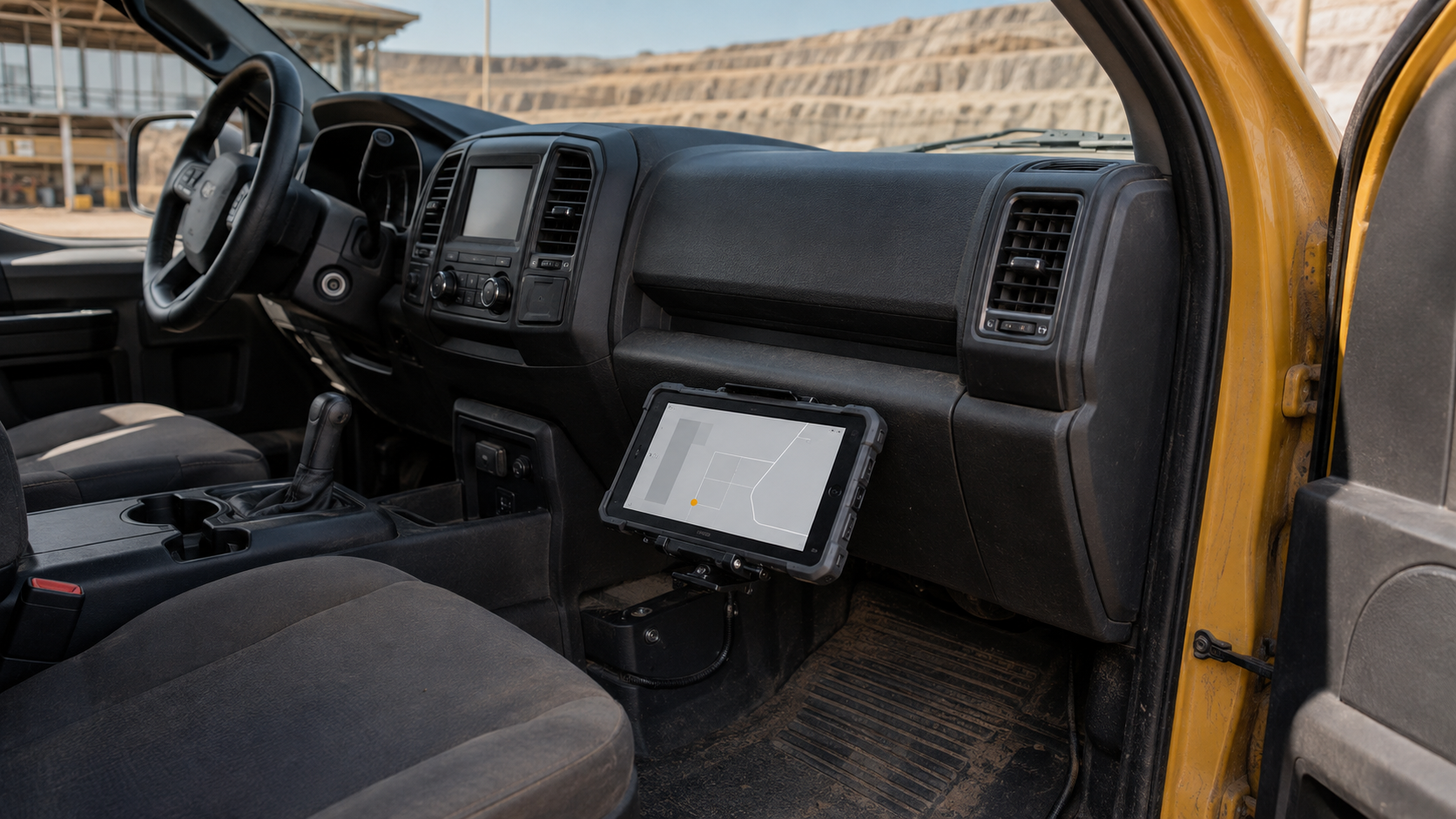
A surface mining tablet also occupies an awkward physical position: it is small enough to be carried casually, yet important enough that a damaged connector can interrupt a planned maintenance round. Protective corners help with handling. They do not resolve a loose mount or a poorly designed application.
Compare complete working configurations, not spec sheets. A device earns its place when the right screen option, accessories and software profile fit the assigned role. A larger display is useful only if it leaves the driver's sightlines clear and remains manageable during work outside the cab.
The following shortlist concentrates on non-coal surface operations, including quarries. It is an editorial comparison, not a market-share ranking or a statement that every featured product holds mining approval. Published customer examples are identified as supplier-reported cases; the trial procedures are recommendations for a site's own assessment.
What Defines a Strong Surface Mine Rugged Tablet Manufacturer?
A manufacturer's value becomes clearer when the discussion moves from the bare tablet to its service life. We use four criteria to separate useful engineering detail from broad claims about toughness.
Ruggedness with a defined scope. IEC 60529 addresses enclosure protection. An IP68 claim needs its stated immersion conditions; it does not establish resistance to a pressure washer or abrasive slurry. MIL-STD-810G and MIL-STD-810H are environmental engineering and test standards, not a universal military approval. The critical detail is which methods were tested — drop? vibration? thermal shock? — at what severity, and in what configuration. A blanket 'MIL-STD certified' claim without those details is marketing, not engineering.
Thermal performance for the actual duty cycle. Wide-temperature operation means a specified operating ambient range. It does not mean the same limits apply to charging or storage. Charging limits are often narrower than operating limits — a tablet that works at 60°C may refuse to charge above 45°C. Sun through a windscreen creates a different exposure from shaded outdoor air; ask for the specific thermal limit, not the widest number on the spec sheet.
Integration that includes the accessories. The mount must retain the device while its power connection remains stable. Tablet enclosure protection does not automatically extend to an attached dock. The mounting arrangement also needs an installation review against the vehicle manufacturer's restrictions; drilling into a protective cab structure is not an informal accessory choice.
Support with a usable replacement process. A warranty term is only part of the decision. Establish which service region handles the mine and how a replacement receives the approved application image. Our preference is for an identifiable configuration and a workable spare-unit process, rather than an unsupported promise of uninterrupted availability.
The Top 10 Rugged Tablet Manufacturers for Open-Pit Mining in 2026
The companies below cover enterprise computing, specialist field equipment and configurable industrial hardware. Numbering aids navigation; it does not indicate an overall winner. Unless a separate approval is established for the exact configuration, consider these products for work outside classified hazardous areas. Rugged construction alone does not authorize their use in an explosive atmosphere or a controlled underground location.
1. Getac (Taiwan)
Core Strength: Rugged field computing with documented mining integrations
Getac specializes in rugged mobile computers and offers accessories for both handheld and installed use. Its mining relevance is supported by published integrations, rather than depending entirely on a generic industry label.
Key Products: The F110 is an 11.6-inch Windows tablet with a 1,200-nit LumiBond display. The current product page specifies IP66 protection and an operating range of −29°C to +63°C. These are current product claims, not specifications transferred from an older customer case.
Why They're on the List: Dual replaceable batteries and vehicle docking options give integrators several ways to configure a working endpoint. We would assess the chosen assembly with the application running, because the useful result is continuity of work rather than a battery feature in isolation.
2. Panasonic (Japan)
Core Strength: Modular TOUGHBOOK equipment and accessory continuity
Panasonic's TOUGHBOOK range spans field tablets and rugged laptops. For a mine with an established fleet, the most interesting question is often how much of the installation can remain in service during a hardware refresh.
Key Products: The TOUGHBOOK G2 has a 10.1-inch, 1,000-nit display and modular expansion areas. Panasonic describes compatibility with most CF-20 and FZ-G1 docks; that wording does not mean every previous installation is interchangeable.
Why They're on the List: Expansion choices allow a role-specific build without immediately moving to a different device family. Our buying preference would be to retain a sound installation where the exact dock revision and new tablet combination match, rather than assume the existing bracket proves compatibility.
There is a useful adjacent mining example. In Panasonic's NSS Canada case, G1 and G2 tablets run MOSS survey software, with records synchronized at the dock after a shift. This is an underground surveying case, not an open-pit performance benchmark or evidence of coal-mine approval. Its transferable lesson is that a prepared software package and a clear handover routine contribute as much as the hardware choice.
Quick call: If you already have Panasonic docks, the G2's backward compatibility may save installation cost. If you are building new, Getac's 1,200-nit display has a brightness edge for open-cab vehicles.
3. Dell Technologies (USA)
Core Strength: Field hardware within an established enterprise IT environment
Dell approaches rugged mobility from a broader commercial computing portfolio. That makes it relevant to operators whose central IT team already manages Dell endpoints and wants field equipment to fit the same administrative process.
Key Products: The Latitude 7230 Rugged Extreme uses a 12-inch, 1920 × 1200 display rated at 1,200 nits. Its configurable I/O bays require a choice between some options; a picture of the product family does not define the ordered unit.
Why They're on the List: Familiarity with Dell deployment tools may reduce administrative work where those tools are already in use. Put endpoint enrollment and application recovery into the demonstration. A shared brand name does not establish that the field image is ready.
4. Zebra Technologies (USA)
Core Strength: Enterprise data capture and managed Android workflows
Zebra's background is in enterprise mobility and automatic identification. Its tablets are especially relevant when the mine's recurring task is to identify an asset and record a transaction, rather than run a large desktop engineering application.
Key Products: The Android ET60/ET65 family offers an optional SE55 barcode imager and vehicle accessories. Its published operating limits change with the power configuration: −20°C to +55°C with the standard battery, −30°C to +55°C with the extended battery, and −30°C to +60°C in the specified configuration without a battery.
Why They're on the List: Configuration-specific limits make a useful procurement distinction visible. A vehicle installation and a walking inspection kit need not have the same operating envelope. Selecting the appropriate power arrangement matters more than copying the most favorable temperature range into every order.
A quarry rugged tablet may be used to reconcile parts issued from a service vehicle with the equipment being repaired. Give the demonstration operator a sample of the site's worn labels, including the smallest label actually used. A successful scan must populate the right application field. Merely showing that the reader decodes a clean demonstration barcode does not establish that workflow.
5. DURABOOK (Taiwan)
Core Strength: Fanless rugged platforms with practical expansion options
DURABOOK is the rugged computing brand of Twinhead. Its range provides an alternative for buyers looking for a Windows field tablet with physical expansion flexibility, including applications that still connect to maintenance equipment by cable.
Key Products: The U11I combines an 11.6-inch display with Coolfinity fanless cooling. The specification table identifies the 1,000-nit DynaVue display as an option; the tablet's actual order configuration should reflect that distinction.
Why They're on the List: A fanless design removes a cooling fan as a service item, although enclosure cleaning and heat dissipation still matter. The quick-release SSD is another practical feature where the operator has a defined process for handling storage securely.
For a service truck near a crusher, our evaluation would concentrate on the installed thermal path. Does the holder cover a heat-dissipating surface? Does the chosen cable prevent the port cover from closing after use? These questions distinguish a workable installation from a good tablet attached to unsuitable accessories. Use the complete kit during a representative diagnostic session; a brief desktop demonstration will not reveal either problem.
6. CENAVA (China)
Core Strength: Configurable industrial tablets for defined field tasks
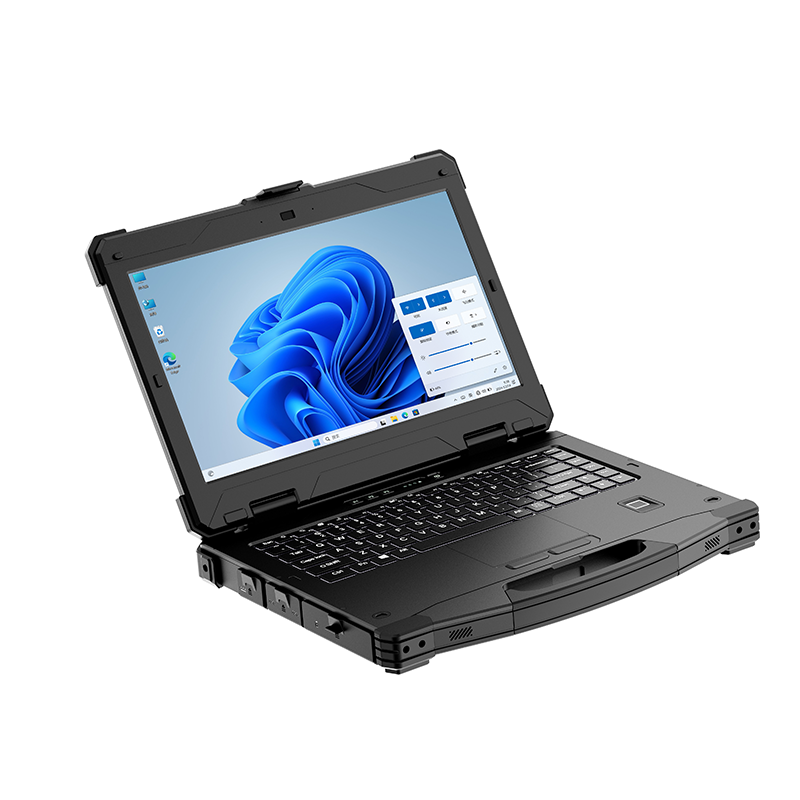
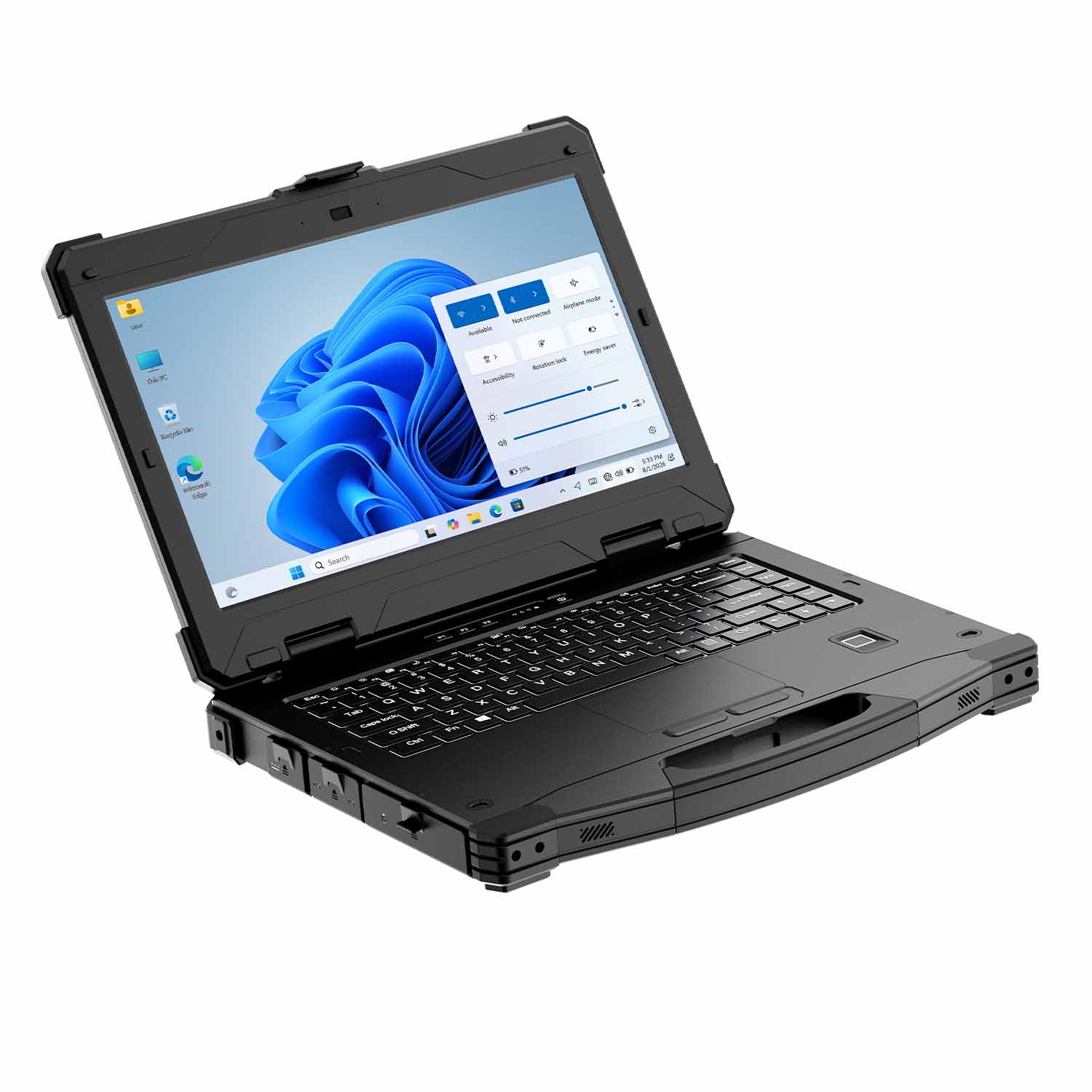
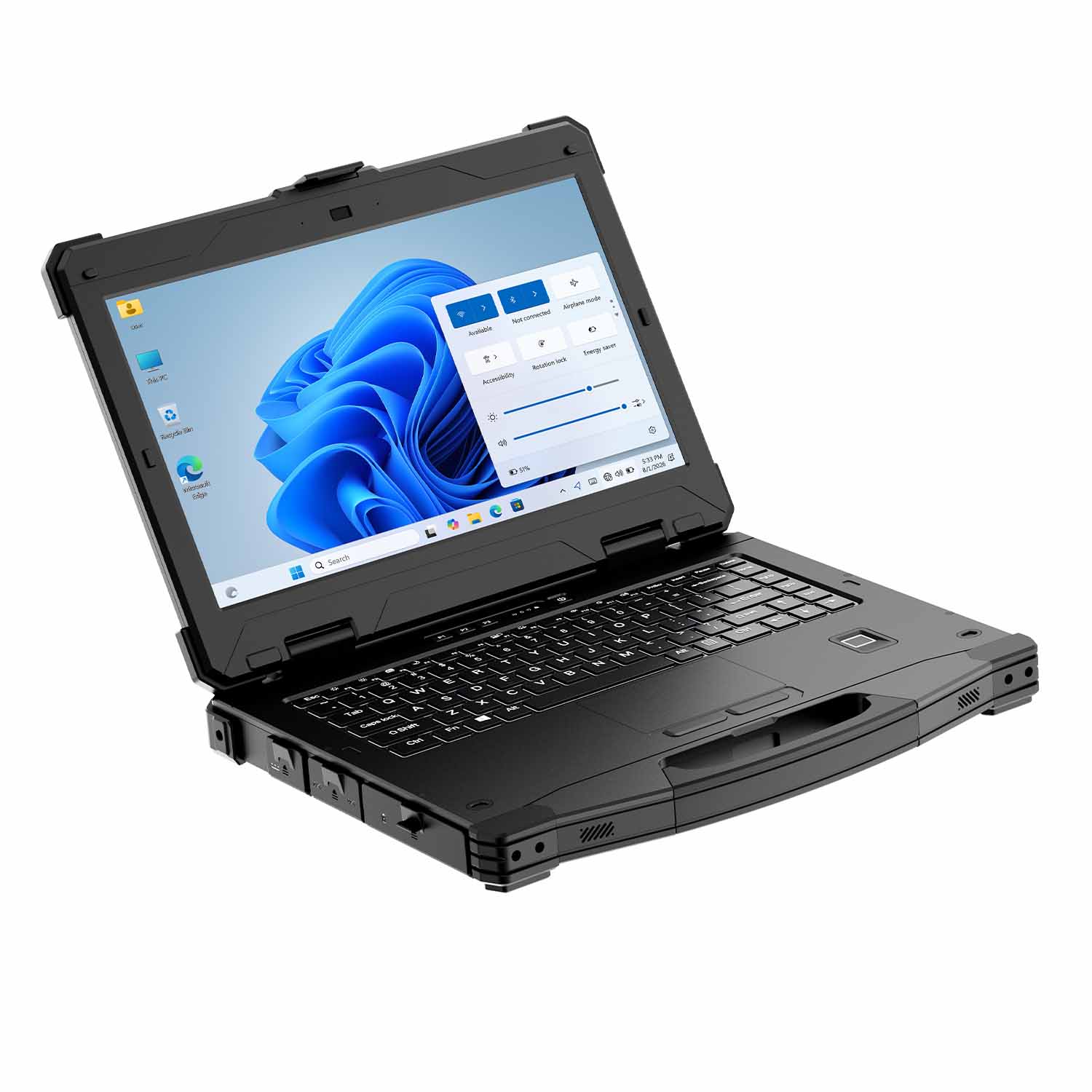
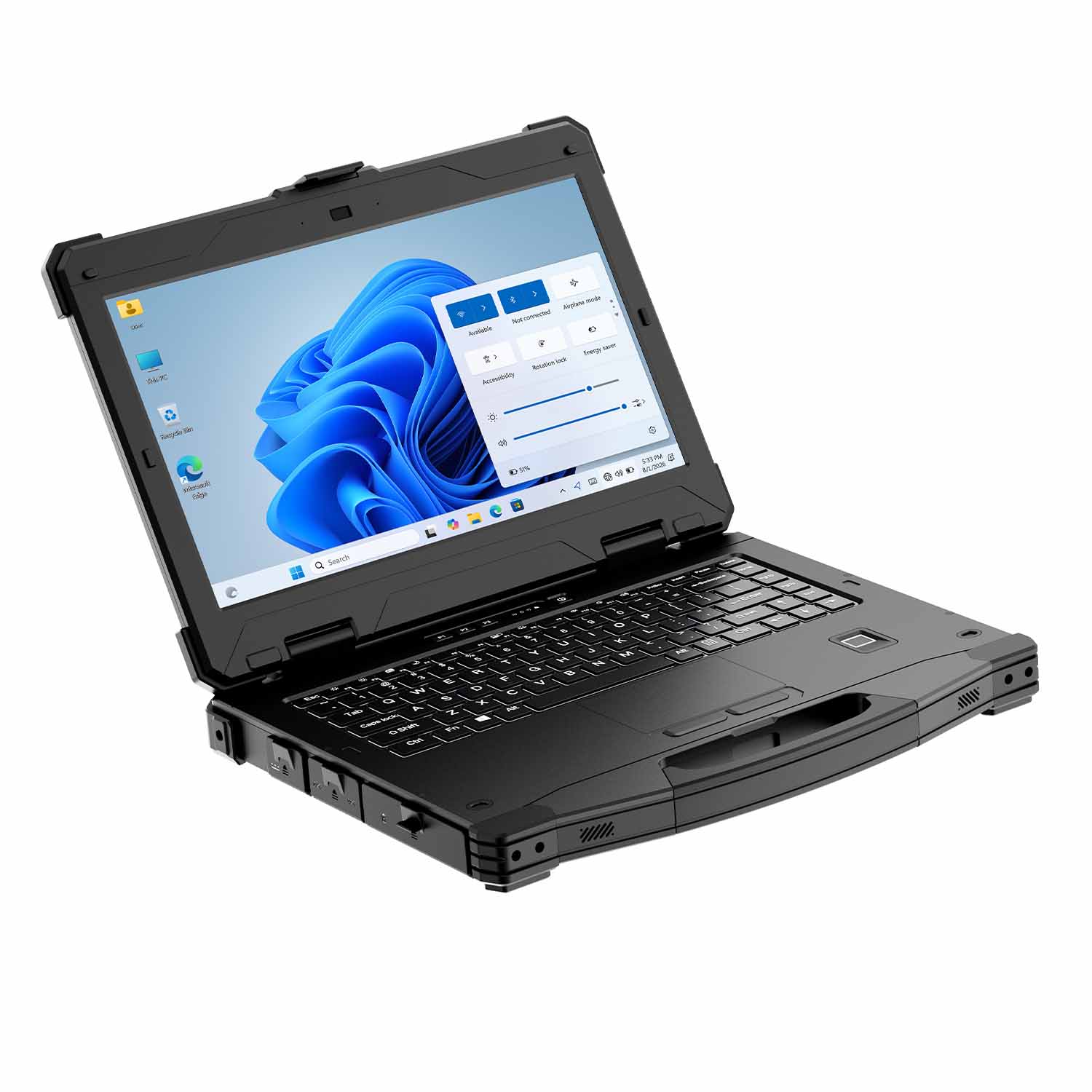
CENAVA offers Windows and Android rugged tablets through an OEM/ODM-oriented product range. Its role in this comparison is a configuration-led option for operators who need specific interfaces or a particular display size, rather than an assumed substitute for every specialist mining system.
Key Products: The W30U i5 model has a 13.3-inch, 1920 × 1080 display. The published standard brightness is 400 cd/m², with 1,000 cd/m² available as an option. Its stated operating range is −20°C to +60°C, and the product page identifies integrated RJ45 and RS232 interfaces.
Why They're on the List: A larger working area can make drawings easier to inspect, while native physical interfaces may avoid an adapter in a maintenance setup. The tradeoff is handling: the published device weight is approximately 2.10 kg. We would favor a properly supported installation over extended one-handed use for this particular model.
For an open pit mining tablet used by a maintenance supervisor, the useful test is to read the actual drawing at the proposed mounting distance, then remove and secure the unit without an awkward lift. A bright-screen order should specify the optional panel explicitly. Inclusion here does not claim a KA-marked W30U configuration or a completed CENAVA mine deployment.
7. Juniper Systems (USA)
Core Strength: Compact field data collection and mapping equipment
Juniper Systems focuses on field computers and positioning tools. Its smaller tablet format deserves attention where the inspection route involves substantial walking and the application can work with a compact interface.
Key Products: The Mesa 4 is a 7-inch Windows tablet. Its user manual gives a configuration-dependent weight of approximately 680–907 g. The product range also offers mapping bundles with a separate positioning receiver.
Why They're on the List: A compact unit offers a different carrying proposition from the larger tablets in this comparison. For walking inspectors, give ergonomics meaningful weight. The smaller screen still needs to display the production form without repeated zooming.
Consider a proposed inspection round with 30 observation points. Ask the operator to carry the complete kit between points and enter findings only from a safe stationary position. Record where the tablet has to be put down to complete another task. Those interruptions expose poor carrying arrangements more directly than a bare-device weight comparison. For large drawing review, a bigger screen may still be the better choice; the roles do not need identical hardware.
8. Trimble (USA)
Core Strength: Survey workflows connected to specialist instruments
Trimble combines field software with surveying and positioning equipment. Its tablet proposition makes most sense when the operator is selecting a controller for that instrument workflow, rather than buying an interchangeable dispatch screen.
Key Products: The current T110 is a 10.1-inch tablet with a hot-swappable battery. Trimble describes integration with Perspective software and specialist survey instruments. The former T100 product URL now redirects to this model, so an older purchasing template needs a model-specific update.
Why They're on the List: The value lies in handling the survey job as a connected process. Our assessment starts with the selected instrument and software release, then follows the resulting data into the office system.
Stockpile measurement illustrates the distinction. A tablet displays and manages the survey; its built-in location feature does not by itself establish survey accuracy. The receiver or scanning instrument, correction method and coordinate reference all affect the result. Have the survey lead define the acceptance method using known control. A convincing map display is not a substitute for an agreed error tolerance or a correctly applied site coordinate system.
9. Winmate (Taiwan)
Core Strength: Rugged tablets alongside industrial vehicle computing
Winmate's portfolio includes mobile tablets and fixed industrial computers. That breadth is useful when a mine is deciding whether a task needs a removable device or a terminal that remains in the vehicle.
Key Products: The M101AD is a 10.1-inch Windows tablet with direct optical bonding and an antiglare display treatment. Its accessory range separates a vehicle dock from a vehicle cradle; they should not be treated as the same item in a bill of materials.
Why They're on the List: Winmate publishes accessory-level details that help assess the installation. For example, the VC-M101S cradle has a stated 9–36 V DC input range and its own IP52 enclosure rating. Neither detail proves that an entire haul-truck power system or outdoor mounting position is suitable.
The strongest use case is a device that must leave its holder for an inspection and then return to a fixed working position. Our review would include the latch engagement and cable clearance during that repeated movement. An accessory's input-voltage range does not, on its own, describe protection from electrical transients. The vehicle electrical design and power-conversion arrangement remain part of the installation assessment.
10. MilDef / Handheld (Sweden)
Core Strength: Configurable field hardware with a current supply-route distinction
The Handheld name is familiar in rugged field computing, but procurement should follow the present product organization. Handheld's portfolio notice directs ALGIZ 10XR buyers to MilDef. That is a concrete reason to revisit an old supplier record instead of reusing it unchanged.
Key Products: The MilDef ALGIZ 10XR is a 10.1-inch Windows tablet. Its dedicated u-blox positioning hardware combines satellite information with inertial sensing through untethered dead reckoning, and its design provides configurable expansion.
Why They're on the List: MilDef explicitly includes mining among the intended mobile and vehicle applications. Position continuity is relevant to vehicle work, but dead reckoning accumulates error when suitable satellite observations are unavailable. Retaining position-quality information helps the operator interpret a moving map symbol without assuming a precision the system has not established.
A service vehicle passing between an open bench and an obstructed loading area provides a useful evaluation route. Review the position trace afterward and identify where uncertainty increases. The tablet's location output should not be treated as a collision-avoidance function without a separately engineered and validated safety system. For existing Handheld fleets, the additional purchasing task is to establish who now supplies replacements and handles the agreed service obligations.
 How to Choose the Right Manufacturer for Your Application
The best rugged tablet for open pit mining is the one that meets a defined role and can be kept in service at that operation. We recommend the following four steps. The trial quantities are illustrative starting points, not a prescribed certification procedure or a claim of completed field testing.
Define Your Operating Environment
Separate surface duty from underground duty. China's KA product safety mark concerns covered non-coal mining equipment; it is distinct from the MA mark used for coal-mine products. The National Mine Safety Administration makes that distinction in its enforcement reporting. The National Mine Safety Administration's September 2024 clarification distinguishes non-coal underground equipment from non-coal open-pit equipment. A dual-use route needs a separate assessment against the applicable catalogue and site rules.
Describe the installed exposure. Measure conditions at the proposed mounting position, including a parked vehicle, rather than relying only on a weather report. A safe stationary mock-up should establish sightlines and access to controls. An actual vehicle installation needs the responsible engineering team's approval.
Keep special hazards separate. Classified process areas require the relevant explosion-protection assessment. Blasting restrictions follow the site's approved procedure, including restrictions on transmitting equipment. A general ruggedness claim does not remove either obligation.
For a vibration resistant tablet for mining vehicles, assess the complete mount on an authorized representative route. A useful initial pilot could cover two normal shifts, followed by a longer deployment if the first stage succeeds. Log power interruptions and inspect the latch afterward. The driver should not interact with a test form while moving; a passenger or unattended logger can capture observations without creating a distraction.
Tip: Ask for a controlled bill of materials that includes the mount and power supply. A single vendor should own the complete installation package.
Clarify Performance Requirements
Use the production screen. At a safe outdoor test point, open the actual dispatch page or equipment drawing. Test it at the intended distance with the site's safety eyewear. Repeat at the orientations used on the job; polarized lenses can change visibility.
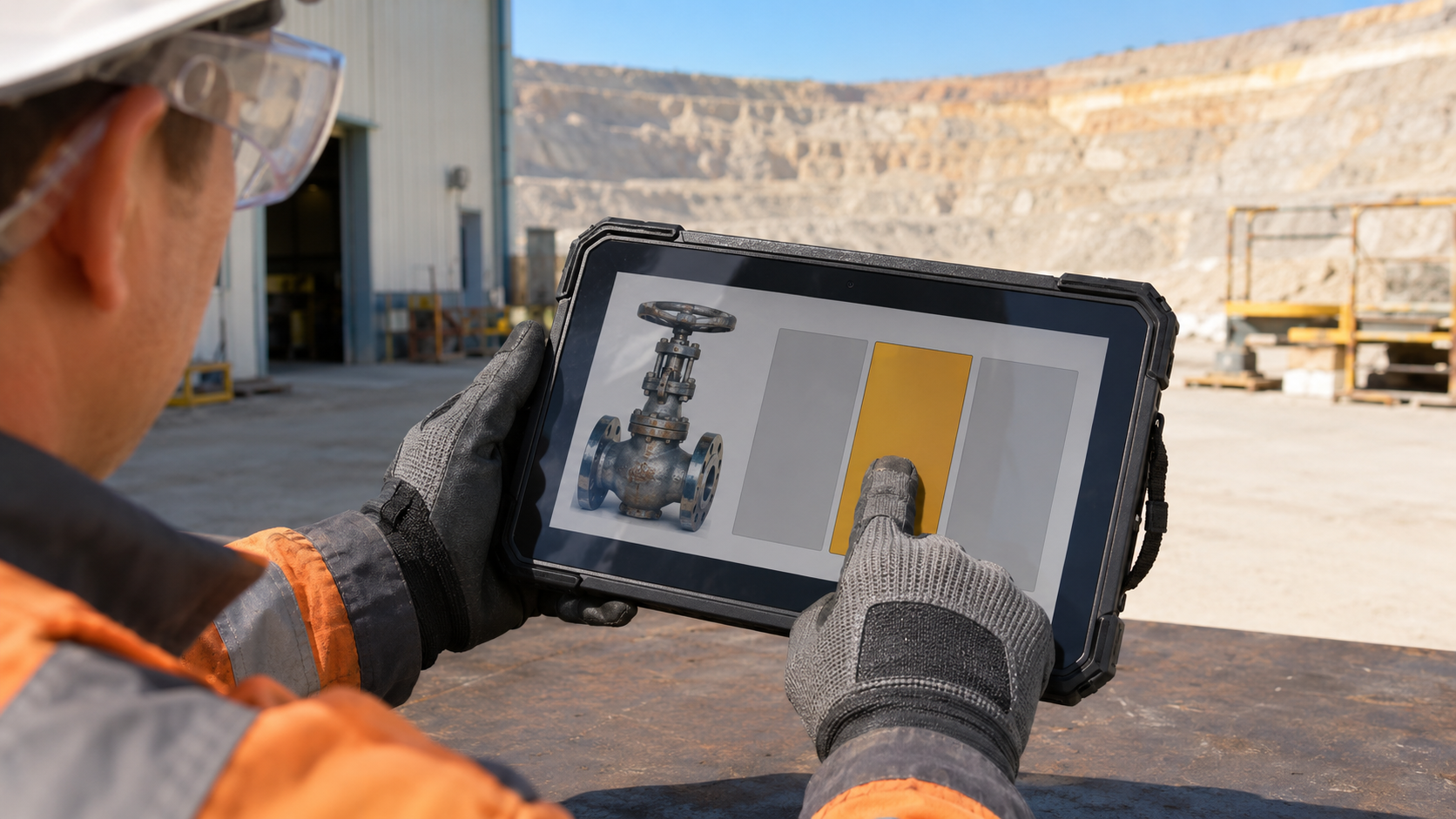
Measure input errors. A proposed trial might use 20 entries with each relevant glove type. Repeat with the gloves in their normal working condition, within the site's hygiene and safety rules. Count wrong selections as well as missed touches. A touch mode is not a promise of compatibility with every glove.
Run a representative work period. Keep the normal endpoint security enabled and use the expected screen brightness. Record energy use and any thermal restriction. The tablet's outdoor work period should be distinguished from time spent in a powered dock.
Our acceptance sheet would name the task and an agreed pass condition, not just a score for how responsive the device feels. For example, require a saved inspection to reopen with its equipment identifier and photograph after an application restart. Any permitted delay should be agreed by the people doing the work; the same threshold need not apply to a survey controller and a parts-issue form. If evaluating AI-assisted defect detection, establish a separate human validation step. An automated suggestion should not silently become an instruction to stop equipment.
Consider Software & Integration
Prove local completion. In a controlled non-production test, remove the application's network access and complete a work order with an attachment. Reopen it after a restart. The screen should distinguish a locally saved record from one acknowledged by the server.
Exercise a conflict. Edit the same test record on a second device, then restore connectivity. Review how the application handles conflicting changes and repeated upload attempts. A clear resolution path is more useful than a quiet overwrite.
Match the service actually used. Cellular selection depends on the country and operator, including private-network requirements where applicable. NFC integration depends on the card technology and application access method. A radio generation or an NFC logo alone does not settle compatibility.
For a project requiring a tailored CENAVA configuration, contact the CENAVA team with the destination country and operator or private-network band plan if cellular access is required. State the NFC card family and the intended read operation if card access is required; do not send authentication keys. Include the vehicle model and nominal supply voltage for an installed kit, plus the environmental duty profile and any required approval boundary. A screen-only selection does not need those unrelated details. Test offline completion: remove network access, finish a work order with an attachment, then reopen it after a restart. The application must distinguish locally saved records from server-acknowledged ones.
Analyze Total Cost of Ownership (TCO) vs. Initial Cost
Price the installed working unit. Include the mount and power equipment, then add the actual commissioning work. Separate device acquisition from the software and service commitments that continue after delivery.
Count interruptions with observed data. In a fleet of 25 vehicles, two four-minute interruptions per vehicle per shift equals 200 minutes lost per shift fleet-wide. At two shifts per day over 300 days: 600 shifts × 200 minutes = 120,000 minutes, or 2,000 vehicle-hours per year. This is arithmetic, not a measured failure rate or an estimate of recoverable mine output.
Rehearse replacement. Take a spare through enrollment and application restoration. Assign responsibility for work remaining only on a damaged device. Size the spare pool using actual repair turnaround and operational demand, not a universal percentage.
The more expensive tablet is not automatically cheaper over its life. We would choose the configuration with the lower evidenced cost of completing the required work. If the trial cannot distinguish two candidates operationally, price and service terms become stronger deciding factors.
Before you contact any vendor:
1. Write the task down. Dispatch screen, inspection form, or survey controller? Vehicle-mounted, walking, or both?
2. Measure the mount. Sightlines, power source, vibration, and whether the driver can reach the screen without leaning.
3. Pick three candidates that match your OS and connectivity. Request a loan unit for each, with the exact mount and power kit you would deploy.
4. Run the trial for two shifts. Log every interruption, misread, thermal warning, and every moment the driver looked away from the road to touch the screen.
5. Price the installed working unit — tablet + mount + power + commissioning. The cheapest tablet with the wrong mount is the most expensive mistake.
If you need a configured industrial tablet with specific interfaces or display options, contact CENAVA with your vehicle model, mounting position, and application requirements. We will tell you whether our hardware fits — or point you toward a better match if it does not.


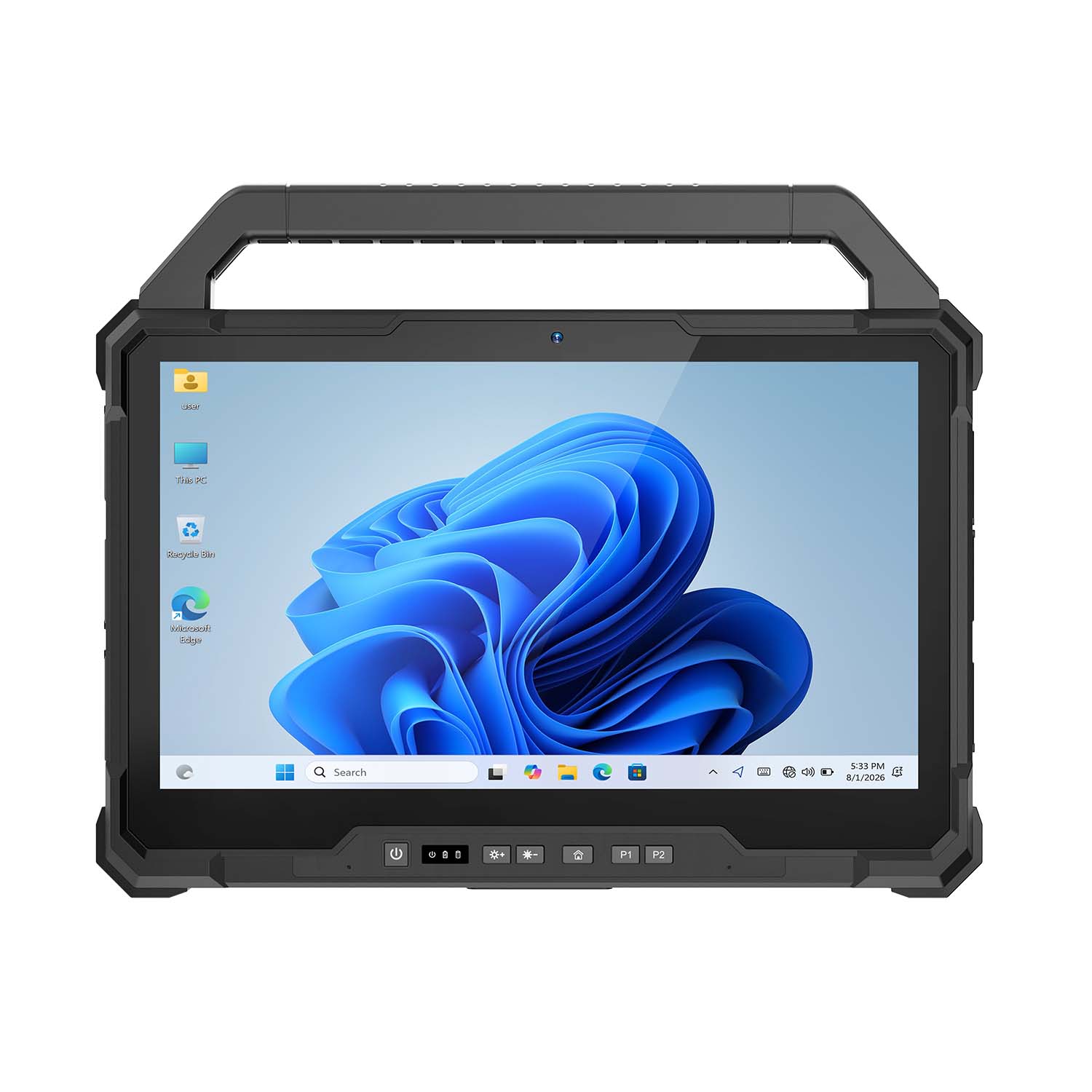 CENAVA W30U i5-1235U 13.3 Inch Win11 IP65 Rugged Tablet
 CENAVA W109U i7-1255U 10.95 Inch Win11 IP67 Rugged Tablet
 CENAVA A109TB MT6789V 10.95 Inch Android 14 IP68 Rugged Tablet
 CENAVA W10Y i7-10510Y 10.1 Inch Win11 IP68 Rugged Tablet Full I/O
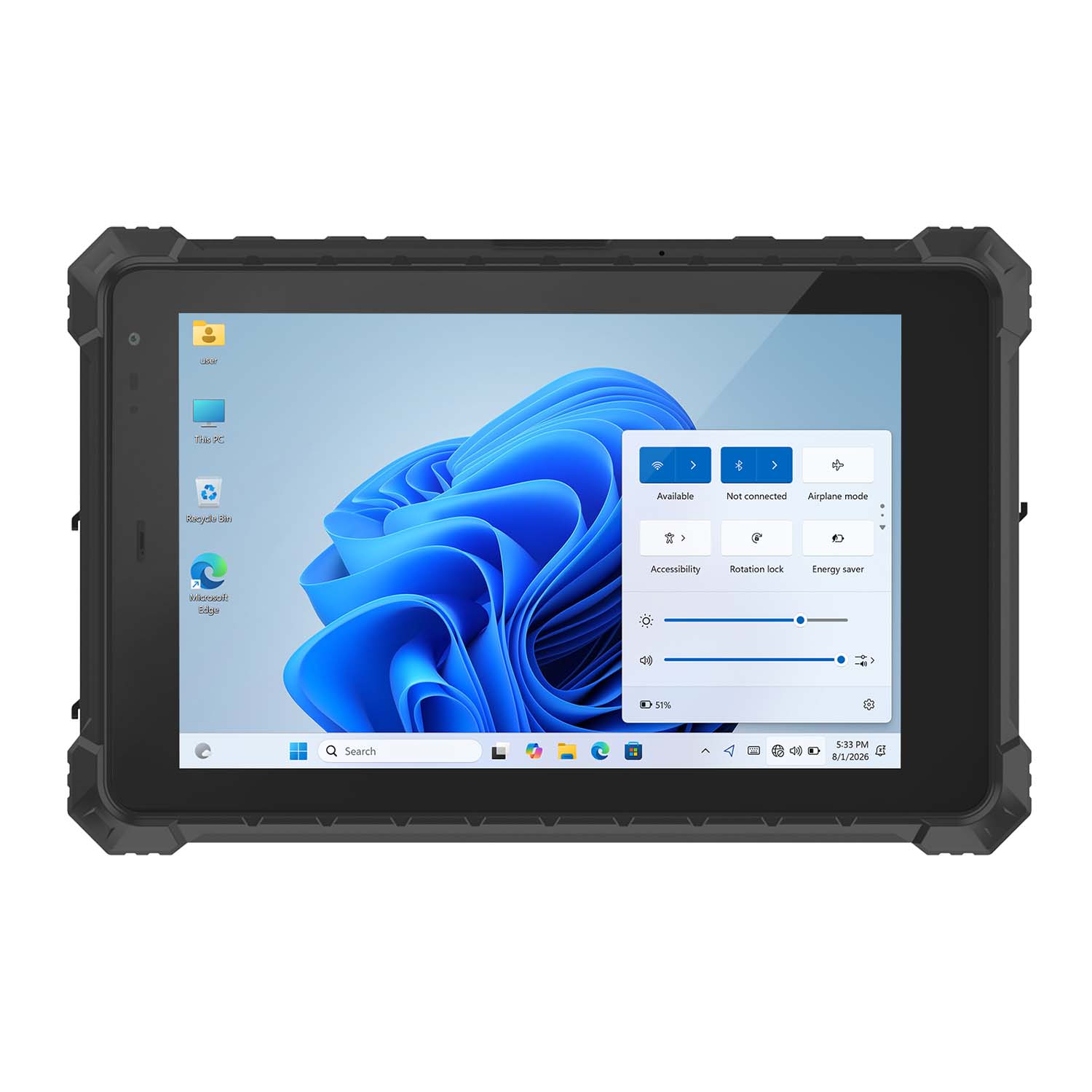 CENAVA W10N N5100 10.1 Inch Win11 IP68 Rugged Tablet Full I/O
 CENAVA A10RX RK3588 10.1 Inch Android 12 IP67 Rugged Tablet
 CENAVA A10ST MT8781 10.1 Inch Android 13 IP68 Rugged Tablet
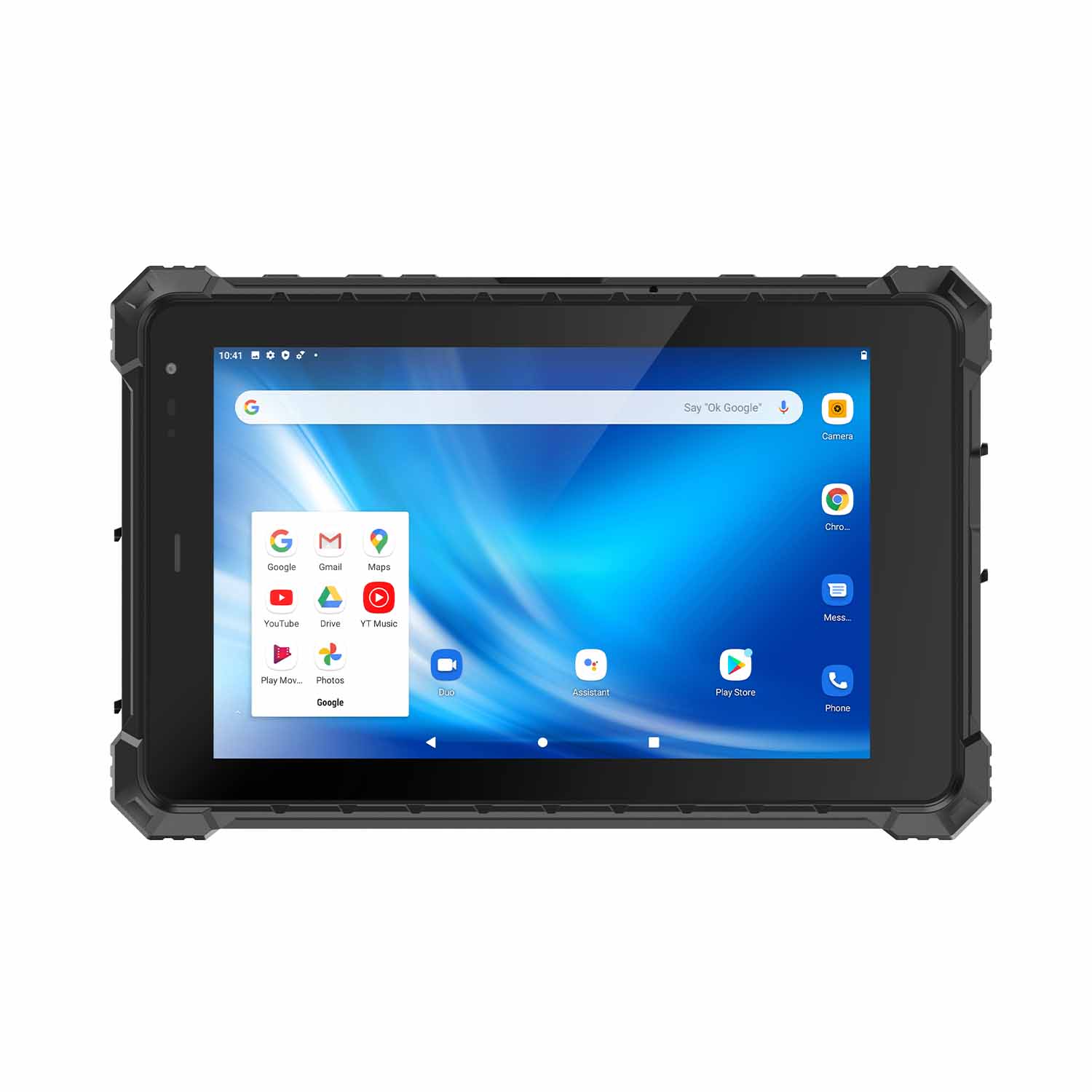 CENAVA A80ST MT6771 8 Inch Android 10 IP68 Rugged Tablet
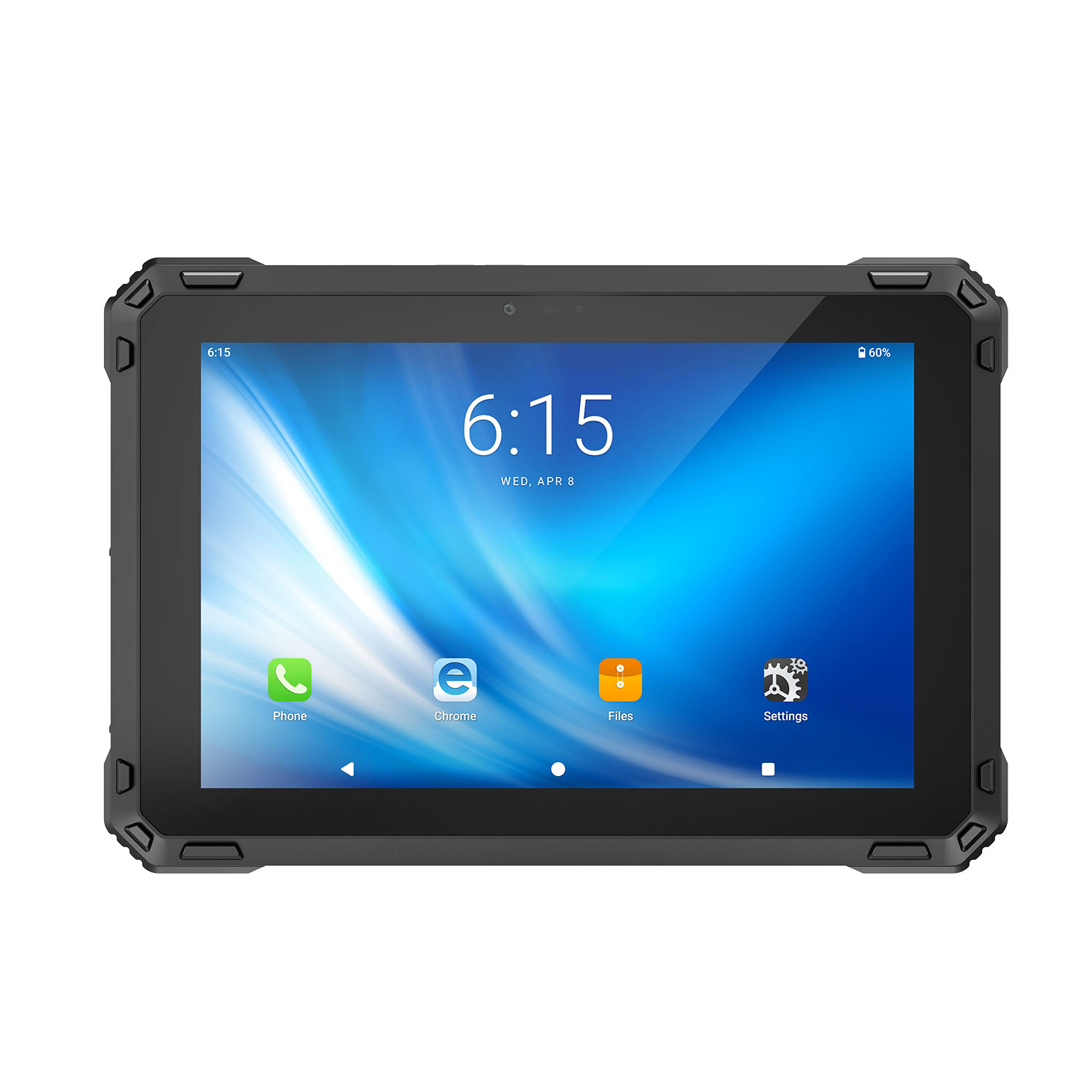 CENAVA A88ST MT6769 8 Inch Android 16 IP68 Rugged Tablet
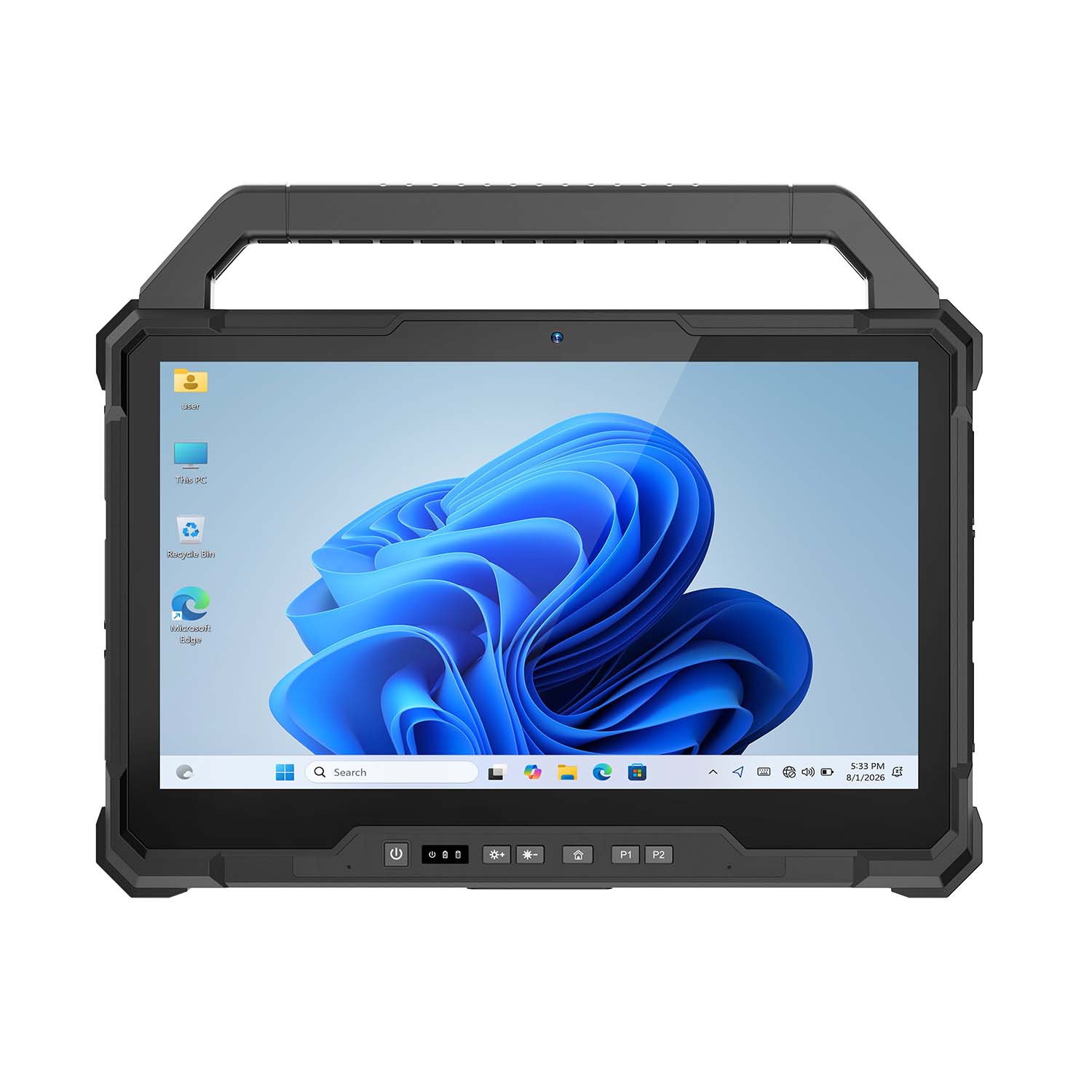 CENAVA W30NS N150 13.3 Inch Win11 IP65 Rugged Tablet
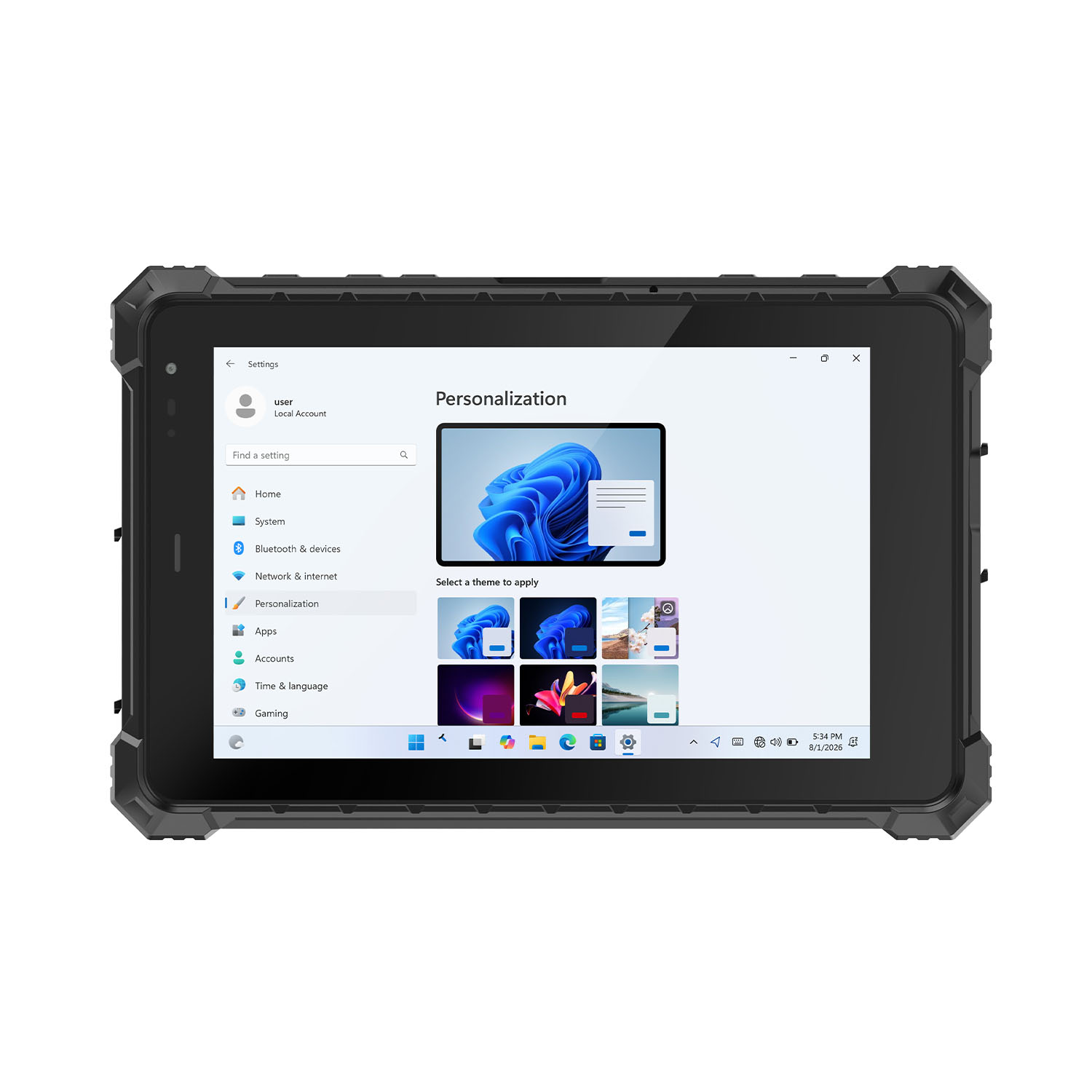 CENAVA W80Y i7-10510Y 8 Inch Win11 IP68 Rugged Gigabit
 CENAVA A10R RK3568 10.1 Inch Android 11 IP68 Rugged Tablet
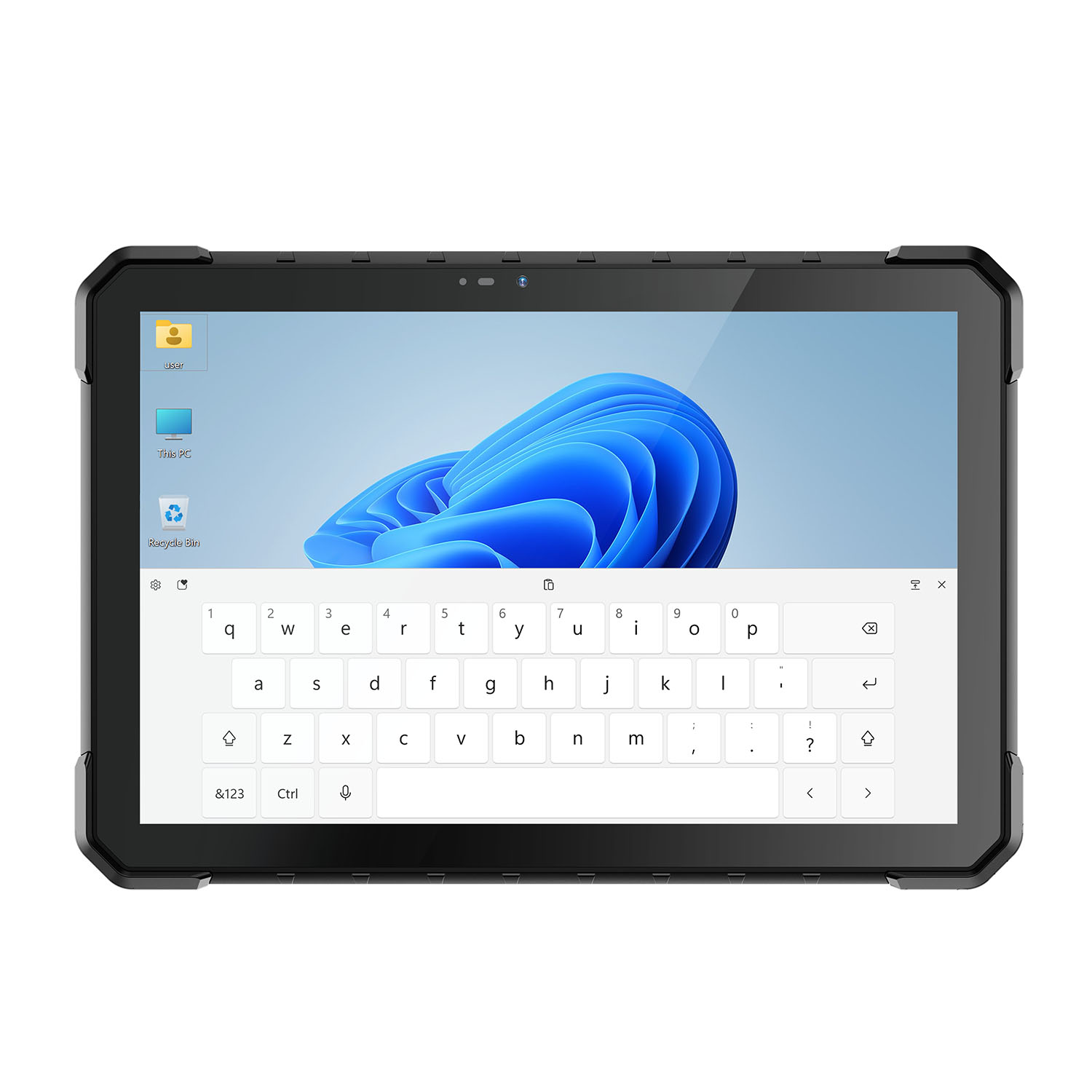 CENAVA W18Y i7-10510Y 10.1 Inch IP68 Industrial Tablet
 CENAVA CXE80C N2930 8 Inch Win10 IP65 Rugged Tablet
 CENAVA A18ST MT8781 10.1 Inch Android 13 IP68 Rugged Tablet
 CENAVA A10R RK3588 10.1 Inch Android 12 IP68 Rugged Tablet
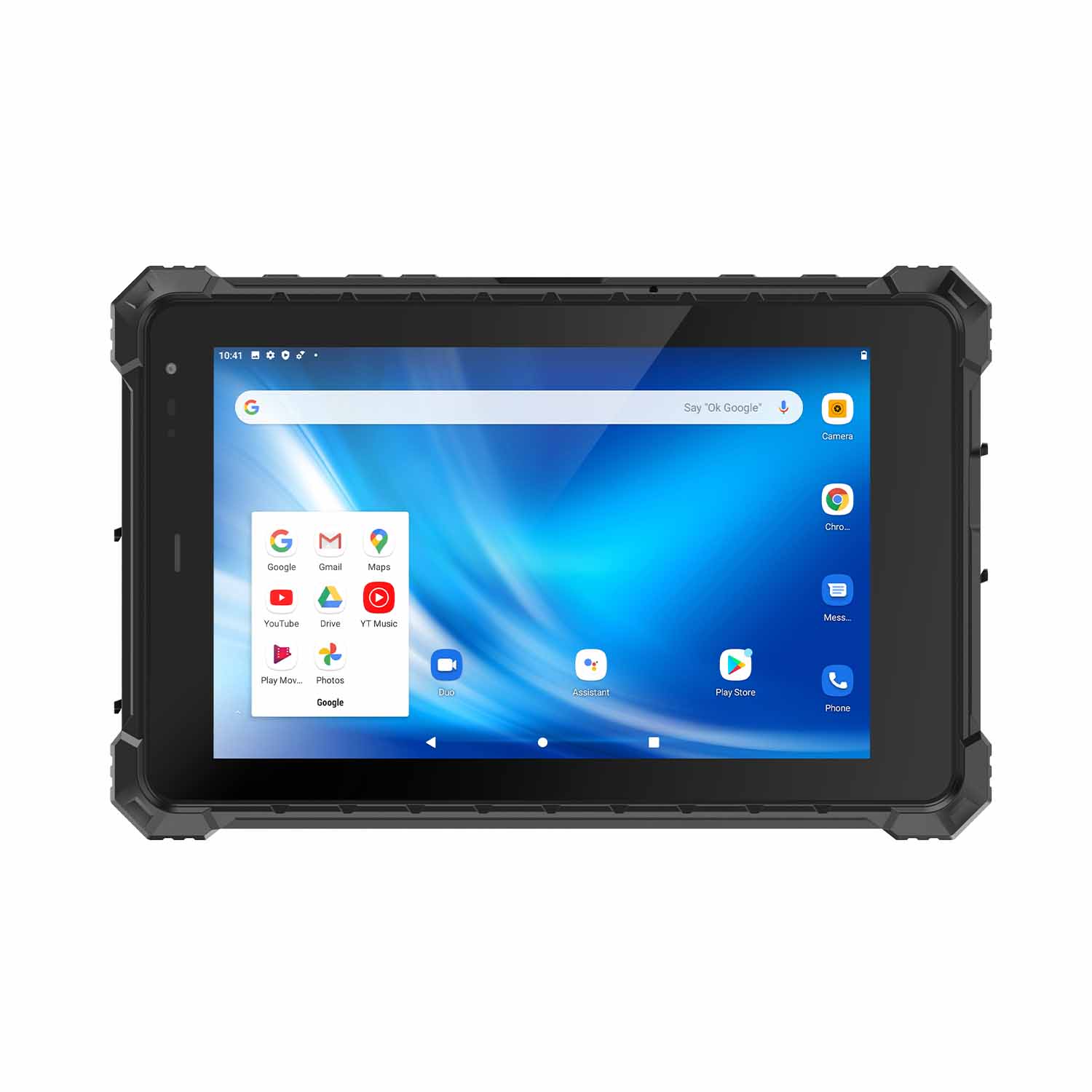 CENAVA A80ST-5G MT6877 8 Inch Android 12 IP68 Rugged Tablet
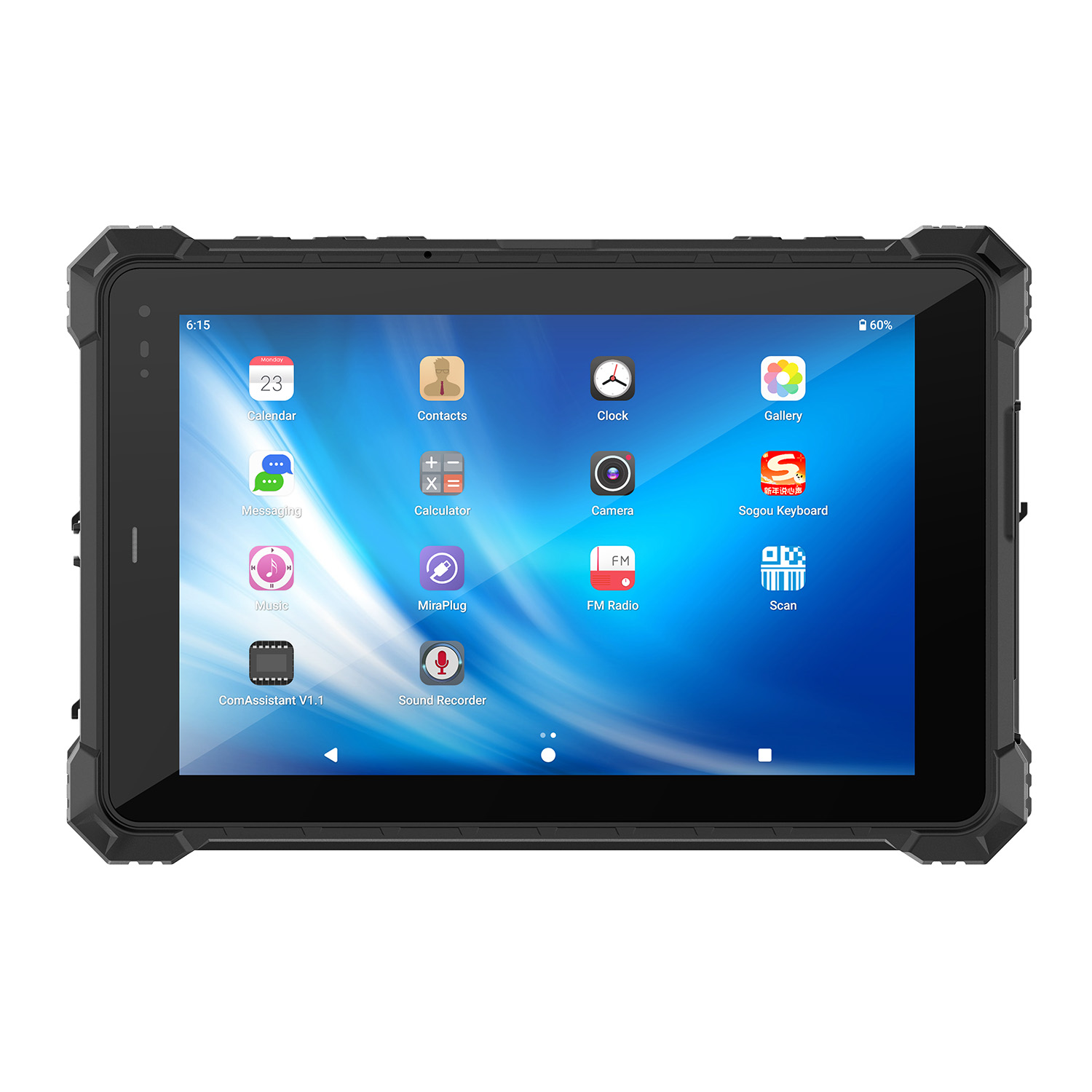 CENAVA A10STX MT8781 10.1 Inch Android 13 IP67 Rugged Tablet
 CENAVA A10ST-5G MT6877 10.1 Inch Android 12 IP68 Rugged Tablet
 CENAVA A10STX-5G MT6877 10.1 inch 5G Rugged Android Tablet
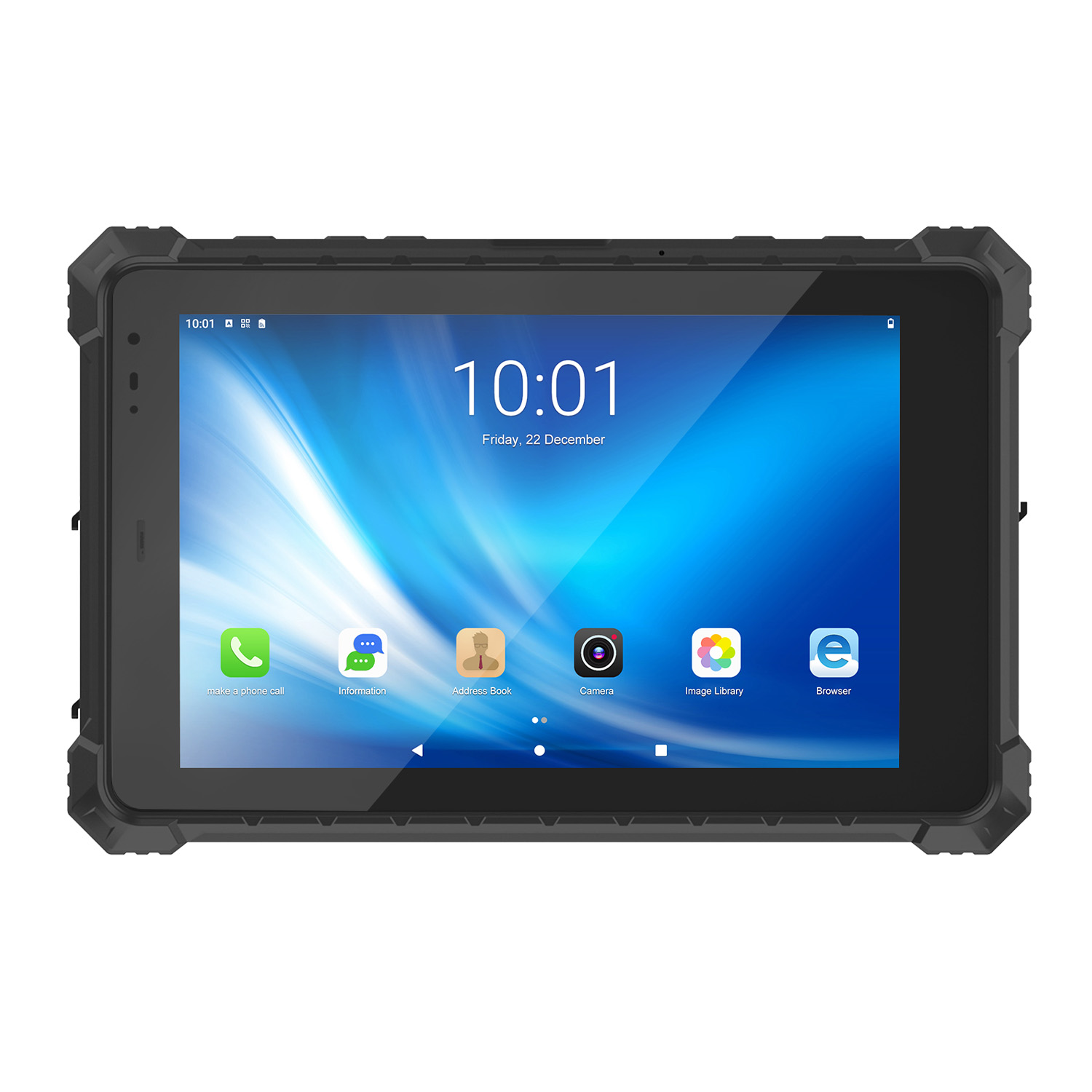 CENAVA A10ST MT6771 10.1 Inch Android 10 IP68 Rugged Tablet
 CENAVA A10STX MT6769 10.1 Inch Android 16 IP67 Rugged Tablet
 CENAVA A10ST MT6769 10.1 Inch Android 16 IP68 Rugged Tablet
 CENAVA A10STX MT6771 10.1 Inch Android 10 IP67 Rugged Tablet
 CENAVA A80ST MT8781 8 Inch Android 13 IP68 Rugged Tablet
 CENAVA A80R RK3588 8 Inch Android 12 IP68 Rugged Tablet
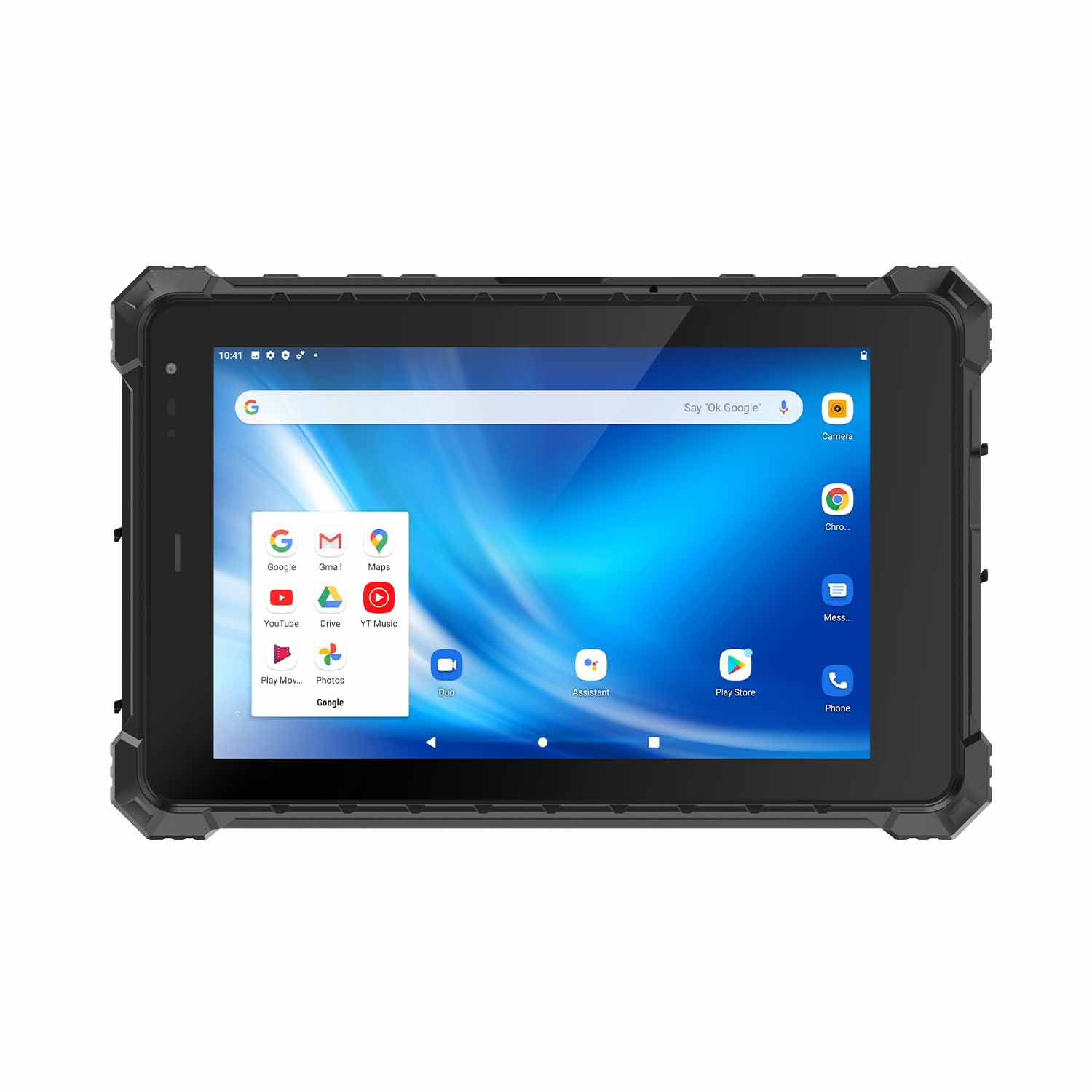 CENAVA A80STX-5G MT6877 8 Inch Android 12 IP67 Rugged Tablet
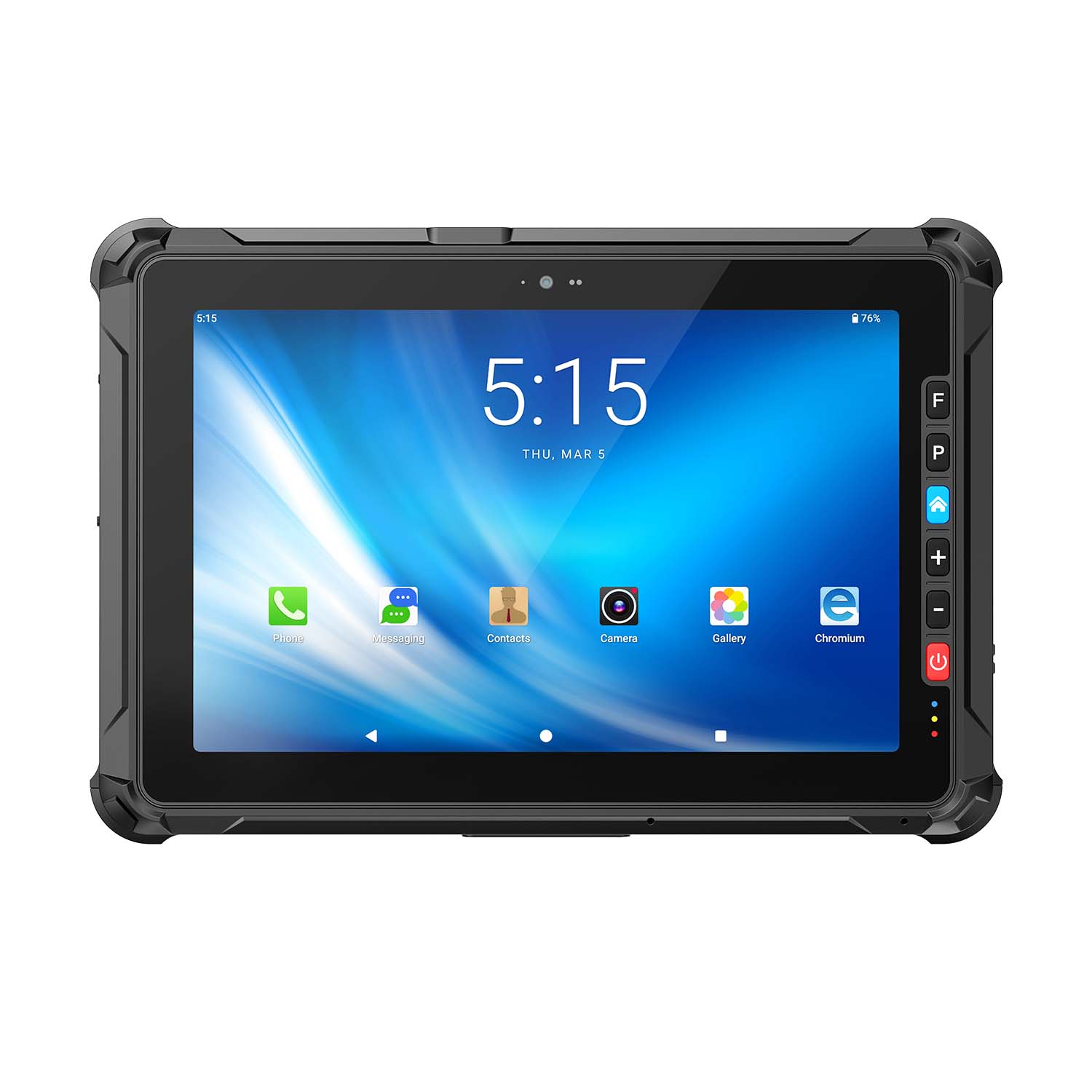 CENAVA A109ST MT8781 10.95 Inch Android 16 IP67 Rugged Tablet
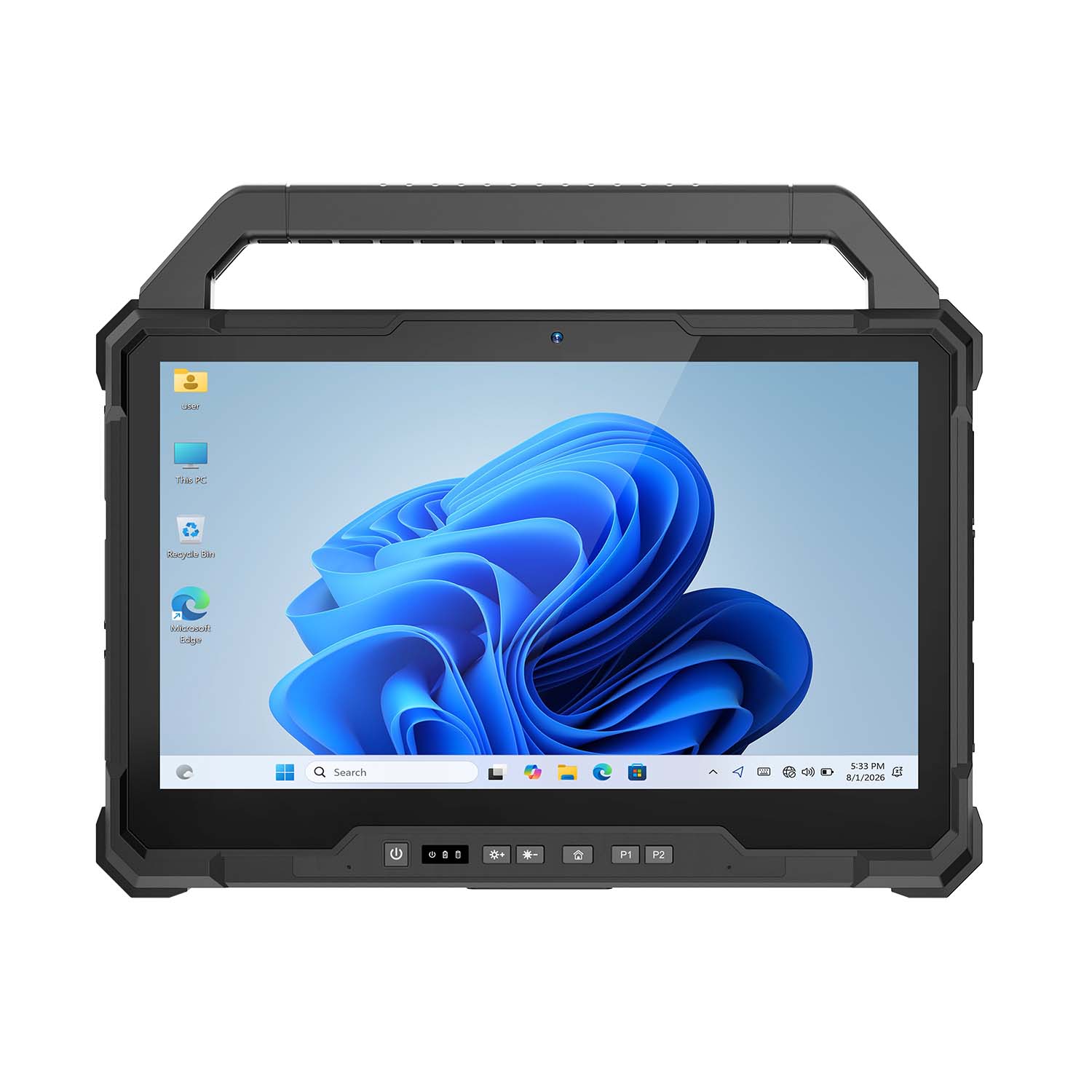 CENAVA W30U Pro Ultra7-155U 13.3 Inch Win11 IP65 Rugged Tablet
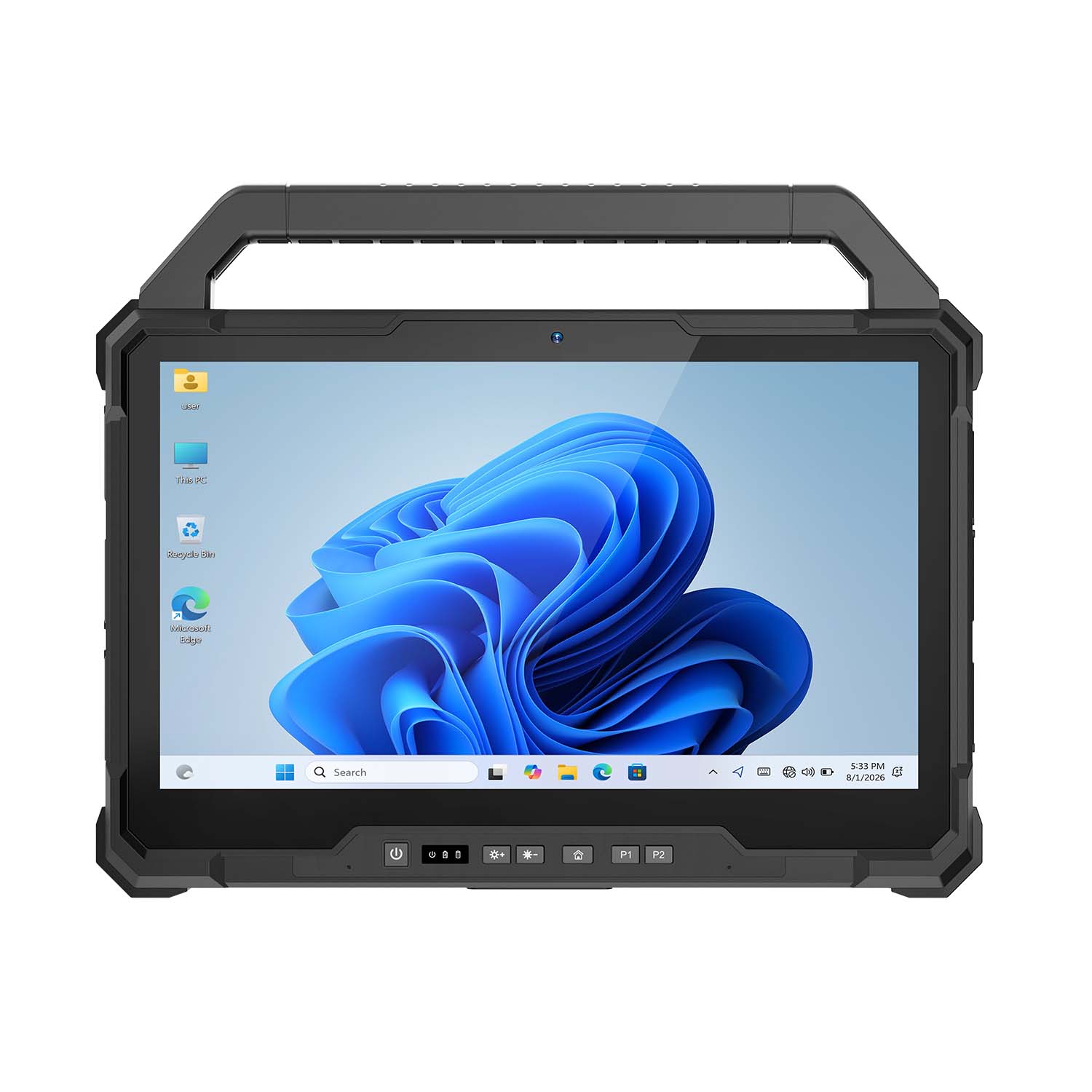 CENAVA W30U i7-1255U 13.3 Inch Win11 IP65 Rugged Tablet
 CENAVA W109NS N150 10.95 Inch Win11 IP67 Rugged Tablet GbE
 CENAVA W109U i5-1235U 10.95 Inch Win11 IP67 Rugged Tablet
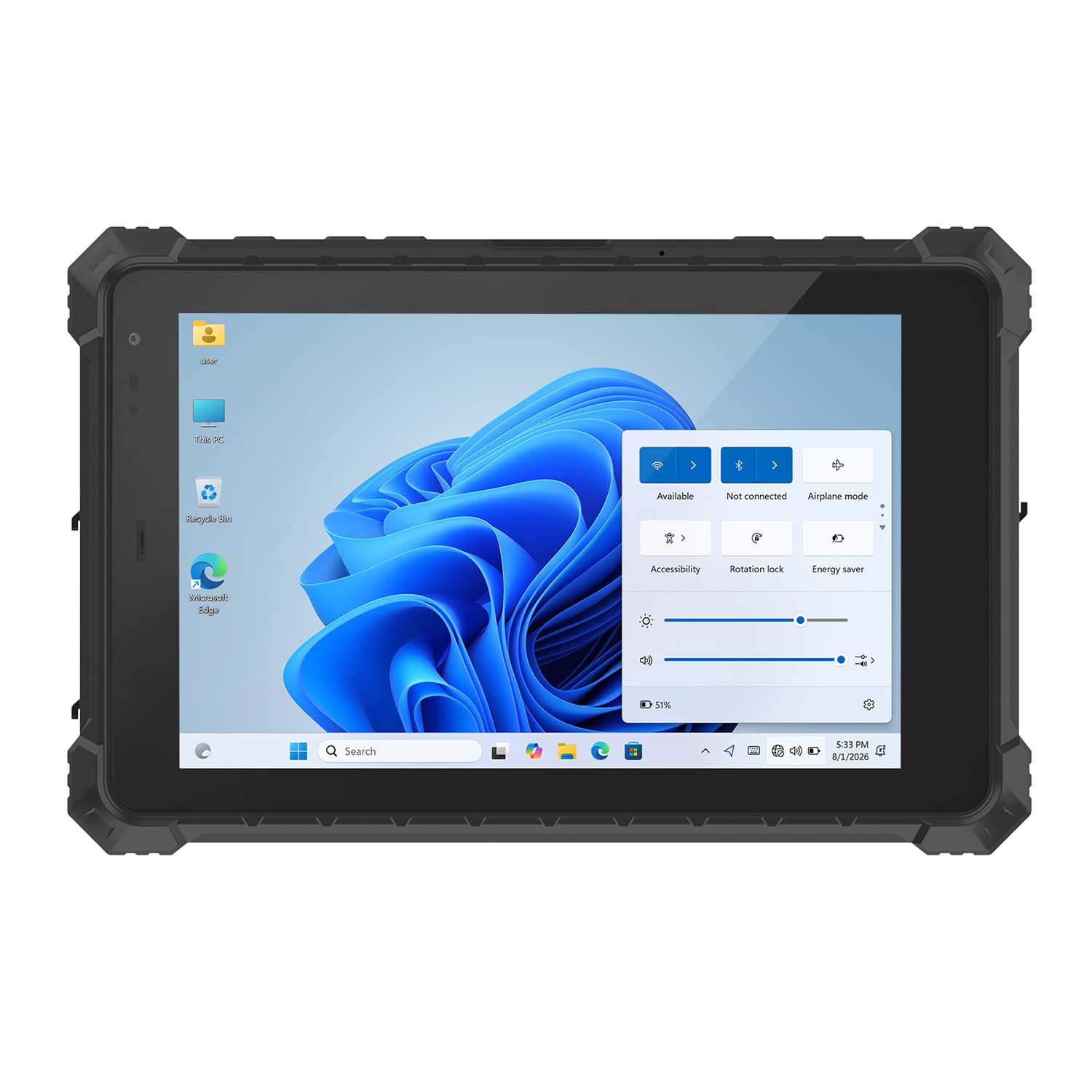 CENAVA W10Y i5-10210Y 10.1 Inch Win11 IP68 Rugged Tablet Full I/O
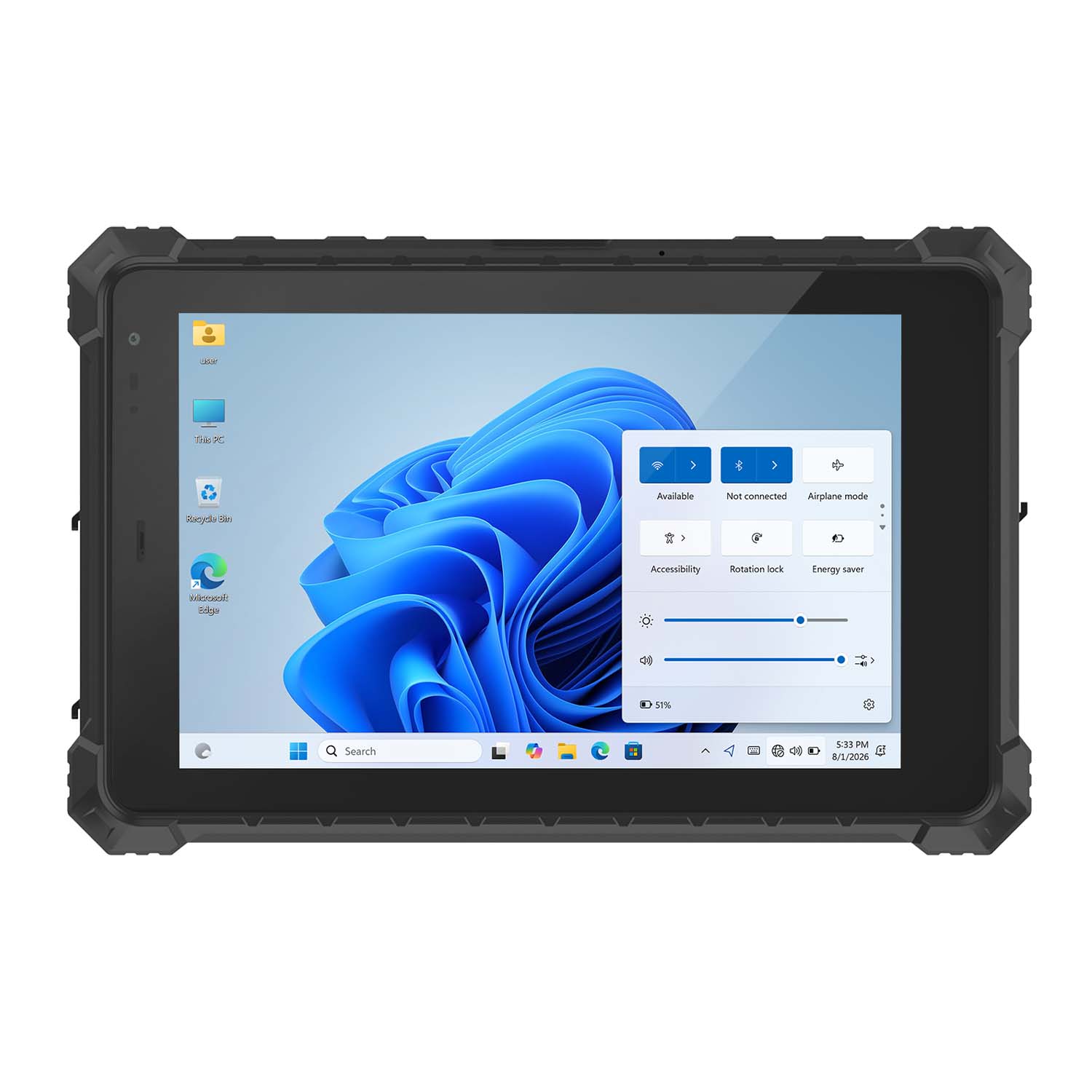 CENAVA W10NPRO N100 10.1 Inch Win11 IP68 Rugged Full I/O
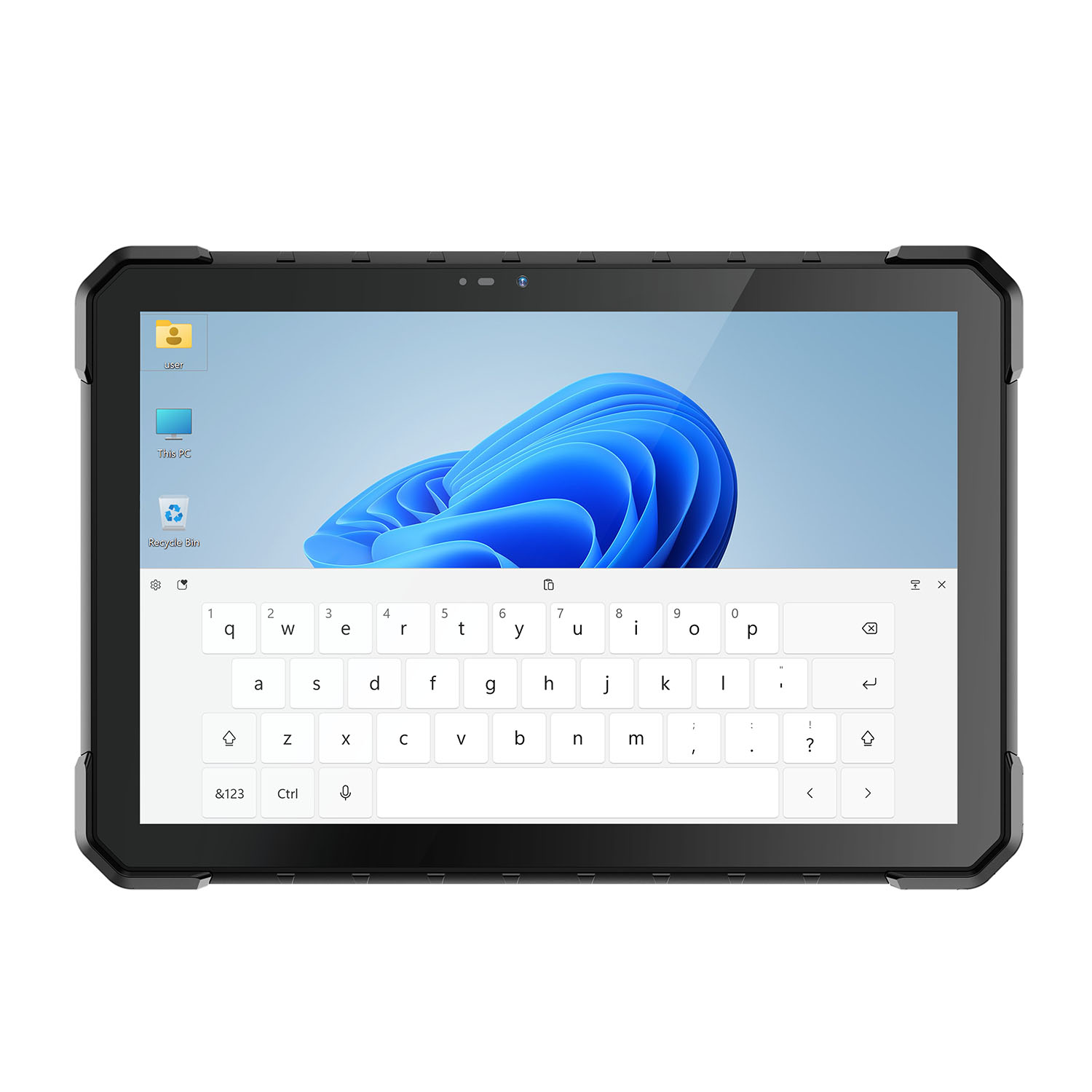 CENAVA W18Y i5-10210Y 10.1 Inch Win11 IP68 Rugged Slim
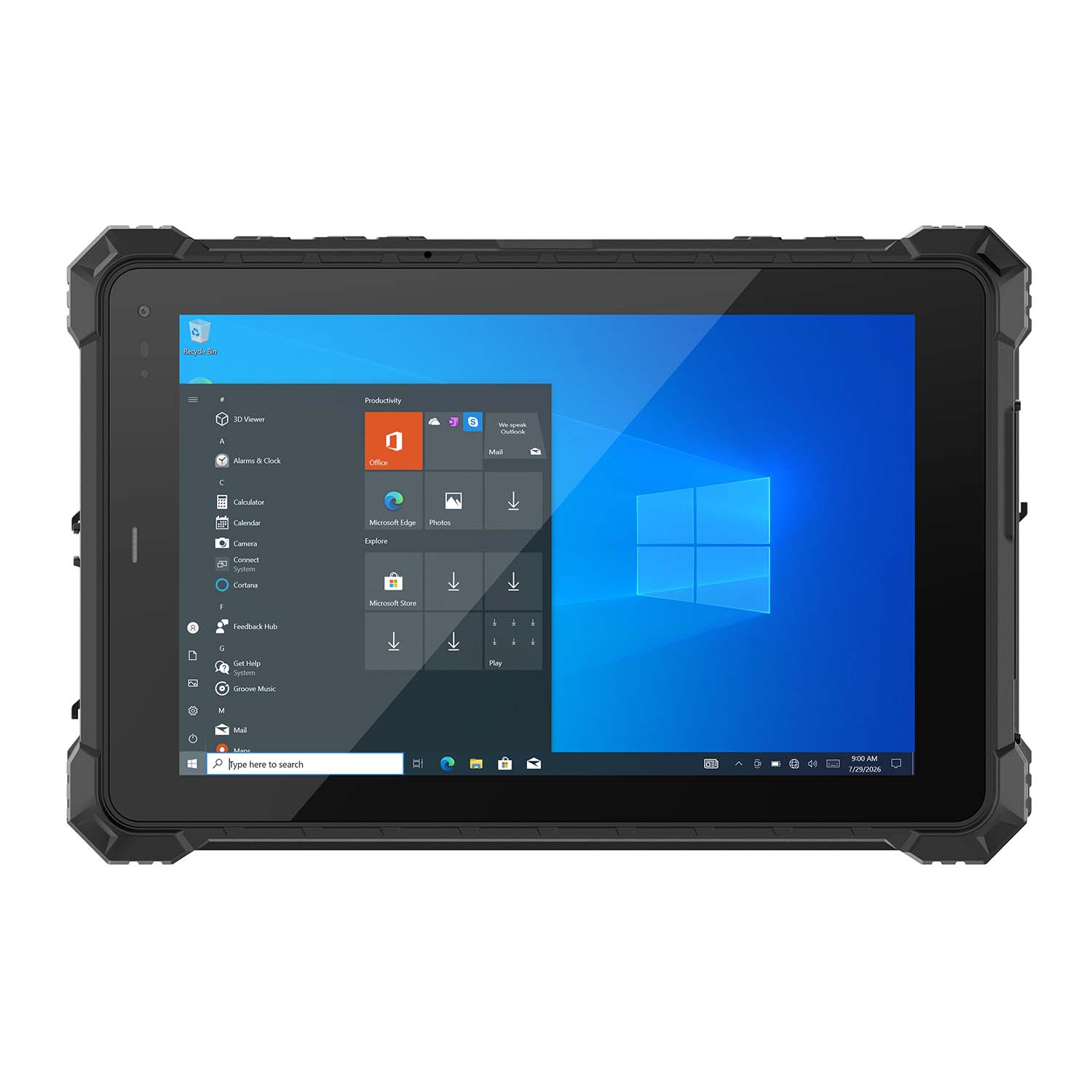 CENAVA W10NX N5100 10.1 Inch Windows IP67 Industrial Tablet
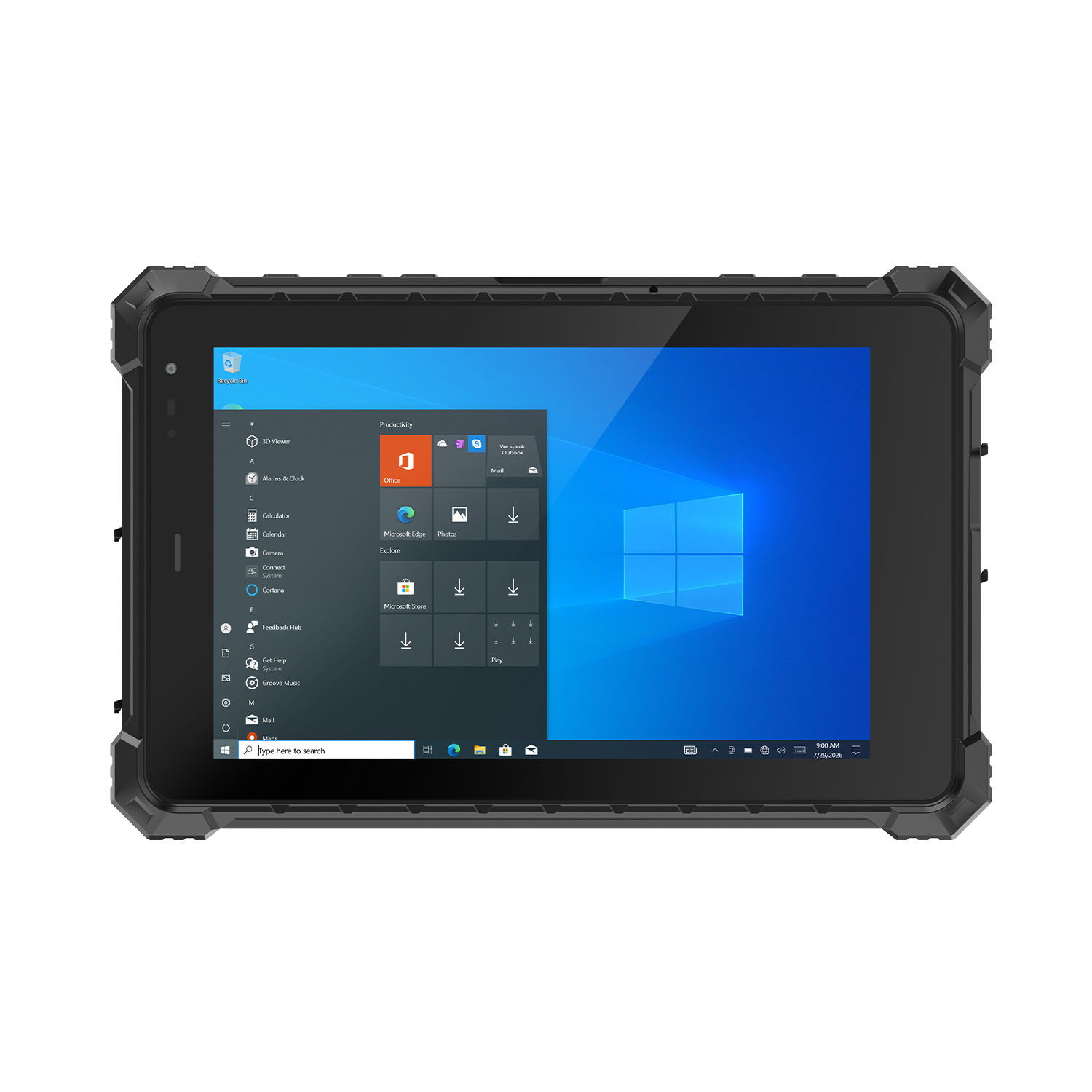 CENAVA W80N N5100 8 Inch Win11 IP68 Windows Rugged Tablet
 CENAVA H10PRO N100 10.1 Inch Win11 Industrial PC | WiFi6 Touch Panel
-1.jpg) CENAVA H55N N5100 5.5" Win11 Mini Industrial PC
CENAVA H55N N5100 5.5" Win11 Mini Industrial PC
 CENAVA H10F N100 10.1" Win11 Industrial Panel PC Touch Computer
 CENAVA H10F N95 10.1" Win11 Industrial Panel PC | WiFi6 Touch Computer
 CENAVA H7S N3350 7 Inch Win10 Entry Industrial PC | POE Fanless Touch Panel
 CENAVA H7 N4020 7" Win10 Compact Industrial PC | POE Fanless Touch Panel
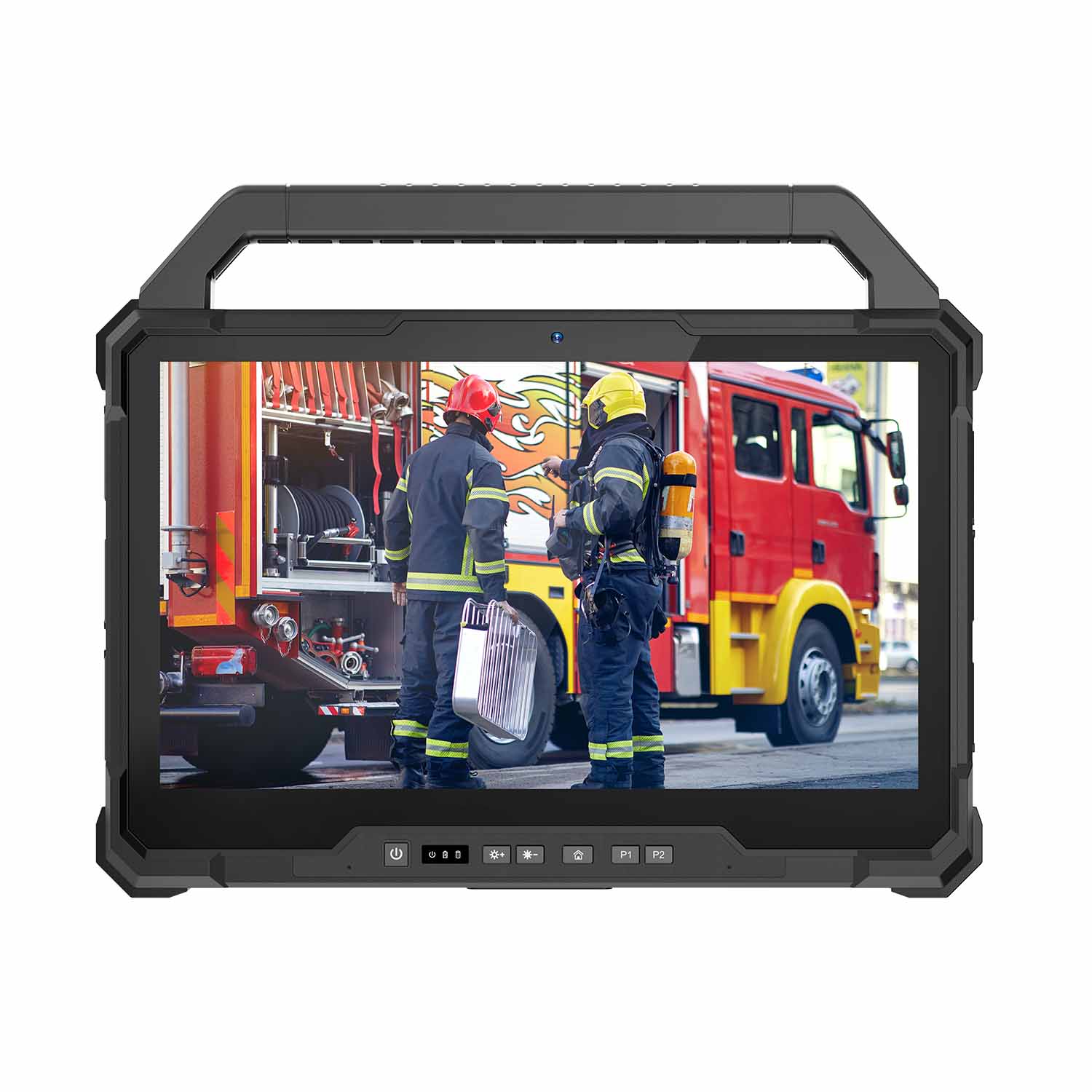 W30U-EX i7-1255U 13.3 Inch Explosion-Proof Windows Tablet
 W30UPro-EX Ultra7-155U ATEX II 2GD Ex ib IIC T5 Gb Explosion-Proof Tablet
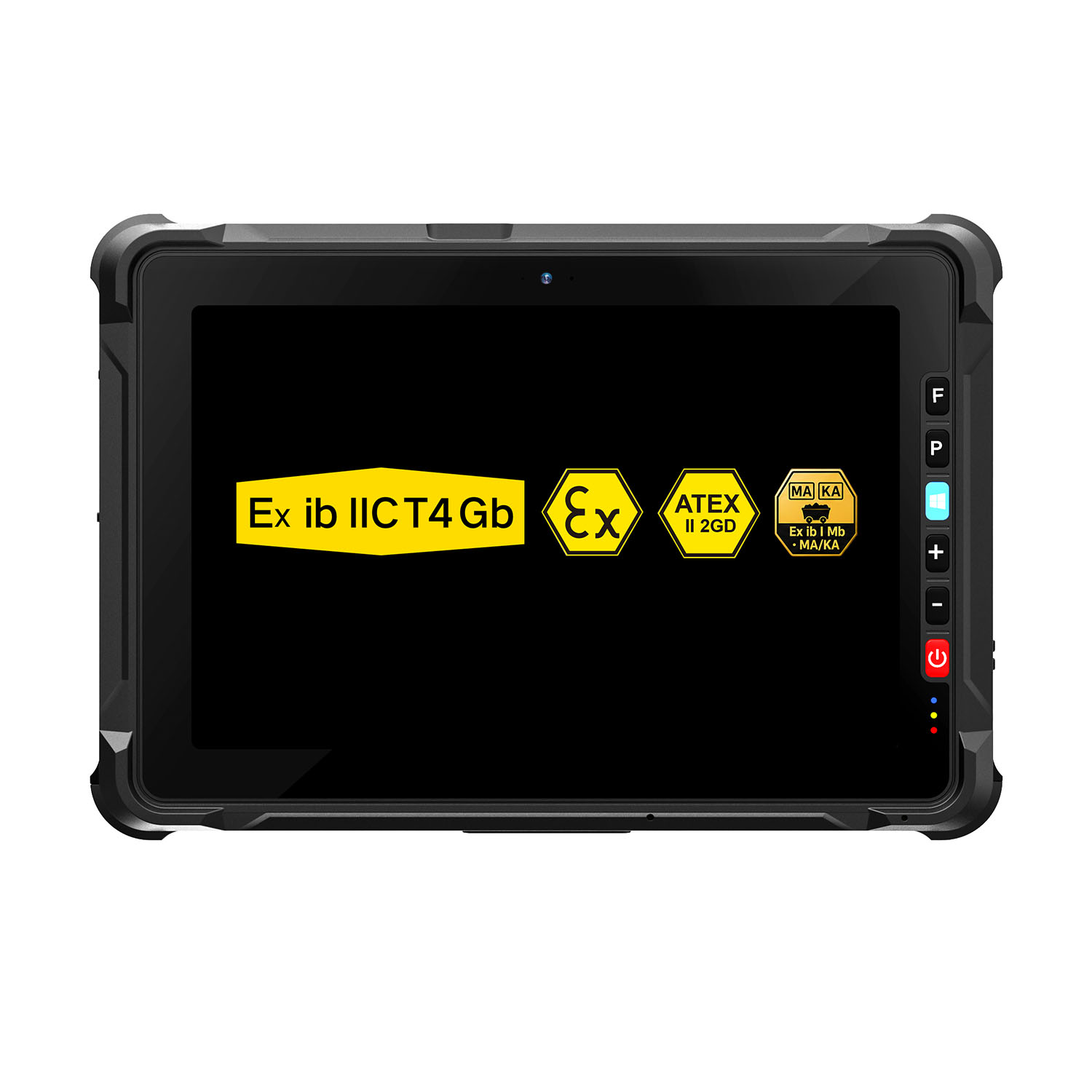 W109NS-EX N150 Explosion-Proof Hazardous Area Windows Tablet
 A109ST-EX MT8781 20000mAh Explosion-Proof ATEX II 2GD Android Tablet
.jpg) W10N-EX N5100 Explosion-Proof Intrinsically Safe Windows Tablet
W10N-EX N5100 Explosion-Proof Intrinsically Safe Windows Tablet
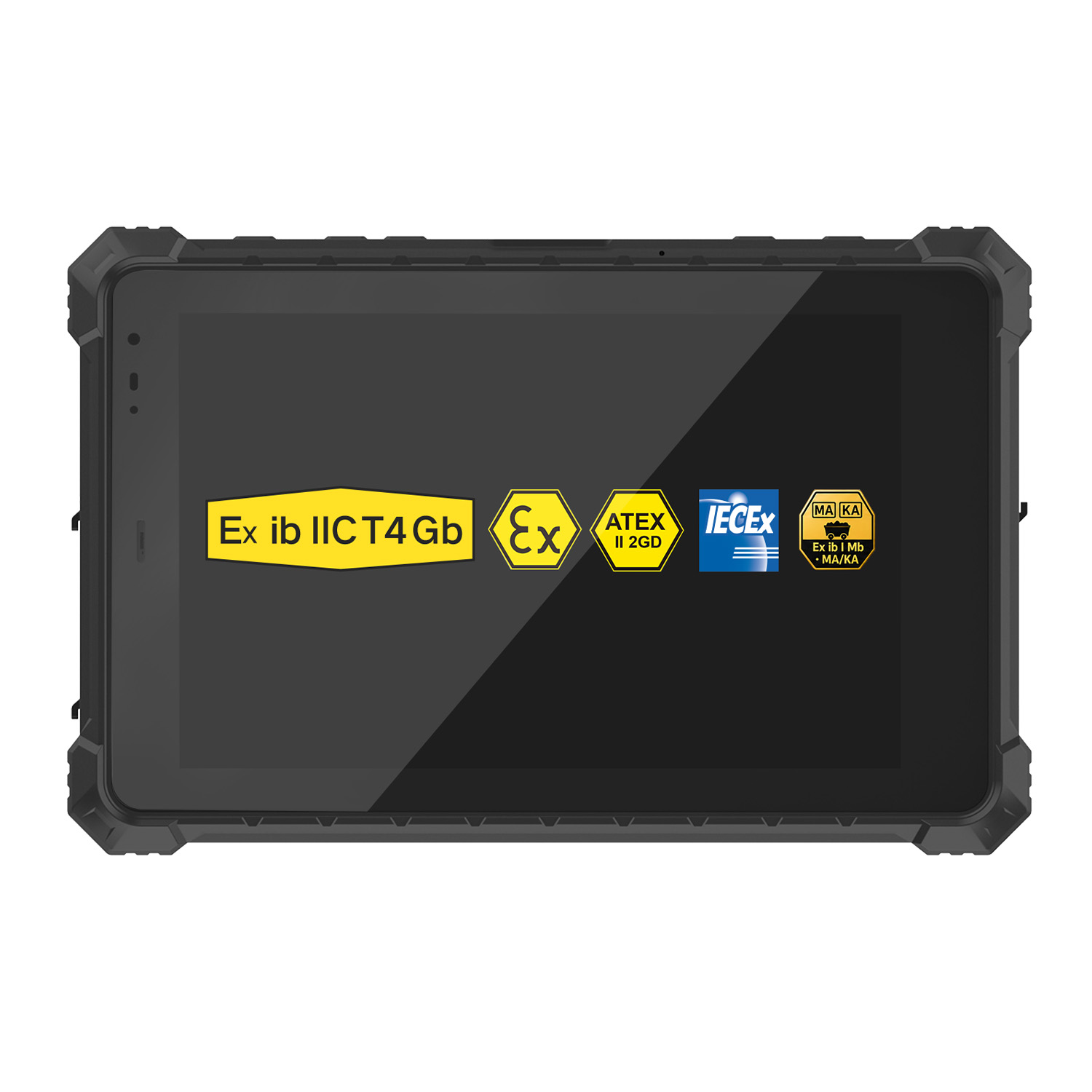 A10ST-EX MT8781 Ex ib IIC T5 Gb Hazardous Area Rugged Tablet
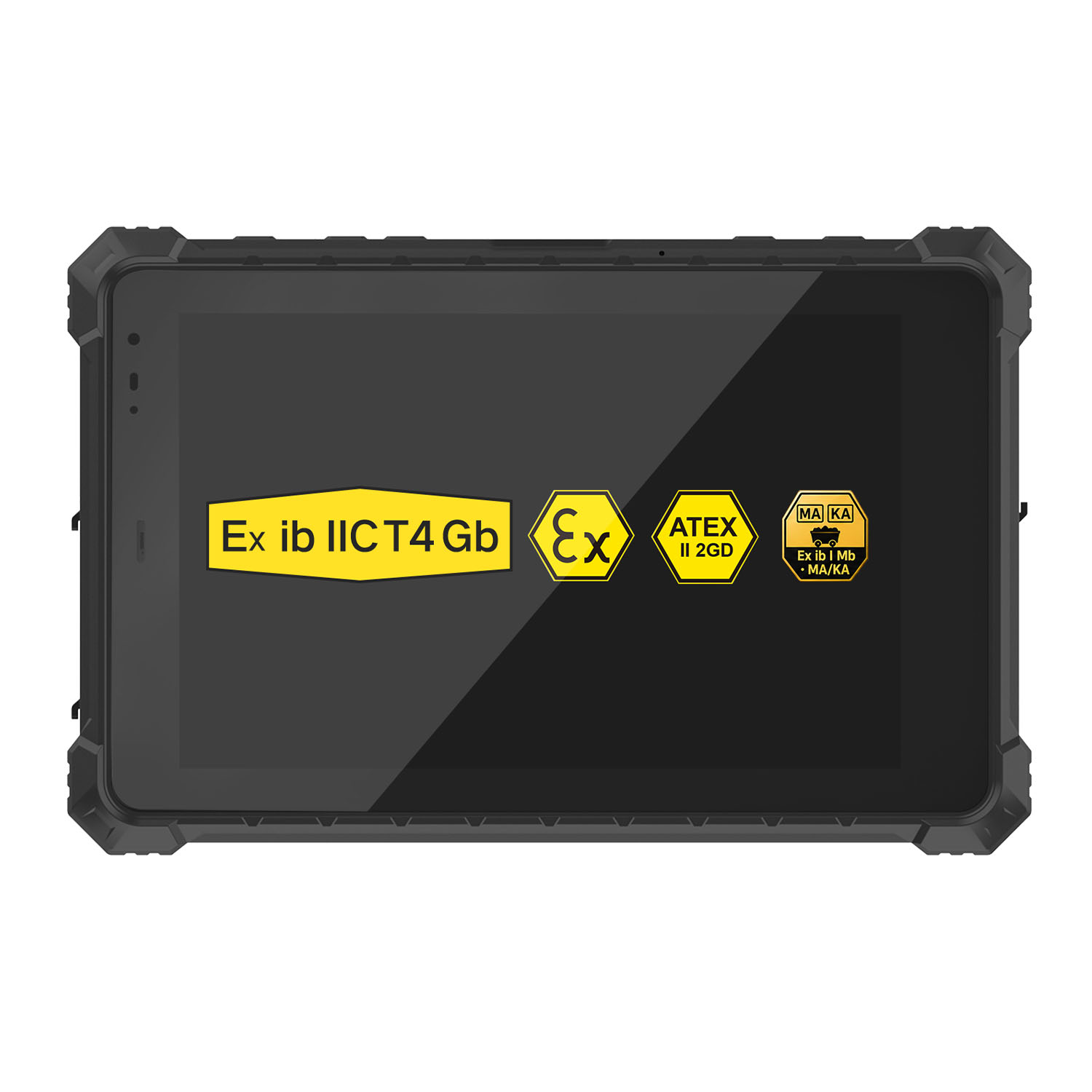 A10R-EX 10.1 Inch Explosion Proof RK3568 Industrial Tablet PC
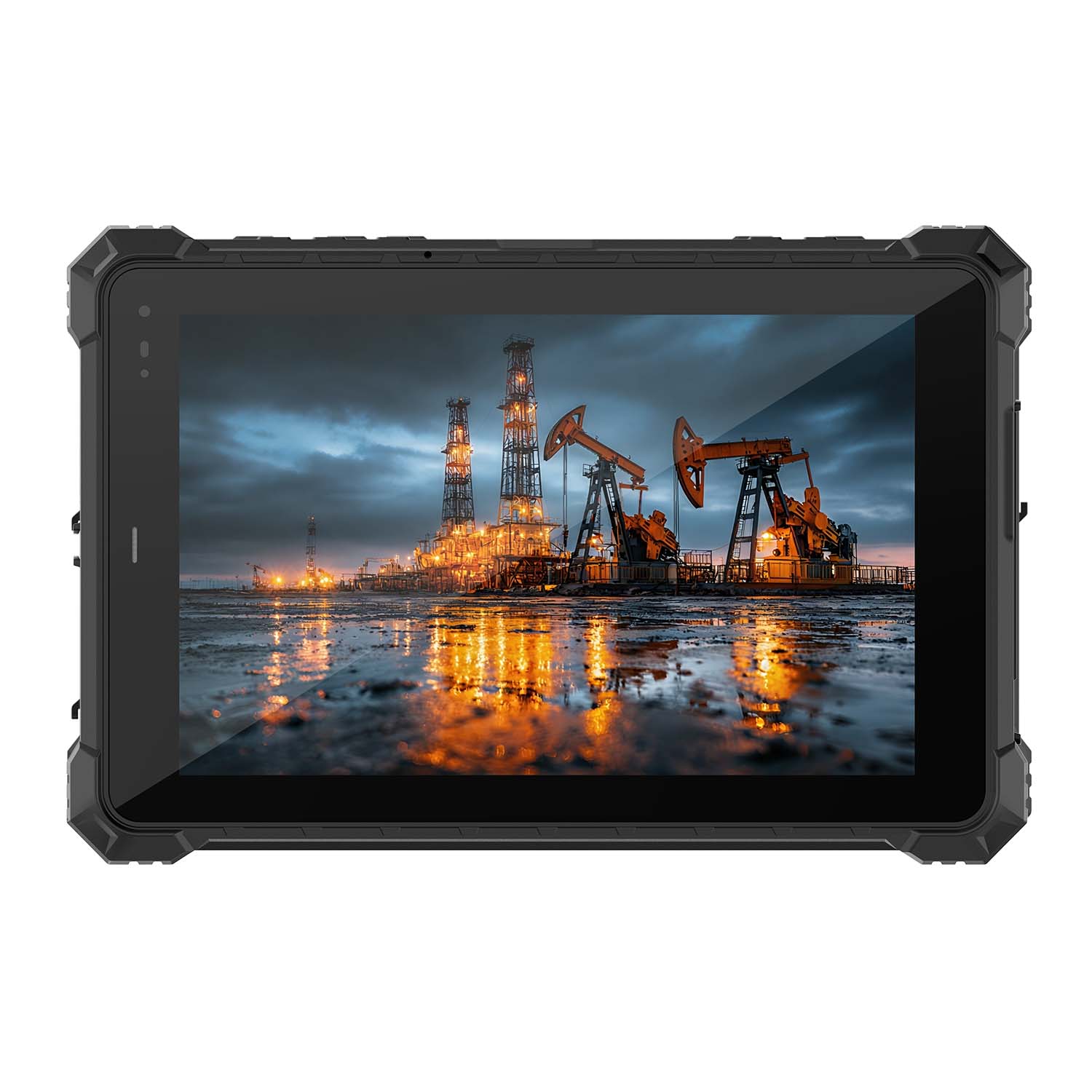 A10STX-EX MT8781 10.1 Inch ATEX II 2GD Android Tablet
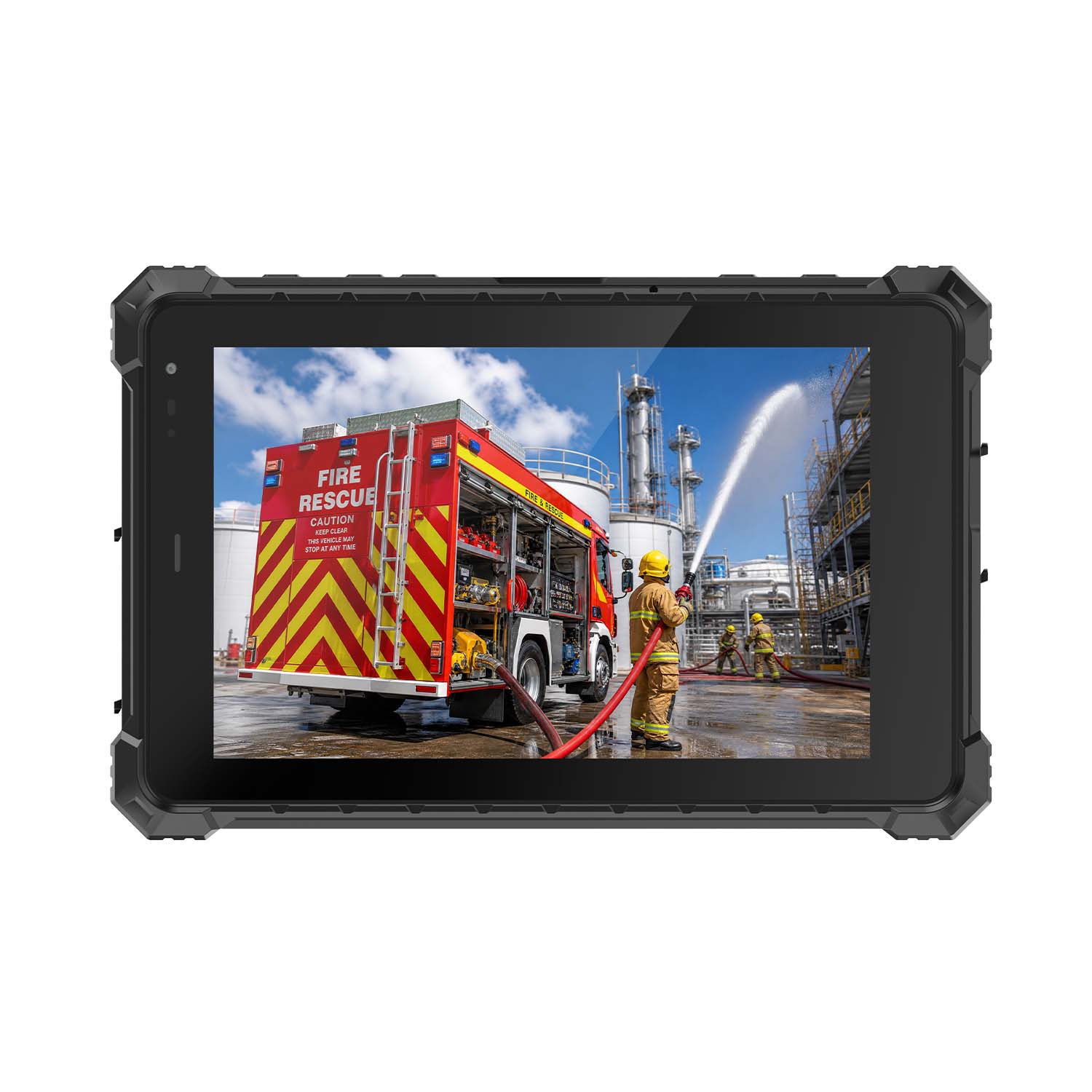 W80N-EX N5100 8 Inch Explosion-Proof Windows ATEX II 2GD Tablet
 A18ST-EX Slim 10.1-Inch Explosion-Proof Android Tablet
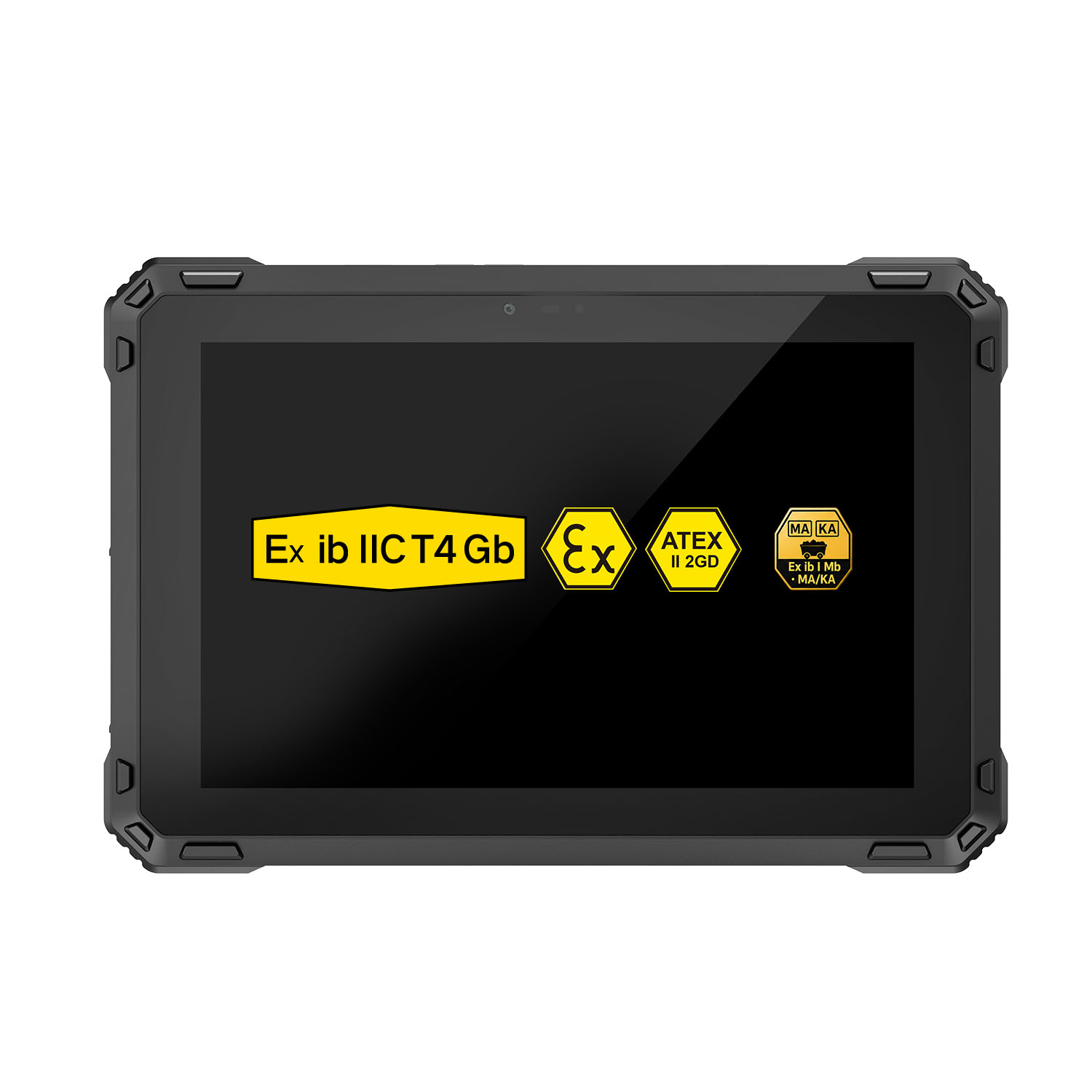 A88ST-EX MT6769 Hazardous Area 8-Inch Explosion-Proof Android Tablet
 A80ST-5G EX MT6877 8 Inch Ex ib ⅡC T4 Gb Explosion Proof Tablet
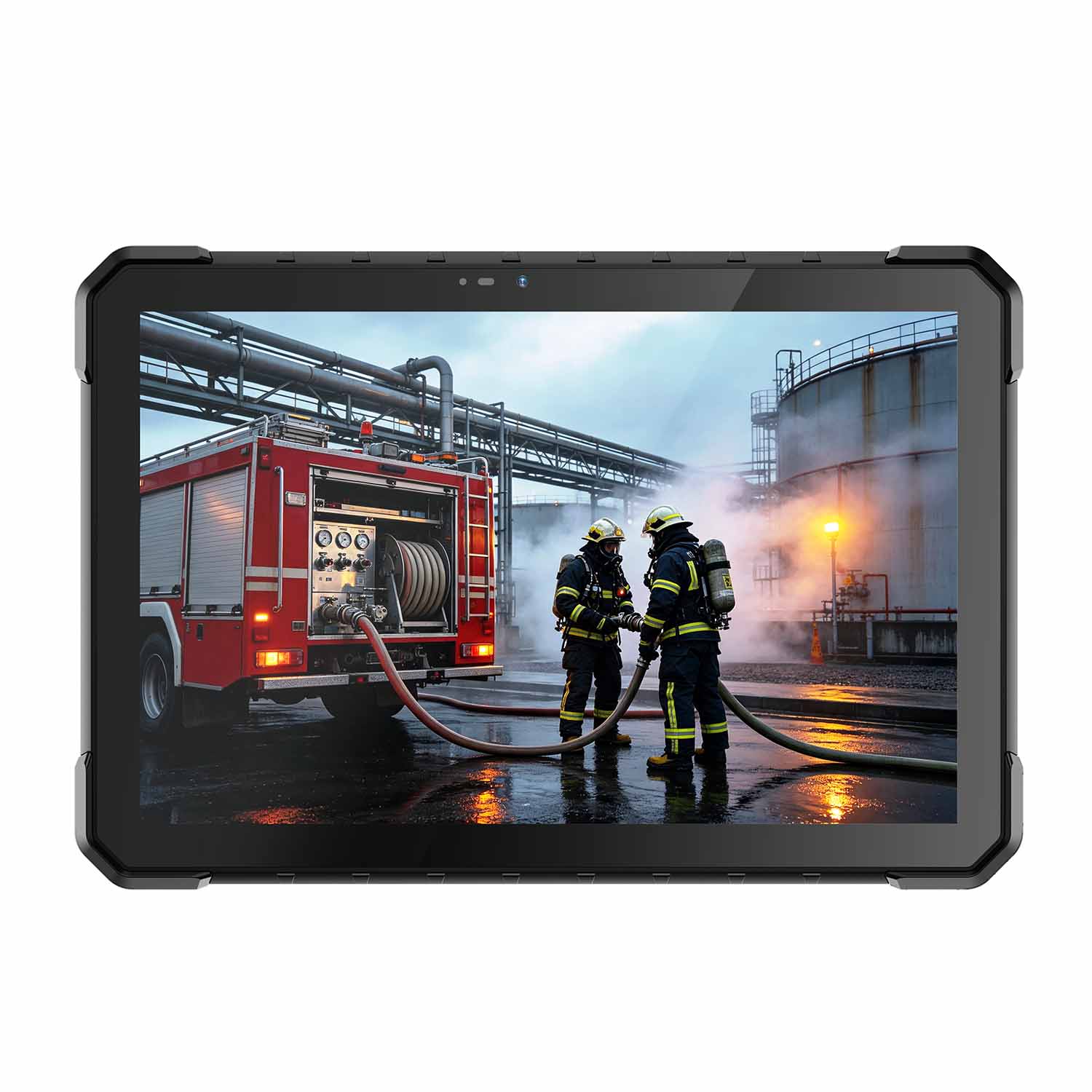 CENAVA W18Y-EX i7 10.1 Inch Explosion-Proof Windows 11 Tablet
 W65G-EX Explosion-Proof Windows Handheld Hazardous Area PDA