In a narrow basement stairwell, 250 grams of extra mass and a poorly placed strap matter more than a benchmark score. That is the lens for this guide: five manufacturers judged on residential meter work, regulator-station rounds and distribution-network records — and on whether their devices stay inside the safety role they were approved for.
Rain beside an outdoor meter box is one test; a basement with a foreseeable flammable-gas atmosphere is a different legal category. IP65 and IP68 tell you how the enclosure was tested. Whether a tablet may enter Zone 1 or Division 2 is written in its certificate, not on its spec sheet.
Residential work creates a different design problem from refinery rounds. The technician may hold a handrail, carry a detector or present identification while opening the work order with the other hand. In a narrow basement stairwell, 250 grams of extra mass and a poorly placed strap matter more than a benchmark score.
The field workflow is equally important. A technician identifies the service point, reads or photographs the meter, records a seal condition, completes a customer notice and synchronizes the job when coverage returns. The tablet stores those records. It does not establish that the atmosphere is safe, that a valve may be operated or that a leak response can continue inside a restricted space.
This comparison covers five manufacturers serving different parts of that workflow. Five entries, ordered by fit for residential field service — treat the numbers as a reading order, not a podium. Most devices fit ordinary residential and outdoor utility routes; selected Panasonic or Zebra configurations address defined North American Division 2 work, while CENAVA and i.safe MOBILE provide separate hazardous-location product paths whose exact certificates must match the project.
What Defines a Top-Tier Rugged Tablet Manufacturer for Gas Utilities?
A credible manufacturer starts with the route and the task, not the spec sheet. The separation shows up when a 10-device trial grows into a 200-unit fleet:
Evidence linked to the exact configuration: Ingress, temperature and drop claims identify the model and test method. Radio, regional and hazardous-location approvals remain separate records rather than being inferred from the enclosure.
A complete carrying system: The tablet, hand strap, shoulder strap, stylus, screen protector, vehicle cradle and charging point are tested together. One-handed use is judged with the production accessories installed.
Reliable field input: The camera, barcode reader, NFC option and touchscreen are evaluated on real meter faces, scratched labels, issued gloves and wet housings. A supplier does not imply that one touch mode works with every glove.
Lifecycle and data discipline: OS maintenance, device enrollment, repair identity, resident-data protection and offline conflict handling are planned across the intended service life.
The Top 5 Natural Gas Meter Reading Tablet Manufacturers of 2026
These manufacturers approach gas-utility mobility from different directions. Some prioritize Windows engineering applications, several specialize in compact Android workflows, and one focuses on certified equipment for potentially explosive atmospheres. Each entry separates company background, product evidence, practical strength and the gas-service route where the device deserves consideration.
1. Panasonic TOUGHBOOK (Japan)
Panasonic has supplied TOUGHBOOK mobile computers to utilities, public safety agencies and field-service fleets for decades. Gas companies often value its docking, keyboard and repair ecosystem as much as the tablet itself. That continuity can simplify a mixed deployment covering vans, depots and field crews.
2. Getac (Taiwan)
Getac produces rugged Windows and Android computers for utilities, public safety and industrial service. Its ZX10 gives Android field applications a larger workspace than a handheld while retaining a field-oriented enclosure. The platform is attractive when the utility wants structured forms without carrying a full Windows engineering environment into every home.
3. Zebra Technologies (United States)
Zebra is known for enterprise Android mobility, barcode capture and centralized device management. Those capabilities align with gas utilities that identify meters, regulators, tools and replacement parts through durable labels. The company also offers a mature accessory and fleet-management environment for distributed crews.
4. Samsung Electronics (South Korea)
Samsung brings enterprise Android management and a broad mobile ecosystem to utility field work. The Galaxy Tab Active family is frequently considered when a conventional consumer tablet lacks sealing, a removable battery or field-oriented accessories. Its compact format is particularly relevant to residential entry.
5. CENAVA (China)
CENAVA develops rugged tablets and industrial mobile devices for inspection, logistics and hazardous-area projects. Its OEM/ODM model is relevant when a gas utility or system integrator needs a defined Android build, carrying accessory and field application under one configuration-control process. Any hardware or software change must preserve the identity covered by the project evidence.
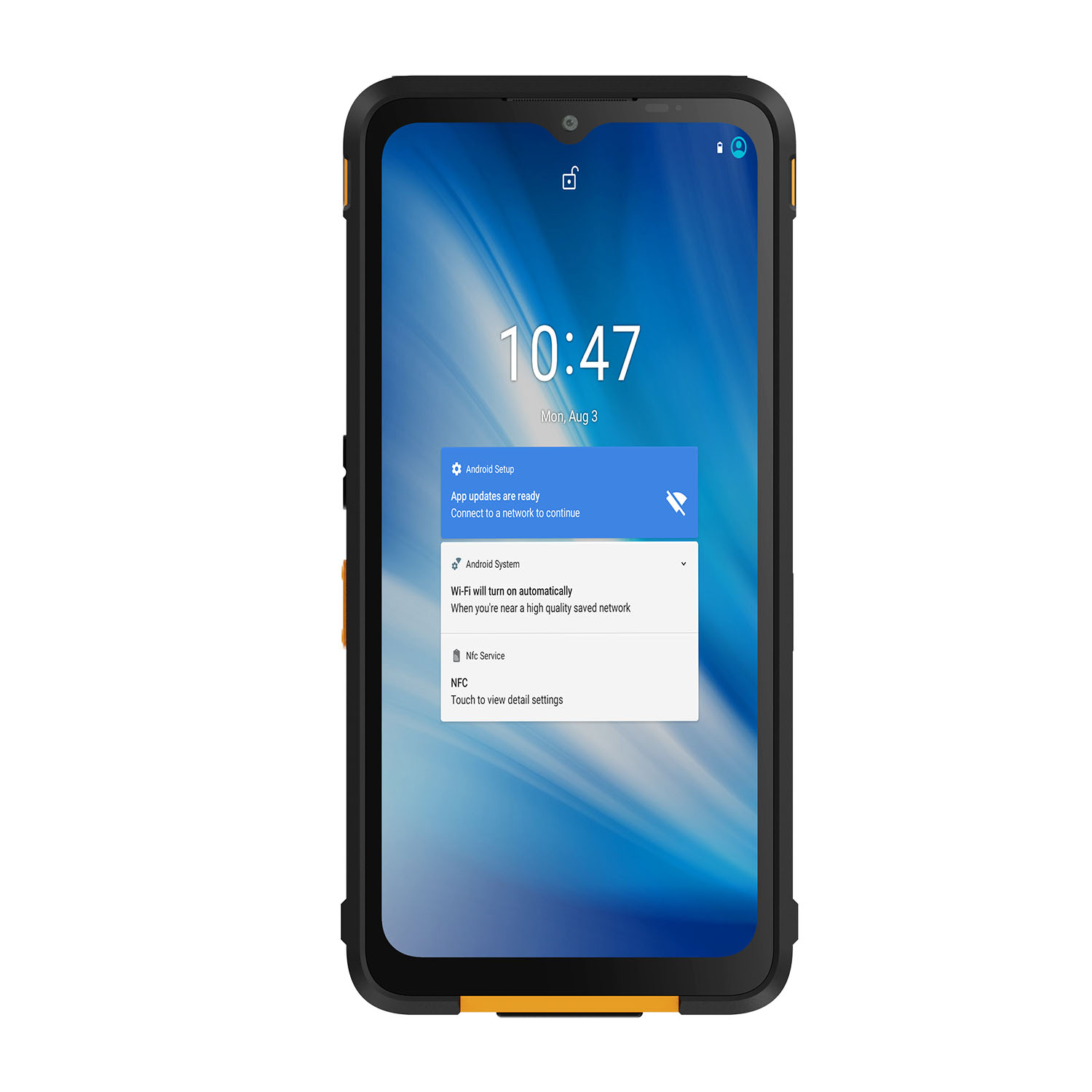
Key Products: The CENAVA A80ST-EX is an 8-inch Android hazardous-area tablet presented with IP68 protection and an Ex ib IIC T4 Gb gas marking for the relevant configuration. The exact certificate, suffix, conditions of use and regional radio approval must accompany a project release.
Why They're on the List — Core Strength: A compact hazardous-area form factor and customization route can align meter, photo, NFC and work-order functions with a controlled gas-utility deployment.
The A80ST-EX is most relevant where a utility has formally classified a service, regulator or gas-plant route and the exact approval matches that classification. It should not be treated as the default device for every residence, and an 8-inch enclosure does not replace a calibrated combustible-gas detector.
Project confirmation is warranted when the required configuration affects compliance or interoperability. In that case, contact CENAVA with the destination country; utility and application environment; Zone or Division, gas group and temperature class if applicable; minimum and maximum temperature; required OS and application; country, mobile operator and SIM/eSIM format when cellular service is required; exact NFC card or tag technology; plus the intended hand strap, dock and safe charging location.
How to Choose the Right Natural Gas Utility Field Service Tablet Manufacturer
The best tablet for natural gas meter reading is the one that completes the assigned service route with fewer regrips, reshoots and duplicate entries while remaining inside the utility's safety and privacy controls. Four workstreams turn that statement into measurable acceptance criteria.
Define Your Operating Environment
Map the actual route: depot, vehicle, street cabinet, residence, basement, commercial meter room, regulator station and any classified process area. Mark safe charging points, poor-coverage blocks, stairs, dog-risk addresses, confined spaces and locations where the gas procedure requires withdrawal. The tablet role stops where the approved work instruction says it stops.
Separate the evidence. IEC 60529 addresses enclosure ingress, while MIL-STD-810 provides environmental test methods. OSHA 1910.307 addresses electrical equipment in hazardous locations in the United States. None of these makes a tablet a gas detector or determines a utility's area classification.
Residential entry adds privacy and conduct controls. The camera should frame the meter, seal and relevant pipework without capturing occupants, documents or unrelated rooms. Address data, access notes and customer signatures need role-based access and a defined retention period.
Clarify Performance Requirements
Run the pilot on the actual route — twenty real stops, not a desk demonstration. Any route of that length already contains the test conditions for free: five different meter-face styles, basement gloom and noon glare, three kinds of gloves across a shift, at least two coverage dead zones. It will also contain, unscripted, a fogged cover, a scratched barcode, and at least one address where the meter is not where the map says. Count what happens: tasks completed, regrips, reshoots, corrected records.
A one hand gas utility tablet should be tested for 90 seconds with the final strap and screen protector. The worker opens the job, checks the service point, photographs the meter and records an exception while the other hand remains available for the handrail or approved work task. Wrist angle and balance matter more than the bare-tablet weight alone.
Touch behavior is conditional. A thin nitrile glove, a winter work glove and a cut-resistant glove present different contact areas. If required PPE prevents reliable touch, use an approved stylus or complete the entry from a safe position; one touch-mode result should not be applied to every issued glove.
Consider Software & Integration
Begin the application test with the network disabled. Cache 10 jobs and the relevant map area, complete 3 records, attach 3 photographs and revise one meter identifier. After 30 minutes, restore service and inspect the pending-work queue before synchronization. A silent duplicate is more dangerous to data quality than an obvious offline warning.
Meter-image automation needs a human correction path. Optical character recognition may propose digits, but glare, rolling-number transitions and dirty covers create plausible mistakes. Store the source image, show confidence or an exception state and require the technician to resolve a doubtful read.
NFC should be specified by technology, not by the word “NFC.” ISO/IEC 14443 Type A or B, MIFARE DESFire, an employee badge and a low-frequency utility tag are not interchangeable. The pilot must use the real card or tag plus the production case and mounting position.
Analyze Total Cost of Ownership (TCO) vs. Initial Cost
Include hand straps, shoulder straps, styluses, screen protectors, vehicle cradles, safe chargers, spare batteries, device-management licensing, application validation, training and repair logistics. Keep ordinary and hazardous-location configurations in different asset groups; similar black housings are not configuration control.
Use measured route data. Do the arithmetic on your own route: 18 technicians × 42 visits × 35 seconds of avoided duplicate transcription ≈ 7.35 staff-hours back every day. If your pilot shows even half of that, the program pays for its accessories budget on its own.
Inspect the repair path before purchase. Ask how a replacement preserves the model and approval option, how quickly a failed hand strap can be replaced and whether the vehicle cradle remains orderable in year 4 of a 5-year program. Before signing, ask one question: in year four of a five-year program, can I still order the vehicle cradle? A vague answer makes the low bid the most expensive option on the table.
Future Trends in Gas-Utility Field Tablets
Gas-utility mobility is moving toward stronger workflow evidence rather than simply higher enclosure numbers. Four developments will shape the next procurement cycle:
Route-aware device assignment: Fleet systems will associate each serial number with its permitted work groups and classified-area restrictions. A configuration mismatch can be flagged when the job is issued.
Auditable image-assisted meter reading: On-device models will propose a value and highlight a low-confidence digit, while the technician remains responsible for correction and the original image remains available for review.
Offline-first network records: Service points, maps and forms will remain usable through coverage loss, with visible queues and deliberate conflict resolution when connectivity returns.
Privacy-minimized field capture: Applications will crop meter evidence, reduce unrelated room imagery and apply shorter retention to data that is not required for safety, billing or asset history.
 Conclusion
Panasonic, Getac and Zebra provide mature fleet ecosystems for managed utility work, while Samsung's compact format suits residential entry where doorways and stairwells punish bulk. CENAVA closes the list with a certified Android path for formally classified gas routes. Their practical differences emerge during real meter, glove, stair and coverage trials—not from a rugged label alone.
CENAVA and i.safe MOBILE add separate hazardous-location paths for formally classified gas environments. Approval follows the exact configuration, certificate conditions and area classification; IP65/IP68 or MIL-STD-810G/H evidence does not establish intrinsic safety, gas detection capability or universal entry permission.
The buying process ends with three things on the table: the 20-stop pilot results, route-controlled device records, and a measured recovery from a 30-minute outage. Beyond that, the division of labor is simple. Gas detection, pressure measurement, valve authority, emergency response — those belong to certified systems. The tablet keeps the record; it never makes the call. Crews that stop noticing the device have the right one.


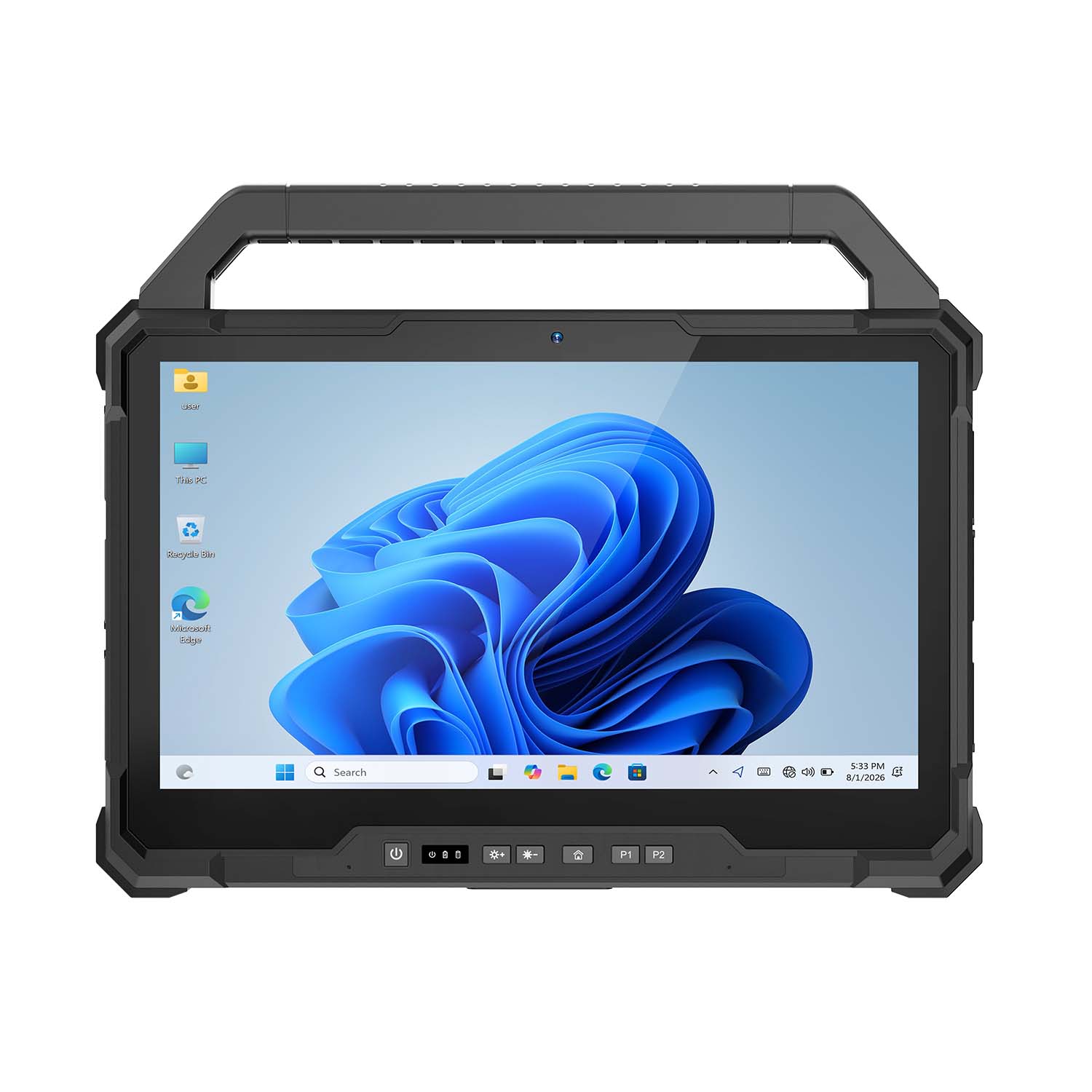 CENAVA W30U i5-1235U 13.3 Inch Win11 IP65 Rugged Tablet
 CENAVA W109U i7-1255U 10.95 Inch Win11 IP67 Rugged Tablet
 CENAVA A109TB MT6789V 10.95 Inch Android 14 IP68 Rugged Tablet
 CENAVA W10Y i7-10510Y 10.1 Inch Win11 IP68 Rugged Tablet Full I/O
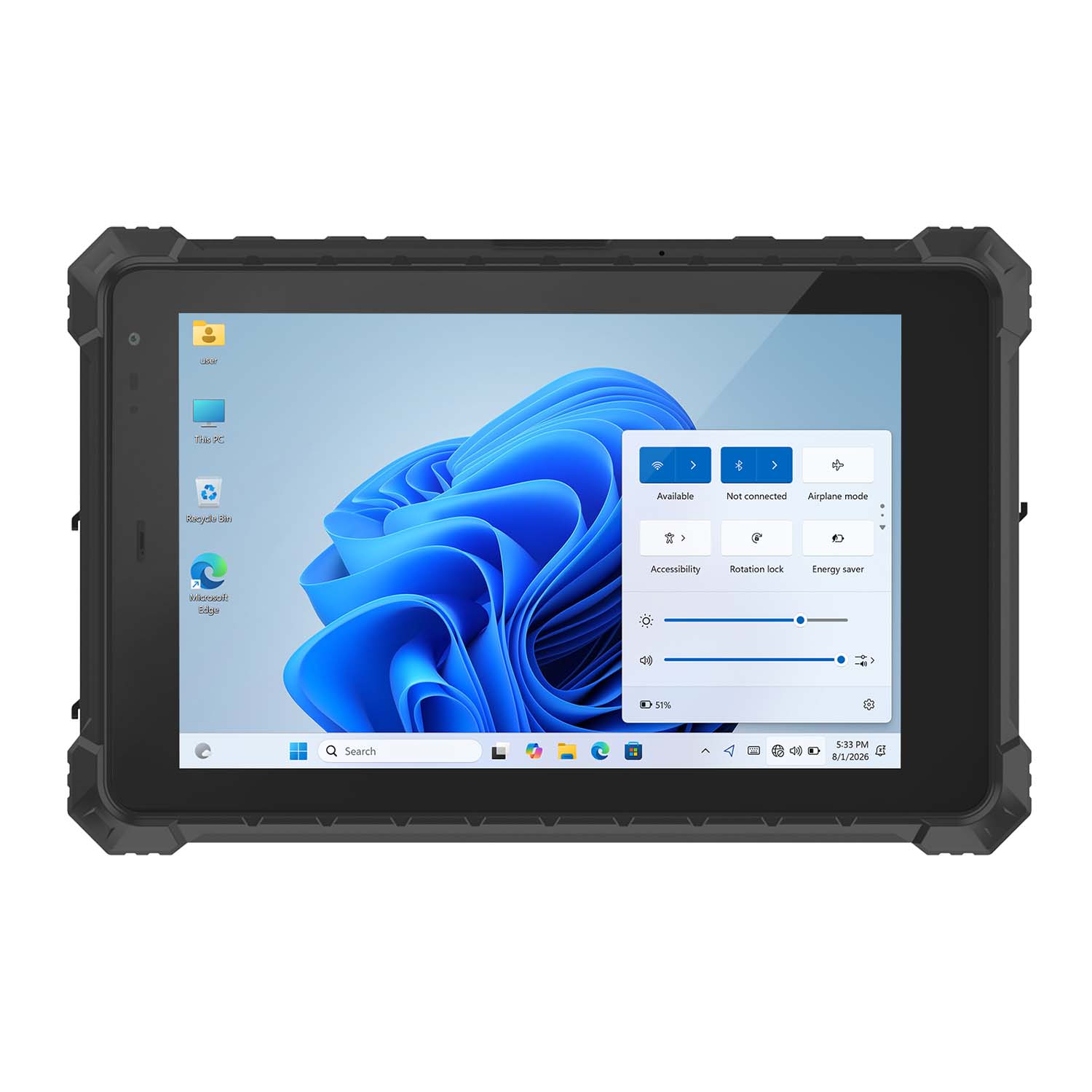 CENAVA W10N N5100 10.1 Inch Win11 IP68 Rugged Tablet Full I/O
 CENAVA A10RX RK3588 10.1 Inch Android 12 IP67 Rugged Tablet
 CENAVA A10ST MT8781 10.1 Inch Android 13 IP68 Rugged Tablet
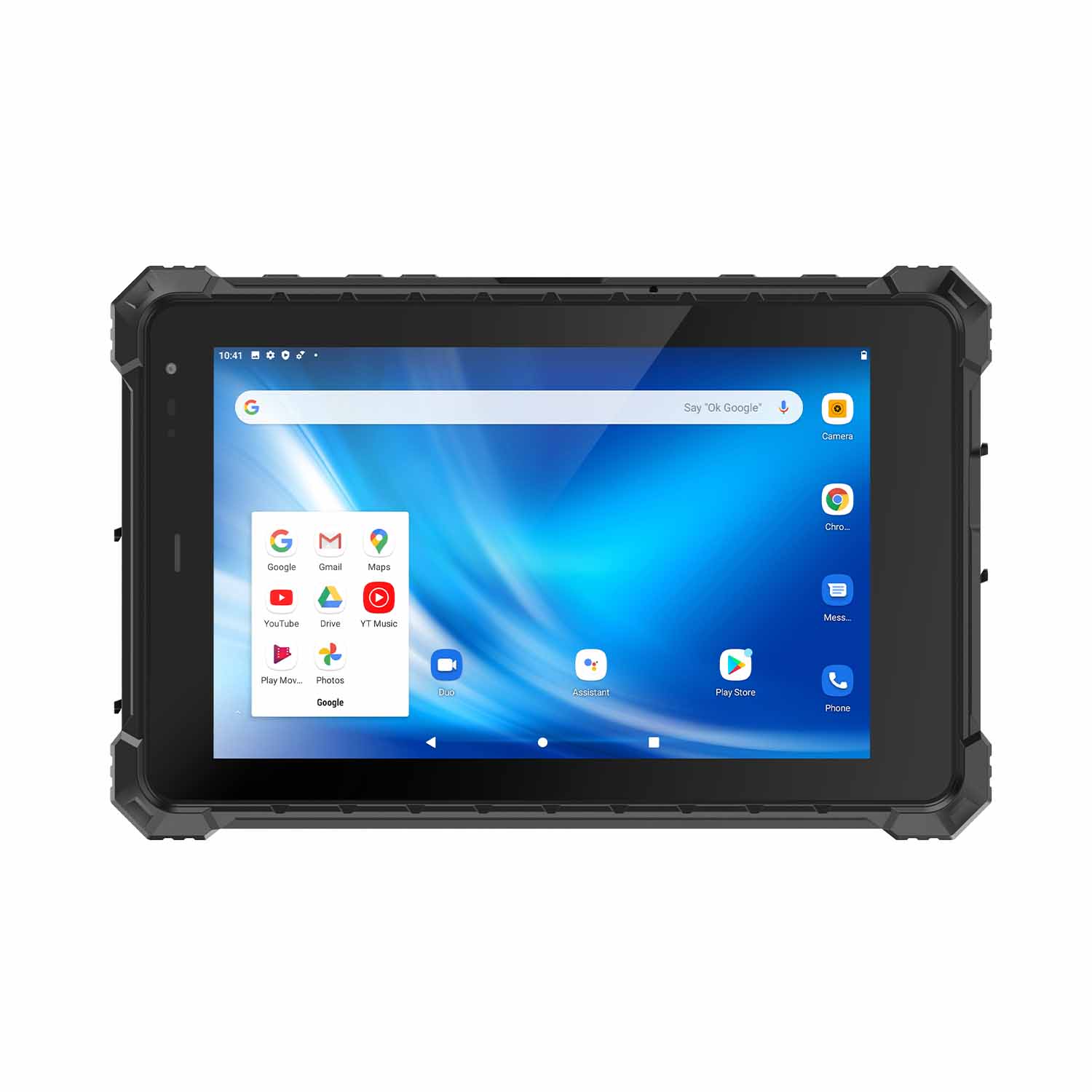 CENAVA A80ST MT6771 8 Inch Android 10 IP68 Rugged Tablet
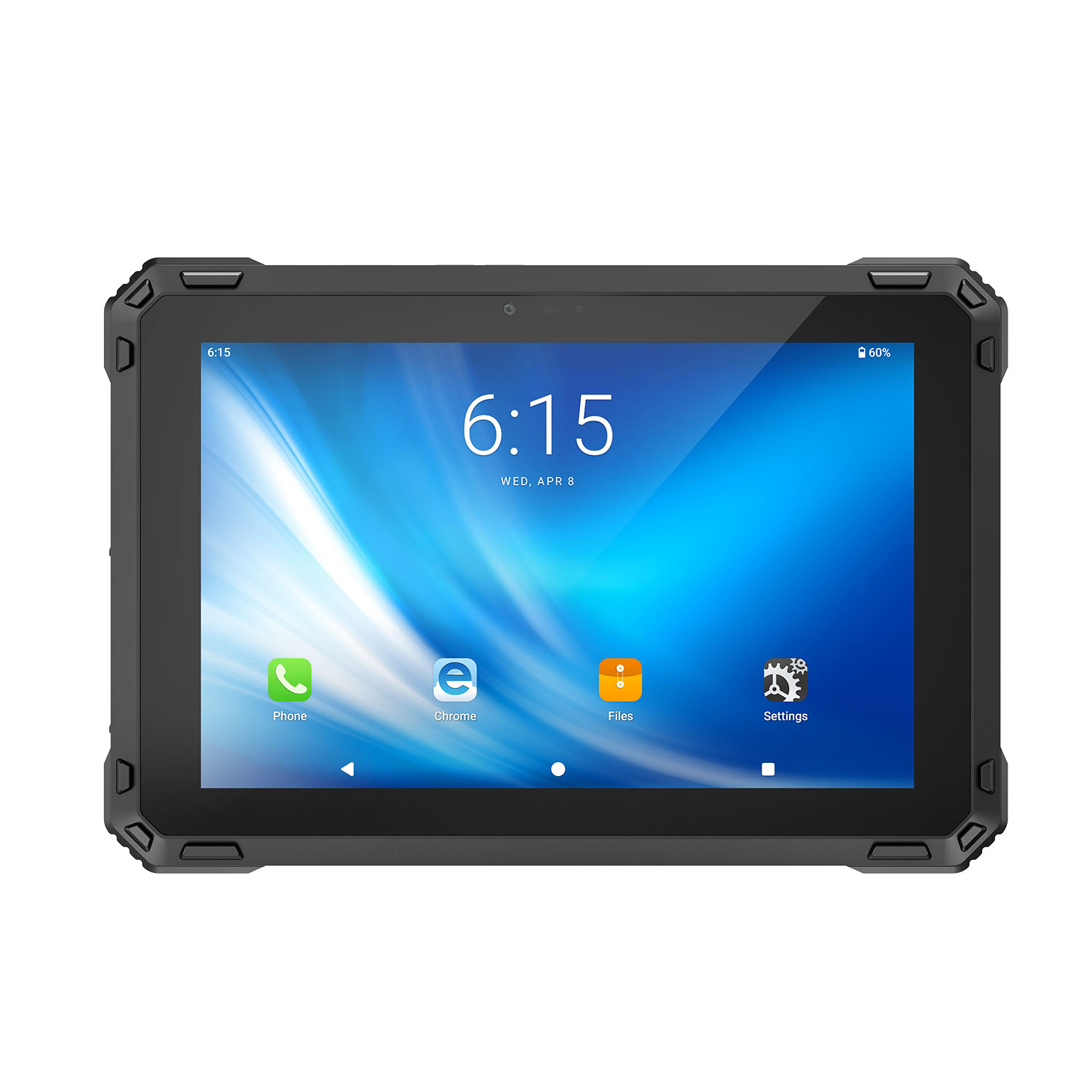 CENAVA A88ST MT6769 8 Inch Android 16 IP68 Rugged Tablet
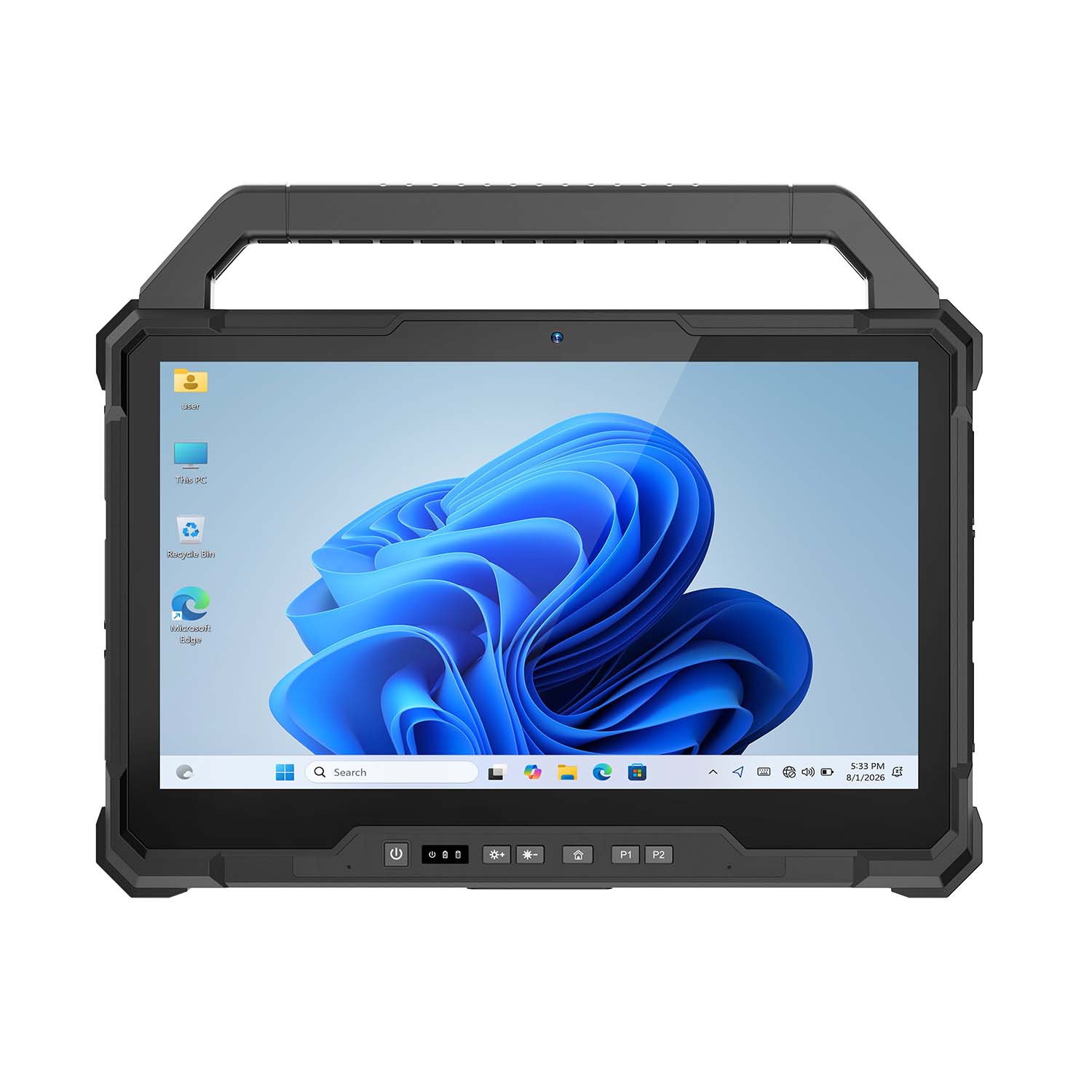 CENAVA W30NS N150 13.3 Inch Win11 IP65 Rugged Tablet
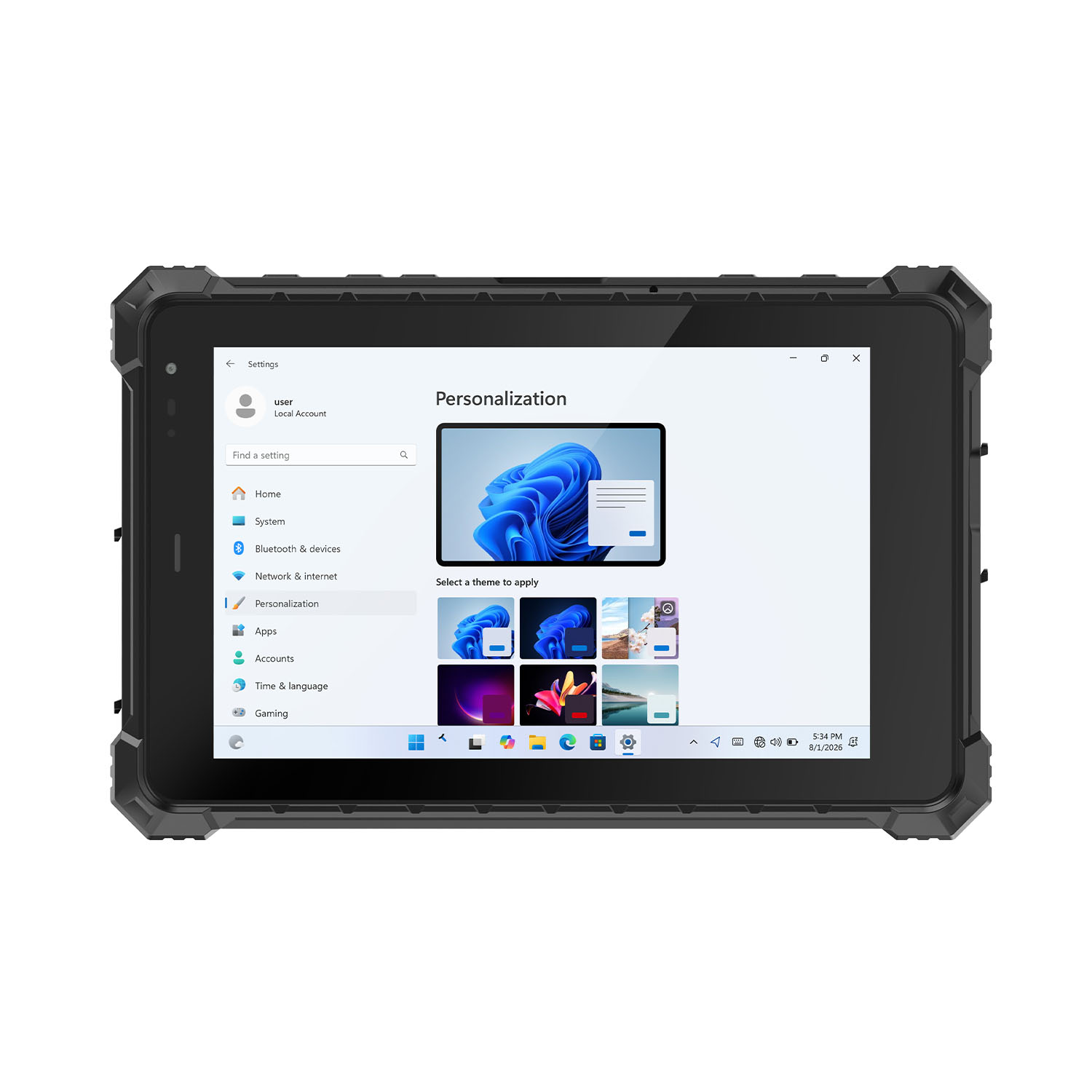 CENAVA W80Y i7-10510Y 8 Inch Win11 IP68 Rugged Gigabit
 CENAVA A10R RK3568 10.1 Inch Android 11 IP68 Rugged Tablet
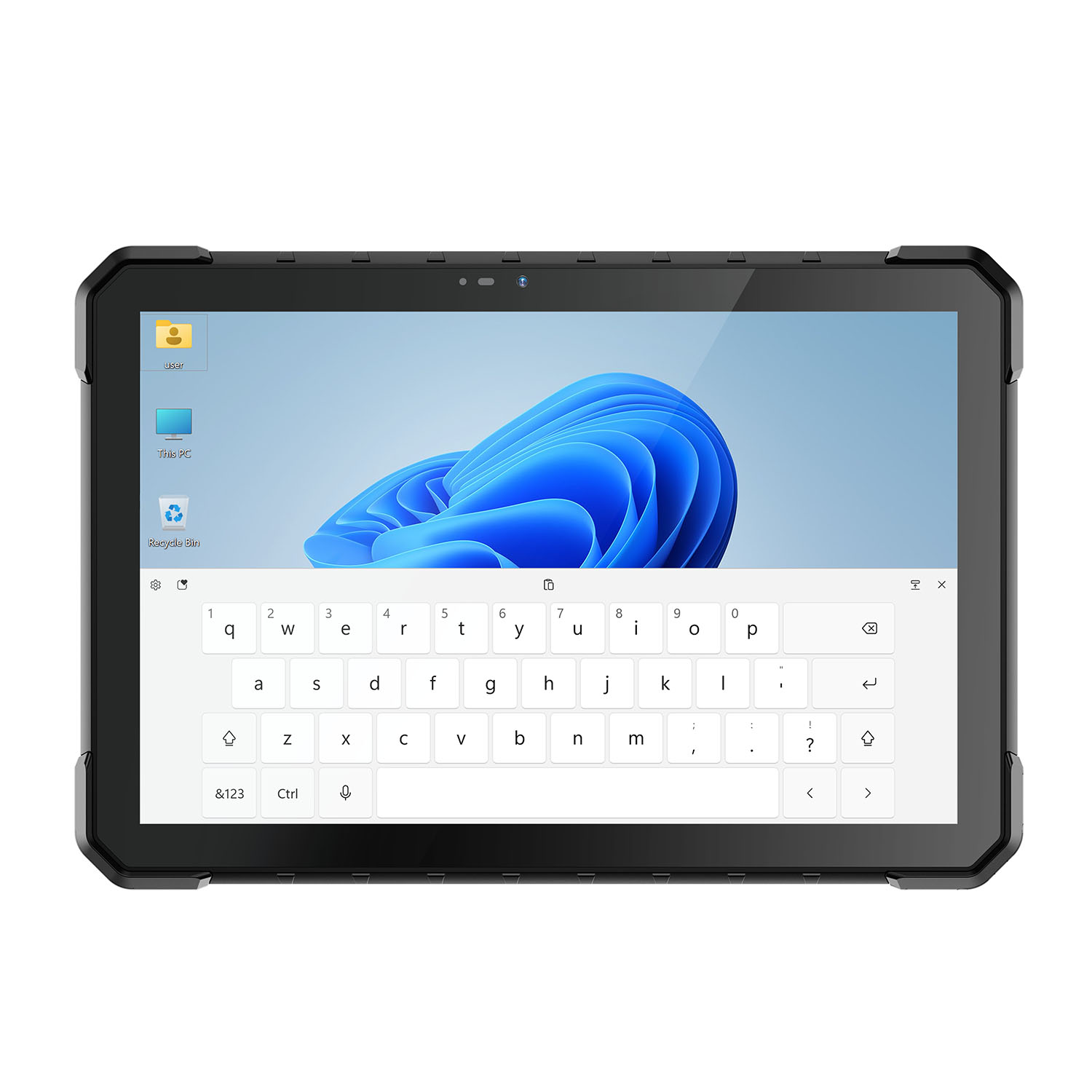 CENAVA W18Y i7-10510Y 10.1 Inch IP68 Industrial Tablet
 CENAVA CXE80C N2930 8 Inch Win10 IP65 Rugged Tablet
 CENAVA A18ST MT8781 10.1 Inch Android 13 IP68 Rugged Tablet
 CENAVA A10R RK3588 10.1 Inch Android 12 IP68 Rugged Tablet
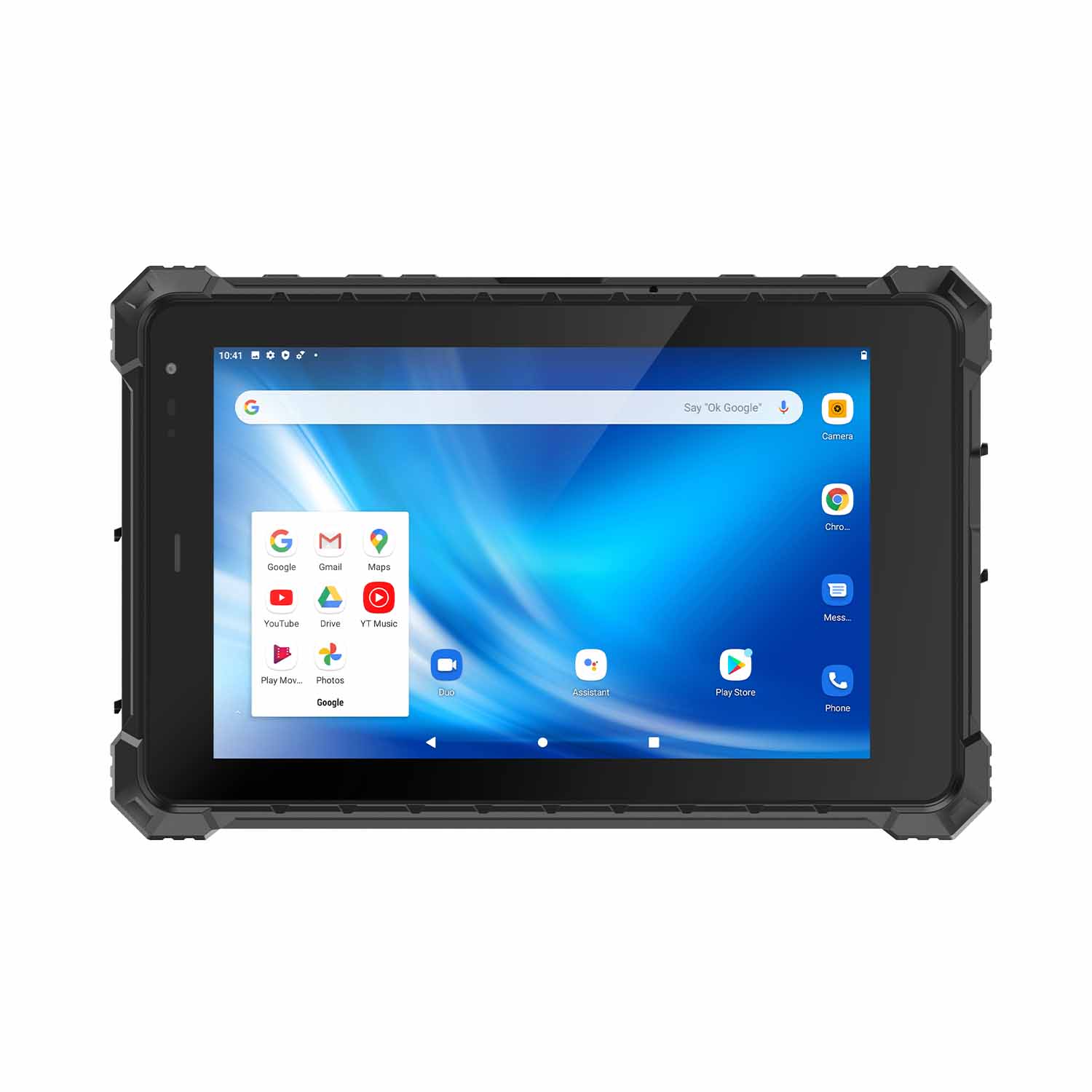 CENAVA A80ST-5G MT6877 8 Inch Android 12 IP68 Rugged Tablet
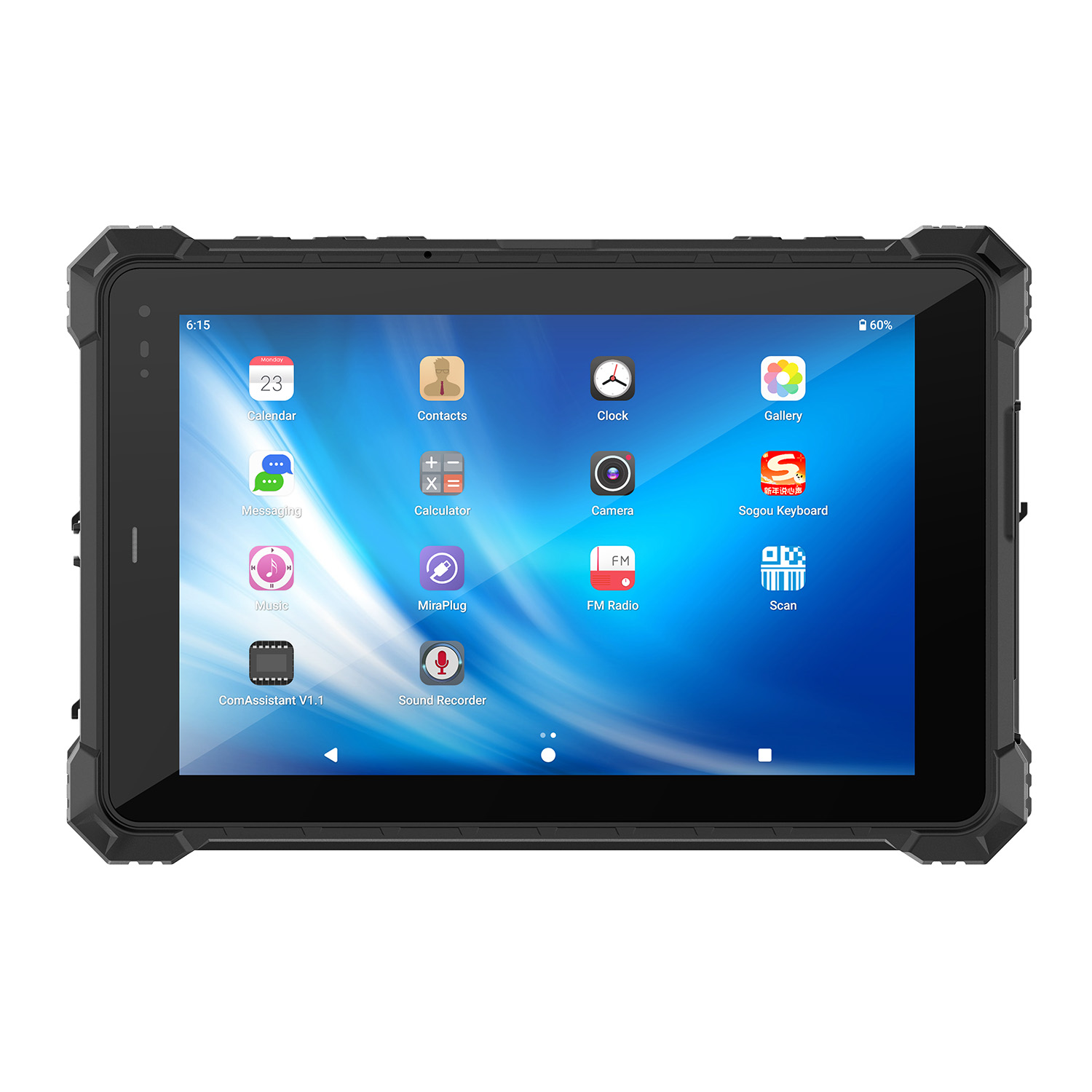 CENAVA A10STX MT8781 10.1 Inch Android 13 IP67 Rugged Tablet
 CENAVA A10ST-5G MT6877 10.1 Inch Android 12 IP68 Rugged Tablet
 CENAVA A10STX-5G MT6877 10.1 inch 5G Rugged Android Tablet
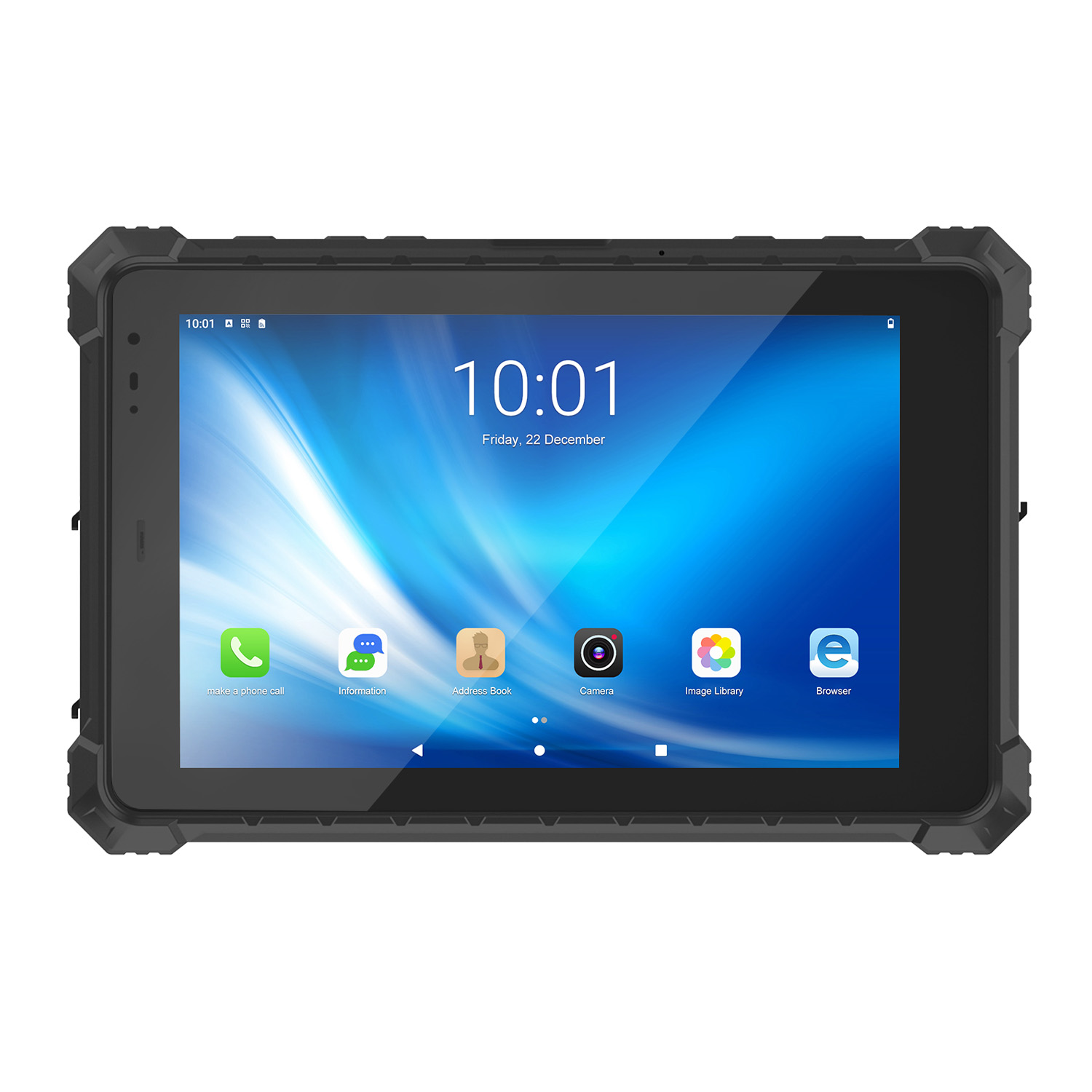 CENAVA A10ST MT6771 10.1 Inch Android 10 IP68 Rugged Tablet
 CENAVA A10STX MT6769 10.1 Inch Android 16 IP67 Rugged Tablet
 CENAVA A10ST MT6769 10.1 Inch Android 16 IP68 Rugged Tablet
 CENAVA A10STX MT6771 10.1 Inch Android 10 IP67 Rugged Tablet
 CENAVA A80ST MT8781 8 Inch Android 13 IP68 Rugged Tablet
 CENAVA A80R RK3588 8 Inch Android 12 IP68 Rugged Tablet
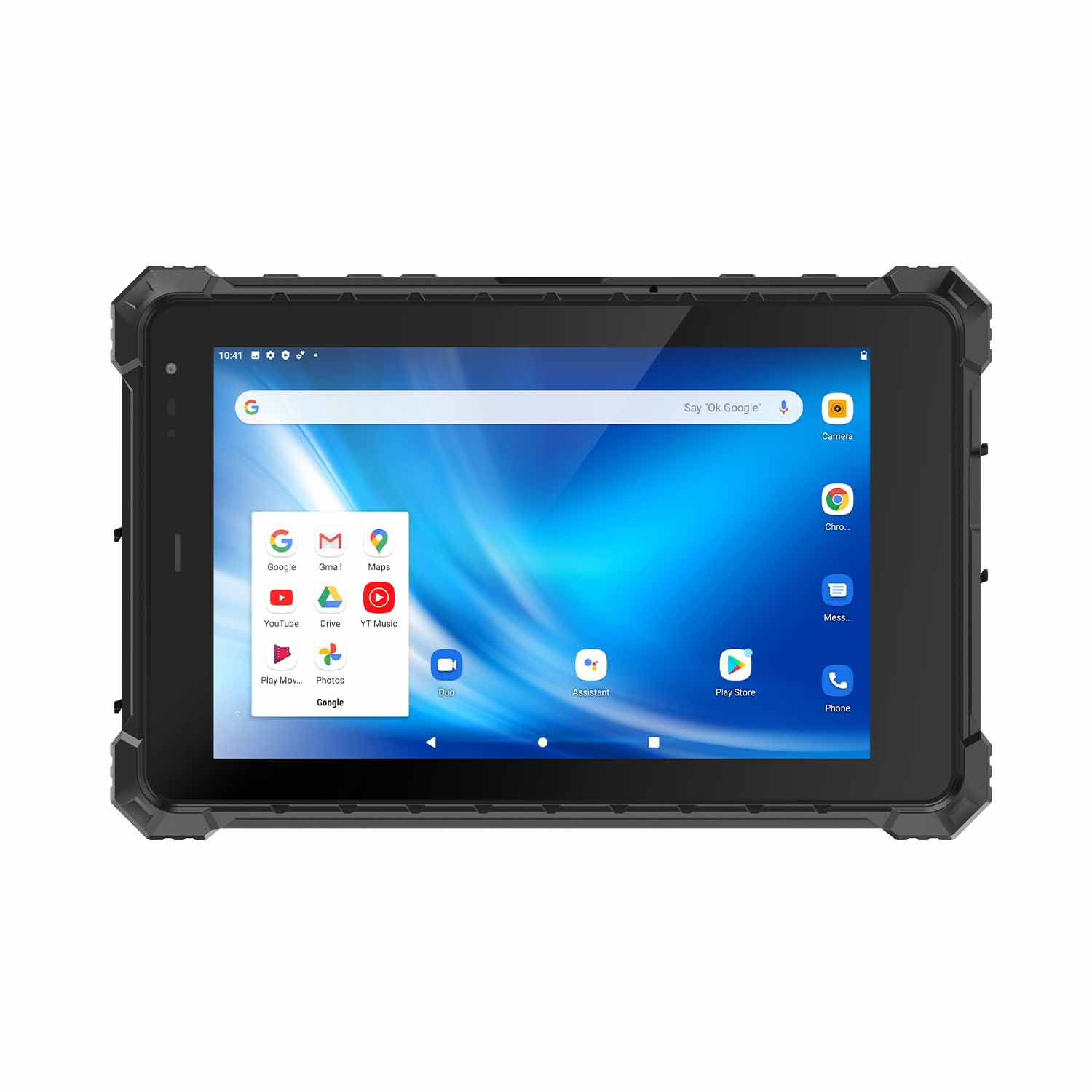 CENAVA A80STX-5G MT6877 8 Inch Android 12 IP67 Rugged Tablet
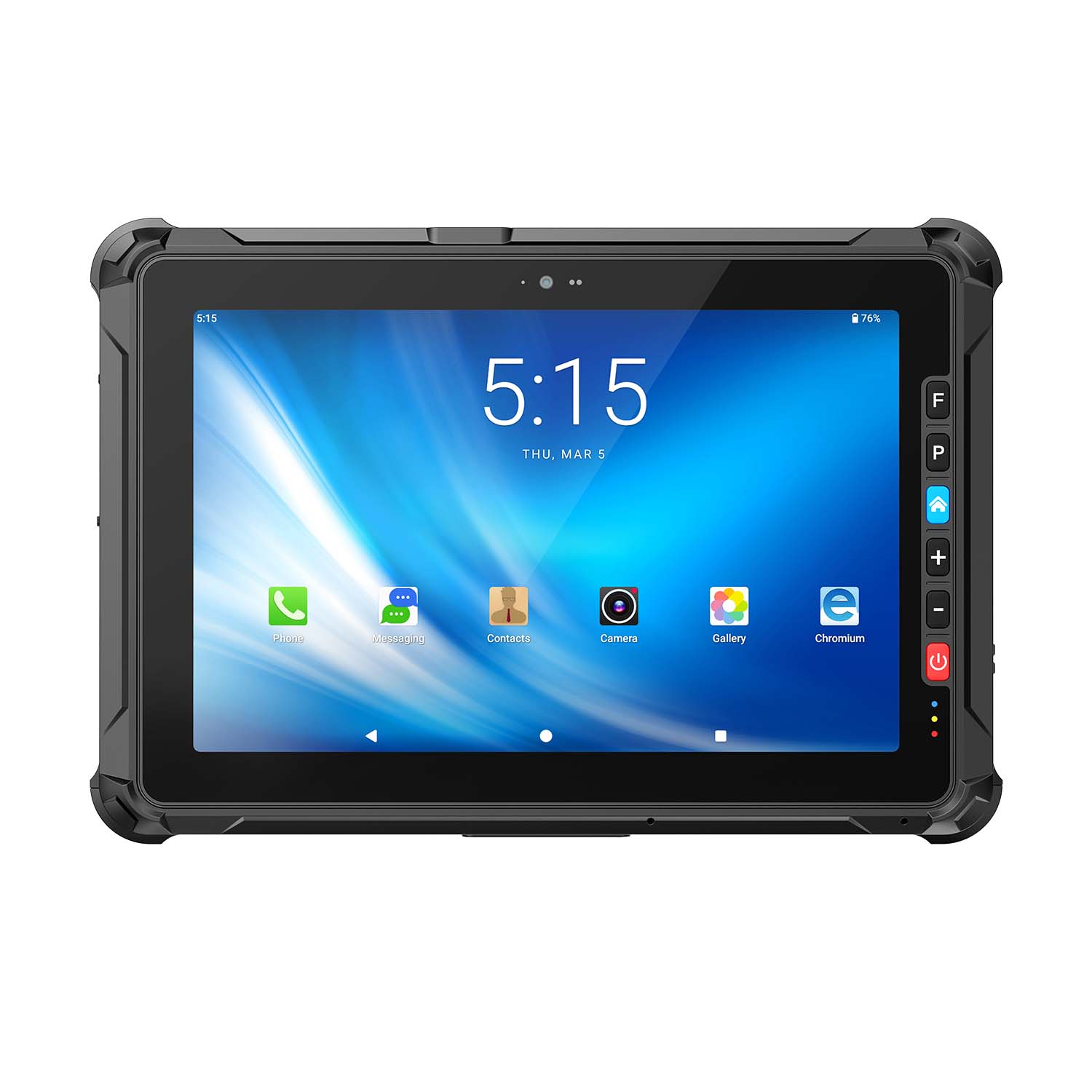 CENAVA A109ST MT8781 10.95 Inch Android 16 IP67 Rugged Tablet
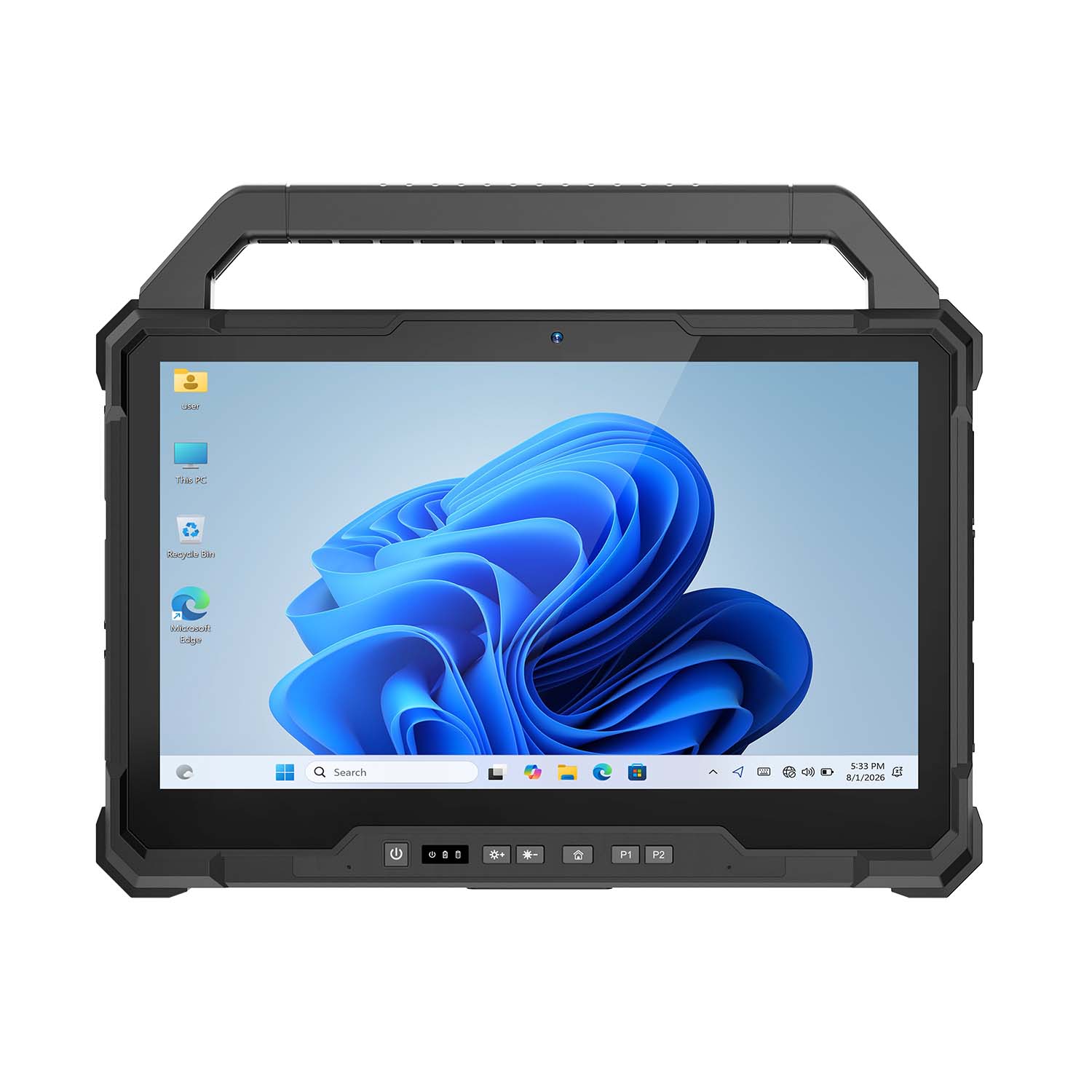 CENAVA W30U Pro Ultra7-155U 13.3 Inch Win11 IP65 Rugged Tablet
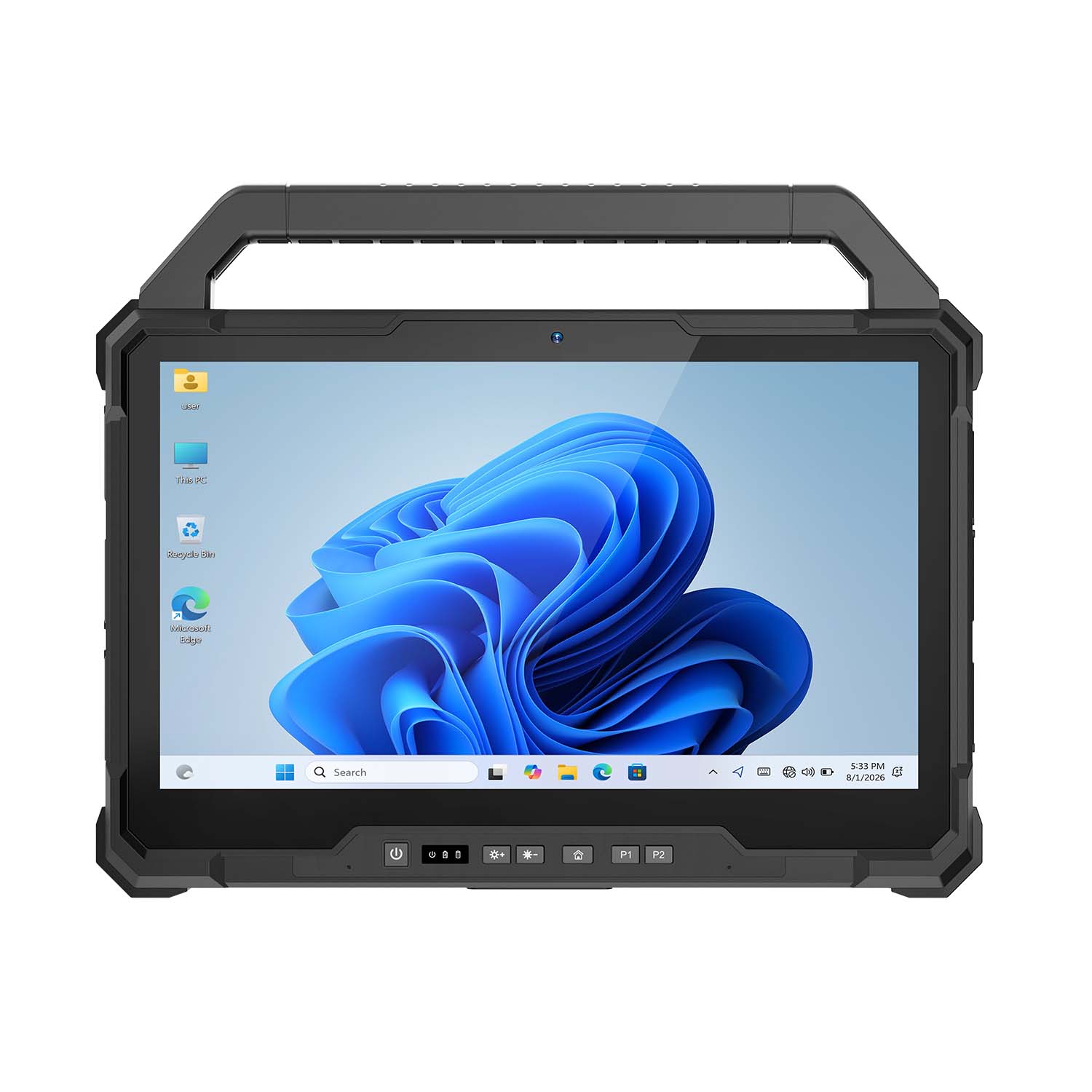 CENAVA W30U i7-1255U 13.3 Inch Win11 IP65 Rugged Tablet
 CENAVA W109NS N150 10.95 Inch Win11 IP67 Rugged Tablet GbE
 CENAVA W109U i5-1235U 10.95 Inch Win11 IP67 Rugged Tablet
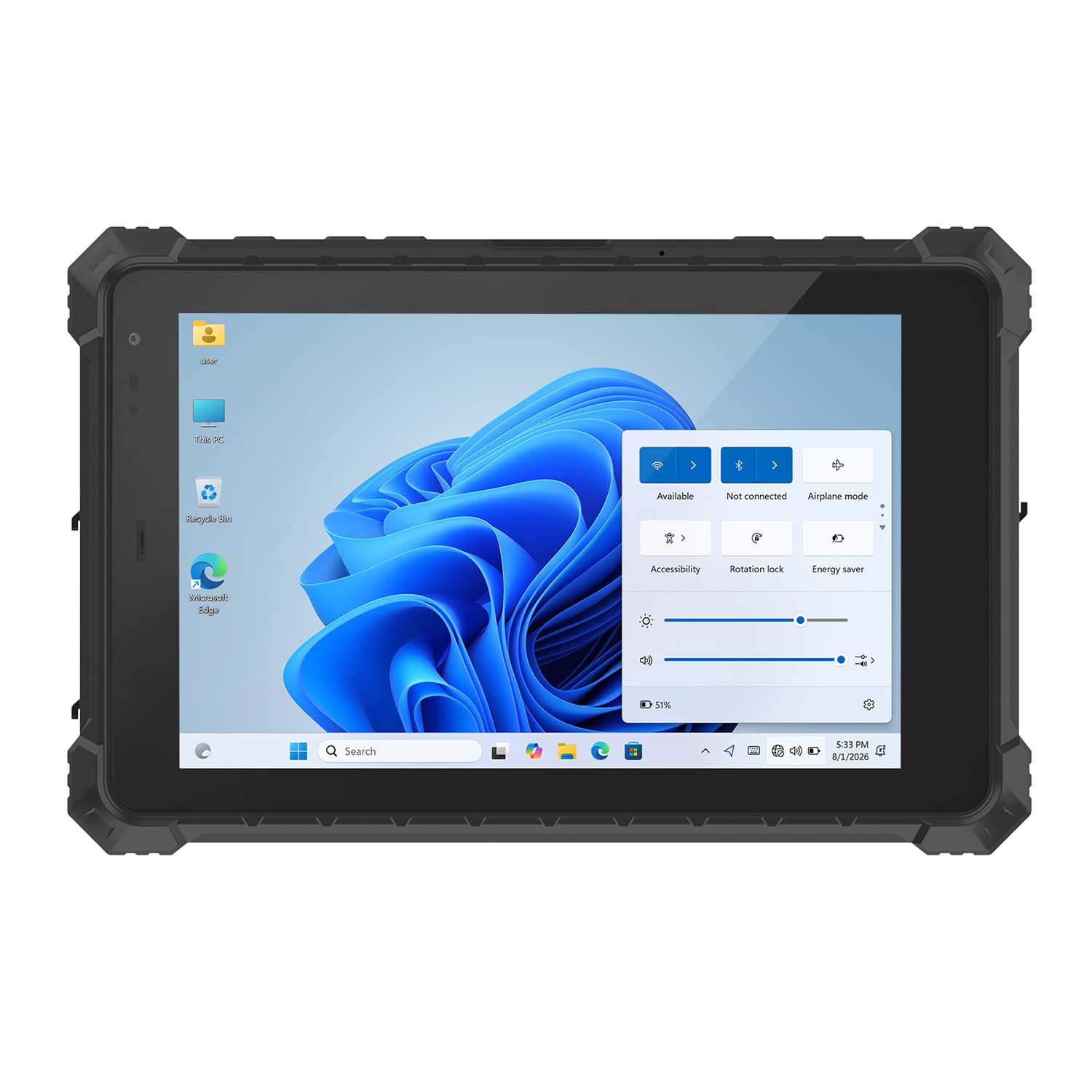 CENAVA W10Y i5-10210Y 10.1 Inch Win11 IP68 Rugged Tablet Full I/O
 CENAVA W10NPRO N100 10.1 Inch Win11 IP68 Rugged Full I/O
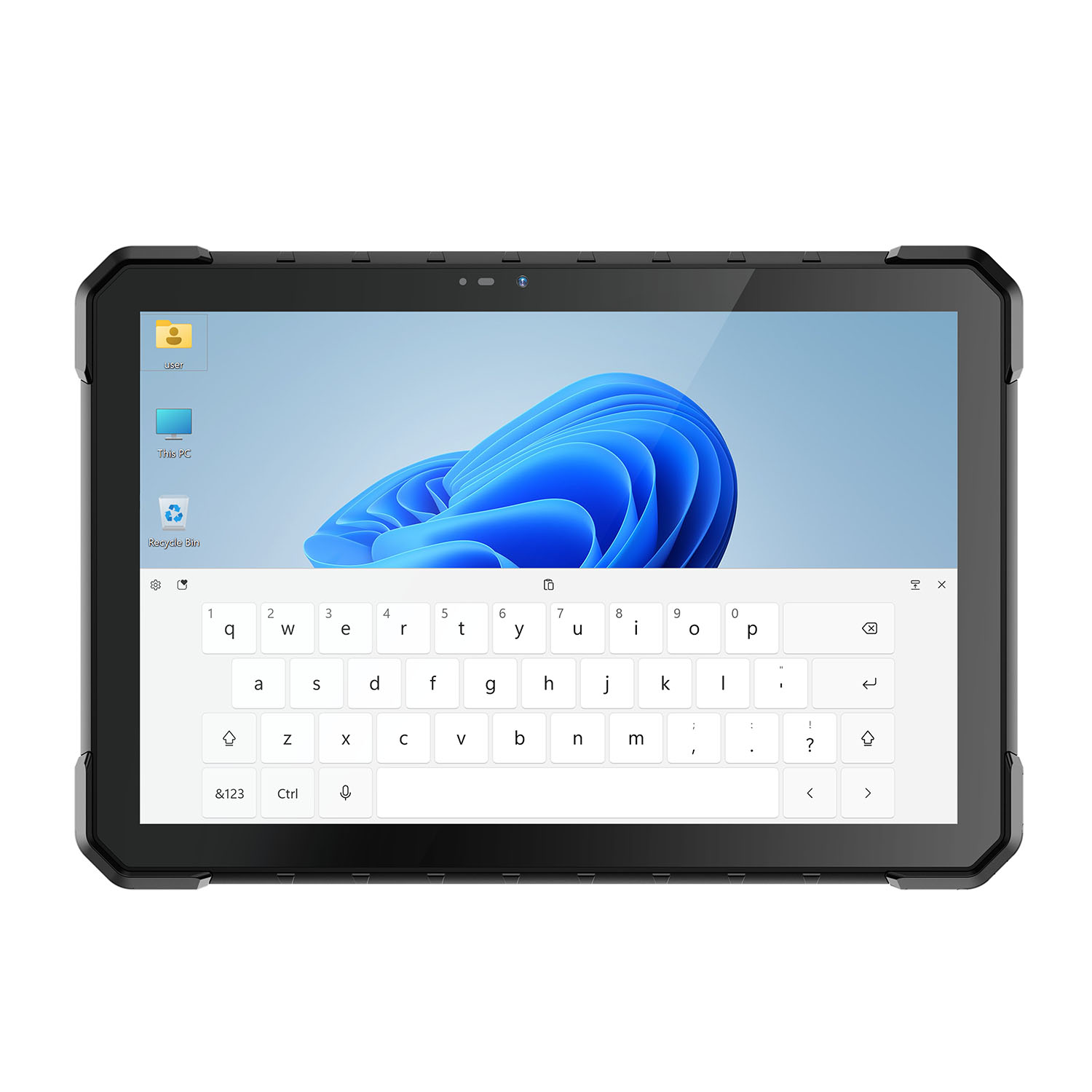 CENAVA W18Y i5-10210Y 10.1 Inch Win11 IP68 Rugged Slim
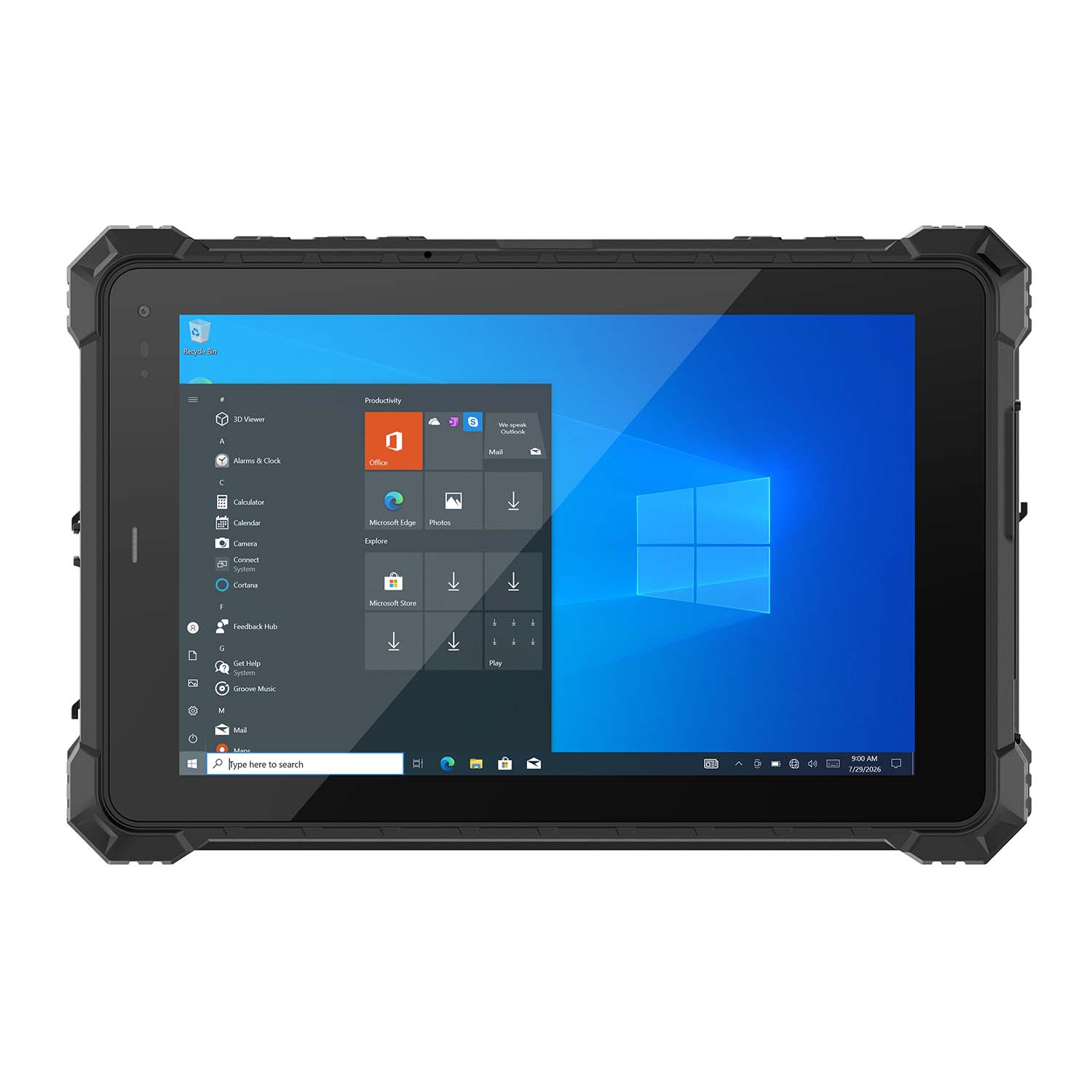 CENAVA W10NX N5100 10.1 Inch Windows IP67 Industrial Tablet
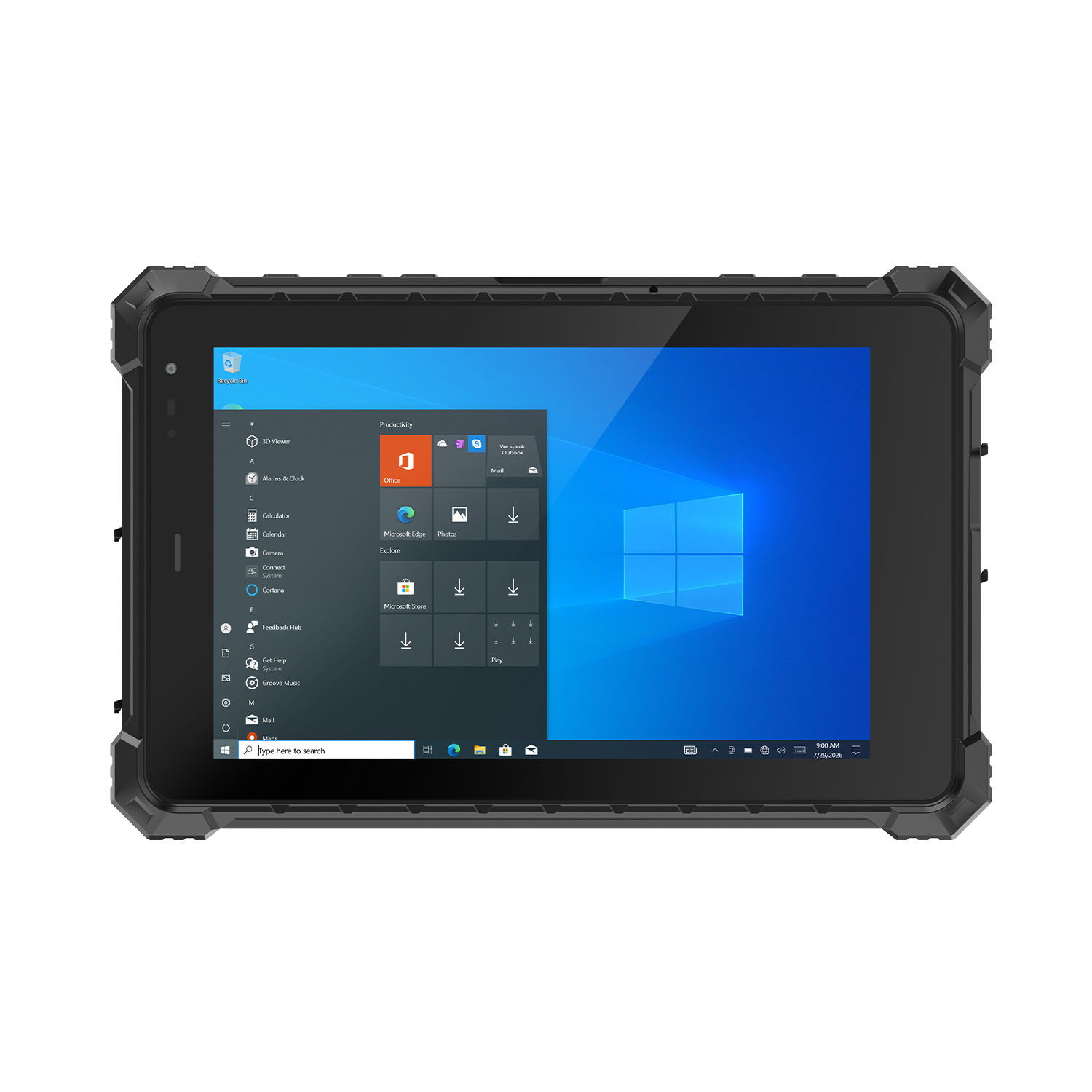 CENAVA W80N N5100 8 Inch Win11 IP68 Windows Rugged Tablet
 CENAVA H10PRO N100 10.1 Inch Win11 Industrial PC | WiFi6 Touch Panel
-1.jpg) CENAVA H55N N5100 5.5" Win11 Mini Industrial PC
CENAVA H55N N5100 5.5" Win11 Mini Industrial PC
 CENAVA H10F N100 10.1" Win11 Industrial Panel PC Touch Computer
 CENAVA H10F N95 10.1" Win11 Industrial Panel PC | WiFi6 Touch Computer
 CENAVA H7S N3350 7 Inch Win10 Entry Industrial PC | POE Fanless Touch Panel
 CENAVA H7 N4020 7" Win10 Compact Industrial PC | POE Fanless Touch Panel
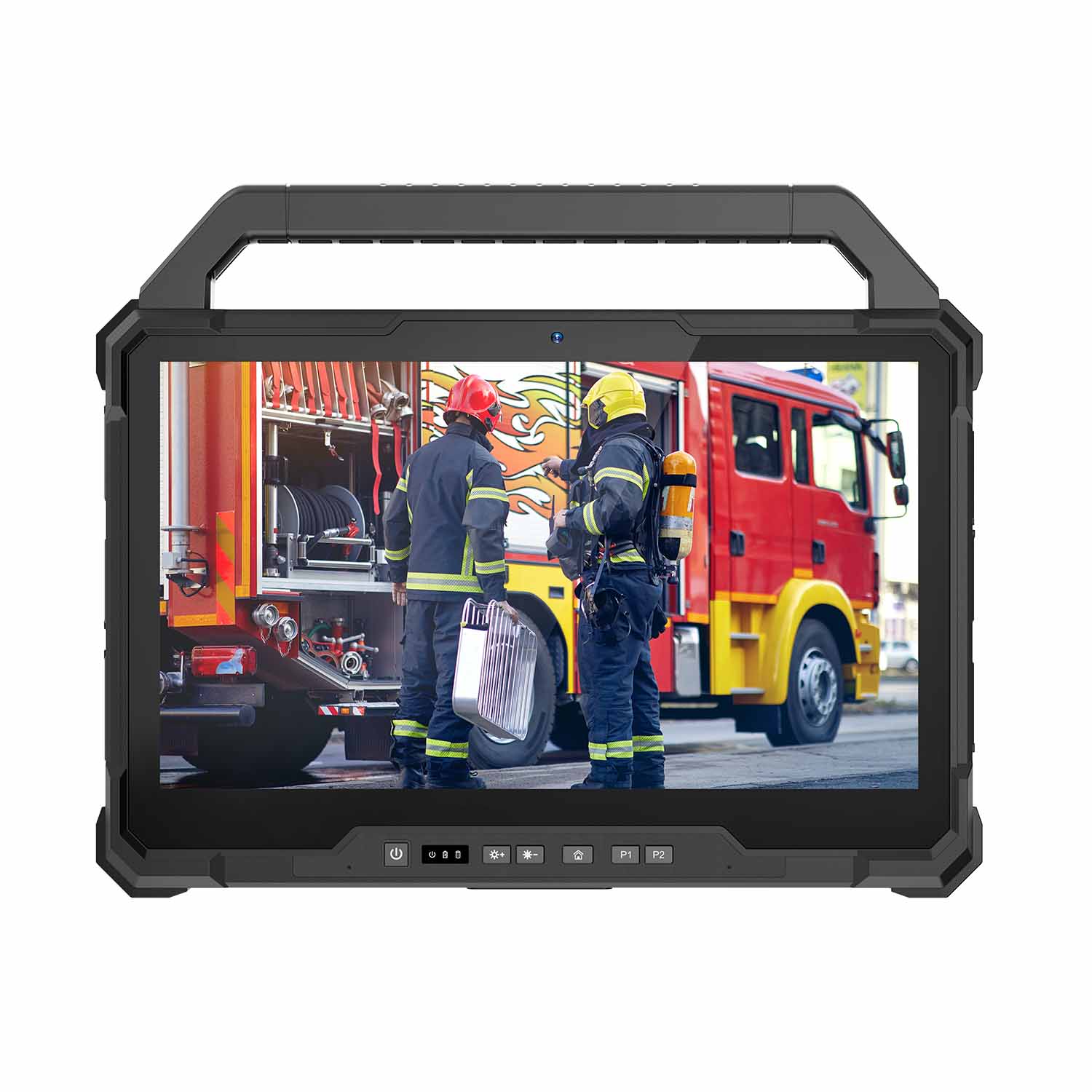 W30U-EX i7-1255U 13.3 Inch Explosion-Proof Windows Tablet
 W30UPro-EX Ultra7-155U ATEX II 2GD Ex ib IIC T5 Gb Explosion-Proof Tablet
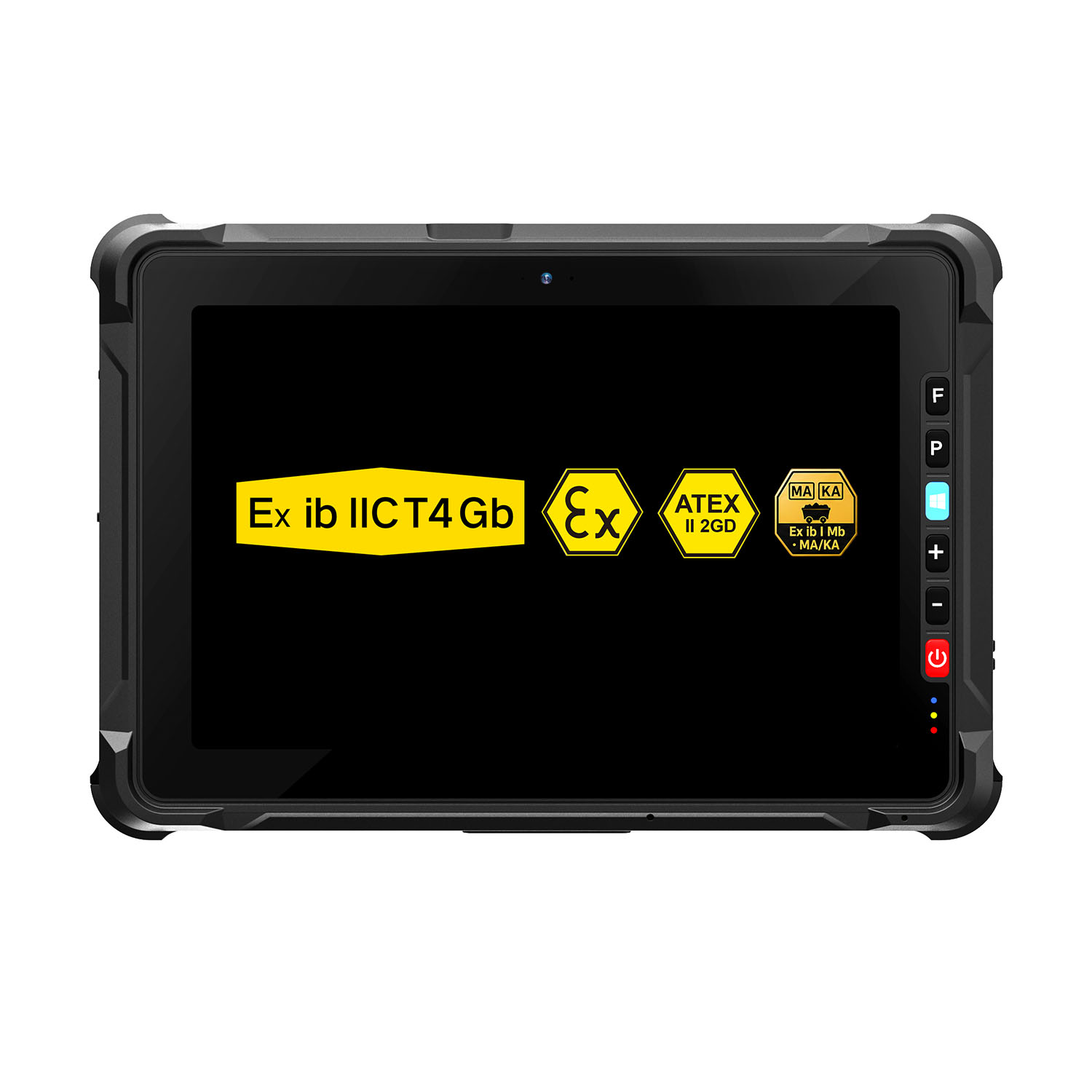 W109NS-EX N150 Explosion-Proof Hazardous Area Windows Tablet
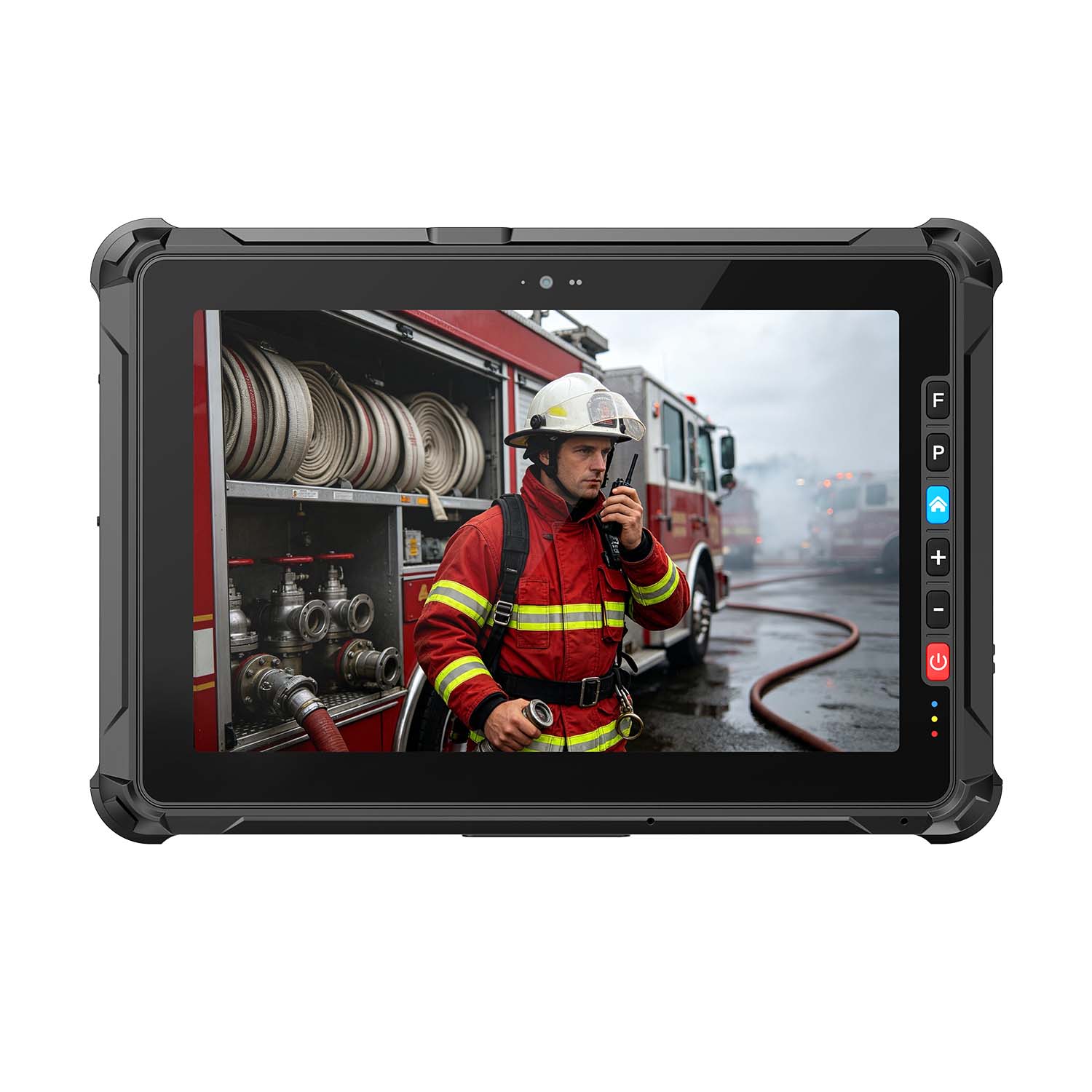 A109ST-EX MT8781 20000mAh Explosion-Proof ATEX II 2GD Android Tablet
.jpg) W10N-EX N5100 Explosion-Proof Intrinsically Safe Windows Tablet
W10N-EX N5100 Explosion-Proof Intrinsically Safe Windows Tablet
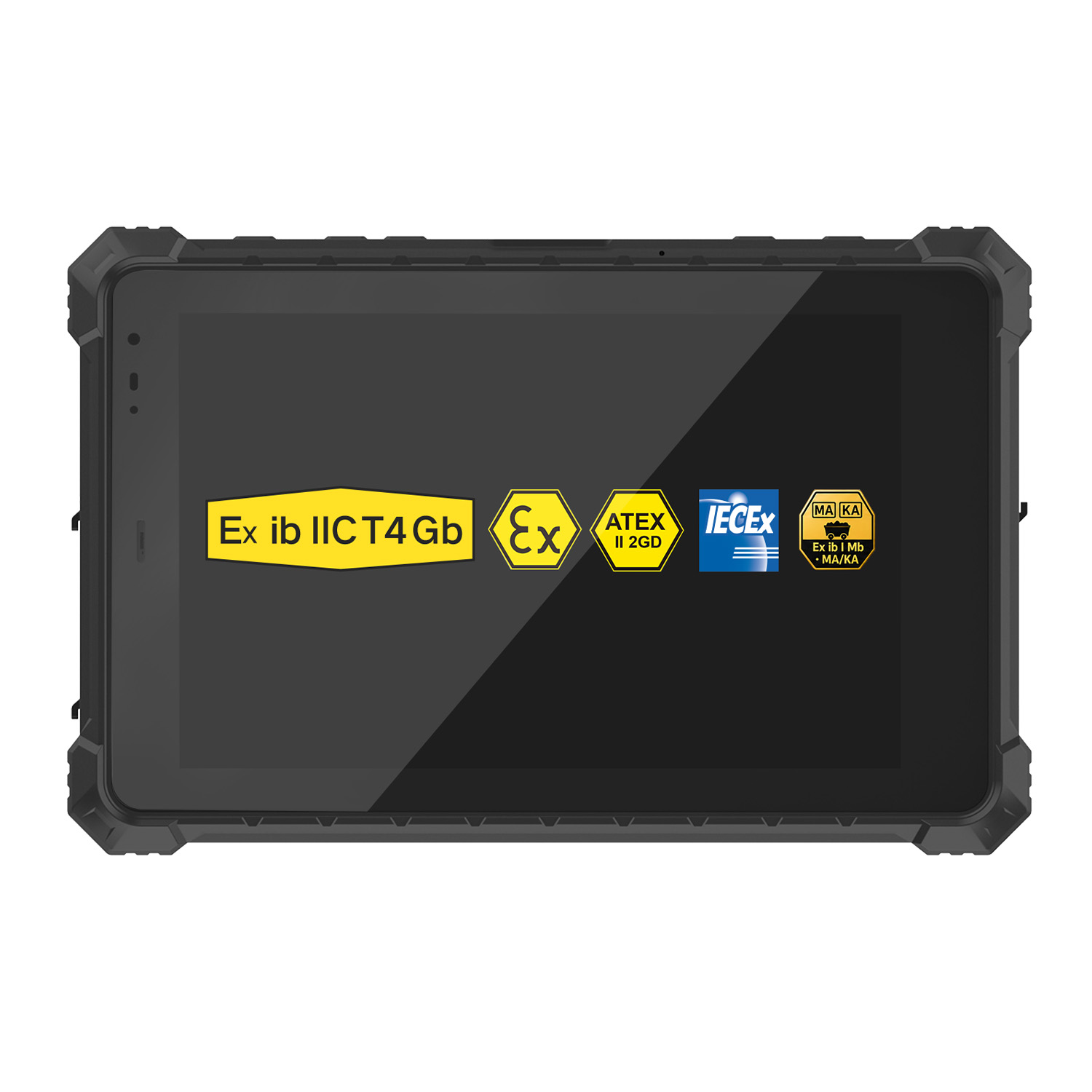 A10ST-EX MT8781 Ex ib IIC T5 Gb Hazardous Area Rugged Tablet
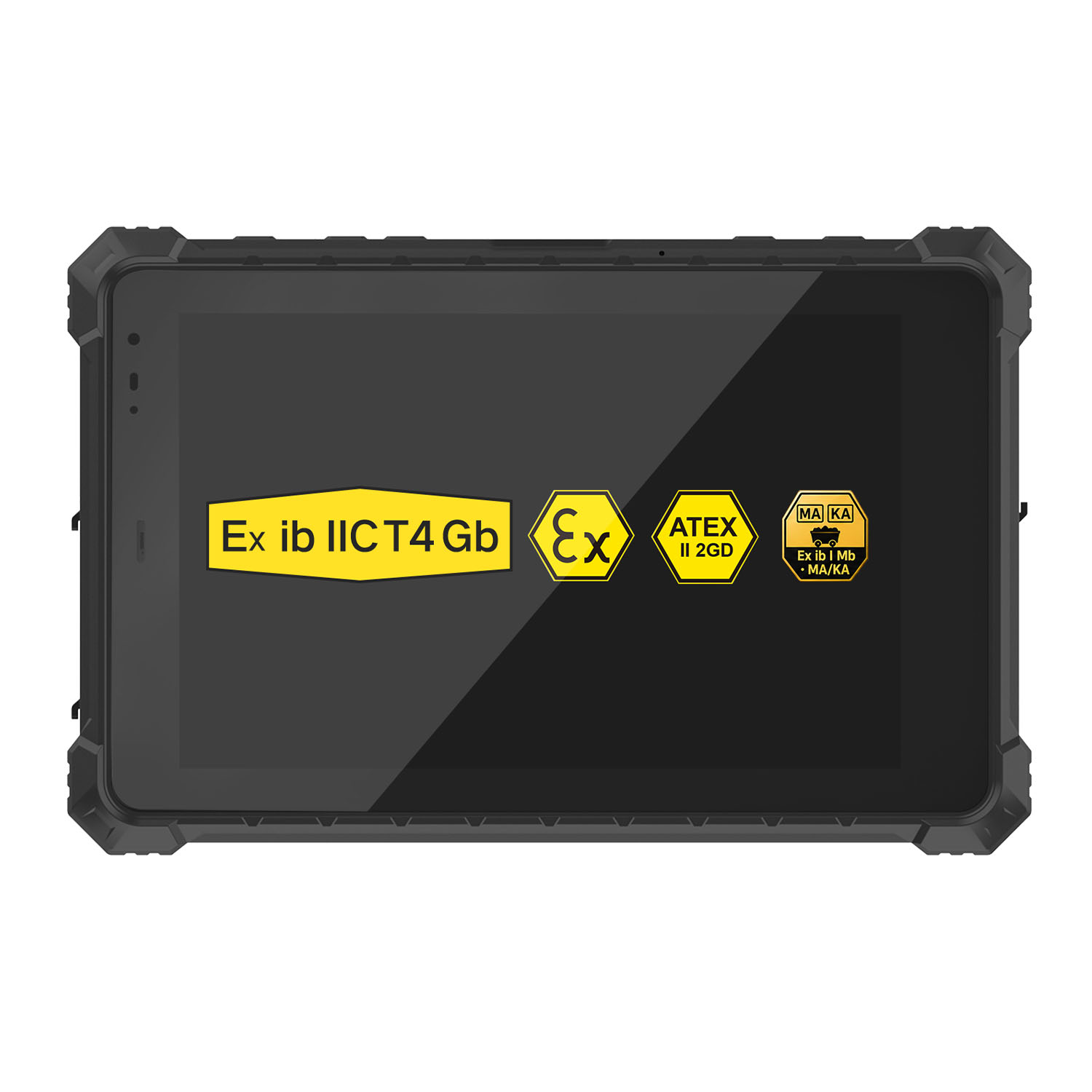 A10R-EX 10.1 Inch Explosion Proof RK3568 Industrial Tablet PC
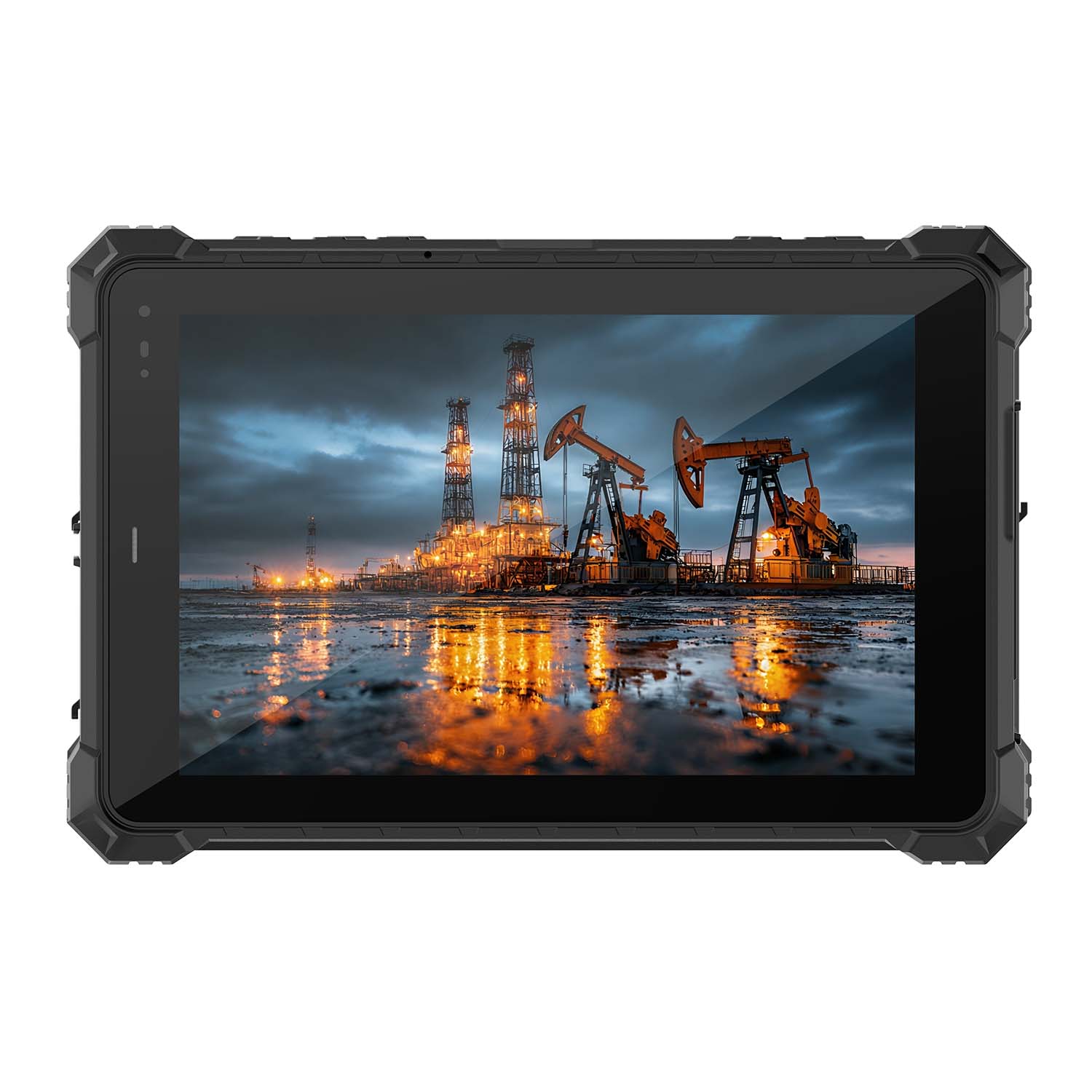 A10STX-EX MT8781 10.1 Inch ATEX II 2GD Android Tablet
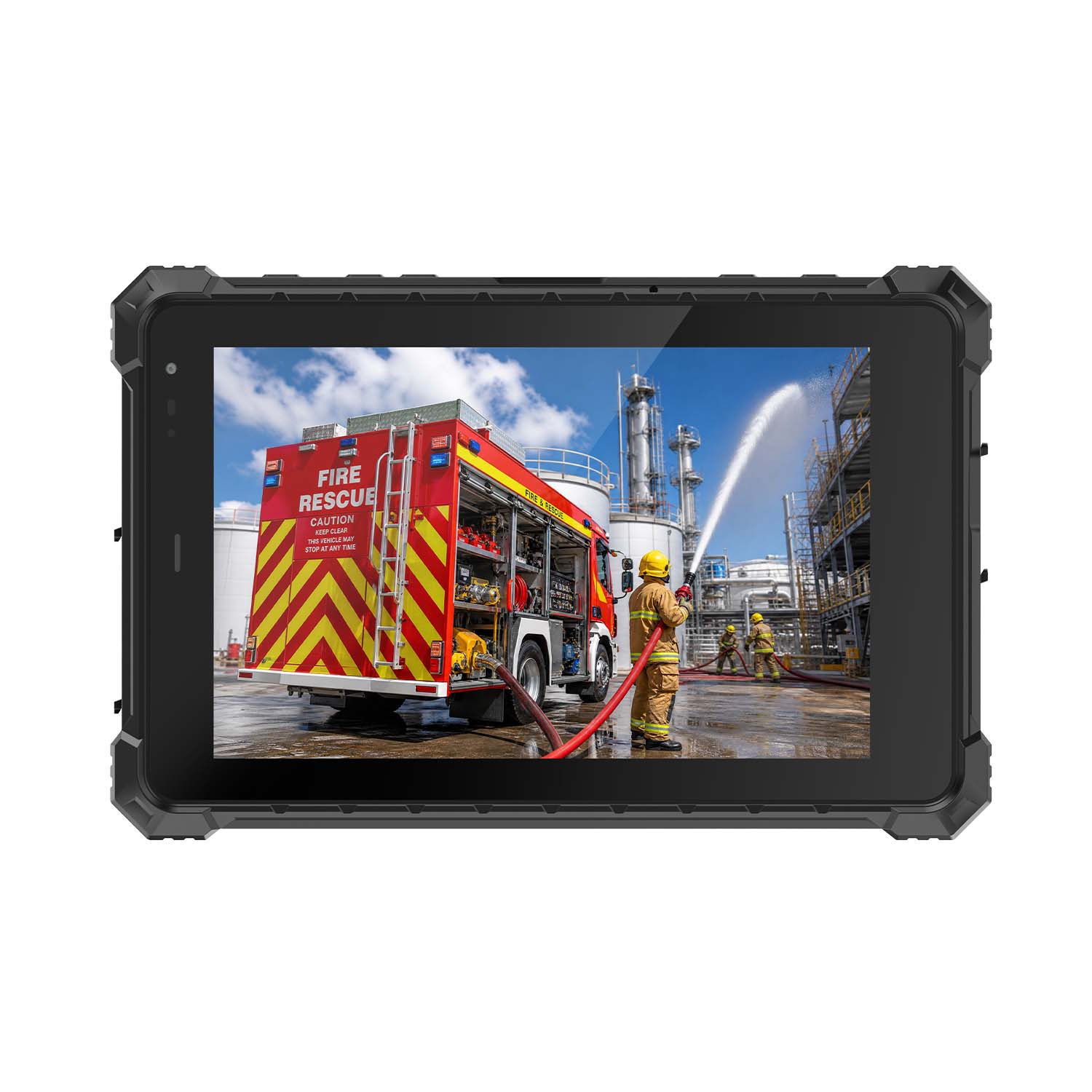 W80N-EX N5100 8 Inch Explosion-Proof Windows ATEX II 2GD Tablet
 A18ST-EX Slim 10.1-Inch Explosion-Proof Android Tablet
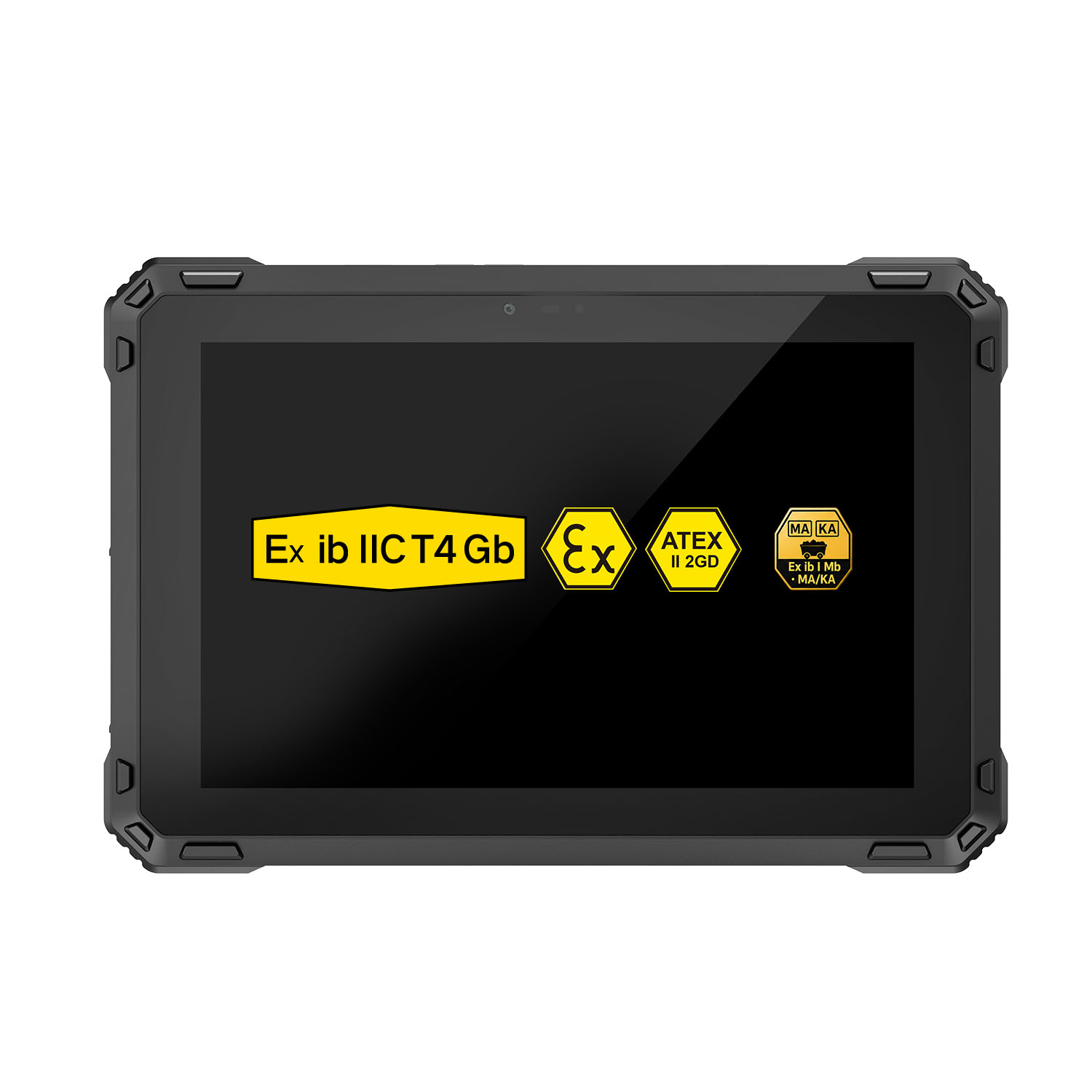 A88ST-EX MT6769 Hazardous Area 8-Inch Explosion-Proof Android Tablet
 A80ST-5G EX MT6877 8 Inch Ex ib ⅡC T4 Gb Explosion Proof Tablet
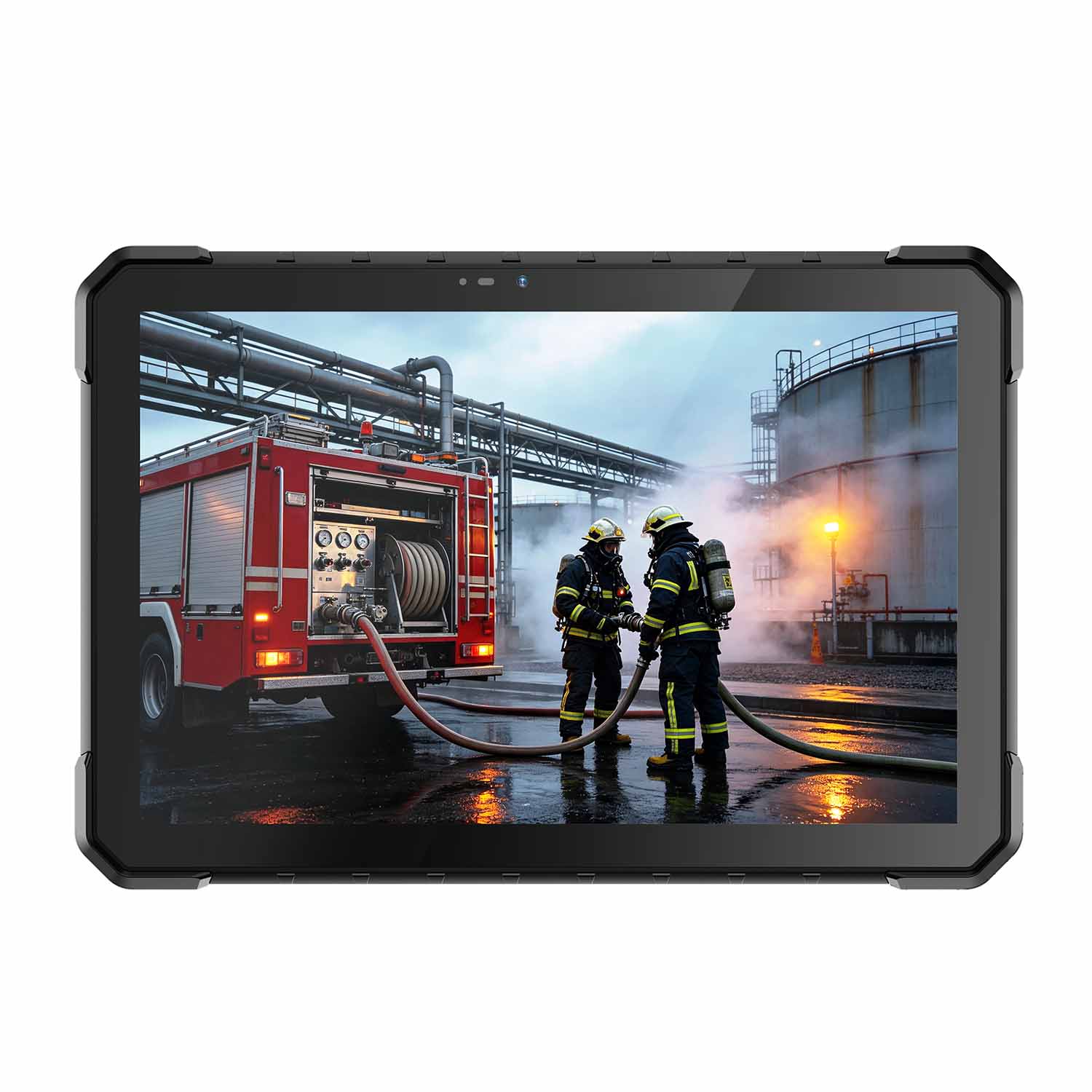 CENAVA W18Y-EX i7 10.1 Inch Explosion-Proof Windows 11 Tablet
 W65G-EX Explosion-Proof Windows Handheld Hazardous Area PDA